MotionDesigner,Yangsujin2_모션 디자이너 양수진 2 Details
Class introduction
introduction video
Motion designer, Sujin Yang
Coloso Best Instructor Motion designer Sujin Yang Yang The second lecture is here!
PART 1
Skill lecture
✔ Learn the 12 laws of animation and sense of motion
✔ 2D character rigging know-how
PART 2
Directing + Skill Lecture
✔How to create a storyboard
✔ How to choose a production/style that suits your purpose
✔ Learn 2D character rigging know-how + sense of motion
Making imagination a reality Planning skills and techniques, Conquer with After Effects!
Motion graphics, Just do what you're told, just what you're given Are you making it? What kind of animation should I use to express it? What kind of design will it be composed of? Know general planning methods You can become a long-lasting designer.
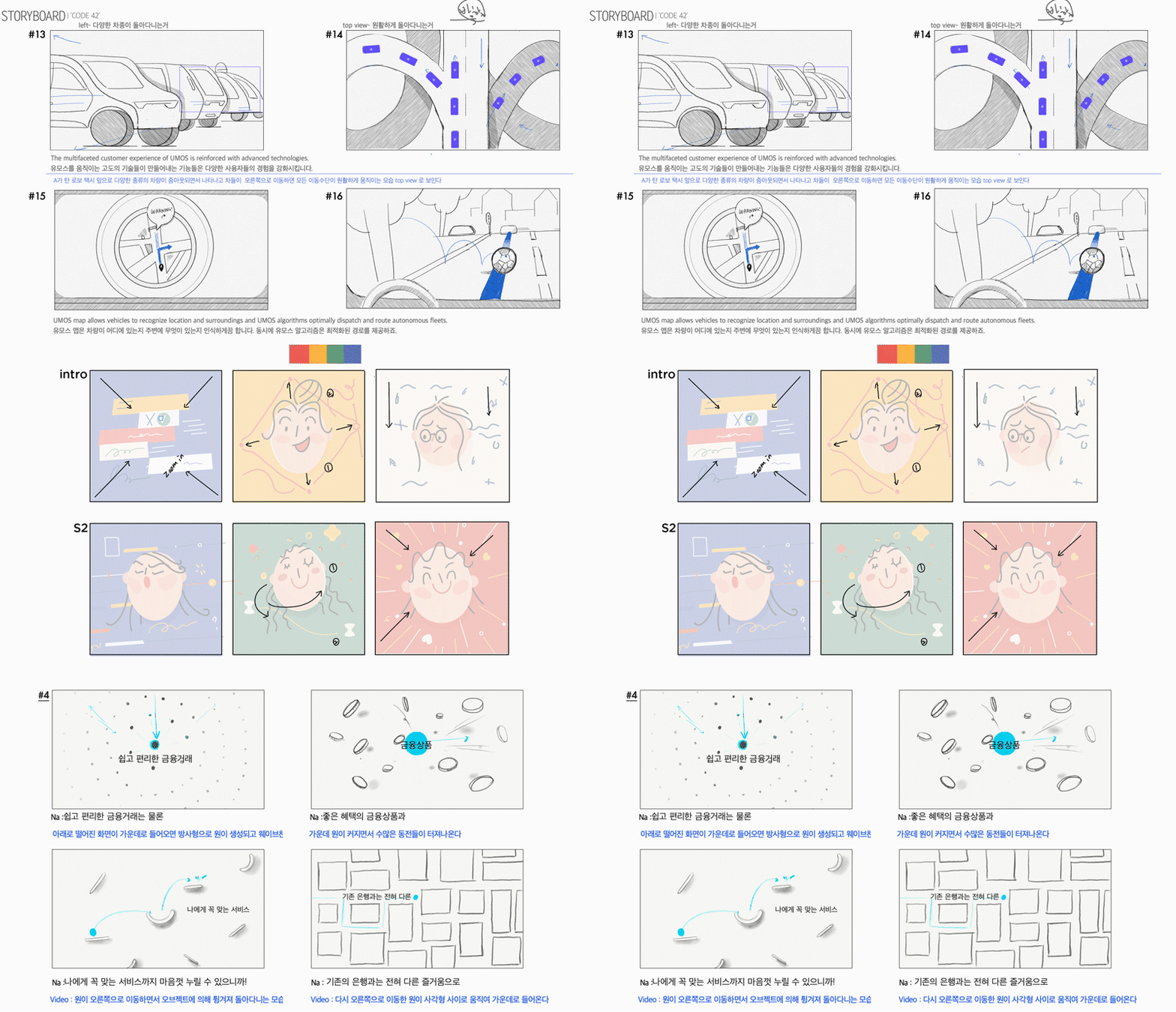
From planning and directing methods to convey the message,Using After Effects, Illustrator, and Photoshop We will tell you everything, including 2D motion graphics videos.
Infographics, character animation, Transitions, 2.5D styles, collages, etc. Can be used immediately in practical fields Learn different styles.
Loved by large corporations Sujin Yang Yang’s portfolio


Why Take This Class?
Information gets stuck in my head How did you create such motion graphics? Anyone can understand To create a clear image Everything from directing, design, effects, etc. It must be directed towards one message.
In motion designer Sujin Yang Yang’s class,Using tool usage and storyboard as the basis Don't lose sight of the point even in short and medium-length videos. Train with 10 practical examples. Not just a flashy effect A class where you learn overall planning and techniques. Coloso is the only one.
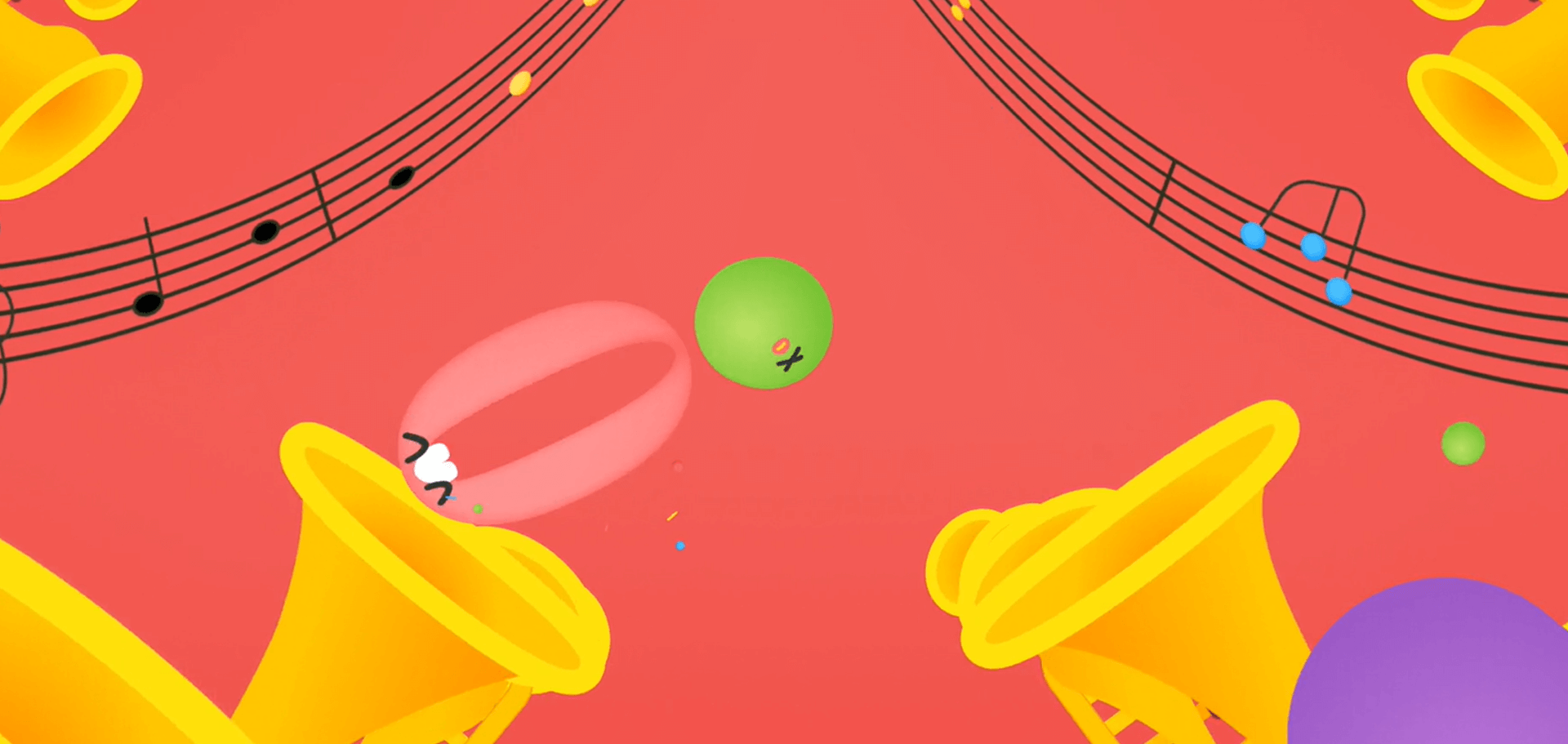
In this class Using 10 examples Learn holistic motion design.







Speaker introduction
motion designer
Sujin Yang
Hello, this is motion designer Sujin Yang. I am currently a freelancer Through collaboration with various clients As well as title videos from broadcasters such as MBC and JTBC, Samsung, Naver, Kakao, etc. Creating infographics and promotional videos for large companies effectively convey the client's message It has a role to deliver.
I learned the program, but Those who find it difficult to express their ideas, To lead the overall video Those who are experiencing difficulties, And there are still many styles For those who haven't tried it I hope this lecture will be of great help to you.

Motion designer Sujin Yang
Current) Freelancer
Former) JMG - Creative Headquarters (OAP TEAM) Designer
View more history
[Main Project]
Kakao – KakaoTalk Plus Friend promotional video
Next – ‘Daum Search’ reorganization video
National Health Insurance Corporation – ‘Health in’ promotional video
SK – ‘SK the planet’ video production, gas application
Production of ‘MOST’ promotional video and tutorial video
SBI Savings Bank – ‘Cider’ promotional video production
CJ E&M – Production of titles and promos including ‘You Quiz on the Block’, ‘God’s Quiz’, ‘Quirky Restaurant’, ‘tvN 1st Anniversary Special One Day’, ‘Little Toony’, ‘Tooniverse’, etc.
MBC Dramanet – 2018 Season ID Production
Samsung – ‘TV Plus’ introduction video production
JTBC – Production of titles ‘Call My Name Han Myeonghoe’ and ‘Miracle Food’
JTBC2 – ‘Summer’ ID production
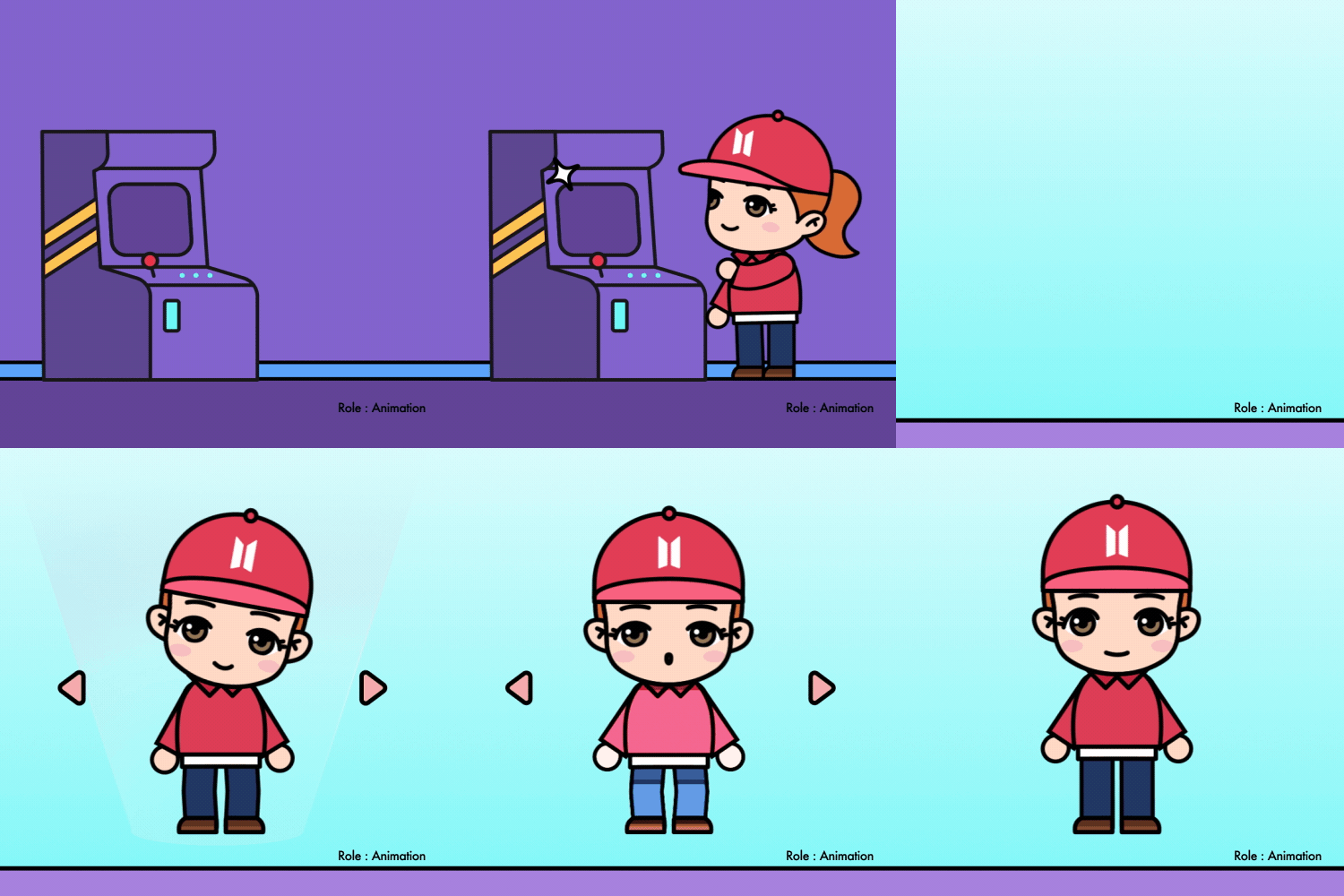
HYBE EDU – Participated in BTS ‘learn Korean with tinytan’ production
42dot – ‘UMOS’ Info graphic production
Drama Vincenzo Title – Participation in production
NAVER AI NOW 2021 Keynote – Participation in HyperCLOVA infographic production
Kakao TV – Jin Kyung-gyu title production
SBS drama – Homederella title production
KakaoM – Creating a title for We Were Beautiful
[etc]
Included in IDN Magazine
CA Magazine interview included
[Awards]
2012 – Runner-up in the motion category at the ‘Cut and Paste’ world competition
2011 – Won the ‘Cut and Paste’ world competition in the motion category
2009 – HSAD creative category bronze medal
[lecture]
2013 – Soongsil University Media Department Motion Graphics Lecture
2014 – Special lecture on motion graphics at Kaywon University of Arts
2016 – Fast Campus Motion Graphics Lecture
2017 – ADOBE Creative Cloud Experience Class Special Lecture
2020 – Motion Design Process Workflow Seminar
class features
class features
Lecture to learn overall video planning
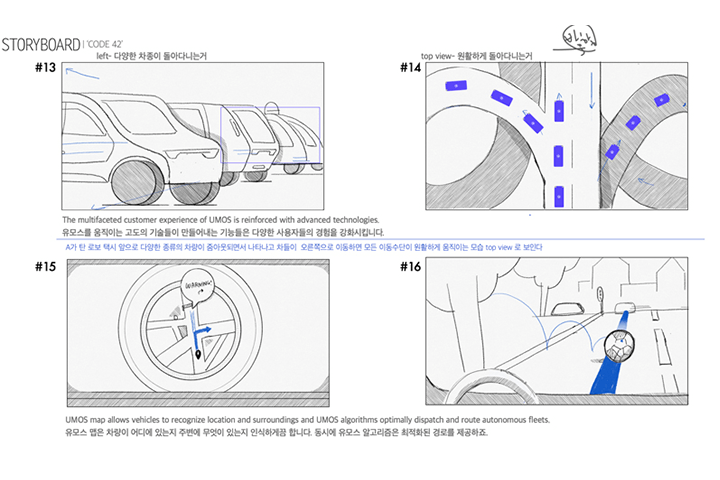
This is a curriculum that teaches not just simple imitation or simple production, but also planning. Learn how to create a smooth flow of the entire video and capture the viewer's attention through the storyboard, which is the most important part of conveying ideas.
Illustrator know-how for motion graphics
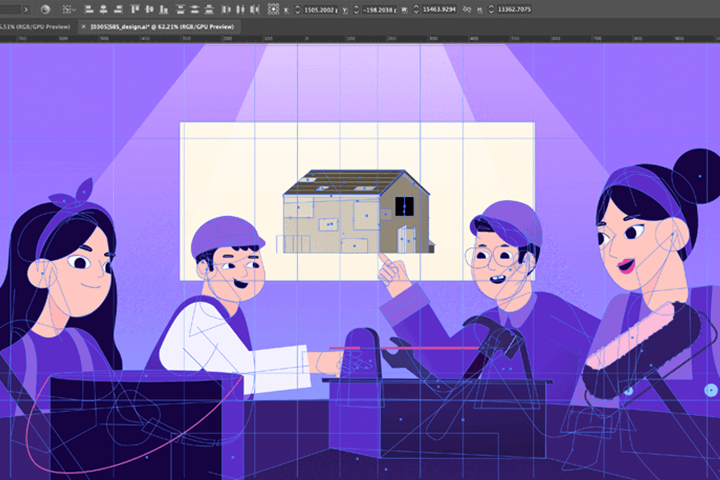
Just because you know all the functions doesn’t mean you’re good at it. We will point out the functions that are actually frequently used. Learn the functions of Illustrator that are frequently used in practice and how to link them with After Effects.
Class to improve your skills by submitting assignments and receiving feedback
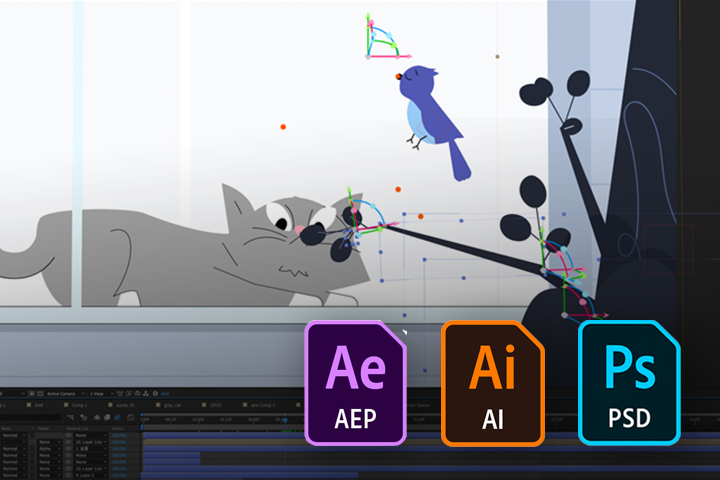
Feel free to submit assignments containing your own ideas. You can digest the information you learned in class into your own knowledge. This is a class where you can freely communicate using Instagram without purchasing a separate feedback ticket.
Class composition
learn this
-
 The entire process from idea to movementLearn the types of cuts and production through storyboards. Learn how to plan to attract attention with a rhythmic layout.
 -
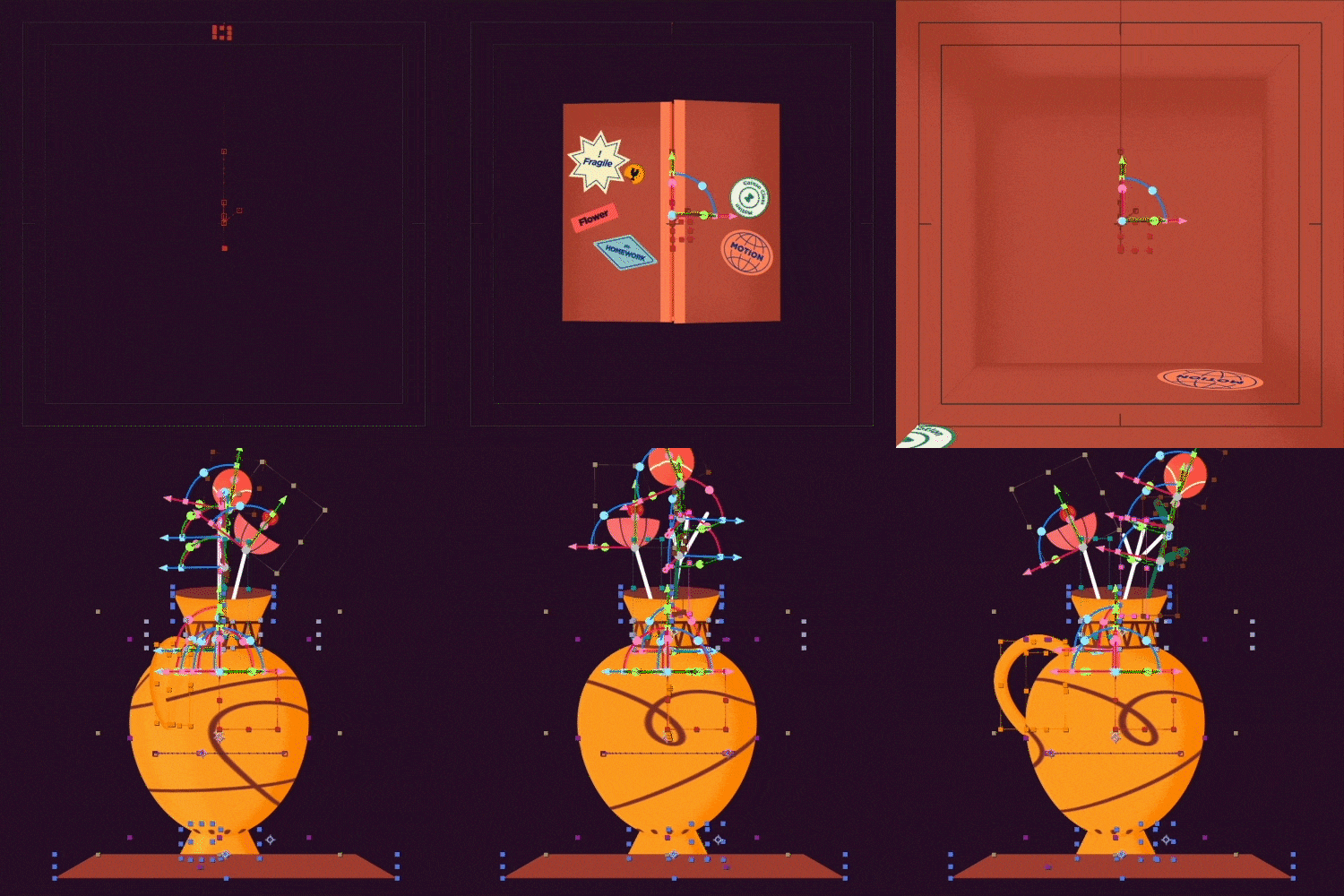 fake 3D + a unique feeling of 3D layerLet's learn about the 3D layer, which is one of the skills used in various ways in practice, and the effects that enable fake 3D.
 -
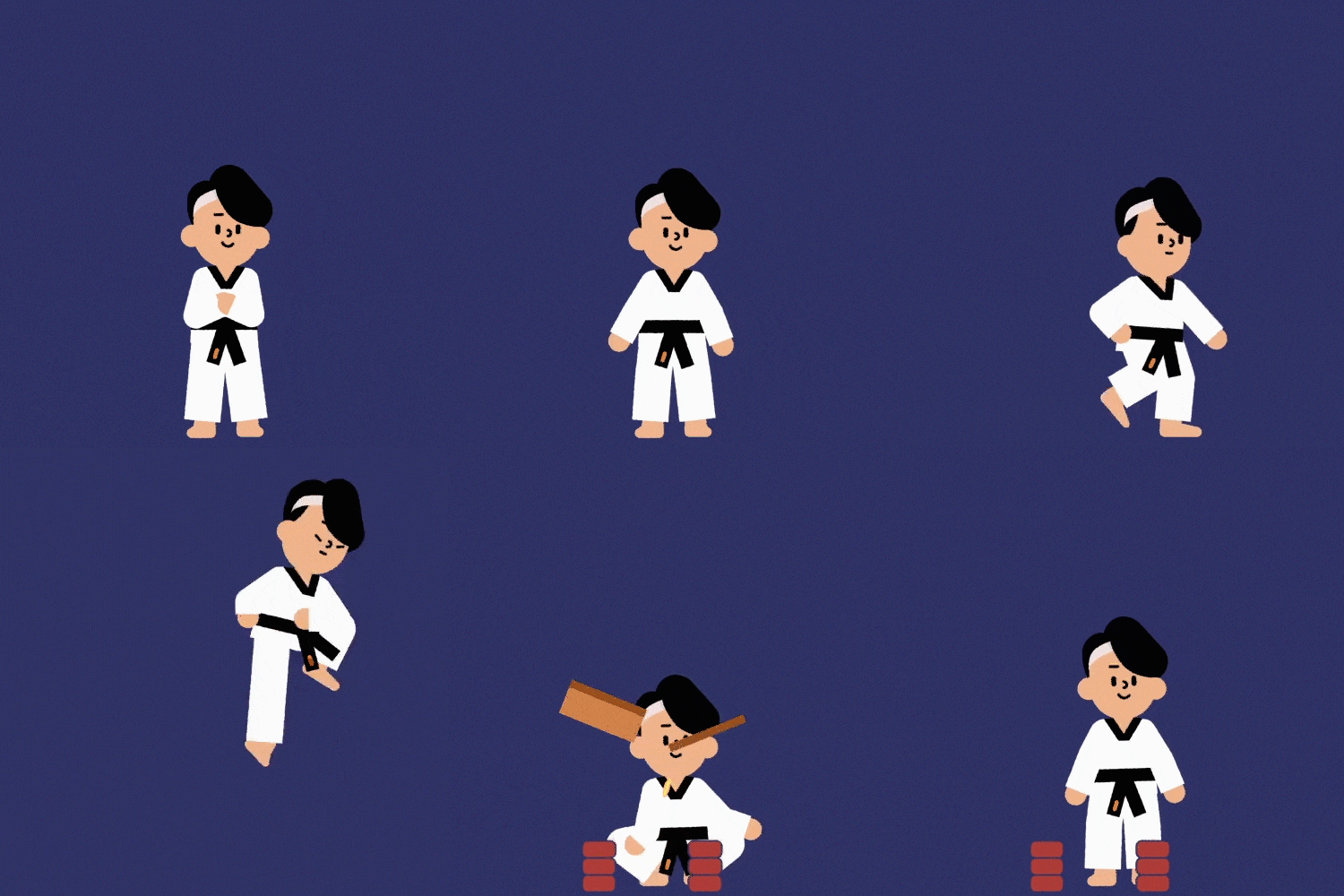
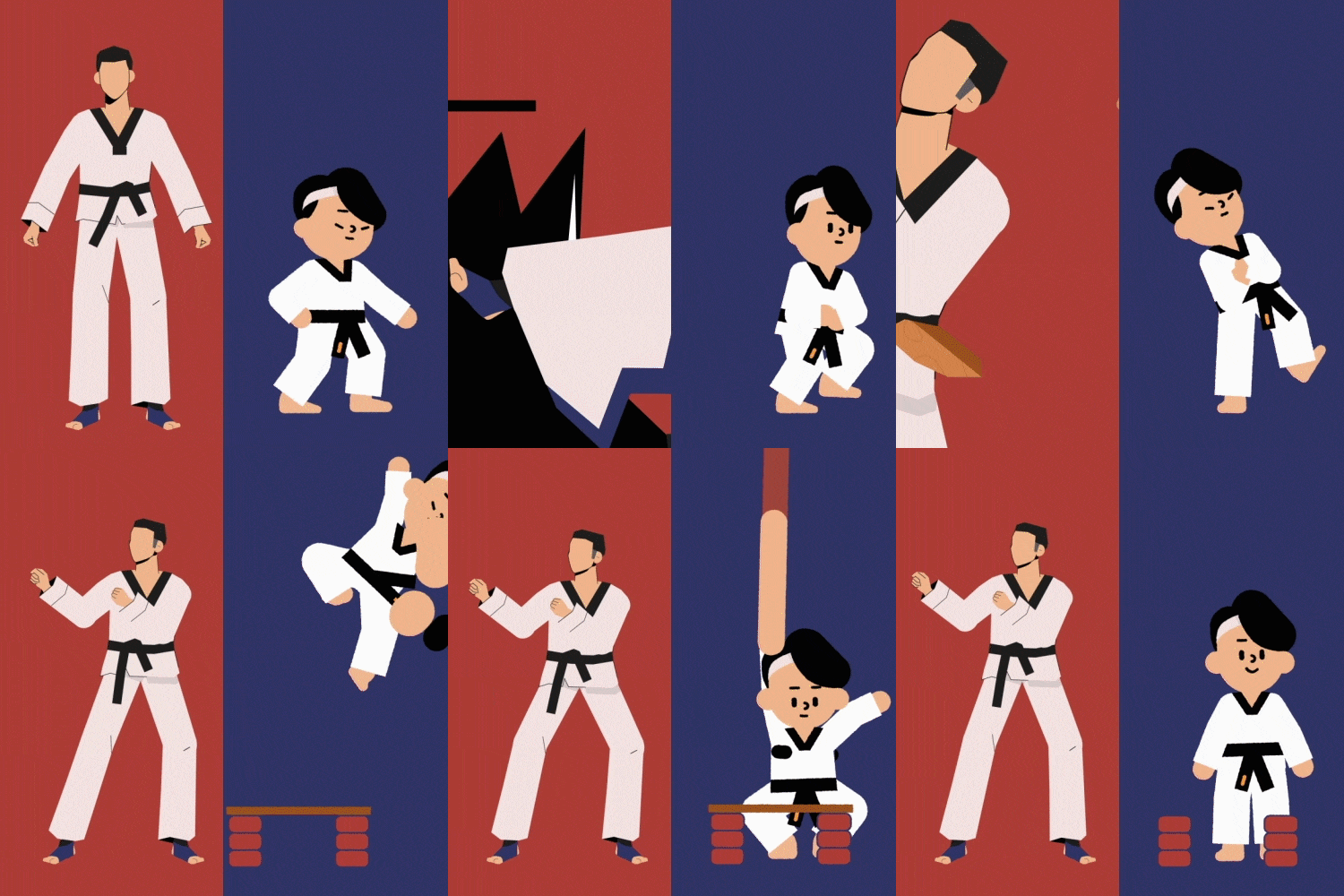 Various motion styles depending on designLearn rigging and animation methods according to character design. Try rigging characters such as people and animals, and express cute characters cutely and with a stronger impact.
-
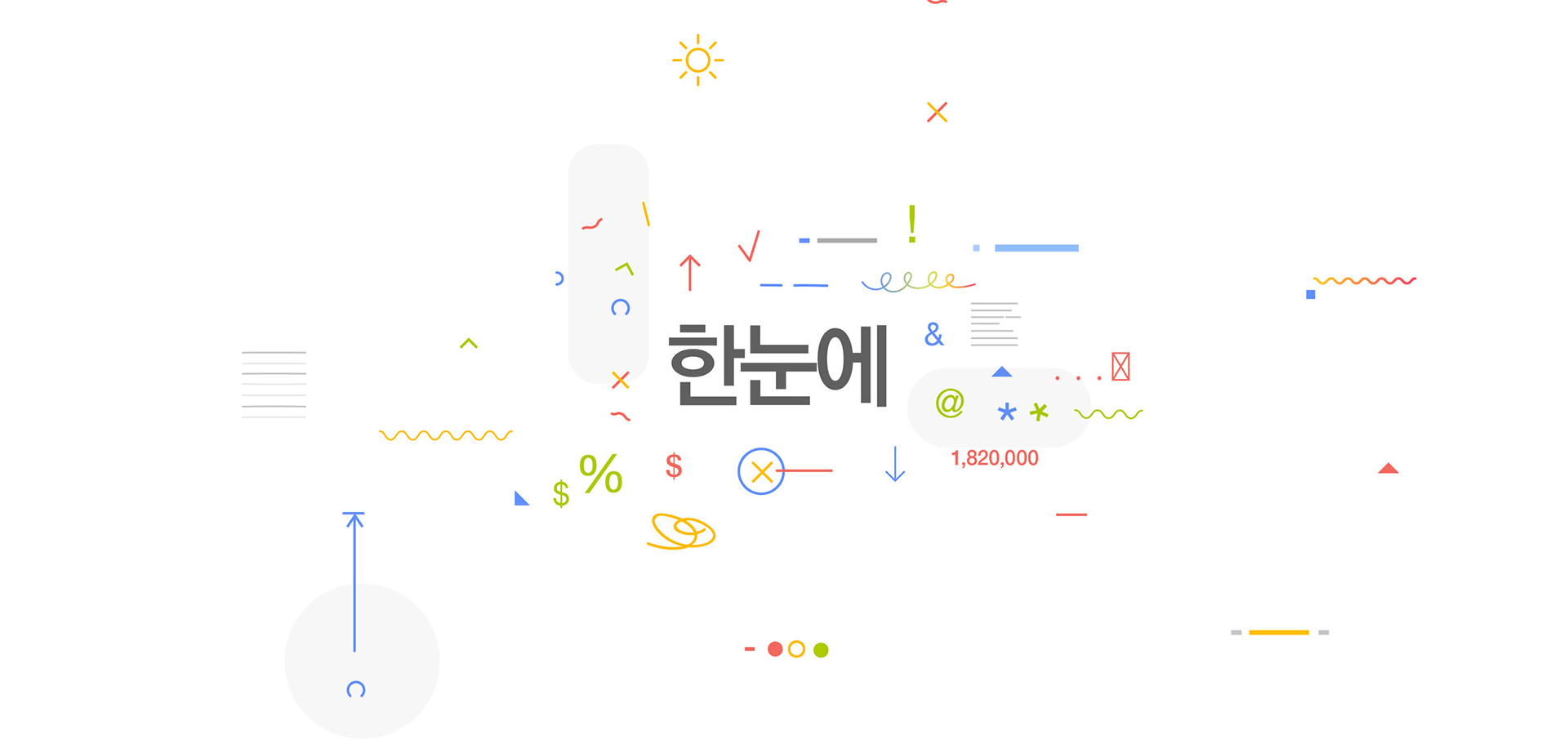
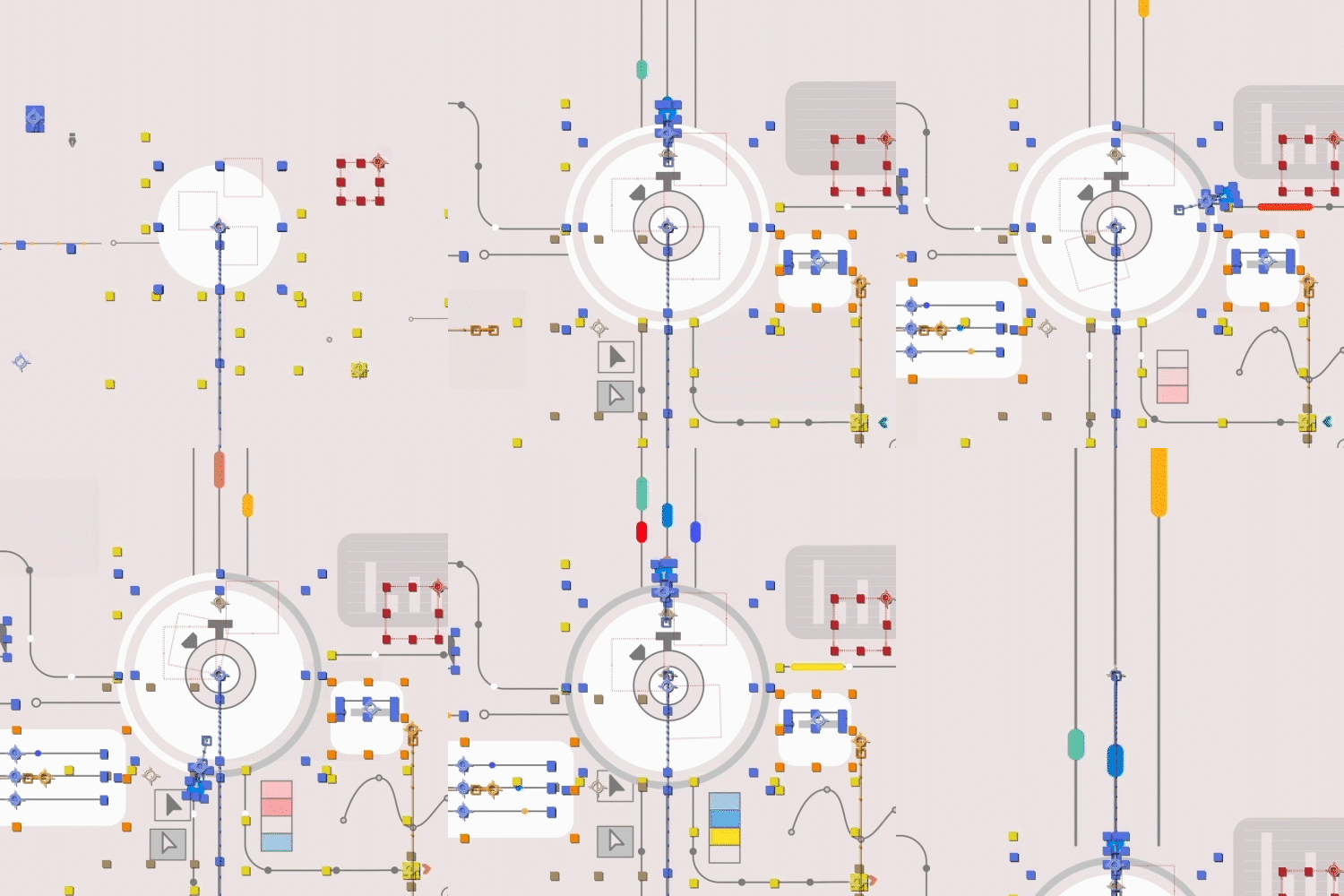 infographicLearn how to make similar motion graphics that anyone can make more impactful. Let's add animation to frequently used designs such as graphs and mouse cursors.
 -
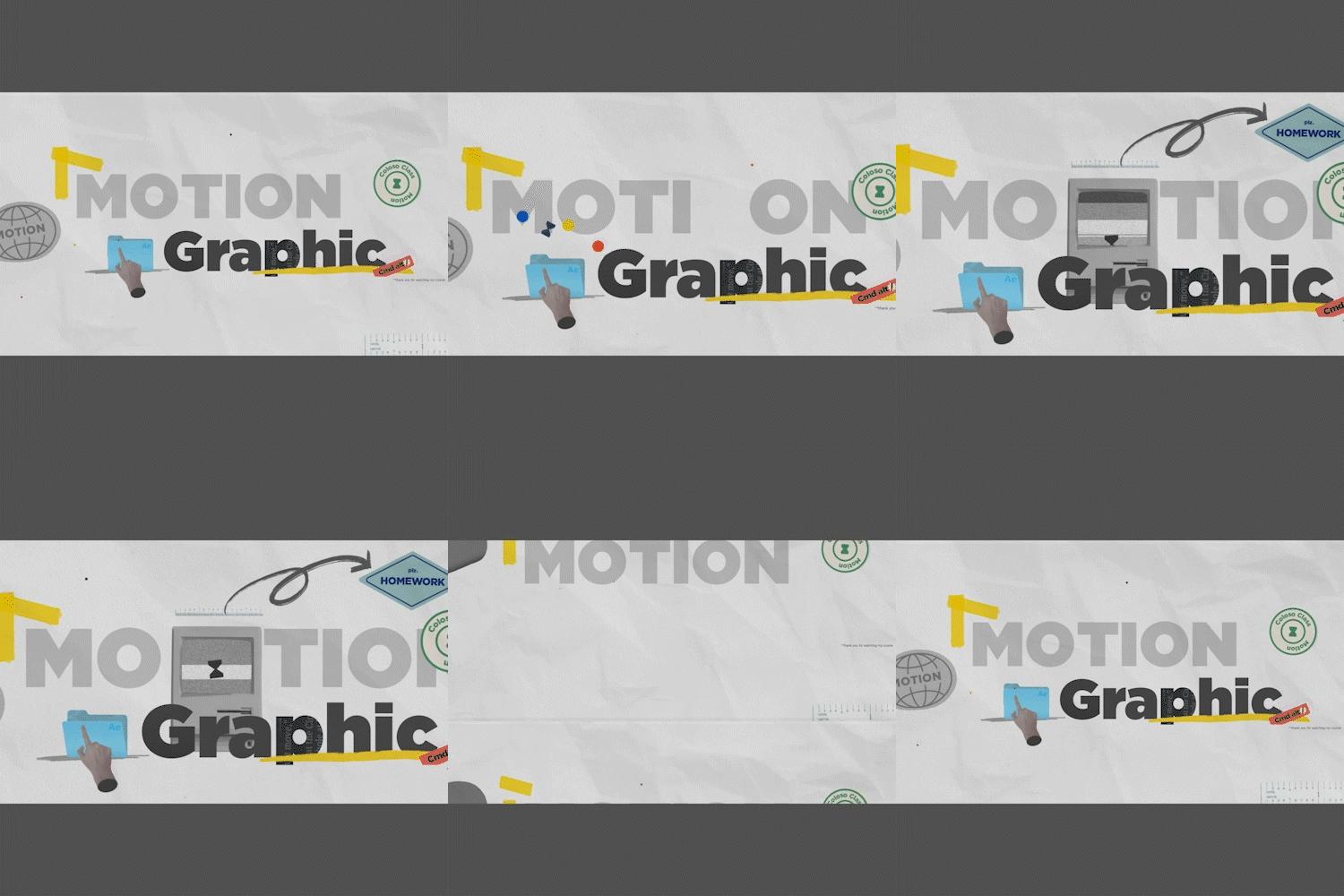
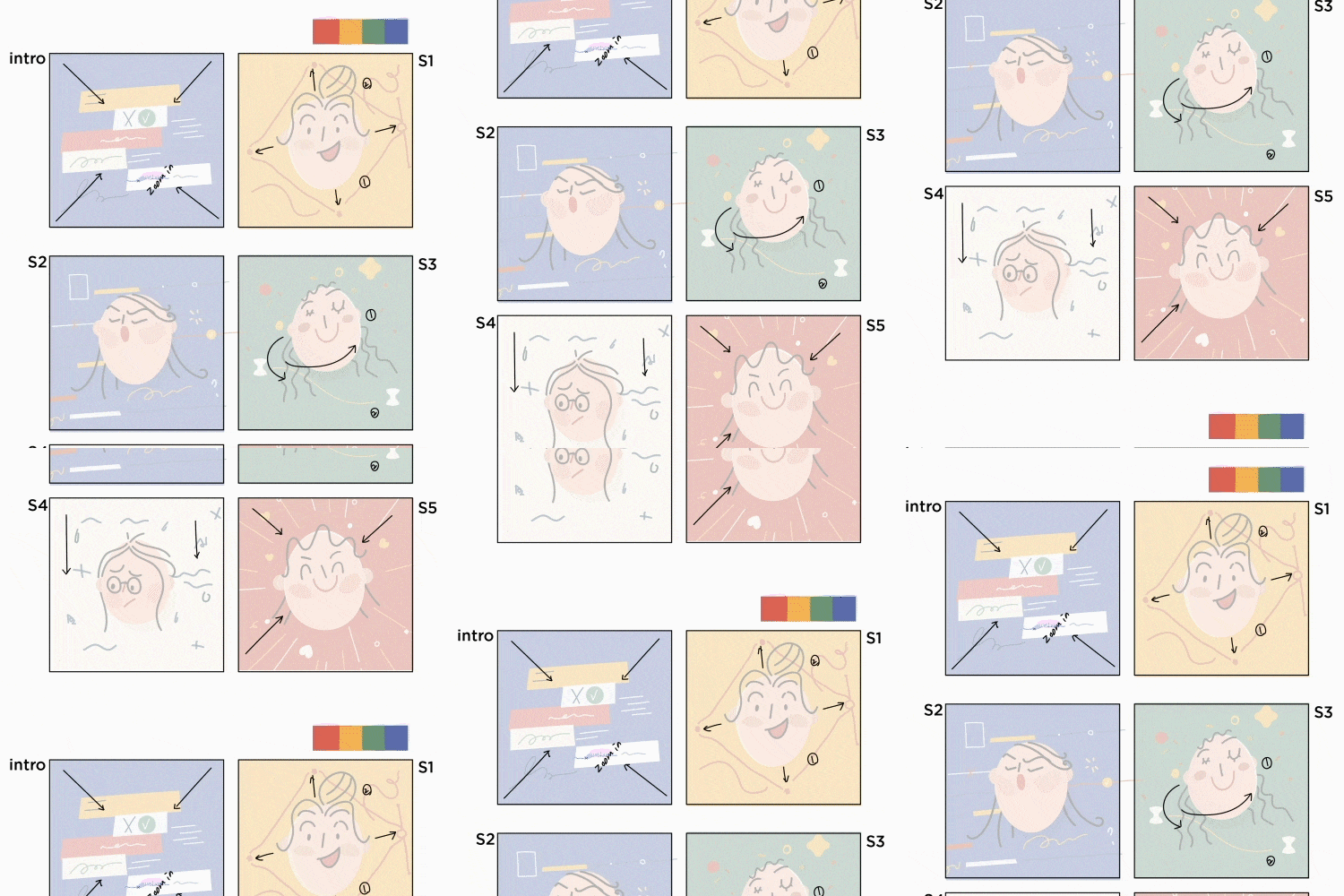
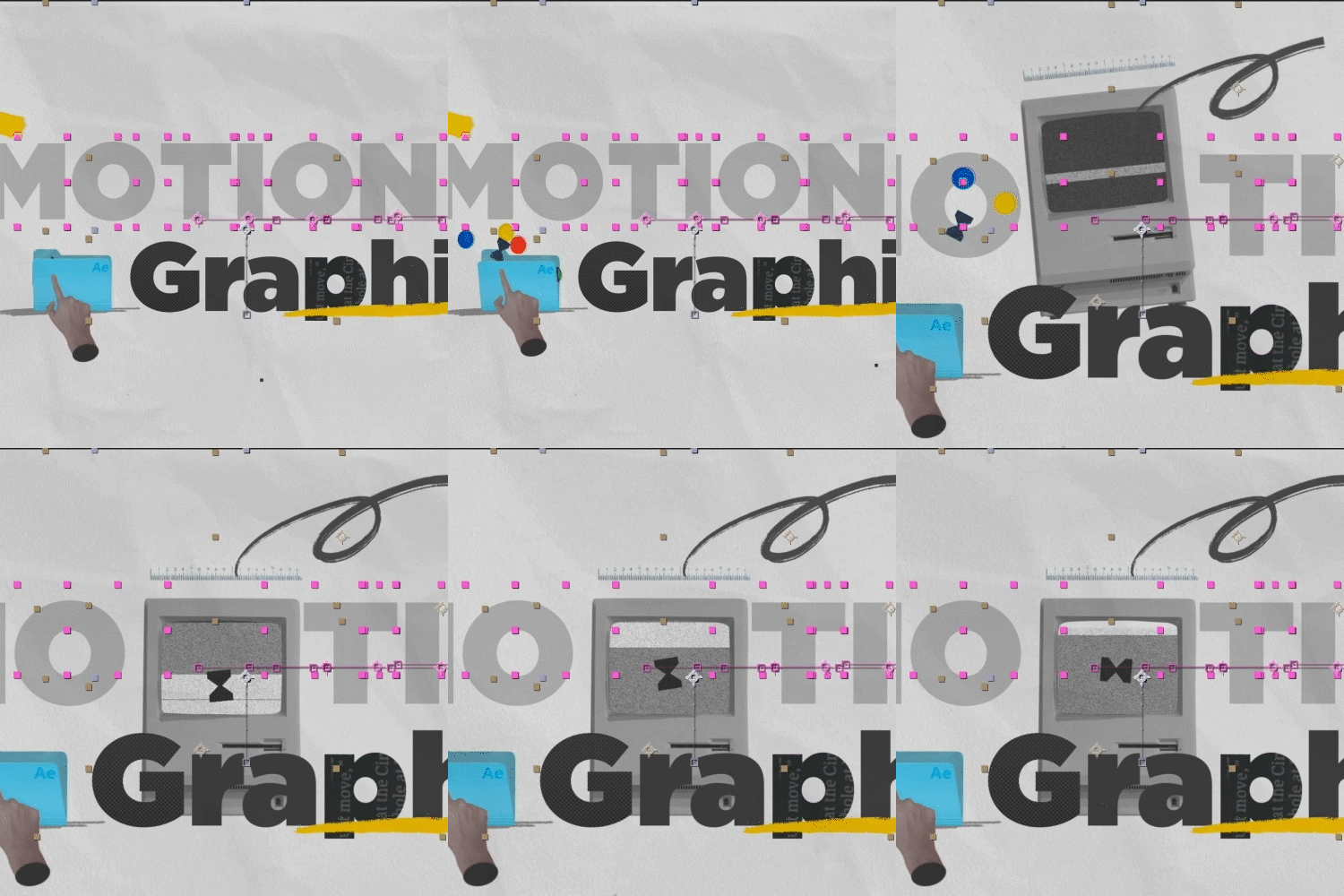 collage motionLet's try a collage method that is different from the illustration style. Learn how to create a vintage feel using Photoshop and rigging using the Limber plug-in.
 -
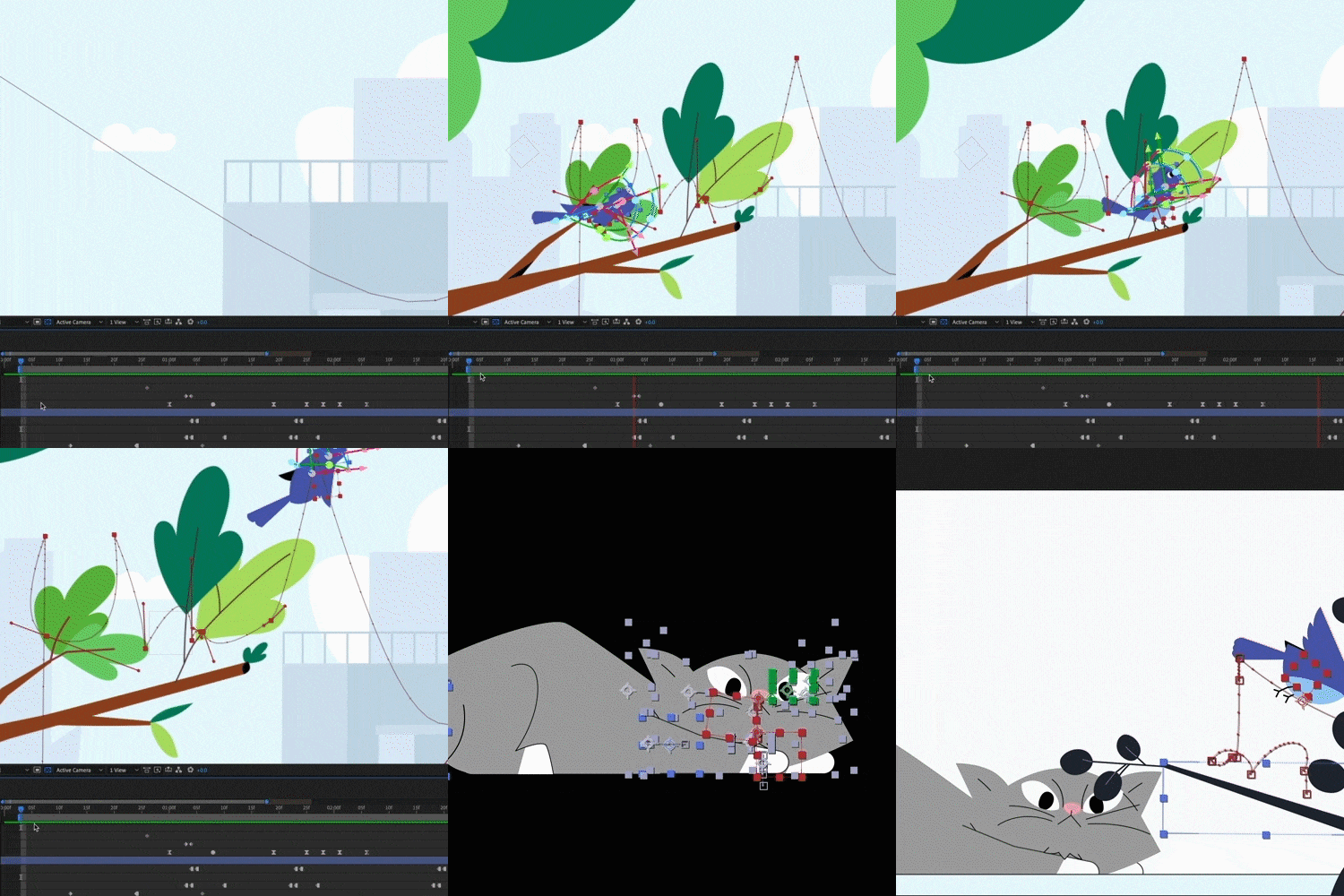 Mastering keyframesAll lectures include information about 'keyframes'. Experience designer Sujin Yang ’s unique sense of motion, which was covered in the last lecture, in a bonus lecture.
curriculum
curriculum
Show me the curriculum
SECTION 01. The first step to turning a story into a video (theory)
01. The beginning of the story, how to create a storyboard
- Storyboard production sequence, shot types and uses, reviewing storyboards
02. After Effects + Illustration Properties Tutoring
- Learn about major illustration tools and shortcut keys (Lecture 2-1)
- Learn about After Effects workspace, major tools, and shortcut key functions (Lecture 2-2)
- How to view timelines, keyframes, and graphs (Lectures 2-3)
SECTION 02. Making a self-introduction video
03. Making a self-introduction video part 1
- Directing tips when listing objects of the same nature
- Illustration settings and artboards for motion graphics / Handling paths while designing / zig zag / roughen effect / Learn practical tips
04. Making a self-introduction video part 2
- Organizing illustration files for video production (Lecture 4-1)
- Points to note in shape layer / How to link Ai source Ae (Lecture 4-2)
- Making a self-introduction video 1 - Creating animations focusing on major objects (creating rhythmic animations) (Lecture 4-3)
- Making a self-introduction video 2 - Uploading the overall flow and details / Introducing the assignment (Lecture 4-4)
*Assignment 1: Follow the example and apply it by adding your own object
SECTION 03. Motion that varies depending on character design
05. Analyzing character design and movement part 1
- Analyzing and planning non-repetitive movements such as walking or running (waiting movements and reactions)
- Learn the difference between IK & FK
- Compare various paid plugins before purchasing a plugin
06. Analyzing character design and movement part2
- Designing a two-headed character in Illustrator + Rigging in After Effects (Lecture 6-1)
- limber plugin - 2-head character animation (Lecture 6-2)
07. Analyzing character design and movement part3
- Organizing complex character designs for animation in Illustrator + Rigging in After Effects
- limber plugin - 8-head character rigging and animation
*Task 2: Create an animation with a character you created
SECTION 04. Expressing three-dimensional effect with 2.5D (fake 3D)
08. Understanding 3D layers (Learn about fake 3D)
- Design stickers with illustrations
- Create box animation with 3D layer
- Learn about Fake 3D
*Task 3: Create a box with a 3D layer and create a new object (fake 3D)
09. Compose a scene with 3D layers and learn the sense of space (understanding the camera)
- Get a sense of space with a 3D camera
- Create a looping animation and combine effects to create an ocean
*Task 4: Changing space using 3D layers
SECTION 05. Animal animation
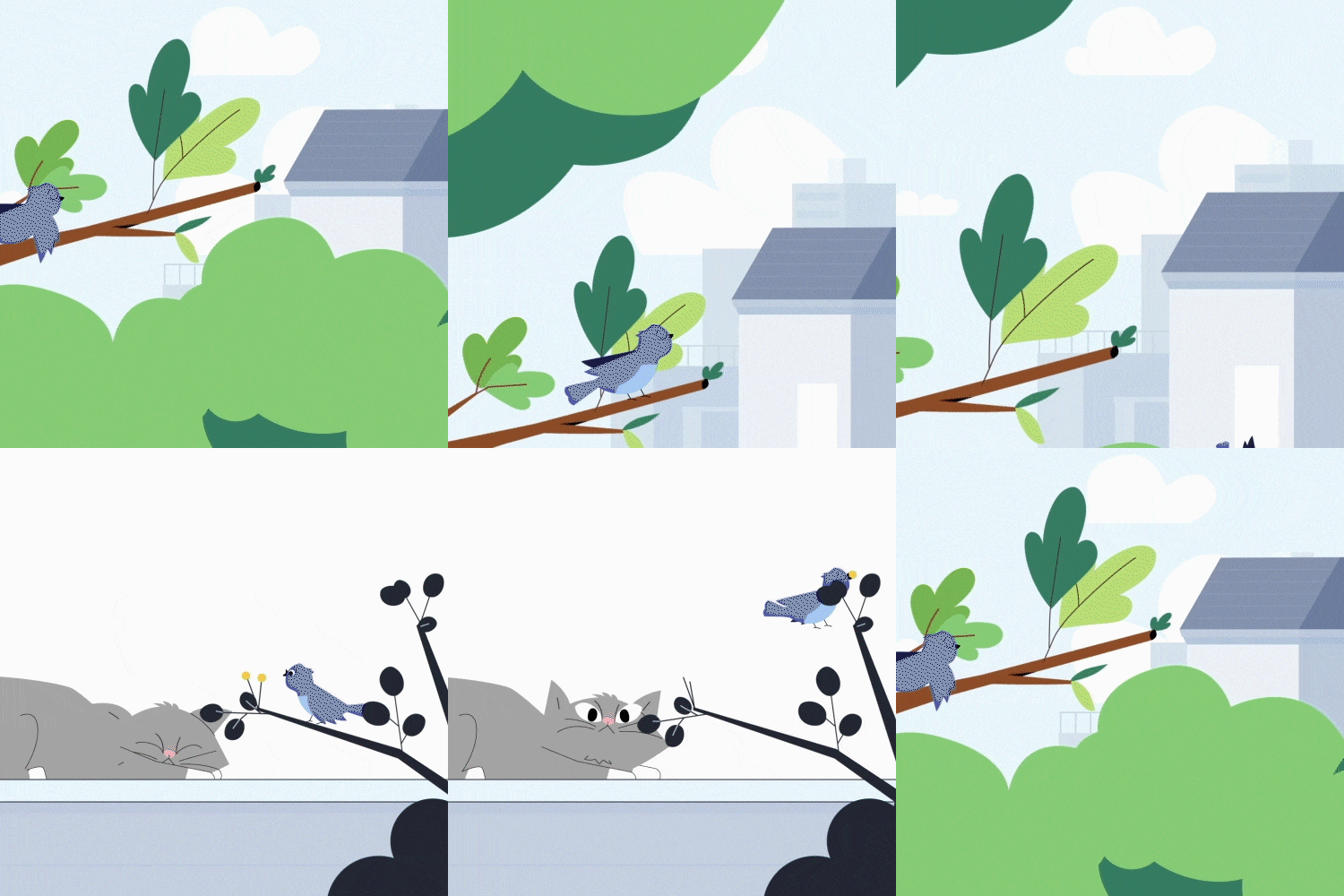
10. Animal animation part 1
- Ai - Complementing the color palette with the Blend tool, clipping mask
- Plan your animation on the storyboard
- Link with illustrations
11. Animal animation part 2
- Compose the entire scene with 3D layers and cameras
- Compose scenes and learn timing and transitions
- New Animation: Guided by key objects that drive the video
12. Animal animation part 3
- Animating two cat movements
- Detail is quality, increase animation details
*Task 5: Create animation centered on the main object that leads each scene
SECTION 06. Infographics
13. Infographic part 1
- Learn what matters in infographic animation
- Animation using scene shape layer commonly used in infographics 1
14. Infographic part 2
- Animation cycle using scene shape layer commonly used in infographics 2
- Implementing graphs used in infographics in After Effects
15. Infographic part 3
- Animation using scene shape layer commonly used in infographics 3
- Join all cuts
*Task 6: Follow the infographic
SECTION 07. Collage Animation
16. Collage part 1
- Learn about collage work that is rough but has a unique charm.
- How to make collage sauce
- Integration with Photoshop and After Effects
17. Collage animation (Scene 1) part 2
- Collage object animation 1
- Effects commonly used in collage (offset, posterize time, cc page turn, noise)
18. Collage animation (Scene 2) part 3
- Collage Object Animation 2
- Concatenating scenes (transition, offset, transform)
*Task 7: Create a collage-style animation
SECTION 08. Text animation
19. Logo Animation
- Create a 5-part animation
- Effects that help with chewy animation (Echo, CC bender, CC bend it)
*Task 8: Create animation with objects that make up the logo
SECTION 09. Ending the lecture
20. Concluding the lecture
- Questions to ask when the video you made is awkward
- Create a checklist
- Answers to questions from students before opening
- Things to keep in mind as a practitioner
* Curriculum details may change before or after the video is released.
interview
Motion designer Sujin Yang story I want to tell

Question.01
The most important thing in motion graphics What are you thinking?
The most important thing in motion graphics What are you thinking?
The ultimate goal of creating a video is to convey a message. If it is a commercial video, the design and animation must change to suit the purpose of the video, such as introducing a product or conveying information if it is an infographic. You may be able to grab the attention of one area with great skills, but the more important thing is not to forget that you are creating a video to convey a message.
Question.02
The purpose of this lecture is to What happens?
The purpose of this lecture is to What happens?
I wanted to talk about skills that can deliver messages smoothly and take videos to the next level . If you don't know what you're trying to say, what design and animation structure you'll need to convey that message, and how to lead the overall message, you may find it difficult to improve your skills.
Question.03
of this class What are the main points?
of this class What are the main points?
Not only can you follow the examples provided by the instructor, but you can also see the process of creating the examples from start to finish . I think you can take away a lot of tips that are difficult to obtain, such as not only skill explanations, but also combinations of effects used for expression, practical illustration know-how for motion, and cut composition to express ideas.
Question.04
A final word to students please.
A final word to students please.
“It’s better to express this idea this way, but I’m weak in this area, so I need to learn this skill.” If you gradually build up your skills in this way, at some point you may be able to overcome the obstacles in front of you that seemed like a large mountain. I hope that this lecture will serve as a coach to help students take a leap forward.
Program used We will guide you.
This class is conducted using the tools specified below.
– Adobe Illustrator
– Adobe Photoshop
– Adobe After Effects
* Adobe Illustrator / Photoshop / After Effects recommend CC version or higher.
* Plugin - Limber (required)
(Please note that Limber is a paid plugin.)
* Programs and materials are not provided separately.