Motion Graphic Designer,
Jaeho Kim
MotionGraphicDesigner,JaehoKim_모션그래픽디자이너 김재호 Details
Class introduction
Class Intro
I will teach you 3D motion graphics in a simple and engaging way, with step-by-step lessons and assignments designed specifically for beginners.
Easily Break Down the 3D Entry Barrier and Ensure High-Quality Work!
I'll teach you 3D motion graphics in an easier and more fun way through step-by-step learning and assignments optimized for beginners.
This course is perfect for beginners aiming to learn 3D motion graphics in an easy and enjoyable way while achieving tangible results. For those looking to push further and create high-quality work, we've prepared 50 lectures covering Octane and advanced techniques.
You'll also gain a solid understanding of essential concepts like rendering and subdivision, with clear explanations of even the most basic terms. Dive into the world of 3D graphics with C4D, and have fun honing your skills through quick and easy-to-follow examples.
You'll also gain a solid understanding of essential concepts like rendering and subdivision, with clear explanations of even the most basic terms. Dive into the world of 3D graphics with C4D, and have fun honing your skills through quick and easy-to-follow examples.
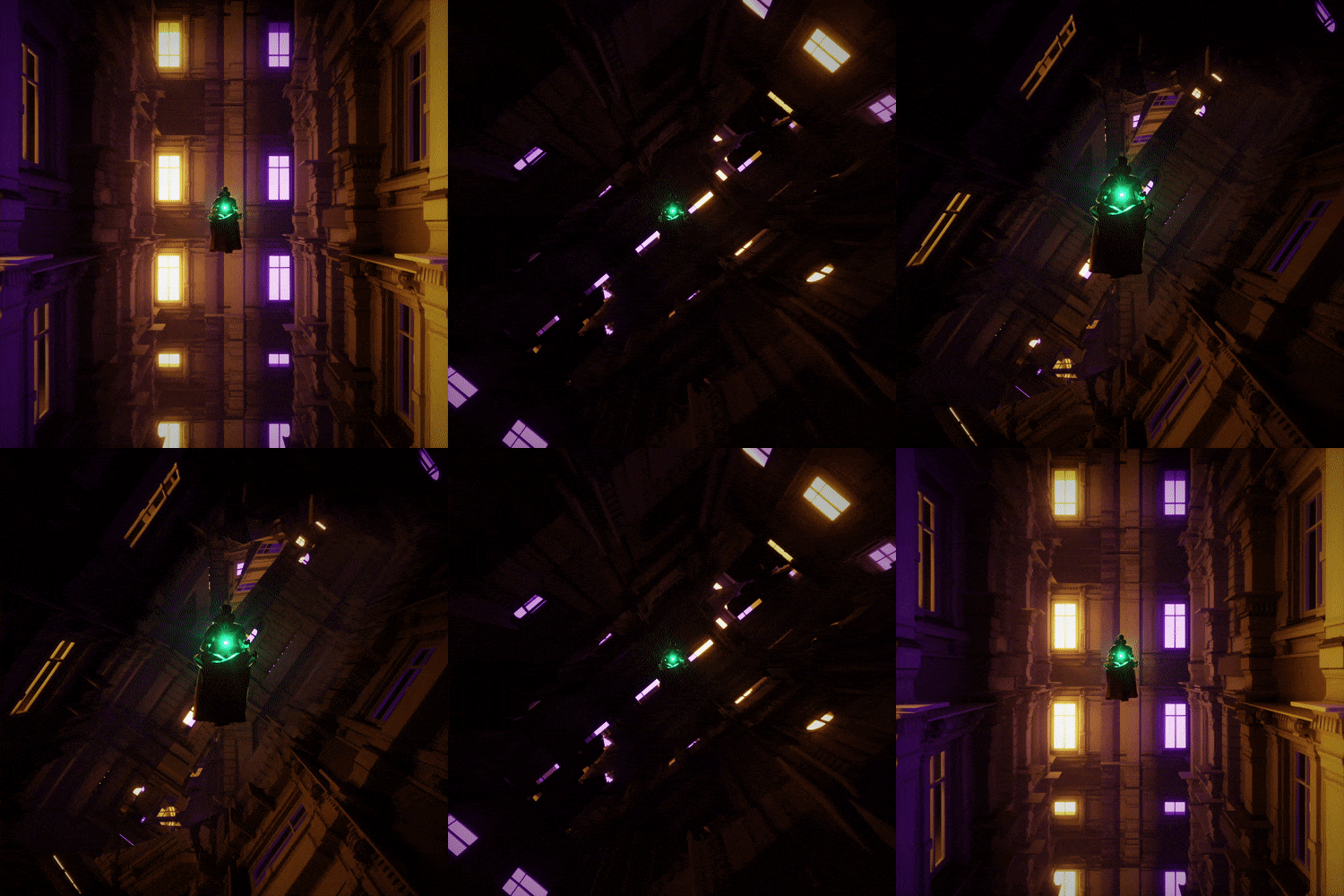
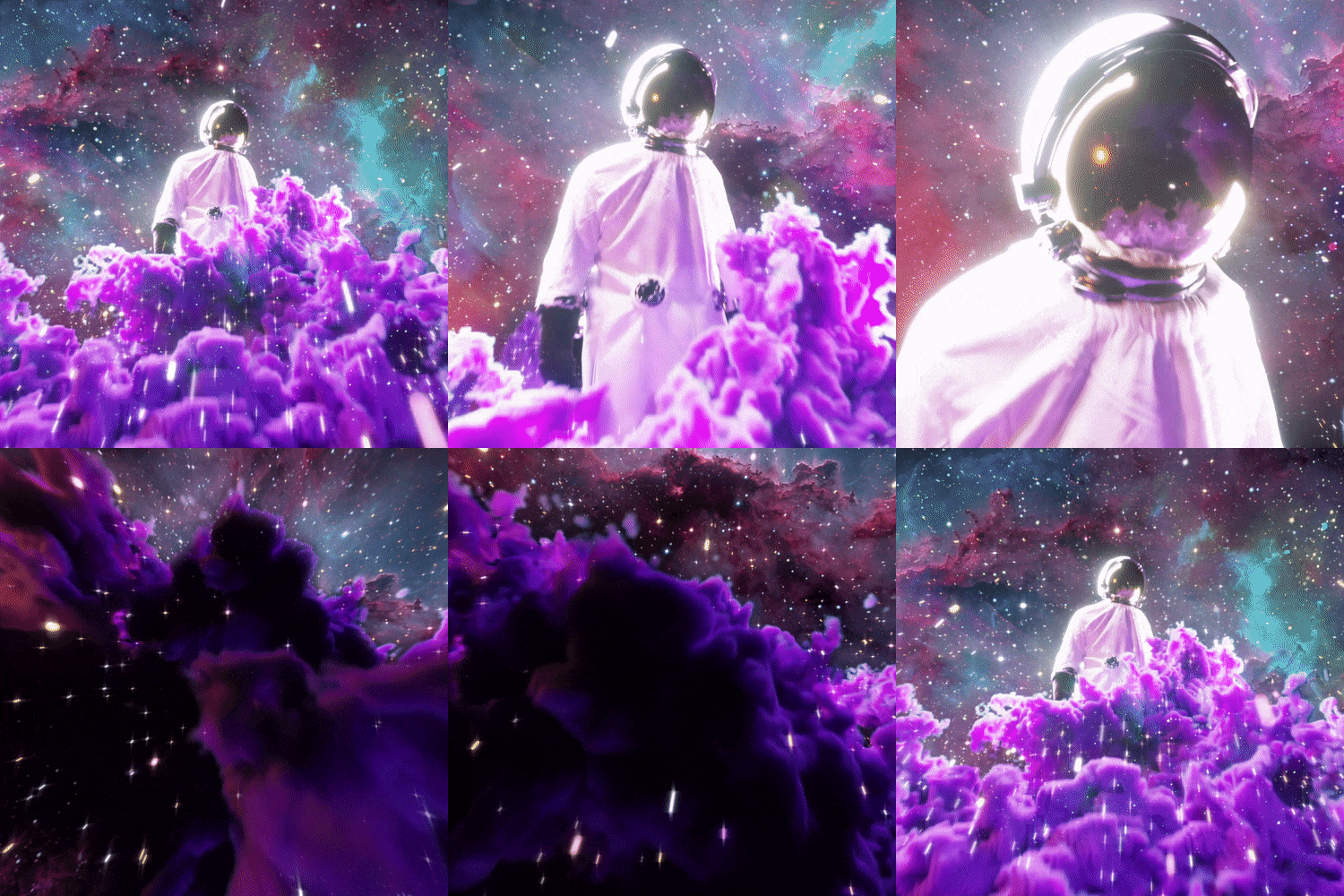
Motion Graphic Designer, Jaeho Kim's Portfolio

Why Take This Class?
Are you interested in 3D but don't know where to start? Are you worried that you are learning on your own but feel like you are not making any progress? C4D and 3D motion graphics, where who teaches and how is important, we present a solution to you all, Jaeho Kim.
Using a total of 8 years of teaching know-how from university professors and computer academy instructors, I have structured the curriculum so that beginners can quickly learn the core functions of C4D by learning step by step and part by part. In addition, I have prepared a class where you can feel your growth by not just following examples, but by creating your own work through casual-style assignments.

Recommendation
Who Should Take This Class?
People who want to get started with 3D right away without any 2D experience
“I’m interested in 3D graphics and want to learn it as a hobby, but it’s difficult to find a course that suits me because all the other courses seem to be practical.”
People who have learned 2D but are considering getting into 3D to expand their expressive skills
“I want to implement things that are difficult to express in 2D motion graphics. But I don’t have the courage to do it due to my lack of understanding of 3D space.”
Those who are already learning 3D separately but find it difficult to follow the class progress
“I am learning 3D at an academy, but the progress is fast and it is still very difficult. I want to take a class that teaches me step by step from the basics.”
10+ Class Exercises
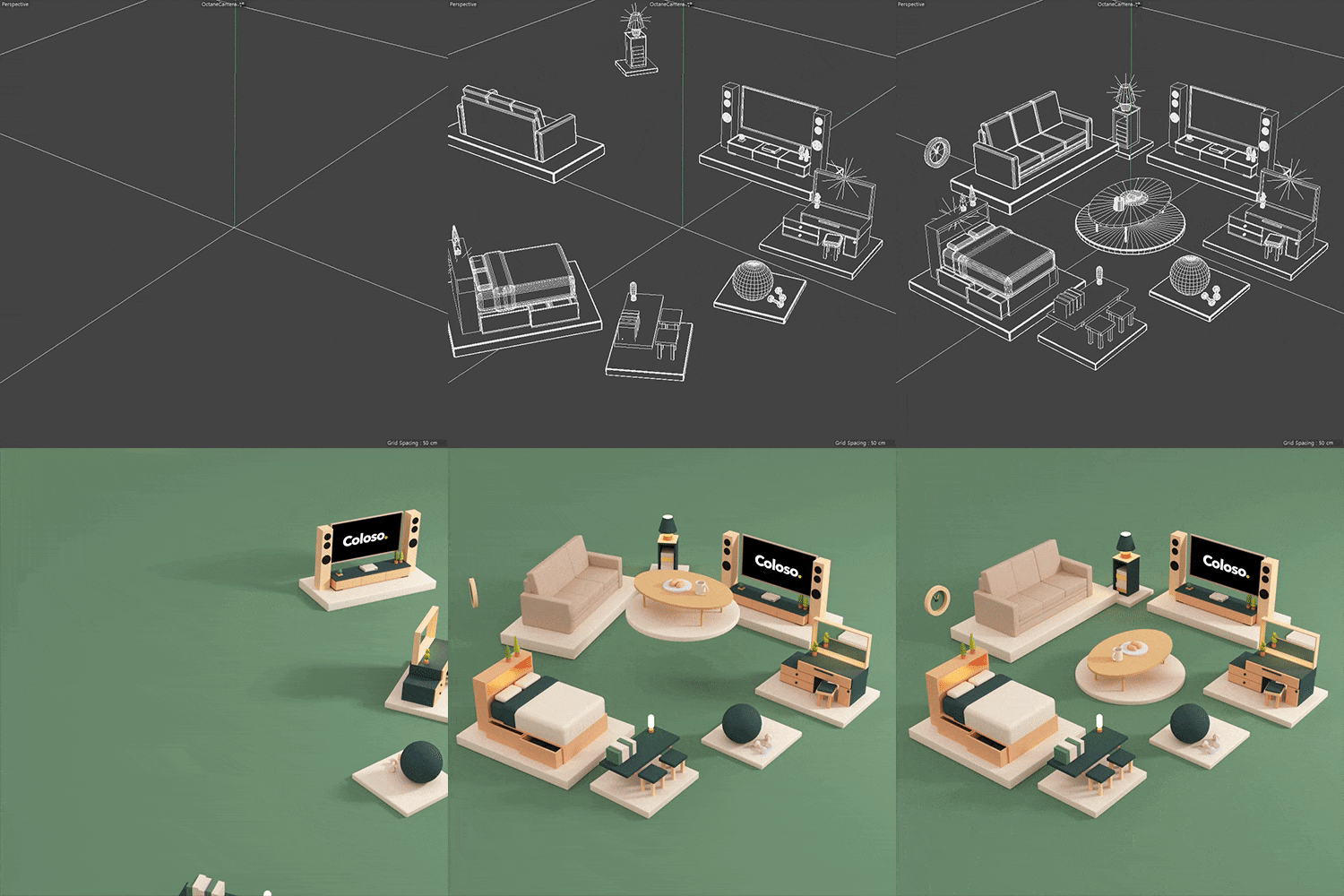
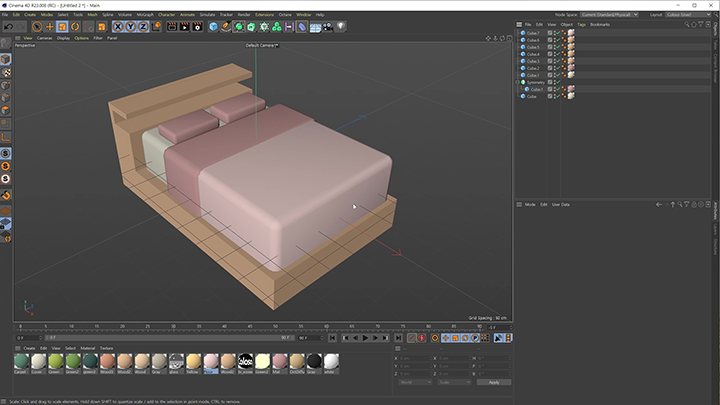
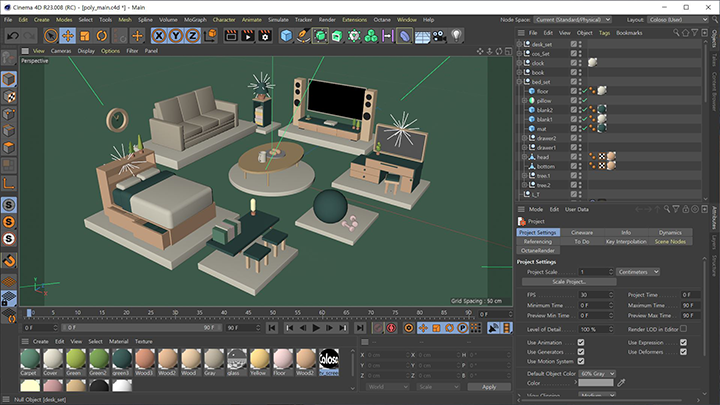
Part 01. 3D Room Decoration
-

Table -

Bed -

Dressing table -

bookshelf -
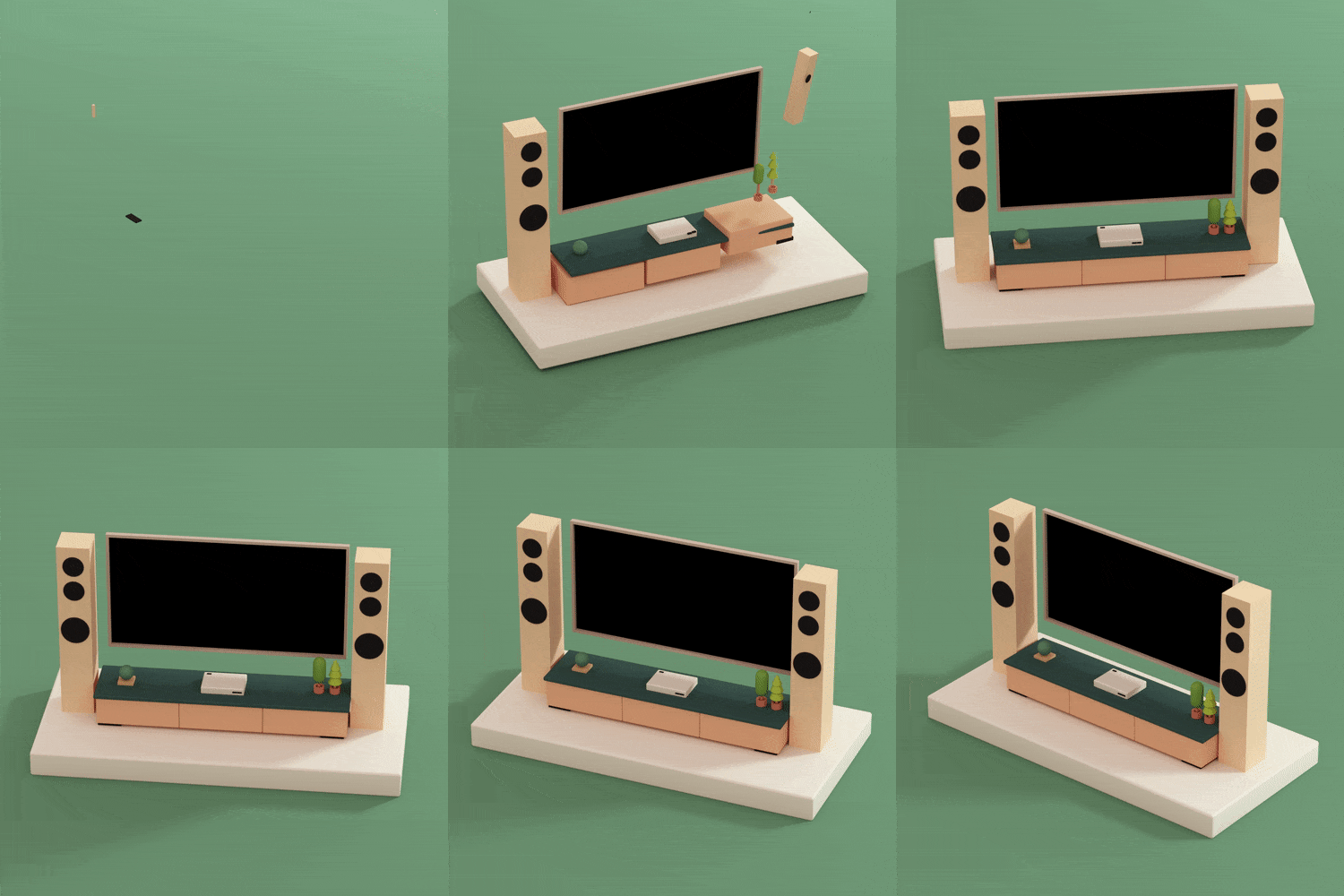
TV -

Sofa -

collection of objects
Example 01: Various objects
-

Example 02: Green Room -

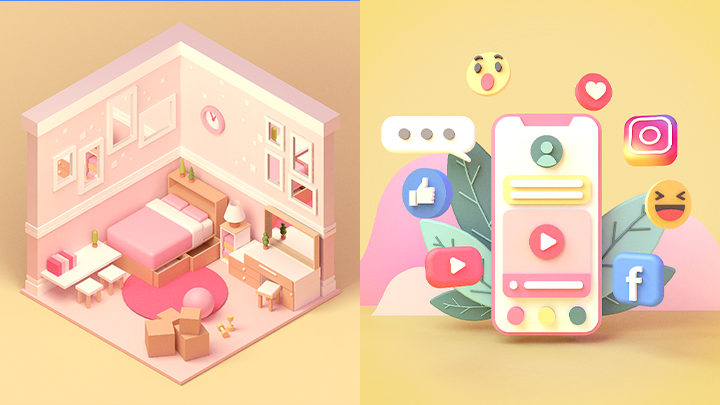
Example 03: Pink Room
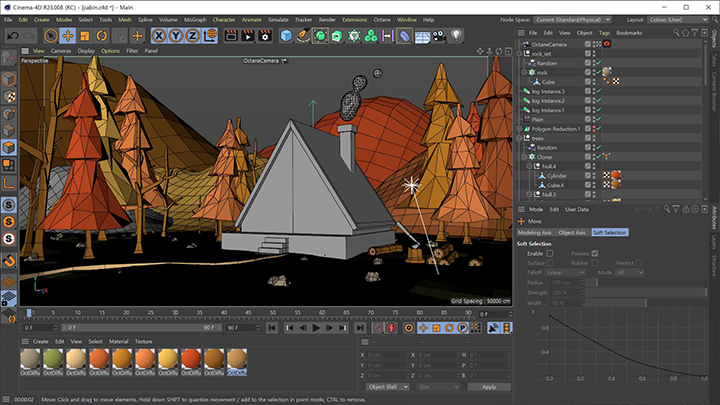
Part 02. Escape from C4D Beginner: Mastering the Basics with Ease
-

-
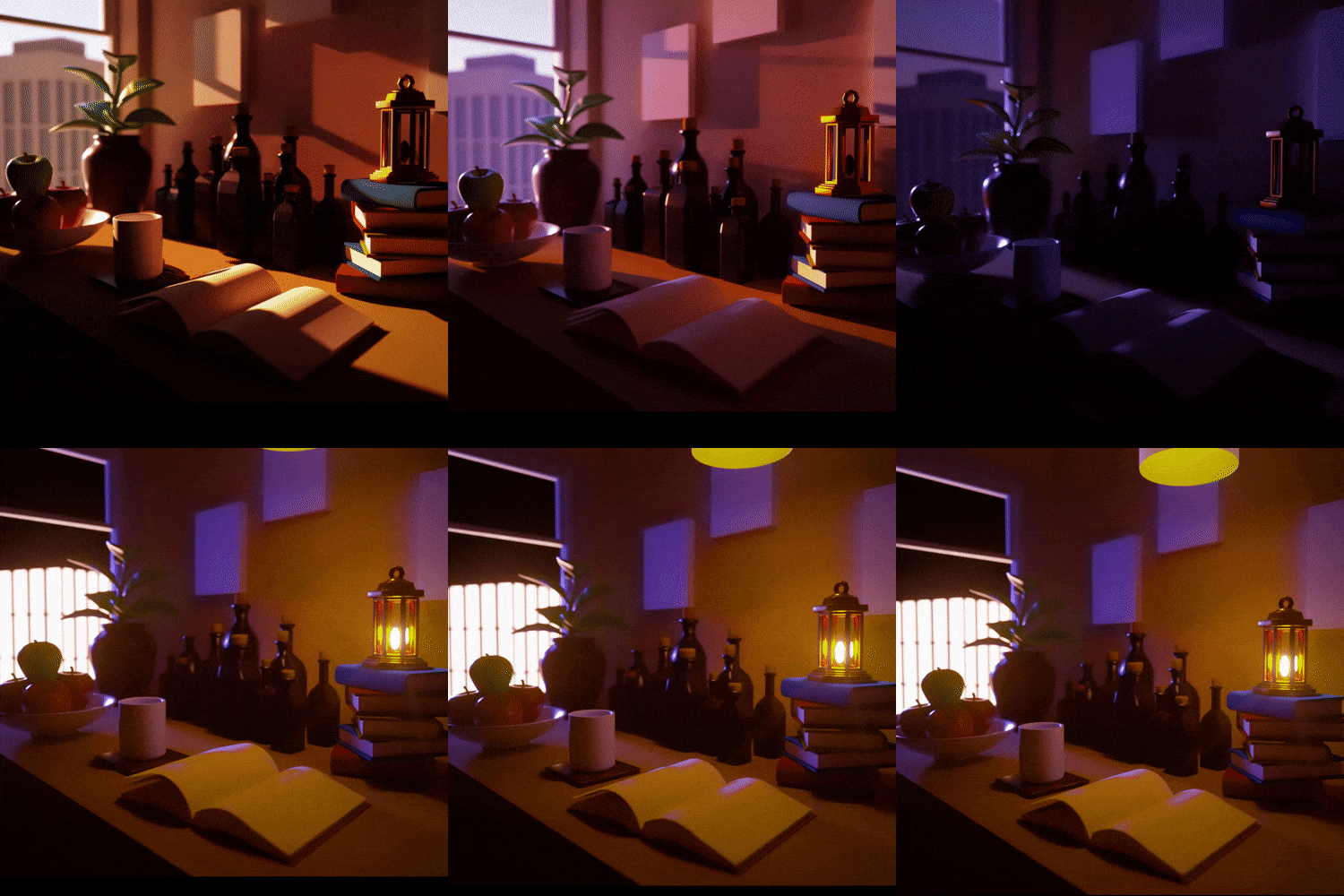
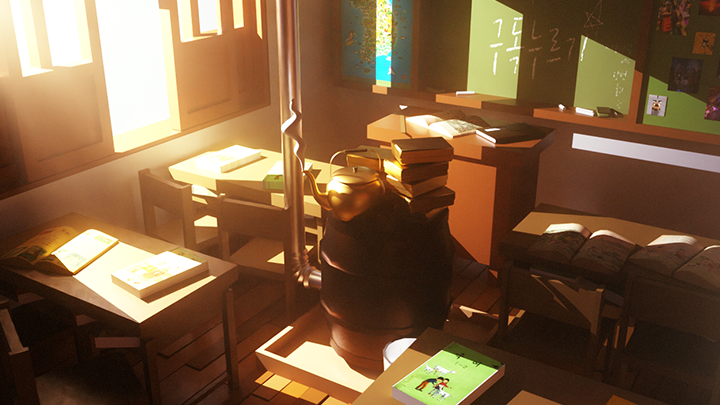
Example 04: Classroom -

Part 03. Core Functions Used by Motiongraphers
-

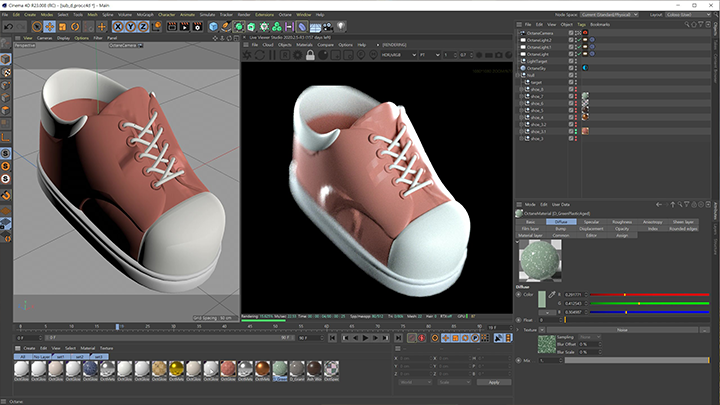
Example 05: Shoes -

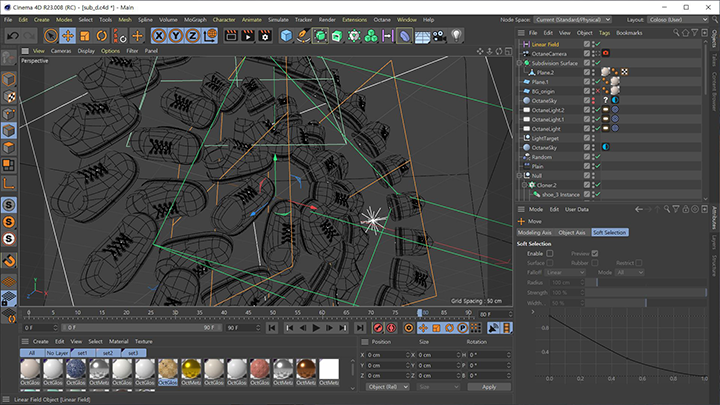
Example 06: MoGraph Animation
Part 04. Various Exercises
-

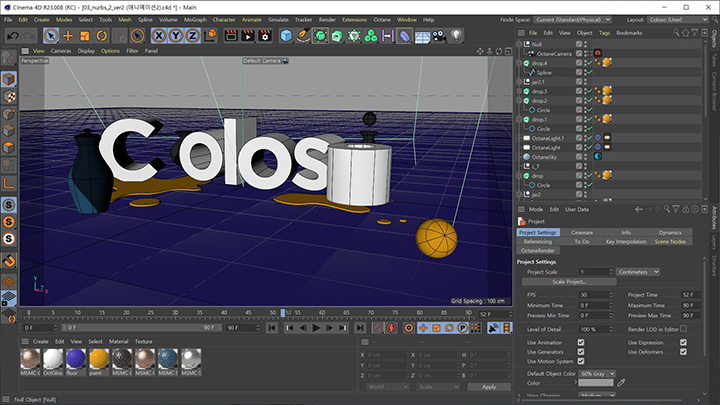
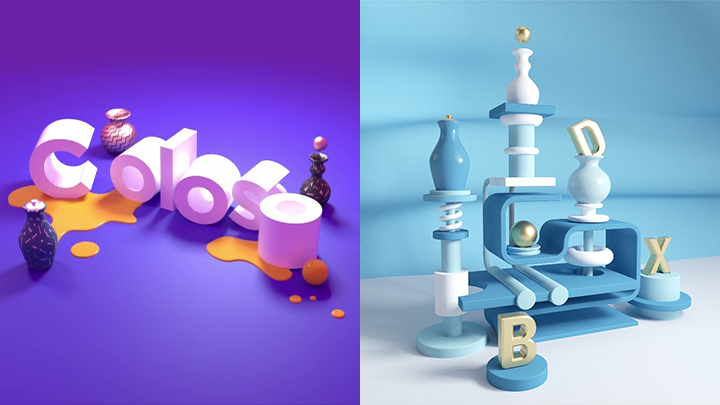
Example 07: Coloso Logo -

Example 08: Light blue ceramics -
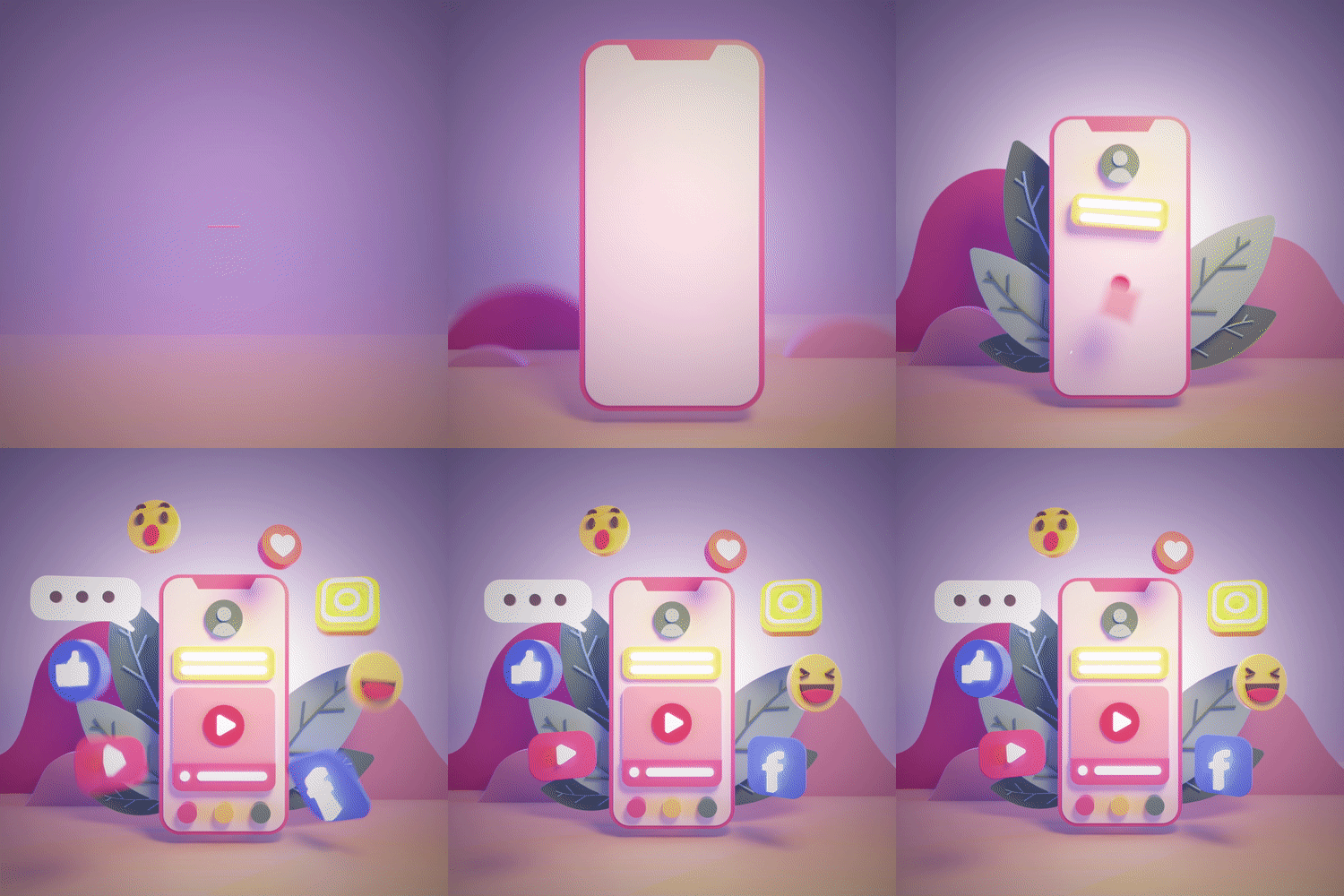
Example 09: Instagram
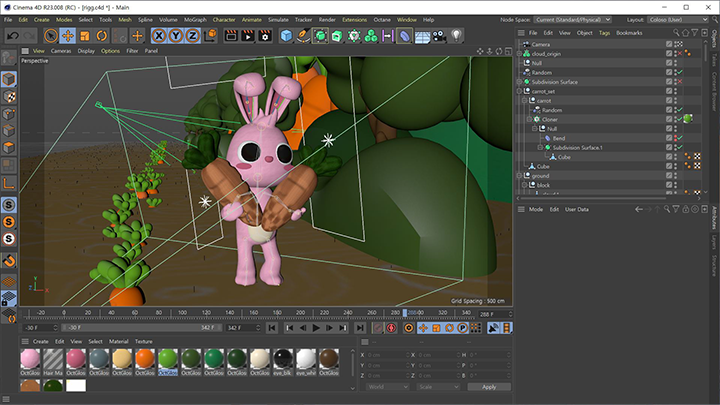
Part 05. Character Animation
-

Example 10: Rabbit Character
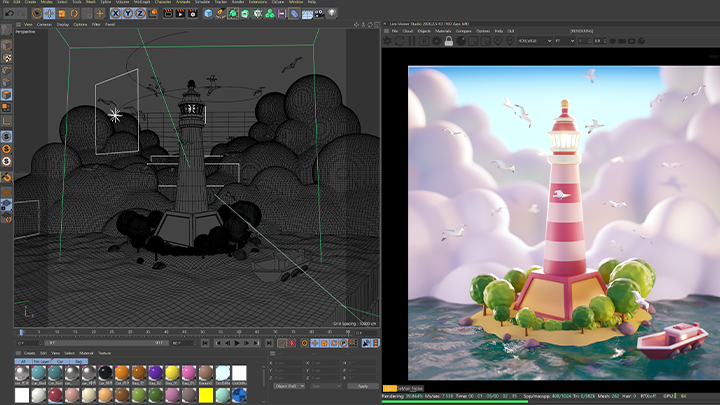
Part 06. Final Artwork
-

Example 11: Lighthouse -

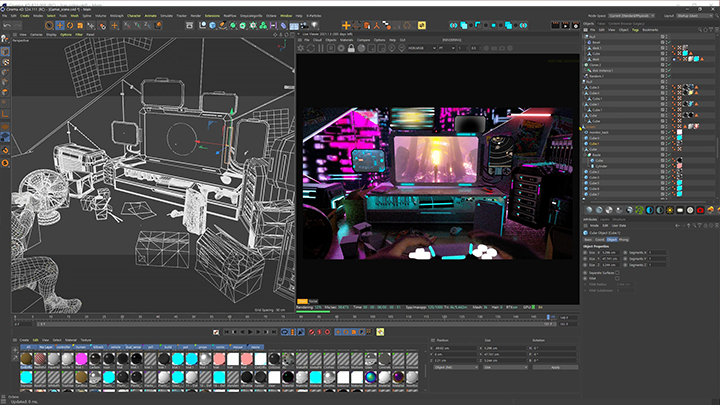
Example artwork -

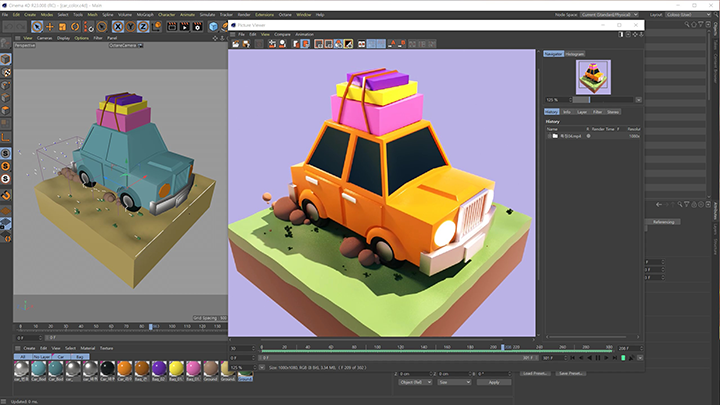
Example 12: Car
Speaker introduction
Motion Graphic Designer
Jaeho Kim
Hello, I’m Jaeho Kim, a Motion Graphic Designer and Director at Debox Studio. I’ve been responsible for advertising planning, production, art design, and directing for DIA TV, and have gained diverse experience through various projects, including corporate promotional videos and music videos.
In addition to my work, I’ve spent 2 years as a university professor and 6 years as an instructor at a major computer academy in Gangnam, always asking myself, ‘How can I help students learn 3D motion graphics in a more enjoyable way?’ and ‘How can I effectively share my know-how?’ Using this teaching experience, I’ve structured this class so that even those new to 3D graphics can gradually become familiar with Cinema 4D by working through simple, easy-to-follow examples.


Motion Graphic Designer, Jaeho Kim
[Current]
Director of Debox Studio
Former) Uncle Daddy Art Director
Former) Computer Academy Motion Graphics Instructor
Former) Adjunct Professor at Hongik University
Former) Adjunct Professor at Kyungmin University
Projects & Awards
[Participated Projects]
2021 | H1GHER MUSIC 'Woodigo Child - Jackson' music video CG
OUI Entertainment 'WEI - Starry Night' music video CG
Channel A 10th Anniversary ‘Smile Invasion’ web drama CG
Cowon ‘Noise Canceling Earphones’ 3D CG
Daewon CI ‘Cheonchu’ webtoon promotional video
Naver webtoon ‘Infinity’ promotional video
ZEPETO
K-Star Live Application Video
MBiome car filter promotional video
Ministry of Land, Infrastructure and Transport
Baskin Robbins SNS 3D promotional video
‘New World of Human Brainwaves’ exhibition video
Sejong City ‘Naseong Night Street’ promotional video
Korea Automobile Research Institute's 'Flying Car' exhibition video
2020 | Ministry of SMEs and Startups
G&G Toner Infographic Promotional Video
HelloCharger exhibition video
Mintech advertising video
MeetGreen migratory bird infographic video
Liposound medical device promotional video
The Ribbon promotional video 3D character rigging
2019 | WeMakePrice Home Shopping Advertisement
Dove
Yongin Cultural Foundation ‘Backstage Tour’ advertisement
Production of YouTube monotube channel ‘Kang Dong-won Vlog’ and ‘Heize Vlog’
[Awards]
Newyork Festival First, Third 2013
Creativity Awards Gold Award 2013
[Education]
Graduated from Hongik University, Department of Communication Design
class features
Class Highlights
Anyone Can Create 3D Graphics, Even Without a Design or 3D Space Sense
3D motion graphics that feel vague and difficult, making it difficult to take the first step! In this class, we will create cute and easy works one by one. Even if you lack sense, if you follow along well, you will soon be able to freely realize what you want.
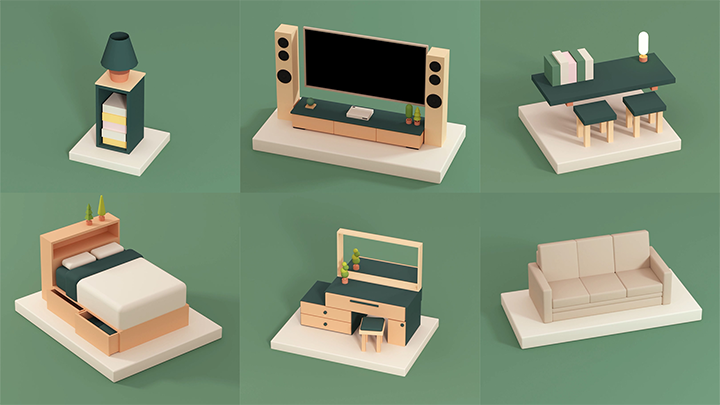
Essential Features of Cinema 4D That Are Easy & Fun to Learn
With easy and intuitive explanations and examples designed for beginners, even difficult functions can be handled naturally. Fill in the gaps in your motion graphics studies by summarizing the core functions of Cinema 4D at once!
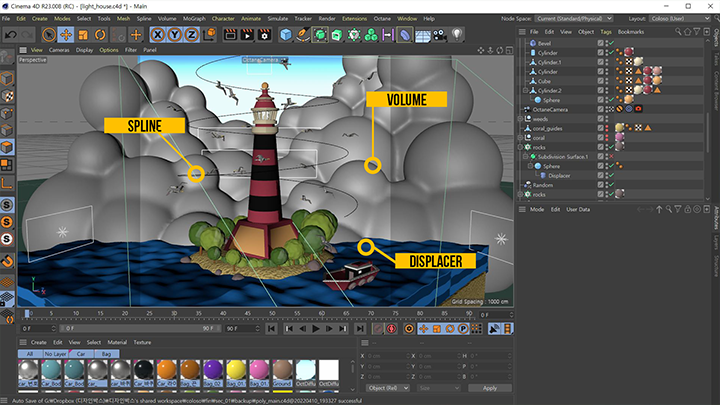
Provides Vivid Offline-like Classes and Step-by-Step Assignments to Improve Skills
For 3D motion graphics, just watching and following tutorials is not enough. We provide an 'assignment guide' so that you can actually apply what you have learned in class. You can check your own growth by comparing and reviewing your own work with the speaker's work files.
Class Details
You'll Learn
-
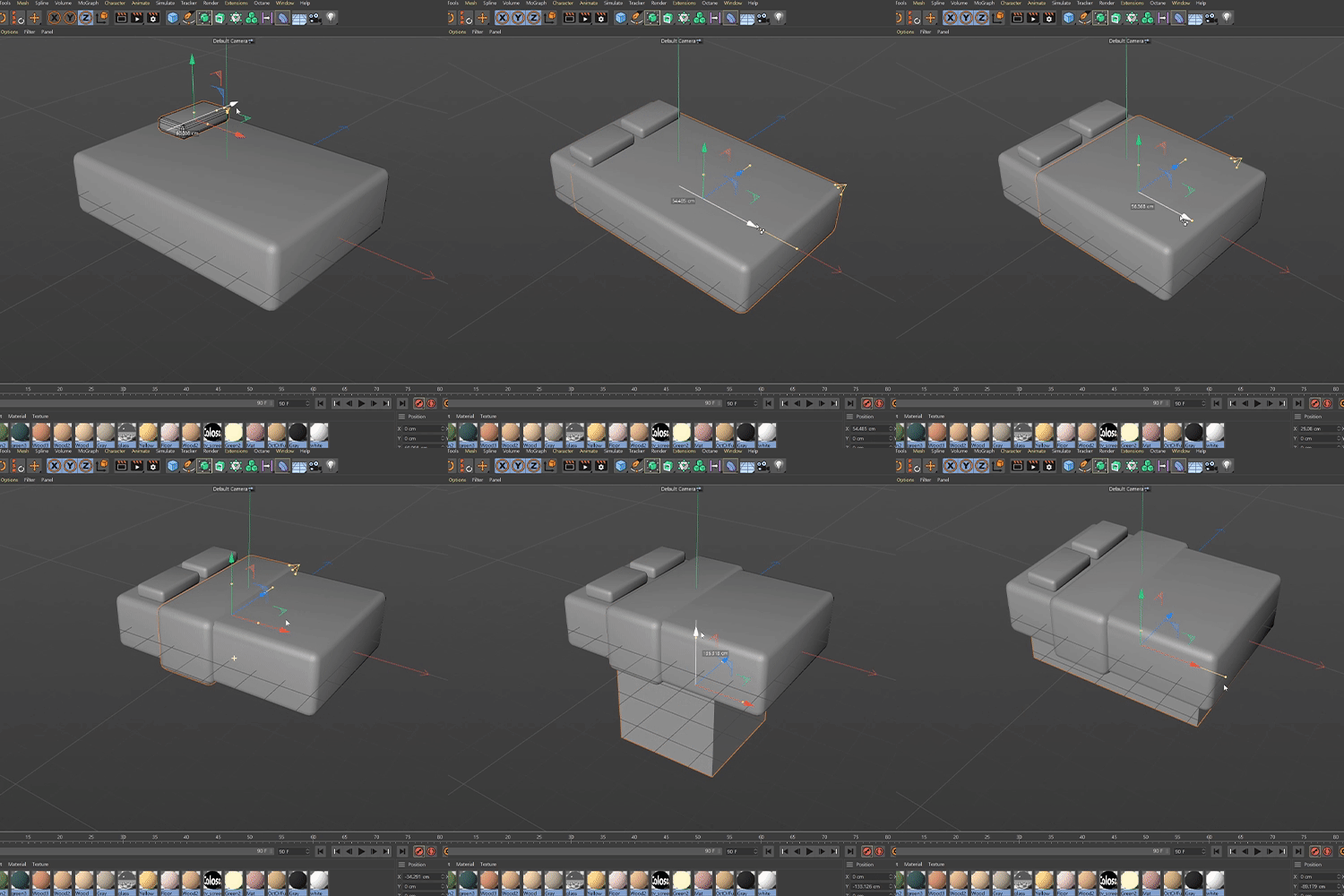 A to Z Modeling: Learning from Making Props to Decorating RoomsFrom modeling using basic shapes to polygon modeling, use of cut tools and subdivisions, and volume modeling, you will learn step-by-step all modeling frequently used in C4D and find the modeling method that suits you.
 -
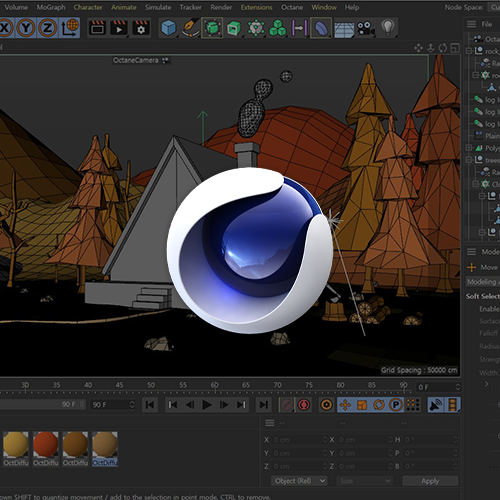
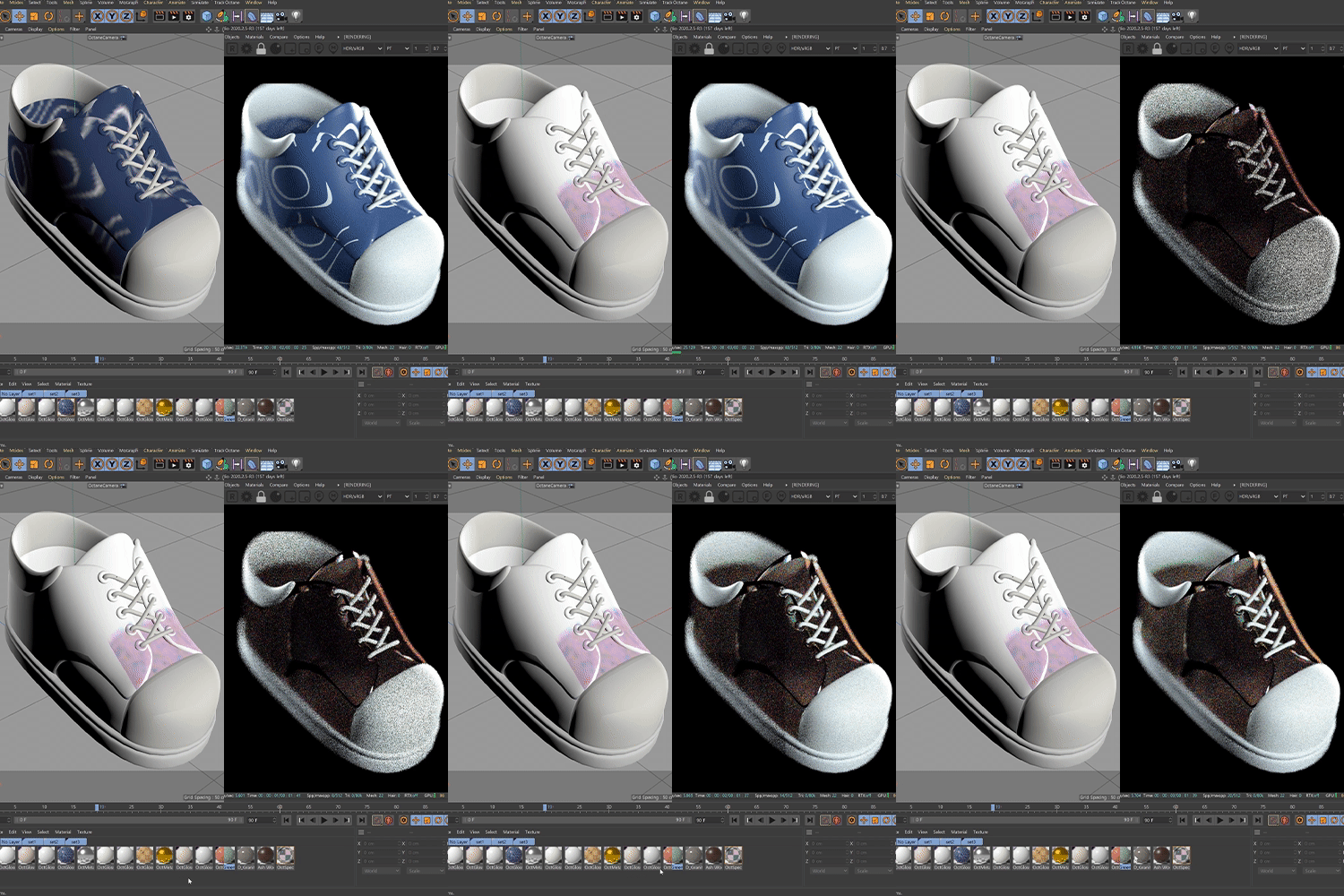 Texturing Using C4D and OctaneLearn how to express basic colors and materials using only C4D, and how to create new materials by mixing multiple materials. We also implement higher quality texturing through the combination of C4D + Octane.
 -
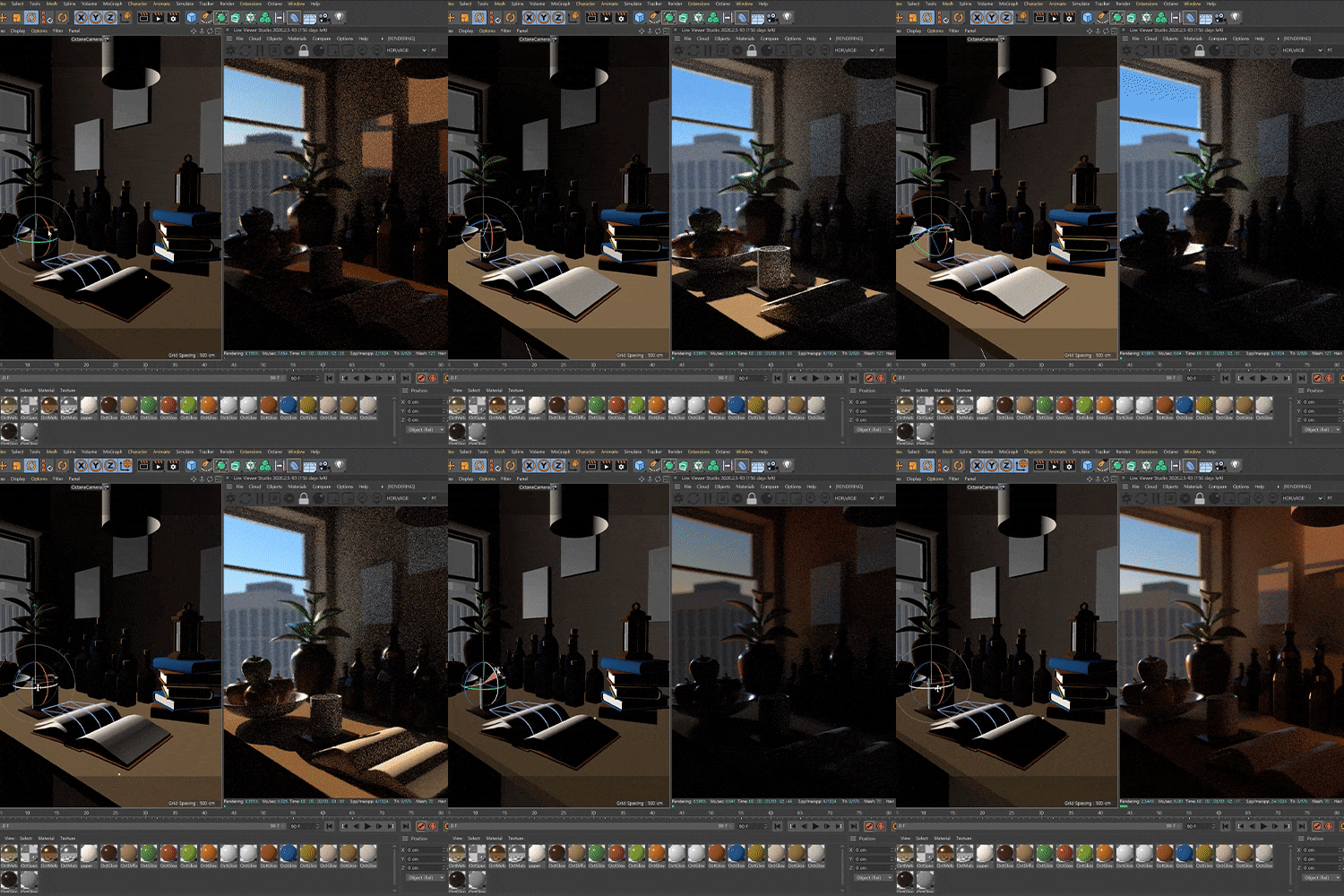 Understanding of Lighting and its Various ApplicationsWhat is the difference between key light and fill light? Get a feel for writing by trying out different types of lighting for each example.
-
 Motion and Animation Are Essential in Motion GraphicsLearn basic keyframing principles and how to use camera animations together. Additionally, you will understand and utilize ‘Mograph’, a core feature of C4D, and master animation through dynamic animation application.
 -
 How to Link Rendering and after Effects for High-Quality WorksYou've heard a lot about rendering, but learn it accurately in this class! We will teach you all about render settings for rendering using only C4D, how to link it with After Effects, post-editing that can be done in After Effects, and even useful plug-ins.
 -
 What If You Want to Become a Motion Graphic Designer after Taking the Course?I will provide guides and portfolio guides related to motion graphics employment on how C4D is used in practice.
curriculum
Curriculum
In-Depth Look
Section 01. Intro - First Steps in 3D
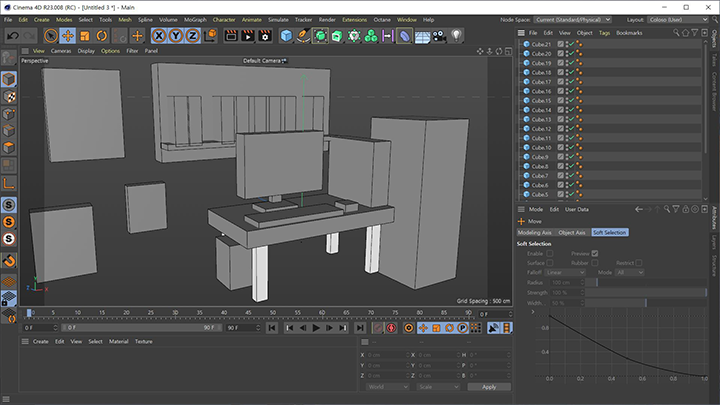
SECTION 02. 3D Room Decoration
SECTION 03. Break Free from C4D Beginner Challenges
SECTION 04. Core Functions Used by Motiongraphers
SECTION 05. Various Exercises
SECTION 06. Character Animation

SECTION 07. Final Artwork
SECTION 08. Bonus
Interview with
Motion Graphic Designer, Jaeho Kim

Question.01
What are the main points of this class?
What are the main points of this class?
For beginners, 3D graphics can seem difficult and this often leads to giving up. Of course, Cinema 4D is not an easy tool. However, based on my long teaching experience, I believe I can teach beginners about Cinema 4D and 3D graphics in an easy and concise way. If you follow this class carefully, you will be able to enjoy the fun and excitement of 3D graphics while producing high-quality results in a simple way .
Question.02
Who would you recommend this class to?
Who would you recommend this class to?
First of all, we are beginners in motion graphics . I highly recommend it to anyone who wants to get started lightly for hobby purposes and get a taste of learning the basic functions. Next, I recommend it to those who feel the limitations of 2D motion graphics and want to experience 3D . By learning Cinema 4D, you will be able to complete more three-dimensional and realistic works. Lastly, I think that even those who are afraid of 3D motion graphics will be able to easily learn Cinema 4D and gain confidence in this lecture.
Question.03
What can students take away from this class?
What can students take away from this class?
Cinema 4D has numerous functions, some of which are frequently used and others that are less frequently used, depending on the field. In this class , you will be able to cover all the functions, select the ones you need, and build your own style. We created this class so that you can open this class and learn again whenever you get stuck in something in the future.
Question.04
What is the difference from the Design Box channel?
What is the difference from the Design Box channel?
When many beginners first learn Cinema 4D, they receive free lectures on YouTube. I am currently running the ‘Design Box’ channel and uploading Cinema 4D lecture videos. Unlike YouTube, where content is uploaded sporadically , the class has a systematic curriculum for beginners. You can learn the core functions of Cinema 4D by listening to only the lectures you want for each step and part.
Required Programs
This course will use
- Cinema 4D R24,
- Octane Render 2020.2.5.R3,
- After Effects CC 2022
Please purchase and install these program(s) for an optimized chapter experience.
* You can use the R22 or R23 versions of Cinema 4D, and you can take After Effects regardless of the version.
* The minimum version of Octane Render is 21.1.1.R3.
* Programs and materials are not provided separately.