MotionGraphicDesigner,ChanhyungChun_모션 디자이너 전찬형 Details
Class introduction
introduction video
Motion designer, Chanhyung Chun
“Coloso will teach you how to create a unique atmosphere with background artwork.”
Don't leave your amazing work lying around on a white background anymore.
No matter how well-made an object is, in the end, it is the background that takes up more than half of the artwork! Was it difficult to design a background that filled the field of view but did not take away attention?
Meet the class of Chanhyung Chun, a freelance motion designer loved by numerous brands and artists.
Meet the class of Chanhyung Chun, a freelance motion designer loved by numerous brands and artists.
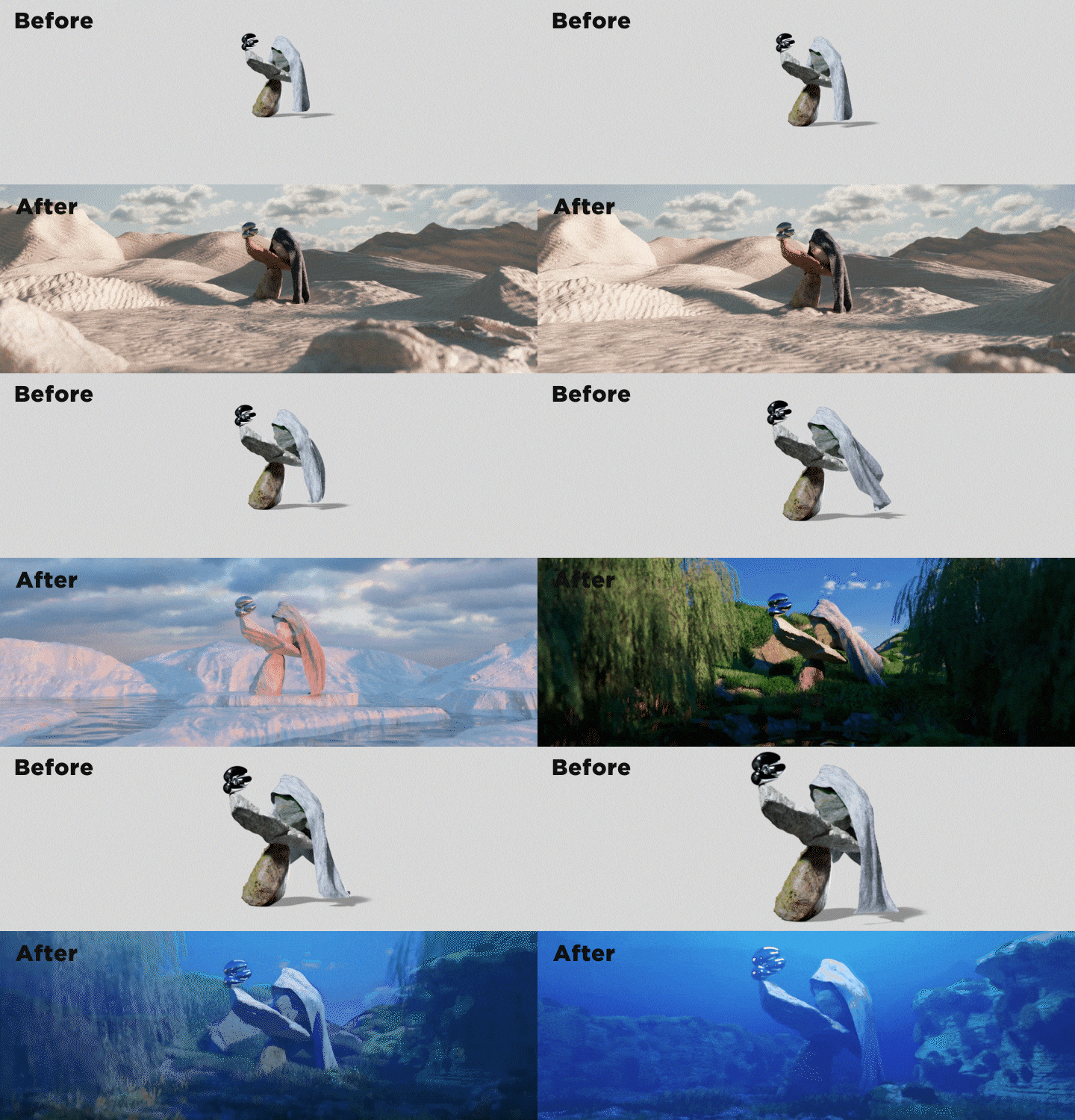
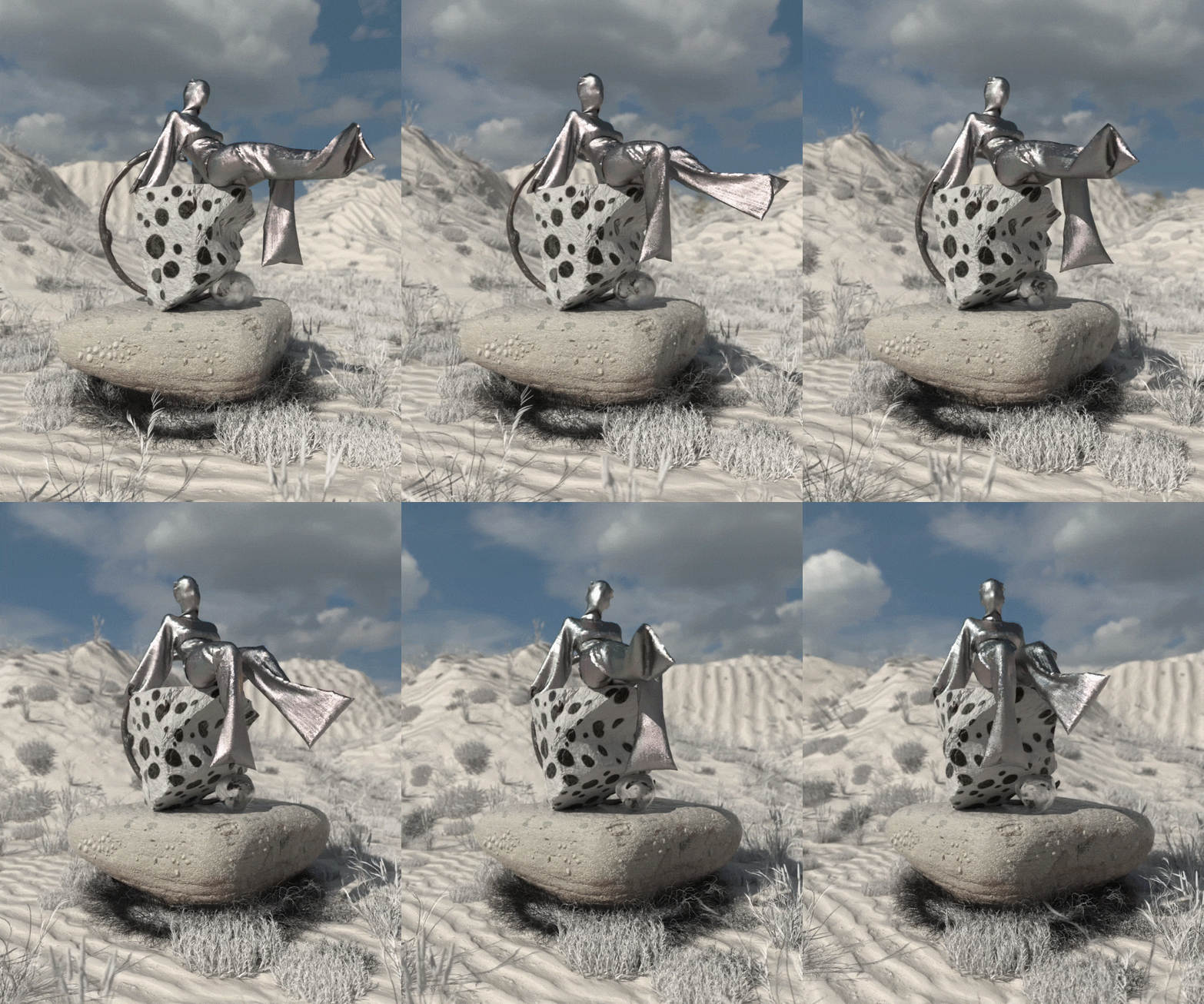
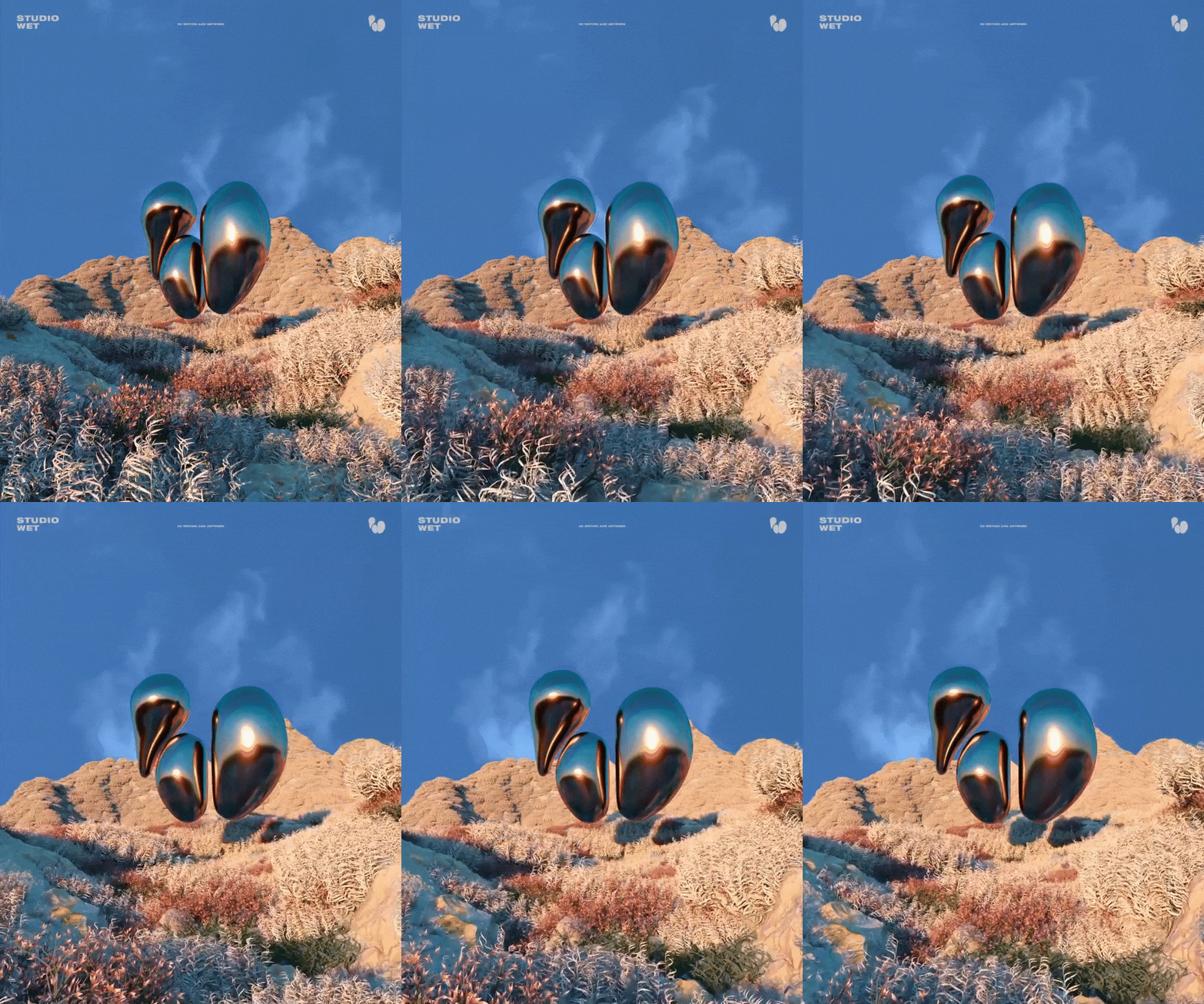
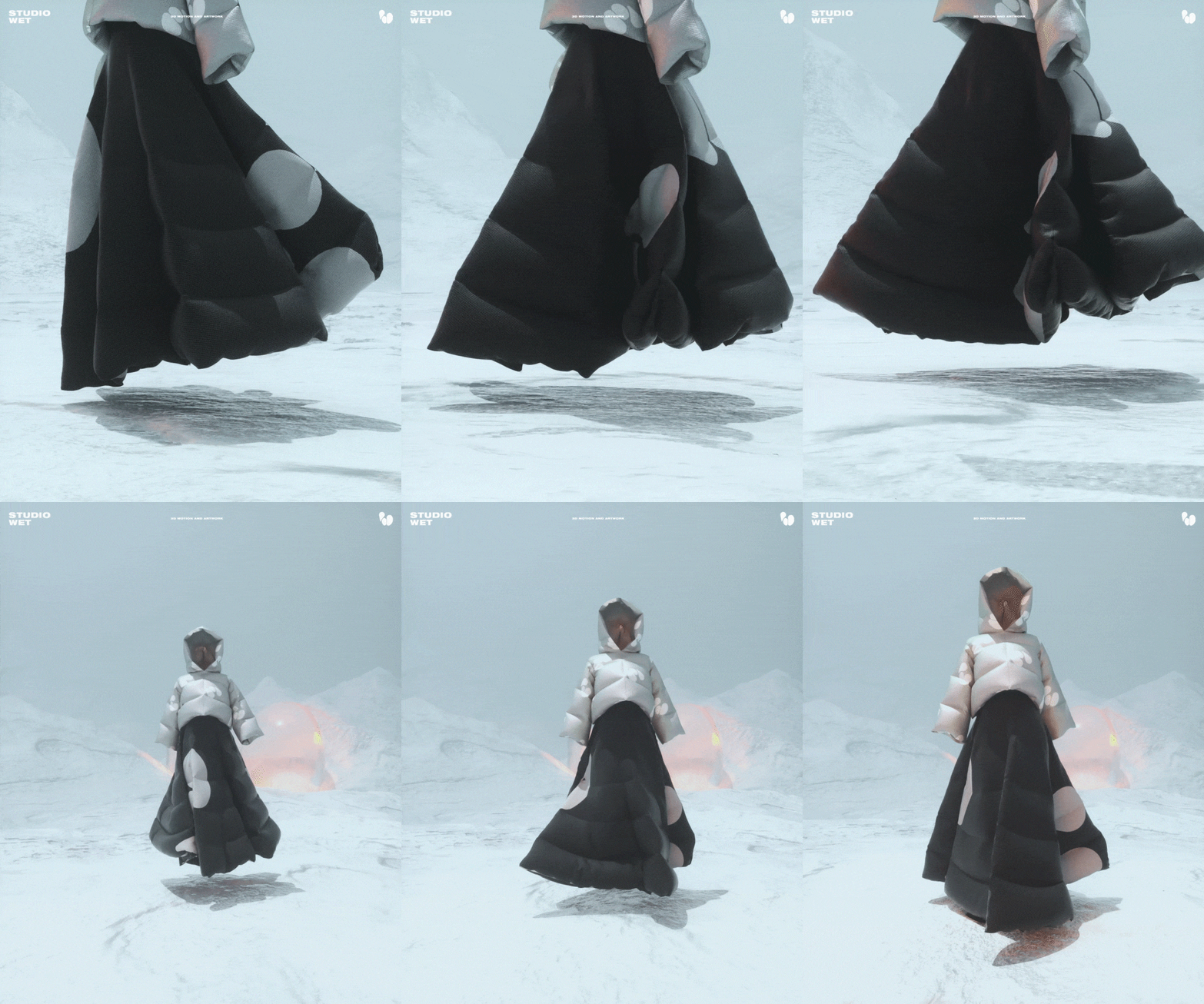
Background design know-how that can effectively reveal the atmosphere and concept of the work is revealed! You can work with your own hands on the most trendy landscape-type examples, such as deserts, glaciers, forests, and the deep sea.
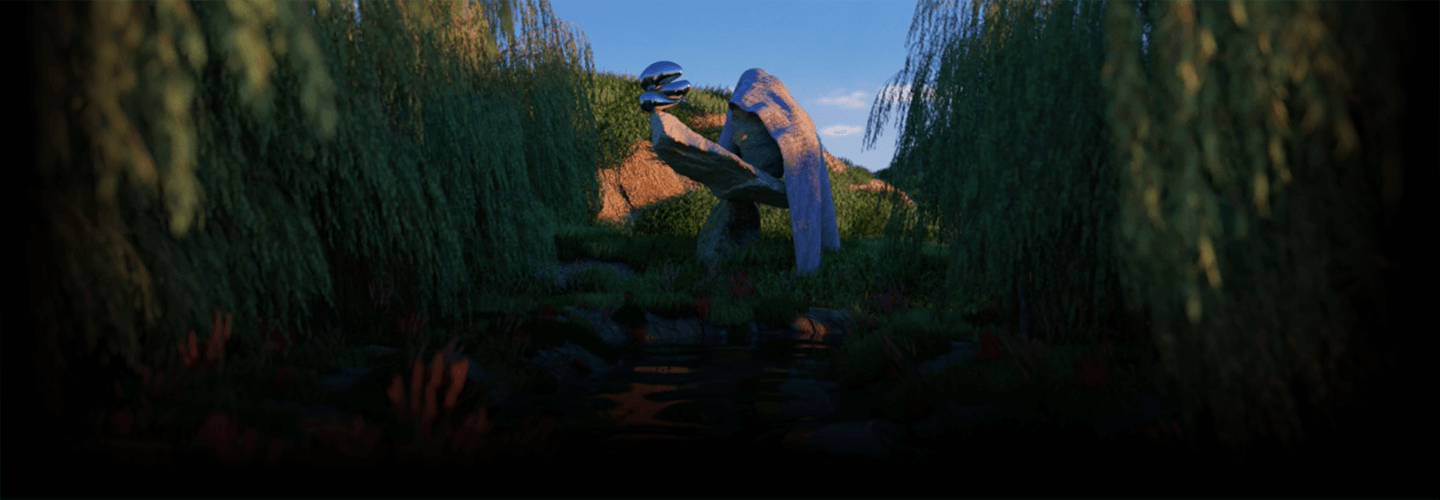
Give wings to your portfolio with motion designer Chanhyung Chun ’s 3D background artwork class.
Chanhyung Chun Jeon’s portfolio
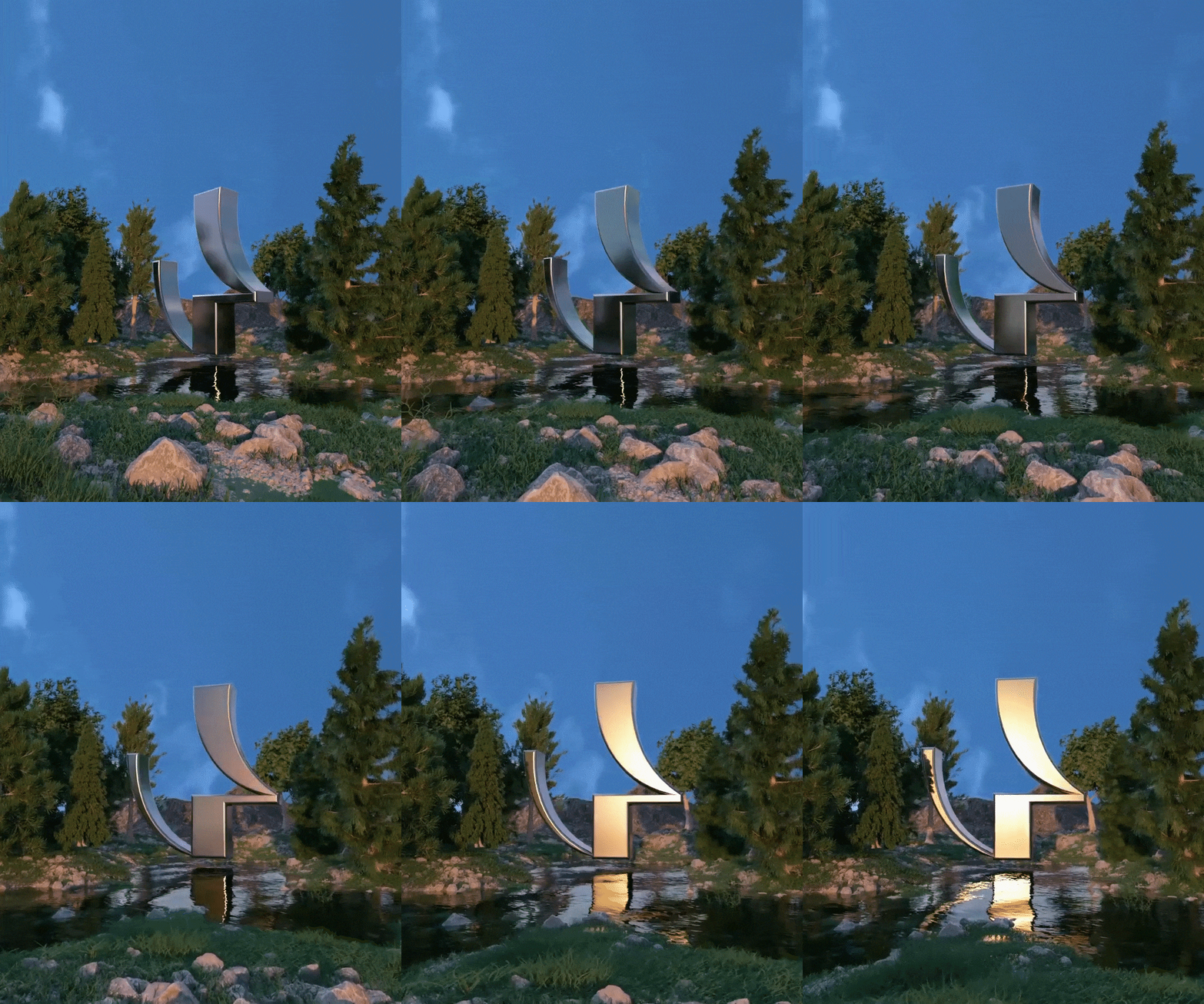

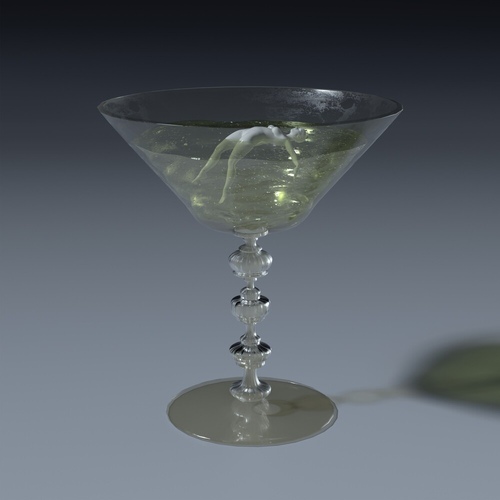
Why motion designer Chanhyung Chun’s class is special
Unrivaled quality and trendiness at the same time! Korea’s only full 3D background artwork class
High-quality natural background artwork that can make unrealistic products and artifacts stand out is the trend these days! In this class , you can learn the practical workflow of gradually building up details based on the basic framework of a landscape-type background.
In addition , color/placement theory that allows each element in the artwork to blend well together, as well as useful tips for looping motion graphics that are often used in SNS and branding videos!
Check out the curriculum for all aspiring artists who want to learn artwork, upgrade their artwork skills, and increase their value with artwork at Coloso now.
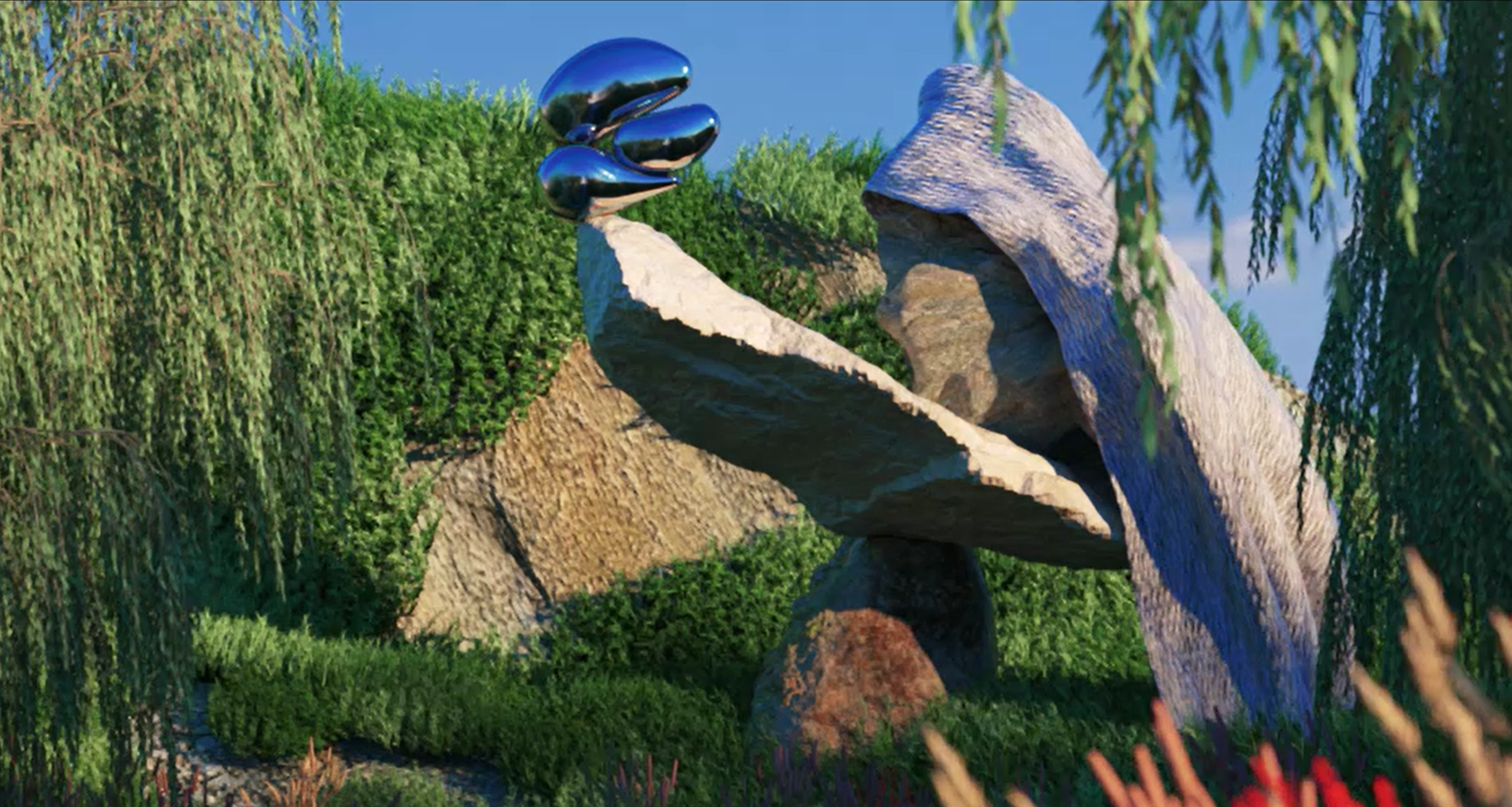
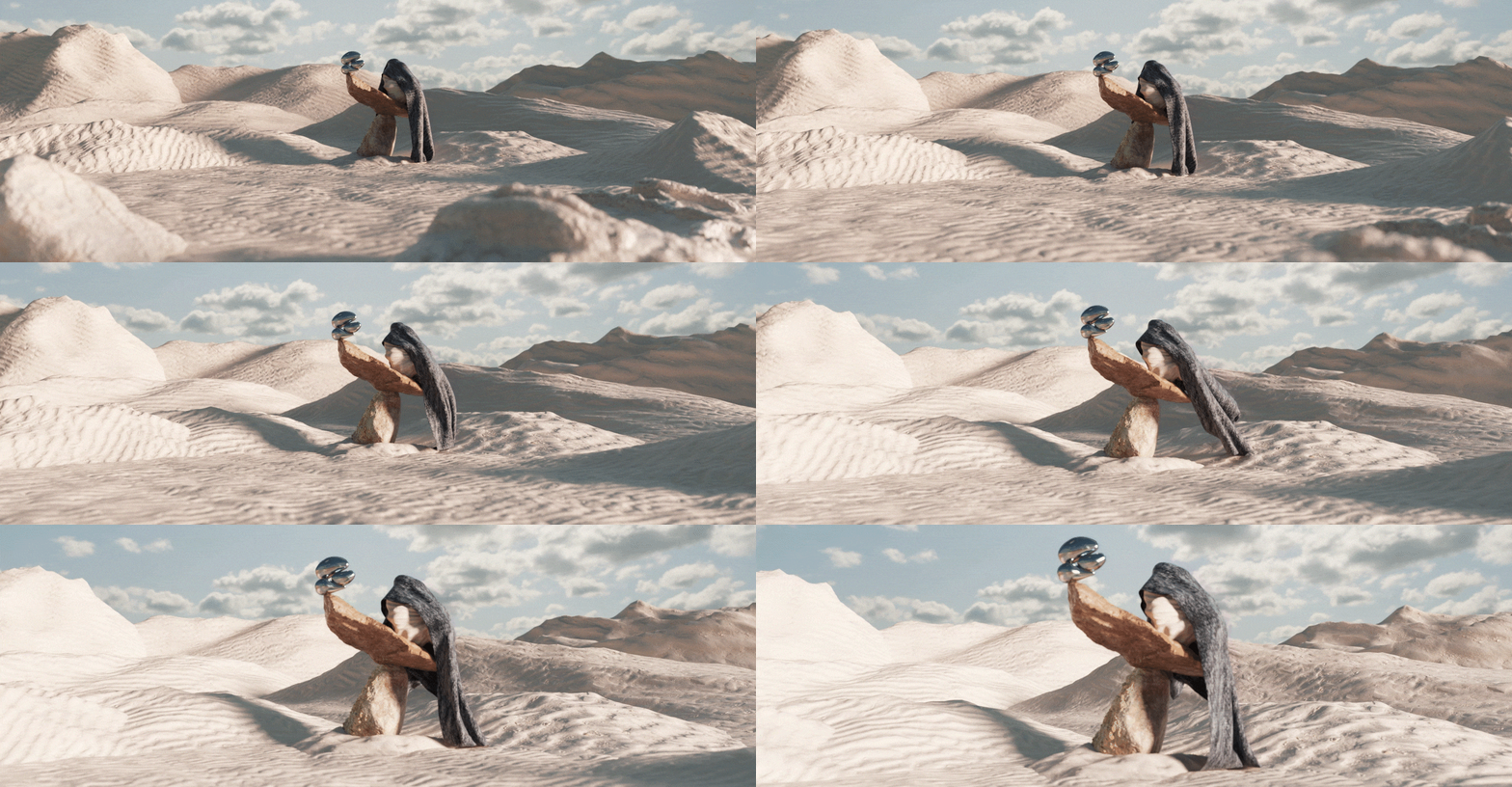
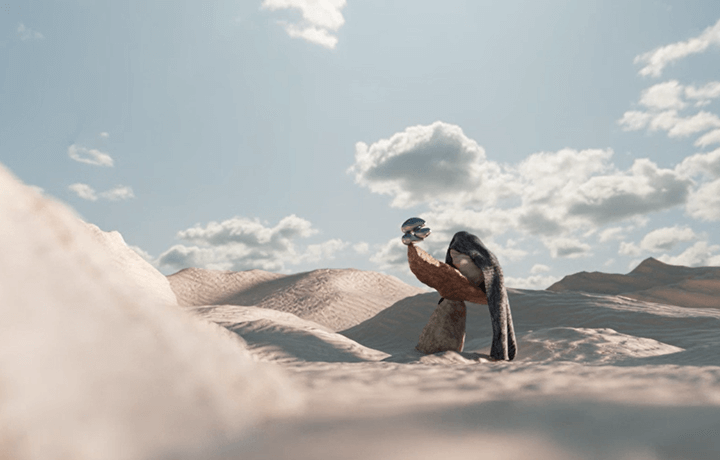
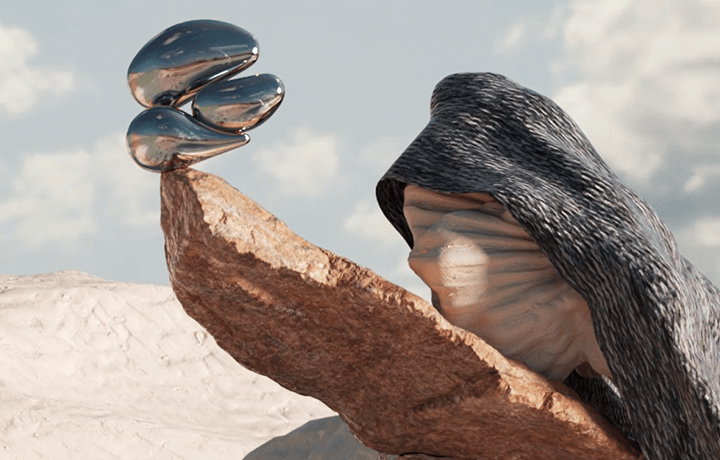
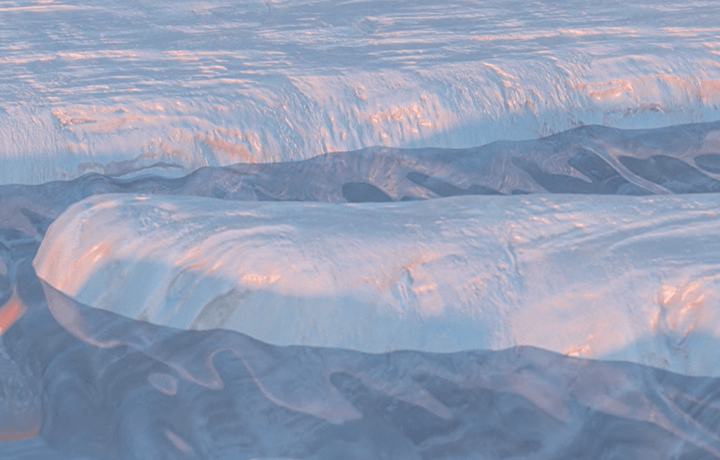
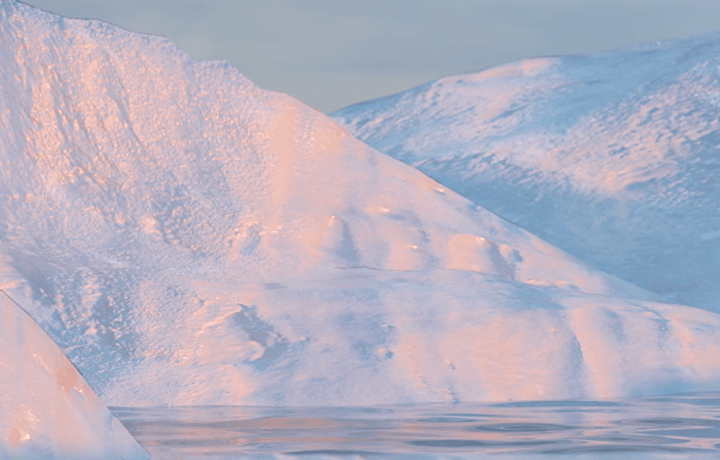
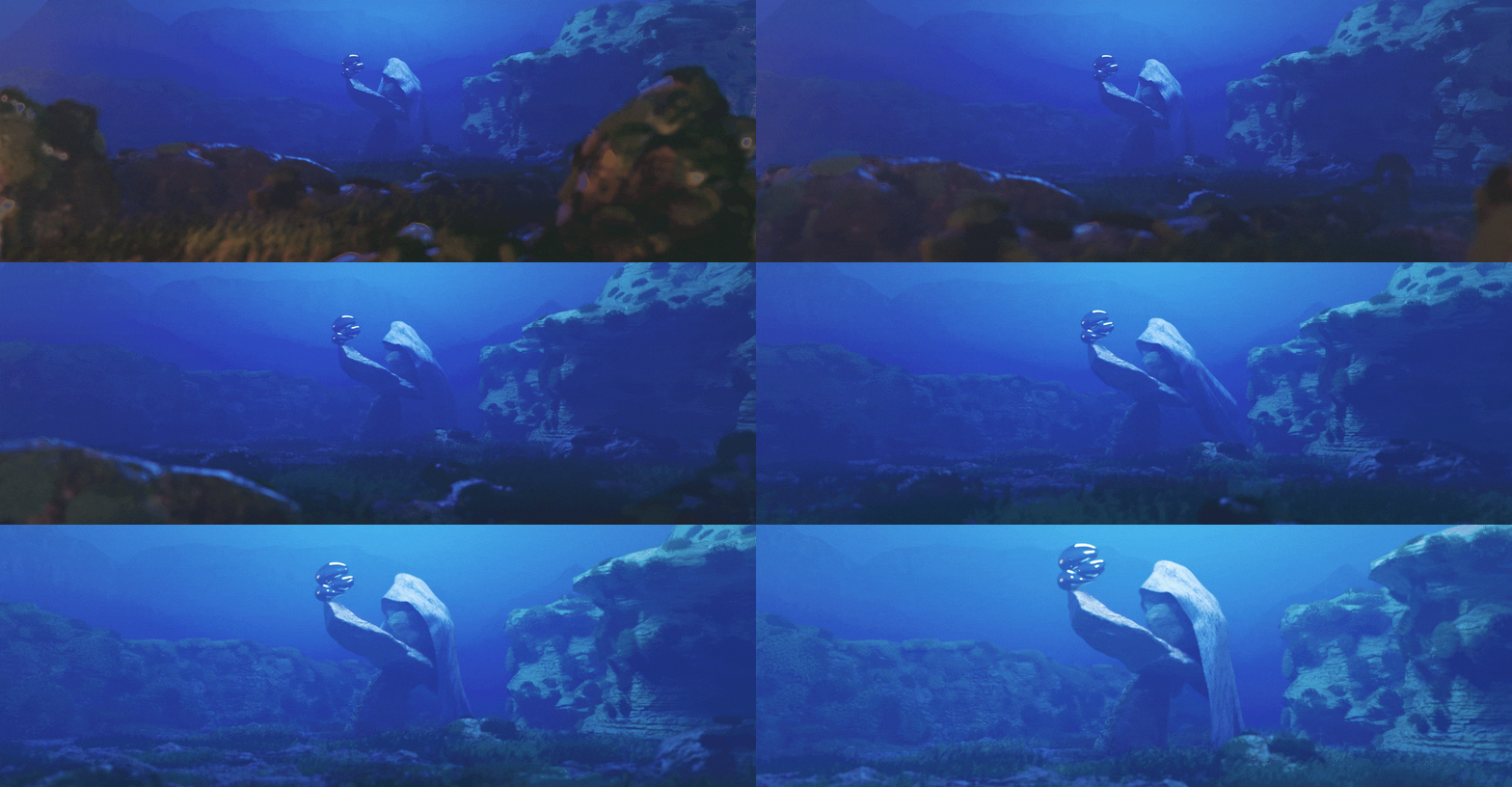
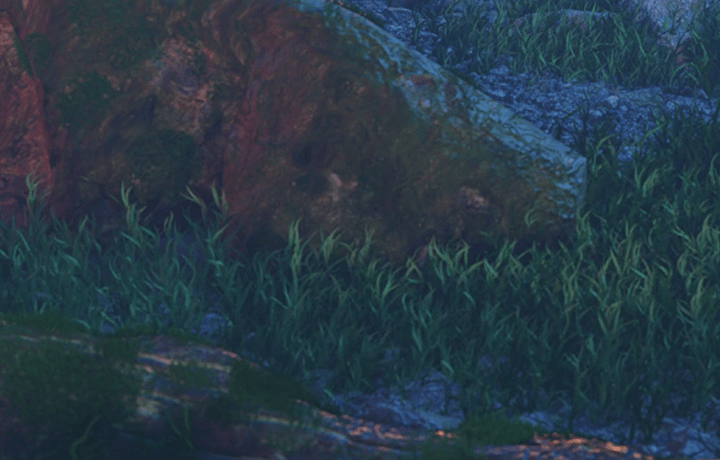
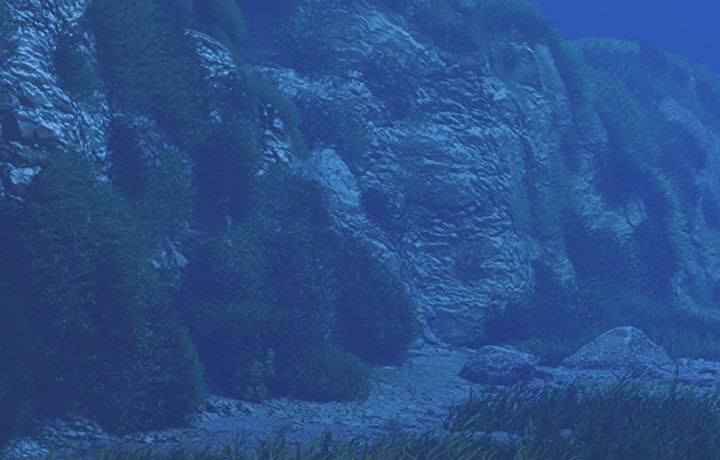
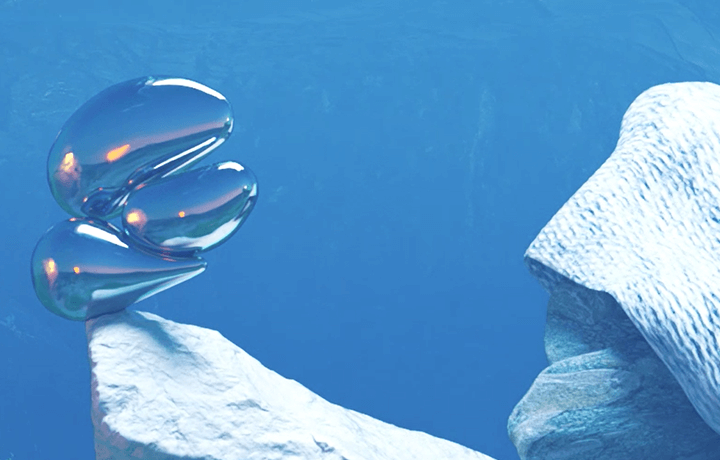
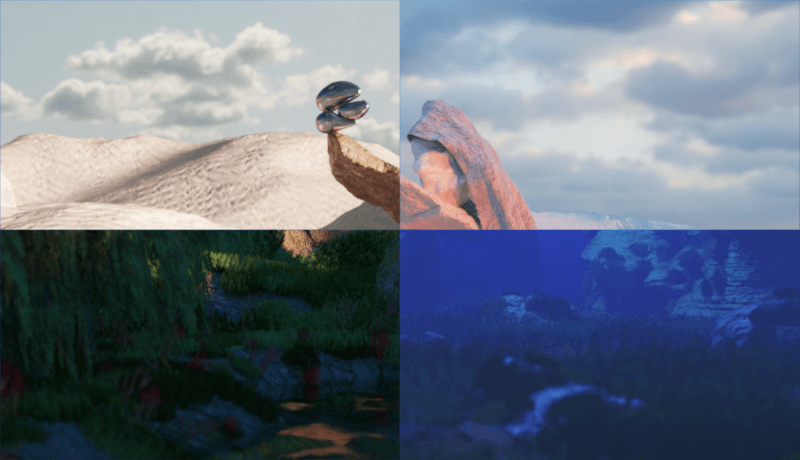
In this class, we will create four representative examples of natural backgrounds.
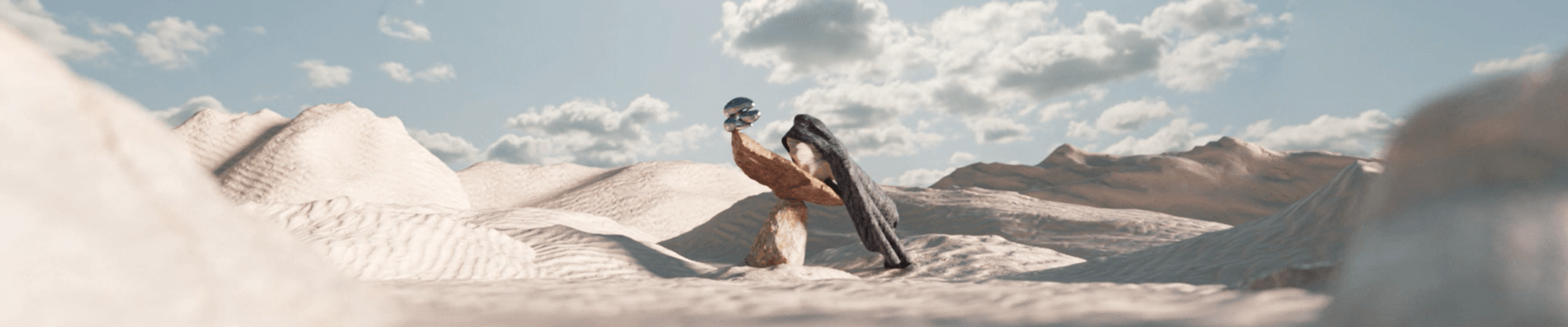
01. Desert
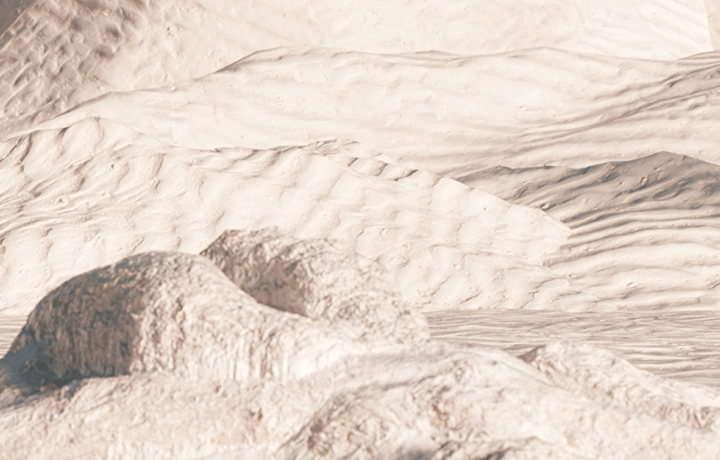
02. Glacier


03. Forest
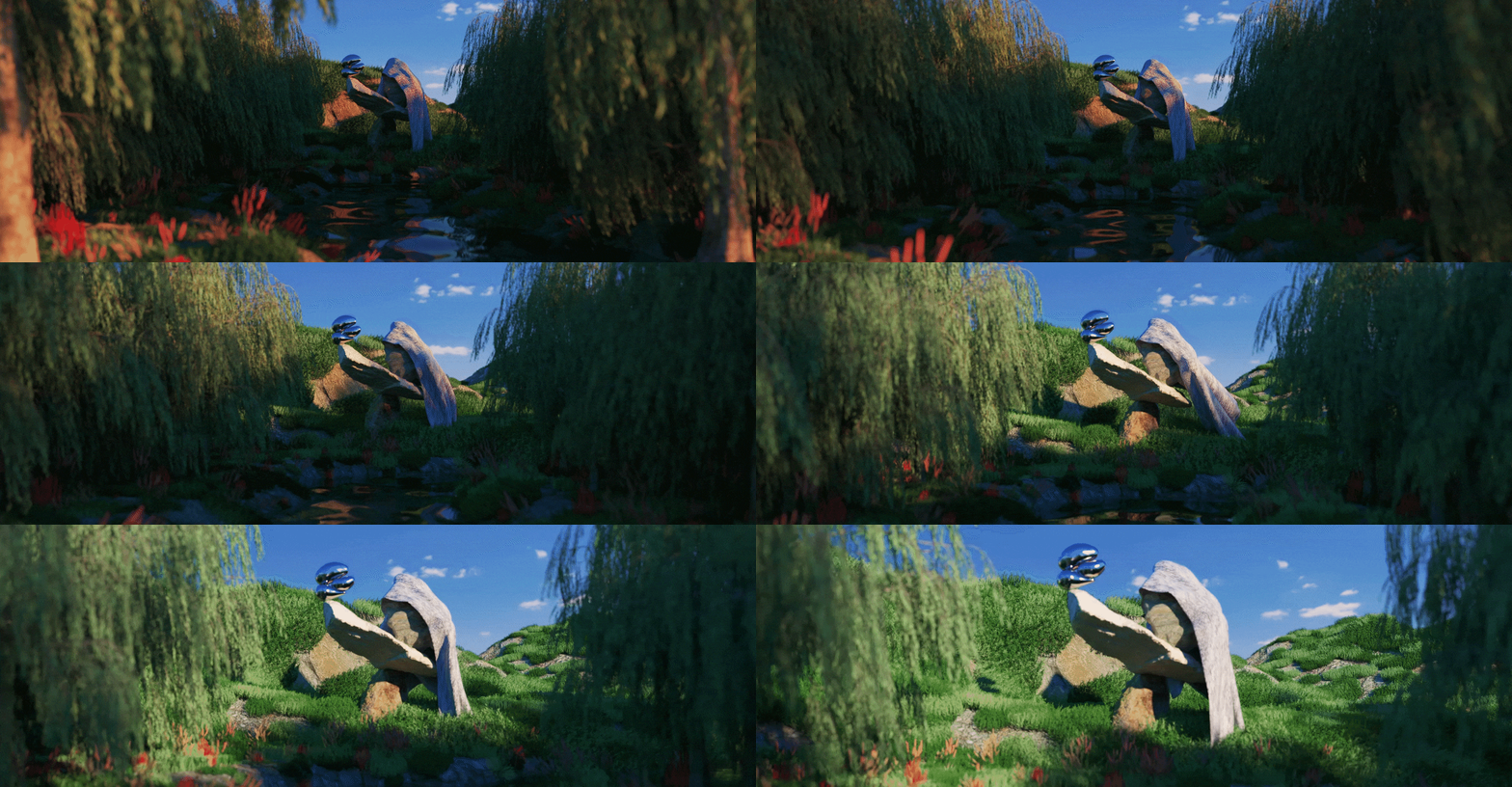
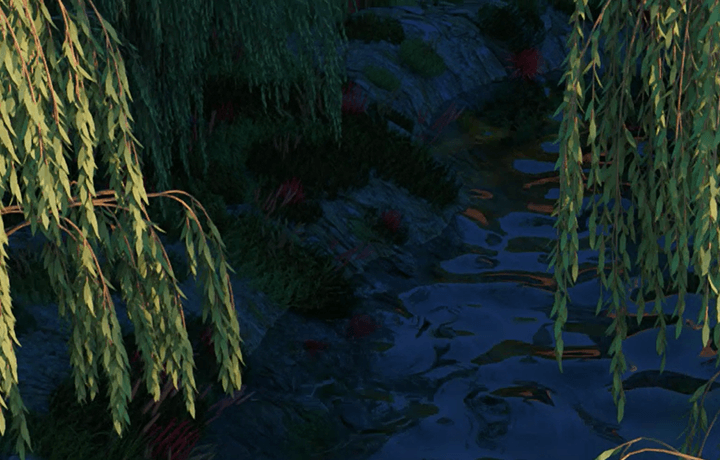
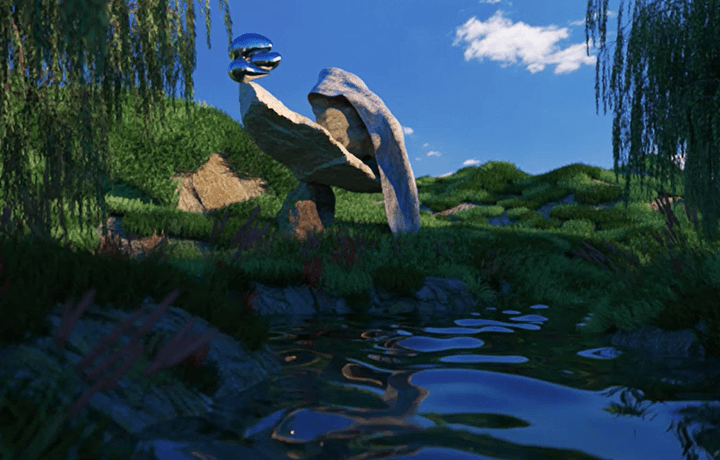
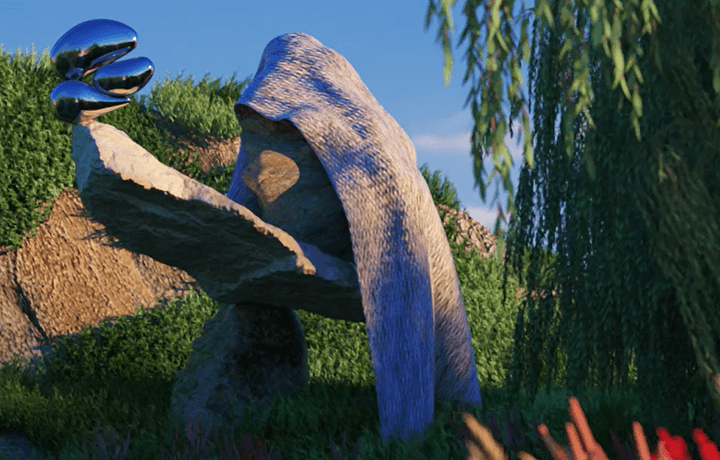
04. Deep sea
Speaker introduction
motion designer
Chanhyung Chun
Hello, this is motion designer Chanhyung Chun. I majored in convergence arts at Kaywon University of Arts and Sciences and am currently working as a freelance 3D motion designer.
We are continuing our work without being limited to any field, such as collaborating with brands such as Cartier, Starbucks, Converse, Nudake, and KUHO, as well as participating in music video VFX production for Oh Hyuk, Aespa, Chungha, and BB. As I majored in sculpture in college, I thought a lot about the importance of background work that makes an object stand out. In this class, we will teach you how to work with wide, full 3D backgrounds often used in advertisements and music videos, as well as practical know-how to make key objects stand out.
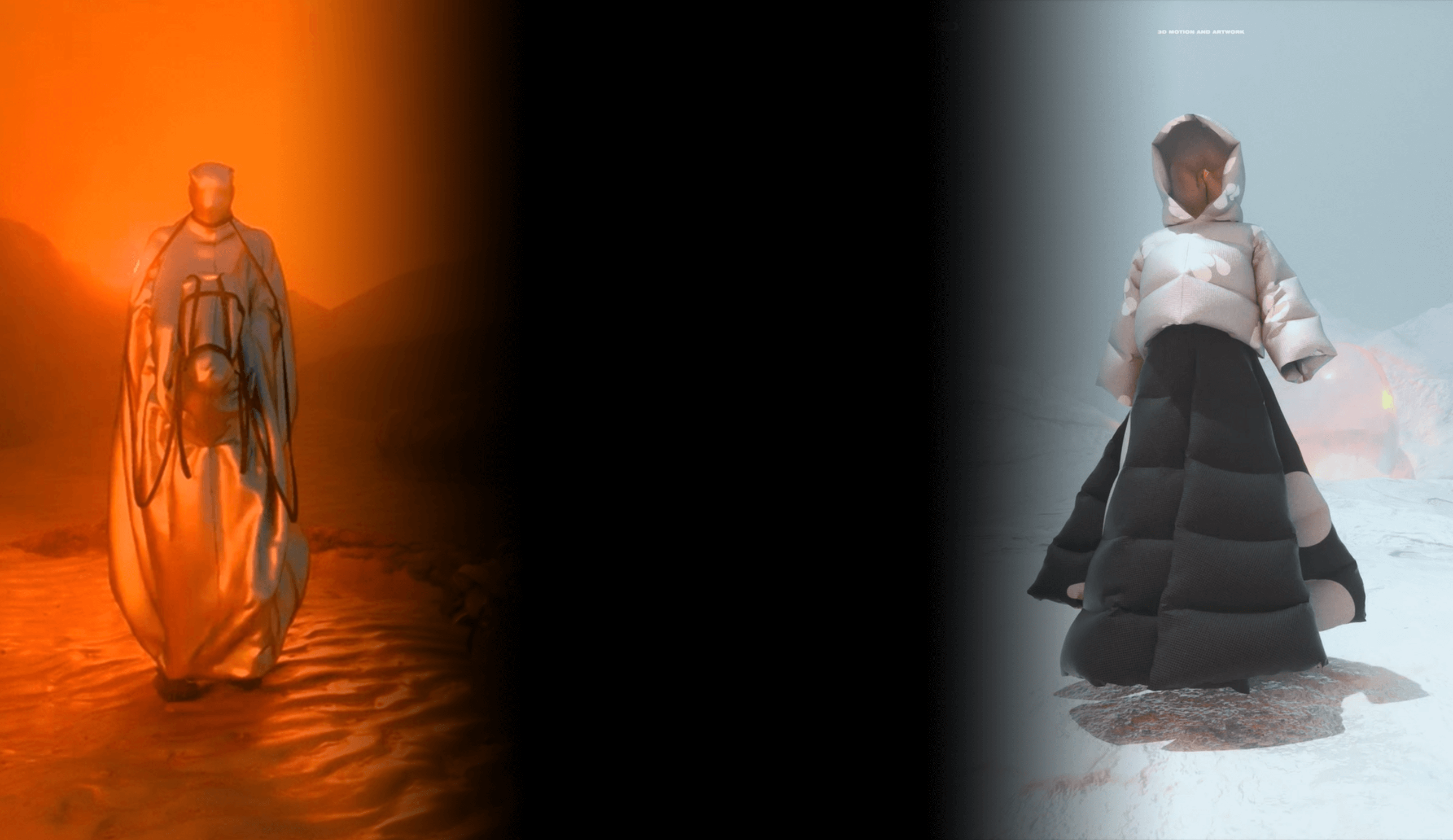

Motion designer Chanhyung Chun
Current) STUDIO WET 3D MOTION DESIGNER
View more history
[Music Video]
[Espa] SAVAGE
[Oh Hyuk
[Chungha]
[Bibi] Goodbye
[Weekly] ZIGZAG
[Album Art]
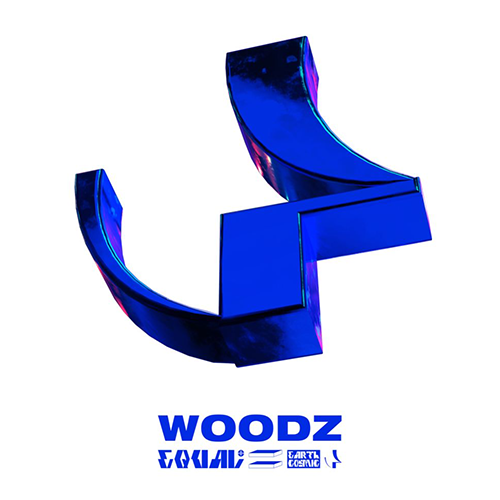
[WOODZ] EQUAL
[Silica gel] Hibernation
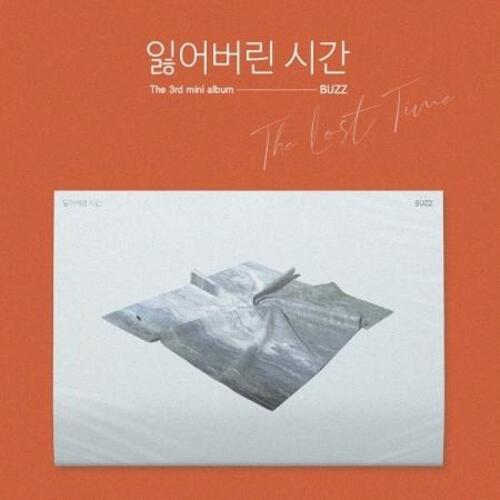
[Buzz] THE LOST TIME
[Smile] SLOW RUNNING
[IOAH] FACELESS
[Motion Design]
[Cartier
[Starbucks] Byuldabangjeom Media Art Wall 3D VISUALIZER
[Yugyeom] DANDELION MD 3D VISUALIZER
[KUHO
[NUDAKE] PEAK TRUCK 3D VISUALIZER
[NUDAKE] WHITE PEAK 3D VISUALIZER
[ADD] 21 SPRING COLLECTION “THE FRACTURED LIFE” 3D VISUALIZER
[MERRELL
[WOODZ] SET 3D VISUALIZER
[CONVERSE] THE CREATIVE WORKSHOP 3D ARTWORK
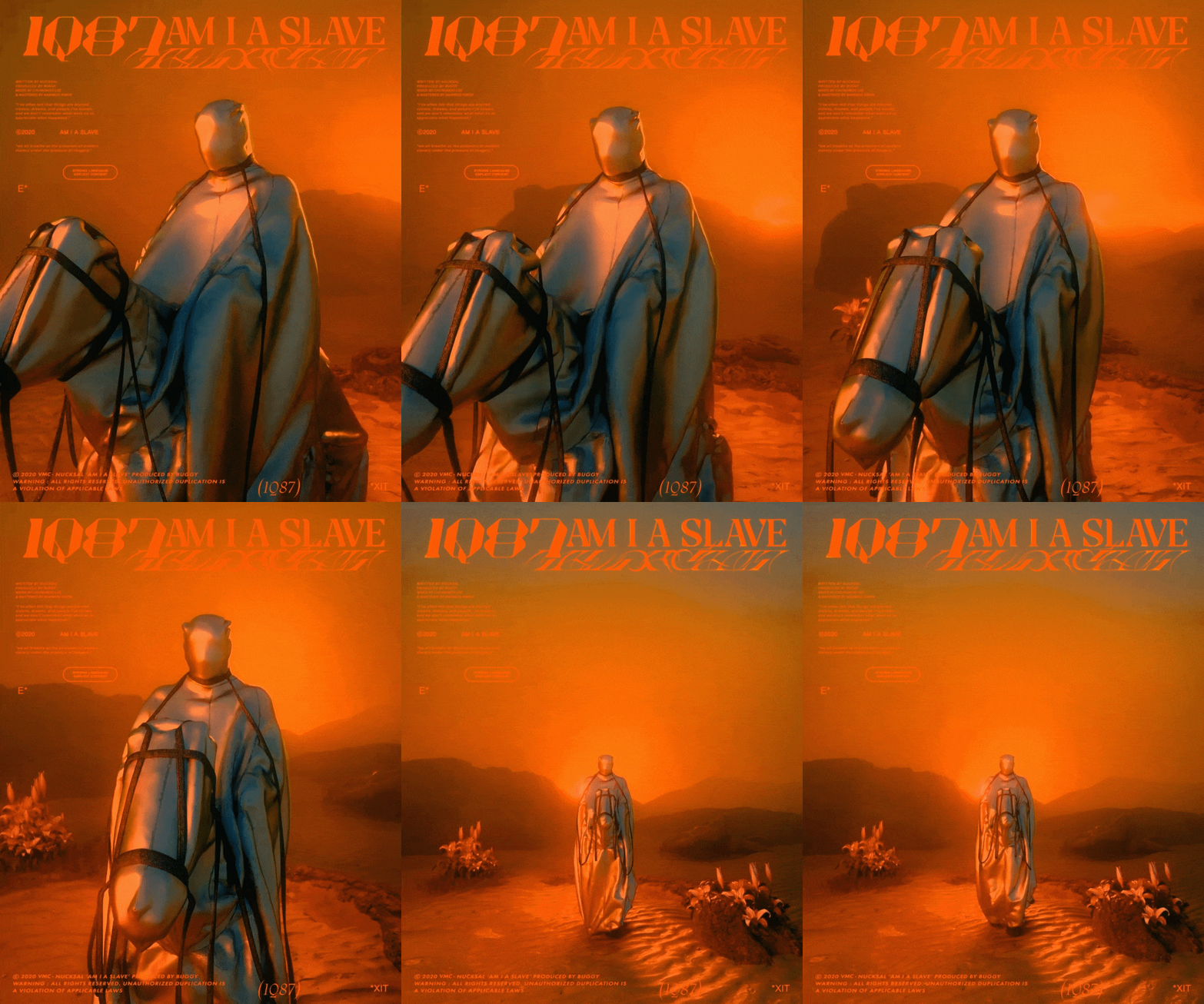
[Nucksal] AM IA SLAVE 3D VISUALIZER
[BB] Goodbye MV 3D VFX
[WOODZ] 3D LOGO VISUALIZER
[VMC] 2019 YEAR-END CONCERT 3D VISUALIZER
[CONVERSE] ONESTAR BLOCK PARTY stage background 3D video
[JCELF] Naver On Stage stage background 2D video
class features
class features
Examples of background artwork in four styles covering everything from the basics to advanced background production.
You will simultaneously learn techniques for composing four different style scenes and utilizing essential functions such as background work skills, LANDSCAPE, DISPLACER, and VERTEX MAP that determine the mood of 3D artwork.
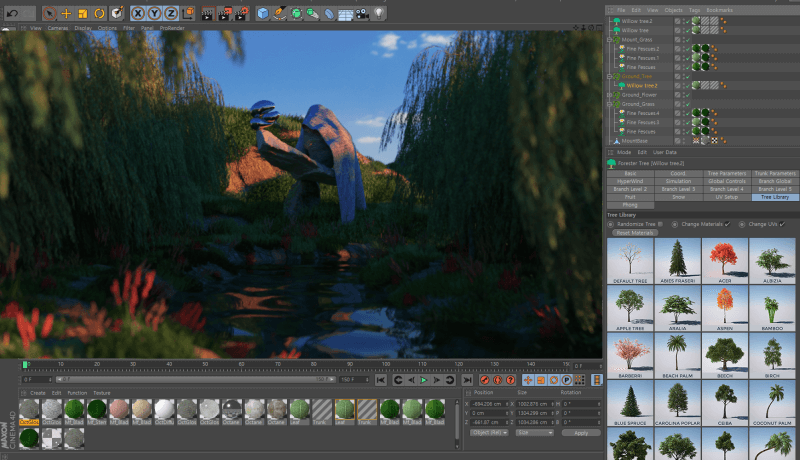
FORESTER plugin Korean tutorial for high-quality background elements
Learn how to adjust detailed options and how to efficiently create background elements related to nature, such as trees, stones, grass, and flowers.
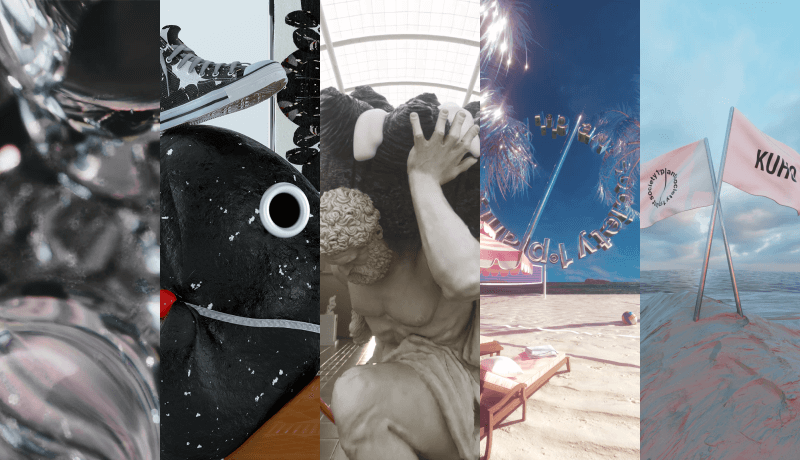
Know-how to create artwork with a hip and unique style
From artwork from numerous brands to music videos from famous artists! We reveal the know-how to create artwork with the speaker's unique, trendy style.
Class composition
learn this
-
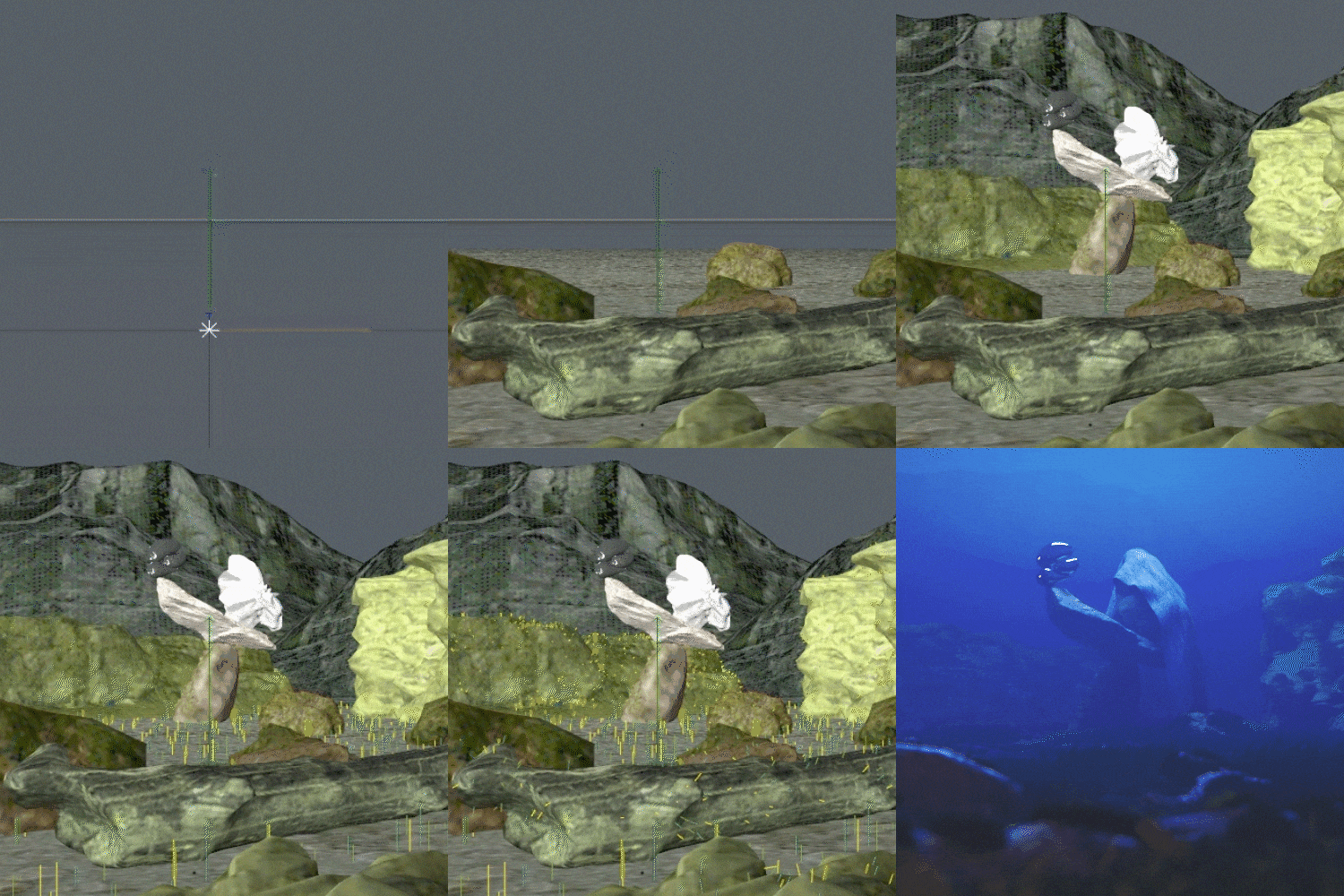 3D spatial layout & compositionLearn the core theories of creating a stable layout when creating a wide scene, including understanding 3D space, gaze distribution elements, and 3D space perspective.
 -
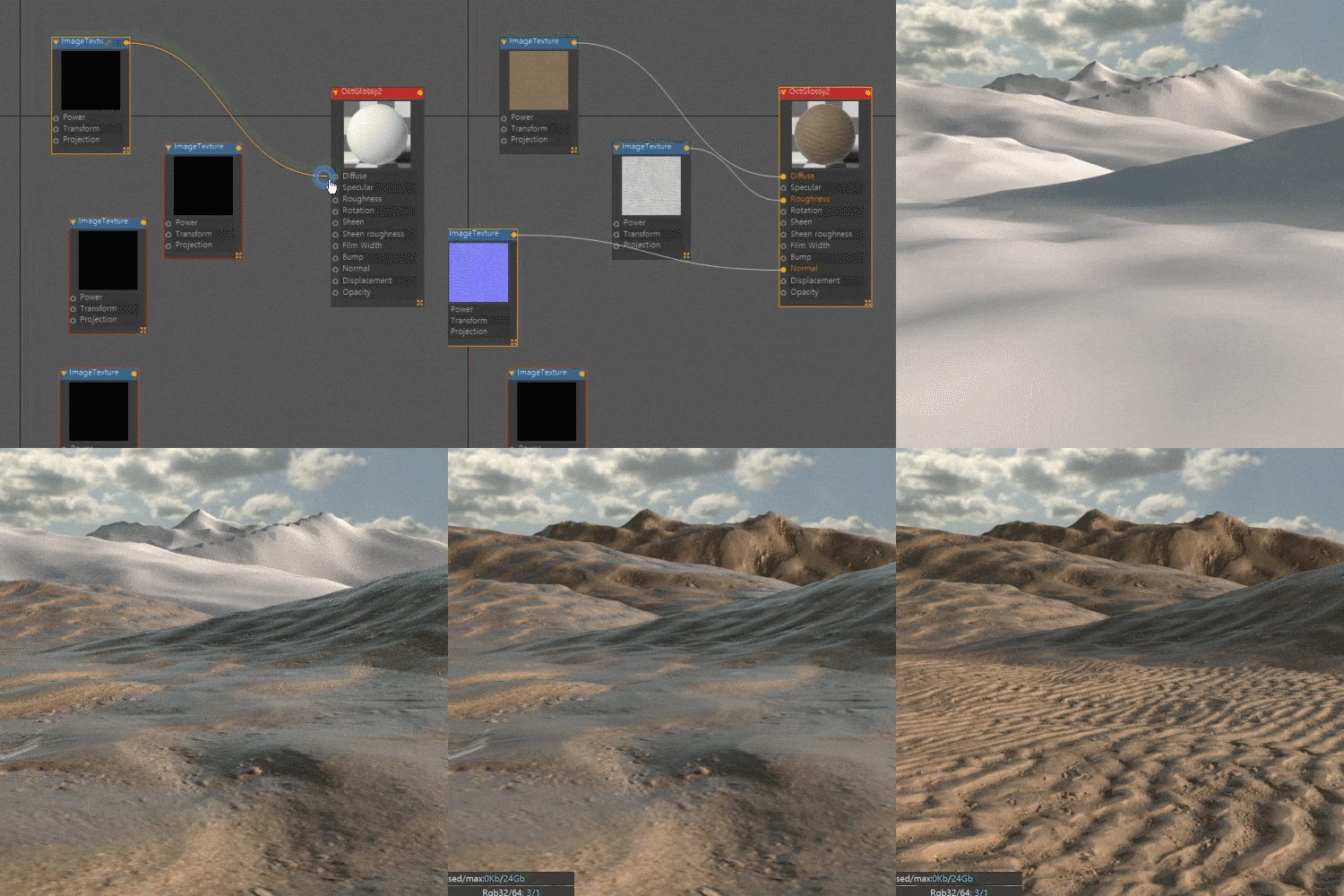 Composition of natural background details using C4D & OctaneLearn about various detailed skills needed to create natural backgrounds, such as camera angle/depth of view, lighting, and texturing.
 -
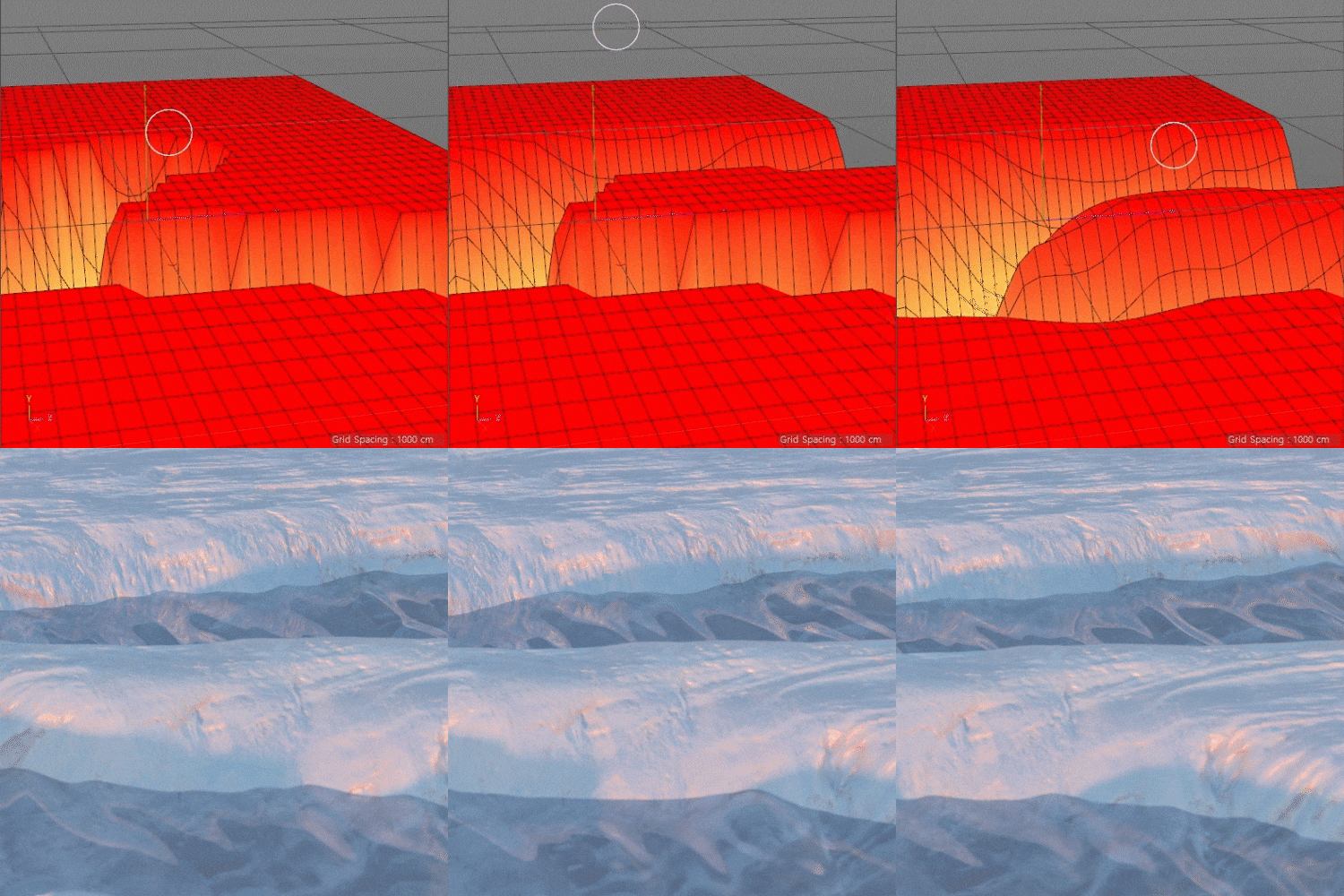 Basics of terrain creation, VERTEX MAPLearn how to use VERTEX MAP for large-scale scene work and easily customize the terrain structure to your liking.
-
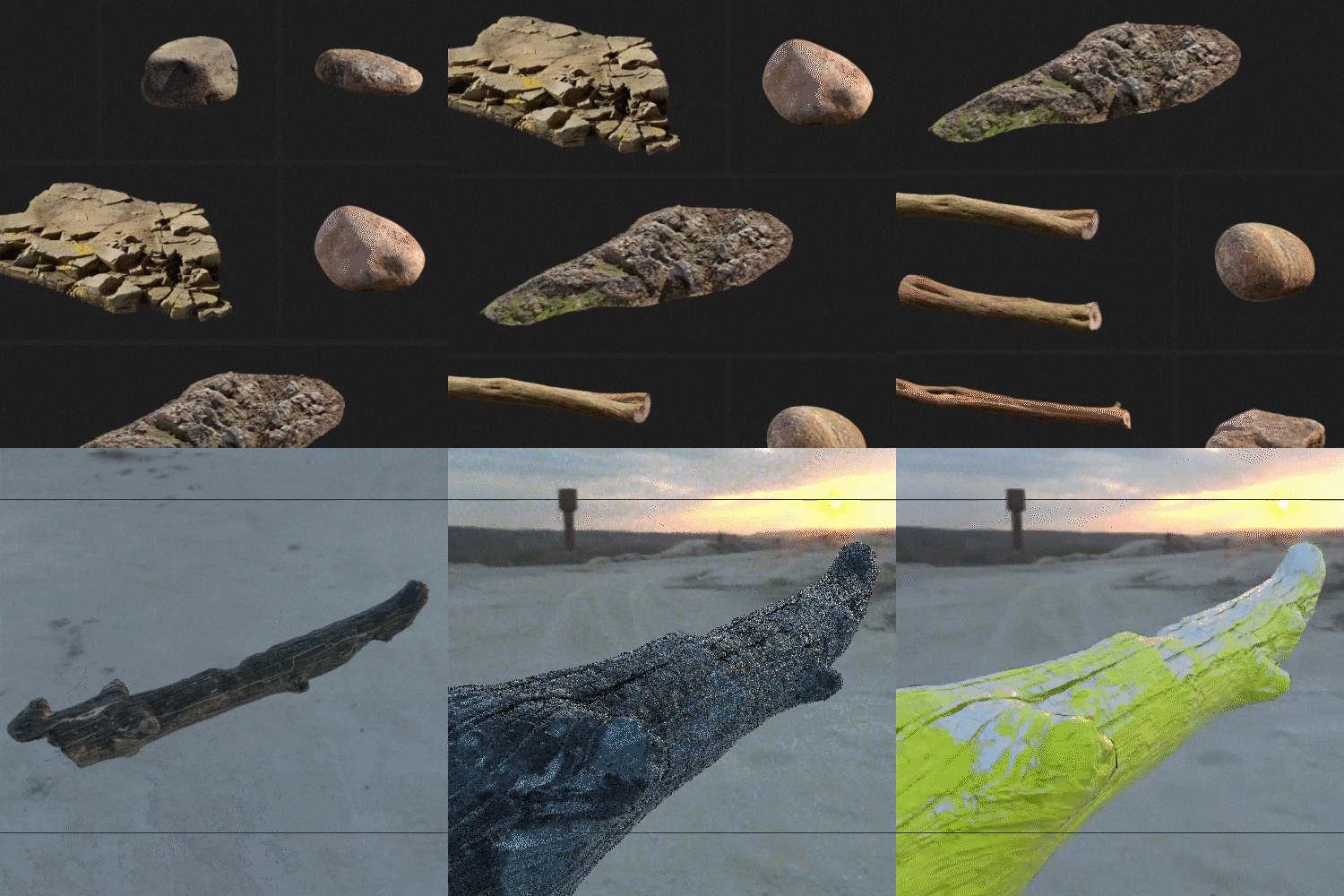 Selection and use of natural object scan modeling through Quixel MegaScanWe will learn about the selection and use of scan modeling, which is essential for constructing natural scenes, including main object design, as well as where to source and use various sources.
 -
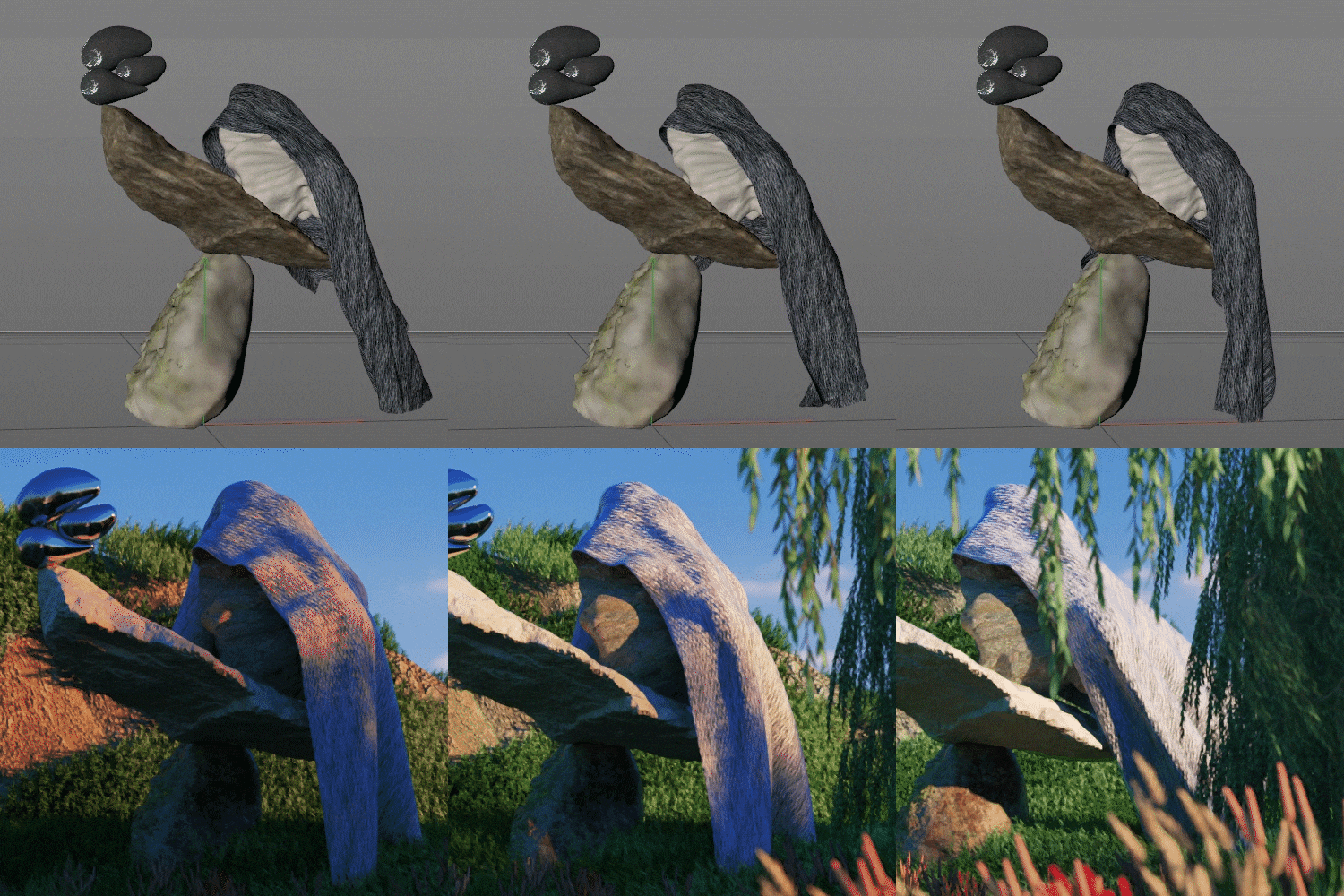 looping animationLearn how to create a looping structure that is commonly used in SNS and branding videos. We will learn from simple looping of main objects to dynamic looping methods of fabric/fabric materials that are difficult to loop due to difficulty in finding accurate settings.
 -
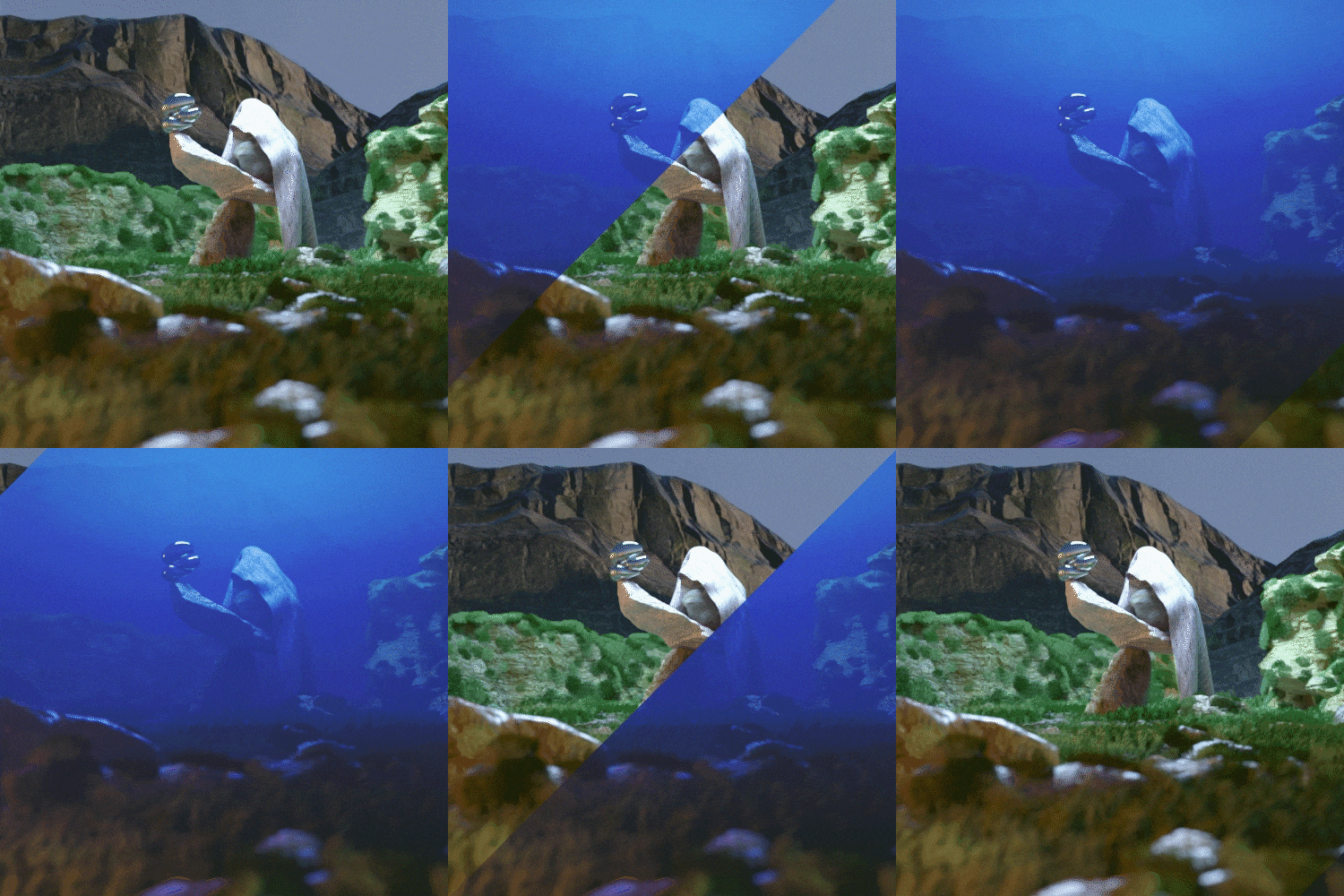 Octane Fog VolumeUsing fog, we add density and atmosphere to the artwork while providing a sharp contrast in depth to the scene.
curriculum
curriculum
Show me the curriculum
SECTION 01. Intro
01. Intro
- Instructor introduction
- Content and curriculum to be covered in class
- Living as a freelance motion designer
SECTION 02. C4D & Octane Settings
02. C4D basic settings & UI customization
- C4D basic settings that are good to set in advance
- How to install and use Drop 2 Floor & Magic Solo Plug-In (free plugin)
- C4D interface customization
03. Octane installation and tour
- Install Octane Render
- Explore the Octane Dialog
- Features of Octane Live Viewer
- Differences between Direct Lighting and Path Tracing and basic setup methods
SECTION 03. Main object production using Quixel scan modeling
04. How to purchase and use natural object scan modeling
- Explore Quixel
- Scan Modeling Purchase and Preferences
05. Object layout composition
- How to layout objects
- Constructing object layout using Scan Modeling and C4D basic objects
- Displacer Deformer
06. Making fabric
- Cloth Simulation Description
- How to adjust detailed option values
- Animating Details
07. Fabric roofing technique
- Know-how to make Cloth Simulation into a looping structure
- Adjusting characteristics and option values of Alembic files
SECTION 04. Landscape Scene Composition: Desert
08. How to compose the basic base of a natural landscape
- Natural landscape layout with a sense of space
- Basic camera settings required for wide scene composition
- Creating uneven ground using Displace Deformer
- Composition of basic layout of natural landscape using Landscape object
09. Utilization of HDRI and PBR Texture basics
- Explore HDRI's free site and learn how to use it
- How to Buy Sand Texture PBR Texture and Use Octane Node Basics
- Node: How to use Transform/Color Correction
10. HDRI and Octane Day Light
- HDRI and Octane Day Light Mix Details
- Octane Day Light options and light animations
11. Various camera settings and moves in natural scenery
- Octane camera options useful in natural landscapes
- Camera movement using Target Tag and Align To Spline Tag
SECTION 05. Landscape Scene Composition: Glacier
12. How to compose a natural landscape with flowing water 01
- Polygon Modeling Vertex Map Setting Method
- Use of Vertex Map and Paint Tool
- Land customization using Vertex Map and Displacer Deformer
13. How to compose a natural landscape with flowing water 02
- Creating and animating water surfaces using Displacer Deformer
- Detail composition using landscape object option values
SECTION 06. Understanding FORESTER Plugin
14. Forester Plugin settings
- How to purchase and install Forester Plugin
15. Various trees
- Library & Detail Options for Forester Tree and Forester MultiFlora
16. Trees and grass swaying in the wind
- How to adjust Forester Hyper Wind option details
- Creating a looping structure
SECTION 07. Landscape Scene Composition: Forest
17. Create a natural landscape with a variety of plants
- Plant trees & grass on the land using Octane Scatter
- Tree & grass variations using Octane Scatter options
18. Intensifying planting of grass and trees
- Plant grass and trees only where you want using Vertex Map and Octane Scatter
- Variation tips using the Octane Color Correction node
SECTION 08. Landscape Scene Composition: Deep Sea
19. Creating a natural landscape with a sense of depth
- Octane Fog Volume characteristics and details adjustment method
20. Expression of moss growing on a stone
- Creating moss on stones using Scan Modeling, Vertex Map, and Forester
21. Lighting of natural scenes with a sense of depth
- Understanding the basics of enriching lighting
- Adjust the characteristics and details of Octane Area Light
22. Rendering and basic compositing
- Octane Render Setting
- Load renderbones from After Effects
- Basic compositing using Selective Color & LUT
* Curriculum details may change before or after the video is released.
interview
What motion designer Chanhyung Chun wants to say
Question.01
Among the many fields of motion graphics, why did you choose ‘background artwork’ as the topic?
Among the many fields of motion graphics, why did you choose ‘background artwork’ as the topic?
This is because object-centered and horizon-based works are relatively easy to access, but landscape-type works may still be difficult or unfamiliar to beginners . Through this class, we will teach you about the work pipeline that focuses on the look rather than the sense of motion and the background rather than the main character.
Question.02
What are the most important skills when working on background artwork?
What are the most important skills when working on background artwork?
It is difficult to choose more or less important elements in creating an overall background scene, but if I had to choose just one, I think it would be the use of VERTEX MAP . Once you know how to use VERTEX MAP, you can easily change the structure of the terrain as you wish, and it is also easy to modify, so it is very useful to learn when working on relatively large-scale scenes such as landscape-type work .
Question.03
What are the main points of this class?
What are the main points of this class?
The point is to create a wide landscape-type work example using only relatively easy and lightweight functions . I think the strength of this class is that it makes it easy to compose background scenes, which people who are just starting out in 3D find vaguely difficult.
Question.04
Who do you recommend this class to?
Who do you recommend this class to?
It is recommended not only for beginners who are just learning the basics of Cinema 4D , but also for current motion designers who are somewhat familiar with objects but have difficulty composing wide background scenes .
We will guide you through the program to use.
This class is conducted using Cinema 4D , Octane Render , and FORESTER Plugin . To ensure smooth course participation, please install the corresponding version of the program separately.
* Cinema 4D version R20 or higher is recommended.
* Programs and materials are not provided separately.