[enrolltounlock]3DArtist,SoohwanOh_3D아티스트 오수환 Details
Class introduction
Class Intro
3D artist, Soohwan Oh
“I am revealing my secrets to creating 3D motion graphics that match the planning method and trend that are currently attracting attention for creating content with a vertical ratio.”
Trendy SNS-type motion content that captures the hearts of product, fashion, and entertainment companies!
Have you ever wondered how to create video content that, despite being an advertisement, gains explosive popularity on social media without rejection and goes viral naturally? 3D artist Oh Soo-hwan will teach you the planning, directing, and implementation skills to create attractive motion artwork that stands out among many competitors.
Learn not only C4D skills such as texturing, lighting, and simulation, but also how to use various sub-3D tools that help you work efficiently.
We will help you upgrade your visual expression capabilities to match the trending platform and help you turn your SNS into a portfolio that is self-branding itself.
Portfolio of 3D artist Soohwan Oh
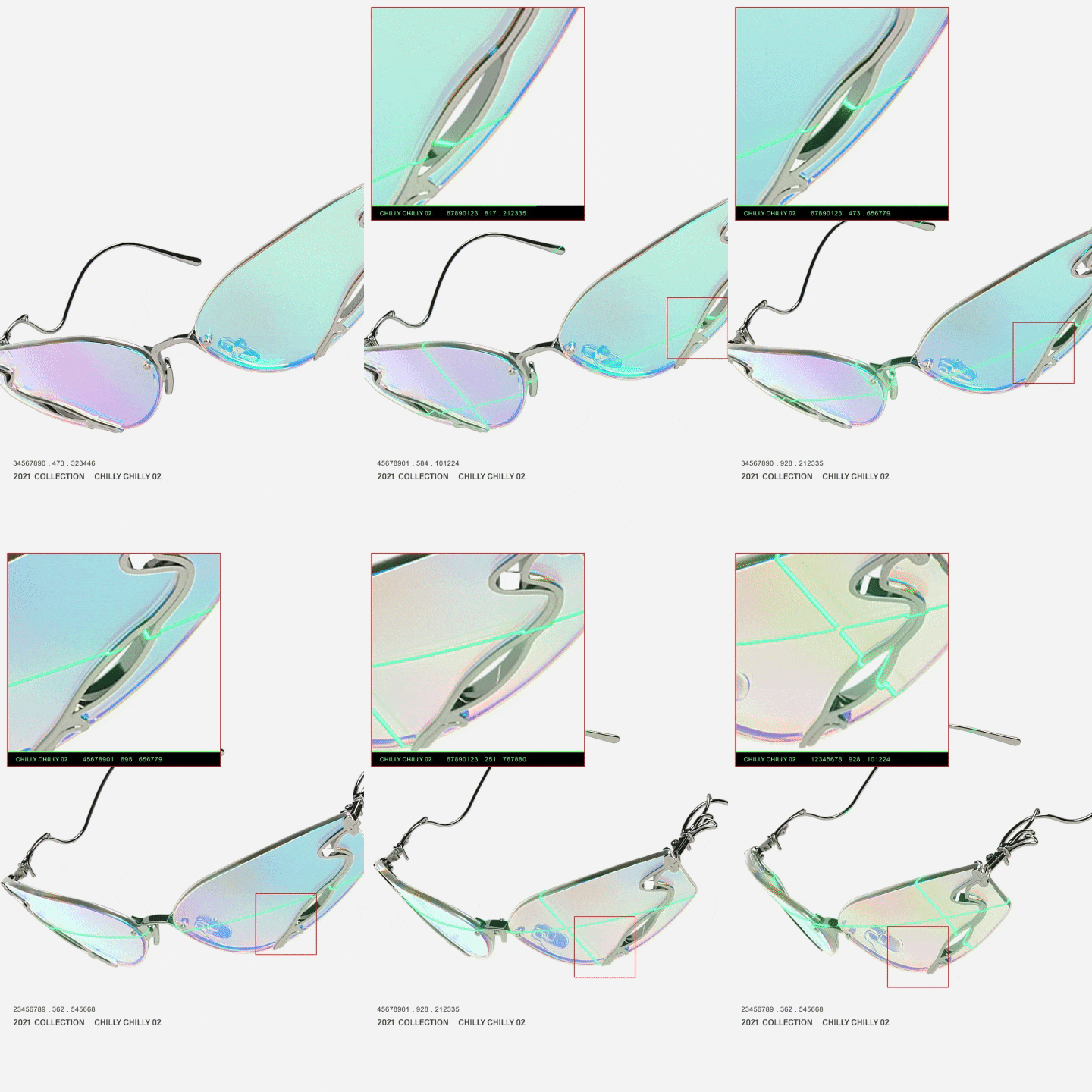
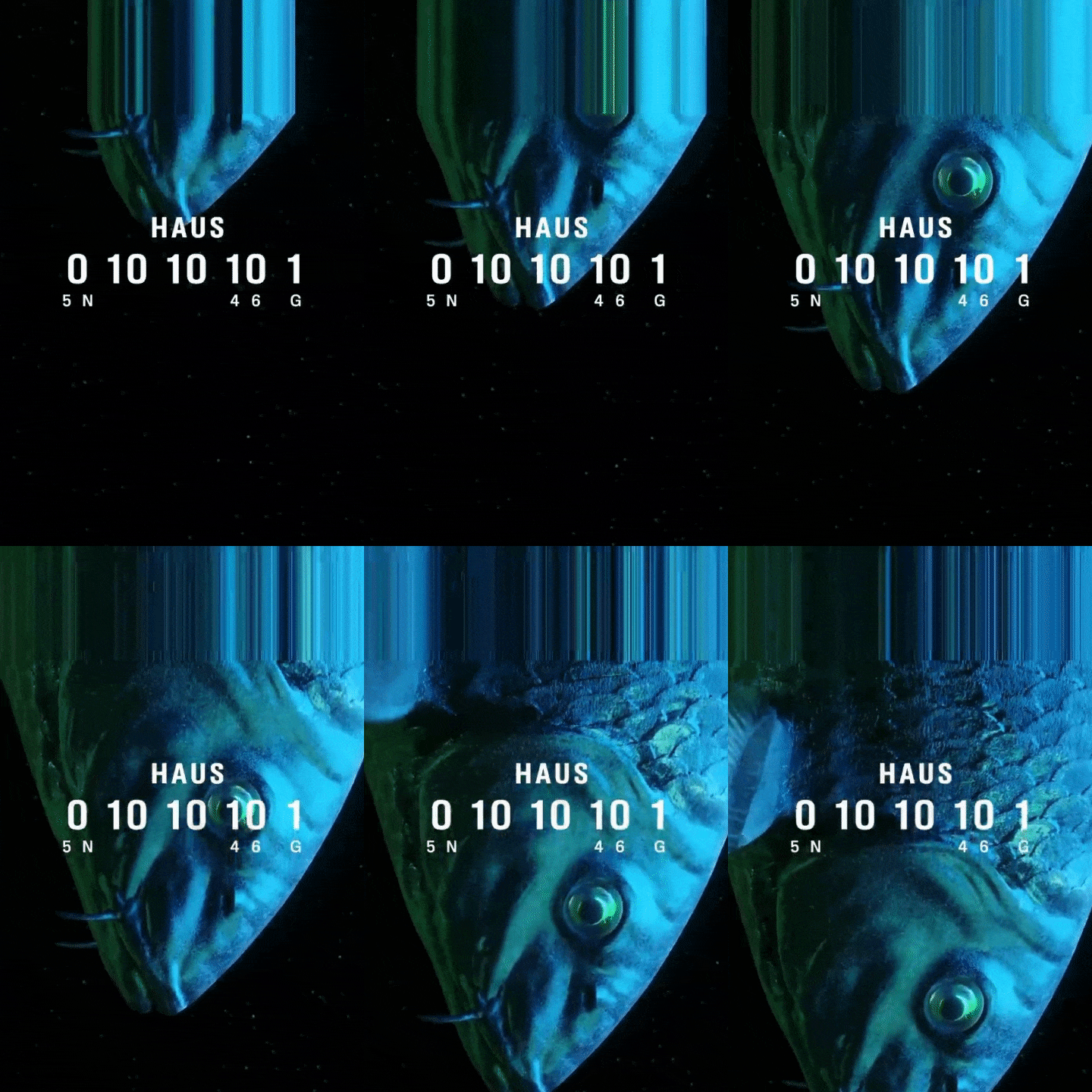
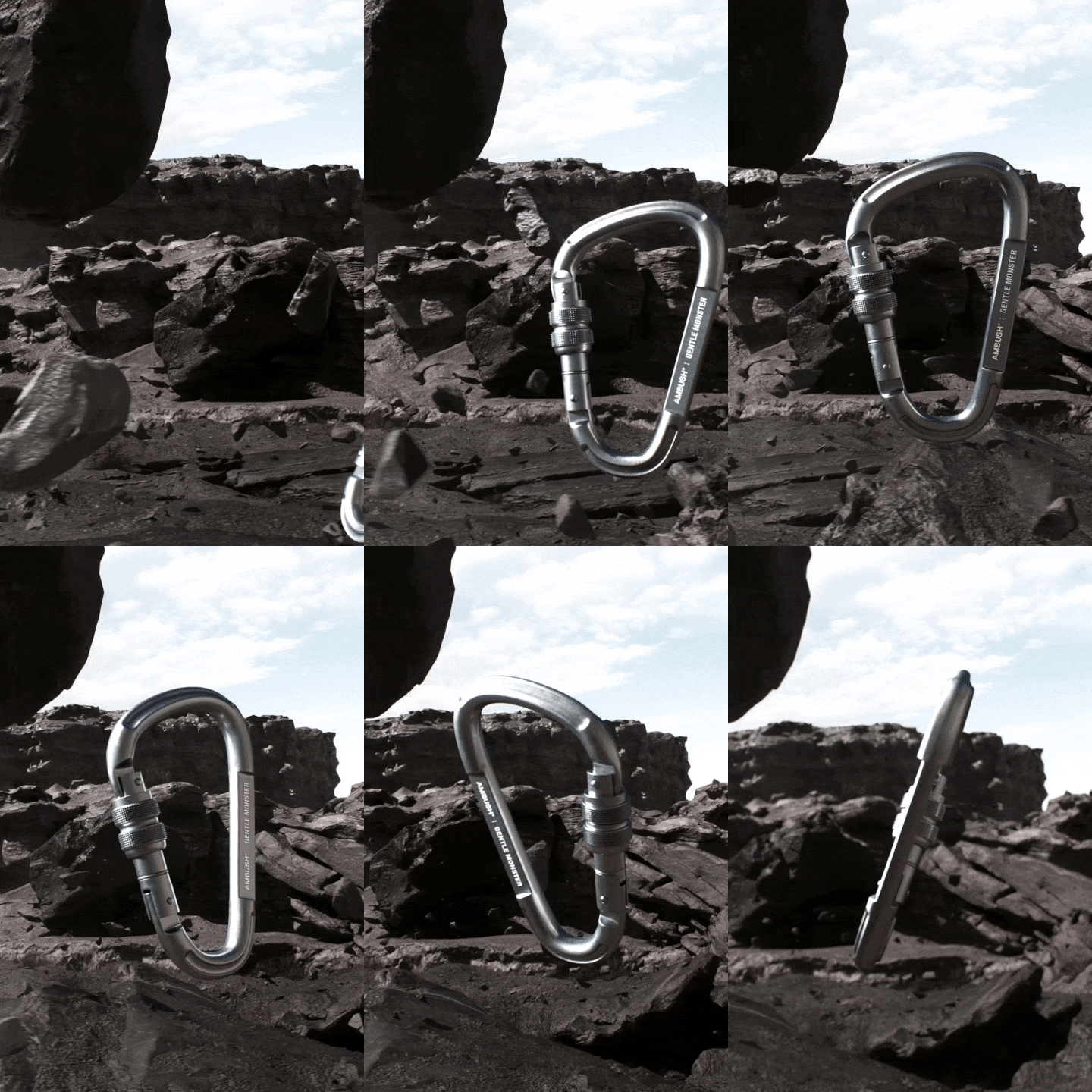
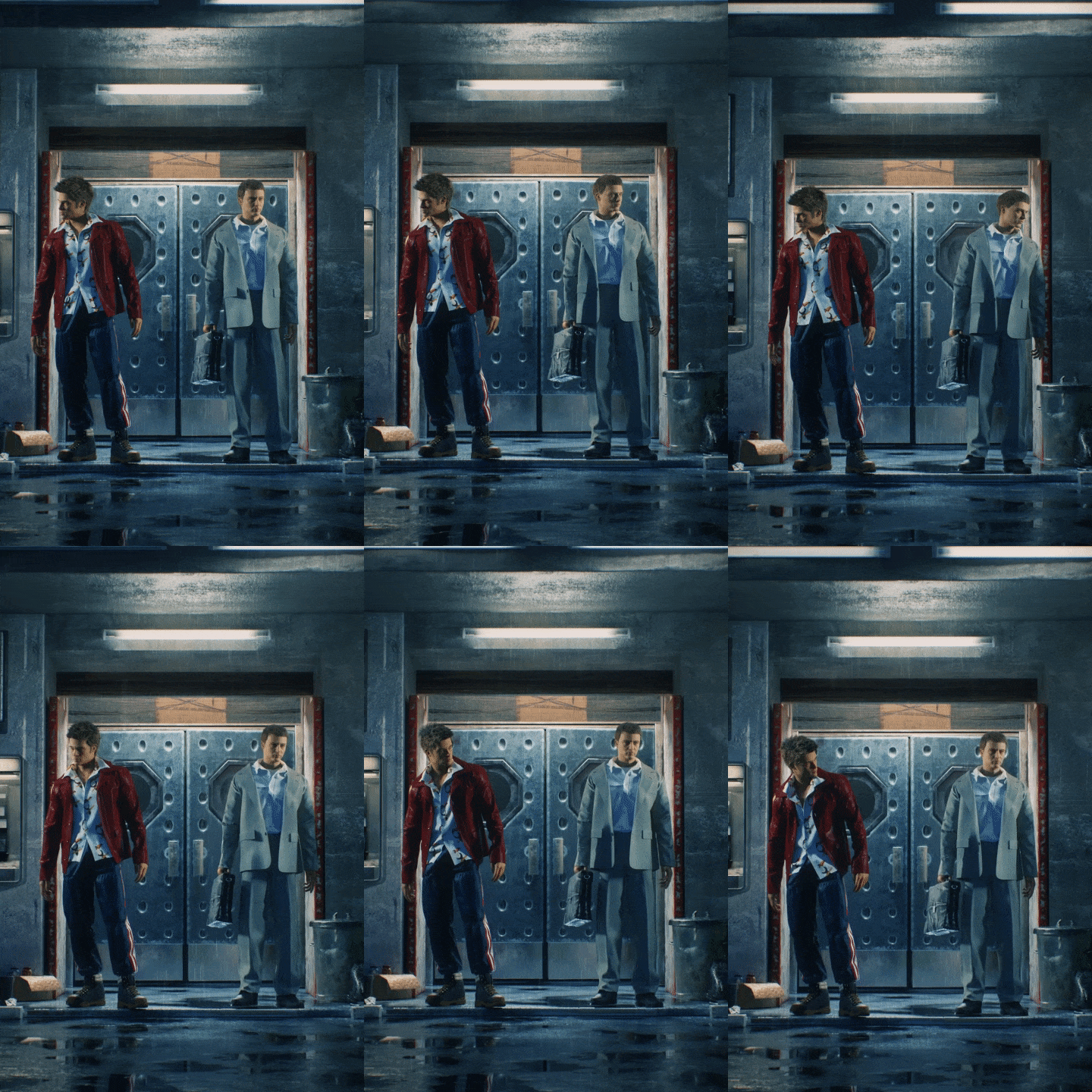
Why 3D artist Soohwan Oh’s class is special
SNS customized motion artwork production workflow revealed
Video content with eye-popping visuals must be approached strategically rather than simply improving tool techniques. Work with 3D artist Oh Soo-hwan to create motion graphics of unrivaled quality, taking into account screen ratio and thumbnails.
In this class, we will teach you how to identify trends in the latest SNS-type 3D content that is frequently used commercially, planning and directing know-how optimized for the platform, and how to use references, so that you can create motion arcs of various concepts. Coloso is the only 3D motion content production class that includes everything from C4D skills to SNS self-branding processes for differentiated results.

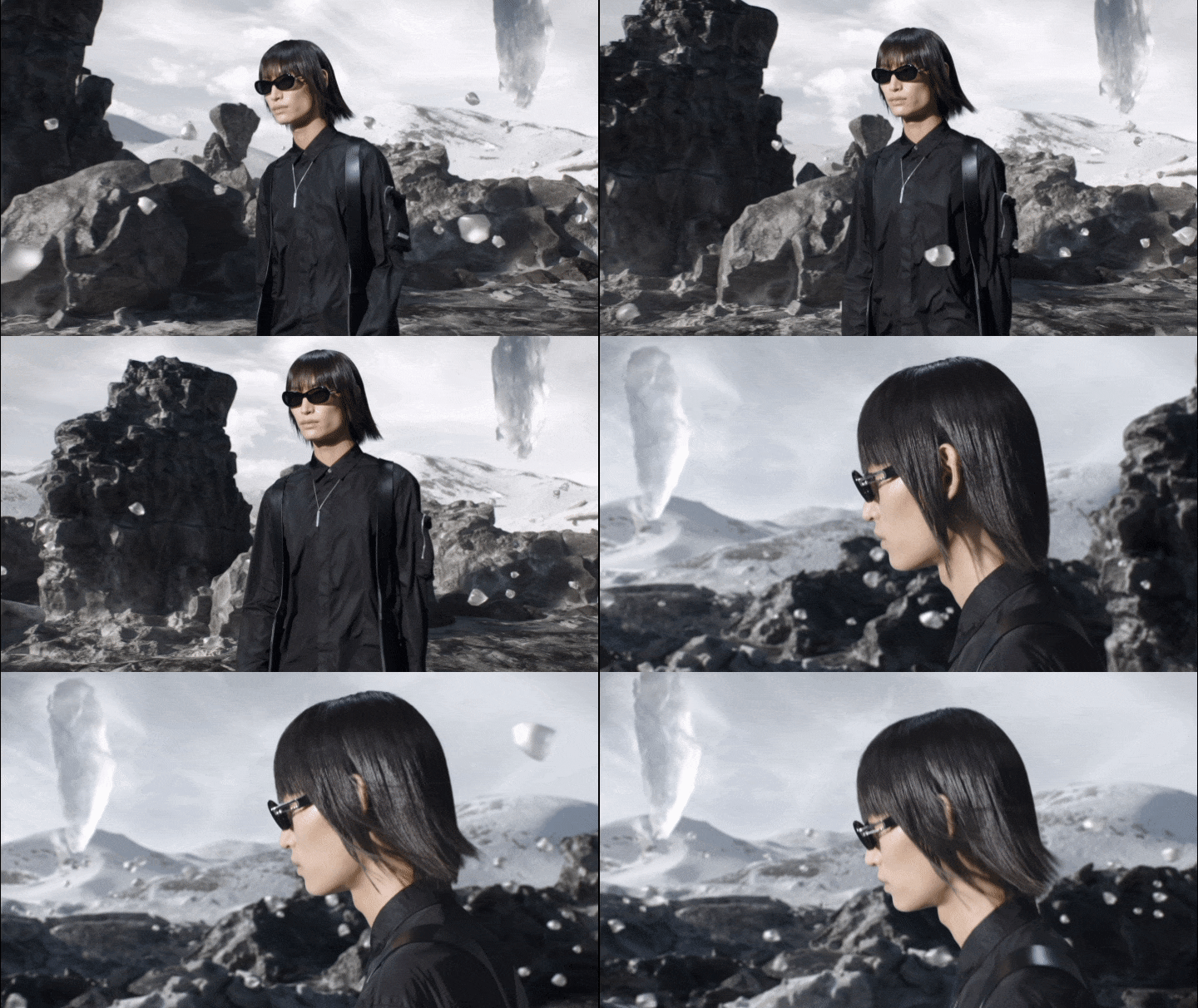
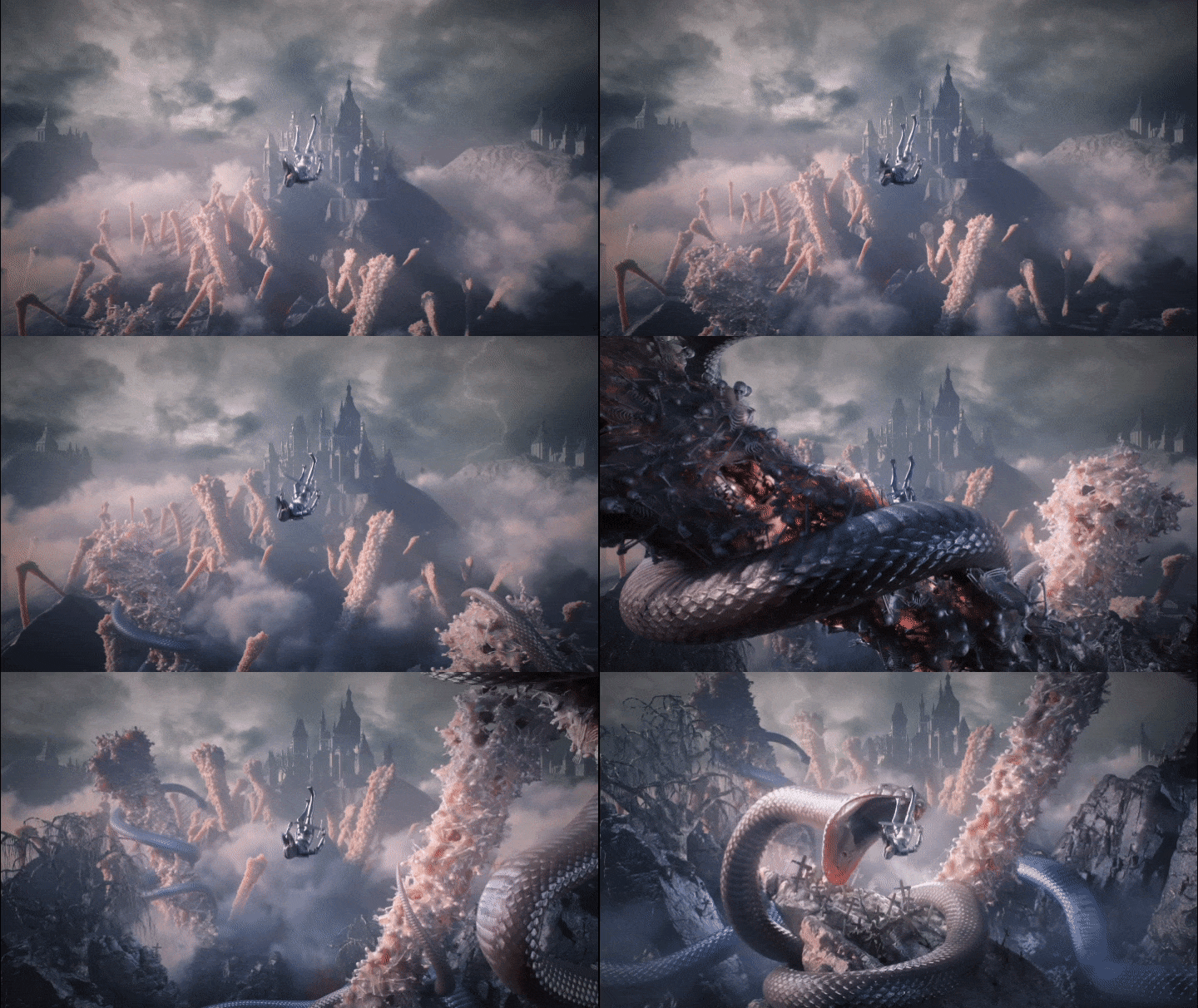
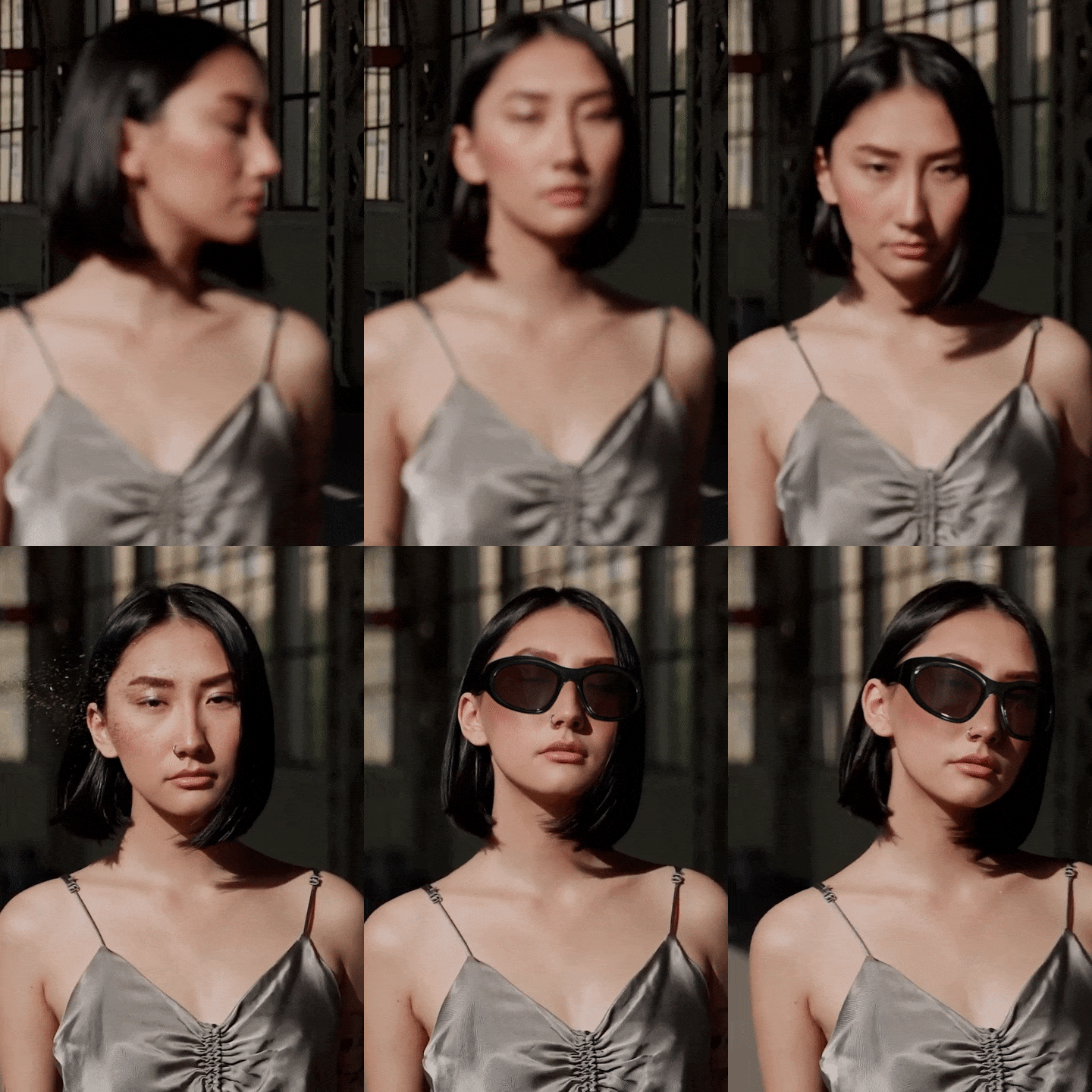
In this class, you will create more than 4 examples of motion graphics artwork.


Artwork A
object motion
object motion
Artwork B
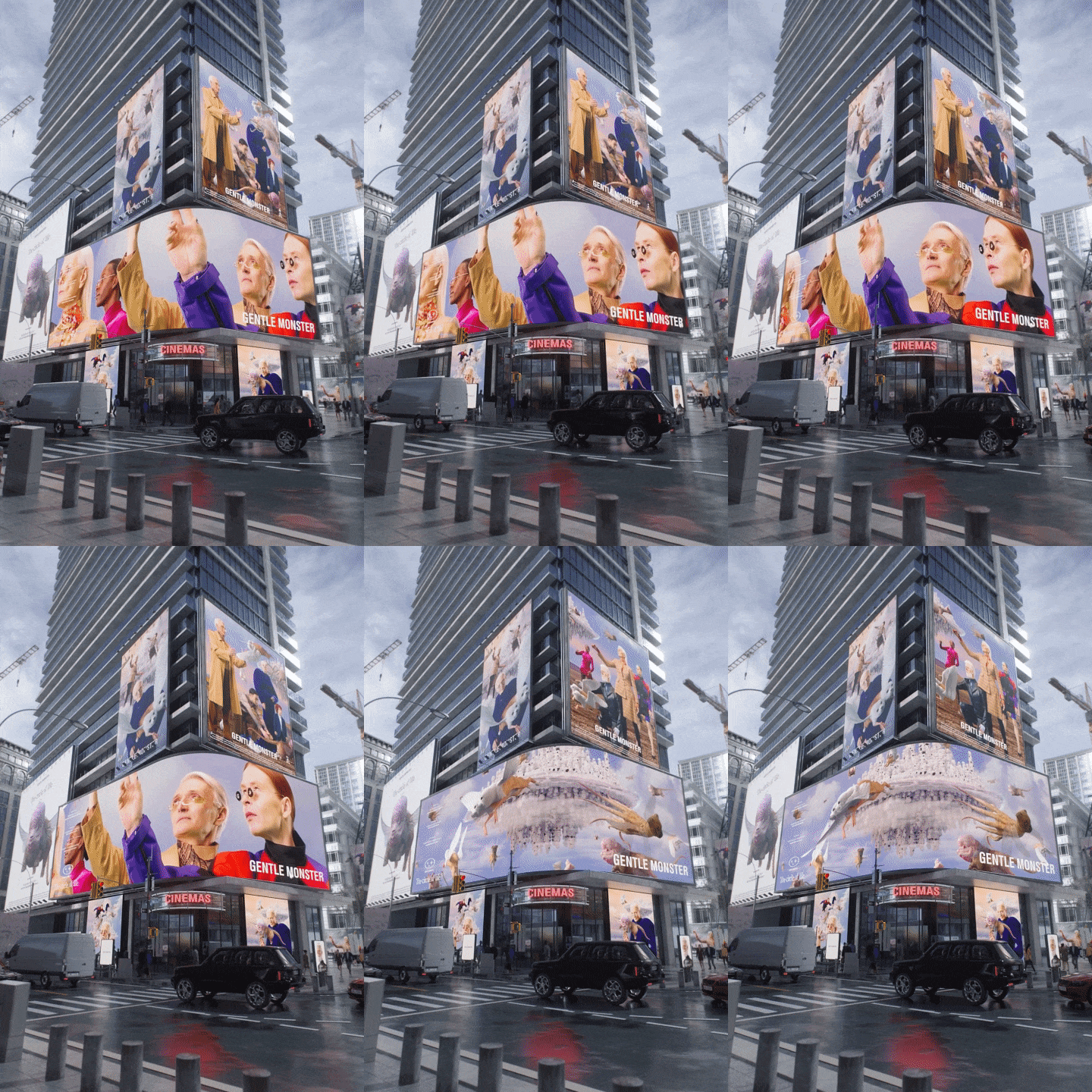
Object + spatial motion
Object + spatial motion
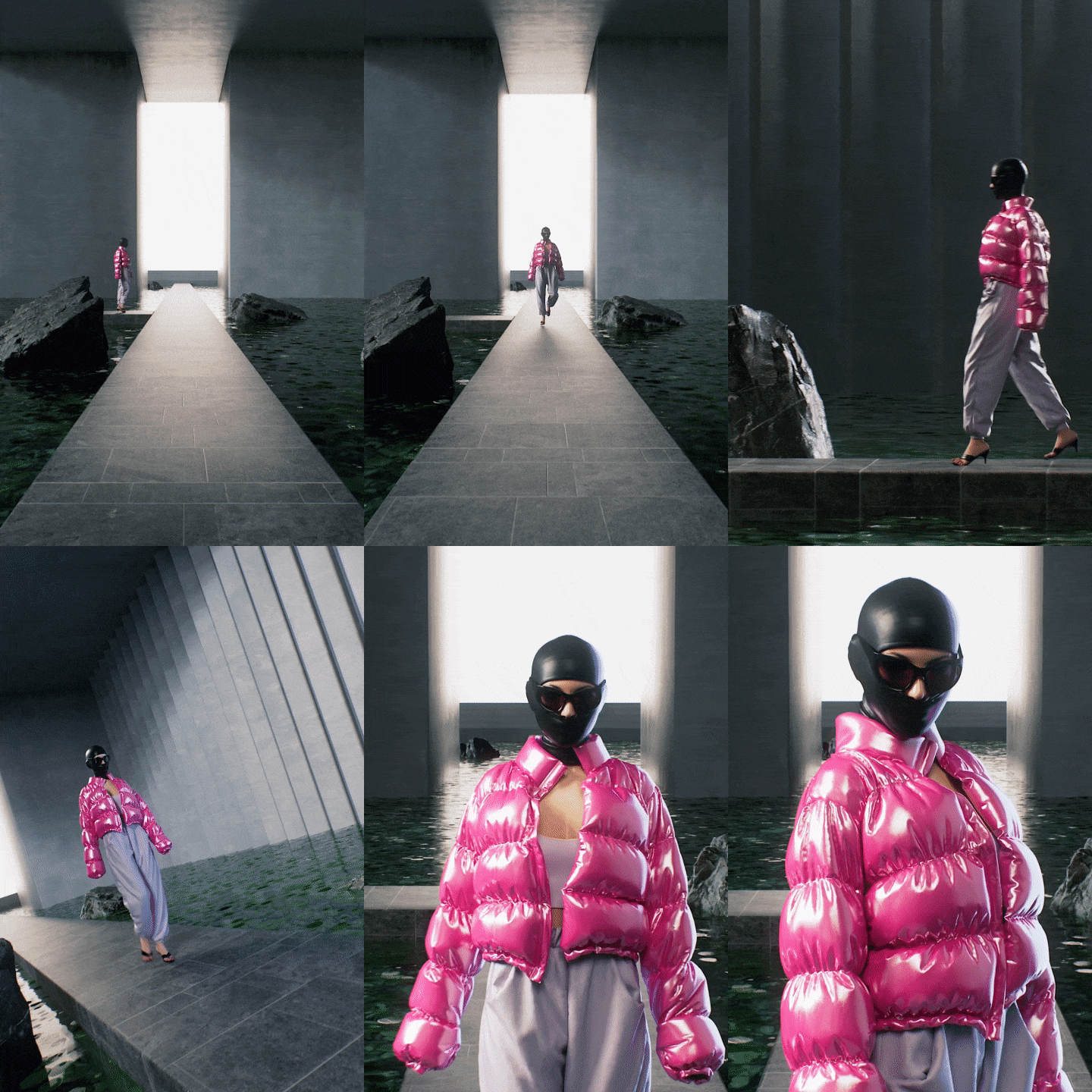
Artwork C
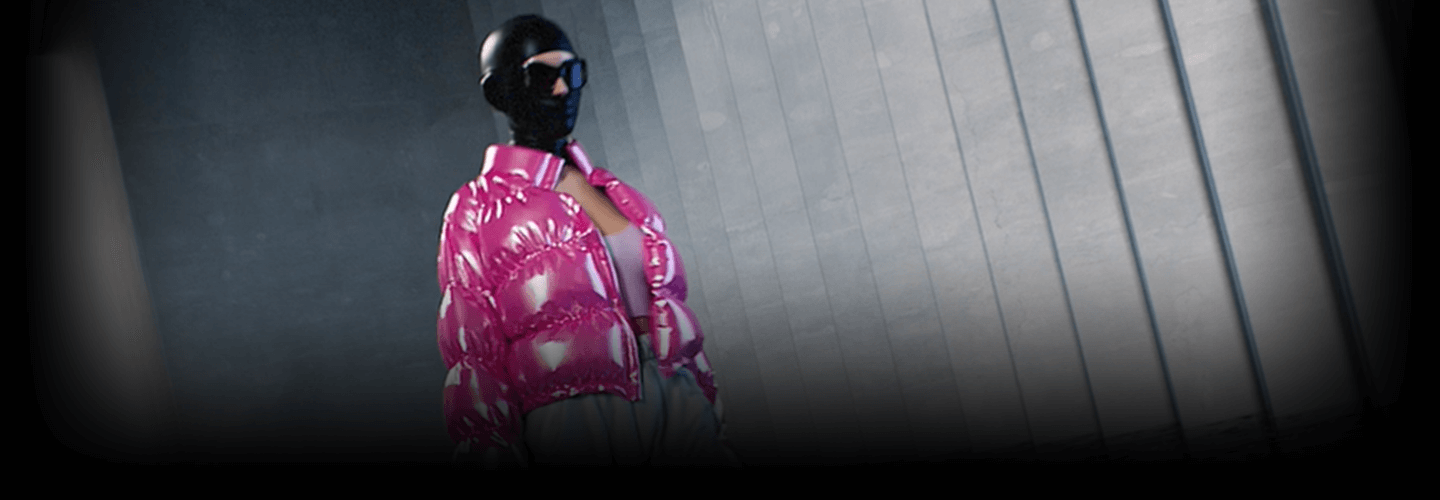
Object + space + character/clothing simulation
Object + space + character/clothing simulation
Artwork D
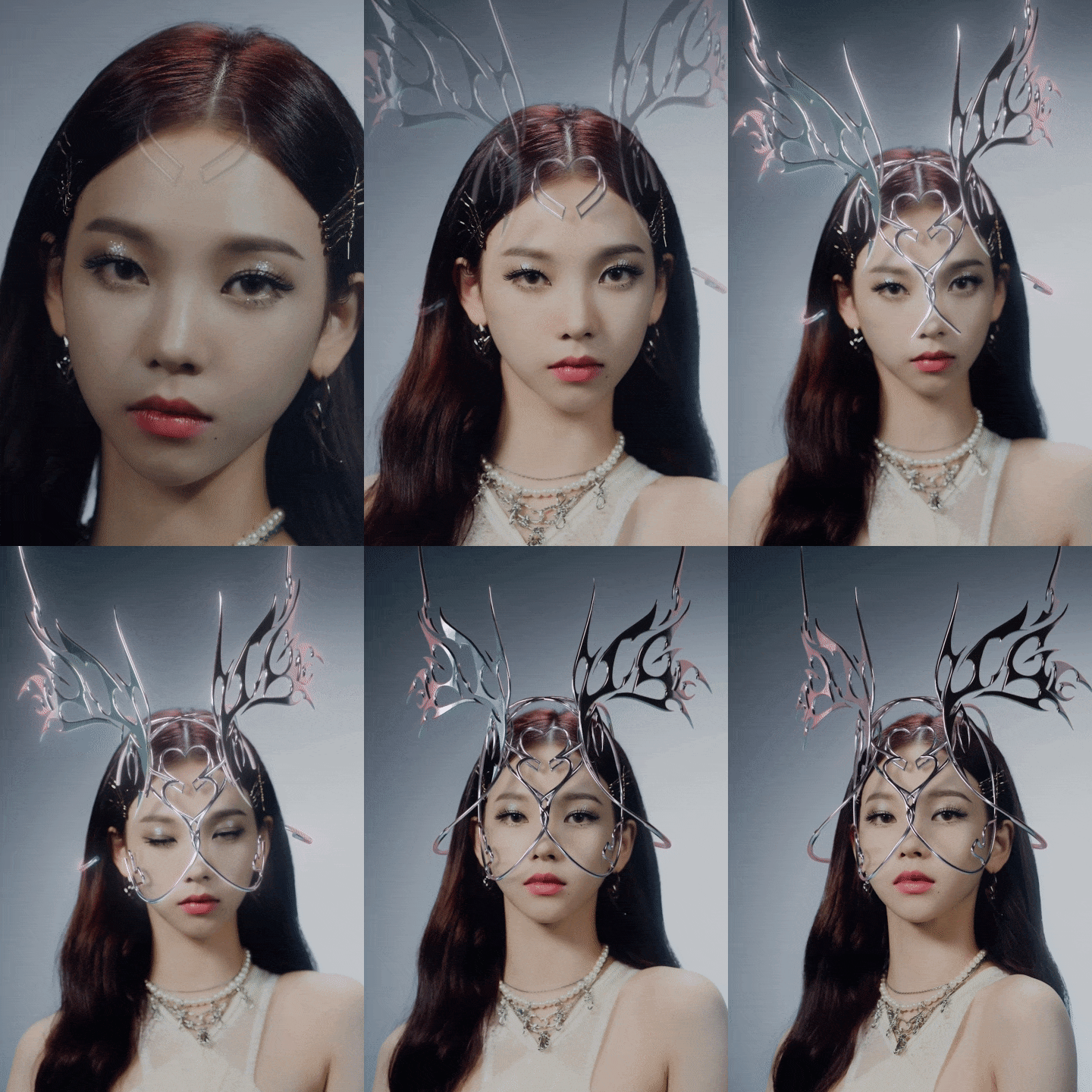
3D tracking
3D tracking
Speaker introduction
3D artist
Soohwan Oh
Hello, this is 3D artist Soohwan Oh. I worked with Gentle Monster and Studio Two Gray and collaborated with various brands such as Moncler, Mbush, Hyundai, Apple, and SM Entertainment. In particular, it uses C4D, Octane, and Ae as its main tools, and is receiving favorable reviews from industries such as the fashion IT field for its trendy 3D motion graphics.
Currently, I am working as a freelancer while also actively working on my personal projects. Through this class, we will provide detailed information from planning and production methods to completion stages of SNS-type 3D content that can attract more people's attention.

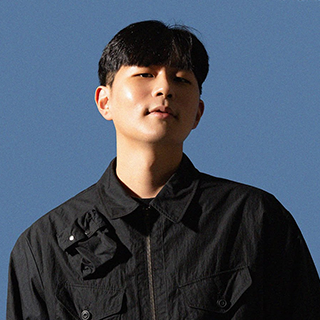
3D artist Soohwan Oh
Current) Freelance 3D artist
Former) Gentle Monster 3D motion designer
Former) 2GREY
Participation Project
[project]
motion design
Espa - The 1st Mini Album 'SAVAGE' Jacket
Descente
Hyundai Motor Group - E-GMP film
Hankook Tire - Design Innovation 2020
Ilmin Museum of Art - Ghost Coming 2020 GHOST COMING X-ROOM
cott - EP Album 'Rotary' Album Cover & Teaser
Gentle Monster
Moncler Collaboration 2022
2021 Collection 'WHITESUN'
AMBUSH Collaboration ‘CARABINER’
Yoongi Jeong Collaboration
Capsule Collection 'NANO'
Haus Shanghai (Open Teaser)
Fish display in House Dosan
2021 Collection Product 3D
[Personal work]
Fight Club - Title (Unofficial)
Rimowa: Original Check-in L (Unofficial)
LOOKBACK
class features
class features
Trendy vertical artwork from planning to practical work
We have prepared a learning load for creating vertical content that will stand out among numerous horizontal displays. In addition to having an eye for motion artwork trends, check out the appropriate planning method, implementation skills, and practical workflow!
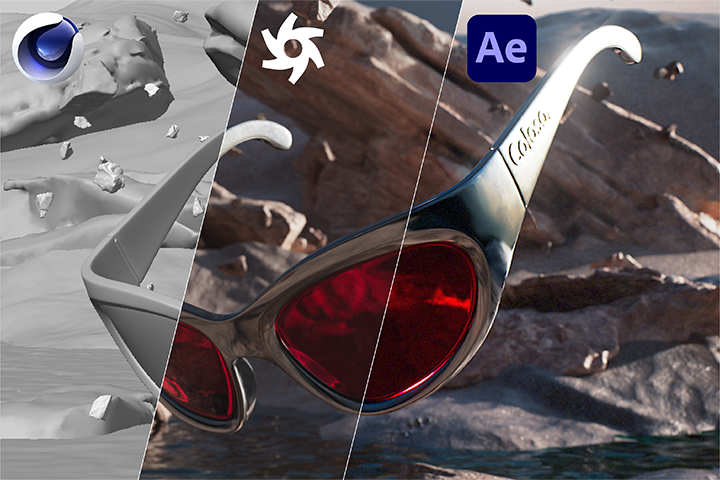
Workflows learned by type such as product, space, clothing, etc.
We will learn motion graphics techniques frequently used in the brand/fashion/entertainment fields step by step through a total of four organically linked artwork examples. After taking the course, we will help you develop application skills that can be appropriately applied to your own work.
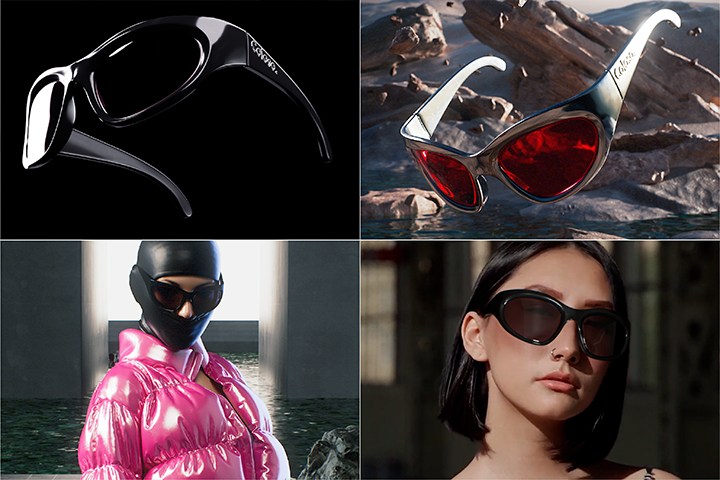
Know-how to make 3D motion content stand out more on SNS
We will teach you in detail the secret to growing into a motion graphic artist that attracts the public's attention at a glance by exposing the final 3D motion graphic in a more impactful way, as well as a unique personal branding method specialized for SNS.
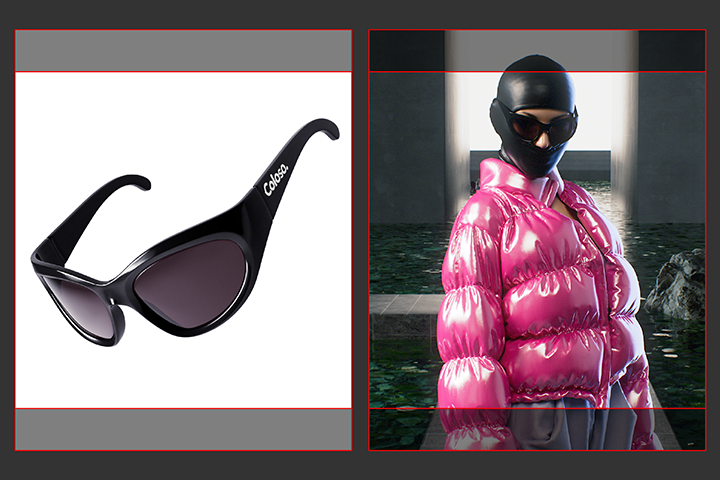
Class composition
learn this
-
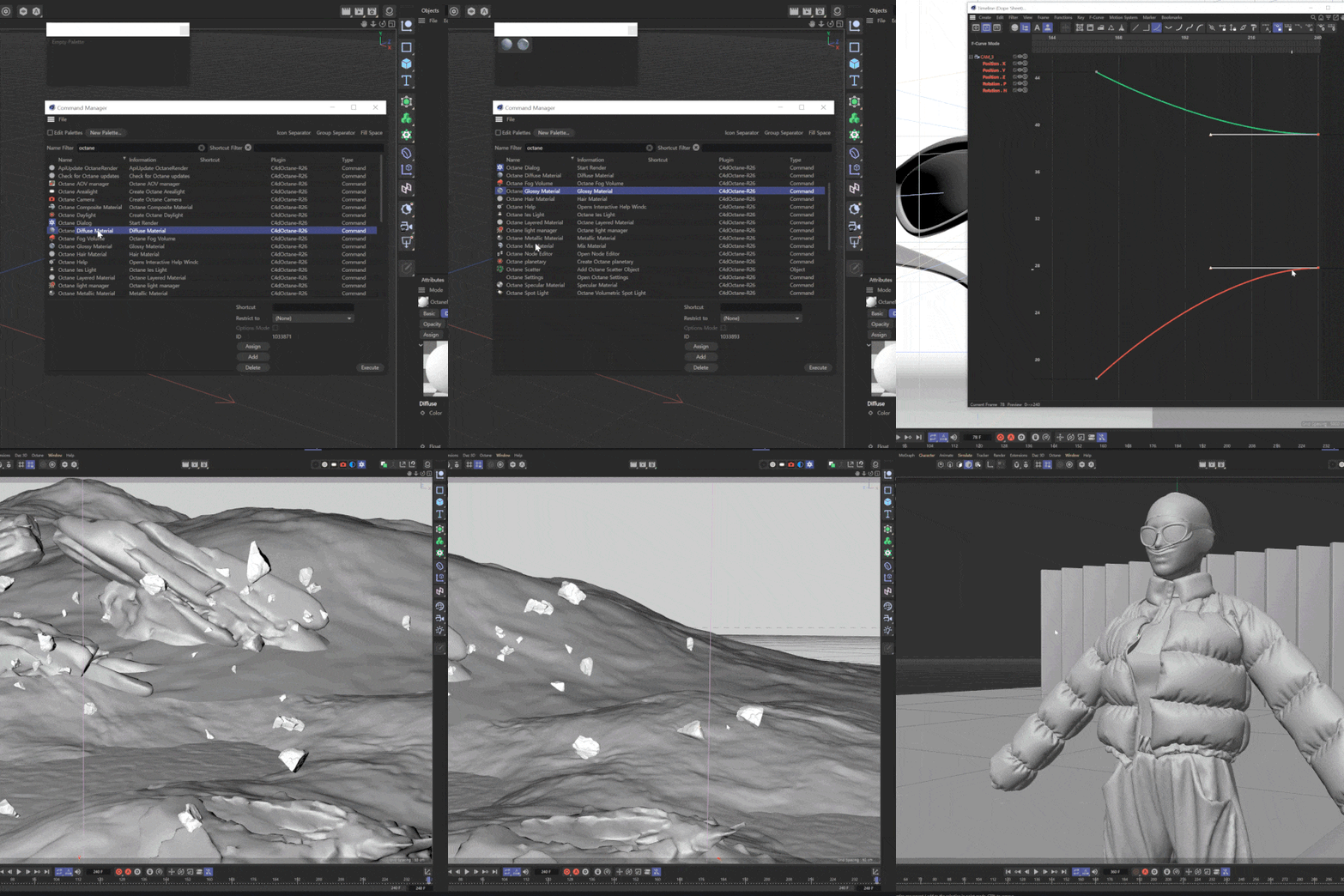 C4D & Octane Renderer to learn easily and intuitivelyYou will learn step by step from the basics of C4D and Octane to how to use them, while also learning how to efficiently integrate each tool to improve the quality of motion artwork.
 -
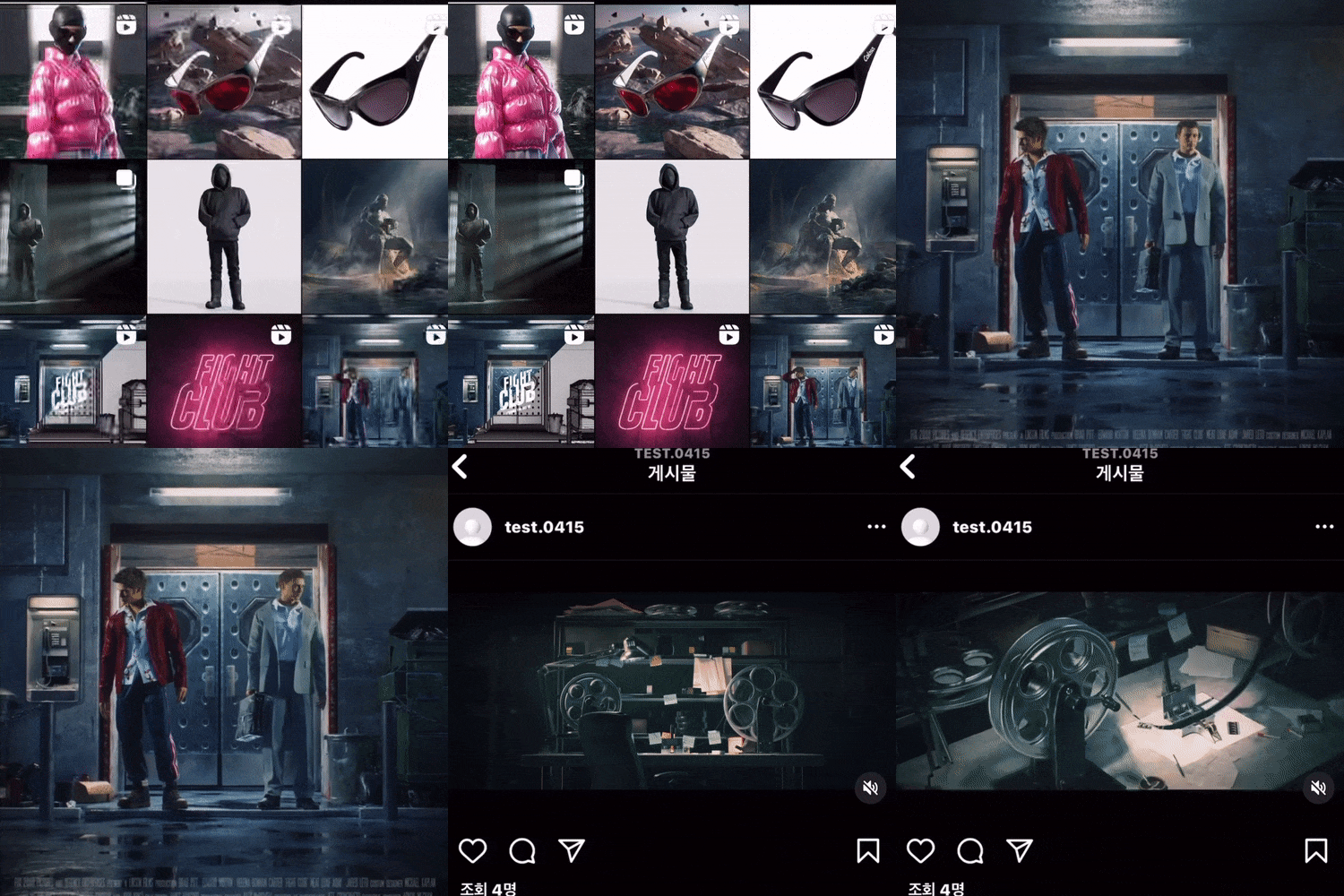 Everything about SNS-type 3D content that is attracting attention due to its trendinessLearn about trends by learning everything from concept planning to directing simulation and practical skills for SNS-type 3D content with eye-catching visuals right from the start of the video.
 -
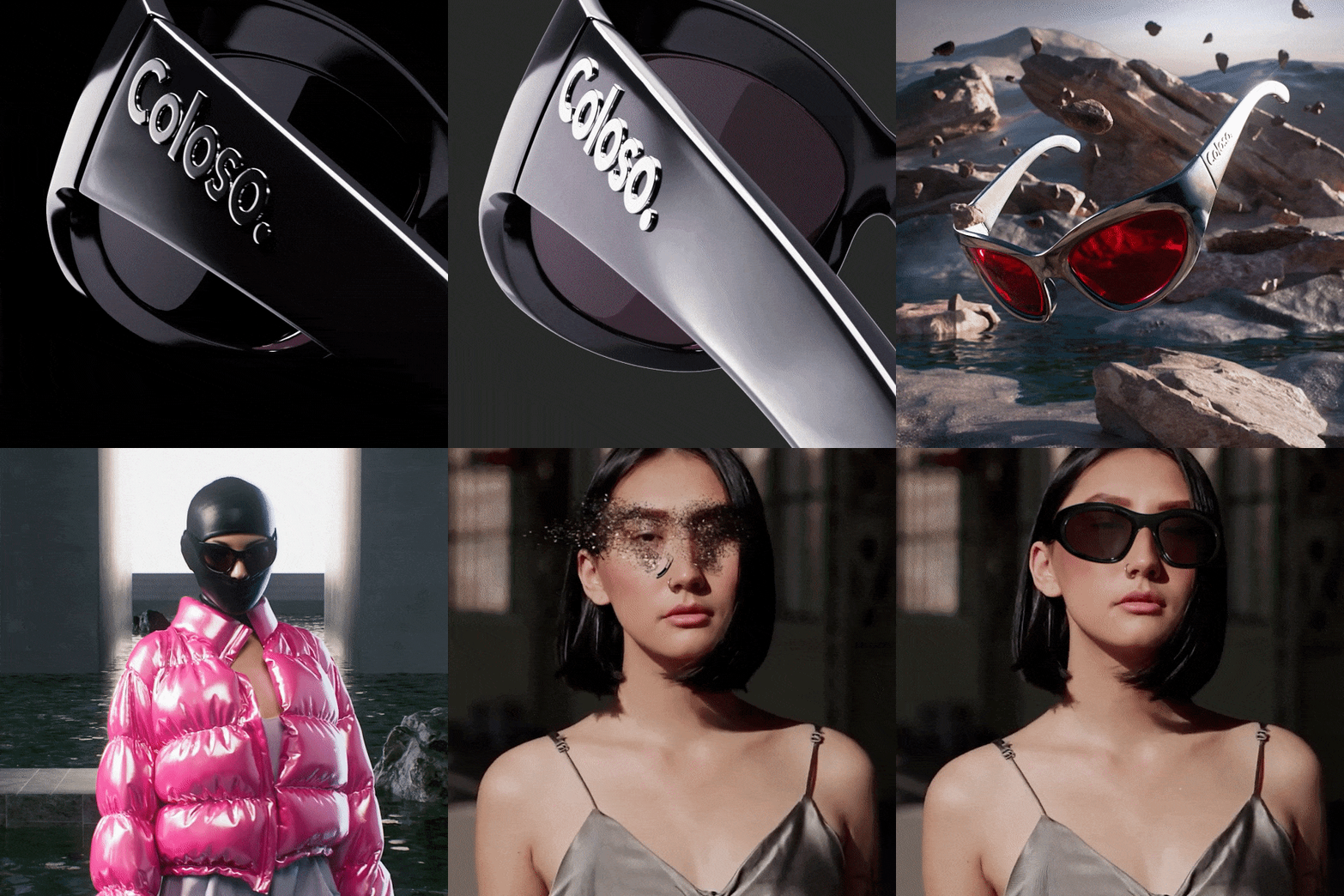 Concept-specific motion workflows with different considerationsExperience the production process when working with a single object or a vast space, when a character appears, or when compositing 3D over live action footage.
-
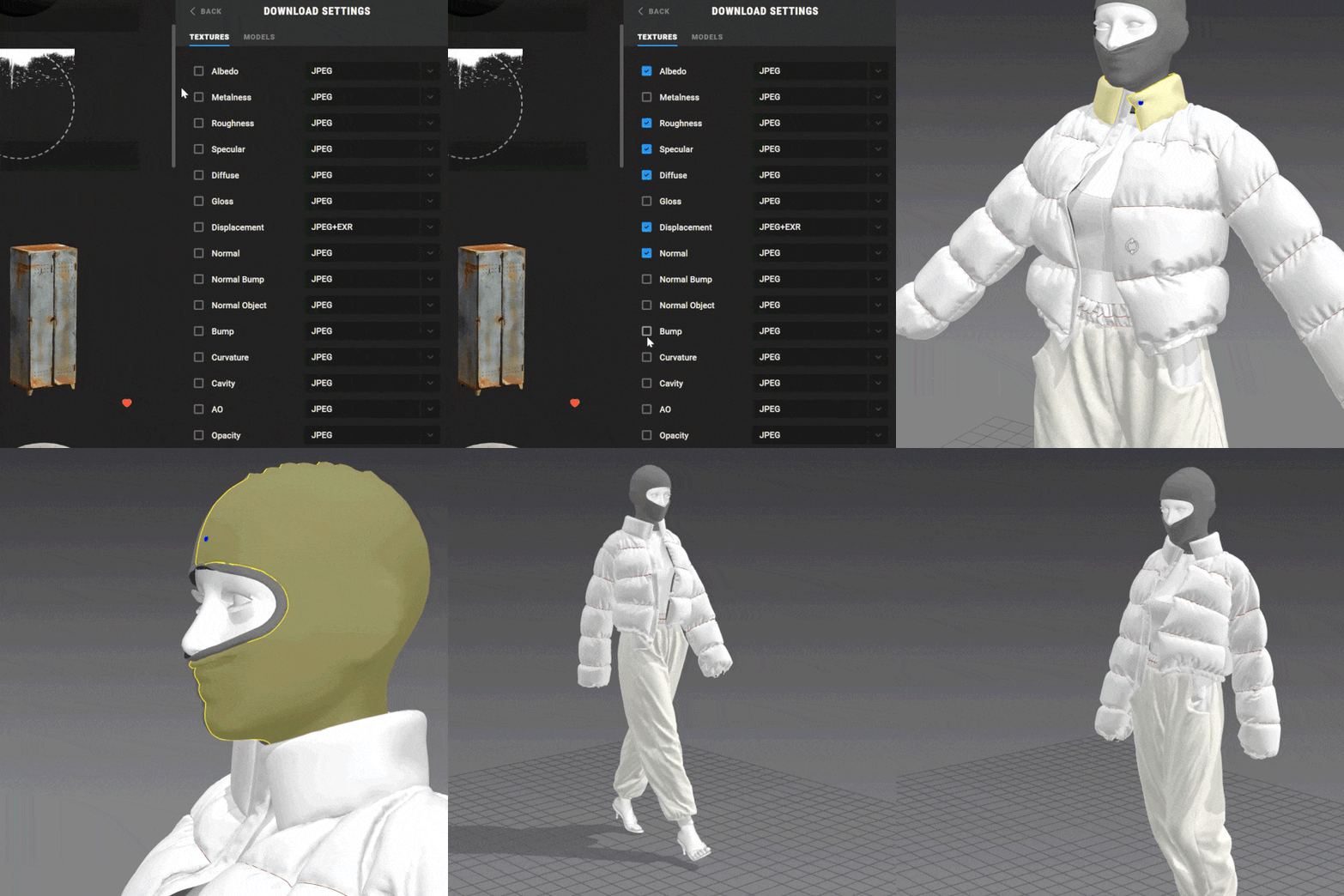 How to use simple sub tools to improve qualityWe will effectively enhance the expressiveness of the artwork using Marvelous Designer, Daz 3D, and Quixel, which are often used with C4D.
 -
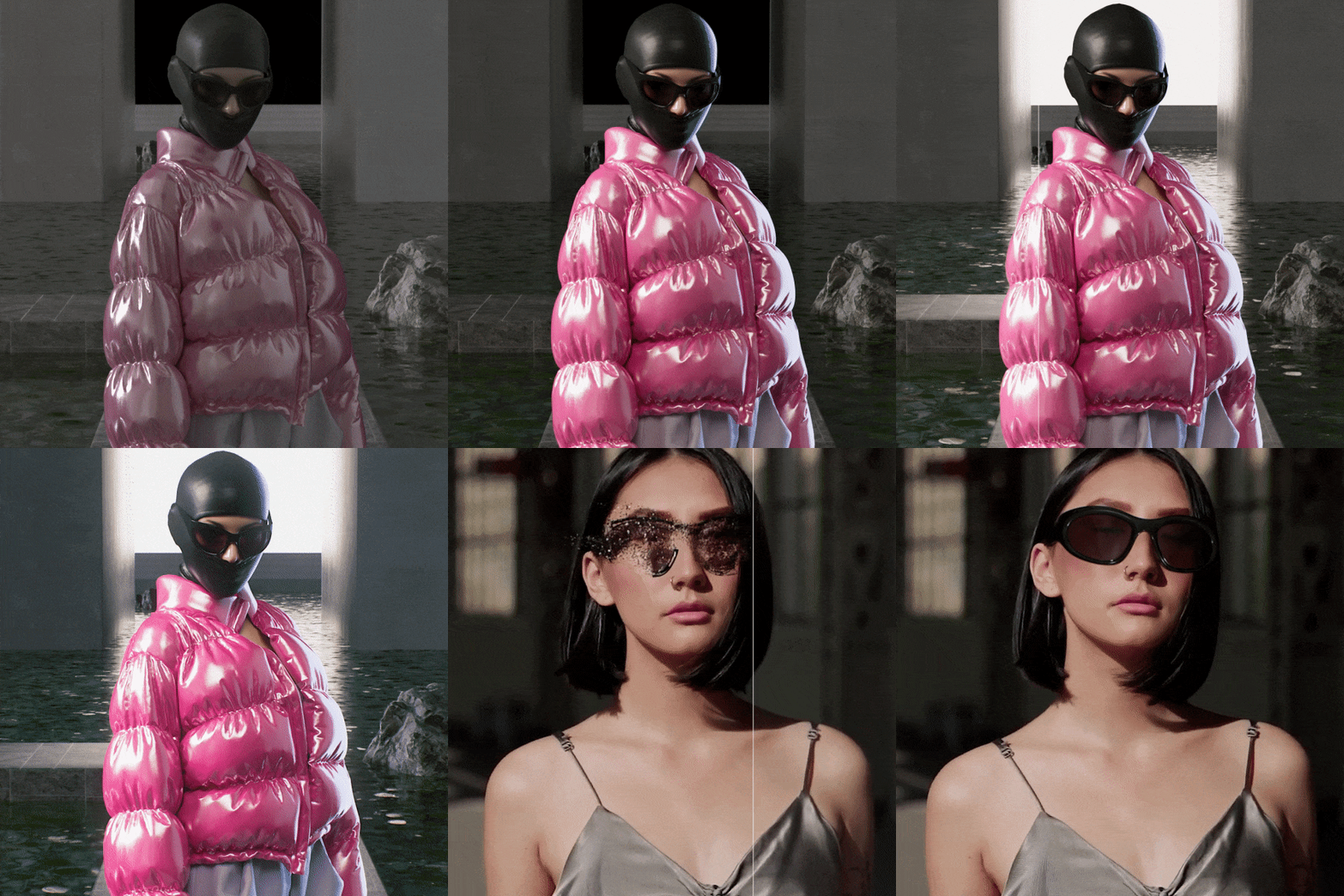 After Effects post-processing to maximize perfectionThrough Ae, you can make the material or main part of a pre-rendered image stand out more, adjust the color and contrast, and even composite it with a live-action video.
 -
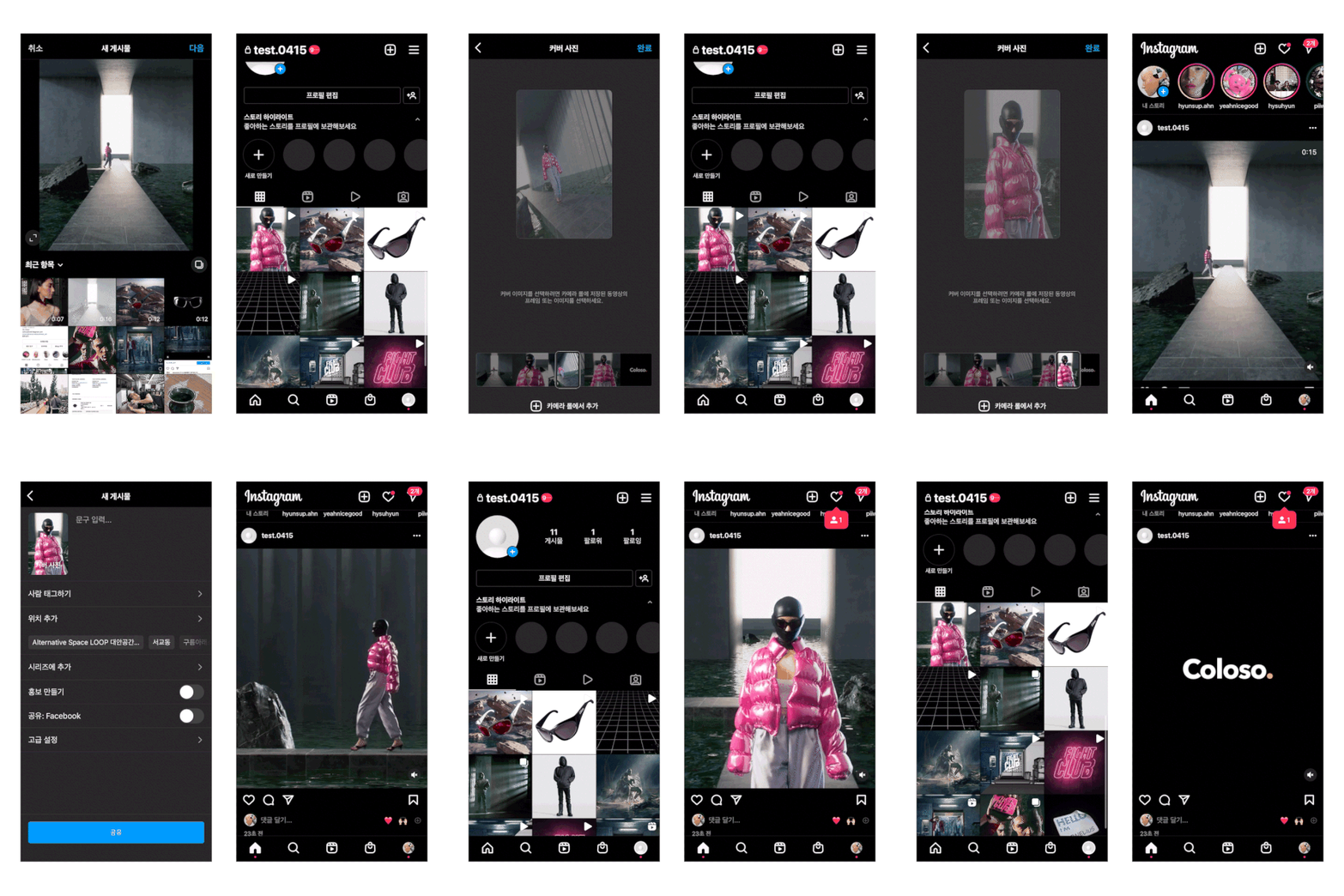 SNS self-PR strategy receiving love calls from companiesLearn how to plan and produce artwork that stands out on smartphones, and learn how to promote your account on social media.
curriculum
curriculum
Show me the curriculum
SECTION 01. Intro
01.OT
- Speaker introduction
- Curriculum Introduction
02. Explore SNS 3D content
- Why you should pay attention to SNS-type content
- Get inspired to create 3D content
SECTION 02. C4D and Octane Basics
03. C4D introduction and installation
- Install C4D
- Explore the C4D interface
04. Octane introduction and installation
- Rendering Concepts
- Octane Renderer specifications and tips before purchasing
- Install Octane Renderer
05. ACES introduction & OCIO installation
- Learn about ACES color space
- Install OCIO
- Setting up Octane ACES render
06. Octane Basics 1: Material
- Learn about Octane Materials (Diffuse, Glossy, Metallic, Specular, Universal)
- Take a look at frequently used octane nodes
- Using Image Textures with Octane Nodes
07. Octane Basics 2: Lighting & Camera & Render
- Learn about Octane lighting and cameras
- Understanding Octane Render Settings
- Render with multipass
SECTION 03. Artwork A: SUNGLASSES
08. SNS 3D artwork production guide
- Analyzing the characteristics of SNS 3D content
- Artwork A Planning
- Collect references with Pure ref
09. Artwork A: Animation and camera direction
- Add animation to product modeling
- Camera Layout and Animation
- Check the flow of the scene and improve its quality
10. Artwork A: Materials and lighting
- Insert materials into the main section (product)
- Creating light with HDRI and Octane light objects
- Create a horizontal background
11. Artwork A: Rendering and post-processing
- ACES rendering using multipass
- After Effects ACES Compositing
- Introduction to frequently used AE plugins
SECTION 04. Artwork B: TYPE C In The Caynon
12. Artwork B: Space composition using Quixel
- Artwork B Planning
- Collect references with Pure ref
- Introducing and using Quixel
13. Artwork B: C4D mograph and effects
- Try using C4D MoGraph Cloner
- Try using Plain and Random effects
14. Artwork B: Materials and Lighting
- Applying Textures to Quixel Assets
- Developing Materials with Nodes
- Setting up lighting for a large space
15. Artwork B: Rendering and post-processing
- ACES compositing in-depth practice
- Maximize the sense of space with AE post-processing
- Increase video quality using actual video sources
SECTION 05. Artwork C: COLOSO Ready To Wear
16. Artwork C: Character Animation
- Introduction to Daz 3D
- Load a character and add a simple animation
- Export character from Daz 3D to C4D
17. Artwork C: Clothing Simulation
- Introduction to Marvelous Designer
- Obtaining Clothing Simulation Using Marvelous Designer
- Applying Clothing Simulation in C4D
18. Artwork C: Space composition and camera direction
- Spacious interior space design
- Create natural camera animations that follow people
19. Artwork C: Materials and lighting
- Concrete and water material production
- indoor lighting
- Directing attention to the subject matter
20. Artwork C: Rendering and post-processing
- Advanced compositing practice
- Raising quality through AE post-processing
- Add realism using AE effects and plug-ins
SECTION 06. Artwork D: 3D Tracking
21. Artwork D: 3D Tracking 1
- Artwork D Planning
- Pre-tracking work using After Effects
22. Artwork D: 3D Tracking 2
- Import shooting sources into C4D and track faces
- Editing trekking data values
23. Artwork D: Animation & Rendering
- Substituting modeling for tracking values
- Editing composite area
- Creating simple particle animation
- Setting up multipass for post-processing synthesis
24. Artwork D: Post-processing
- Composing rendered images on top of shooting sources
- Rendering shadow paths using C4D
- Increasing realism through post-processing
SECTION 07. SELF BRANDING
25.Outro
- PR strategy using multiple portfolio sites along with SNS
- employment story
- Tips for consistent personal work
interview
What 3D artist Soohwan Oh wants to say

Question.01
What are the marketability and prospects of ‘SNS-type 3D content’?
What are the marketability and prospects of ‘SNS-type 3D content’?
Currently, the most consumed channel for video content is smartphones. Therefore , motion graphics must be produced in a way that is effectively exposed to social media, a medium frequently used by the public. As many brands, companies, and artists are currently collecting references and recruiting through SNS, I believe that SNS-type 3D content will become essential for creators .
Question.02
What are your strengths as a 3D artist?
What are your strengths as a 3D artist?
Of course, 3D motion graphic production capabilities are important, but above all, I have an eye for constantly changing trends and specialize in strategic planning to effectively display my work on social media . Using these strengths, in this lecture, I will teach you my own SNS-type content production and publishing know-how that I have developed through various projects through four step-by-step examples.
Question.03
What are the main points of this class?
What are the main points of this class?
Compared to videos with a long horizontal ratio, it is relatively difficult to find lectures on videos with a long vertical ratio . So, in this class, we have structured the curriculum so that you can learn in detail everything from planning to visual production methods and production methods for vertical motion graphics optimized for smartphones and SNS. Gain not only skills in 3D tools, but also know-how in content creation focusing on branding, products, and fashion .
Question.04
Who do you recommend taking the class to?
Who do you recommend taking the class to?
Those who are interested in creating SNS-type 3D works such as Instagram, or who want to use social media itself as their own portfolio , or who are curious about the motion graphic styles, core skills, and production methods most consumed in the fashion field or trendy brands. I highly recommend it to all designers who want to expand the range of visual expression in 3D .
We will guide you through the program to use.
This class will be conducted using Cinema 4D R25, Octane Render 2021, and Adobe After Effects 2022. Please install the corresponding version of the program to ensure smooth course participation.
* R25-S26 for Cinema 4D and CC 2018 or later for Adobe After Effects are recommended.
* You can take the course without any problems even if Marvelous Designer and Daz 3D are not installed. (Use lessons 15-16)
* Programs and materials are not provided separately.