Artdirector,JaeyeounLee_[Dictionary] 아트디렉터 이재연2 Details
introduction video
Improve your skills by following a curriculum that covers everything from tool setting to planning, overall concept and design, animation, and C4D techniques, and complete a portfolio video just for you.
No more awkward flow portfolios made up of fragmented learning! How to create a total of 19 scenes and connect them organically to create a complete portfolio. Learn through this class.
To all students
Special benefits exclusive to Jaeyeoun Lee’s motion graphics portfolio class
-
 Infinite learning from the vast 50 lectures
 -
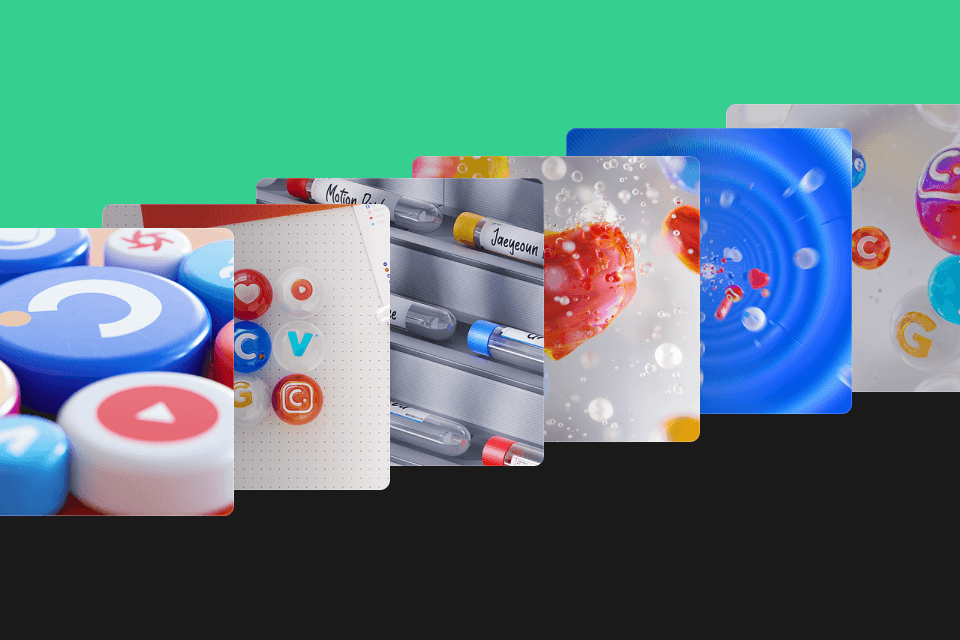 A total of more than 100 types of files are provided, including modeling assets, texture sources, sound and compositing files.
 -
 Provides PDF materials and 19 shot C4D example files for solid foundation and practical application.
3D motion graphics class provided file list
-
 100 types of motion graphics production assets- Approximately 50 types of modeling assets
- Approximately 30 types of texture sources, including 2D source Illust files
- Approximately 20 types of pre-production sheets
- After Effects compositing files
- sound files -
 20 types of motion graphics basic and application materials- Cinema4d example file of 19 shots
- PDF materials on basic motion graphics theory organized by the instructor
Class Recommendation
I recommend it to these people.
Students and job seekers who want to create a trendy motion graphics portfolio
Practitioners who want to improve their skills in design, motion, and render skills
C4D users who want to improve their understanding of the video production process
Portfolio of art director Jaeyeoun Lee
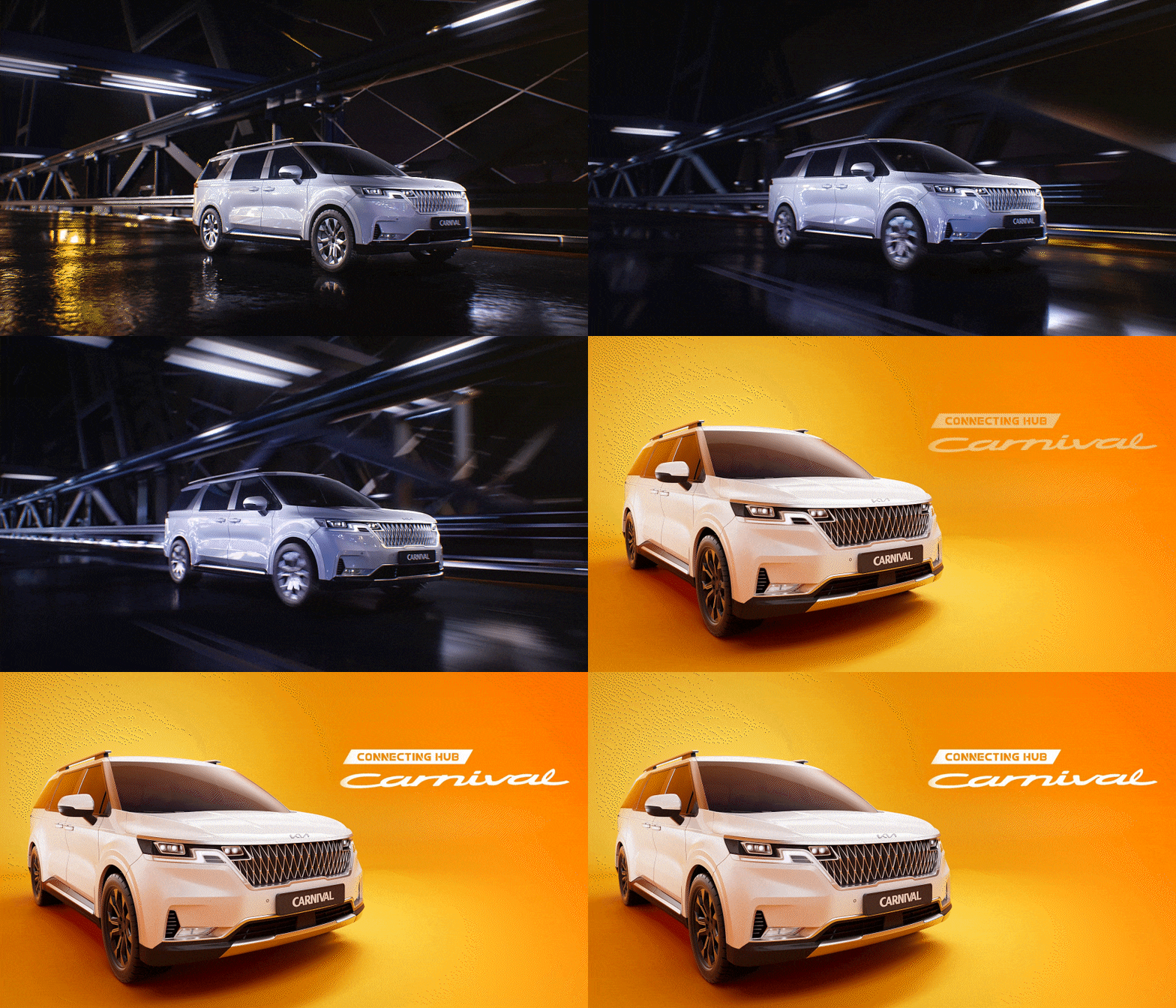
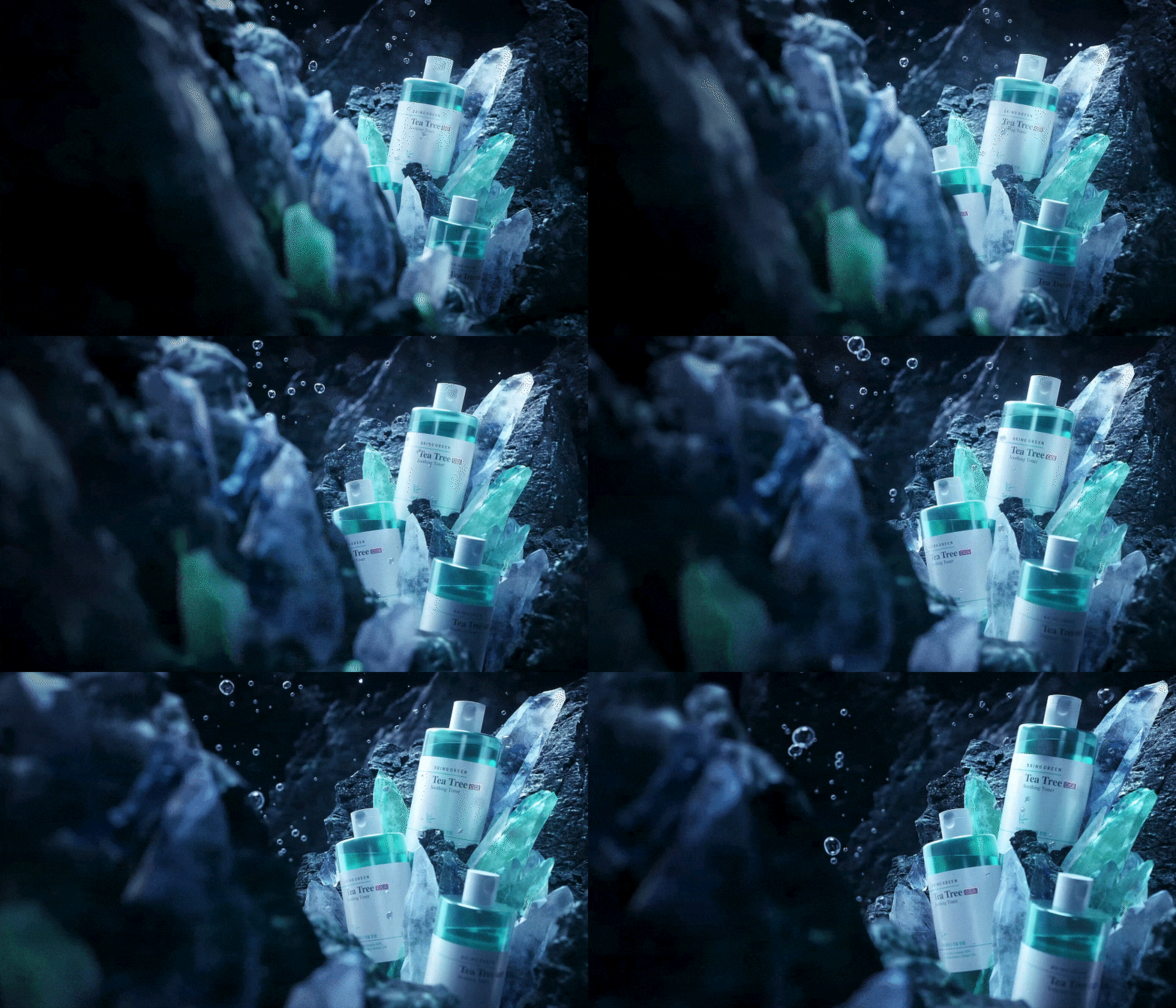






Now for the real thing, a full-fledged motion graphics application class
class example
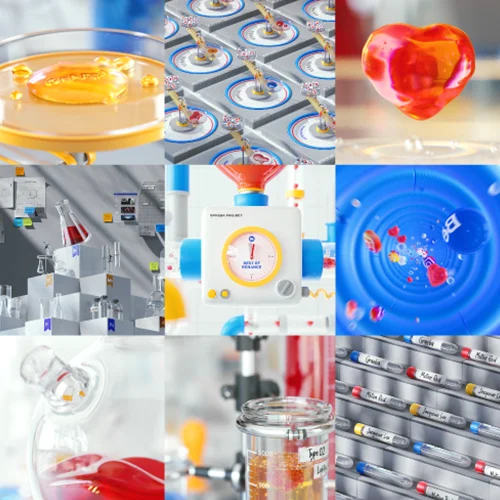
Let’s create 19 motion graphics scenes.
01. Introduction
As a first step in preparing for the experiment, we create shots that announce the beginning of the video.
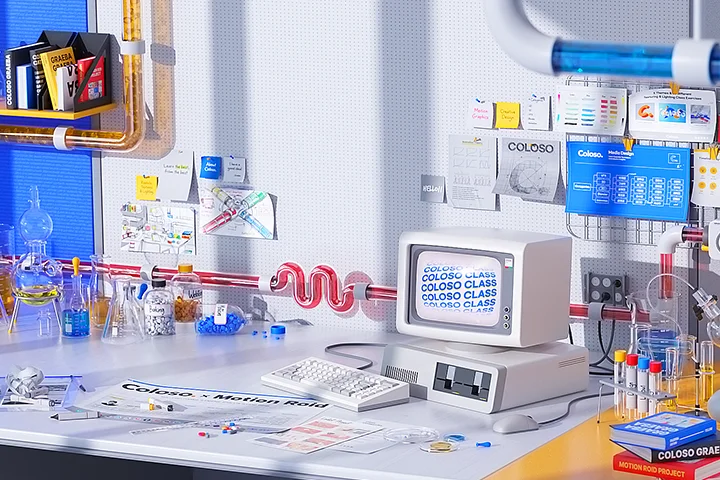

02.Development
This is the stage where various experiments are conducted. Let's create shots that depict interesting experiments.
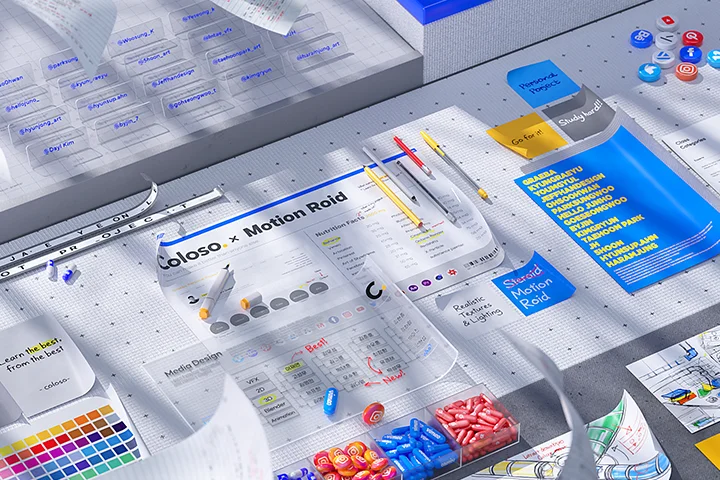
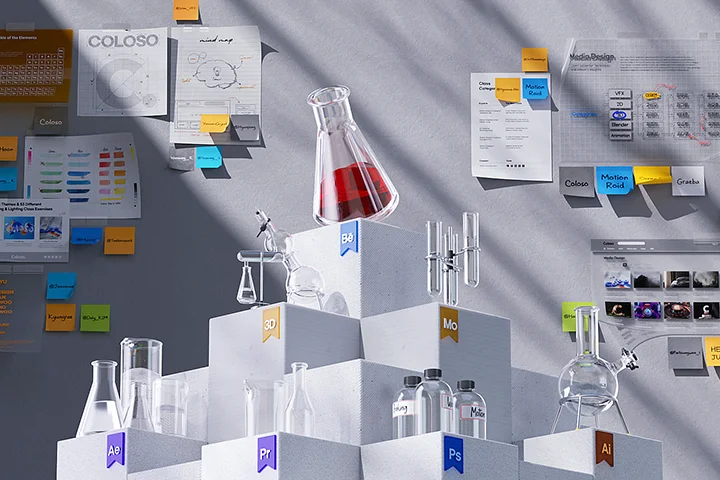

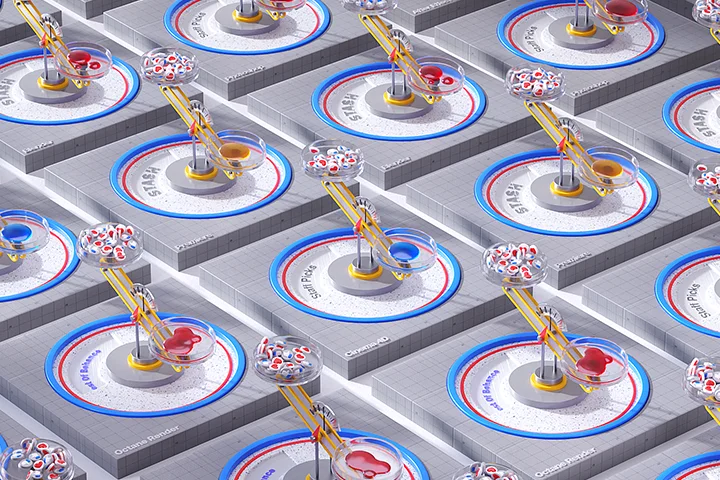





03. Climax
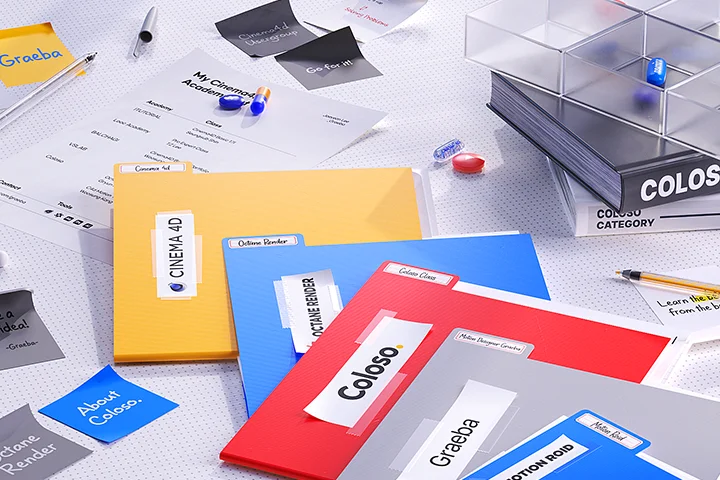
This is the stage where the final result is completed through all experiments. We direct the shot so that you can feel the most energy in the video.
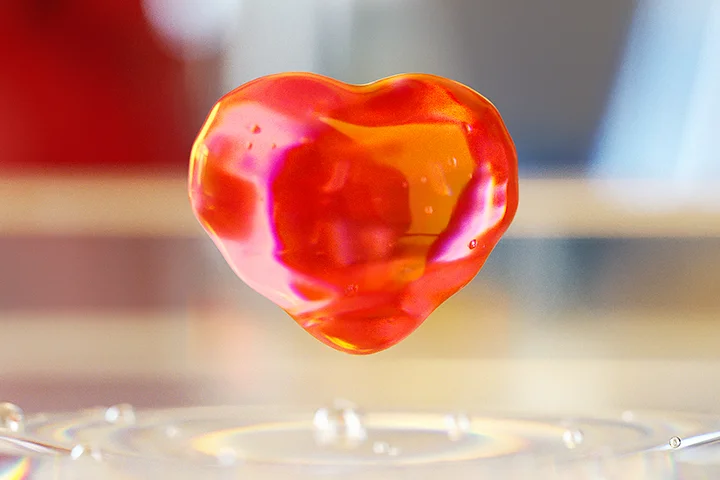



04. Conclusion
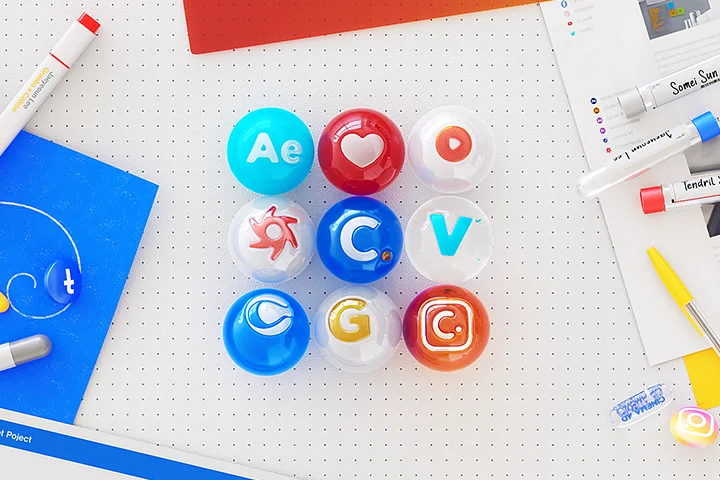
This is the stage where we show the final result through all experiments, and we direct the shot so that all energy in the video is exhausted and it is finished.

Coloso Roid
* The results above are actual class examples that will be created directly from the class.
class features
Establish a solid motion graphics plan through efficient preparation
Learn how to plan, select and use references, and create pre-vis to produce high-quality motion graphics. Understand what processes are necessary and experience the entire process of producing high-quality motion graphics.
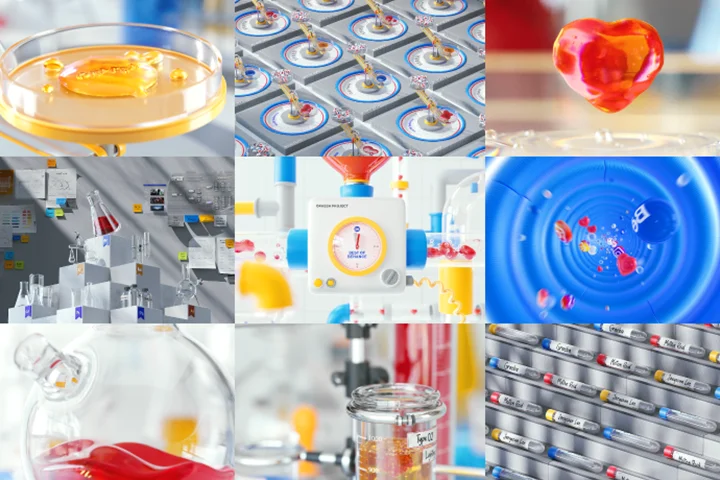
Develop design and animation skills using various examples
You will understand the various animation design processes applied to 19 shots and learn how to use them yourself. Learn about essential planning, composition, design, and motion, and apply them to your own motion graphics video.
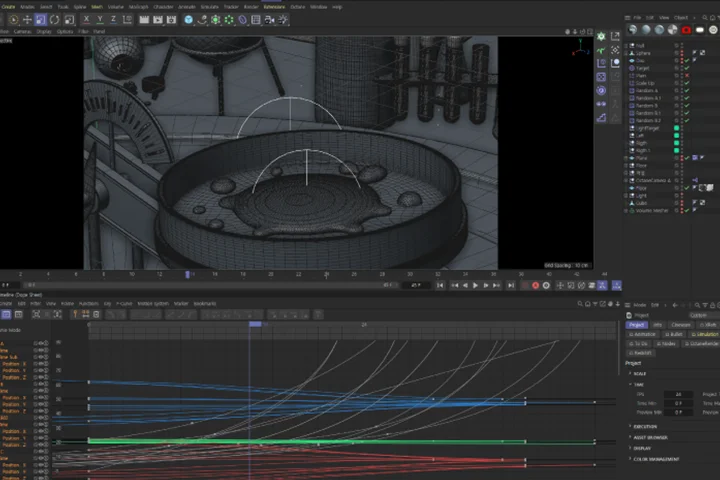
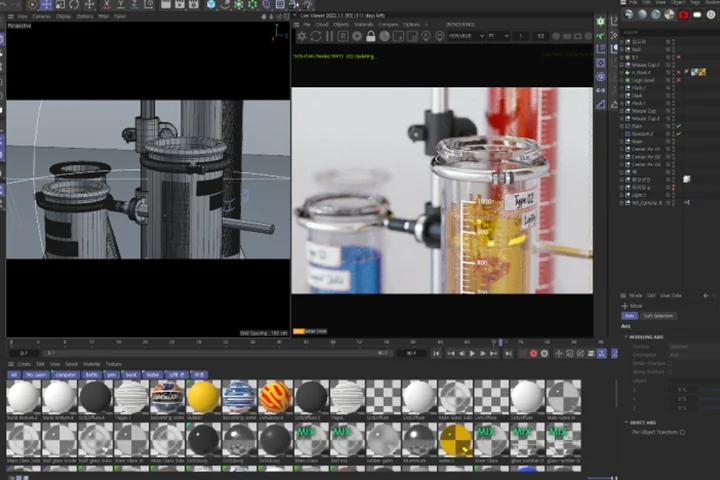
A variety of C4D techniques that are highly useful in practical and personal work
To help you become a competitive designer in the motion graphics industry, which increasingly requires more skills, you will learn various techniques that can be applied to practical and personal work.
Jaeyeoun Lee
art director
Hello, this is Art Director Jaeyeoun Lee. Starting with the Giant Step art team, I worked as a production team member at a large agency, and as a freelancer, and have experienced projects of various sizes with numerous artists. Currently working as an Art Director, I also teach online and offline lectures, including Coloso.
Many people can easily solve technical issues through YouTube and lectures, but when it comes to essential planning, composition, design, and motion, they work without the basics. In this lecture, you will understand what processes are necessary and learn the overall editing structure for high-quality motion graphics, as well as the design and detailed motion for each shot. Grow into a competitive motion graphics designer by directing the entire process of a video, from planning to production.


Art Director Jaeyeoun Lee
Current) Motion Studio Art Director
Current) 105Class Align your artwork instructor
History and experience
Former) Giant Step Art Team
Former) Chai Communication MetaX Team
Former) Freelance motion designer
Former)Cinema4d User group operator
[Participating Project]
NAVER - Naver Connect 2021 XR
NAVER - My Competitiveness Longboard ED
NAVER NOW - < PARTY-B >
Shenzhen, China - Media Wall Video
Centerfield - Media Wall Video
Hyundai Motor Company – IONIQ
Hyundai Motor Company - STARIA SNS video
Toss - Credit rating inquiry service
Toss <Pedometer>
Far East Movement - Instagram MV
Incheon Airport - T1 Media Tower
CGV - Kumho Tire emergency evacuation map video
Kia Motors – K3
KT-5G
SAMSUNG - Galaxy Note 20 COEX New Media
SAMSUNG - Galaxy S20 FE
Amazone Japan - New Year
Mylberry
KB Direct - Kia Carnival
LG Innotek
[Awards]
2017 Anyang University Gradutation Presentation Award Grand Prize
2017 Cinema 4D User Group Contest Grand Prize
2016 Local Finance Association UCC Award Excellence Award
2016 KoROAD UCC Award Encouragement Award
2015 Jongro UCC Award Excellence Award
2015 COEX Animation Award Grand Prize
Class composition
learn this
-
 Prepare a solid planFrom topic setting to pre-vis production through planning and reference use, you will learn solid basic work methods for motion graphics.
 -
 Highly usable C4D core skillsLearn how to efficiently work with difficult liquid animation and learn about various highly useful C4D techniques applied to each shot.
 -
 Various styles of design, lighting and animationLearn about lighting and design know-how to use various assets and color elements neatly, and understand and apply the details of animation and transitions.
-
 Compositing, which combines many shots into one videoLearn about compositing methods that make completed shots neater and brighter, and make all shots look like a single video.
 -
 Making production to utilize the completed portfolio 200%Rather than creating a portfolio that satisfies me alone, I will learn how to create and promote it for maximum performance.
 -
 Sharing motion graphics workflow and know-howFrom planning to production and finishing, we will understand the principles and reasons behind each process, and learn how to use it in our own works.
curriculum
Show me the curriculum
Part 01. Orientation
Part 02. Pre-Production
Part 03. Making Coloso Roid
Part 04. Conclusion
interview
Art Director Jaeyeoun Lee

What are the planning intentions and points of this lecture?
You can learn the entire process of producing an entire video, not just a few areas related to motion graphics. From topic selection to planning and pre-vis production, to design and animation know-how used in actual production, and various C4D techniques that are highly useful, we have gathered together fragments of things that can be learned in other lectures and included them all in this class.
What are the unique points of this course?
Rather than being conducted in a one-sided manner in the form of a simple review, all courses in the class are structured so that the reasons can be explained accurately and based on this, you can use them as your own through example exercises.
I think that if you have an accurate understanding as the basis, you will be able to understand the feeling more accurately, and based on this, you will be able to refine it into a feeling that has your own principles.
What can students gain from the lecture?
If you continue to build practical experience by only participating in part of the company's projects, you will inevitably end up lacking something. In order to become a competitive designer in the motion graphics industry, which requires increasingly more skills, you must continuously prepare and grow individually.
In this lecture, you can direct and develop the entire process of a single video that is not part of a project, and learn various know-how that can be used in personal work as well.
Lastly, please leave anything you would like to say to the students and junior creators.
Because this class contains so much content, it is expected that students will need more stamina, concentration, and persistence, unlike regular lectures.
You can gain a lot from this content, so if you take the lectures one by one without being hasty, I think you will be able to fully digest and utilize the content I have included with your own know-how.
We will guide you through the program to use.
This lecture is conducted using the tools specified below.
Cinema 4d - 2023
Octane Render - 2022.1.1-R5
Aftereffects 2023
Adobe Illustrator 2023
*We recommend that you use the same version as possible in class.
*Recommended to use Cinema4d R20 or higher version
*Recommended to use Octnane Render 2021.1.1 -R3 or later version
*Can be used with Adobe Illustrator CC version or higher
*Can be used with Adobe Aftereffect CC version or higher
*Programs and materials are not provided separately.