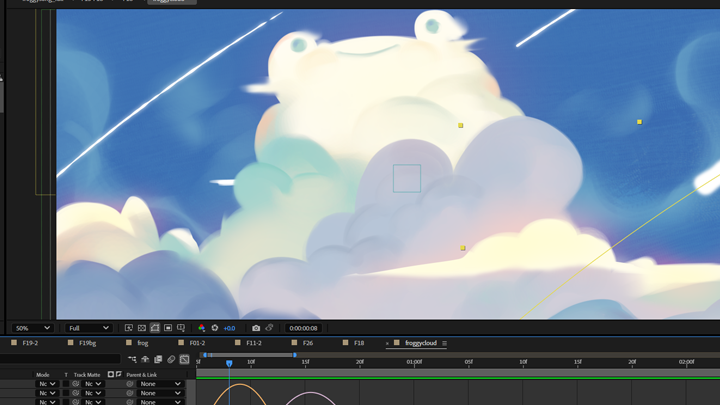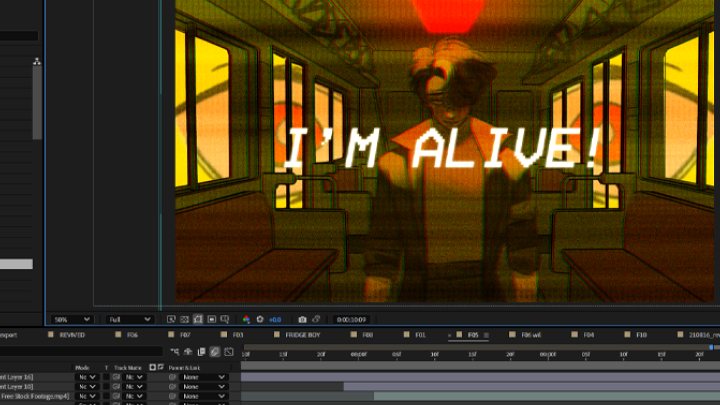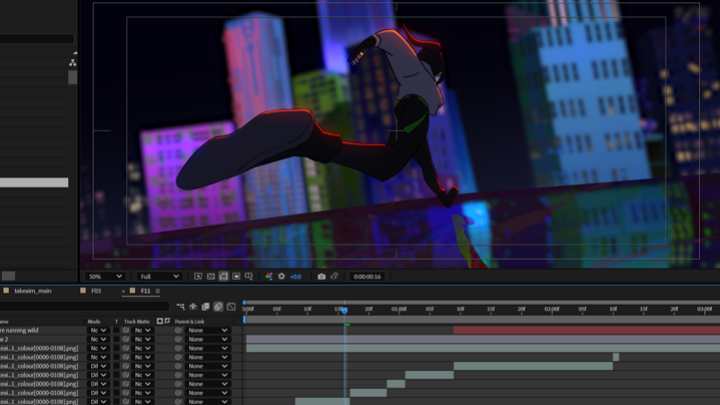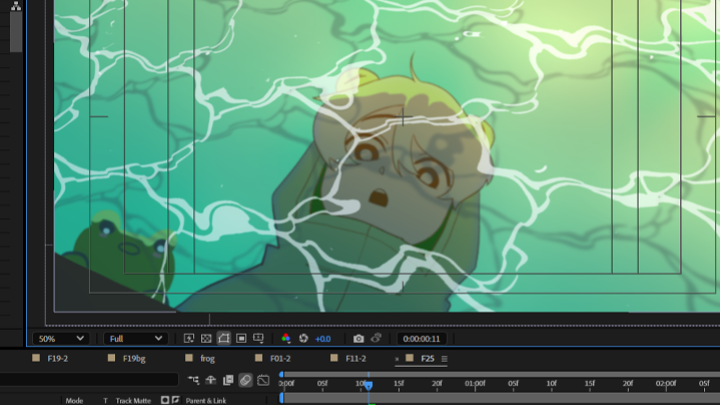
motiondesigner,qaramello Details
Intro
Class Intro
Motion Designer, Qaramello
"Go beyond animation and motion design, and direct your own 2D music video through the full After Effects pipeline!"
Have You Wondered Why Your After Effects Animations Don’t Feel High-End?
If you know After Effects well but your animations still feel flat or unfinished, the issue is probably not a lack of tools. More often, it comes from the subtle gap between knowing how something works and knowing how to use it with intention.
This course is designed to close that gap. While we focus strongly on direction, composition, and creative thinking, you will also refine the technical details that elevate your work. From timing and spacing to keyframe handling and interpolation, you will learn how small decisions create a big difference in quality. It is not about adding more effects, but about making smarter choices.
This course is designed to close that gap. While we focus strongly on direction, composition, and creative thinking, you will also refine the technical details that elevate your work. From timing and spacing to keyframe handling and interpolation, you will learn how small decisions create a big difference in quality. It is not about adding more effects, but about making smarter choices.
Designed around the process of creating animated music videos, this class teaches you how to translate rhythm, mood, and narrative into cohesive visual motion. Through 23 structured chapters and hands on exercises, you will strengthen both your creative judgment and technical precision inside After Effects. From concept development and composition to workflow, rendering, and final polish, every step is taught with purpose.
By the end, you will not just follow tutorials. You will confidently create a fully directed, music driven motion piece that feels intentional, cohesive, and portfolio ready.
By the end, you will not just follow tutorials. You will confidently create a fully directed, music driven motion piece that feels intentional, cohesive, and portfolio ready.
Class Preview
Still Not Sure?
Check Out Qaramello's Class Preview!
Chapter 09. Workspace Setup
1. Introduction to After Effects
2. Important Tabs & Windows
3. Importing your storyboards
4. Project Viewer: Housekeeping & Organization
5. Saving your file to the optimal destination
2. Important Tabs & Windows
3. Importing your storyboards
4. Project Viewer: Housekeeping & Organization
5. Saving your file to the optimal destination
Class Perks
Special Gift from Qaramello
-
 Compiled Project FileCompiled AEP of the After Effects project used in the class, with assets linked accordingly
 -
 Course Notes / SlidesChapter-by-chapter breakdown of important notes and materials
 -
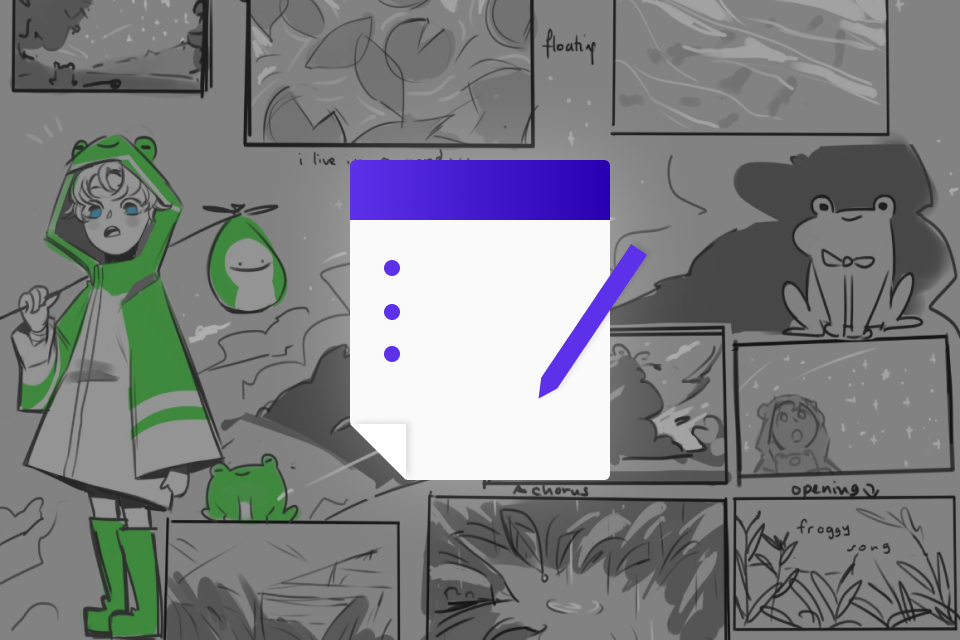 Animatic / StoryboardExport of the animatic as created during the course
-
 VFX Cheat SheetA list of commonly-used effects and presets used during the course
 -
 Final Animation ExportFull access to the instructor's final export file for reference
 -
Recommendation
Who should take this class?
Motion designers looking to expand expand into a new and unique niche.
Animators eager to break into motion design through playful, concept-driven projects.
Illustrators aiming to bring their static art to life with music-led motion and VFX.
Expert Motion Designer Qaramello's Portfolio
Starsmitten
Live
Cycle
Take Aim
Star Trails
Into the Zone
Lost In Space
Froggy Song
Revived

Why Take This Class?
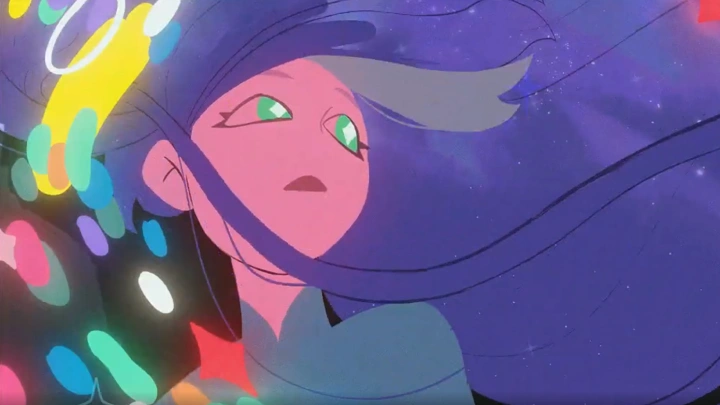
This class is built specifically around creating animated music videos focused and versatile approach to 2D animation and motion design. You will not only animate shots, but learn how to analyze a song, develop a visual direction, build moodboards, design styleframes, and translate rhythm into striking motion.
Qaramello is known for dynamic yet refined screen compositions. In this course, you will learn how to construct visually rich frames that feel bold without becoming chaotic. From layering and typography to color control and compositing, you will understand how to maintain clarity and sophistication even in complex scenes.
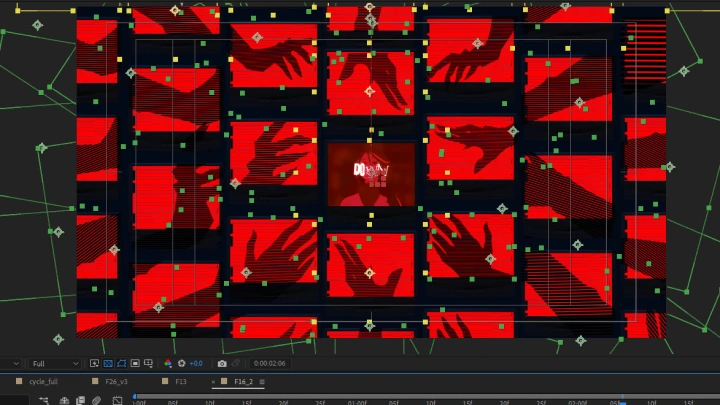
The curriculum follows a complete production pipeline. You will move through ideation, storyboarding, styleframes, asset preparation, animation, compositing, VFX inside After Effects, and final audio synced editing. By the end, you will not just experiment with music visuals. Rather than teaching one off effects or surface level tricks, it helps you build essential foundations and disciplined creative habits that carry across projects and disciplines. You will be able to direct and produce a fully structured animated music video with confident creative control.
Get Ready for the Real-World
12 Class Exercises
-
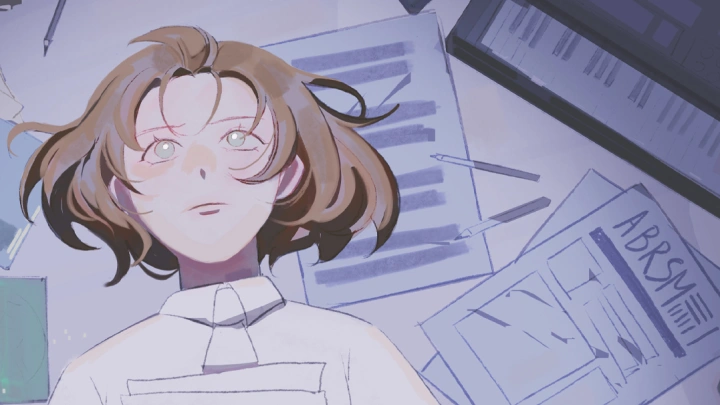
Concept CreationConceptualizing a rough visual draft for the final project by gathering references and creating moodboards
-
Creating StoryboardsUnderstanding the basics, terminology, setup and software and the elements of an efficient storyboard to create your own
-
Creating StyleframesUnderstanding the basics such as terminology, setup and software and the applications of color theory, shape design and layering to create styleframes that are ready for animation
-
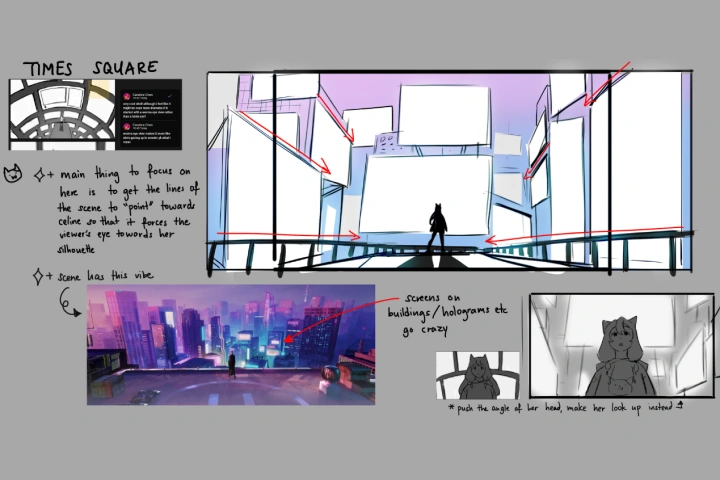 Concept BoardingExplore how to organize your idea into visual draft for the overall concept
-
Creating AnimaticsIntroducing file types, render settings, output module and destination to export your first comp
-
RiggingRigging a 2D character for smooth and flexible motion in After Effects
-
Animation BlockingIntroducing keyframes and interpolation and understanding shape and text layers, layer transform, parenting, 3D and typography to practice blocking out final animation as well as shot layout
-
3D VFXAn optional exerciese to explore 3d FX creation
-
VFXCreating impactful VFX for dynamic scenes in After Effects
-
CompositingPreparing for animation using curves, blurs, glows, expressions, layer modes, track mattes and sampling
-
Rendering & ExportingRendering your final edit and exporting your animation
-
Audio SyncLearning how to time your assets correctly to the song and exploring transtions and cuts
Final Product
Animated Music Video
Create an eye-catching music video that showcases your ability to choose color, composition and impactful editing.
The final outcome may include an optional 3d vfx component.
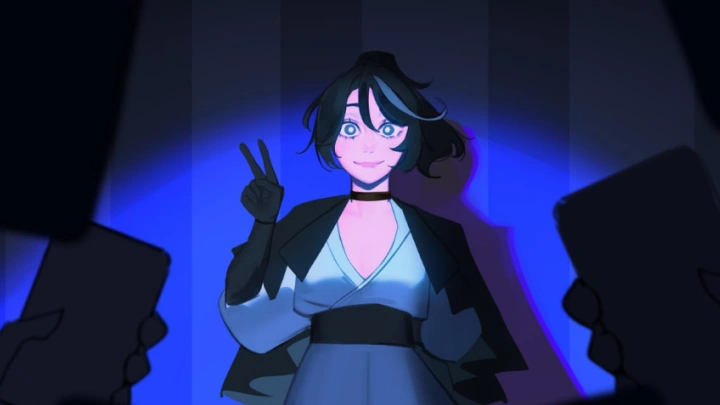
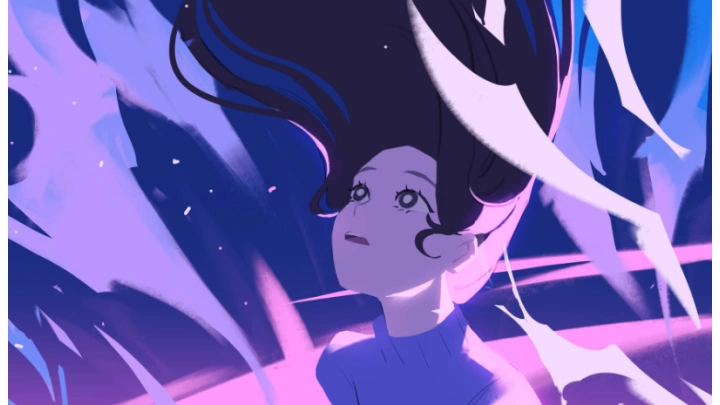
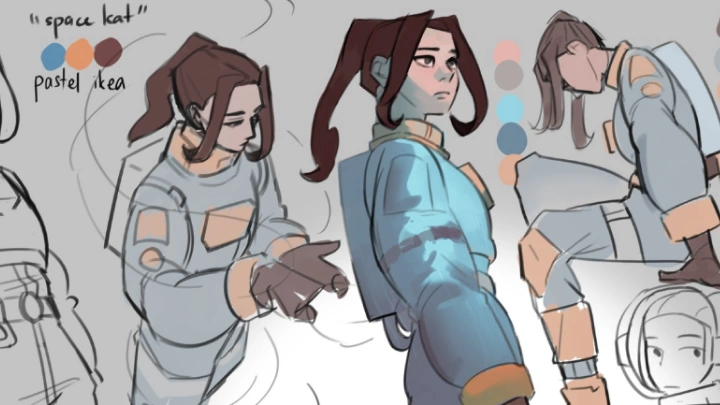
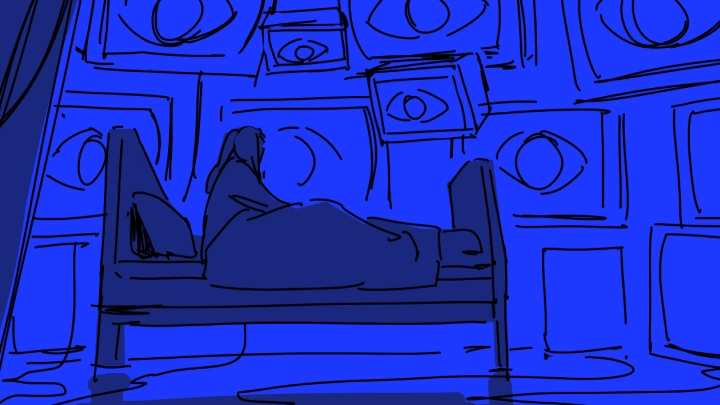
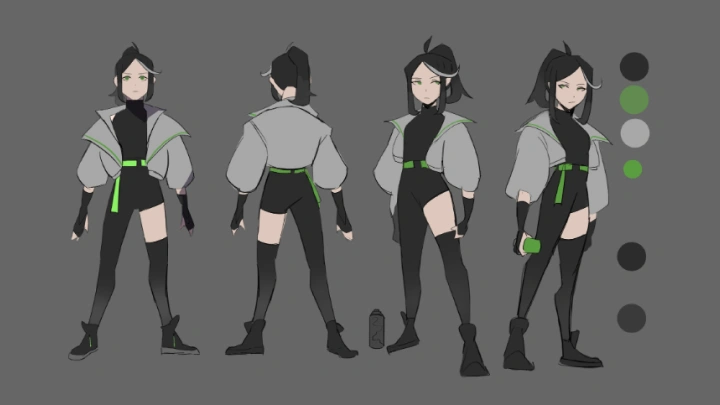
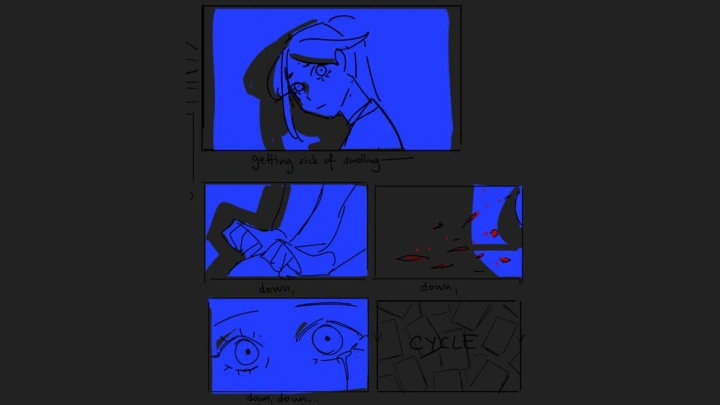
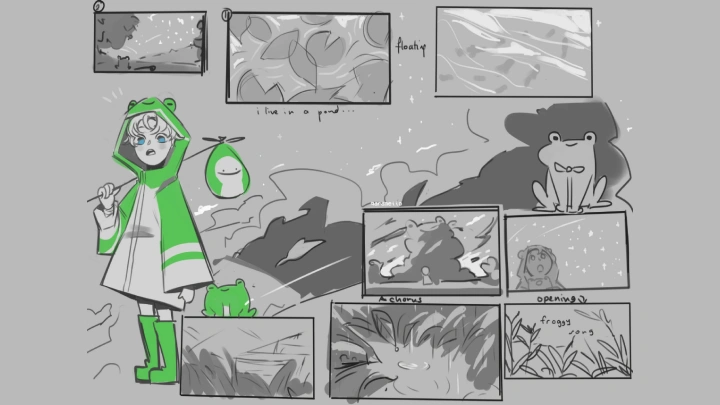
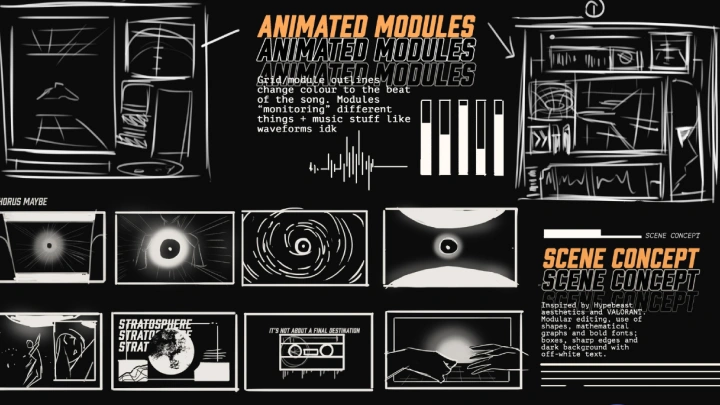
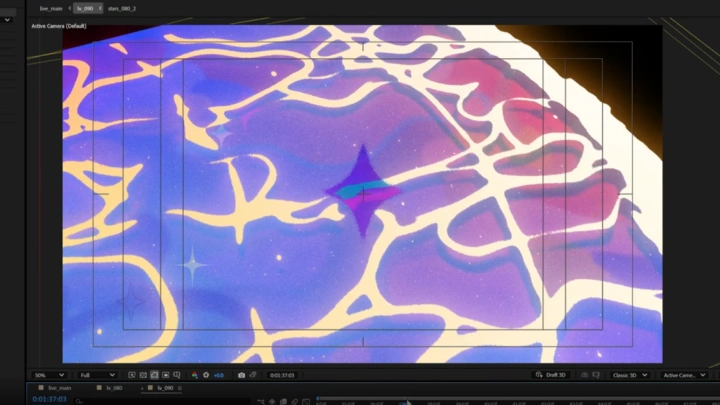
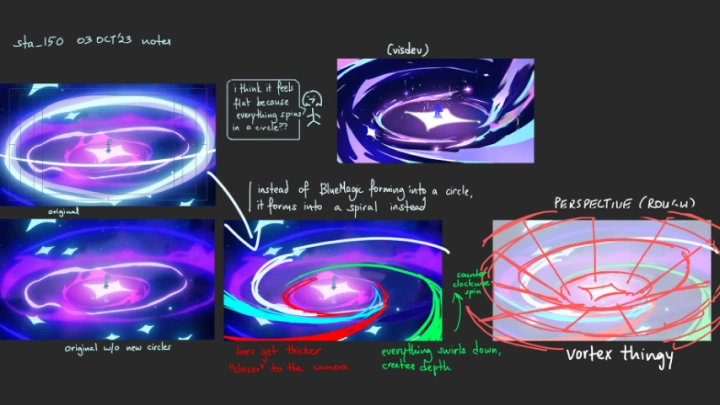
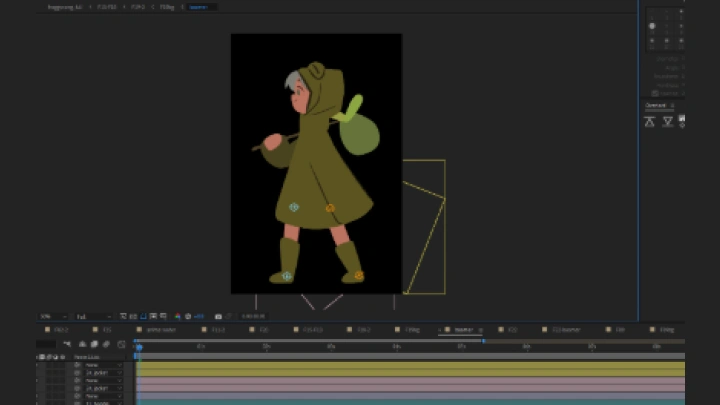
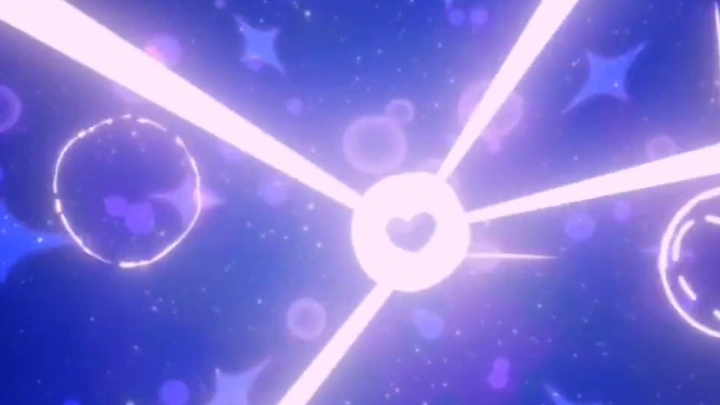
*The above images are sample images for a better understanding.
Highlights
Class Highlights
From Technique to Intention
Strong motion design is built on decisions, not presets. In this class, you will sharpen your control over timing, spacing, rhythm, and motion flow to create animation that feels purposeful and refined. Instead of stacking effects, you will learn how to shape movement with precision, developing the sensitivity and judgment that separate polished work from average output.
Music-Driven Visual Direction
This course trains you to think like a director, not just an animator. You will break down a track, identify its emotional structure, and translate sound into visual form. From early concept exploration to style development and final sync, you will build a cohesive music-driven piece that reflects a clear creative vision from start to finish.
Advanced Composition for 2D Motion
Discover how to design frames that feel layered, bold, and visually compelling while maintaining balance and clarity. Through structured composition techniques, typographic integration, and thoughtful color relationships, you will learn how to control visual density and guide the viewer’s eye — creating complex scenes that remain elegant and intentional.