Metaverse Creator, Joonsoo Kwon_메타버스 크리에이터 권준수 Details
Class introduction
introduction video
Metaverse Creator, Junsoo Kwon
“Try the ZEPETO market right now, which can be used as a trendy marketing tool in the content industry.”
Close to 300 trillion
Metaverse market
How to create a key ‘map’
How to create a ‘map’ that will be the core of the metaverse market, which is approaching 300 trillion won
Concerts, music videos, classes, politics, etc., the uses of the Metaverse virtual space are endless! We reveal the 'map' creation skills in the metaverse that are captivating not only the MZ generation but also the world.
How to become a popular ZEPETO map creator by configuring a space that understands needs, as well as optimization skills for smooth use by users in the platform environment.
How to become a popular ZEPETO map creator by configuring a space that understands needs, as well as optimization skills for smooth use by users in the platform environment.
We will provide you with detailed operation methods and know-how on unique mechanisms that were not provided in existing tutorial lectures.
Create your own maps of overseas landmarks, concert halls, zoos, schools, and infinite virtual worlds right now with BuildIt, a 3D space creation tool that anyone can easily learn.
Create your own maps of overseas landmarks, concert halls, zoos, schools, and infinite virtual worlds right now with BuildIt, a 3D space creation tool that anyone can easily learn.
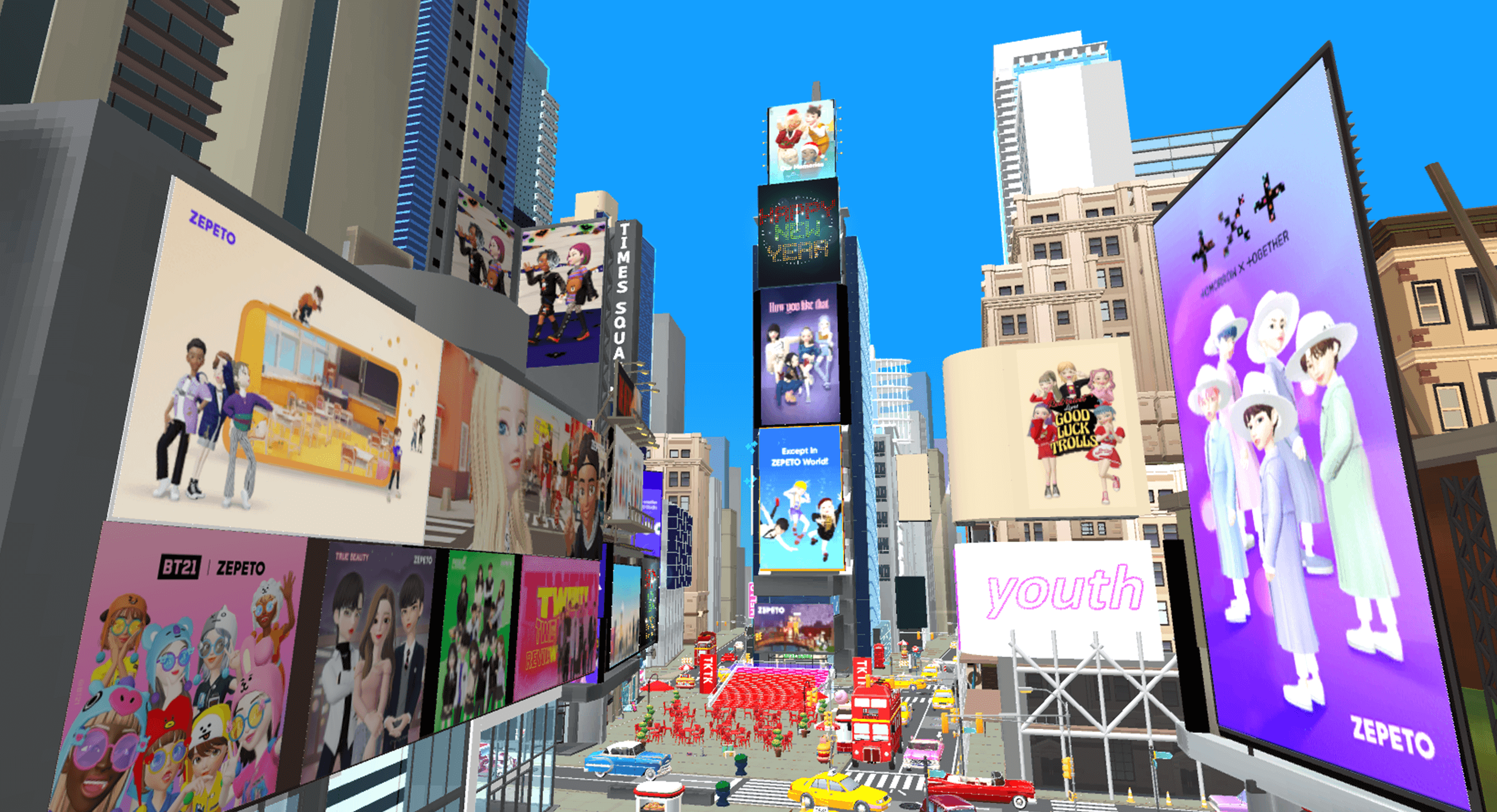
Portfolio of ZEPETO Build It map expert Junsoo Kwon
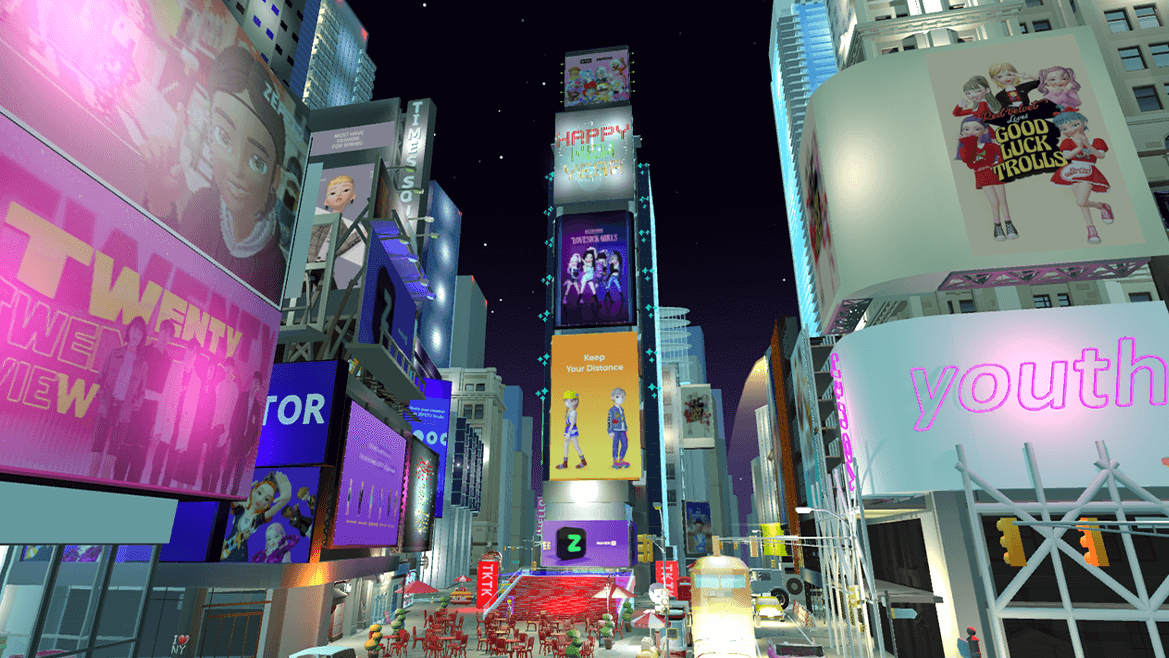
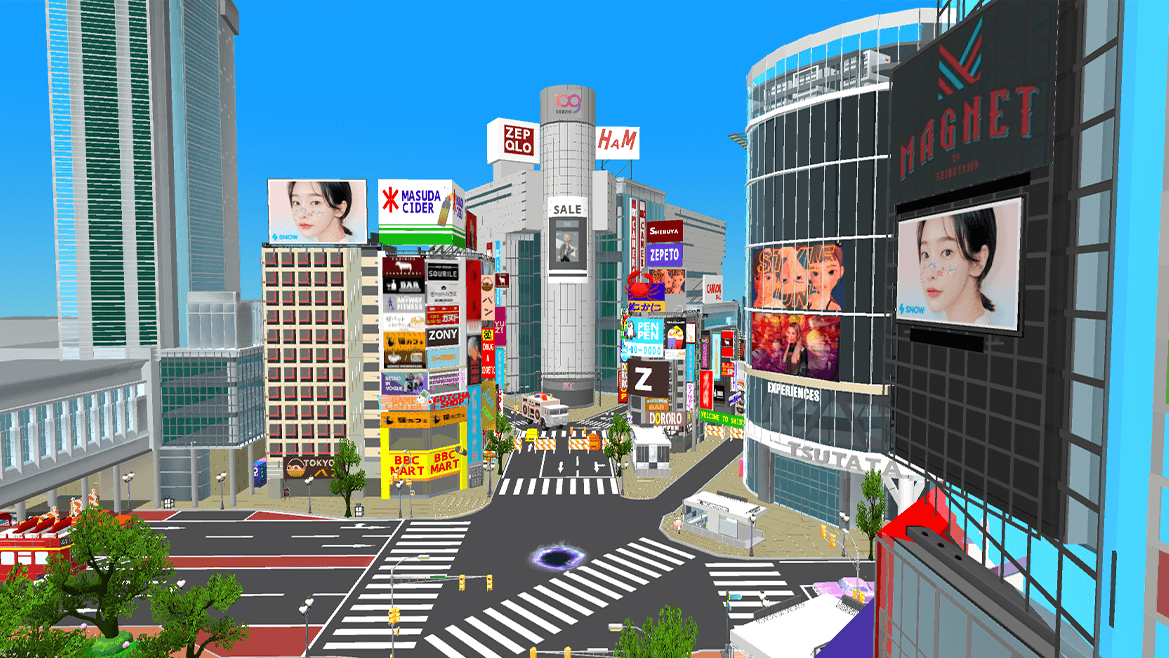
Why Take This Class?
In this class, we will teach you how to create a Zepeto map with increased efficiency and lower difficulty, similar to 3D professional tools, using a beginner custom tool called 'Build It'.
Become a leader in leading core trends encompassing all industries, including content industry, politics, academia, and finance industry, by creating maps using ZEPETO BuildIt.
Metaverse creator Junsoo Kwon Kwon, a Zepeto Build It map expert from NAVER Z, goes beyond the Build It map production method and learns how to make it ‘well’ efficiently. You can only find it at Coloso.
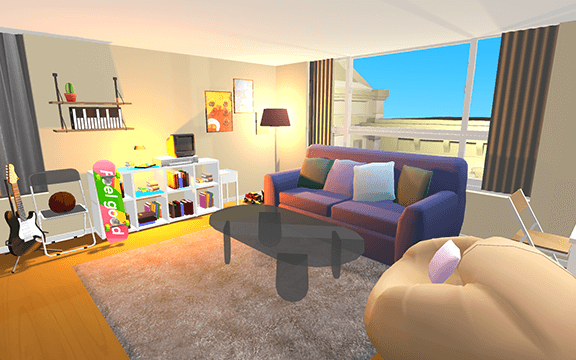
You can complete maps with more than 10 different concepts.
Interior design and cafe creation
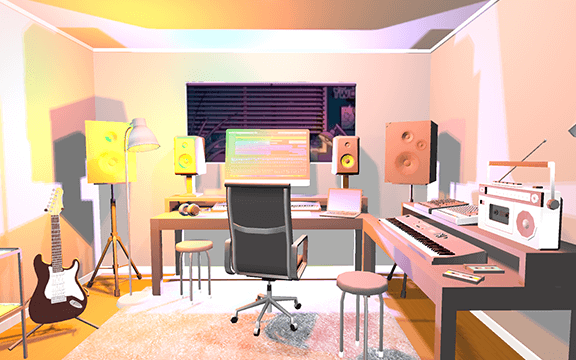
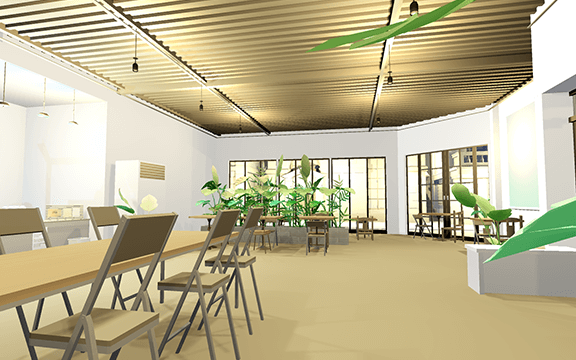
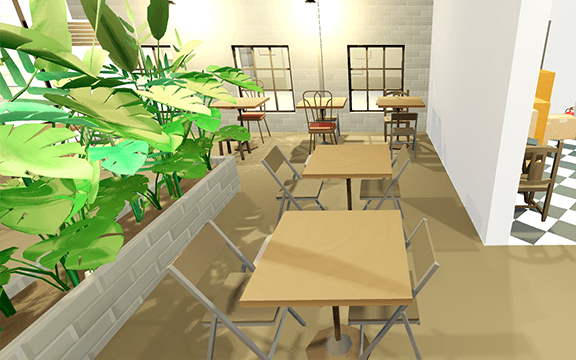
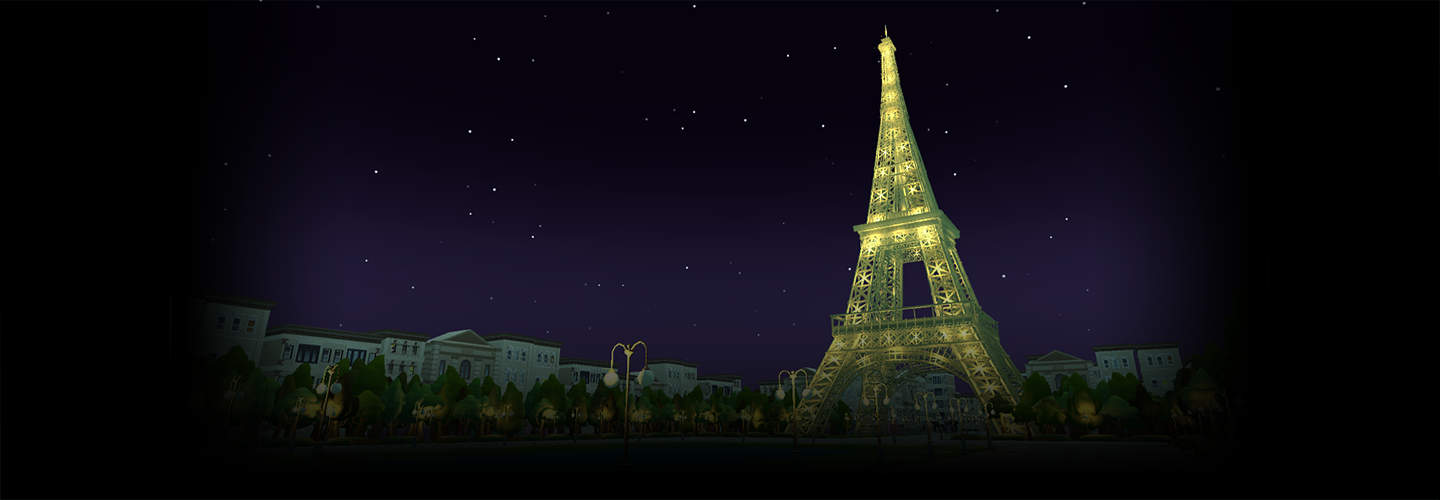
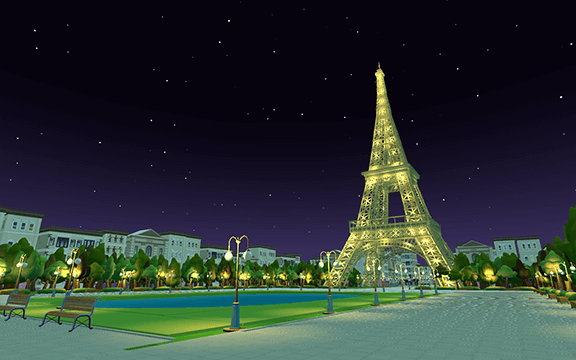
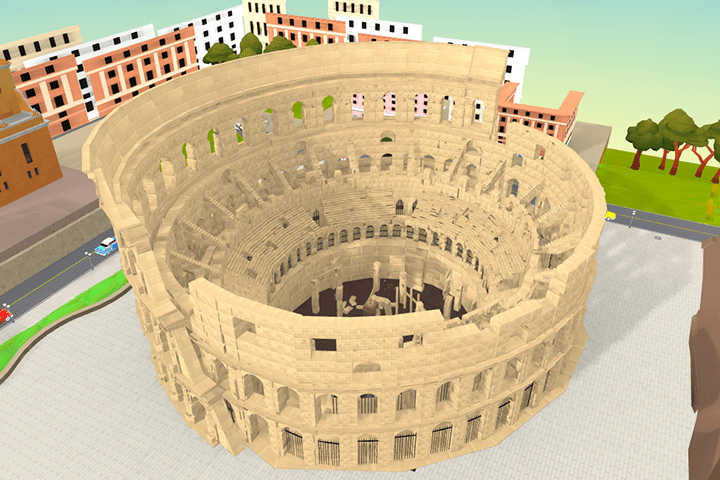
Create a landmark theme
Eiffel Tower, Colosseum, Taj Mahal
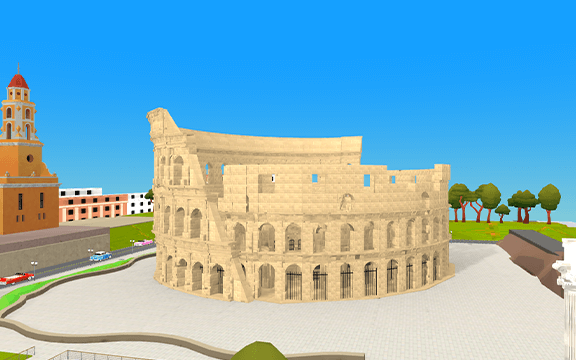
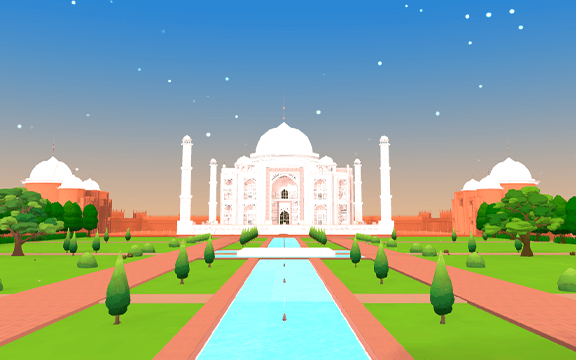
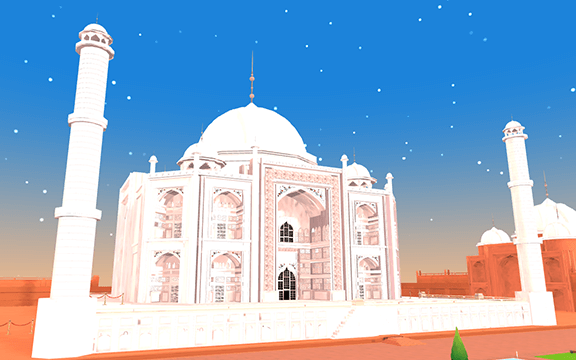
Creating game content themes
Jump map, escape map, treasure hunt map
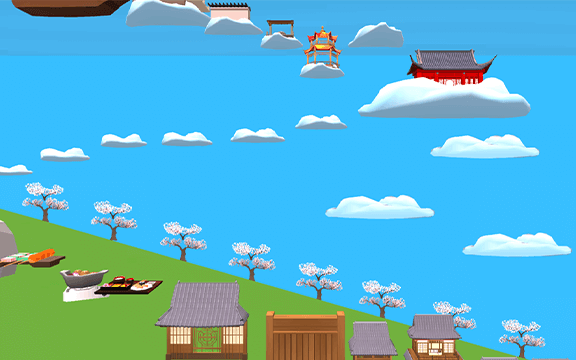
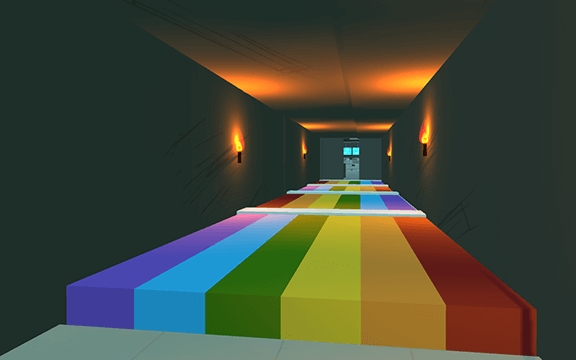
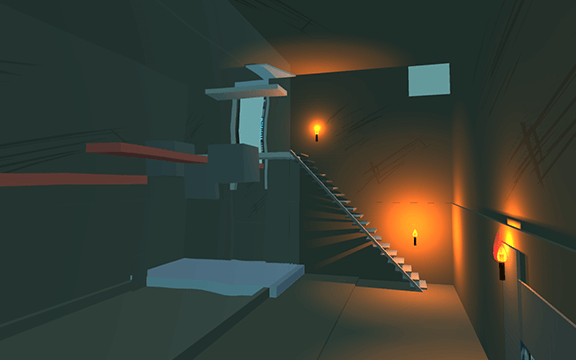
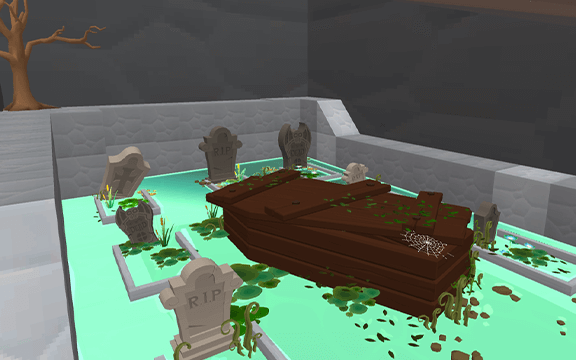
Creating a metaverse
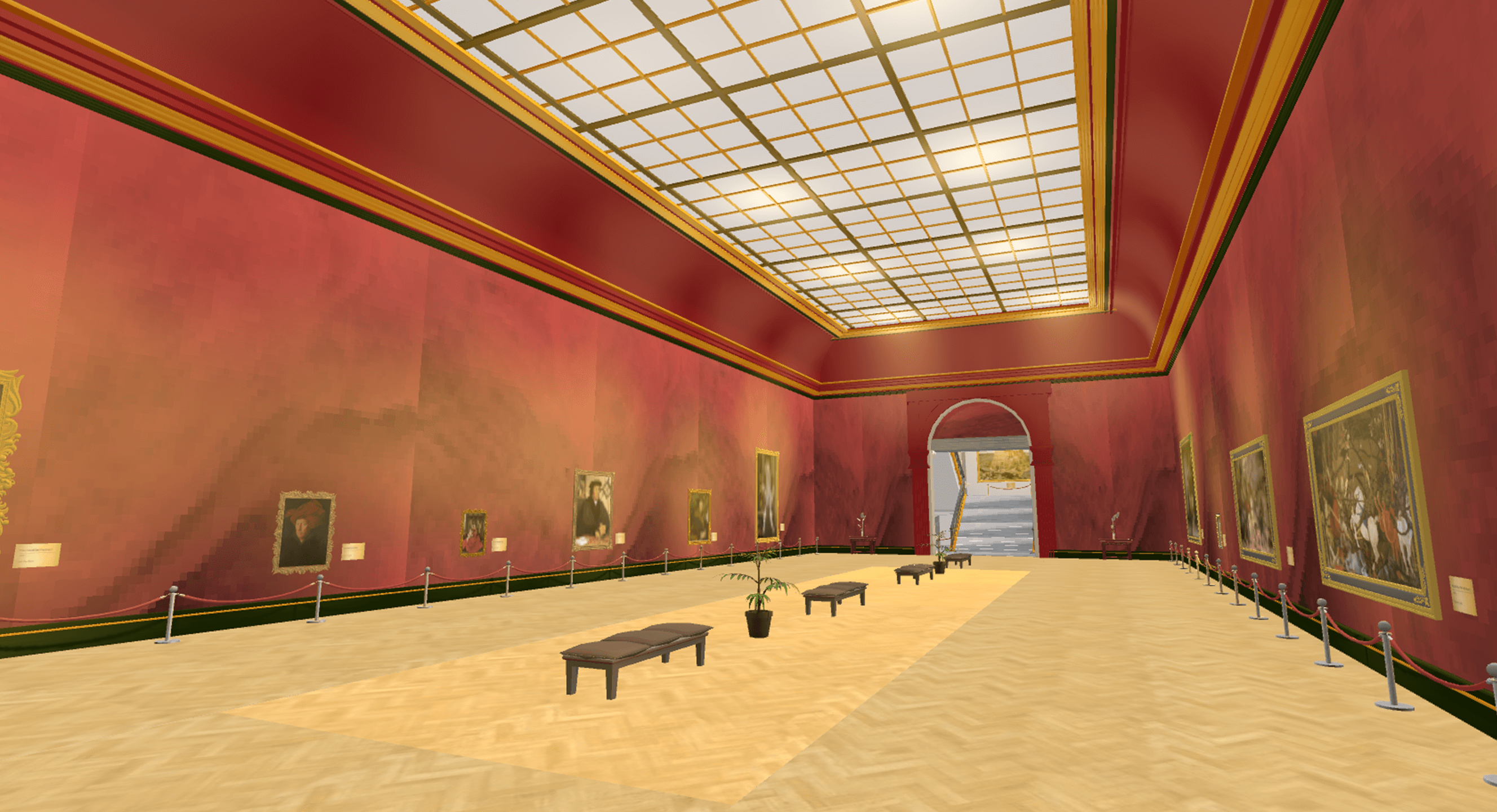
Classrooms, exhibition halls, museums
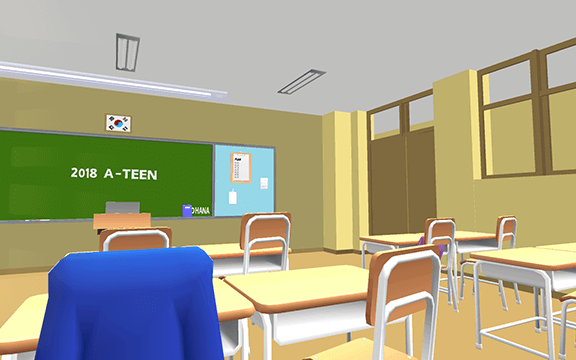
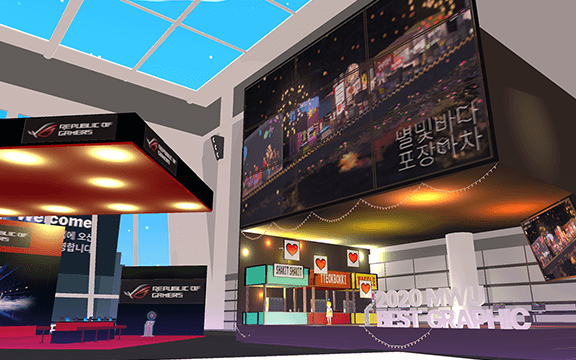
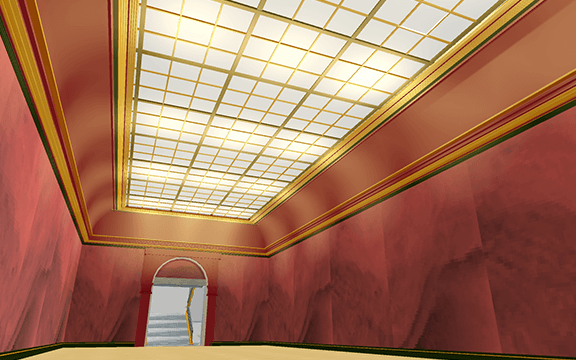
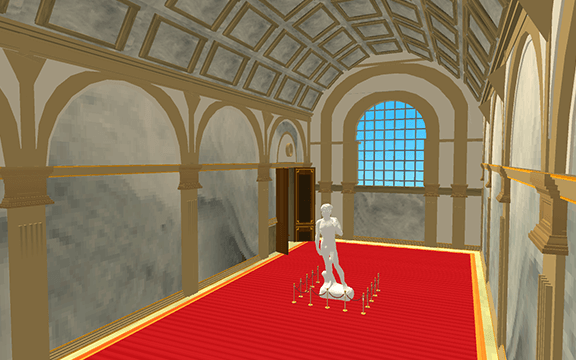
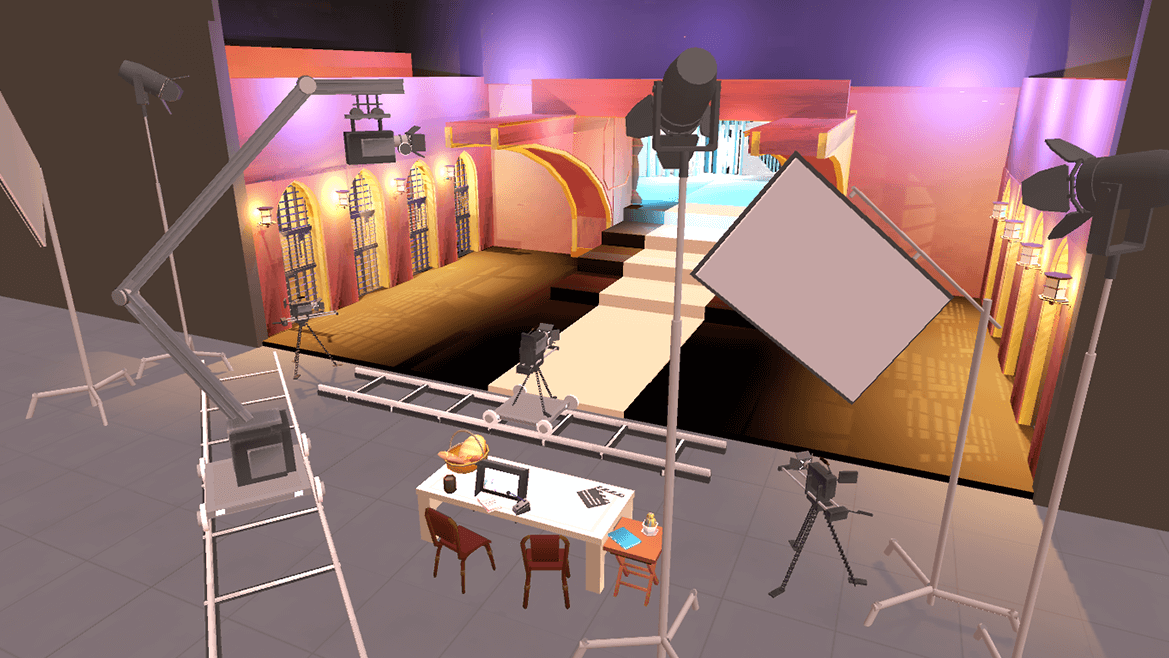
* This image is an example image to help you understand the class.
Speaker introduction
Zepeto Creator
Junsoo Kwon
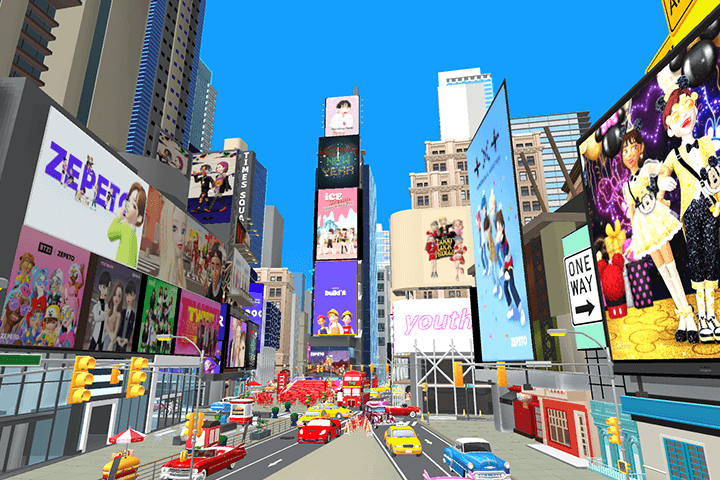
While working at NAVER Z, he planned and produced various map contents such as ZEPETO MUSEUM, UNITE SEOUL 2020, Playlist, Shibuya, and Times Square. Currently, as the representative of a company called META SPACE, we are collaborating with famous domestic and foreign brands to create Metaverse spaces.
I think the reason Zepeto was able to capture the hearts of over 46,000 followers is because it goes beyond simply creating Build It maps and provides an optimized environment by understanding the needs of users.
Through this lecture, based on the experience of creating various types of existing spaces, we will cover expression methods that can make the space light and casual but realistic and how to effectively utilize resources.
We will provide an easy and fun class so that even those without basic 3D knowledge can easily follow the map and create it.
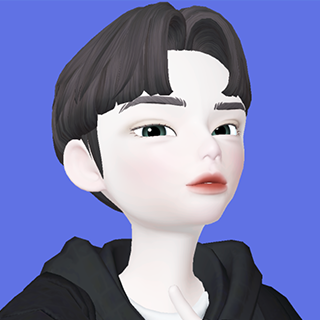
Metaverse Creator Junsoo Kwon
Current) META SPACE CEO
ZEPETO ID: @agent_k
View more history
jeon)
NAVER Z build it content planning
Chung-Ang University, Department of Performance and Video Creation, Major in Spatial Directing
build it Affiliate content space planning/design/production experience
project)
~2021.08 Build It Affiliate Content and World Planning Manager
2021.02 NAVER virtual new employee training content collaboration
2021.01 Build it template production
2020.11 Unite Seoul 2020 conference collaboration
class features
class features
Zepeto Build It introductory class taught by a map expert
Through the experience of a map expert from NAVER Z who has developed the ZEPETO Build It service, from the basics of Build It to how to configure space considering user experience and how to create a Build It map through optimization for the platform. You can learn about the differentiating points of map production.
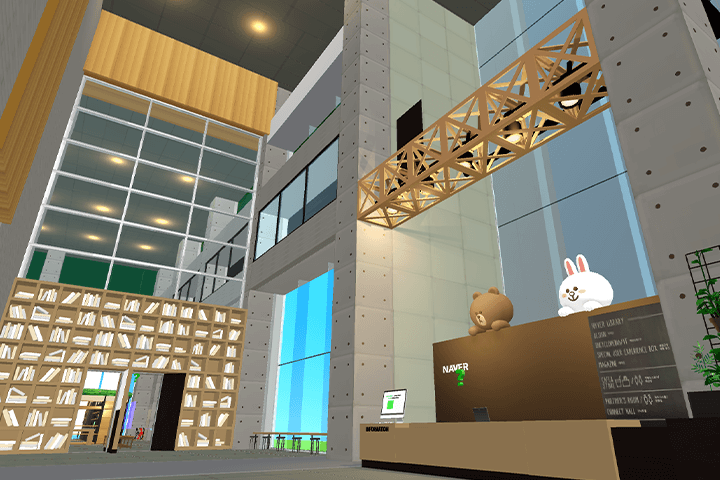
Free ZEPETO Build It makes it easy even for people who are new to 3D
Unlike complex interfaces and heavy 3D tools, the BuildIt program, which can be downloaded and used for free from ZEPETO, allows you to create various imaginary spaces without professional 3D knowledge. From the method of creating indoor interiors loved in the metaverse to the method of creating a simple game map. Make it easy by using the step-by-step curriculum and Build It template.
To the metaverse space, the gateway to Generation Z
Outsourcing revenue generation
Challenge yourself now with the endless ZEPETO market where you can release various spaces you have created in the ZEPETO market, which is used by 200 million people around the world, receive space creation requests, or use it as a trendy marketing tool in the content industry.
Class composition
learn this
-
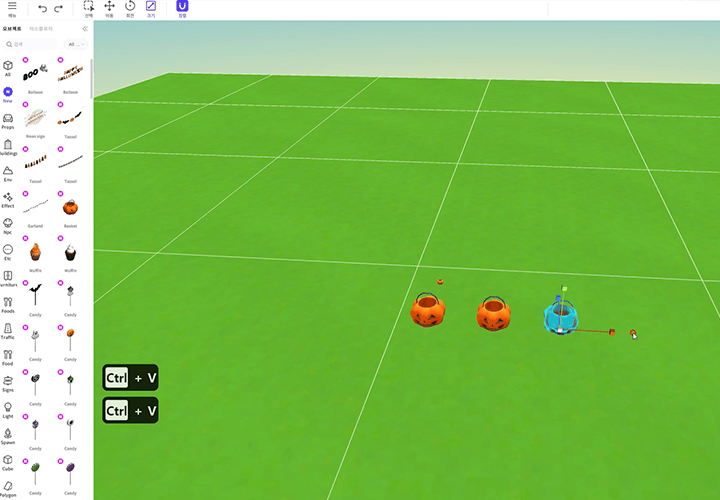 Solidifying concepts for introduction to Build ItWe will introduce what Build It is, a free program inside ZEPETO, and learn basic knowledge such as how to download it and how to create an interface, as well as the core of Build It's various functions such as terrain, sky, and background music that can be applied inside the map.
 -
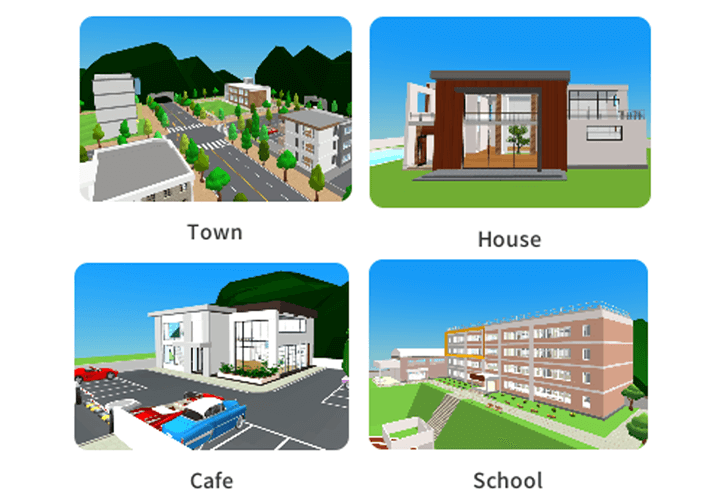 Build It basic templates and objects
How to use it properlyWe will briefly review the 6 types of templates, 24 types of themes, and over 1,000 types of various objects provided in the lecture, and learn how to utilize functional objects used when creating games. -
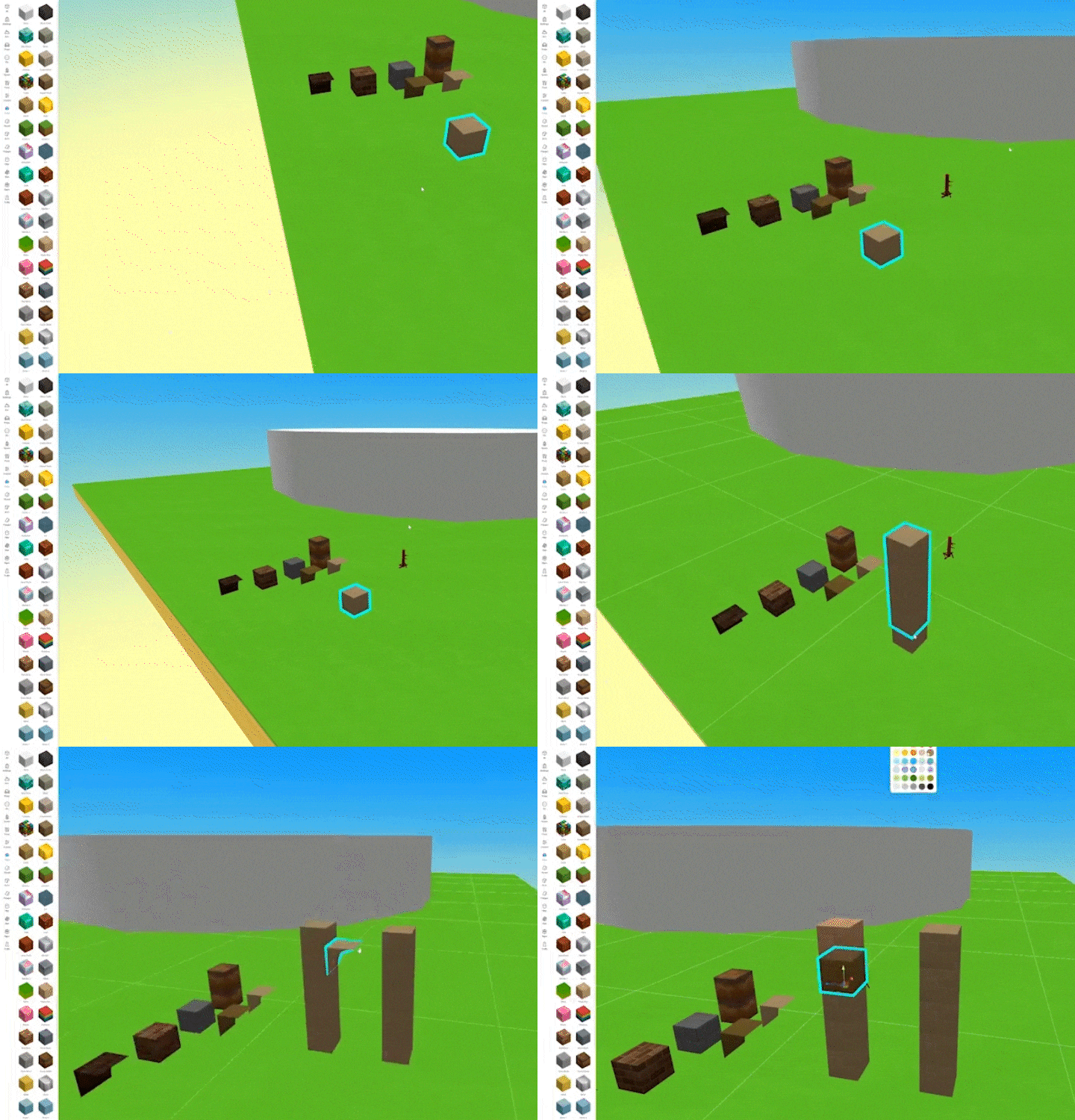 From my own small indoor space
Even large-scale outdoor space productionCreate your own home or cafe by using templates and objects appropriately, and plan and observe the space well to efficiently create large landmarks such as the Eiffel Tower or the Colosseum.
-
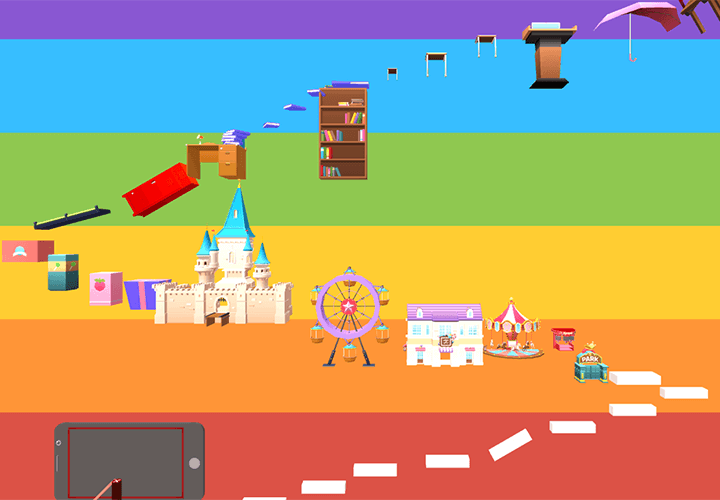 Including simple game content
How to make a mapLearn specific methods to create various types of fun maps, including jump maps, escape maps, and treasure hunt maps. We will teach you how to design levels and adjust balance for game content of similar quality to Flash games. -
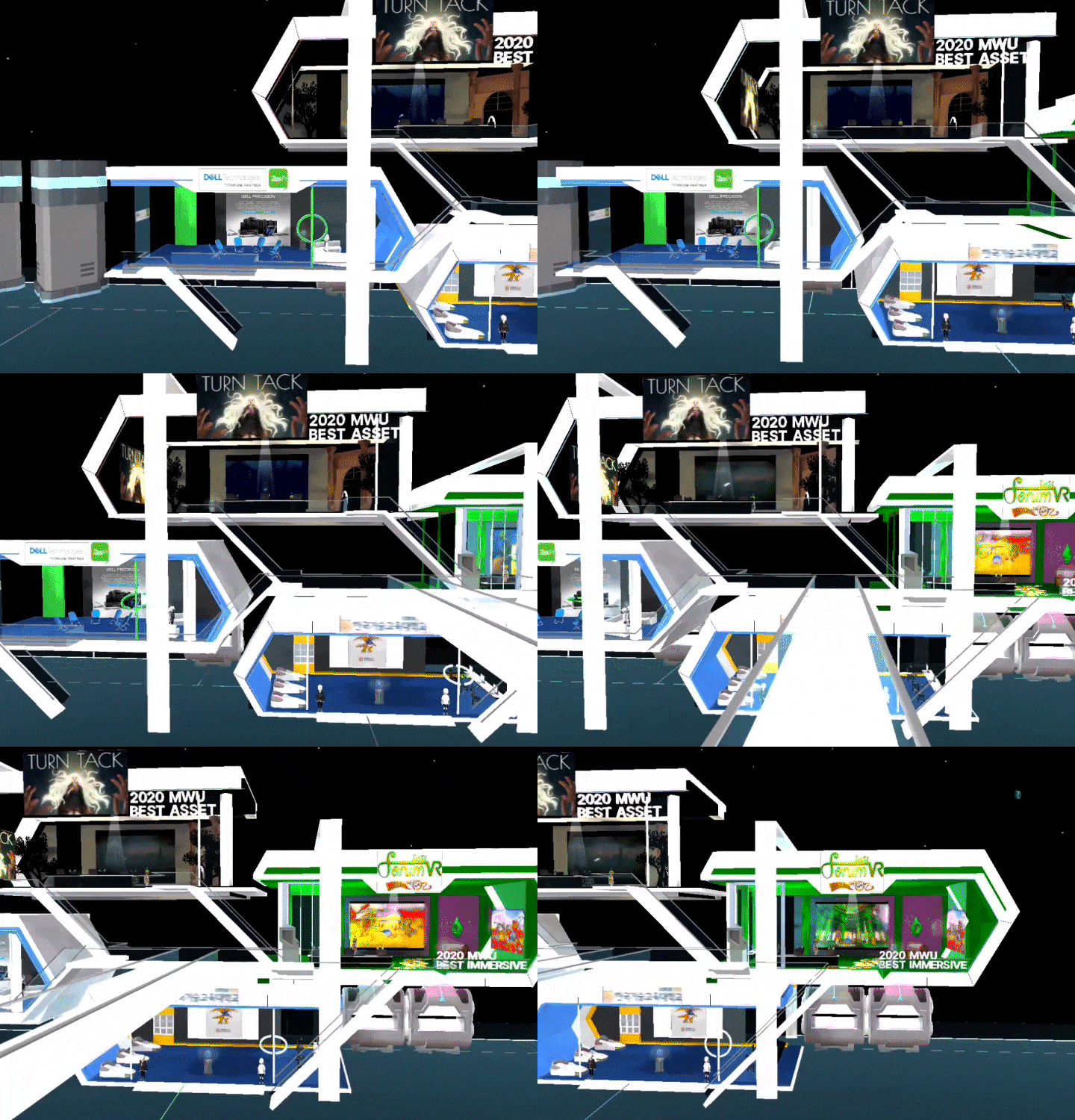 Using Build It
How to create various metaverse spacesWe will collect references, design an actual 'Metaverse' virtual world, such as a classroom, exhibition hall, or museum, rather than a Zepeto map, and learn how to add details. -
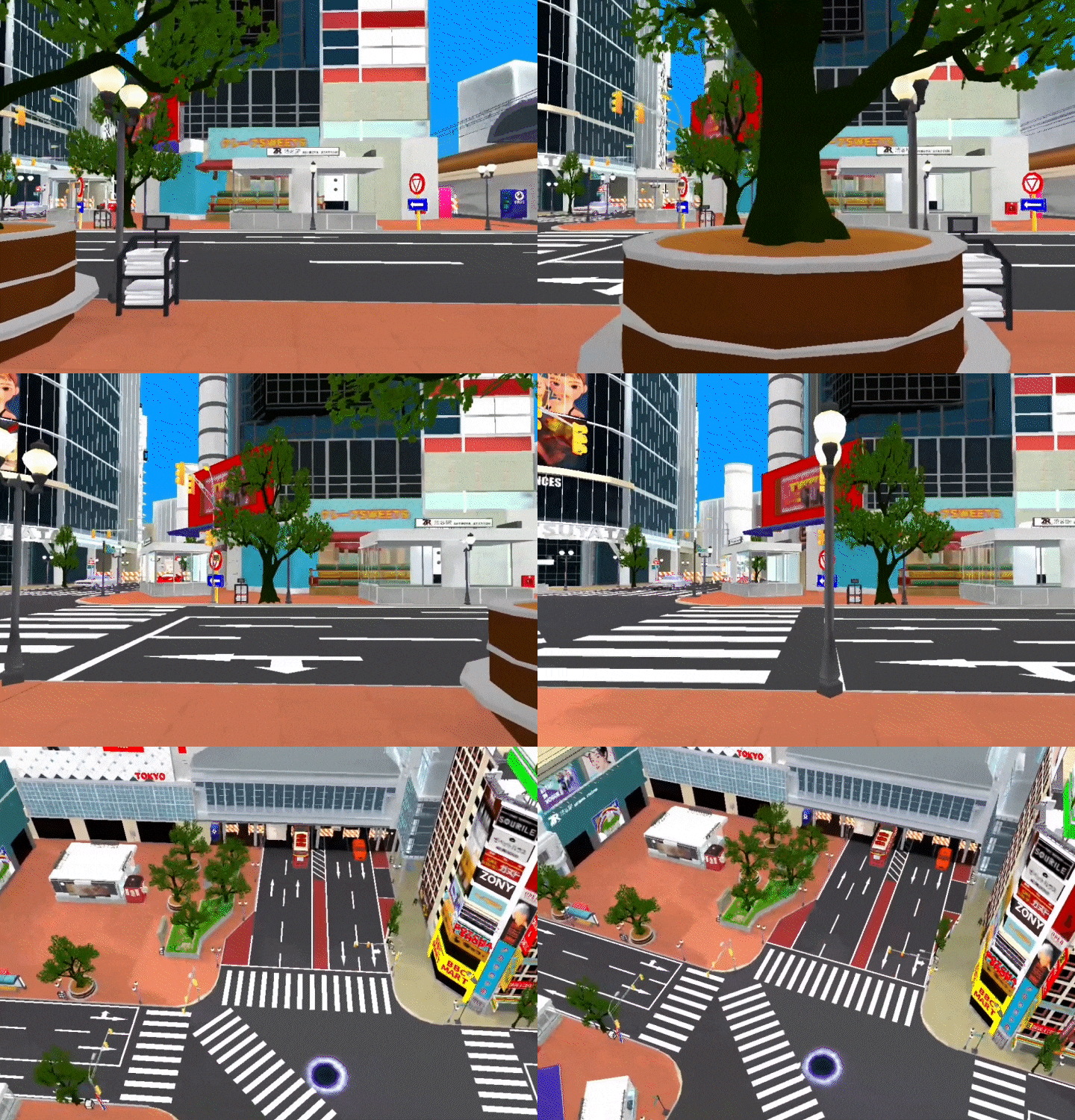 Improved map quality and efficiency
How to have a successful releaseConsidering the mobile environment, learn how to optimize the map by removing unnecessary elements and efficiently managing essential objects. Successfully release your map by creating a thumbnail and description to complete it into an attractive map.
curriculum
curriculum
Show me the curriculum
SECTION 01. Intro
01. What is ZEPETO Build It?
- Introduction to ZEPETO build it (download and installation method, features of Build It, ZEPETO World ecosystem)
- Basic controls and interface (selection, movement, rotation, size, group, physics, shortcut keys)
- [16.0 update] Explorer / properties (terrain, sky, background music, player, name, transformation, physics, color)
SECTION 02. Basics
02. build it template
- Types and features of templates (review of 6 templates)
- Introduction to themes/packages/objects (24 themes, brief review of over 1000 objects)
- How to use functional objects (introducing objects with functions such as posing, attachment, and game gimmicks)
03. Create your own cafe (Café template)
- Change the template structure (how to transform the structure of the building to your liking)
- Appropriate placement and use of objects (theme use and tone and manner)
- Creating objects (custom objects using basic base objects and textile objects such as Metal and Solid)
04. Create your own home (Town template)
- In-depth template structure changes
- Advanced placement and use of appropriate objects
- Advanced object creation and writing
SECTION 03. Application
05. Creating landmarks
- Space planning and planning
- Planning the topic composition (dummy) and foreground elements
- Observation of object and identification of characteristics (capturing repetitive structure through partial observation)
06. Creating landmarks 2
- Classify target space and workspace, create an environment for easy work
- Create detailed repeating elements
- Easy structure construction using copy and paste
07. Creating landmarks 3
- Decorating the background (placing landscaping and foreground)
- Utilize environmental factors such as time zone (day/night) and BGM
- Object diet (removing unnecessary elements considering the mobile environment)
08. Creating game content (Jump)
- Constructing a jump map, level design, and selecting materials
- Introduction and use of jump map gimmick (jump stadium / survival athletic)
- Balance adjustment and compensation satisfaction
09. Creating game content (escape)
- Constructing an escape map and selecting materials
- Introduction and use of escape map gimmick (prison, joke block)
- Puzzle composition and level design know-how
10. Creating game content (treasure hunt)
- Treasure hunt map composition and level design
- Treasure hunt gimmick principle and use (portal, save point)
SECTION 04. In-depth
11. About Metaverse
- Introduction to use cases and case study of build it
- Implementable scope guide (what can and cannot be implemented)
12. Creating a metaverse (classroom)
- Reference selection and space configuration
- Space design and production
- Bring out the details
13. Creating a metaverse (exhibition hall / museum)
- Reference selection and space configuration
- Space design and production
- Bring out the details
14. Optimize the map
- Important points when optimizing
- Removing unnecessary objects and managing objects efficiently
- Reduce object types
15. Releasing the map
- Create attractive thumbnails and descriptions
- Screening rejection case study
- Understanding light map baking, bug fixes and updates
* Curriculum details may change before or after the video is released.
interview
What Metaverse Creator Junsoo Kwon Junsu wants to say

Question.01
What are the marketability and prospects of ZEPETO Creator?
What are the marketability and prospects of ZEPETO Creator?
Unlike simply viewing and purchasing products on a web page, you can experience an immersive environment through your virtual character entering the space, trying on and purchasing products. From this user experience-oriented perspective, it is the biggest difference between existing online platforms. It has a difference. Being able to create spaces in this metaverse market can be said to be a huge advantage , and unlike the character item market, which is currently a red ocean, map space items are a growing field, so they can be more recognized for their scarcity and value. I think so.
Question.02
What do you consider most important when creating an item or content?
What do you consider most important when creating an item or content?
First, when trying to create a metaverse space, it is necessary to understand who uses the created space and for what purpose. In this lecture, we will explain the space usage characteristics of the MZ generation, the main users of the Metaverse platform, according to each lecture topic, and provide detailed know-how on configuring space considering user experience.
Question.03
What are the unique points of this course?
What are the unique points of this course?
The point of differentiation is that we can deal with build it in depth based on our experience working at NAVER Z and developing the build it service together. Beyond simply creating maps with BuildIt, I will generously share my know-how on how to create them efficiently and ‘well’.
We will guide you through the program to use.
This class is conducted using the tools specified below.
To ensure smooth course attendance, please install the program separately.
Materials (program)
- ZEPETO build it 17.0 preview or higher
*You can download it for free from the official ZEPETO Build It website.