MediaArtist,YunsuJoung_미디어아티스트 정윤수 Details
Class introduction
Class Intro
Media Artist, Yunsu Joung
Lighting, rendering, and metallics. Begin with Touch Designer basics and progress to advanced generative visuals.
TouchDesigner Media Art: Start with One Tool, No Complex Coding Needed!
If you’re interested in media art but feel overwhelmed by new tools and complicated coding, it’s understandable to hesitate. However, you can achieve excellent results by overcoming these concerns. With TouchDesigner, a single tool can transform your media art projects. Learn practical know-how from Yunsu Joung who has excelled in large-scale exhibitions and performances.
This course is designed to be accessible and enjoyable for beginners. We will guide you step by step, starting with a summary of unfamiliar media art terms and concepts.
※Turn on the sound and listen
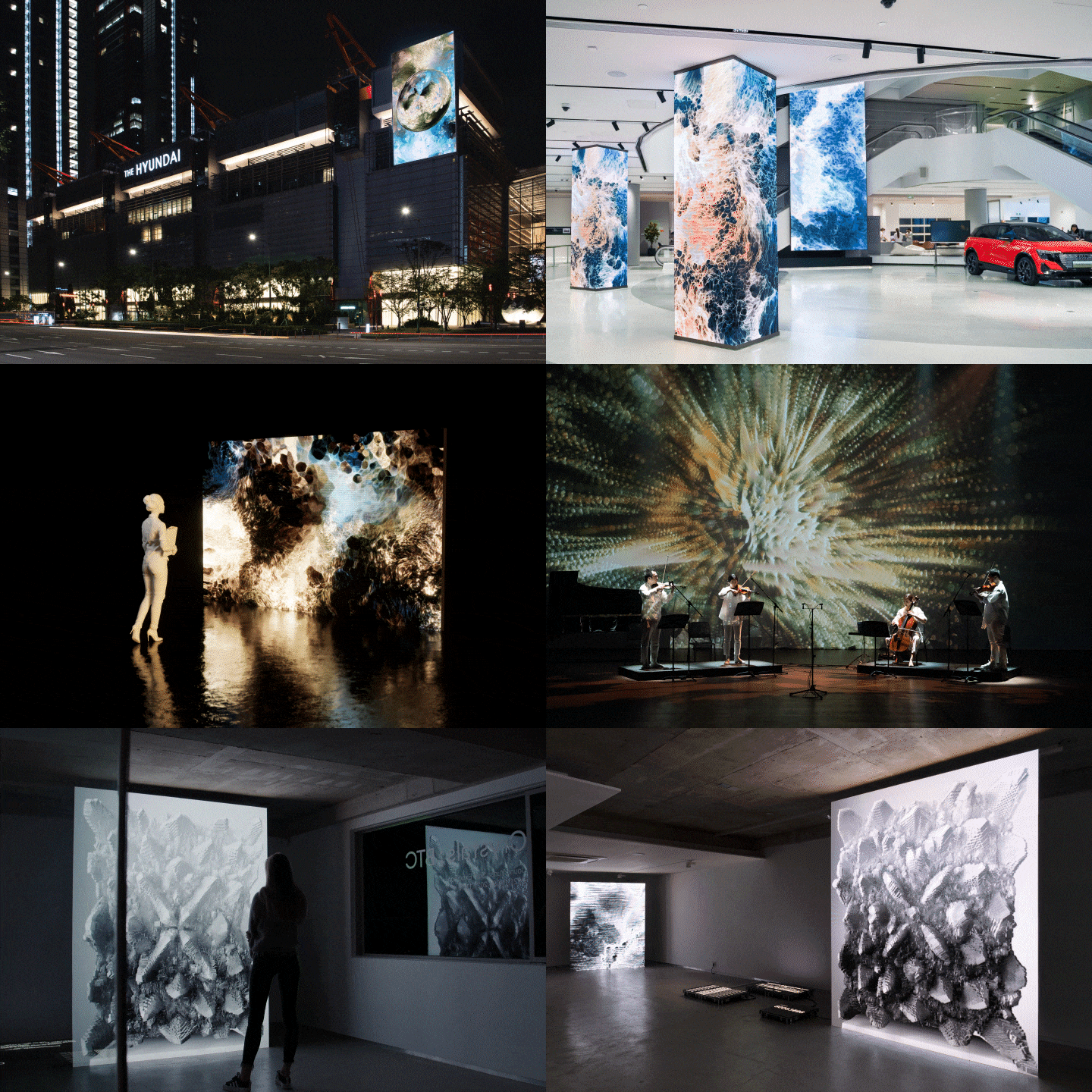
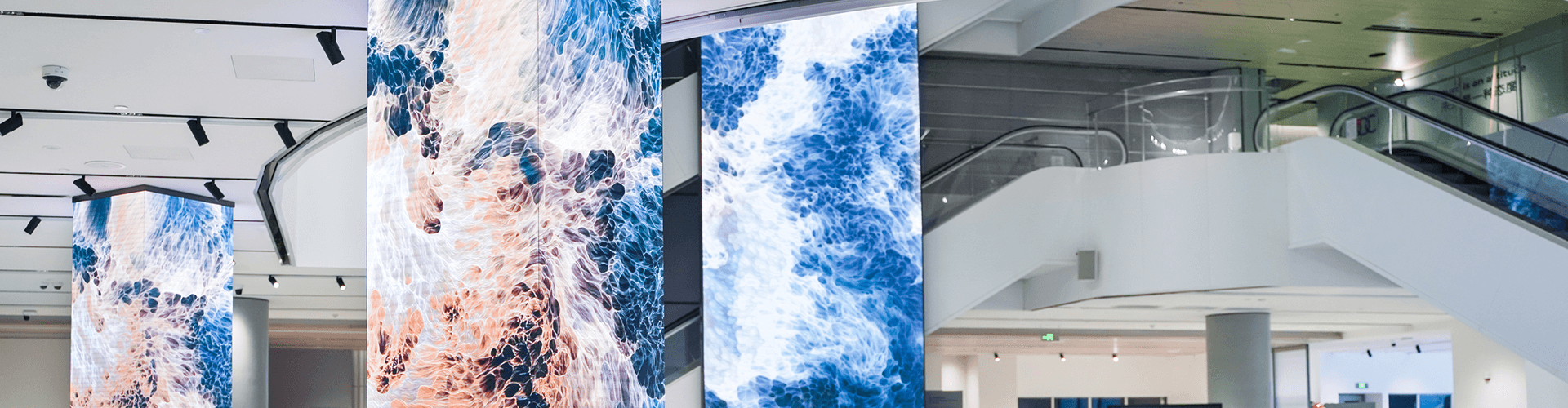
Expert Media Artist Yunsu Joung’s Portfolio
Virtual White Cube
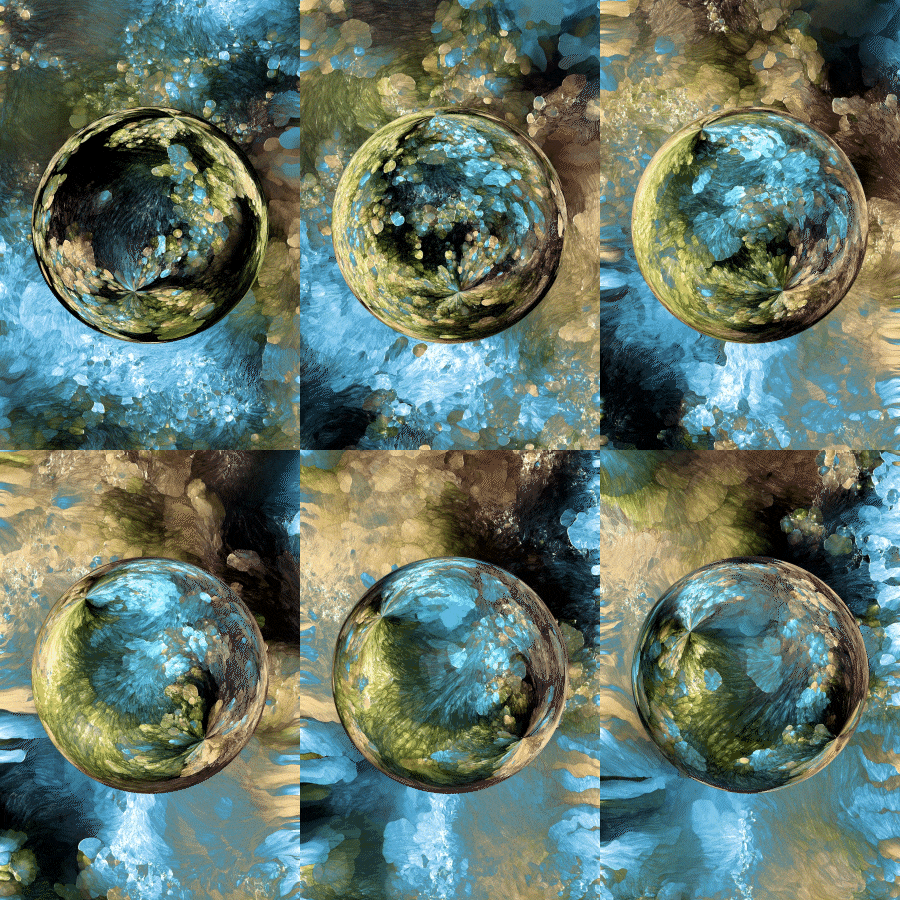
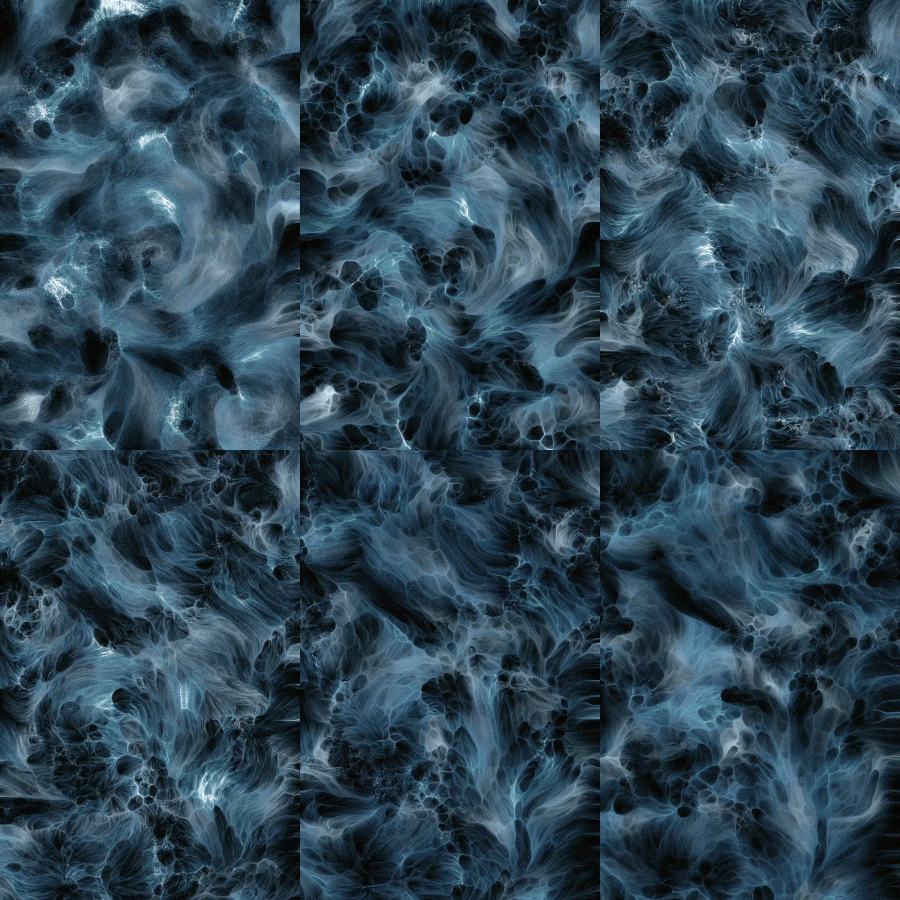
Earth
Wave
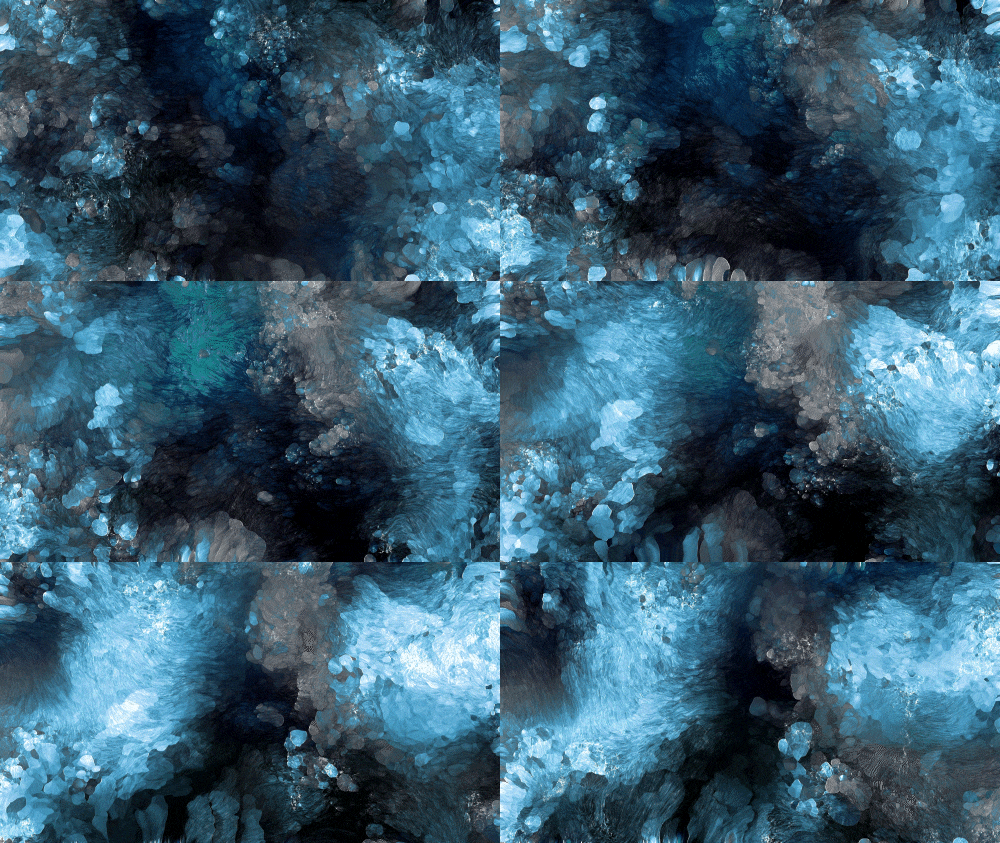
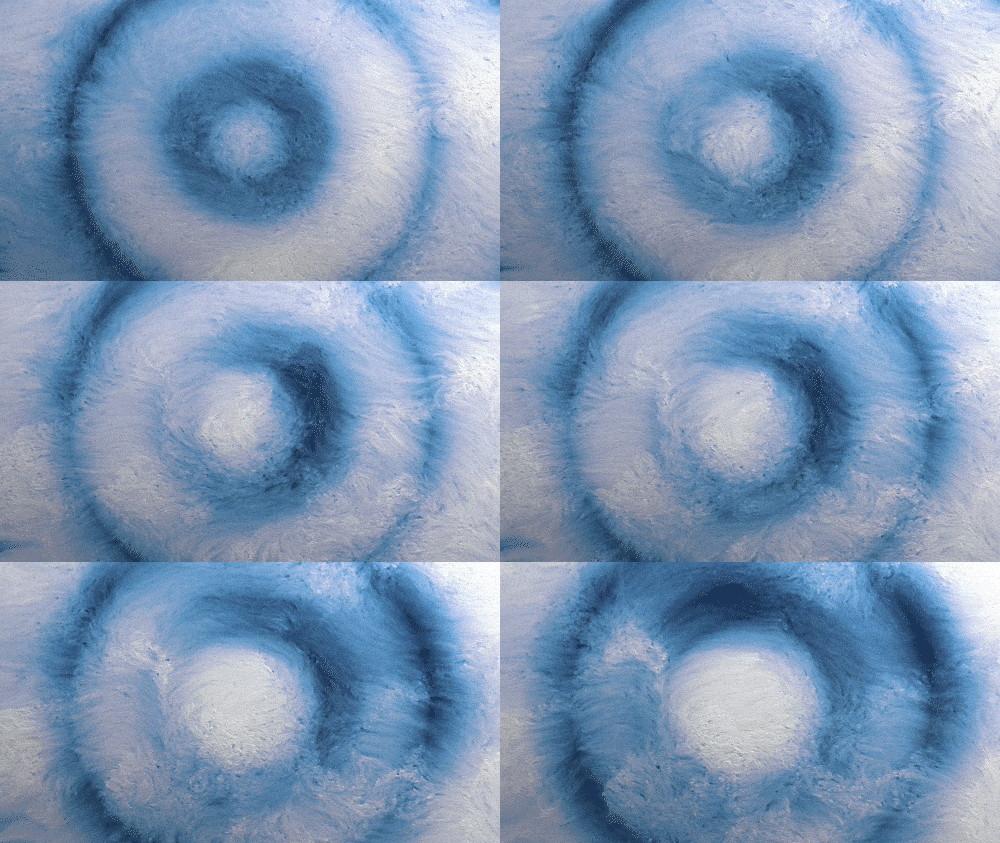
Roslyn Blue
Salt Flower
-
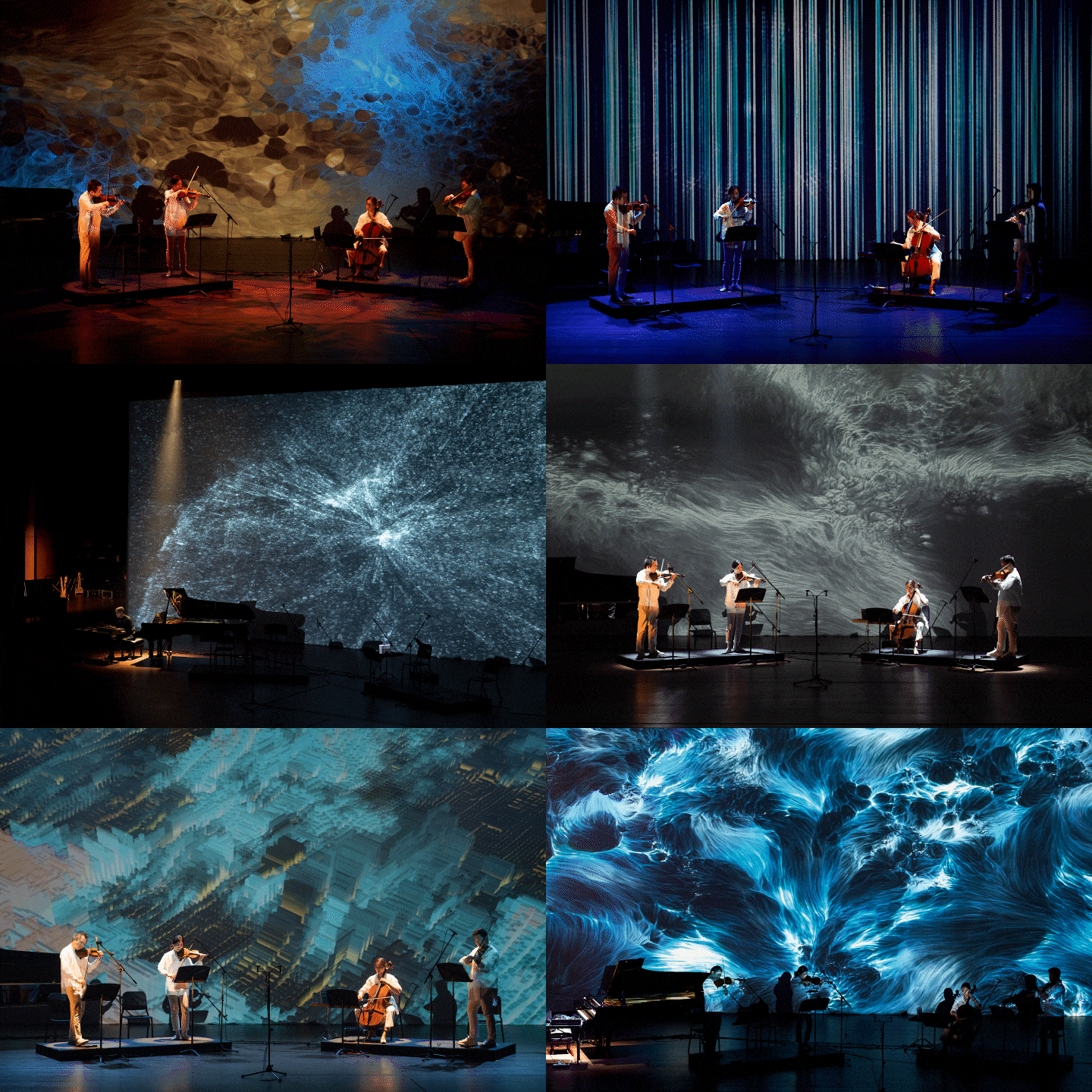 Save The Planet
 -
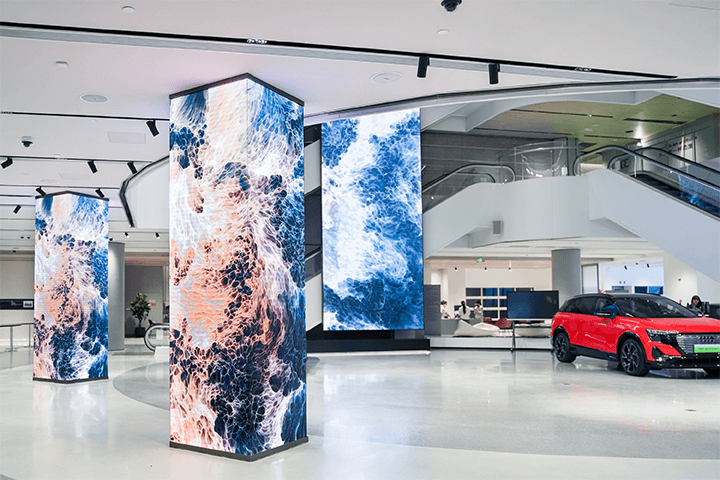
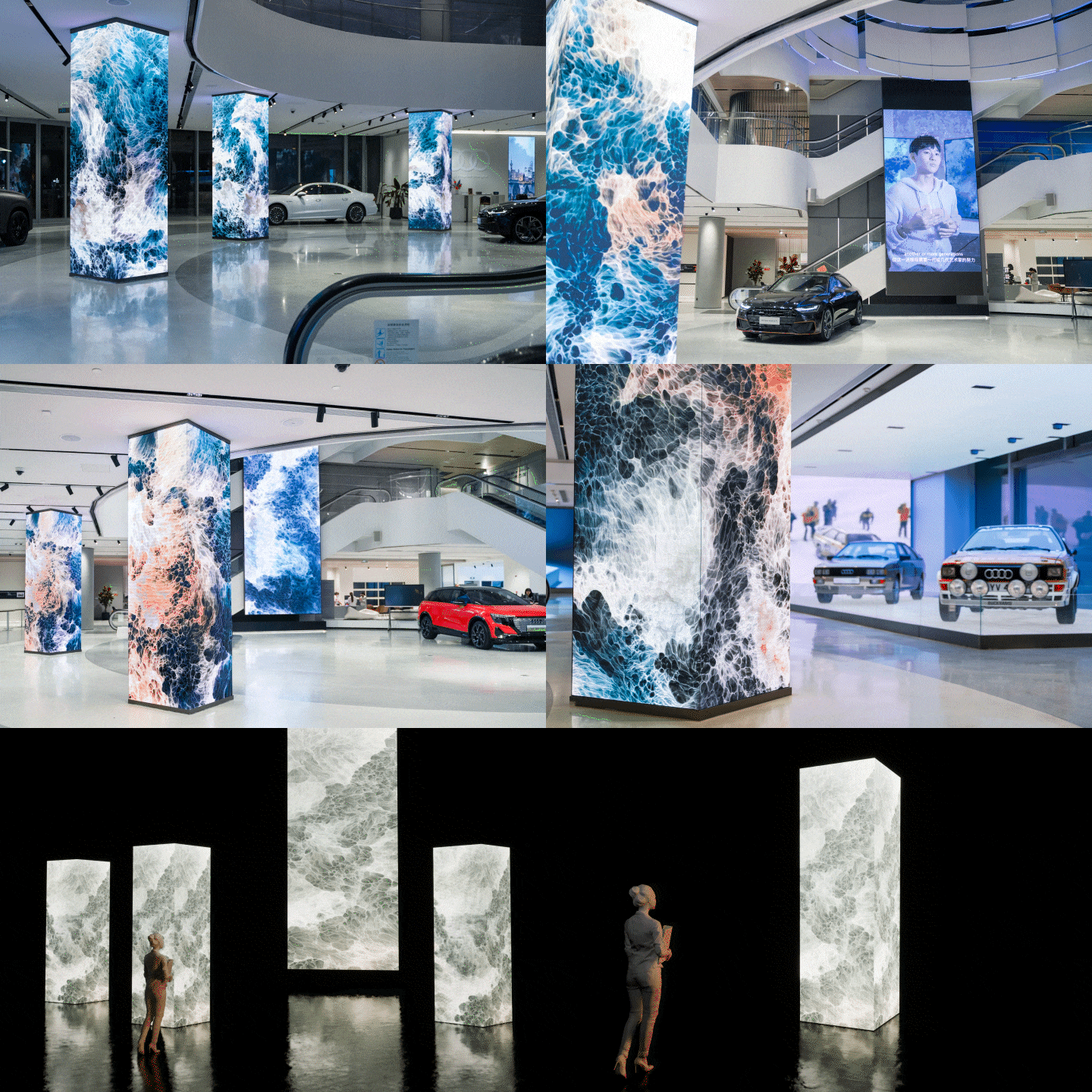 Huangpu Saic Audi
 -
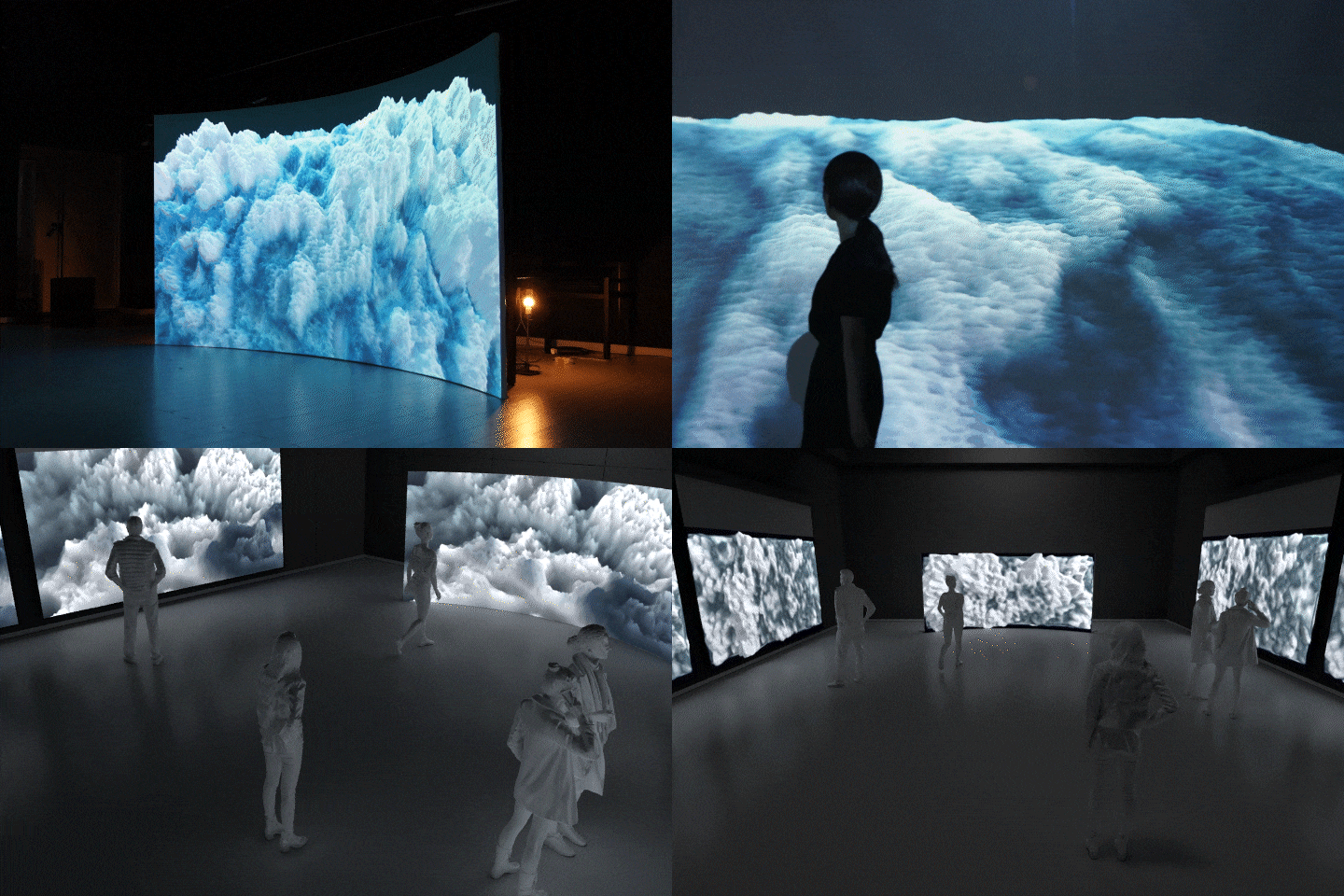 Data Holocene
Why Take This Class?
Based on a real-time engine and a wide range of versatile tools, TouchDesigner enables rich, general-purpose work in media art. Despite this, creating high-quality media art traditionally required complex coding and multiple sub-tools.
In this class, we simplify the process by using only TouchDesigner, eliminating the need for separate programs or text coding. Reflecting the latest industry trends and bridging the gap between commerce and art, this course will teach you to create captivating interactive art and audio-visual experiences. Only at Coloso.
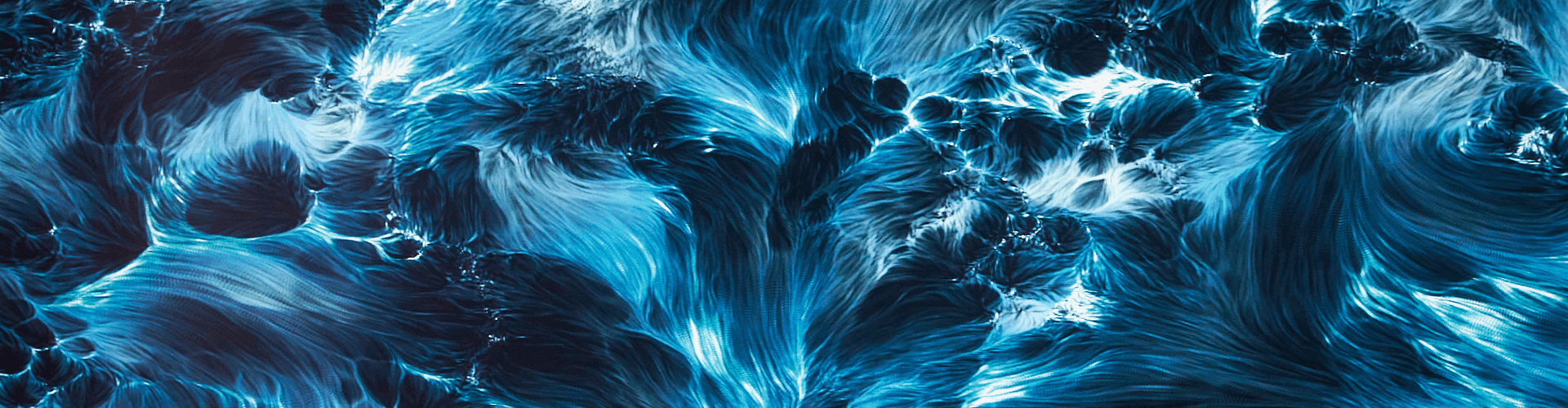
10 Class Exercises
-
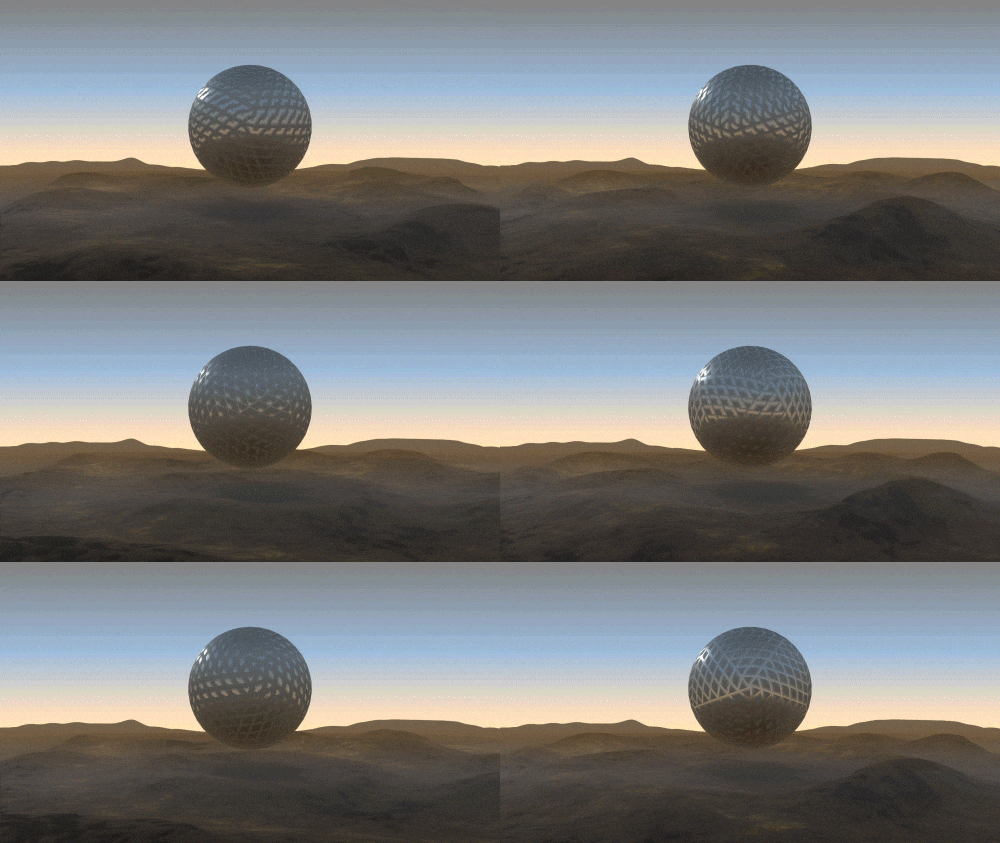
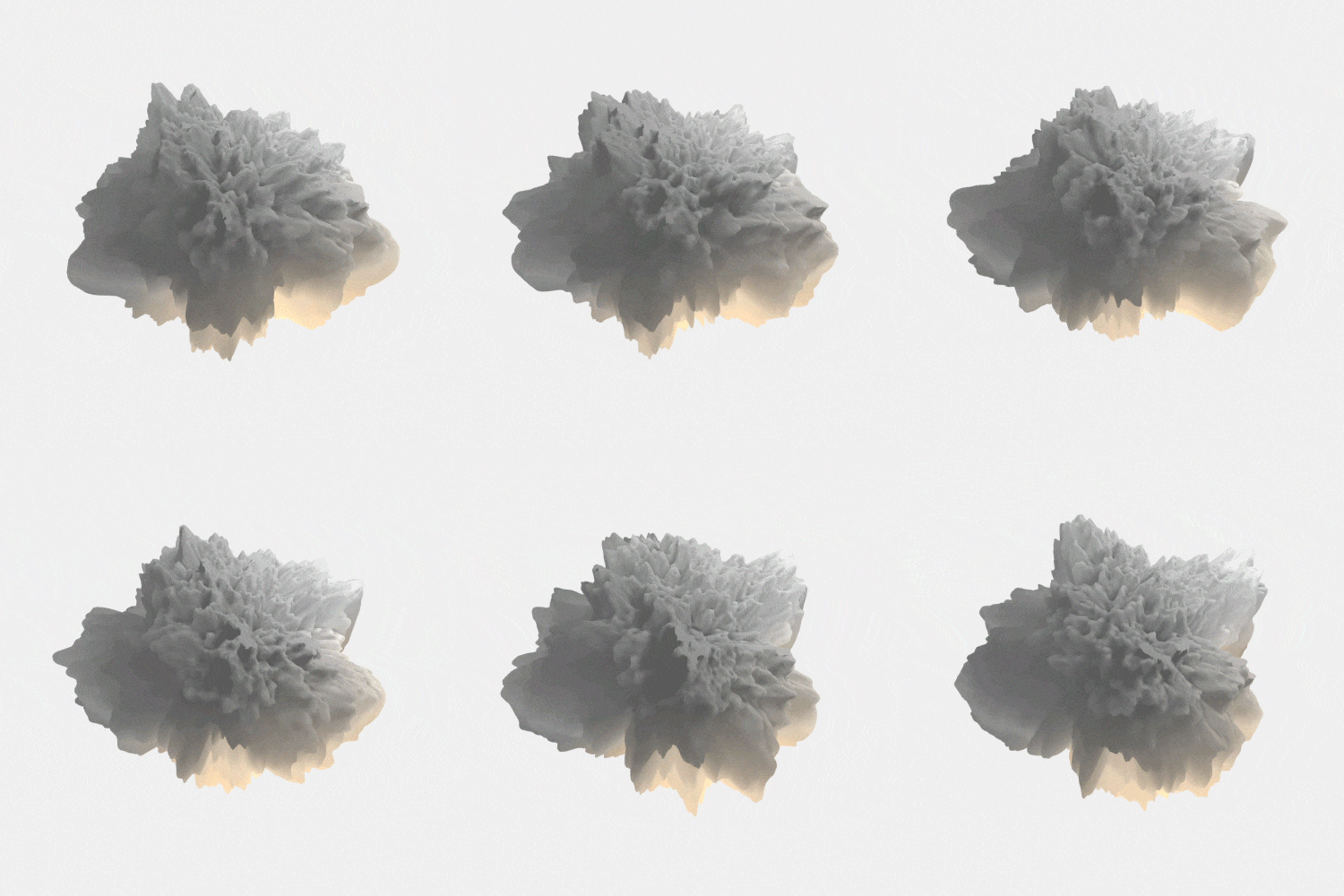 01. Lighting & Rendering
Understanding Lighting and Rendering in TouchDesigner -
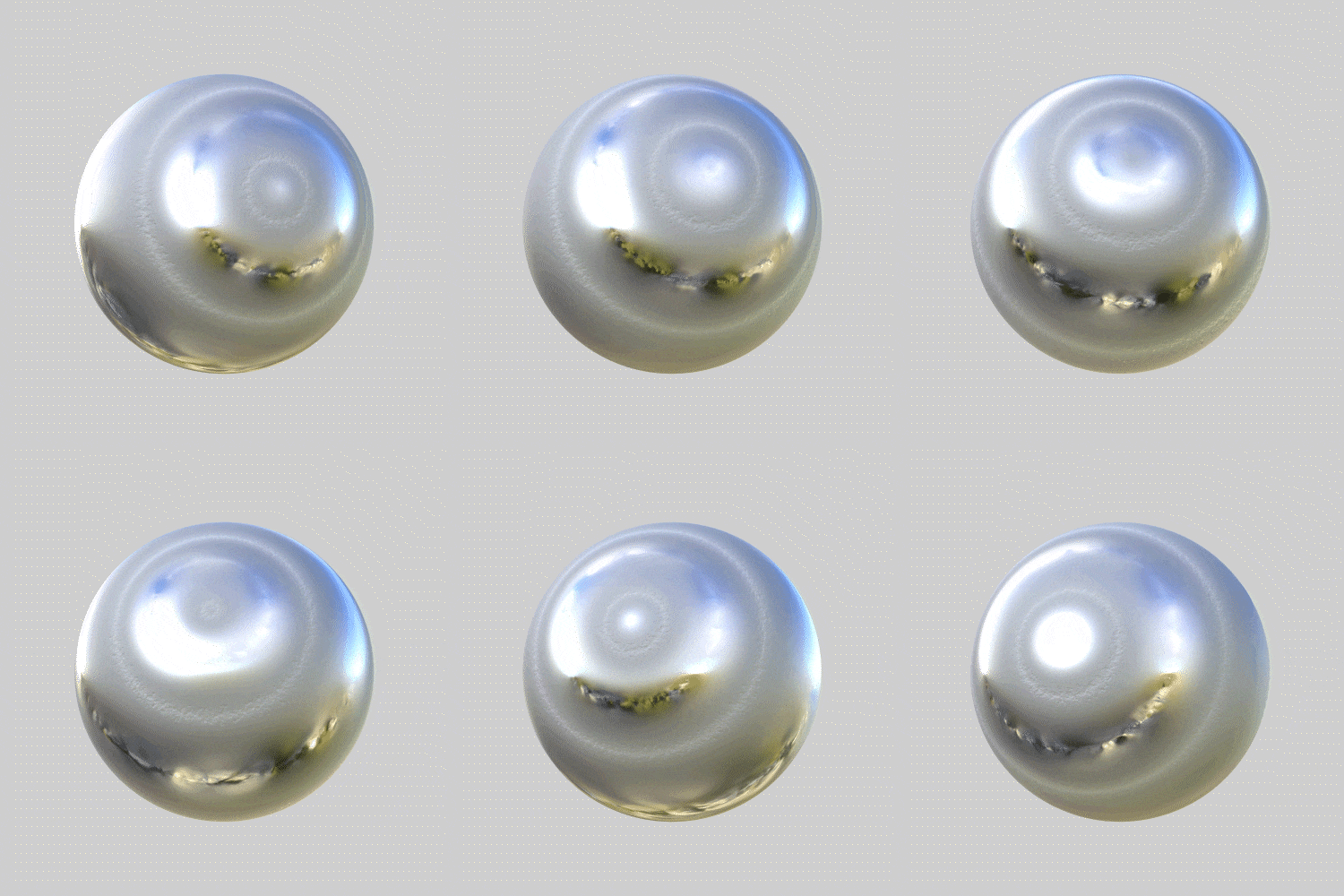 02. Metallic Objects
Creating realistic objects with metallic texture
-
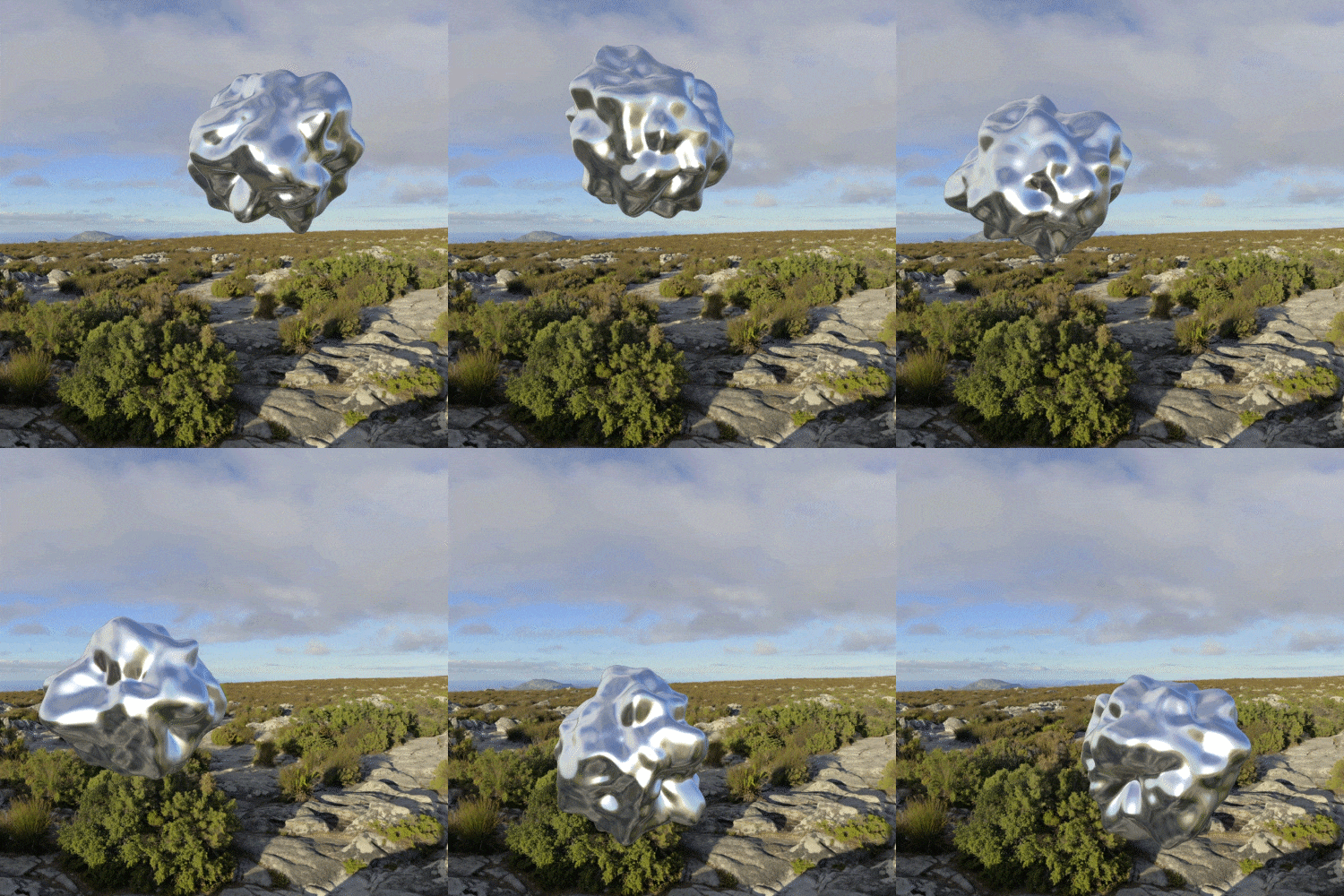 03. Metallic Objects
Create realistic objects using metallic textures -
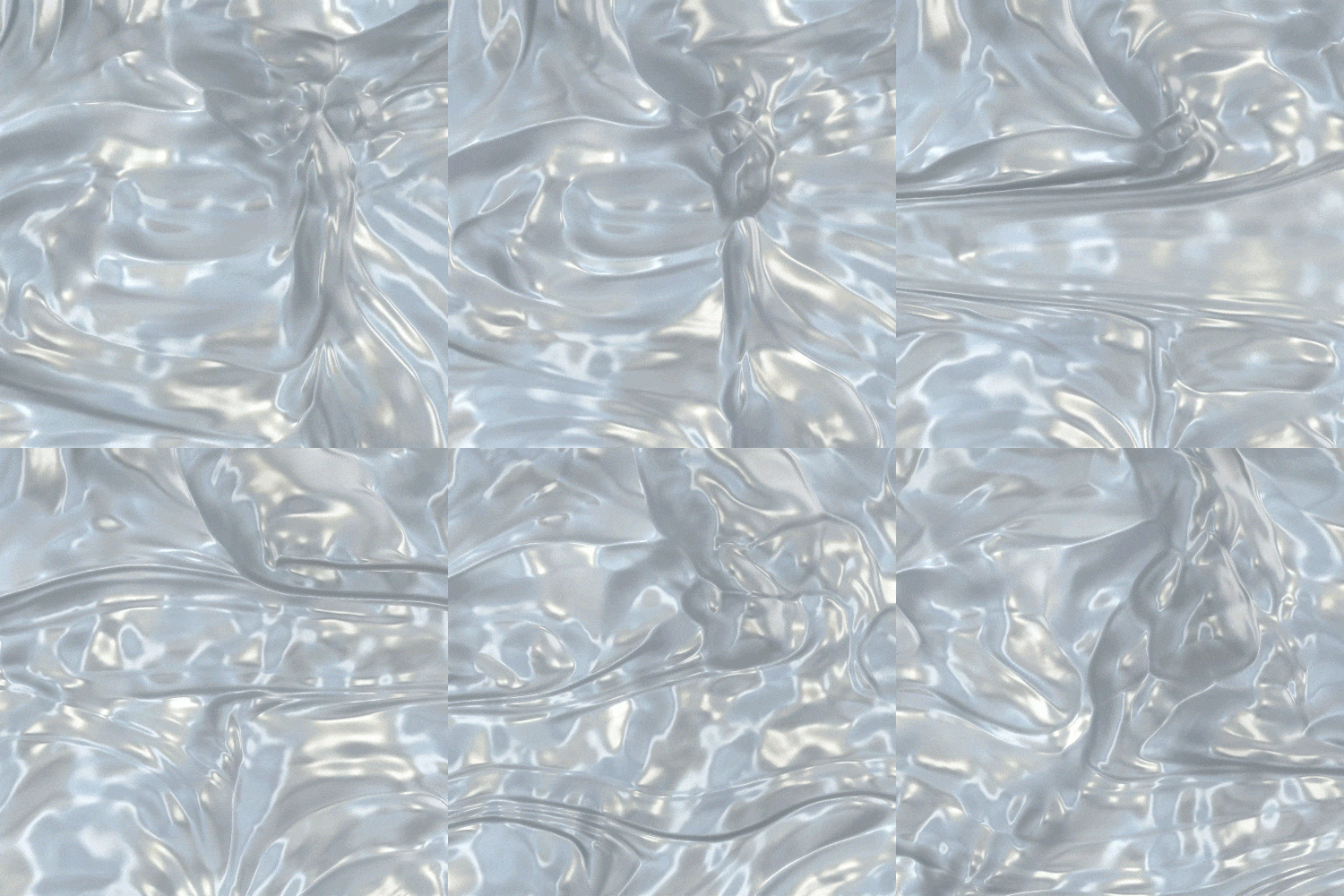 04. Liquid Texture (Mouse)
Real-time, responsive example of liquid texture
-
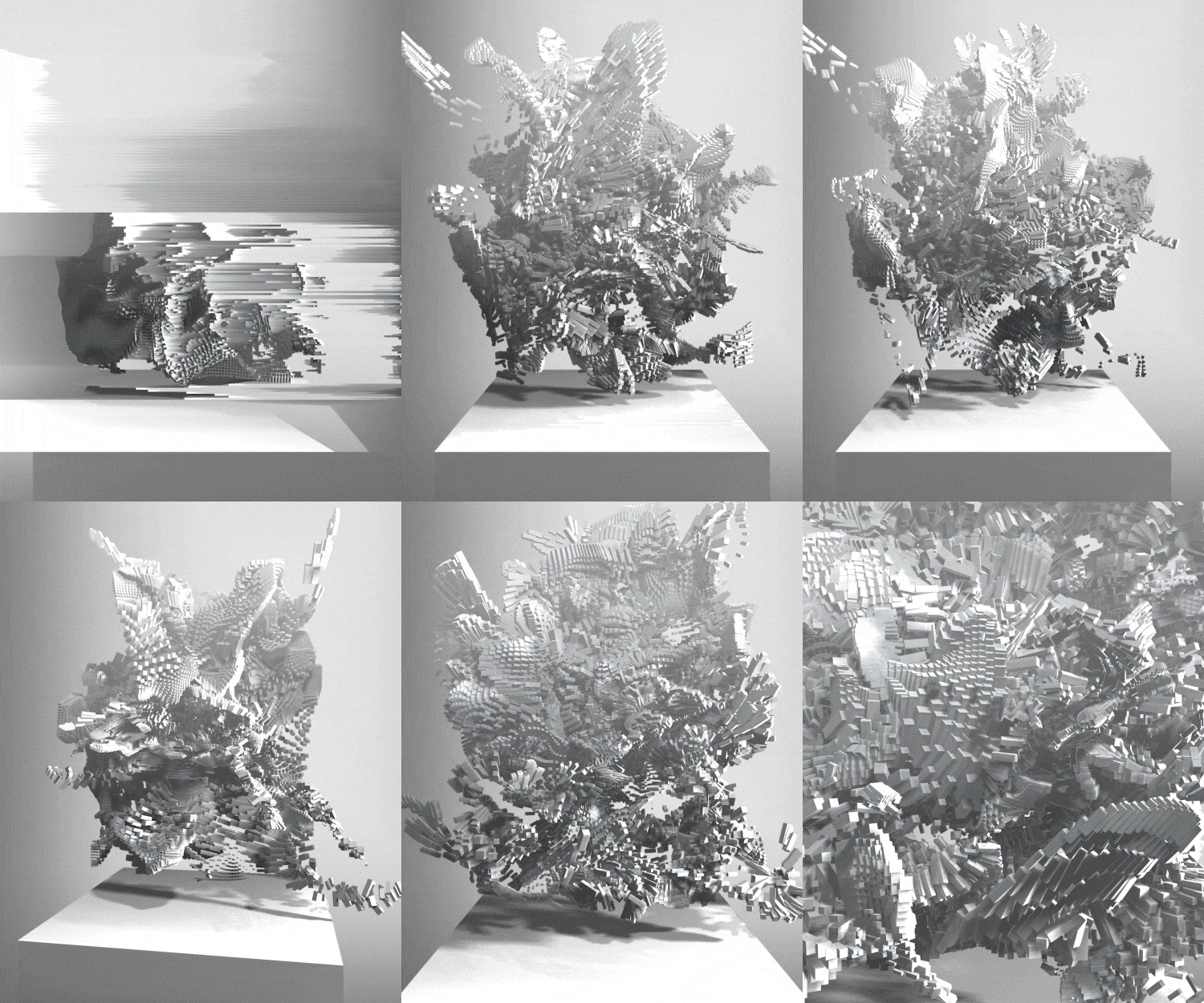
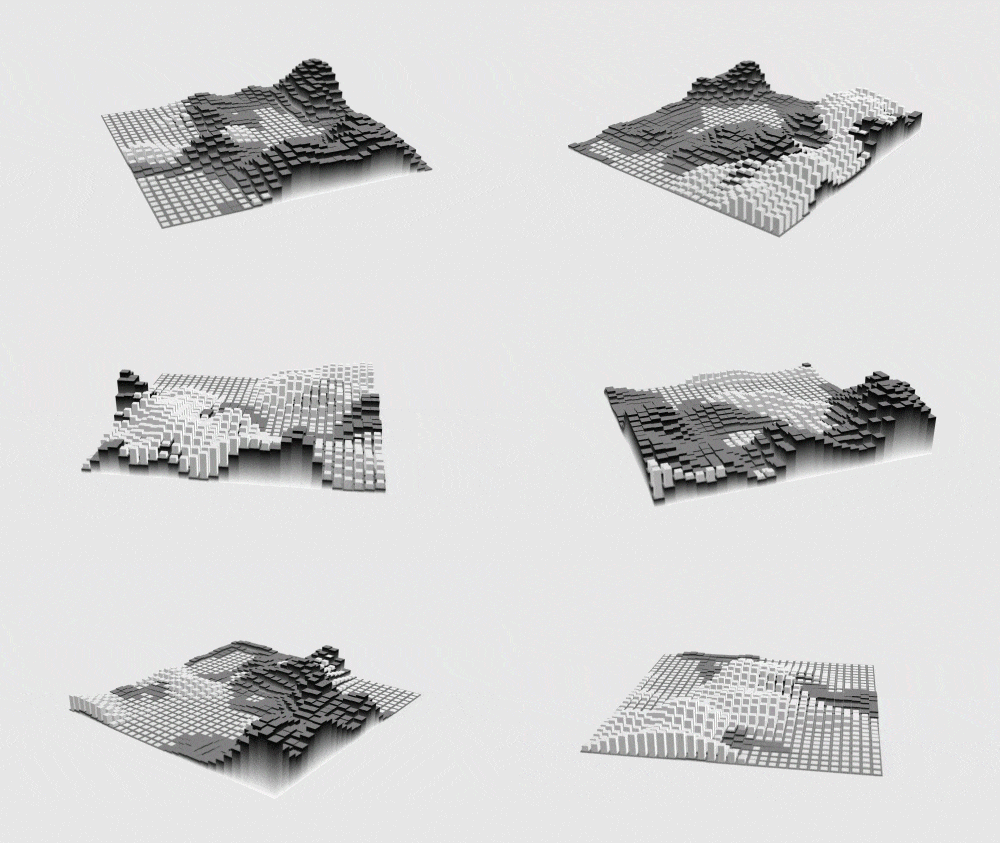 05. Instancing Geometry
Creating a responsive box terrain -
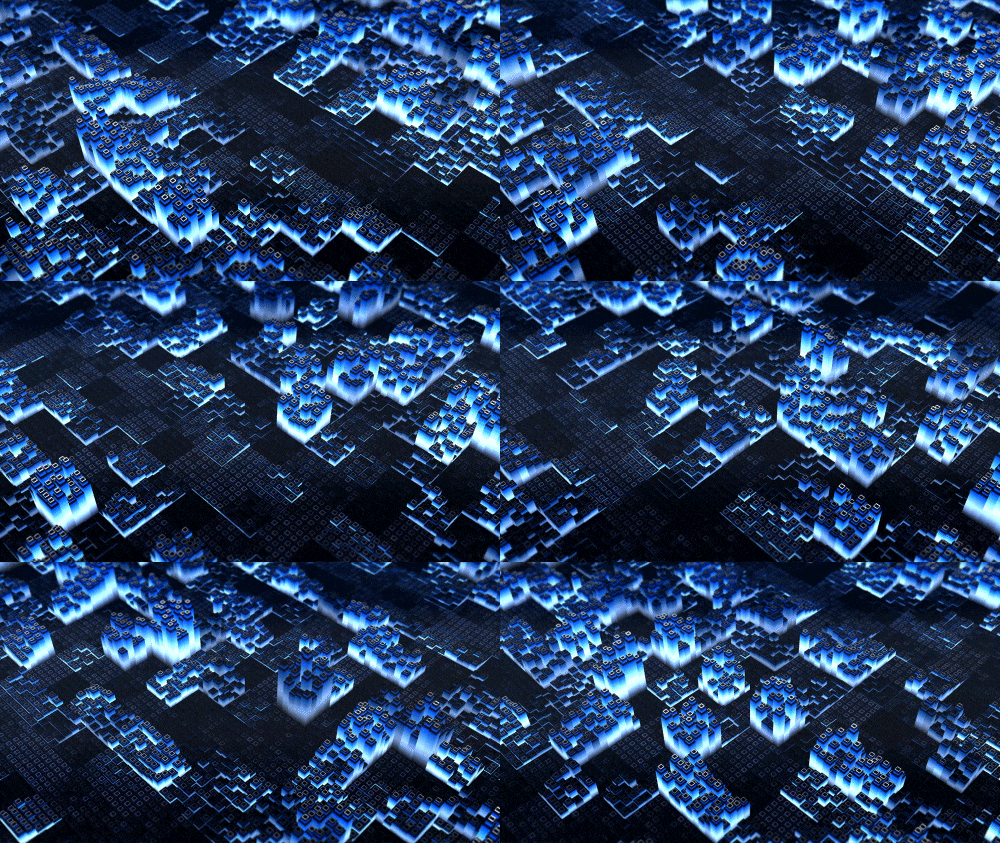 06. Audio Reactive (Audio)
Box terrain example responsive to audio
-
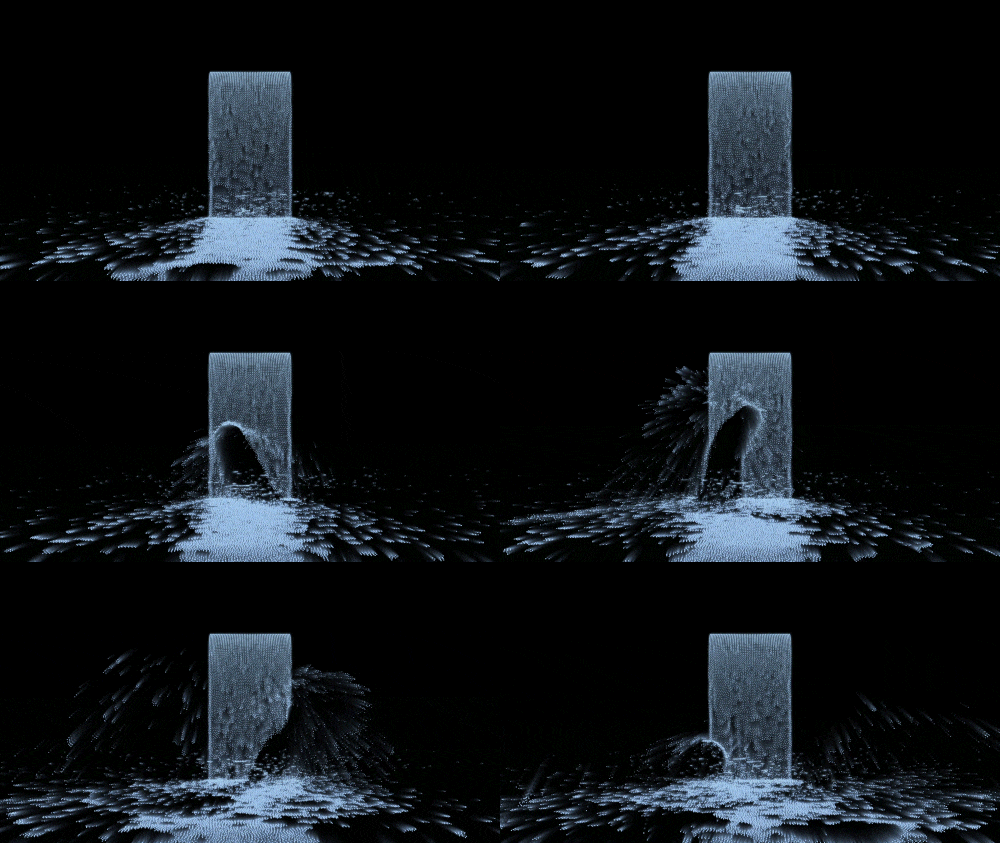 07. Interactive Nature (Camera & Kinect Sensor)
Generative visuals using natural media -
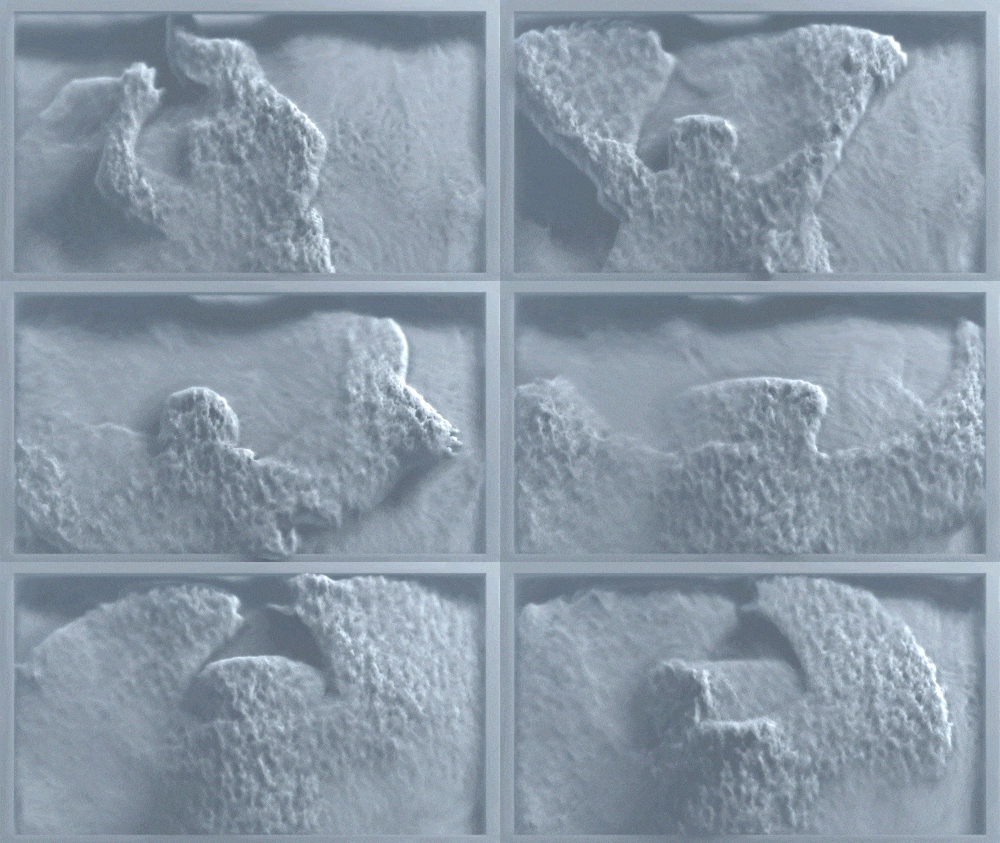 08. Interactive Nature (Camera & Kinect Sensor)
Generative picture frame that responds to movement
-
 09. Virtual Space in Touch Designer
Building a real-time virtual space environment -
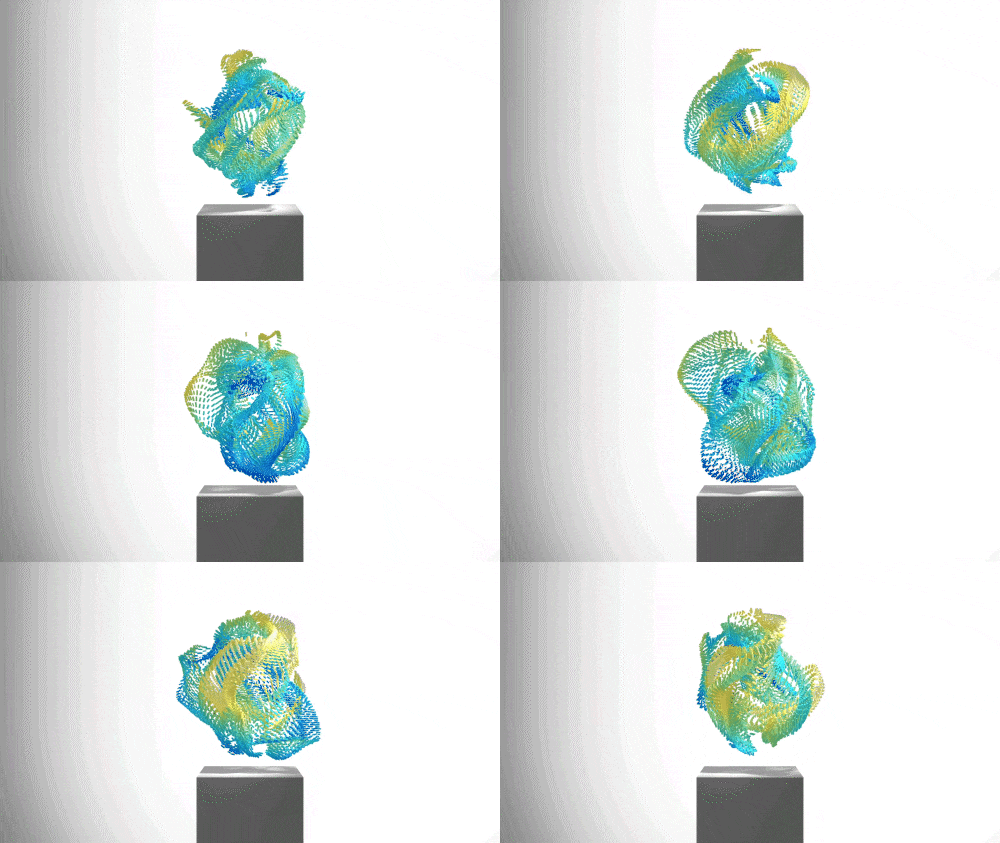 10. Virtual Space in Touch Designer
Virtual gallery and responsive particle visuals
*Above are sample images for a better understanding.
Speaker introduction
Media Artist
Yunsu Joung
Hello, I'm Media Artist Yunsu Joung. I specialize in generative and interactive art, including media art exhibitions and performances. My work spans across various platforms, including collaborations with museums, galleries, and companies like Hyundai, Samsung Raemian, Audi, and SK Telecom.
In this class, I've focused on making media art accessible, especially for those who find it challenging to engage with new tools. Using only TouchDesigner, I'll guide you through everything from the basics of media art to the creation of your own pieces.
Even if you're new to TouchDesigner, this course is designed to help you create interactive and visually engaging art, from simple examples to complex audio-visual works. I'll share my practical know-how to ensure you can confidently produce high-quality media art.
Media artist
Yunsu Joung
[Current]
Freelance Media Artist
Participation Project
[Participated Projects]
Hyundai Futurenet The Hyundai OOH project
<Roslyn:earth>
Shanghai Audi SAIC-AUDI HOP
<Huangpu>
Samsung Raemian Gallery Earth Spirit
<Earth>
Cheonan Museum of Art Printf (“Human odysse”)
Media Special Exhibition: Human Odyssey
<Data Holocene>
aimless gallery
Crystals;Virtual crystals <Crystals>
Museum Head - Jeong Hee-min's solo exhibition Seoullite
<Meditation>(with Jeong Hee-min, 6-8)
Misajang Gallery
<Data Holocene>
0Handong Galago (SK Telecom) Coex artium
<White Flock>
[Others]
Yeosu Yeulmaru
Save The Planet (with Vri String Quartet, Beomjun Go)
Korea National University of Arts Art Collider Lab
Siheung City Traditional Arts Troupe
Prickly tea
class features
Class Highlights
Starting from the Basics: Media Art Production Know-How
We reveal the know-how of media artists accumulated through various exhibition experiences ranging from culture, art, and commerce. Based on practical processes, you will learn how to use tools and set up the final project.
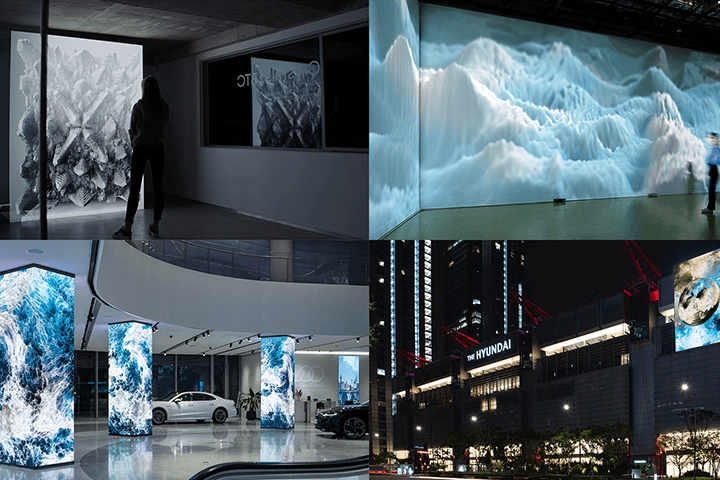
Creating Audio Visuals: Reflecting the Latest Industry Trends
An audiovisual process that is little known despite being in great demand. We will practice interactive art and audio visuals that respond to sound using cameras, Kinect sensors, etc.
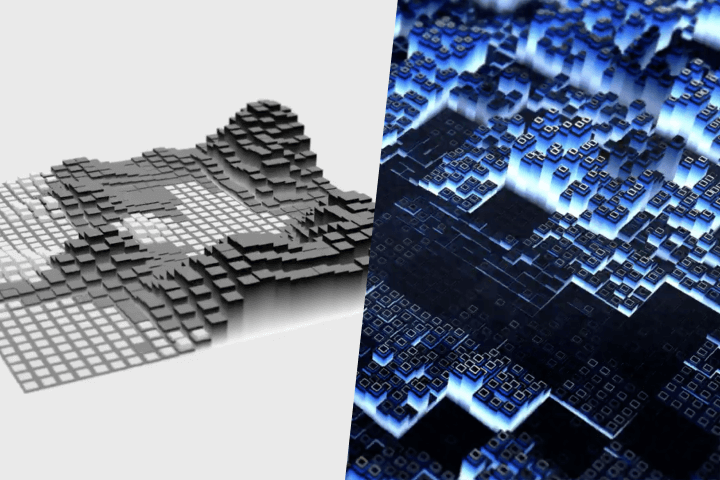
Complete Media Art with Just One TouchDesigner
Let's create a media art work using 200% of TouchDesigner's strengths and technologies. Learn everything from planning to system work and realize your own creative ideas into media art works.
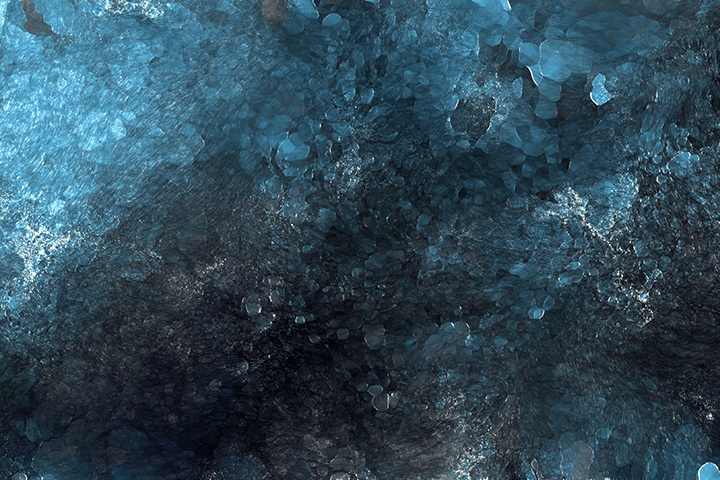
Class Details
You'll Learn
-
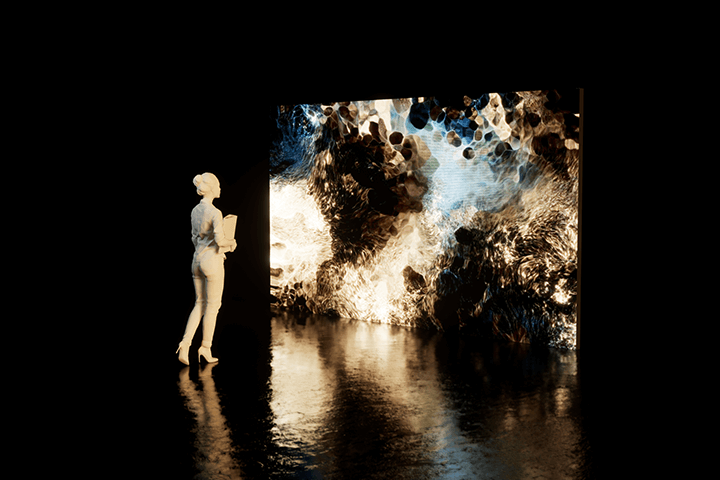 The Flow and Correct Approach to Media ArtWe systematically organize comprehensive concepts about media art and explore the flow of media art by field from the past to the present.
 -
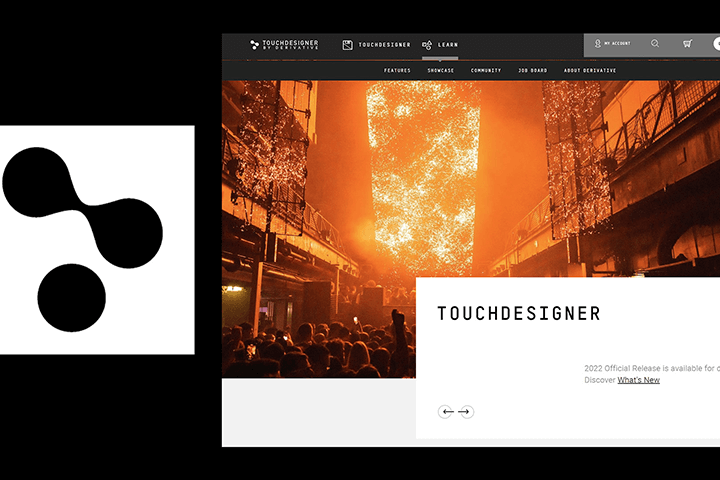 Software Fundamentals of Touch DesignerLearn the basic structure and rendering of real-time engine-based TouchDesigner and solidify the basics of creative coding.
 -
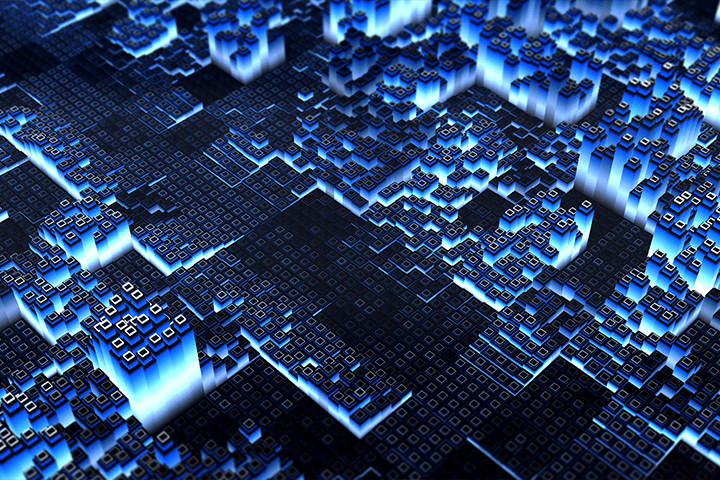 Touch Designer Visual Example LabLearn step by step from real-time responsive video of liquid texture to building a real-time virtual space environment.
-
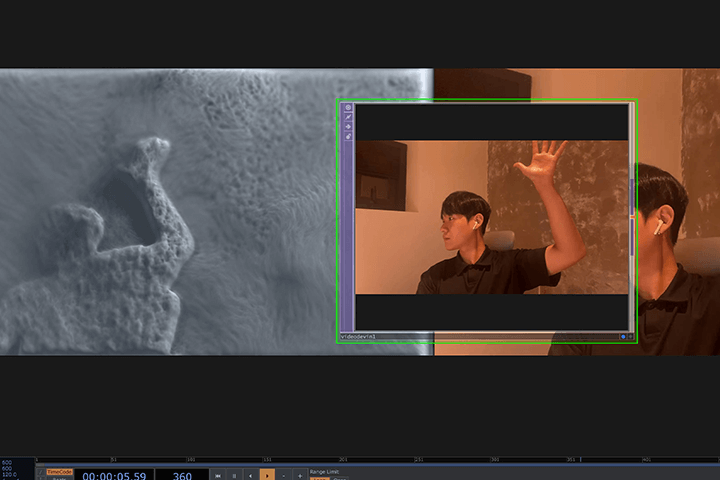 Interactive Systems Utilizing DataLearn how to implement interactive systems using mice, cameras, and Kinect sensors.
 -
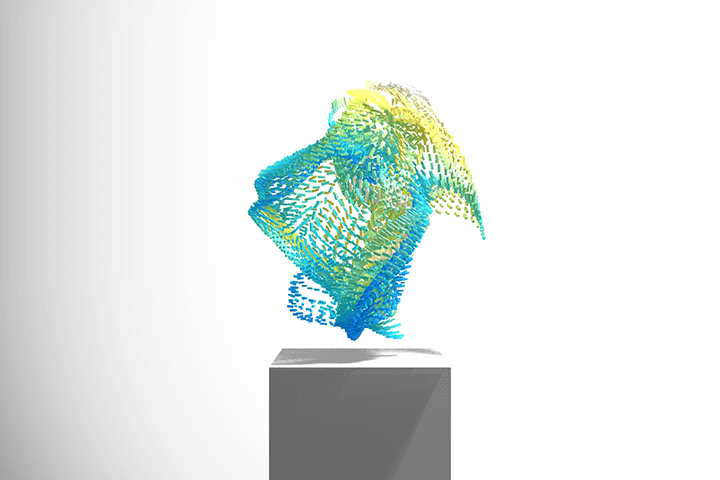 Final Exhibition Project SetupBy completing the process from creation to exhibition in one way with a single touch designer tool, you will develop basic capabilities that can be applied to various fields of media art in the future.
 -
 Practical Know-How and Insights for Media ArtWe generously share the know-how we have accumulated as media artists working in a variety of fields, from small and large exhibitions to commercial work.
curriculum
Curriculum
In-Depth Look
SECTION 01. Orientation
01.Intro
- Introduction
- Overview and History of Media Art
- Curriculum Introduction
02. TouchDesigner
- What is Touch Designer?
- Installing Touch Designer and Requirements
03. TouchDesigner UI
- Touch Designer UI
- Explore operators
SECTION 02. Visual 01 Liquid Interaction (Mouse)
04. Noise Basic
- Introduction to Perlin Noise
- Understanding Top Noise Structure
- Understanding Chop&Sop Noise Structure
05. Feedback Basic
- Understanding Feedback
- Creating generative videos using feedback
06. Example 01: Lighting & Rendering
- Understanding SOP and CHOP
- Understanding MAT
- Default rendering in Touch Designer
07. Example 02 & 03: Metallic Object
- Creating realistic textures using PBR
- Increasing quality with lighting and shadows
- Constructing a realistic environment with Environment Lighting & Map placement
08. Example 04: Liquid Texture
- Build your own artwork using Noise and Feedback
- Output your own content with Movie File Out
SECTION 03 Visual 02 Audio Reactive (Audio)
09. Learn about Instancing
- Learn about the principles of Instancing
- Creating a cube using Instancing
10. Configuring Instancing Geometry
- Creating Heightmap Instancing Geometry with Noise
- Building a realistic environment with lighting and shadows
11. Example 05: Instancing Geometry
- Classifying Audio Chop Levels
- Applying Audio Reactivity with Box Instancing
12. Example 06: Audio Reactive
- Configuring the environment using PBR
- Build a natural environment by creating a Sky Sphere
SECTION 04. Visual 03 Generative Art (Kinect+Camera)
13. Explore Nvdia Flex
- Learn about Nvidia Flex
- Nvidia Solver
- Force
14. Example 07: Interactive Nature 01
- Nvidia Flex basic settings
- Building a Waterfall with Nvidia Flex
- Apply interaction with mouse
15. Example 08: Interactive Nature 02
- Creating interaction effects with Kinect and camera
- Creating generative picture frames with Kinect and camera interaction
SECTION 05. Visual 04 White Cube & Project Setting
16. Example 09: Virtual Space in TouchDesigner
- Virtual space basic settings
- Create a realistic environment by setting up a fog map
- Understand the limitations of virtual space configuration
17. Example 10: Virtual Space in TouchDesigner
- Sop Particle Instancing
- Instancing Particles
- Controlling particles using data (keyboard, mouse, Kinect)
SECTION 05. Closing Greetings
18. Final Project Settings
- Setting up UI for exhibition
- Project optimization and final project settings
SECTION 06. Outro
19. Concluding the Course
- About media art
- Outro
Interview with
Media Artist, Yunsu Joung

Question.01
What do you find appealing about interactive media art?
What do you find appealing about interactive media art?
The biggest appeal of interactive media art is that it is 'interactive', or 'responsive'. In today's era, more diverse and creative works of art are being created through the meeting of technology and art. Among them, one of the biggest characteristics of interactive media art is interactivity. I think the biggest appeal of interactive media art is that it allows new experiences and the expansion of phenomenological experiences by responding to viewers rather than just keeping the content generic.
Question.02
What sets this class apart?
What sets this class apart?
This is a course that can be learned using a single node-based touch designer tool, without the need for other tools or complex coding . Learn how to install the Touch Designer tool and use the node structure efficiently to create high-quality audio visual works.
Question.03
Who would you recommend this class to?
Who would you recommend this class to?
I recommend it to those who have always been interested in media art, as well as those who want to develop existing artwork into real-time interaction art. We also recommend this to existing Touch Designer users who want to make better use of Touch Designer's strengths and technologies.
Required Programs
This course will use
- TouchDesigner 2022.26590 (Commercial version)
Please purchase and install these program(s) for an optimized chapter experience.
*TouchDesigner Non-Commercial version may have a resolution limit of 1280*1280 pixels and some feature limitations.
* We recommend taking TouchDesigner Educational or higher version.
*For smooth course participation, please use Windows 10 / NVIDIA graphics card.
*For MAC OSX, some features of TouchDesigner are limited.
*Programs and materials are not provided separately.