live2drigger,sophiel Details
Intro
Class Intro
Live2D Rigger, Sophiel
"From technical skills for avatar creation to soft skills for turning this hobby into a career, I'll help you through it all!"
The Go-To Beginner Course for Live2D Rigging
Live2D rigging has a reputation for being hard. With Sophiel, it doesn't have to be.
Sophiel is a professional Live2D rigger with over 700 Vtuber projects, including Vallure Gen 3 and REMedy Yume+.
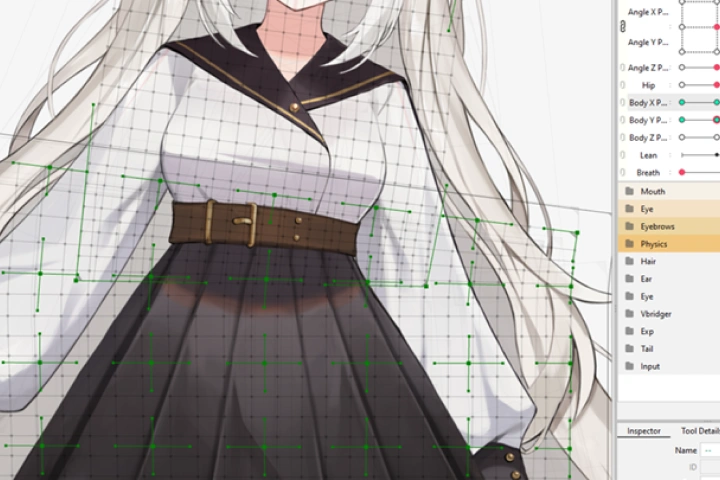
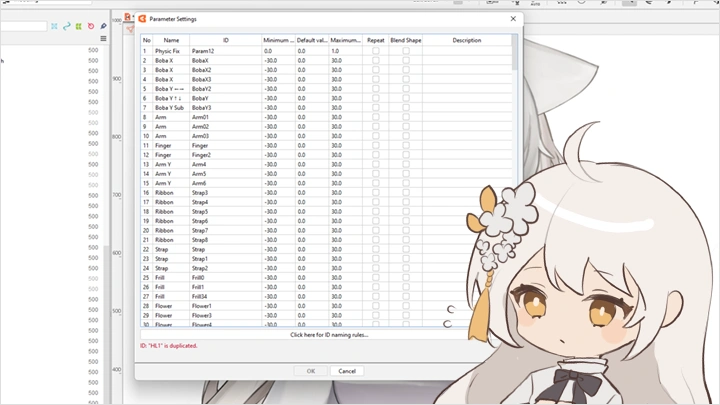
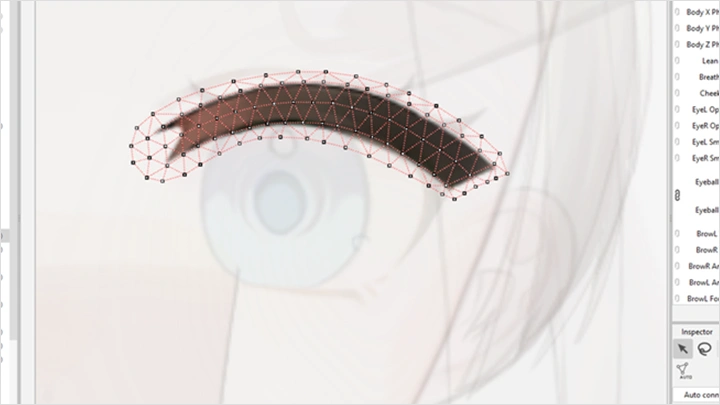
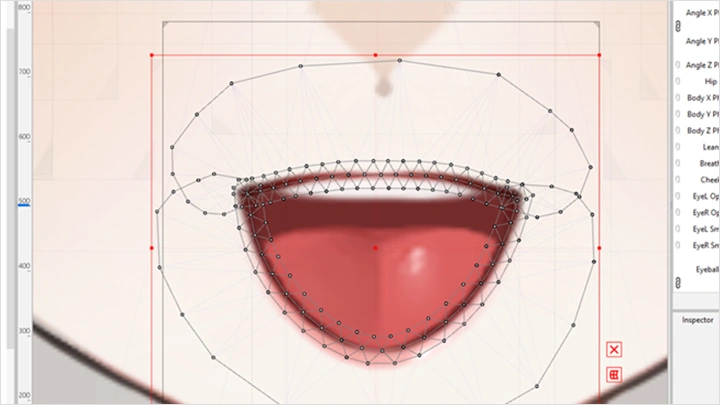
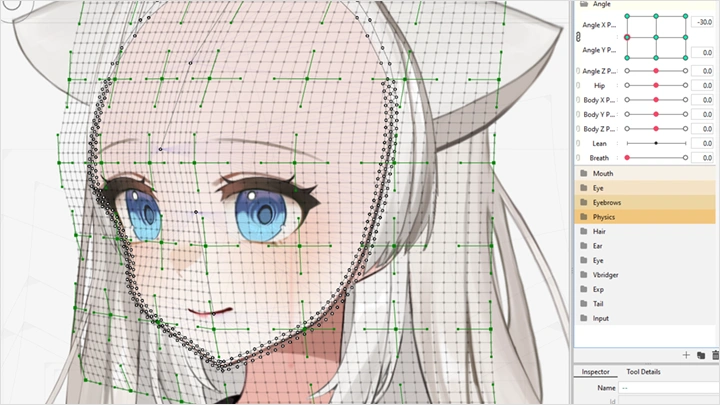
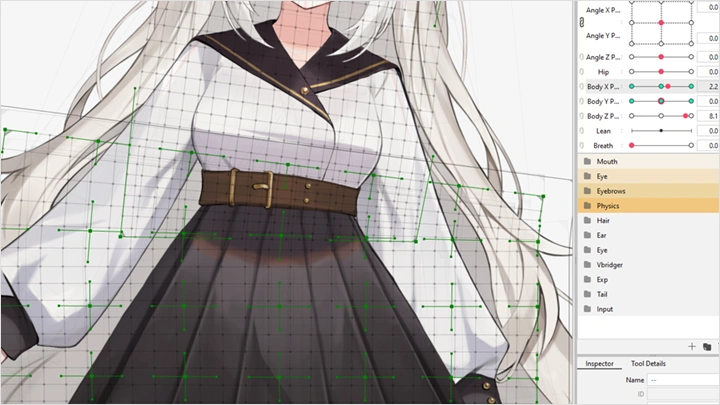
In this course, she walks you through the complete pipeline: layer separation in Clip Studio, facial and body rigging in Live2D, physics with real parameter values, and final export in VTube Studio.
A practice illustration is provided so you can follow along from chapter one, no artwork or prior experience needed. By the end, you'll have a fully rigged Live2D character, ready to go.
In this course, she walks you through the complete pipeline: layer separation in Clip Studio, facial and body rigging in Live2D, physics with real parameter values, and final export in VTube Studio.
A practice illustration is provided so you can follow along from chapter one, no artwork or prior experience needed. By the end, you'll have a fully rigged Live2D character, ready to go.
Class Preview
Still Not Sure?
Check Out Sophiel's Class Preview!
Chapter 01. Orientation
1. Overview of the instructor's background and portfolio
2. Class objectives and overall structure
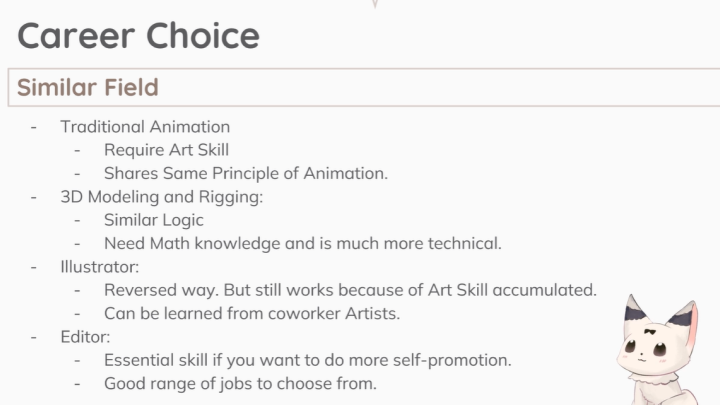
3. Career paths available in the Live2D industry
2. Class objectives and overall structure
3. Career paths available in the Live2D industry
Class Perks
Special Gift from Sophiel
-
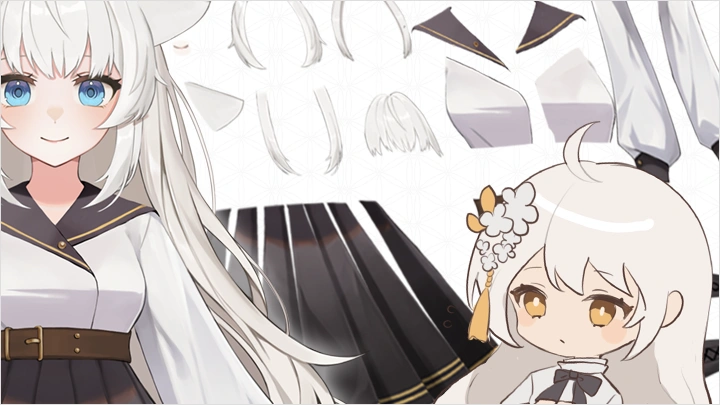
 Practice PSD File- Fully separated PSD model, ready for Live2D import
 -
 Physics Setup Templates- Three importable templates at three physics levels
 -
 Rigging Practice Assets- Two assets for practicing culling and 3D physics
 -
 Additional Practice Assets- Extra images designed for independent practice and layering exercises
Class Material Details
-
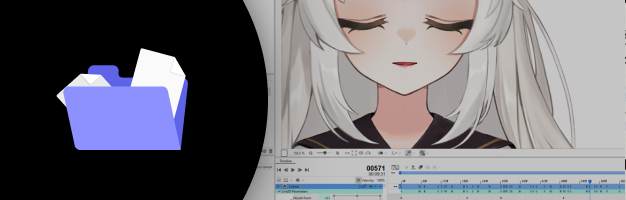 2D Character Illustration- A fully separated 2D character illustration in PSD format, pre-organized for rigging, so you can follow along with every lesson
 -
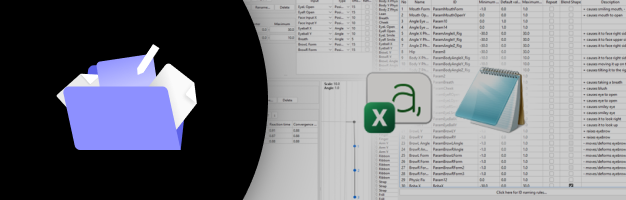 Templates of Different Physics Setups- Importable physics templates covering different levels of hair and cloth movement, ready to apply and customize on your own model
 -
 Specialized Assets for Advanced Rigging- Specialized assets for culling and 3D physics testing, designed to help you understand and troubleshoot advanced rigging techniques
 -
 Practice Illustration Files- Illustration files provided so you can practice on your own outside of the course
Recommendation
Who should take this class?
Complete beginners who have always been curious about Live2D and want a good place to start.
VTuber creators and streamers who want to rig their own model instead of outsourcing.
Digital artists who want to bring their characters to life through Live2D rigging.
Expert Live2D Rigger Sophiel's Portfolio



Why Take This Class?
Every technique in this course comes from real production work, not textbook theory. Sophiel has rigged across hundreds of projects covering different art styles, character types, and physics setups, and each lesson reflects what actually matters on a real rig. Hands-on exercises are built into every stage so students develop the kind of muscle memory that only comes from doing, not watching.
The curriculum also goes further than most beginner courses. Dedicated sections cover advanced mesh editing, blendshapes, and asymmetrical models, giving students a foundation that extends well beyond the basics. A final section on the broader industry puts Live2D in context across games, animation, and streaming, so students finish knowing not just how to rig, but where their skills can take them.

Get Ready for the Real-World
11 Class Exercises
Part 1. Model Preparation
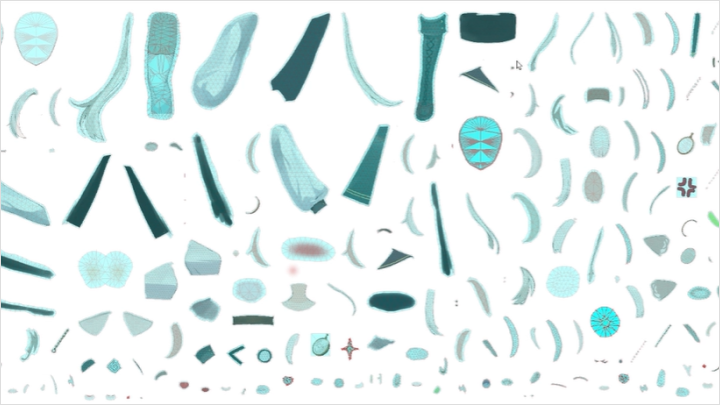
Drawing and Cutting
Part 2. Facial Rigging (Part 1)
-
Eyes
-
Eye Brows
-
Rigging the Mouth and Nose
Part 3. Facial Rigging (Part 2)
-
VBridger & Advanced Facial Shape
-
Face Angles
-
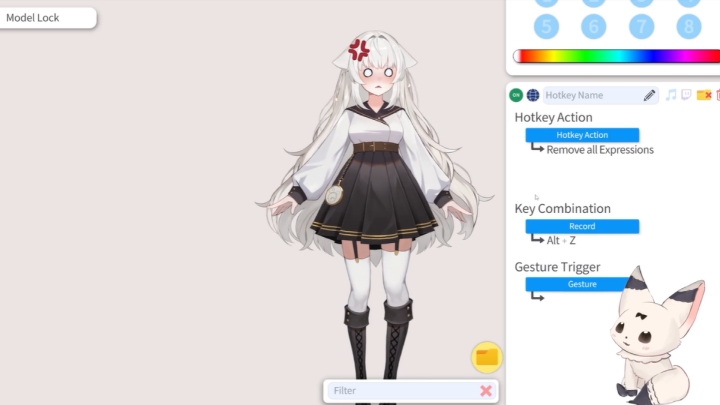
Expressions
Part 4. Body & Physics
-
Body Angle and Physics
-
Hair Physics
-
Cloth Physics
-
Accessory Physics
Part 5. Finalization & Model Setup
-
Preparing Mesh, Glue, and Rigging
-
Chibi Transform
-
Animations
-
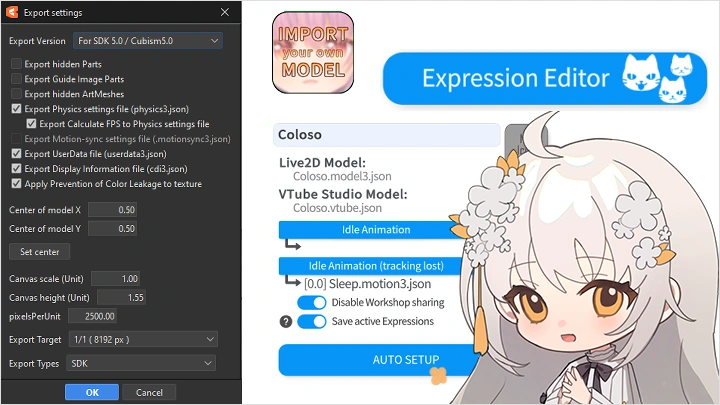
Model Export & VTube Studio Setup
Final Product
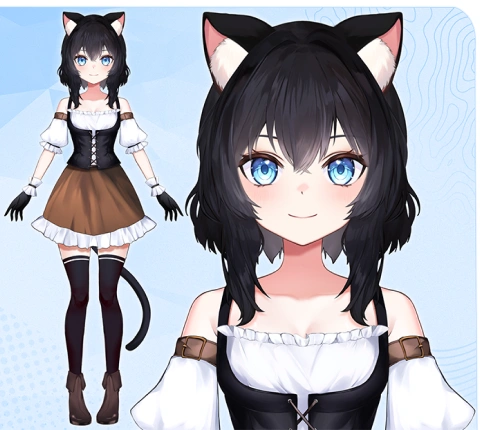
A Complete, Export-Ready Live2D Model
A fully rigged Live2D character, ready to use with any software compatible with the L2D SDK
*This is the character that you will work on throughout the class
Highlights
Class Highlights
Simple to Complex: Mastering Live2D Motion
Start from the basics: parameters, deformers, and meshes. Build up progressively to multi-axis facial and body movements, following the same structured approach a professional uses when starting a new rig.
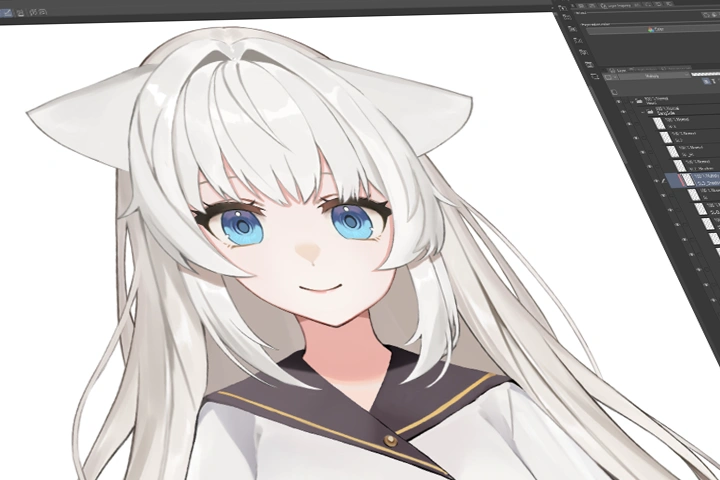
Lighting Techniques That Add Depth to Animation
Animating lighting effects within your rig adds dimension and mood that movement alone cannot achieve. Learn how to set up dynamic light overlay layers and give your model a polished, professional finish.
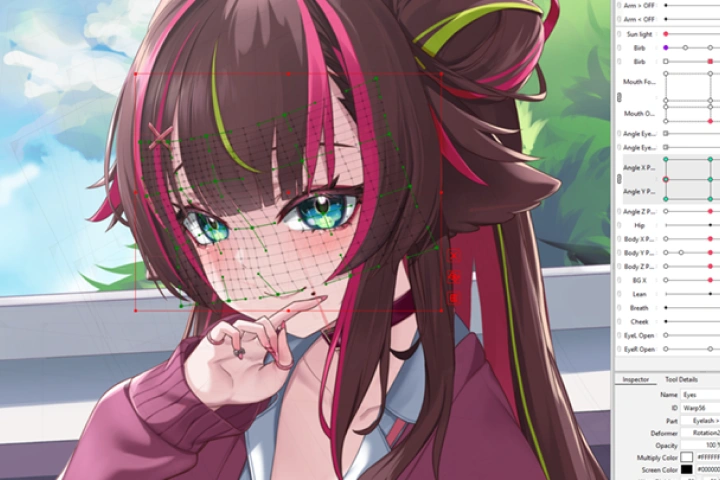
Physics That Brings Your Character to Life
Physics is what turns movement into life. This course teaches the actual parameter values and principles behind hair, cloth, and prop motion, giving you control to dial in natural-feeling physics for any character style.