live2drigger,meiyu_ZH Details
Intro
Class Intro
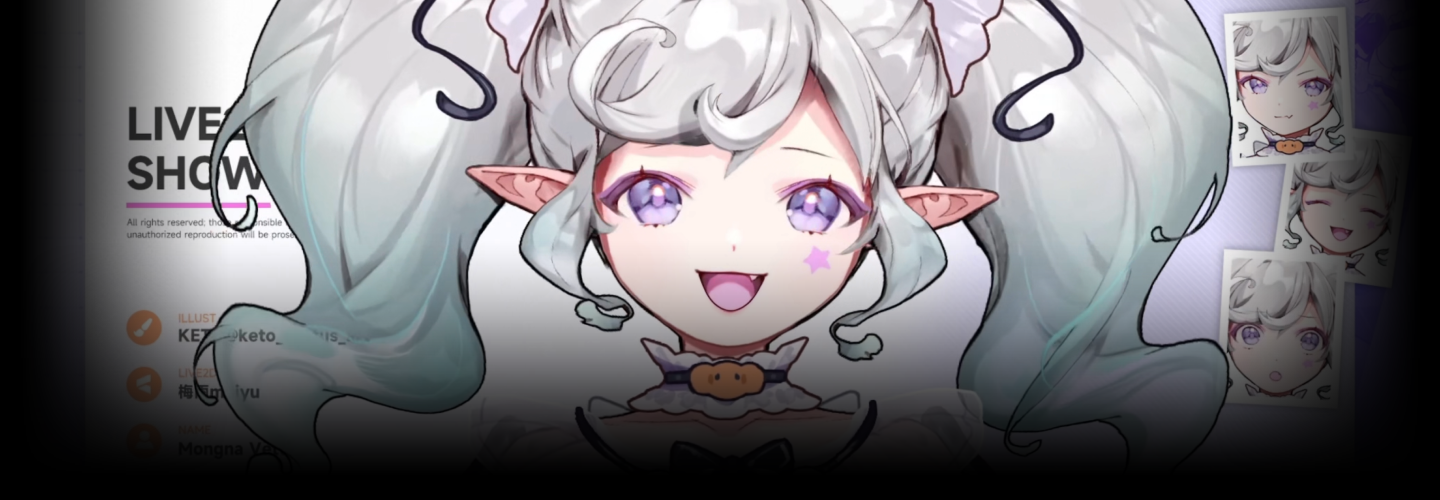
Live2D Rigger Meiyu
Bring your Character to life as a VTuber! Exclusive Rigging Workflow
Stop the endless trial and error—level up your Live2D skills today! Industry veteran rigger Meiyu shares her proven workflow, refined through the creation of 200+ professional VTuber models. Learn to build adorable, stream-ready VTuber avatars from the ground up.
Transform Keto's stunning character art into a fully rigged, expressive model. Master essential techniques—from VBridger facial tracking to Chibi Toggle—and bridge the gap between hobbyist and pro. Ready to turn your passion into a career? Join our comprehensive VTuber rigging masterclass now!
Thai subtitles and Thai-translated class materials will be available starting Sep 4, 2026.
Class Preview
Still Not Sure?
Check Out Meiyu's Class Preview!
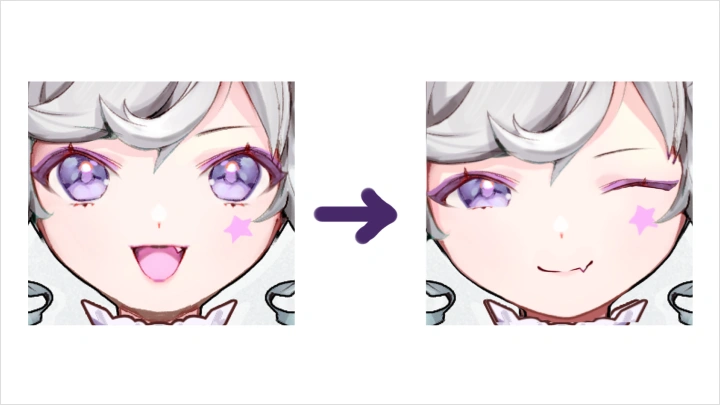
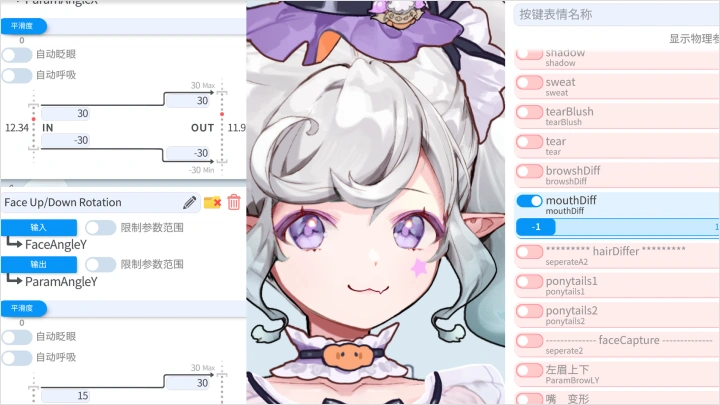
11. Eyes and Eyebrows
- Production of eye opening and closing
- Adding expressions to the eyes through linkage with mouth parameters
- Eyebrow parameters
- Add physical effects to the eyes
- Adding expressions to the eyes through linkage with mouth parameters
- Eyebrow parameters
- Add physical effects to the eyes
Class Perks
Get These Coloso Exclusives
-
 Complete Illustration & Live2D PSDFull Practice Package Including Separated Files and Presets
 -
 High-Quality Live2D cmo3 FilesReady for Immediate Professional Use
 -
 Ready-to-Launch Full Model FilesInstantly Available in VTube Studio
Class Material Details
-
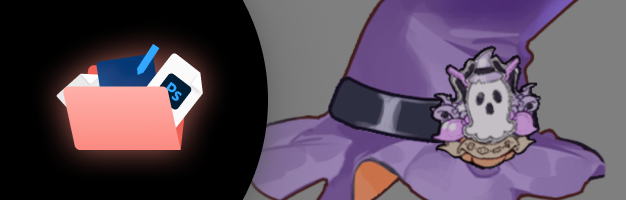 [Model Splitting Reference and Practice]-Person character illustration split completed PSD and original files for practice
-Object illustration split completed PSD and original files for practice
-Basic face emoji layer PSD -
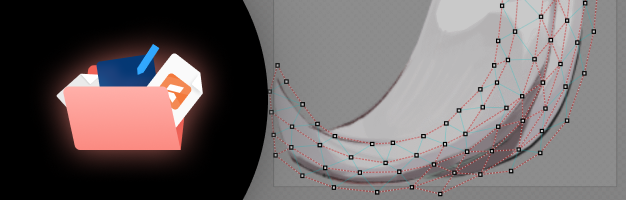 [Meiyu's Preset Files]-Live2D parameter preset form
-Live2D physics simulation preset -
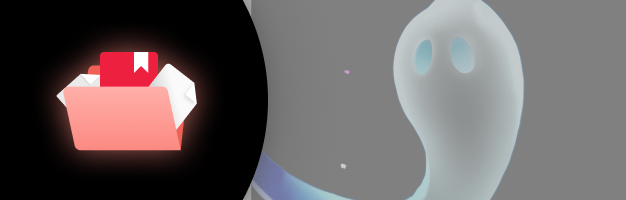 [Project Files]- Complete character cmo3 project files processed according to specifications
- cmo3 project files explaining two styles of head angle xy processing
- cmo3 project files for five mouth shape processing schemes: 3x2, 3x3, 5x5, and Vbridger
- cmo3 project files for cat ear angles and physics
- can3 animation project files including idle animation and multiple key animations -
 [Executable Files]- Model runtime files loadable by face capture software
- Model setting files for Vtube Studio (.vtube.json)
Recommendation
Who should take this class?
Beginners and hobbyists who want to complete Live2D character rigging from scratch
Beginner riggers ready to jump into commissions with detailed rigging skills
Creators & illustrators who want to bring their own characters to life
Expert Live2D Rigger Meiyu's Portfolio
-
MOYO
-
Kira
-
Rurumi
-
Akugaki Koa
-
felt
-
RuriSee
-
Zang
Why Take This Class?
Go beyond basic animation—learn how to make your characters even cuter and more captivating. You’ll build models that look natural and feel alive, covering everything from emotions and expression sets to character-specific actions and prop interactions, all while following proven industry production standards.
Level up with commercial-grade techniques. Dive deep into expression linking and physics polish, and master VBridger, chibi conversion, and multi-part switching. From artwork prep and layer breakdown to final facial setup, you’ll develop a practical workflow you can apply to any character and create high-quality, debut-ready models—then import them into VTube Studio to test them in a real streaming setup and finish with a polished showcase.

Get Ready for the Real-World
22 Class Exercises
Part 1. Preparation
-
Artwork Layer Seperation
-
Mesh Point Placement (Editing)
Part 2. Facial Rigging
-
Mouth
-
Eyes & Eyebrows
-
VBridger
Part 3. Head & Body Rigging
-
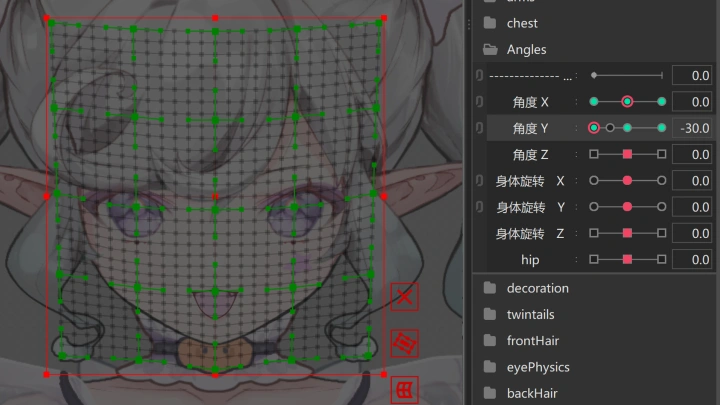
Combination of Head XYZ
-
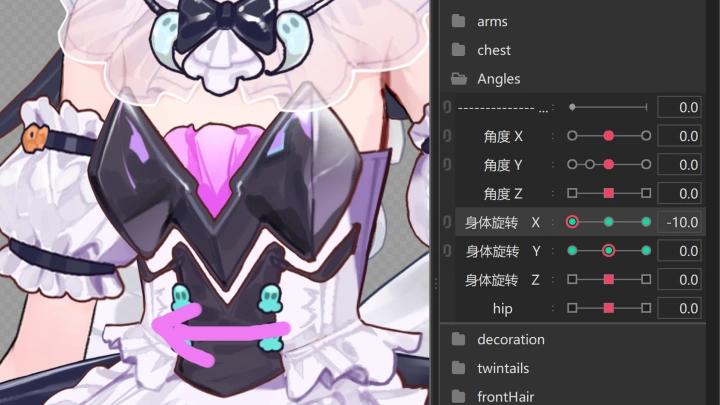
Combination of Body XYZ & Physics
Part 4. Physics Rigging & Animation Editing
-
Skirt Physics
-
Sleeve Physics
-
Bow & Ribbon Physics
-
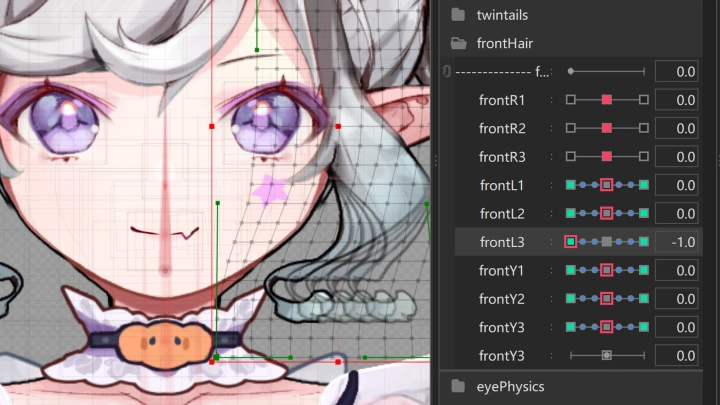
Bangs Physics
-
Twin-Tail / Ponytail Physics
-
Ghost Animation
-
Tear Animation
-
Lollipop Interaction Animation
-
Jumping Animation
Part 5. Rigging Practices & Advanced Techniques
-
Expression Changes Using
Blendshapes -
Mouth Shapes Using Keyforms
-
Animal Ears
-
Chibi-Style Model
-
Forward-Lean Effect
Final Product Example
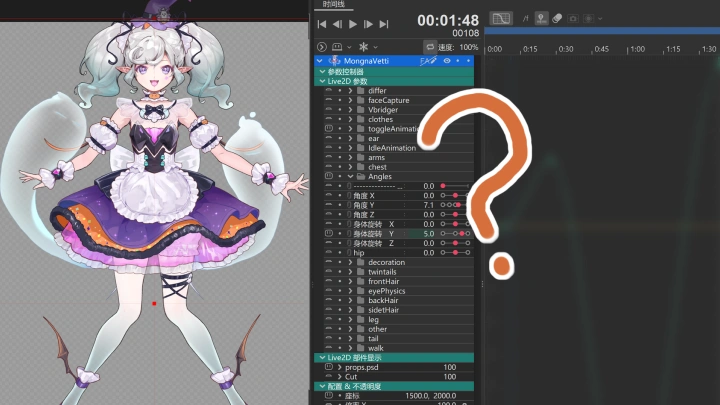
Live2D Showcase
"𝕸𝖔𝖓𝖌𝖓𝖆 𝖁𝖊𝖙𝖙𝖎"
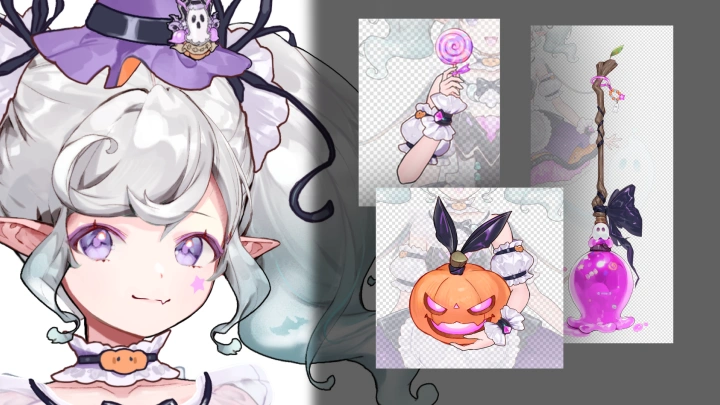
The examples were created with permission from illustrator Keto.
Highlights
Class Highlights
From a Single PNG to a Debut-Ready VTuber Model
Start with one PNG illustration and finish a VTuber model that runs smoothly in VTube Studio. This course isn’t about memorizing buttons—it’s about learning a reliable, repeatable process that helps you produce a model that’s controllable, responsive, and ready for livestreaming. Even if you’re starting from zero, you’ll be able to complete a first project that meets a commission-ready standard. By the end, you’ll have a polished character with clean visuals, natural motion, and the confidence to debut—or start taking paid work.
A Complete, Commercial-Grade Live2D Rigging Workflow
A lot of learners drop out mid-project because the workflow feels confusing and hard to organize. Meiyu condenses hands-on experience from building 200+ models into a clear, step-by-step pipeline you can follow from start to finish. Using a single character as your guide, you’ll go from artwork prep and layer separation to mesh setup, rigging, physics, and VTS(VTube Studio) tuning—so you not only know what to do, but when to do it. With the right order and priorities, you’ll avoid rework, build professional instincts faster, and confidently take any model all the way to completion.
Blink, Sway, React. Create a Character That Instantly Wins People Over
The best moment is when your character starts moving and suddenly feels alive. You'll learn how to craft natural blinks, gentle idle motion, and detailed adjustments that make the model respond smoothly to your input. We'll also show you how to add crowd-favorite touches—like animal ears and tails, fun expression swaps, and other charming details—so your model doesn't just "move," it captures attention the moment it appears on screen. Watching your character truly come to life in your hands is one of the most satisfying parts of Live2D—and you'll feel that moment for yourself.