Live2DModeler,rariemonn_라리에몬 Details
Intro
Class Intro
Live2D Modeler, rariemonn
This class will teach you the skills to create natural and cute Live2D footage for VTubers, starting with the basics. In addition to techniques, you'll also learn the workflow of a Live2D modeler and how to think about characters.
Introductory Guide to Vtuber Live2D Production from Fundamentals to Practical Application
Live2D Modeler rariemonn specializes in creating gestures and expressions that suit the character and has been in charge of producing Live2D for numerous popular VTubers.
In this course, you will learn rariemonn's unique techniques for creating natural and kawaii Live2D designs tailored to your character, specifically for VTubers.
In this course, you will learn rariemonn's unique techniques for creating natural and kawaii Live2D designs tailored to your character, specifically for VTubers.
Class Perks
Get These Coloso Exclusives
-
Unlimited Access to 26+ Hrs & 24 Chapters of Content -
Study Materials from Professional Live2D Modeler -
PSD Files and Live2D Data
Expert Live2D Modeler rariemonn's Portfolio
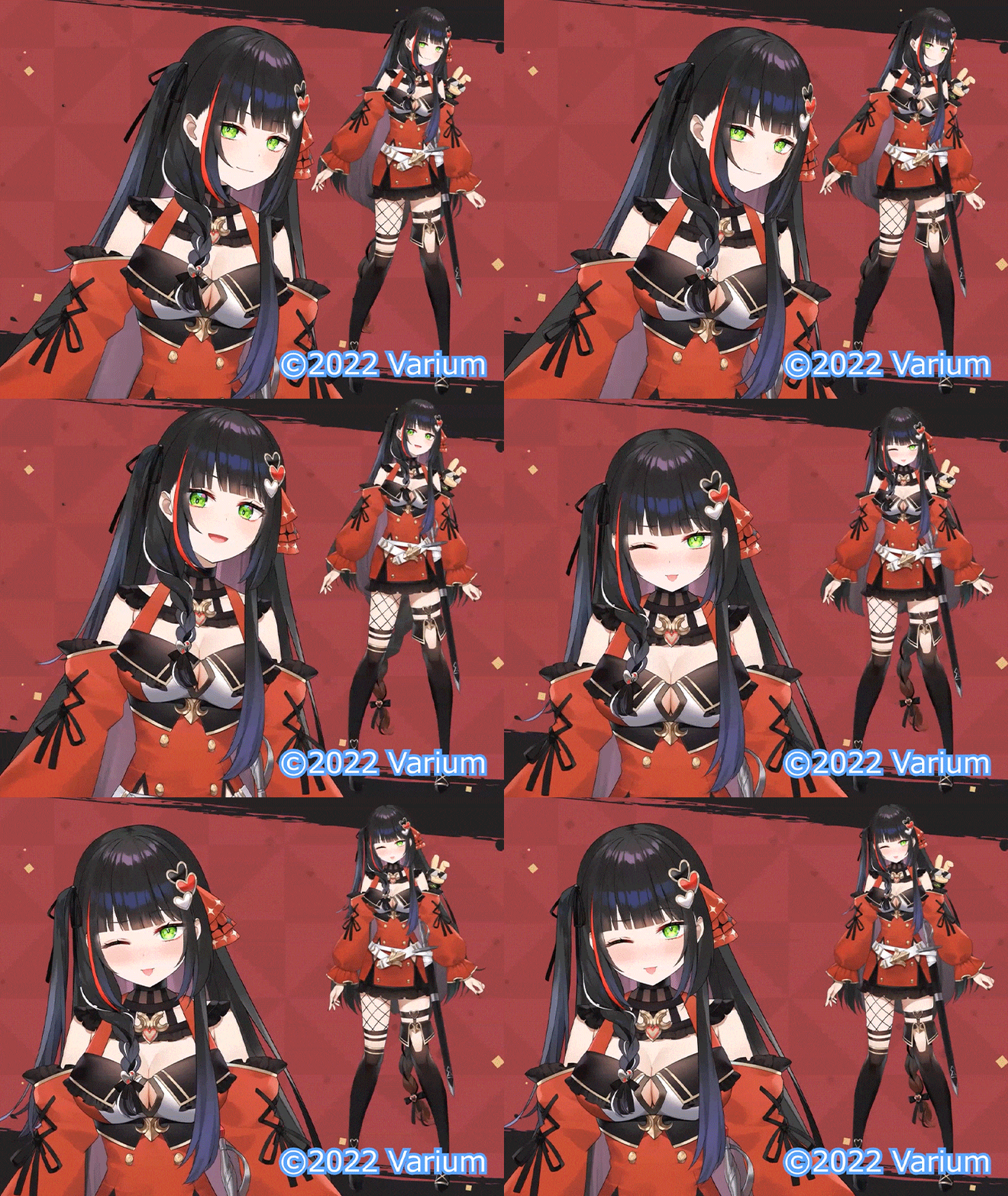
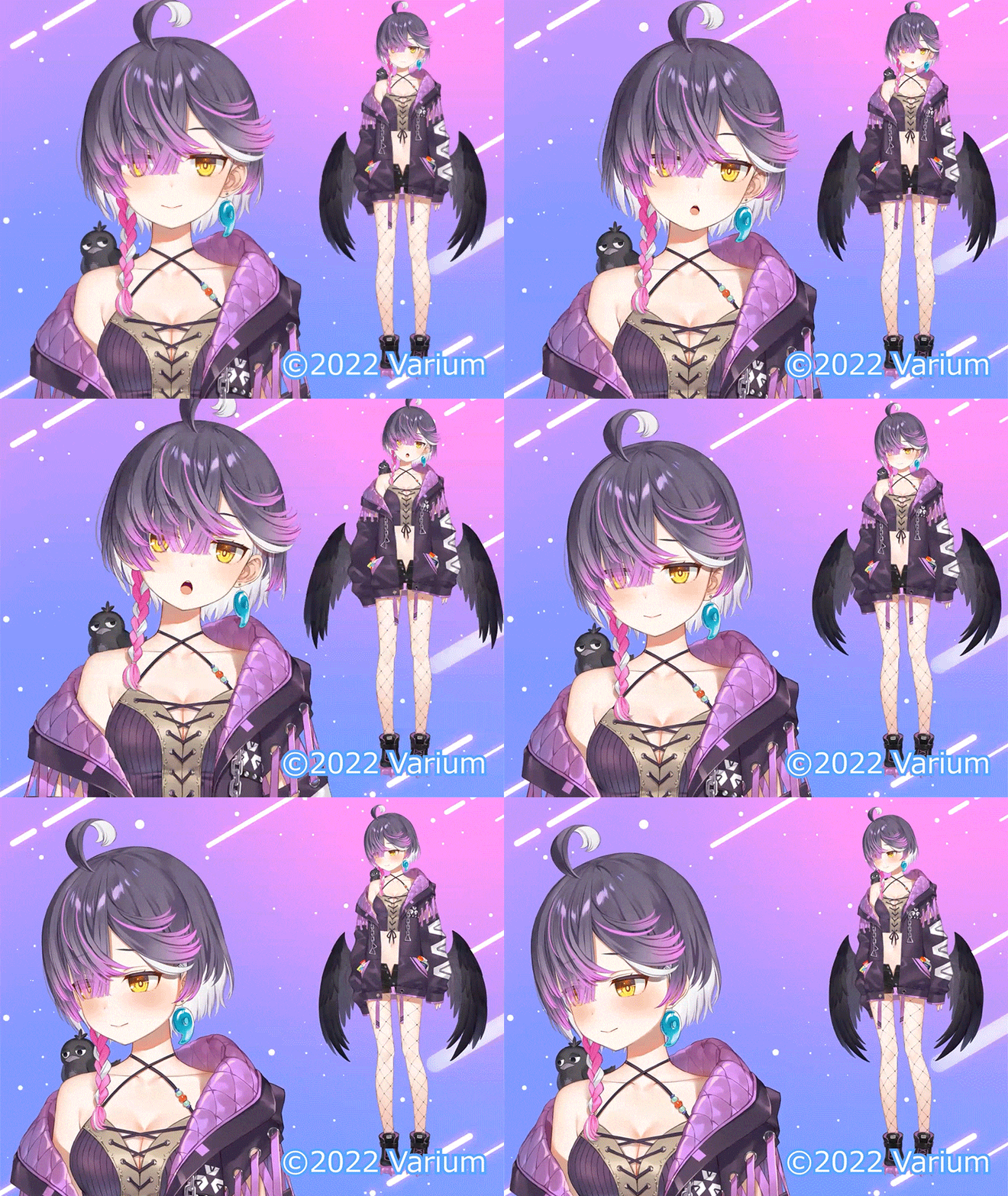
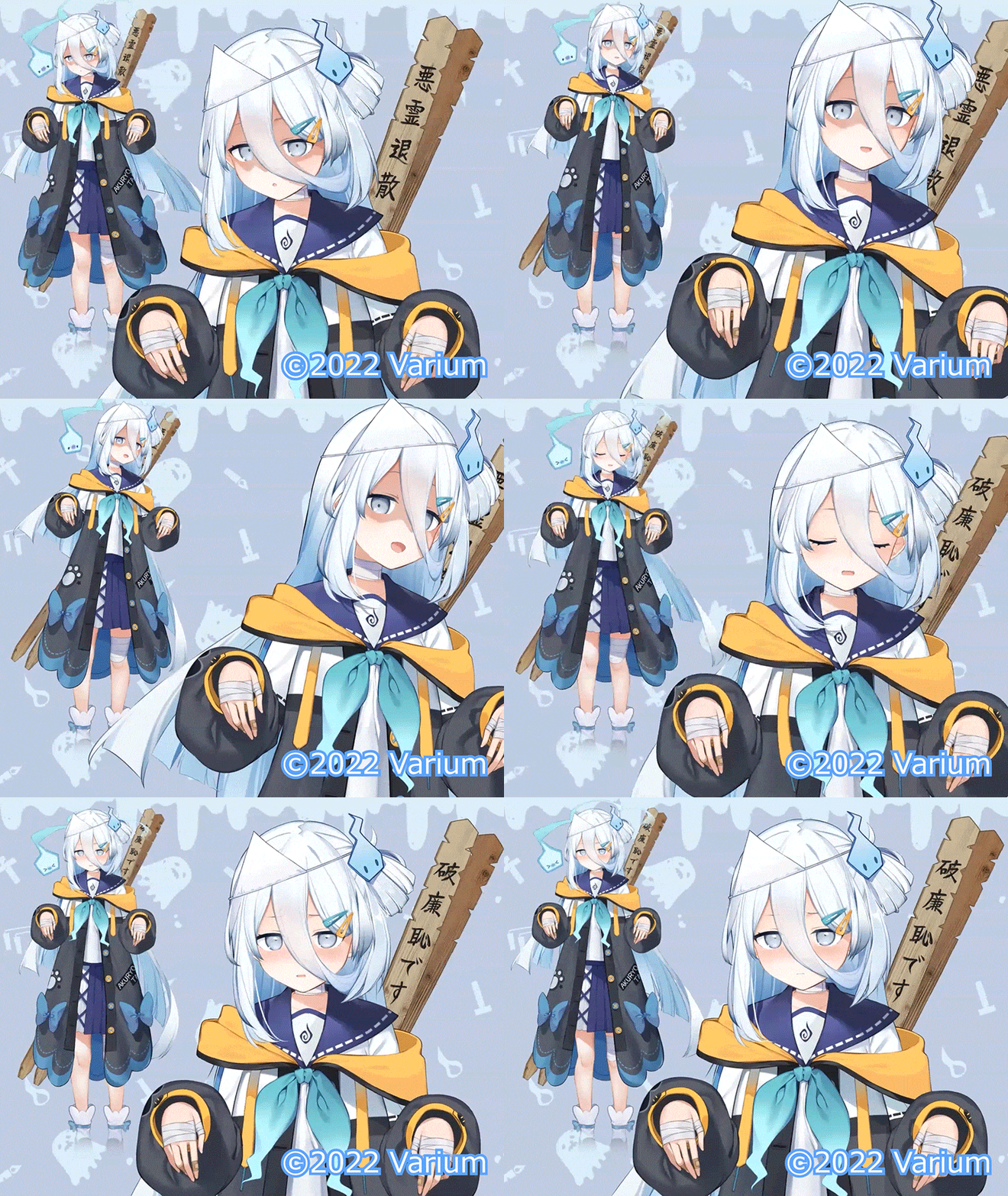
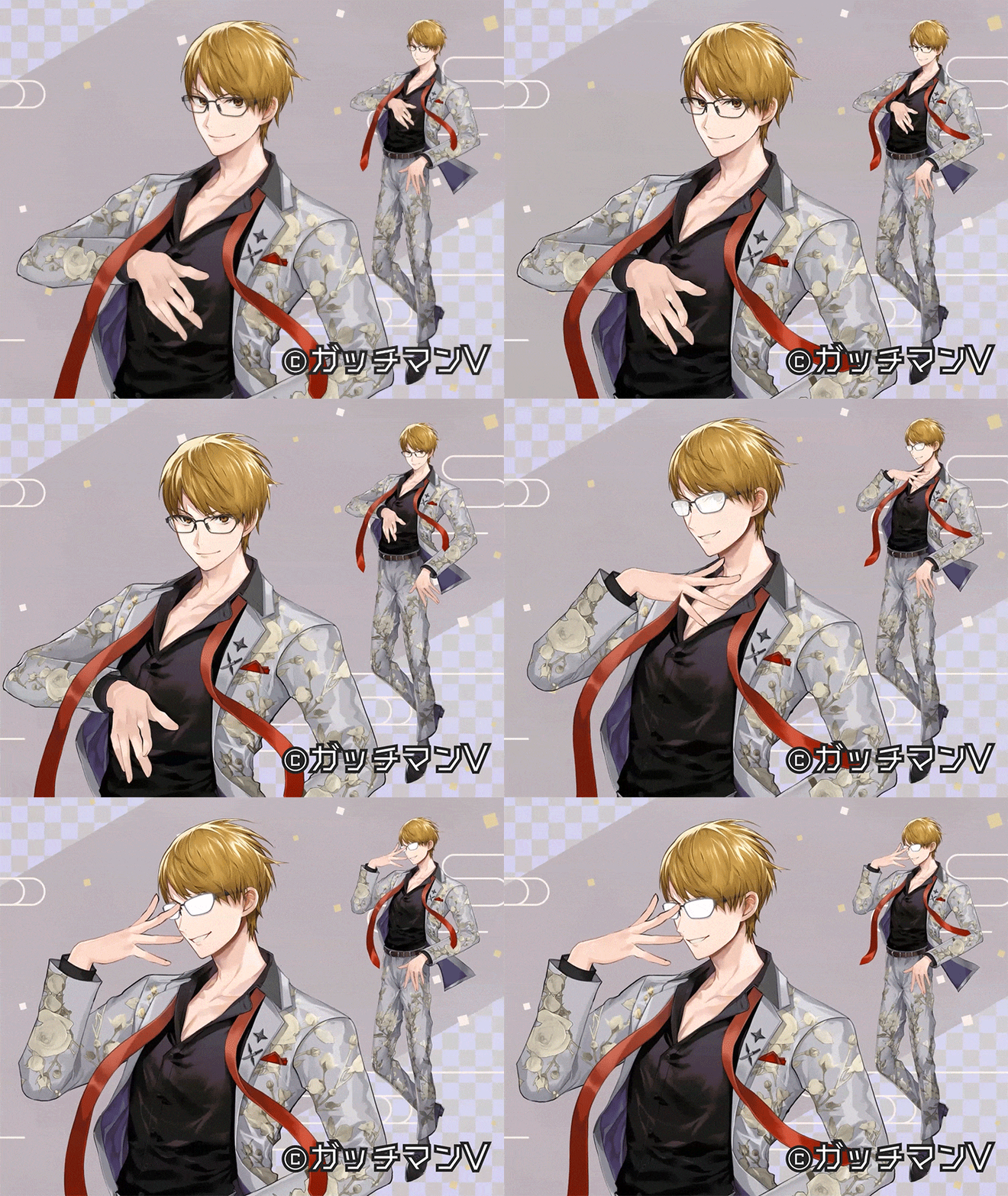

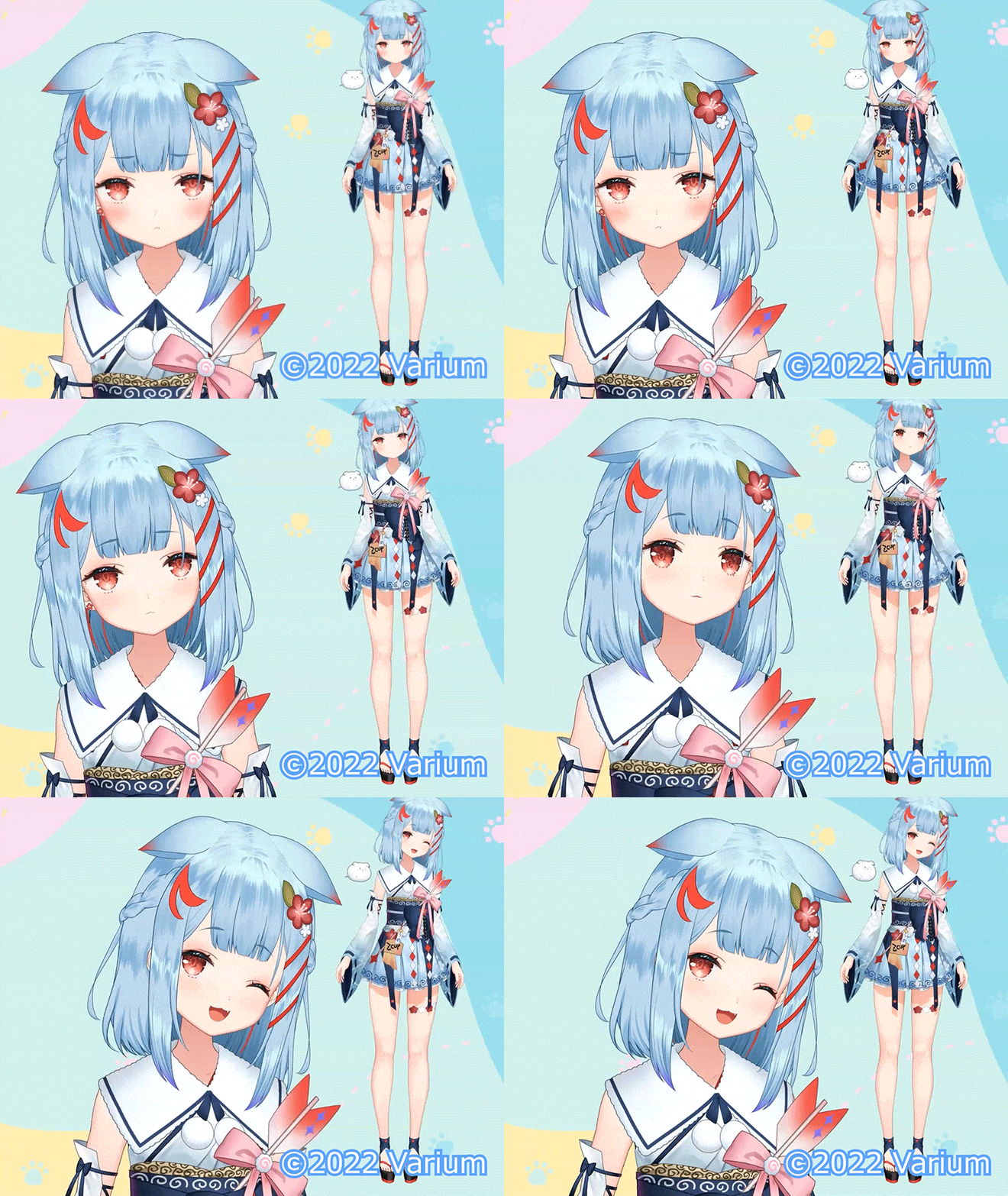

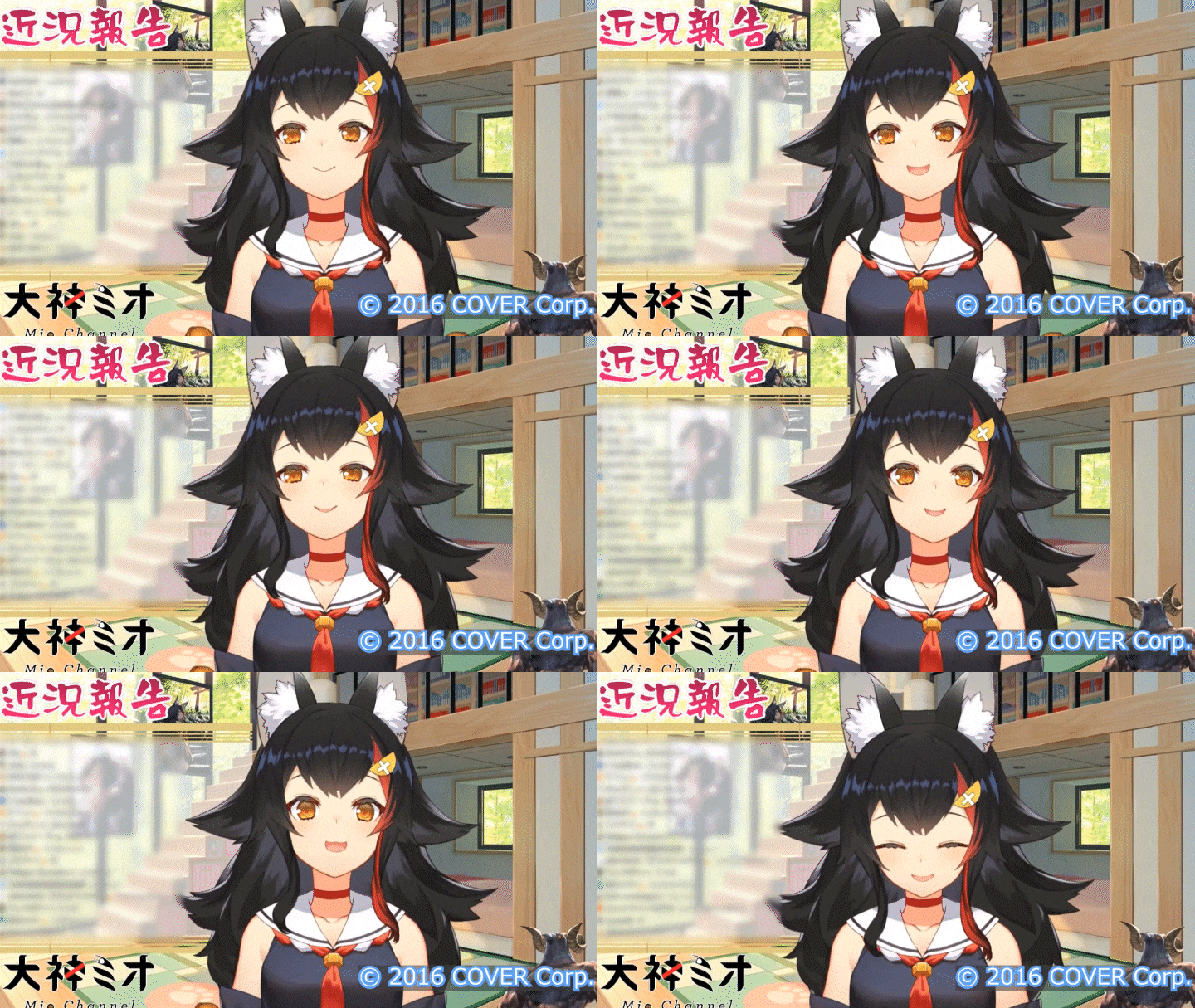
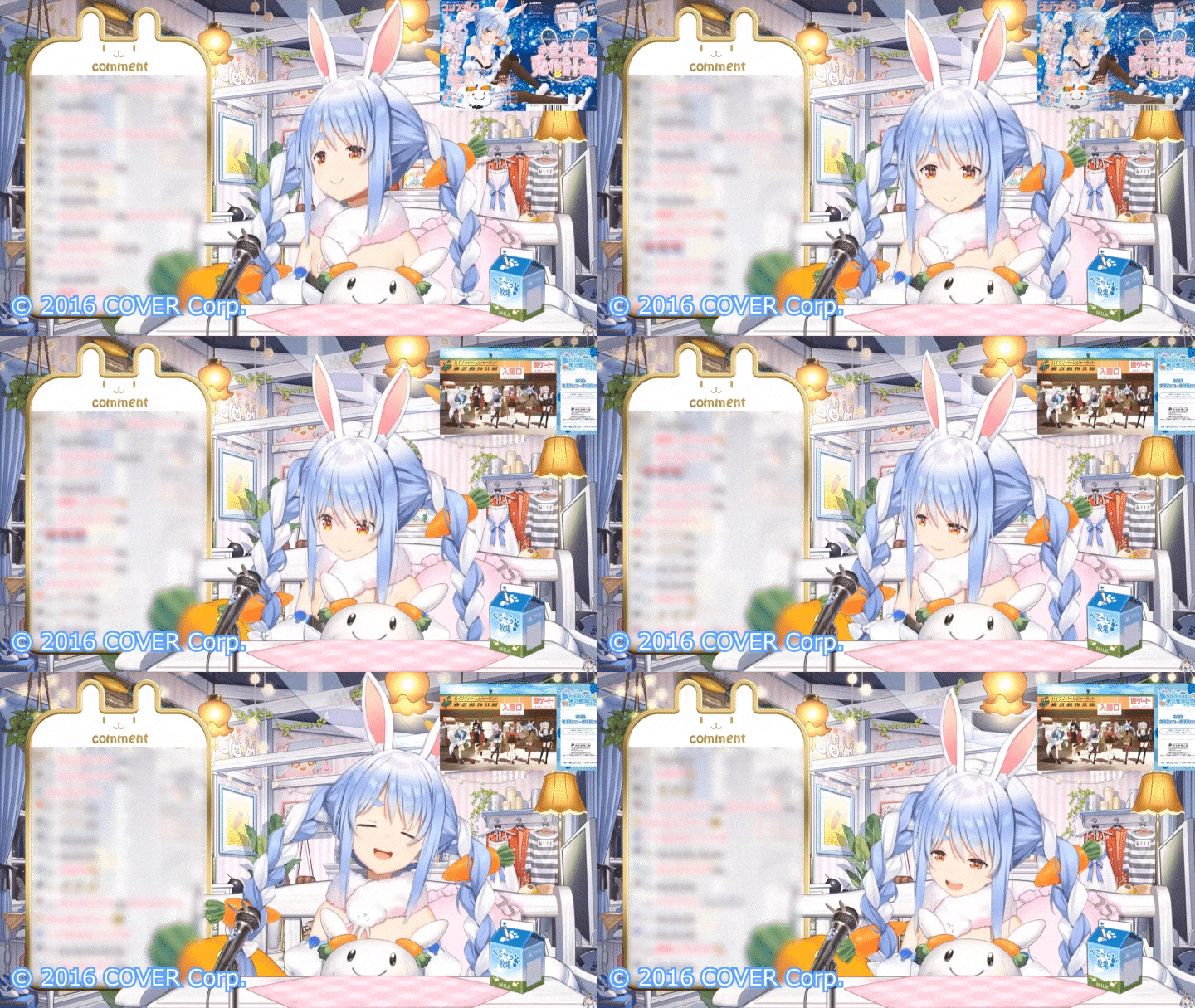
8 Class Exercises
-
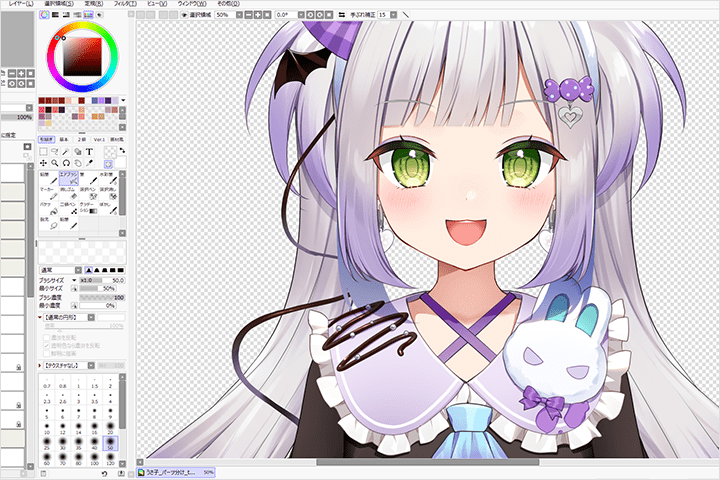 Dividing a PSD illustration into parts
 -
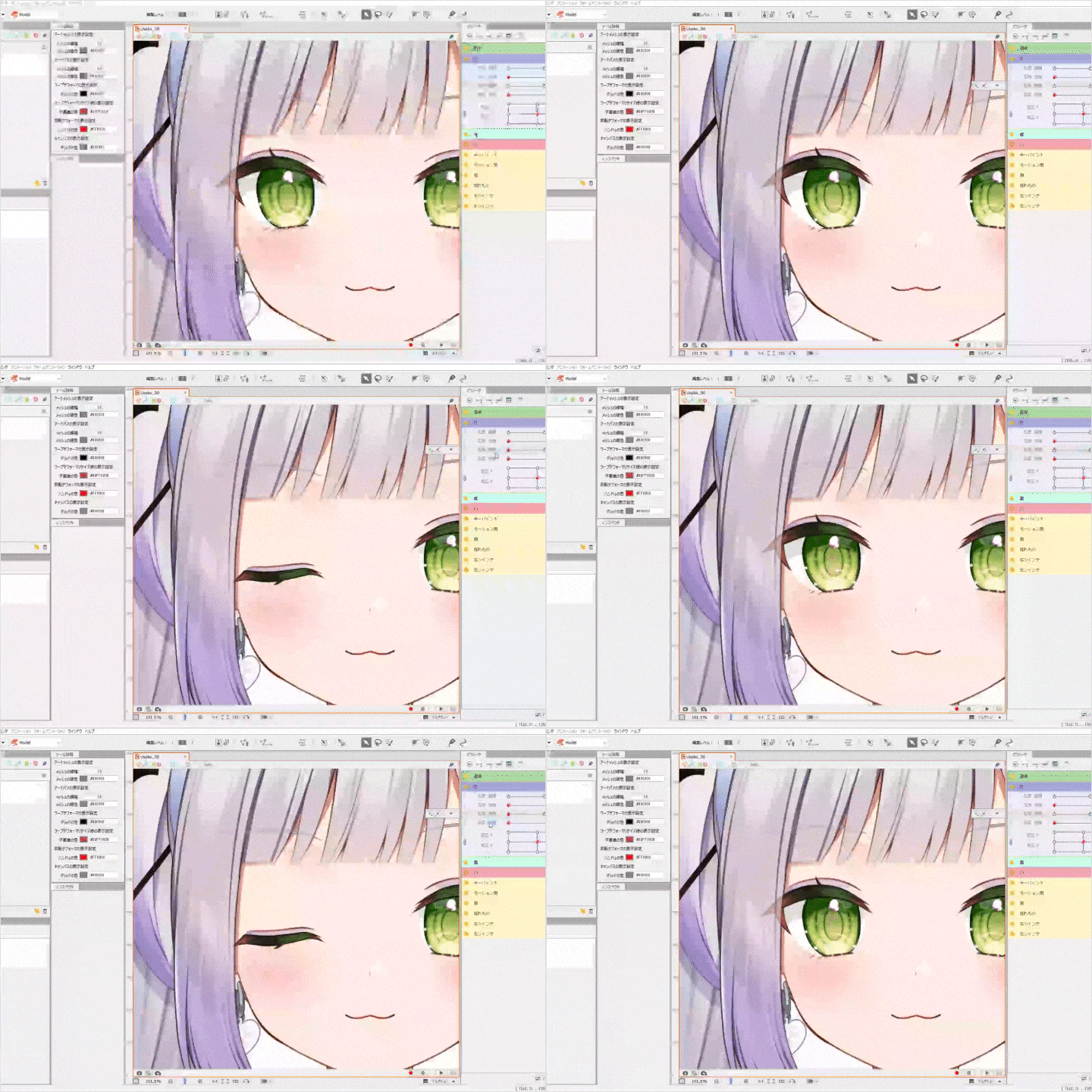 Create blinking and eye movements
 -
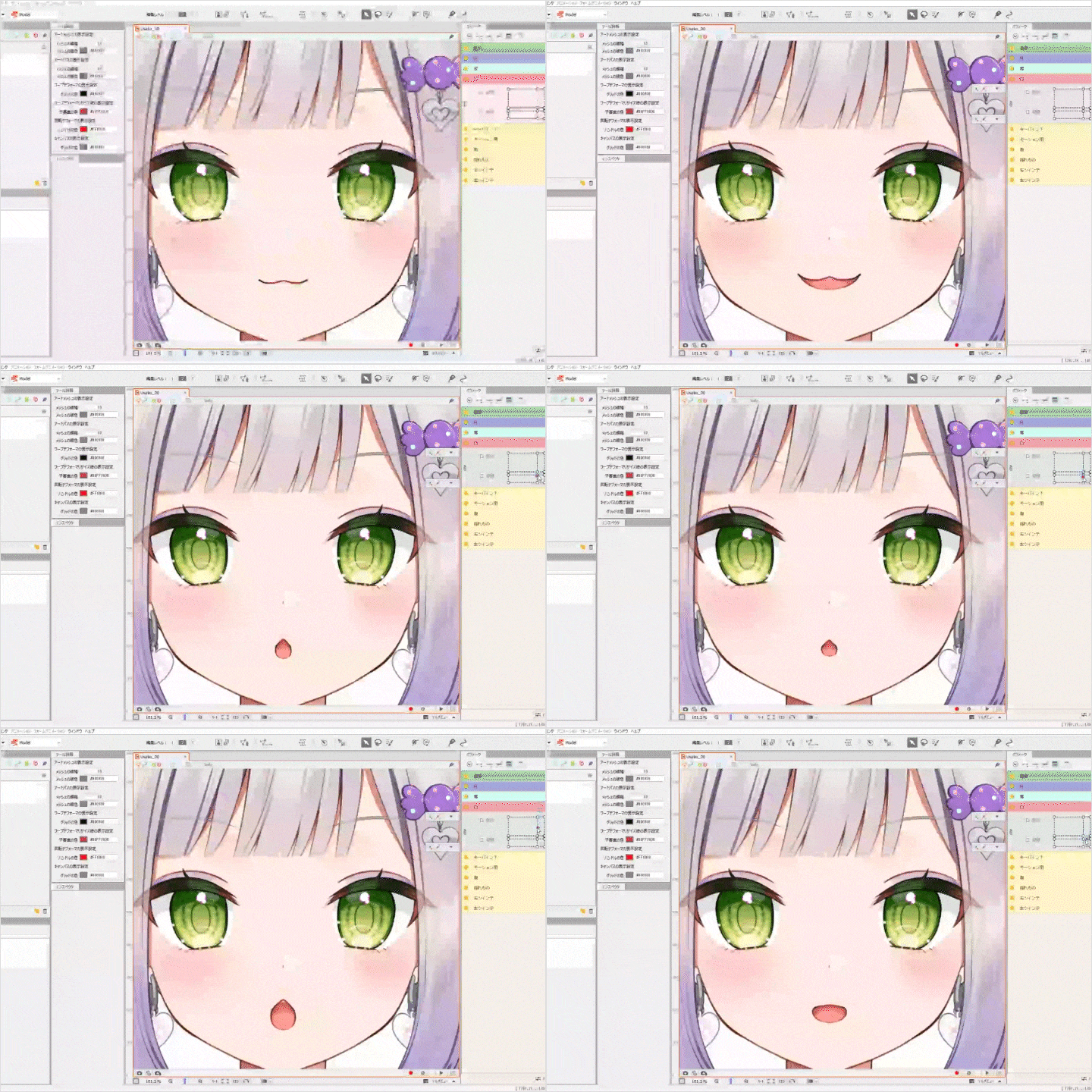 How to add mouth movement with a focus on vowel expression
 -
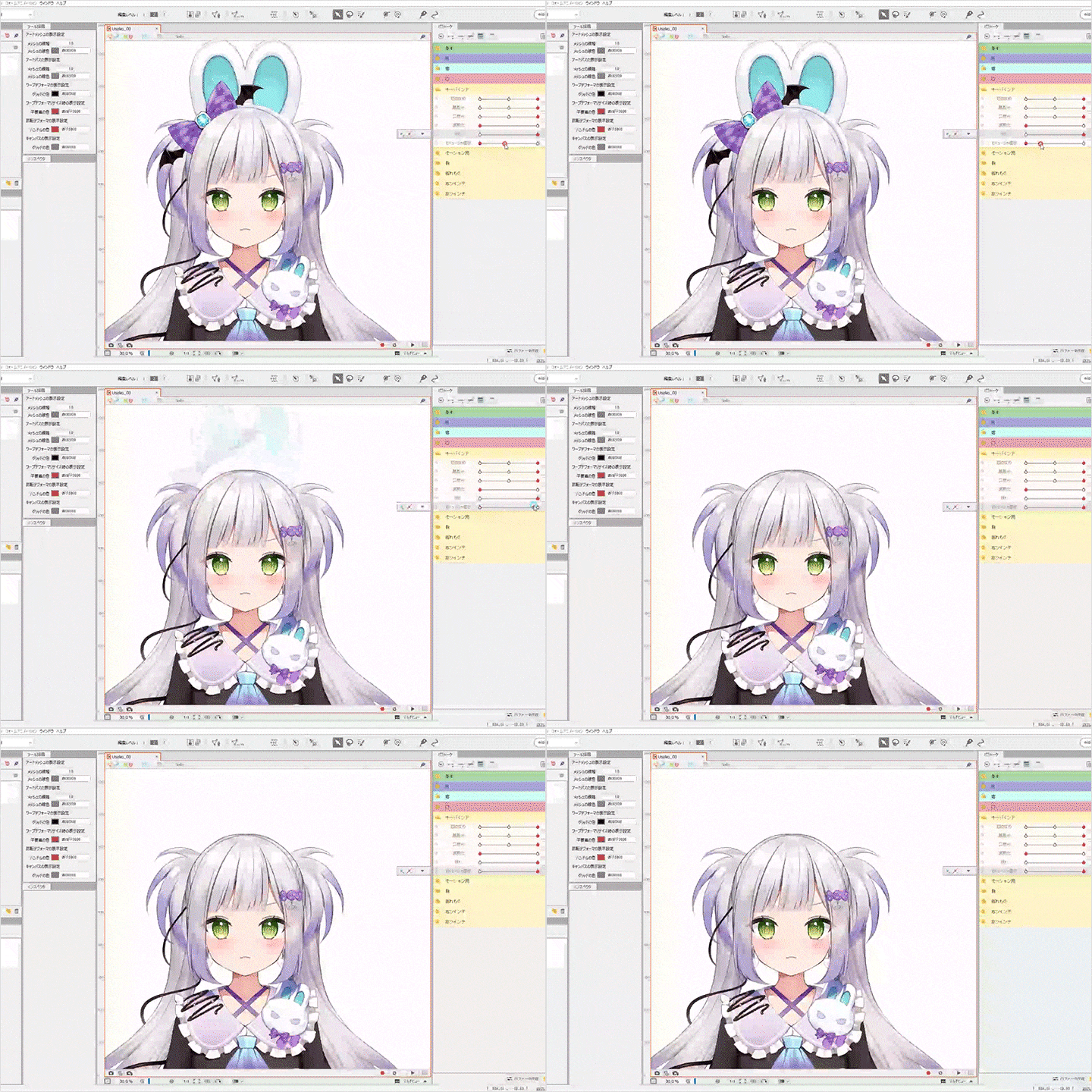 Creating variations in expressions and outfits to broaden the range of character expressions
-
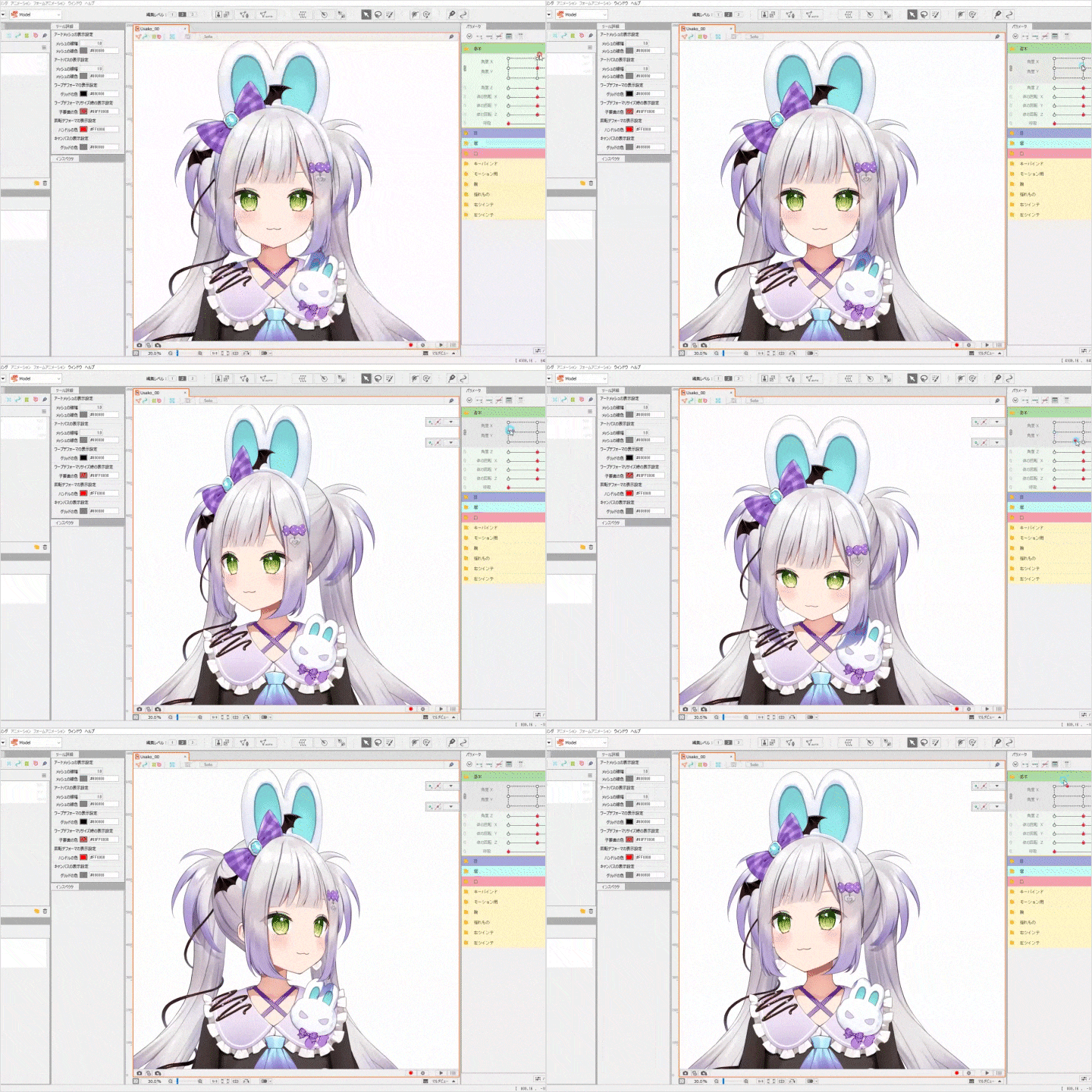 Creating naturalistic facial expressions from every angle
 -
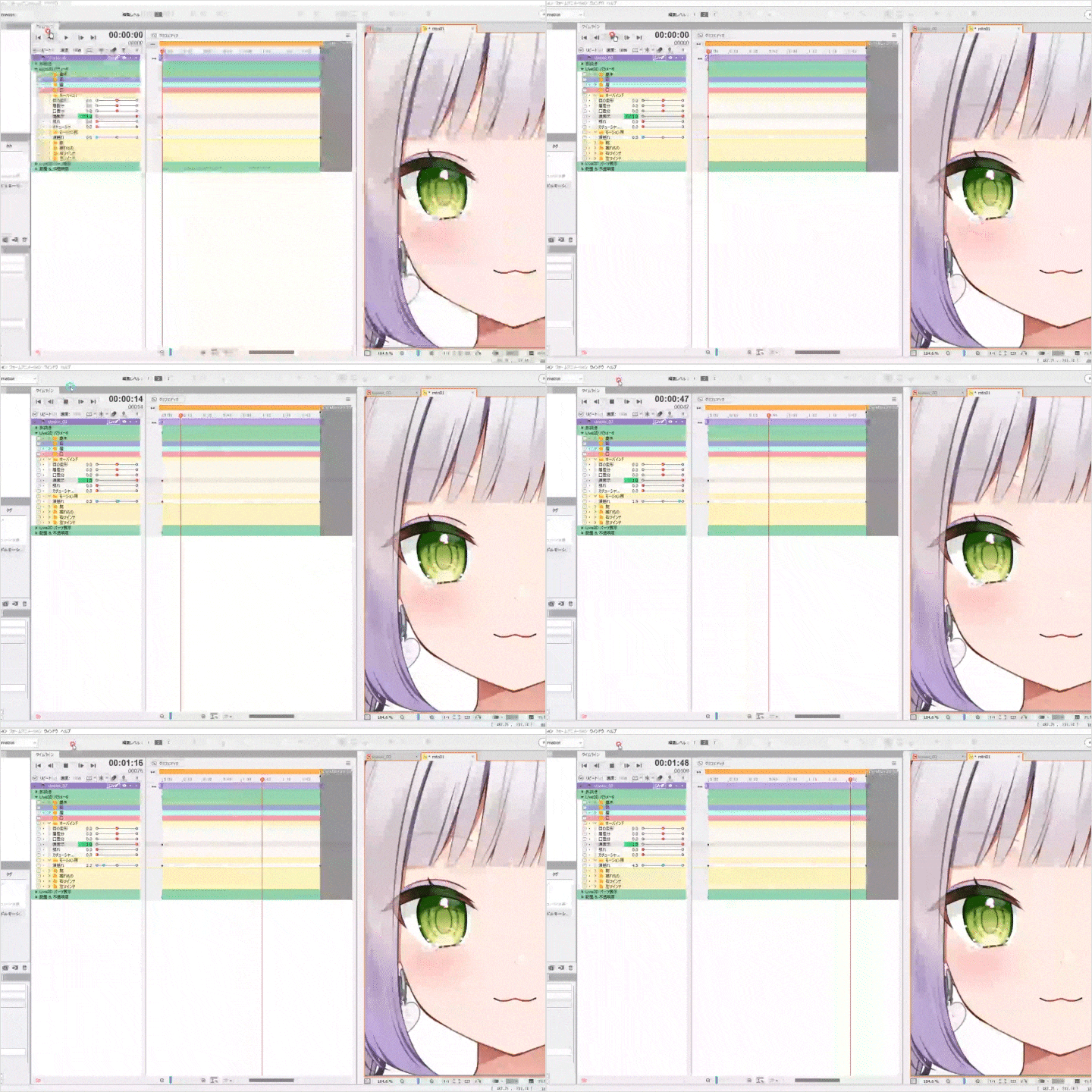 Idle motion settings
 -
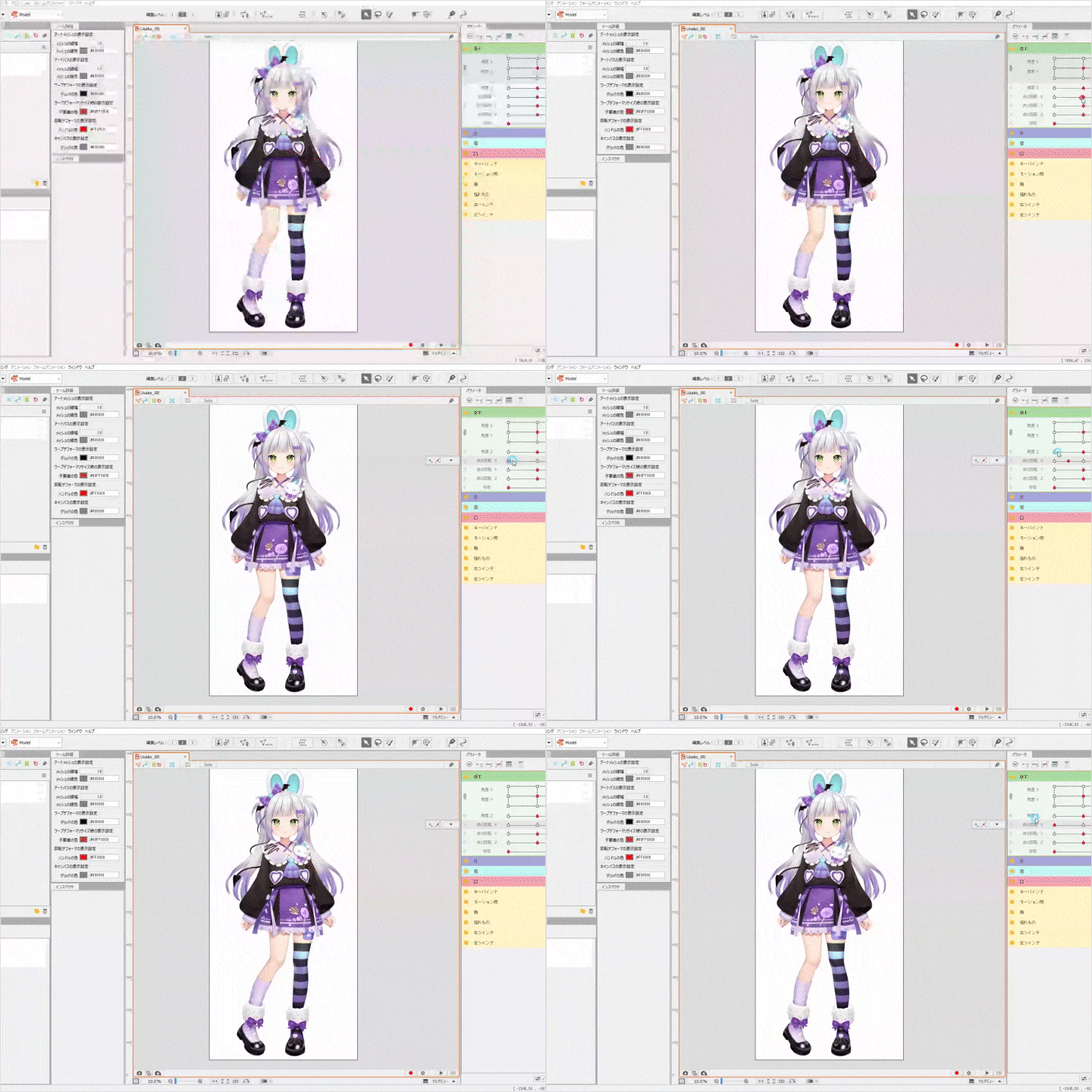 Creating body movements with contrapposto in mind
 -
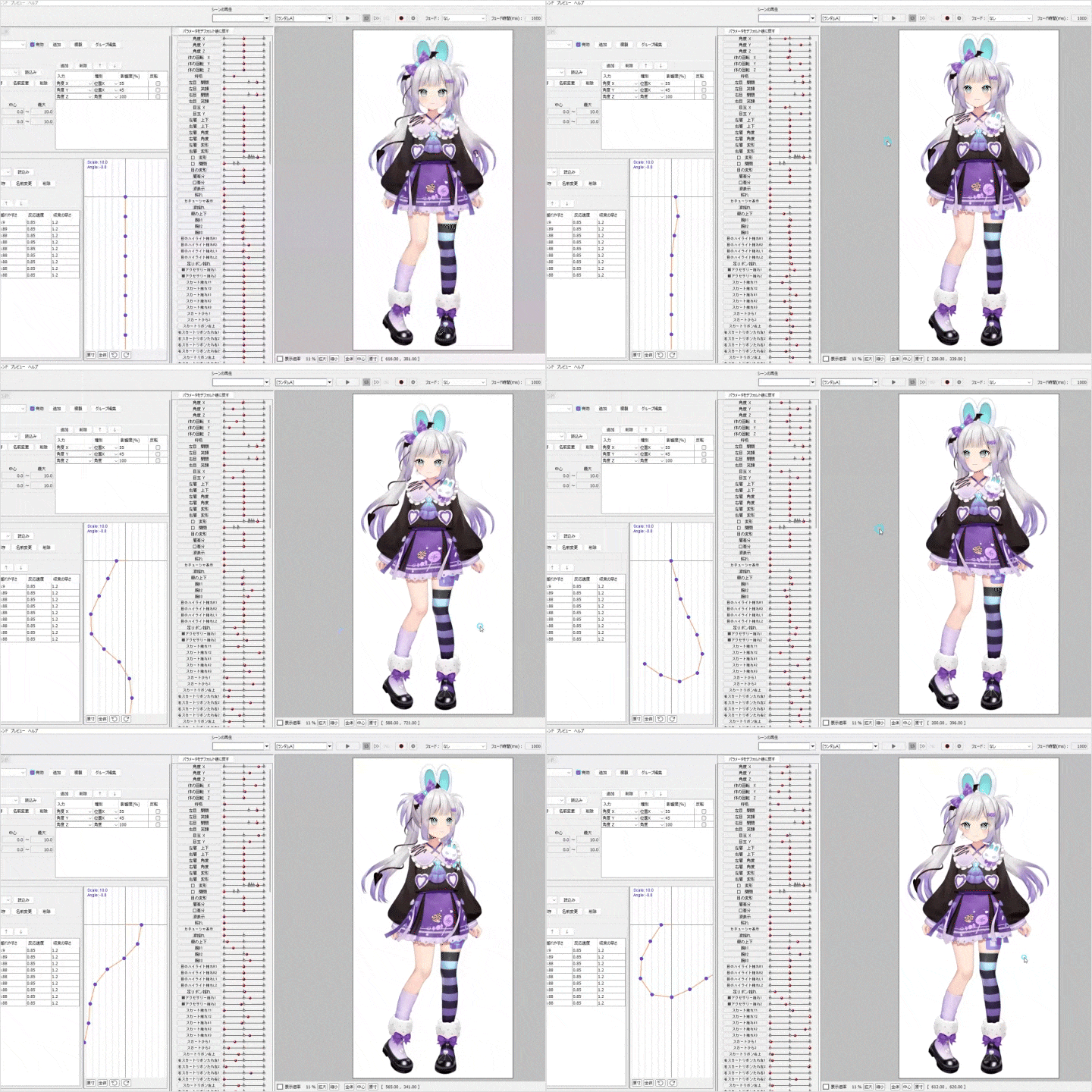 Setting up basic physics simulations while mastering the fundamentals
Introduction and Setup of VTube Studio
Instructor
Live2D Modeler
rariemonn
Hello, I am rariemonn, a freelance Live 2D modeler. I started with Live2D by animating “moving illustrations,” and made my first Live2D for a VTuber when Cover Corporation launched Hololive. Since then, I have worked on over 70 Live2D models for VTubers and have produced numerous Live2D models for companies and individuals.
I believe that the concept of a VTuber is becoming more mainstream, and many VTubers use Live2D. Consequently, I think many people want to study Live2D. Based on my past production experience, my goal is to share fundamental knowledge of Live2D production and techniques for crafting mesmerizing models, with the hope of aiding your learning journey.


Live2D Modeler
rariemonn
[Current]
Live2D Modeler
Projects & Awards
Career Background
Worked in an illustration production company, gaining practical experience in 2D animation using Live2D and Spine. Later, became a freelance artist and currently specializes in Live2D production for VTubers.
Main Works
- Hololive Projects for: Shirakami Fubuki, Minato Aqua, Usada Pekora, Inugami Korone, and more
- Individual Projects for Ui Shigure, Tomari Mari, Mea Kagura, Gatchman V, and more
- NoriPro
- Varium
Highlights
Class Highlights
Learn the Basics of Vtuber Live2D Production
With rariemonn's experience and expertise, you can learn all the necessary techniques and fundamentals to create Live2D. From dividing illustration files to Live2D production, and with an introduction to tracking software like VTube Studio, this comprehensive guide covers essential knowledge of the entire process of Live2D production for VTubers.
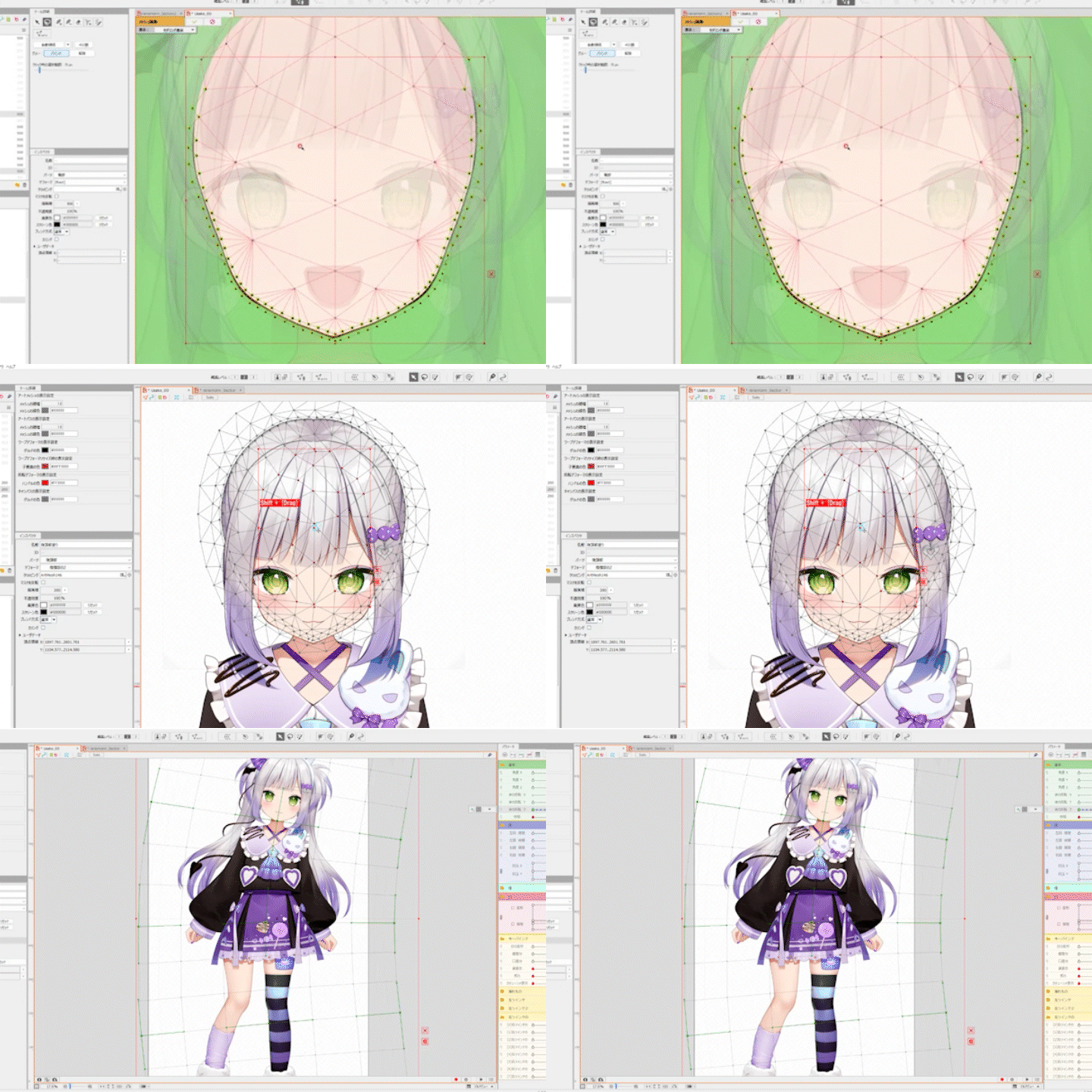
Tips for Creating Cute Live2D Models
You need to use expressions and forms creatively to fully utilize the illustrator's art style and worldview. In this course, you will be introduced to a wide range of concepts, from body movement and motions to advanced production ideas, all aimed at giving the model a kawaii look, based on the cute character files provided.
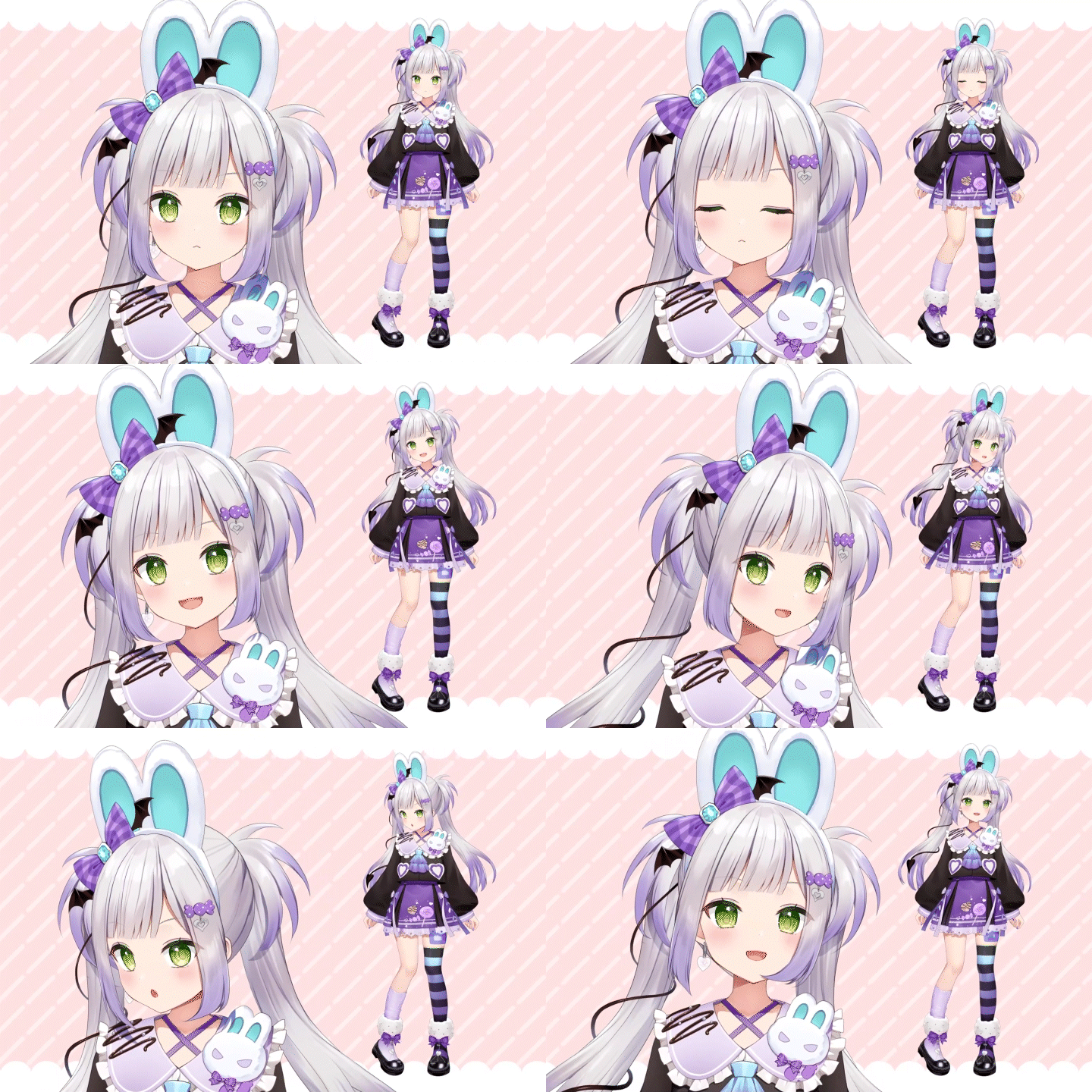
Get Pointers for Commercial Projects
Learn key points drawn from rariemonn's extensive experience accumulated through numerous commercial projects. In addition to the basics, you’ll come to understand the skills required for commercial projects, such as organizing data to reduce file size, as well as points to consider in terms of production direction and mindset.

Class Details
You'll Learn
-
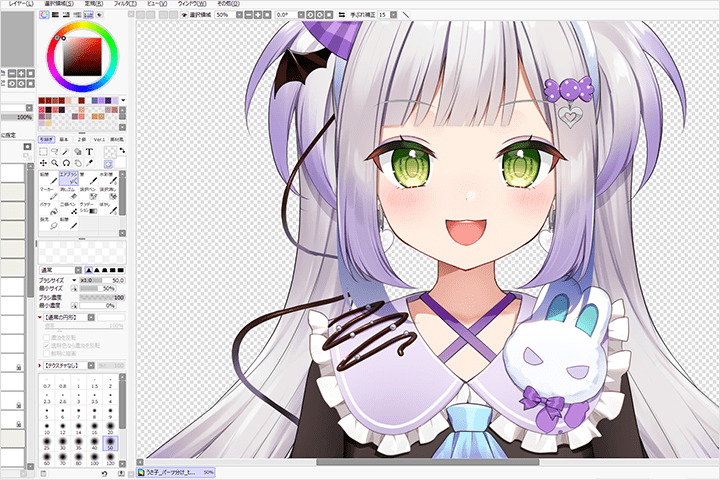 Explanations from Fundamentals to Essential Knowledge Required for Commercial ProjectsBe introduced to all the elements that constitute basic Live2D, such as ArtMeshes, deformers, parts, drawing orders, and glue, in every stage of the process. Furthermore, you’ll gain the knowledge you need to take on commercial projects, such as optimizing data structures to minimize waste and methods for organizing data within the project.
 -
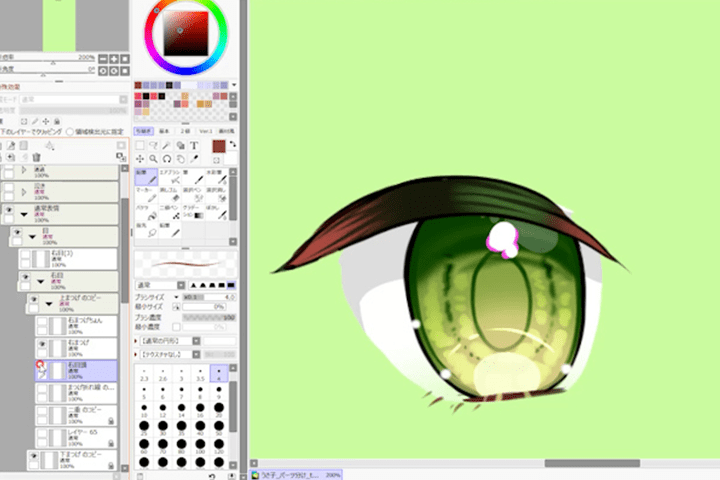 Points to Share with the Illustrator and Tips for the Division of PartsPractical aspects, such as points to share with the illustrator when creating works for VTubers, and considerations for motion, including which parts should be partitioned from the original artwork, will be explained.
 -
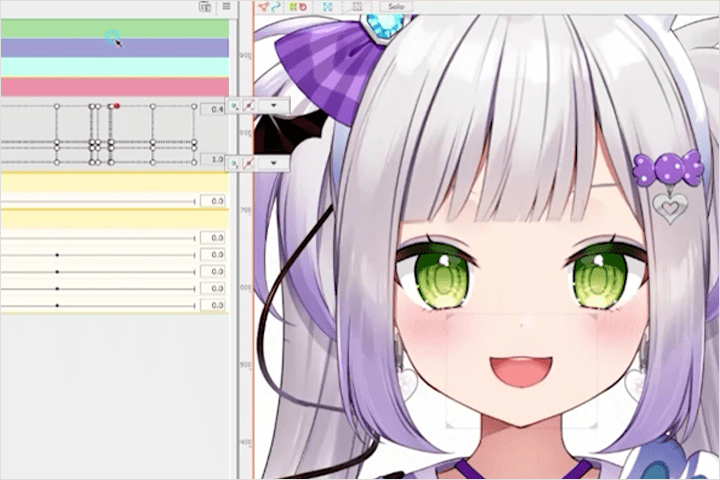 Creating Expressions That Draw Viewers in While Respecting the Illustrator’s Art StyleYou’ll see how to create expressions that are not random, but tailored to the art style and characteristics of the character. You can also learn about the meticulous production process for expressions, such as crafting mouth movements with vowel expression by refining parameter structures and creating variations in facial expressions.
-
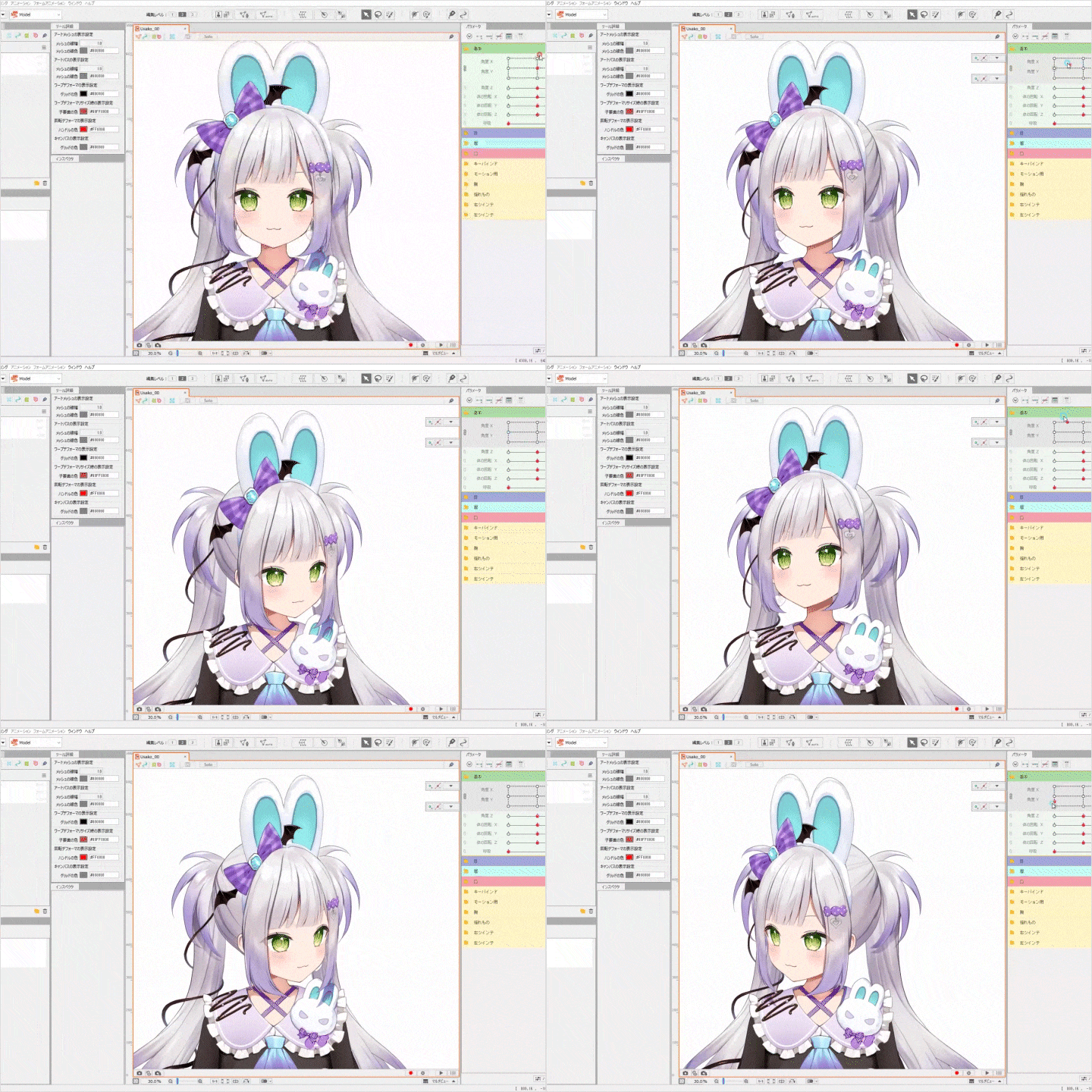 Naturalistic, Cute Live2D RiggingApply the basic rules for creating angles for the head and body, which are the heart of Live2D models, and learn specific skills such as creating oblique angles with an awareness of perspective to achieve natural movement.
 -
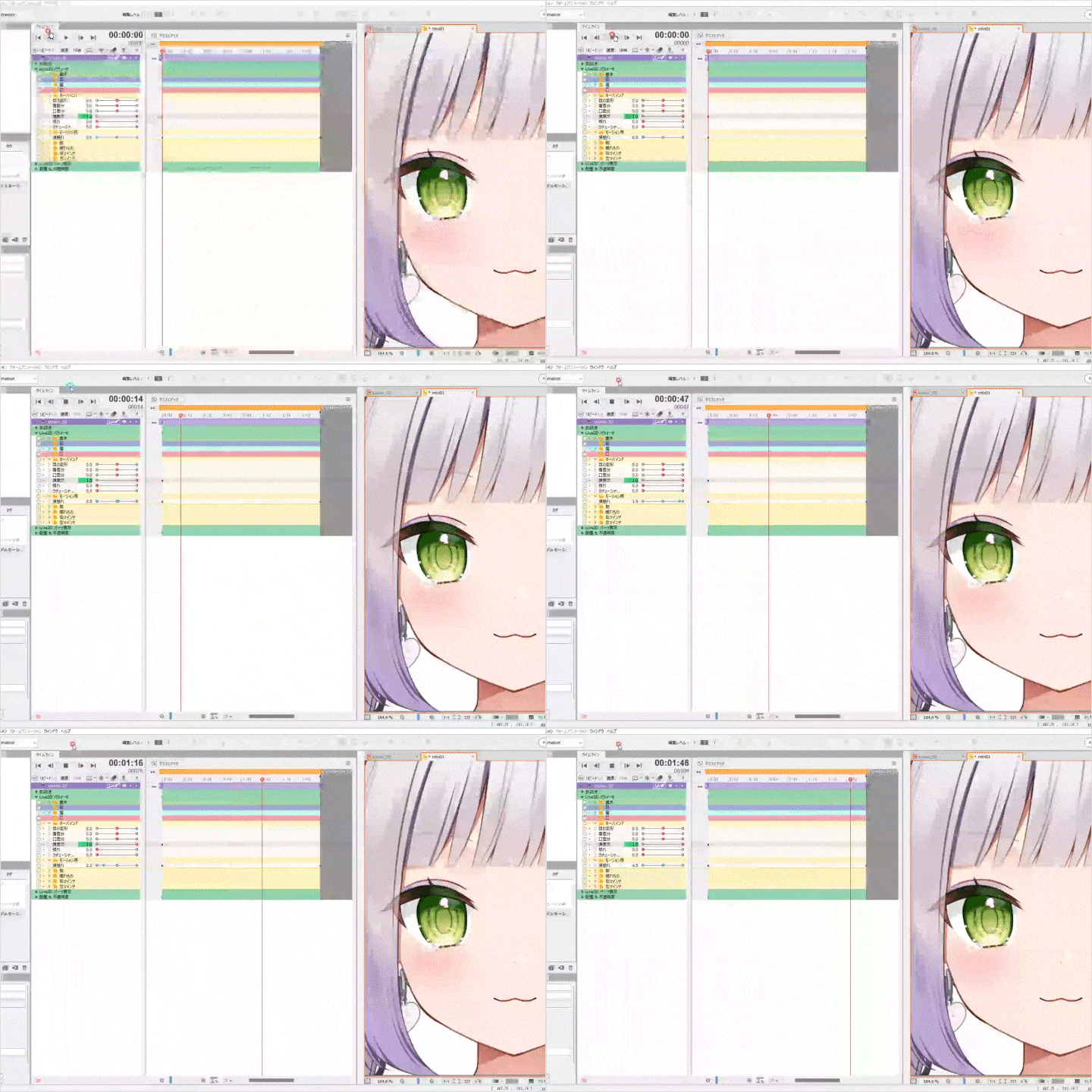 Setting up Physics Simulations to Bring Characters to LifeYou’ll get various ideas for creating moving objects and see the basics of physics simulation settings. Advanced aspects of swaying and motion, such as blink-related movement, skinning, and idle motion creation will also be explained.
 -
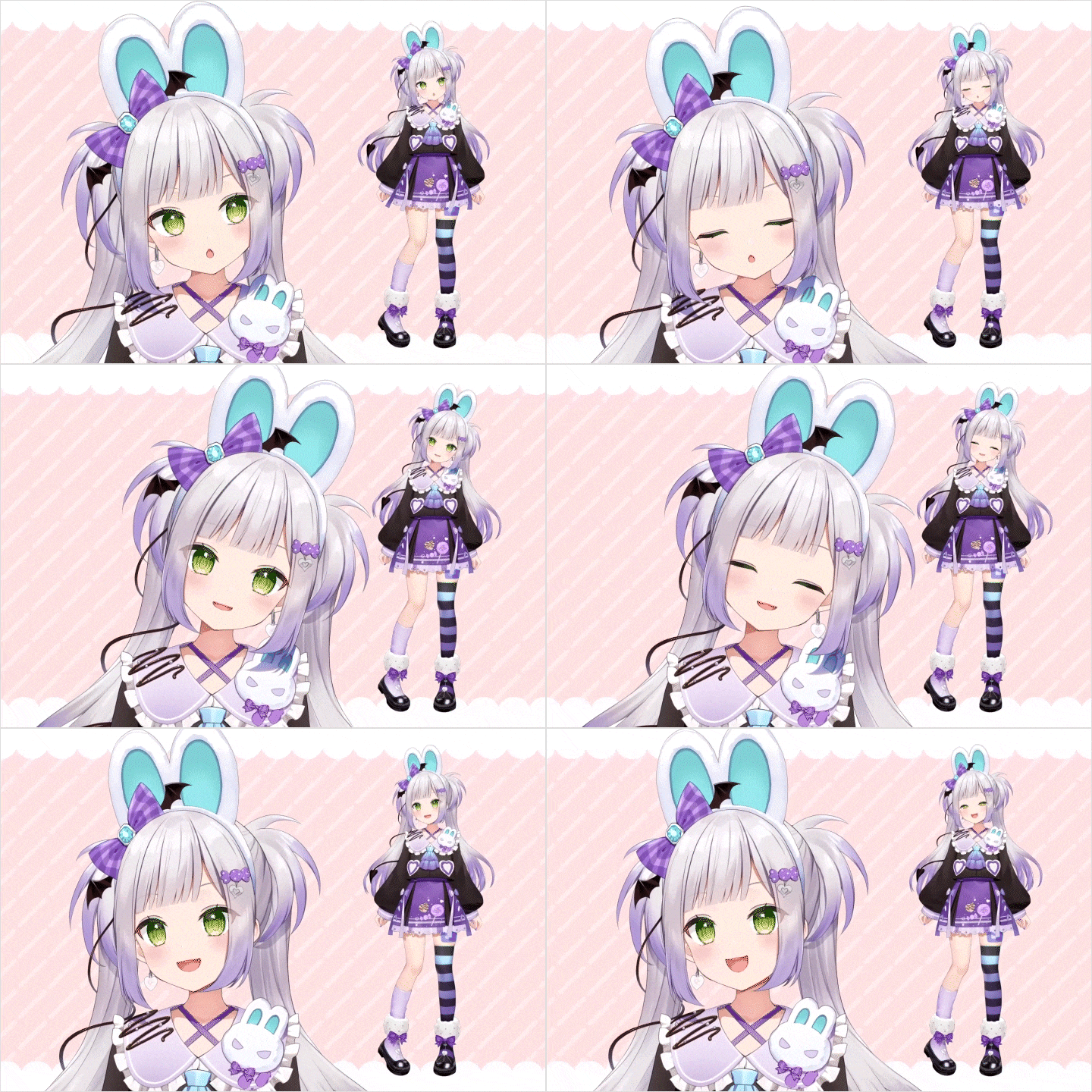 Learn How to Install Vtube Studio and Recommended Tracking SettingsExplanation of how to install Vtube Studio, adjust tracking settings, keyboard shortcuts, and other basic operations. Additionally, we’ll cover recommended tracking settings and key features in the application.
- Unlimited Access
- Best Price
Buy now, get unlimited access.
12/31 (Sat) (UTC-7) Special offer ends soon.
This special offer ends soon.
Buy now and save!
Curriculum
Curriculum
In-Depth Look
SECTION 01. About the Course
01. Self-introduction・Course Overview
- Career background, representative works
- General overview of the content
- Targets
- Course objectives
SECTION 02. Organizing Data and Preparing Before Live2D Production
02. Organizing PSD Files, Creating Parts [Part 1]
- Information to share with the illustrator
- Organizing layer names
- Further explanation on creating parts
03. Organizing PSD Files, Creating Parts [Part 2]
- Information to share with the illustrator
- Organizing layer names
- Further explanation on creating parts
04. Importing PSD Files, ArtMesh [Part 1]
- Basic ArtMesh techniques
- Explanation of useful tools for creating ArtMeshes
- Creating ArtMeshes for major parts
05.Importing PSD Files, ArtMesh [Part 2]: Glue Function
- Basic explanation of the glue function
- Application of glue settings
- Checking the polygon count
06. Organizing Files in Live2D
- Organizing drawing orders, explanation of drawing order groups
- Organizing parts and parameters
07. Deformer Settings
- Basic explanation of deformers
- Deformer making practice
SECTION 03. Making Facial Expressions
08. Creating Eyes and Eyebrows
- Adding blinking movement
- Animating eye movement, explanation of automatic four-corner generation
- Animating eyebrow movement
09. Creating the Mouth
- Basic lip-sync creation
- Parameter configuration focused on vowel expression
10. Creating Variations in Facial Expressions
- Creating variations in facial expressions as shortcuts
- Creating variations in facial expressions with the eyes, eyebrows, and mouth
SECTION 04. Making the Head
11. Creating the Base
- Adding the Z-axis to the head
- Creating the X- and Y-axes for the head
12. Creating Hair Movement and the Z-axis for the Head
- Explanation and creation of hair and accessory movement
- Creating the Z-axis for the hair
13. Creating the X- and Y-axes for the Head
- Creating the X- and Y-axes for the head, including the parts with hair
- Production separated by mask and texture
14. Creating Corners for the Head
- Creating the X- and Y-axes for the four corners of the head
15. Creation of Skinning
- Explanation and creation of skinning
SECTION 05. Making the Body
16. Creating Overall and Detailed Body Movement
- Creating breathing movement, Y- and Z-axes for the body
- Movement of body parts
17. Creating the X-axis for the Body
- Animating X-axis movement
18. Creating the Arms and Legs
- Creating arms
- Creating legs
SECTION 06. Finishing Touches in Live2D Production
19. Advanced Production
- Creating eye transparency
- Creating highlights in the eyes
- Erasing the outline
20. Physics Simulation Settings
- Basics of physics simulations
- Setting up physics simulations according to each part
- Blink-related movement settings
21. Exporting
- Organizing the texture atlas
- Exporting moc3
22. Creating Motion and Differential Data
- Creating .can3 files for variations in facial expressions
- Animating motion
- Exporting motion and changing the expression variation data
SECTION 07. Setting up Vtube Studio
23. Setting up VTube Studio
- Introduction to VTube Studio
- Explanation of tracking settings
- How to register a difference
- Creating icon images
SECTION 08. Summary
24. Summary: Designing with Live2D
- Things to keep in mind when doing this as a profession
- Creating portfolio videos
*The release date of this class, curriculum images, and associated content can be changed without prior notice.
** Class videos may be separated for a more streamlined viewing experience
Interview with
Live2D Modeler rariemonn

Question.01
What are some of your unique strengths, or points that set your course apart from others?
I believe my strengths lie in my extensive experience with numerous commercial projects and my ability to create cute, enchanting models. Based on my experience, I am can teach you the skills necessary for commercial projects. In this course, I also explain methods for cleaning up your files and designing Live2D models with brand image in mind. Furthermore, the models created during the course are carefully crafted to be kawaii and attractive. I believe that through the process, students will gain an understanding of how kawaii-style Live2D models are made.
Question.02
What do you think is the most challenging aspect for those studying in this field, and how can this course help address that challenge?
I understand that many may struggle with aspects such as physics simulations for movement or creating facial expressions. This course provides comprehensive explanations, so you can learn the specific areas you want to focus on. I think many people find it challenging to achieve a naturalistic facial expression with a wide range of movement. This course will show you how to create natural-looking faces with perspective for diagonal poses, taking into account art style and balance. So I believe you can also learn the basics of creating a range of movement.
Question.03
When creating Live2D works, what aspect do you focus on the most? What skills are involved in expressing that aspect?
Live2D, as the name suggests, is crucial for making 2D characters appear alive. In the case of VTubers, input via tracking enables them to appear even more real. I started creating Live2D because I thought that moving characters would look more kawaii than still images. Even now I believe this, and I continue to work with Live2D to bring “kawaii” to life. For that purpose, both artistic skills and techniques for expressing kawaii in movement are necessary. In addition to learning Live2D as a tool, it's important to develop skills in recognizing what makes a face kawaii, as well as understanding physics simulations and animation.
Question.04
What message do you have for your students?
Although the software Live2D has been around for over 10 years, it has gained popularity in recent years due to VTuber culture. With the increase in interest, I hope to be able to contribute to the learning journey of those who are eager to study it. When I was a student, I wanted to work in the illustration and game industry, but my encounter with Live2D has allowed me to get involved with many illustrators and VTubers, and I believe my life has changed dramatically. I hope that what you are learning now will also bring about significant changes in your life.
Required Programs
This course will use
- Live2D Cubism Editor4.2.03
- Live2D Cubism Viewer 4.2
※ Live2D version 4.2 or later is recommended.
[Sub]
- Sai2
- VTube Studio v1.24.12
※ If the program enables users to inspect PSD illustration files, it can be utilized in conjunction with other software, regardless of whether it is Sai2 or not.
*Please purchase and install these program(s) for an optimized chapter experience.
*These programs and/or materials will not be provided with the course.