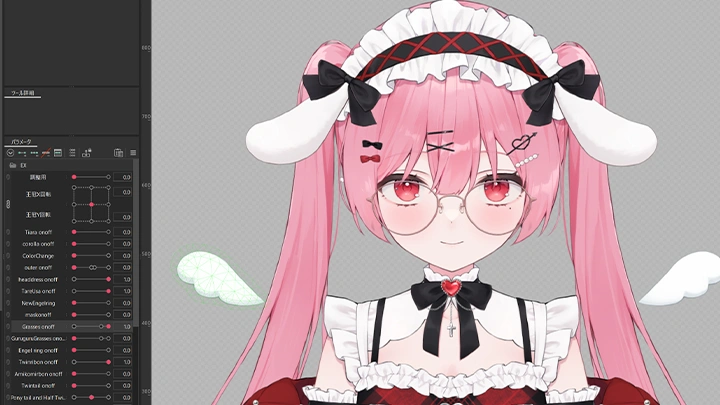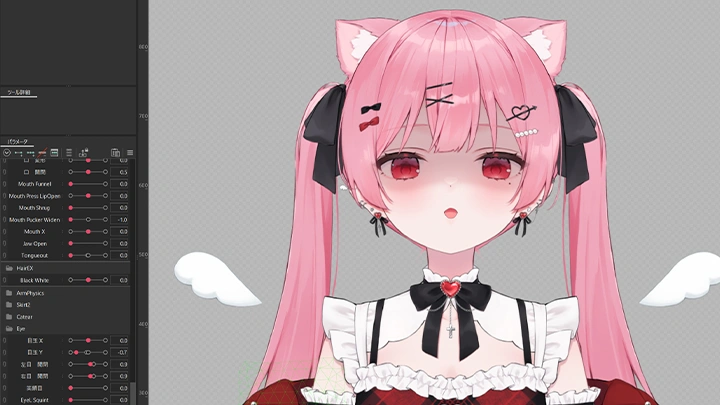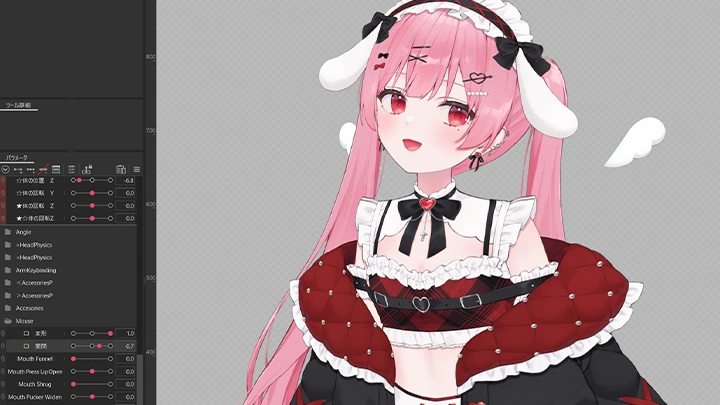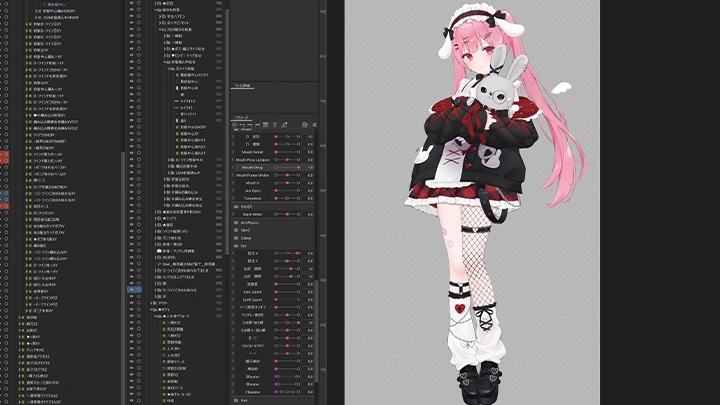
live2dmodeler,metenee_메테네JP Details
Intro

Now in Your Language, Only on Coloso!
Learn from Top Creative Experts Worldwide
-
 Expressive Facial Expressions with VBridger
 -
Comprehensive Live2D Set-Up for Efficiency
-
Natural Mouth Movement Implementation
Class Intro
Live2D Modeler, Metenee
Everything About Creating Fluidly Animated VTuber Live2D Models

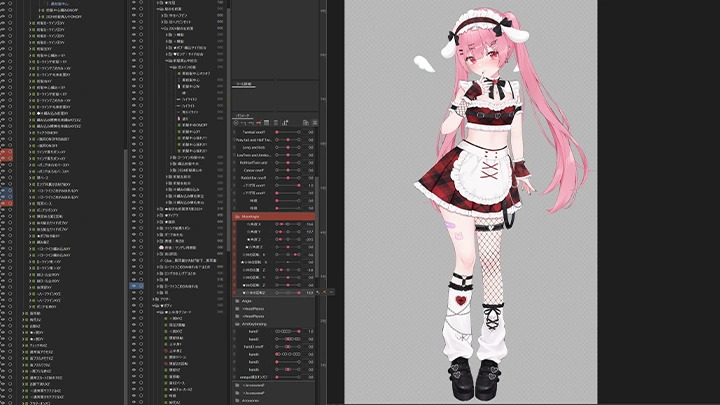
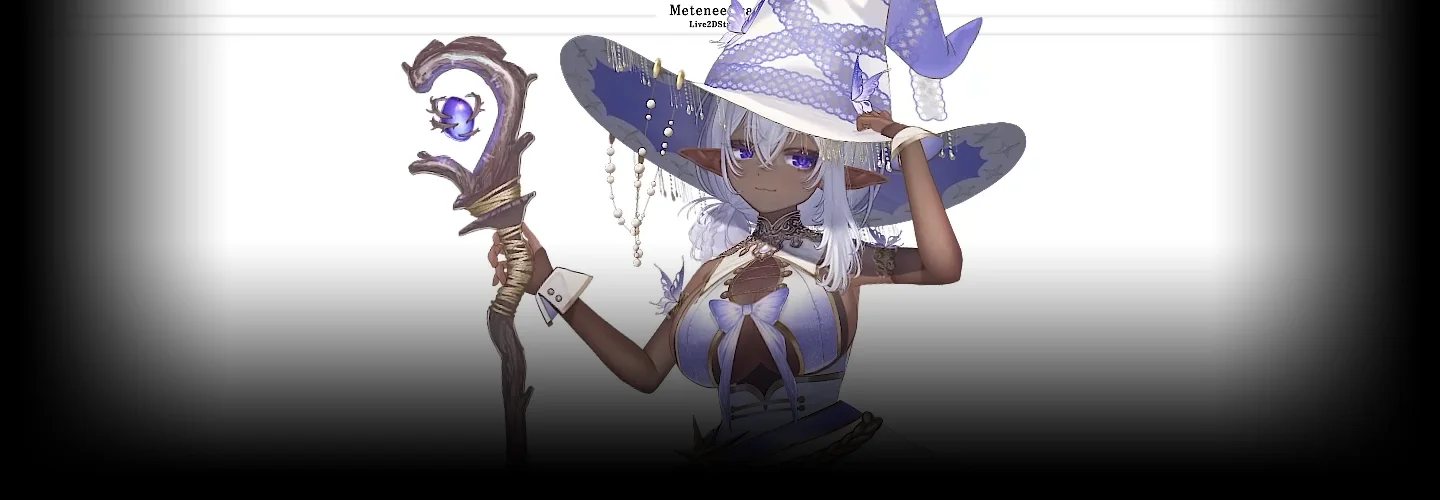



Live2D Modeler Metenee draws from his extensive experience creating VTuber models at a quality recognized by major VTuber agencies, including popular VTubers Amatsuka Eru and NoriPro’s Mikami Renge.
In this class, he’ll reveal the latest production techniques that shatter the misconception that Live2D is limited when it comes to movement. Learn how to create VTuber models that move as dynamically as 3D models, all while preserving the charm of the original illustrations.
In this class, he’ll reveal the latest production techniques that shatter the misconception that Live2D is limited when it comes to movement. Learn how to create VTuber models that move as dynamically as 3D models, all while preserving the charm of the original illustrations.
Start with the basic controls of Live2D and the process of reviewing and editing illustration data. Build a solid foundation by mastering this crucial preparatory stage, which determines the quality of the final outcome.
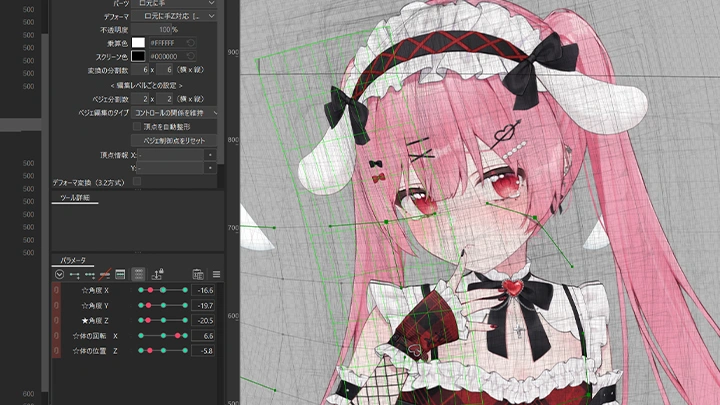
In the next step, practice modeling the character’s face and body. Learn techniques to maximize the character’s expressiveness, including how to create rich facial expressions using Vbridger, implementation of physics to realistically sway bodies and clothing, and controlling movement along the X, Y, and Z axes.
Finally, acquire the practical expertise needed to work as a professional. Cover everything from freelancer must-knows like creating additional arm parts for production and providing post-delivery revisions to mastering business meeting etiquette.
Experience the latest Live2D technology that brings characters to life at Coloso!
In the next step, practice modeling the character’s face and body. Learn techniques to maximize the character’s expressiveness, including how to create rich facial expressions using Vbridger, implementation of physics to realistically sway bodies and clothing, and controlling movement along the X, Y, and Z axes.
Finally, acquire the practical expertise needed to work as a professional. Cover everything from freelancer must-knows like creating additional arm parts for production and providing post-delivery revisions to mastering business meeting etiquette.
Experience the latest Live2D technology that brings characters to life at Coloso!
Class Preview
Still Not Sure?
Check Out Metenee's Class Preview!
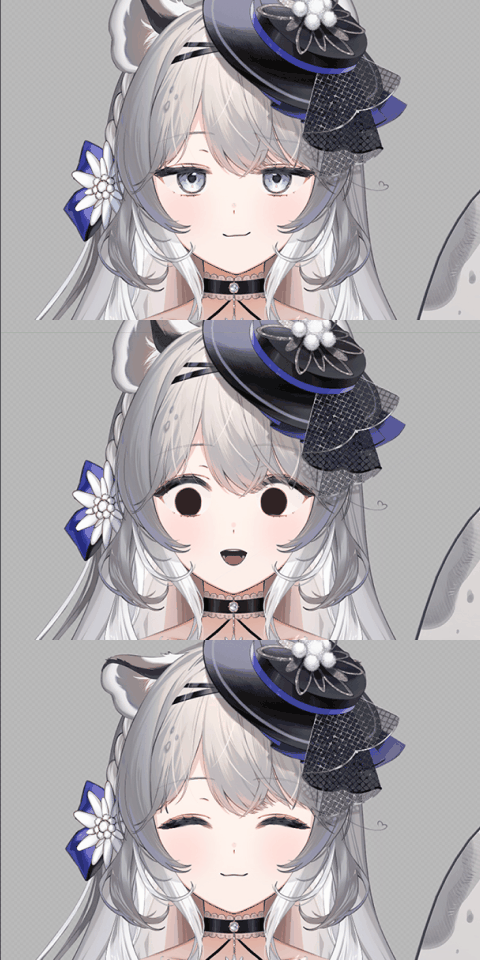
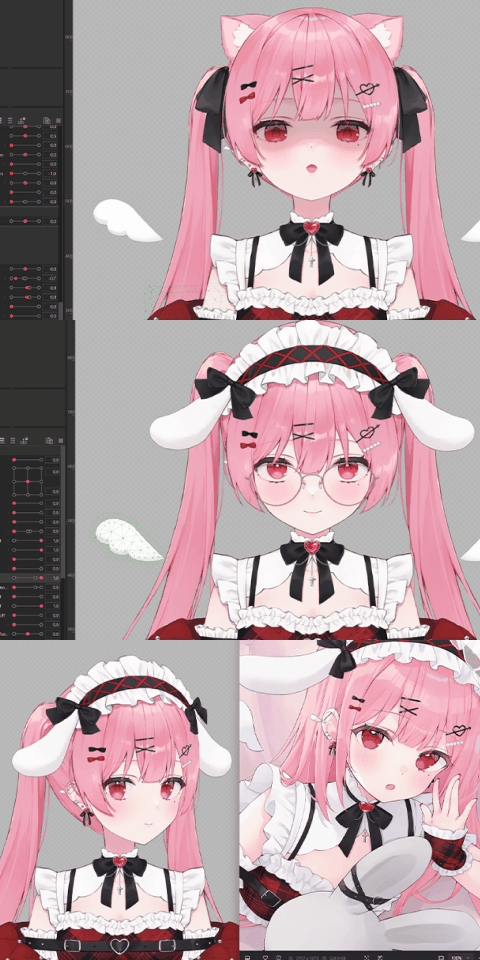
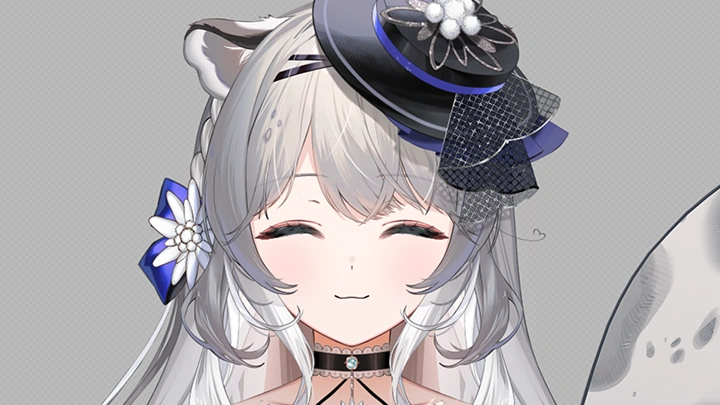
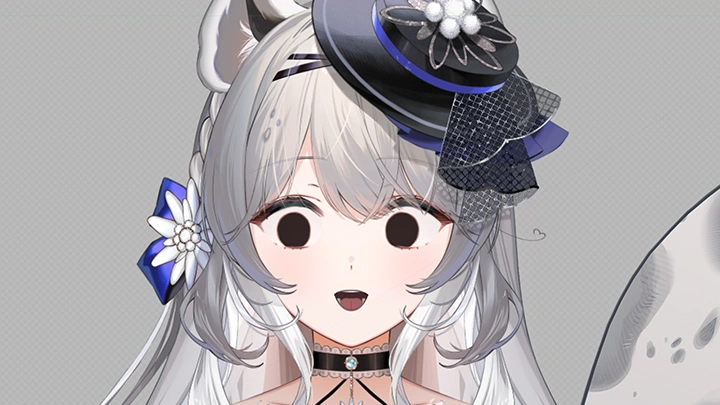
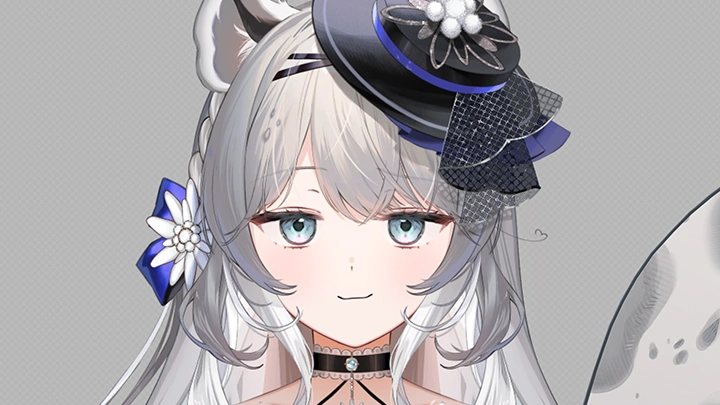
08. Creating Additional Expressions
- What facial expressions grab attention?
- Applying additional parts
- Eyes speak as much as the mouth
- Applying additional parts
- Eyes speak as much as the mouth
Class Perks
Special Gift from Metenee
-
 Unlimited Access to 30 Chapterscontaining Metenee's diverse Live2D production expertise.
 -
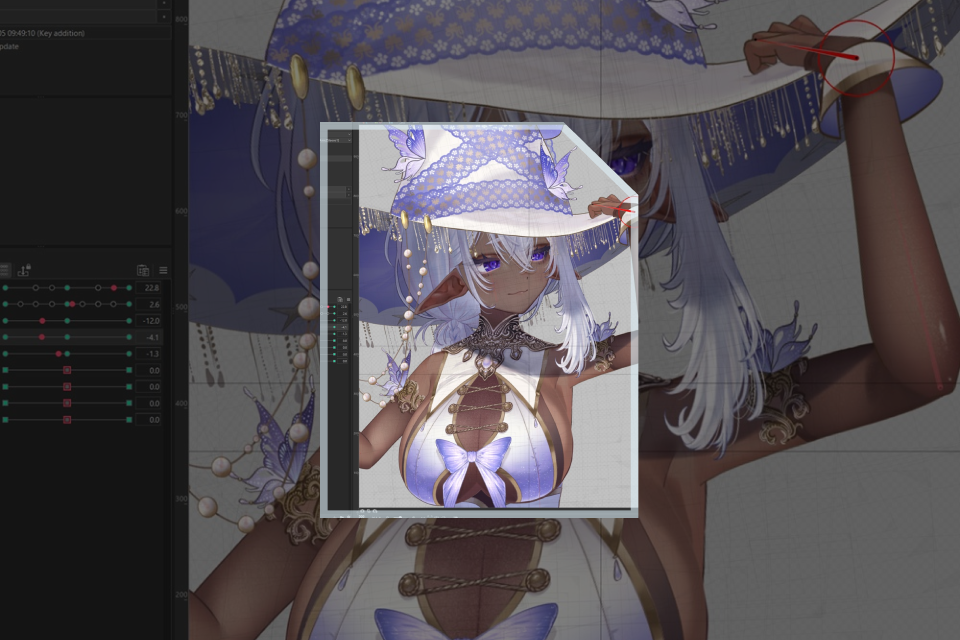 Complete One Project in Class
 -
 Live2D Editing Files and Other Class Materials Provided
Class Material Details
-
 PSD Files- PSD files before VTuber illustration data check and layer cleanup
- PSD files after VTuber illustration data check and layer cleanup -
 Live2D Editing Files- Live2D editing files with standard model rigging completed
- Live2D editing files with Vbridger model rigging completed -
 Manual Template- User manual template for Live2D models which support upper body bend and lean


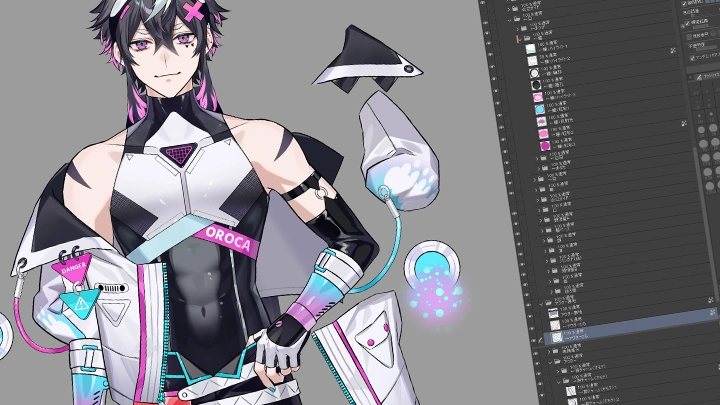

Expert Live2D Modeler Metenee's Portfolio





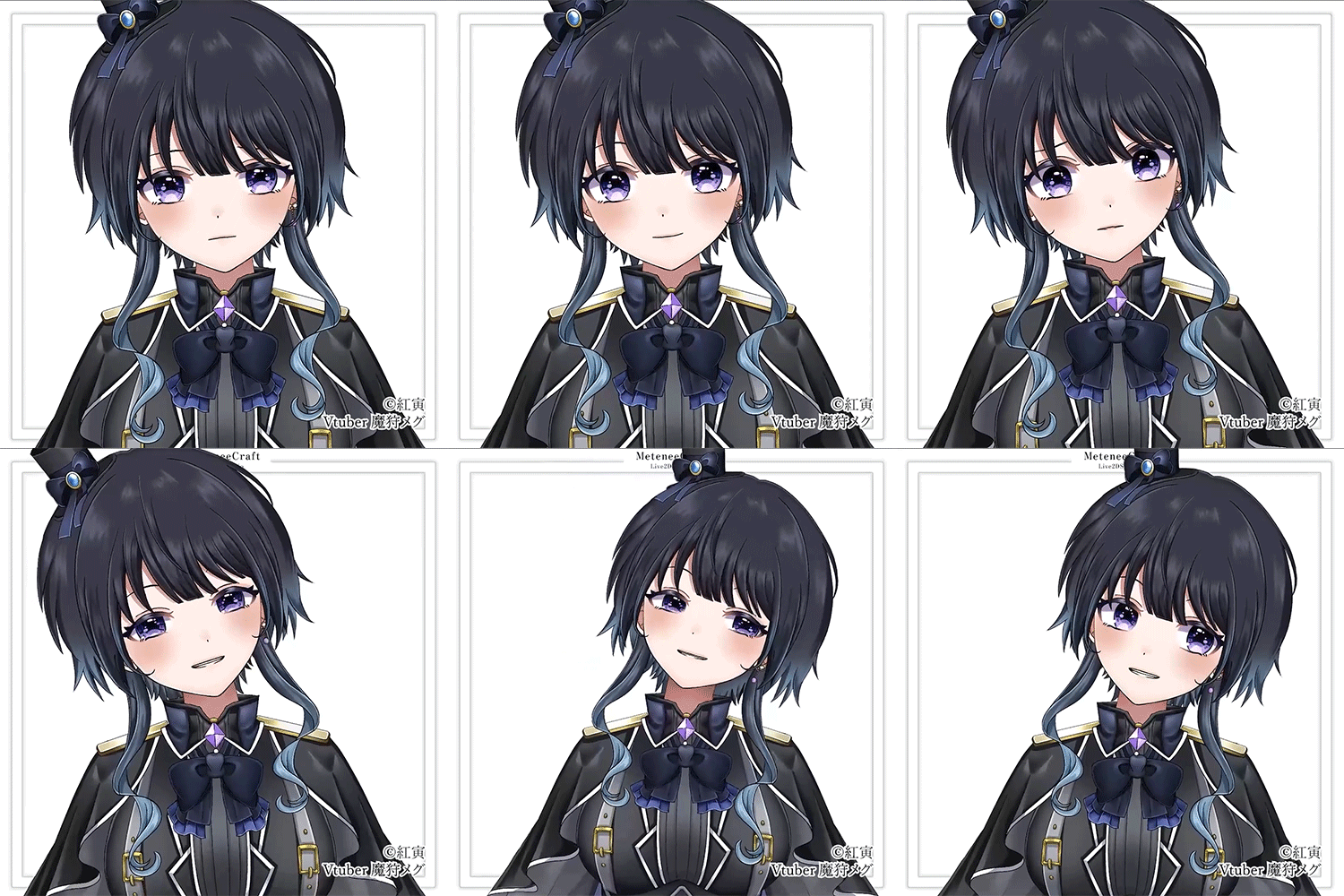
Get Ready for the Real-World
Get Hands-On Experience with Creating in Live2D
-
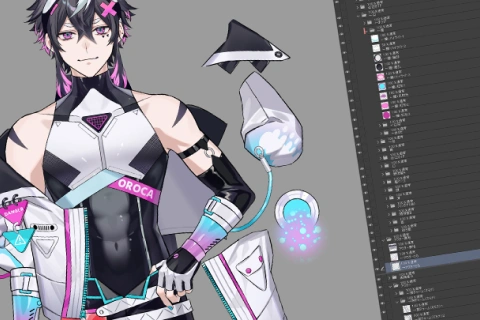
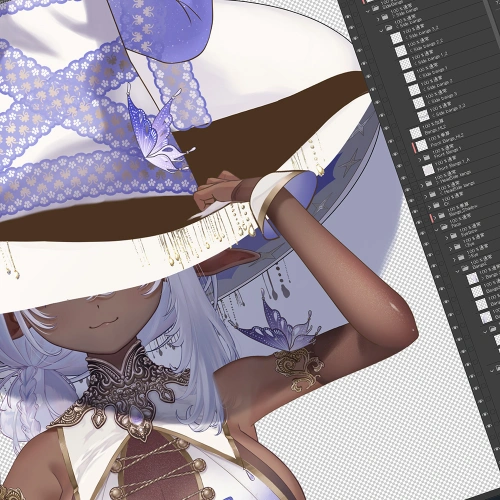 Illustration Data Check and Additional Parts Separation
 -

 Face Part Modeling
 -
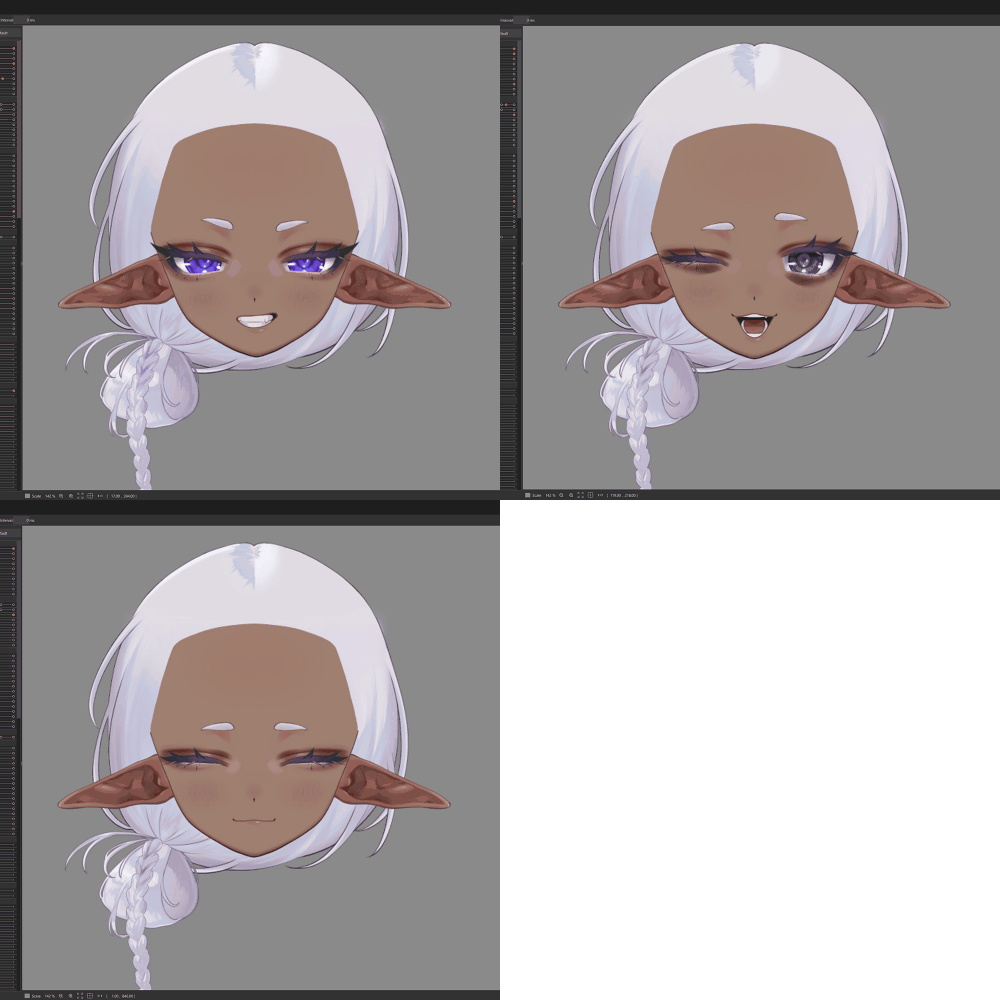 Additional Expression Creation
-
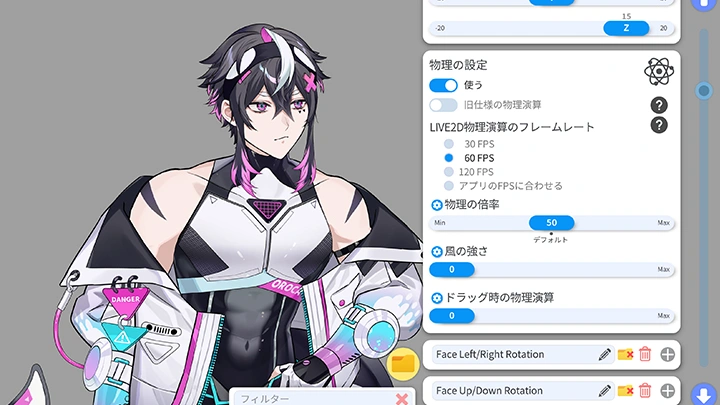
Physics Simulations
-
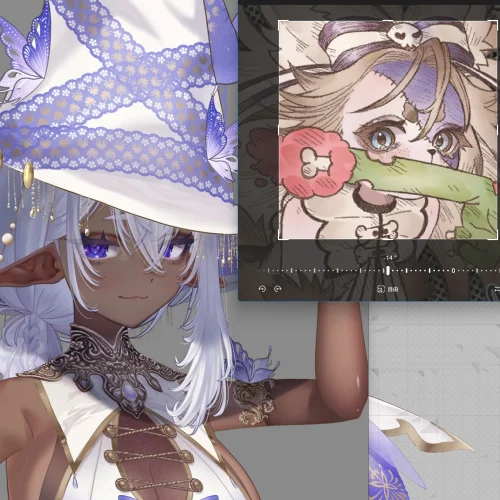 Head XY to Apply the Illustration in Live2D
 -
Body XY
-
Body Position Z
-
Body Rotation Z Creation and Leg Modeling
-
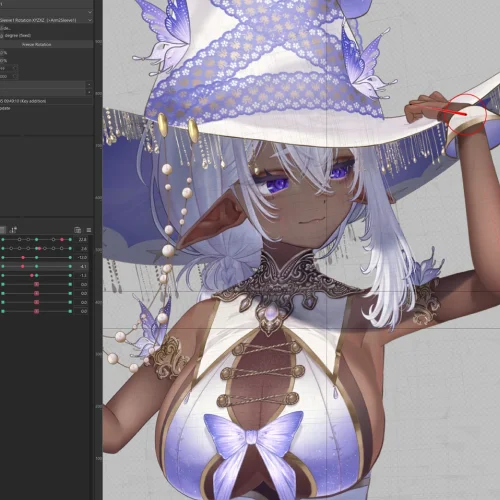 Complex Parameter Variation Creation
-
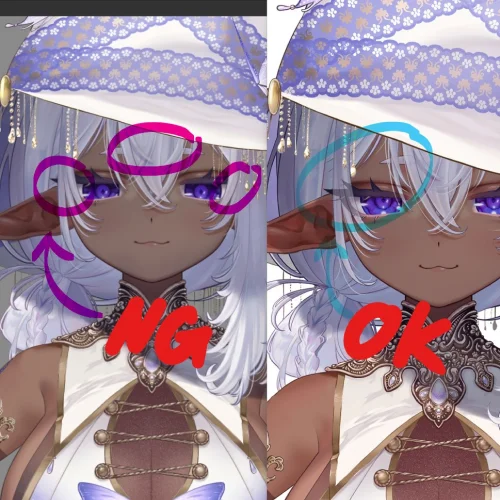 Quality Check
 -
Using VTube Studio
-
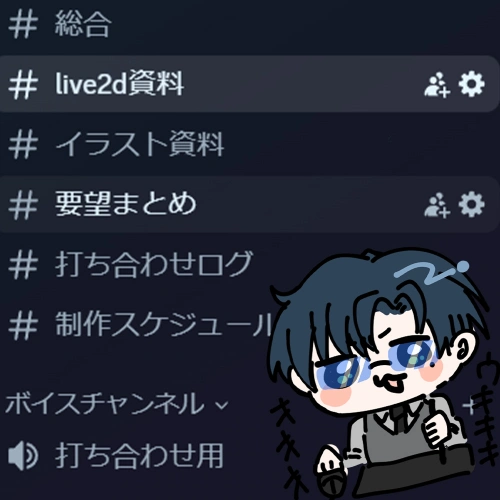 Freelance Project Preparation
Final Result
※ The above images are provided for explanatory purposes for the class.
Highlights
Class Highlights
The A to Z of MeteneeCraft's Live2D Model Production
MeteneeCraft's Live2D model production process revealed in its entirety! Everything from basics to application, professional know-how in deciding where to focus effort and where to ease up, and even the reasons behind Metenee's current art style is explained in depth. Learn practical approaches for creating better models.
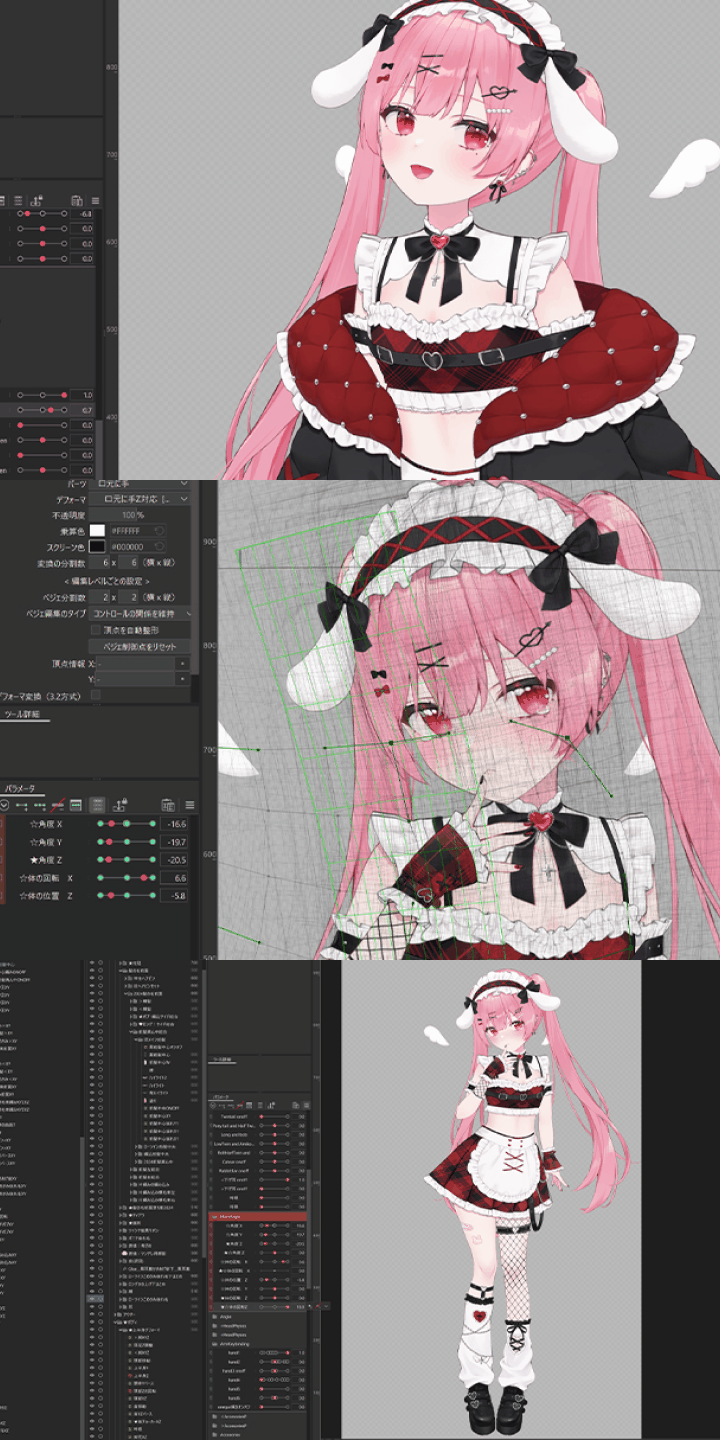
Maximizing the Strength of the Concept Art: Animation Techniques
Develop expertise on how to enhance the appeal of the original illustration while adding the depth of 3D. Go back to the essence of 2D animation software tool Live2D and learn, through hands-on practice, modeling techniques that preserve the artistic quality of the concept art while simultaneously achieving dynamic movement and a high level of polish.

Modeling for Lifelike Reactions
Have you ever wanted to make your characters move more freely and dynamically? In this class, you'll learn modeling techniques that allow you to capture not only the finest details but also rich emotional reactions that resonate with livestream viewers. Master a new level of expressiveness that will captivate your audience.