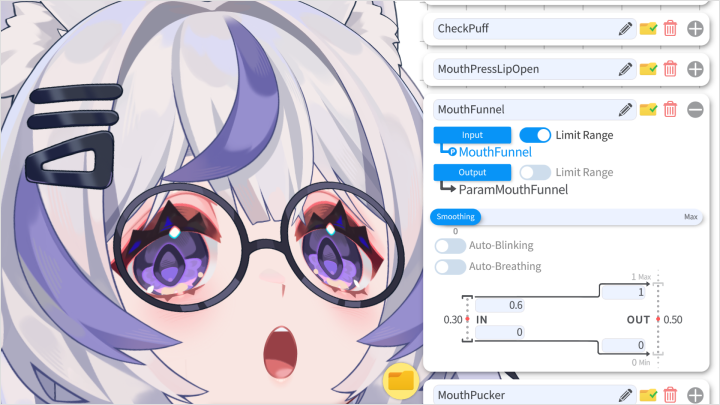
live2dartist,0x4682b4_ZH Details
Intro
Class Intro
Live2D Artist, 0x4682B4
Complete Live2D Masterclass: From Chibi to Bishoujo Designs
Dreaming of bringing your own charming VTuber to life? If you’ve ever paused halfway through a YouTube tutorial, this course brings the entire VTuber creation process together in one place. Learn everything from character design, part separation, rigging, and animation to integrating with VTube Studio. Even beginners can confidently complete their very first VTuber from start to finish.
Complete your VTuber models in both chibi and bishoujo styles, and set up a fully stream-ready virtual avatar. For the first time on Coloso, EmoteLab developer 0x4682B4 reveals the secrets behind creating adorable animated emotes. From model creation to practical application, learn how to craft your own character and take the first step toward your VTuber debut.
Thai subtitles and Thai-translated class materials will be available starting Sep 11, 2026.
Class Preview
Still Not Sure?
Check Out 0x4682B4's Class Preview!
10. Body Movement & Physics
- Body Follows Head Movement
- Arm Physics
- Leg Movements
- Arm Physics
- Leg Movements
Class Perks
Get These Coloso Exclusives
-
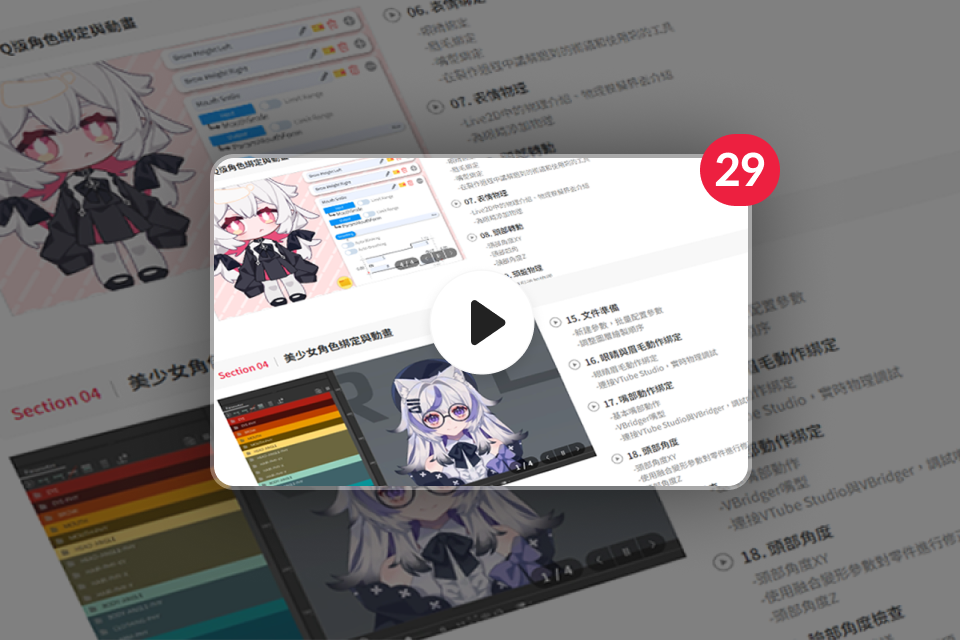 Prepare Perfectly with29 Sessions and Unlimited Access
 -
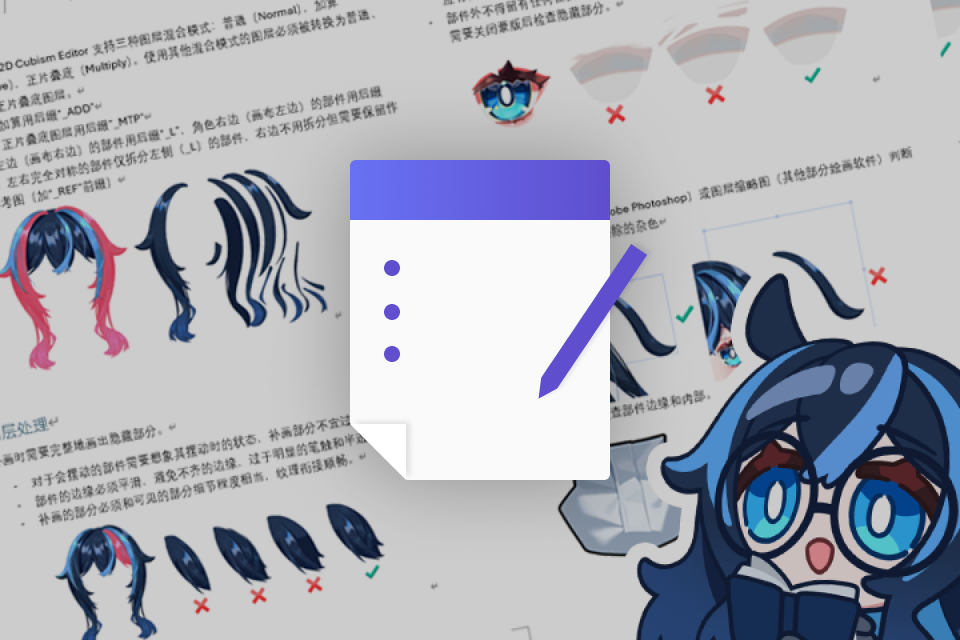 Understand Tool Functions withDetailed PDF Guides for Each Chapter
 -
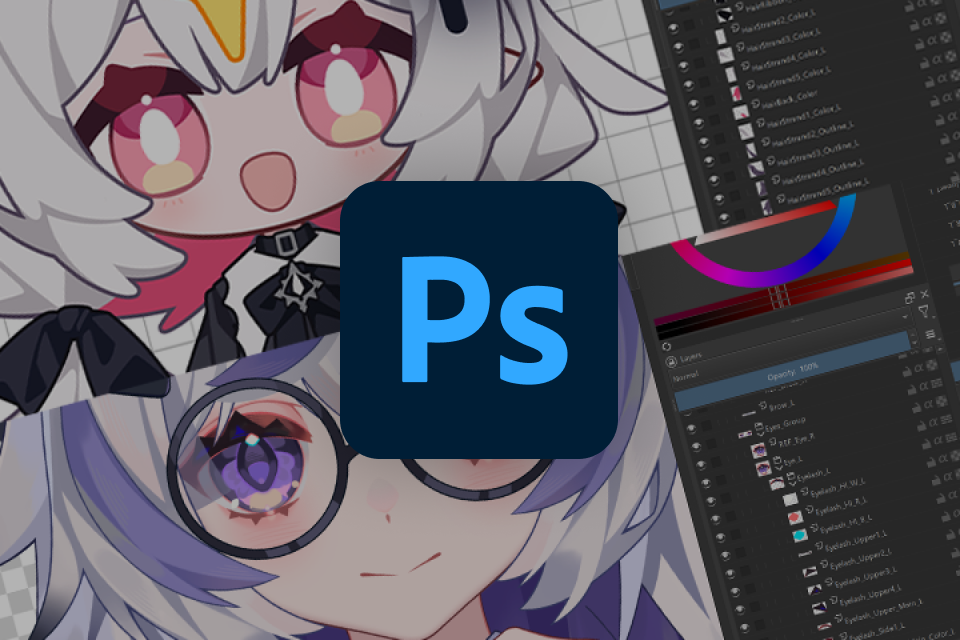 Immediate Practice throughReady-to-rig Model Art (.psd)
-
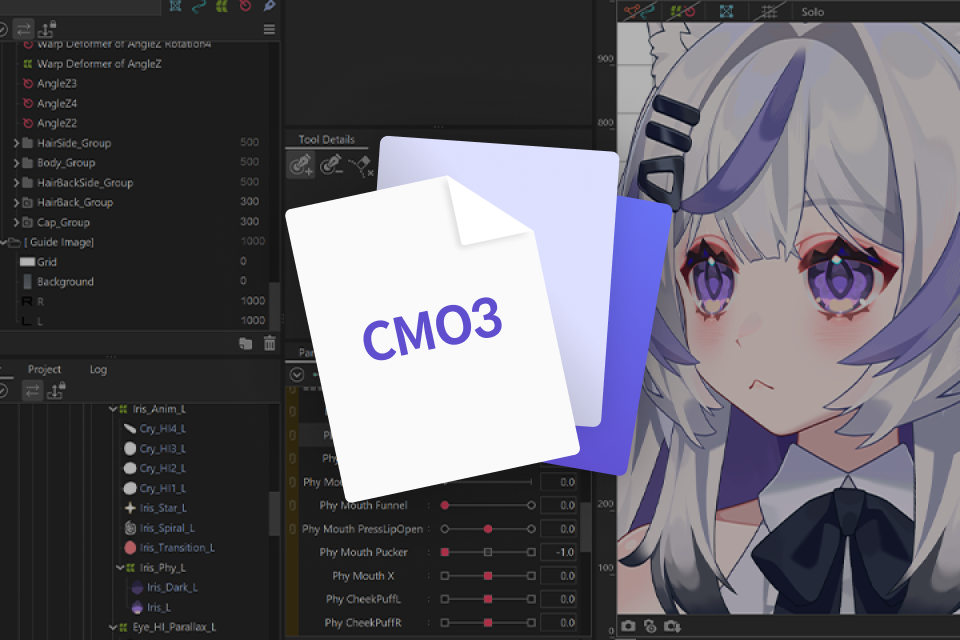 Master the Complete Model Structure WorkflowLive2D Project File (.cmo3)
 -
 Ready for Immediate Streaming UseFully Configured VTube Studio Setup Files
 -
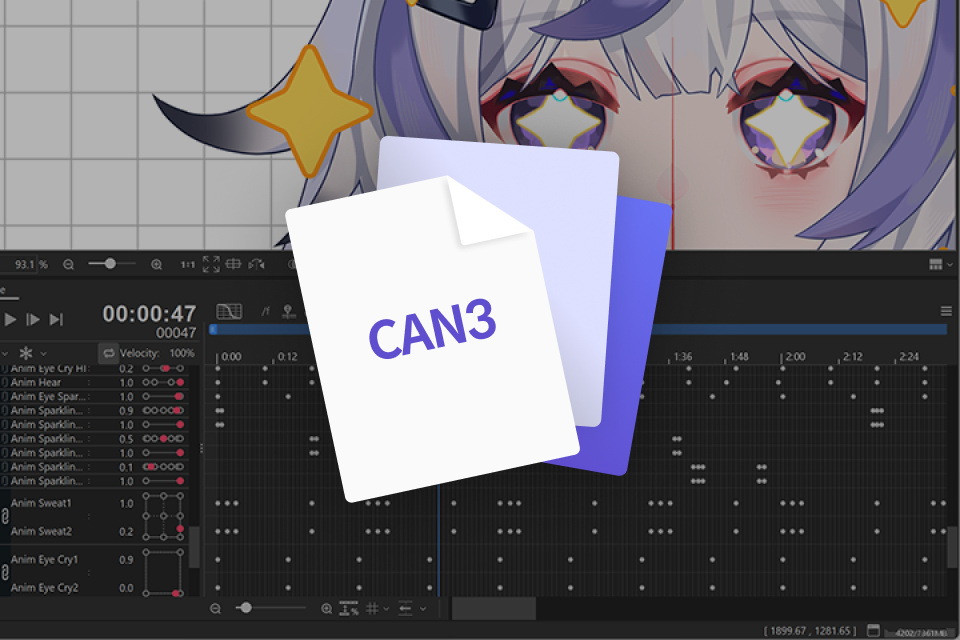 Bring Your Characters to Life withLive2D Animation Project Files (.can3)
Class Material Details
-
 PSD & Lecture Material PDF File- Completed PSD Files of Character Design and Part Separation
- Chibi Base Model Template PSD Files
- Character Expression Assets PSD Files
- PDF Materials for Each Session -
 CMO3 & CAN3 Files- CMO3 Files For Each Chapter’s Workflow
- CMO3 Files Including 2 Completed Models
- CAN3 Files Containing Dynamic Animations -
 RuntimeZIP 4 Types- Ready-To-Use Completed Models In VTube Studio (Chibi And Standard Proportions)
Recommendation
Who should take this class?
Creators Who Want to Bring Own Unique Chibi-style & Bishoujo VTubers to Life
Live2D Beginners Aiming to Master the Full Workflow, from Part Separation to Rigging
Illustrators Who Want to Add Movement and Expression to Their Original Characters
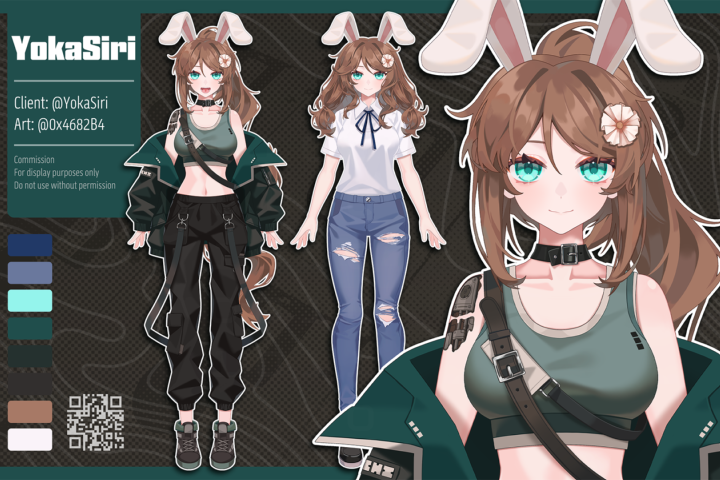
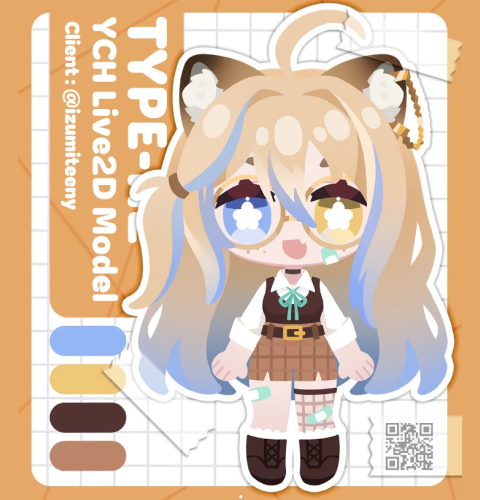
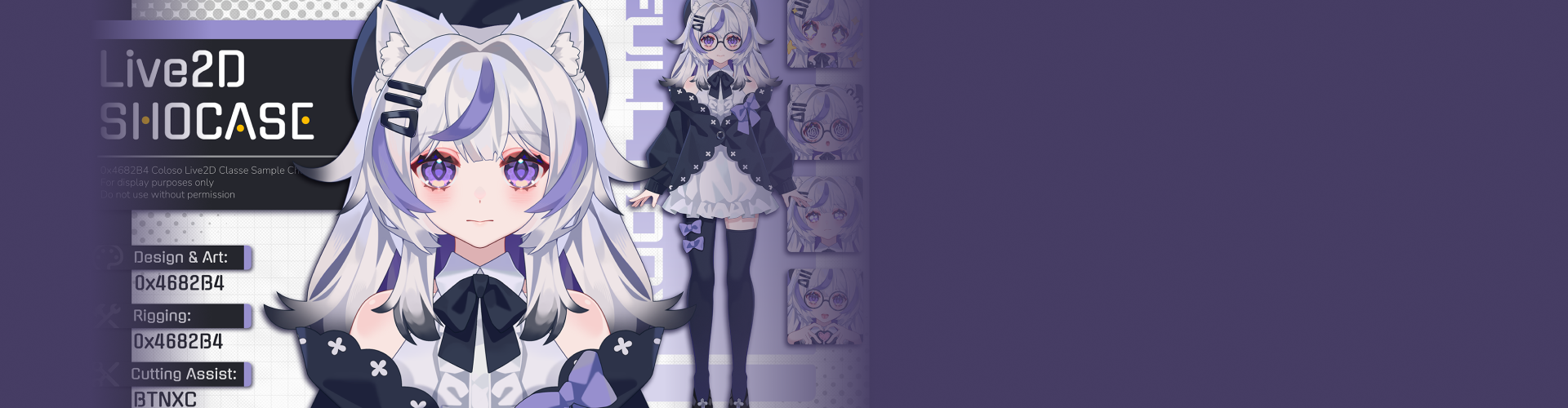
Expert Live2D Artist 0x4682B4's Portfolio
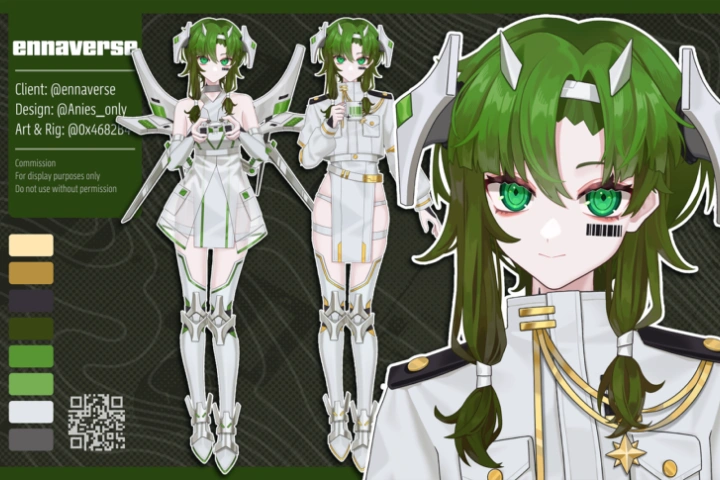
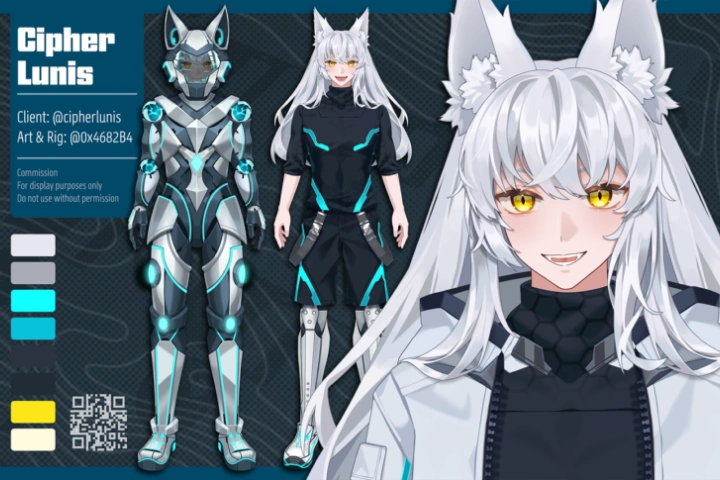
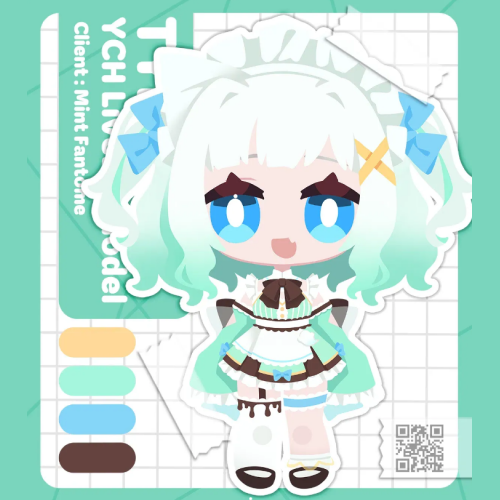
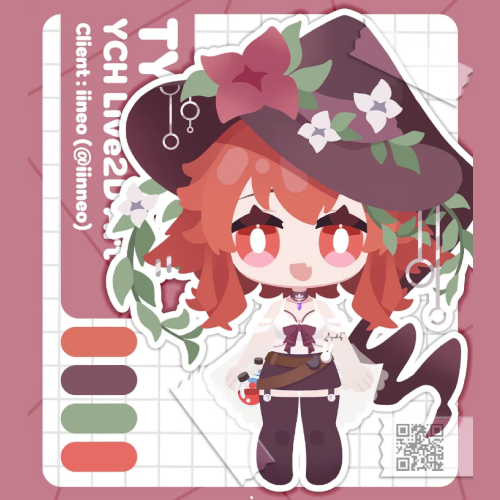
Why Take This Class?
Have you been hesitating to debut as a VTuber because of the high cost of commissioning a model? Now it’s time to create your own. In this class, you’ll animate your character from start to finish and learn how to build both chibi and bishoujo Live2D models. Stop relying on someone else’s model—bring your own original character to life!
This course goes beyond simply finishing a model. You’ll connect your character to VTube Studio and learn how to use it immediately in a live streaming setup. Guided by 0x4682B4, the developer of EmoteLab, you’ll also learn how to turn your character into animated emotes for platforms like Twitch and Discord. From streaming and emotes to potential commission work, you’ll discover how to expand your character into a versatile creative IP and unlock even more possibilities.
Class Exercises
27 Class Exercises
PART 1. Character Design and Layer Separation
-
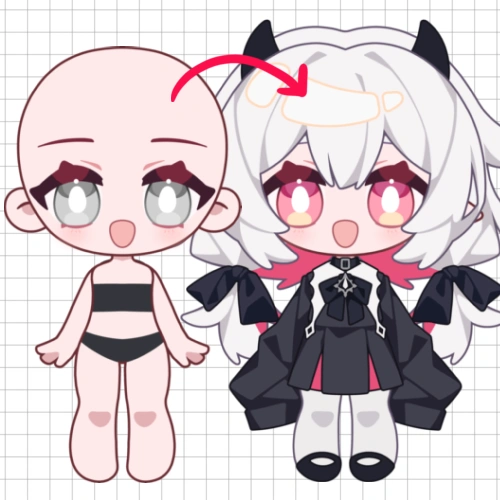 Chibi Character Design & Illustration
 -
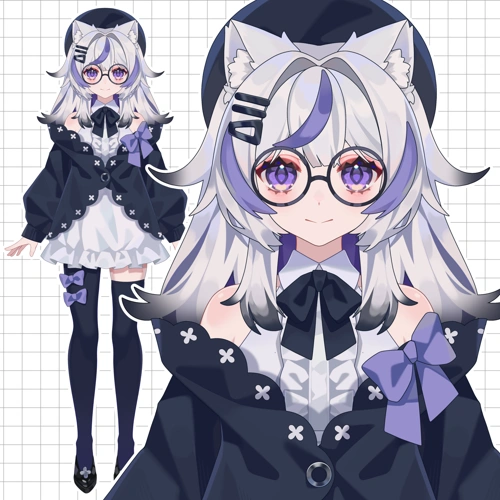 Full-Proportion Character Design & Illustration
 -
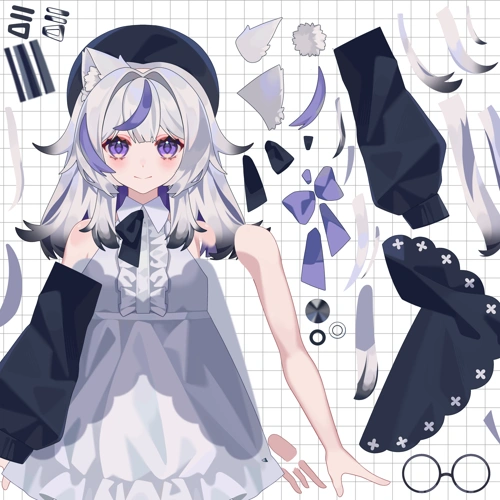 Character Illustration Layer Separation
PART 2. Q-Style Character Rigging and Animation
-
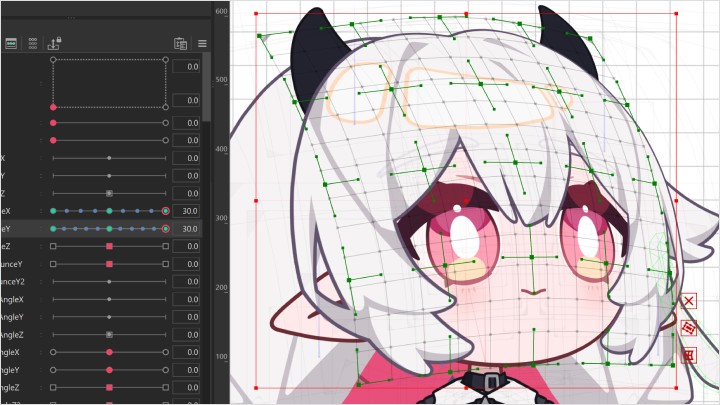
Expression Binding and Physics(Eyes, Eyebrows, Mouth Shapes)
-
Head Rotation and Physics
-
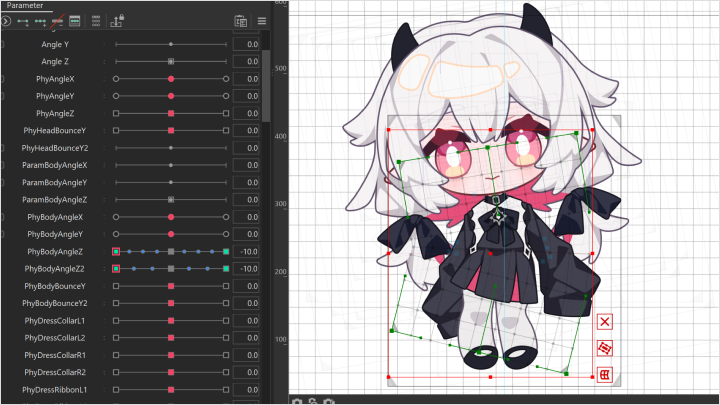
Body Movement and Physics
-
Applying the Fundamental Principles of Animation
-
Dynamic Emote Asset Binding
-
Dynamic Emote Animation
-
Configuring and Using Models in VTube Studio
PART 3. Bishoujo Character Rigging and Animation
-
Eye and Eyebrow Motion Binding
-
Mouth Motion Binding
-
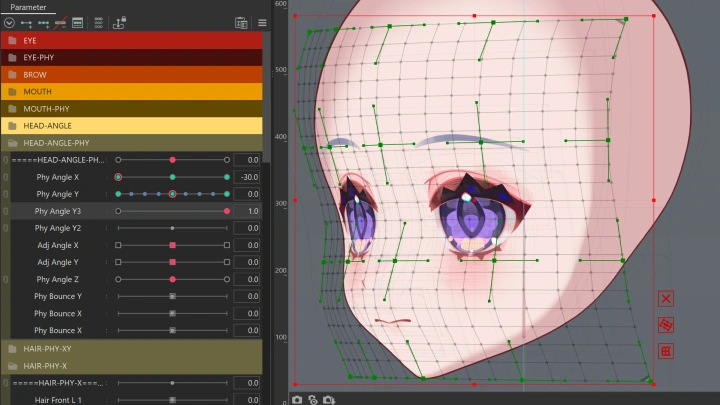
Head Angles
-
Hair Physics
-
Body Physics
-
Clothing Physics
-
Arms and Legs
PART 4. Advanced Full-Proportion Model Rigging
-
Special Expressions
-
Special Motions
-
Configuring and Using Models in VTube Studio
PART 5. BONUS SECTION
-
Creating Short Animations
-
Creating Short Animations
Final Product Example
Highlights
Class Highlights
From Chibi to Bishoujo! Create Both Styles in One Course
Master everything from the adorable charm of Chibi models to the refined motion of full-proportion bishoujo characters. Learn how part separation and rigging techniques change with different proportions, and complete both styles yourself. This isn’t a course where you stop at just one character. You’ll gain practical skills to create a variety of Live2D characters models.
From Design to Broadcast! A Practical Live2D Course Anyone Can Follow
Skip the complicated theory and jump straight into creating. Follow a step-by-step workflow, from PSD art separation to rigging, physics, and integration with VTube Studio, and watch your character come to life. By the end of the course, you’ll have fully completed and animated your own original character.
Animated Emote Creation Secrets from the EmoteLab Developer
For the first time on Coloso, 0x4682B4, the developer of EmoteLab, shares their animated emote creation techniques. Learn how to create animated emotes for platforms like Twitch and Discord using Live2D. Go beyond simply completing a model—discover how to expand your character into streaming assets, emotes, and even commission work, unlocking more creative possibilities.