live2danimator,miiko Details
Intro
Class Intro
Live2D Animator, MiiKO
"I'll take you through the end-to-end process of animating your character illustration from body to expression, idle to action!"
From Illustration to Motion: Building Expressive Animation with Live2D
Create natural, expressive motion by animating 2D characters in Live2D. Learn how to turn a single illustration into a character that feels alive through clean rigging, smooth control, and intentional movement.
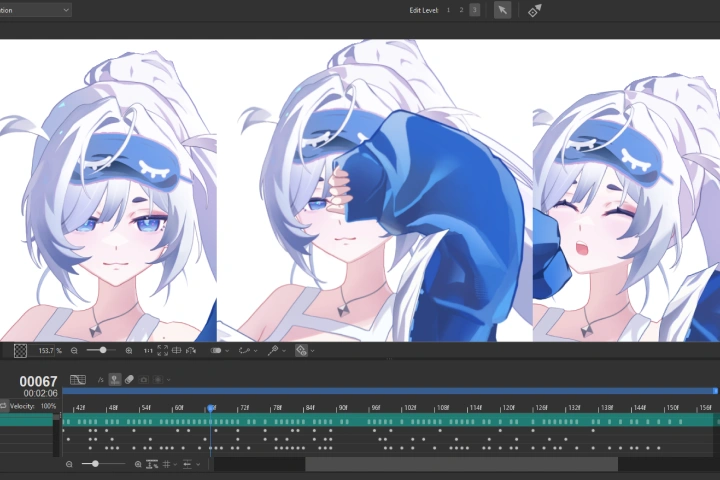
Join this class where Live2D Animator MiiKO guides you step by step through her complete character animation workflow, from preparing your illustration to building an efficient rig and animating expressive motion. You’ll learn essential setup and animation fundamentals for Live2D and apply them in a 2.5D environment, where timing, depth, and control shape how a character moves.
By the end of the class, you’ll be able to create natural movements such as breathing and blinking, and export your finished animation for practical use. If you want to move beyond static illustrations and start animating characters with confidence in Live2D, this class is designed to help you take that step.
By the end of the class, you’ll be able to create natural movements such as breathing and blinking, and export your finished animation for practical use. If you want to move beyond static illustrations and start animating characters with confidence in Live2D, this class is designed to help you take that step.
Class Preview
Still Not Sure?
Check Out MiiKO's Class Preview!
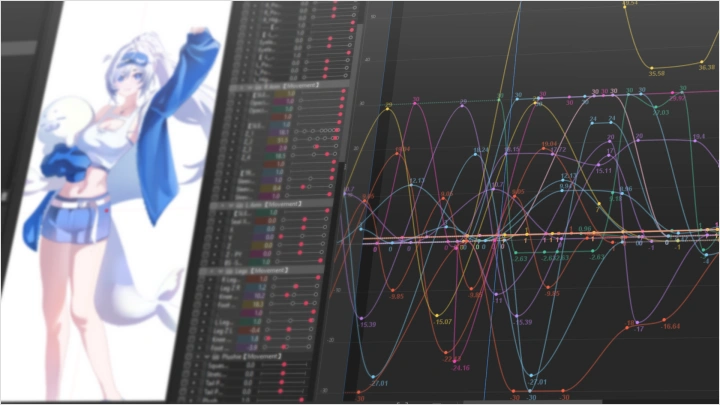
Chapter 7: Parameters and Keyforms
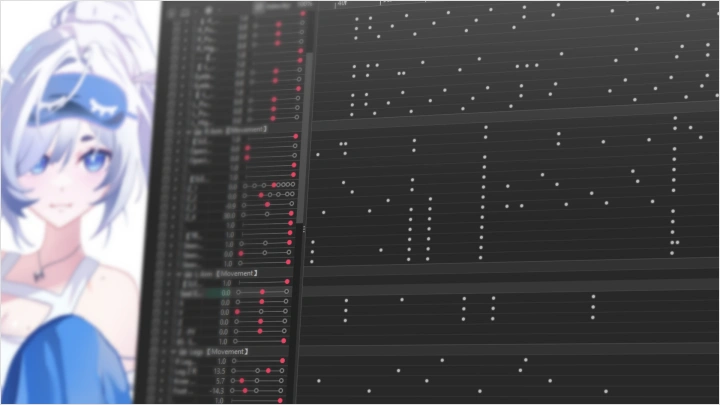
1. Understanding parameters in Live2D
2. Adding and deleting keys to and from parameters
3. Setting and adjusting parameter ranges
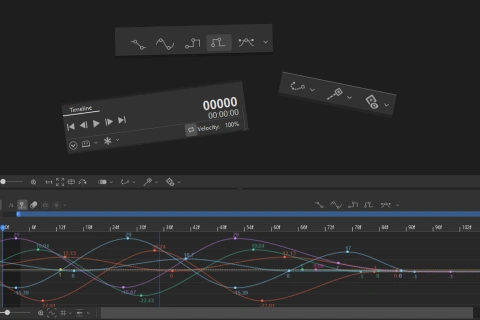
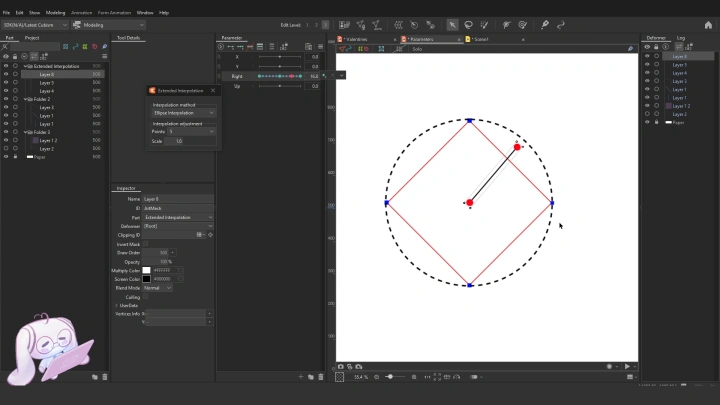
4. Using extended interpolation and repeat functions
5. Recording parameter operations and generating animations
6. Copying and pasting parameter values
2. Adding and deleting keys to and from parameters
3. Setting and adjusting parameter ranges
4. Using extended interpolation and repeat functions
5. Recording parameter operations and generating animations
6. Copying and pasting parameter values
Class Perks
Special Gift from MiiKO
-
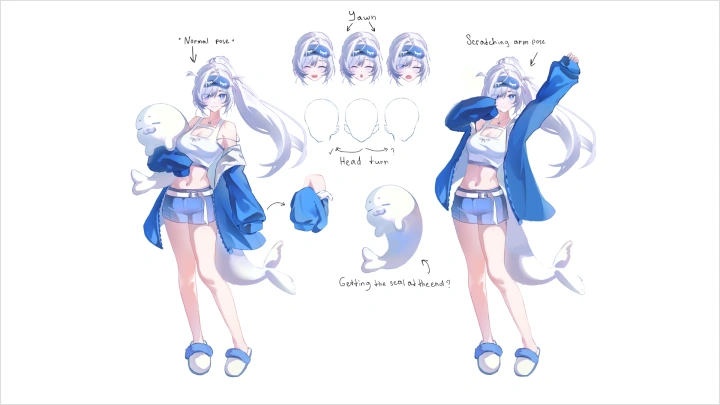
 Final IllustrationA final high-resolution illustration file with clean, organized layers, plus a full illustration timelapse
 -
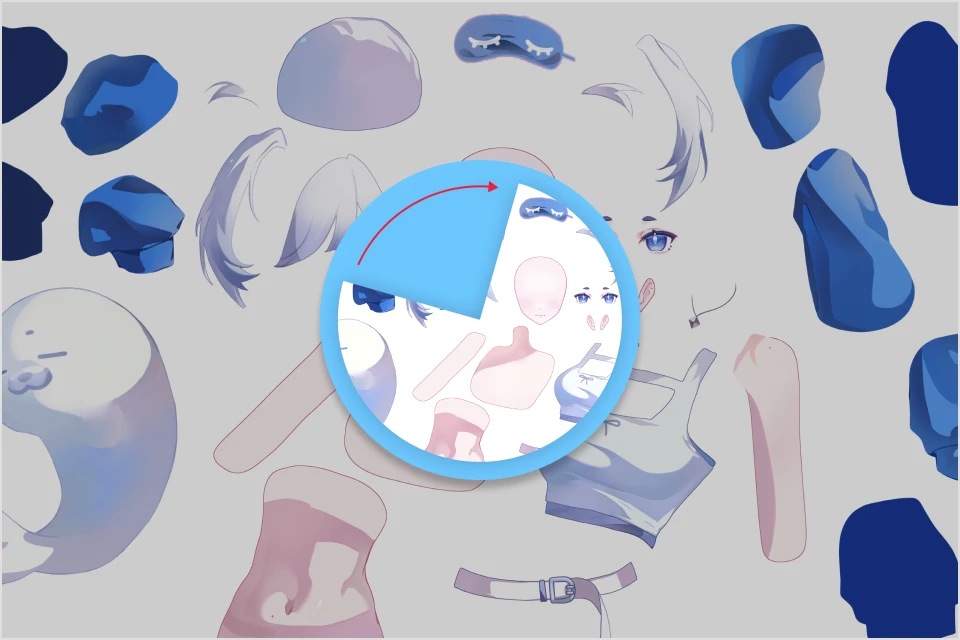 Illustration TimelapseFull 10 hours timelaps videos of drawing the model layers
 -
 Final Rigged ModelThe completed in-class Live2D rigged model file (.CMO3)
 -
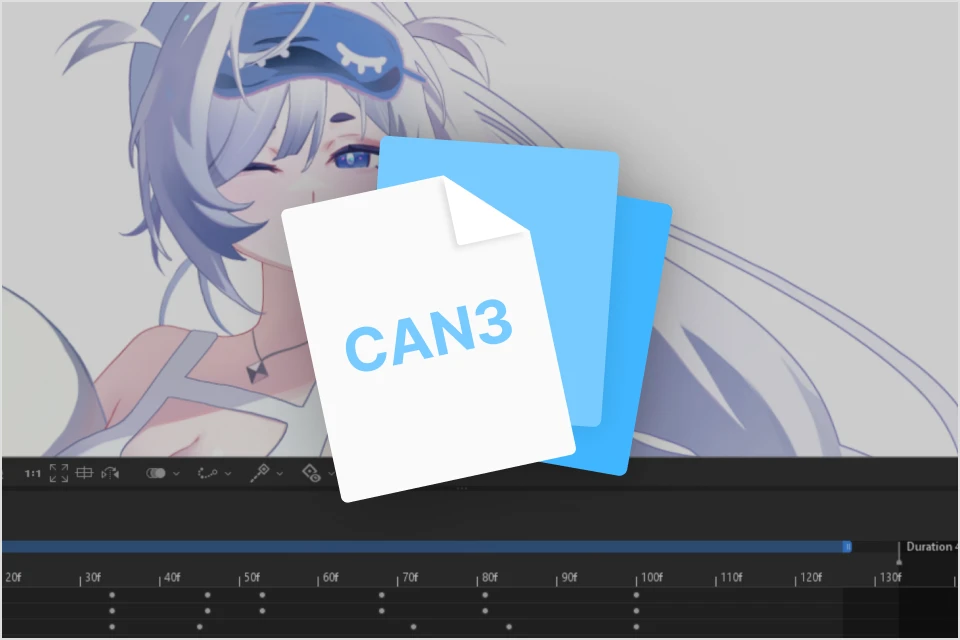 Final Animation ProjectsA complete Live2D animation project file (.CAN3) featuring both idle and action states
 -
 JPEG AssetsA full breakdown of separated assets with applied artmesh
-
 Finished Animation VideosTwo final character animation videos, including idle and action animations
 -
 Parameters TemplateA reusable Live2D parameters template that can be imported into any Live2D model
 -
 CSP Brushes SetMiiKO's personal selection of Clip Studio Paint brushes
 -
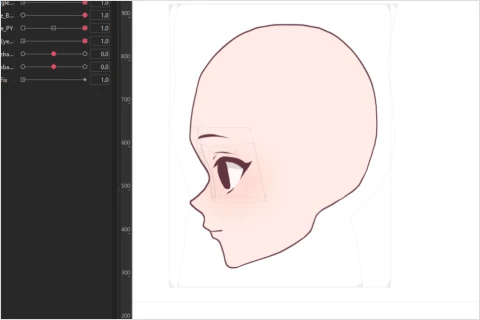 90 Degree Head Rig ModelLive2D File of rigged 90 degree Head Turn Model
Recommendation
Who should take this class?
Illustrators and digital artists who want to explore beyond traditional frame-by-frame animation.
Beginner animators who want to learn the fundamentals of the 2.5D animation workflow using Live2D.
Intermediate animators who want to deepen their skills with advanced 2.5D animation workflows in Live2D.
Expert Live2D Animator MiiKO's Portfolio













* This Portfolio includes fanart and client works.
Why Take This Class?
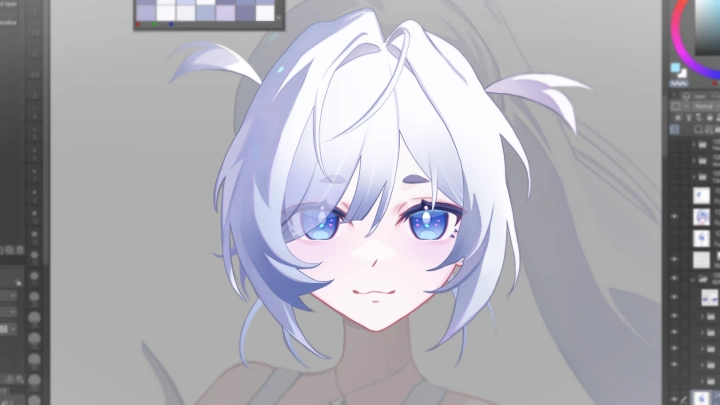
Every artist wants to grow and explore new ways to express their ideas. If you have ever looked at one of your illustrations and wondered how it would feel if it could move, this class is a great place to start. Live2D is the main tool we will be using throughout the class. While it is widely recognized for VTuber model rigging, many artists are still unaware of how powerful it can be as a full 2D animation tool.
This class is designed as an entry point for animating illustrations from scratch, shaped by years of trial, practice, and experience through countless commissions. The focus is on making the full workflow of 2D animation feel approachable rather than intimidating. Whether you are an illustrator looking to expand your skills into animation or simply an artist who wants to see their character come alive, this class will help you bring your imagination to life.

Get Ready for the Real-World
20 Class Exercises
-
 Model Coloring
 -
 Layer Separation
 -
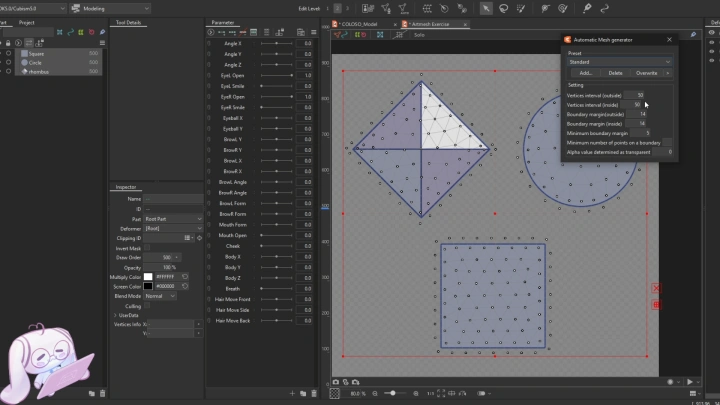
 Creating Meshes
 -
 Object Motions and Parameter Ranges
-
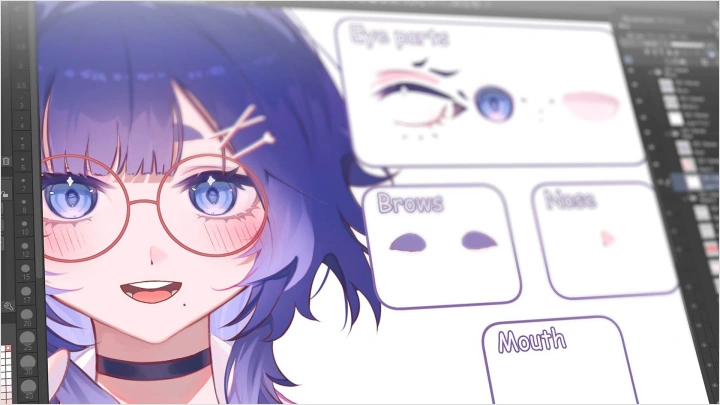
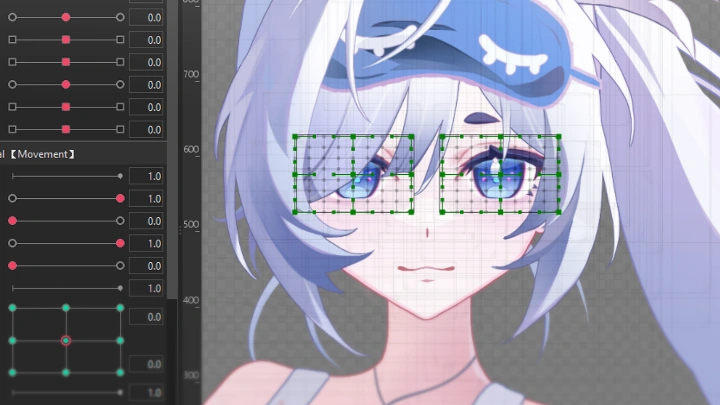
 Eyes & Physics Rigging
 -
 Mouth Rigging
 -
 Symmetrical Head Rigging
 -
 Rigging Hair to following Head
-
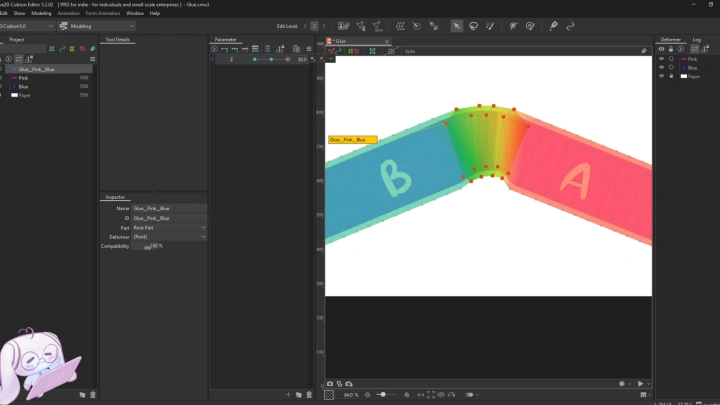
 Seamless Sleeve Rigging on 1 Parameter
 -
 Model Body Rigging
 -
 Hair Rigging Methods and Techniques
 -
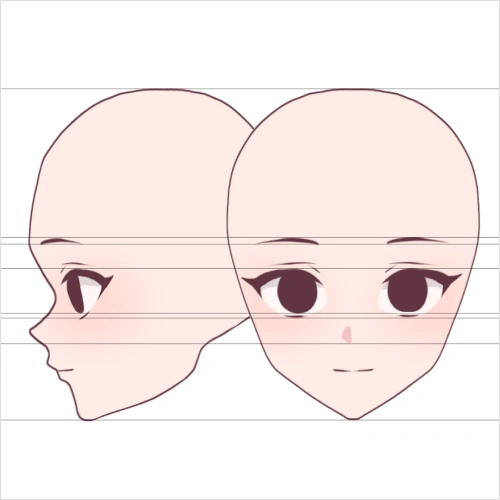 Model 90 Degree Head Rigging
-
Model Idle Loop Animation
-
Model Hair Animation
-
Animating Clothing
-
 Creating Slider Controllers
-
Expressive Multi-Action Animation Blocking
-
Animating Seamless Transitions between Different Sleeve States
-
Animating Facial Expressions
-
Refining Stiff Animation
Final Product Example
-
Idle Animation
-
Action Animation
-
Bonus 90 Degree Head Rig
Final Model Showcase
Highlights
Class Highlights
Proper Illustration Preparation
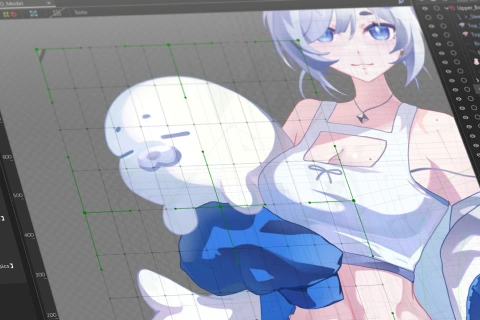
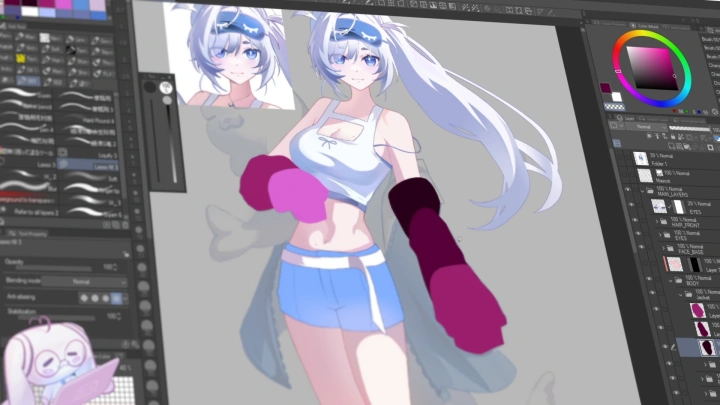
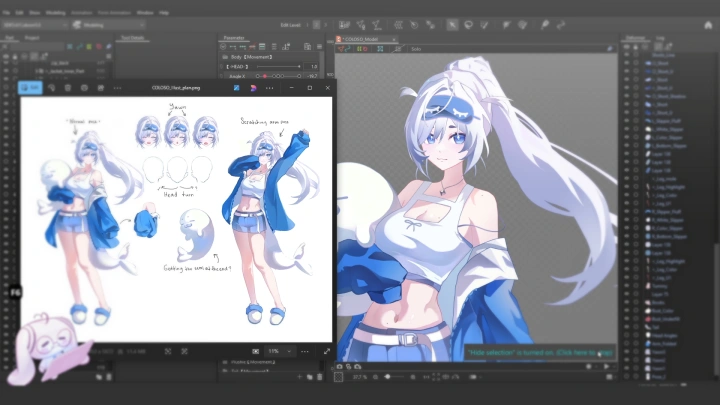
Great Live2D animation starts long before rigging. Learn how to prepare clean, animation-ready artwork with correctly separated layers and a clear plan for how each part will move. This lesson covers how to divide your illustration into functional parts, organize layers efficiently, and handle overlaps or cuts for natural motion. With a solid pre-production workflow, you can avoid stiff motion, reduce rework, and create animations that feel smooth, flexible, and professional.
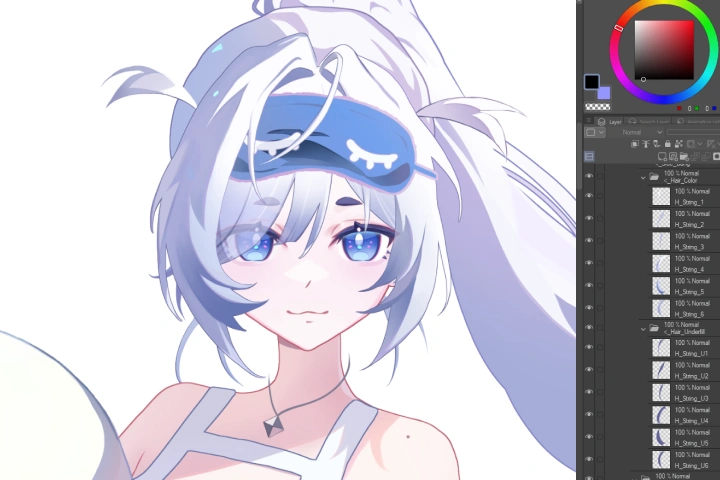
Learning the Basics of Live2D
Before tackling complex motions, it's essential to understand Live2D’s core tools and features. Get comfortable with the interface, workspace navigation, and the fundamental features used in every project. You'll learn how to import artwork, organize parts, and set up the initial parameters that drive movement. By the end of this course, you'll have a clear understanding of how Live2D works and be fully prepared to move on to more advanced animation techniques.
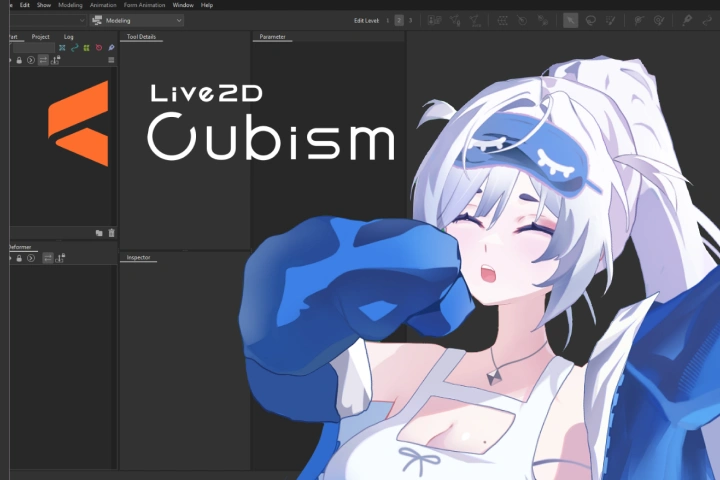
Animating: Key steps to bring your character to life
The foundation of character motion is idle animation. Learn how to craft subtle breathing, gentle sway, and natural movements that prevent the character from feeling static. Once the fundamentals are in place, we can move on to more complex sequences, applying the same principles to develop richer, more dynamic animations. Such approach will help you establish a clear, scalable workflow that can be applied to everything from simple loops to fully developed action scenes.