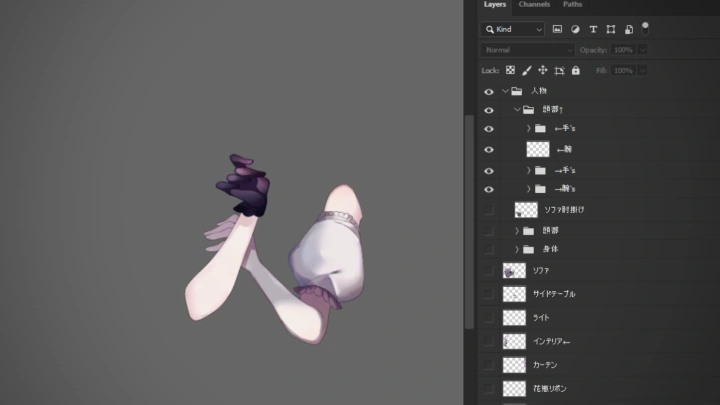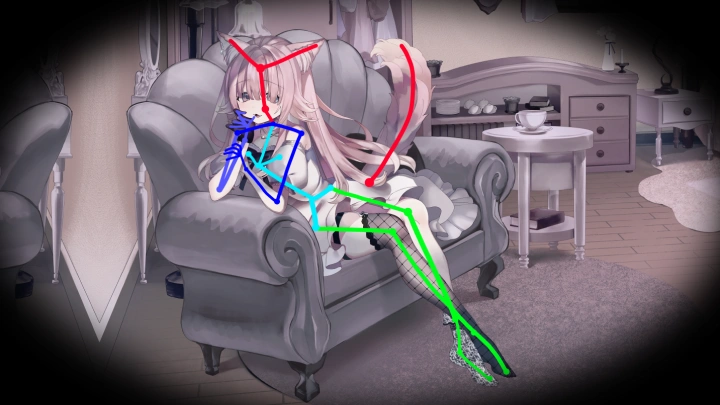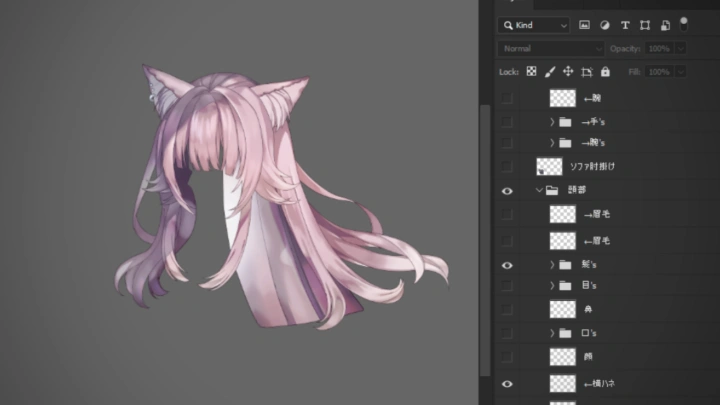
live2danimator,hakumei Details
Intro
Class Intro
Live2D Animator, Hakumei
"From rigging & animation basics to adding effects for more visual interest, learn to create animations that pop!"
Animate Your Art: Create Dynamic Characters with Live2D
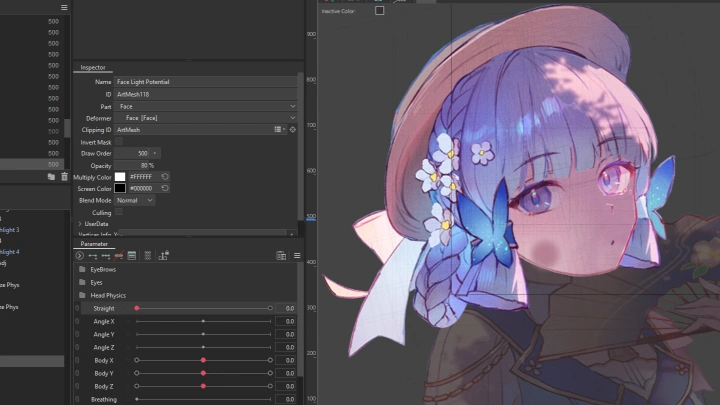
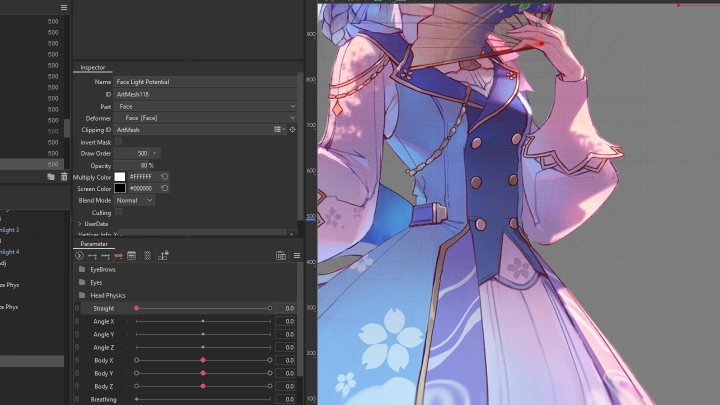
Your art doesn’t have to stay frozen on the screen. With the right workflow, you can bring your characters to life—making them move, react, and feel real. This course will give you the tools to take that step and open new doors to creative and professional opportunities.
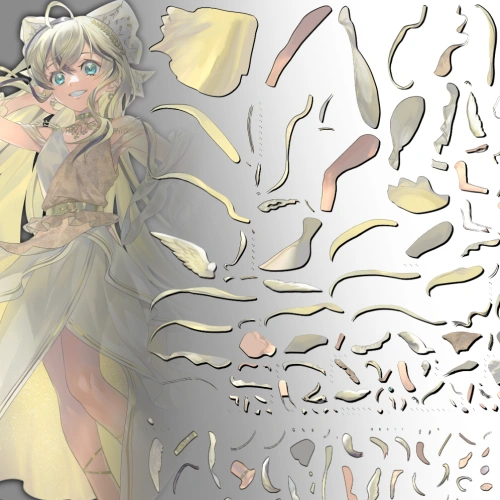
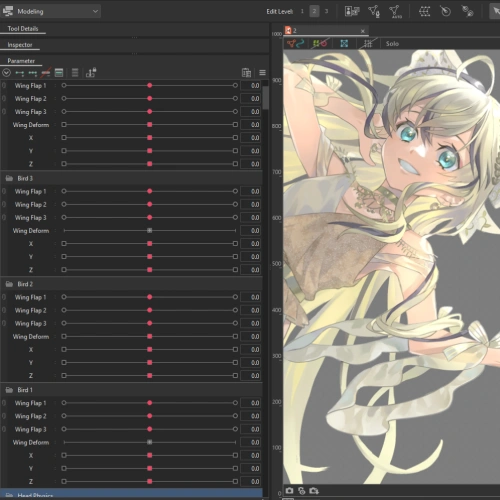
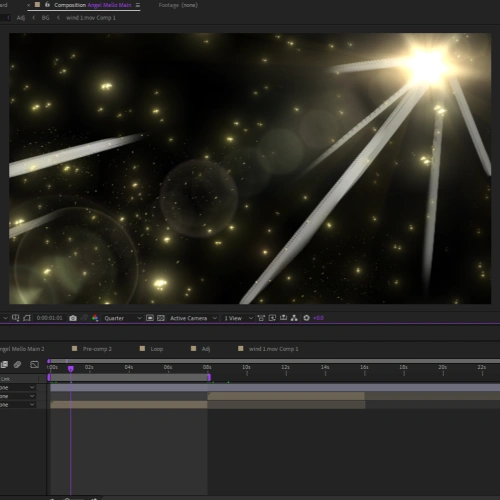
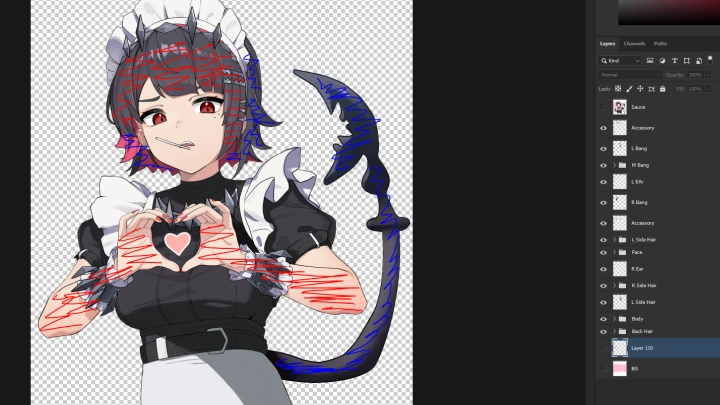
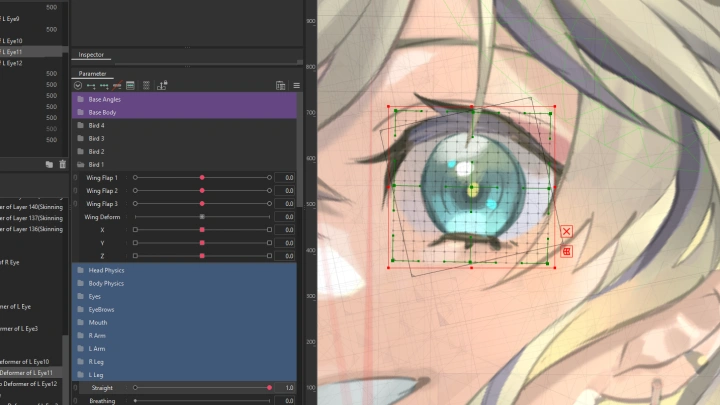
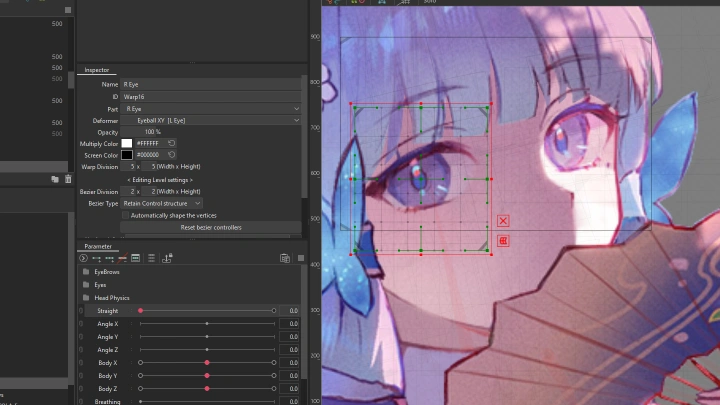
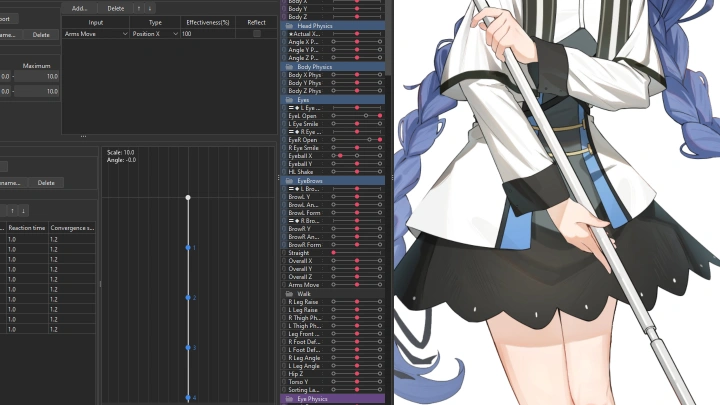
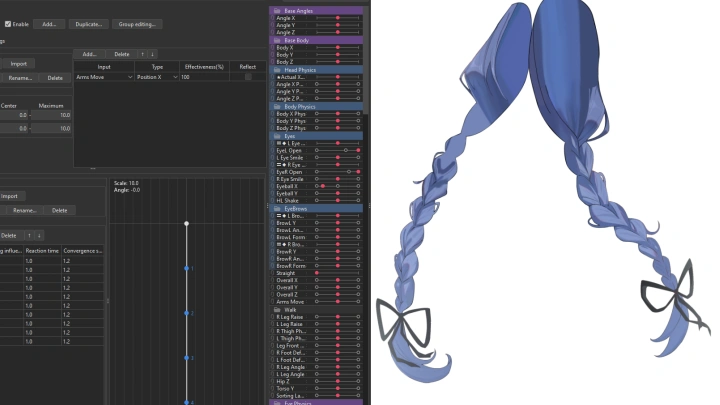
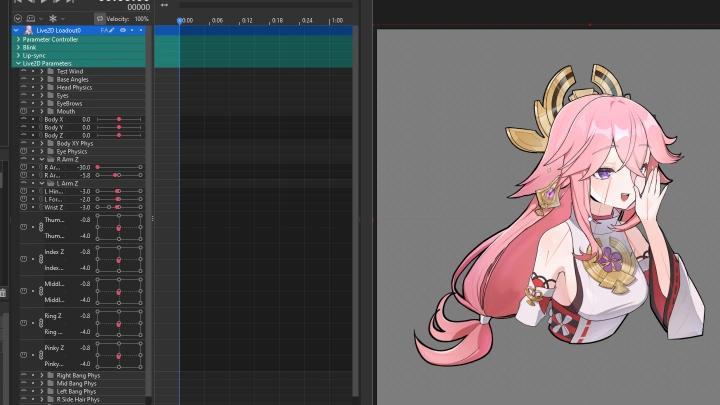
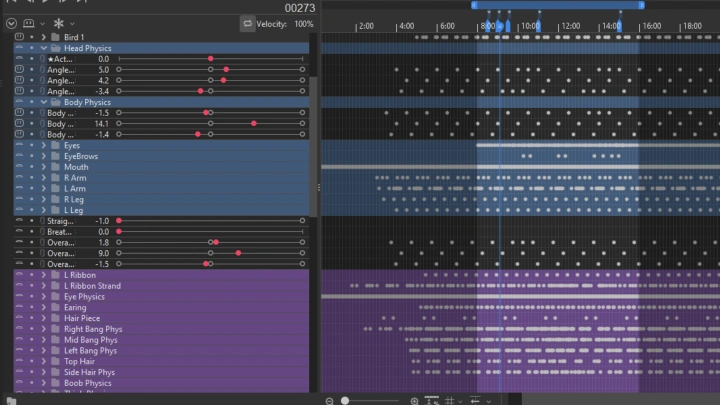
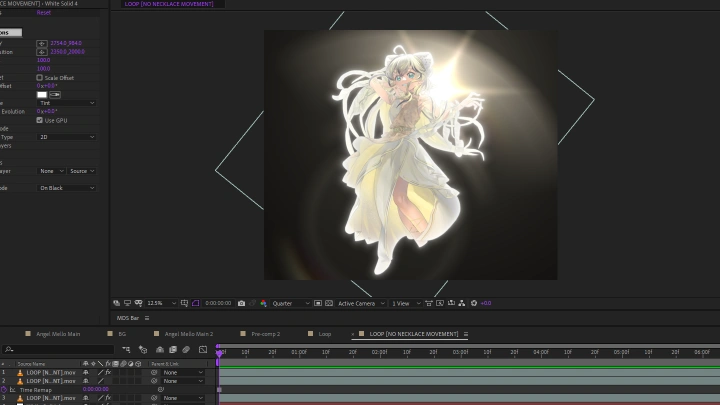
Throughout 29 chapters, you’ll go through the full process, starting with artwork prep in Photoshop, then learning rigging and physics in Live2D, and finishing with final touches in After Effects. Instead of stopping at basic tutorials, you’ll gain practical skills and the confidence to create animations that look natural and professional.
By the end, you will have polished, portfolio-worthy character animations that can be showcased in personal projects, used as VTuber avatars, or offered as freelance commissions. More than just learning how to use the software, you will gain the mindset and workflow to stand out as an artist in the growing field of digital animation.
By the end, you will have polished, portfolio-worthy character animations that can be showcased in personal projects, used as VTuber avatars, or offered as freelance commissions. More than just learning how to use the software, you will gain the mindset and workflow to stand out as an artist in the growing field of digital animation.
Class Preview
Still Not Sure?
Check Out Hakumei's Class Preview!
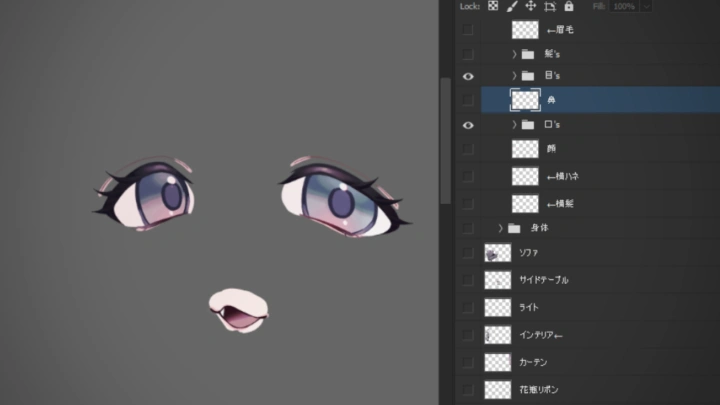
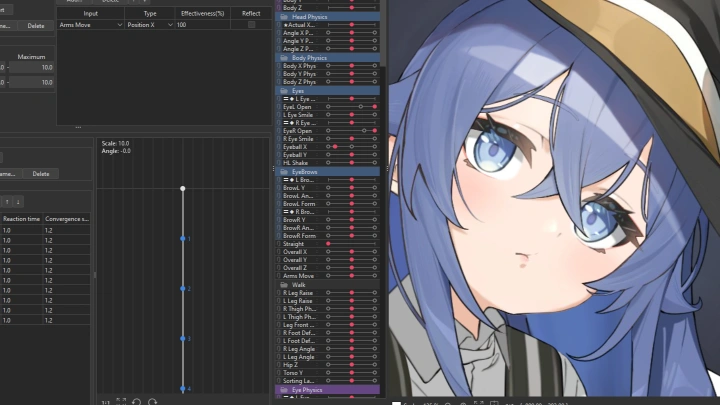
Chapter 06. Eye & Mouth
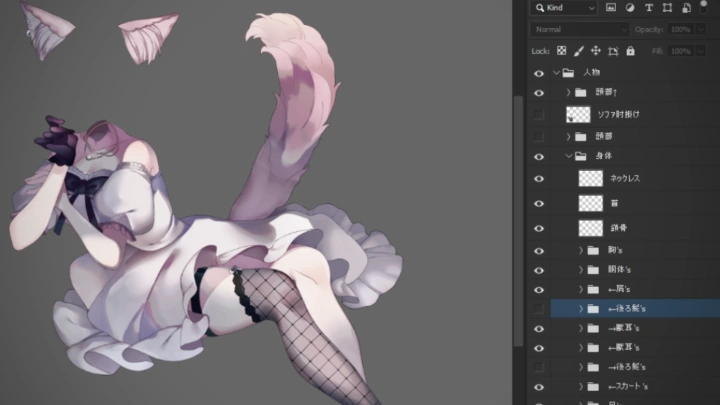
1. Demonstration on how to cut the eye and mouth layers
Class Perks
Special Gift from Hakumei
-
 Class Slides & All In-Class Working Files
 -
 Bonus Animation Timelapses
 -
 Live2D Project, Animation, and Physics Templates
Class Material Details
-
 Full Class Resources- Class slides from lessons
- All separated & non-separated PSD files used in the class
- All Live2D rigging & animation files used in the class
- All After Effects files used in the class -
 Exclusive Timelapse Videos- Timelapse video demonstrating how a project is animated (30 min)
- Timelapse video demonstrating how an emote is animated (15 min) -
 Ready-to-Use Templates- Base Live2D project file for both emote and standard animation. This features the file pre-setup with parameters and folders
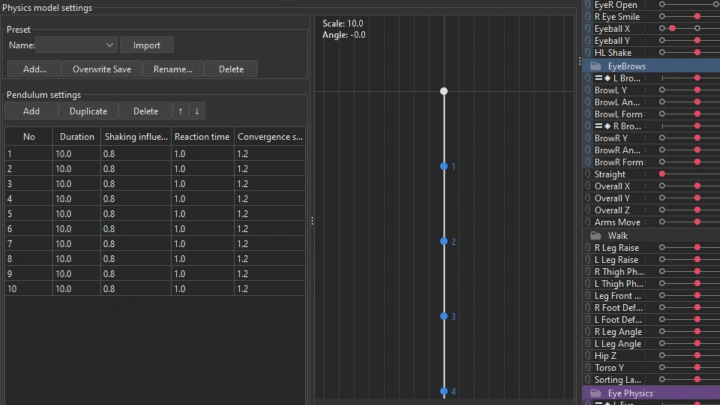
- Physics template consisting of pendulum and physics settings for a standard Live2D animation project
- Animation templates for eye blinks
- Animation template for eye highlight shake
Recommendation
Who should take this class?
Illustrators and digital artists who want to expand their skills by turning their drawings into lively, animated characters, adding new depth and motion to their creative work.
Aspiring VTubers and streamers looking to design and animate their own Live2D avatars, giving them a unique and personal presence in the streaming world.
Freelancers and creative professionals who want to offer Live2D animation as a service, build a polished portfolio, and attract commissions or career opportunities in the growing digital content industry.
Expert Live2D Animator Hakumei's Portfolio

credit
1-1 Illustration by @hiragi_murasaki
1-2 Illustration by @otter696969
1-3 Illustration by @hato_ichiko
2-1 Illustration by @kiramarukou
2-2 Fanart
2-3 Illustration by @piyopoyo8
3-1 Illustration by @miji_black
3-2 Illustration by @kareidon26
3-3 Illustration by @novelance
Why Take This Class?
Animation is more than just moving pixels around. It is about bringing ideas, emotions, and personality to life. In this class, you will explore art in a whole new way, learning to experiment, play, and discover how to bring your characters and illustrations to life.
Beyond software and techniques, this class is about deepening your relationship with your art. You will learn how to express feelings through motion, how to create characters that breathe and react, and how to find joy in seeing your imagination come alive. Along the way, you’ll also gain industry best practices such as organizing design files, applying animation principles, and polishing your portfolio.
By the end, you won’t just know how to animate. You will have the confidence and insight to make your work stand out, share it with the world, and open doors to commissions or creative opportunities.

Get Ready for the Real-World
25 Class Exercises
-
Planning
-
Cutting and Redrawing Layers
-
Cutting Hair and Shadow Layers
-
Cutting Eye and Mouth Layers
-
Cutting Body Layers
-
Importing PSD into Live2D
-
Creating Root Defomer and XYZ Movements
-
Eyes, Eyebrows, and Mouth Rigging
-
XYZ Head Rigging
-
XYZ Body Rigging
-
Eyes, Mouth, and Ears Physics
-
Body Physics
-
Hair Physics
-
Setting Up Animation Workspace
-
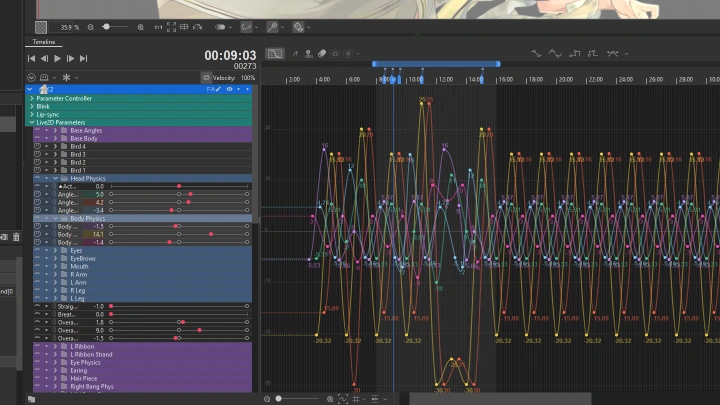
Head and Body Y Axis Animation
-
Head and Body X & Z Axes Animation
-
Clothes and Hair Animation
-
Acting Animation
-
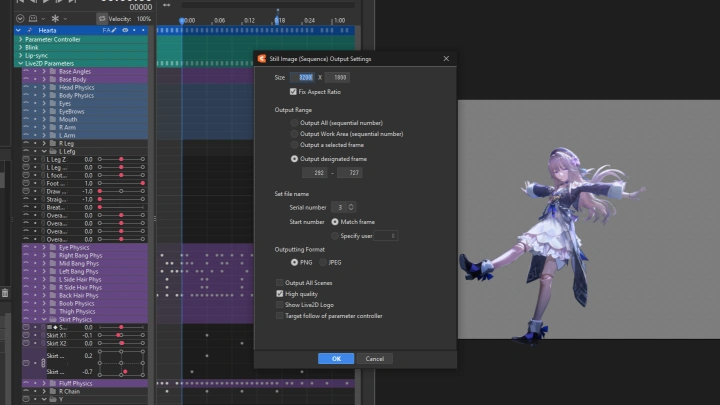
PNG Sequence Animation Rendering
-
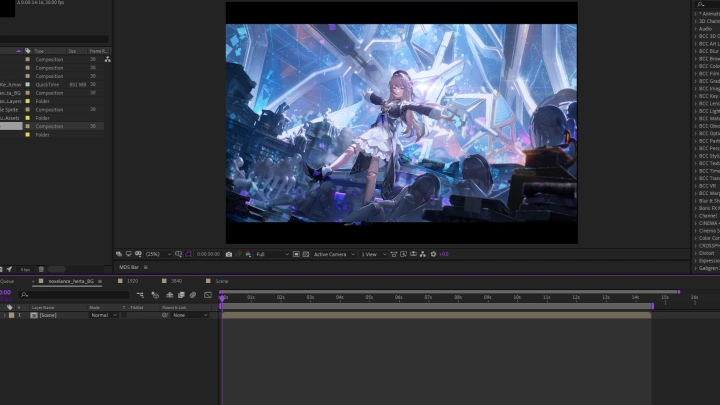
Importing Animation into After Effects
-
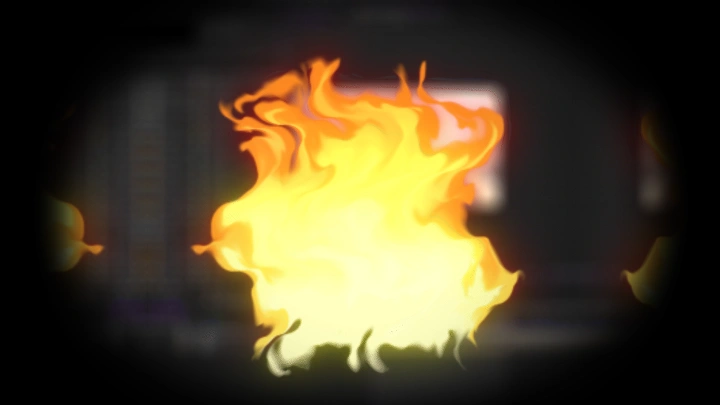
Fire Animation
-
Falling Leaves Animation
-
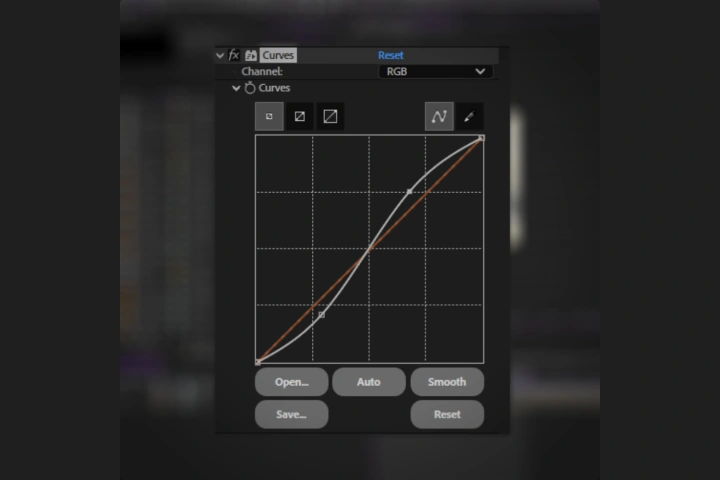 Compositing Animation
 -
Compressing Animation
-
Online Portfolio
Final Products
-
Animation
-
 Animation
Highlights
Class Highlights
Dynamic and Fluid Hair
Generally the hair is the part of the character that moves the most!
It affects the final product heavily, so we'll learn techniques to ensure our hair animation is dynamic and fluid.
Basic to Advanced Animation Techniques
Learn the ins and outs of Live2D animation.
Apply professional animation principles and techniques to bring personality and life to your characters through idle loops and acting animations.
Go Further with After Effects
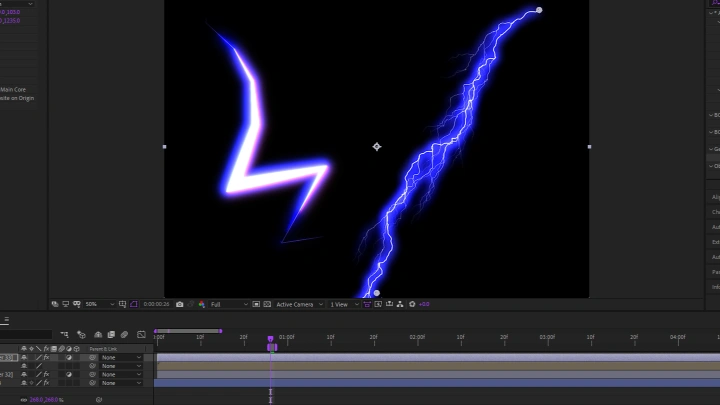
Learn to animate VFX and apply polishing techniques in After Effects, achieving professional-quality results that take your animation to the next level.