LevelArtist,KyuchulYoun_레벨아티스트 윤규철 Details
Class introduction
Class Intro
Level artist, Kyuchul Youn
“I will teach you how to add vitality to the background by telling a story rather than simply arranging Megascan’s free assets.”
AAA Game Backgrounds:
Easy Creation for Beginners with Unreal Engine and Megascans!
Easy Creation for Beginners with Unreal Engine and Megascans!
Did you think that in order to create a game background that looked like a scene from a movie, it was essential to use various tools to create assets one by one or purchase them for a fee?
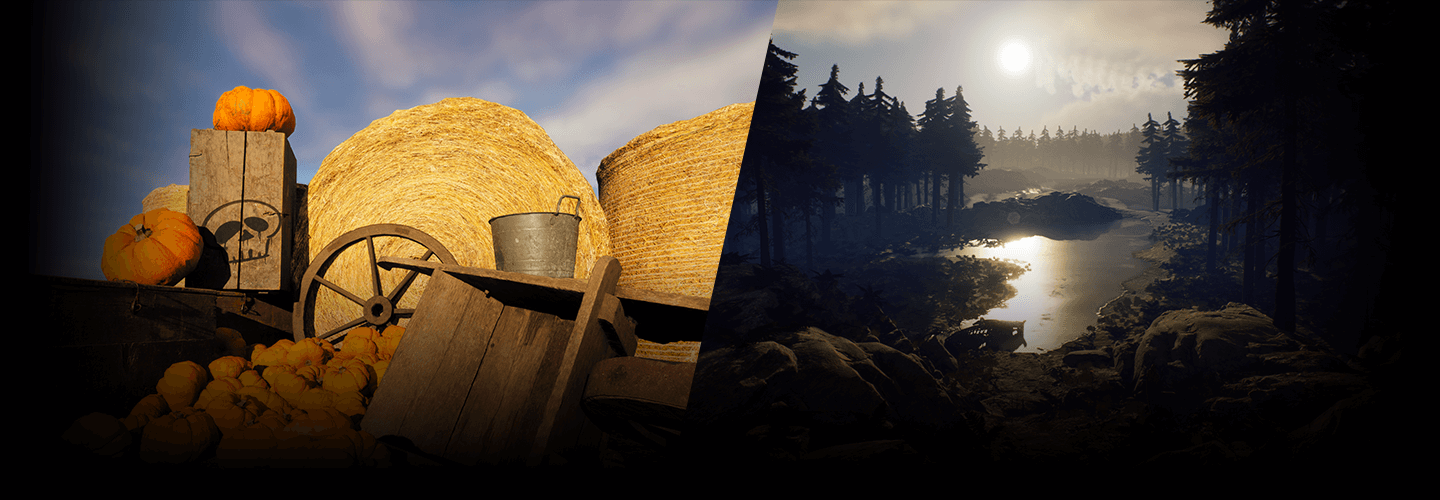
Level art is the process of adding and placing various assets on a level-designed map to enhance the sense of realism. Unreal Engine is sufficient without 3Ds Max or Maya.

In addition, by using high-quality free assets from 'MegaScan', which is widely used in the production of triple A games at home and abroad, even beginners in level art can easily and quickly create photo-realistic backgrounds.
Check out the basic modeling required for the game background, set dressing know-how using assets, and how to build an efficient workflow with Unreal Engine and MegaScan in the class of Gyu-cheol Yoon, a 16-year veteran level artist.
Check out the basic modeling required for the game background, set dressing know-how using assets, and how to build an efficient workflow with Unreal Engine and MegaScan in the class of Gyu-cheol Yoon, a 16-year veteran level artist.
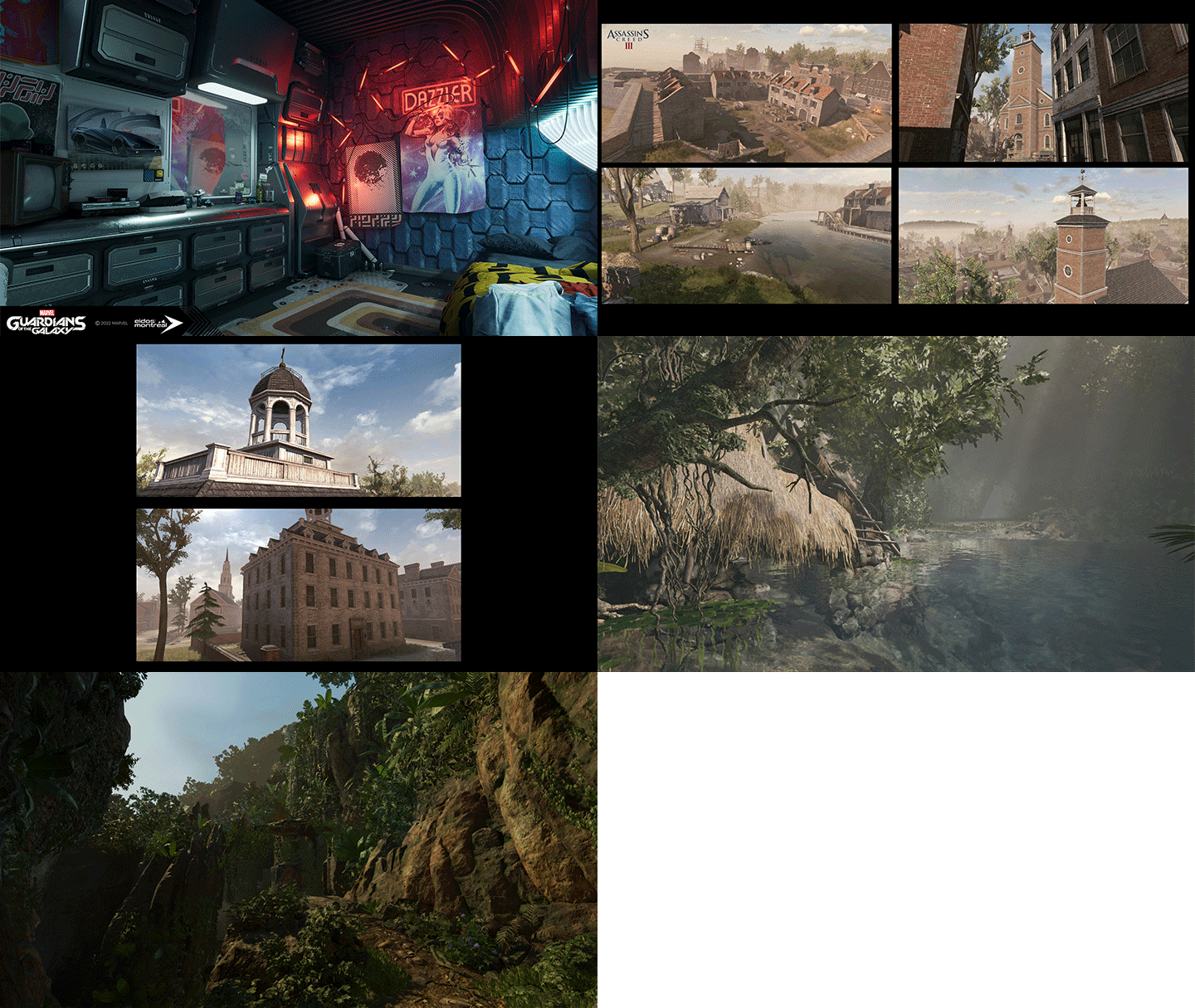
Expert Level Artist Kyuchul Youn's Portfolio
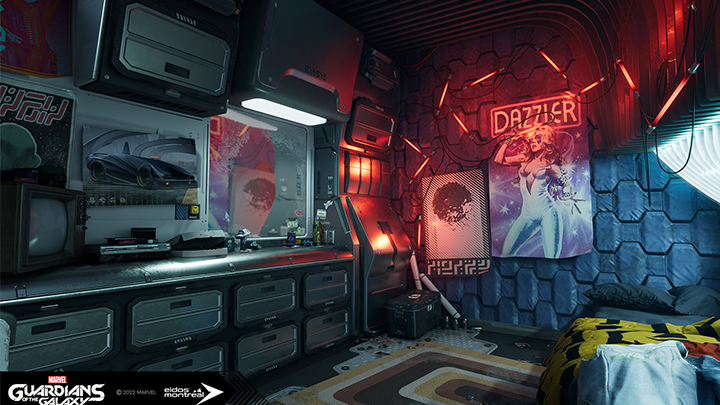
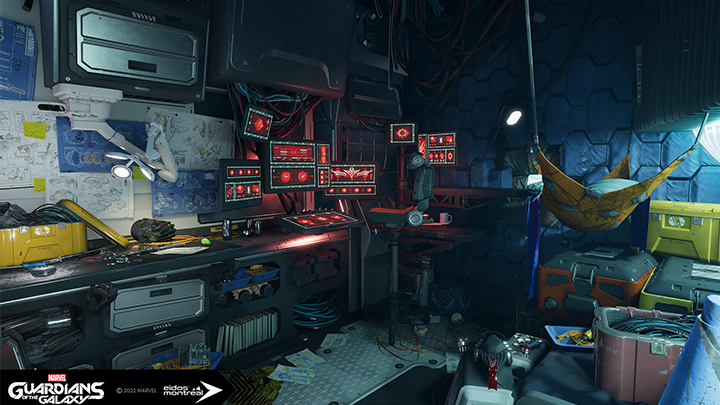
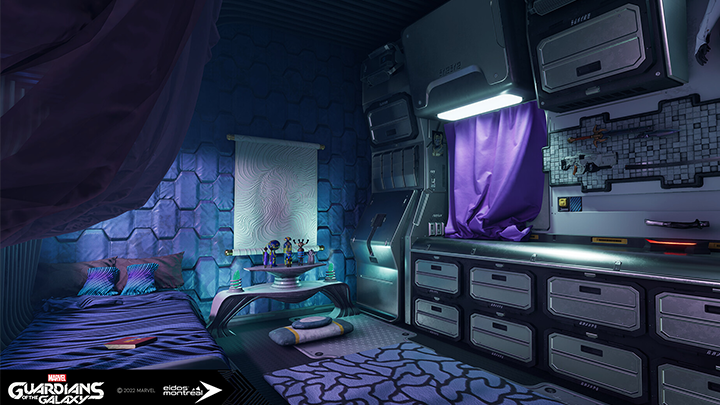
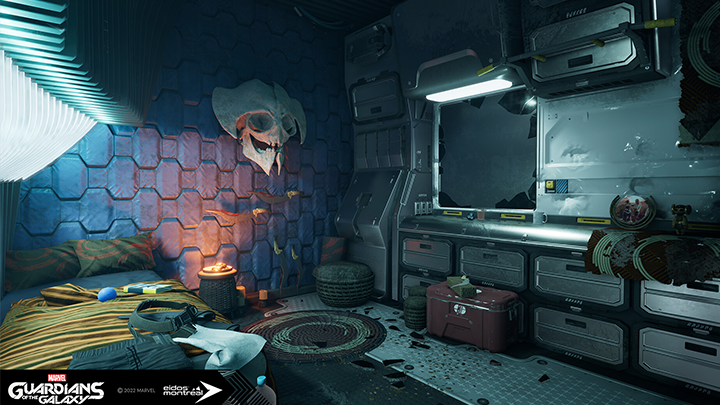
Marvel's Guardians of the Galaxy
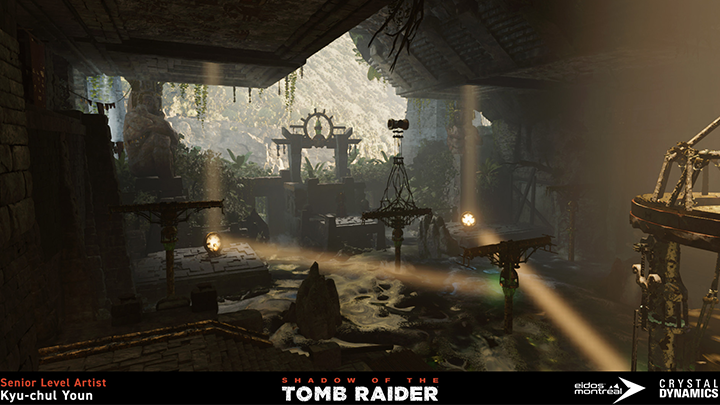
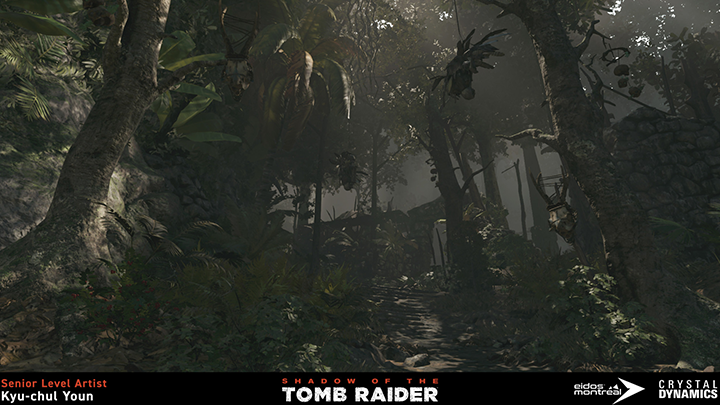
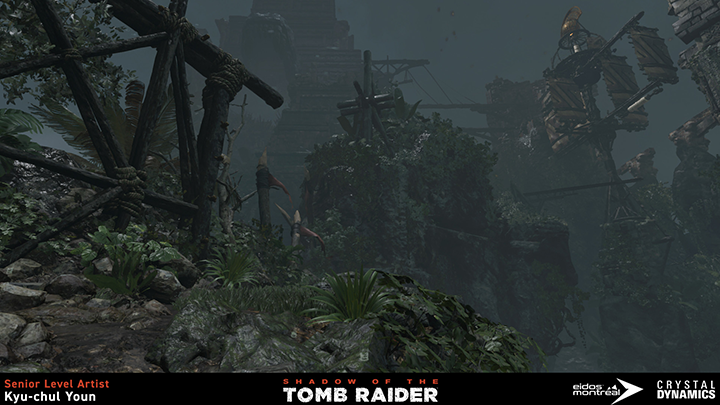
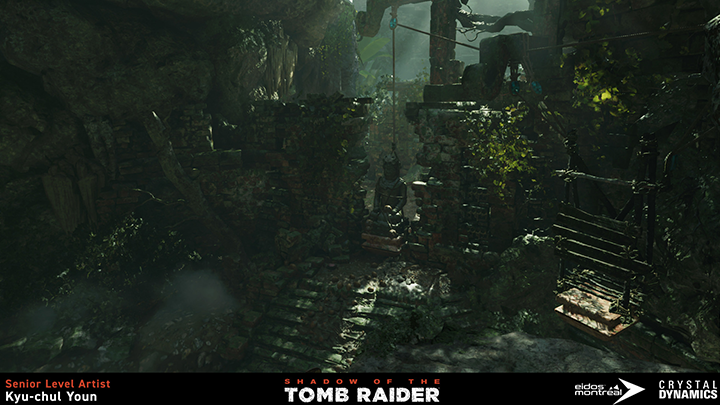
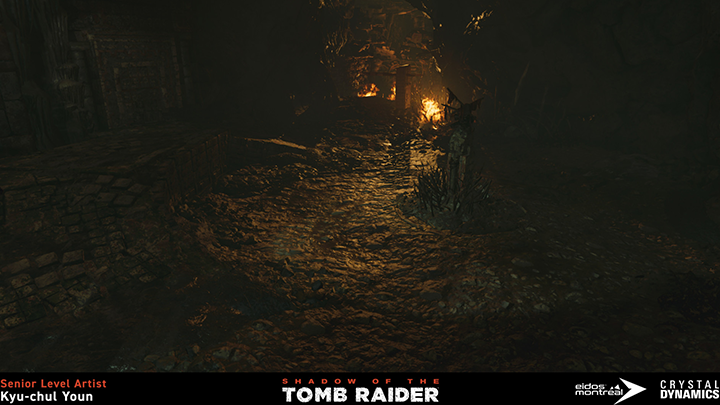
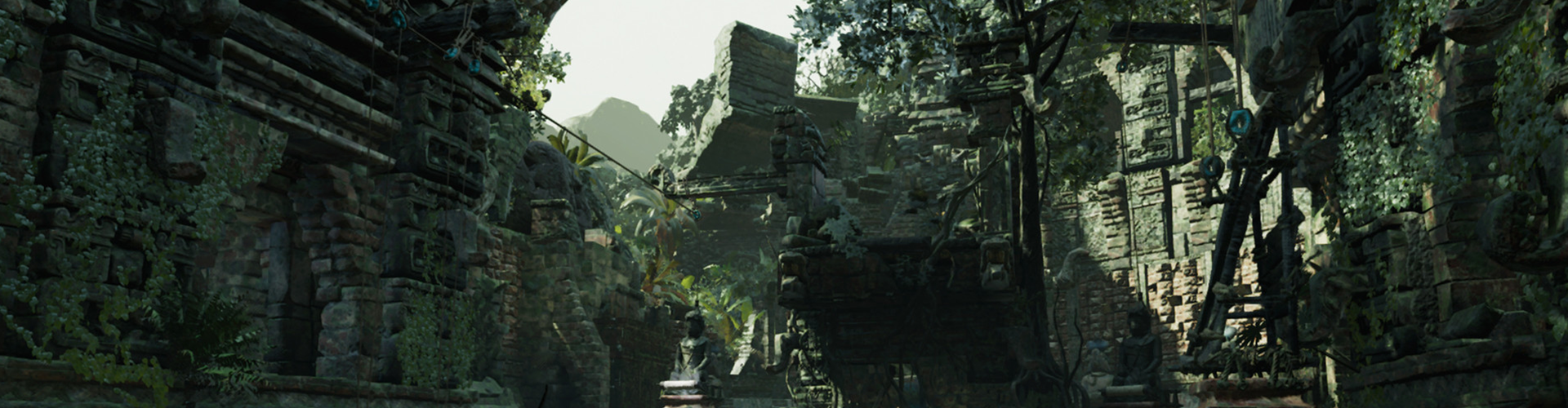
Shadow of the Tomb Raider
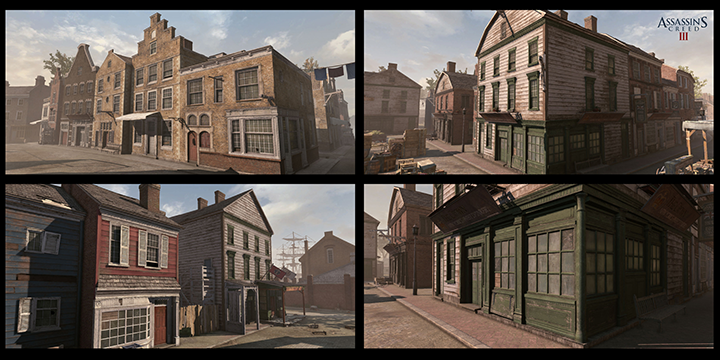
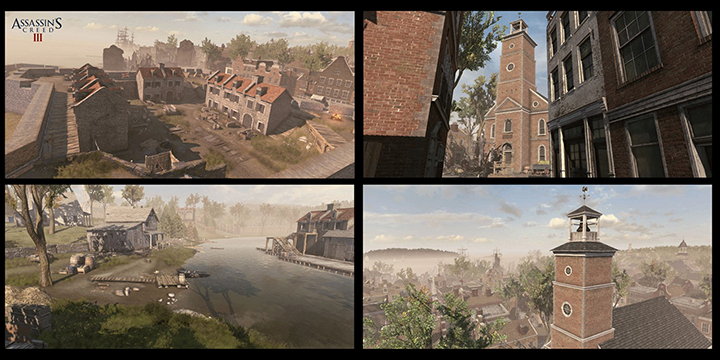
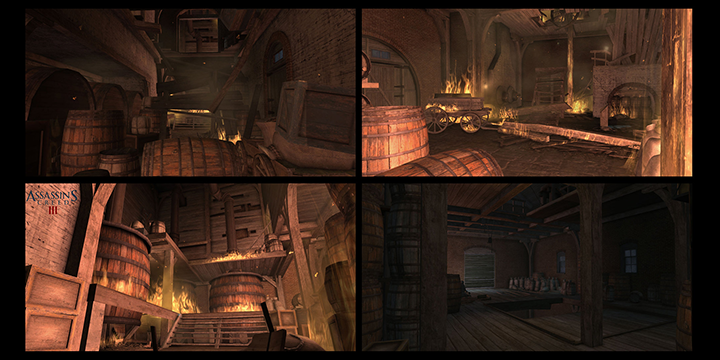
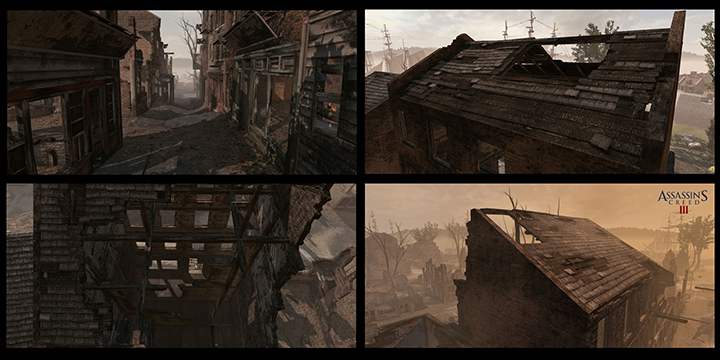
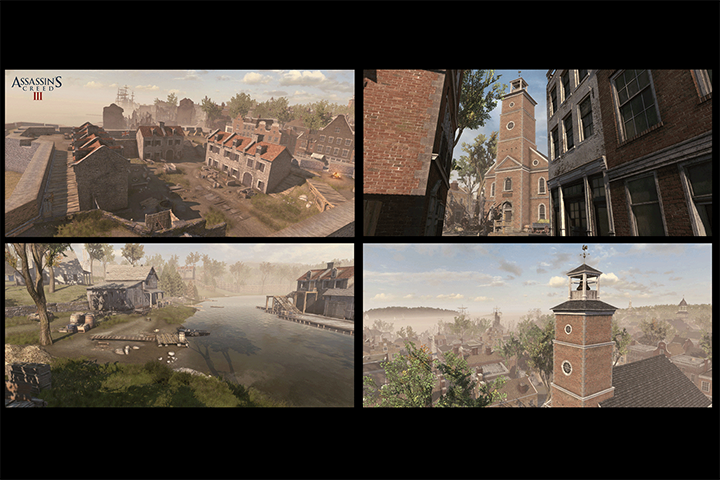
Assassin's Creed III
Why Take This Class?
Have you completed the basic map but have no idea how to decorate the vast field?
Or do you want to develop your own capabilities to stand out in the 3D game background industry?
In this class, we will develop a sense of level art, starting with an understanding of screen components and layout to create a game that will make players' hearts beat.
Rather than simply taking pretty assets and putting them on the background, you can learn how to use Megascan effectively by arranging the same assets in a different way to avoid creating obvious level art.
Lastly, if you are a beginner-level artist, do not miss this class as it contains tips on how to incorporate the skills you have learned into your portfolio and tips for finding a job abroad.
8 Class Exercises
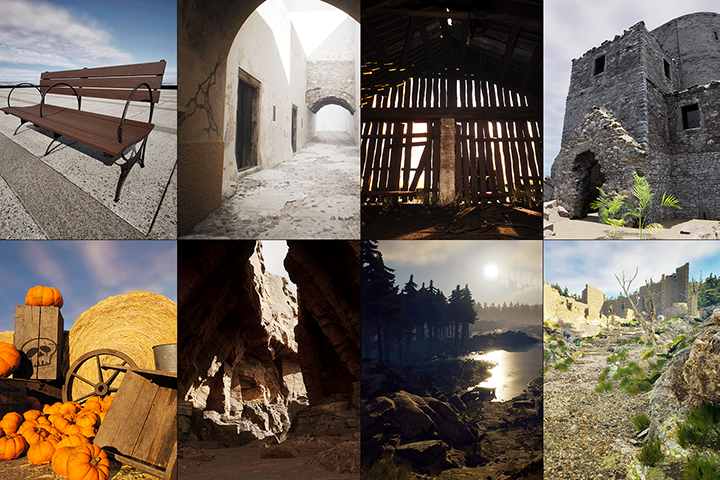
Section 01. Practicing Unreal Engine Modeling Tools
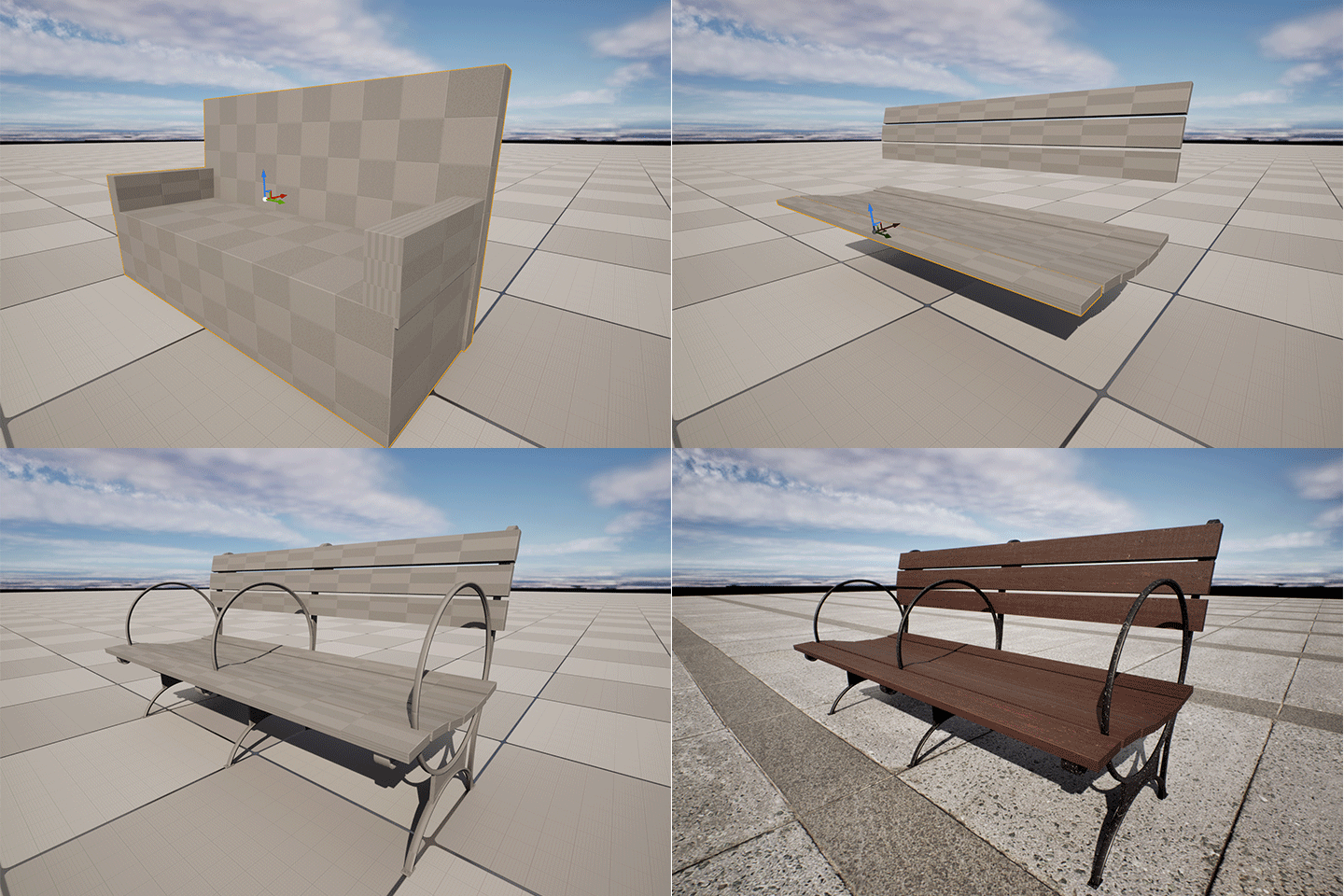
01. Bench
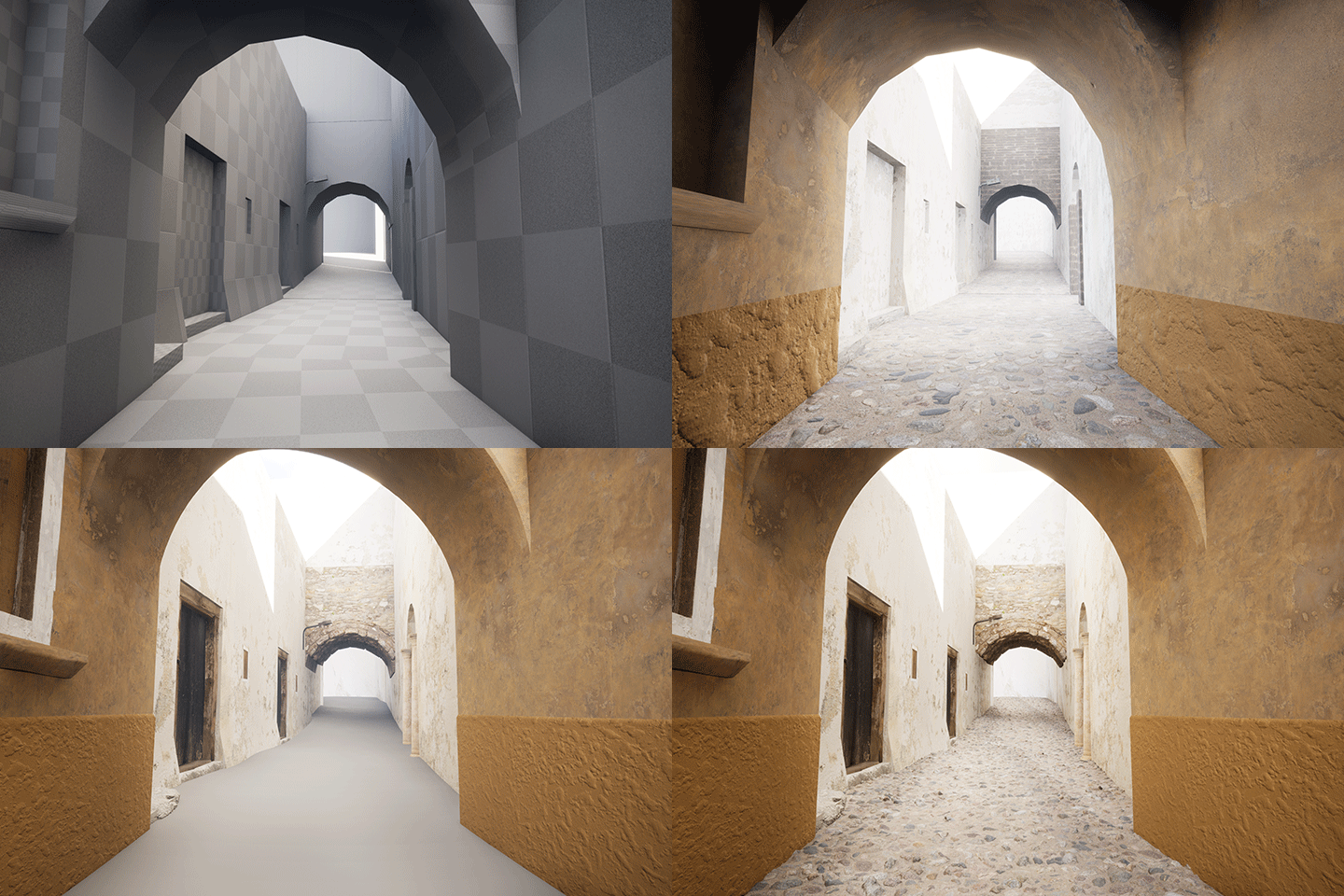
02. Alleyway
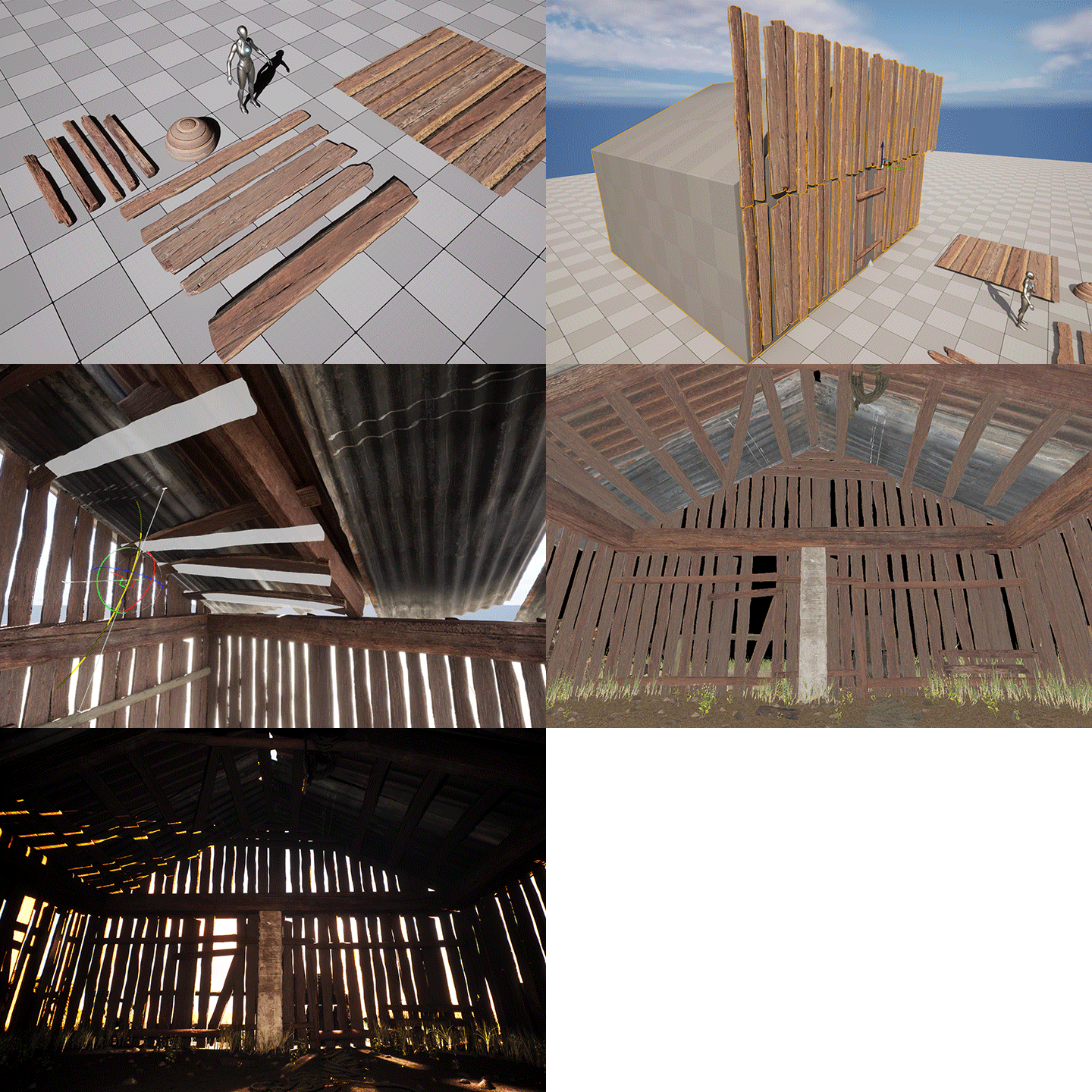
03. Wooden Barn
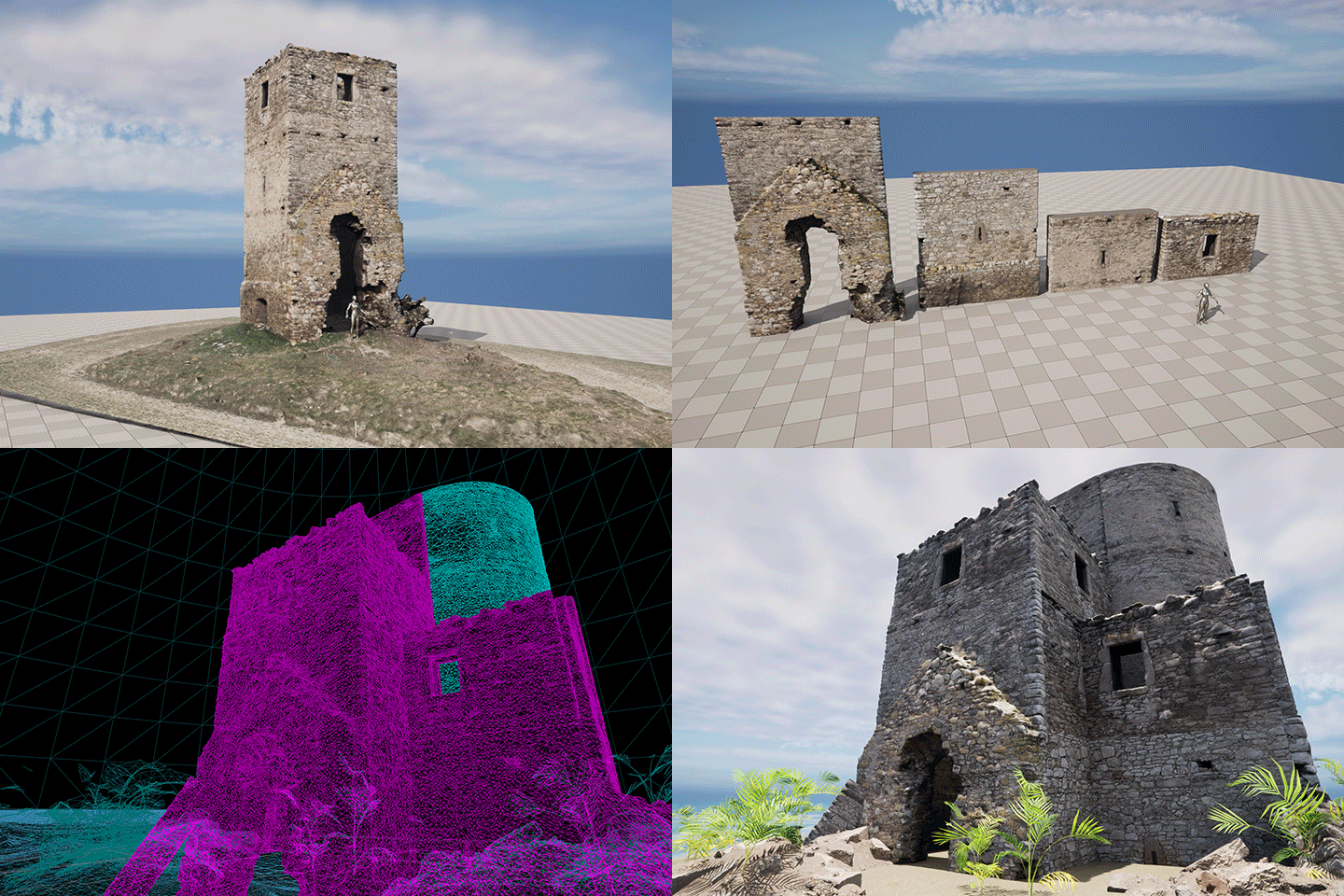
04. Stone Wall Castle
Section 02. Creating Backgrounds Using Megascan Assets
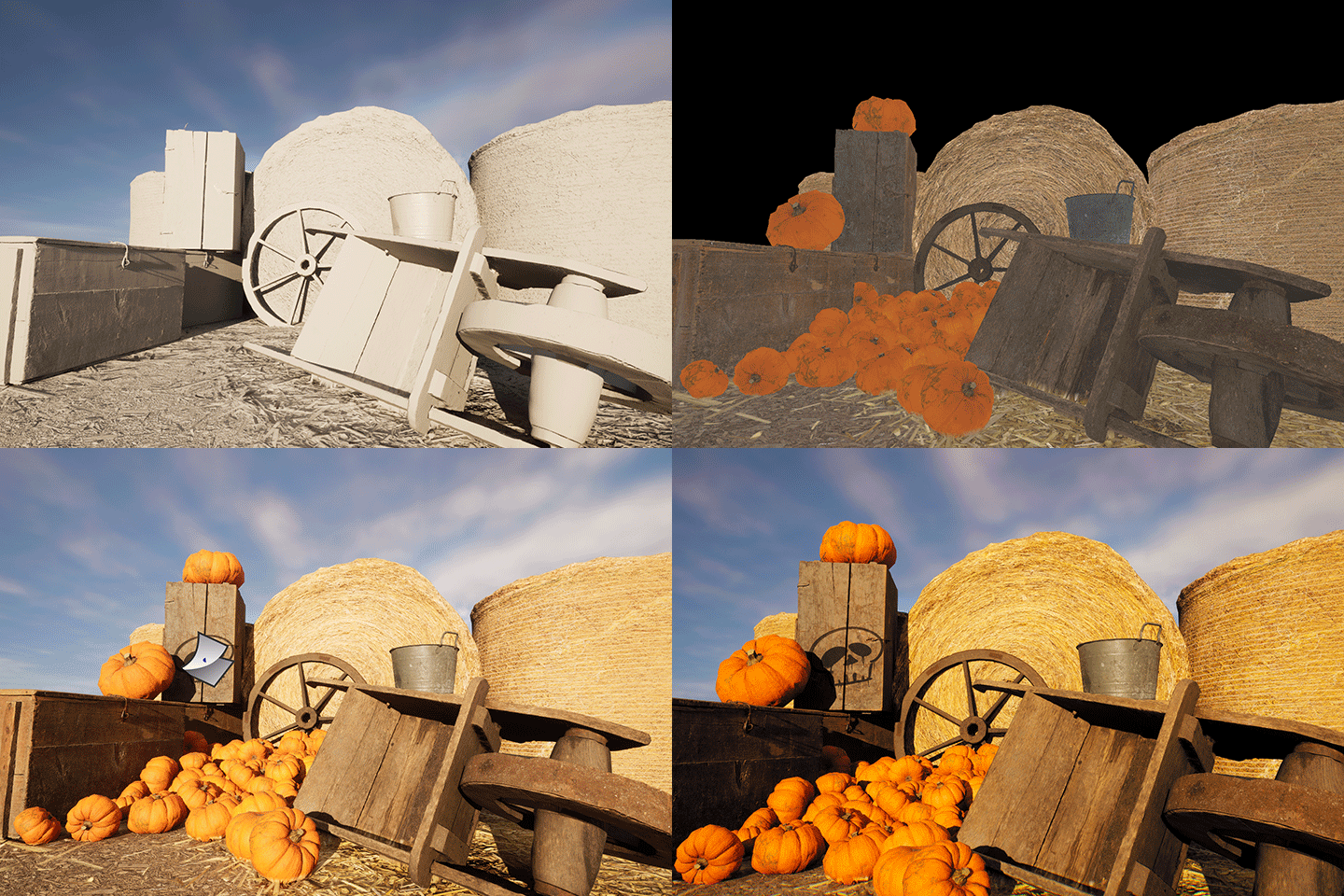
05. Pumpkin Farm
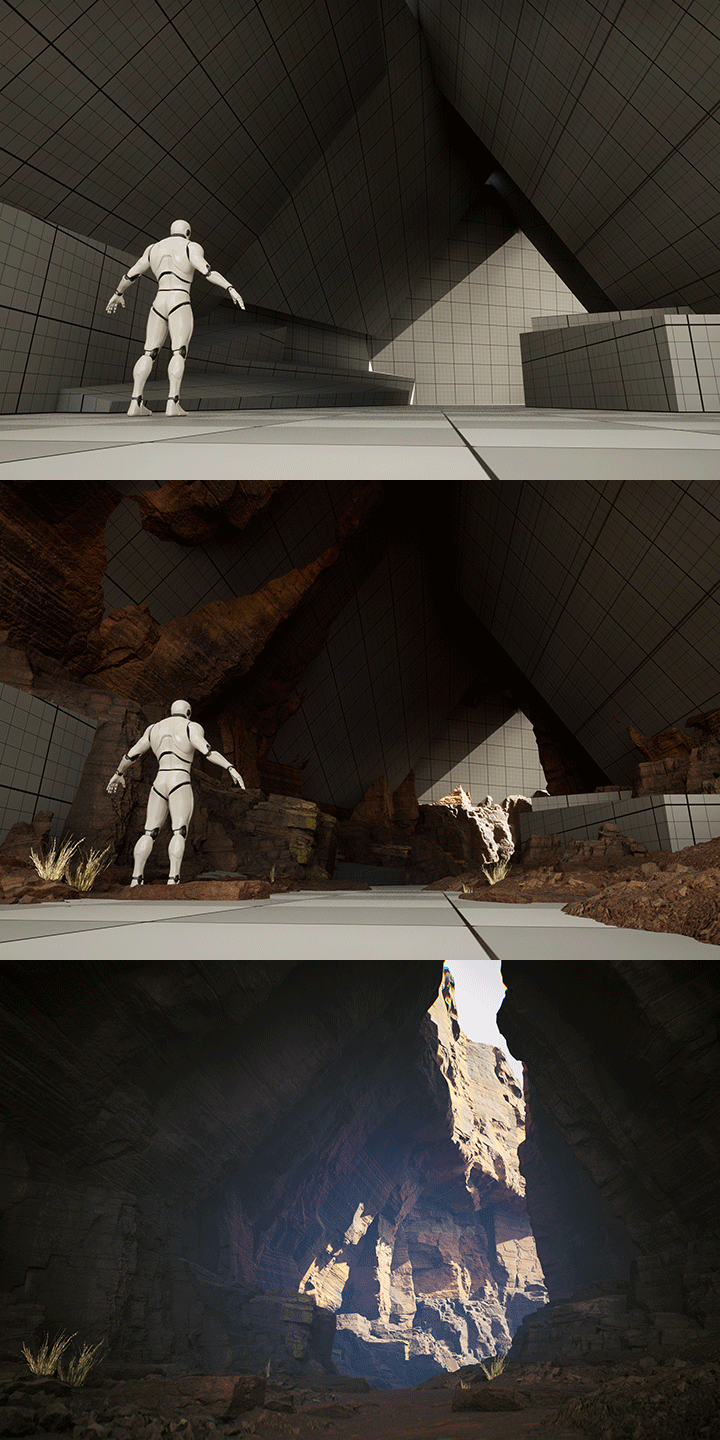
06. Rock Cave
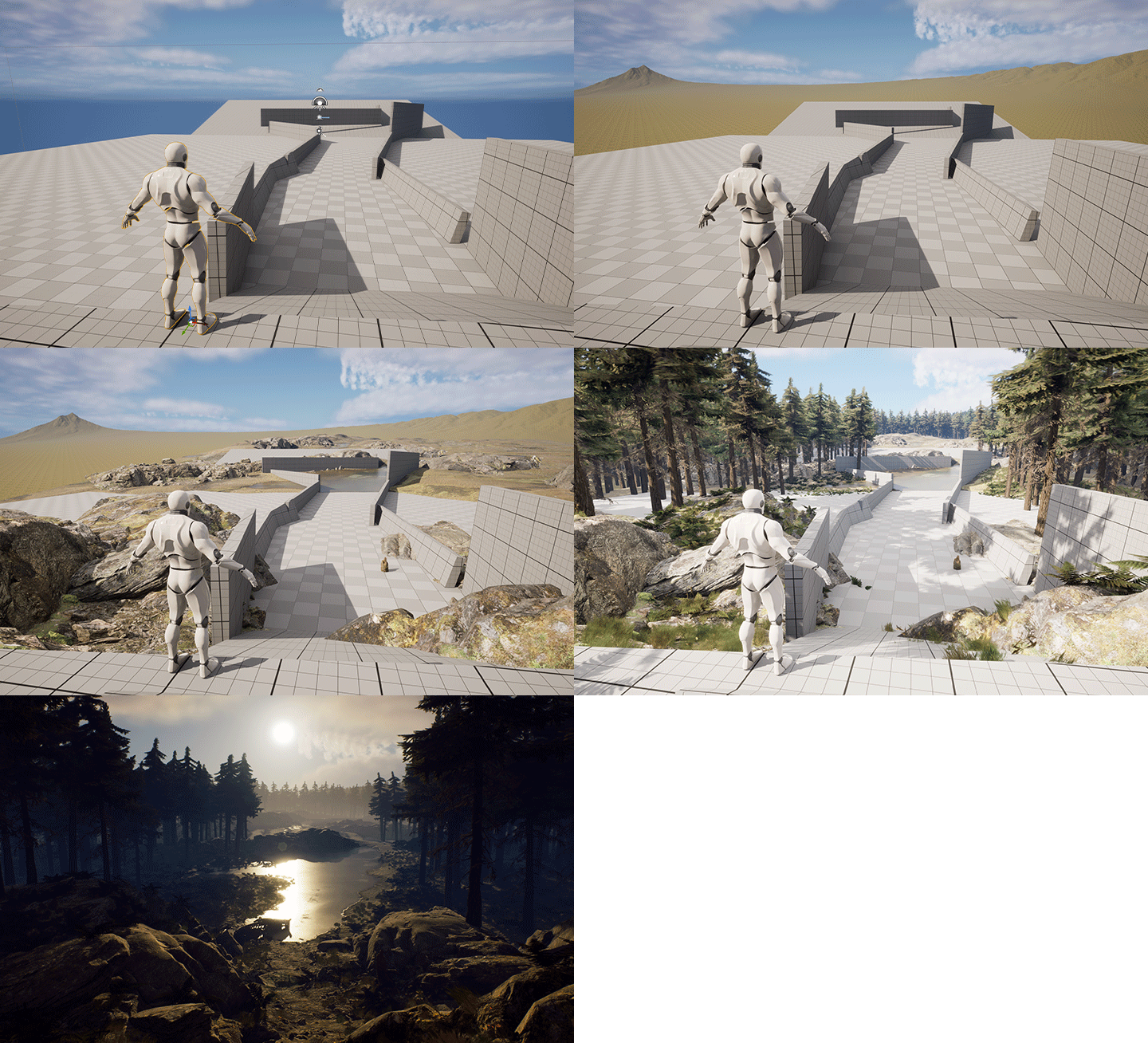
07. Lush Forest
Section 03. Creating Level Art Using Real Backgrounds
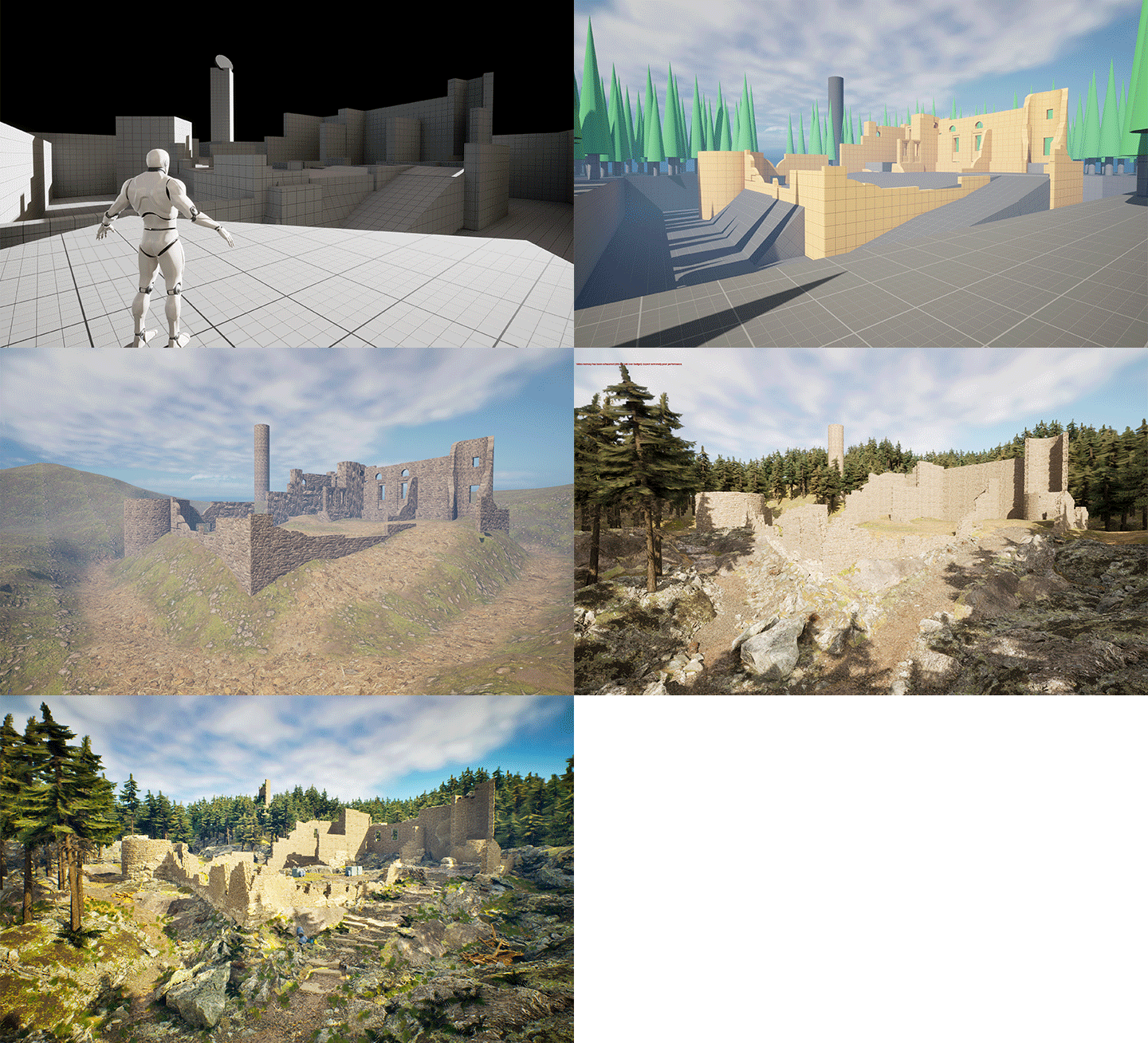
08. Abandoned Historic Site
Speaker introduction
Level Artist
Kyuchul Youn
Hello, I’m Kyuchul Youn, a level artist with 16 years of experience in the gaming industry, specializing in modeling, concept, and background art for several AAA games. Currently, I’m a senior level artist at Lightspeed Studios, part of Tencent Games.
As a level artist, my goal is to enhance player immersion by creating detailed layouts that tell a story through every object in the game’s background.
I’m here to help beginners in level art take their first steps. I’ll share my decades of know-how, teaching you everything from Unreal Engine modeling to efficiently creating high-quality backgrounds using MegaScan.
Join me as we complete level art step by step, develop your sense of composition, and create unique backgrounds fueled by your imagination.
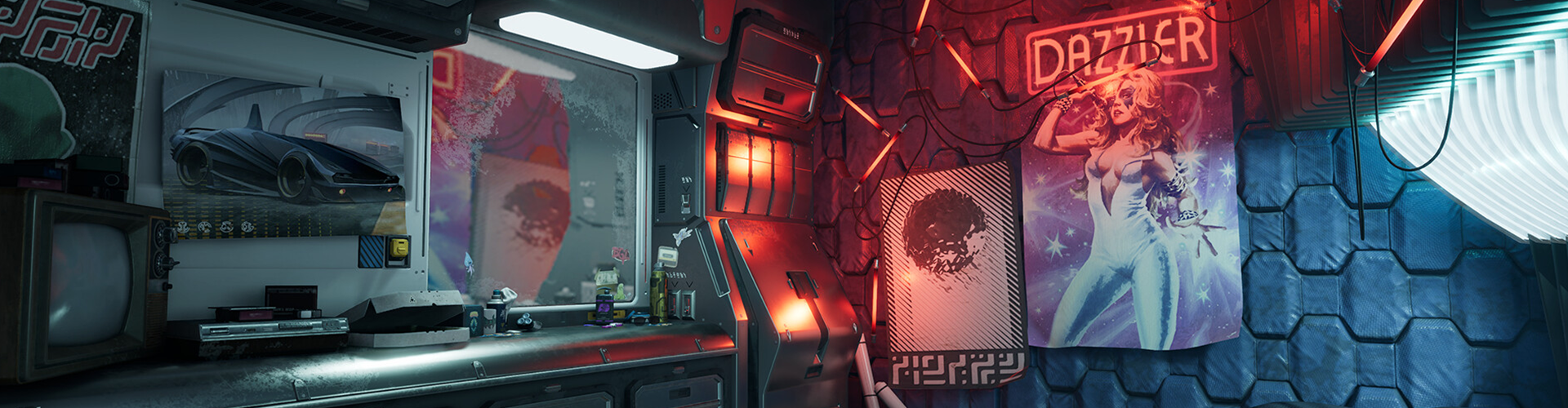
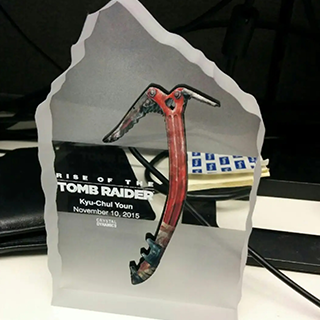
Level Artist
Kyuchul Youn
[Current]
Lightspeed Studios
[Former]
Ubisoft Montreal Level Artist
Eidos Montreal Senior Level Artist
Projects & Awards
[Participated Projects]
Rise of the Tomb Raider
Shadow of the Tomb Raider
Marvel's Guardians of the Galaxy
Star Wars; Lethal Alliance
Rocky Balboa
My Word Coach
Shaun White Snowboarding (Wii/PSP)
Far Cry2
Splinter Cell; Conviction
Assassin's Creed Revelations
Assassin's Creed III
Thief
Assassin's Creed IV
Black Flag
class features
Class Highlights
How to Use Megascan 200% for Colorful and Rich Level Art
With Megascan's free assets and textures, anyone, even a beginner, can quickly and easily create high-quality game backgrounds. I'll even teach you how to create interesting maps by arranging the same assets in different ways.
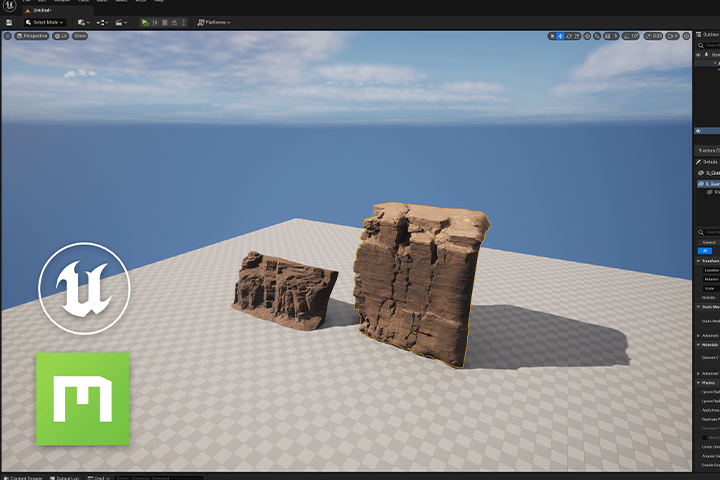
8 Realistic Level Art Starting from Live-Action References
The secret to creating a realistic triple A game background! Experience the level art production process by practicing 8 examples, from the steps of appropriately selecting a real-life background as a reference to the details for high-quality level art.
Revealing the Efficient Workflow of a 16-Year Level Artist
Do you want to keep both cutting edge and quality? Level Artist Kyuchul Youn will reveal the practical know-how, including various useful features of Unreal Engine, how to use plugins, and efficient level construction using MegaScan.
Class Details
You'll Learn
-
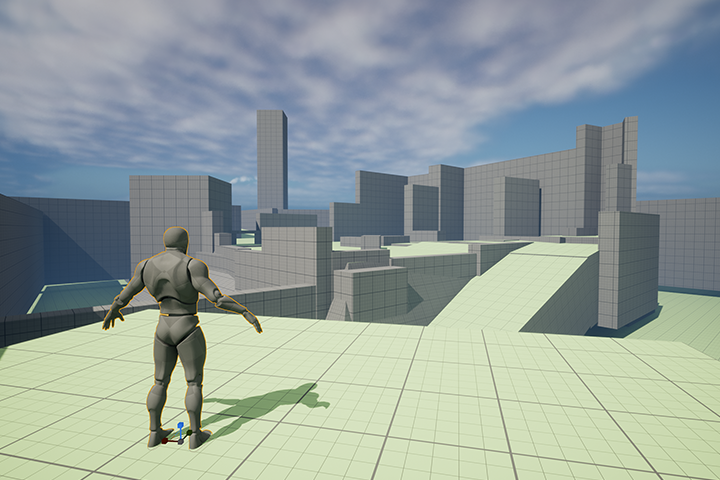 Understanding Map Layout and Sensory Training for Level ArtEven with a single object in the game background, you can create a map with an interesting composition by applying it in a different way. Learn about the components in the play screen and get a feel for player-friendly level art.
 -
 How to Use Unreal Engine Modeling Tools & Amp; Megascan AssetsAfter learning the core functions of Unreal Engine required for modeling, apply Megascan textures to gray blocks and additionally place various assets such as biomes to create level art more easily and quickly.
 -
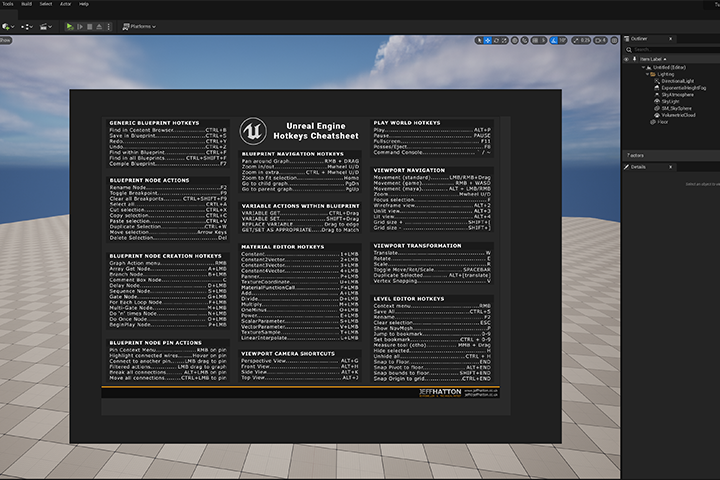 Setting up the Unreal Engine Work Environment for Efficient WorkflowIn order to create high-quality backgrounds in a short period of time, we will approach how to work efficiently by using various plugins, including Unreal Engine's useful shortcut keys and Quixel Bridge, in the right place.
-
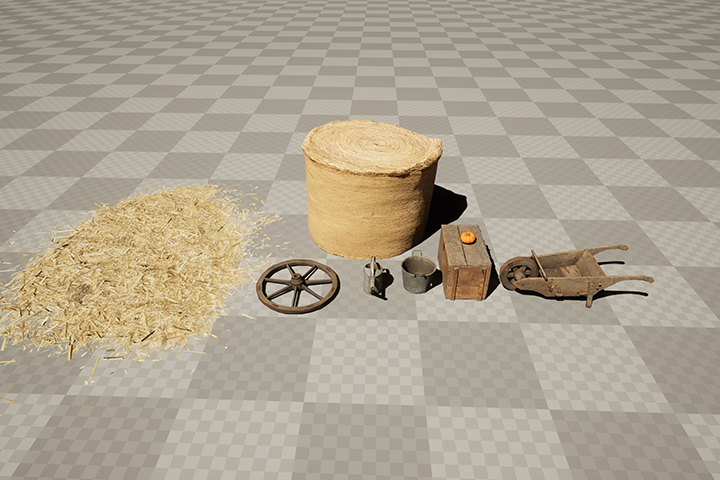 Set Dressing Know-How from a Veteran Level ArtistWe will learn from a level artist with 16 years of experience the know-how of set dressing, which is the process of arranging various assets appropriately according to the concept of the background, and adding life to the background by giving a story to a small stone, a blade of grass, etc.
 -
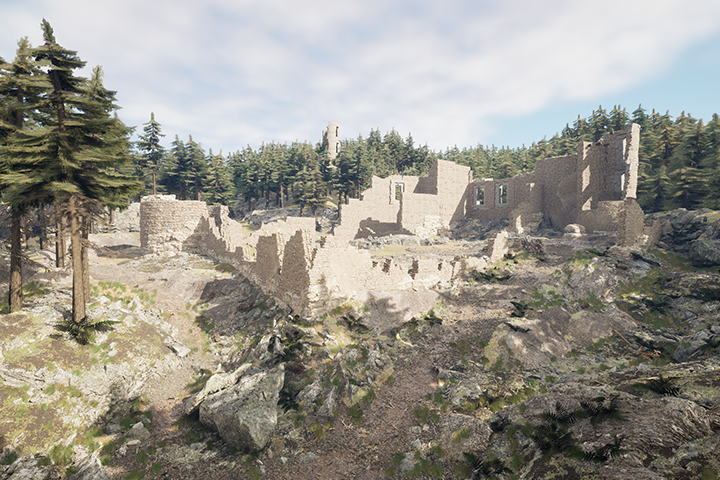 Real-Life, Aaa-Level Art Created with Your Own HandsWe will create realistic level art using photos of real environments as a reference, and provide level details and practical tips to increase player immersion.
 -
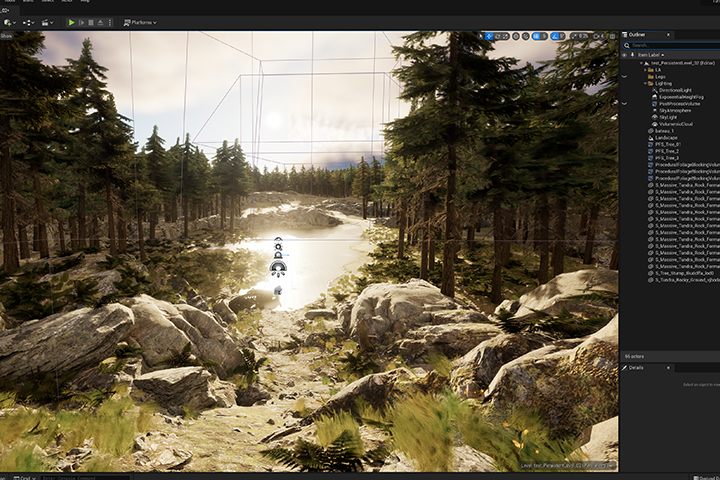 High-Quality Background Portfolio Created with Just Unreal EngineA current senior level artist will teach you how to complete your own amazing level art portfolio by learning how to use only Unreal Engine without any additional programs such as 3Ds Max or Maya.
curriculum
Curriculum
In-Depth Look
SECTION 01. Intro
01. Orientation
- About the instructor
- Composition of Environment Art
02. Installation of Programs Other than Unreal
- Install Unreal Engine 5.0
- Install external resources (PureRef, Sketchfab)
03. Basics and Efficient Workflow
- What is an efficient workflow?
- Unreal Hotkeys, Shortcuts, and Quixel Bridge Description
04. Unreal Modeling Tools
- Introduction to Unreal Modeling Tools
- How to use Unreal Modeling Tools
05. Blue Print & Level Instances
- How to use Blue Print
- Types of Blue Print
SECTION 02. Practicing Unreal Engine Modeling Tools
06. Modeling Tool Exercise 1: Bench
- PolyModel
- TriModel
- Deform
- Transform
07. Modeling Tool Exercise 2: Alleyway
- Modeling tool exercise: creating an alleyway
- Using the Displacement Tool
08. Modeling Tool Exercise 3: Wooden Shed
- Creating models using textures
- Build a wooden shed using Blue Print
09. Modeling Tool Exercise 4: Stone Wall Castle
- Creating Lego Kits using Sketchfab
- Build new buildings using Lego Kits
SECTION 03. Creating Backgrounds Using Megascan Assets
10. Background Exercise 1: Pumpkin Farm
- Create a scene using Megascan assets
- Using Physics
11. Background Exercise 2: Rock Cave
- Using Nanite
- Creating a rock cave using Megascan assets
12. Background Exercise 3: Lush Forest (1)
- Using Market Place assets
- Using the Terrain Tool
- Using the Procedural Foliage Tool
13. Background Exercise 3: Lush Forest (2)
- Start ArtPass using Megascan assets
- Set dressing
- Use Post Process Volume
SECTION 04. Creating Level Art Using Real Backgrounds
14. Gray Block
- Getting Started with Gray Blocks Using Real-World Backgrounds
- The importance of proper reference searching
15. Artpass L1
- Creating an Art Proxy to shape the overall art
16. Artpass L2
- Add details to modeling
- Fill the layout using Megascan assets
17. Set Dressing
- Final set dressing using free assets from MegaScan and Unreal Marketplace
SECTION 05. Outro
18. Create a Portfolio
- Portfolio elements and composition
- Find, compare and develop good portfolio references
19. Conclusion
- Overview
- Tips for working abroad
Interview with
Level Artist, Kyuchul Youn

Question.01
What is the planning intention or point of this class?
What is the planning intention or point of this class?
I would like to teach you how to perfectly utilize Unreal features and MegaScan so that those who are new to Unreal can complete high-quality level art without 3Ds Max or Maya. In addition, the goal of this class is to create good habits for level composition based on a practical 3D background production workflow and to develop competencies recognized in practice.
Question.02
What are the speaker's unique strengths and weaknesses in conducting this class?
What are the speaker's unique strengths and weaknesses in conducting this class?
Level layout requires a lot of time and repetition. As a senior level artist who has been working in the gaming industry for 16 years, I will teach you a more efficient and effective 3D background creation workflow based on my experience. Among them , I would like to teach you how to quickly configure levels and effectively improve the level's completeness through Megascan and Marketplace, which are currently widely used in the industry.
Question.03
What do you think students will gain from this class?
What do you think students will gain from this class?
Modeling is a prerequisite for 3D background art. Through this class, students will be able to work on level layouts faster using the high-quality assets provided by Unreal Engine 5 modeling tools and Quixel without using other programs. I think this will be a particularly useful class for those who want to get into 3D background art and those who want to grow as a level artist.
Required Programs
This course will use
- Unreal Engine 5.0 .
Please purchase and install these program(s) for an optimized chapter experience.
* Recommended specifications for using Unreal Engine: Link
* We recommend taking the course with Unreal Engine 4.27 or higher.
* These programs and/or materials will not be provided separately.