[enrolltounlock]Industrialdesigner,HyojeongLee_산업 디자이너 이효정 Details
Class introduction
Class Intro
Industrial Designer, Hyojeong Lee
“Aren’t you curious about the know-how to arouse people’s desire to consume with just an image?”
8 Essential Industrial Design Materials and 5 Methods for Each in One Class
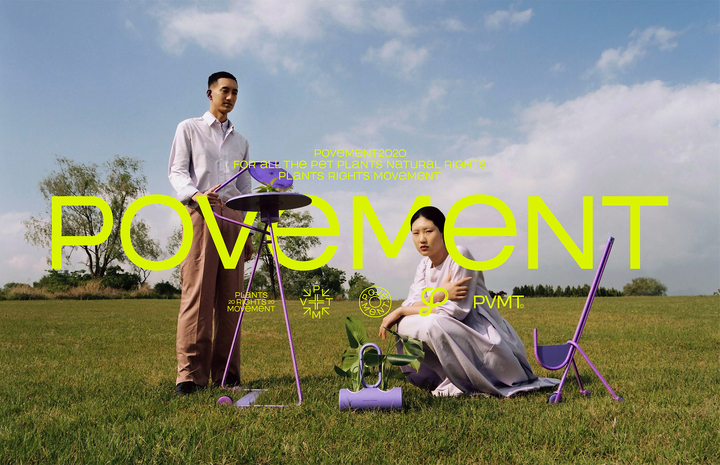
Are you frustrated with existing lectures that are full of tool lectures without sensible presentation methods and examples that lag behind trends? Meet the class of Hyojung Lee, an artist from SWNA Studio who continues to receive praise on Behance and Instagram for her projects for Pantone, Povement, etc.
13 Key Examples That Can Be Applied to Any Material or Design Concept
From ideation to Rhino modeling, Keyshot rendering, post-processing using Photoshop and Lightroom, mock-ups, and Behance portfolio know-how, you can make it your own. Check out the complete industrial design class that contains all the skills and know-how needed as an industrial designer at Coloso now.
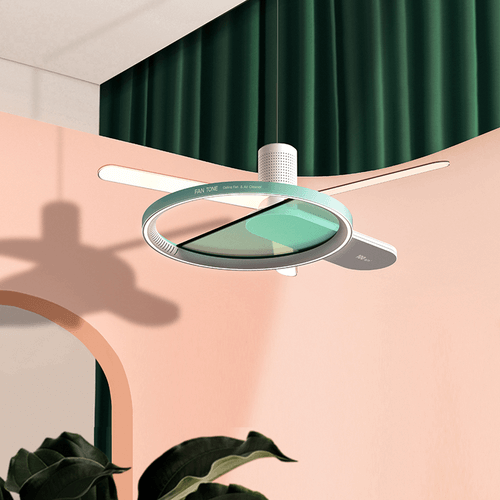
Expert Industrial Designer, Hyojeong Lee’s Portfolio

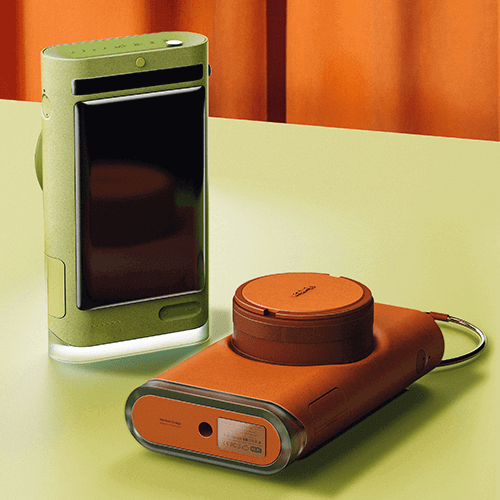
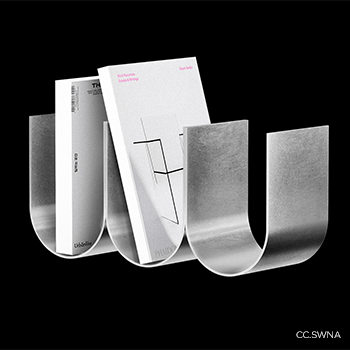
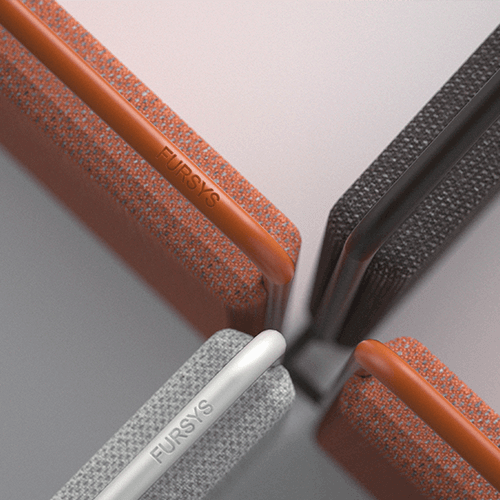
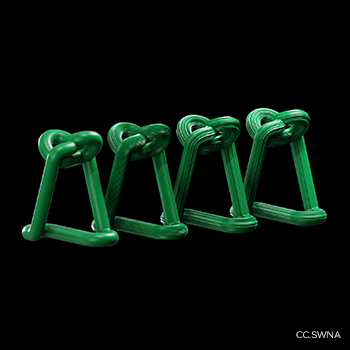
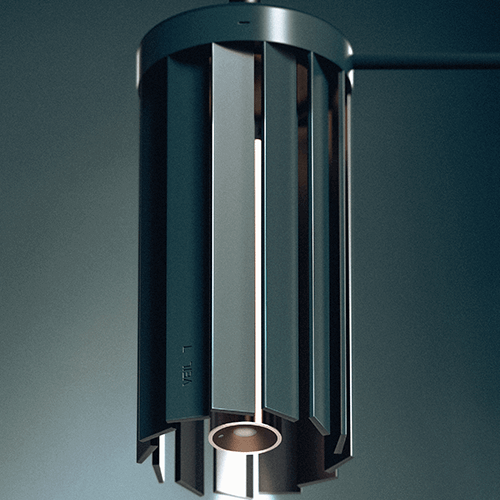
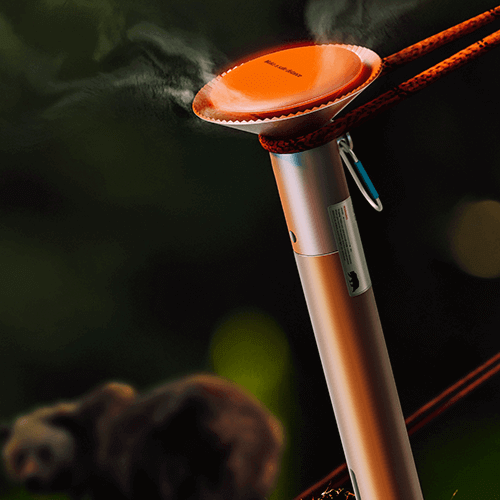
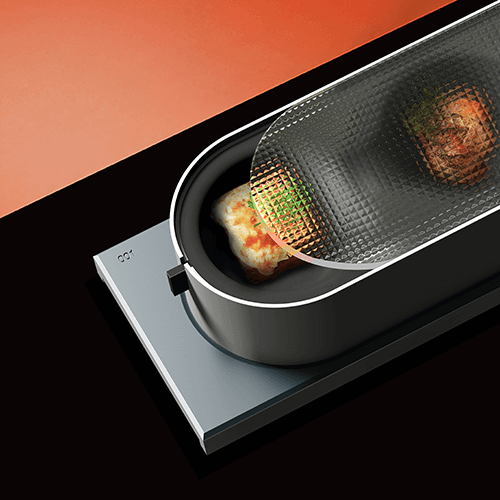
Why Take This Class?
There have been manual lectures that only teach the basics of Rhino and Keyshot, as well as classes that follow the same examples.
However, there has never been a class that teaches the basics and practical use of all tools for industrial designers, from Rhino to KeyShot, Photoshop, and Lightroom, based on actual work processes.
Do you want to master the basics step by step, from the core functions of the tool to rendering? Are you curious about a sensuous production/expression method that suits your concept and target? Do you need an efficient work process that avoids deadlines and overtime?
The one answer to all these questions is the Coloso Lee Hyo-jeong class.
However, there has never been a class that teaches the basics and practical use of all tools for industrial designers, from Rhino to KeyShot, Photoshop, and Lightroom, based on actual work processes.
Do you want to master the basics step by step, from the core functions of the tool to rendering? Are you curious about a sensuous production/expression method that suits your concept and target? Do you need an efficient work process that avoids deadlines and overtime?
The one answer to all these questions is the Coloso Lee Hyo-jeong class.
13 Class Exercises
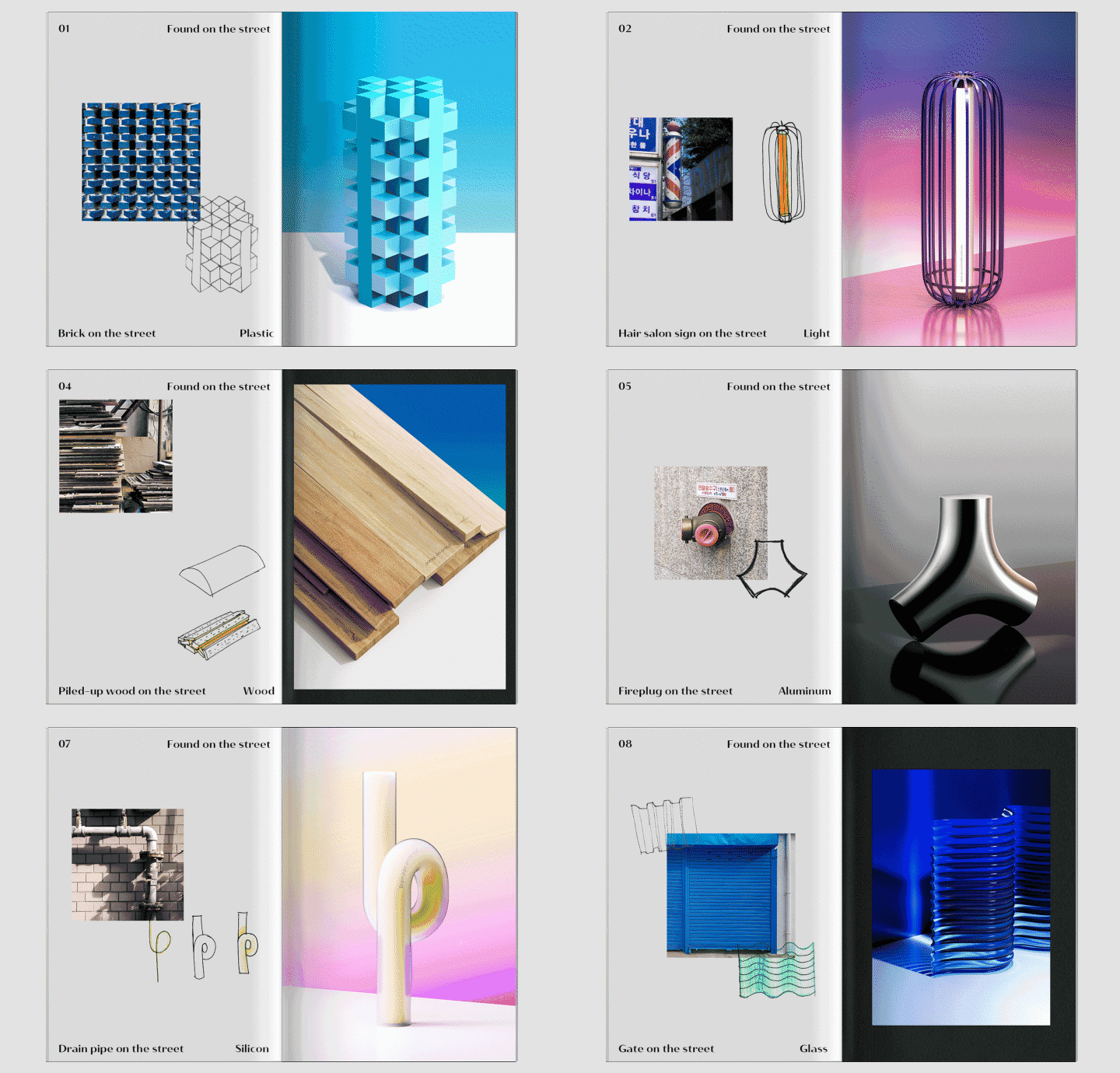
Part 01. Found on the Street
Reinterpret road objects using Rhino and express them in Keyshot by mastering its basic functions.
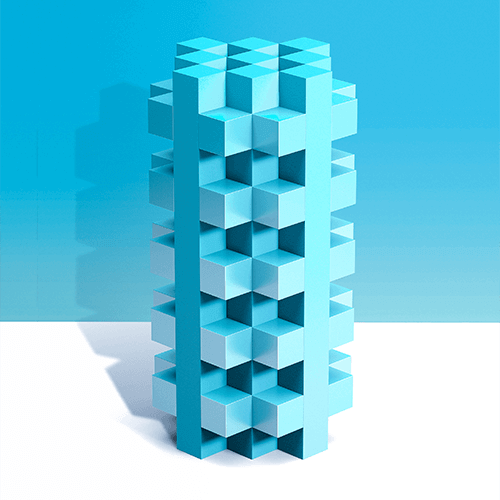
Plastic
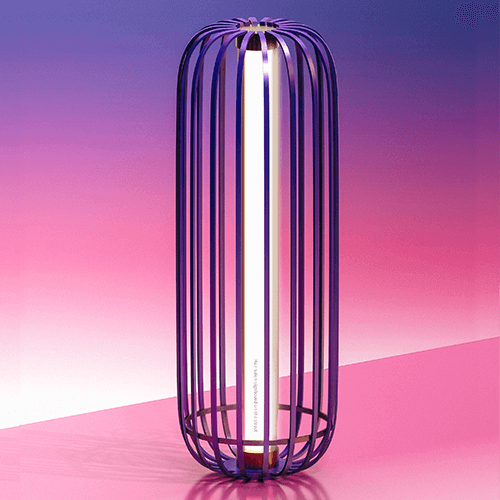
Light
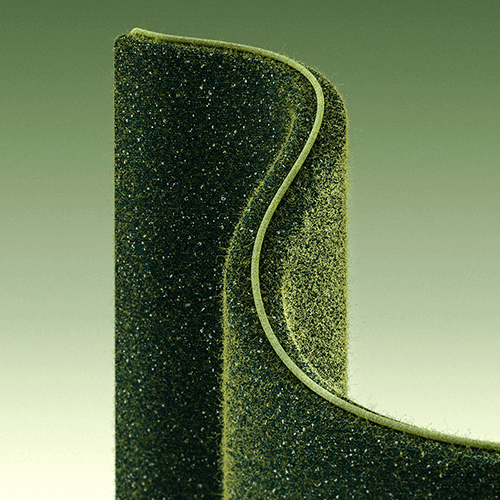
Fabric
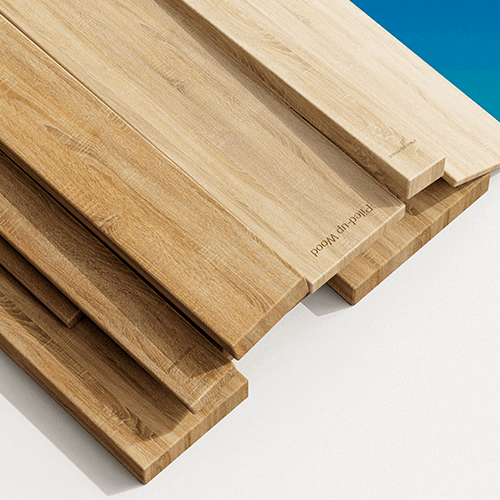
Wood
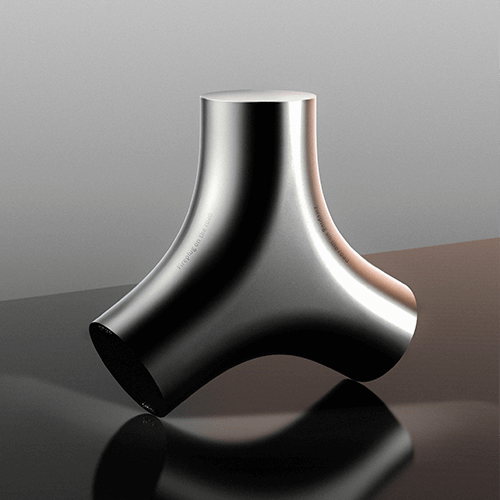
Aluminum
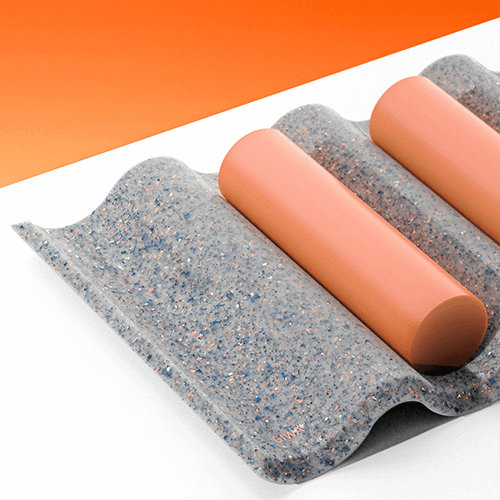
Recycle Plastic
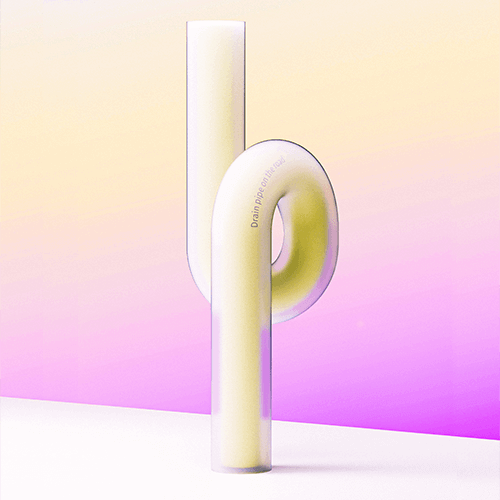
Silicon

Glass
Part 02. Take a picture in the Studio
Implement actual studio products using Rhino and Keyshot to learn how to create more attractive concepts.

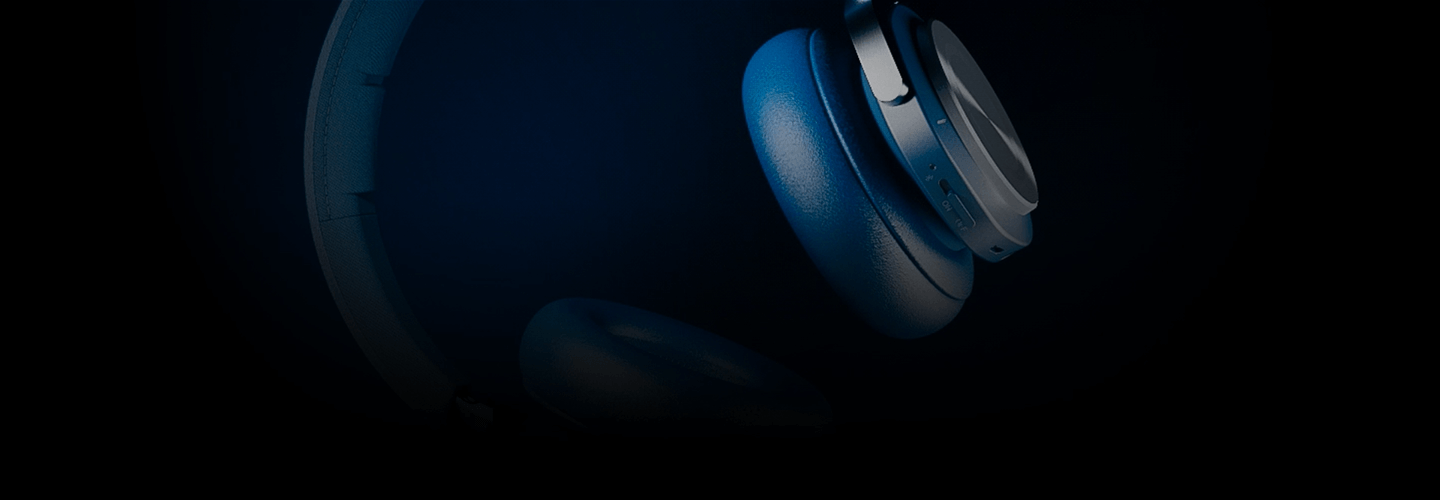
Headphone 01
(Basic light)

Headphone 02
(Hardlight)

Chair
(Backlight)
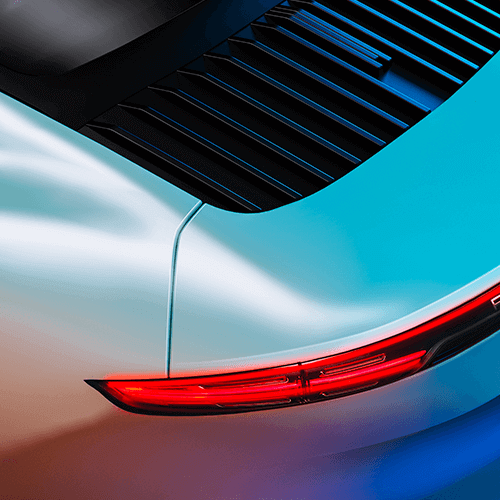
Car
(Colorlight)
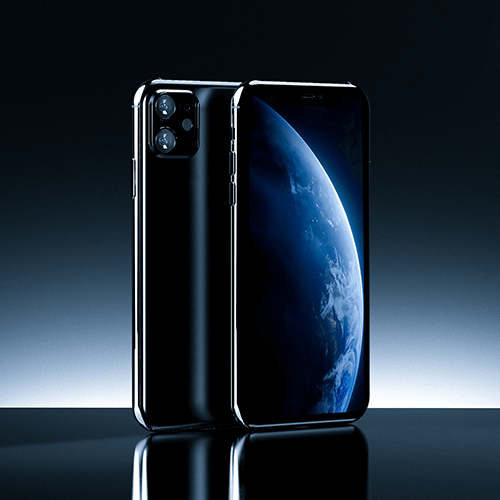
Smartphone 01
(Highlight)
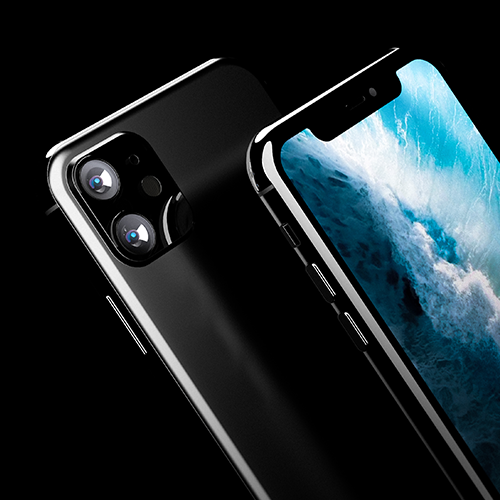
Smartphone 02
(Animation)
Speaker introduction
Industrial Designer
Hyojeong Lee
Hello, this is industrial designer Hyojeong Lee.
I have experience working at SWNA Design Studio through Samsung Design Membership.
In particular, the Pantone project was featured in leading overseas magazines and Naver Main, and the Povement project was selected as the best Behance project in one day.
To this day, he continues to receive positive reviews as a designer, with most of his works, including Grooveat and Unbox, being selected as recommended industrial design projects on Behance.

class features
Class Highlights
A Comprehensive Package Containing All Industrial Design Processes
From ideation to portfolio using Rhino, KeyShot, Photoshop, Lightroom, Mockup, and Behance! You'll learn both a solid foundation and core features you'll actually use in practice.
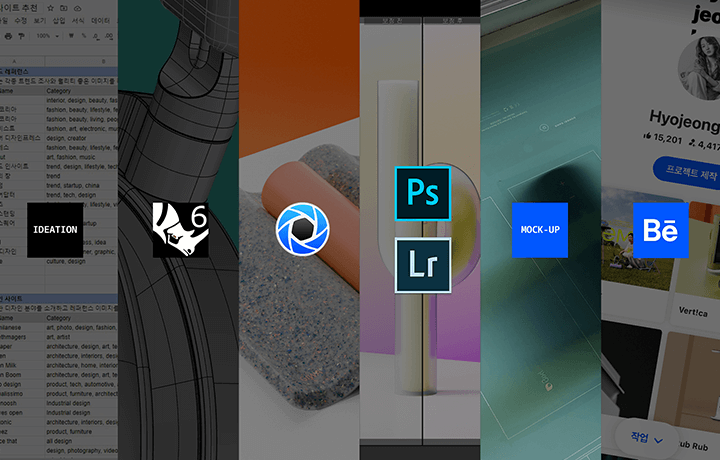
Sensuous Production Methods Based on 8 Essential Materials and Design Concepts
We will teach you eight essential material expression methods and sensuous concept-specific production methods based on proportion, composition, material, environmental setting, and lighting theory.
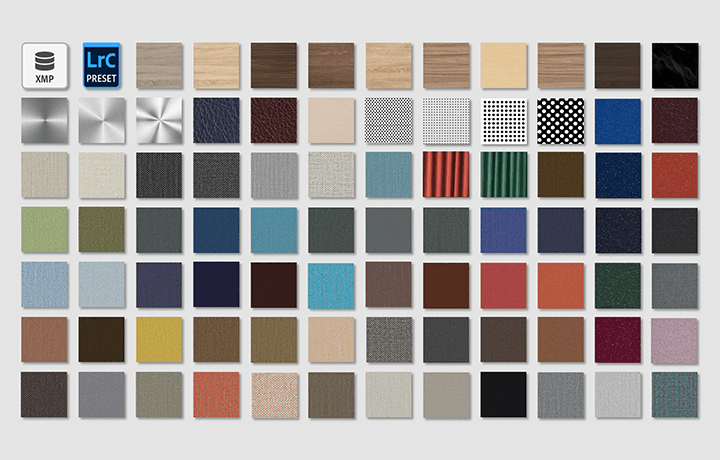
Provides Environment Files from Professional Designers That Cannot Be Obtained Anywhere Else
What's in a professional industrial designer's folder? Information and textures collected for each process, 13 example packages created for class, and Lightroom presets are provided generously.
Class Details
You'll Learn
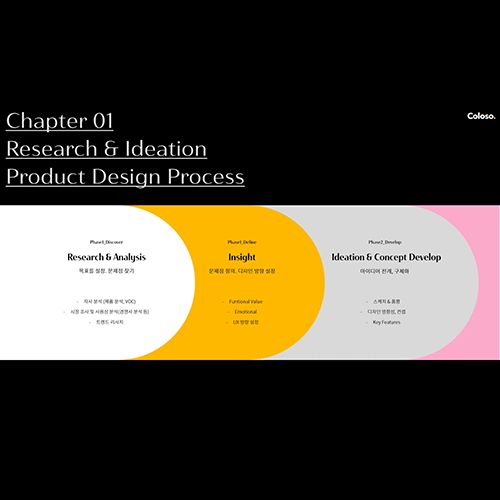
Understanding and Ideation of Practical Design Process
You will learn everything from design process theory, research sites, ideation process and know-how taught by SWNA graduates.
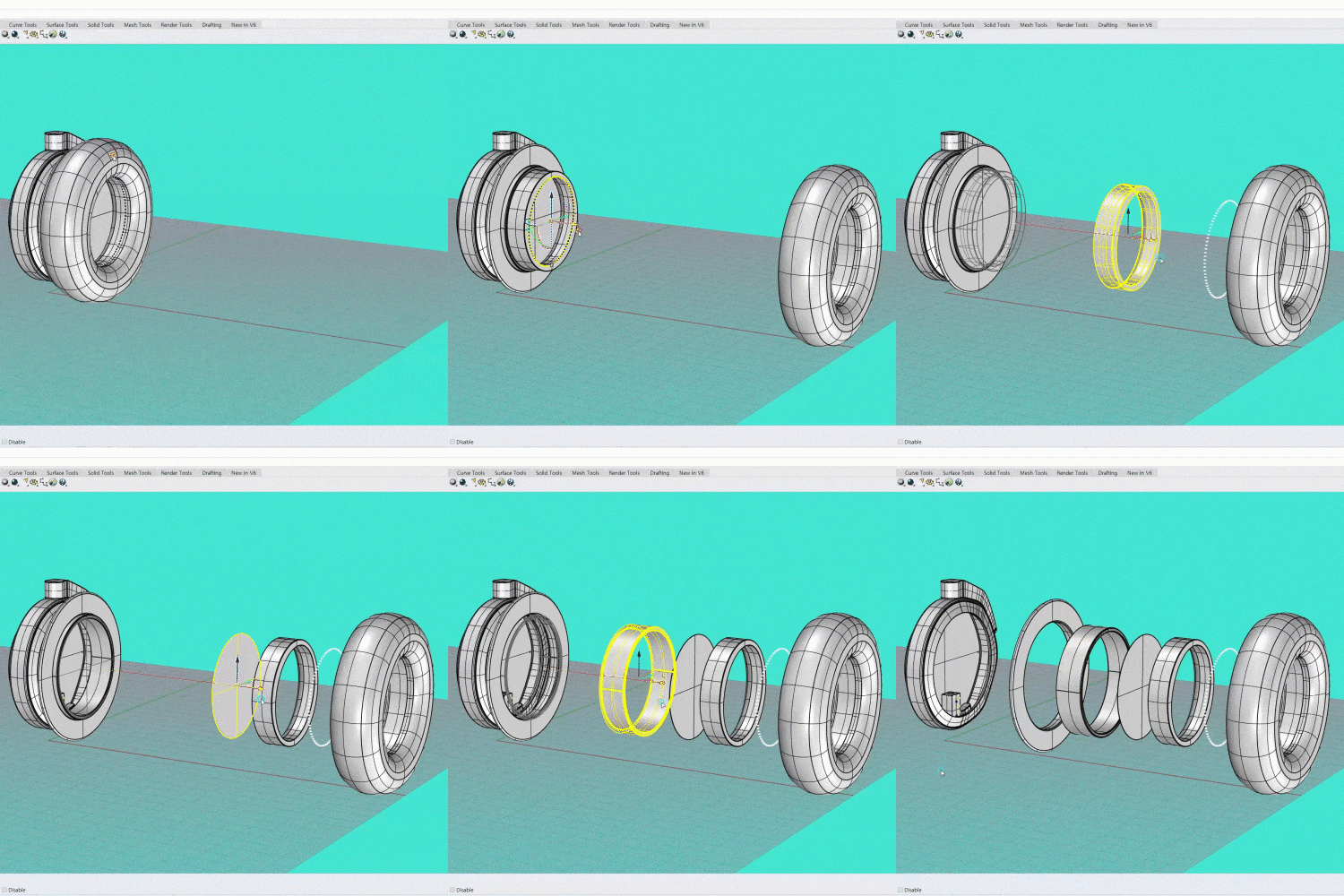
Rhino Basics to Practice-Based Modeling
We will learn in detail how to use Rhino's basic tools, settings that increase work efficiency, structures considering mass production, and the full-size modeling process.
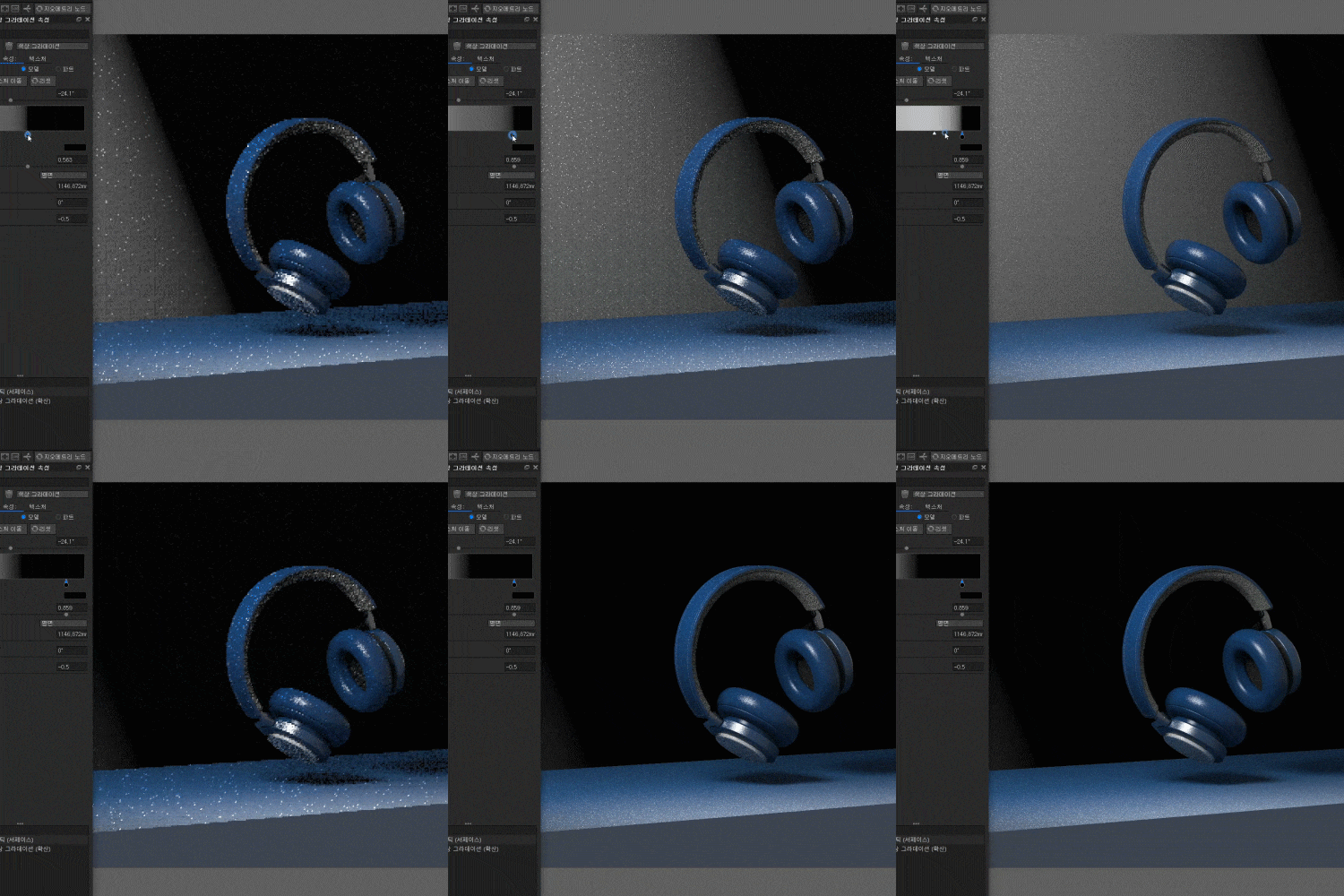
Sensuous Directing Method Using Keyshot
Based on 8 materials and 5 product concepts, you will learn lighting theory, screen composition, and how to create an environment suited to the project concept.

The Ultimate in Post-processing Using Photoshop & Lightroom
Using my know-how as a photographer, I will learn how to use Photoshop, which is often used for product retouching, and Lightroom, which improves the quality of composite images.
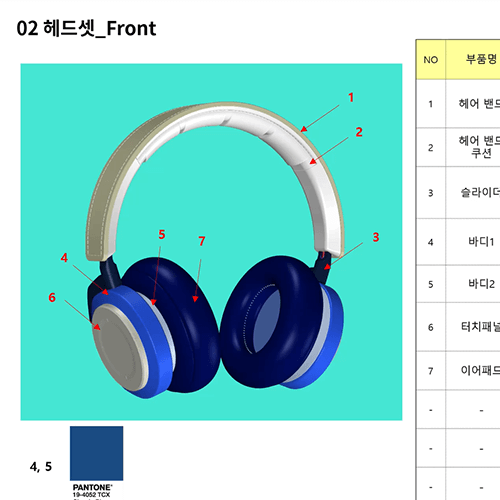
Practical Mock-up Production Know-How and Information
You will learn the entire mock-up process on a practical basis, including recommended mock-up books for each material, materials, finishing, and how to write specifications for smooth communication.
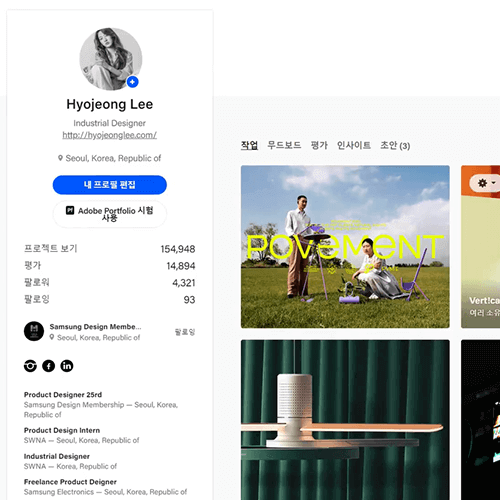
Portfolio Composition Know-How and How to Utilize and Develop Behance
You will learn the basics of using Behance, how to use it as a proper portfolio, and tips for selecting recommended projects.
* The results above are actual examples using the functions you will learn in the class.
curriculum
Curriculum
In-Depth Look
SECTION 01. Research & Ideation
01. Understanding and ideation of practical design process
- Class key points and curriculum introduction
- Learn about our hands-on design process
- List of good sites for research and inspiration
- Insight derivation process and know-how
* Research site sheet provided
SECTION 02. Rhino Basics & Advanced
02. Efficient setting of Rhino
- Learn Rhino’s features, basic functions, and efficient setup
- Install extension
* Extension program provided
03. Rhino Basics: Object
- Found on the street 1: Modeling bricks, trees, tents, and pipe objects
- Using basic tools for Rectangular array, Scale, Rotate, Offset, Split, Trim, Wire cut, Project curves
04. Rhino Basics: Object 2
- Found on the street 2: Beauty salon signboard, roof tile object modeling
- 3D modeling based on 2D structures
- Use basic tools such as Revolve, Polar array, Split edge, and 1/2 Rail
05. Rhino Basics: Object 3
- Found on the street 3: Iron gate, fire hydrant object modeling
- Applying a pattern to a curved surface
- Y zone shape modeling
- Using UV, Blend Curve, Blend Surface, Extract lsocurve, and Network basic tools
06. Advanced Rhino: Product Shape Modeling
- Apply image
- Creating curved part curves
- Headset Modeling: Shaping Big Blocks
* Headset image and Rhino file provided
07. Rhino Advanced: Product Detail Modeling
- Insert details such as microphone hole, left/right buttons, USB, stitch, R value, etc.
- Thickness according to parting and material considering mock-up
- How to measure positive and negative depth and gradient and water volume
08. Rhino Advanced: Typical difficulties encountered while modeling
- Tips for correcting the R value when it is broken
- Smartphone round shape & button modeling
- How to render materials with Rhino
SECTION 03. KeyShot Basics & Advanced
09. Keyshot basic interface & settings
- Learn KeyShot’s features, basic functions, and camera setup
- How to link Rhino and Keyshot using an extension program
- Things to consider when modeling for rendering
- rendering output
10. KeyShot Basics: Material 1
- Produced from plastic (glossy, matte, semi-gloss), lighting, wood, and fabric materials
- Description of properties and materials frequently used in products
- Create a material graph
* Plastic, lighting, fabric, and wood packages provided
11. KeyShot Basics: Material 2
- Manufactured from aluminum, silicon, glass, and waste plastic materials
- Expressing glass light reflection using caustics
12. KeyShot Advanced: Basic Direction
- Understanding lighting and space
- Basic production that shows the product well: Create a clean image using 3-point lighting and HDRI lighting
- Expressing headset material
- How to use multiple materials
- Correction with KeyShot image function
- How to use queue rendering for efficient work
* Basic directing package provided
13. KeyShot Advanced: Hard Light Direction
- Create trendy images with hard light that looks like a flash.
- Building a platform and walls
- How to use geometry view and geometry lighting
- How to use the studio
* Hard light production package provided
14. KeyShot Advanced: Backlight Production
- Create moody images using backlight and depth of field.
- Creating Horizons Using Modeling Sources
* Backlight production package provided
15. KeyShot Advanced: Color Light Production
- Create active images with multiple color tones
- How to create materials and light together
* Color light production package provided
16. KeyShot Advanced: Highlight & Animation Basics
- Create premium images with highlights in dark environments
- Learn the basics of animation and how to move cameras, lights, and insert images.
* Highlight production package provided
SECTION 04. Photoshop & Lightroom
17. Photoshop Basics: Effective Job Settings and Image Correction
- Learn the features, basic functions, and setup of Photoshop
- Image correction function
- Know-how to reduce work time using actions
* Photoshop shortcut keys provided
18. Photoshop Basics: Multiple Effects
- Add shadow and light effects
- How to use the Clown Pass
- Inserting text on flat and curved surfaces
* Plastic/Lighting/Aluminum PSD file provided
19. Advanced Photoshop: Compositing 1
- Add details to your product
- Combining multiple objects and shadows
- Constructing light direction using Instagram
- Add depth and movement effects with various blur functions
* Headset/chair PSD file provided
20. Advanced Photoshop: Compositing 2
- Synthesizing car details using images
- People moving effects and compositing know-how
* Provides human/car images and car/headset PSD files for compositing
21. Lightroom, the king of post-processing
- Learn about Lightroom basic features
- How to clean up a noisy image
- Create your own presets and load presets
- Time-saving skill to apply effects to multiple photos at once
* Presets and example images provided
SECTION 05. Mock-up
22. Understanding mockups
- Understanding Mockups
- Practice creating mock-up specifications using headsets and smartphone rendering
- Understanding of materials and finishes
- Introduction to mock-up houses and companies by material
* Provides a recommended list of mock-up houses
SECTION 06. Behance
23. Popol production using Behance
- Behance basic interface, basic functions such as search, mood board, collection, etc. and how to organize content
- Tips and know-how for using Behance
24. Experience for employment and resume
- Employment direction for industrial designers
- Introduction to Samsung Design Membership
- Provides a list of domestic and overseas companies and contests
* Provides a list of domestic and overseas companies
Interview with
Industrial Designer, Hyojeong Lee

Question.01
What are your strengths as an industrial designer?
What are your strengths as an industrial designer?
The point is to convey the design concept harmoniously and sensuously from beginning to end. In addition to design, through my experience in the field of photography, I developed strengths in being able to express objects properly and control images well . In this class, through 13 examples, you will learn how to create a sensuous production tailored to the concept and target, and learn how to express it with your own emotions.
Question.02
What are the main points of this class?
What are the main points of this class?
Although there were separate tool lectures for Rhino and Keyshot, there was no class where you could learn all tools based on the overall industrial design process at once . The differentiating point is that it includes soft skills, mock-ups, Behance, unique know-how, and even how to use Photoshop and Lightroom tools in one class.
Question.03
What did you focus on when constructing the curriculum?
What did you focus on when constructing the curriculum?
We focused on what was core to the industrial design process, what people wanted to know, and only included what was essential. As we deal with many tools, we organized them to be interconnected as if we were working on a single project, from Ideation to Rhino, Keyshot, Photoshop & Lightroom, and Mockup . In particular, in the case of the basic part, we broke away from the existing method, which can be somewhat cliched and boring, and created a curriculum that anyone can find interesting through a complete project.
Question.04
Who do you recommend this class to?
Who do you recommend this class to?
Recommended for both industrial design students and practitioners. If new students who have just entered school listen to my lecture and learn the entire design process, they will be able to develop their understanding and skills as much as older students, and if older students listen , they will be able to learn not only tool skills but also various information and practical know-how. It will. Practitioners will be able to use information on research and mock-ups in practice , and at Rhino & Keyshot, you will also learn tips for getting things done quickly and ways to effectively convey the design you proposed.
Required Programs
This course will use
- Rhino 6
- Keyshot 9
- Photoshop CC
- Lightroom Classic
*Rhino 5, Keyshot 8, Photoshop 2016, Lightroom Classic 2016 or later versions are recommended.
Please purchase and install these program(s) for an optimized chapter experience.
* Programs and materials are not provided separately.