Industrial Designer, Jinhyung Kwon_산업디자이너 권진형 Details
Class introduction
Industrial designer, Jinhyeong Kwon
“The secret to product design that moves people, the answer lies in ‘light.’”
The secret to beautiful product rendering is ‘light’
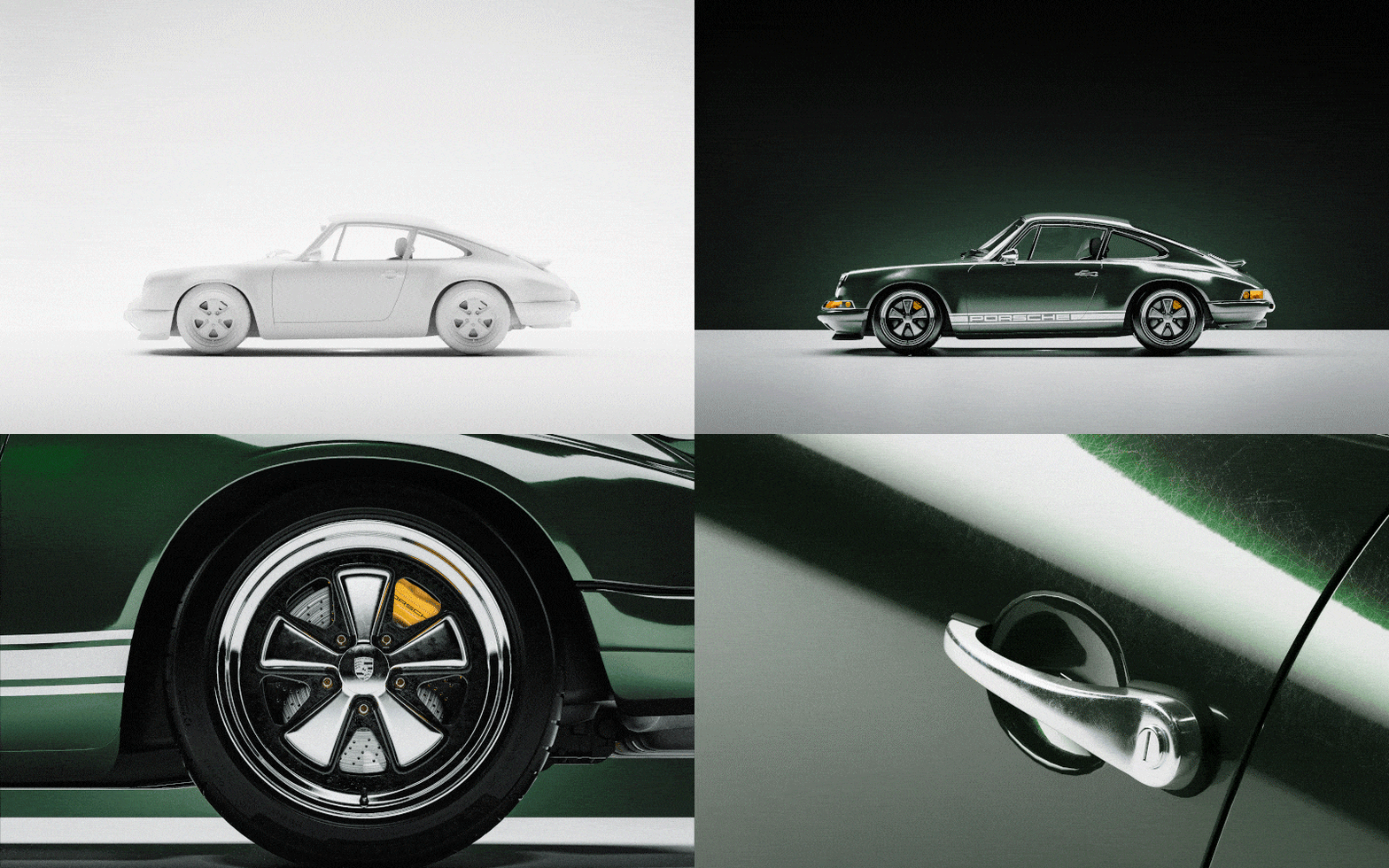
'The modeling was fine, but why is the rendering result awkward?' 'How come the winning works of design contests are so realistic and cool?' If you understand and render the element of 'light', you can create product designs that persuade and move people.

In the class of Jinhyeong Kwon, an industrial designer who won the main prize at the world-renowned Red Dot Design Award for two consecutive years based on his unrivaled know-how in producing light, you will learn not only the basics of Keyshot, an essential tool for product design, but also the basic theory of light based on 8 types of lighting. You can learn everything from hands-on practice, texturing of four representative materials, realistic camera production, and Lightroom post-processing skills.
Check out the product design rendering lecture at Coloso now that will help you create your own unique image among common and obvious product designs.
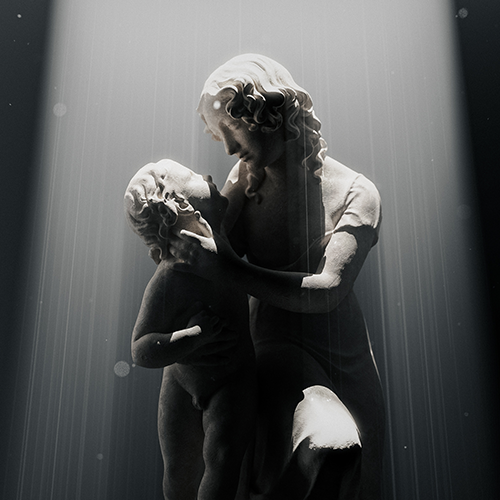
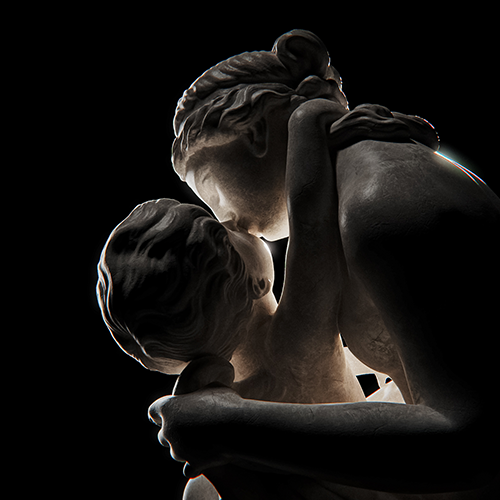
Portfolio of industrial designer Jinhyeong Kwon
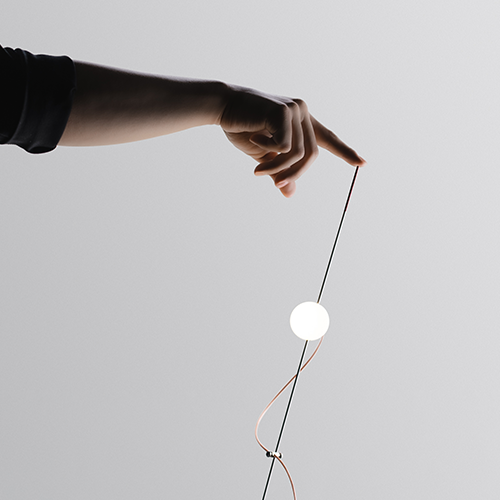
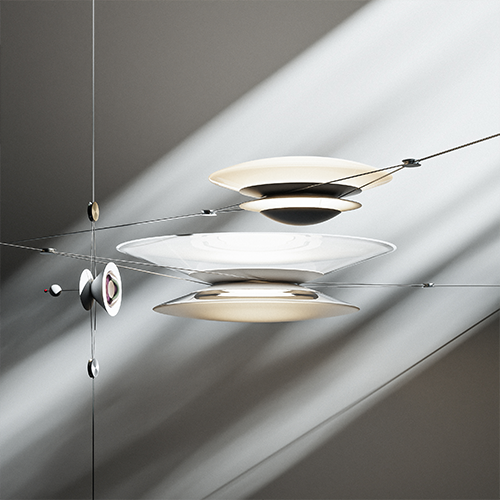


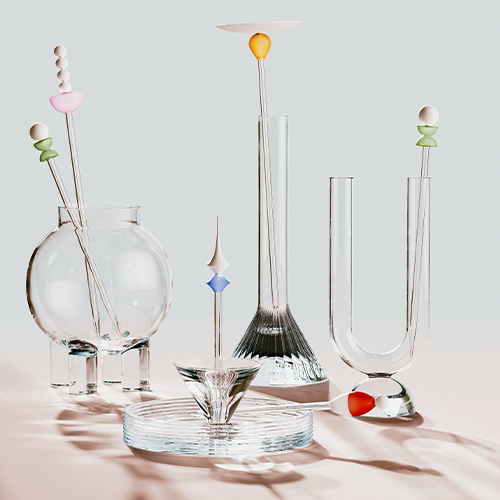
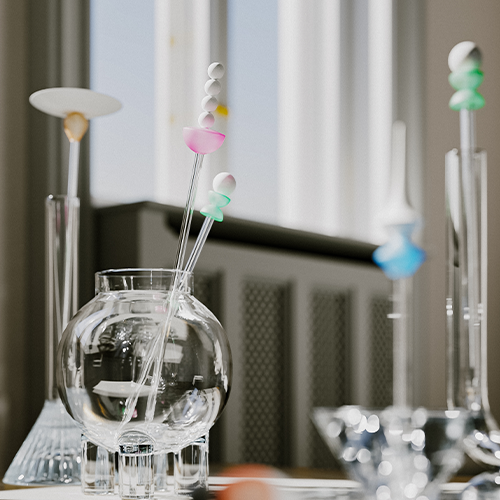


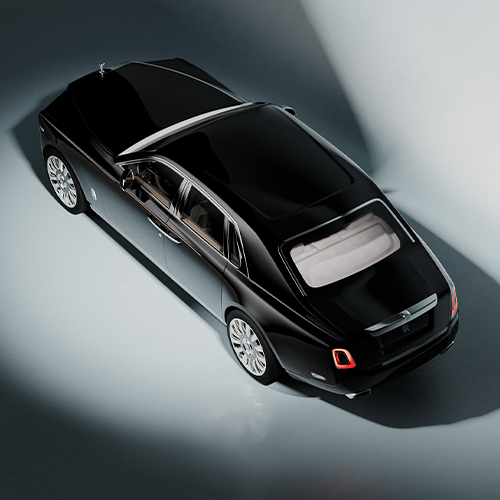

Why Take This Class?
You are using KeyShot rendering habitually today too!
Do you know exactly what the differences are between real light and the light on the monitor, between real cameras and virtual cameras, between real studios and the KeyShot program environment?
In the class of Jinhyeong Kwon, an industrial designer who also works as a photographer and has a deep understanding of camera production,
You can learn high-quality, hyper-realistic rendering skills based on screen composition, aperture, depth of field, metering, and atmospheric production methods by comparing photos taken with a camera and KeyShot rendering shots 1:1.
Check out Coloso's curriculum that can satisfy everyone, from students who find it difficult to implement realistic product renderings, to job seekers who are concerned about a portfolio of exceptional quality, to current designers who are curious about in-depth practical know-how about light and directing.

Create your own 12 hyper-realistic rendering examples
Step 01. Understanding light
-

HDRI -

Physical (Area) lighting -
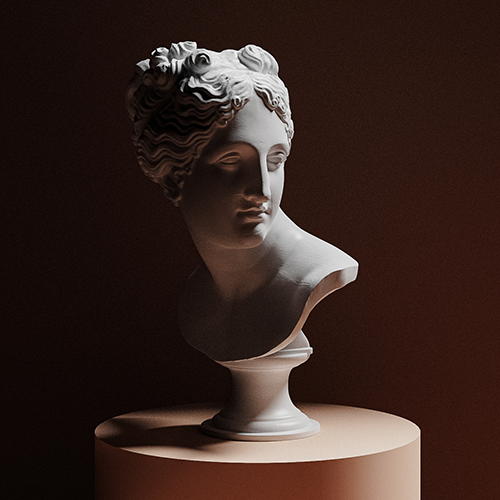
1 point writing -
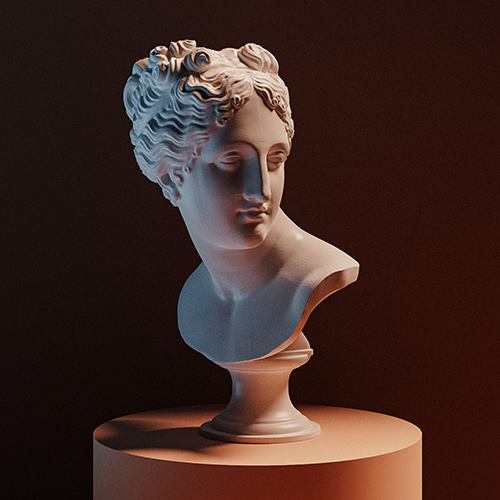
2-point writing
-
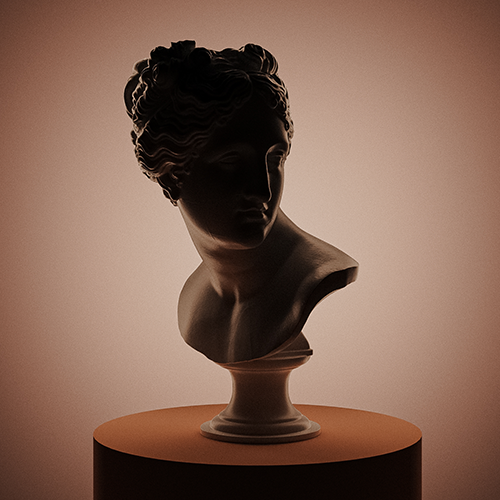
silhouette and space -
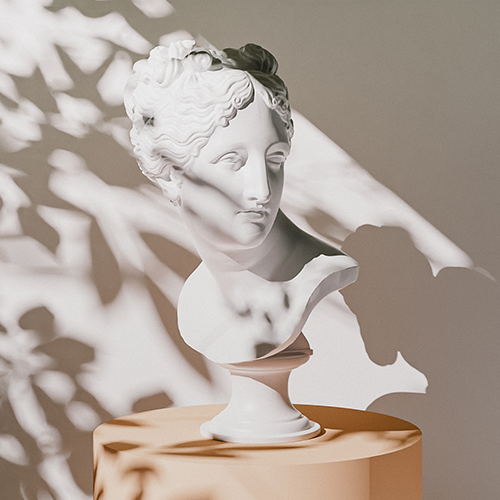
spotlight sunlight -
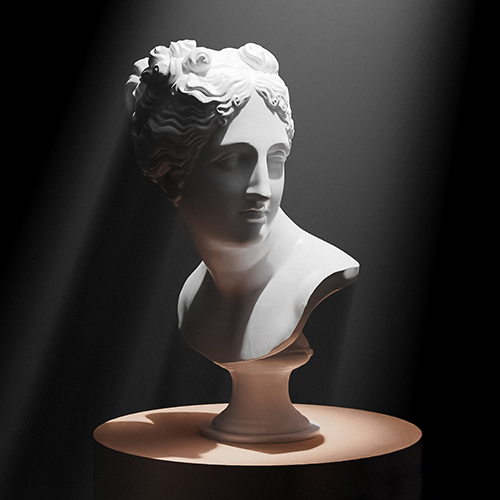
Volumetric lighting -

Advanced lighting
Step 02. Expression of 4 core materials
-

glass -

metal -
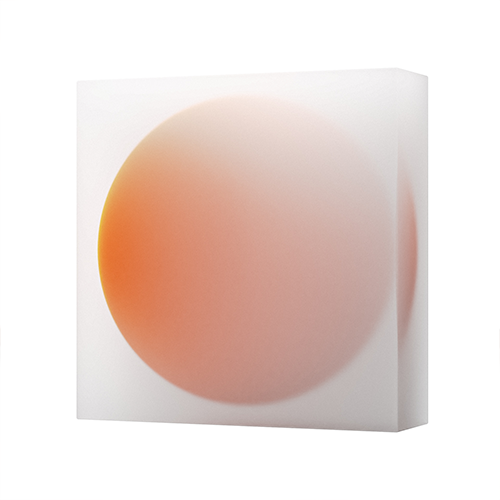
plastic -
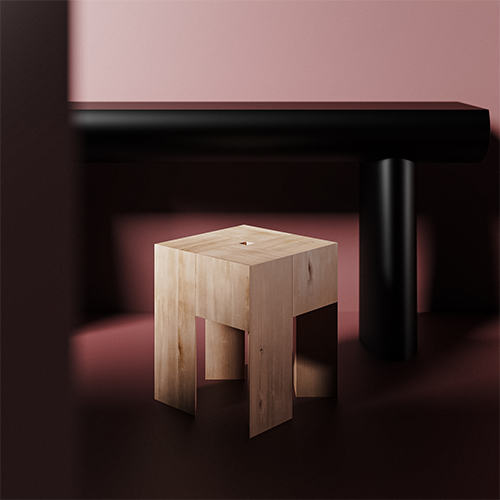
natural object
Speaker introduction
industrial designer
Jinhyeong Kwon
Hello, this is industrial designer Jinhyeong Kwon.
Through various design projects, I have been featured in several overseas magazines such as Yanko Design, Design Wated, and Stir.
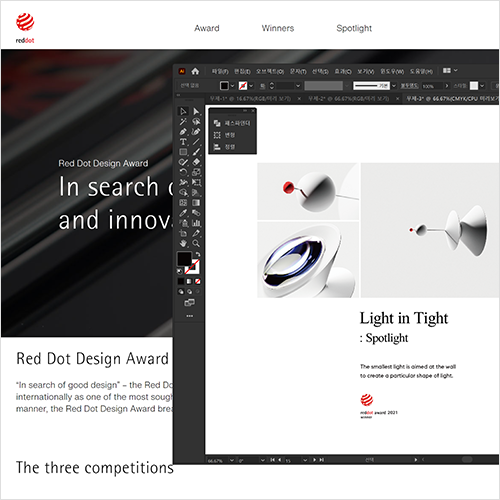
Among them, the works Light in Tight and LAB won the Red Dot Design Award in 2021 and 2020, respectively.
In addition, while working as a photographer for LCDC Seongsu, orer, and Point of View at Atlier Ecriture, he continues to create beautiful objects and images without boundaries, including designing brand identities in collaboration with external design studios.
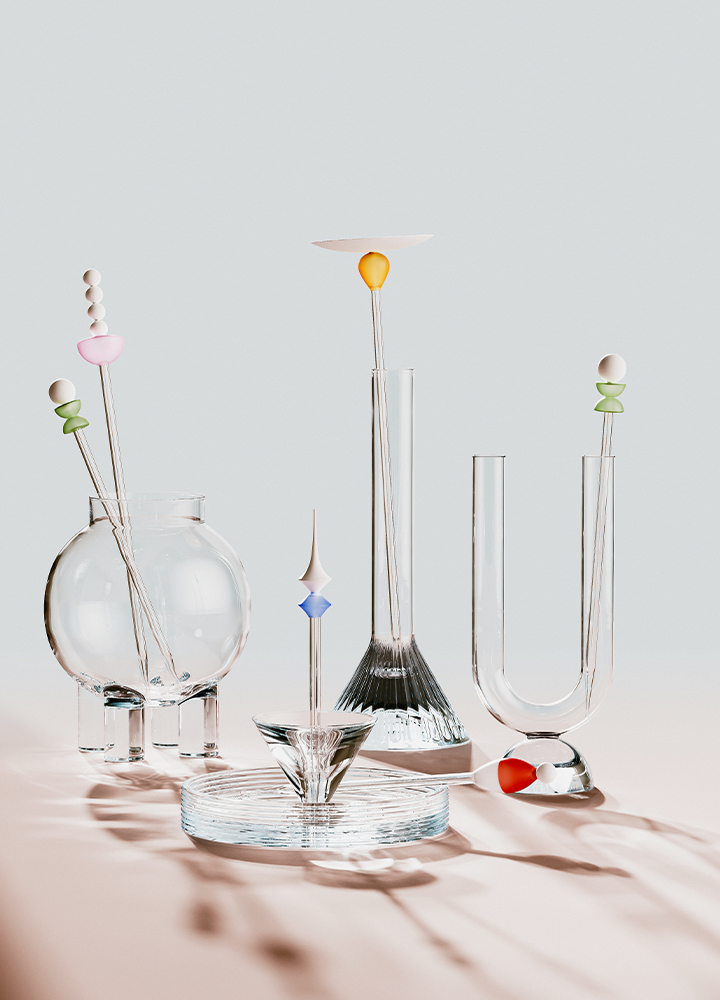

Industrial designer Jinhyeong Kwon
Current) Jongkim Design Studio Designer
Current) LCDC photographer
Former) Point of View, Atlier Ecriture Photographer
View more history
[Awards]
International design contest Red Dot Design Award 2020/2021 winner
[Interview/Press]
Breeze
-Stir
-design wanted
Light in Tight
- Yanko
class features
class features
Hyper-realistic rendering skills implemented with KeyShot
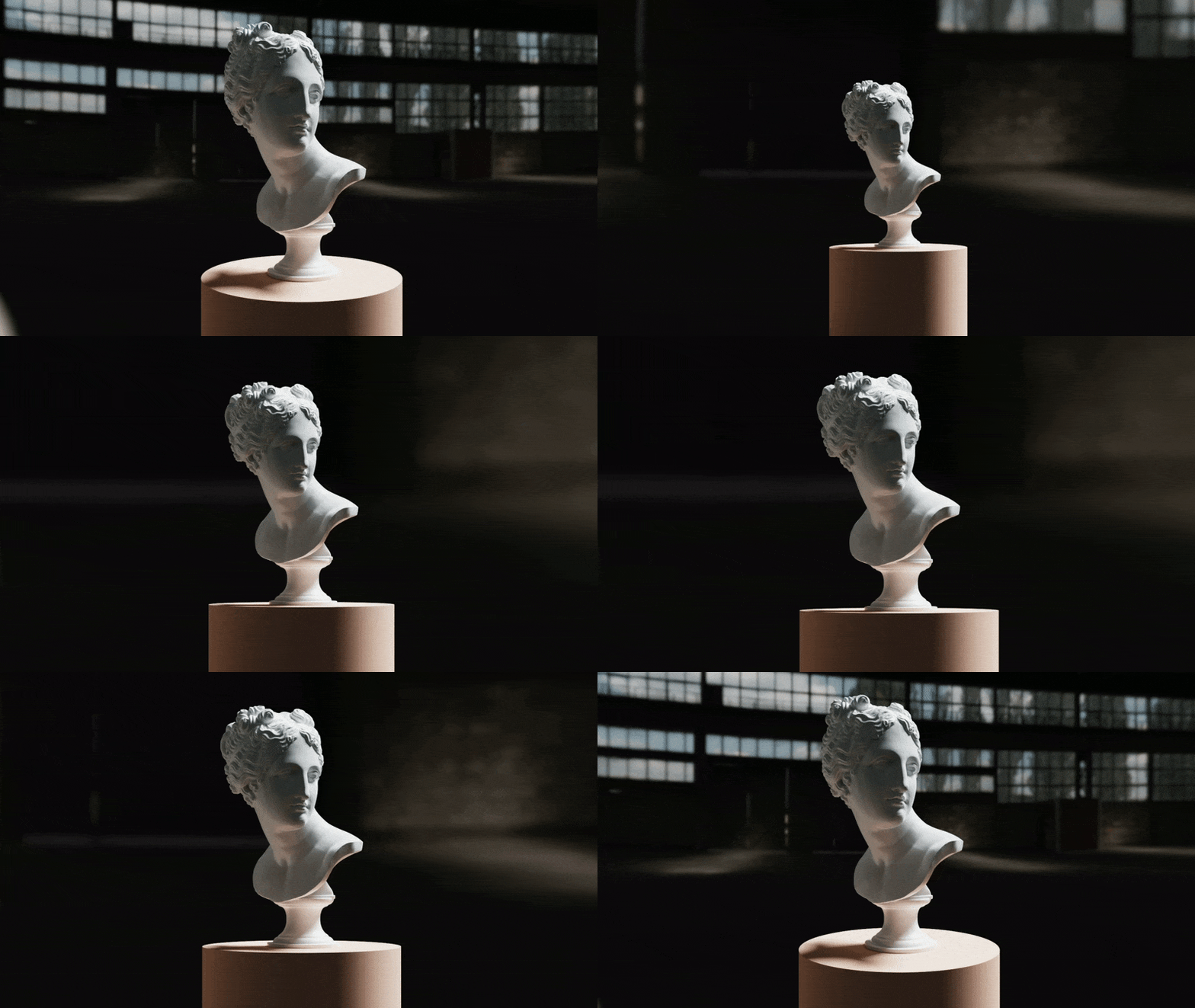
Learn KeyShot's operating principles and environmental elements (light, space, materials, etc.) for solid, concise, beautiful and realistic images. In addition, we will adjust the material graph and composition based on eight light theories to create realistic product images that are suitable for portfolio use.
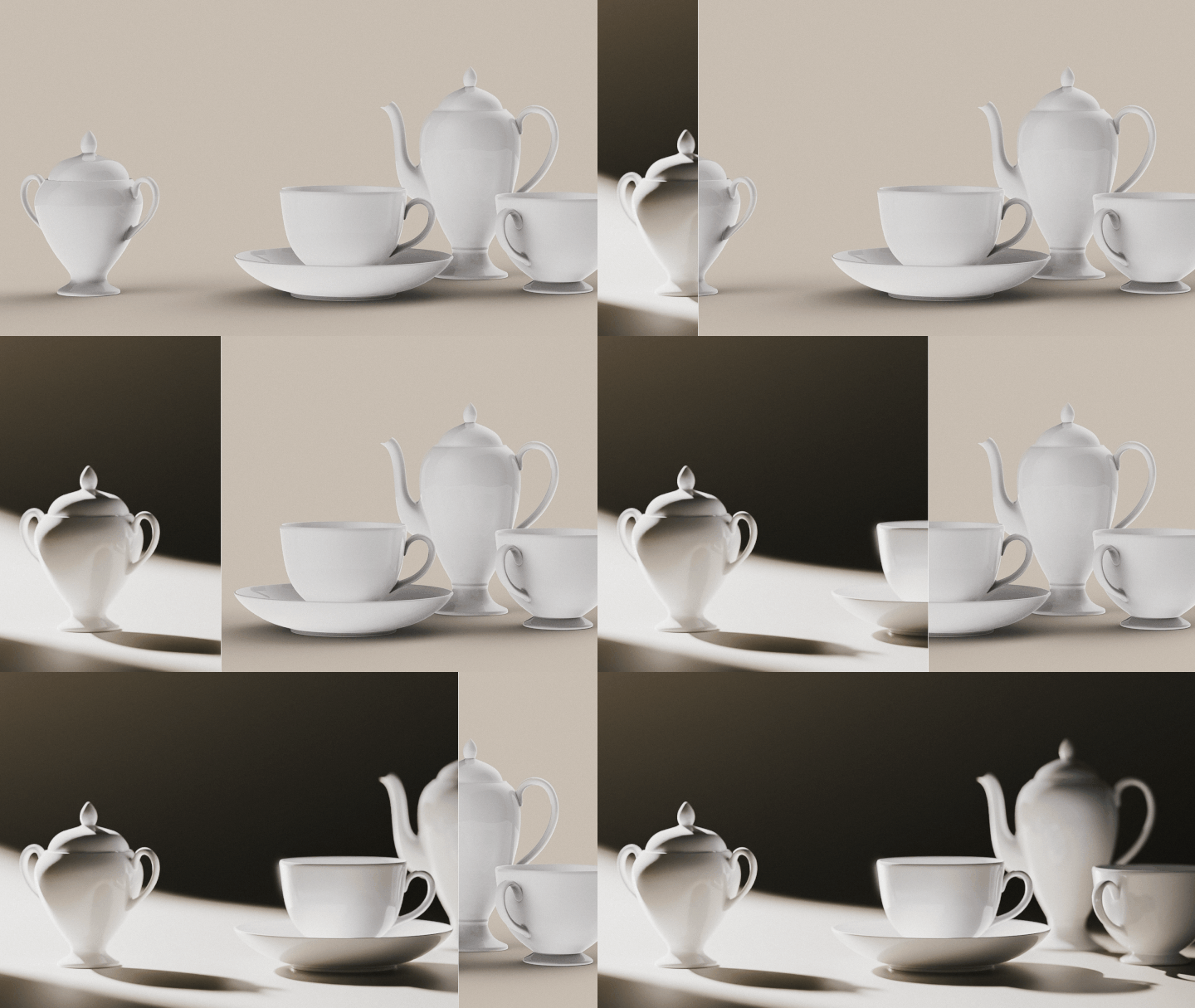
How to compose images and create atmosphere through photography/camera theory
Learn and apply the basic theories to create photo-like rendering results with KeyShot. In addition, we will learn how to post-process Lightroom to create a calm and emotional atmosphere.
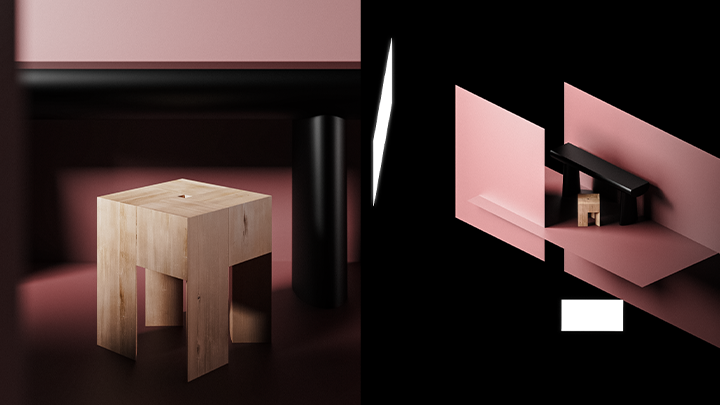
16 example package files filled with the speaker’s know-how
Have you ever wondered how to configure light, space, and texture to create realistic and beautiful results? We provide environmental settings that reflect the working environment, such as 3D modeling, Keyshot package, texture image, and Lightroom presets, in a package.
Class composition
learn this
-
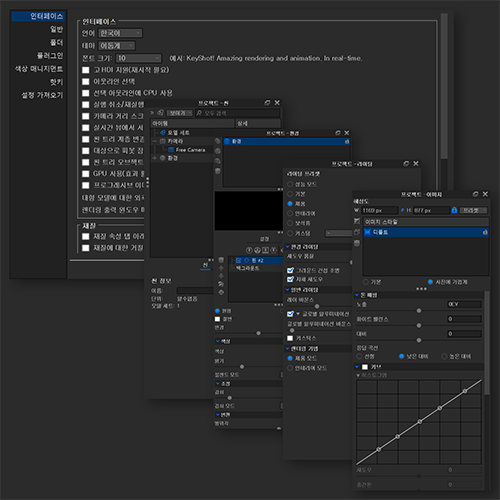 Learn KeyShot’s operating principles and settingsBased on the differences between the actual studio environment and the KeyShot program, we will learn the basic operating principles and settings for creating images in KeyShot, such as ray bounce and global illumination.
 -
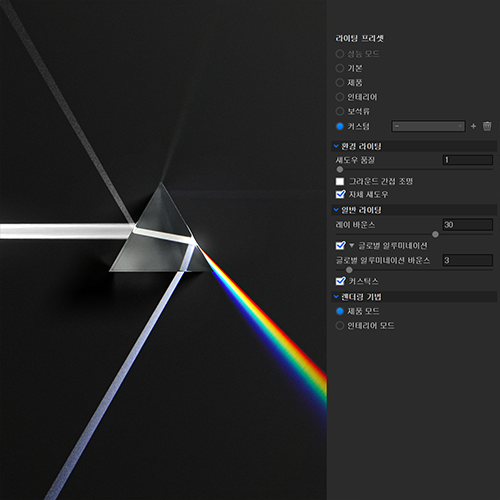 KeyShot My Light Basic Theory and PracticeYou will learn and practice the basic theories of light/lighting, including the number of light rays, attenuation and density values, HDRI, Area lighting, and Volumetric Light.
 -
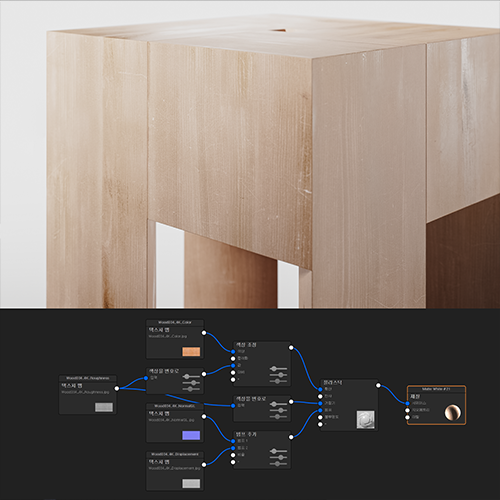 Materials and textures for realistic imagesBy adjusting the material graph, you will learn how to express realistic textures of glass, metal, plastic, and natural objects, and learn dramatic production skills by adjusting light transmission, scattering, shadow, and color values according to each physical property.
-
 Setting up keyshot composition and environment based on camera theoryBy comparing photos taken with a camera and rendered shots taken with KeyShot, you will learn basic camera theories and image production methods, such as composition, aperture, depth of field, and metering.
 -
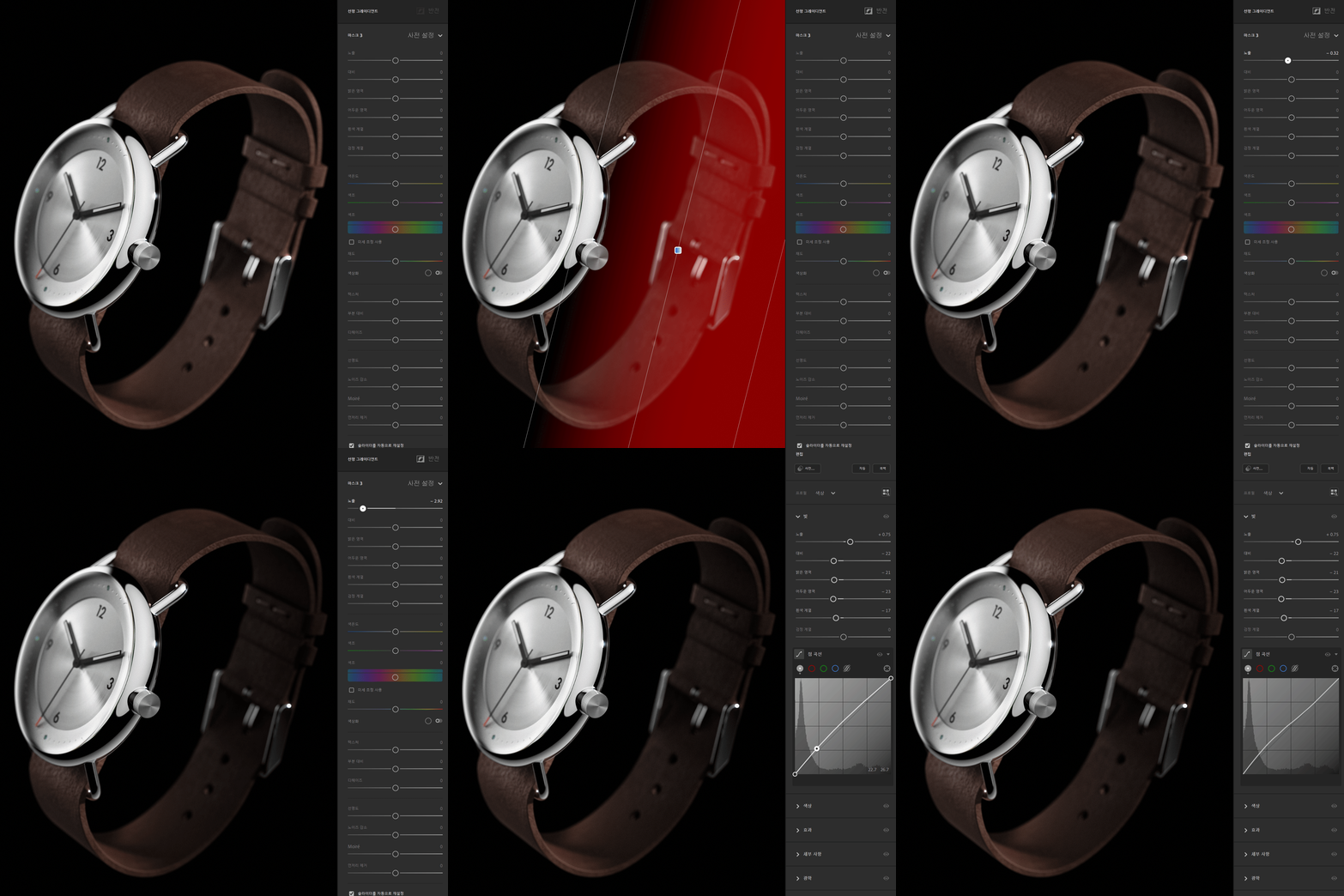 Lightroom post-processing with the photographer’s know-howLearn how to correct the photographer's image that prop shops and editing shops want, and learn how to direct and compose to persuade others with just the image itself.
 -
 How to persuade with images that reflect your tastesYou will learn tips for archiving your own tastes, how to gain good insights and inspiration, and also learn about the portfolio know-how and tips that enabled you to win an international design contest two years in a row.
curriculum
curriculum
Show me the curriculum
SECTION 01. Orientation
01. Lecture introduction
- Creating atmospheric images
- About ‘good image’
02. Features of the Keyshot program
- Introduction and explanation of major parameters
- How KeyShot Creates Images: Raybounce, Global Illumination
03. Introduction to Keyshot basic settings & workflow
- KeyShot’s basic interface and functions
- effective task sequence
SECTION 02. 6 types of lighting: basic theory and practice of light
04. HDRI and Area lighting
- Characteristics and differences between HDRI lighting and physical lighting
*Custom example creation and practice
05. 1 point writing
- Adjusting light direction and HDRI with atmospheric elements
*Custom example creation and practice
06. 2 point lighting
- Learn descriptive and neutral images and HDRI adjustment tips
*Custom example creation and practice
07. Silhouette and space
- Lighting that emphasizes and blurs silhouettes
- Composition of space within the image and creating a sense of space
*Custom example creation and practice
08. Spotlight sunlight
- A natural way to create bright, cool sunlight no matter what the situation.
*Custom example creation and practice
09. Creating a dramatic atmosphere with spotlights
- Advanced lighting
- Create a dramatic atmosphere
- Area lighting adjustment tips
*Custom example creation and practice
10. Volumetric lighting
- Learn creative volumetric lighting know-how
*Custom example creation and practice
SECTION 03. Most representative materials and texture material graph
11. Transparent/translucent glass texture expression
- Creating objects with transparency or translucency
- Caustics, refraction control to create more realistic and beautiful images
12. Expression of metal texture with difficult lighting
- Polished and hairline surface rendering and expression methods require difficult lighting
- Learn how to create realistic scenes
13. Beyond plastic to natural products
- Learn the basics of transforming any material
- Plastic and material graph learning
14. How to use texture source site
- Introducing the texture source site
- Material graph description
- How to create realistic and beautiful textures by adjusting parameters
SECTION 04. Creating images and creating atmosphere with a camera
15. Comparison of real and program cameras
- Comparing the working principles of KeyShot My Program Camera and Real Camera
- Camera and composition learning
16. Comparison of actual studio and program environment
- Comparing the environment of the actual studio and the Kissat program
- Learning configuration and settings
17. Organizing space with products
- Know-how for organizing products and spaces that guarantee quality above a certain level
SECTION 05. Lightroom and post-editing
18. Photoshop Basics
- Photoshop basic knowledge
- Photoshop usage/correction method
19. Lightroom Basics
- Lightroom basic knowledge
- How to use/correct Lightroom
20. Image combination and persuasion
- How to persuade with images alone
21. Refine your taste and design
- “Good taste creates good design and creates a good image.”
- Introducing a platform and magazine for gaining insight and inspiration
* Curriculum details may change before or after the video is released.
interview
The story industrial designer Jinhyeong Kwon wants to tell

Question.01
What are your strengths in the field of ‘product design’?
Do you think?
What are your strengths in the field of ‘product design’?
Do you think?
In addition to visual work such as branding, I also make my own products and am also active as a photographer. Because I have a deep understanding of graphic design and 3D space in general, I can persuade more people through my images . I think my strength is that I can surprise people with more delicate and beautiful images than anyone else .
Question.02
What are the unique points of this course?
What are the unique points of this course?
I think one of the inconveniences that many students feel while learning product design comes from the fact that it is ‘difficult to explain why.’ It's difficult to explain the reason for the awkward image or the beautiful result. The point of this lecture is to focus on explaining the principles and reasons to resolve this inconvenience. The feature is that you can check and learn the entire work flow while gaining basic rendering knowledge .
Question.03
What would you like to say to your students?
What would you like to say to your students?
Nowadays, the boundaries between fields in ‘design’ are gradually disappearing. And the light theory and rendering know-how learned in this class can be used in other fields as well . You will be able to appeal industrial/spatial design to people more effectively, create artwork as a graphic artist, and realize various design units required in flat design in 3D.
We will guide you through the program to use.
This class is conducted according to the program below.
To ensure smooth course participation, the program
Please install it separately.
- Keyshot 10
- Adobe Photoshop 2022
- Adobe Lightroom CC 2022
* To ensure smooth course participation, we recommend using KeyShot version 10 or higher.
* For Adobe programs, we recommend at least CS6 or higher.
* Programs and materials are not provided separately.