indiegamedeveloper,stayathomedev Details
Intro
Class Intro
Indie Game Developer, StayAtHomeDev
"StayAtHomeDev will take you through the entire process, from creating your characters to getting your game ready for publishing, in their class!
Stop just watching tutorials. Start shipping games.
The biggest milestone most beginners never reach is actually finishing a project.
Building Your First 3D Platformer From Zero, Using Only GODOT is an exclusive course meticulously designed to help you break that cycle.
Building Your First 3D Platformer From Zero, Using Only GODOT is an exclusive course meticulously designed to help you break that cycle.
Instead of just blindly copying code, you will learn the why behind professional game design so you can recreate these systems entirely on your own.
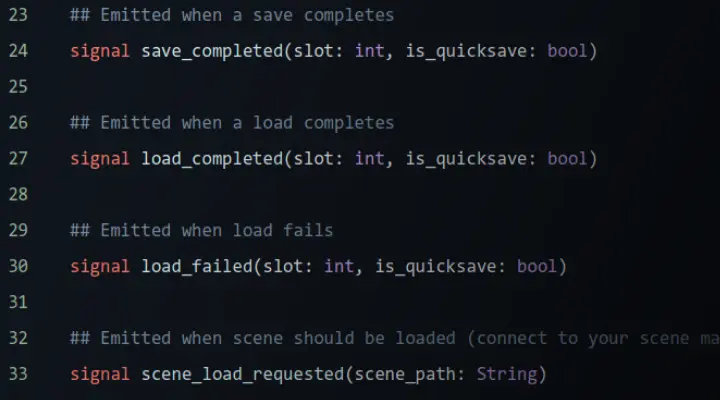
Taught by an expert indie developer, this premium curriculum adapts to how beginners actually learn. You'll structure a complete game using real studio-level architecture (like signals and autoloads), while mastering mechanics that feel amazing to play, including coyote time and jump buffering.
This is your sturdy ladder from tutorial hell.
Build, export, and share a 3D platformer you can proudly call your own.
Taught by an expert indie developer, this premium curriculum adapts to how beginners actually learn. You'll structure a complete game using real studio-level architecture (like signals and autoloads), while mastering mechanics that feel amazing to play, including coyote time and jump buffering.
This is your sturdy ladder from tutorial hell.
Build, export, and share a 3D platformer you can proudly call your own.
Class Preview
Still Not Sure?
Check Out StayAtHomeDev's Class Preview!
Chapter 01. Orientation
1. What this course teaches, who it's for, and the assets used,
2. Discover the one thing every beginner needs to hear about "correct" code before they start
2. Discover the one thing every beginner needs to hear about "correct" code before they start
Class Perks
Special Gift from StayAtHomeDev
-
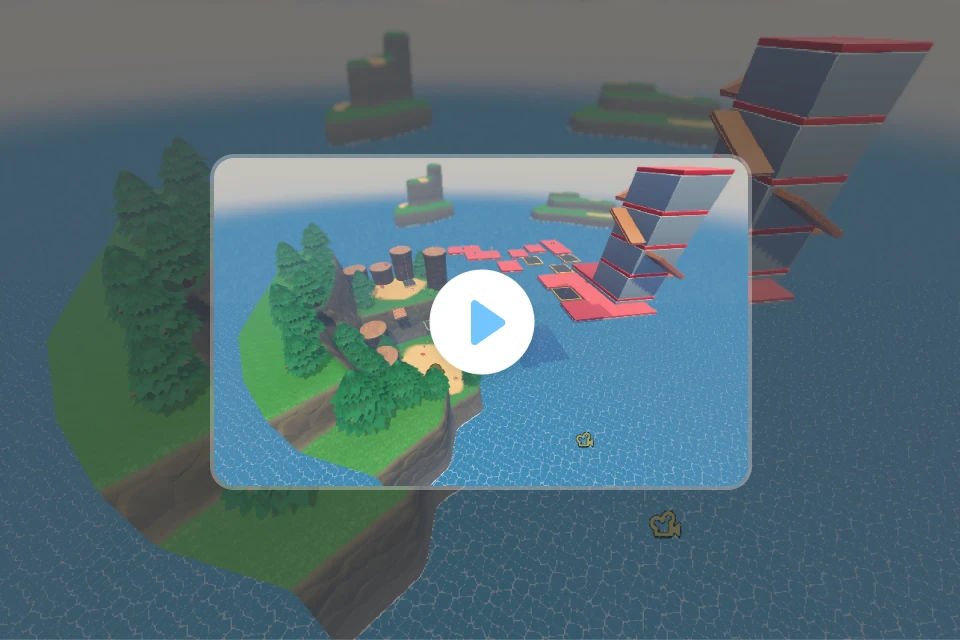 Complete Project Files
 -
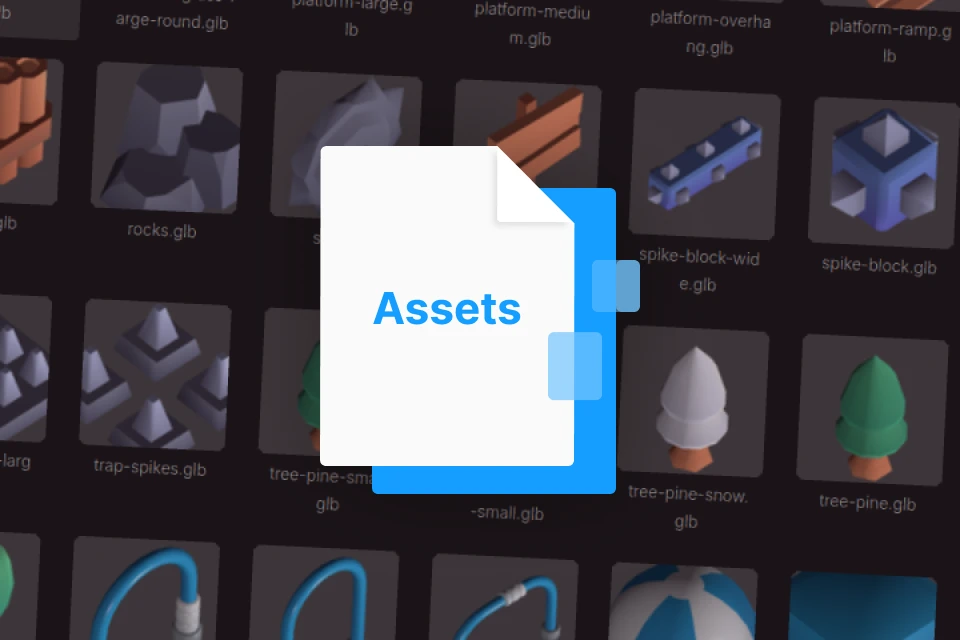 Course Assets
 -
 Reference Sheets
 -
 Game Architecture Diagram
Class Material Details
-
 Project Files for Every Chapter- 22 Source files at every chapter checkpoint
- Full final project included
- Jump in at any point or reference the finished code anytime -
 Assets for Your Own Use- Open Source assets used throughout course
- Download directions for other assets -
 Guides for Reference- GDScript quick reference guide
- Common node types and usage cases
- Project folder structure guide -
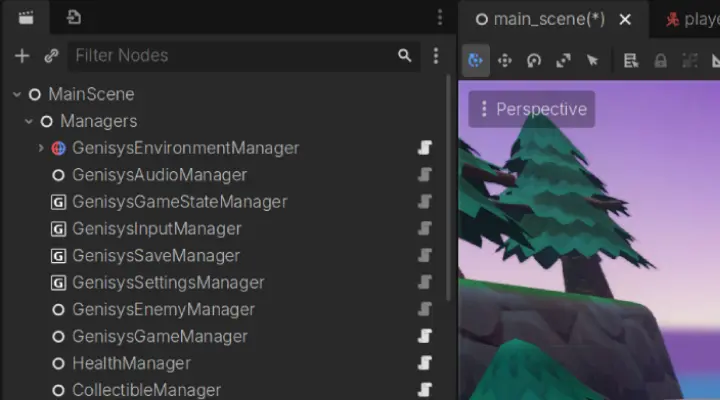
 Visuals for Your Understanding-Visual map of how all systems connect
-Signal flow
-Autoload relationships
Recommendation
Who should take this class?
Aspiring Game Developers
Who have always wanted to make a game but don't know where to start, and are looking for a clear, structured path from zero to a finished project
Artists and Creatives
Who want to bring their own ideas to life through game development, and are curious about how the games they love are actually built
Hobbyists and Self-Taught Learners
Who have tried following tutorials before but never finished anything, and are ready to build something complete that they can actually call their own
Expert Indie Game Developer StayAtHomeDev's Portfolio


GodotBot and 3D Course Assets by GDQuest are licensed under Creative Commons Attribution
Why Take This Class?
Stop blindly copying tutorials and start building independently.
What truly makes this class worth it is that it focuses heavily on teaching you the why behind the code, not just the how. Instructor StayAtHomeDev specifically designed this course so you aren't just copying his actions; his goal is to ensure you understand the mechanics deeply enough to recreate these systems entirely on your own in your future projects..
You will actually finish and ship a game: The biggest milestone most beginners fail to reach is simply finishing a project.



By the end of this course, you won't just have an assortment of isolated scripts. You will have built an entire, polished 3D platformer.
The final chapters even walk you through configuring export settings for Windows and Web targets, and publishing your playable game.
Get access to hands-on class exercises to practice specific systems, complete source files at every single chapter checkpoint, ready-to-use open source assets, GDScript reference guides, and a visual architecture map to help you understand exactly how all the engine systems connect.
Get Ready for the Real-World
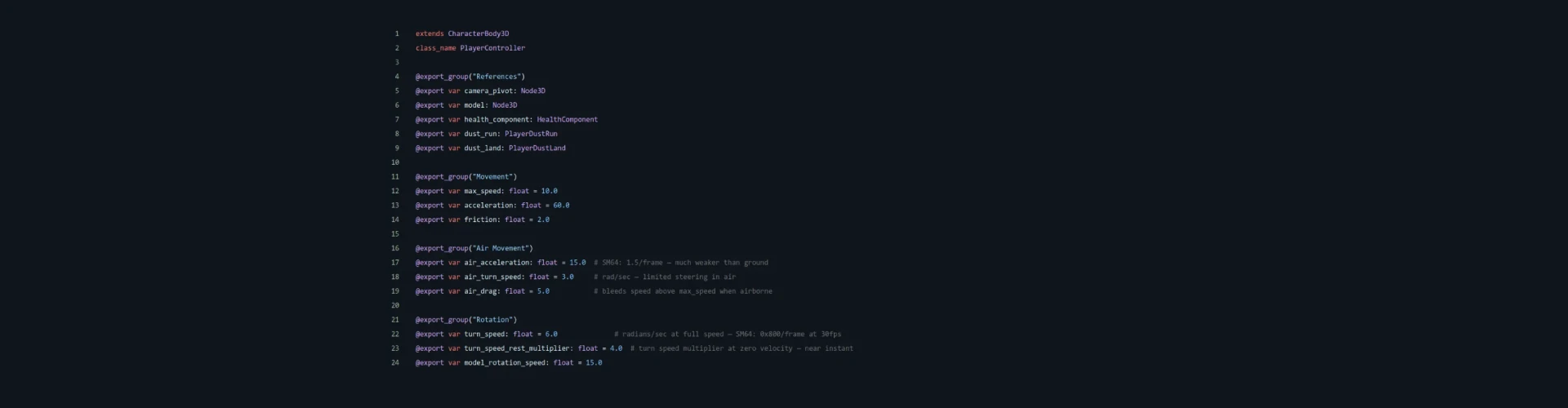
10 Class Exercises
-
Movement Exercise
-
Camera Exercise
-
Jump Exercise
-

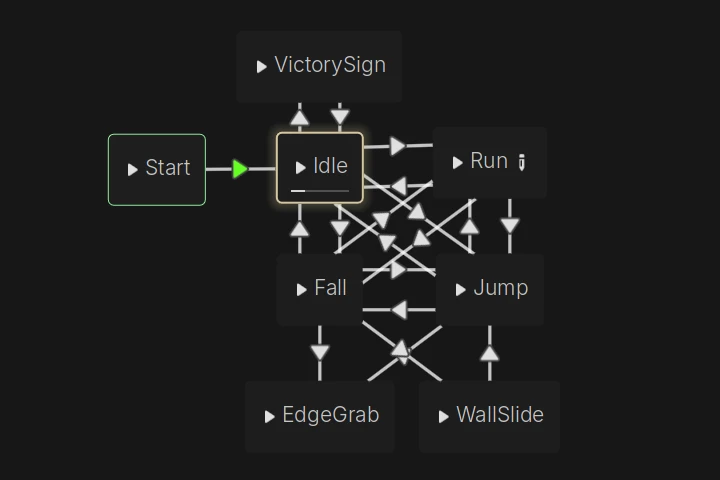 Animation States Exercise
 -
Collectible System Exercise
-
Hazard Exercise
-
Moving Platform Exercise
-
Enemy and Stomp Exercise
-
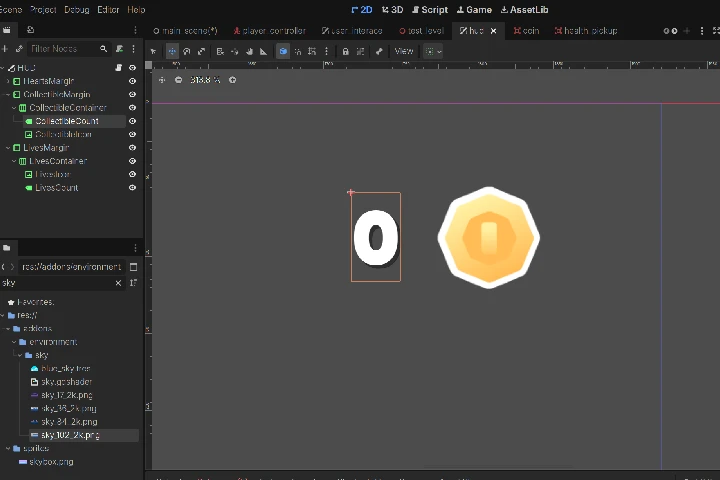 HUD Exercise
 -
Polish Exercise
Final Product Example(s)
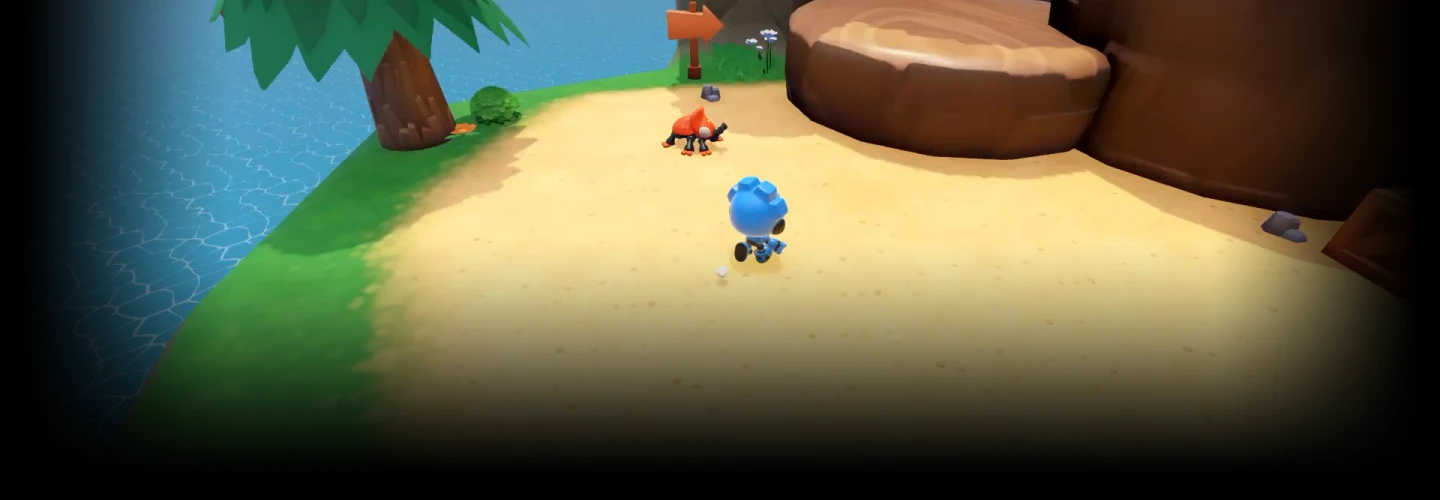
An Entire Game, Created by You.
Credit
Asset Attribution
This course uses the following third party visual asset packages for all 3D models, environments, and art.
All code, game architecture, systems, and instructional content are original work created solely for this course by StayAtHomeDev.
Platformer Kit by Kenney
License: Creative Commons Zero (CC0)
Used for: Environment tiles, platforms, and level dressing assets
Source: kenney.nl/assets/platformer-kit
KayKit Platformer Pack by Kay Lousberg
License: Creative Commons Zero (CC0)
Used for: 3D platformer props, pickups, obstacles, and decorative pieces
Source: kaylousberg.itch.io/kaykit-platformer
Godot 4 Third Person Character Controller by GDQuest
License: Assets - Creative Commons Attribution 4.0 (CC BY 4.0)
Used for: Character and environment visual assets
Source: gdquest.com/news/2022/12/godot-4-third-person-controller
GoBot Character
License: Assets - Creative Commons Attribution 4.0 (CC BY 4.0)
Used for: Character
Source: https://github.com/gdquest-demos/godot-4-3D-Characters
https://creativecommons.org/licenses/by/4.0/
https://creativecommons.org/publicdomain/zero/1.0/
All visual assets are used in accordance with their respective licenses.
No visual assets were created by StayAtHomeDev, unless specified.
All gameplay systems, code, and course content are original.
Highlights
Class Highlights
Movement That Actually Feels Good
Build a character controller with responsive movement, coyote time, jump buffering, and tuned physics, with the kind of feel that makes players want to keep playing.
Built Like a Real Game
This course builds everything (collectibles, enemies, save systems, UI) around a shared "manager" architecture using signals and autoloads, so your game holds together like a real production project.
Ship It
By the end of this course you will have a complete, exportable 3D platformer ready to upload and share. Finishing a game, even a small one, is a milestone most beginners never reach.