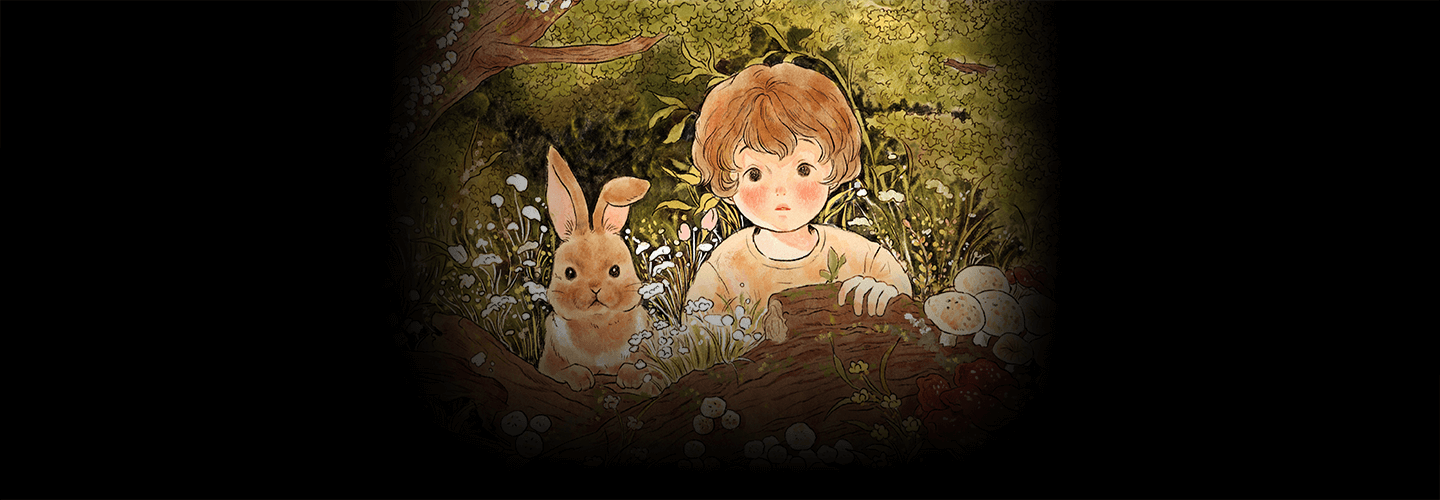
[enrolltounlock]Illustrator,VoraYoo_일러스트레이터 유보라 Details
Class introduction
Illustrator, Yoo Bora
“With the drawing method I teach you, you can create vintage-style watercolor and colored pencil-like coloring even with digital drawing.”
Digital illustration drawing completed with vintage watercolor and colored pencil coloring expressions
‘Story’ and ‘Coloring’ classes are essential for pictures that warm your heart when you look at them.
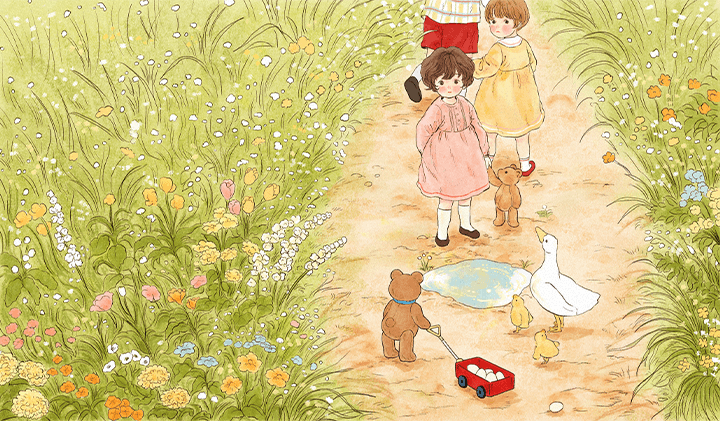
In this class, you can learn the drawing know-how of artist Bora Yoo, who embodies the warm and vintage feel of watercolor and colored pencil that are unique to actual handwork through computer graphics, starting with storytelling planning methods that form the overall atmosphere of a painting.
There are even ways to use the images completed through the class in various ways. We will generously share the know-how of a working illustrator.
There are even ways to use the images completed through the class in various ways. We will generously share the know-how of a working illustrator.
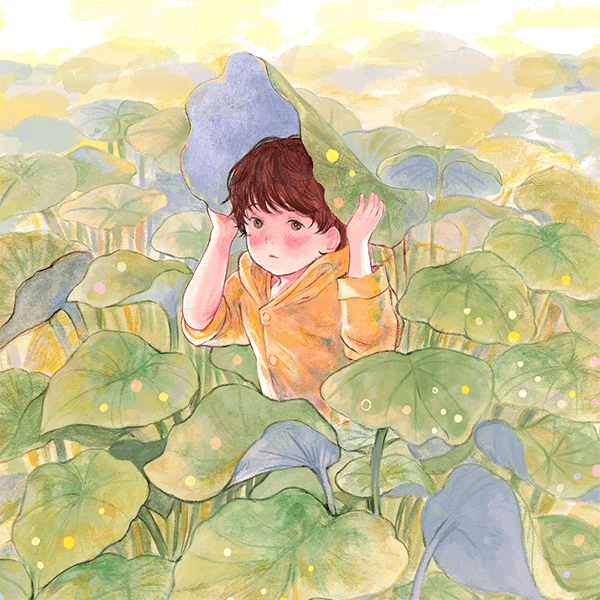
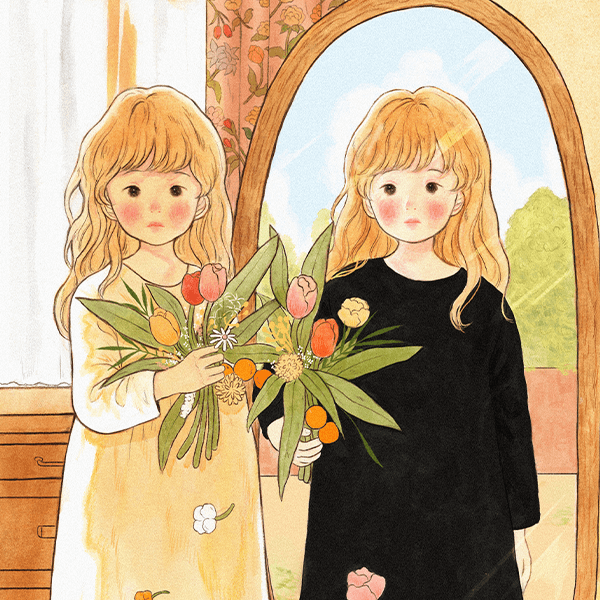
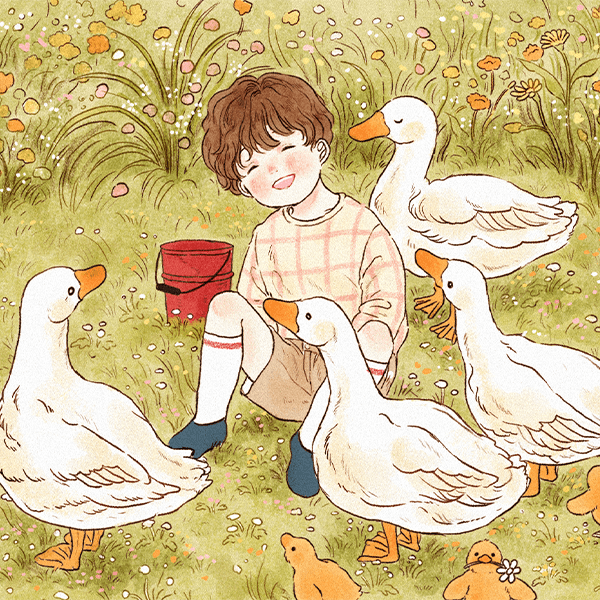
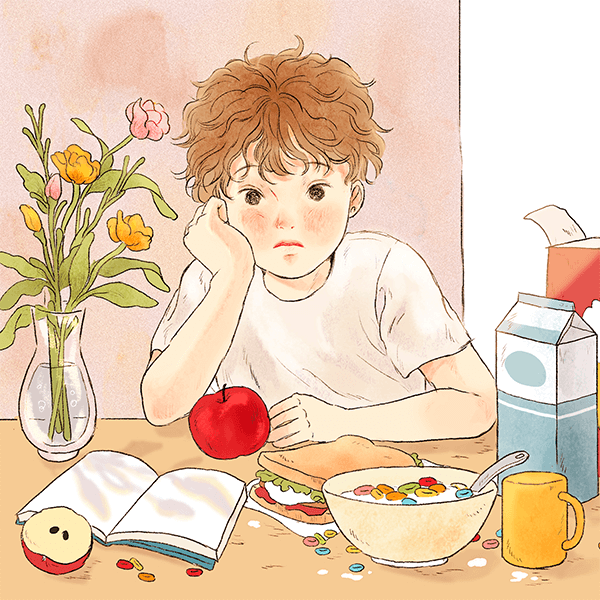
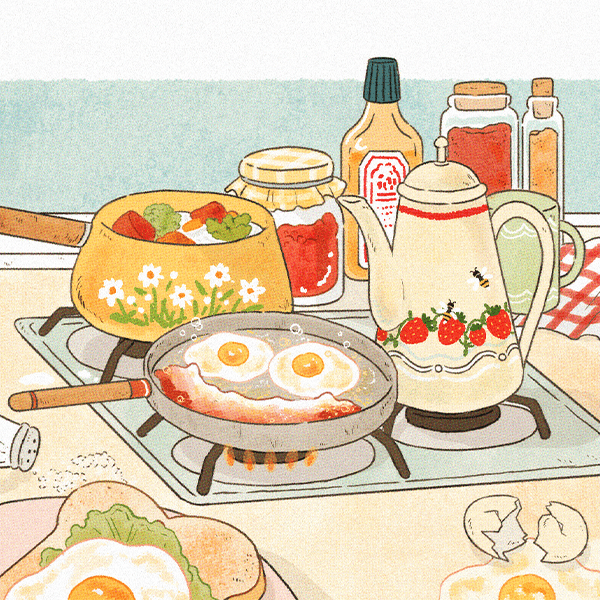
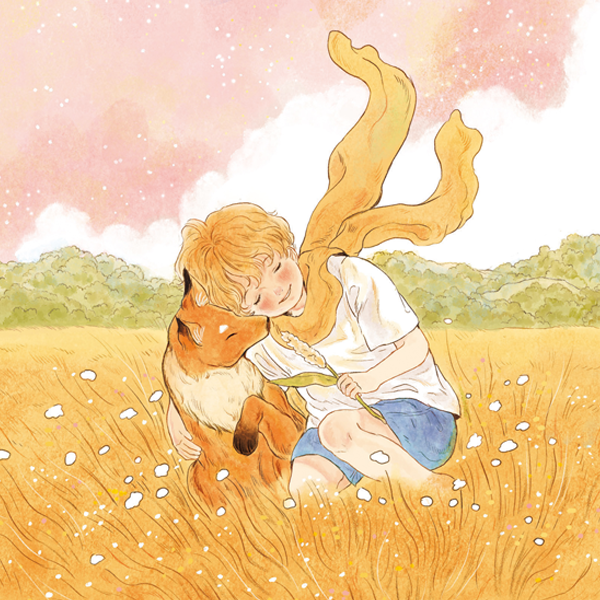
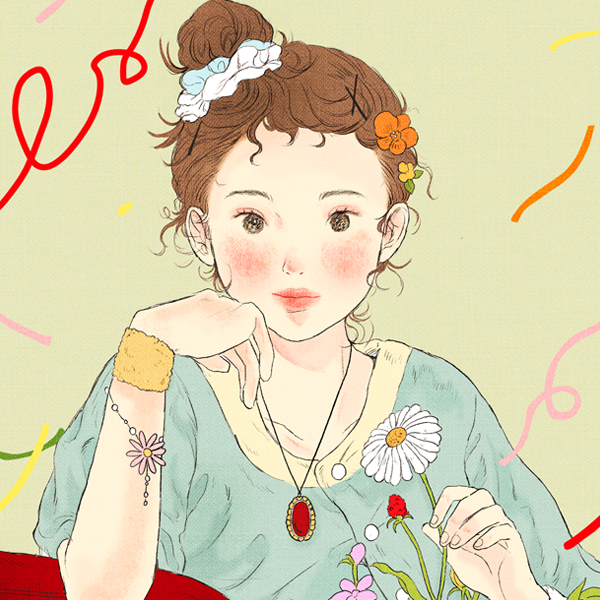
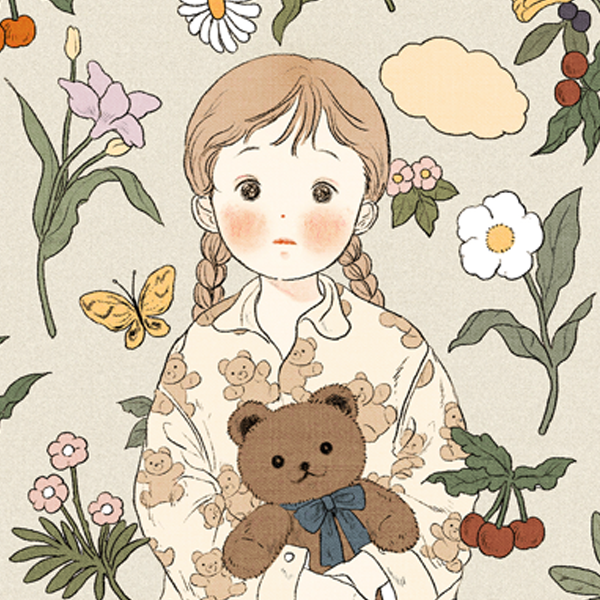
An illustrator who warms the heart < Yoo Bora’s portfolio
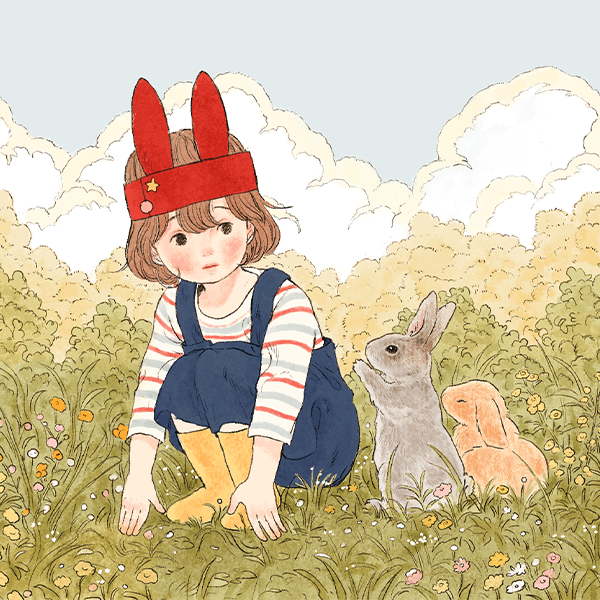
Why Take This Class?
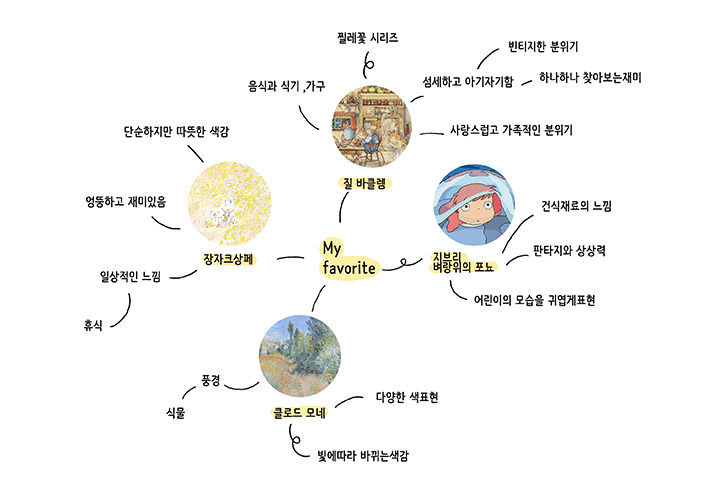
There are so many things I like
When I get confused about what to draw, I try to establish more clearly what I want to draw and quickly improve the quality of my drawings.
Try to solve it in a way that allows you to grow.
Through this class, you will be able to clearly establish what you like and develop the drawing skills to realize your imagination.
We have prepared a class where you can learn the basic aspects of color, such as the three primary colors to understand basic color combinations and the tone expression of characters, as well as detailed character design methods and artist Bora Yoo's unique style.
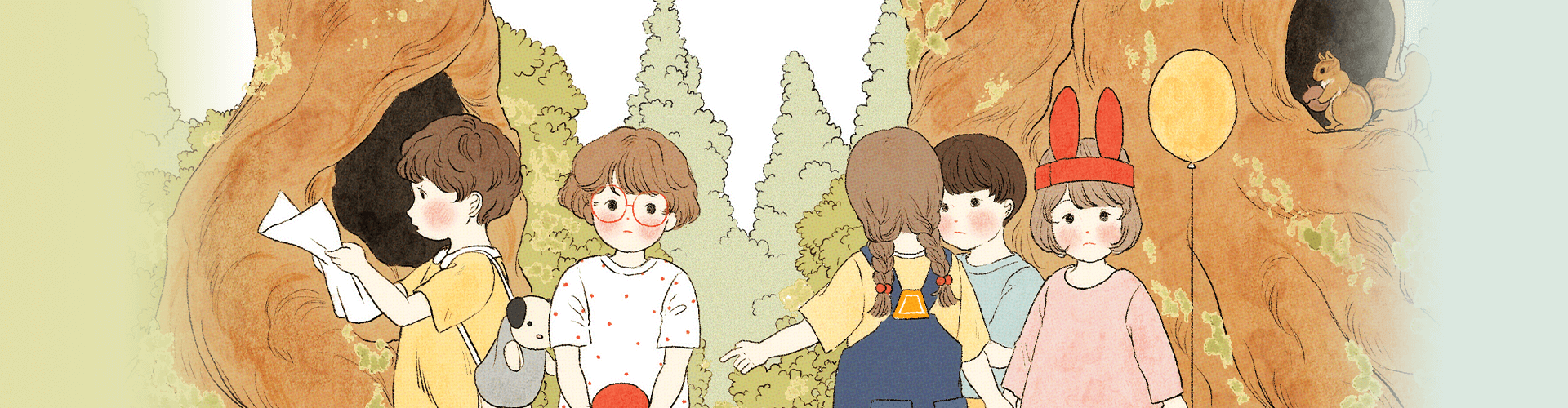
In this class, we will create results that look like colored pencils and watercolors based on basic art theories.
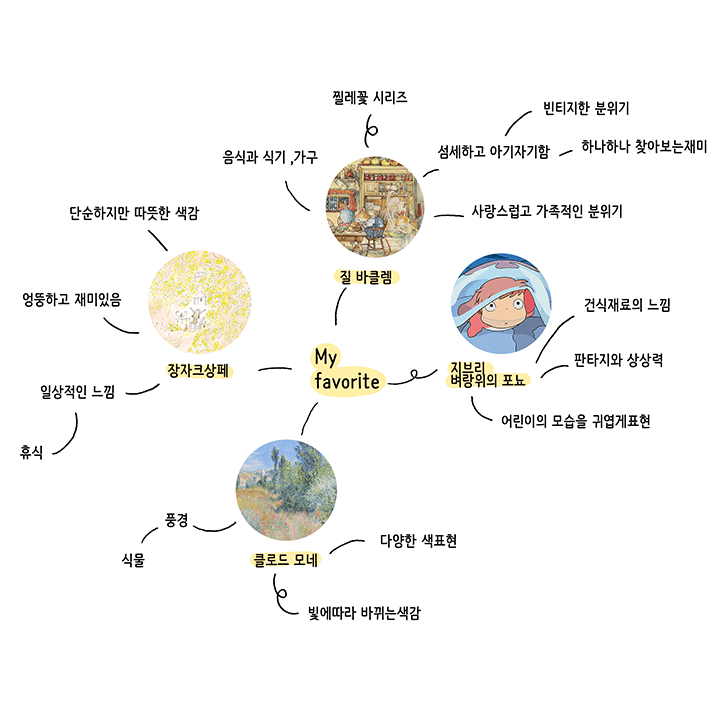
Find your taste
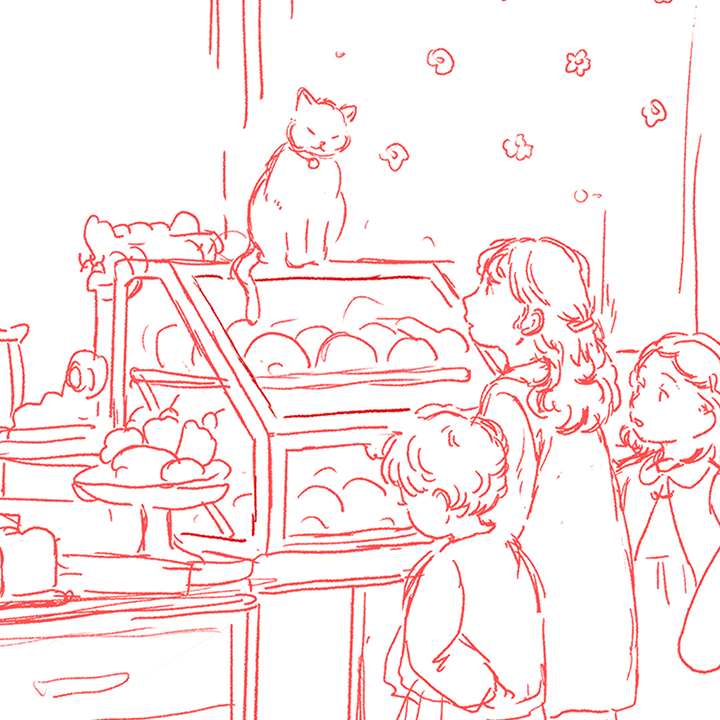
From storyboard to line drawing
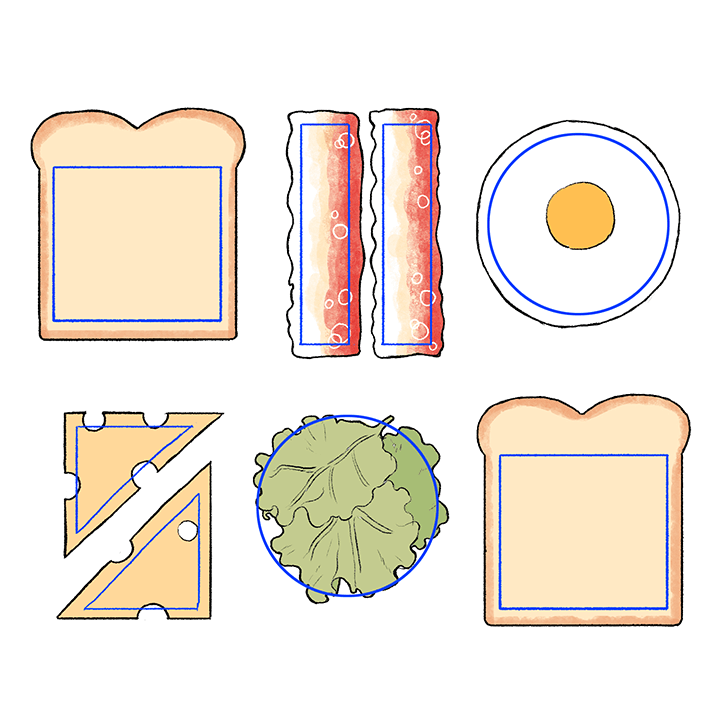
diagramming objects
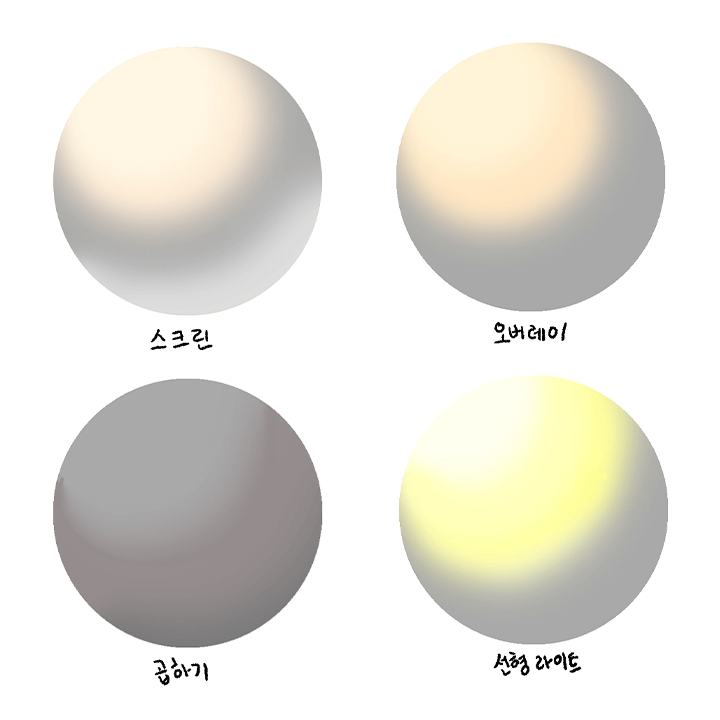
Learn the correction effect
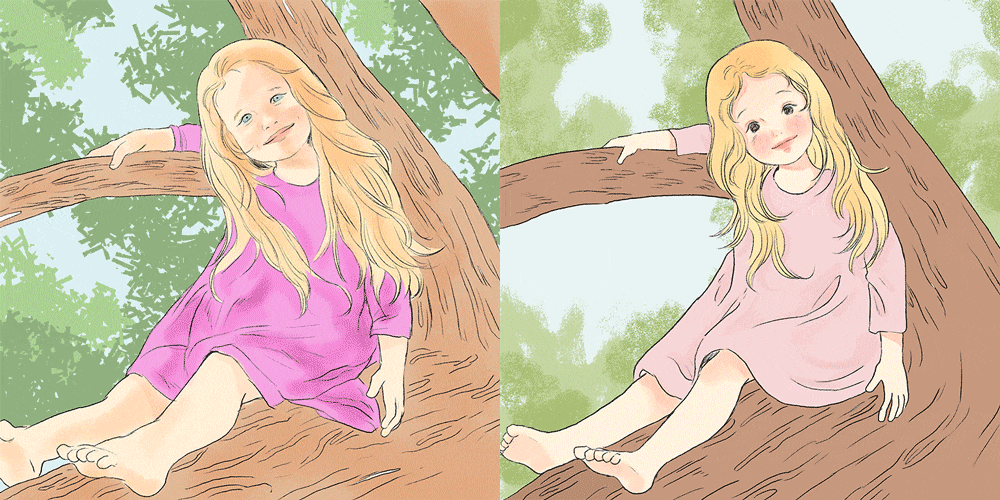
How to apply deformation
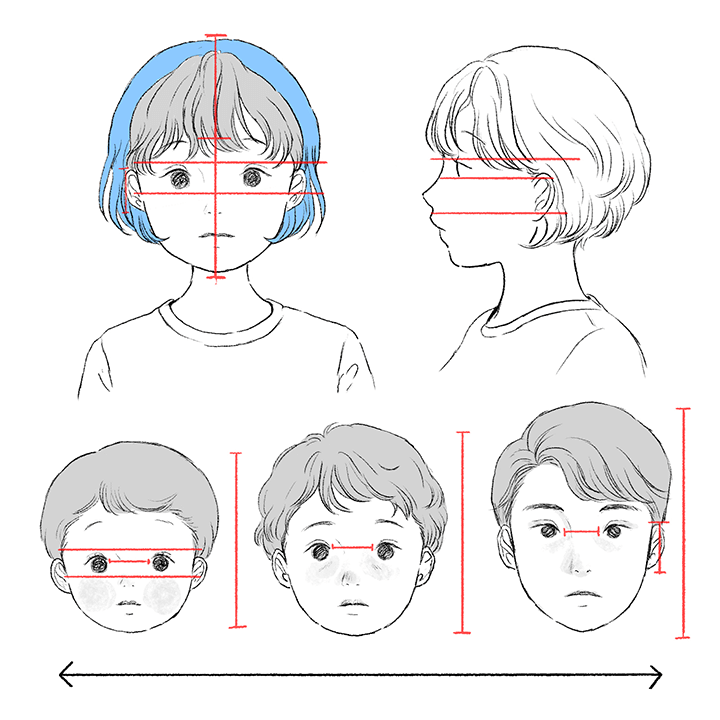
How to express facial features
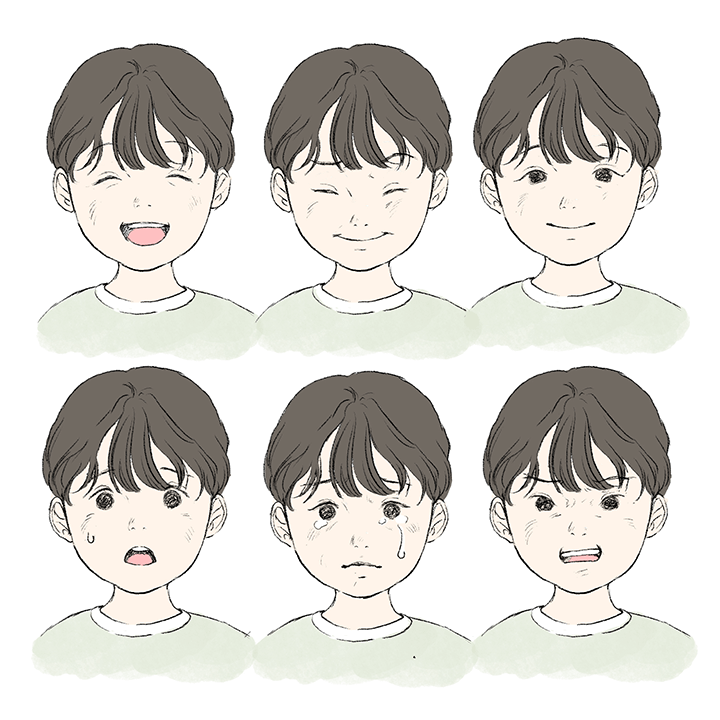
facial expression change
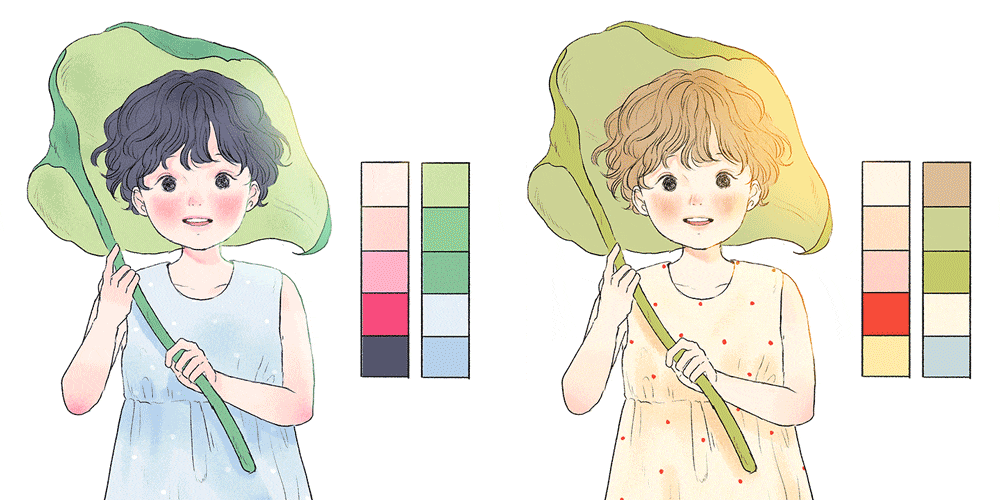
Learn the difference between warm and cool colors
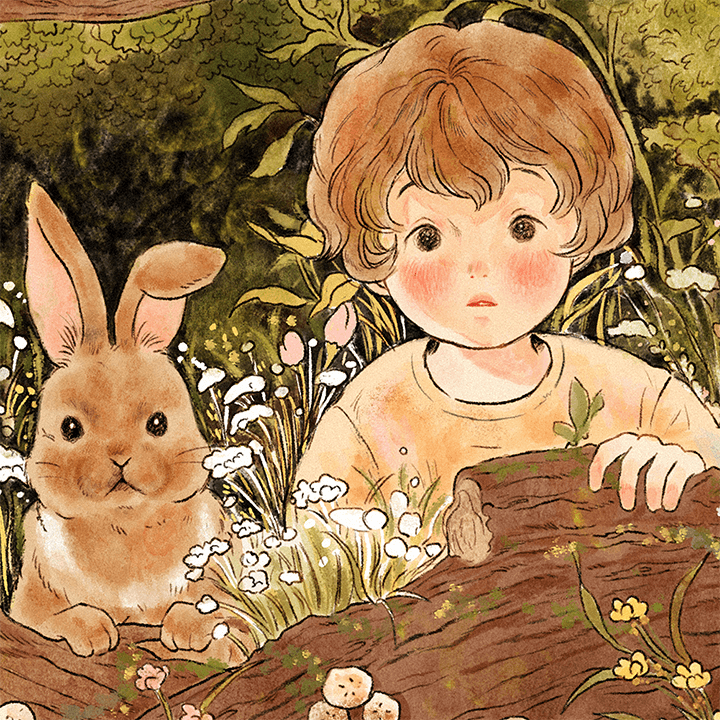
How to express texture
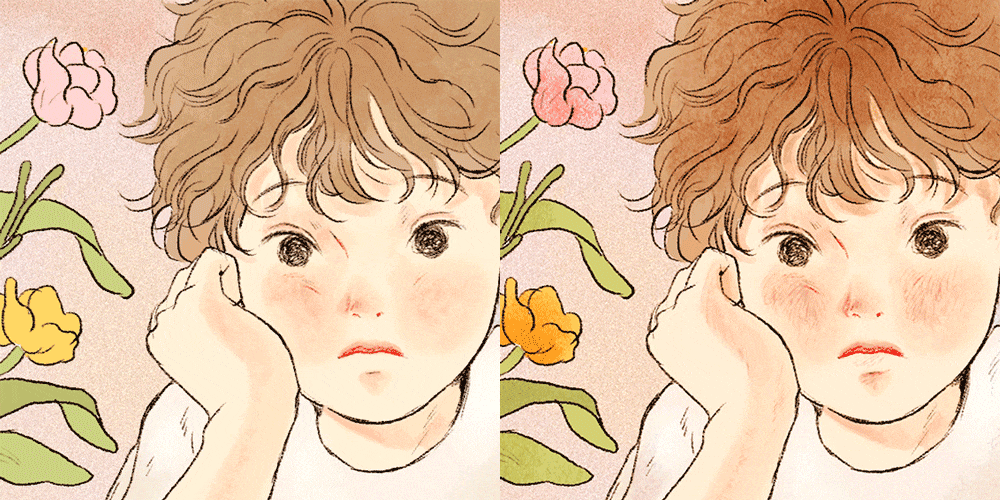
How to express picture details
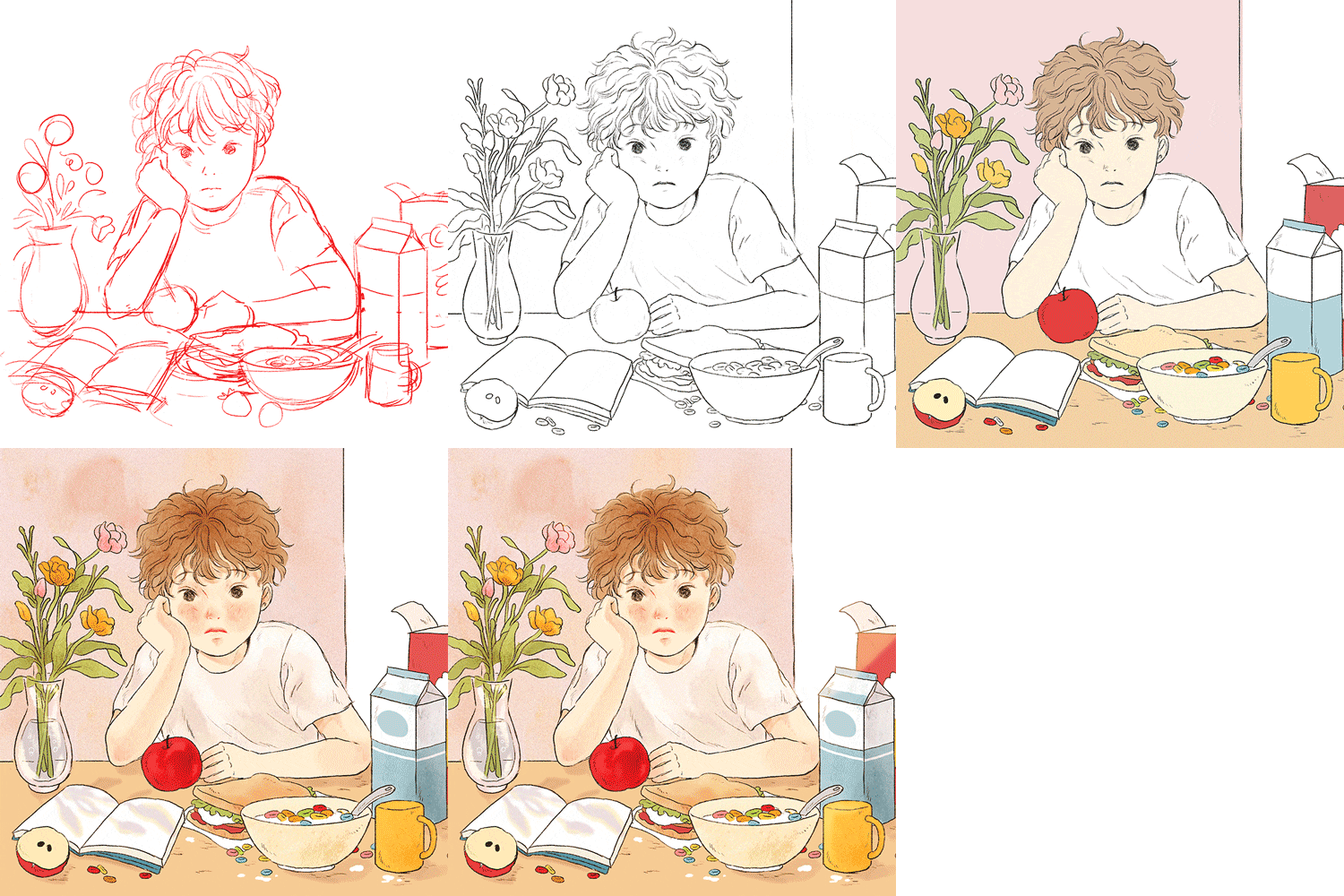
Complete the picture
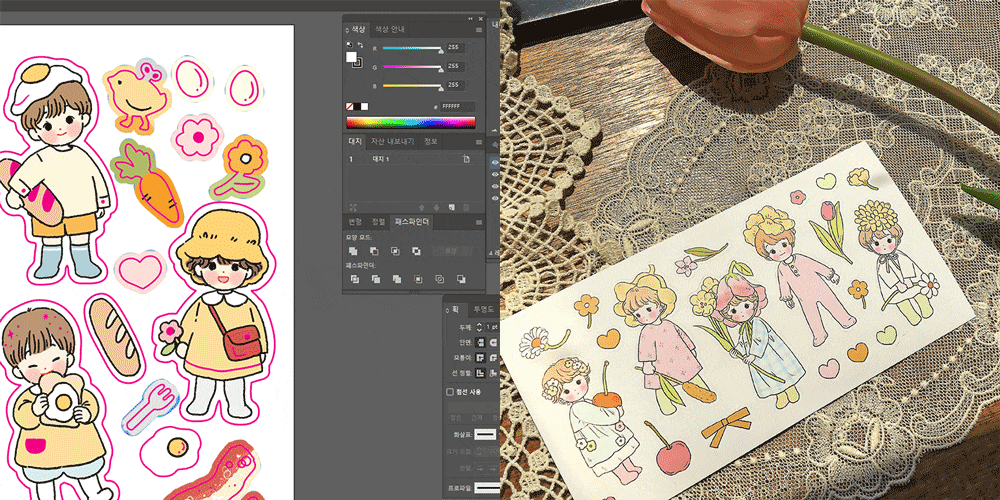
Know-how for commercializing paintings
* This image is an example image to help you understand the class.
Speaker introduction
Illustrator
Vora Yoo
Hello, I am illustrator Yoo Bora.
Based on my cute and fun imagination, I mainly draw pictures of children and animals, with the hope of conveying happy moments to people like the main character in a photo someone took when I was young. We have prepared this class so that you can learn how to receive peace of mind and healing through drawing.
You will learn clearly about what you like and how to embody the warm, vintage feel of handmade work through computer graphics.
It's not an easy path, but I hope that as you walk along it happily, you'll look back and realize that you've come this far.

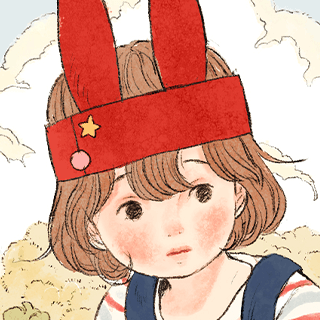
Illustrator Yoo Bora
Current) Freelance illustrator
View more history
2020
RH Korea Art & Book ‘The Little Prince’ illustration work
Reading bear ‘I miss my mom’ drawing work
Gwanghwamun Hot Tracks Brand Pop-up Store
Jelly Crew
2019
Naver Grafolio <Illustration> 2019 first half creative support project winner
Illustration work for Jihaksa Arbol <In the secret space behind the bookshelf>
Kakao Page Asteroid Bookstore, book introduction illustration work
Ministry of Culture, Sports and Tourism, promotional work for Art Shop (#) influencer affiliated with the Korean Federation of Arts and Culture
class features
class features
Learning core theories for beginner illustrators
There are a lot of things you want to draw, but you don't know how to draw them, right? Before you start drawing, I will provide a guide to help you find your favorite style and what you want to draw. You can learn the core theory step by step through the main functions of Photoshop required for drawing.
Two methods of expressing warm colors using watercolor and colored pencil
How to embody the hand-washed watercolor feel and fluffy charm of colored pencils with computer graphics! Illustrator Yoo Bora will teach you how to use color combinations and various brushes and textures to create her own lovely images.
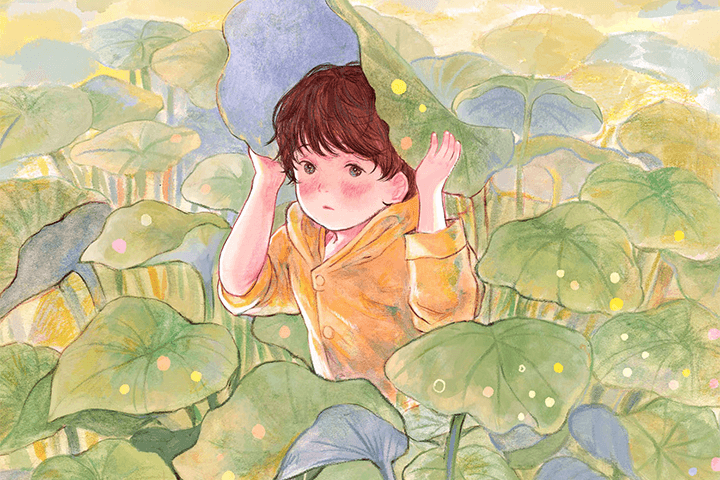
How to compose a warm story in one picture
The secret to conveying warmth through pictures. It's right there in the story. We will teach you how to compose a story that goes beyond the detailed description of the picture and adds to the overall mood and vitality of the picture.
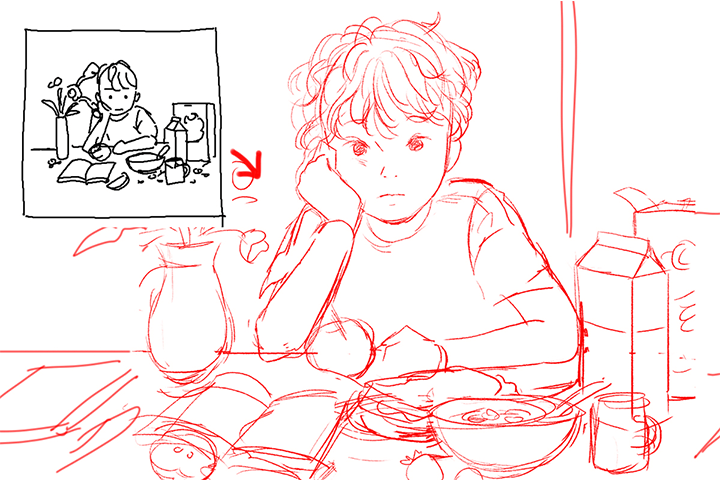
Class composition
learn this
-
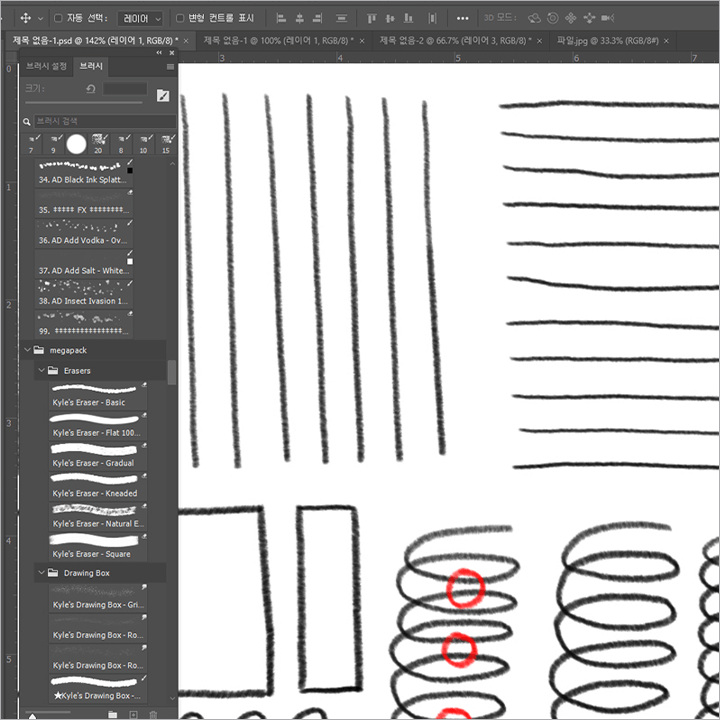 Learn the main functions of PhotoshopInstructions on how to set up brushes, which are important in the expression of illustrations, as well as the concept of layers and how to organize them. Learn the main functions required for drawing work.
 -
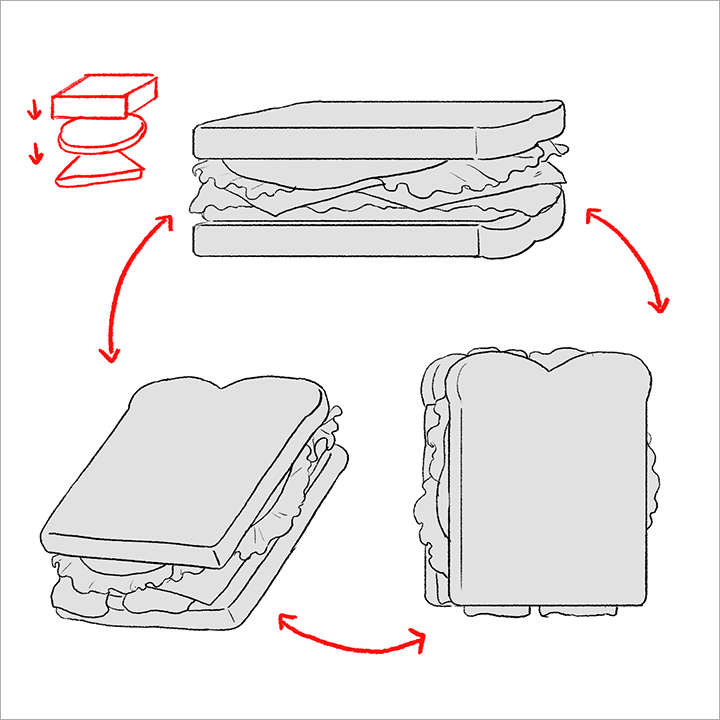 Summary of essential core theories for illustratorsI will teach you only the core functions necessary for efficient drawing work. You will learn various core theories, such as how to analyze objects through diagramming, how to give a three-dimensional effect, and how to analyze and combine colors with an understanding of the three primary colors and warm and cool colors.
 -
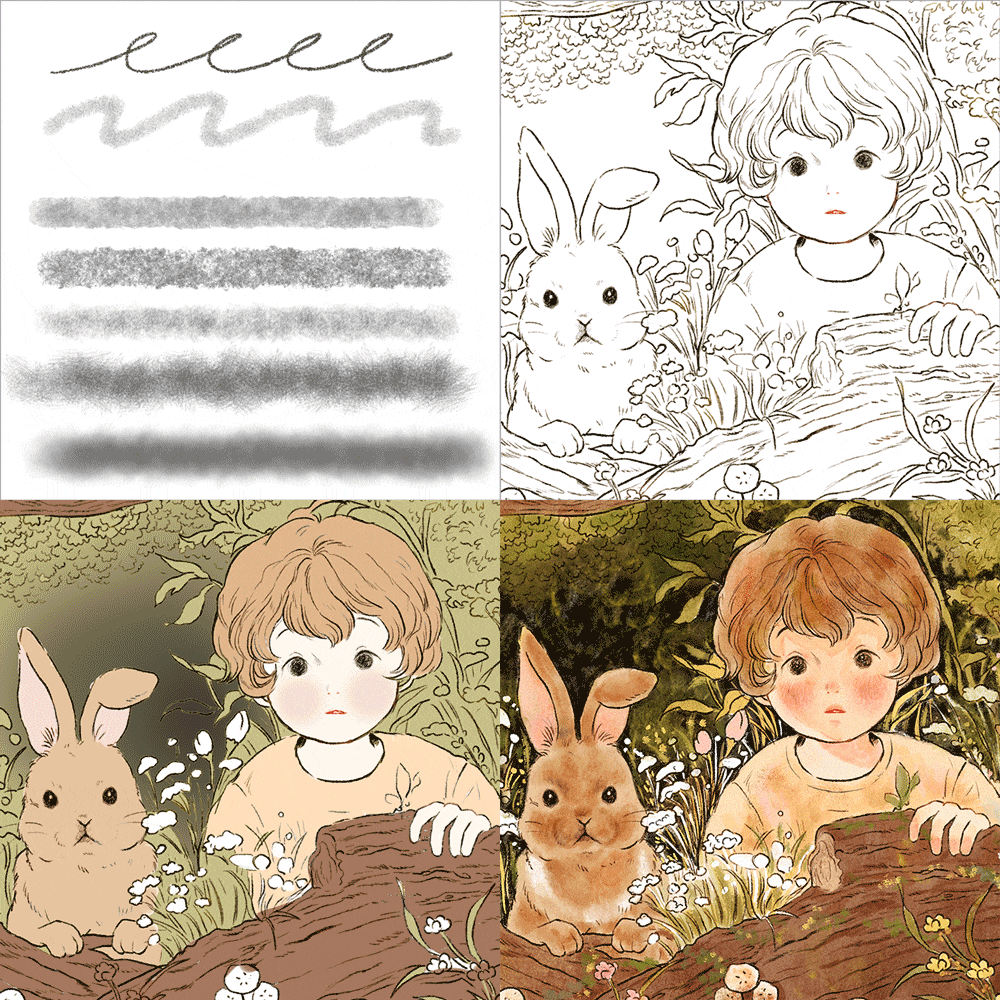 How to create a watercolor and colored pencil feelLearn how to express various textures in paintings, and learn how to express colored pencil coloring with a watercolor feel and paper texture through a practical coloring process.
-
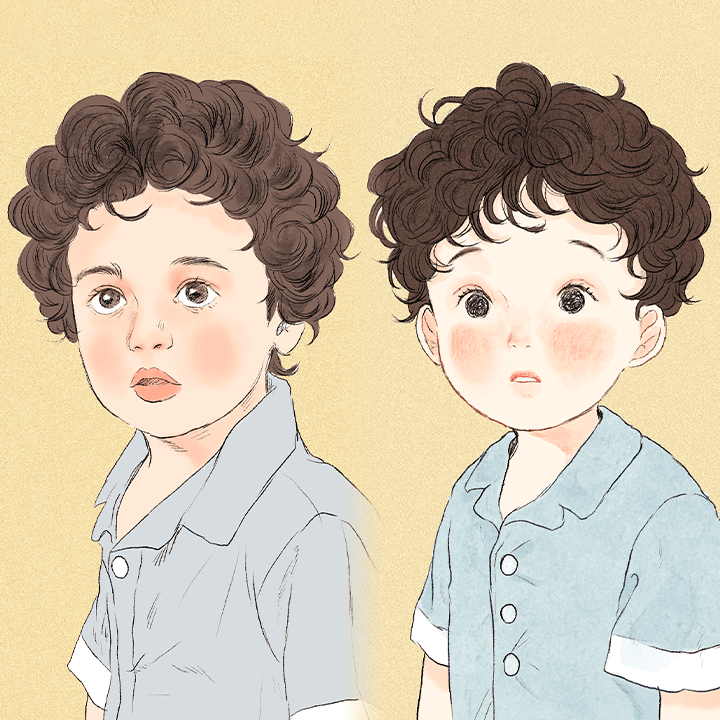 Learn how to create deformationDeformation is the key to cute drawings! Using photo samples, you will apply deformation to suit your taste and learn how to express your hair and facial features with various expressions.
 -
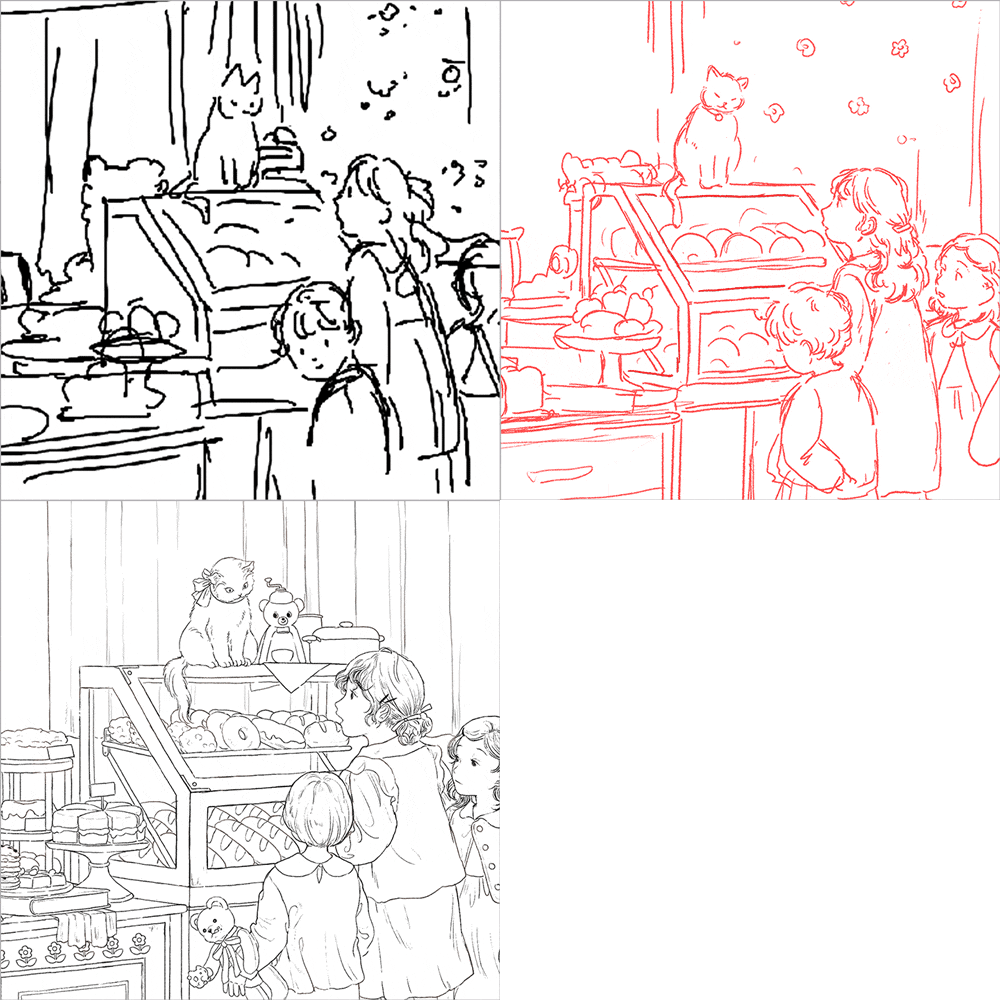 Illustration planning method to add atmosphereWe will learn what a picture storyboard is and create a picture storyboard based on the story together. We will teach you the know-how to materialize the storyboard based on color and images.
 -
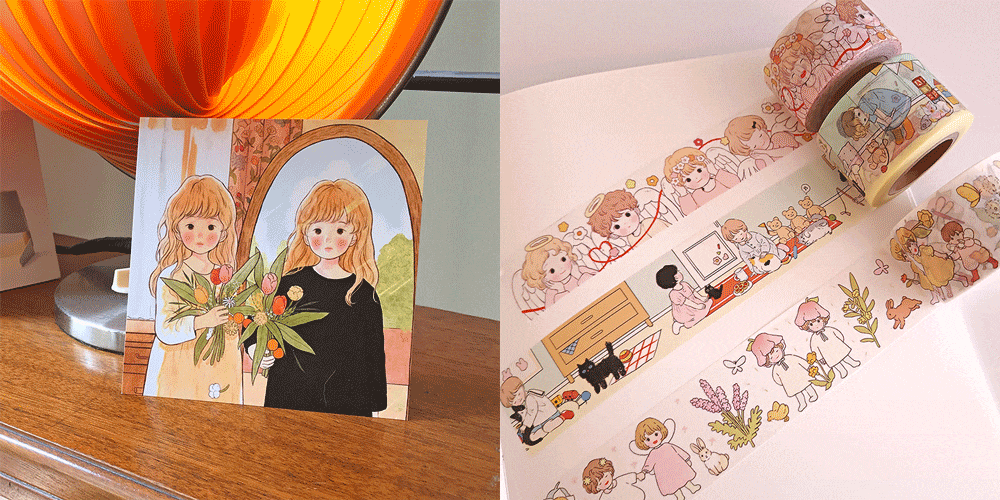 Smart self-branding know-howYou will learn small but essential practical information, such as updating your once overwhelming painting portfolio, tips for participating in various online and offline events, and what you need to know when producing printed goods.
* This image is an example image to help you understand the class.
curriculum
curriculum
Show me the curriculum
SECTION 01. Study guide and tool setting
01. Introduction to lecture by illustrator Yoo Bora
- This is illustrator Yoo Bora.
- Lecture Introduction - Guide to efficient learning
02. What is my favorite picture?
- Construct/analyze a mind map of your favorite style/picture/author/object, etc.
- Make the strengths of what you like your own
- Think about what you want to draw
03. Photoshop main features for beginners
- Key Photoshop features and tools
- Layer concept and organization method
- Introduction to brushes used
- How to download various brushes
04. Tips on using Photoshop often used in lectures
- Brush and interface settings to be used in class
- Frequently used shortcut keys and how to set them to suit you
- Become familiar with brush/tablet (practice first)
SECTION 02. Drawing and coloring based on understanding
05. Drawing based on understanding - lines and shapes
- Drawing basic shapes - Analyzing objects by making them into shapes
- What is deformation?
06. Drawing based on understanding - color theory
- Color combinations to understand and draw
- Understanding the three primary colors
- primary colors and pastels
07. How to use colors that suit the character
- Expressing skin color (warm tone and cool tone)
- Find the harmony of matching colors
- shadow expression
08. Unique method of expressing color (watercolor, warm)
- Expressing various textures in paintings
- Add know-how to basic coloring knowledge
- Practical coloring work process
- watercolor-like coloring
09. Characteristics of cute pictures - Apply deformation
- Let’s deform in my own style using photo samples (human)
- Things to keep in mind when drawing the human body
- How to express your head and facial features (various facial expressions)
10. How to add details to deformation
- Coloring the completed sketch
- Result: Complete with coloring
- How to add detail to your description
SECTION 03. How to create a warm atmosphere
11. How to plan atmospheric illustrations - case study
- How can a planned painting be rich?
- Why is story structure necessary?
12. How to plan an atmospheric illustration - Create a story
- Create a story using your favorite topic you thought of earlier
- Various story composition methods
13. Create an illustration storyboard
- What is a picture storyboard?
- Create a picture storyboard based on the story
- Storyboard materialization - color/image
- Creating storyboard line art
- Find references
SECTION 04. Illustration practical work process
14. Turn my imagination into a picture - sketch line drawing
- Determining the mood and feeling of a painting
- Organizing the line drawings based on the picture storyboard
15. Turn my imagination into a picture - coloring
- Coloring with a warm feeling
16. Adding and correcting details to improve quality
- Highlighting work
- What points need to be refined?
- What details make the difference?
- Correction effects that can be used in Photoshop, such as overlay and pixel liquification
- Hue/Saturation/Vibrancy effect
SECTION 05. Freelance illustrator’s self-branding
17. Goods production and self-branding process 1
- How to set color for printing
- Brightness adjustment/Yellow correction
- Tips for making goods (business cards/space/brightness)
18. Goods production and self-branding process 2
- Understanding the types and properties of picture platforms
- How to operate SNS as an illustrator
- Various information for working as an illustrator
19. Concluding the lecture
- Summary of learning contents
- What I want to say to my students
* Curriculum details may change before or after the video is released.
interview
What illustrator Yu Bora wants to say

Question.01
What are the instructor's strengths and differences in teaching this course?
What are the instructor's strengths and differences in teaching this course?
Among my strengths, I think people are very interested and curious about the color combination for unique, lovely images and the various ways to configure colors according to the image. So, we have prepared this lecture so that you can learn the coloring part in detail.
Question.02
Who would you recommend the class to?
Who would you recommend the class to?
I would like to recommend it to anyone who enjoys making up stories and drawing pictures. I think it might be of great help to those who are curious about my unique drawing style. I think it will be a class where you can learn detailed information such as working methods and how to use brushes.
Question.03
What do you think are the most necessary attitudes and capabilities for someone who draws?
What do you think are the most necessary attitudes and capabilities for someone who draws?
I think it's important to know for sure what I like and want to draw. And I think it can be determined by how well you use the tools you want to draw. In fact, in this class, I have prepared to more clearly establish what I want to draw and teach you how to quickly improve the quality of your drawings.
Question.04
Is it okay for beginners in drawing to take the course?
Is it okay for beginners in drawing to take the course?
This class is tailored to the eye level of beginners. From line practice to shortcut keys, the lectures are designed for beginners, so even beginners can take the course without difficulty. If you have experience with digital drawing or have drawn before, I think you will find it easier to understand.
We will guide you through the program to use.
This lecture is conducted using the Adobe Photoshop CC program and a tablet.
To ensure smooth course participation, please separately purchase and install the latest version of the program.
*Programs and materials are not provided separately.
*You can take the course through a separate program (Procreate), but it is difficult to apply the brush file provided in the class.
*This class uses the brush pack provided free of charge in the Photoshop program, so when using other programs, you can take the class by substituting a similar brush file separately.