[enrolltounlock]Illustrator,Solraka_일러스트레이터 솔라카 Details
Class introduction
Illustrator, Solraka
“I will help you design to express the intensity and direction of light, as well as the volume and texture — all on your own.”
Artistically Define Light and Color with Crystal-Clear Coloring Expression
Are you tired of your art looking rigid all the time, with thickly layered brushstrokes and feeling repetitive no matter what you paint?
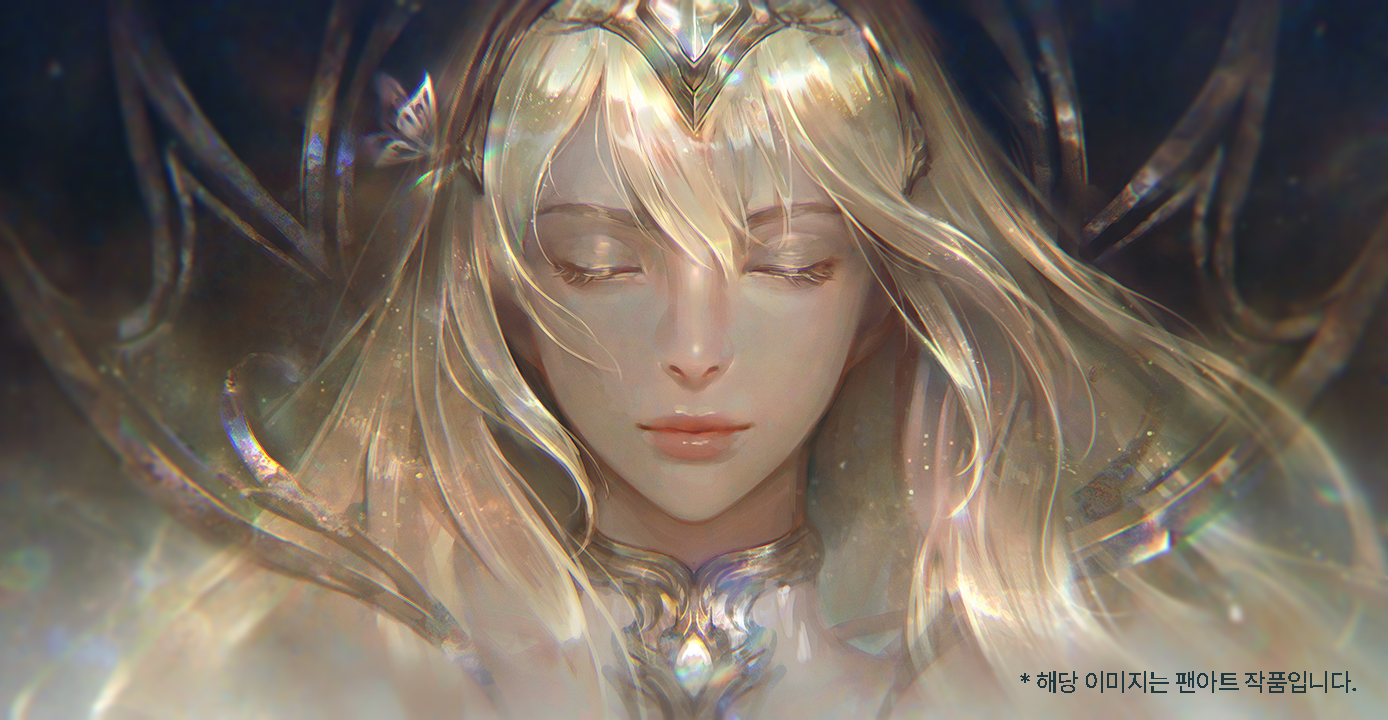
A popular instructor at an offline academy with remarkable teaching skills, receiving numerous requests to create various online classes together — Solraka will teach you the ultimate coloring mastery that will allow you to express yourself through clear and transparent-looking painting methods!
With the expertise of professional illustrator Solraka, capture the nuances of various elements: starting from the character's skin and hair, polish on clothing, metal accessories, jewelry, and more! Create your own coloring routine to enhance your future art endeavors. Don't miss this opportunity to learn pure and clean character illustration coloring techniques.
With the expertise of professional illustrator Solraka, capture the nuances of various elements: starting from the character's skin and hair, polish on clothing, metal accessories, jewelry, and more! Create your own coloring routine to enhance your future art endeavors. Don't miss this opportunity to learn pure and clean character illustration coloring techniques.
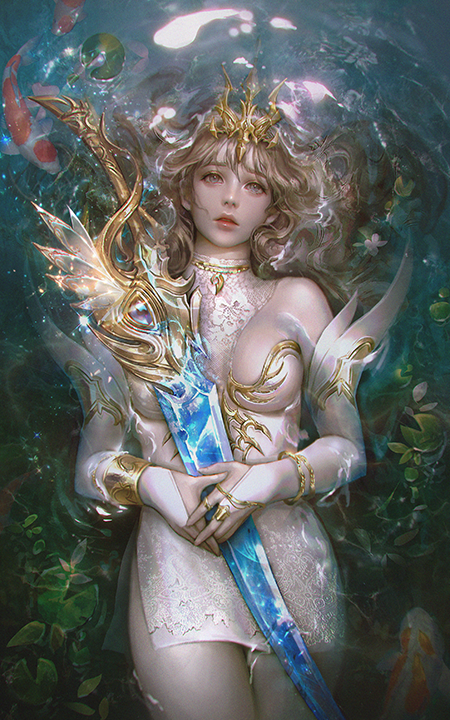
Expert Illustrator Solraka's Portfolio
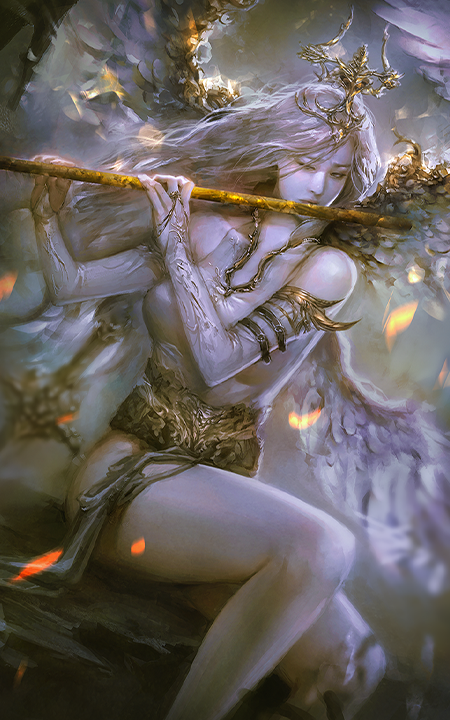
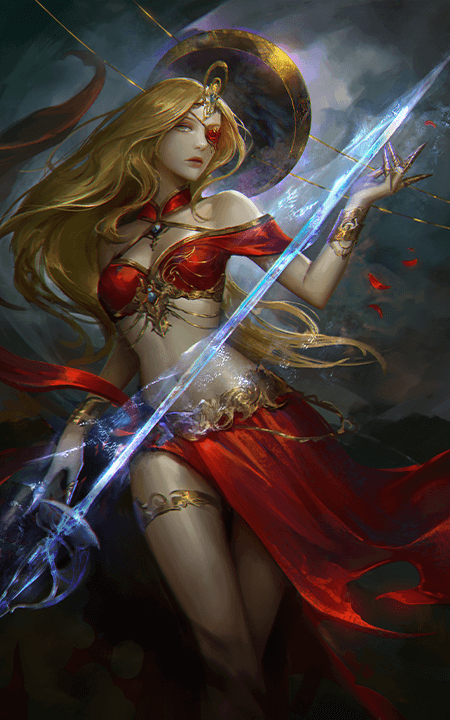
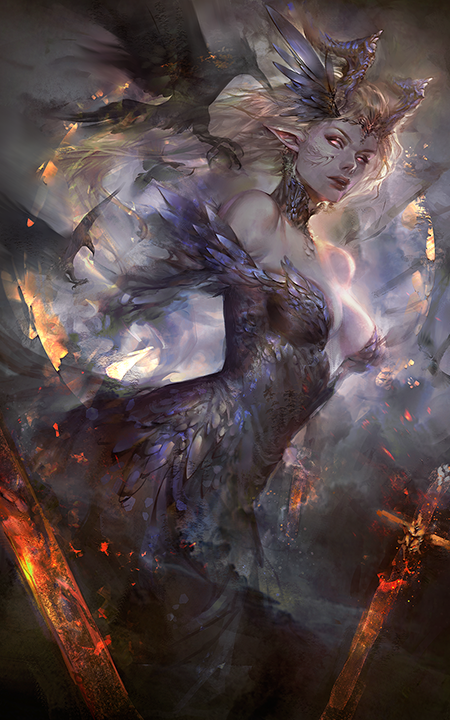
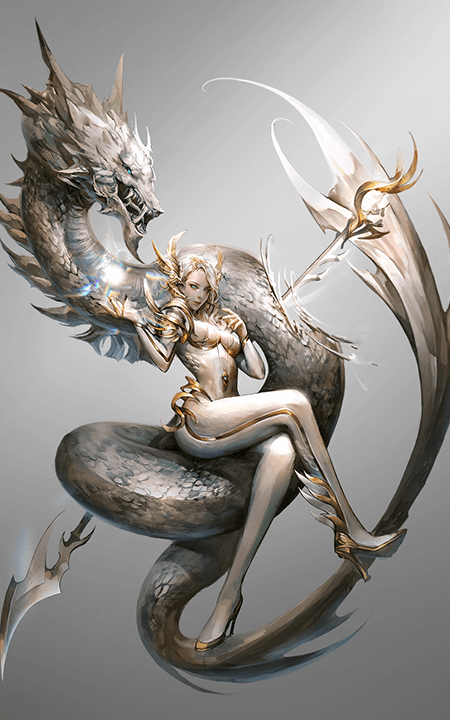
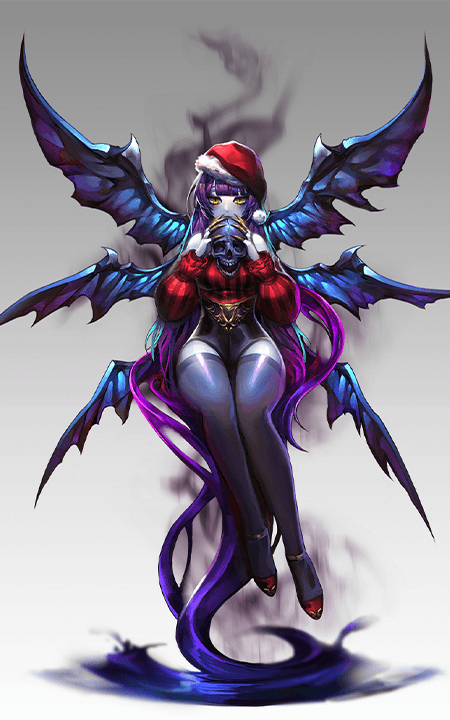
Why Take This Class?
In this class, we will explore advanced coloring techniques that are applicable and helpful even for beginners. Practice coloring elements such as the character's porcelain skin, soft hair, natural shirt wrinkles, silk highlights, smooth leather texture, and more — by keeping even the slightest detail on point! By carefully following the curriculum, you will be able to complete one type of high-quality character illustration that will definitely capture your heart.

16 Class Exercises
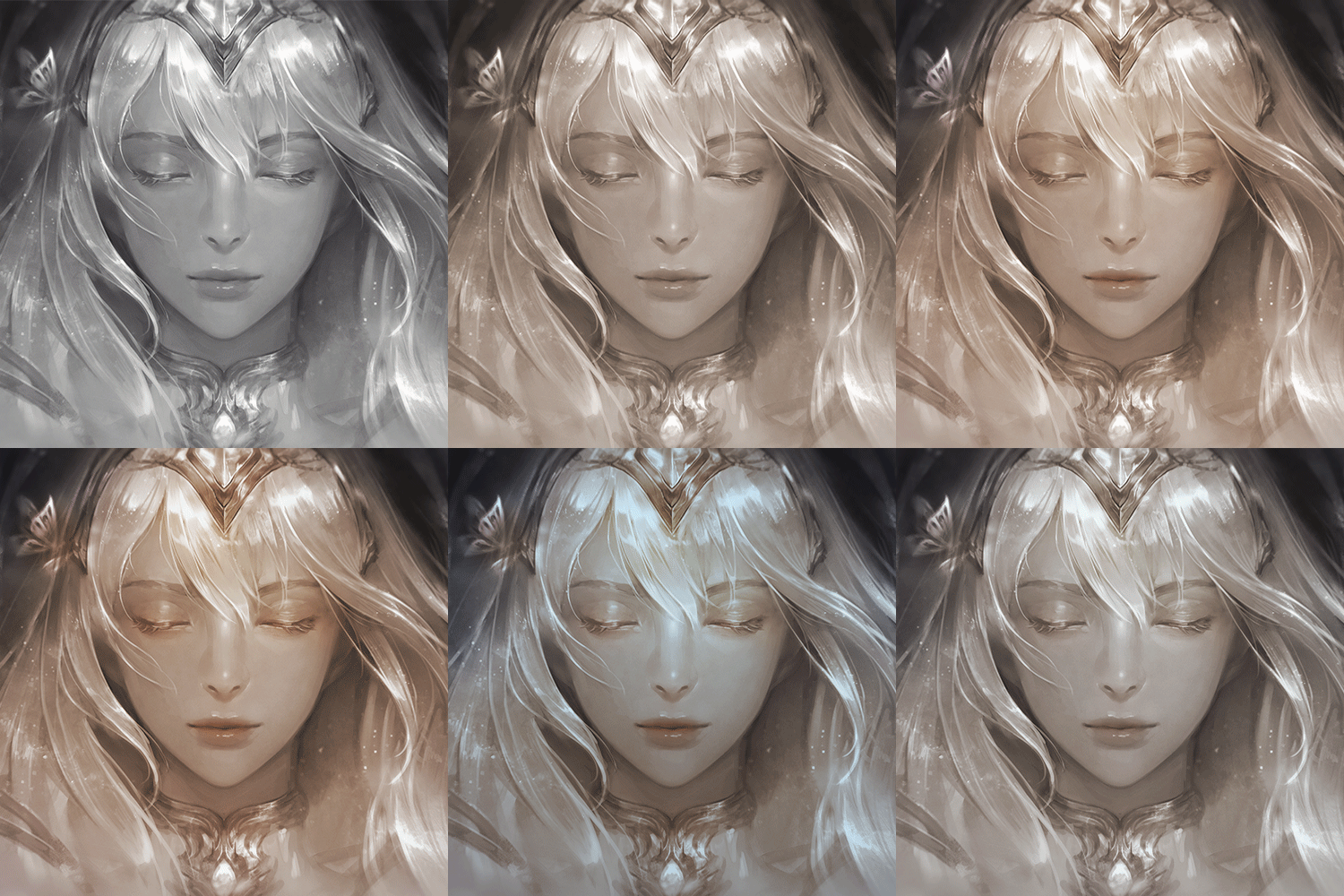
Layer Blending Mode
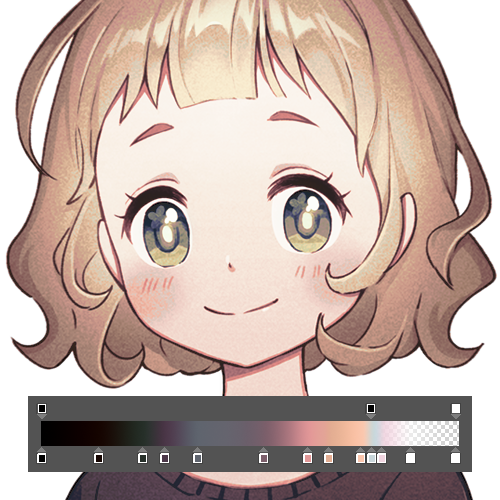
Gradient Map
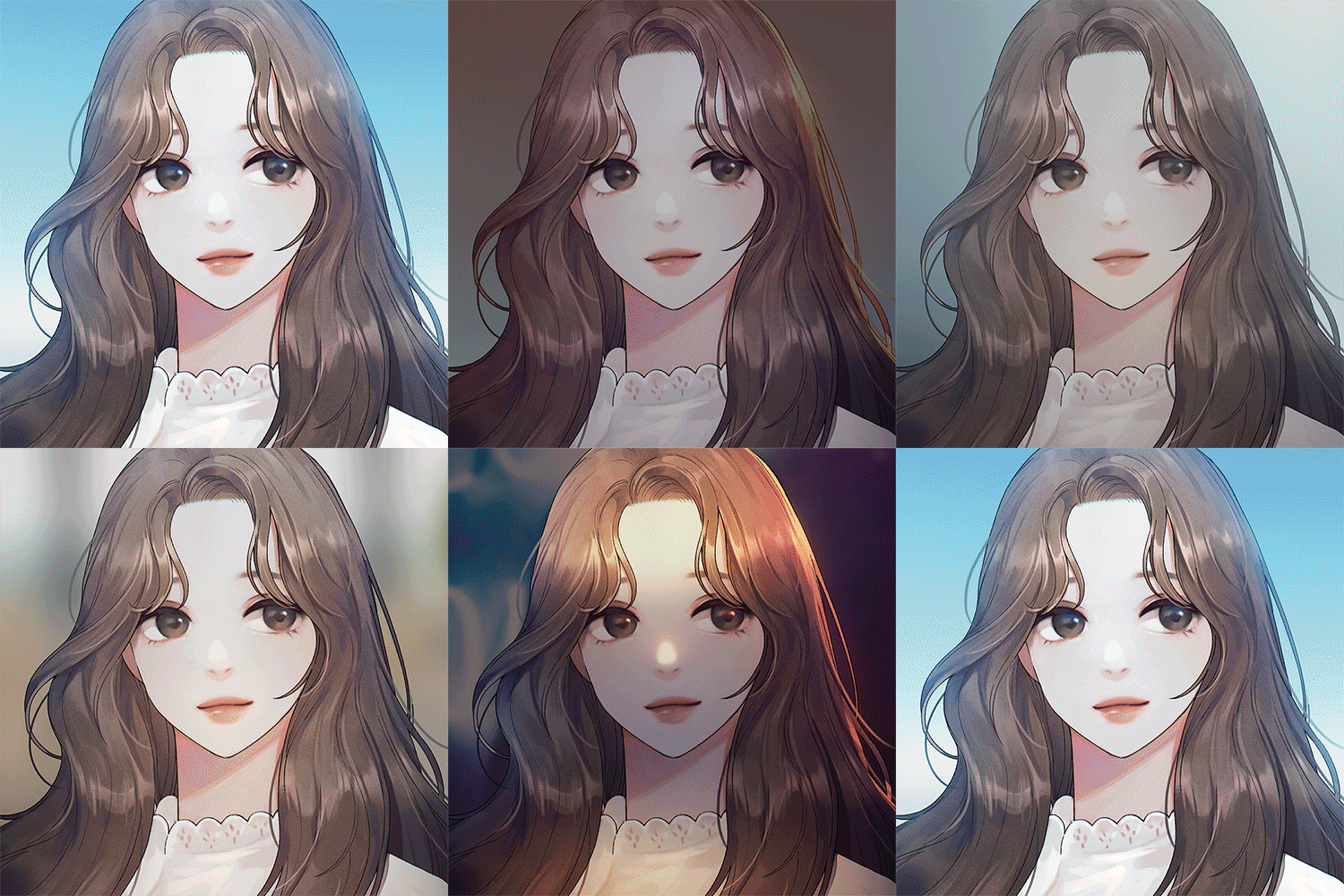
Changes in Light and Color
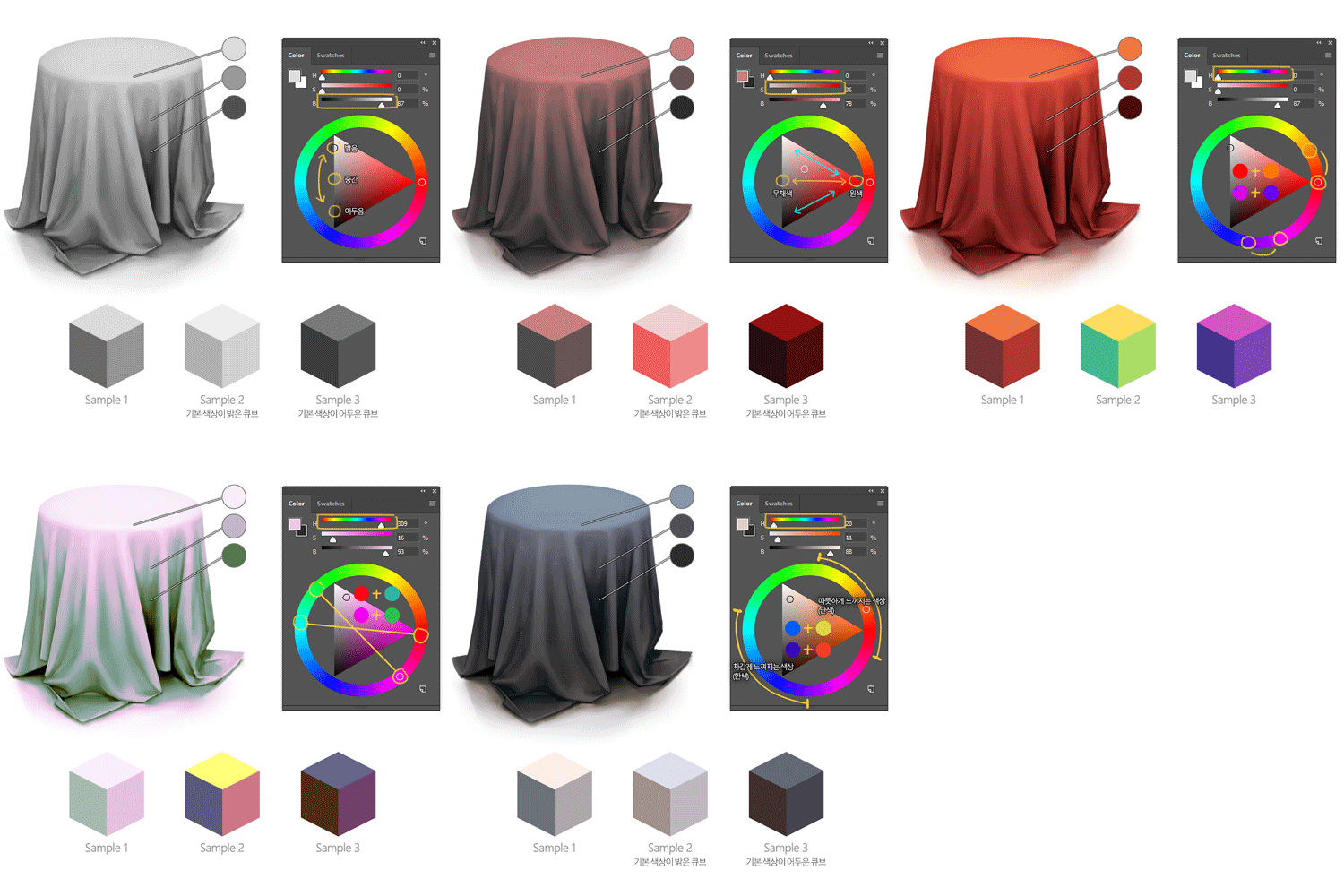
Color Contrast
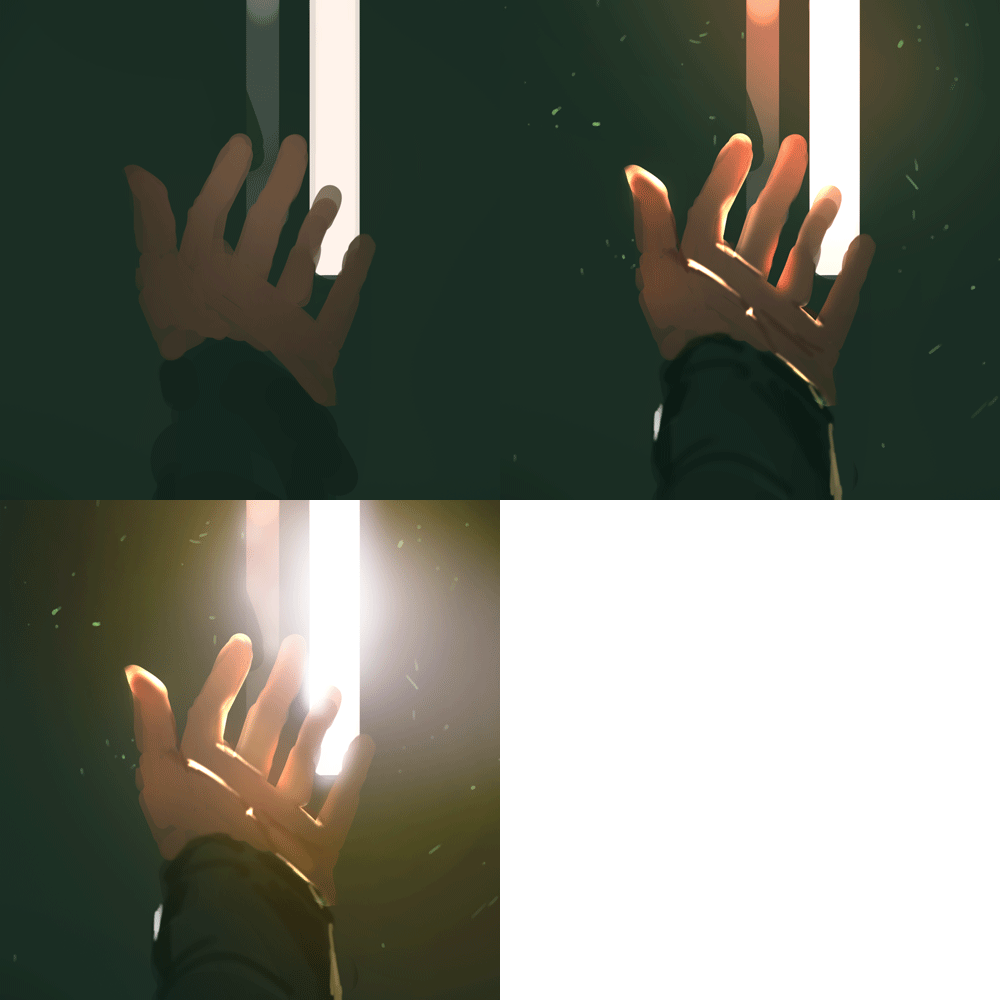
Color Croquis
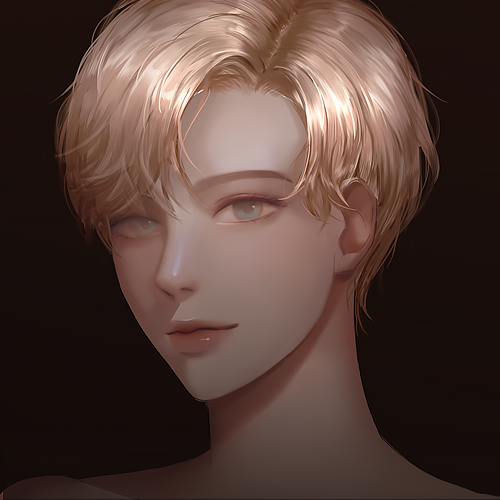
Skin Details
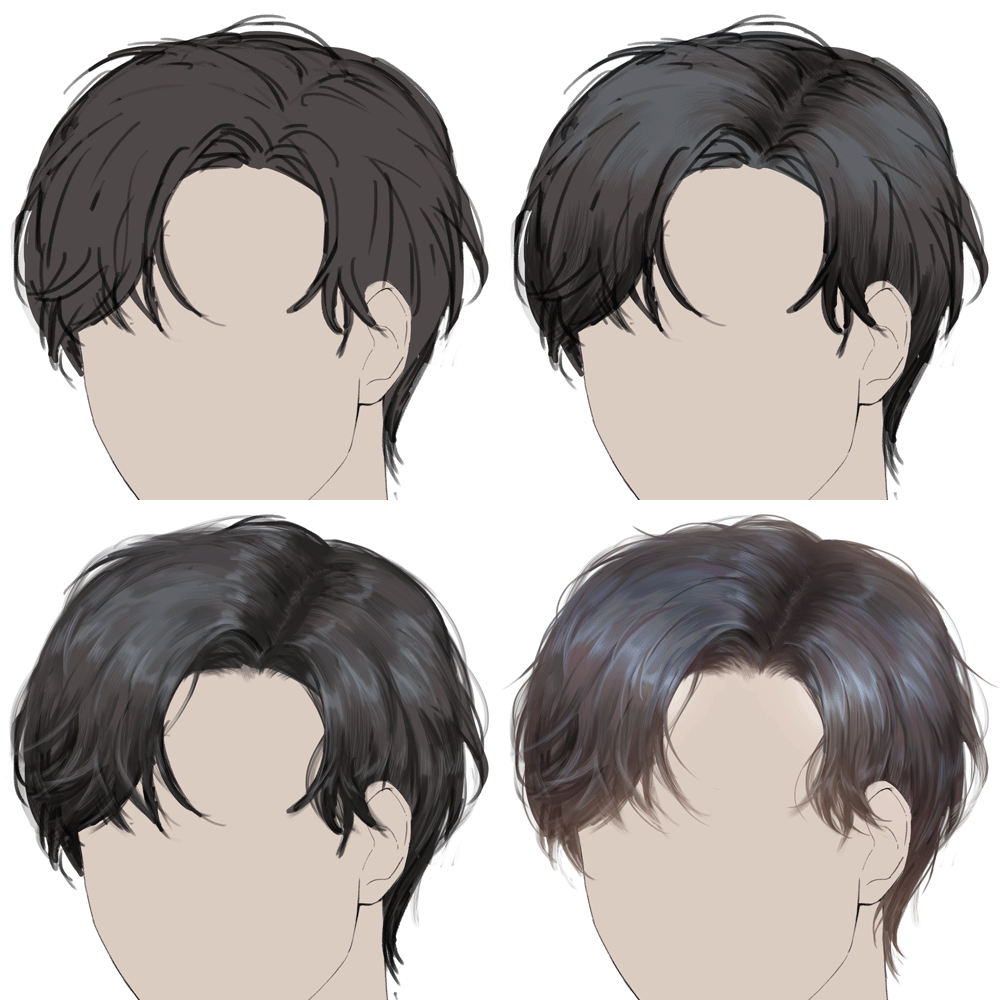
Various Hairstyles
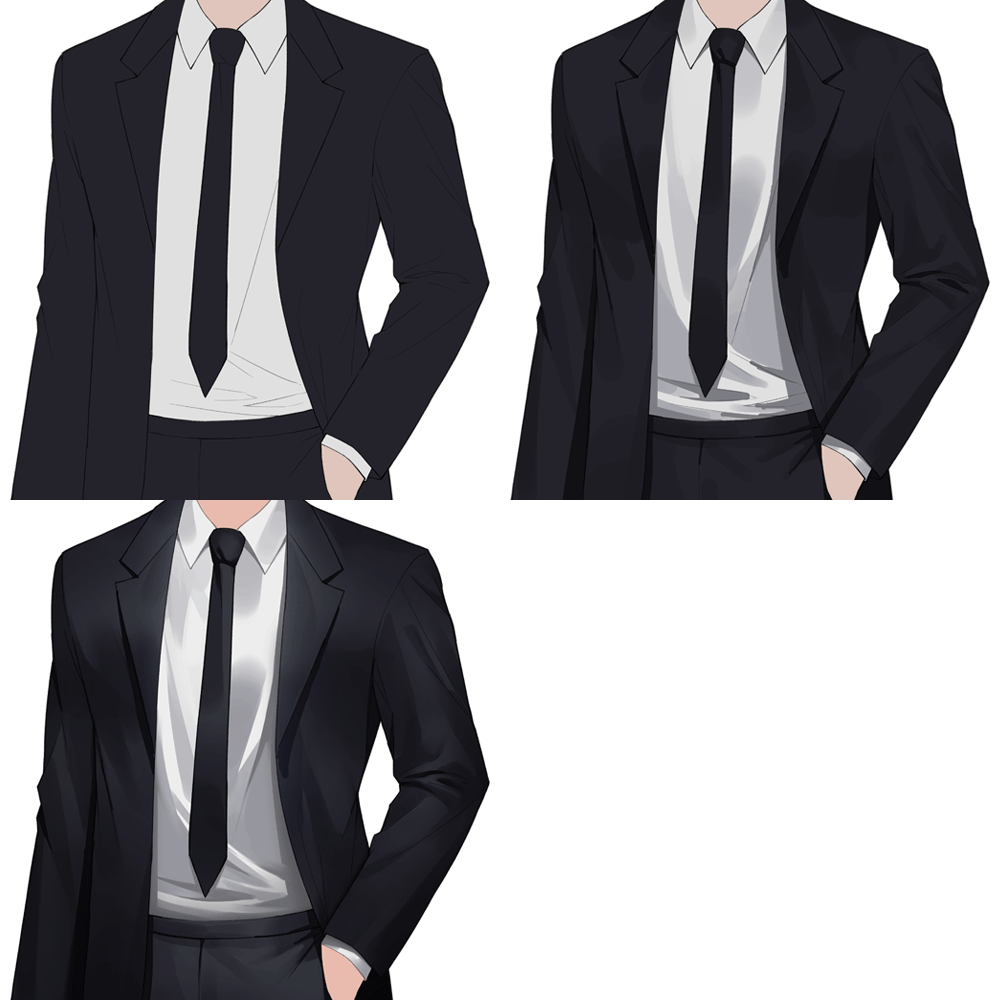
Dress Shirt and Suit
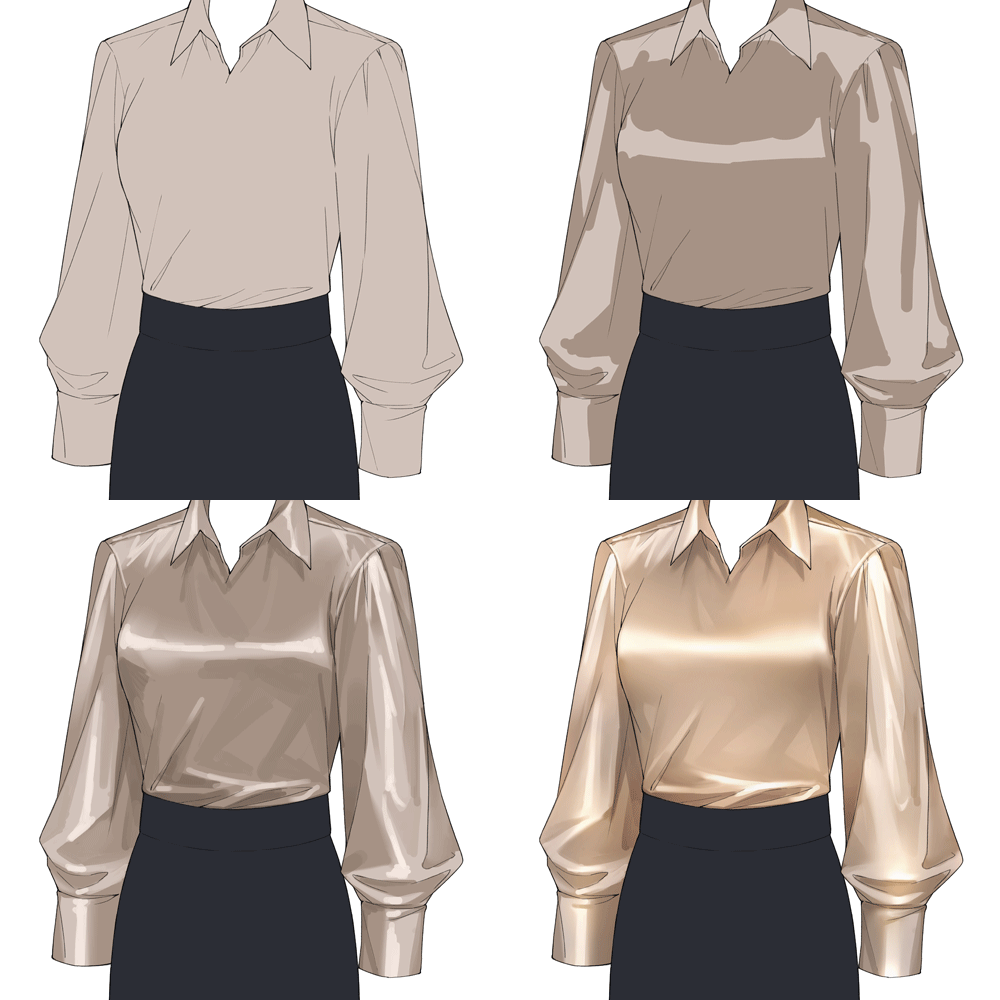
Silk Blouse
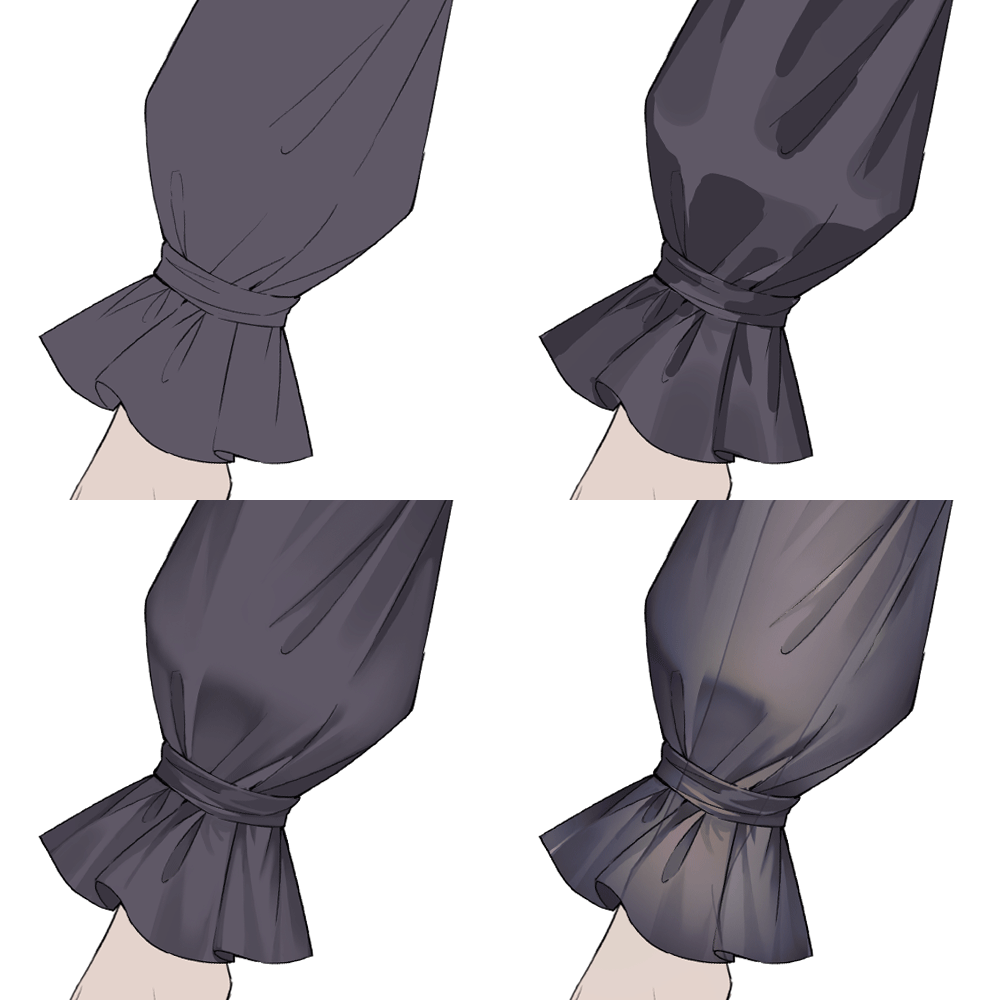
Sheer Dress
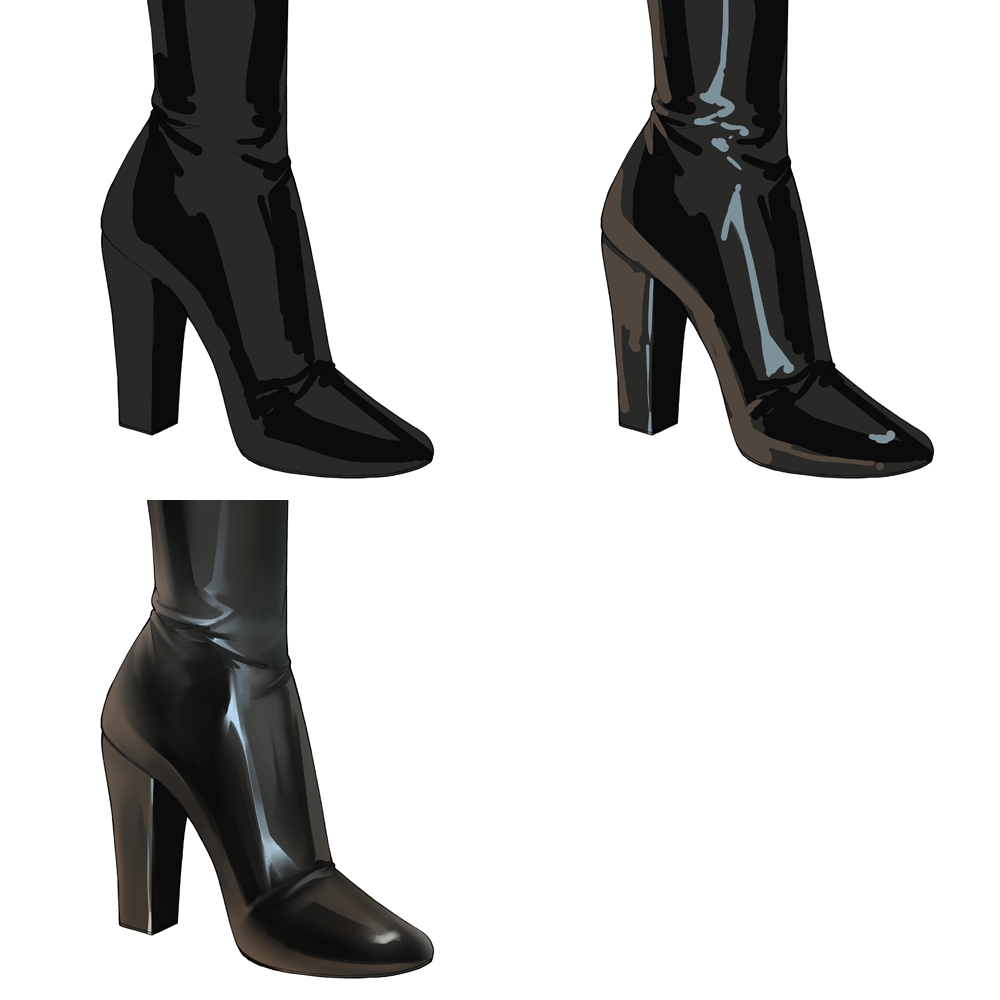
Leather Texture

Metal Accessories
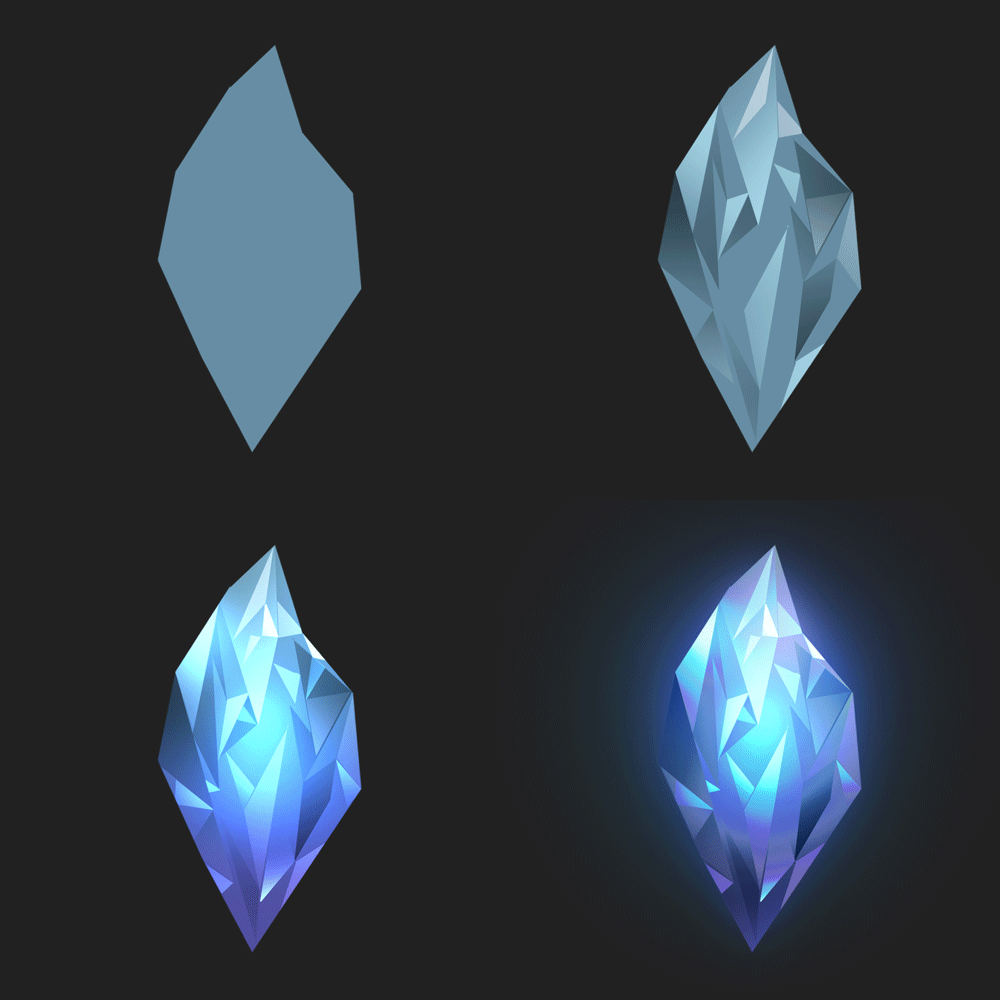
Jewels
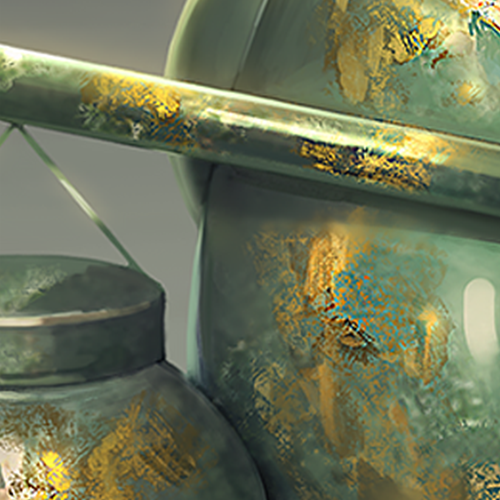
Mixed Material
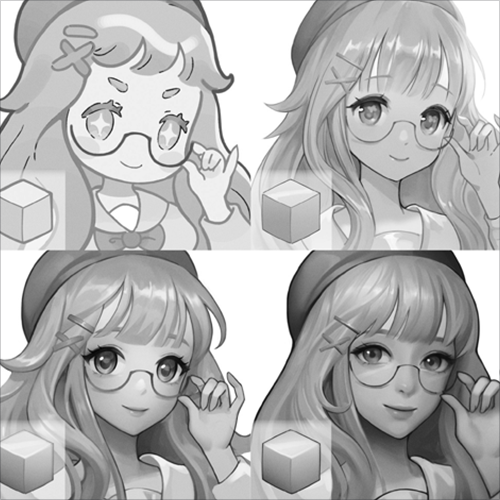
Levels of Contrast
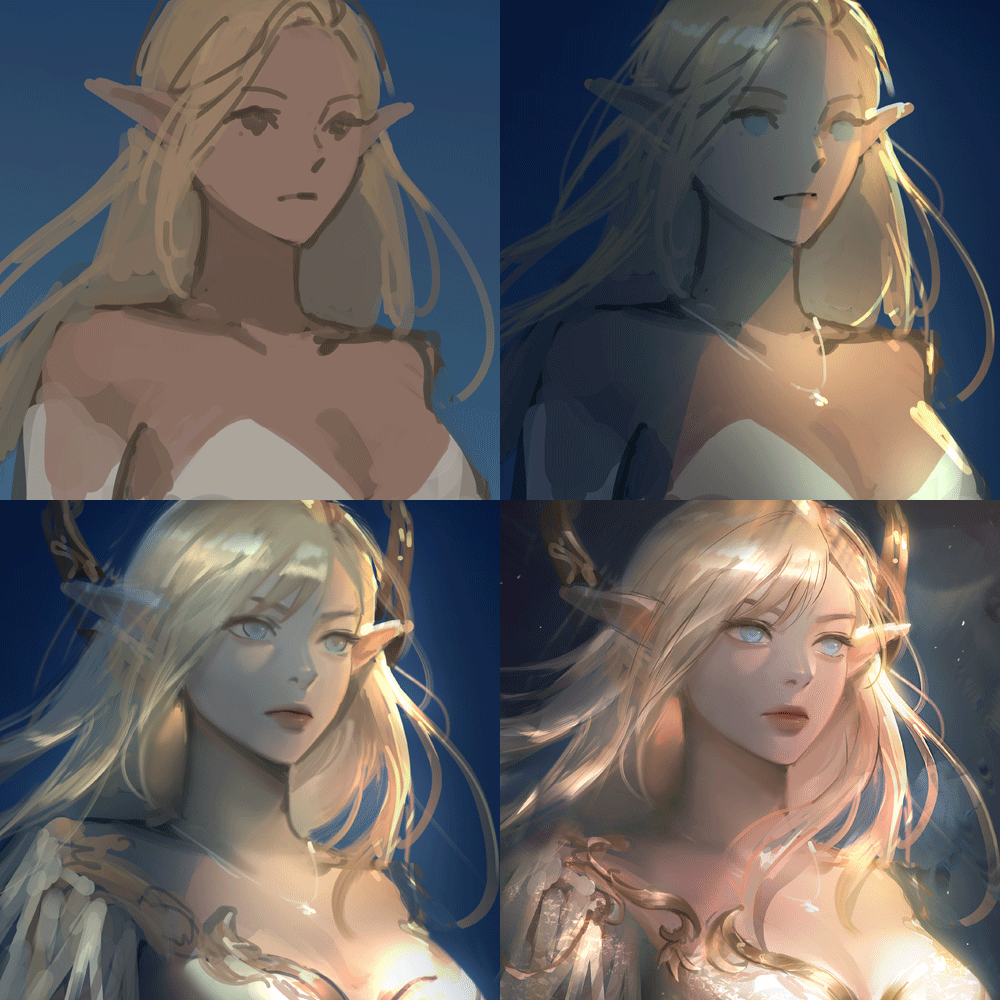
Illustration Process
*Above are sample images for a better understanding.
Speaker introduction
Illustrator
Solraka
Hello, this is Solraka! I'm currently a freelance illustrator and an instructor at Megastudy Game Academy. As an artist, I have worked on many web novels and game illustrations.
I believe that education should be approached in an exciting and fun way in order to produce tangible results. No matter how high the quality of education, it will not be motivating if it does not engage the mind.
Creating a curriculum that students can relate to easily will increase their concentration levels, and presenting various directions as answers to problems that students frequently encounter could clarify their knowledge base. I want this class to be a place where students can think and come up with their own answers—unlike the same, old stereotypical theory-based courses.

Illustrator, Solraka
[Current]
Freelance Illustrator
Projects & Awards
[Previous]
Megastudy Game Academy Instructor
Propic Academy Instructor
[Participated Projects]
Published <Character Coloring: Materials and Texture> Book
DNC BOOKS <A Pretty Girl Next to a Pretty Girl> Web Novel Illustration
PICTOLOGI <Unreleased Project> Character Illustration
Student Reviews
Reviews of Actual Students
-
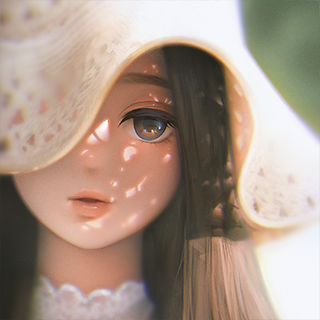
 Student Na OOFor quite a while, I've wanted to give my drawing style a whirl. This class provided easy and concise basics to essential elements in drawing illustrations, and helped me grow as an artist in a short amount of time. Now, I have figured out what my problems were and was able to develop a new study method that no longer makes me feel lost. Finally, I can draw the things I love — without stressing on my weaknesses!
 -
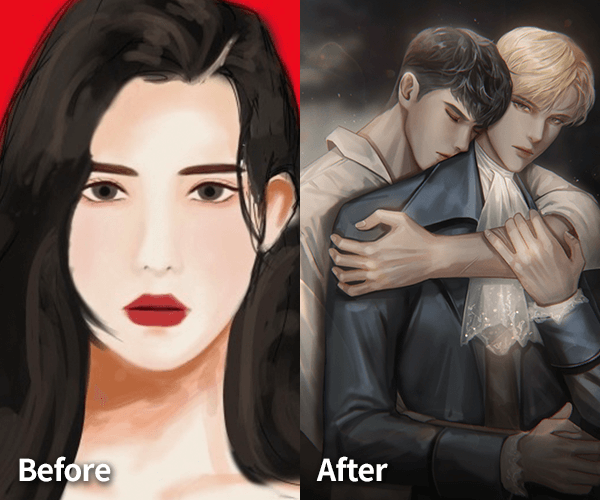
 Student Kim OOAll my concerns about learning how to draw were resolved through this class. I am now able to illustrate much higher-quality artwork all by myself! The feedback I received on my work left me not just satisfied but truly reassured, and the detailed information on theoretical aspects and ways of using Photoshop was invaluable.
 -
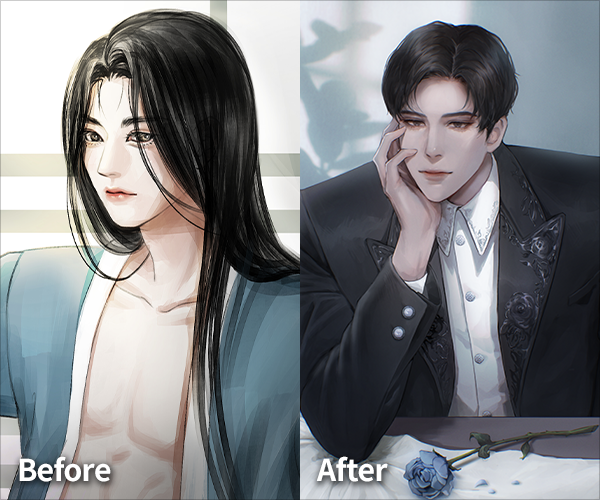
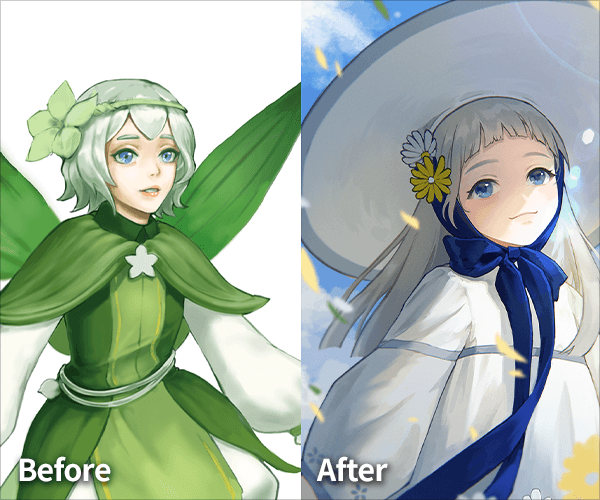 Student Nam OOBefore taking the class, I was so worried because there were many skills I only vaguely knew about. However, once I continued with the curriculum, my sketching lines and techniques became much more organized. Also, the class gave me a detailed and clear explanation of the solutions I was always worried about. I'm starting to have fun studying and am no longer afraid of trying new ways to draw!
class features
Class Highlights
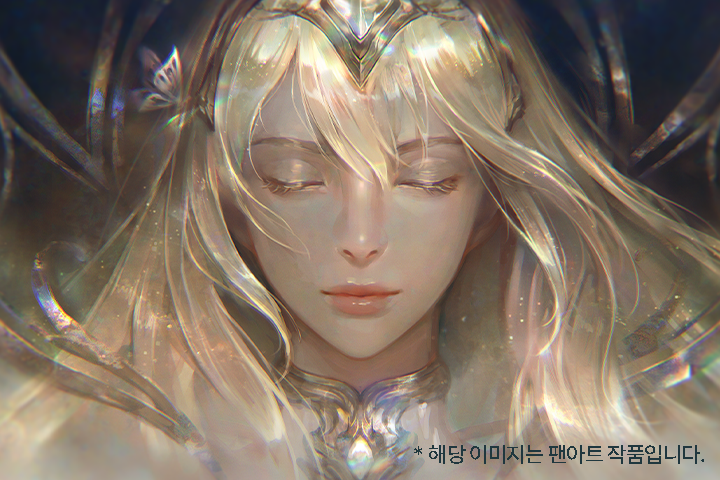
The Basic Concept of Coloring to Alluring Light and Color Expressions
In this class, you will be able to understand your preferred coloring method and provide self-feedback on the quality of your work by starting from the basic concepts of coloring to going through many examples of trial and error.
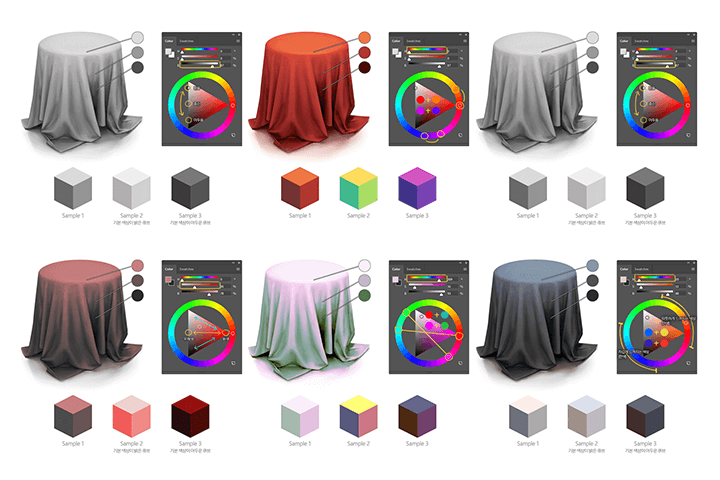
Exquisite Production Method Using Photoshop Layer Mode and Professional Editing Techniques
In this class, you will study the various explicit lighting expressions using practical Photoshop functions, and how to make the color and design of your clear-tone characters stand out and shine.
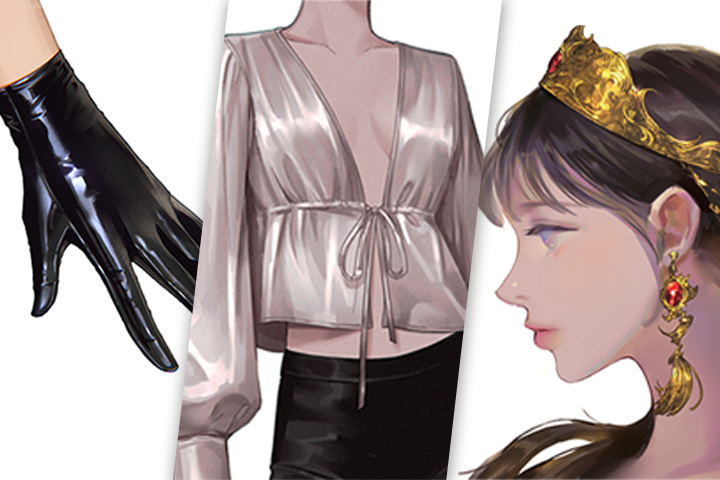
Easy-to-Follow Advanced Texture Color Training for Confused Beginners
In this class, you will draw in various ways by understanding the differences in the expression of textures that are hard to demonstrate visually — such as the human body's skin and hair, dress shirts, silk blouses, leather gloves, accessories, jewelry, and more!
Class Details
You'll Learn
-
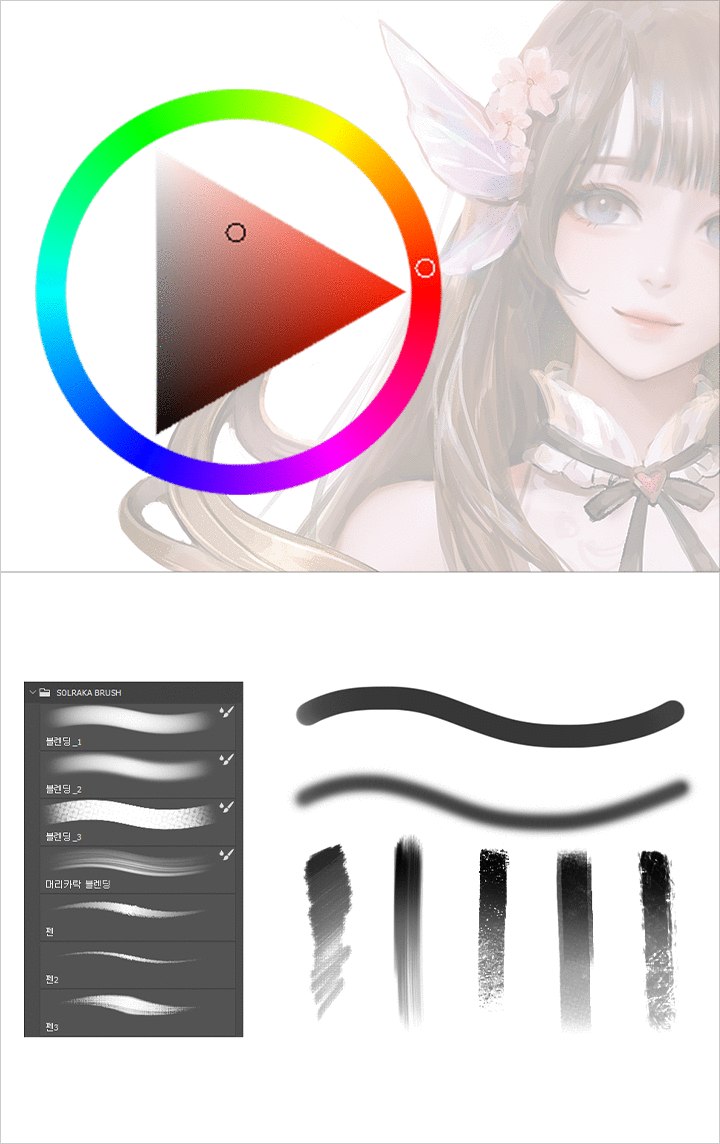 Uncover Photoshop Functions That Enrich Coloring Skills to PerfectionUnderstand the differences between default and custom brushes, as well as the types and characteristics of layer blending modes. Also, explore ways of expressing vivid colors with gradient maps.
 -
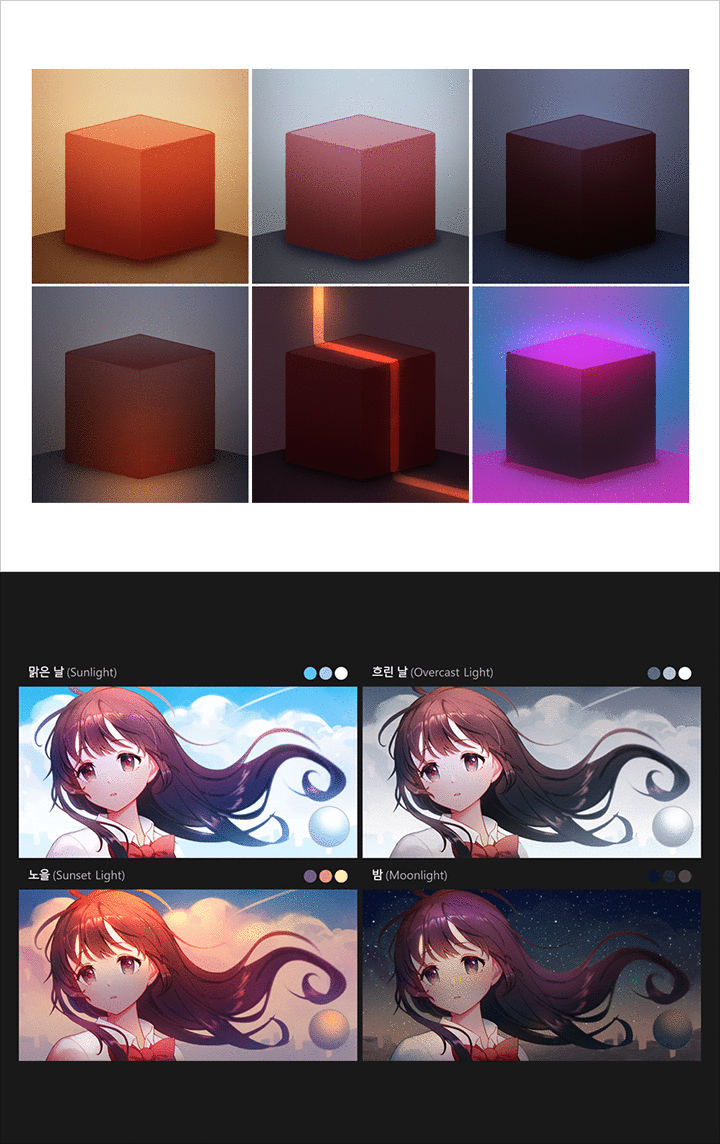 Coloring Essential Basics: The Relationship between Light and ColorEscape from the boundary of local colors and understand the relationship between light and color. Let's obtain solid coloring methods by focusing on lighting work and color croquis training.
 -
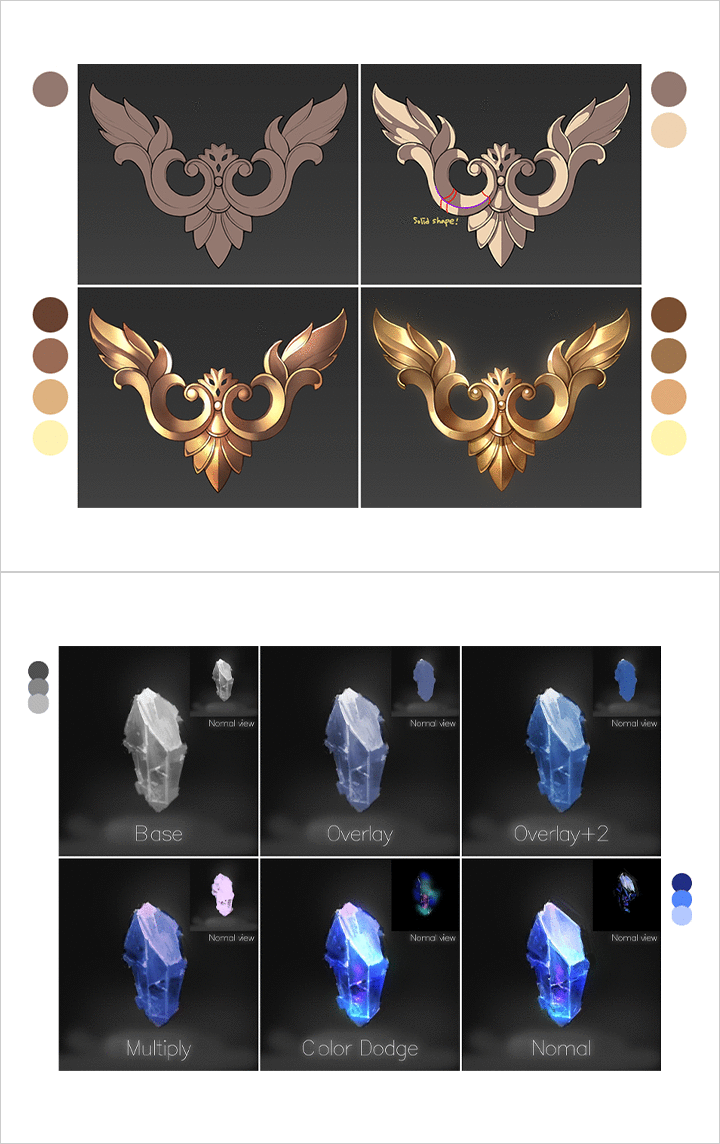 Vibrant Illustrations through Explicit Texture ExpressionIllustrate realistic visuals by examining the intricacies of materials and textures, and practicing how to express various materials that are suitable for specular and diffuse reflection, as well as those that appear transparent and translucent.
-
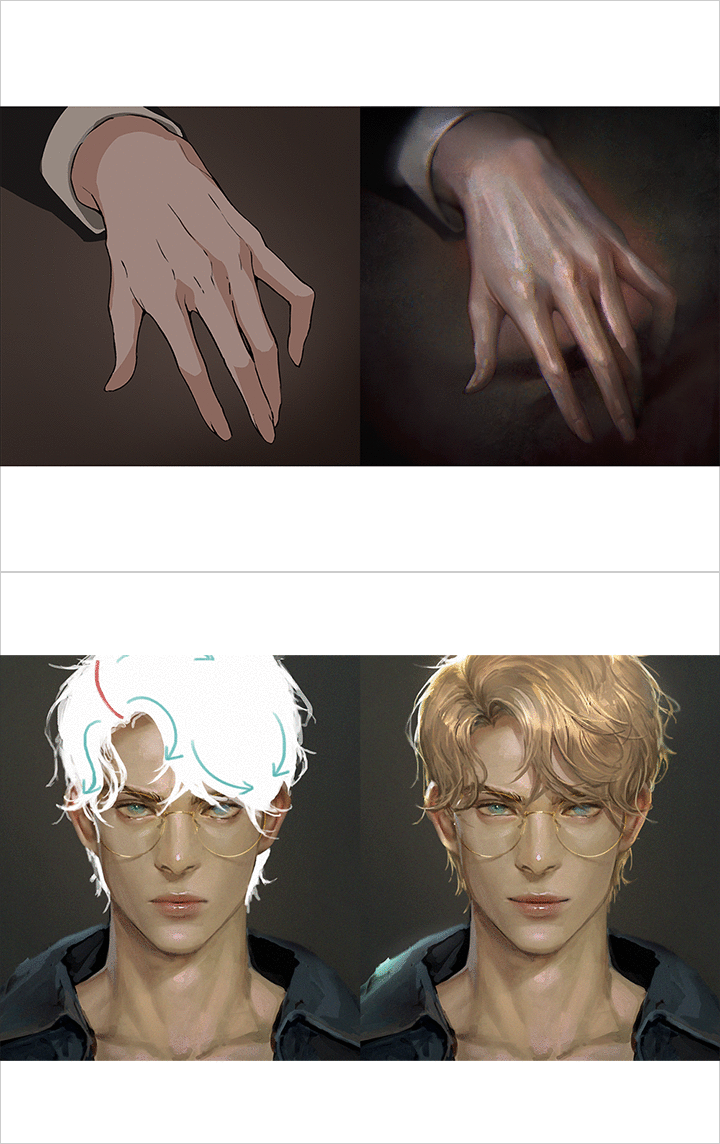 Fundamental Character Coloring Method for All Types of ElementsStart designing character clothing and various accessories step by step, from smooth skin and hair to dress shirts, blouses, and dresses! Apply them to the illustration, and let the magic happen.
 -
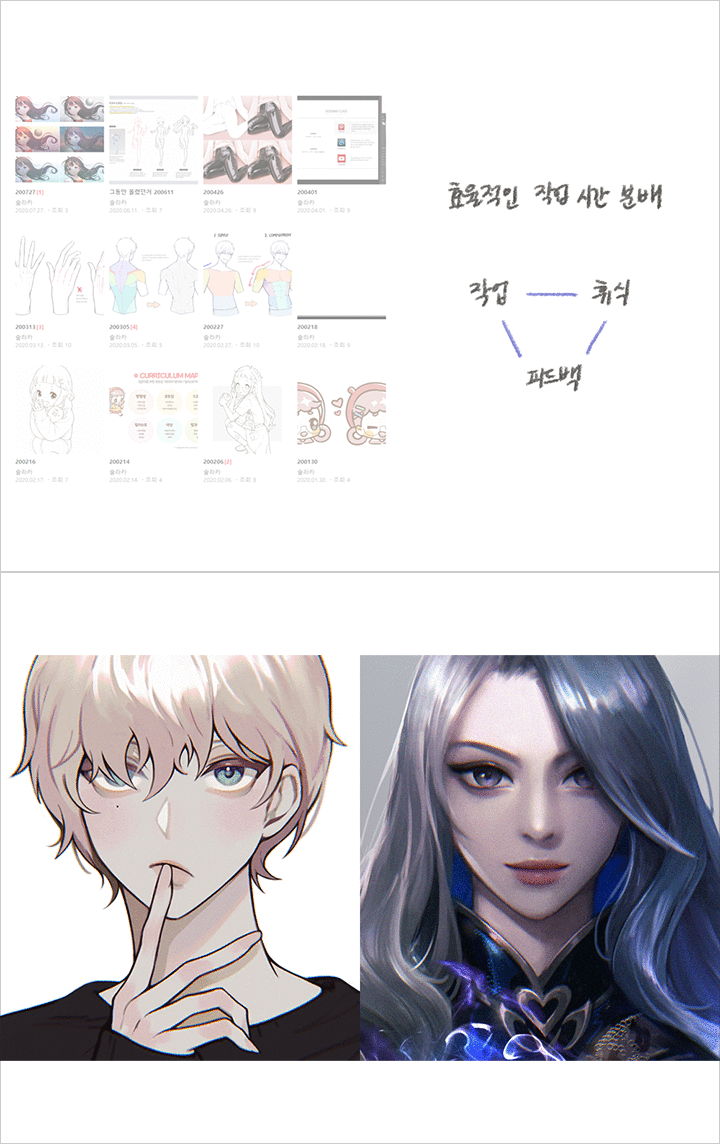 Develop Your Ability of Self-Decisions with an Efficient Study MethodAchieve these post-drawing tips: the self-feedback method that allows students to check their drawings independently, acknowledging the pros and cons of drawing with faces/lines, and learning how to set standards for the richness and quality of your work.
 -
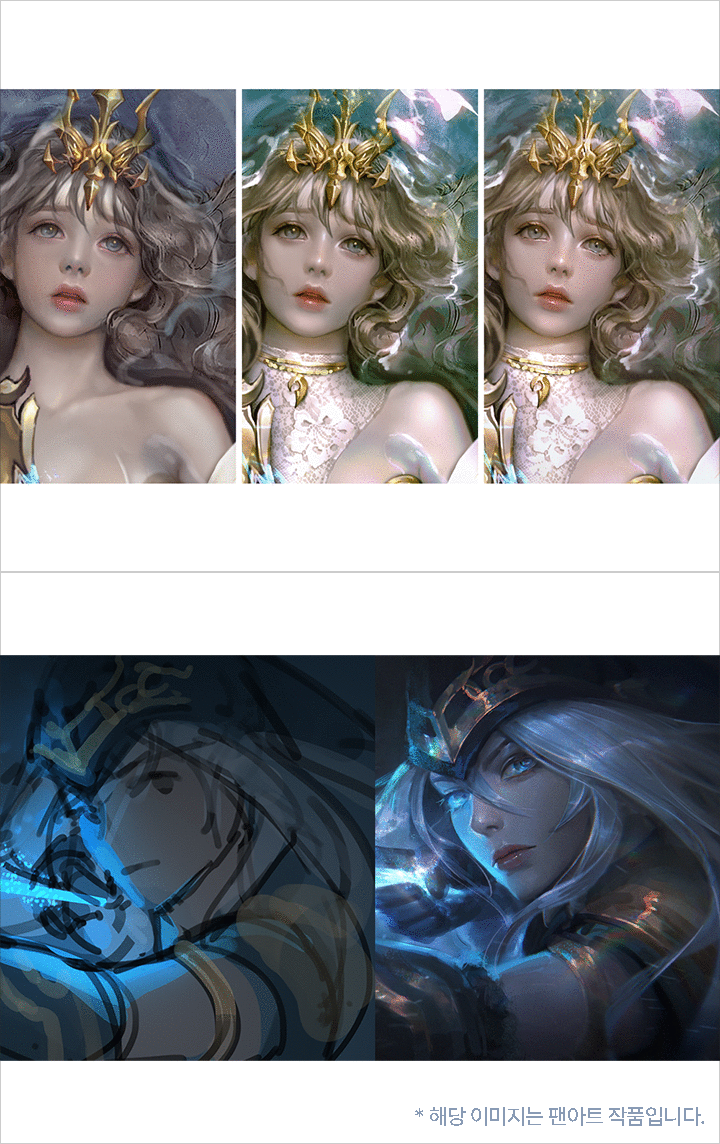 Clean up Finalized Coloring Artwork into High-Level QualityUse custom brushes to improve the quality of the texture expression, and display a variety of atmospheres, such as matching the lighting of the background and character by applying correction layers.
curriculum
Curriculum
In-Depth Look
SECTION 01. Orientation
01. What Is Coloring?
- Understanding the coloring process
- Good & bad examples of coloring
- Explanation of class contents and remaking these skills into your own!
Section 02. Photoshop Techniques That Improves Coloring Perfection
02. Using Photoshop Brushes and Layers
- Default brushes vs Custom brushes
- Types and features of layer blending mode
03. Visualizing Vibrant Colors with Gradient Maps
- Gradient Map Function: Perfecting coloring skills while using only few layers
SECTION 03. Basics of Coloring: The Relationship of Light and Color
04. 04. Step Away from Colors! Understanding the Relationship between Light and Color
- Definition and stereotypes of local colors
- Changes of color according to light switch
- Changing light and color with basic shapes
05. Brightness and Darkness: Visualizing through Layer Blending Mode
- Types of layer blending modes - brightness
- Types of layer blending modes - darkness
- Advantages and disadvantages of expressing contrast by dividing layers
- Color/brightness and darkness using layer blending mode
06. Understanding the Types of Light and Drawing Illustrations with Moods
- How does the weather and time of day affect natural light?
- Discovering staged and indoor lighting
- Examples of all the different kinds of lighting situations
07. Three Properties and Roles of Color
- Study the concepts and roles of brightness, saturation, and hue
- Roles of hue, saturation, and brightness used in illustrations
- Analyzing the three attributes of color used in masterpieces
08. Find Your Own Coloring Method through Color Contrast
- Definition of contrasts
- Types and characteristics of different color contrasts
- Pick your favorite color contrast combinations
09. Color Croquis: Handling Light and Color with Ease
- What is color croquis, and why do you need it?
- Completing a color croquis within a time limit
SECTION 04. Creating Vivid Art through Material Expression
10. Materials and Textures
- Difference between materials and textures
- Soft and rough textures using brushes
11. Expressing Various Materials
- Concepts and differences between specular and diffuse reflection
- Light transmission, transparent and translucent
- Expressing specular/diffuse reflections, and transparent materials
SECTION 05. Know-How on Texturing Details for Character Coloring
12. Skin
- Skin textures
- Designing three-dimensional facial features
13. Hair
- Short hair vs Long hair
14. Dress Shirt and Suit
- Dress shirt and suit textures
- Laying out natural wrinkles in clothes
- Coloring Process: Dress shirt and suit
15. Silk Blouse
- Highlight features of silk textures
- Coloring Process: Silk blouse
16. Translucent, See-Through Textures
- Translucent, see-through textures
- Selecting color range, expressing translucent textures using layer mask
17. Leather Shoes
- Smooth leather texture using color dodge
18. Metal Accessories
- Expressing metal with layer style - emboss
- Different types of metal designs
19. Jewelry
- Irregular light refraction with lasso tool
20. Mixed Materials
- Things to remember when expressing mixed materials
21. Applying on Illustrations
- Process of completing a character illustration by adding various textural details
- Importance of color rough
- Examples from the data collection
SECTION 06. Studying Methods for Higher Quality Work
22. Self-Feedback
- Work time and break time
- Putting yourself in perspective
- You'll need a work process log!
23. Surface and Lines
- Drawing with face/lines
- Two Different Working Methods: Pros and cons
24. Organizing Your Workflow
- Concept of rough sketching
- Try creating an illustration tutorial!
25. Contrast
- Creating standards for richness and quality of art
- Three-dimensional expression vs Two-dimensional expression
26. Keeping the Original Form
- What are bad habits that cause your form to collapse?
- How to shape out a form from an idea sketch to a rough sketch
SECTION 07. Editing Artworks with Finished Coloring
27. Using Texture Brushes
- Perfecting texture expression using custom brushes
(*Examples of student feedbacks)
28. Enchanting Atmosphere Using Light
- Matching background and character lighting with correction layers
(*Examples of student feedbacks)
Interview with
Illustrator Solraka

Question.01
What are the purpose, or key points of this class?
What are the purpose, or key points of this class?
Containing everything from the basic concept of coloring to examining all the various trials and errors, this class has been designed to help you identify and give self-feedback on what has been missing in your artwork this whole time. Delve into the intricacies of an efficient work process, which will equip you with the tools to significantly reduce your work time while ensuring your artwork reaches the desired level of quality.
Question.02
Who are the target audience, and what should they prioritize?
Who are the target audience, and what should they prioritize?
Almost anyone can enroll in this class, though, especially those who have experience in illustrations but still haven't acquired the basic concept of digital coloring and those who have personally tried drawing as a hobby but were disappointed with their own level of art should definitely join me! Just as a rough sketch lays the foundation for the final masterpiece, a color rough is the key to successful coloring. I will guide you on expressing light's intensity, direction, and volume and provide tips on highlighting eye-catching textures in your digital artwork.
Question.03
What aspects did you prioritize when designing the curriculum?
What aspects did you prioritize when designing the curriculum?
By breaking stereotypes about color and working on more diverse expressions, I have structured the curriculum to teach you the essential theories for high-quality coloring and the various processes of accommodating and interweaving parts of the theory to create a unique coloring style.
Required Programs
This course will use
- Photoshop
Please purchase and install these program(s) for an optimized chapter experience.
*These programs and/or materials will not be provided with the course.