

Question.01
Who would you recommend the class to?
[enrolltounlock]Illustrator,Jedit_일러스트레이터 제딧 Details
Class introduction
introduction video
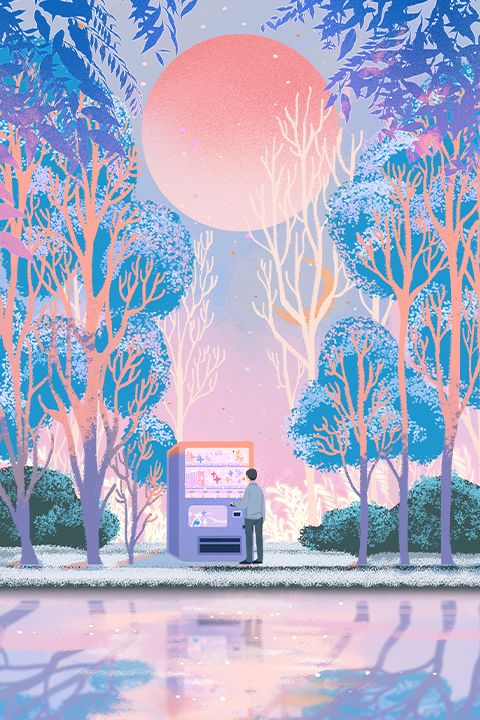
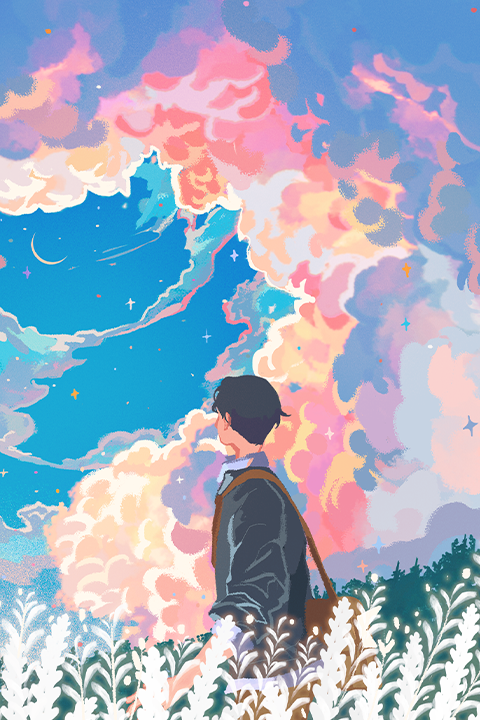
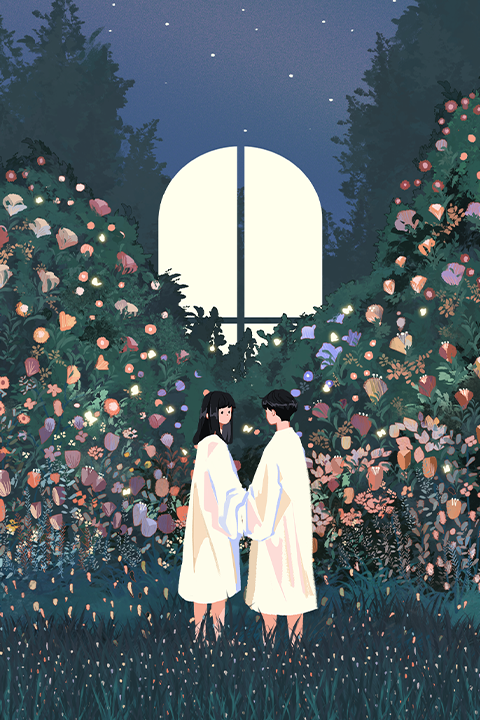
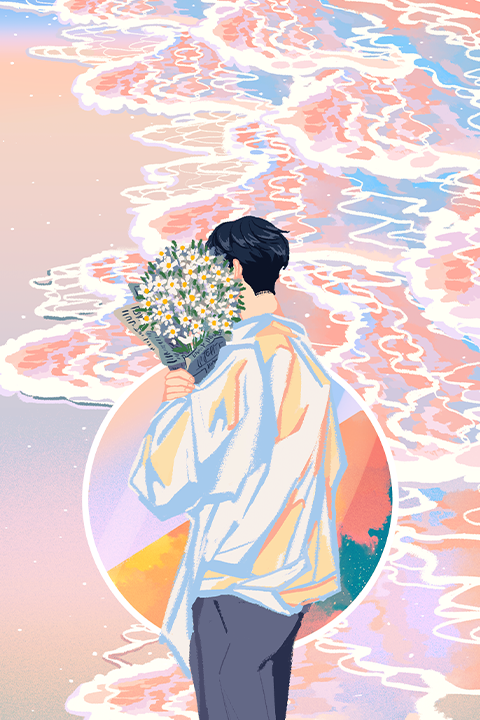
Jedit, author of a fairytale-like picture essay that stimulated the emotions of 1 million readers!
“There is no wrong picture in the world.
“If you draw comfortably and embody your emotions, you will have a work of art before you know it.”
Taste the Class
Are you still worried?
Try it with a free 20-minute lecture!
Chapter 16.
Use my palette
Color the picture.
Use my palette
Color the picture.
1. Coloring the base color
2. Coloring using my color palette
2. Coloring using my color palette
What kind of picture does my memory paint?
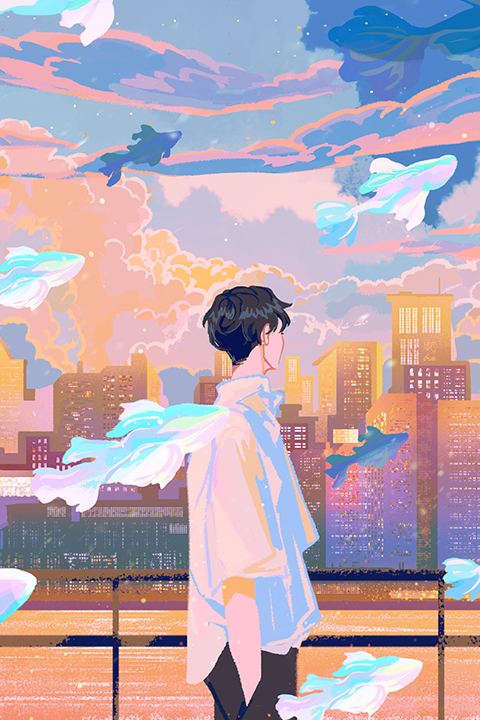
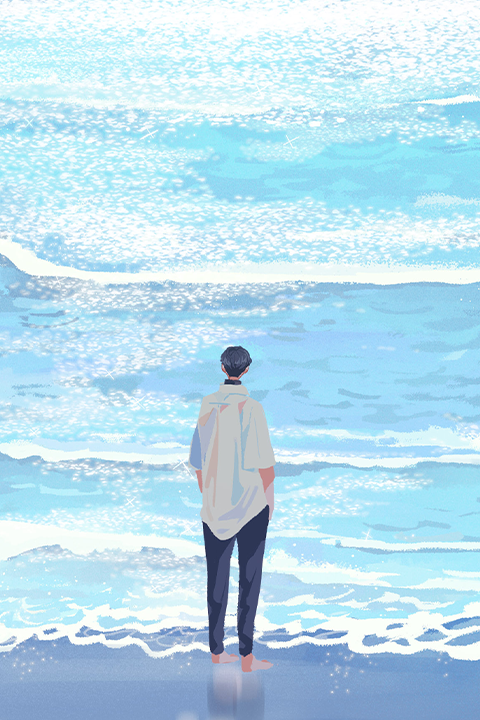
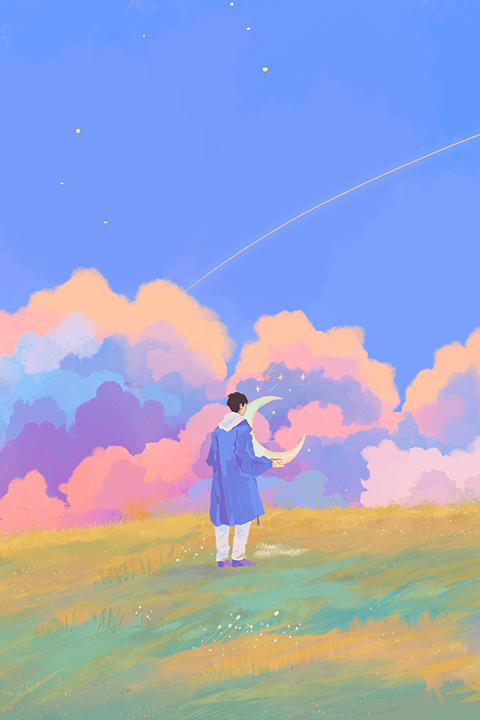
Leave the emotions and memories of the moment forever in a fairytale-like illustration.
Complete your own fairy tale by learning basic drawing know-how to complete illustrations, how to use Photoshop tools, colors to express your emotions, and how to tell a story.
In this class, you will create a fairytale-like illustration step by step.

Photoshop tool preferences
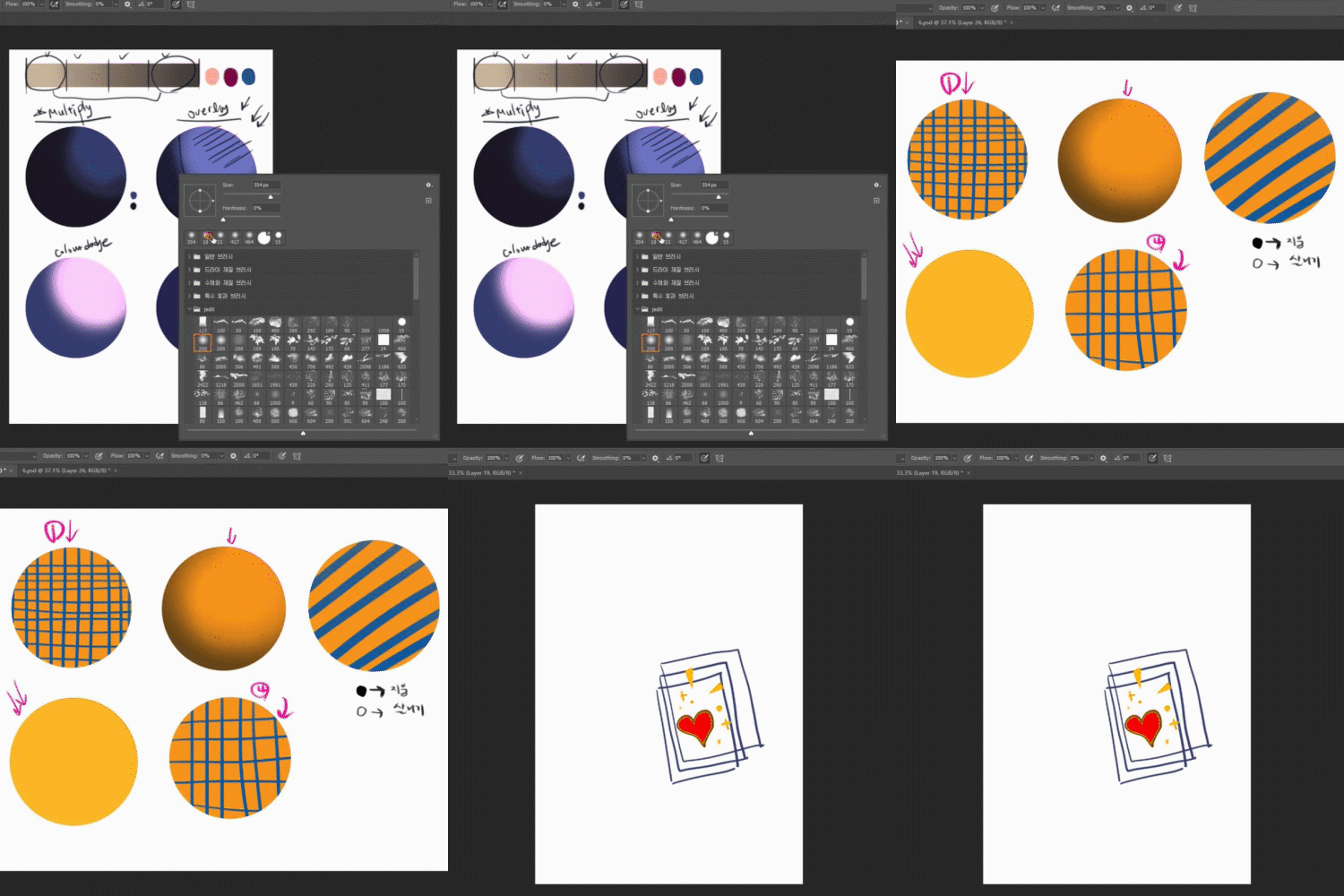
Layer styles and settings
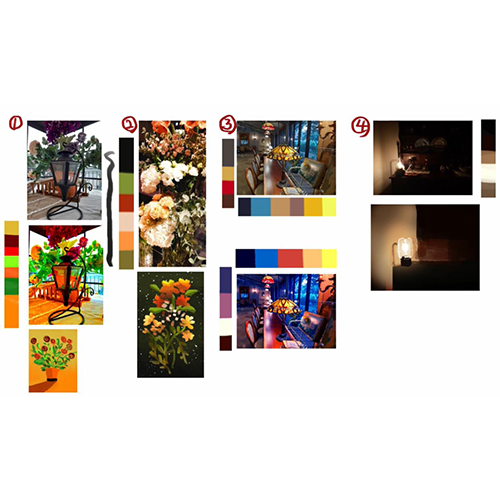
Color palette creation
View point and placement of the picture
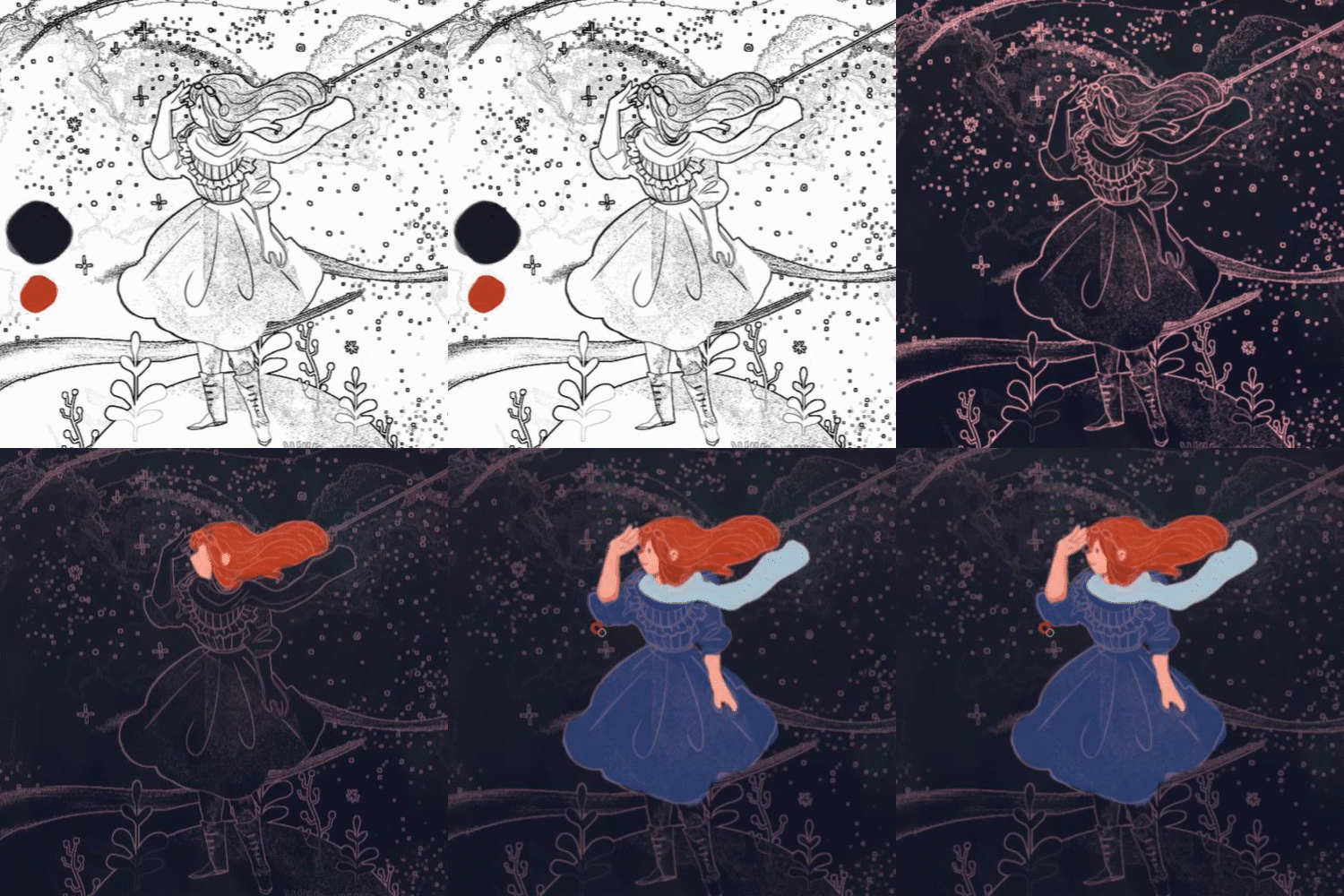
base color painting

primary colors and pastels
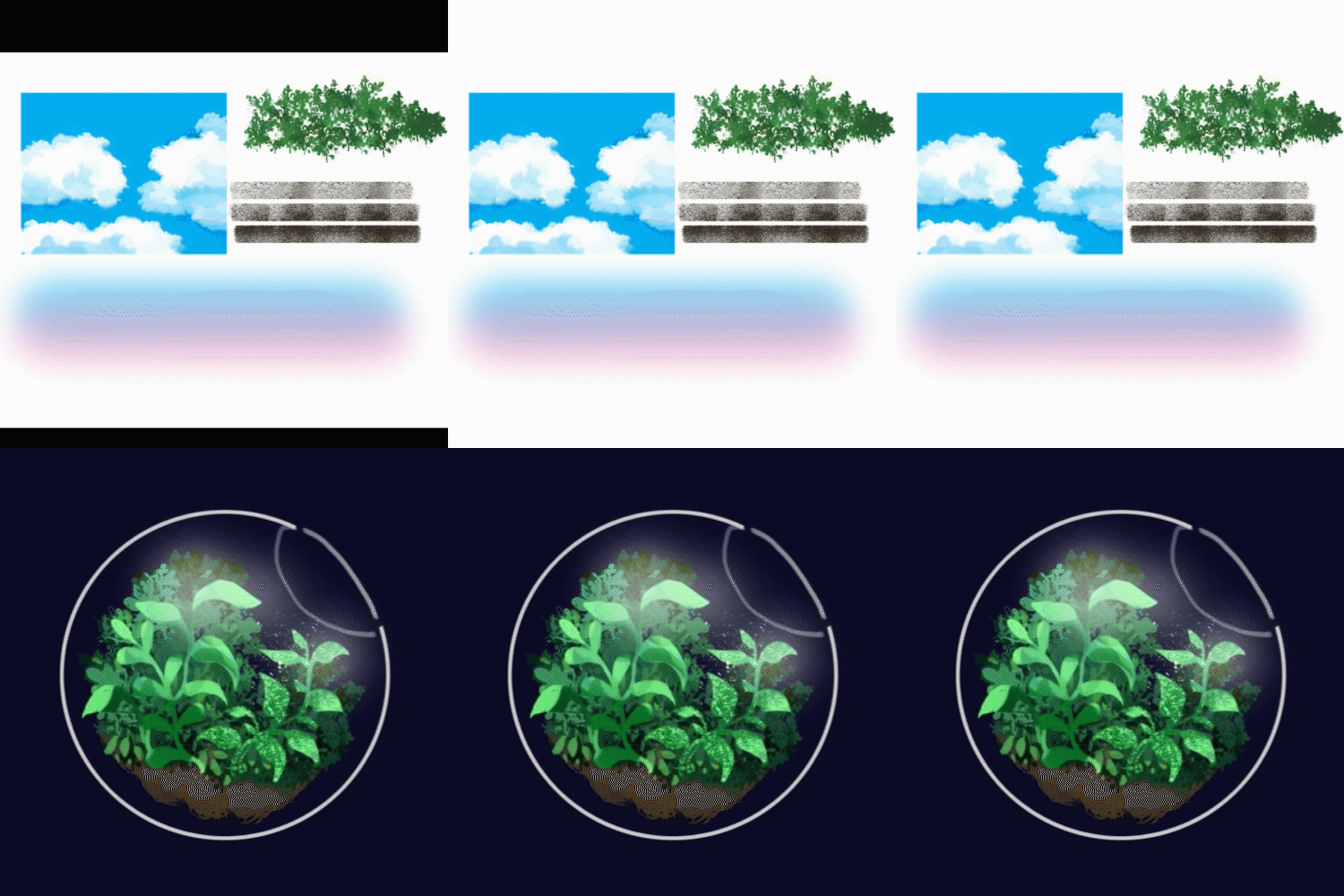
Use brushes based on feeling

ideation
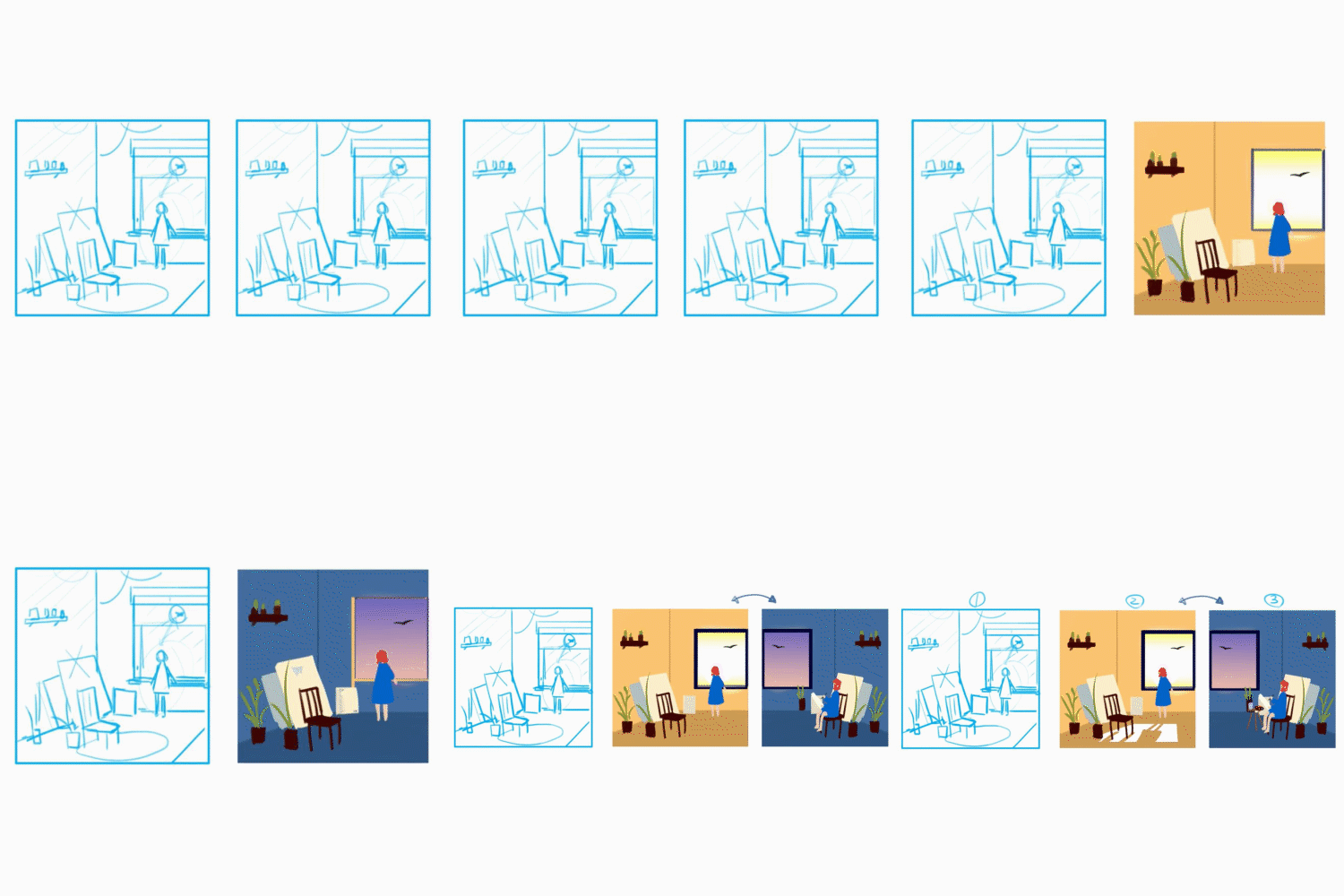
rough sketch
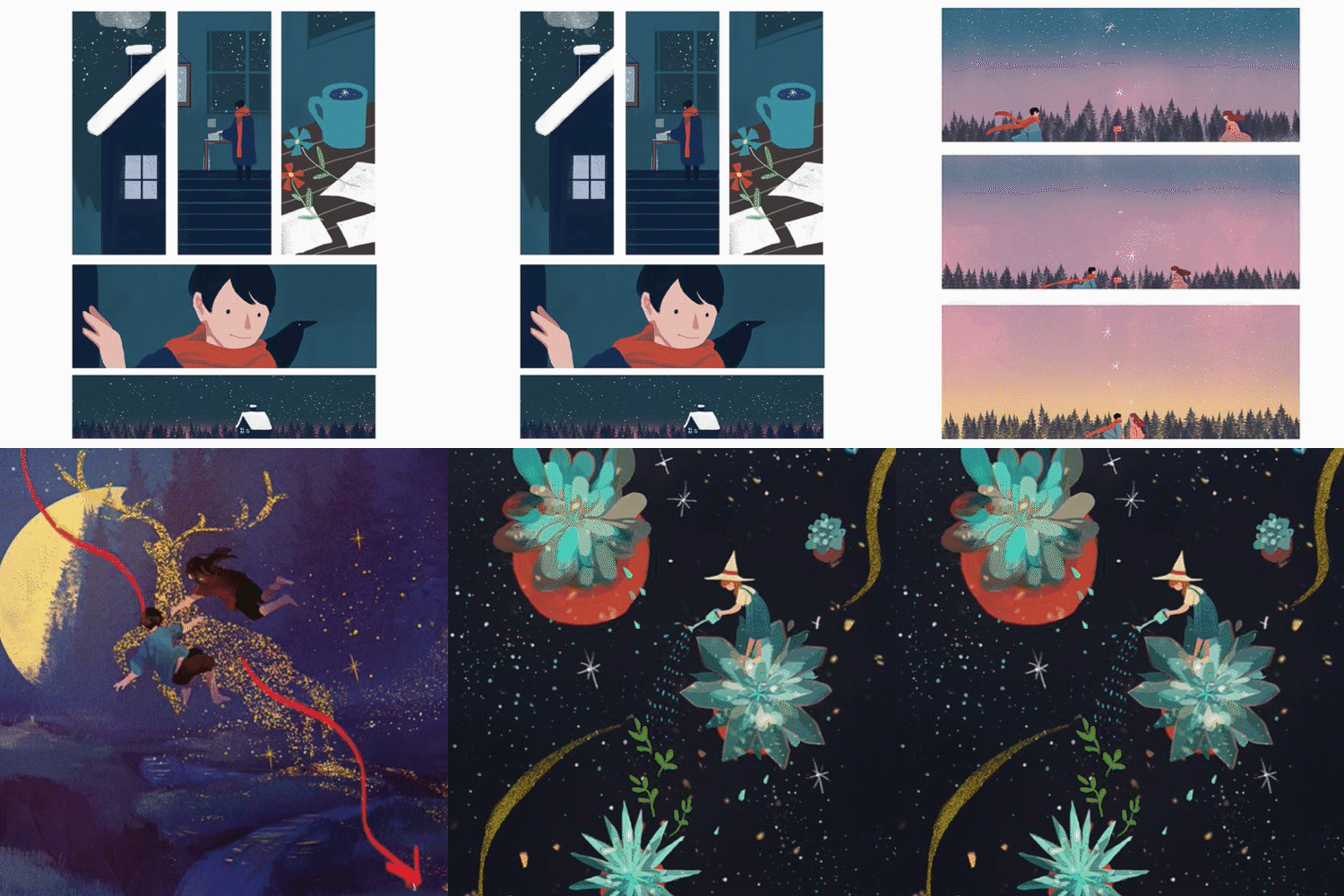
storytelling in pictures
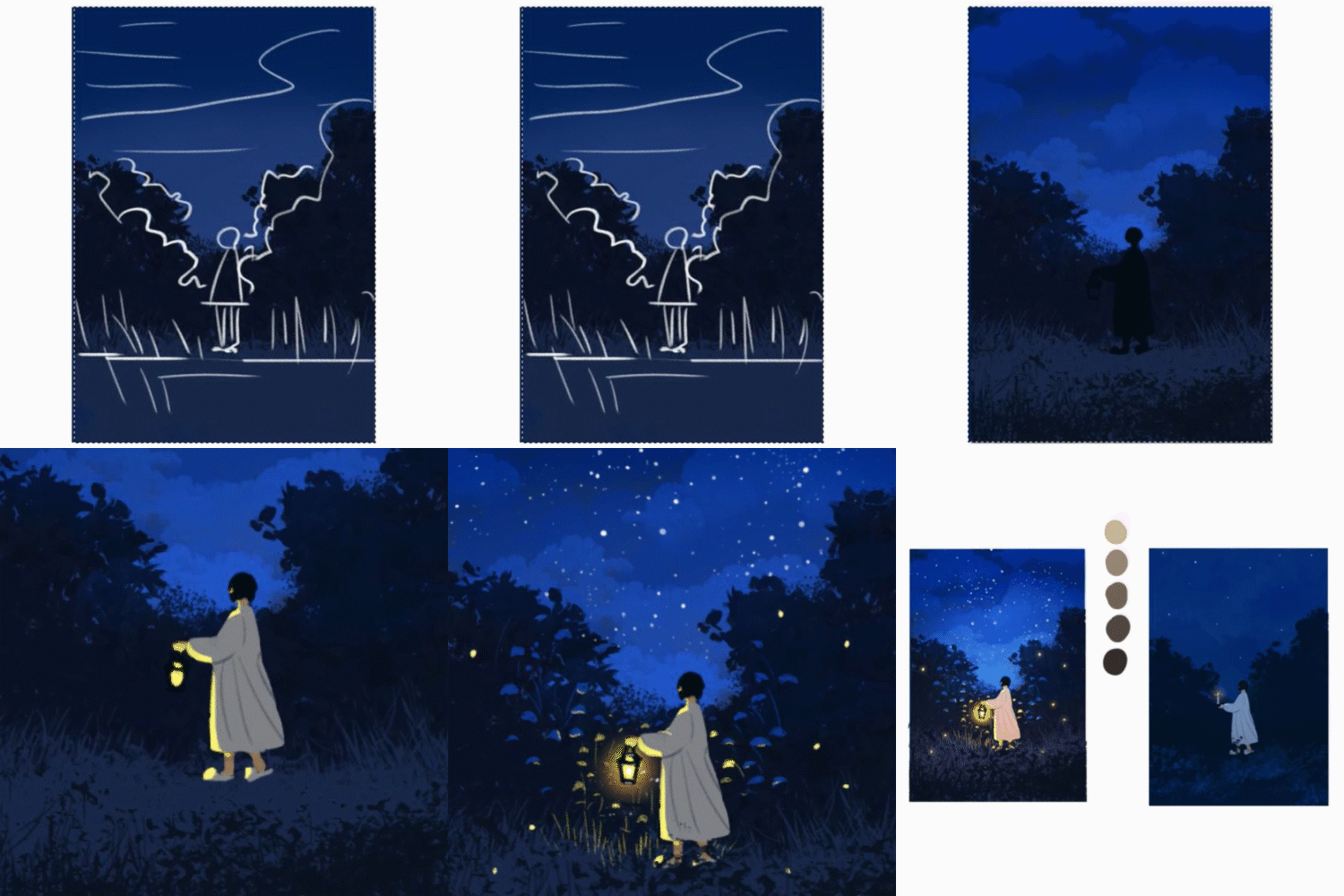
Coloring using a color palette
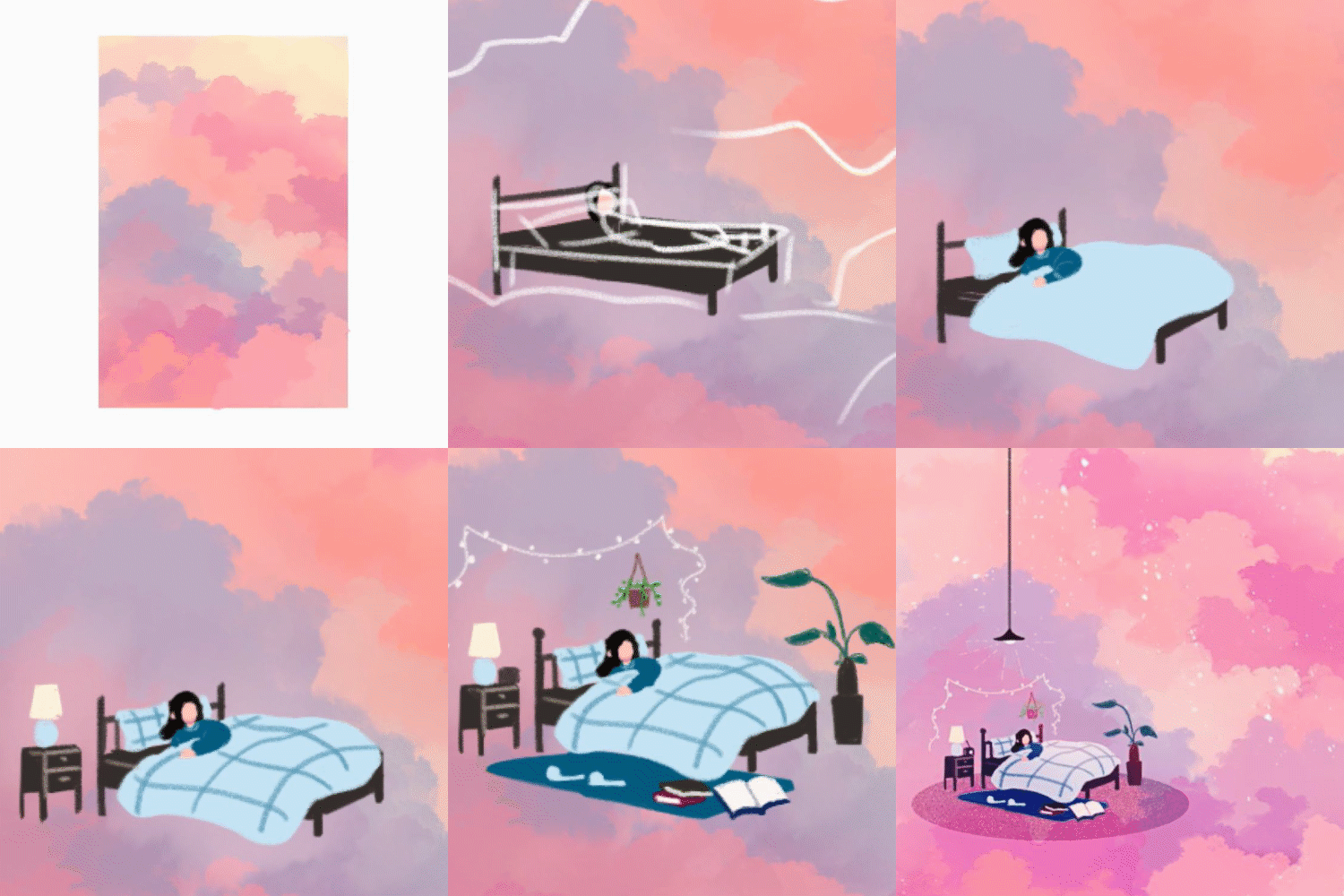
Bring out the details
Speaker introduction
Illustrator
Jedit
Hello, I am illustrator Jedit.
I am an illustrator who records moments by drawing and writing stories.
Although I did not originally major in painting, I am proud of the fact that I can tell stories through my paintings and that they provide healing not only to those who see them, but also to myself who draws them.
Rather than just recalling memories through a single picture, I strive to create emotional pictures that can even recall the emotions of that moment.

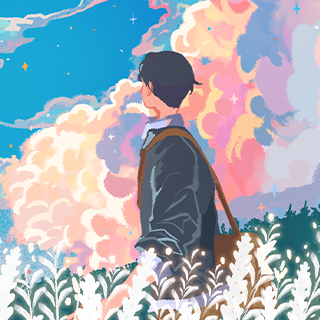
Illustrator Jedit
Current) Freelance illustrator
History and experience
2022 Jo Malone London Night Collection Instagram Advertisement
2022 Adobe Program Instagram Advertisement
2021 ‘Kiraida’ album cover
2021 Daesung Microbiology Research Institute’s own product package design
2021 Netflix ‘DP’ Instagram Advertisement
2021 MIN Cosmetic Instagram Advertisement
2021 DL E&C high-end residential brand Acro landscaping key visual
class features
class characteristics
Take up a new hobby of recording memories
Learn how to express your daily life through pictures, add words, and keep them as memories that will last a lifetime.
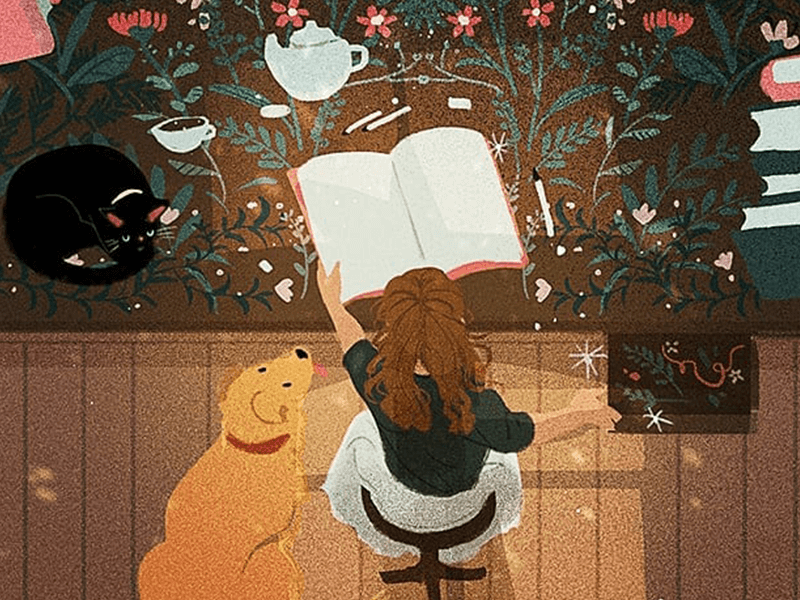
Complete your illustration by learning only the essential functions of Photoshop
Start by opening the canvas and learn only the essential tools, from how to use the most basic tools to color correction, to create a fairy-tale-like painting.
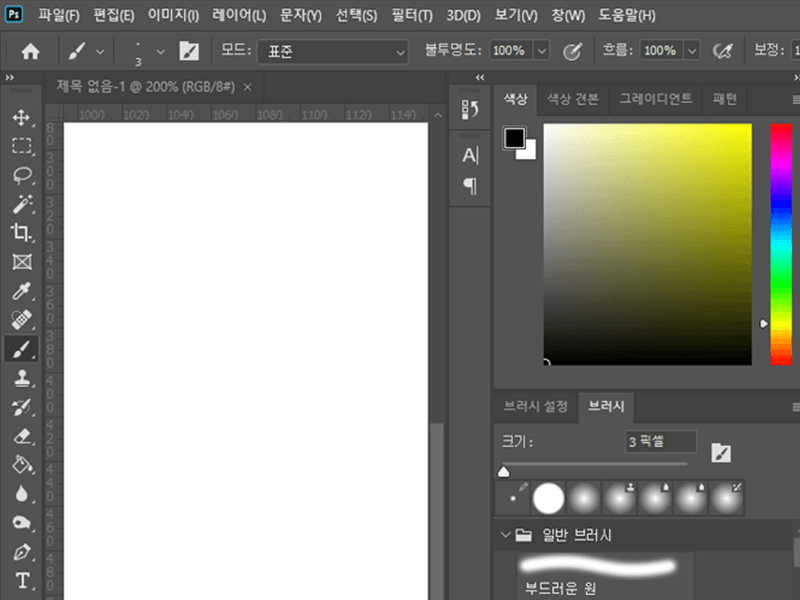
Capture momentary memories and emotions in illustrations
Learn how to draw points from the memories you want to keep and draw them, and express the emotions of that moment through weather, color, etc.

Class composition
learn this
-
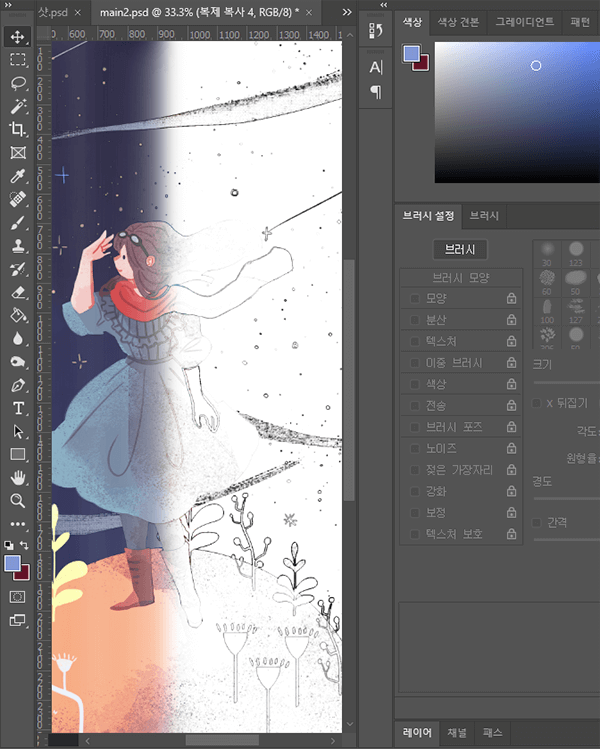 Enjoy it like a coloring book and learn fairytale-like coloring techniques.To help you focus on 'color', we provide the coloring sketch as a PSD file. Learn coloring in an easy and fun way like a coloring book.
 -
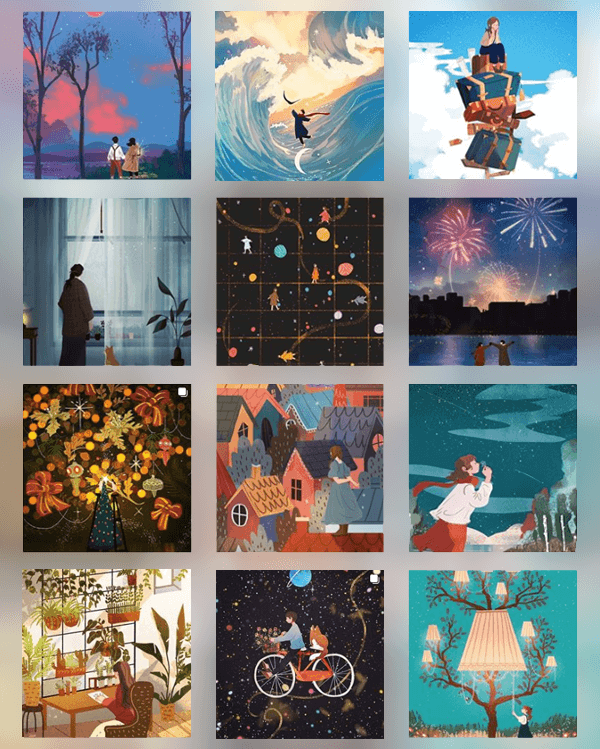 Learn how to ‘look at pictures well’ and apply it to your own pictures.Get inspired by my illustration by understanding the story contained in the picture, the perspective, placement, and lines used in the picture.
 -
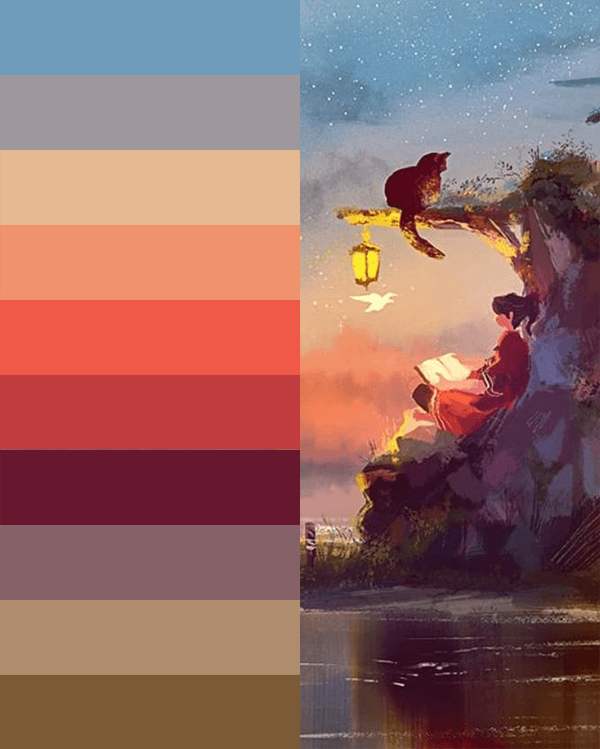 Create your own color palette and create mysterious colors like a fairy tale.Create your own color palette to learn how to use colors to maximize the atmosphere and to create mysterious colors that change depending on lighting and contrast.
-
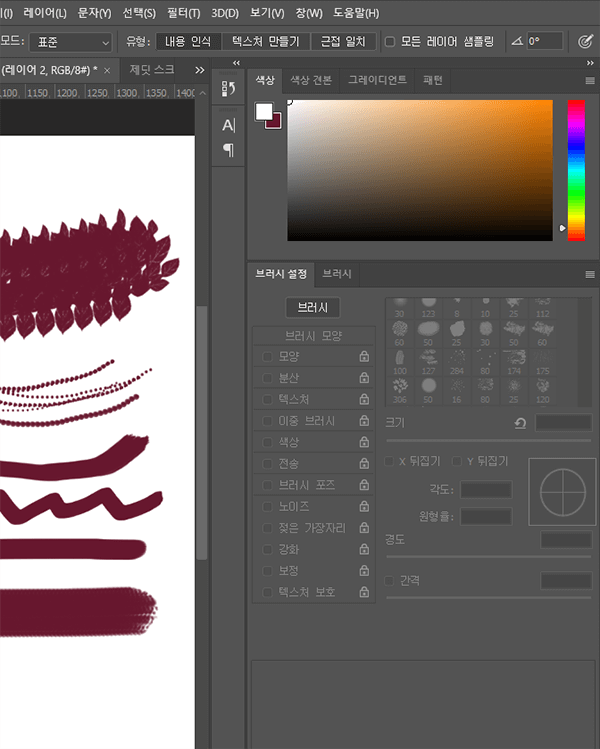 Learn how to use brushes to express the atmosphere you want.Learn how to choose the right brush for the look you want, and learn about the pros and cons of each brush.
 -
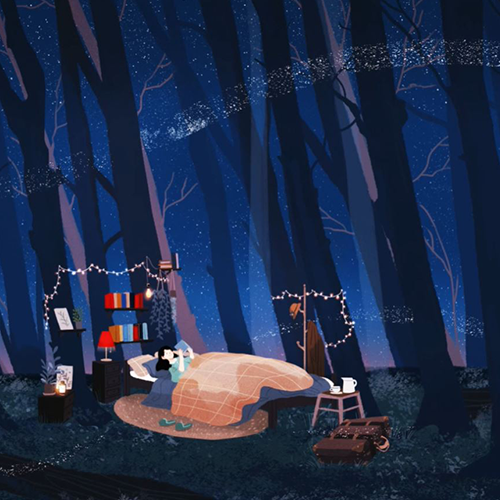
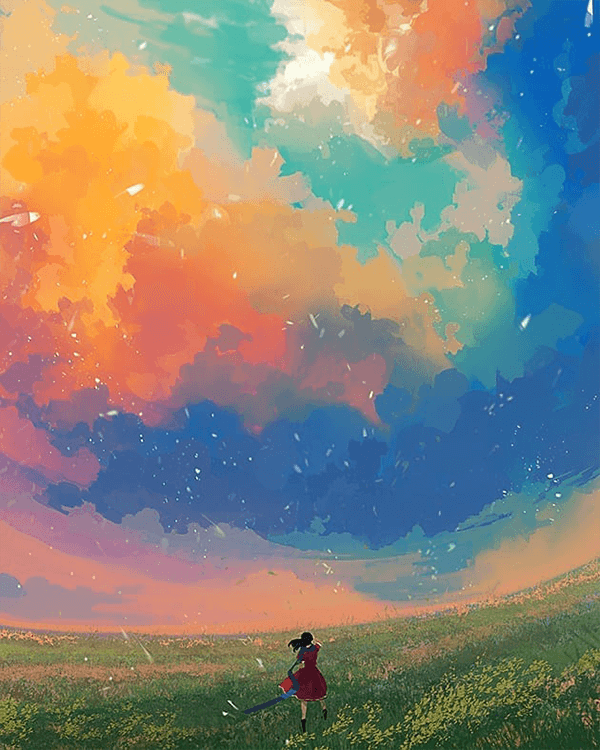 Let's draw a background that enhances the mood.Rather than just drawing the scene you see, try drawing an atmospheric background that conveys your emotions.
 -
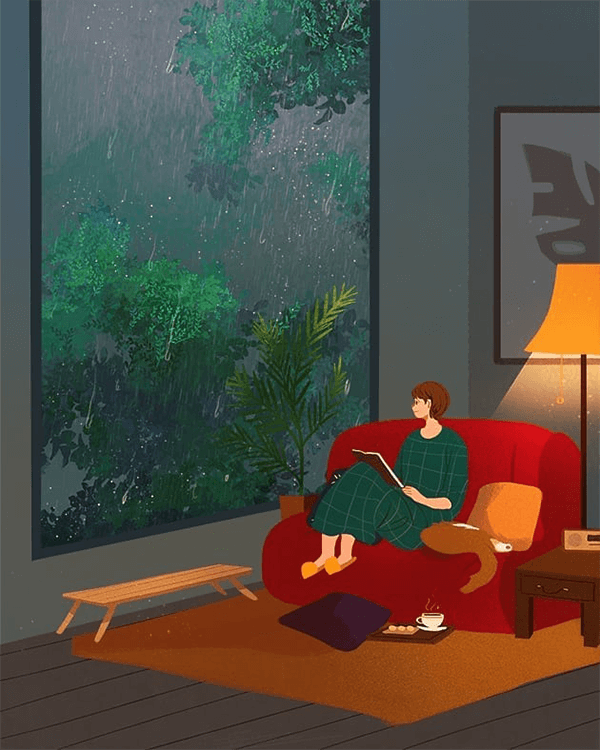 Complete the illustration that tells the storyI find references in everyday life, come up with a story, and put it into a picture to complete an illustration with a story.
curriculum
curriculum
Show me the curriculum
SECTION 01. Class introduction “Hello. “This is Jedit.”
01. Are you ready to go into a fairy tale?
- What kind of person is illustrator Jedit?
- Curriculum Introduction
SECTION 02. Photoshop training for beginners “Don’t worry if it’s your first time using Photoshop.”
02. Start preparing for class.
- Introduction to basic usage of Wacom Intuos
- Introduction to Photoshop tools
- How to set up canvas/default preferences
03. Layers, it’s not difficult.
- layer concept
- Layer styles and settings
04. Photoshop, all you need to know is this!
- Adjustment
- Brushes Introduction
- Filters and color correction methods
SECTION 03. How to use color “What kind of daily life do you want to remember?”
05. Learn how to look at pictures 1
- Understanding the story in a picture
- Understanding the lines in a drawn picture
- Understanding of pictures, perspective, and arrangement
06. Learn how to express colors for the atmosphere you want.
- What is color?
- How to express color according to contrast and lighting
07. Shall we play with colors?
- Painting the base color over the lines
- Emphasis and omission of color
08. Learn coloring methods that improve quality
- Introduction to the author’s color chart
- Coloring by mixing colors on top of the base color
SECTION 04. Coloring with my color palette “Bring life into your tiring daily life.”
09. Learn how to look at pictures 2
- Understanding the story in a picture
- Understanding the structure of lines
10. Let’s create a color palette for me!
- Create and color your own color chart
- Painting the base color
11. Effective use of color and ways to increase work efficiency!
- Understanding the different feelings of each color
- Expressing fairytale-like colors using primary colors and pastels
- How to use layers (groups, organize layers, clipping masks)
12. Is there a different brush to match the mood?
- Description of the brush
- Introduction to the brushes used by the artist and how to use them according to feeling.
- How to use brushes and find the brush that suits you
- Coloring complex objects
SECTION 05. From sketching to coloring, “The magic of recording a fleeting moment forever.”
13. It becomes easier to come up with a picture if you just observe your surroundings well.
- How to find references in everyday life
- Connect stories and pictures to create an idea
14. Learn how to look at pictures 3
- Listen to example explanations and understand pictures
- Setting up the structure and placement of pictures
15. Make the rough sketch ‘rough’!
- What is a rough sketch?
- Try a rough sketch
- Express yourself freely by transforming the sketch
16. Color the picture using my palette.
- base color painting
- Coloring using my color palette
17. Shall we make my painting a little more special?
- Bring out the details of the picture
- Add a line of sentence that matches the picture
SECTION 06. Message to students “I hope your daily life will be happy with paintings.”
18. Make everyday life special with me.
- Comfort from the picture
- ‘There are no wrong pictures’
interview
What illustrator Jedit wants to say

I would like to recommend it to those who want to make their boring, same-old daily life special. I can be comforted by looking at pictures, but I can also be comforted by expressing my feelings directly.
Question.02
What is different from other illustration classes?
What is different from other illustration classes?
I think the biggest difference in my class is that rather than just completing a pretty picture, I can draw a picture that tells my story with 'me' as the subject.
Question.03
Is there a particular reason why you chose digital drawing?
Is there a particular reason why you chose digital drawing?
Using Photoshop makes your work time much more efficient. I wanted to create a more effective work by shortening the time when drawing the same pattern repeatedly, making corrections, etc., so I made a reasonable choice in line with the trend of the times.
Question.04
Do you have any special know-how for choosing or combining colors?
Do you have any special know-how for choosing or combining colors?
The most important thing is to look a lot, and detailed methods for finding references and creating your own color palette will be explained in detail through the curriculum.
Question.05
How did you come up with this lyrical work?
How did you come up with this lyrical work?
I think the painting begins from the moment I want to leave behind. Because I focus more on the emotions I felt at that moment rather than drawing a detailed picture as if I were taking a photo, I set a background that matches the emotions I feel. I think that’s why I mainly draw emotional dawns.
Question.06
What are three things you can gain after taking the course?
What are three things you can gain after taking the course?
Skill-wise, you can learn how to draw backgrounds, learn how to organize and convey vague emotions, and look at everyday life with a more special eye. You can learn these three things.
We will guide you through the program to use.
This class is conducted using Adobe Photoshop CC. To ensure smooth participation, please purchase and install the latest version of the program separately.
*The program is not provided separately.