illustrator,kamiwadateru_카미와다테루JP Details
Intro

Now in Your Language, Only on Coloso!
Learn from Top Creative Experts Worldwide
-
 From Basics to Final Artwork
 -
 Step by Step Background Creation
 -
 Blender and Photoshop Combined
Class Intro
Illustrator, Kamiwada Teru
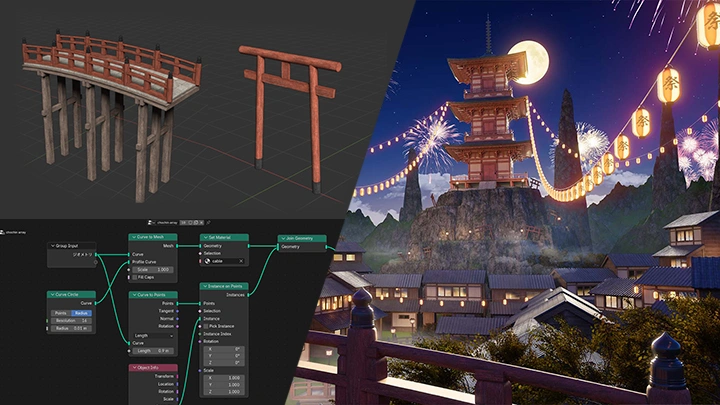
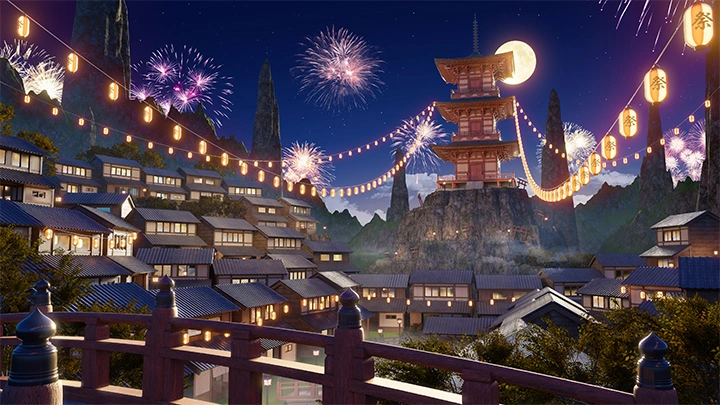
Fantastic Backgrounds Created with Blender and Retouching to Break Away From Flat Visuals
Illustrator Kamiwada Teru has built a strong presence on social media and in commercial projects by combining the efficiency of 3DCG with the expressive qualities of 2D retouching to create a distinctive and fantastical world.
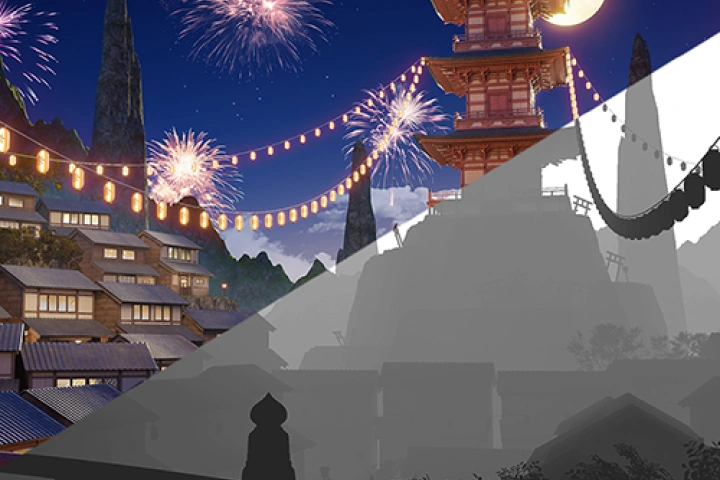
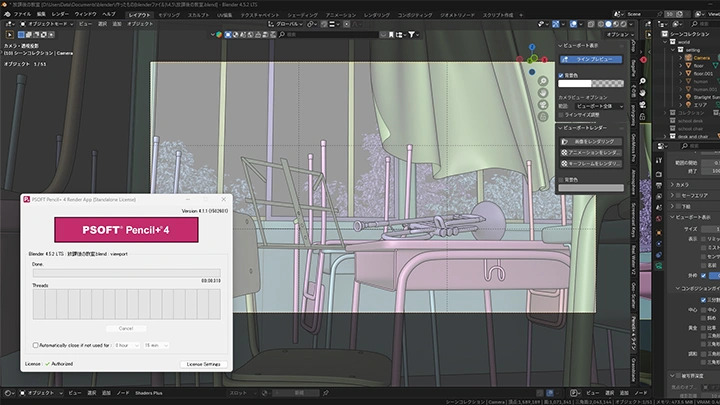
This class shares practical expertise on enhancing visual quality through lighting and atmosphere, key elements that define the overall polish of an artwork. Learn everything from model placement and composition design to techniques for controlling visual information and guiding the viewer’s gaze.
This class shares practical expertise on enhancing visual quality through lighting and atmosphere, key elements that define the overall polish of an artwork. Learn everything from model placement and composition design to techniques for controlling visual information and guiding the viewer’s gaze.
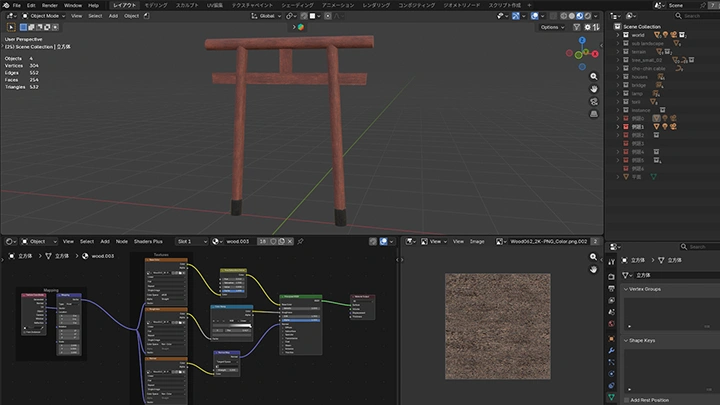
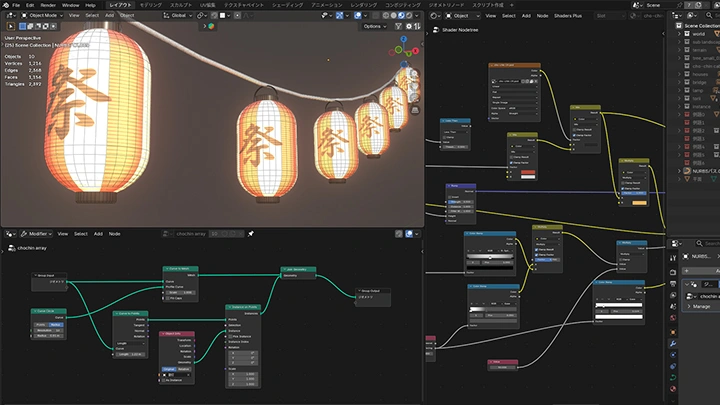
First, learn practical modeling techniques centered on Japanese motifs such as torii gates and lanterns. Rather than simply explaining functions, you will understand the creative reasoning behind each decision and why specific approaches are used.
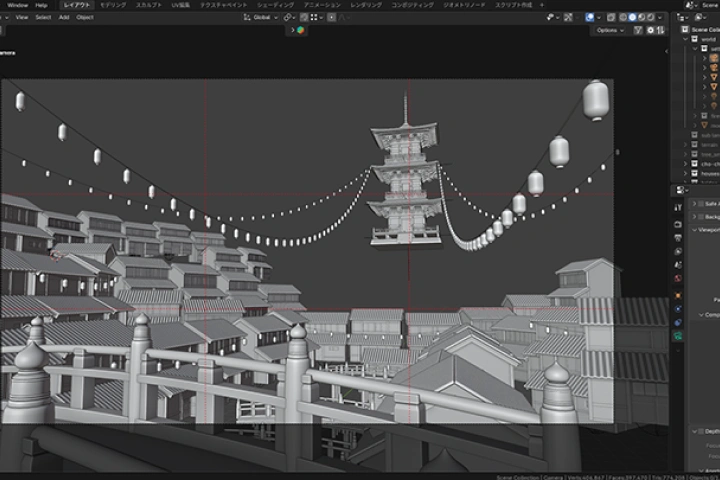
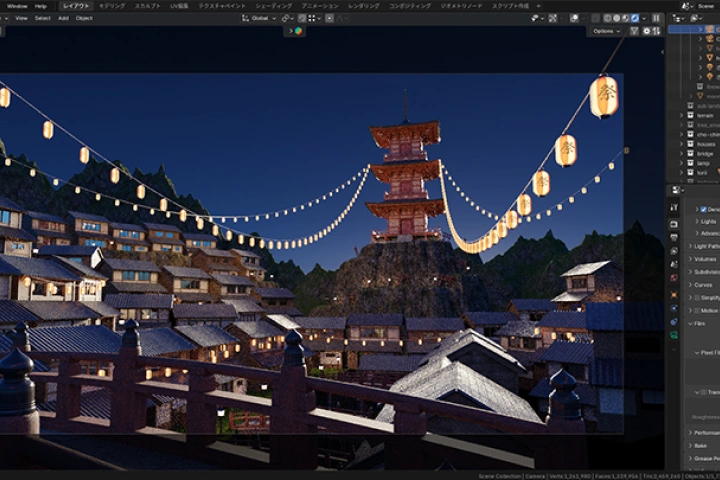
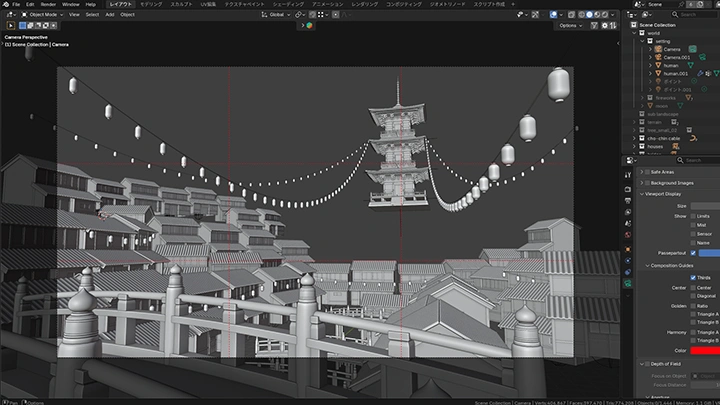
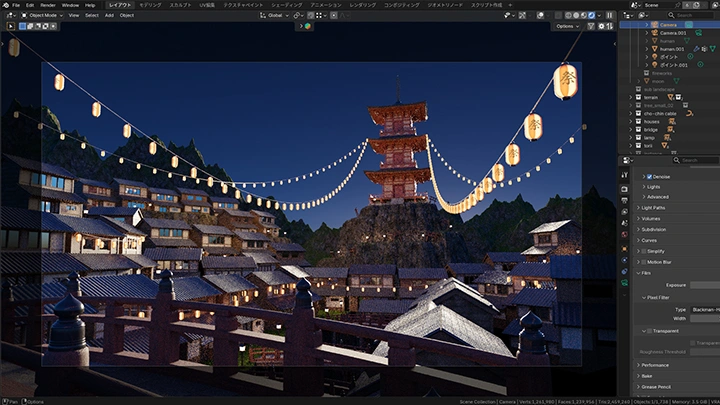
Next, combine your models to design compositions and lighting that highlight the main motif. You will learn how to control overall balance and information density through camera settings and the placement of natural elements.
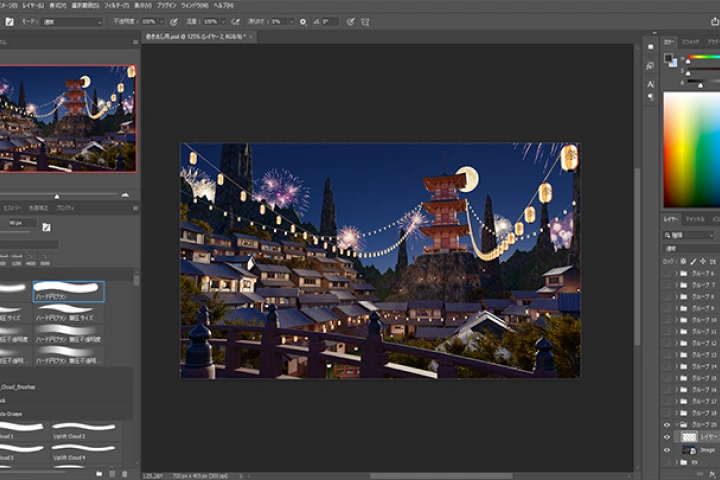
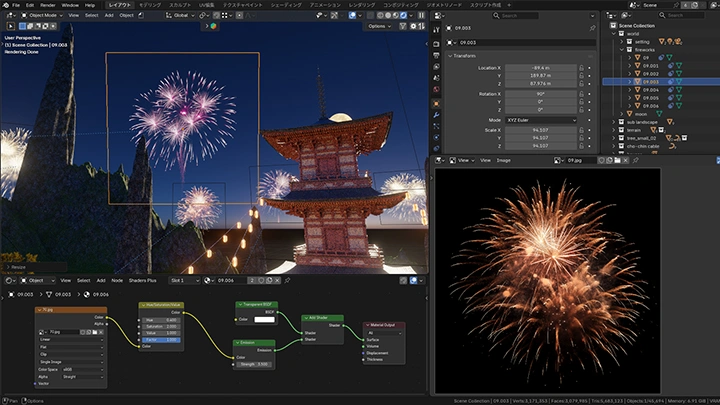
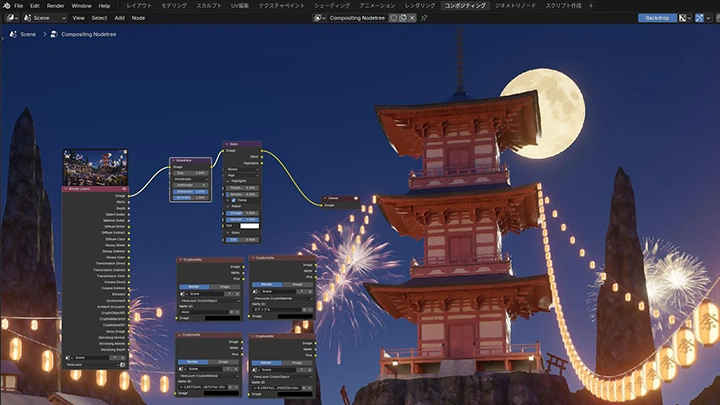
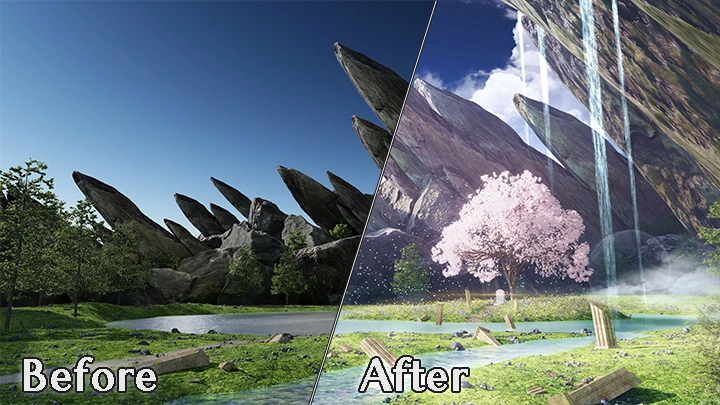
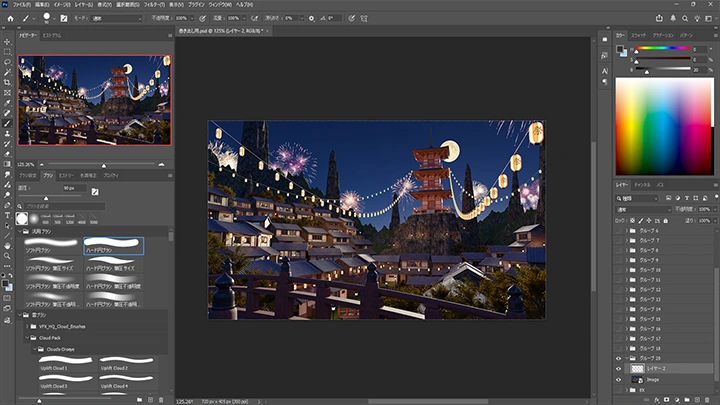
Finally, use Photoshop to add subtle atmospheric effects that are difficult to achieve with 3D alone. By applying masking and brush-based retouching, you will refine your work and bring it to a higher level of completion.
Move beyond basic techniques and explore the full process of visual composition that engages and captivates viewers, available exclusively at Coloso.
Next, combine your models to design compositions and lighting that highlight the main motif. You will learn how to control overall balance and information density through camera settings and the placement of natural elements.
Finally, use Photoshop to add subtle atmospheric effects that are difficult to achieve with 3D alone. By applying masking and brush-based retouching, you will refine your work and bring it to a higher level of completion.
Move beyond basic techniques and explore the full process of visual composition that engages and captivates viewers, available exclusively at Coloso.
Class Perks
Special Gift from Kamiwada Teru
-
 Unlimited Access to 21 ChaptersExploring Kamiwada Teru’s Background Design Know-How
 -
 Complete 1 Final Artwork
 -
 Class Materials Provided Including Textures
Class Material Details
-
 Learning Materials- Finished images of each model
 -
 Practice Materials- Blend files of the completed work
- Retouching adjustment data for Photoshop
- Textures
Expert Illustrator Kamiwada Teru's Portfolio
-
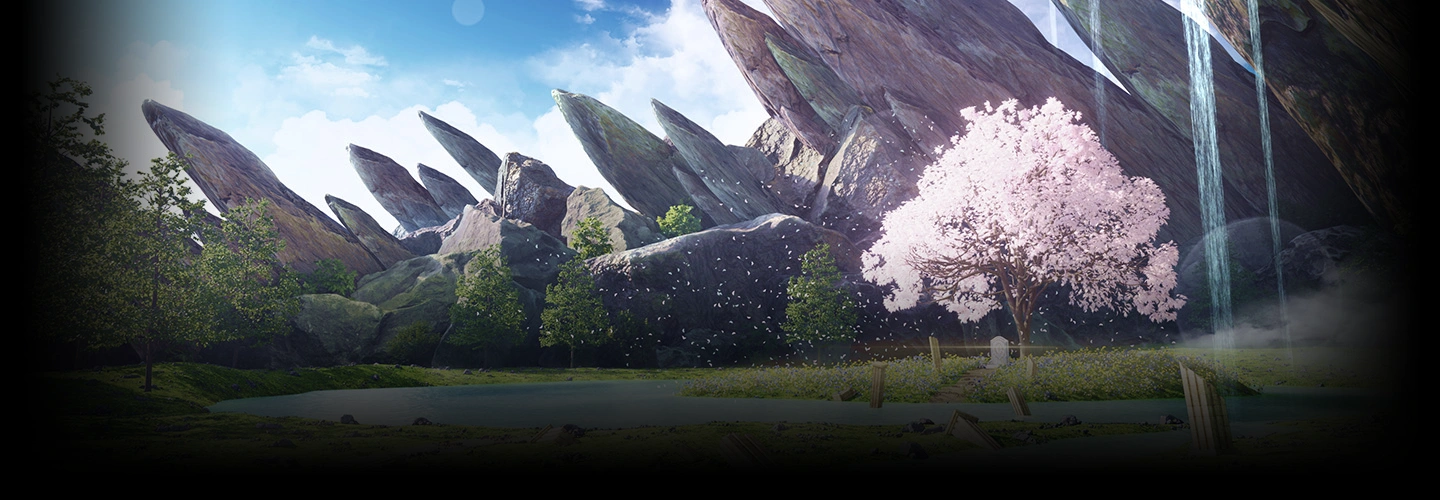
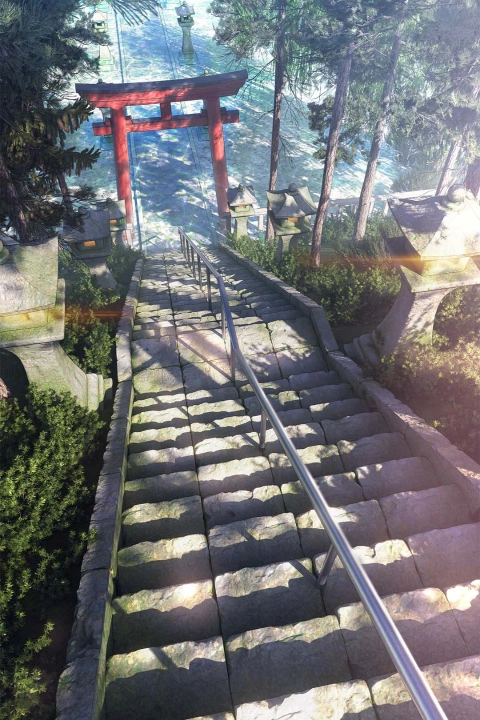 A Mysterious Shrine
 -
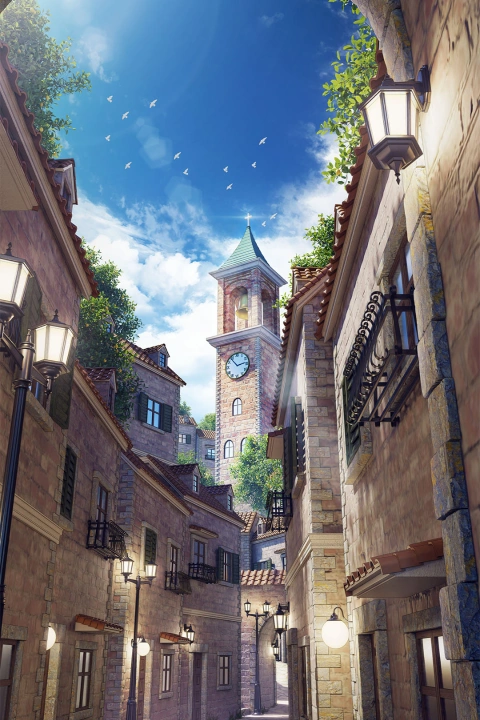 Western-Style Back Alleys
 -
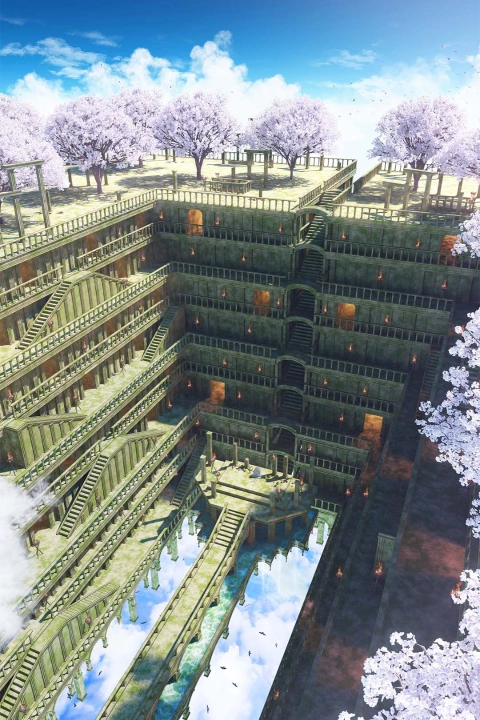 Ruins in the Sky
 -
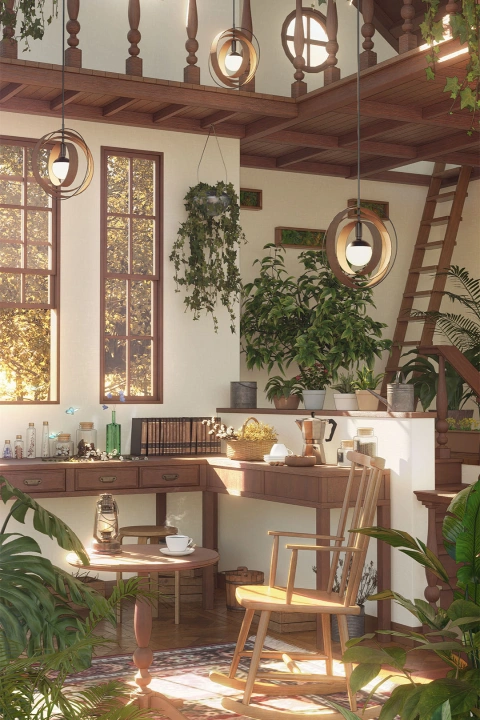 A Secret Atelier
-
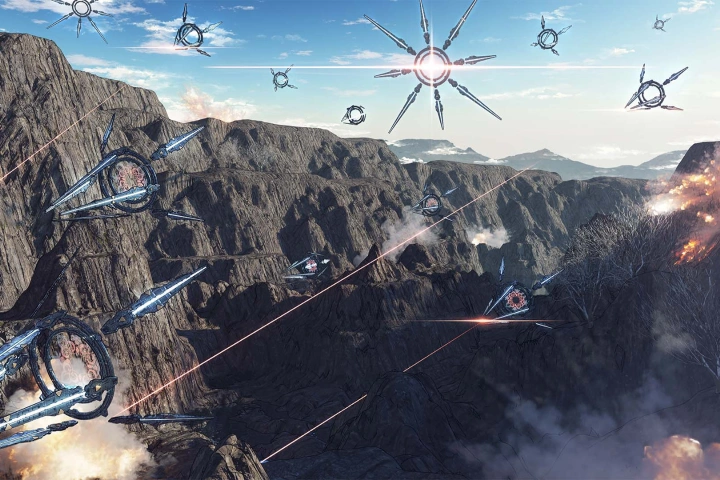 Apocalypse
 -
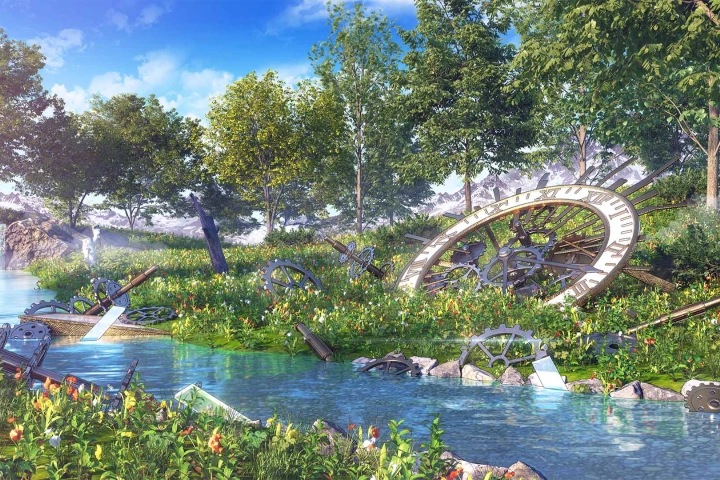 Remains of a Grand Clock
 -
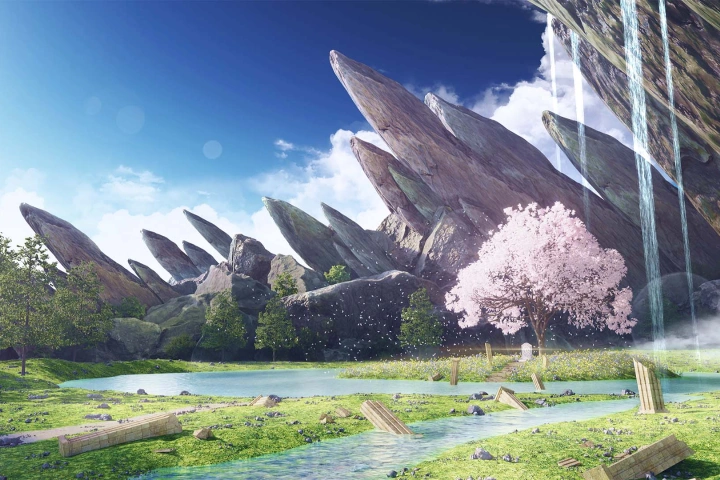 A Blooming Sanctuary for Spirits
 -
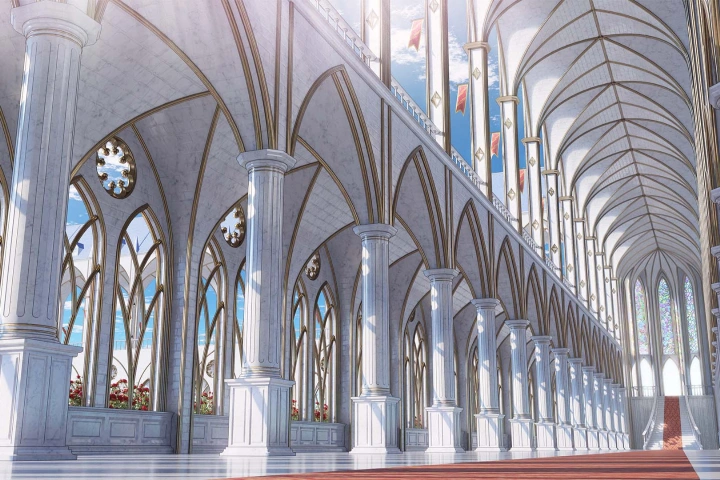 The Colonnade of the Royal Palace
-
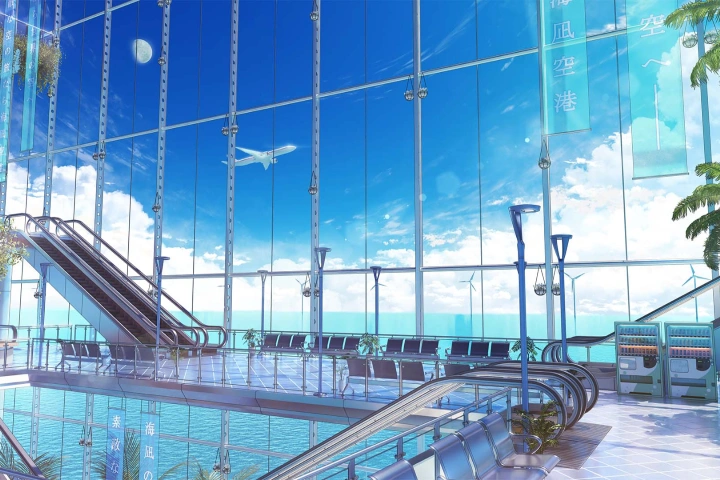 In a Summer Airport Lobby
 -
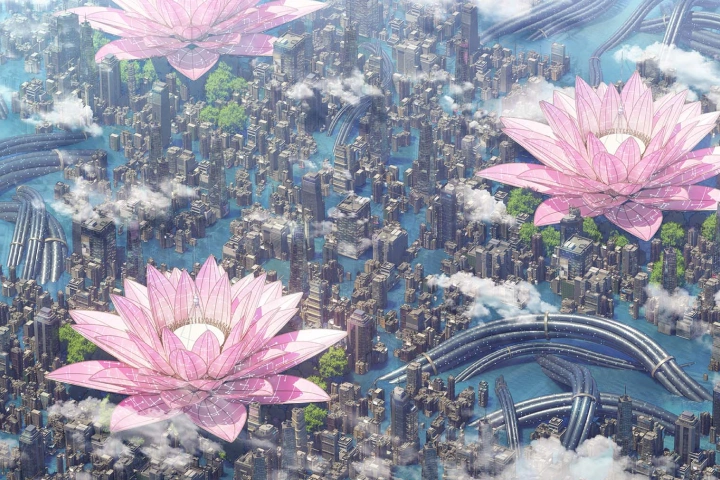
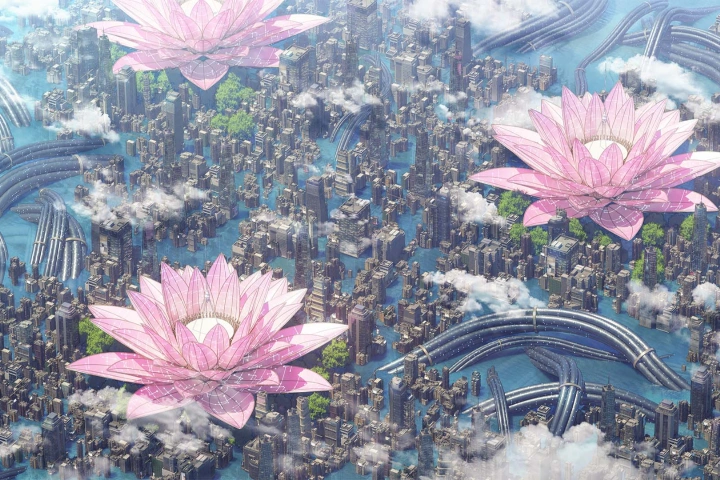 A City Where Mechanical Plants Bloom
 -
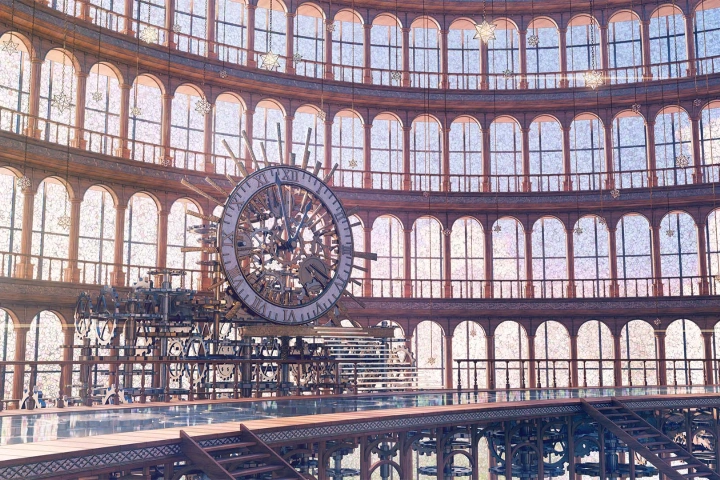 The Altar/Top Part of a Clock
 -
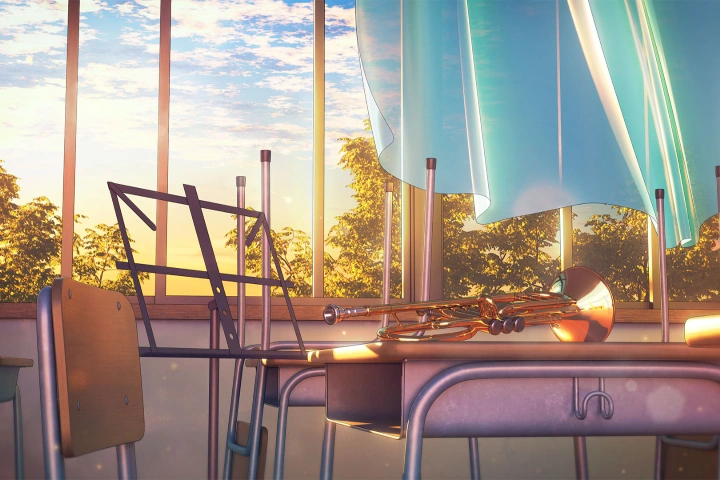 An After-School Classroom
Why Take This Class?
This course teaches you how to create immersive, atmospheric backgrounds by combining the strengths of Blender and Photoshop within a structured production workflow. From building and placing assets to designing composition and lighting, you will learn how to construct scenes that feel cohesive, intentional, and visually engaging rather than flat or fragmented.
Throughout the class, you will explore practical techniques for controlling visual balance, guiding the viewer’s eye, and enhancing depth and mood. By following the full process from initial setup to final retouching, you will gain a clear understanding of how to refine your work efficiently and develop polished illustrations with strong visual impact.

Get Ready for the Real-World
Creating Detailed Backgrounds Through Blender and Composition
-
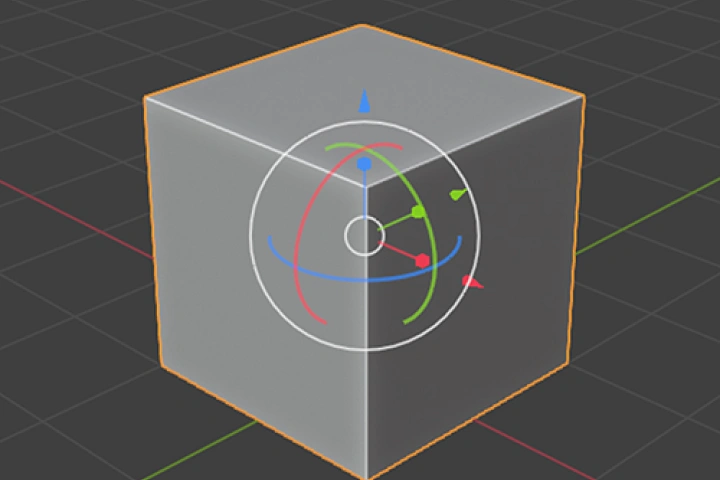
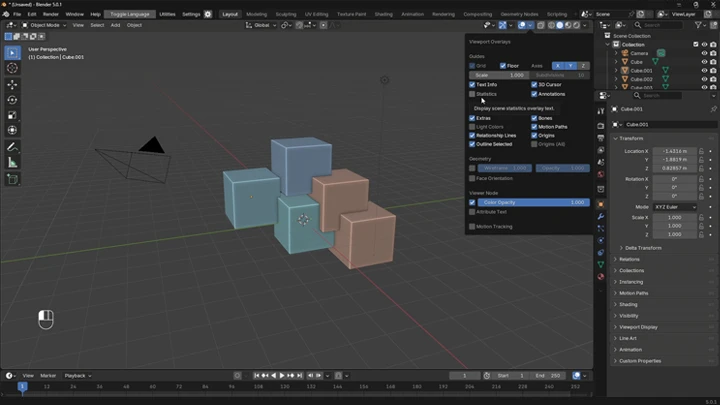
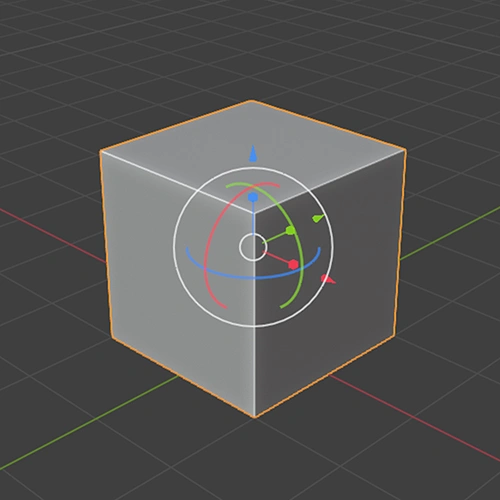 Blender Basics
 -
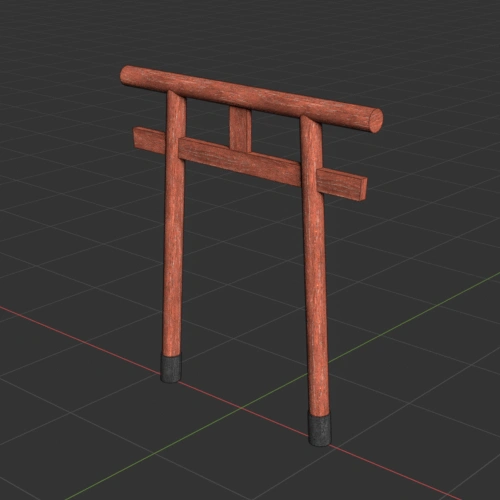 Creating a Torii Gate
 -
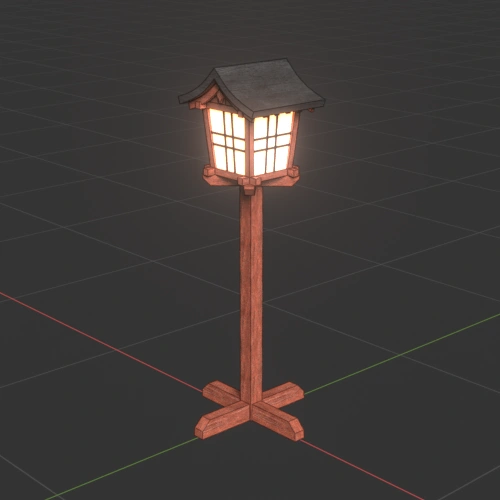 Creating a Standing Lantern
-
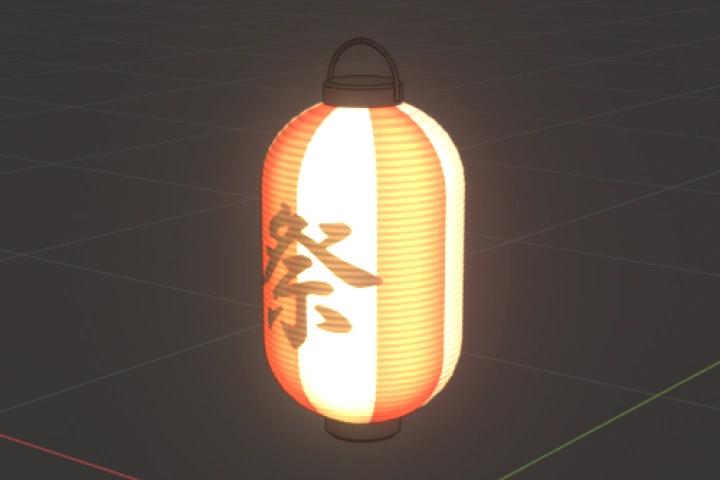
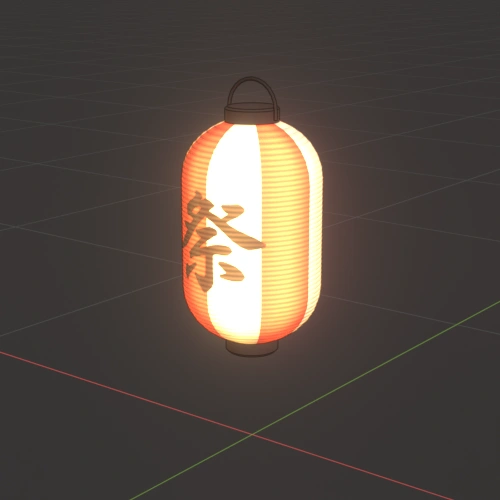 Creating a Paper Lantern
 -
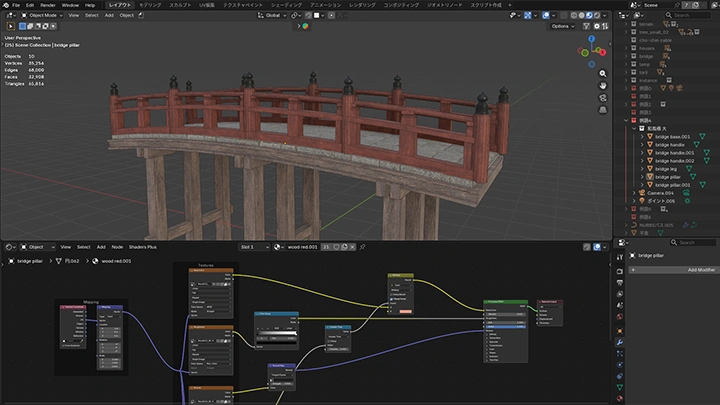
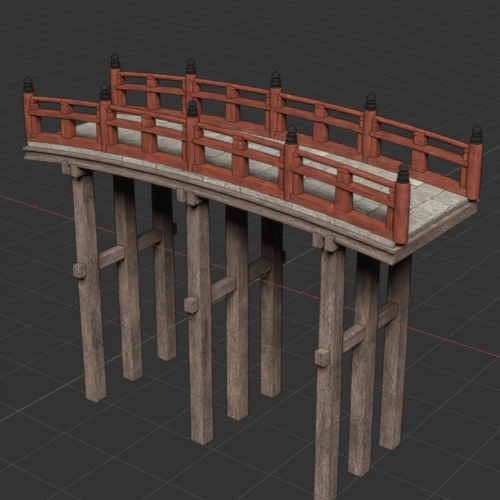 Creating a Bridge
 -
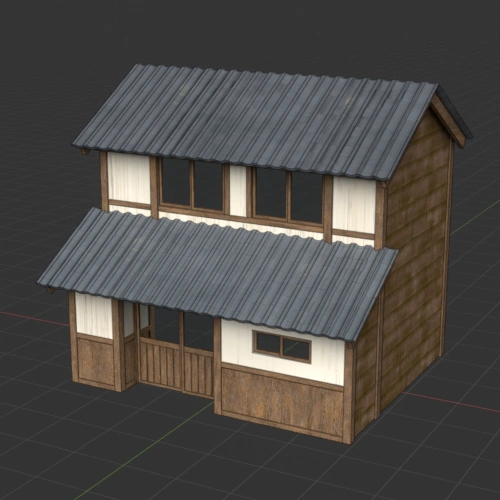 Creating a House
-
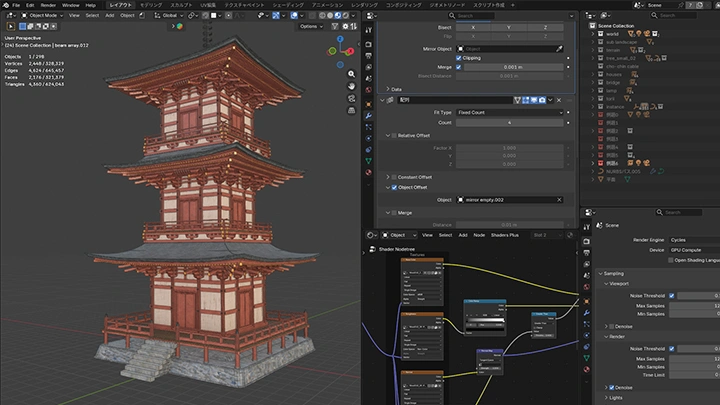
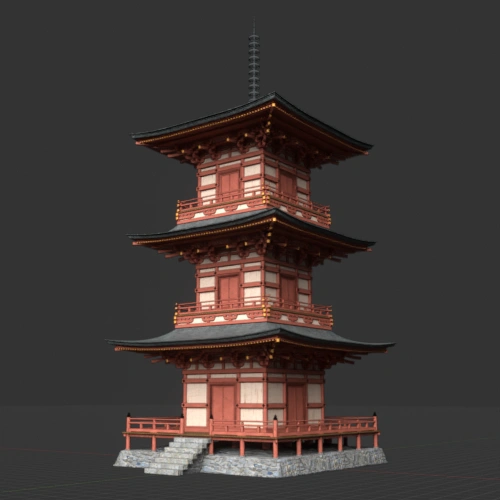 Creating a Three-Story Pagoda
 -
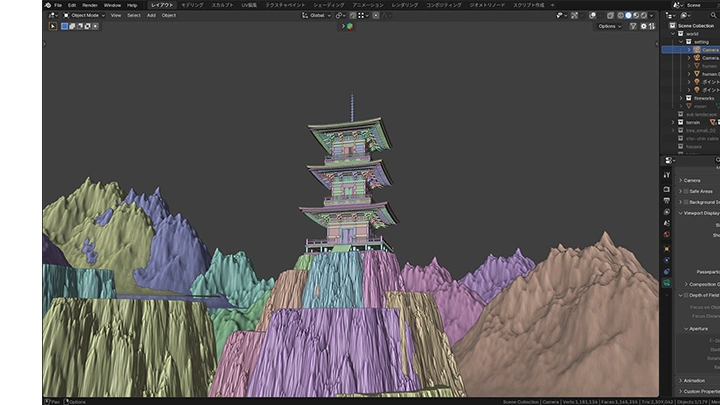
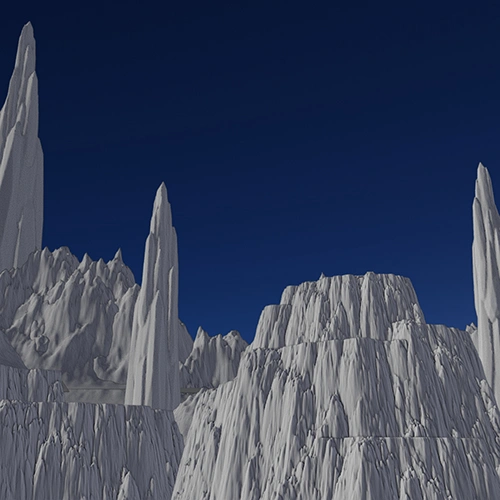 Creating Terrains and World Settings
 -
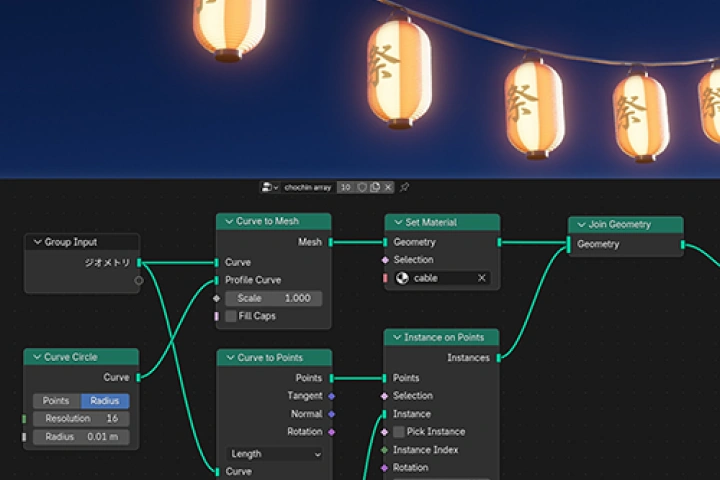
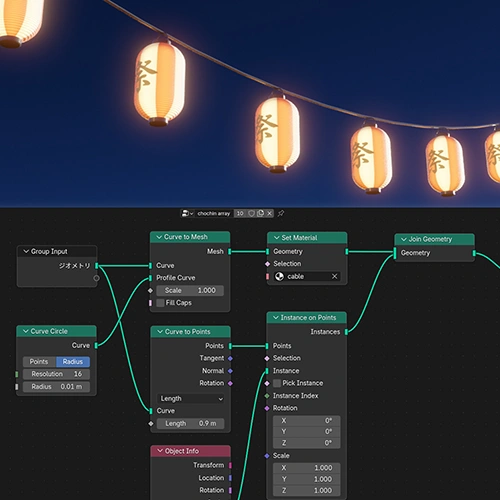 Automatic Placement Using Geometry Nodes
-
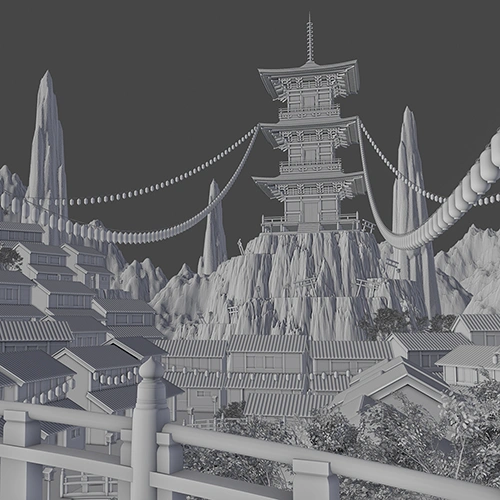 Composition Setup and Object Placement
 -
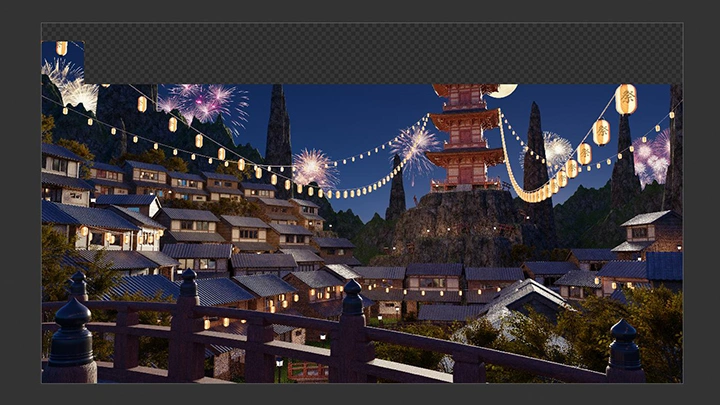
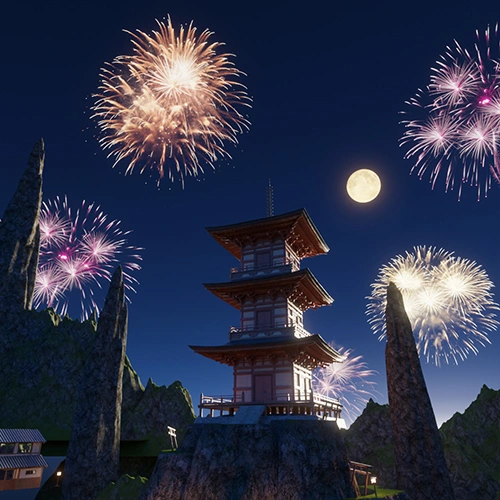 Adjusting Screen Balance and Detail
 -
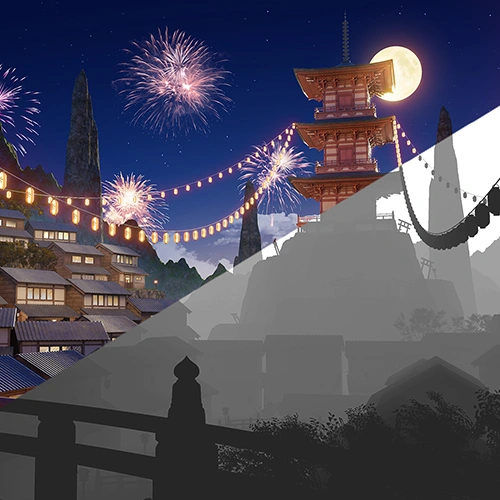 Quality Improvement Through Retouching
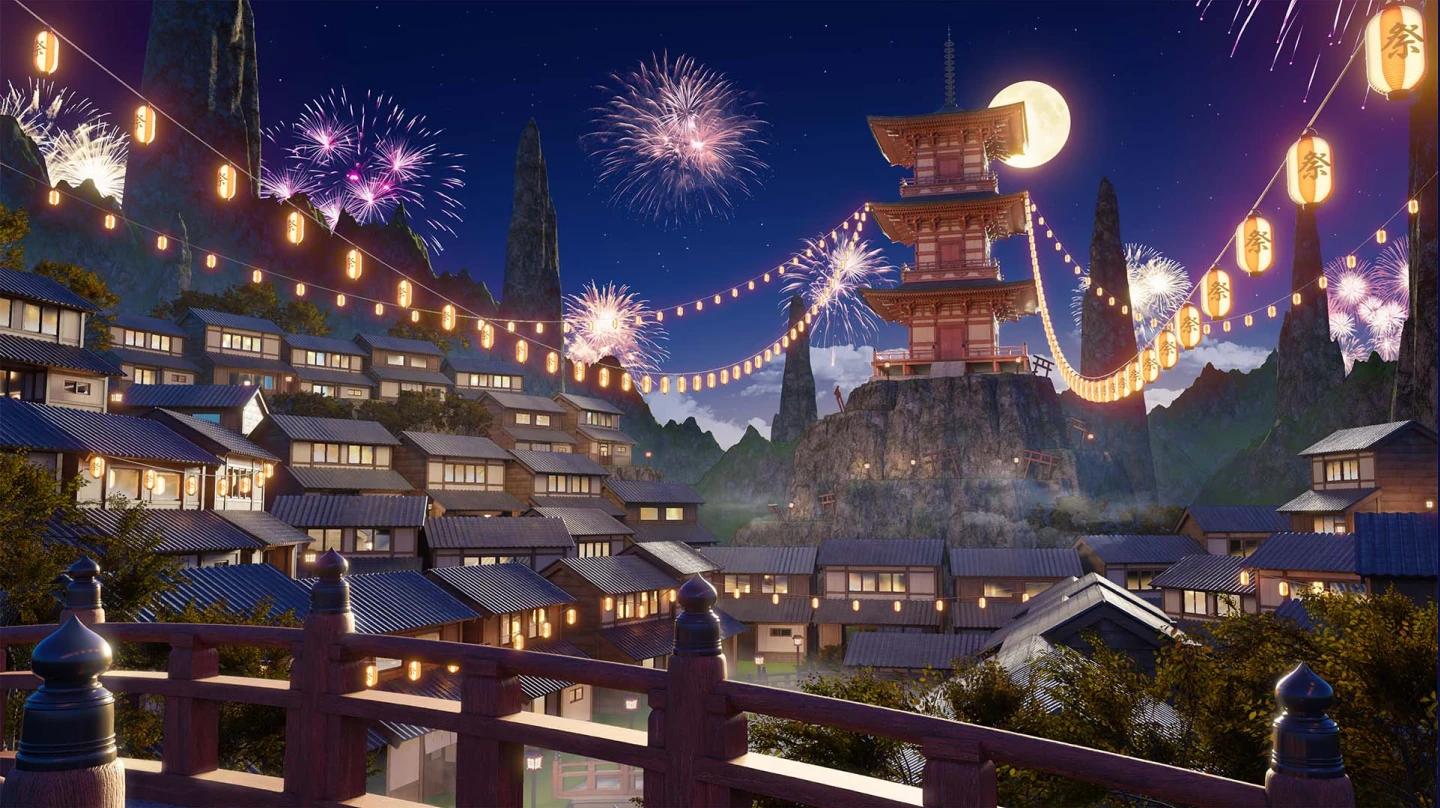
Final Exercise
*The above images are sample images for a better understanding.
Highlights
Class Highlights
Efficient Modeling and Texture Rendering Based on Materials
Learn the essentials of 3DCG modeling and material adjustment while exploring the key factors to consider throughout the production process. Gain a deeper understanding of the decision-making behind each step, then apply it hands on to create original work from scratch. Develop both modeling skills and expressive techniques that can be immediately applied to a wide range of projects.
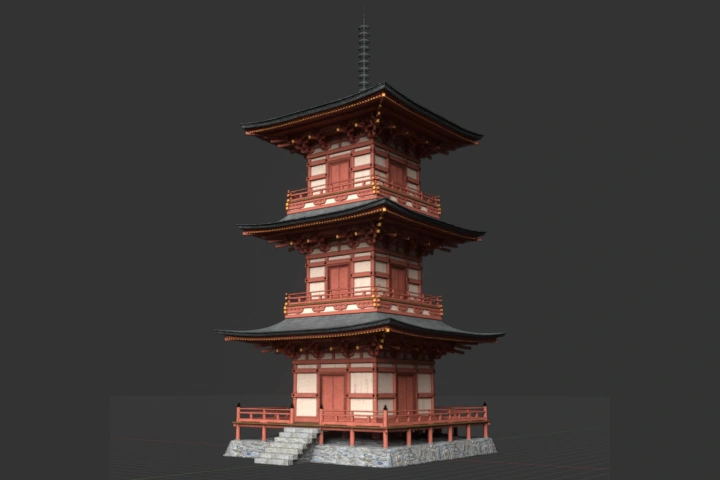
Tips and Tricks to Create Scenes Worth Viewing
An appealing scene isn’t created by only building models. It is the combination of various elements, such as the placement and number of models, camera settings, and lighting, that brings a scene to life. Join this class to discover the techniques and mindset needed to create scenes that are truly worth viewing.
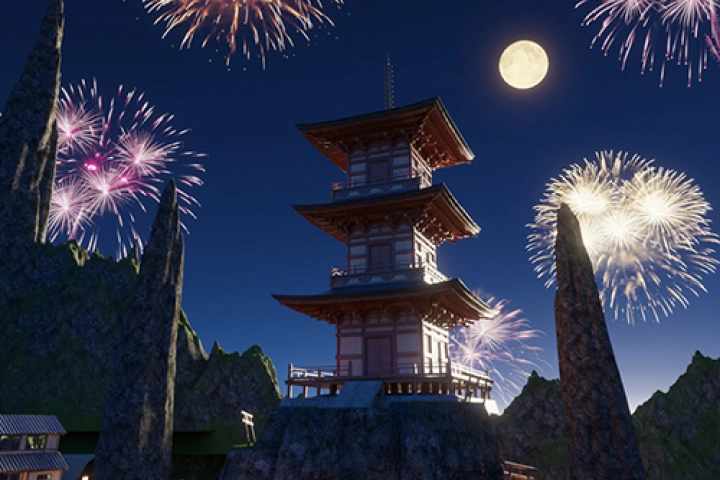
Retouching Tips to Enhance the Quality of Your Work
While you can create compelling work using only Blender, using a program specialized in image editing alongside it allows you to add even more effective and nuanced details. The goal is to use Photoshop to add lighting effects and set the mood, thereby further elevating the quality of your work.