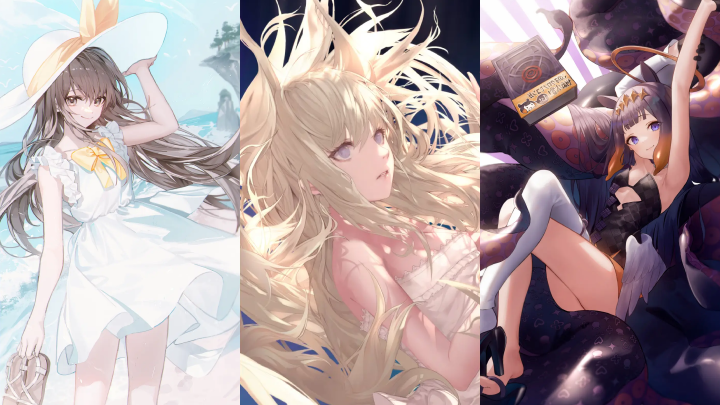
[Course]illustrator,jname,lota,kerno_제이네임,로타,커노FC Details
Intro

Now in Your Language, Only on Coloso!
Learn from Korea's Top Master Creatives
-
 Learn from Artists with 280k Followers
 -
 Comprehensive Course for Rapid Skill Growth
 -
 Beginner-Friendly with Step-by-Step Guidance
The Fast Track to Becoming a Professional Illustrator
If you could become a professional illustrator faster than you ever imagined, would you take the challenge? From foundational courses to self-assessment checklists, we hand you the key to transforming into a true pro.

Instructors with 6 secret strategies to make you a professional illustrator are waiting for you.
They’ll show you the difference between professionals and aspiring artists, guiding you with a vision to help you become a pro as quickly as possible.
Class Perks
Get These Coloso Exclusives
-
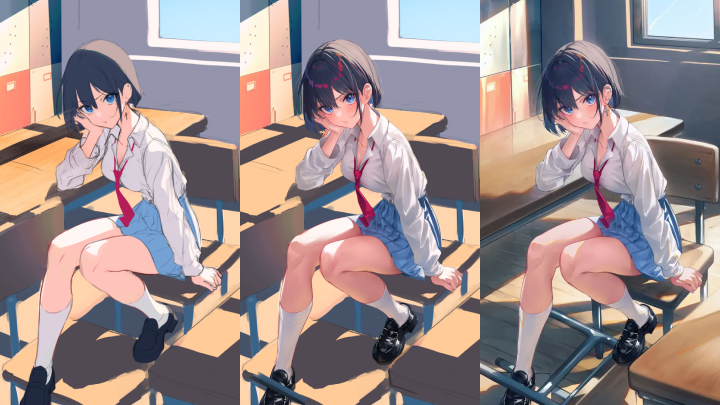
 15-step PSD file showcasing the illustration process provided.
 -
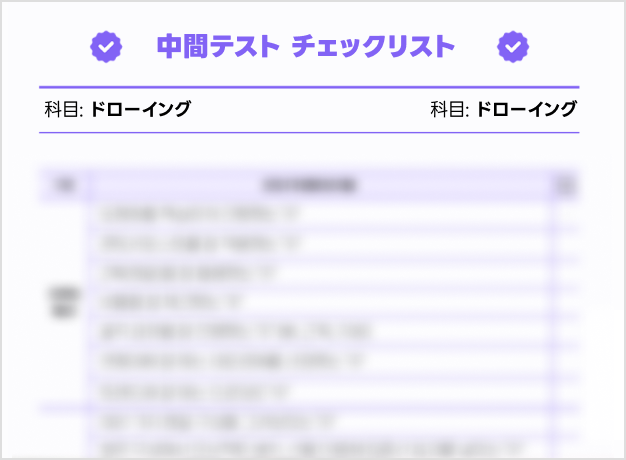 2 self-assessment checklists to boost illustration quality for self-learners.
 -
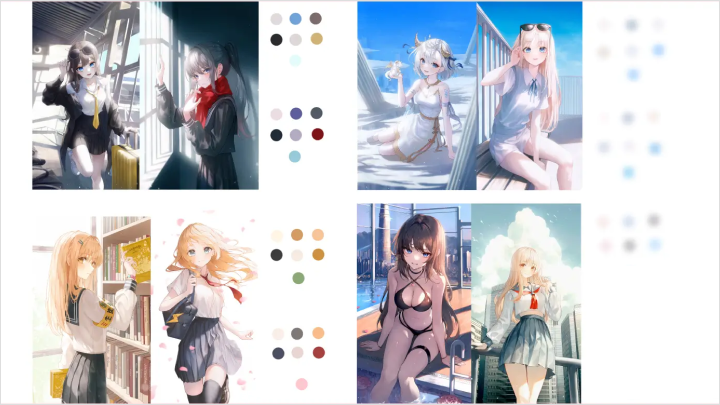
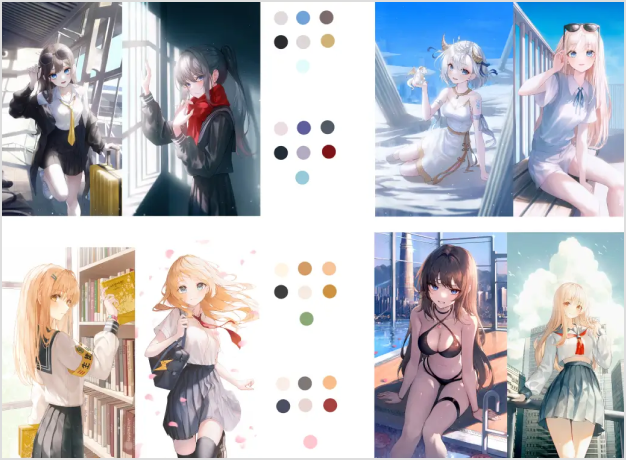 2 types of color palettes used by professional illustrators provided.
Class Material Details
-
 PSD files for theory acquisition and practical preparation 14 PSD files on Light and Color Theory
16 PSD files for Light and Color Demonstration
3 PSD files on Drawing Theory
2 PSD files for Texture Demonstration
2 Professional Illustrator Recommended Color Palettes -
 PSD files for theory acquisition and practical preparation 22 Bust Templates for Light and Color Practice
5 PSD files for Midterm Illustration Process
7 PSD files for Final Exam Illustration Process
Midterm and Final Illustration Checklists
3 PSD files for Illustration Planning
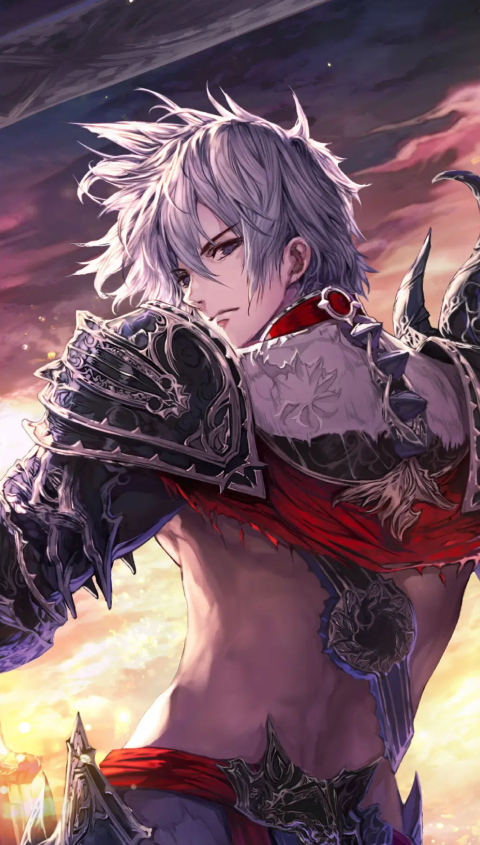
Expert Illustrator JNAME's Portfolio
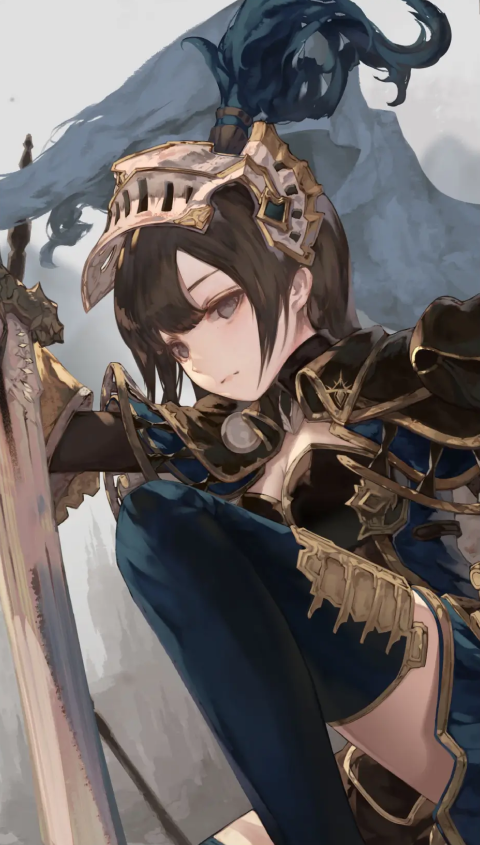

Expert Illustrator Lota's Portfolio
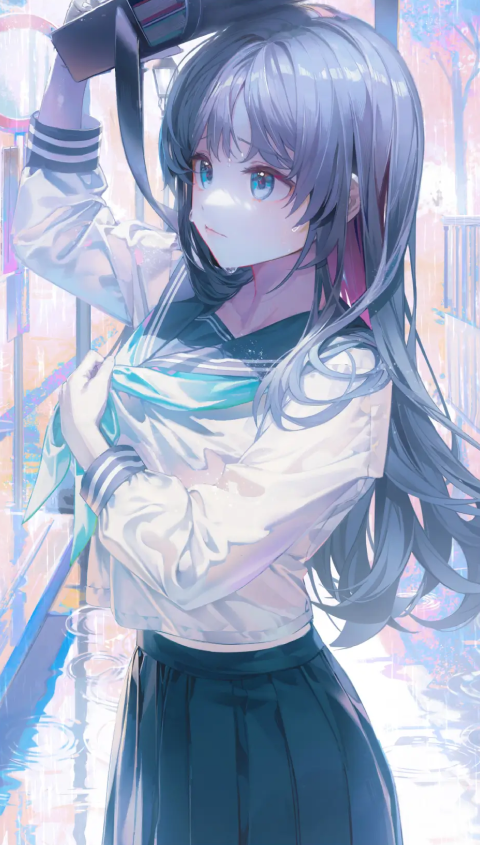


Expert Illustrator Kerno's Portfolio



Why Take This Class?
From basic drawing to coloring, lighting, and the essential texture techniques in illustration, our thorough curriculum allows you to learn step-by-step. You’ll also learn how to brand yourself to become a top-tier professional and secure freelance work.
Through high-quality illustration demonstrations by professional illustrators, we’ll guide you through the entire process of creating eye-catching compositions and highly detailed artwork based on what you've learned.

Class Exercises
6 Ways to Debut as a Professional Illustrator
Part 01: 2 Secrets to Building Solid Drawing Skills
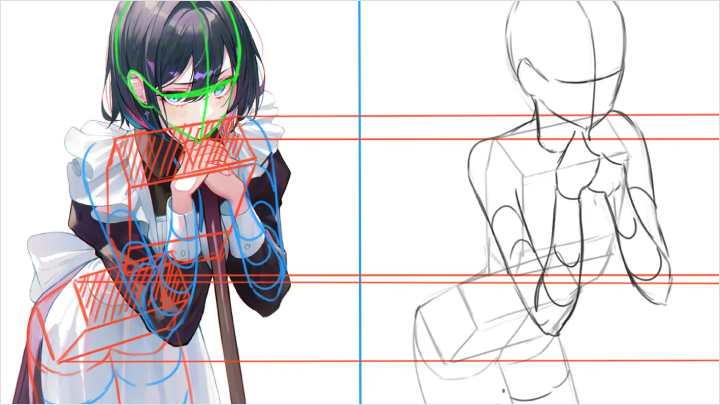
Learn everything from mastering human form through studies to key techniques that make your drawings look more polished.
-
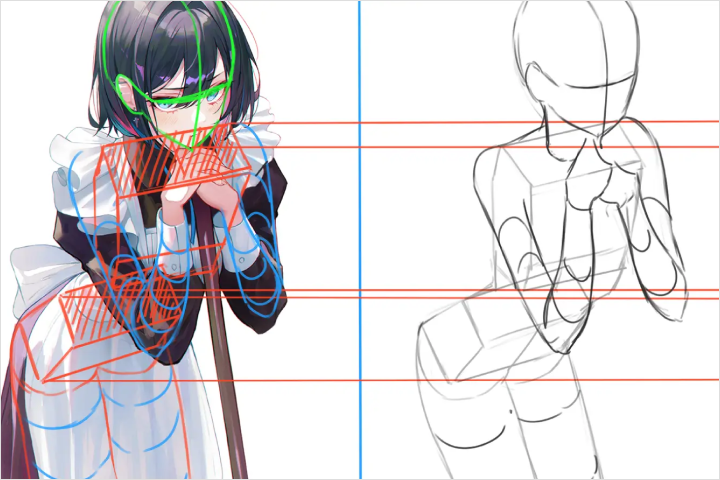 Mastering Human Figure Simplification Through Study
 -
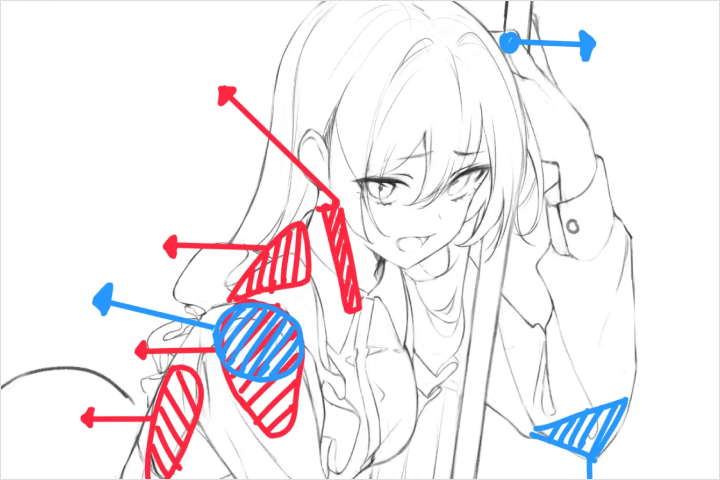 How to Make Your Figure Drawings Stand Out
Part 02. Lighting Variety & Basic Coloring Theory
Art theory made easy — explained through character illustration examples for beginners.
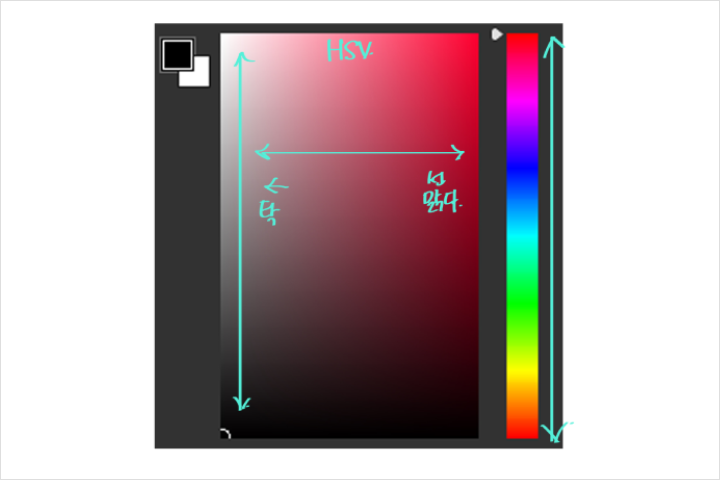
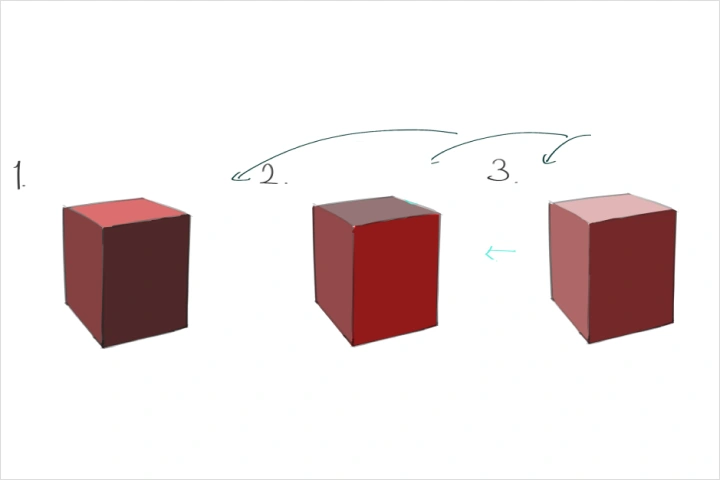
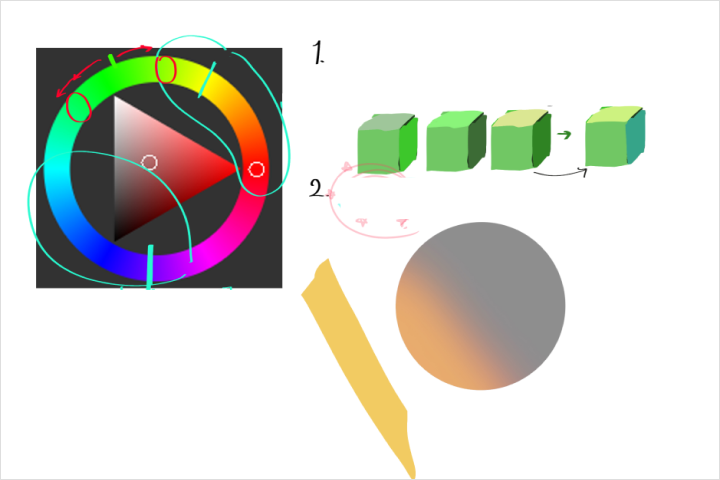
Part 03. Mastering Light: 12 Demos & Drills for Time and Directional Lighting
Practice using colorful lighting to set the mood, and explore how light direction can transform your character’s vibe.
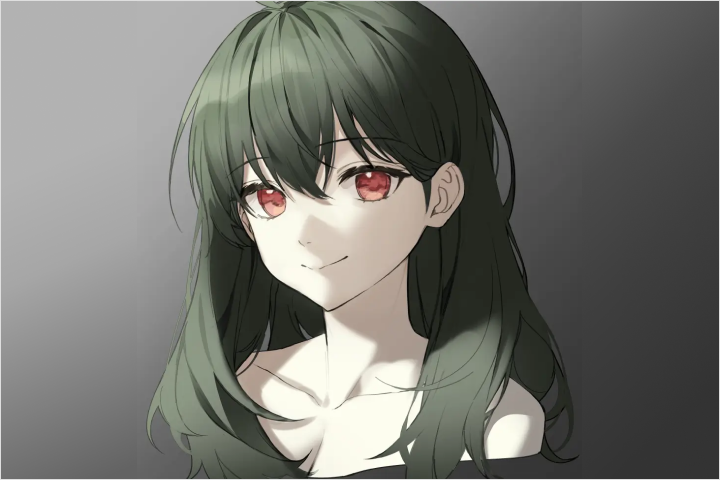
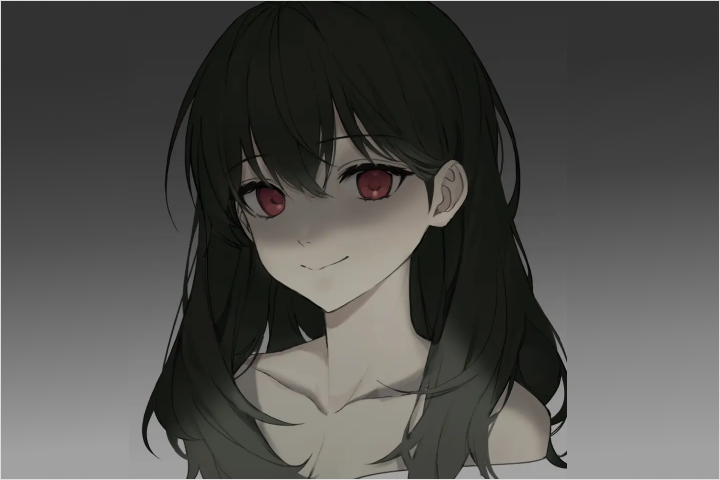
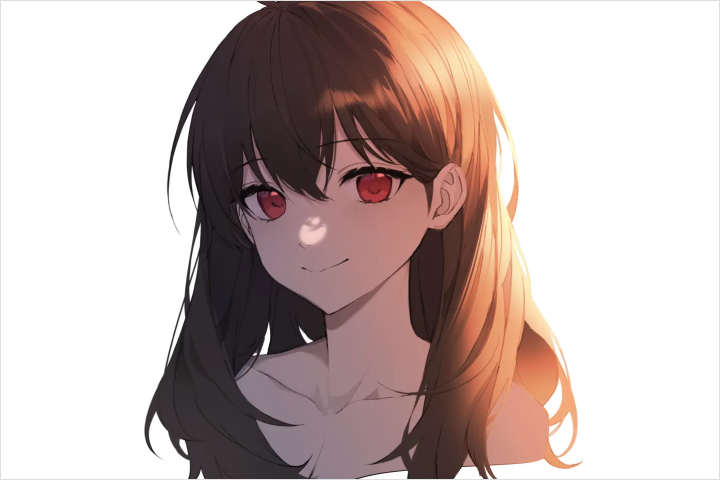
Part 04. Training for 9 Common Texture Techniques Used in Illustration
Get hands-on with must-know textures—like silk, leather, and translucent fabric—through easy-to-follow demos.
-
 5 Texture Techniques for Objects and Backgrounds
 -
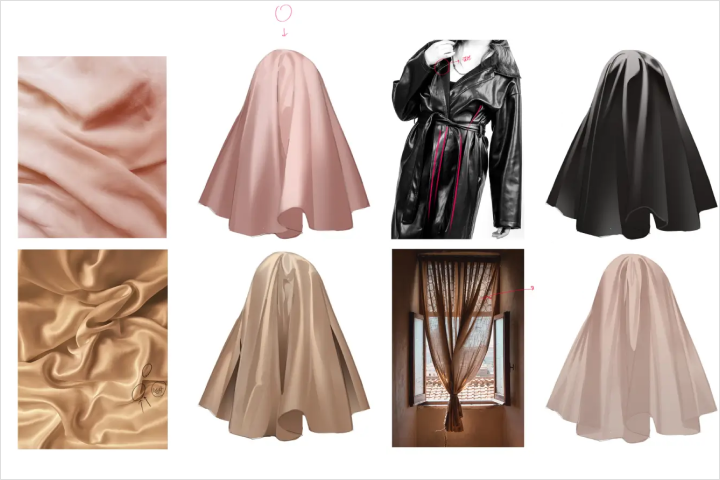 4 Go-To Fabric Textures for Character Design
5 Texture Techniques for Objects and Backgrounds
4 Go-To Fabric Textures for Character Design
Want to go top-tier and get freelance work? Here's how to brand yourself like a pro.
Part 06. Watch a Pro Illustrator in Action – Full High-Quality Demo
Turn what you’ve learned into stunning illustrations—from standout compositions to polished details.

Instructor
Illustrator
JNAME, Lota & Kerno
JNAME, Lota, and Kerno, renowned illustrators, have meticulously crafted every aspect of the training, from foundational lessons to final exams, ensuring a smooth and effective path to your professional debut. With their expert guidance, you'll gain essential skills and insights into character illustration, setting the foundation for a successful career.
This professional mentorship, will accelerate your journey towards becoming a professional illustrator. Take the first step today and unlock your potential with courses designed to help you succeed in the competitive world of illustration!

Student Reviews
Class Recommended by JNAME, Lota & Kerno's Students
-
 **A
**AThe foundational chapters were really helpful, but the post-processing tips on refining the manuscript were particularly valuable and greatly contributed to my progress. I hope more people get the opportunity to learn from this class.
-
 **D
**DWhile the basic courses were excellent, I especially appreciated the tips on post-processing that taught me how to enhance my manuscript. It truly helped me grow, and I hope others will get to experience this class too.
-
 **E
**EThe overall basic training was great, but it was the expert advice on post-processing that really helped me take my manuscript to the next level. I believe more people would benefit from attending this class.
Illustrator, JNAME
[Current]
CEO of EIGHT STUDIO
Director of Neo Academy
Projects & Awards
[Notable Projects]
- AD for GrimLight
- PD & Director for Pits Maker & Riri Maker
- Cygames
- Square Enix
- Sega
- Bluehole

Illustrator, Lota
[Current]
Instructor at Neo Academy

Illustrator, Kano
[Current]
Instructor at Neo Academy
Highlights
Class Highlights
Learn Solid Drawing and Basic Coloring Theory
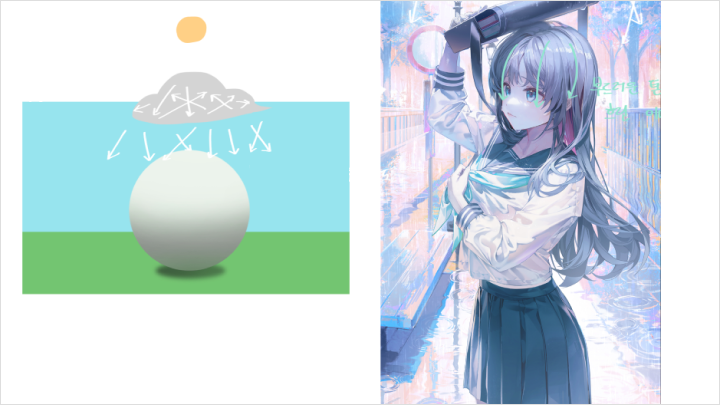
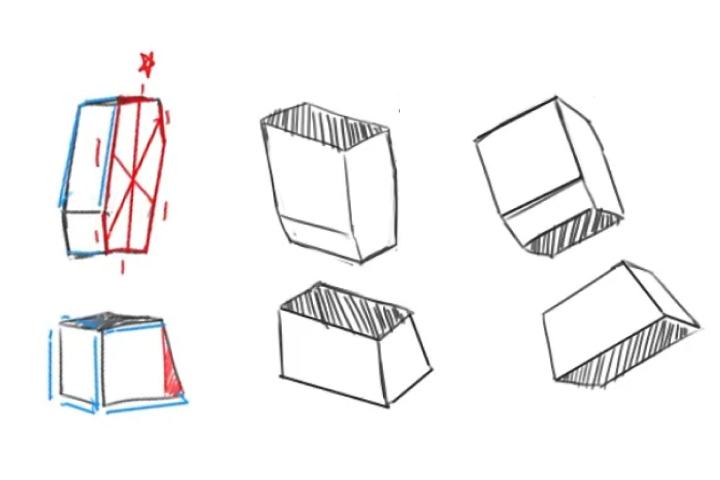
Starting from mastering human form through studies to key techniques that make your drawings look more polished, we guide you step-by-step from the basics. The content is clearly organized using character illustration examples, making it easy for beginners to understand.
Training on 5 Types of Lighting Effects and 9 Key Texture Representations
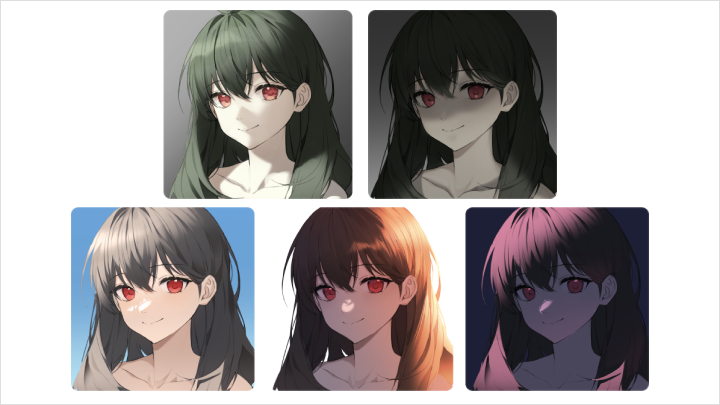
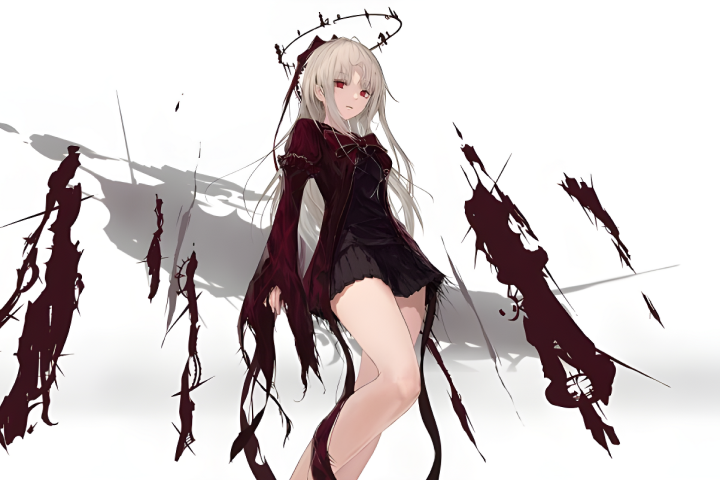
Practice various lighting effects that add atmosphere to your illustrations, such as sunset, night, and cloudy day. You’ll also learn how to represent common textures in illustrations, like silk, leather, and translucent fabrics, through demonstrations.

7 Lighting Direction Practices and Personal Branding!
Practice accurately depicting the direction of light to change the atmosphere of your character, focusing on bust sketches. You’ll also learn detailed methods for personal branding to become a top-tier professional in your field and secure freelance opportunities.
Class Details
You'll Learn
-
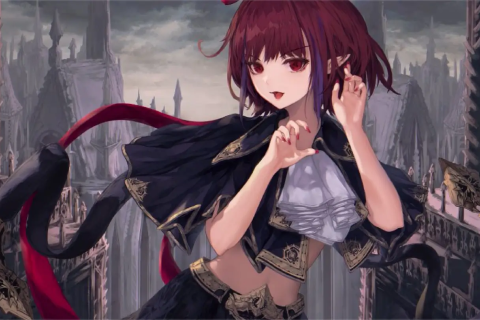 Getting Started with IllustrationHow I Became a Professional
Leveling Up My Illustration Skills on My Own
Illustration Pro-Visioning (or "Becoming a Pro Illustrator") -
 Surviving as an IllustratorSetting Step-by-Step Growth Goals
How to Skyrocket Your Followers in 2 Years -
 Packing Your Survival ToolsSetting Up Your Tablet & Canvas – Clip Studio
Setting Up Your Tablet & Canvas – Photoshop
-
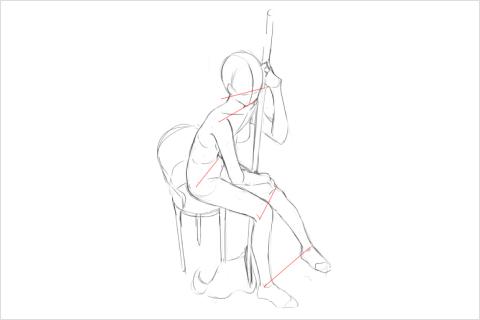 Survival Practical Muscle Training: DrawingMaster the human figure through studies of human form
How to gather ideas for dynamic poses
Key points for creating lively and energetic drawings!
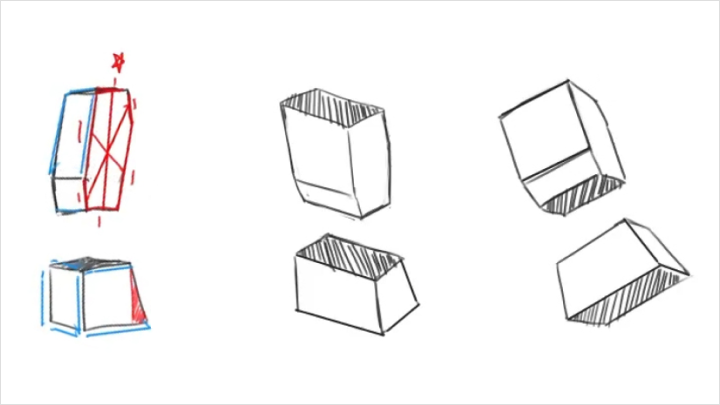
Sketching character illustrations through basic geometric shapes -
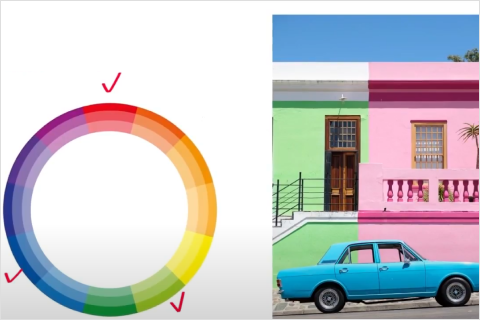 Survival Practical Brain Training: ColoringUnderstanding coloring tools: Photoshop
Understanding coloring tools: Clip Studio
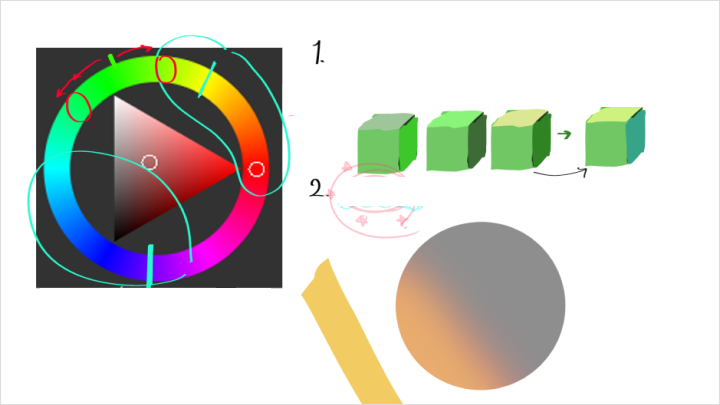
Lighting theory made easy for beginners
All you need to know about art theory in one place!
Professional Color Palette by Rota
Professional Color Palette by Kano -
 Survival Knowledge Building: Mastering Drawing TheoryUnderstanding visual changes based on movement
Expanding your knowledge with various art styles and trends
Illustration composition tips
Tricks to make your drawings look better
Understanding the difference between quality and detail
-
 Survival Foundation Building: Mastering Illustration ColorsDepicting light based on time of day
Depicting light based on different situations
Exploring various textures based on the material properties of objects
Professional color pairing techniques & practice
Planning an illustration based on what you've learned -
 Survival Exam MidtermConceptualizing an illustration theme that highlights drawing
Creating character drawing and color roughs
Upgrading the roughs through drawing
Techniques for making your drawing shine: Character depiction
11 additional items -
 Survival Exam FinalConceptualizing an illustration theme that highlights drawing
Creating character drawing and color roughs
Upgrading the roughs through drawing
Techniques for making your drawing shine: Character depiction
11 additional items
-
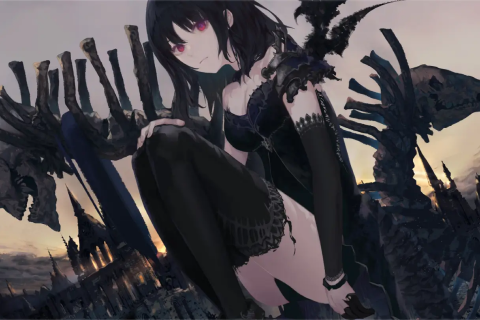 Graduation: Professional DebutBecoming a trendsetter who leads the industry
Personal branding and becoming a top-tier expert
Earning the highest salary as an illustrator -
-
- Unlimited Access
- Best Price
Buy now, get unlimited access.
12/31 (Sat) (UTC-7) Special offer ends soon.
This special offer ends soon.
Buy now and save!
Interview with
Illustrator_JNAME&Lota&Kerno

Question.01
Who would you recommend this class to?
We would recommend this class to those who want to start drawing with the goal of becoming a professional, or to those who feel their skills are stagnant and want to elevate their abilities to a professional level. The process has been divided into 6 highly efficient methods to help you become a pro in the shortest time possible. For those who have found the wall of professionalism to be too high, we’re confident this course will be a great milestone.
Question.02
Can I become a professional in 2 years through this course?
Yes, it’s possible. However, the most important factor is your own practice. No matter how good the course or tips are, if you don’t put them into action, you’ll remain in the same place. Our curriculum is a roadmap to guide you towards becoming a professional as quickly as possible. If you trust the process and follow along, you will surely achieve your goals.
Even after the course, we’ve prepared midterm and final exam checklists that you can use to assess your progress on your own, so aim for a perfect score and keep improving.
Question.03
Can I take the course using either Photoshop or Clip Studio?
Yes, we’ve prepared foundational setup lessons for both programs, so you can use either one. Even if you choose to use just one of the programs, the course is designed to be easy to follow. Please feel free to use the program that is more comfortable for you.
Required Programs
This course will use
- Adobe Photoshop CC 2022-2023
- Clip Studio Paint Ex 1.13.2.
Please purchase and install these program(s) for an optimized class experience.
*These programs and/or materials will not be provided with the course.