illustrator,jessicawijaya Details
Intro
Class Intro
Illustrator, Jessica Wijaya (Jwijaya Art)
"Rather than simply adding more details, let's focus on stronger decision-making to give your work direction, purpose,and identity!"
How to Make Art That Means Something
Many artists learn how to make beautiful images. But far fewer learn how to make those images feel meaningful.
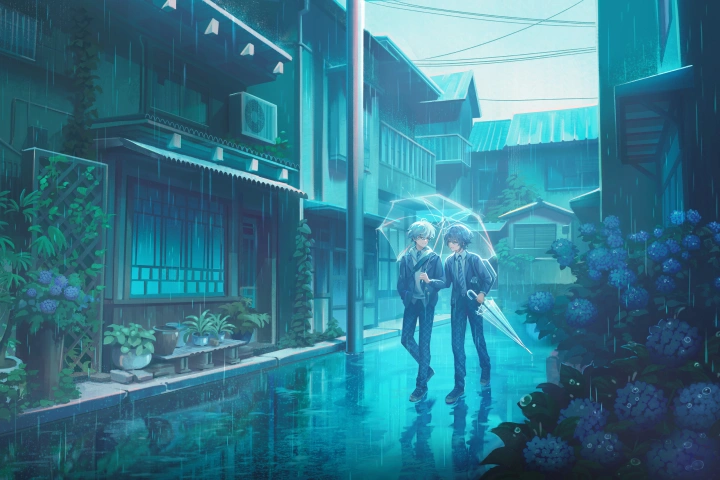
This class is about helping you develop a visual voice that feels intentional, personal, and unmistakably your own. Designed for artists of every skill level, this course pushes you to move beyond familiar formulas and start thinking like your own art director.
Through hands-on lessons in concept, composition, color, and staging, you'll learn to shape stronger visual ideas and create artwork with greater clarity, emotion, and purpose. Instead of just making images that look "good," you'll explore how to create work that communicates something meaningful and uniquely yours.
Whether you’re building fan art, original worlds, or professional illustrations, this course is for anyone ready to sharpen their creative direction and approach art with more intention. By the end, you’ll walk away with a clearer understanding of your artistic identity and the tools to build a body of work guided not just by skill, but by vision.
Through hands-on lessons in concept, composition, color, and staging, you'll learn to shape stronger visual ideas and create artwork with greater clarity, emotion, and purpose. Instead of just making images that look "good," you'll explore how to create work that communicates something meaningful and uniquely yours.
Whether you’re building fan art, original worlds, or professional illustrations, this course is for anyone ready to sharpen their creative direction and approach art with more intention. By the end, you’ll walk away with a clearer understanding of your artistic identity and the tools to build a body of work guided not just by skill, but by vision.
Class Preview
Still Not Sure?
Check Out Jessica Wijaya (Jwijaya Art)'s Class Preview!
Chapter 10. Applying Value + Light to Sketches
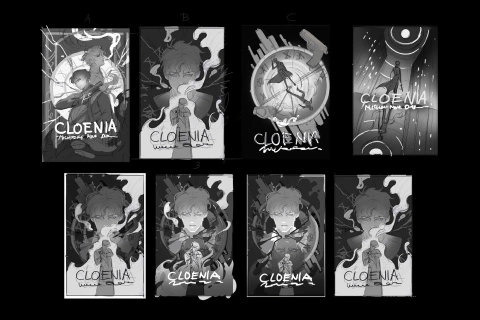
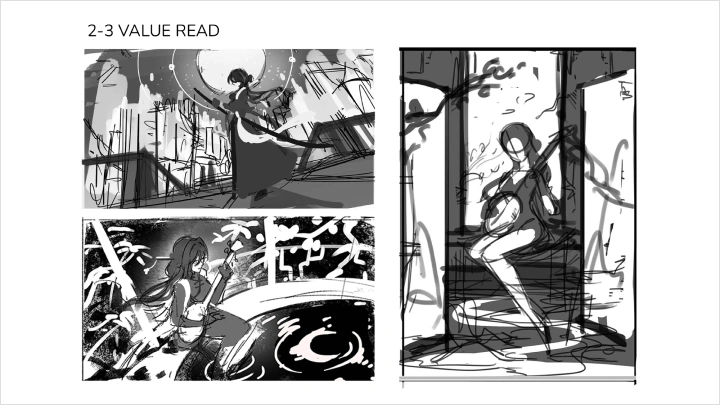
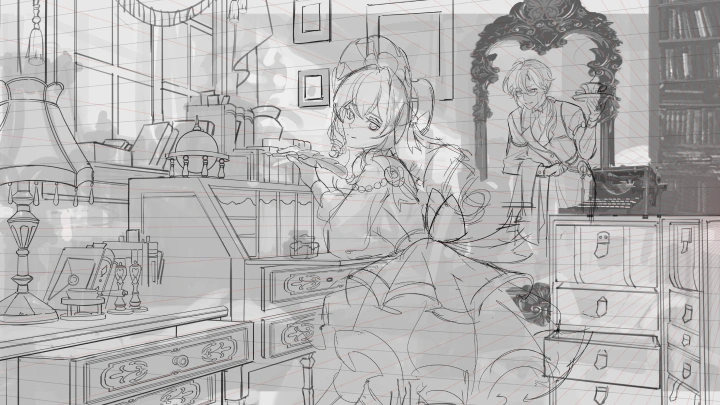
1. Start with simple value structure before building complexity
2. Add value to instructor thumbnails
3. Analyze how to adjust as the composition is being drafted
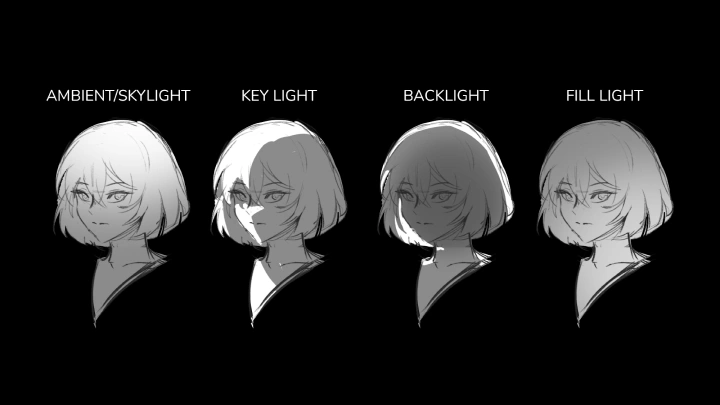
4. Explore how different lighting choices can change the mood by lighting a composition sketch in 1-2 different ways
2. Add value to instructor thumbnails
3. Analyze how to adjust as the composition is being drafted
4. Explore how different lighting choices can change the mood by lighting a composition sketch in 1-2 different ways
Class Perks
Special Gift from Jessica Wijaya (Jwijaya Art)
-
 Class Slides and Exercises
 -
 Annotated PDF Notes
 -
 Jessica's Holy Grail Brushes
 -
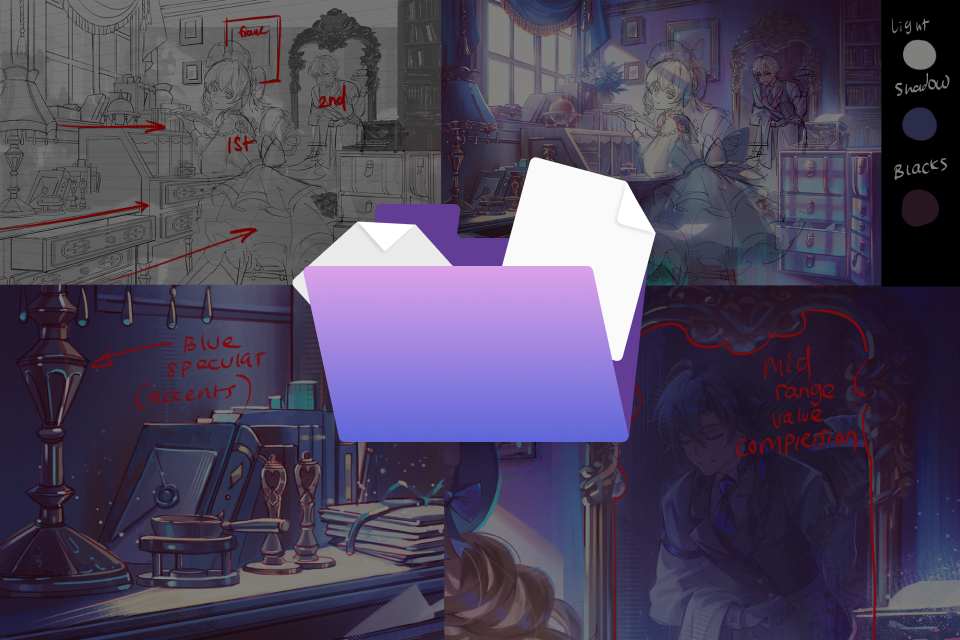 Instructor Work Files
Class Material Details
-
 Class Slides and Exercise Worksheets- Chapter slides with key learning points, notes, and guided lesson outlines
- 17 guided exercises for concept planning, composition, perspective, value, lighting, color, rendering, and final polish
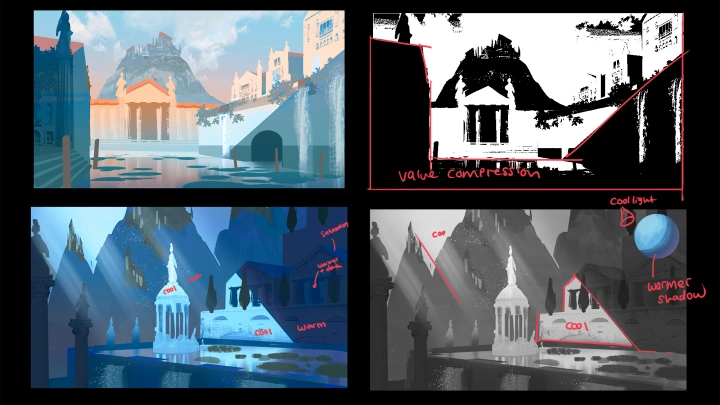
- Artist-provided worksheets for moodboarding, color palette extraction, value compression, material studies, and VFX planning
- Category inspiration lists, worksheet templates, and study prompts provided by Jessica
- Exercises designed to help you apply each lesson directly to your own final illustration -
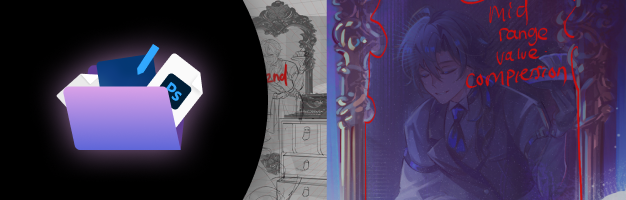 Instructor Working Files and Annotated Process Notes- Full-resolution PSD files from Jessica’s class demos and final illustration process
- Final illustration PSD and high-resolution JPG files for student reference
- Annotated PDF notes explaining Jessica’s design, composition, rendering, and decision-making process
- Notes on composition choices, value grouping, color decisions, materials, VFX, and final polish -
 Jessica’s Photoshop Brush Pack- Jessica’s curated Photoshop brush set used throughout her illustration workflow
- Brushes for drafting, sketching, blocking in shapes, and building textured lines
- Brushes for adding material details, visual accents, and finishing touches
Recommendation
Who should take this class?
Beginner artists who are just starting out and need a clear guide to follow a solid illustration workflow from start to finish.
Intermediate artists who can draw and render, but feel their work lacks direction, depth, or a clear personal voice beyond technical execution.
Fan artists and hobbyists who are active in fandom spaces and want their illustrations to feel more intentional, polished, and personally recognizable.
Expert Illustrator Jessica Wijaya (Jwijaya Art)'s Portfolio
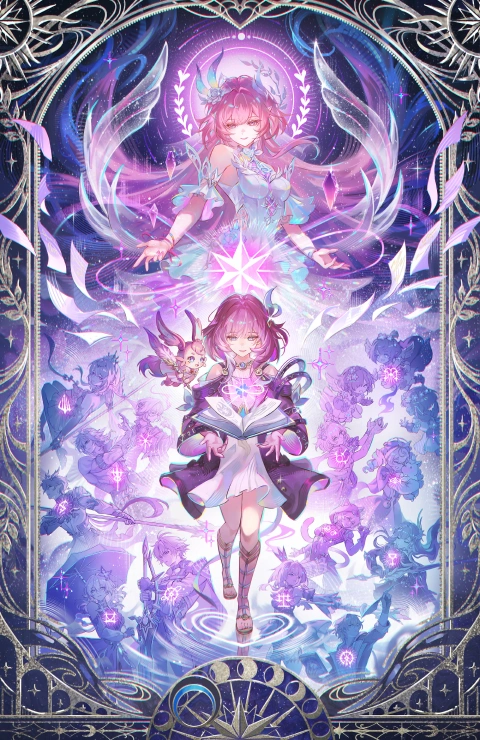
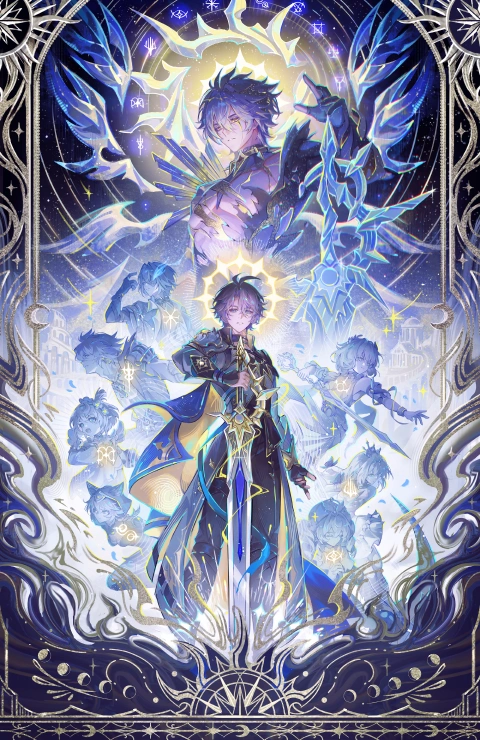
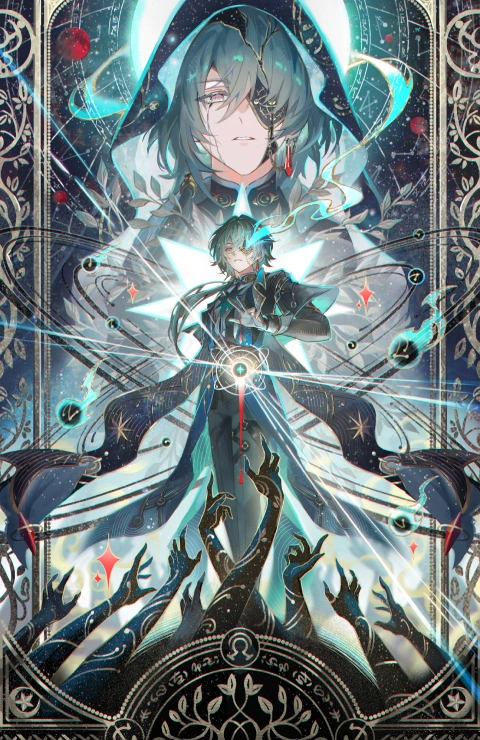
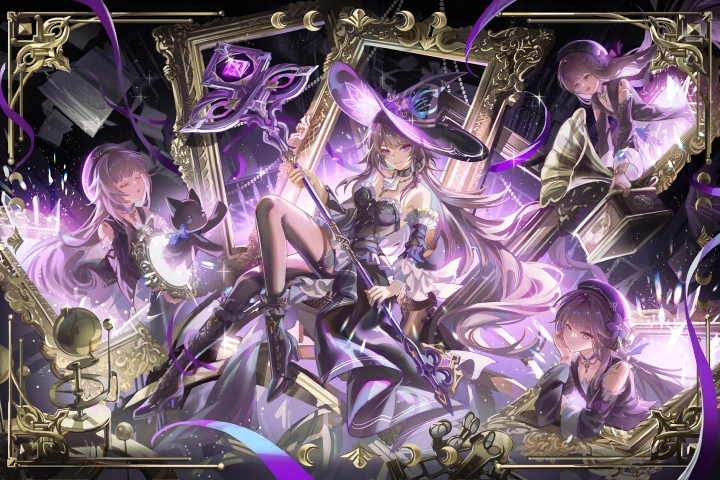
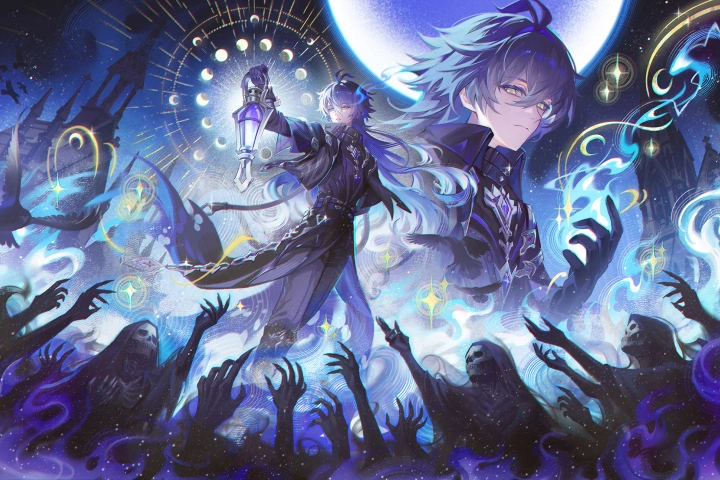
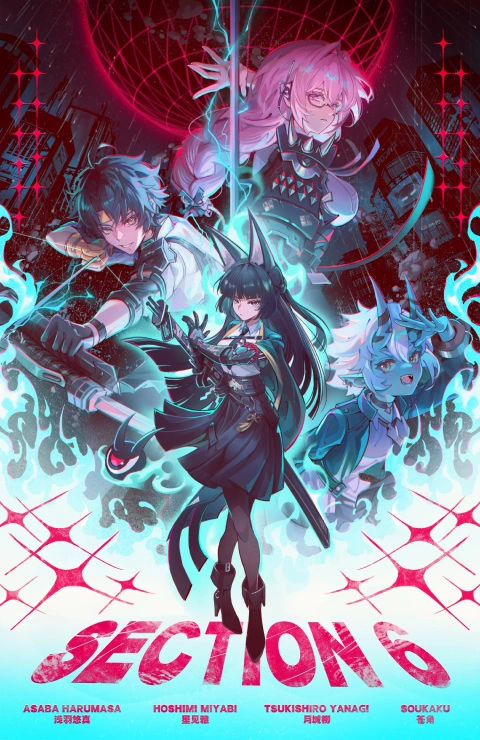

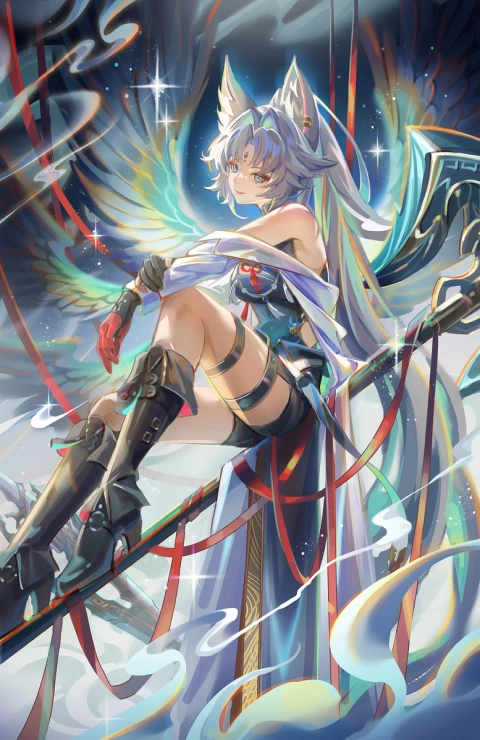
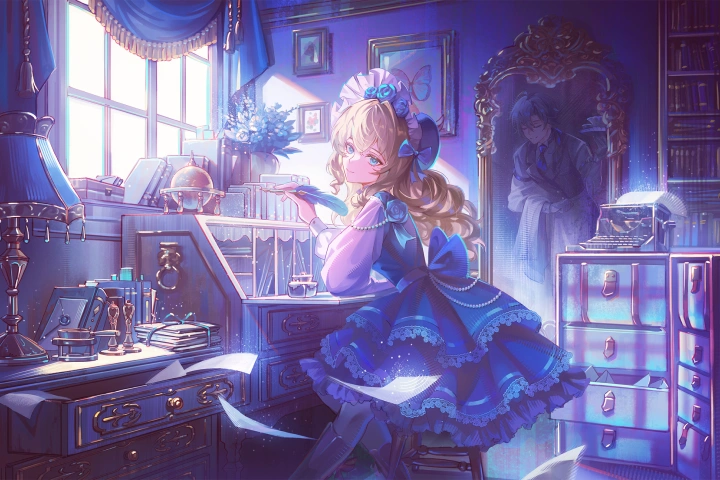
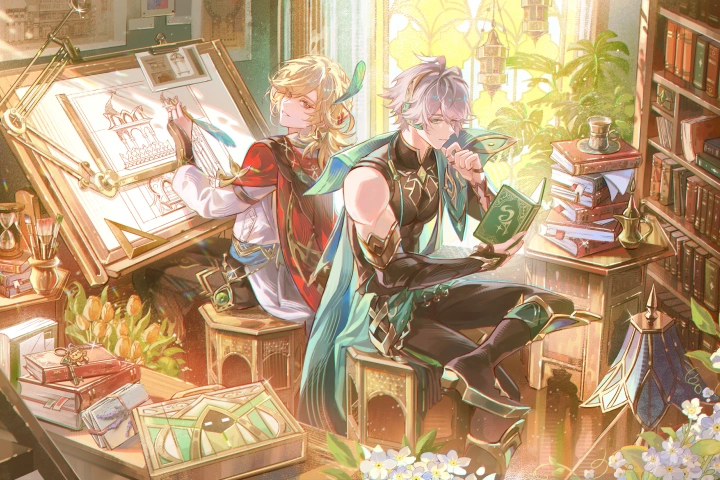
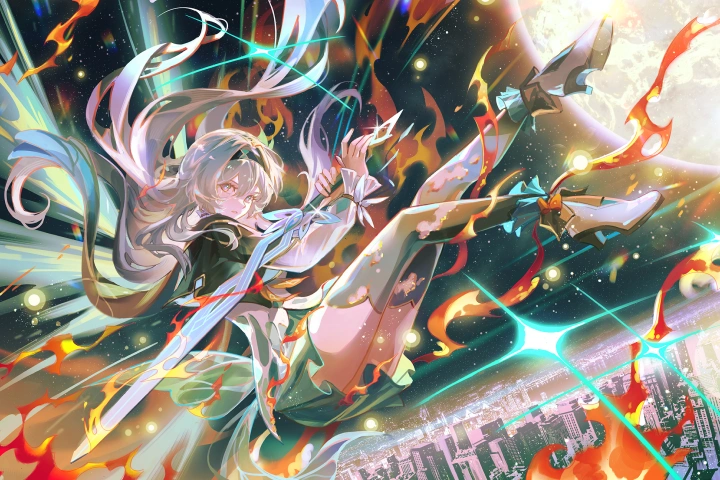


* This Portfolio includes fanart and client works.
Why Take This Class?
Most art courses teach techniques in separate pieces, from anatomy and composition to color, lighting, and rendering. But even after learning all of those skills, many artists still struggle to bring everything together into one clear, finished illustration.
This course guides you through a complete creative workflow where concept, composition, color, and rendering connect from start to finish. Rather than simply adding more information, it helps you understand how each visual choice supports the mood, message, and direction of your work, so you can approach every illustration with more confidence, clarity, and intention.
What sets this course apart is its balance of approachable instruction and professional-level creative strategy. Beginners can follow a clear process without feeling overwhelmed, while more experienced artists can refine the deeper decision-making that gives their work direction, purpose, and identity.
This course helps you think more creatively, make stronger visual choices, and understand how each part of an illustration contributes to the bigger picture. With a clearer sense of intention behind your work, you can start building illustrations that feel more cohesive, expressive, and rooted in your own artistic identity.

Get Ready for the Real-World
17 Class Exercises
Part 1. Concept, Reference & Composition Setup
-
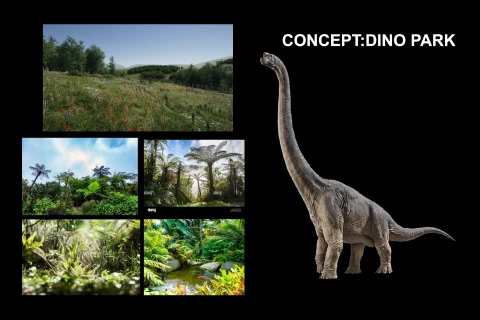
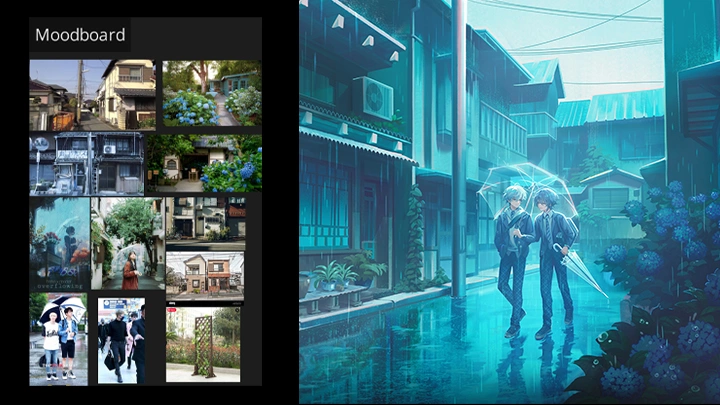
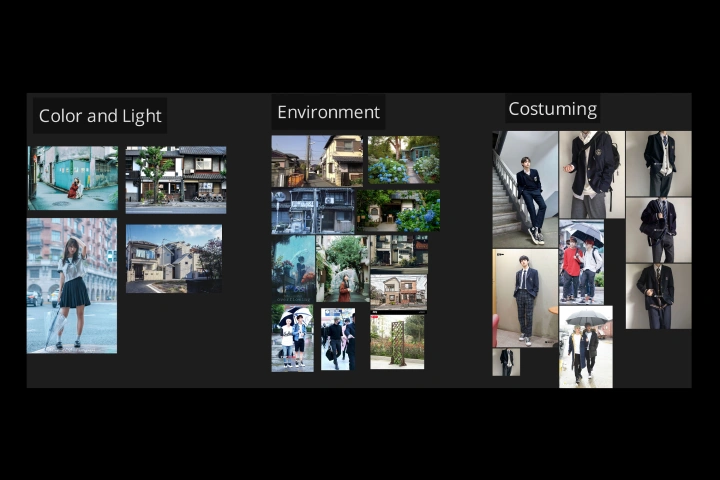 Moodboard for Personal Illustration Concept- Organize references by what problem each one is solving
- Note: category inspiration list provided by the artist -
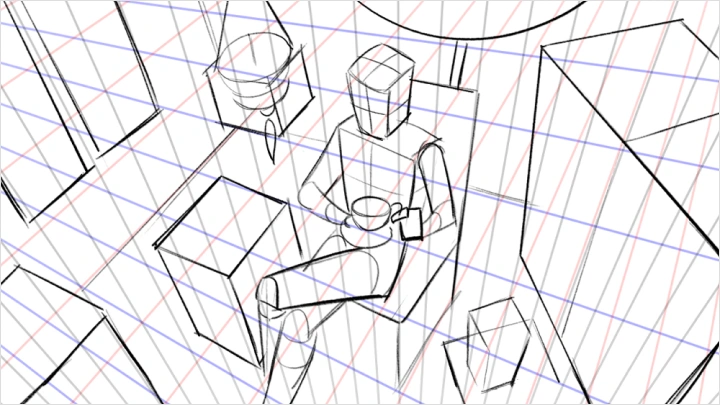
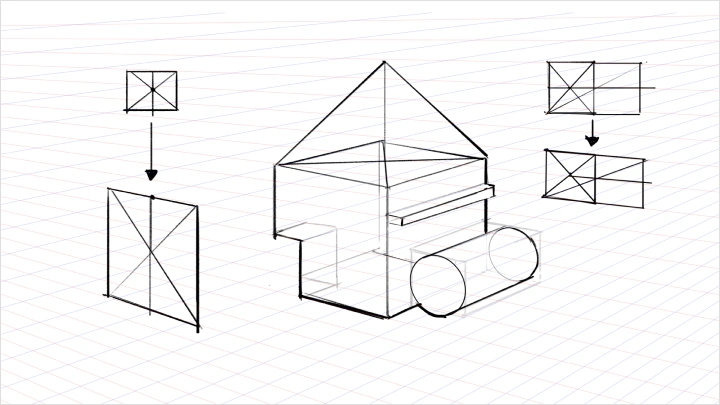
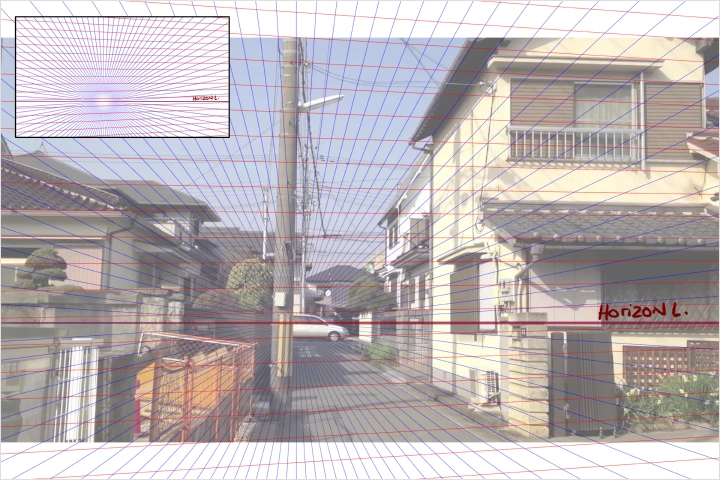 Harvest Perspective Grids from PhotosBeginner:
- Harvest perspective grids from photos
- Practice drafting 3 boxes or cylinders within each grid
Advanced:
- Harvest perspective grids from photos
- Sketch a simple prop element or character directly into the grid -
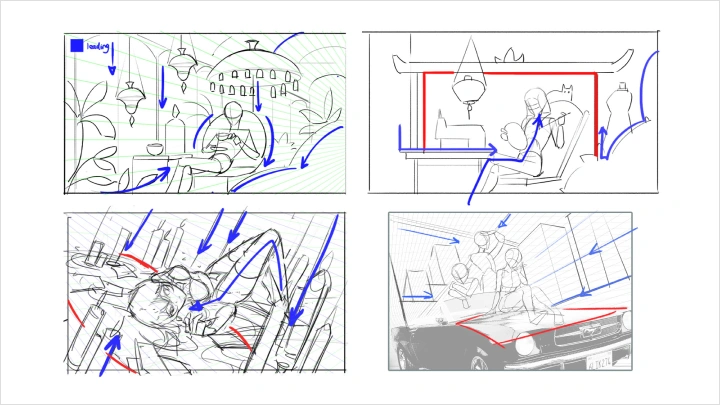
Draft 3 Compositions From PerspectiveBeginner:
- Draft 3 compositions in one-point perspective
Advanced:
- Draft 3 compositions in various camera angles
Part 2. Value, Lighting & Drafting Studies
-
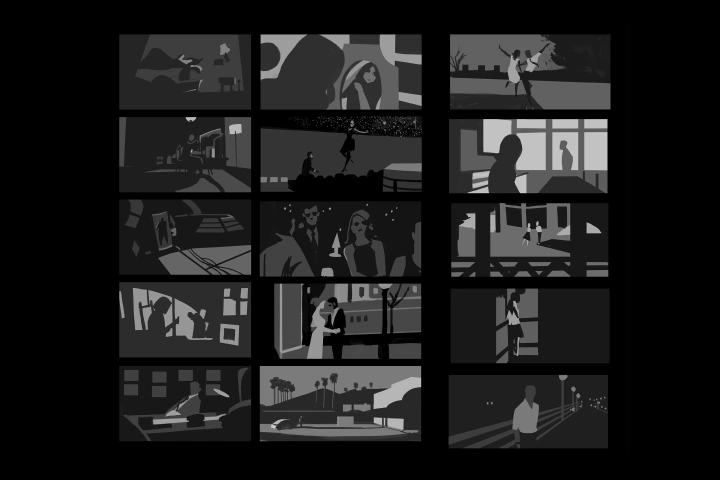 Film Studies of Value Compositions- Create 20 film studies of value compositions using 2-3 values (optional exercise)
 -
Three-Point Lighting StudyBeginner:
- Light a sphere with 3 different moods
- Note: feel free to use references from cinema or illustration
Advanced:
- Take one of your composition sketches and light it in 2 different ways -
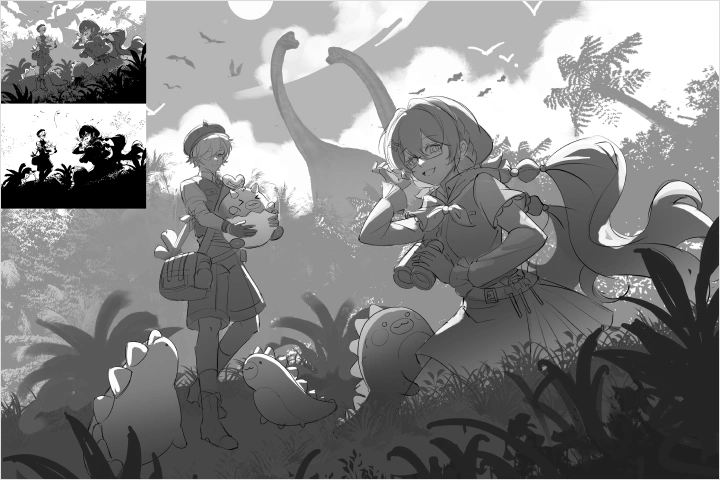 Lighting Strategy Study From a Composition SketchBeginner:
- Take one of your scenes and light it based on one of the lighting strategies covered in class
Advanced:
- Take one of your composition sketches and light it in 2 different ways -
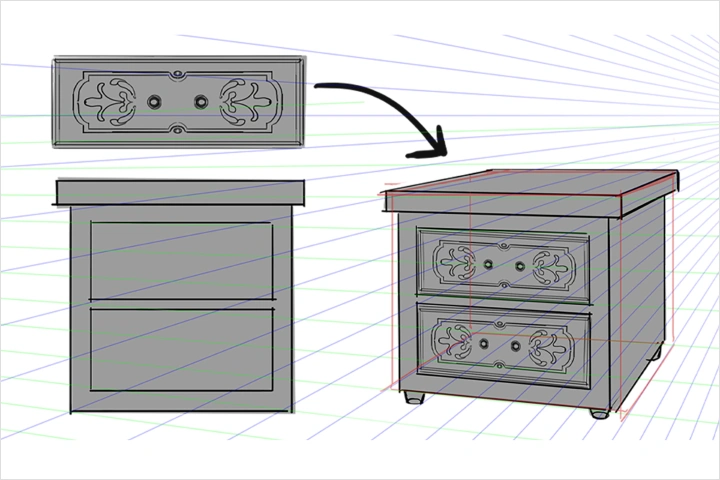 Prop Drafting StudyBeginner:
- Draft a simple prop using cubes
- Apply a 2D elevation to the object to transform it into a more complex form
Advanced:
- Draft a prop still life using simple volumetric forms
- Use elevations wherever necessary to detail the form
Part 3. Scene, Pose & Color Application
-
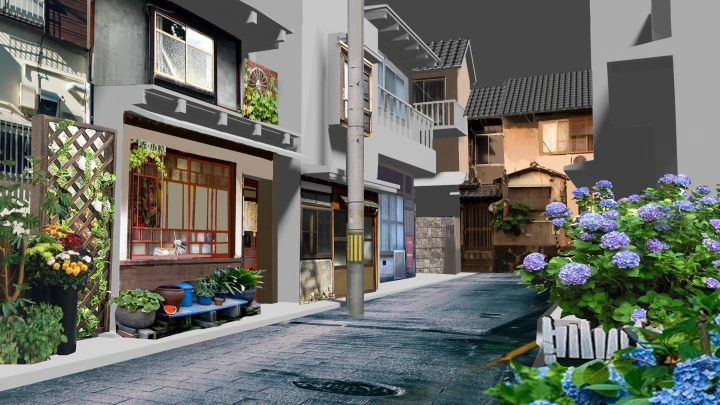
Scene Building and Linework Development Study- Flesh out the forms in your scene
- Utilize photobashing, 2D design elevations, or draftsmanship to complete the linework of your scene -
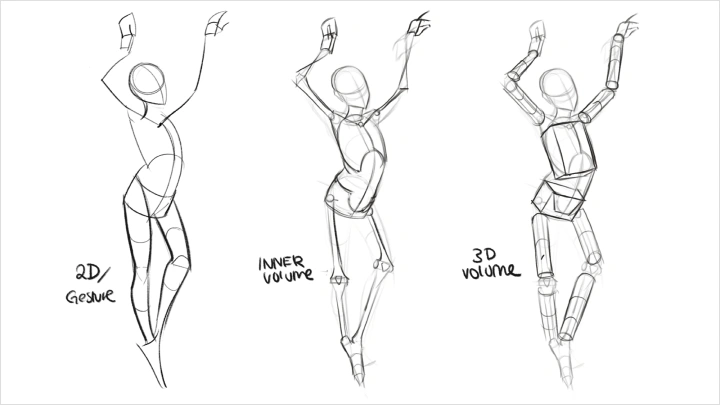
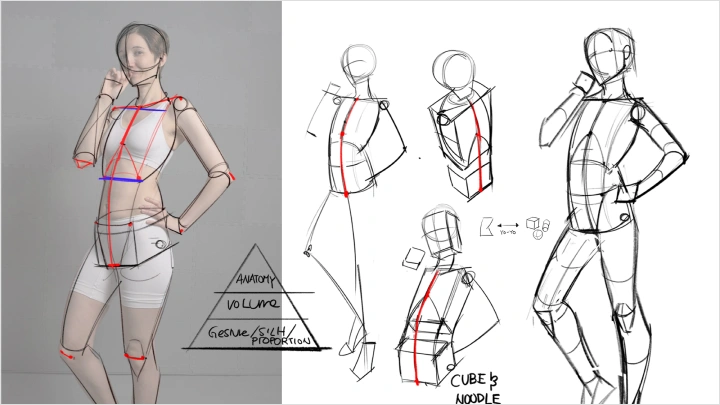
Pose Reference Study for Strong Silhouette- Take 2-3 reference photos for potential poses in your illustration
Beginner:
- Draft a mannequin either by tracing and refining or creating a new one from scratch using the reference
Advanced:
- Draft a mannequin and push the forms to create appealing silhouette read -
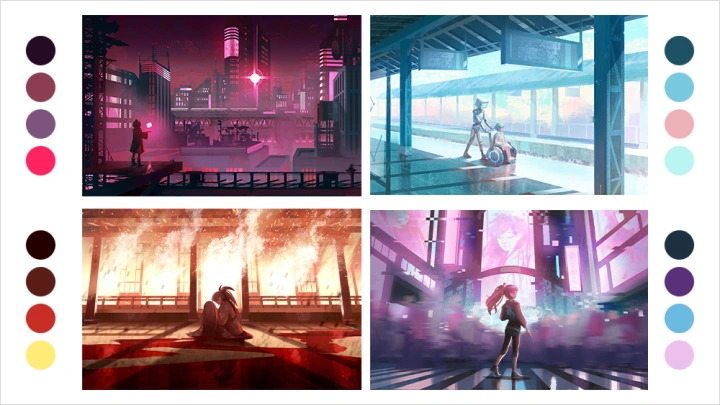
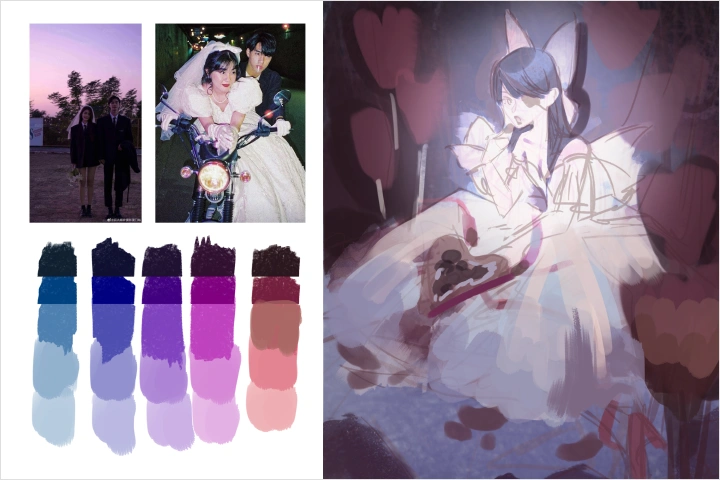 Extract the Color PaletteBeginner:
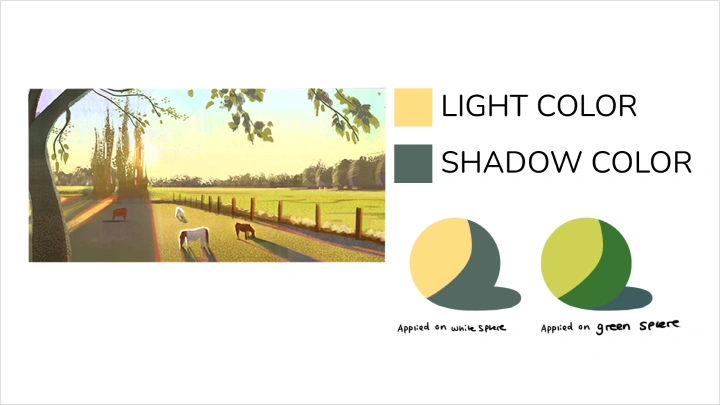
- Extract the color palette from the sphere worksheet and apply it to your character sketch
Advanced:
- Extract a color palette from a reference photo and apply it to your character sketch
- Note: worksheet provided by the instructor -
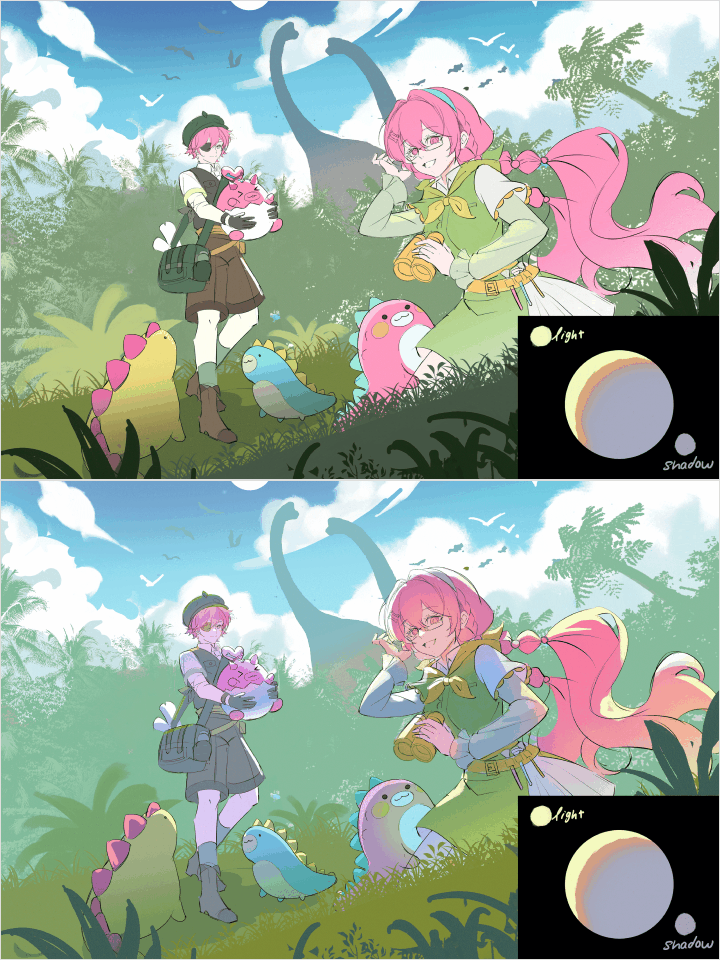 Local Color and Layer Blend Mode Study- Apply local color to your illustration first
- Build the overall color and lighting using layer blending modes
Part 4. Rendering Control, Materials & VFX Design
-
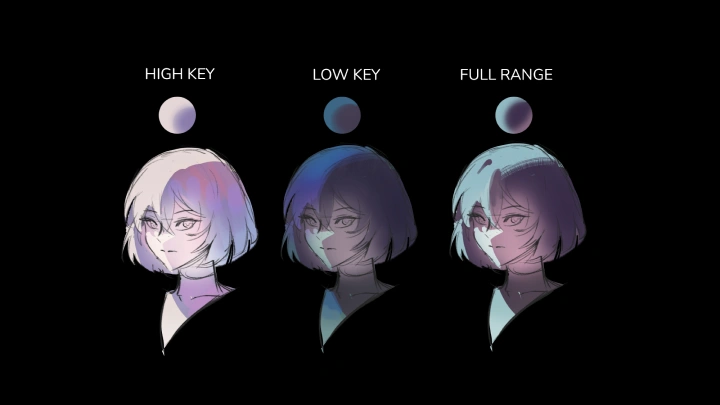
Value Compression and Color ControlBeginner:
- Take a simple object or character
- Light or color it based on the instructor's render sample (high-key, low-key, mid-key, and full range)
Advanced:
- Take a prop or character
- Light or color it in high-key, low-key, mid-key, and full range) -
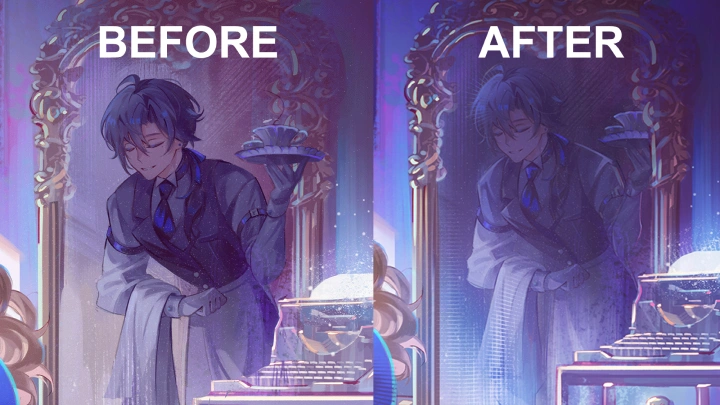
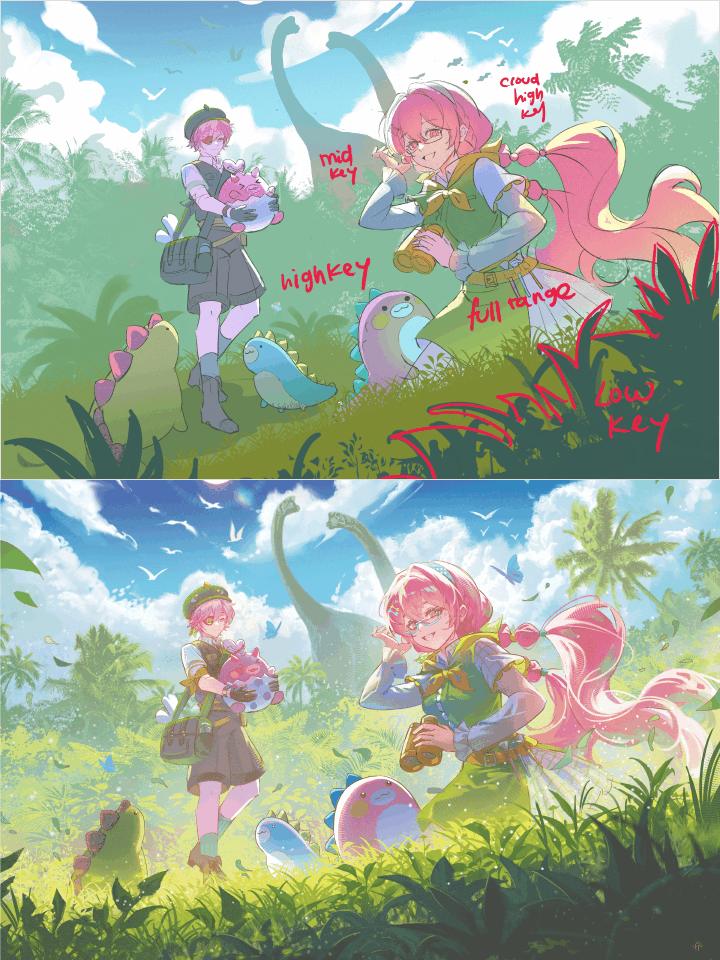 Value Range Planning for Final Rendering- Identify specifc areas in your painting for value contrast
- Paint those areas accordingly, distinguishing between full value range and compressed value -
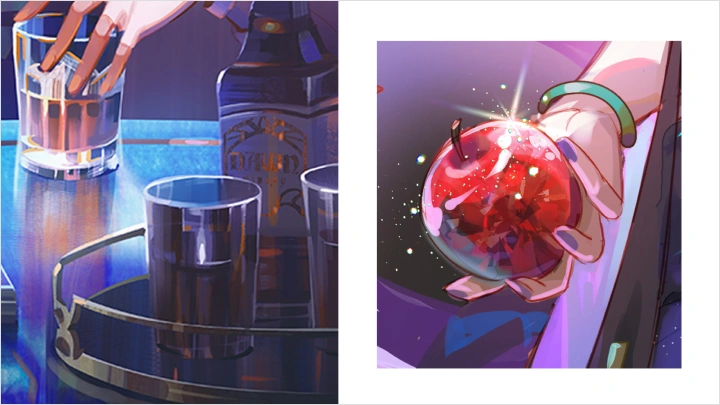
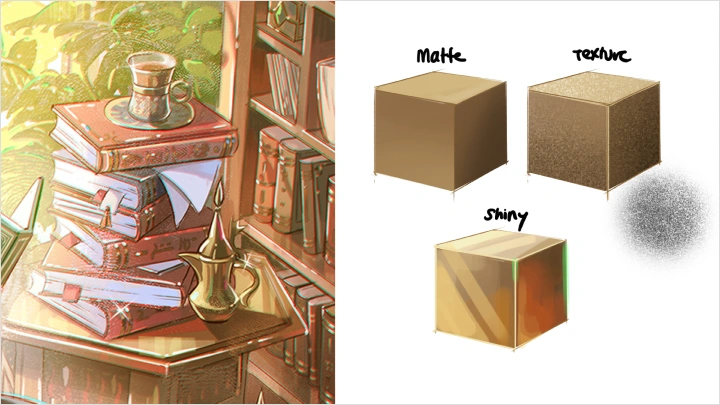
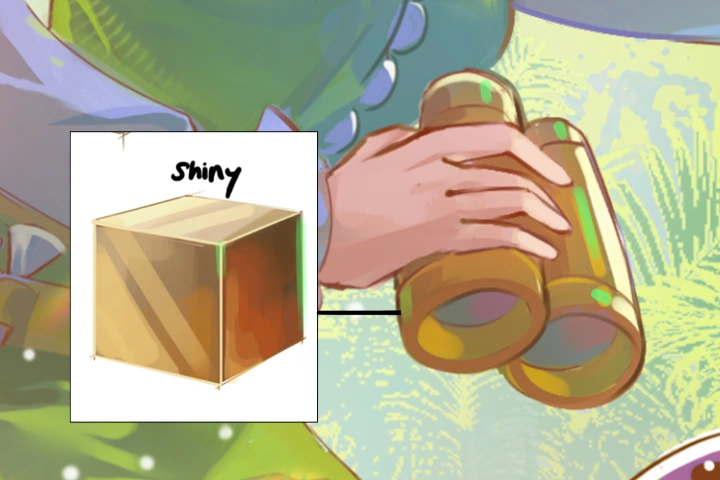
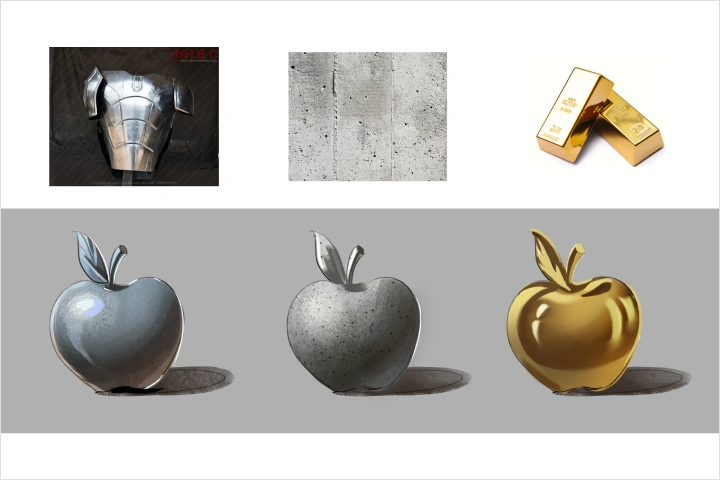 Material and Texture Detail Study- Identify areas where you can introduce shinier or textured materials to enhance detail
- If applicable, perform a material study of your chosen material(s) on a cube or sphere
- Note: instructor provides a material stylization cheat sheet -
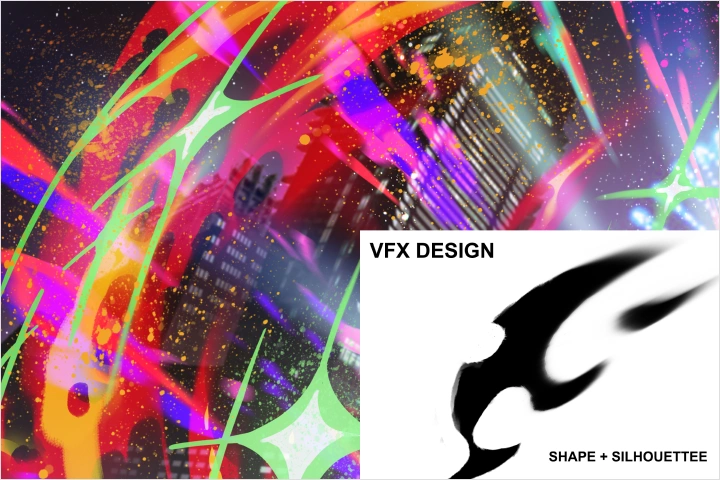 VFX Design Study From Graphic Silhouettes- Create a design for potential VFX in your illustration
- Approach it starting with a graphic silhouette first
- Apply color and soften edges
- Note: instructor provides a stylization guide as reference and inspiration
Part 5. Final Detail, Atmosphere & Polish
-
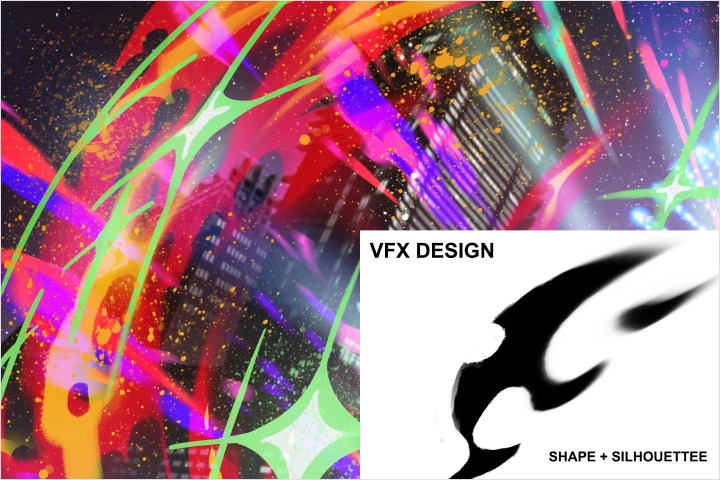 Detail, Material, and VFX Enhancement Study-Highlight areas where you want more detail
- Apply materials or add VFX to those specific areas -
Reinforce the Value Groups and Paint Atmosphere- Paint the atmosphere to enhance the depth of your scene
- Use layer blending modes and adjustments to reinforce your value groups -
 Apply Finishing Touches- Apply techniques for color enhancement and contrast
- Incorporate VFX to polish and finalize the piece
Final Product
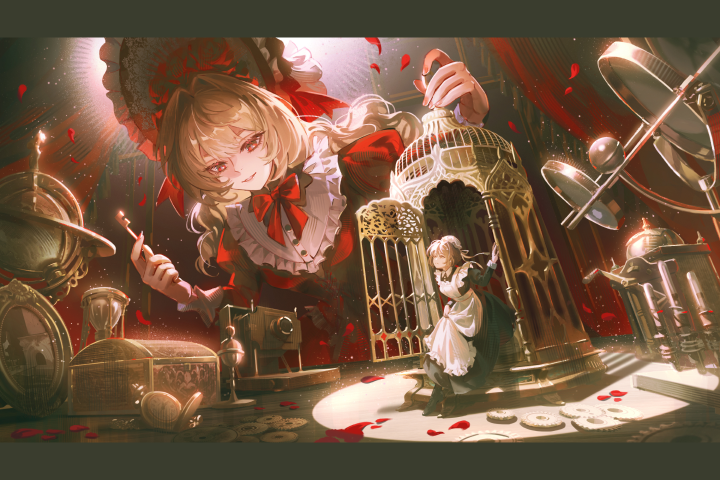
Full Rendered Character Illustration
A fully finished character illustration that brings together everything covered in the class,
from concept and composition to color, lighting, and final polish, ready to add to your portfolio
Highlights
Class Highlights
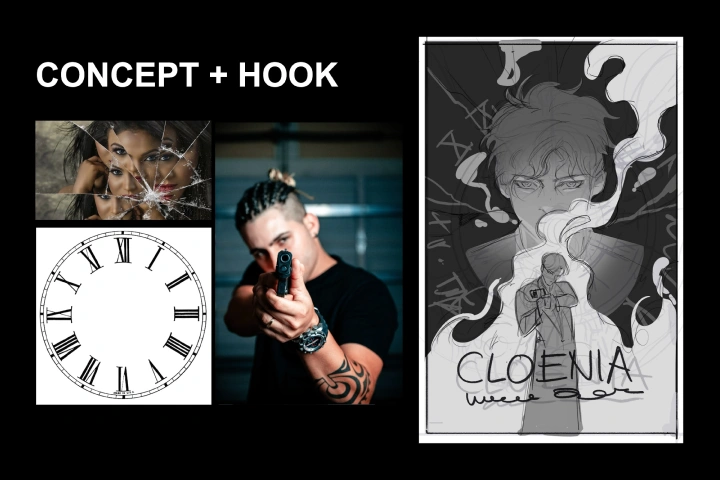
Concept-First Thinking
Master a decision-making framework and creative brief process to replace guesswork with a clear, narrative-driven intent. Transform generic characters into iconic symbols by curating moodboards that define a unique visual language and world.
Compositional Architecture
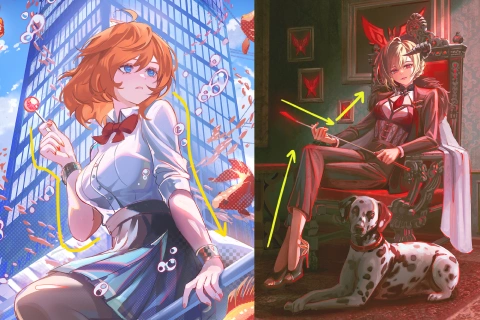
Structure your scenes using perspective, value grouping, and shape psychology to guide the viewer’s eye with cinematic precision. Build immersive environments efficiently by combining 3D references and 2D elevations to anchor your character in a readable space.
Final Polish, Clearer Direction
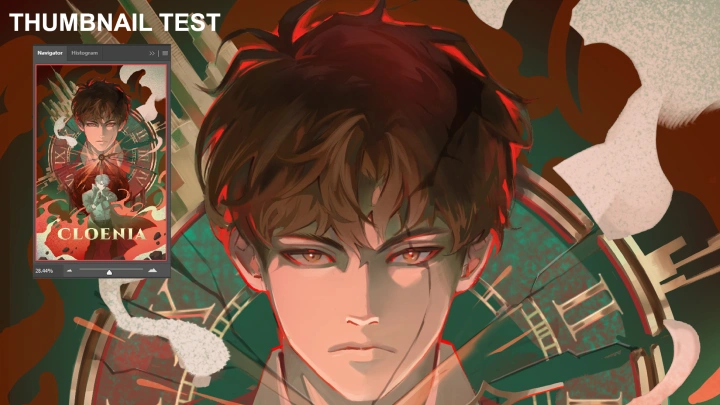
Execute a professional rendering workflow using value compression and color adjustment layers to preserve mood and clarity. Refine your work with material textures, VFX, and the "thumbnail test" to ensure a high-fidelity finish that meets industry standards.