illustrator,haitch_에이치KR Details
Intro

Now in Your Language, Only on Coloso!
Learn from Korea's Top Master Creatives
-
 High-Density Coloring with Light, Texture & Depth
 -
 A Complete Coloring System by Illustrator h
 -
Portfolio-Ready Practice with Original Files
Class Intro
Illustrator, h
"H’s Signature Coloring Method: Achieve Perfect Light and Density in Your Work."
Unveiling h's High-Quality Coloring Process: Achieving High-Density and Crisp Rendering
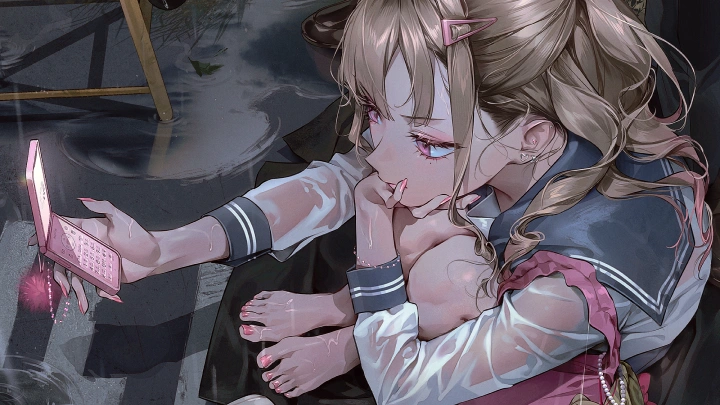
Unveiling the Sensual Coloring Formula that simultaneously captures 3D rendering and light balance! Master color expression techniques that maintain high density and clarity through practical exercises for each part, including the face, hair, and clothing. Follow the actual workflow of H, a popular SNS artist, and learn the logic behind structure and coloring, step-by-step, for completing illustrations.
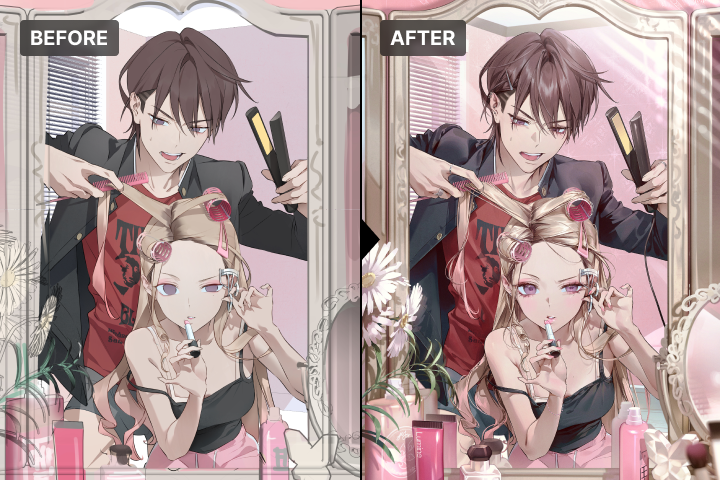
An integrated drawing process that organically connects appropriate description (rendering) density, sparkling light, and material texture! Go beyond simple coloring lessons and meet h's complete workflow, from planning to post-production. We will share the core secrets of high-density illustrations with high completion quality: Emotionally vivid color design techniques & screen composition know-how.
Thai subtitles and Thai-translated class materials will be available starting September 16, 2026.
Class Perks
Special Gift from h
-
 Master Quality with Density, Light & MaterialUnlimited Access to 22 Chapters
 -
 Artful Coloring FormulaOriginal Practice Files
 -
 h’s Illustration Secrets:Class Materials PDF
Class Material Details
-
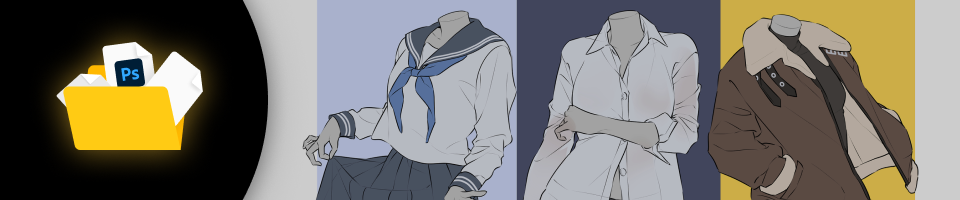 Original Practice Files- Actual Project PSD Files
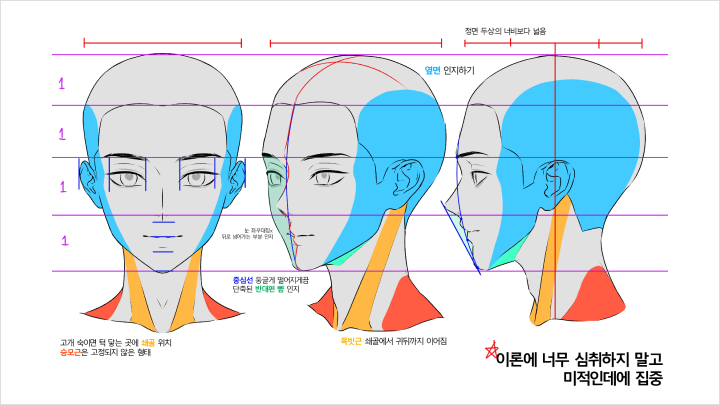
- 3D Head PSD (1 file)
- Applied Study Sample PSD
- Original File for Drawing Distinct Facial Features
- Original File for High-Density Hair Rendering
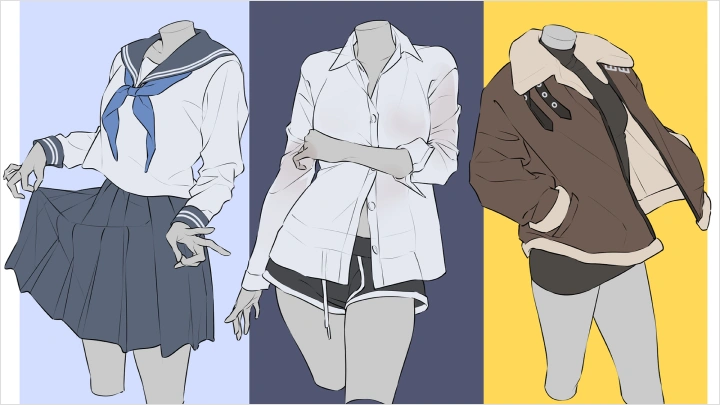
- Original File for Clothing Folds & Material Rendering
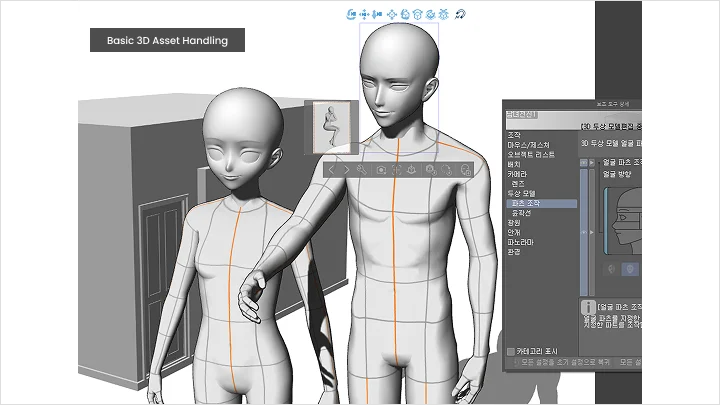
- Original File for Naturally Integrating 3D Materials into Artwork
- Original File for Real-World Illustration -
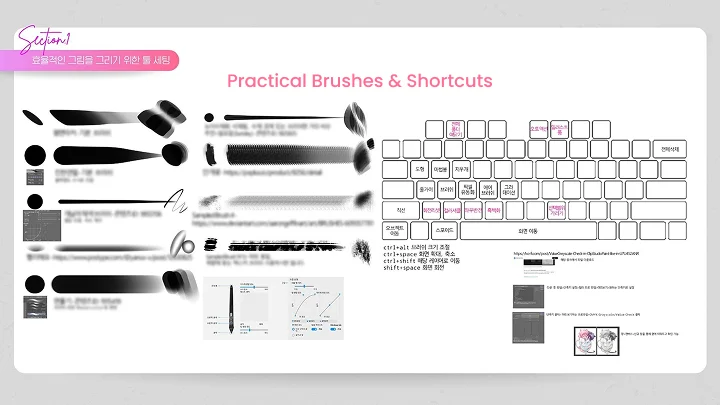
 Class Materials PDF- Shortcuts & Brush Guide PDF
- Facial Proportion reference (.psd)
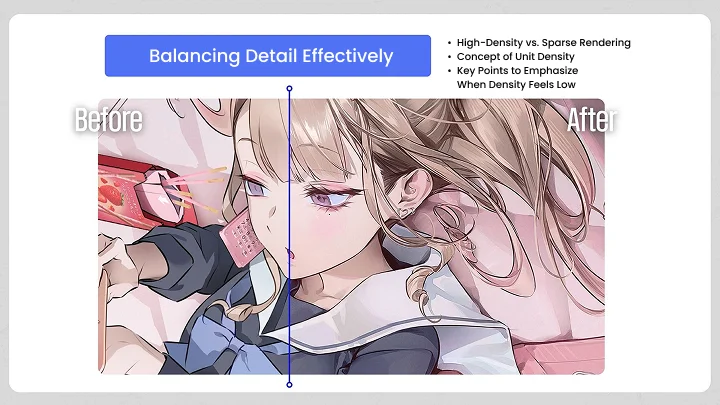
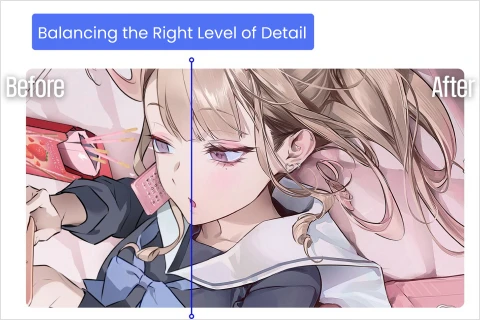
- Balancing Appropriate Levels of Detail
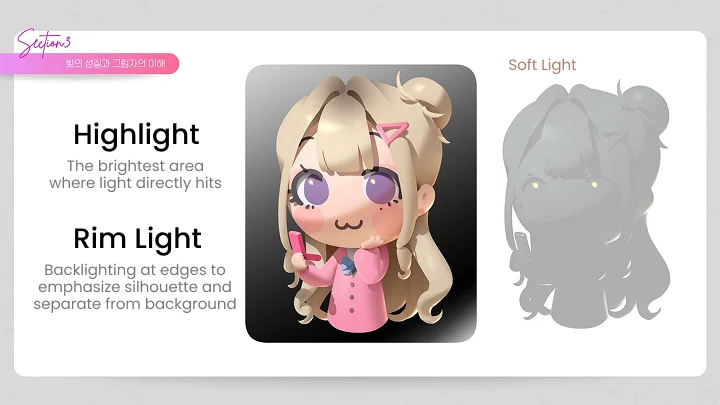
- Understanding Light and Shadow
- Color Variations According to Different Situations
- Compositional Techniques to Direct the Viewer’s Eye
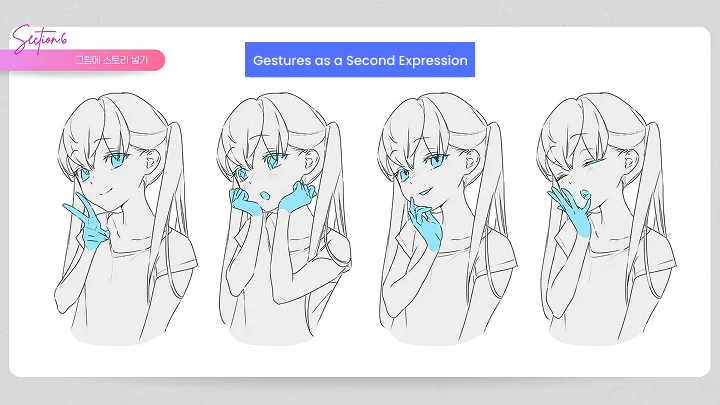
- Adding Storytelling to Your Illustrations
Recommendation
Who should take this class?
Intermediate artists aiming to achieve dense, detailed coloring
Aspiring professionals who want to develop their illustrations to a high-quality level
Self-taught learners seeking rapid growth through a structured routine
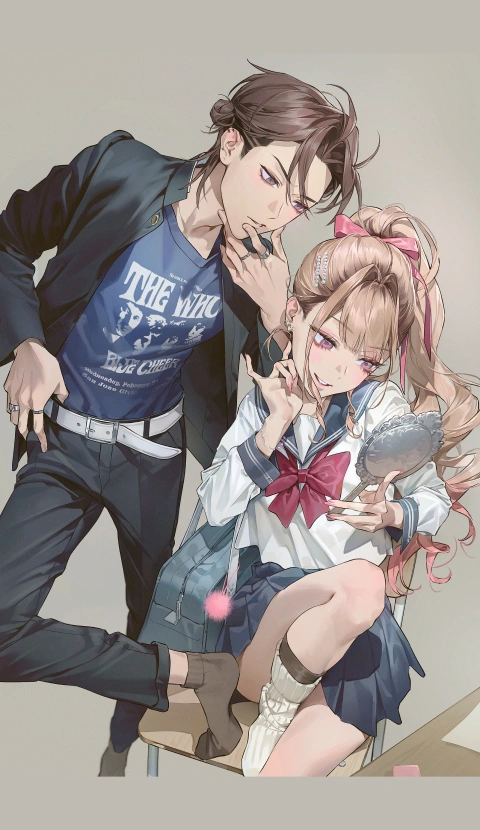
Expert Illustrator h's Portfolio





Why Take This Class?
If the light direction is correct, but the colors become muddy, and the rendering is layered on, but the sense of volume disappears? Focus on the balance of rendering and the logic of light to draw an illustration that's one step more advanced. Organize the boundaries of rendering - what is too much or too little and complete stable, eye-catching illustrations by utilizing 3D assets and post-production.
Practical Coloring Training Instantly Applicable to Real Work Environments! Through practical examples, specifically practice how to express light differently for various materials and increase the density of your work. Discover h's method for completing high-end illustrations filled with detail, including how to quickly improve your skills through applied master studies and self-feedback, available now on Coloso.

Get Ready for the Real-World
Class Exercises
Part 1: Charming Stylization & Drawing Techniques
-
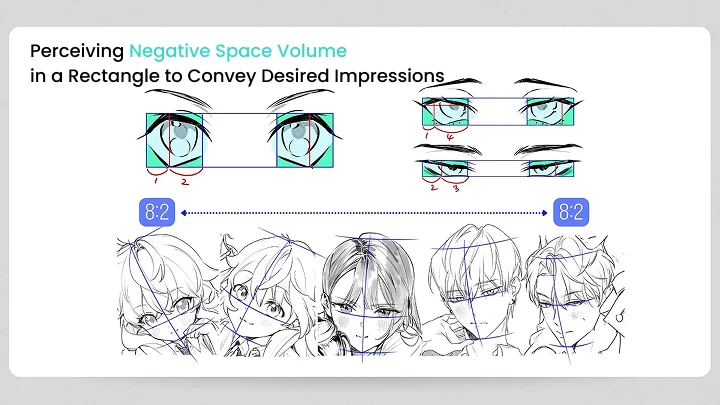
Attractive Face Stylization Formula
-
Heads from Various Angles
-
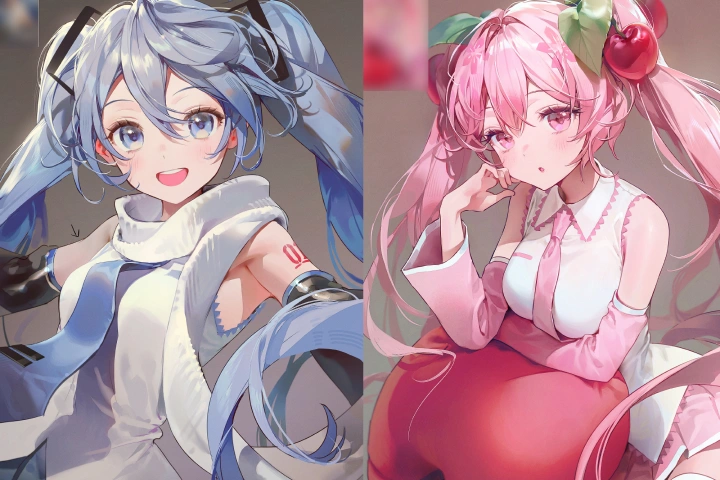 Study Through Applied Copying Exercises
Part 2: Essential Theory Before Rendering
-
Balancing Levels of Detail
-
Understanding the Nature of Light and Shadow
-
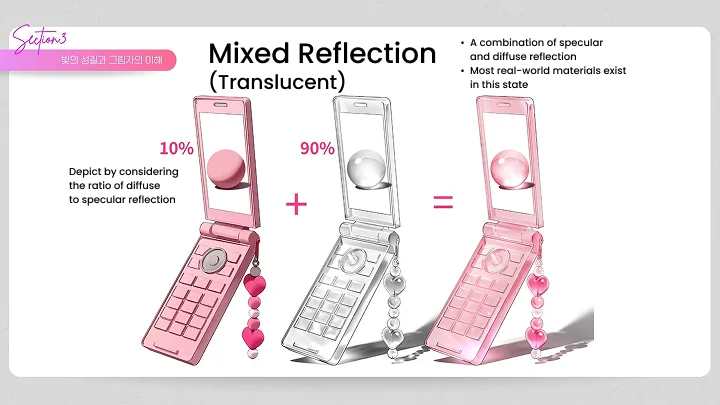
Characteristics of Different Materials
-
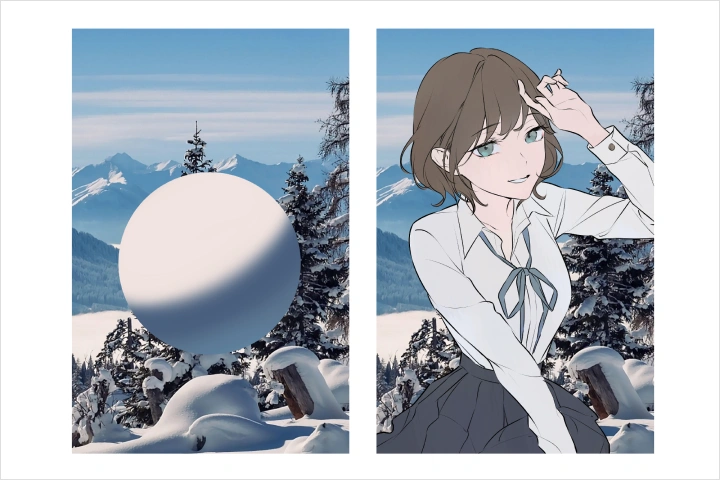 Color Variation Based on Surroundings
Part 3: Focused Practice on Dense Coloring
-
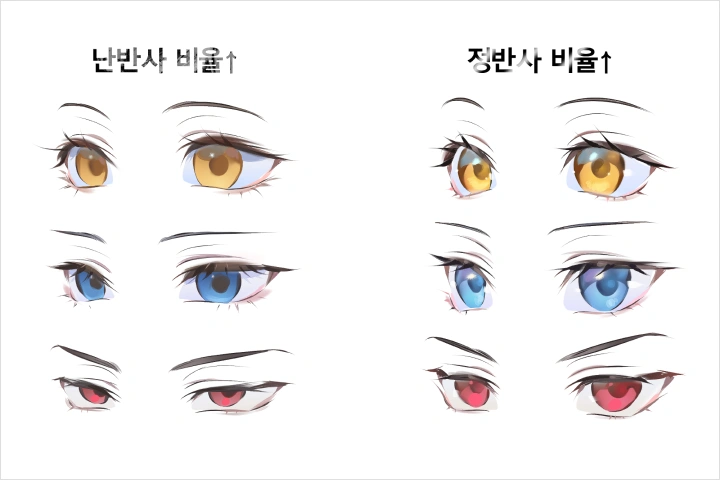 Eye Rendering According to Stylization
 -
Hair & 3D Skin Rendering According to Stylization
-
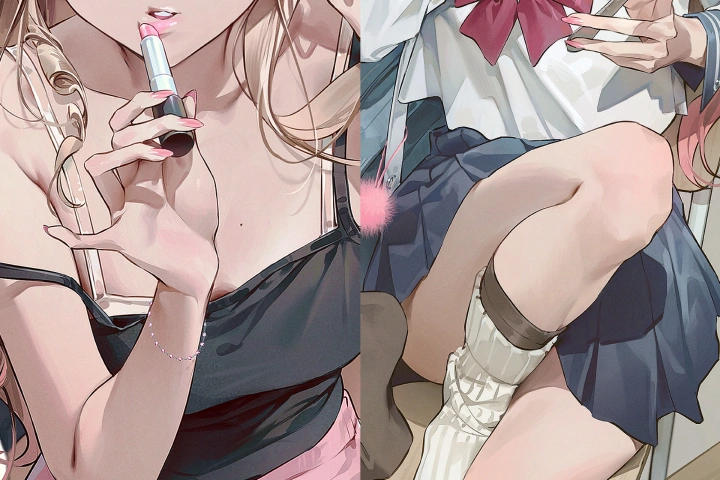 Material-Specific Clothing Coloring
 -
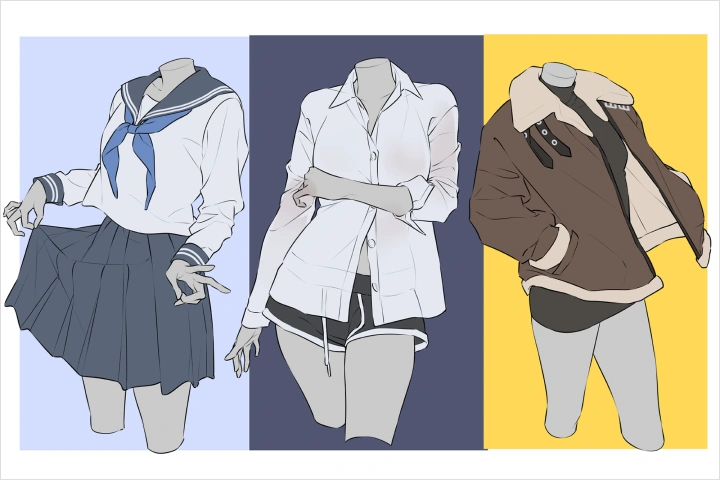 Using Various Layer Functions
 -
Study Through Applied Copying Exercises
Part 4: Secrets to High-Quality Effects & 3D Techniques
-
Composition Planning
-
Character Personality & Interrelationships
-
Natural 3D-to-2D Conversion Techniques
Final Artwork
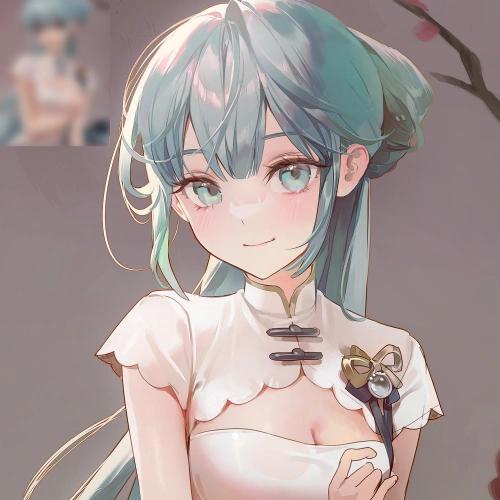
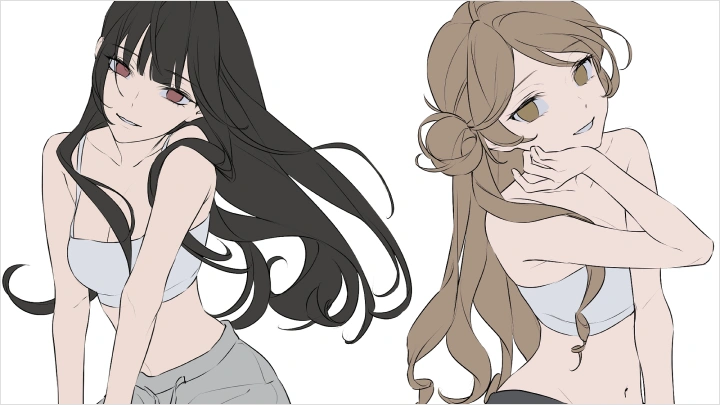
*The above images are sample images for a better understanding.
Highlights
Class Highlights
Secrets to Standout Illustrations: 3D-Like, Crisp Attribute Coloring Guide
Organize the overall tone of your artwork while boosting depth and dimensionality with this attribute-based coloring formula! Learn the essential steps—from base colors to light sources, reflected light, and highlights—so you can focus on the core techniques. Set density standards for each part, such as eyes, skin, and hair, and discover how to elevate your artwork’s quality through practical exercises.

High-Density Rendering Techniques You Can Apply Immediately
Learn realistic, crisp rendering by practicing with your own hand! Understand the core principles of light and color, and through step-by-step exercises, master brush handling, edge control, texture rendering, and other essential techniques. Develop a clear sense of how to add detail without overdoing it, and bring your illustrations to life with high-density, eye-catching rendering.
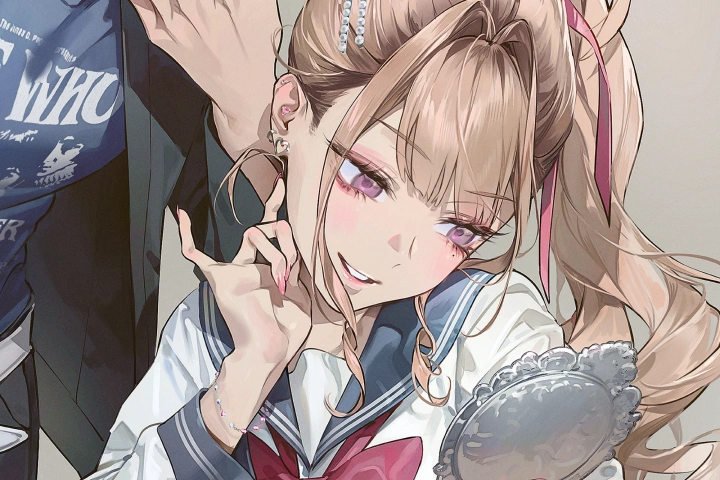
Stable Perspective & Composition for Eye-Catching Layouts
Discover how to create compelling compositions that guide the viewer’s eye! Learn to design layouts with focus and contrast, while conveying character relationships and storytelling within the scene. You’ll also explore 3D object retouching and tone-matching techniques to integrate spatial depth naturally into your illustrations.