illustrator,greedice Details
Intro
How Can 3D Help You Bring Your Illustrations to Life?
You have grand, imaginative stories living in your mind, but the moment your pen touches the canvas, translating those visions feels impossibly distant.

Many self-taught creators spend years struggling with complex perspective and flat lighting before ever finishing a single portfolio piece. Illustrator and 3D artist Greedice built this course to bridge that exact gap. By using Blender as a powerful creative assistant alongside Clip Studio Paint, you'll learn to construct mood-rich 3D frameworks that turn abstract ideas into finished art.
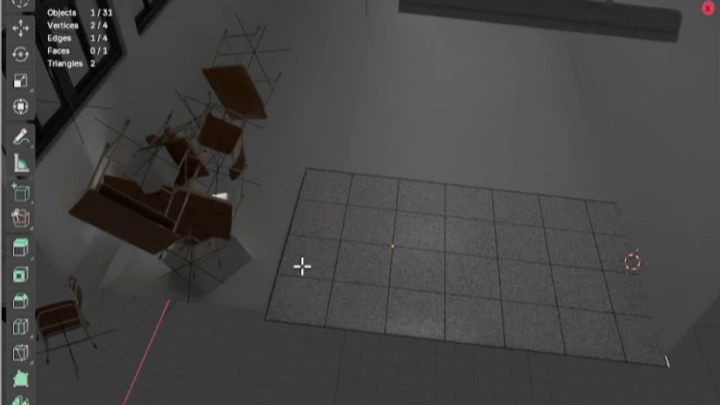
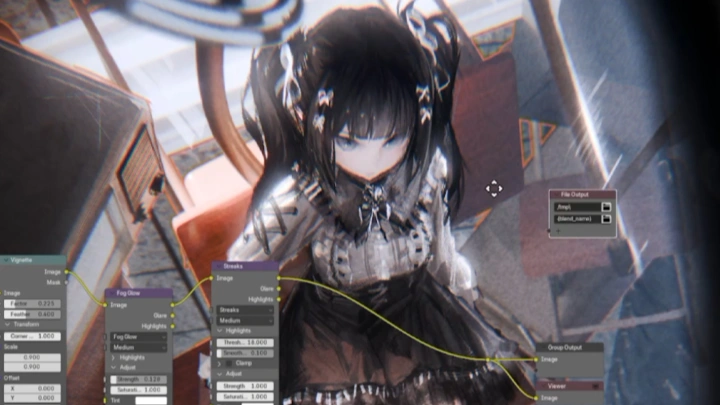
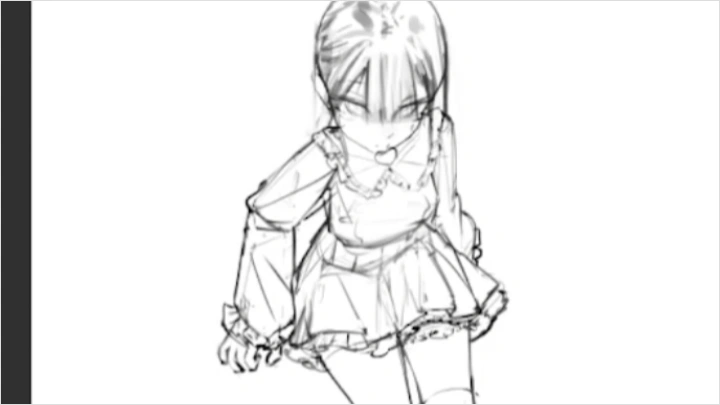
Designed as a results-oriented, project-based roadmap, this course guides you from initial ideation and composition planning to 3D asset building and painterly digital rendering. You'll learn to construct reusable 3D mannequin references, set up cinematic lighting, and apply a structured binary coloring workflow with bold brushstrokes. By mastering how 3D tools and digital painting work together, you'll establish a fast, efficient creative routine to consistently produce atmospheric, studio-ready illustrations.
Designed as a results-oriented, project-based roadmap, this course guides you from initial ideation and composition planning to 3D asset building and painterly digital rendering. You'll learn to construct reusable 3D mannequin references, set up cinematic lighting, and apply a structured binary coloring workflow with bold brushstrokes. By mastering how 3D tools and digital painting work together, you'll establish a fast, efficient creative routine to consistently produce atmospheric, studio-ready illustrations.
Class Perks
Special Gift from Greedice
-
 Free Posable Model
 -
 Working Files
 -
 Class Slides and Exercises Files
Class Material Details
-
 Posable 3D Model- Fully rigged 3D model with shape key settings
- Easily adjust poses and forms for illustration reference
- Use it directly when planning compositions and character poses -
 Working Files & Time-Lapses- Original working files from Greedice’s previous artworks
- Includes time-lapse videos showing the illustration process
- Study layer structure, rendering choices, and workflow in detail -
 Class Slides & Exercise Files- Class slides and guided exercise worksheets
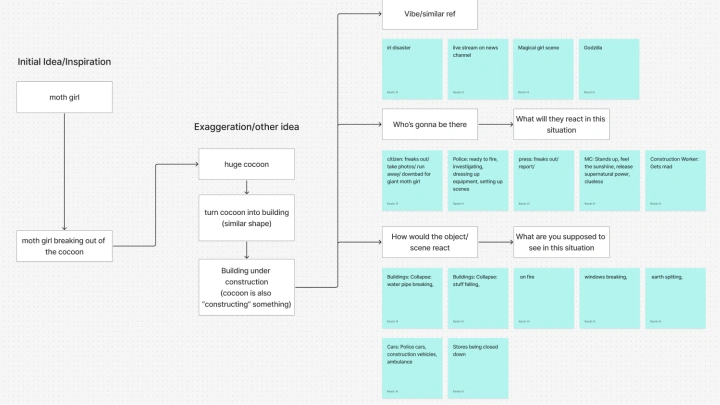
- Includes Ideation Flash Cards, Mind Mapping, and Speed Sketching exercises
- Practice idea development, mood boarding, and visual planning step-by-step
Recommendation
Who should take this class?
2D Artists Interested in 3D-Assisted Illustration
Artists with basic drawing skills who want to use 3D to improve perspective, composition, and overall illustration quality.
Aspiring art influencers
Artists who want to create eye-catching illustrations, develop a recognizable style, and grow their online audience.
Artists Seeking Painterly Rendering Techniques
Digital artists who want to create atmospheric character illustrations with expressive lighting, colors, and oil-painting-like textures.
Expert Illustrator Greedice's Portfolio
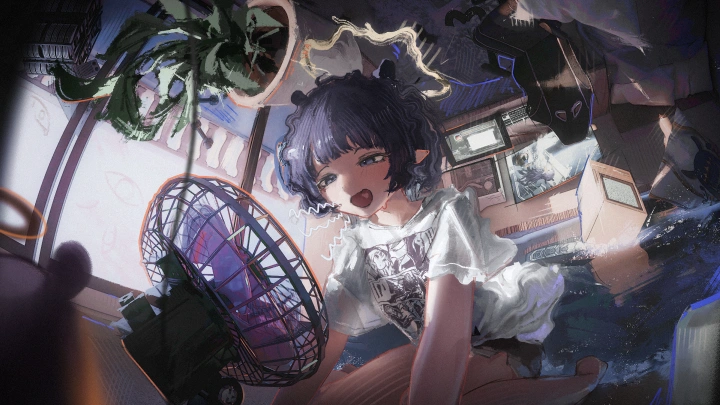
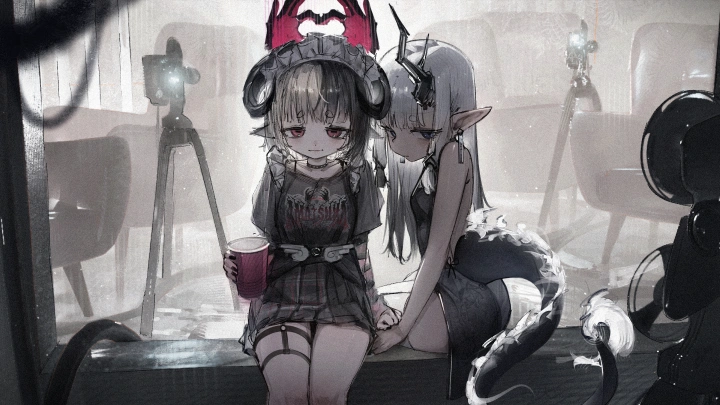
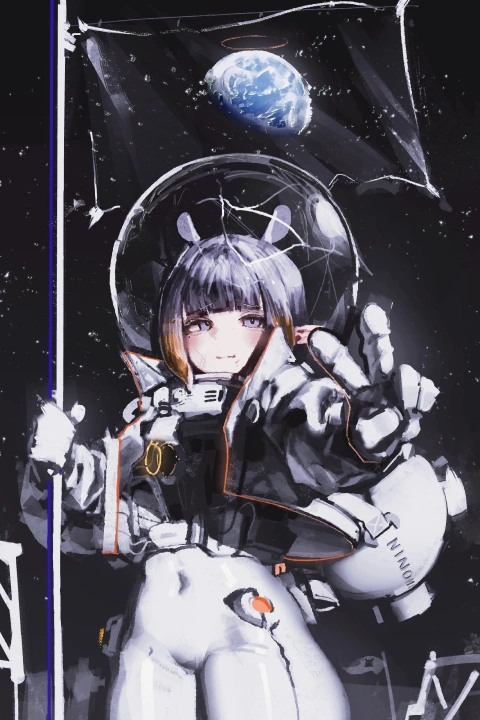

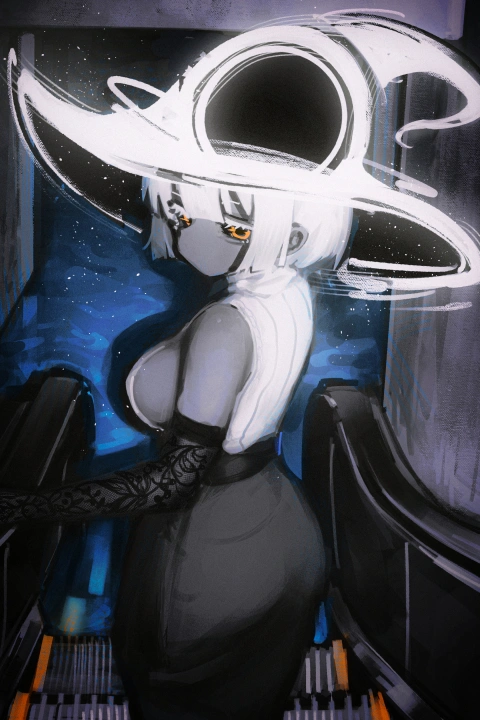
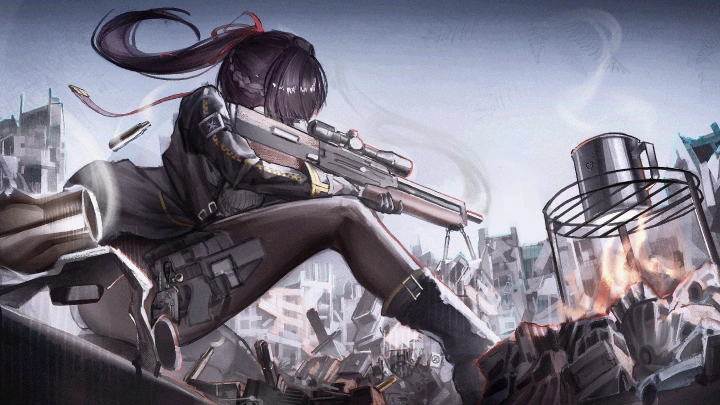
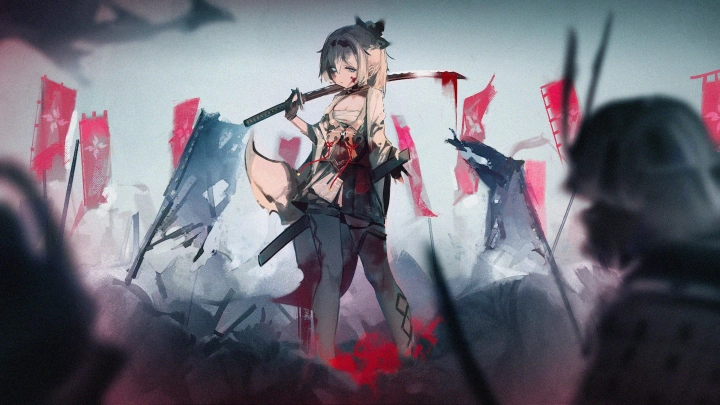
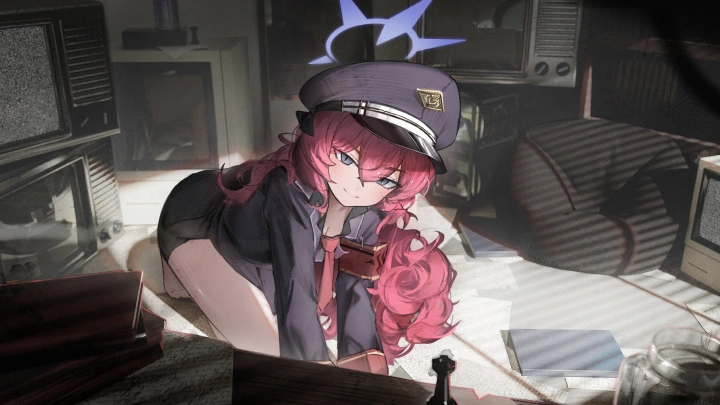

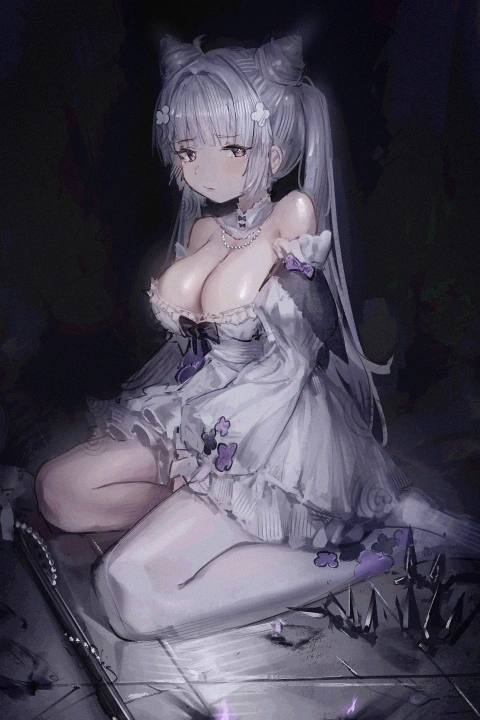
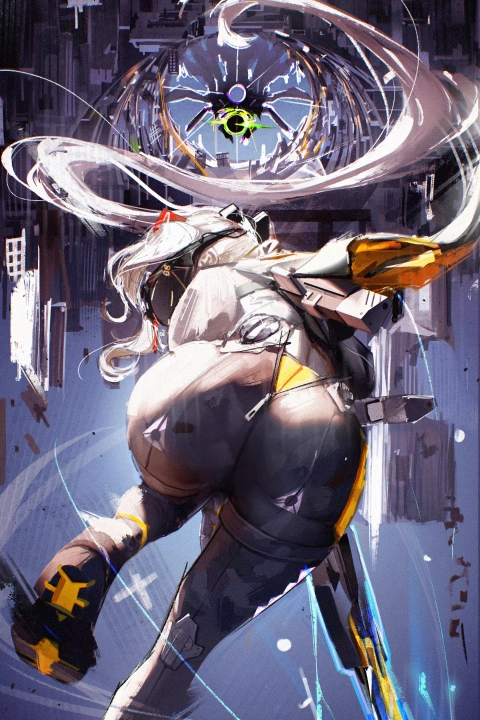
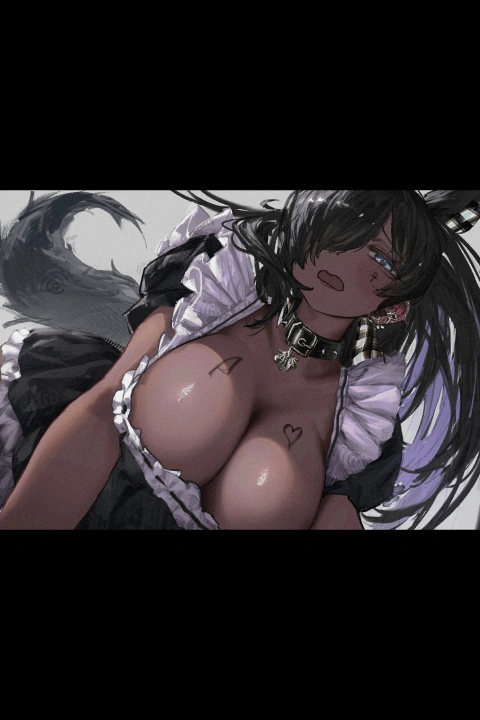
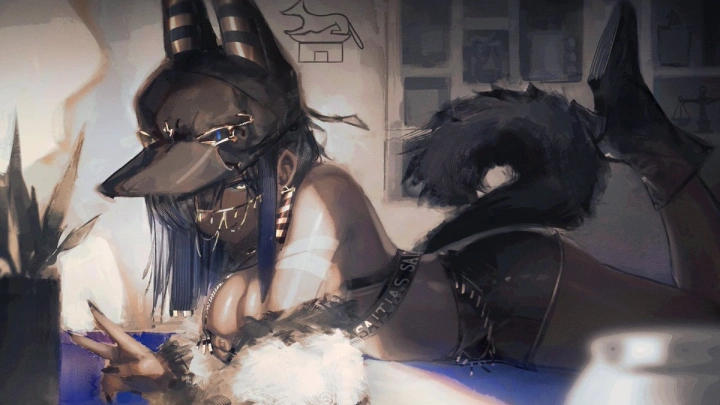
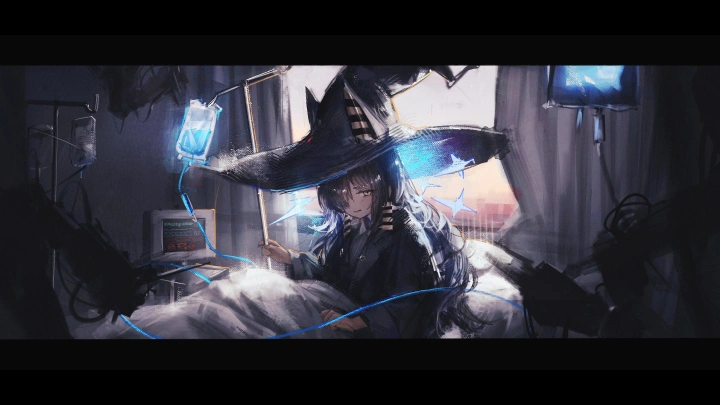
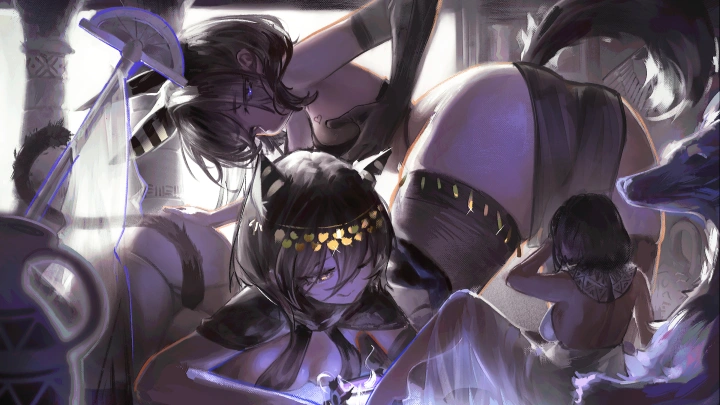
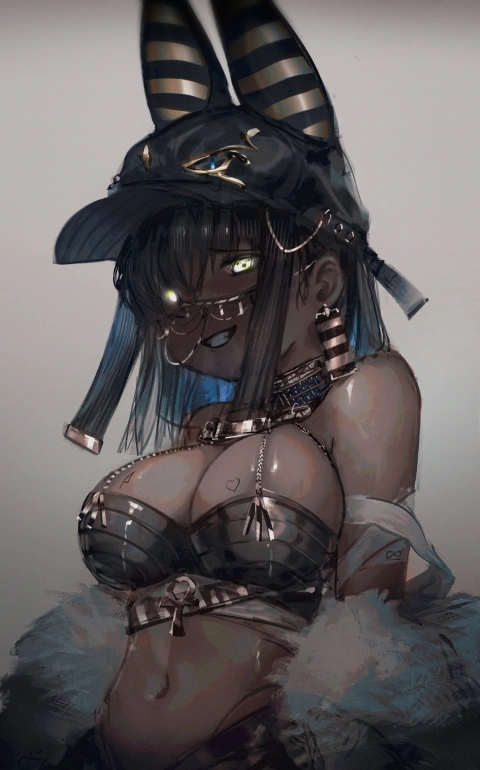
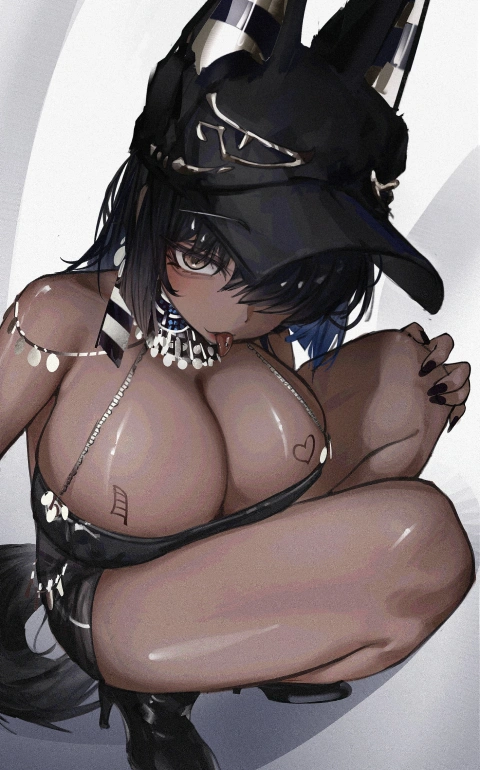
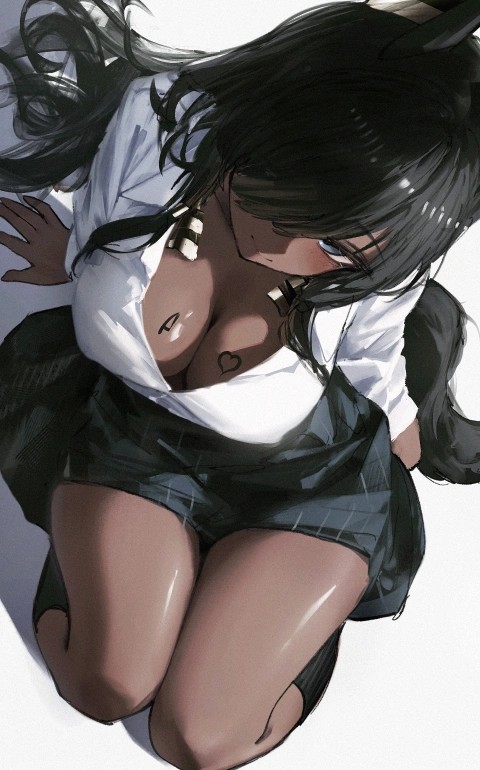
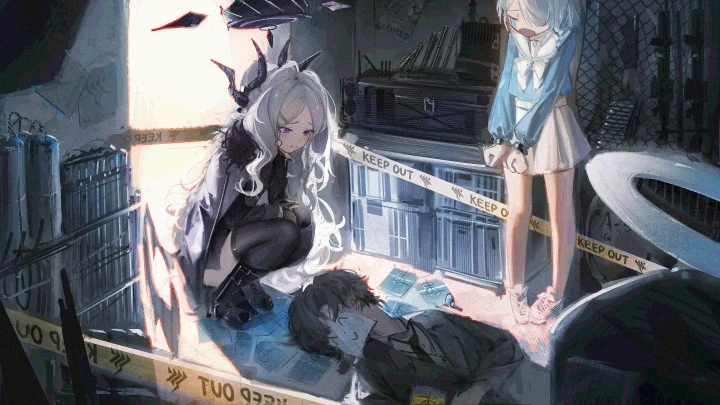
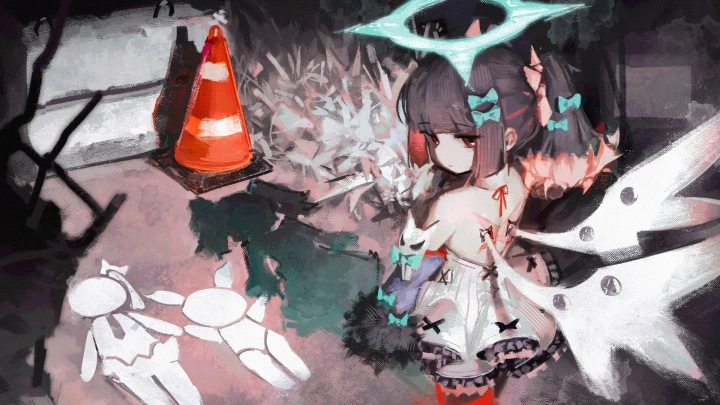
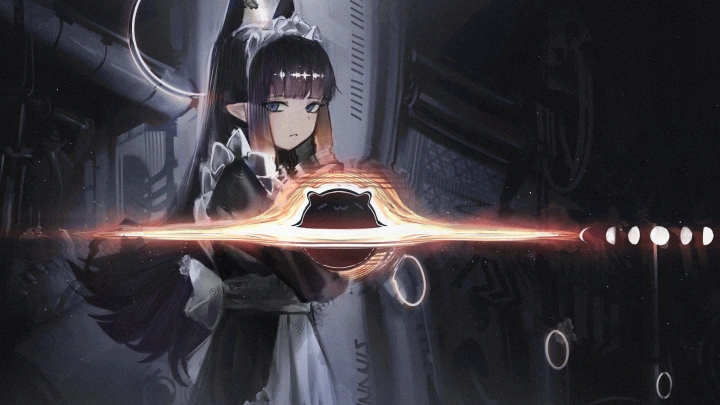
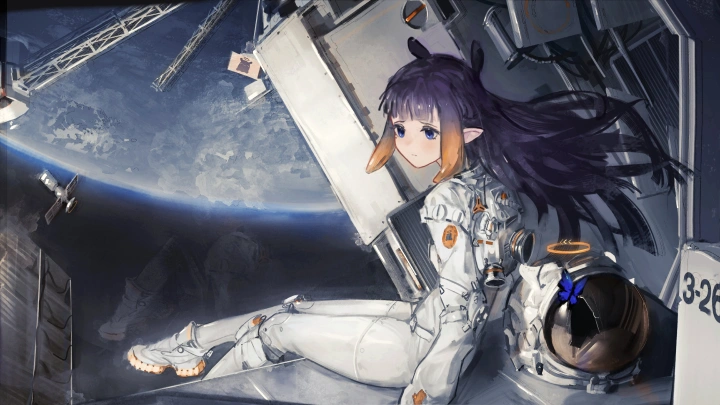
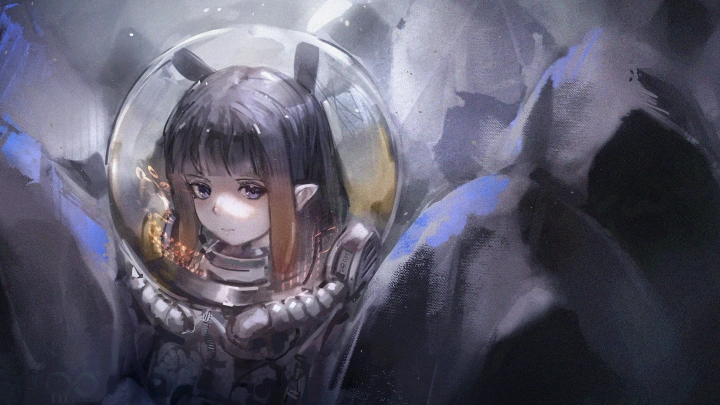
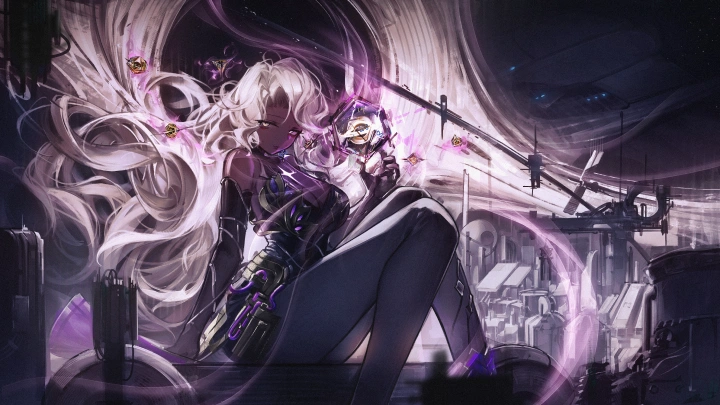
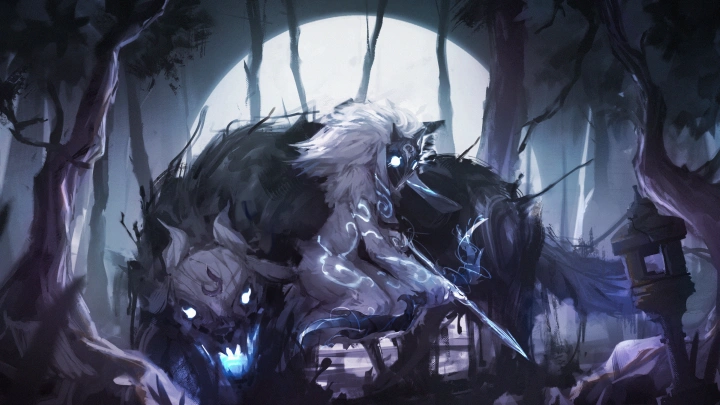

* This Portfolio includes fanart and client works.
Why Take This Class?
A major breakthrough of this course lies in its practical fusion of 3D efficiency and traditional painterly aesthetics. Rather than forcing you through endless, isolated software tutorials, Greedice teaches essential Blender and Clip Studio Paint techniques strictly in service of completing finished artwork. You'll discover how to block out complex environments, set up dynamic lighting, and build reusable 3D character mannequins, ensuring that every practice session produces tangible assets you can use across future projects.
Having grown from an absolute beginner to a professional artist with over 140,000 followers in just four years, Greedice shares the exact rapid-learning strategies that skip unnecessary detours. You'll master a structured binary coloring method and expressive brushwork techniques that eliminate guesswork during rendering. This dual focus equips you with both technical 3D problem-solving and industry-savvy guidance on building a social media presence, securing client commissions, and thriving as an independent creator.

Get Ready for the Real-World
19 Class Exercises
Part 1. Ideation & Visual Planning
-
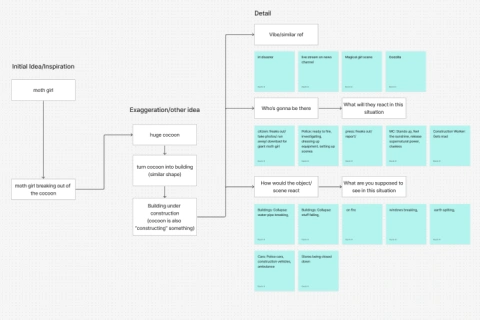 Ideation Flash Card Game
 -
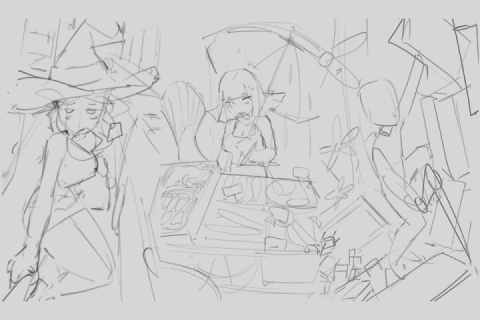 Idea Speed Sketching
 -
 Building Mood Boards from Reference Photos
Part 2. Composition & Thumbnail Sketching
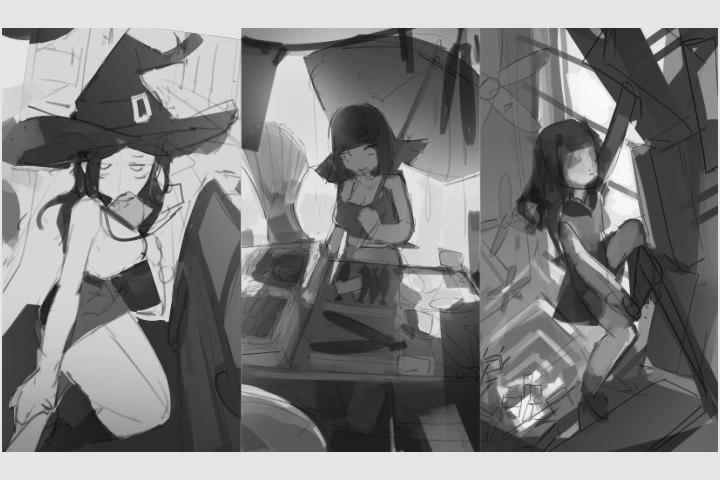
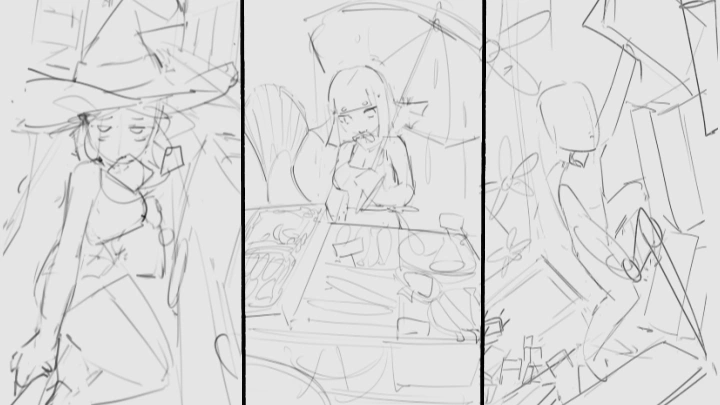
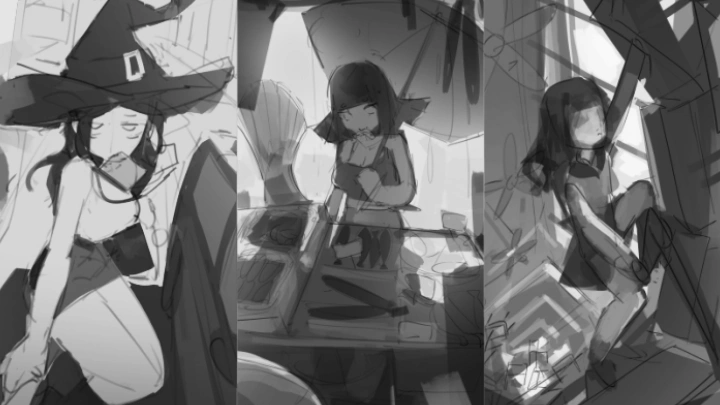
Thumbnail Drawing
Part 3. 3D Asset Modeling & Character Rigging
-
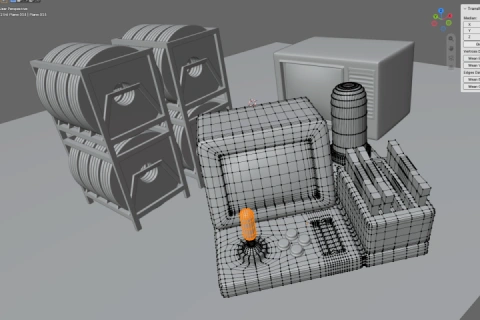 - 3D Cursor, Bevels & Loop Cuts Modeling Practice
- Rebuilding 3D Models Without Guidance -
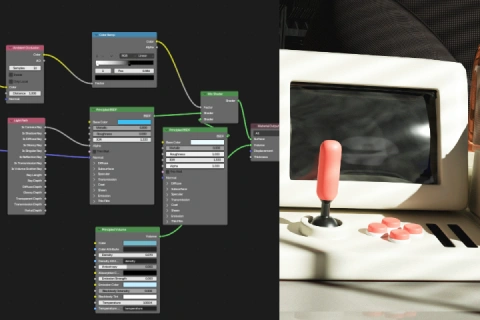 Material & Shader Node Color Study
 -
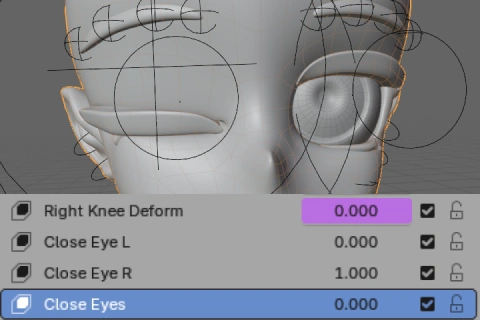 Character Shape Key Creation
 -
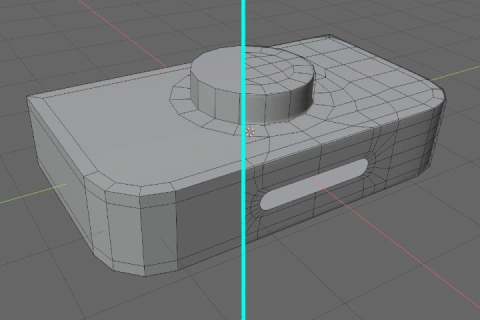 Topology Clean-Up Exercise
Part 4. 3D Scene Assembly & Cinematic Lighting
-
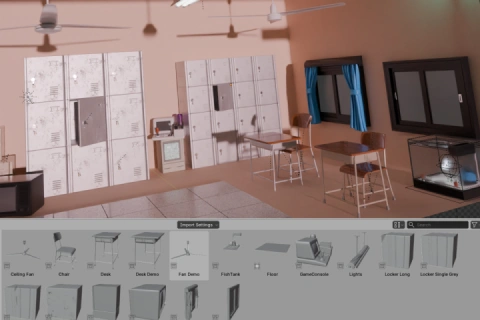 Asset Adjustment & Camera Setup
 -
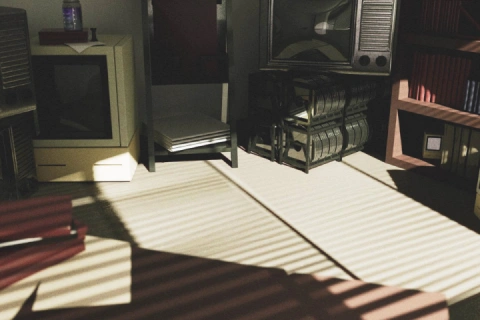 Atmosphere & Cinematic Lighting Study
 -
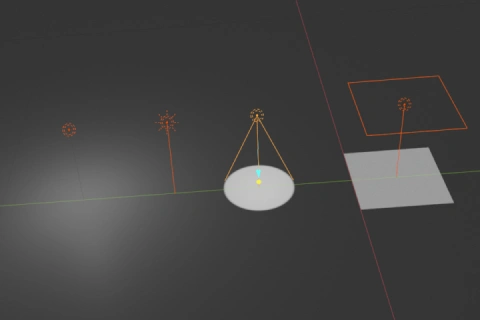 Experimenting with Lighting Types
Part 5. 2D Character & Fabric Rendering
-
Head Drawing Practice
-
Hair Drawing Practice in Various Environments
-
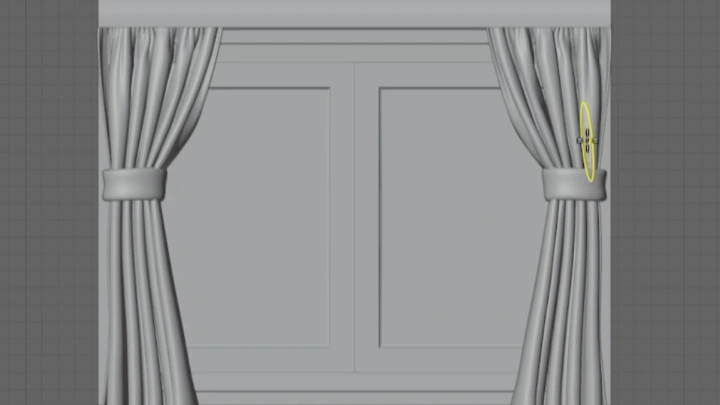
Fabric Folds Drawing Exercise
-
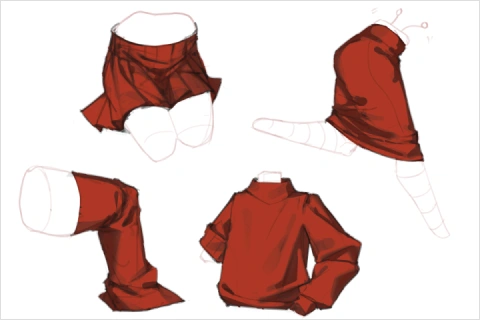 Subdivision Rendering Exercise
Part 6. 3D Paintover & Atmosphere Enhancement
-
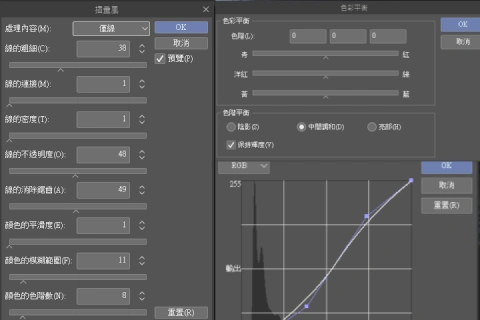 CSP Photo Editing Function Challenges
 -
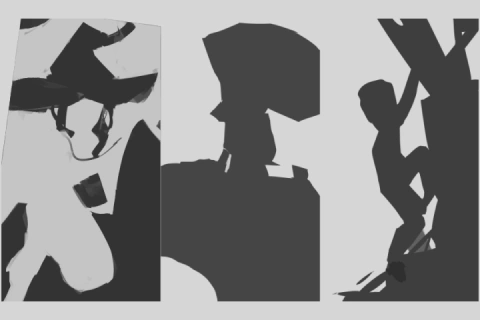 Silhouette Study
 -
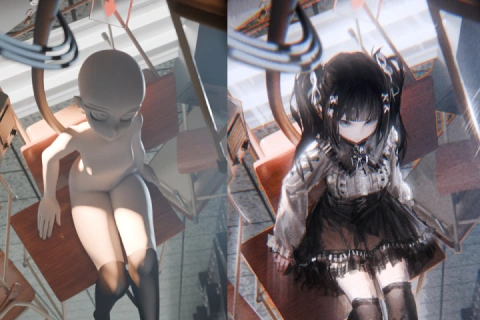 3D Render Paintover
Part 7. Freelance Career & Client Communication
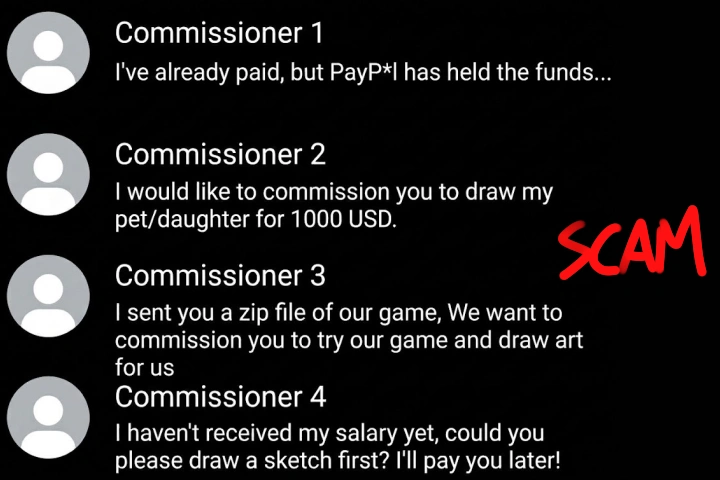
True or False Game: Identifying Scam Messages & Client Communication
Final Product Example(s)
-
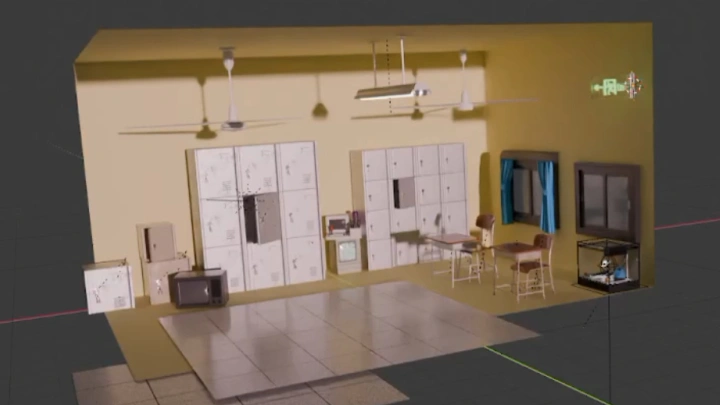
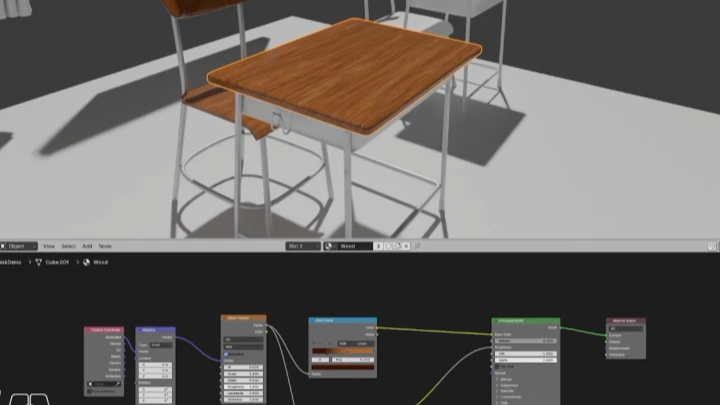
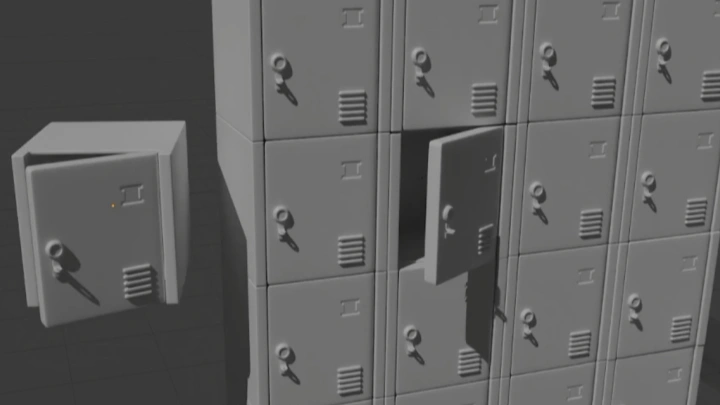
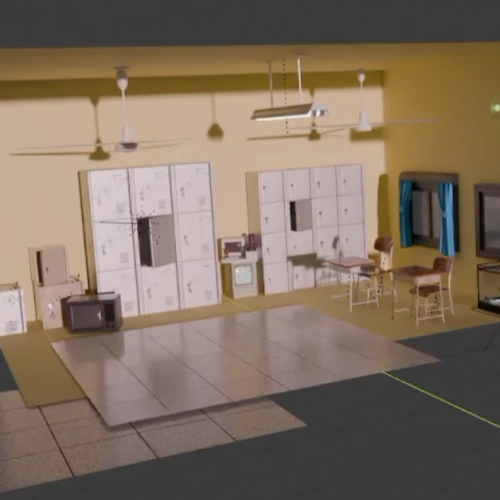 Reusable Model AssetsCreate the various small objects, material nodes, lighting effects, and post-processing nodes used in scenes. Any finished model can be saved and reused as an asset.
 -
Posable Character ModelA stylized 3D mannequin model with adjustable poses and body proportions that reflects your own style.
-
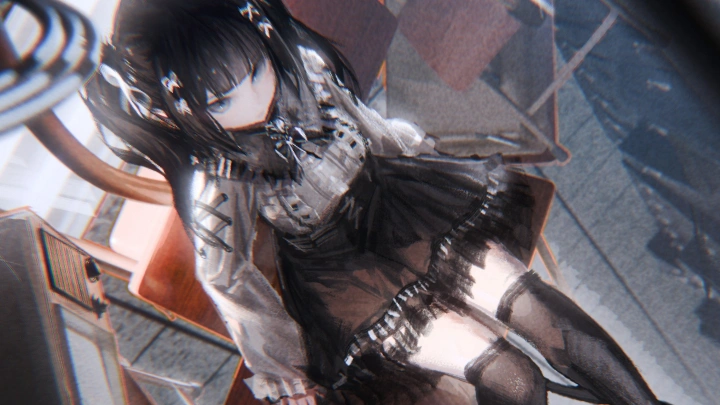
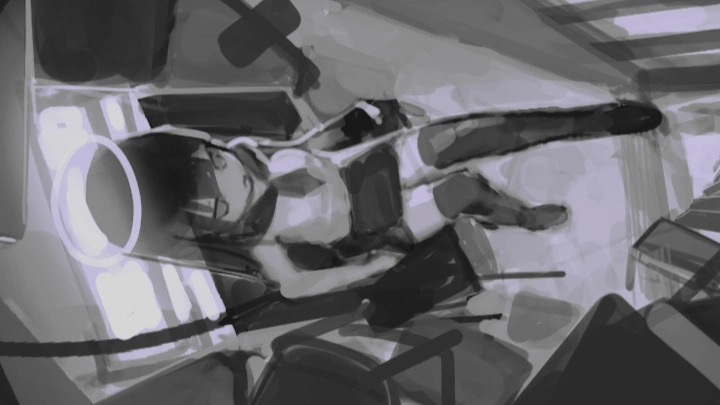
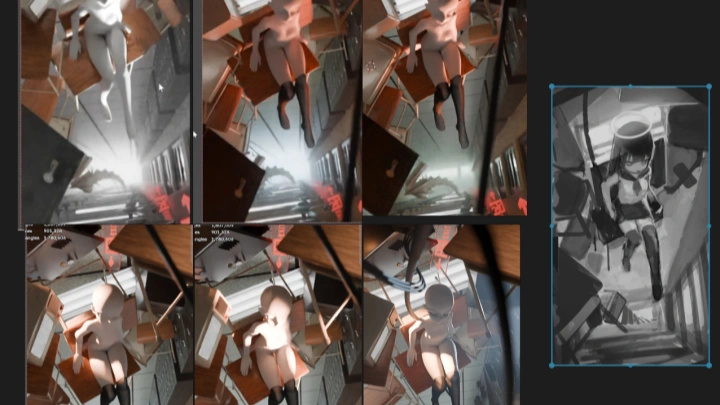
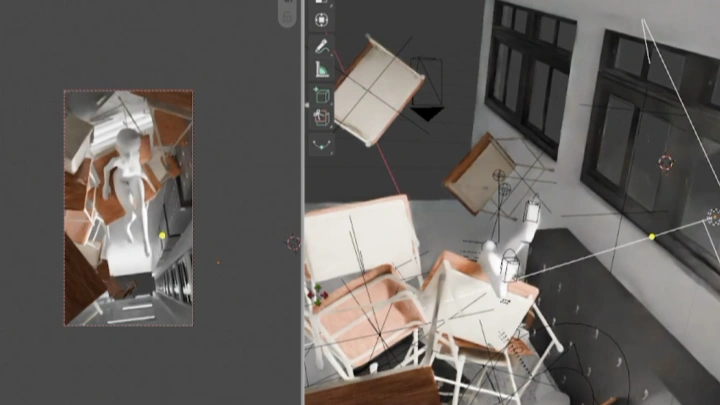
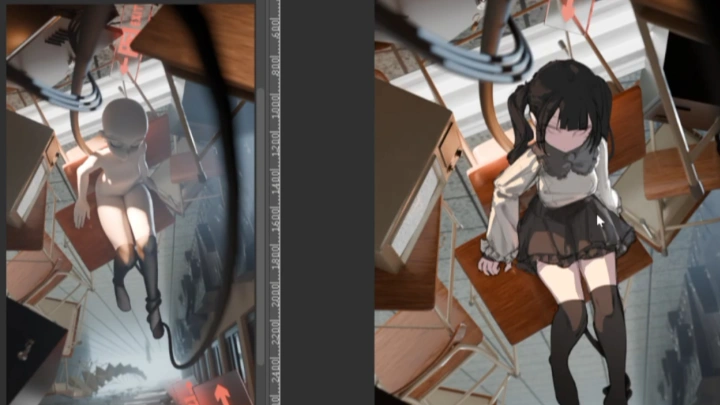
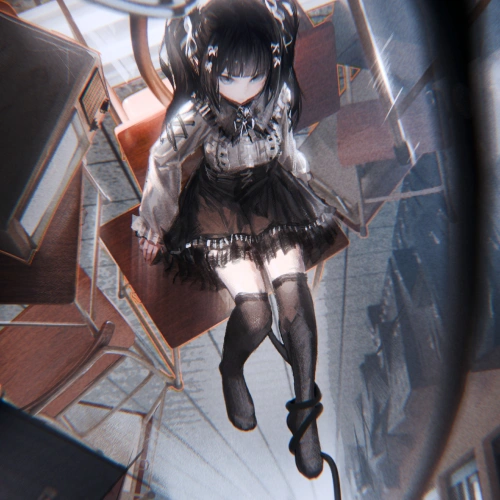 3D Assisted IllustrationIllustrations that combine 3D backgrounds with oil-painting brushwork, as well as 3D scenes.
*The above images are sample images for a better understanding.
Highlights
Class Highlights
Capture Attention Using Composition
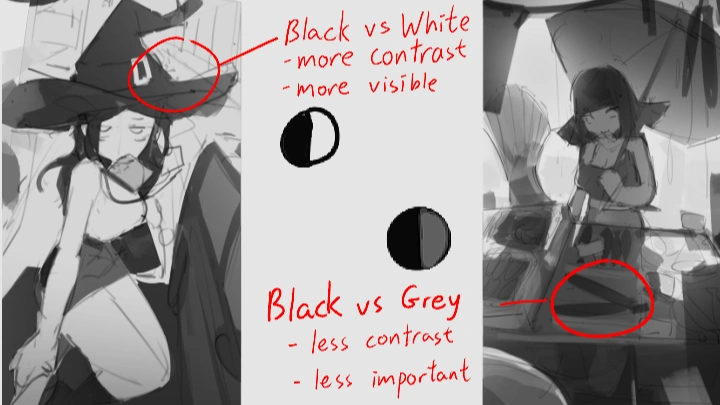
Struggling to create illustrations that capture and hold viewers’ attention? Sometimes, a single strong visual focal point can make all the difference. Learn to integrate graphic design principles into illustration by refining the arrangement and flow of shapes and balancing black, white, and gray values. Create striking compositions filled with tension and contrast that guide the viewer’s eye exactly where you want it to go.
Give Illustration Greater Refinement & Accuracy
Have grand scenes in mind but struggle to bring them to life with your current drawing skills? Use 3D to gradually build the castle you envision. Systematically learn the fundamentals of 3D modeling, materials, rigging, lighting, and rendering through project-based learning. Create your own reusable digital assets and adjustable, posable character models.
Master Painterly Coloring Techniques Full of Rich Brushstrokes
Struggling with an inconsistent painting workflow and endless revisions? Learn to paint confidently with bold, expressive brushstrokes by mastering brush control and the key principles of oil-painting-style illustrations. Follow a structured binary (dichotomous) coloring workflow to progressively refine your artwork, making each step clear and avoiding unnecessary revisions.