illustrator,chip_우니칩KR Details
Intro

Don’t miss out, enroll now!
Enrollment closes in
0
d
0
h
0
m
0
s
2026-09-21T23:59

Now in Your Language, Only on Coloso!
Learn from Top Creative Experts Worldwide
-
 Master Character Design Fundamentals
-
 Expressive Stylized Illustration Techniques
-
 Professional Drawing Workflow Secrets
Meet the newly updated Clip Studio Paint 5.0 Discover it first in instructor Chip’s course!
-
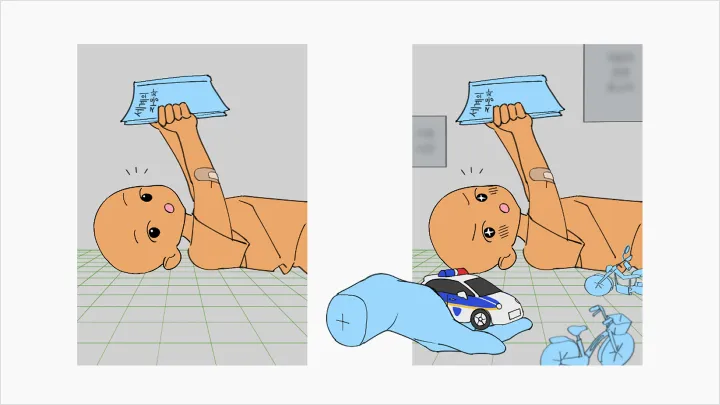
Using a 3D Hand Model (NEW)Draw complex and challenging hand poses quickly, freely, and with accurate form using 3D hand models.
-
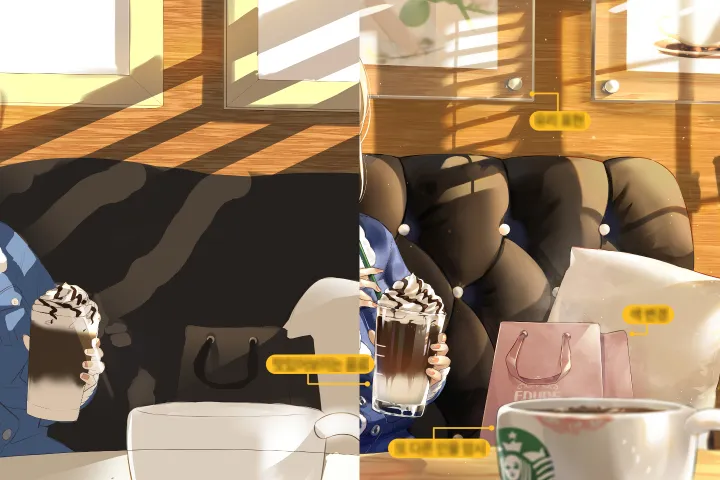 3D Texture Painting and Rendering Gloss/Metal (NEW)Apply patterns or textures over 3D assets with ease to create more realistic and dynamic surface expressions.
 -
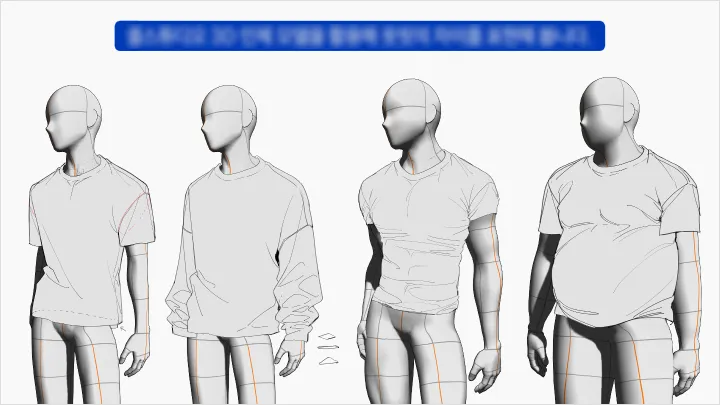
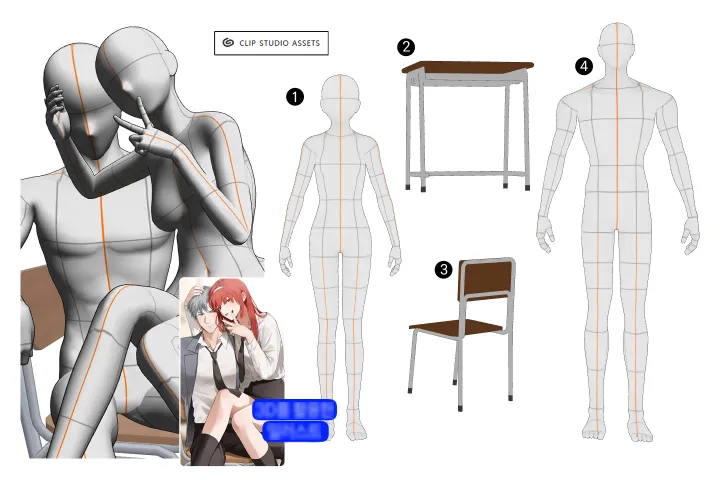 Using a 3D Drawing FigureDiscover the secrets of using 3D drawing figures to freely adjust body types by age and muscle tone.
Break Through the 3D Barrier with Clip Studio Paint 5.0: Chip’s Guide to Scaling Up Your Backgrounds
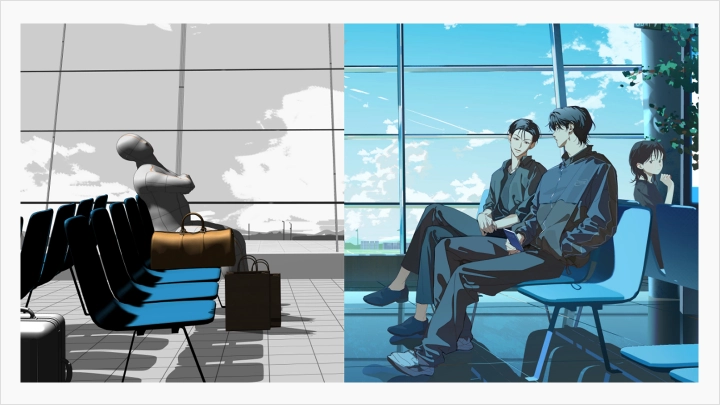
Have you given up on grand-scale illustrations due to daunting background work and complex 3D software? Discover Chip’s secrets to creating Blender-level scale using only Clip Studio Paint. Overcome the steep learning curve of 3D tools and master proven techniques to design captivating scenes, moods, and compositions.
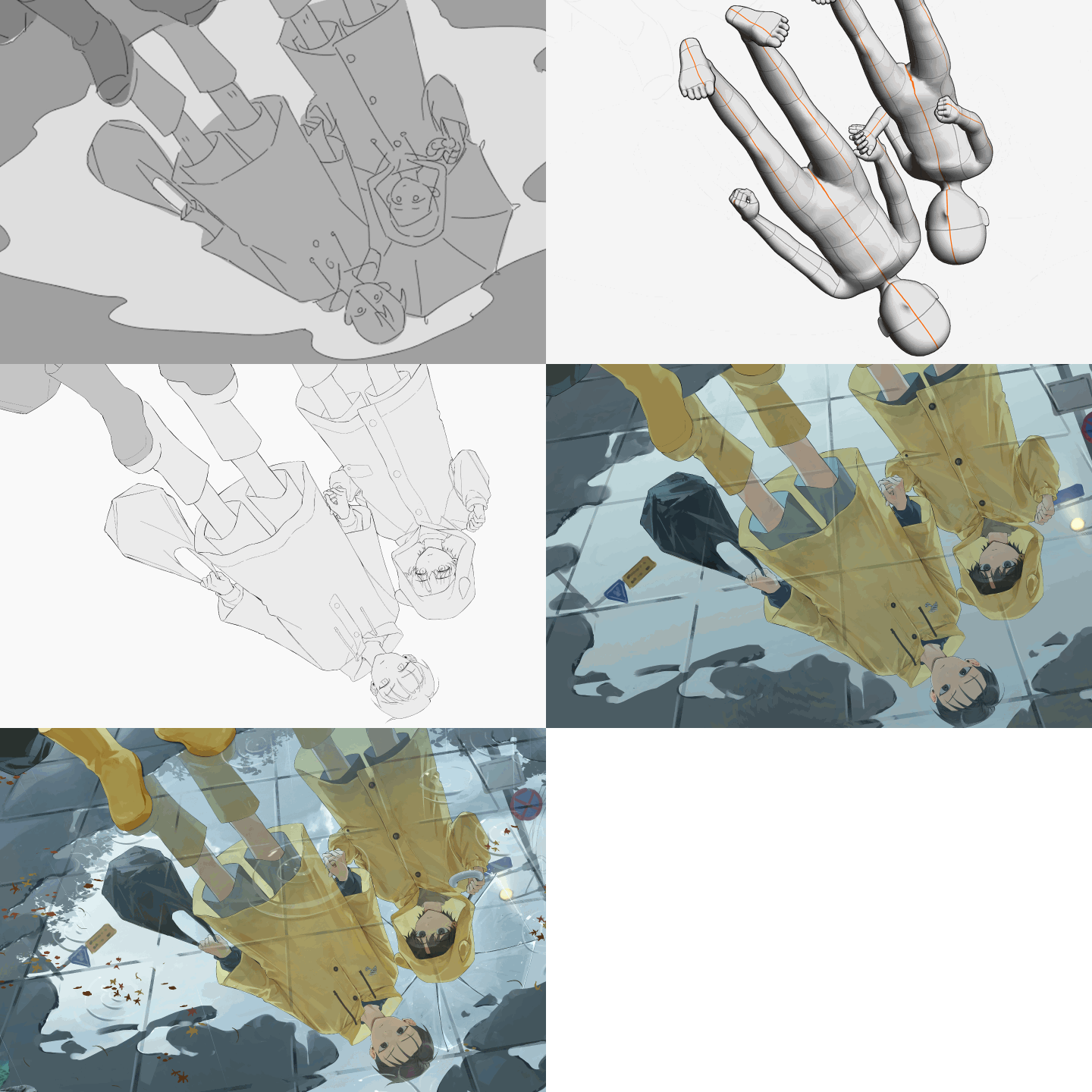
Master everything from age-based stylization formulas to eye-catching multi-character compositions. Seamlessly blend characters with 3D background assets into a unified scene, and enhance the depth of your artwork through delicate lighting control. Go beyond the limits of 3D to craft high-impact, grand-scale illustrations featuring male characters and rich multi-character setups infused with your unique personal style.
Class Perks
Special Gift from Chip
-
 Unlimited Access to 30 ChaptersMulti-character illustration composition for beginners
 -
 12 Practical Practice Files (.clip / .psd)Apply what you learn directly to real-world projects from scratch
 -
 Key Resources for Illustration Finishing and Color CorrectionA detailed look into Chip’s entire creative and refining process
 -
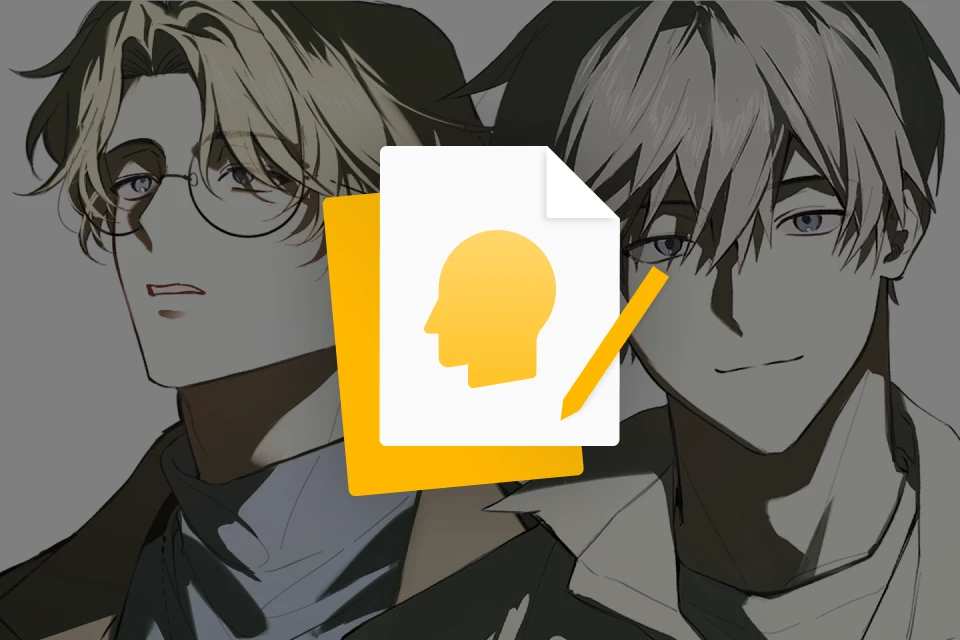 Key Resources for Illustration Finishing and Color CorrectionSelf-study materials for mastering light and color expression
Class Material Details
-
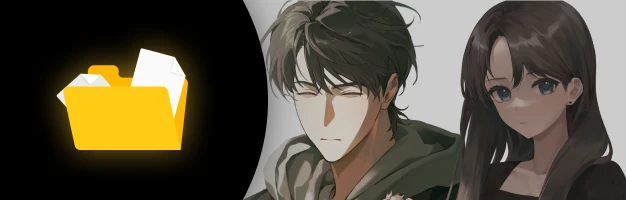 Study materials- Original sketch files for color scheme practice (.psd)
- Base color templates for coloring practice (.psd)
- 3D human body models set to popular proportions (.clip)
- 3D hand models for drawing beautiful hands (.clip) -
 Detailed Resources- Clip Studio Paint and Chip’s custom shortcuts (.jpg)
- Guide to applying 3D and standard assets (.pdf)
- Summary notes on the practice illustration process (.pdf)
- Mind map notes (.pdf) -
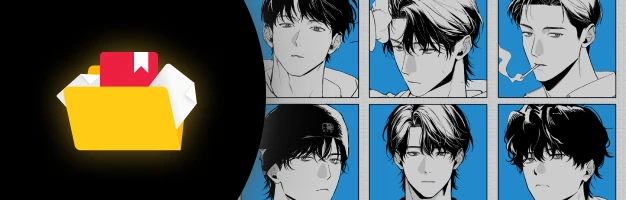 4 Chip Custom Brushes- Octopus Rough Pen
- Octopus Line Art Pen 1
- Octopus Line Art Pen 2
- Octopus Hatching Pen
Recommendation
Who Should Take This Class?
Those who want to learn illustrations filled with a sense of presence through simple touches
Those who want to learn natural, chemistry-filled Multi-Character Composition and Scene Staging
Those who want to draw appealing Male Characters of different age groups with ease
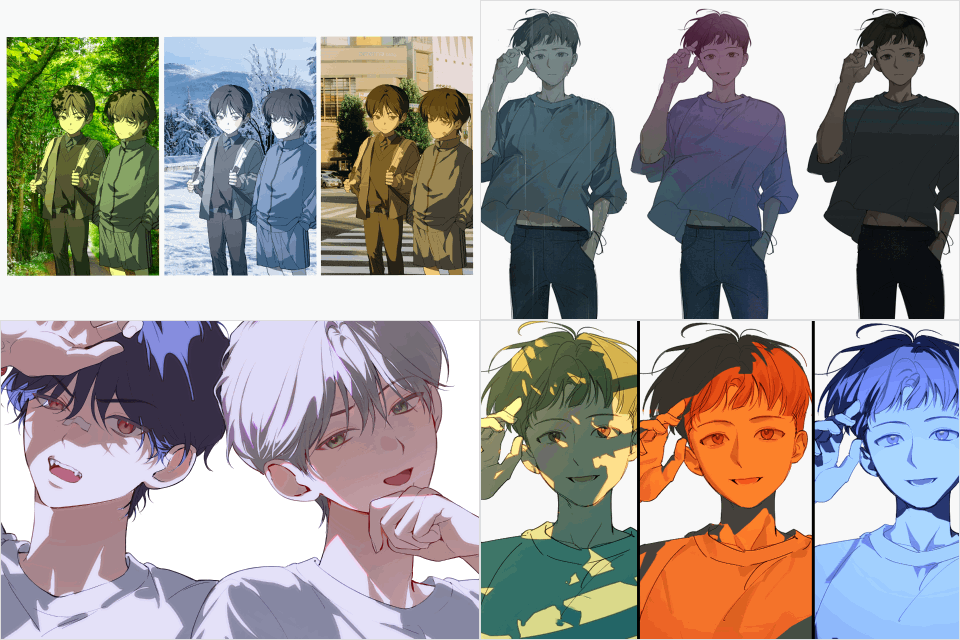
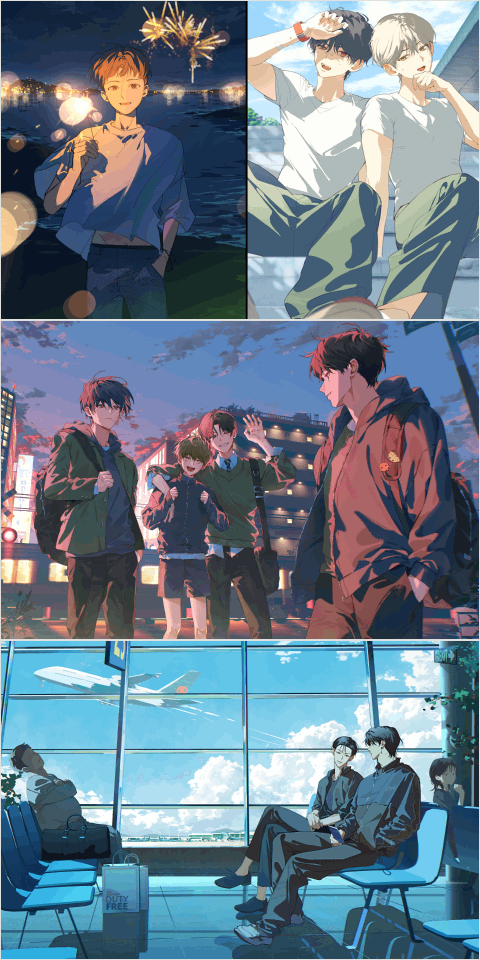
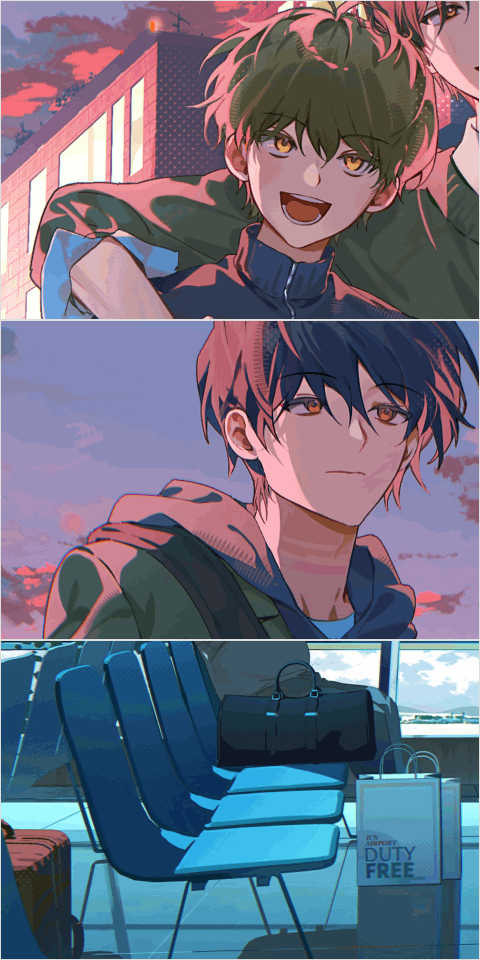
Expert Illustrator Chip's Portfolio



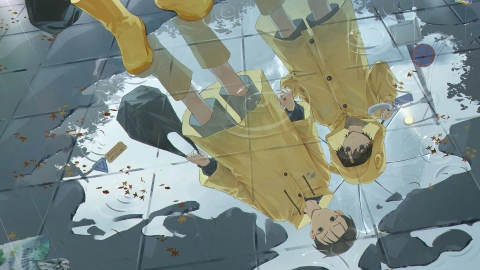
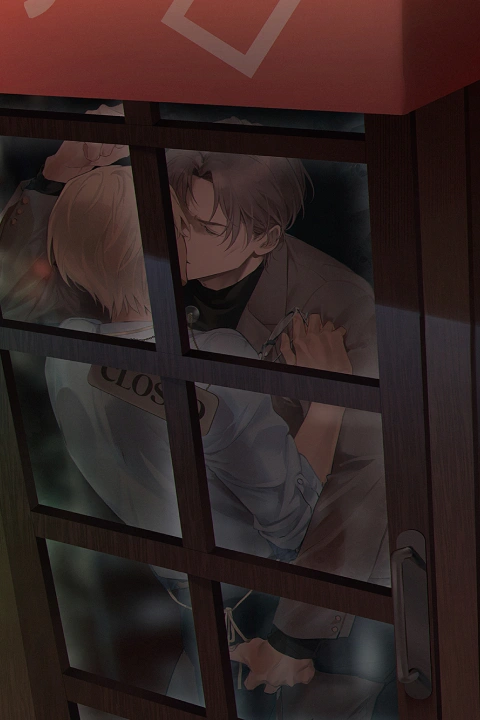
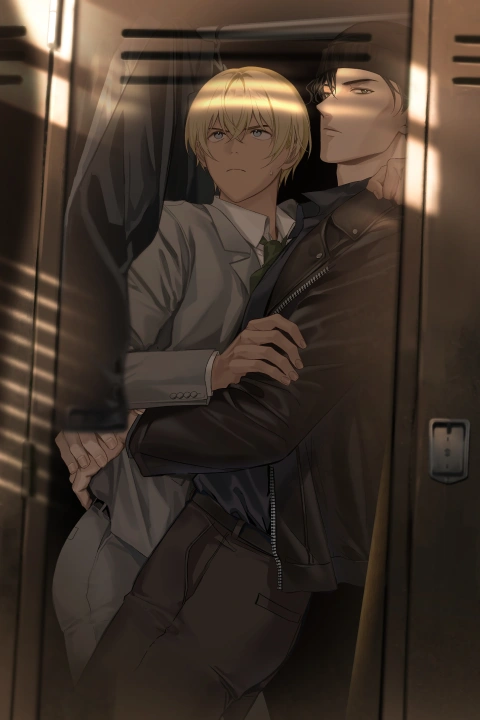
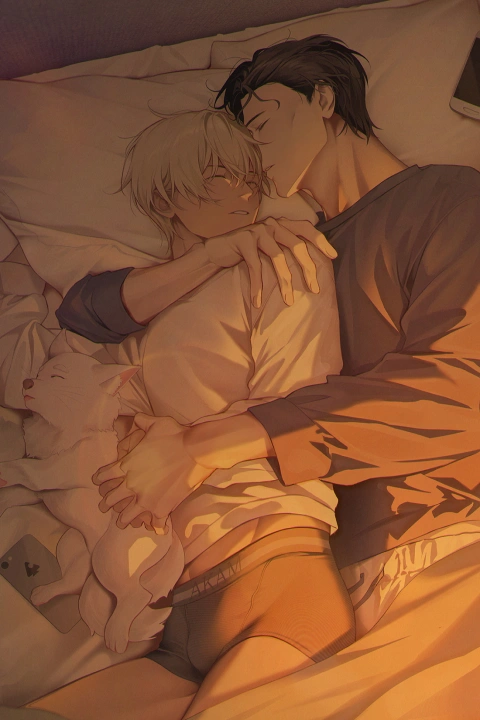
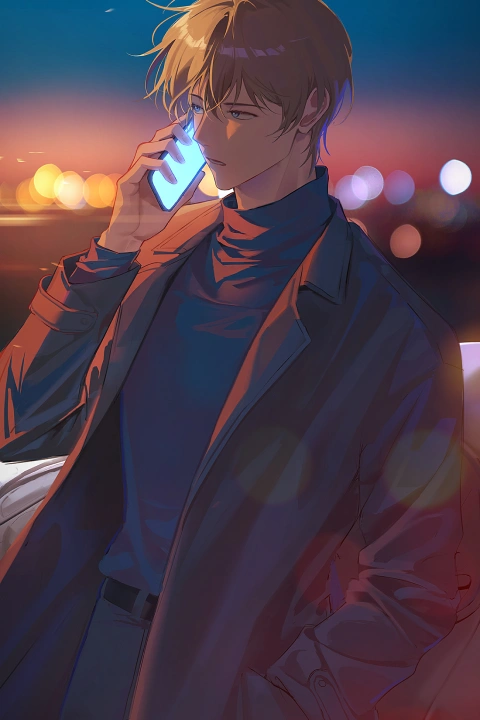
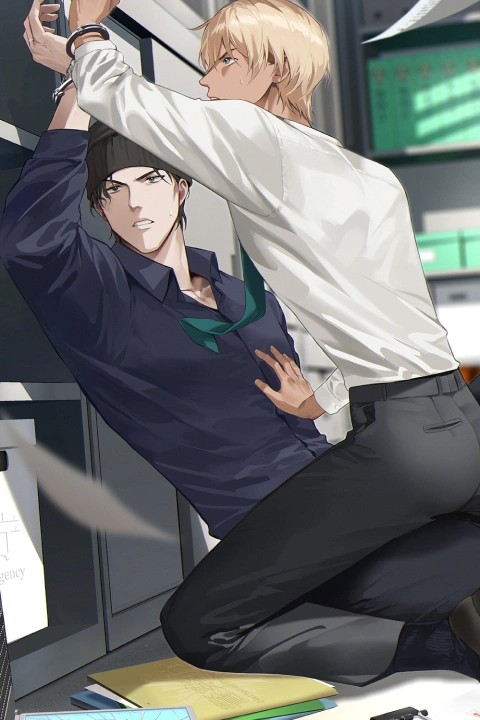
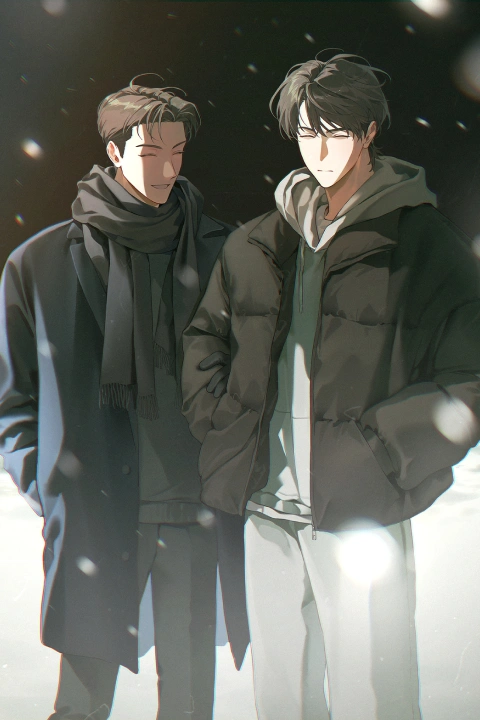
* Portfolio includes fan art.
Why Take This Class?
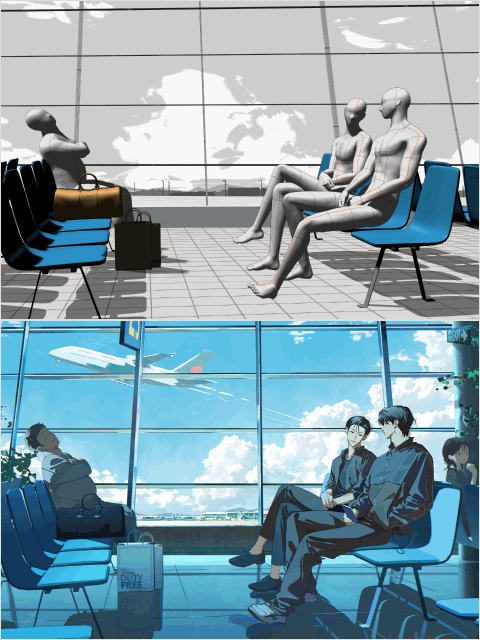
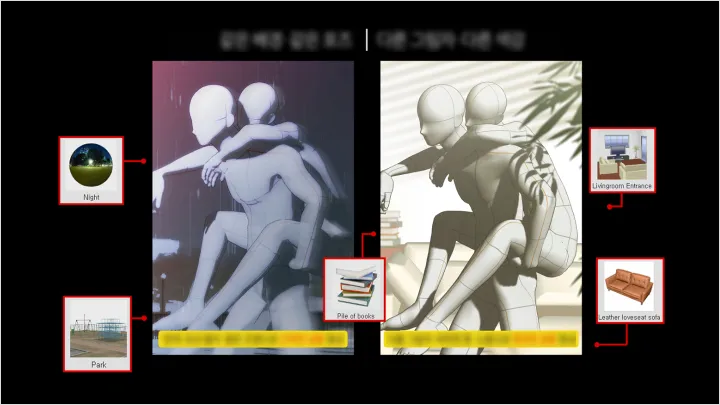
Stop wasting time learning heavy, complicated 3D tools! Use Clip Studio Paint’s built-in 3D human figure placement and lighting control features to dramatically expand the sense of space in your artwork. Adjust the camera’s Field of View (FOV), design the lighting, and easily complete a dramatic background on a grand scale.
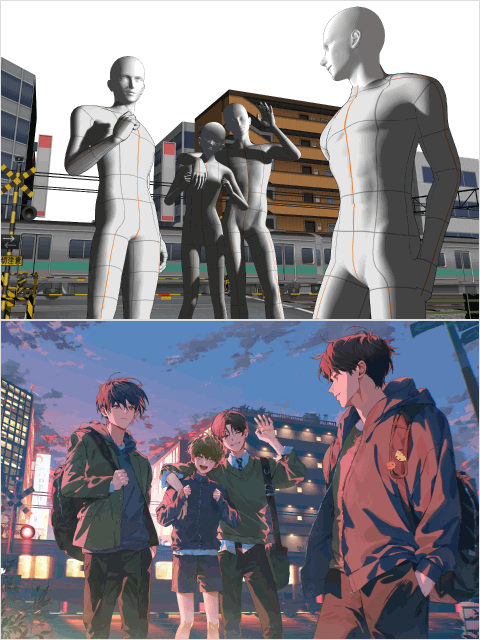
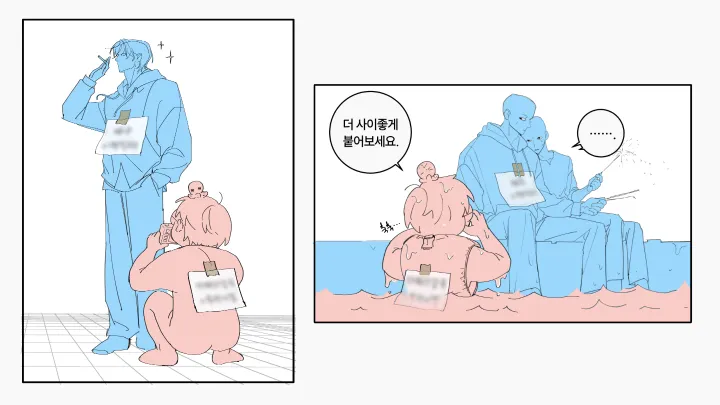
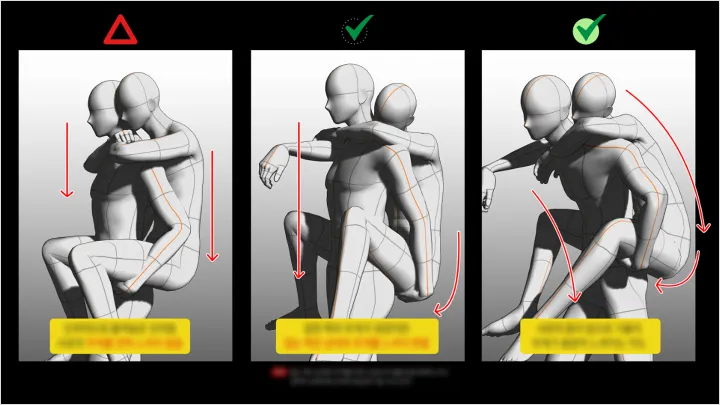
Go beyond simply drawing pretty faces and learn how to visually convey your character’s story. You will learn to draw appealing Male Characters based on their features and age group, as well as practice Multi-Character Composition featuring two or more characters using Physique Difference and props. Complete a grand-scale scene that highlights interactions between characters and heightens immersion!

Get Ready for the Real World
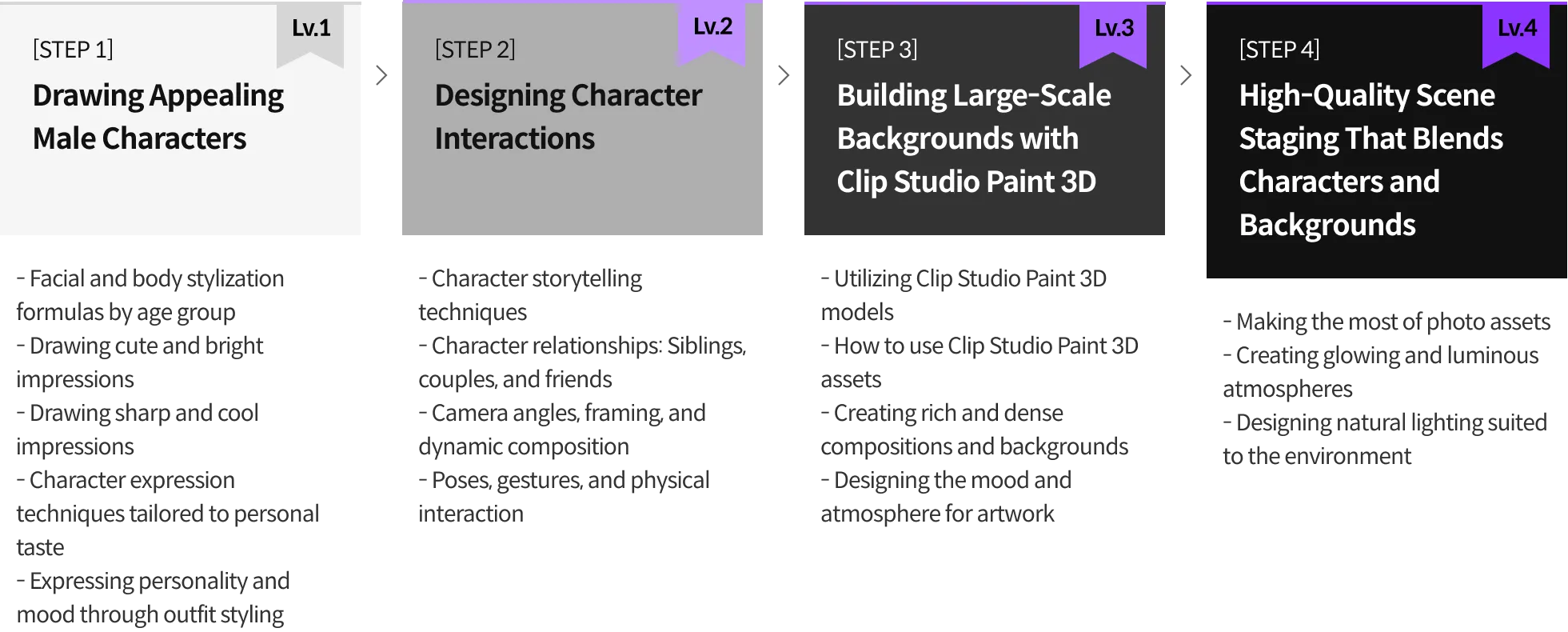
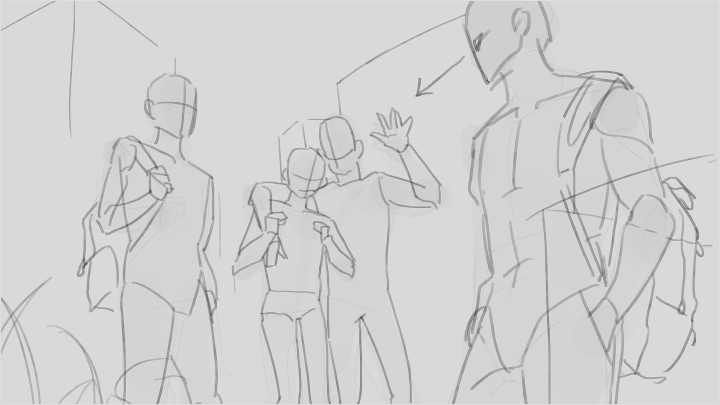
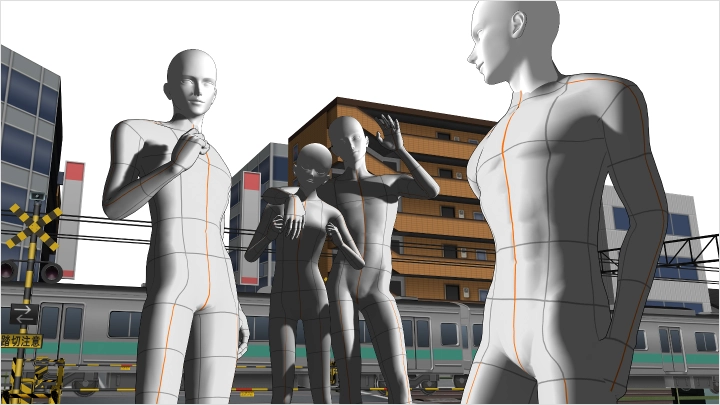
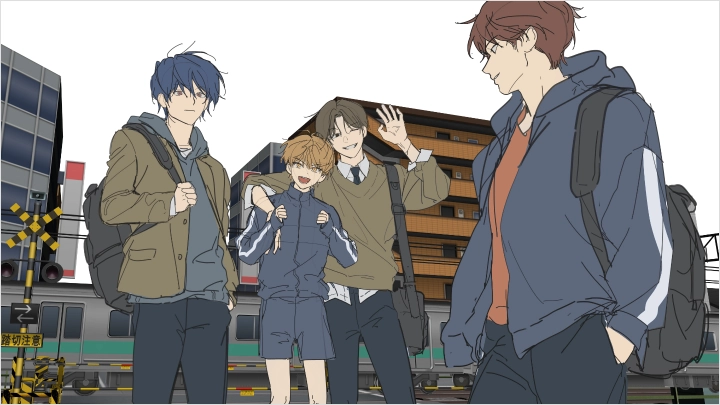
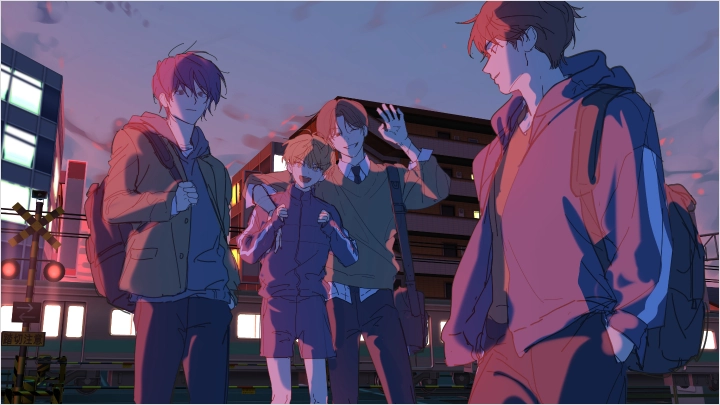
Male Character illustrations with Clip Studio Paint 3D, filling the background with a captivating atmosphere
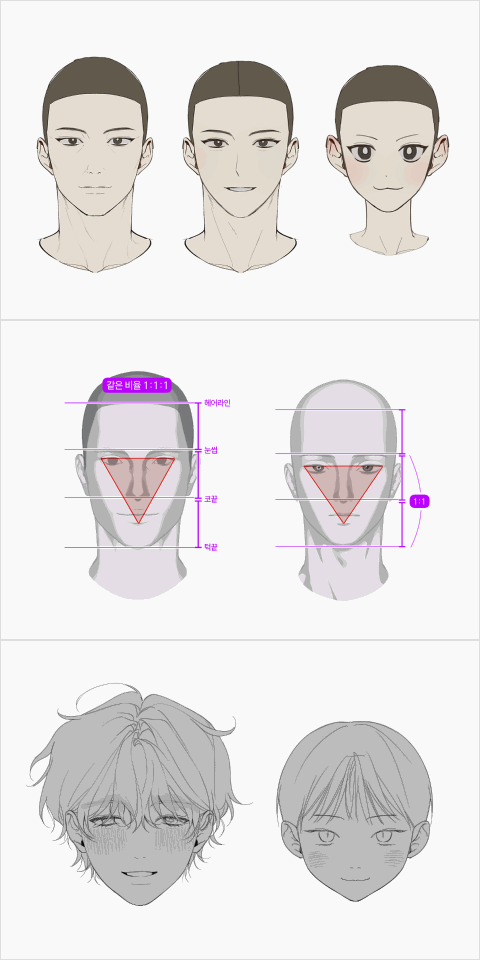
Part 1. Appealing Male Character Stylization by Age and Mood
-
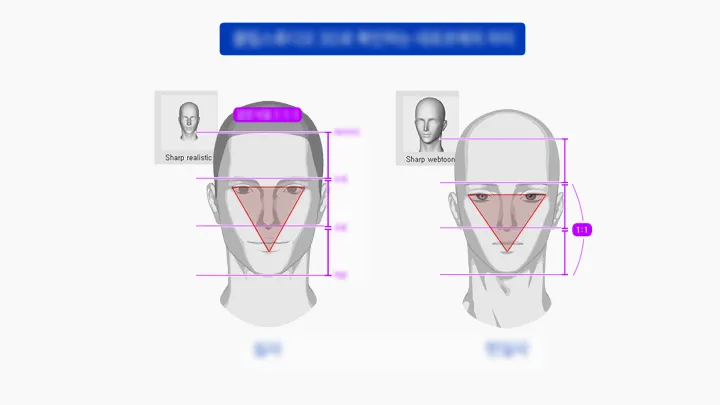
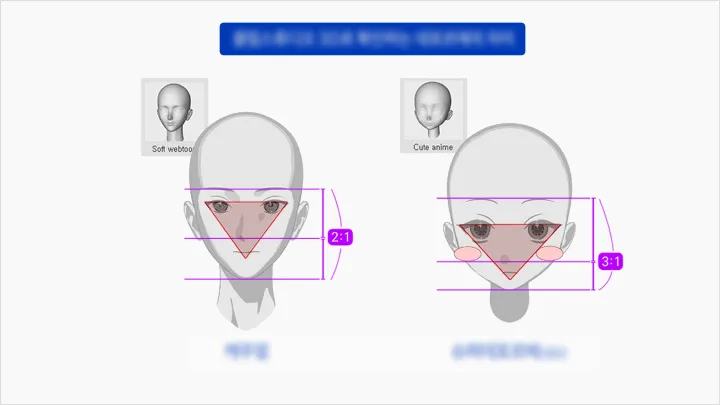
Facial and anatomical drawing formulas by age group#Children #Teenagers #YoungAdults #Middle-Aged
-
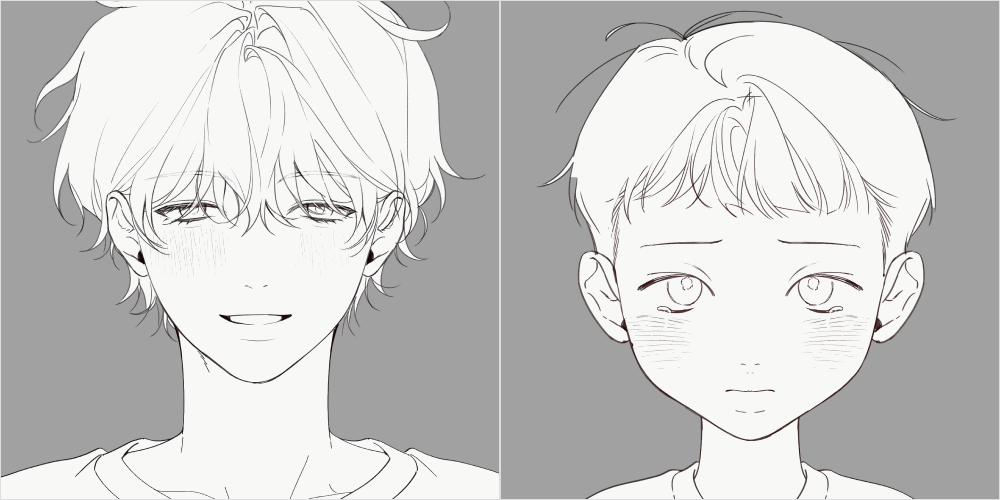 Cute and cheerful impression#Sunshine #Cat-likeFeatures #Dog-likeFeatures
 -
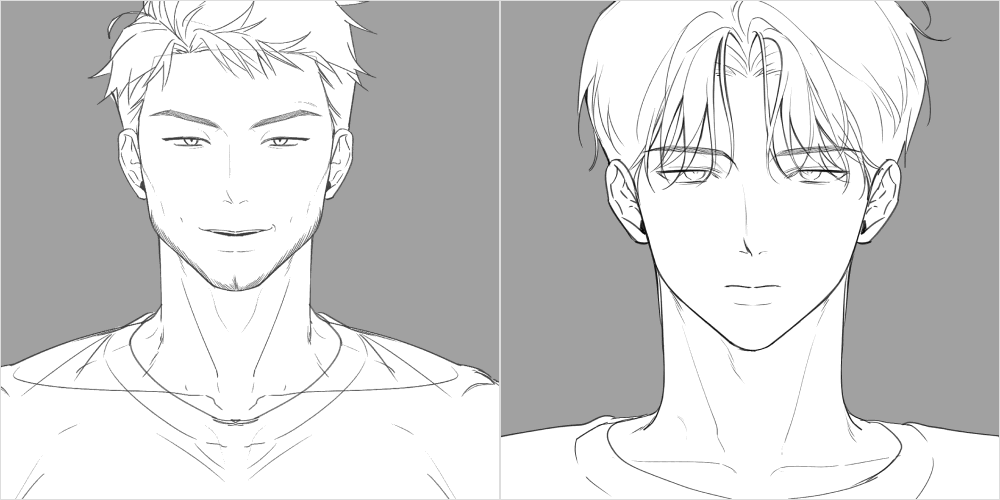 A Strong, Cool Impression#Cool #BoldLines
 -
How to Express Impressions and Moods Through Styling 01#Student #SchoolUniform
-
How to Express Impressions and Moods Through Styling 02#Adult #CasualWear
-
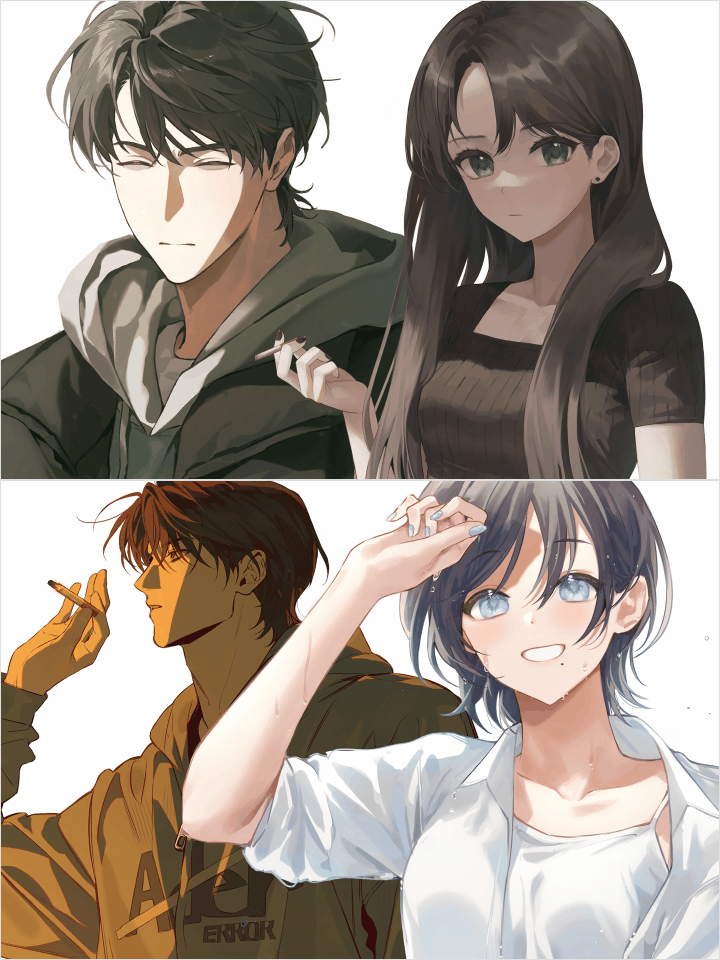 How to Create Characters That Match Your Style#Reference #Sketch #Pose
 -
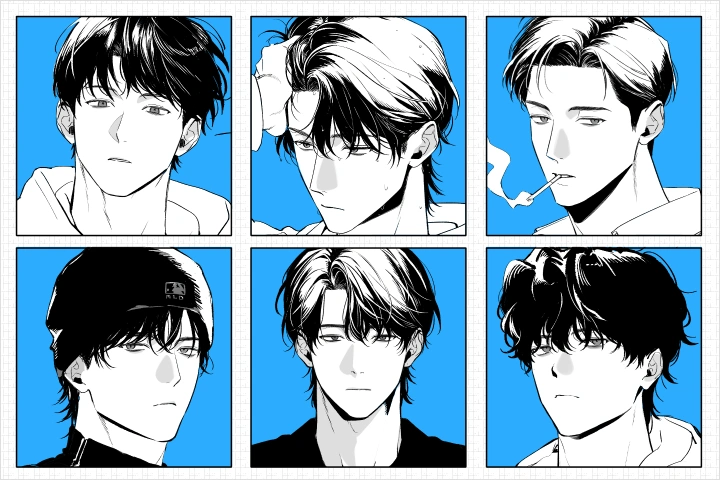 Irresistible Male Character B&W Illustration#Ink #Tone #MonochromeStylization
Part 2. Creating a Single Male Character Illustration in Your Personal Style Using Essential Clip Studio Paint 3D Features
-
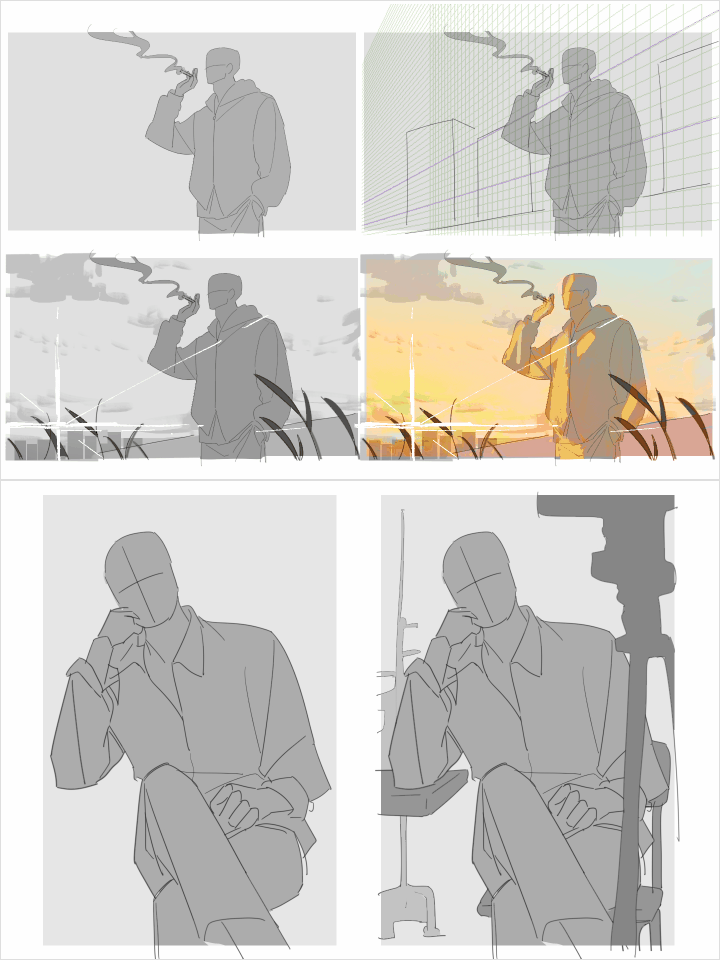 Designing Dense and Detailed Background Scenes#Gaze #Composition #3DBackground
 -
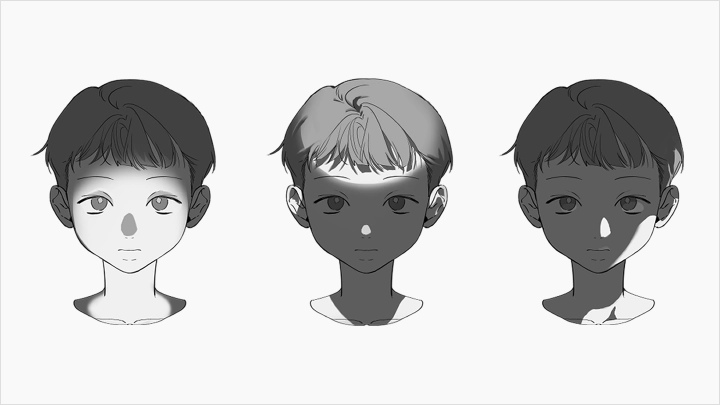
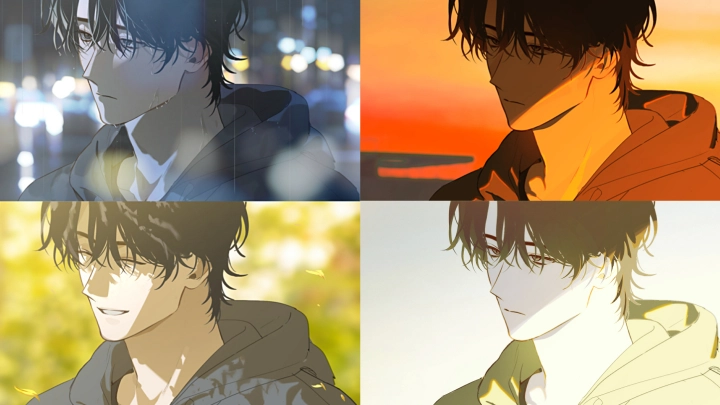
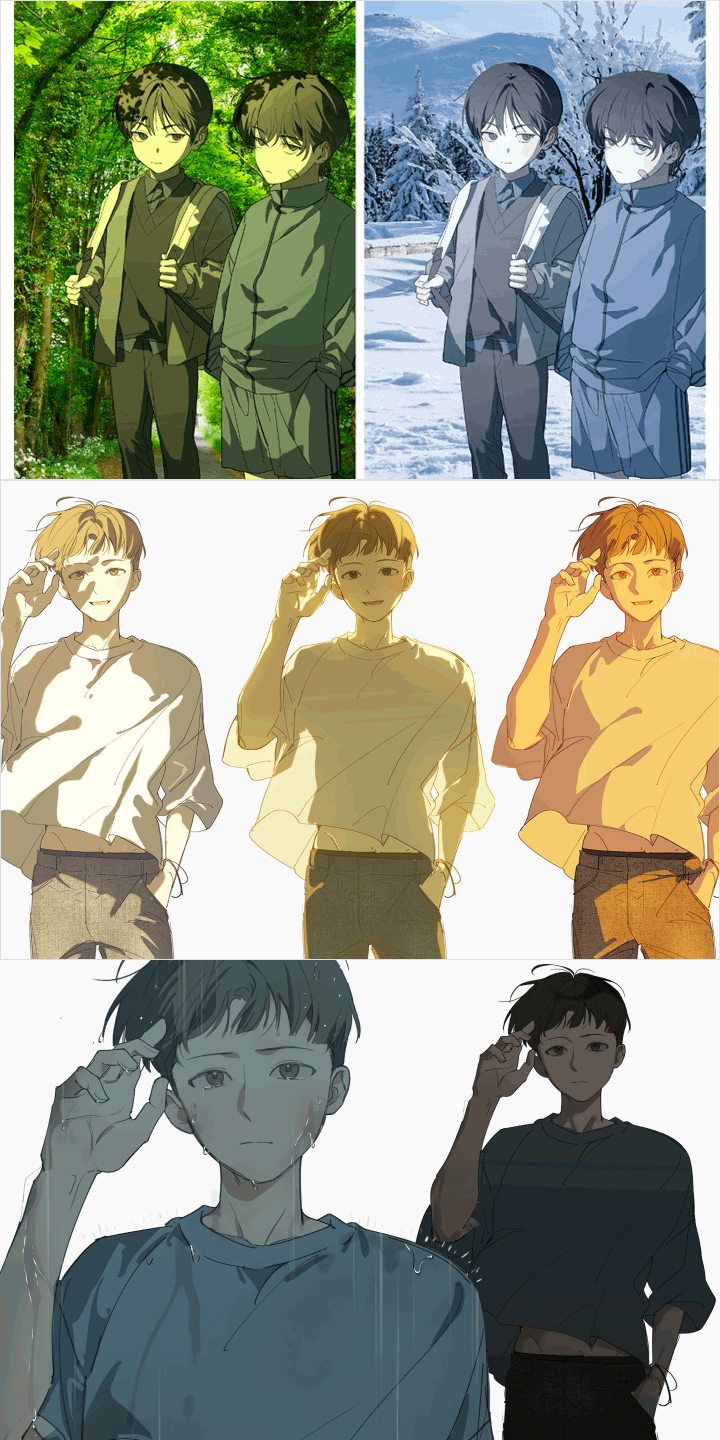 Illustration Mood Design#LightAndShadow #ColorTone
-
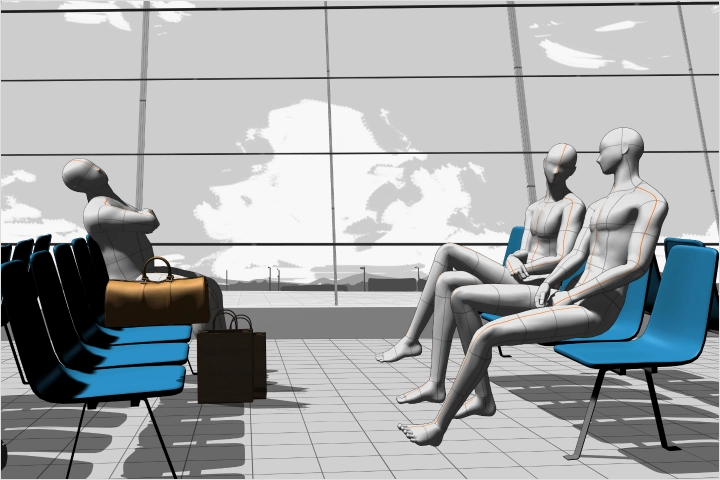 How to Use Clip Studio Paint 3D Assets 01#3DAssetPaintover
 -
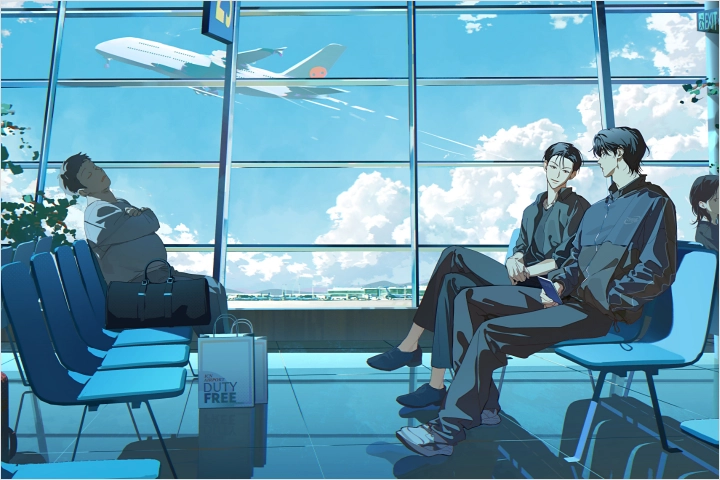 How to Use Clip Studio Paint 3D Assets 02#3DAssetPaintover
 -
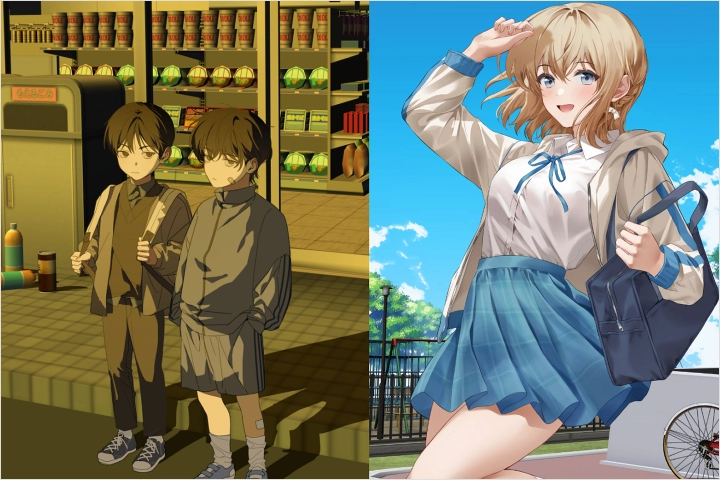 How to Use Clip Studio Paint 3D Assets 03#3DAssetUtilization
Part 3. The Charm of Multi-Character Illustrations: Creating Character Interactions
-
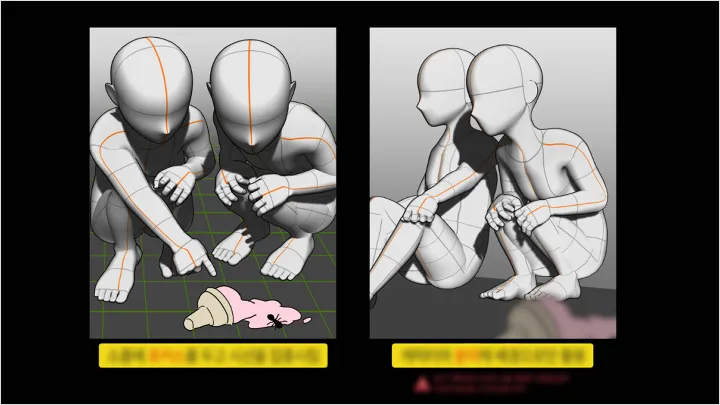
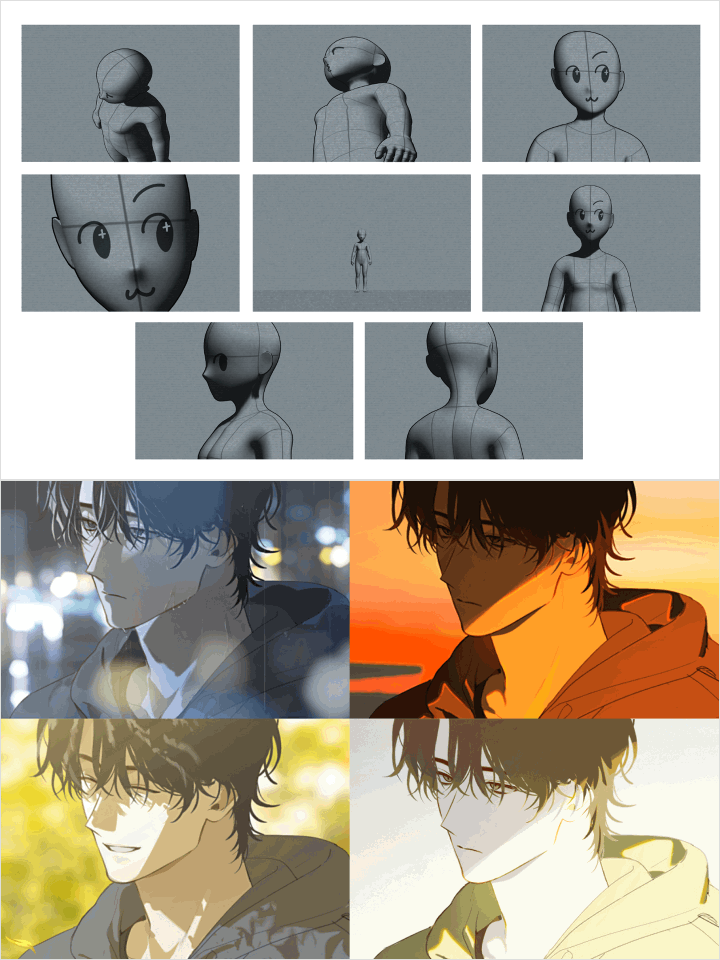 Character Storytelling#CameraViewpoint #Gestures #EmotionalExpression
 -
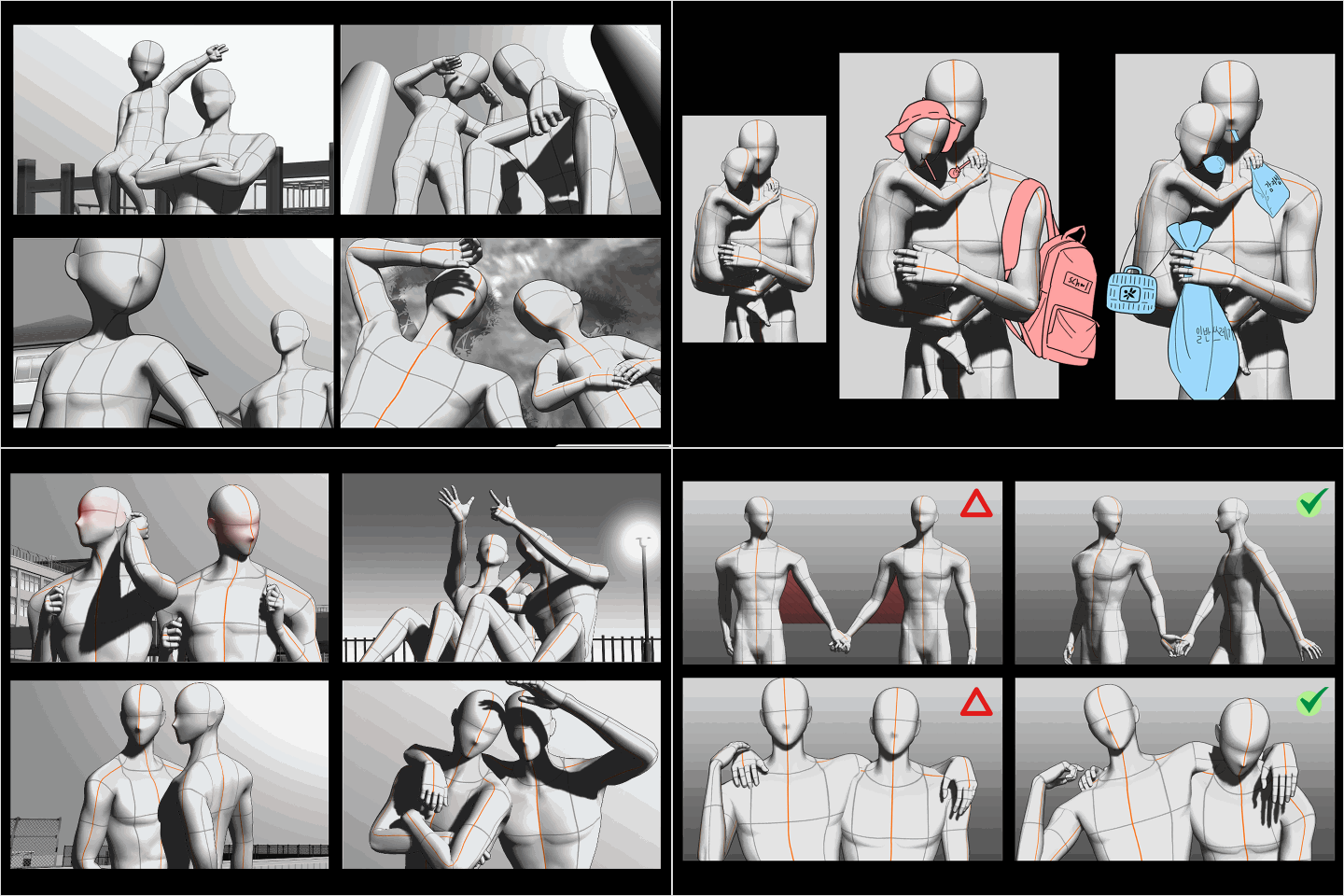 Character Relationship 01: Physique Difference#BodyDifferences #PropStaging
-
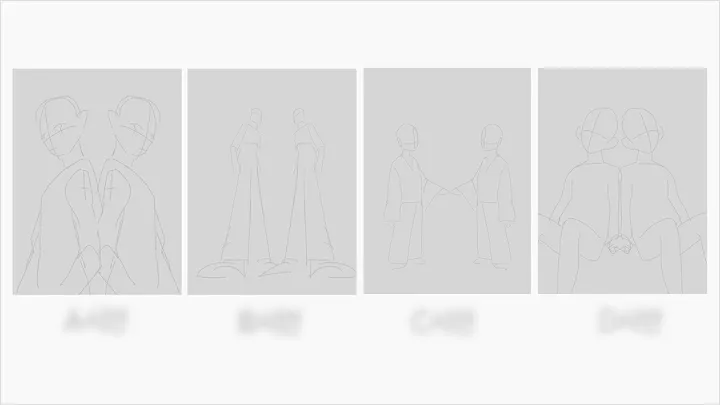
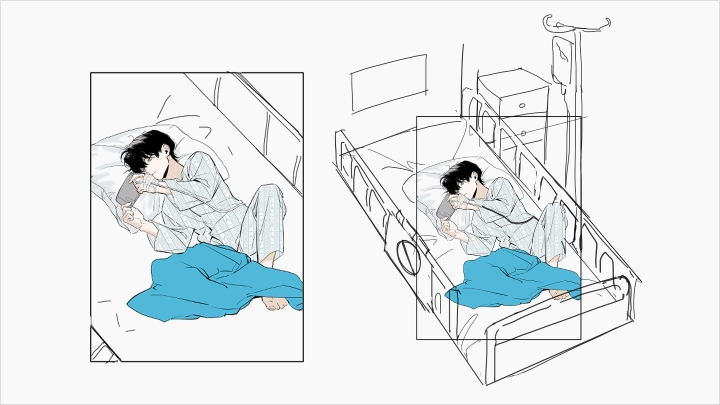
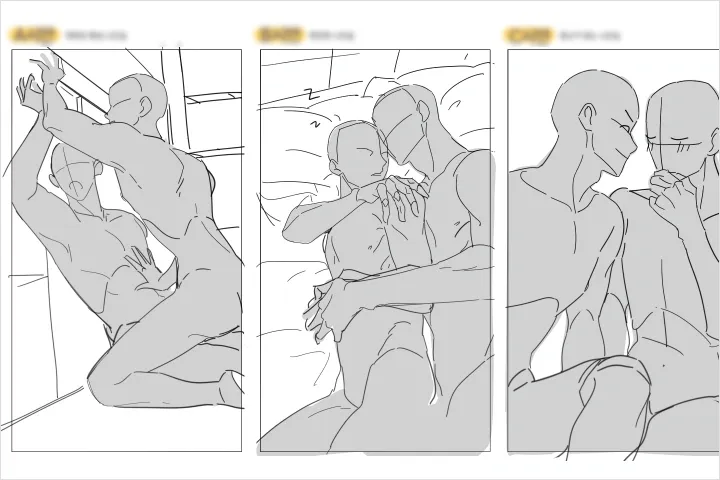 Character Relationship 02: Two Characters#PhysicalInteraction #BackgroundStaging
 -
Character Relationship 03: Multiple Characters#Composition #ScreenStaging
Part 4. A Two-Character Illustration Workflow for Faster Creation
-
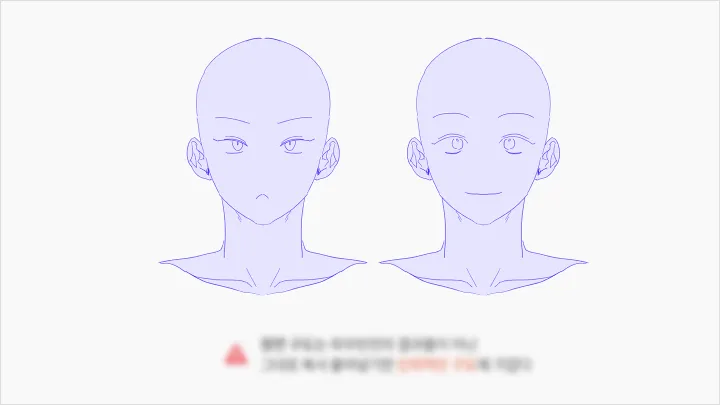
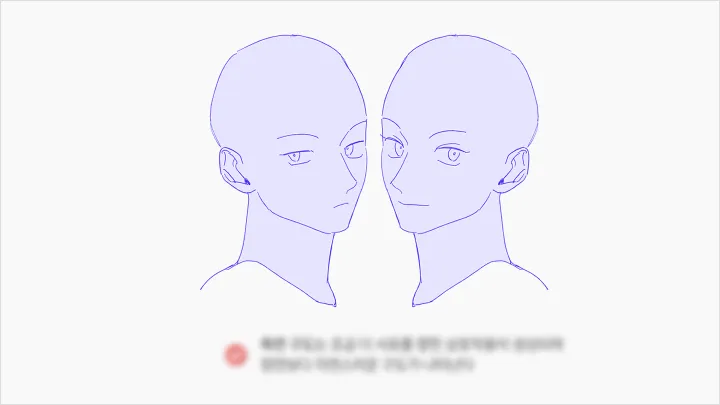
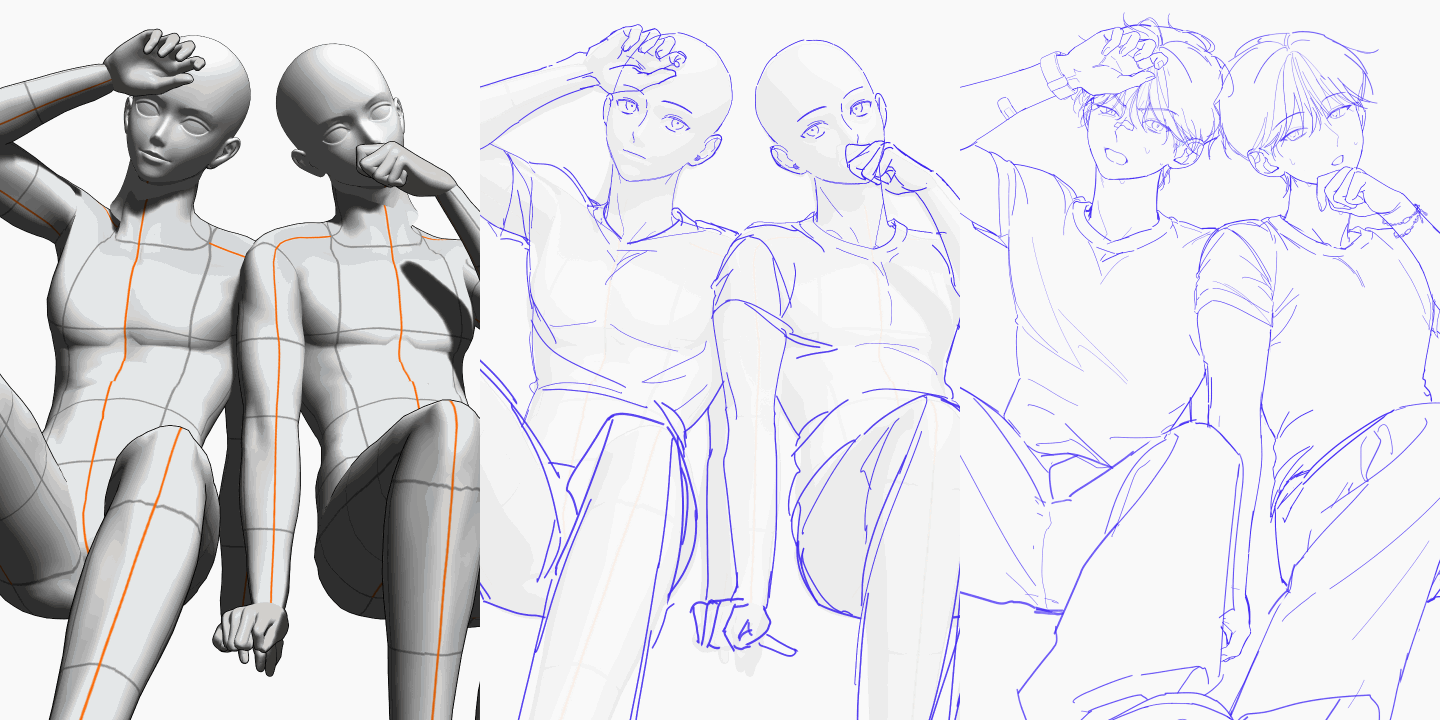 Sketch#FlipHorizontal #Expressions #Outfits
 -
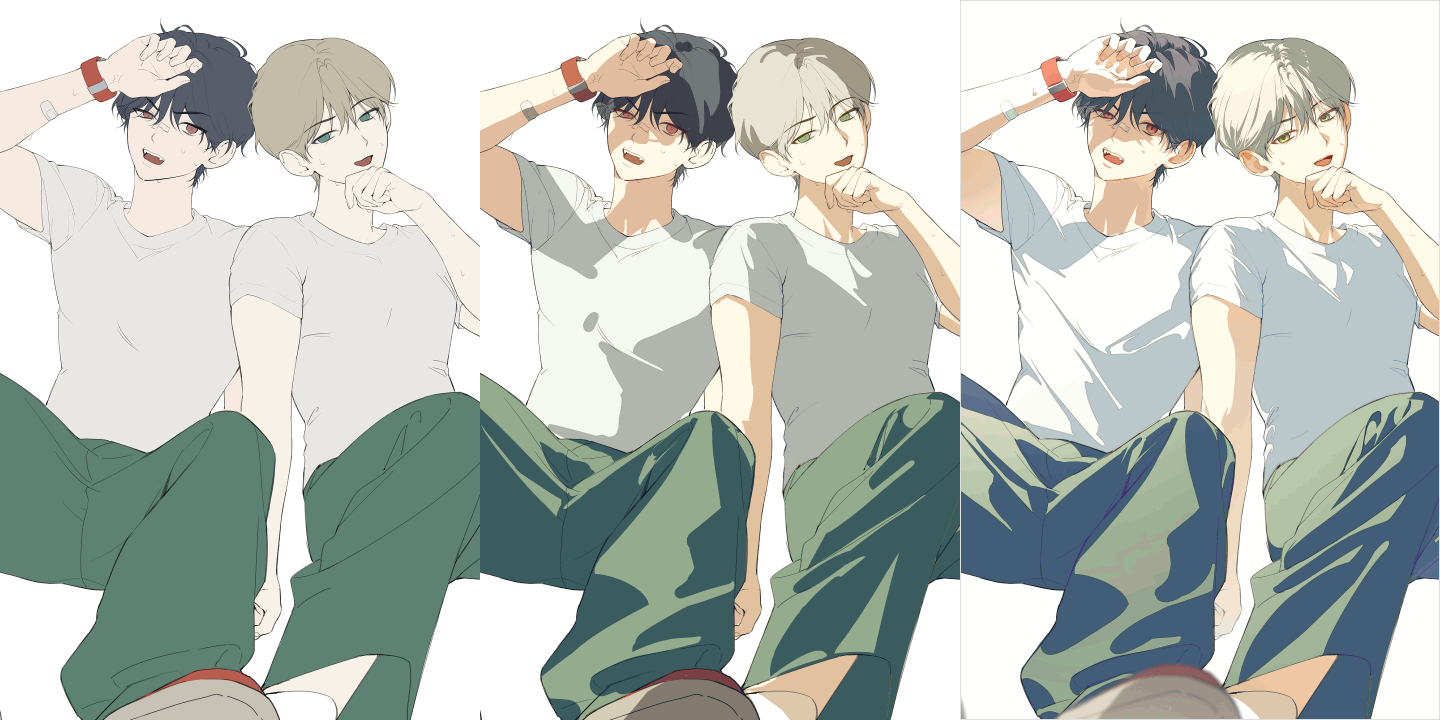 Coloring#SkinTone #ColorTone #Polish
 -
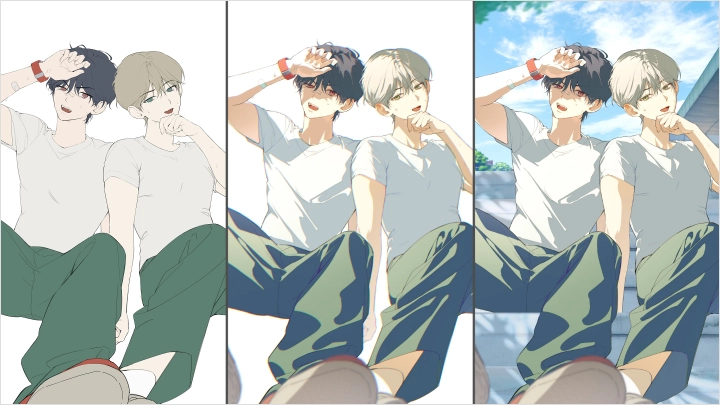
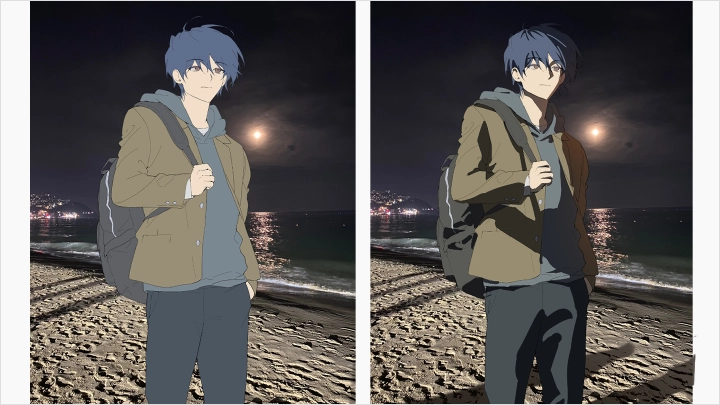
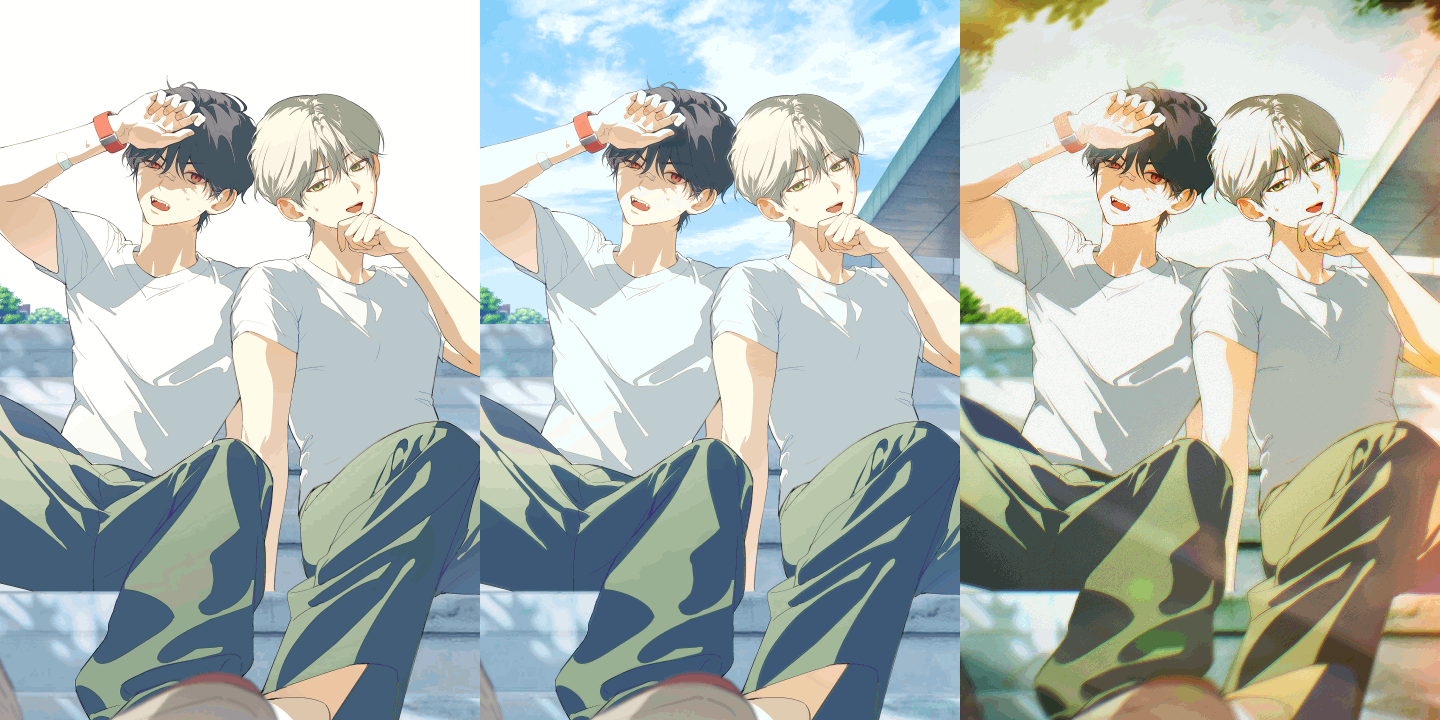 Post-Correction & Editing#FillingtheCanvas #Photo-StyleEditing
Part 5. Seamlessly Blending Characters and Backgrounds: Multi-Character Illustration A to Z
-
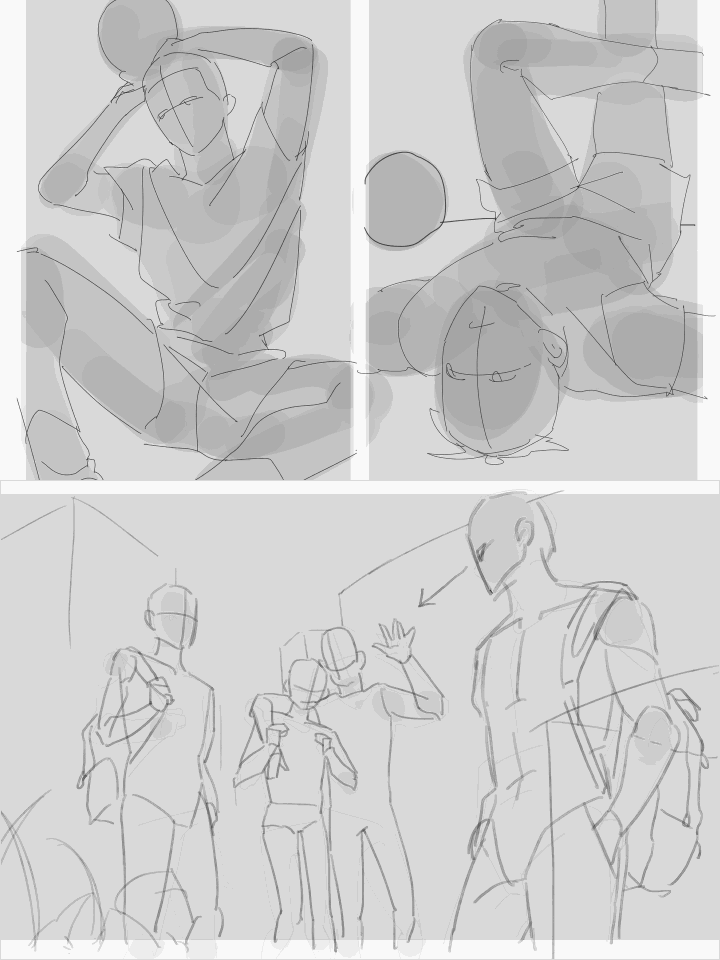 Storytelling#SceneSetup #CharacterDesign
 -
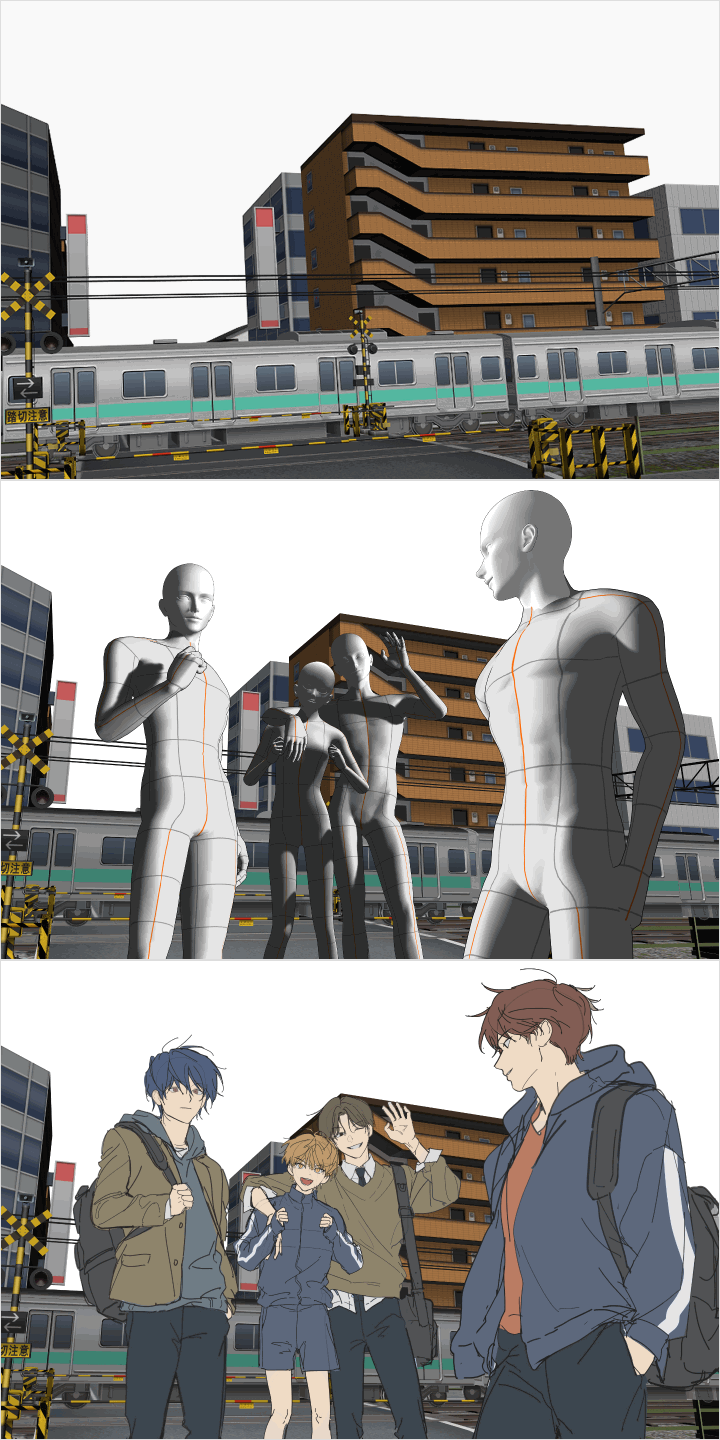 Using Clip Studio Paint 3D Models#AssetPlacement #3DPaintover
 -
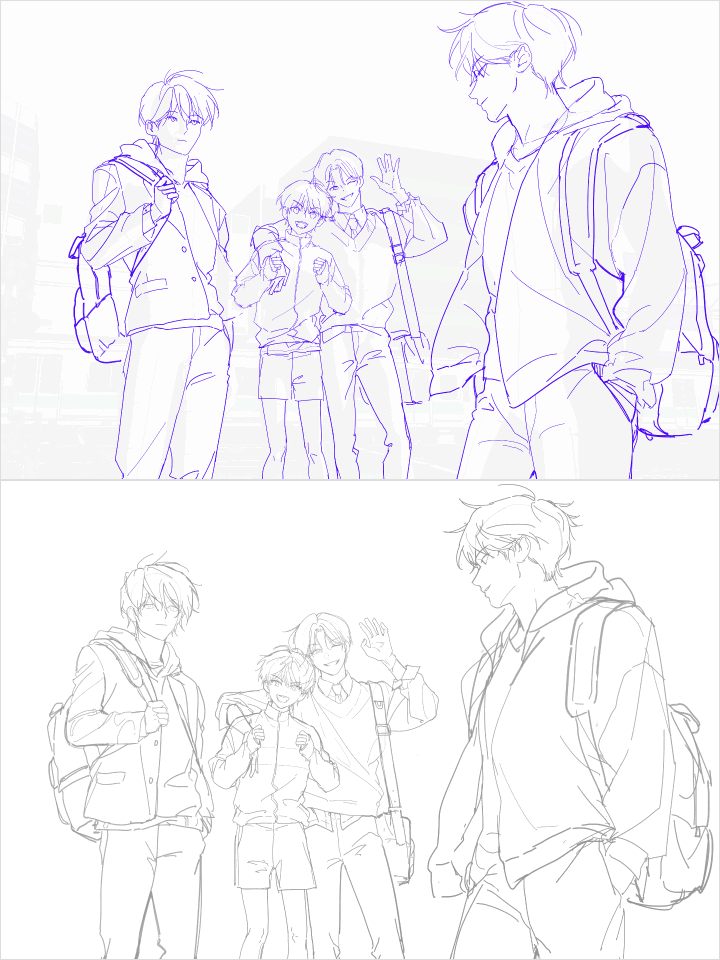 Sketching and Environment Planning#ColorSchemeDesign #DetailedRoughs
-
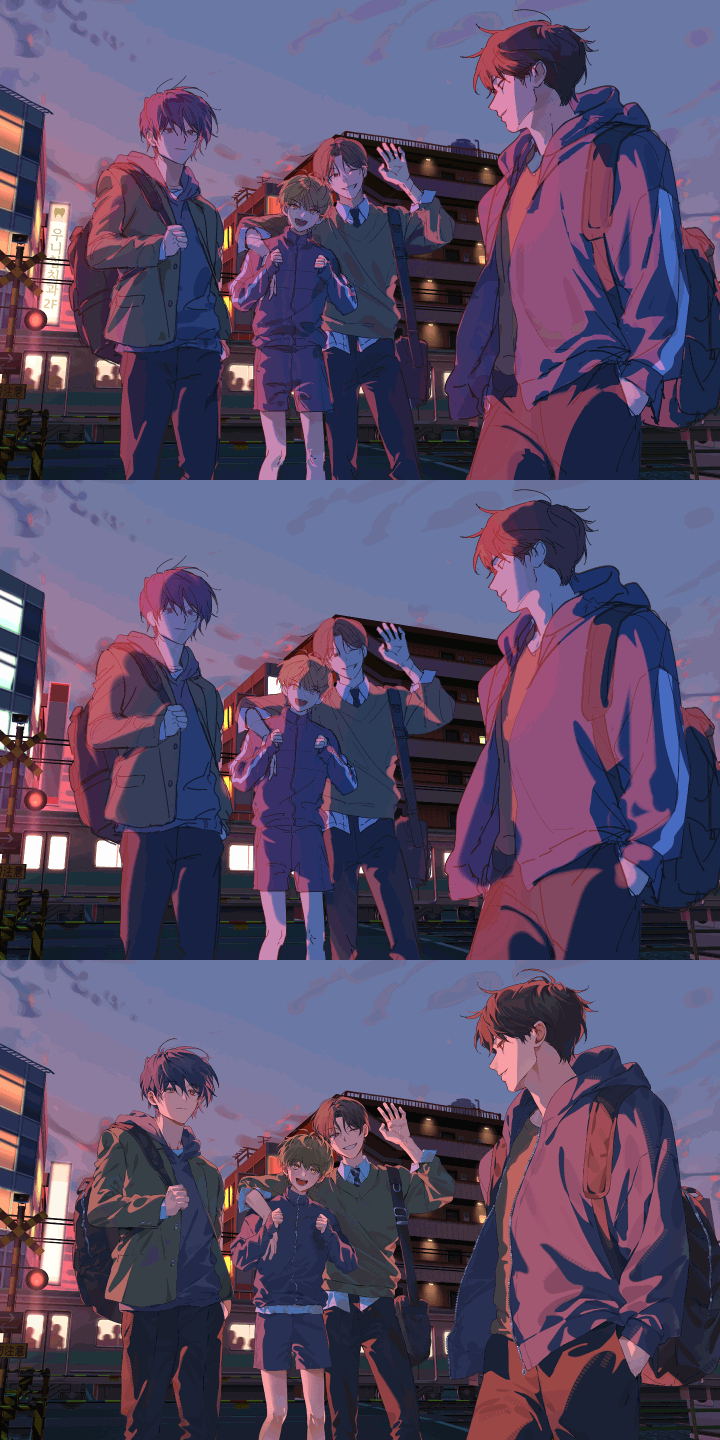 Coloring#Detailing #QualityEnhancement
 -
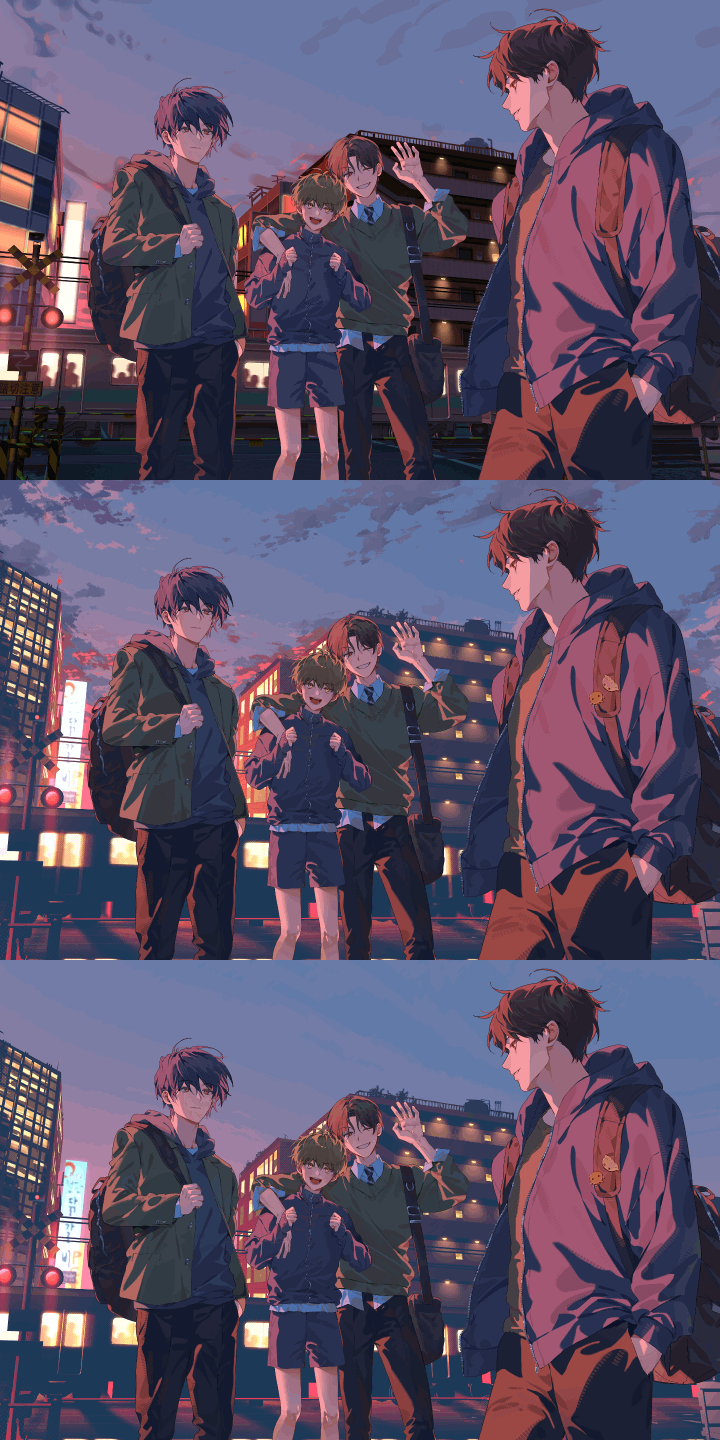 Background#BackgroundDetailing
 -
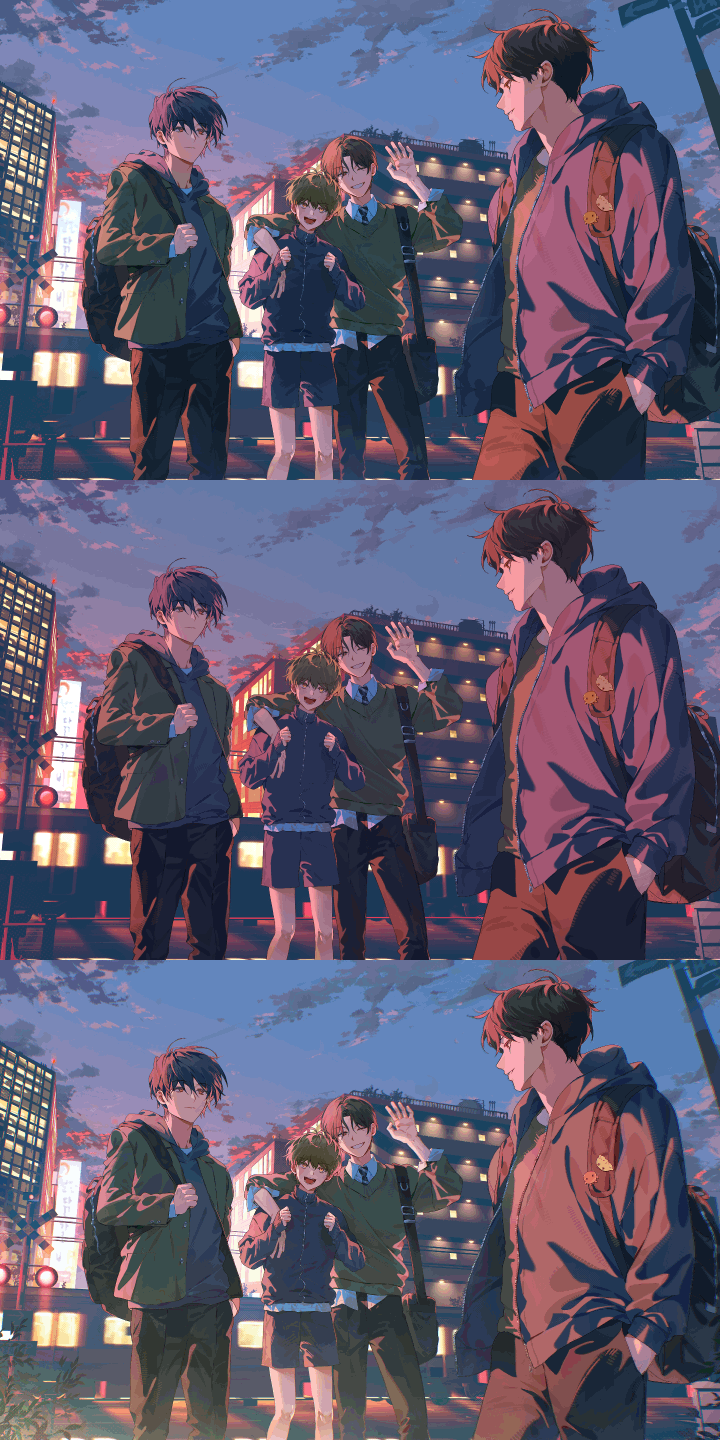 Post-Correction & Editing#ColorCorrection #IllustrationPost-Correction
Part 6. Bonus Tips: Creating Immersive Scenes and Background Techniques
-
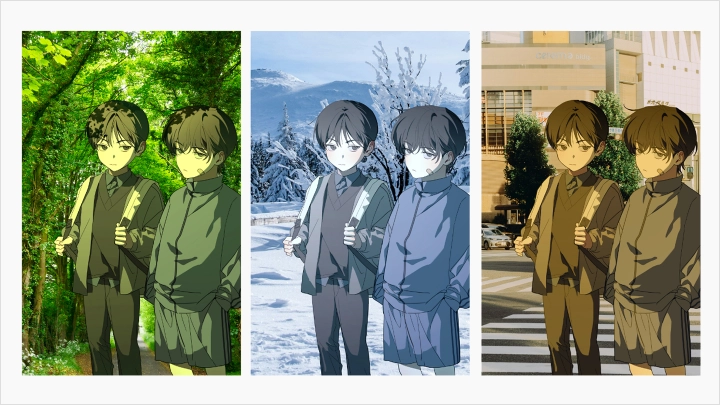
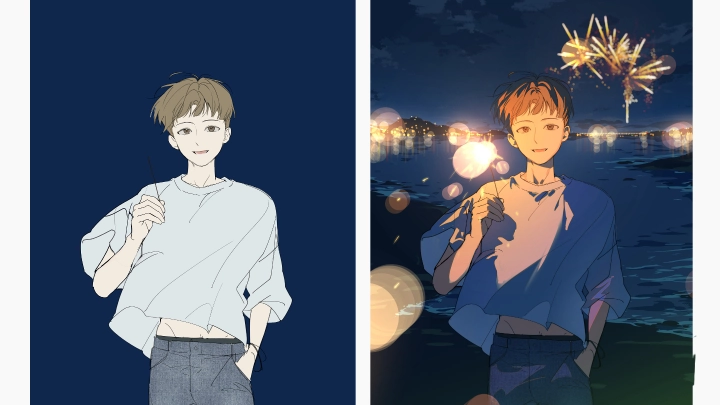
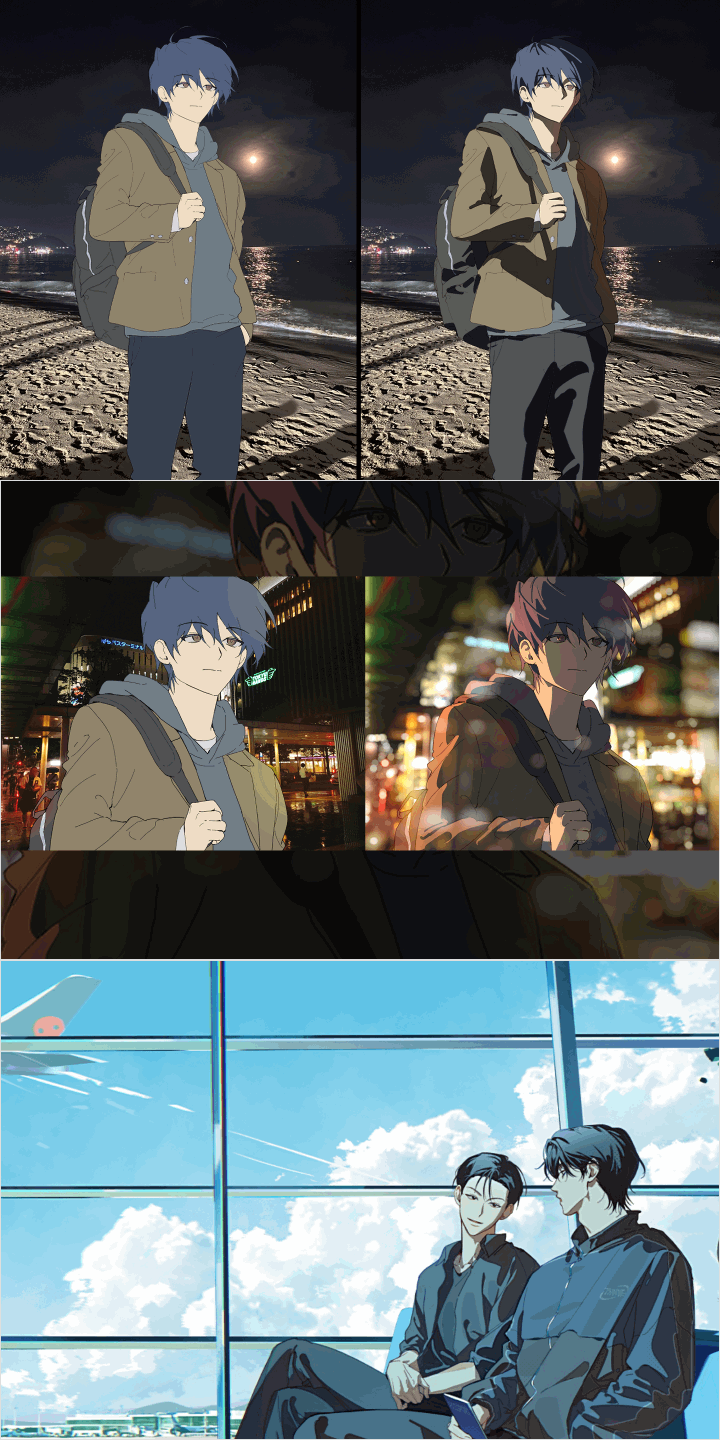 Making the Most of PhotosDesigning Natural Lighting
 -
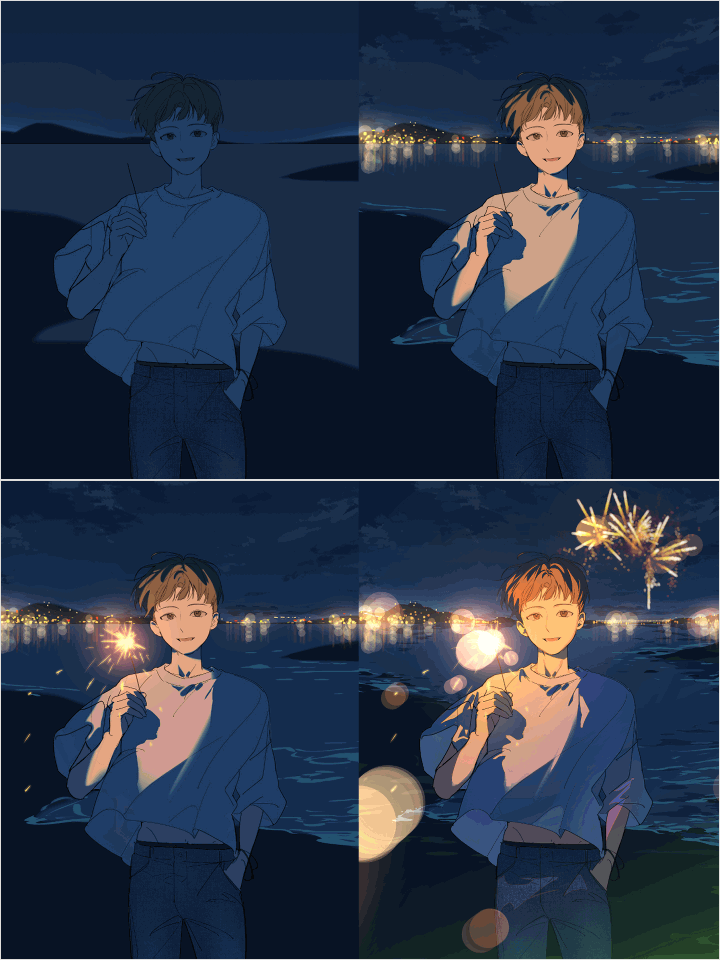 Creating a Glowing AtmosphereDark and Glowing Environments
-
 Process for Creating a Glowing AtmosphereCreating Environments Beyond the Frame
 -
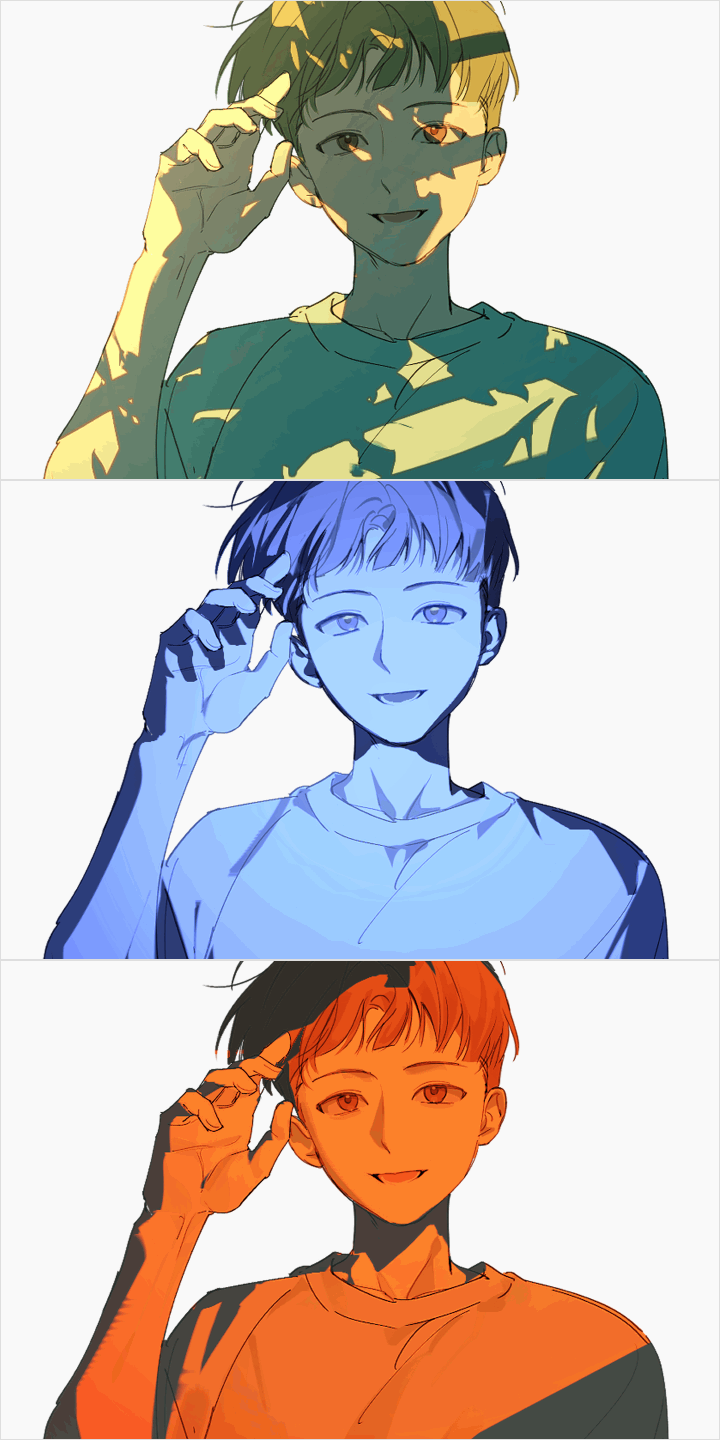 Creating Lighting Suited to the EnvironmentCreating Environments Beyond the Frame
Student Reviews
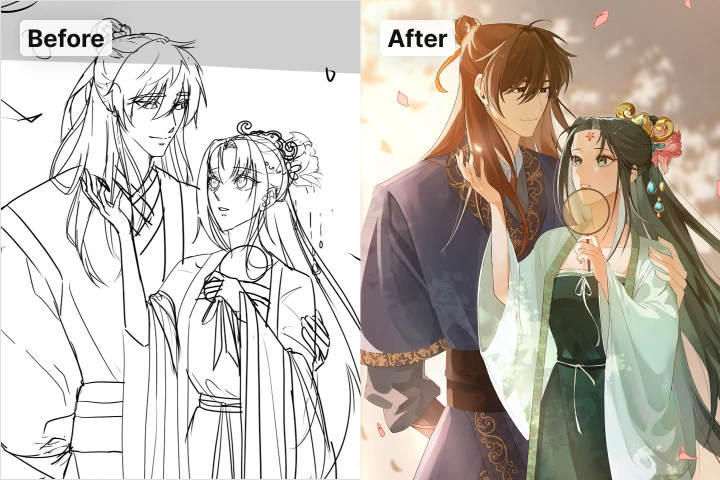
Amazing Before-and-After Results! Detailed Reviews from Students!
-
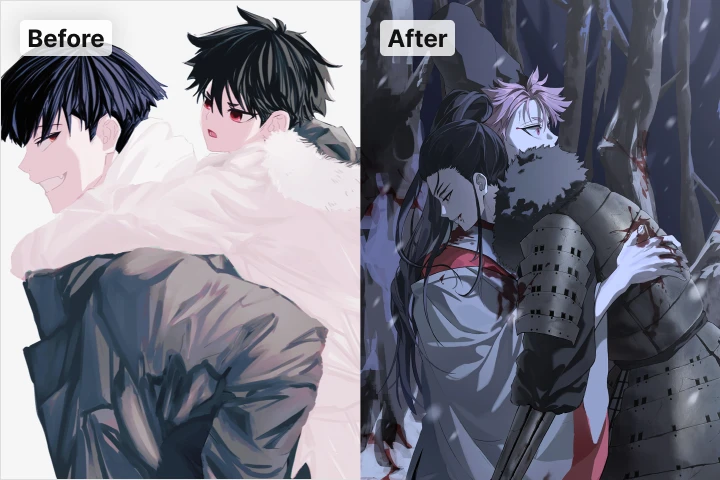 Student OO Park
The instructor asked detailed questions about the situation depicted in my current drawing and the atmosphere I wanted to convey, down to the smallest details. In particular, the instructor clearly pointed out areas that needed improvement and provided feedback step by step so that the drawing could be completed in the direction I wanted. Thanks to this, I was able to complete the illustrations I had only imagined in my head, exactly as I wanted. Through the process, I also regained my confidence, and drawing became enjoyable rather than something I was afraid of.
-
 Student OO Huh
While drawing illustrations, I found the process of identifying areas that needed improvement extremely difficult. After taking instructor Chip's course, I was able to correct my shortcomings and bad habits. Thanks to this, I found it much easier to approach the overall atmosphere, composition, and scene staging of my illustrations.
Highlights
Class Highlights
High-Efficiency Clip Studio Paint Intensive Curriculum to Overcome 3D Barriers
A 3D intensive class to master Clip Studio Paint without relying on complex tools like Blender! Bring the scenes in your head to life as finished illustrations. Learn lifelong techniques for 3D background staging, from creating moods using light angles to arranging props and backgrounds that deepen your character's narrative.

Chemistry-Filled Multi-Character Illustrations That Weave Stories into Every Scene
Do your compositions feel stiff and awkward whenever you draw multiple characters together? Learn a systematic approach to posing and styling outfits that brings two characters into natural harmony. Master storytelling techniques for multi-character illustrations that convey a rich narrative through a single image.

Focusing on Male Characters: A Guide to Facial and Figure Stylization Across Age Groups
Want to fix repetitive faces and ambiguous expressions for good? Learn stylization formulas that highlight facial features and physical maturity for each character, establishing a strong foundation for appealing artwork. Apply these techniques step-by-step to draw characters of various age groups with confidence.
Roadmap
Complete Everything in Clip Studio Paint, Without Complex Tools