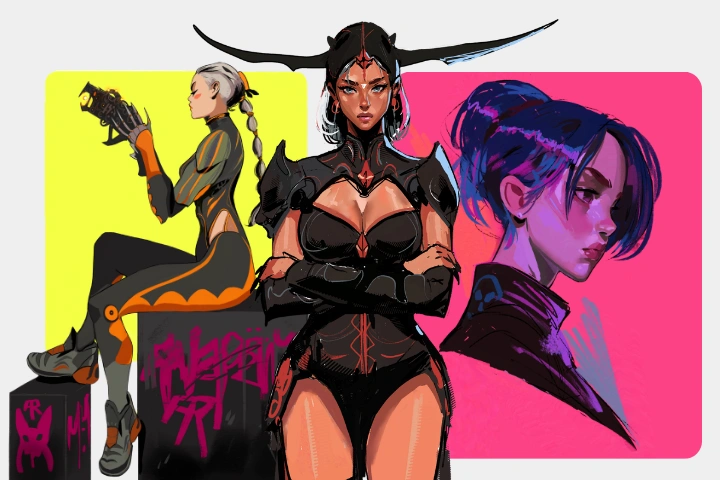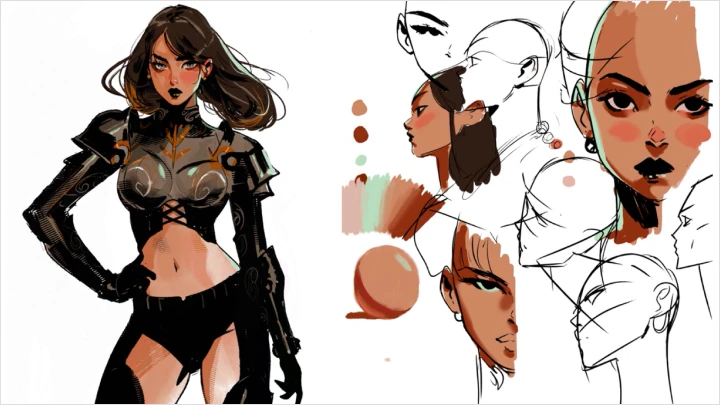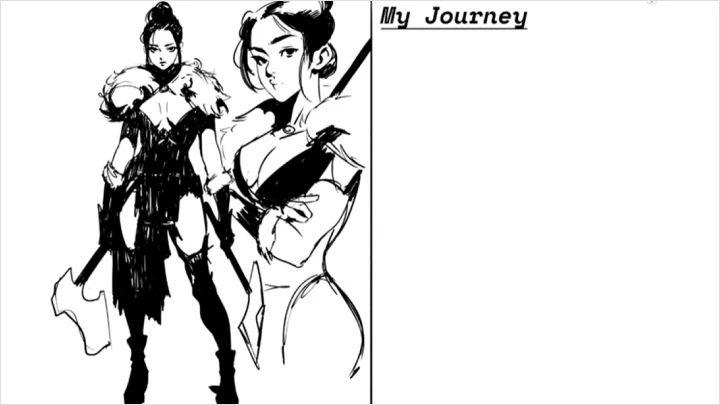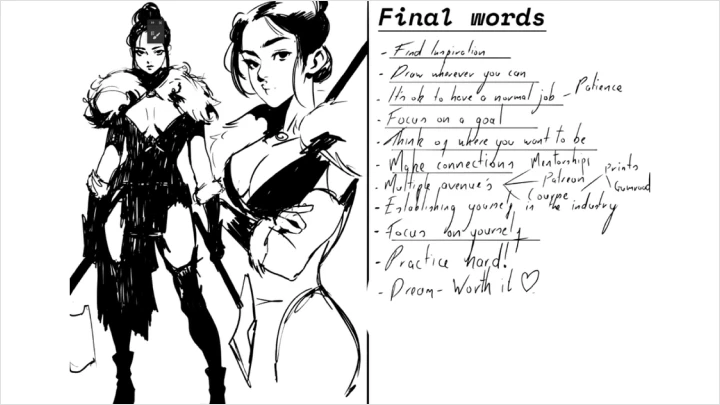
illustrator,andrewrussell Details
Intro
Class Intro
Illustrator, Andrew Russell
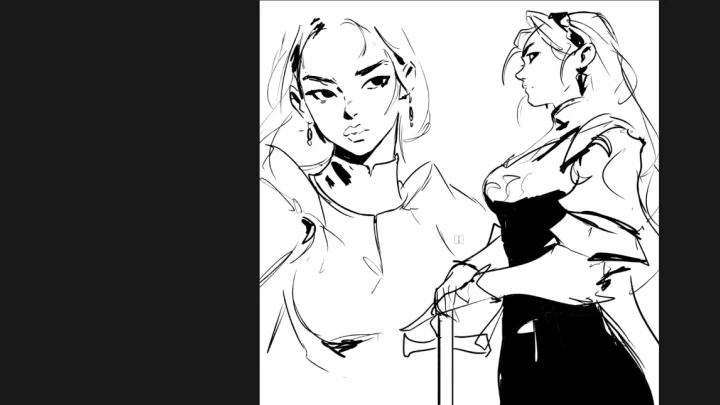
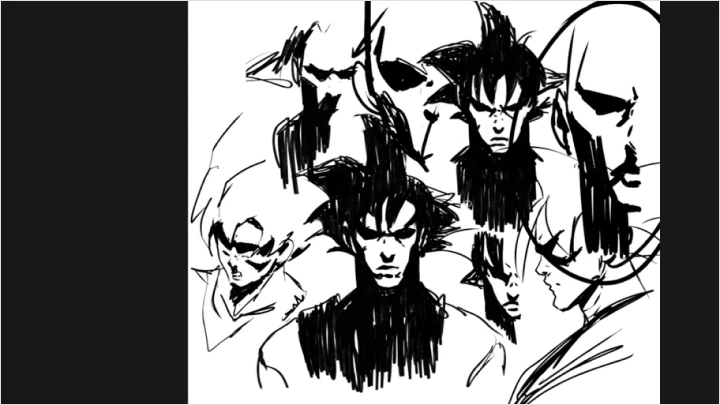
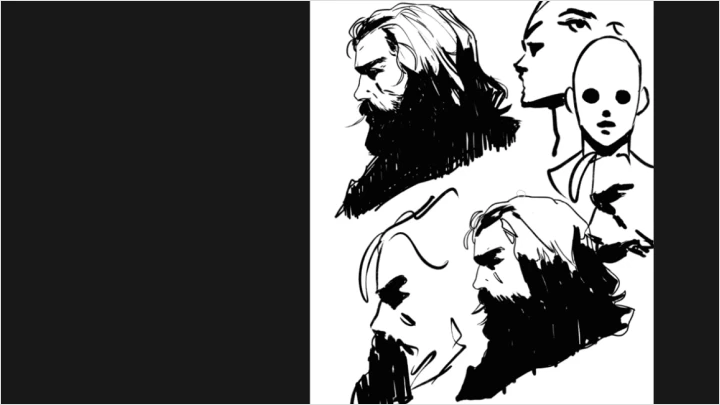
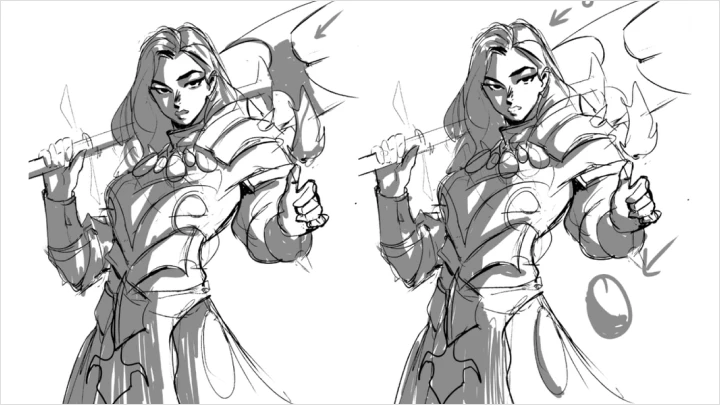
"We'll give your characters soul by adding texture, tone, and linework that feels expressive and dynamic!"
Where Character Meets Energy and Identity
What if your character drawings didn’t feel stiff or uncertain, but instead carried energy, confidence, and a clear sense of identity?
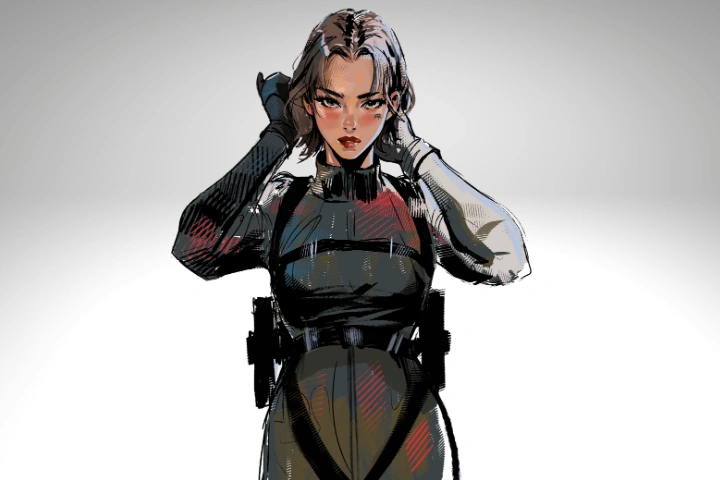
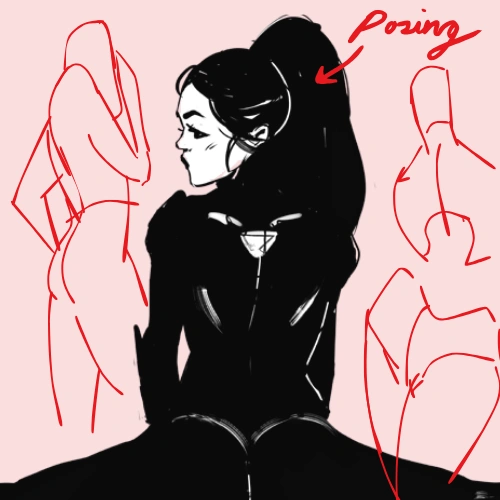
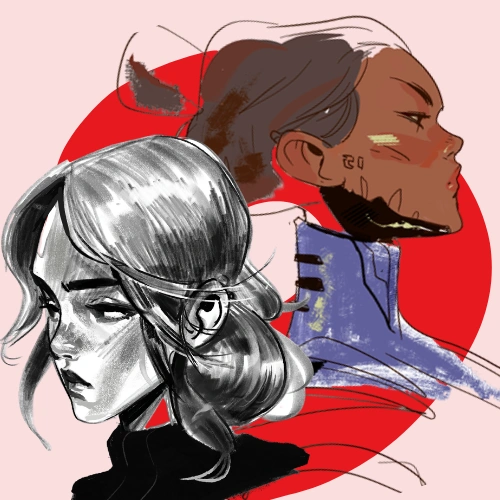
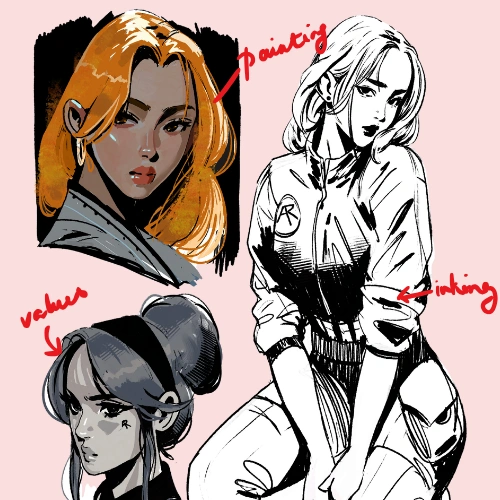
Led by Andrew, a self-taught illustrator known for his bold use of color and strong ink work, this class brings together his years of experience into a structured approach to character creation. You’ll follow a process shaped through trial and error, from initial planning and thumbnailing to techniques that help your drawings feel more intentional and full of presence.
Through practical exercises thoughtfully integrated throughout the curriculum, you’ll build a stronger foundation while developing techniques that make your work feel more streamlined and vibrant. As you progress, you’ll gain the confidence to apply these skills to your own characters and continue shaping your creative voice.
Through practical exercises thoughtfully integrated throughout the curriculum, you’ll build a stronger foundation while developing techniques that make your work feel more streamlined and vibrant. As you progress, you’ll gain the confidence to apply these skills to your own characters and continue shaping your creative voice.
Class Preview
Still Not Sure?
Check Out Andrew Russell's Class Preview!
Chapter 04. Drawing with energy
1. Learn how to bring more energy into your linework and avoid stiff drawings through guided exercises
Class Perks
Special Gift from Andrew Russell
-
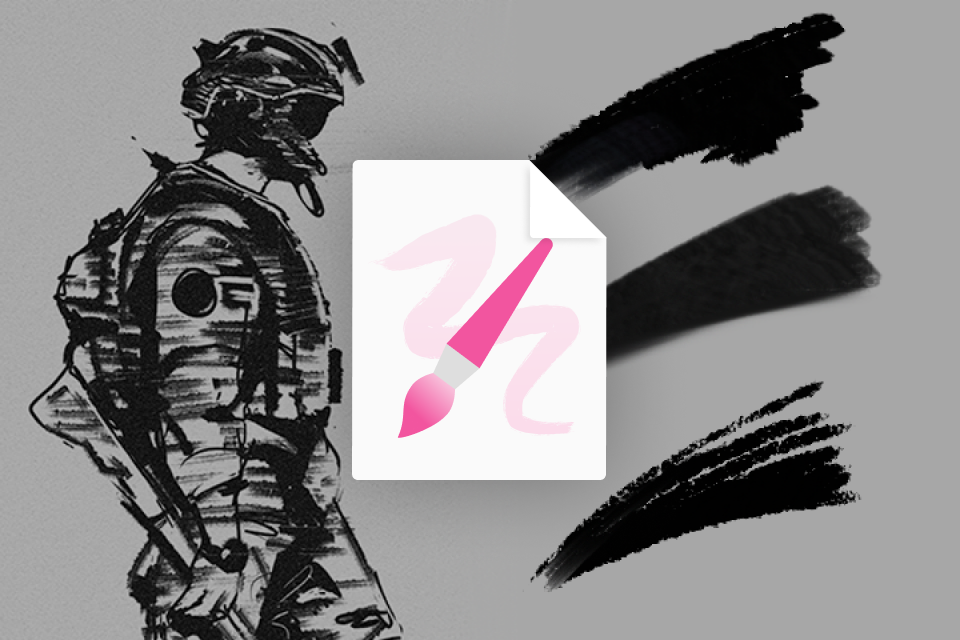 Start with the Right ToolsCustom Brush Pack
 -
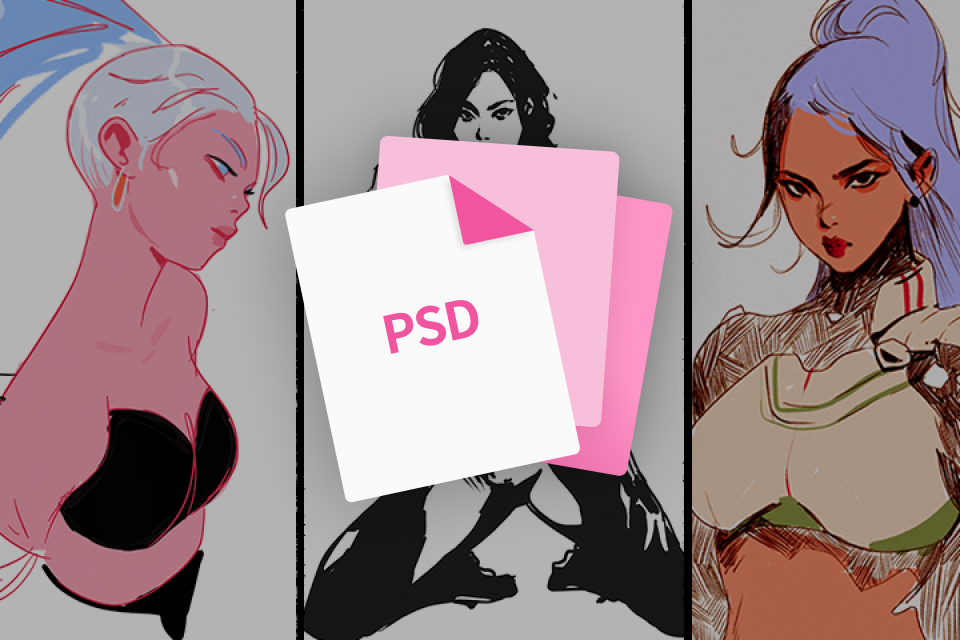 Access Every Class FileIn-Class Working Files
 -
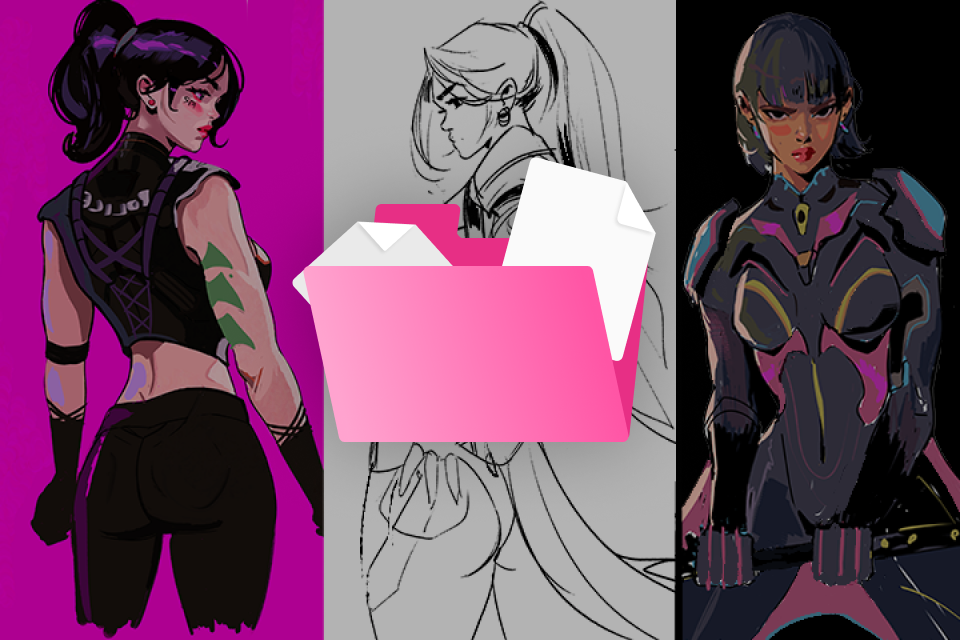 Review Lessons AnytimeClass Slides & Visual Notes
Class Material Details
-
 Essential Brush Set for Sketching, Inking & Texture- A set of custom brushes created specifically for this class
- Includes simple, beginner-friendly brushes for sketching and rendering
- Inking brushes for clean and controlled linework
- Texture brushes to add depth and variation
- Provided as an ABR file, ready for use -
 Complete PSD & PNG Files for Process Study- All working files and folders used throughout the class
- Includes PNG and PSD formats for flexible use
- Organized for easy navigation and review
- Study how each illustration is built step by step -
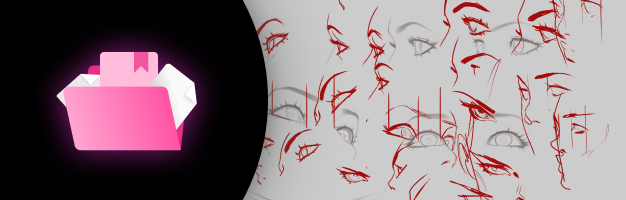 Comprehensive Slides & Visual References- All class slides covering key concepts and theory
- Includes sketches and final illustrations from lessons
- Provided in PNG and PSD formats for reference
- Ideal for reviewing and reinforcing key ideas beyond classroom
Recommendation
Who should take this class?
Beginner Artists
Those who want to take their first step into character drawing, building a strong foundation from software basics to essential fundamentals and start creating with confidence.
Intermediate Artists
Those ready to take their skills further by refining texture, perspective, color, and design to create more polished and dynamic character illustrations.
Artists Exploring Character Design
Those who want to take their ideas further by developing character concepts through structured exercises and bringing them to a more complete, visually compelling result.
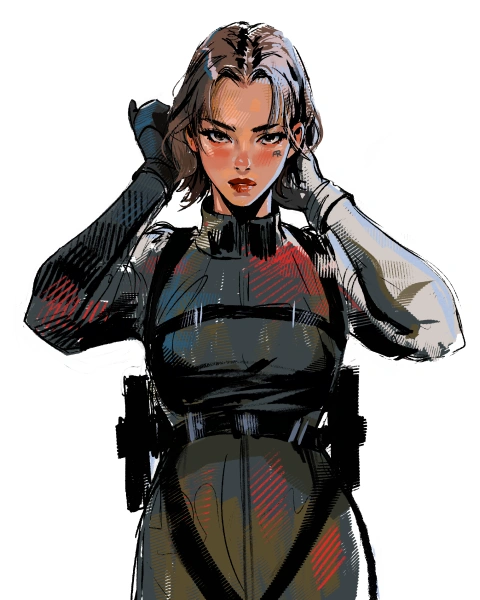
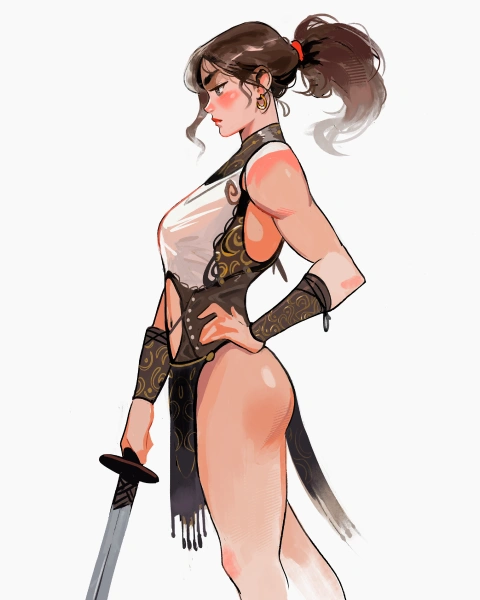
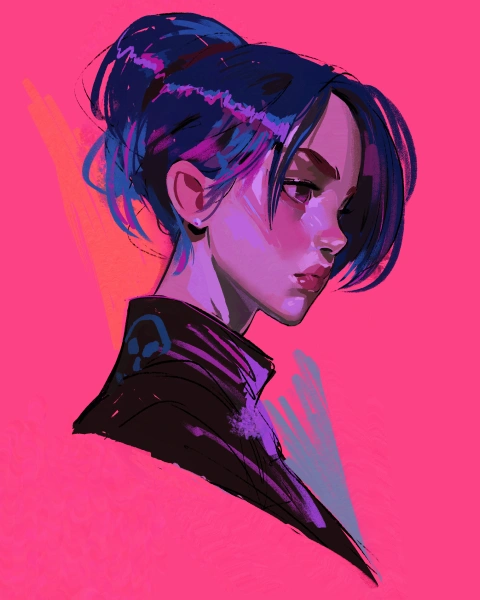
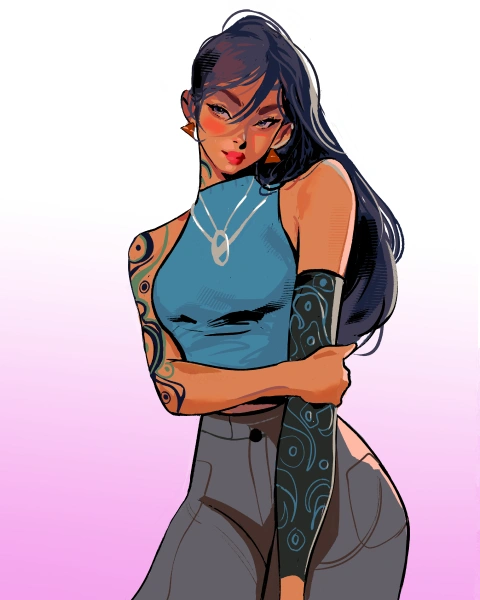
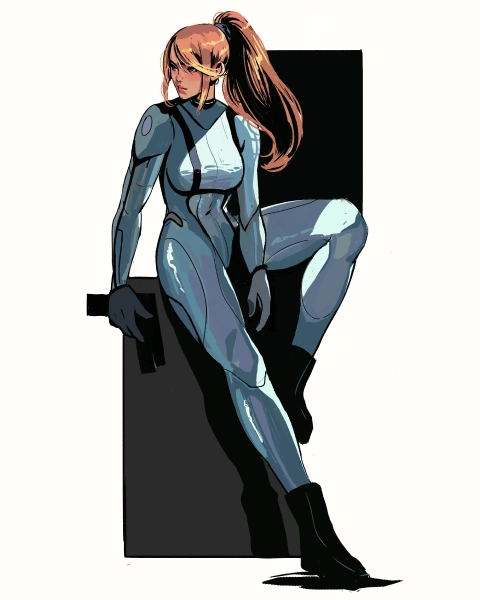
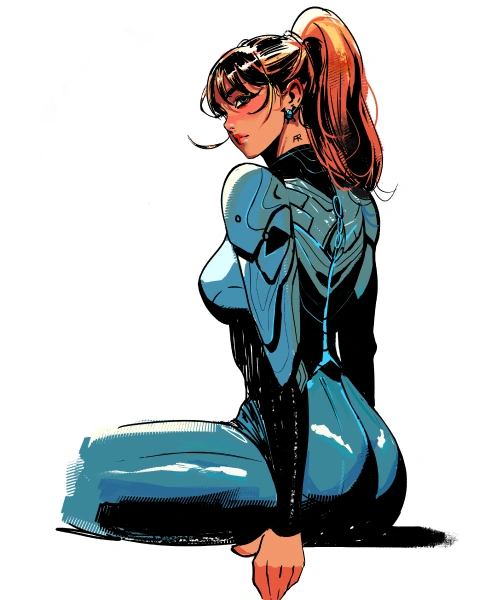
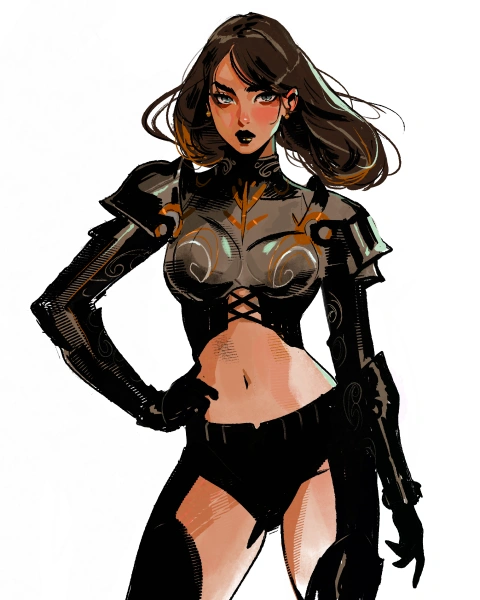
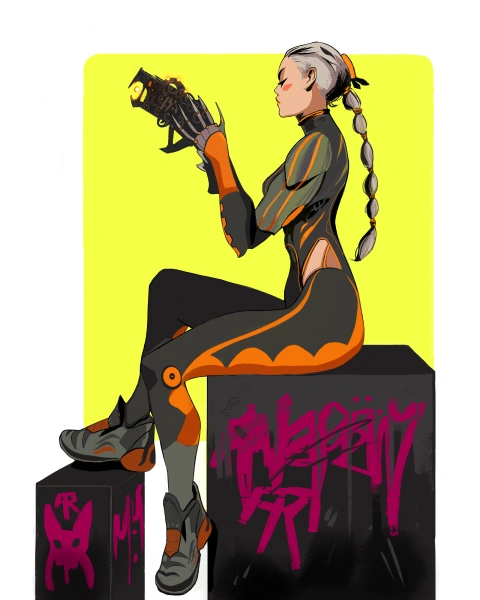
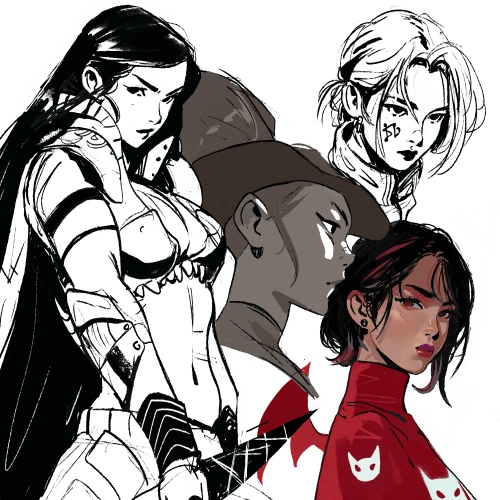
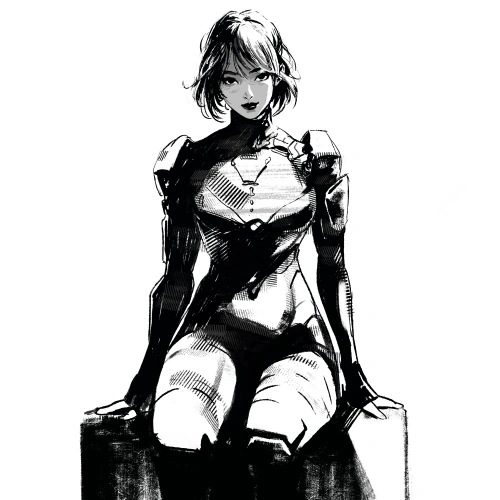
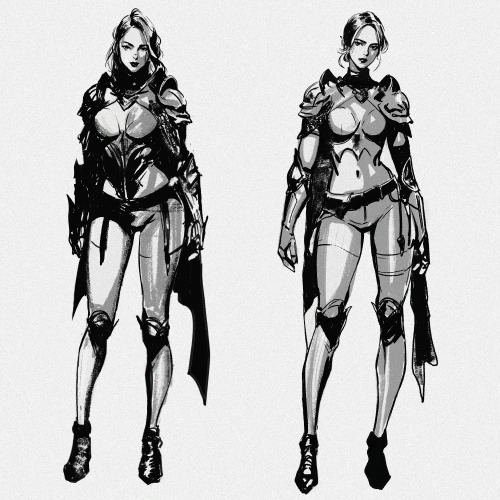
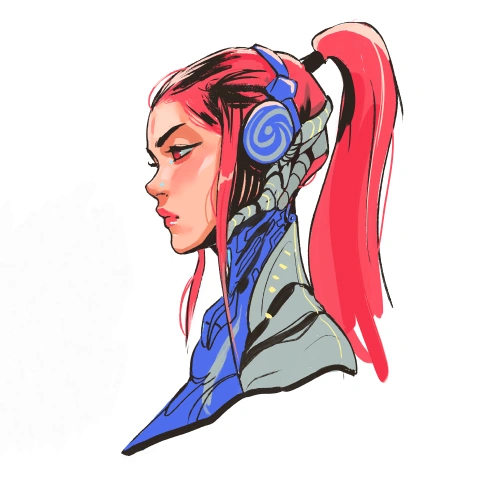
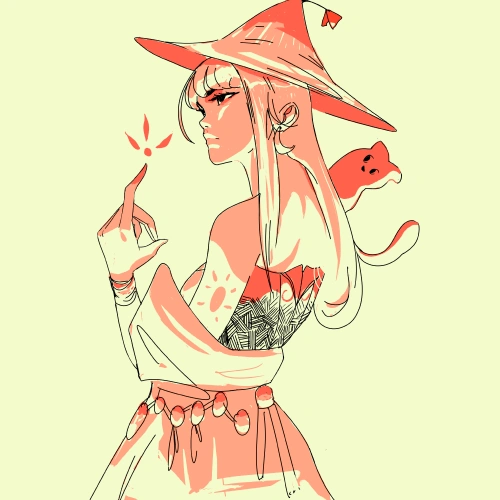
Expert Illustrator Andrew Russell's Portfolio
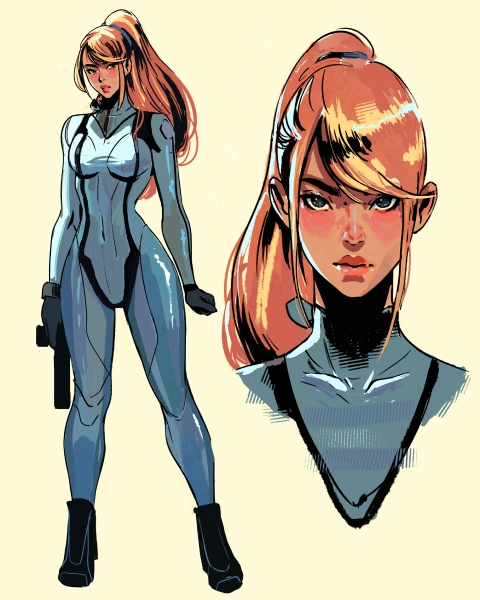


Why Take This Class?
Create Characters That Speak, Not Just Stand
Many artists learn how to draw, but struggle to create characters that truly connect, not just with themselves, but with an audience. What often makes the difference is not more knowledge, but how those ideas are shaped with intention, detail, and a sense of energy.
Built on Andrew’s journey as a self-taught artist, this class reflects years of trial and error, constant experimentation, and a deep passion for both art and teaching. Through his experience mentoring and guiding aspiring artists, he shares an approach that focuses not only on improving your work, but on helping you understand how and why your drawings evolve.
With a strong focus on character design, you’ll learn how small details, from shape and line to texture, shadow, and color, define what makes a character feel distinct and memorable. At the same time, this class grounds you in solid fundamentals, giving you the structure needed to continue refining your skills and shaping a creative voice that feels truly your own."

Get Ready for the Real-World
24 Class Exercises
-
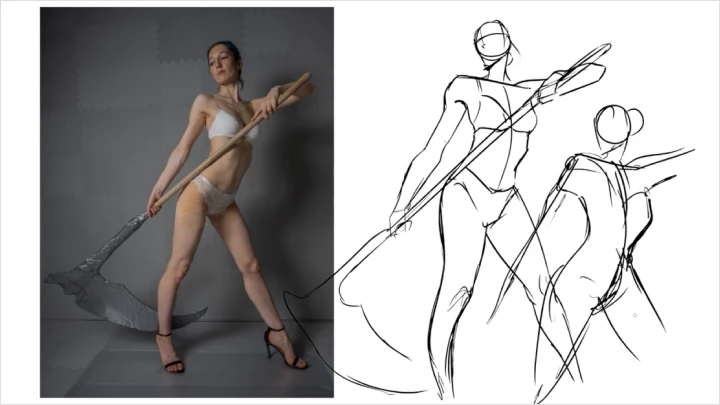
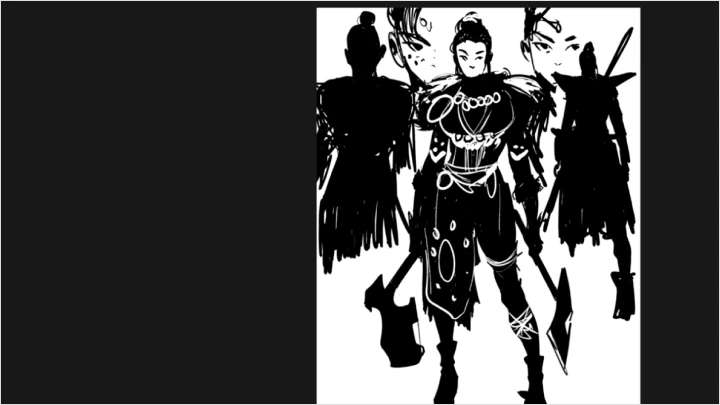
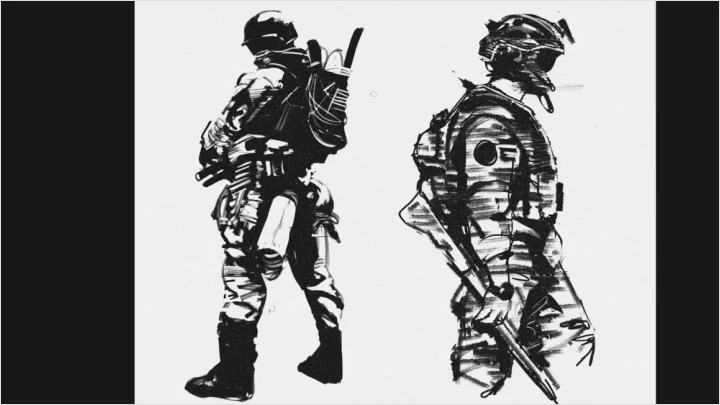
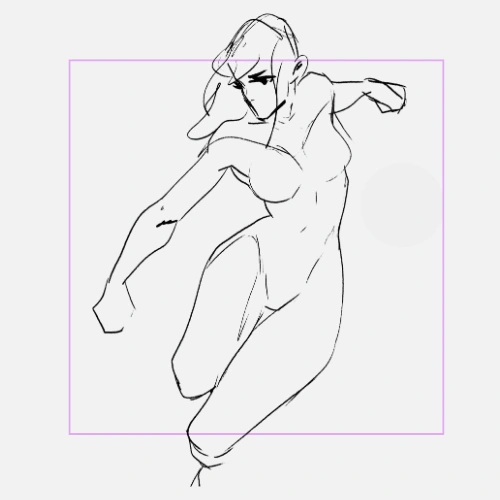 Gesture & Shape Warm-Up- Practice identifying core gesture and simple shapes to build a strong, dynamic foundation for your drawings.
 -
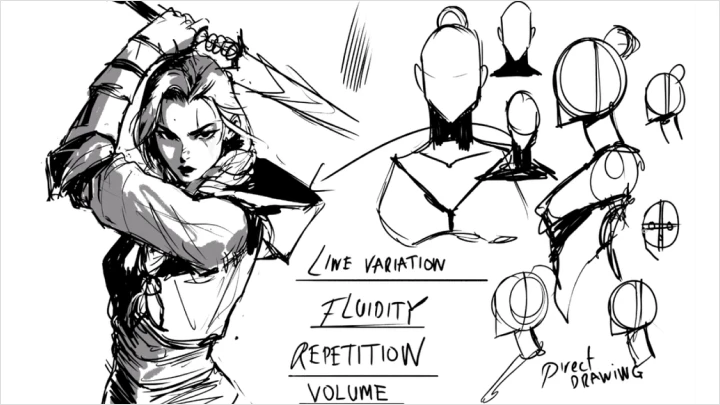
 Drawing with Energy- Apply energy to your linework to create more dynamic and expressive sketches through guided exercises.
 -
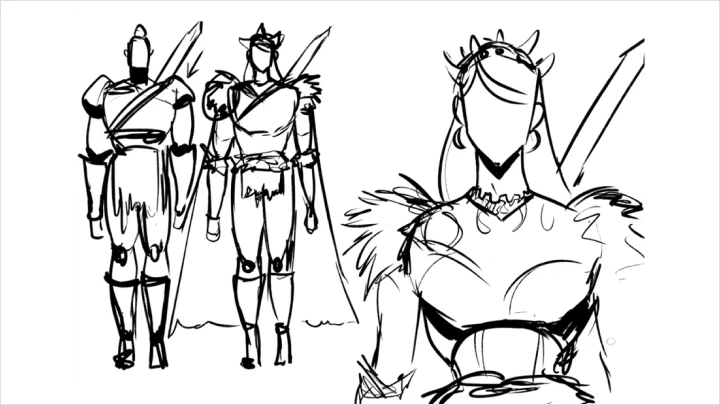
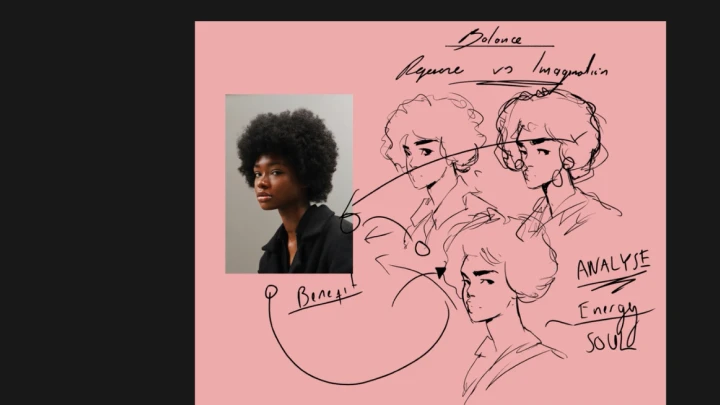
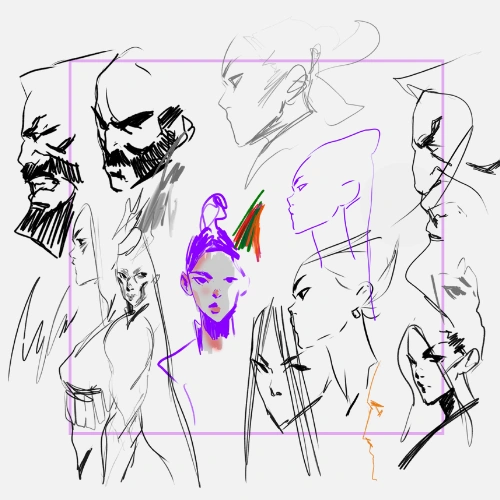
 Character Thumbnail Variations- Create multiple variations of a character using quick thumbnails to explore ideas and visual direction.
 -
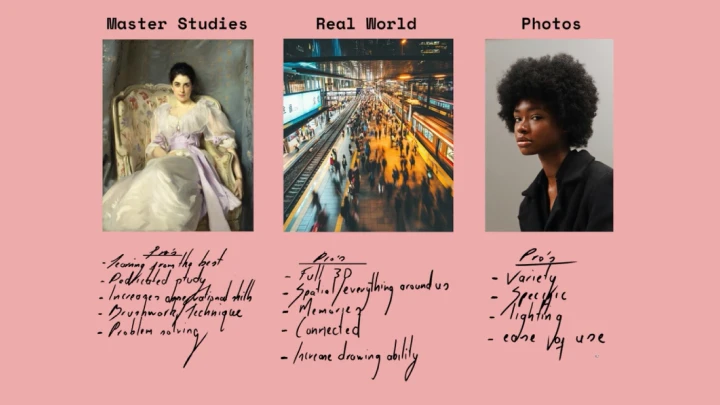
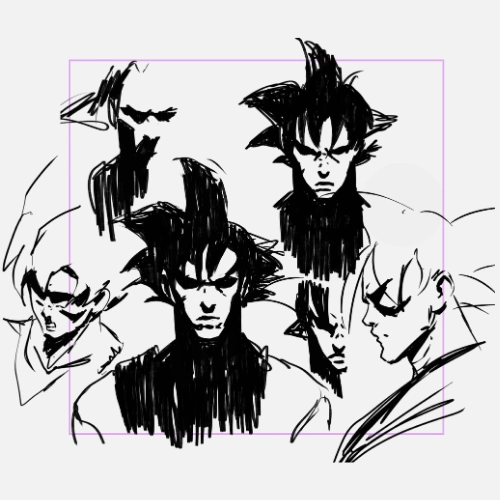 Building a Reference Library- Gather and organize references that support your concept, focusing on mood, structure, and design.
 -
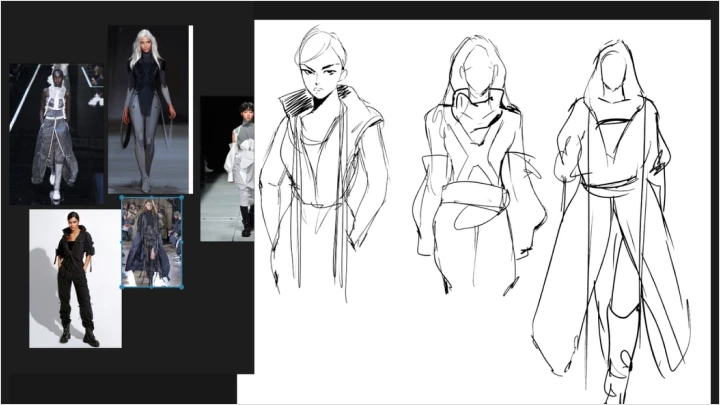
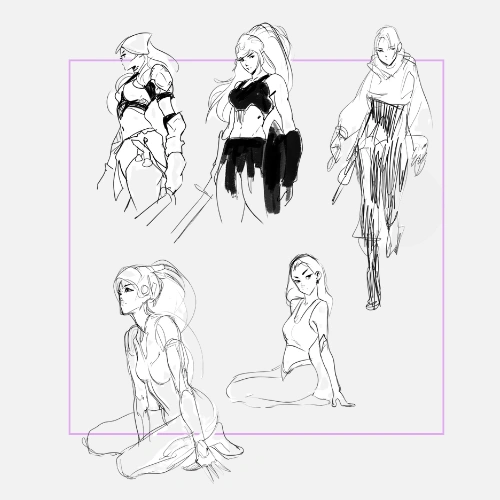 Thumbnail Example Sheet- Use your reference collection to develop stronger, more intentional character concepts.
-
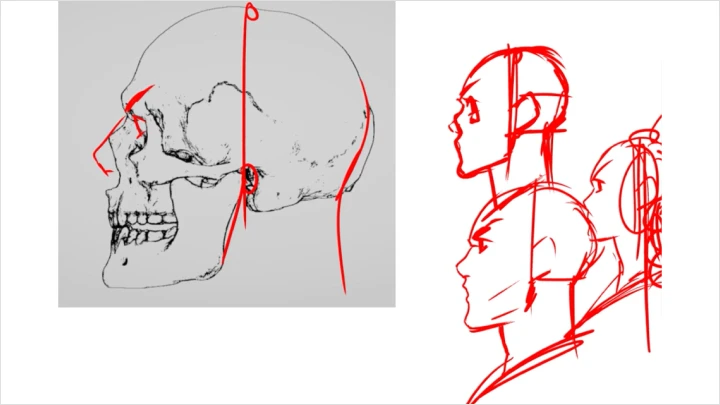
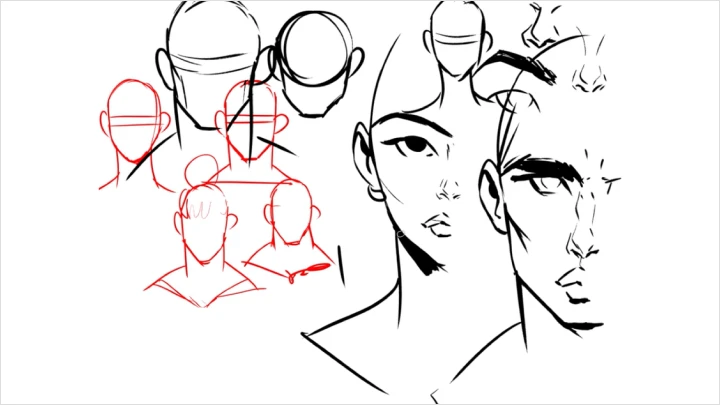
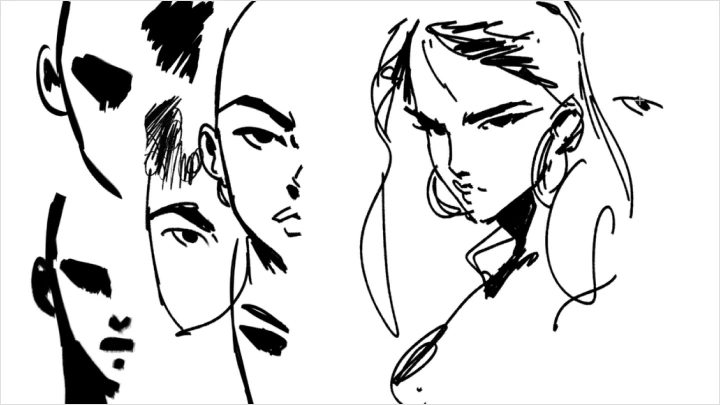
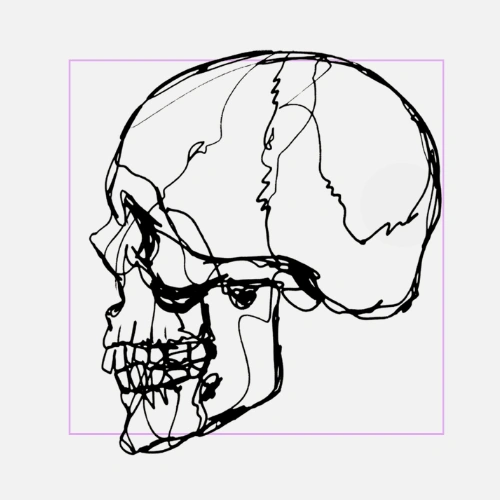 Understanding Skull Landmarks- Study the basic skull structure and key differences between male and female forms to improve accuracy and consistency in your drawings.
 -
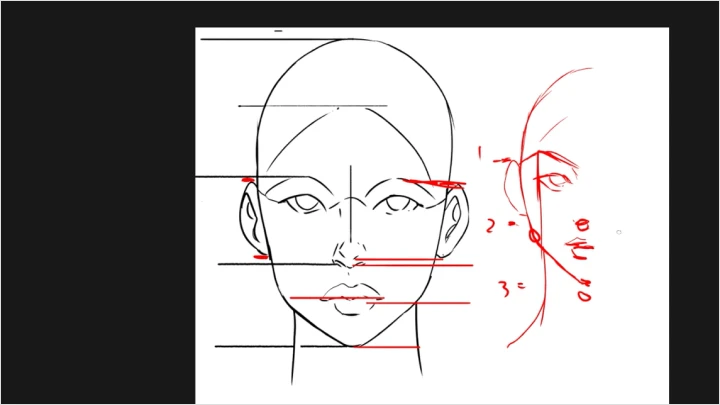
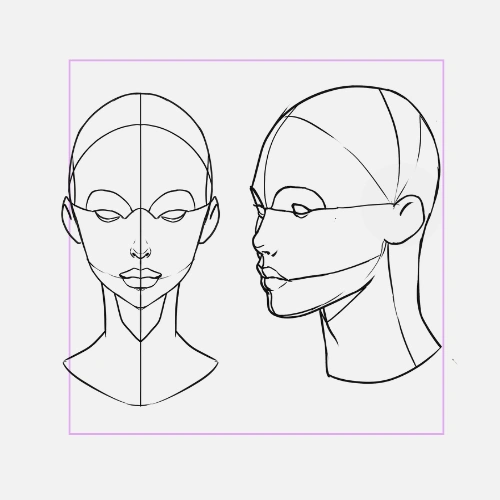 Facial Landmarks Study- Practice key facial landmarks across different angles to build a solid understanding of facial construction.
 -
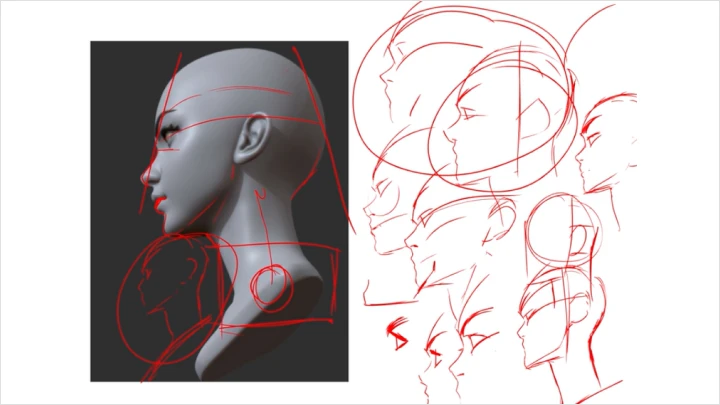
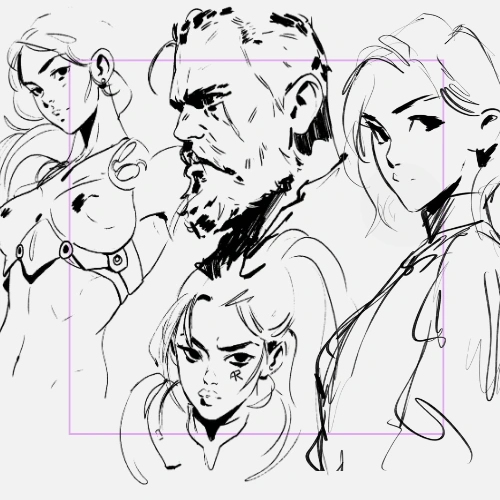 Drawing Faces in Perspective- Draw faces from multiple angles using key techniques to create more believable forms.
 -
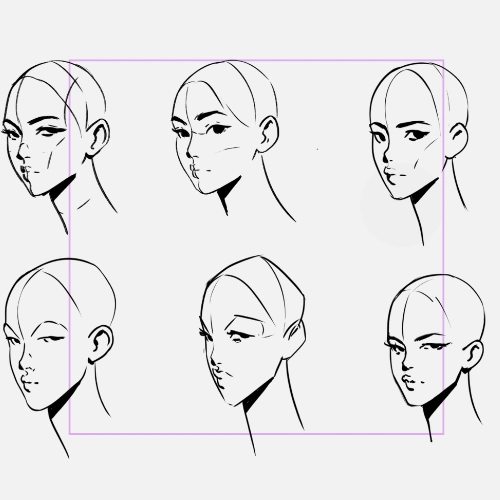 Character Face Variations- Apply your knowledge to create multiple facial variations for your character concepts.
 -
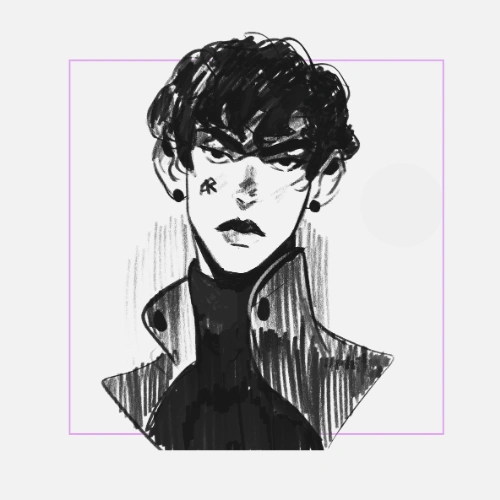 Stylizing Face Shapes- Explore ways to stylize facial structures while maintaining clarity and readability.
-
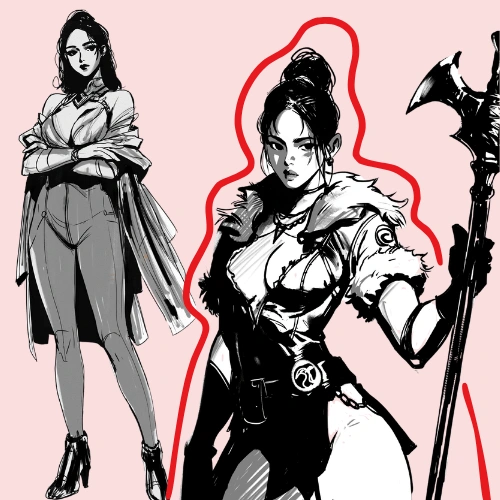
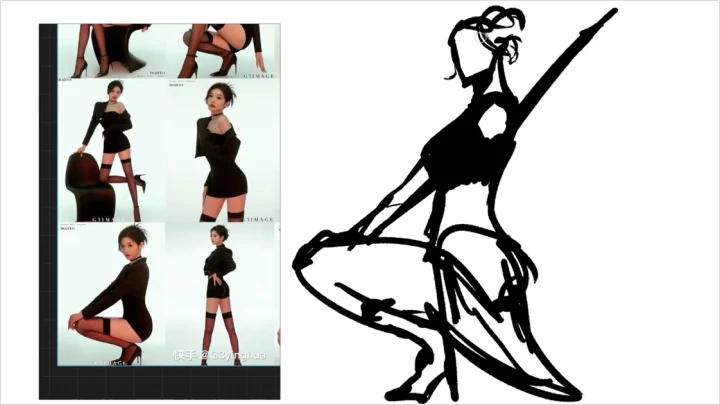
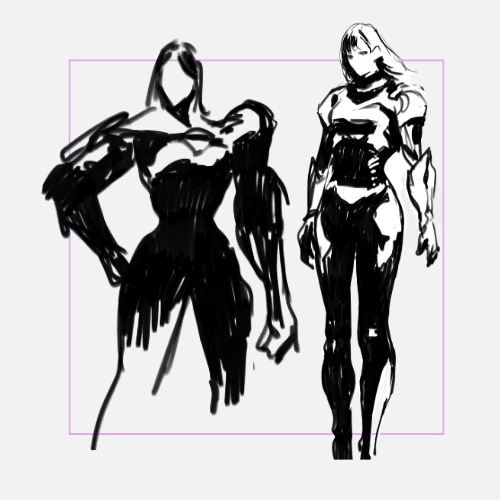
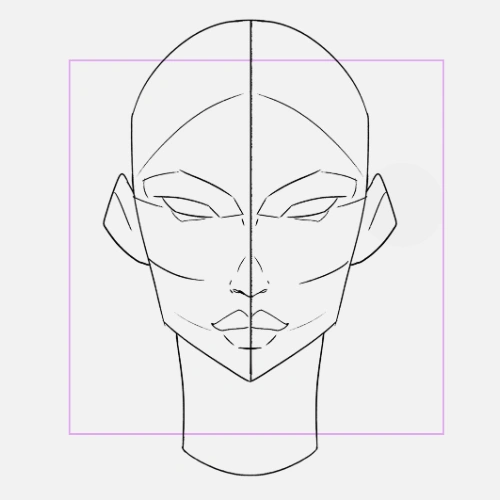 Silhouette & Pose Design- Strengthen your designs by refining silhouettes and enhancing poses for better visual impact.
 -
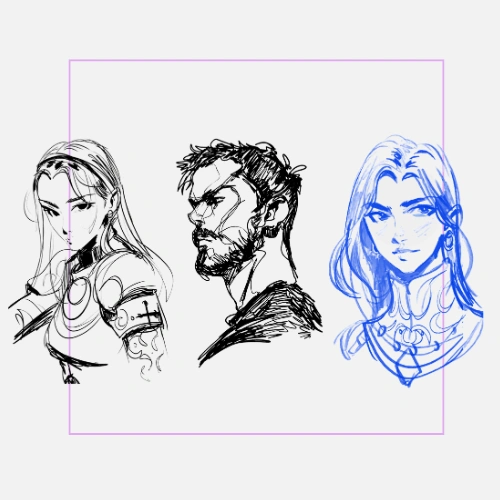 Male vs Female Facial Features Study- Identify and apply key differences in male and female facial structure to distinguish between male and female characters.
 -
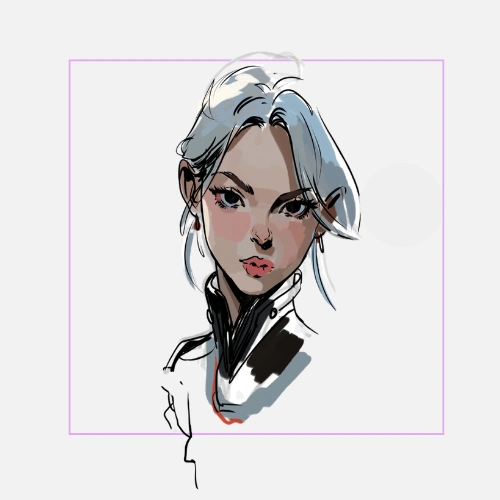 Adding Facial Details- Add structure and detail to your character’s face to improve clarity and definition.
 -
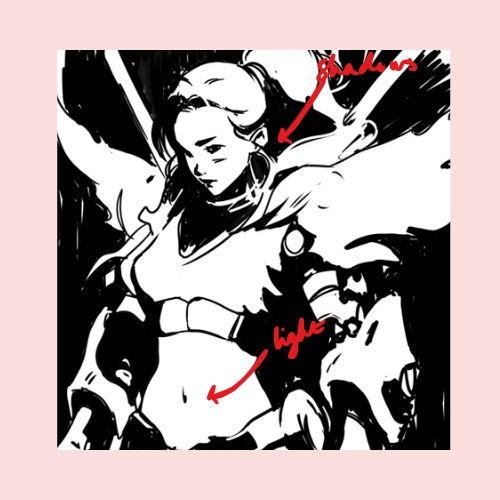
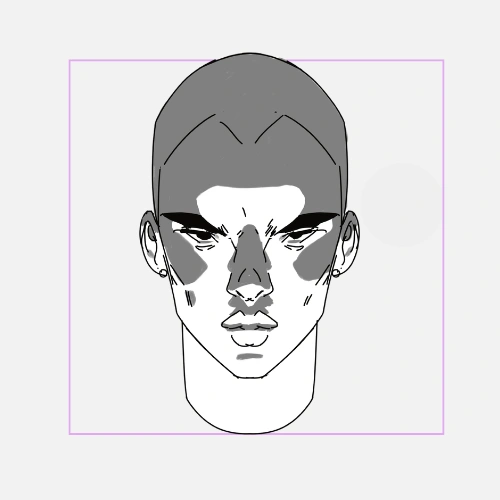 Lighting Setup Exploration- Practice applying different lighting setups using shadow to define form and mood.
-
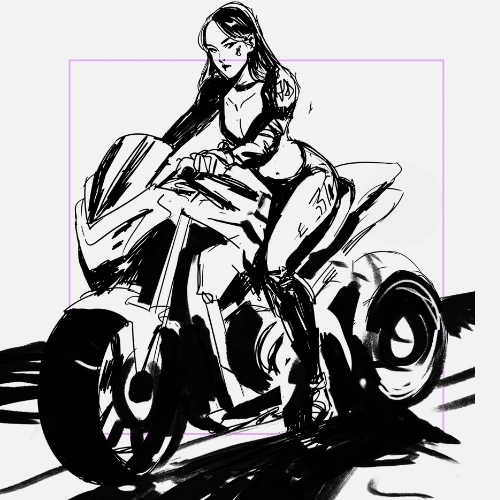 Shadow-Based Thumbnails- Create thumbnails using strong shadow shapes to explore lighting ideas.
 -
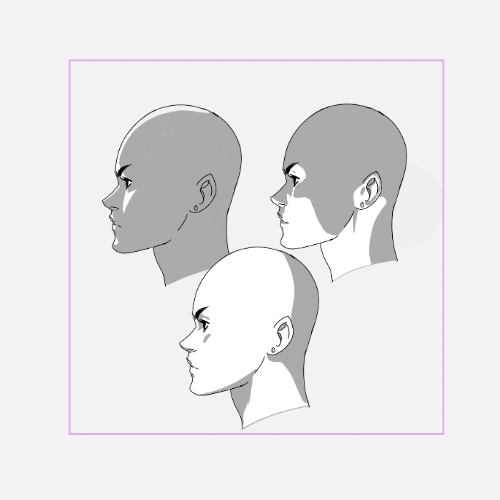 Bonus Lighting Tips- Integrate lighting techniques into your character concepts to enhance depth and atmosphere.
 -
 Custom Brush Exploration- Experiment with custom brushes to improve efficiency and add texture to your workflow.
 -
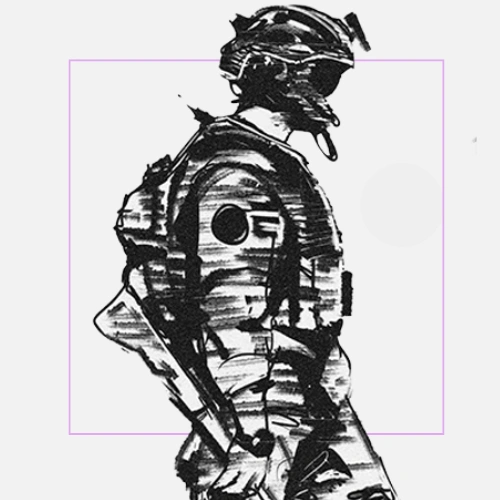 Adding Texture to Your Character- Apply brush techniques to introduce texture and visual interest into your final concept.
-
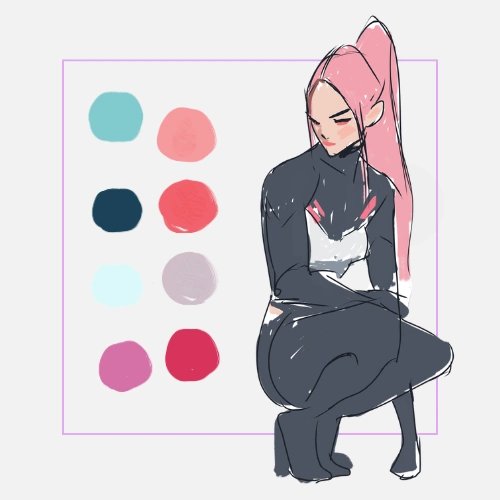 Color Theory Foundations- Explore how to approach color using simplified principles and the artist’s perspective.
 -
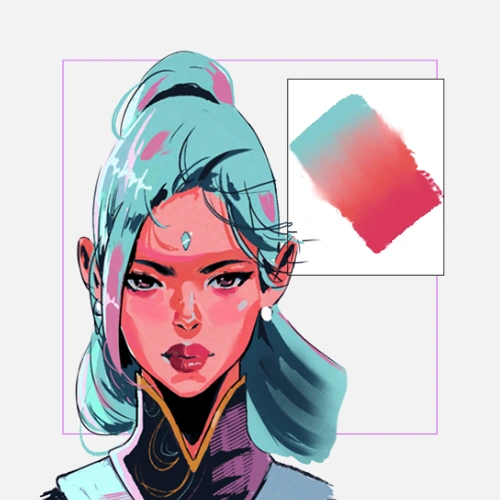 Choosing Color Palettes- Build and test color combinations that support mood and readability.
 -
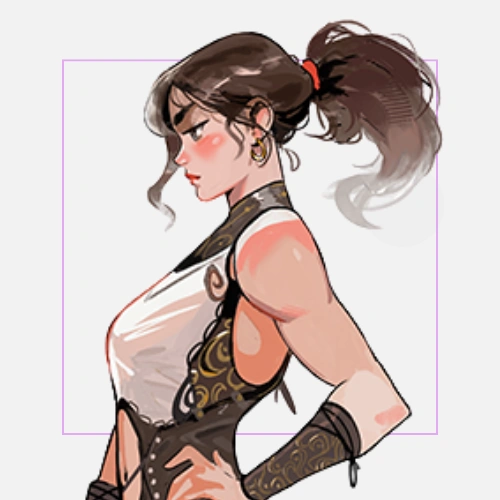 Color Blending Techniques- Practice different methods of blending to achieve smooth and controlled transitions.
-
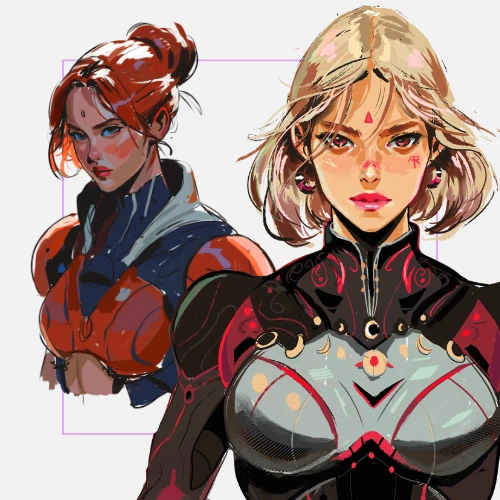 Applying Color to Your Character- Apply color to enhance the overall visual impact.
 -
 Enhancing with Additional Lighting- Add additional lighting to enhance depth and focus in your character.
 -
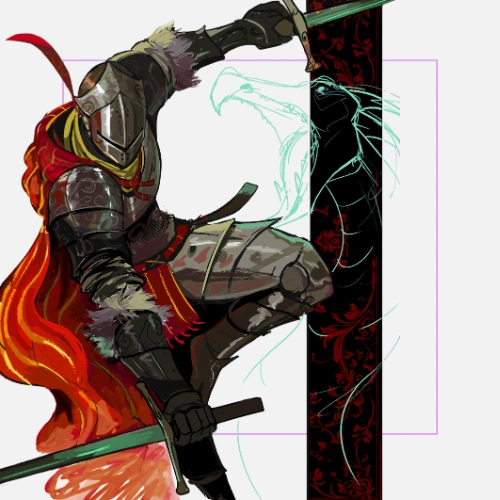 Post Effects & Simple Backgrounds- Apply noise, grain, and simple backgrounds to complete and polish your final piece.
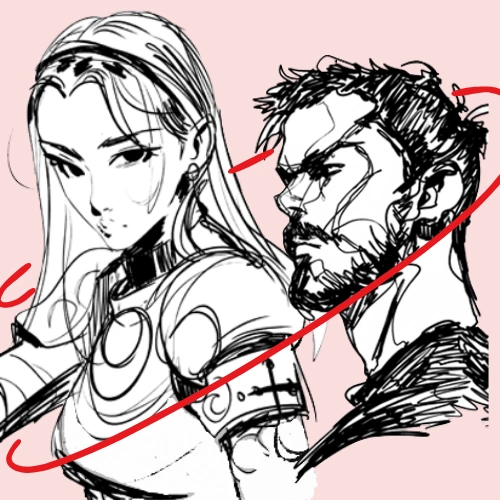
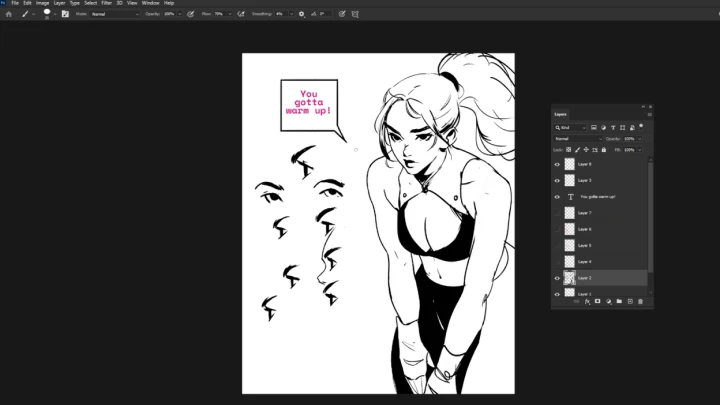
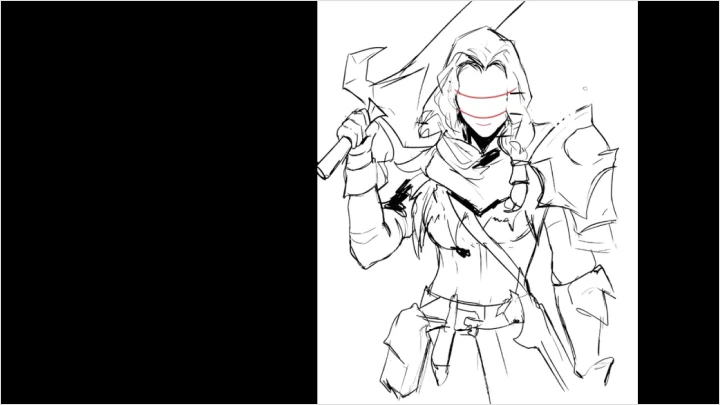
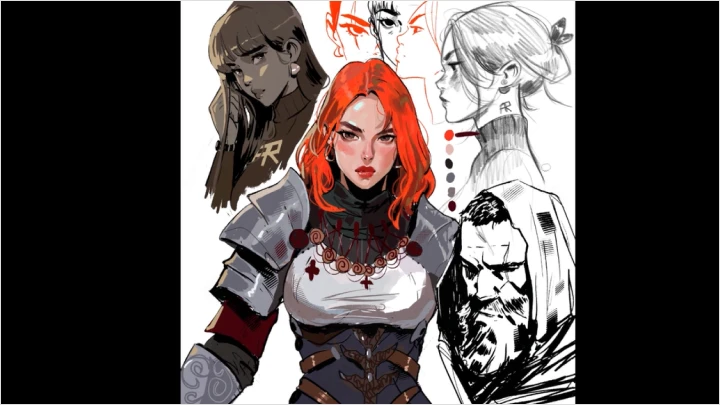
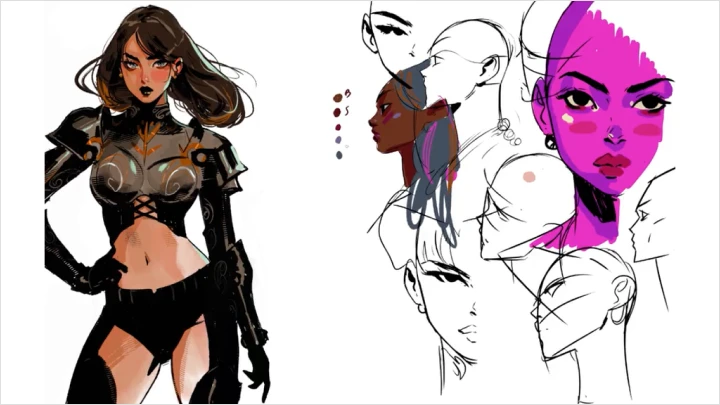
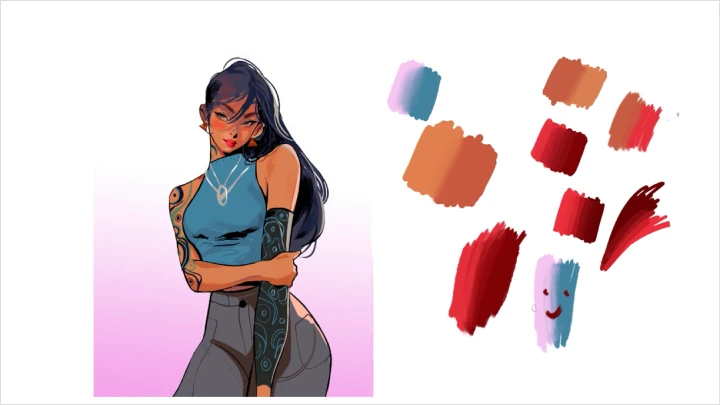
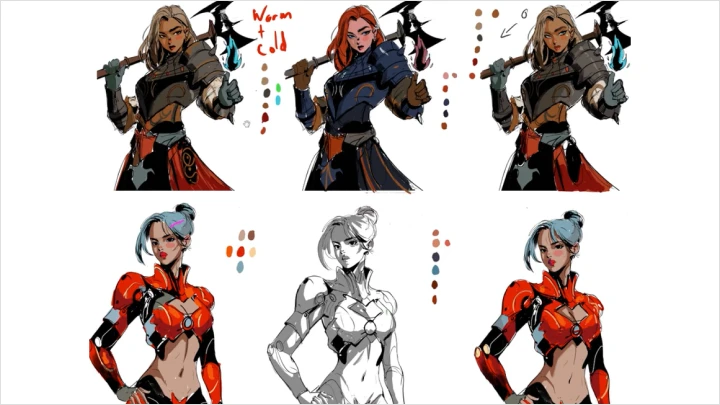
*The above images are sample images for a better understanding.
Final Products
-
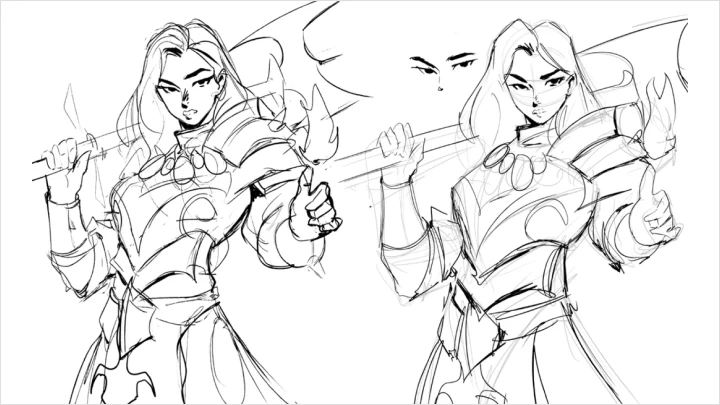
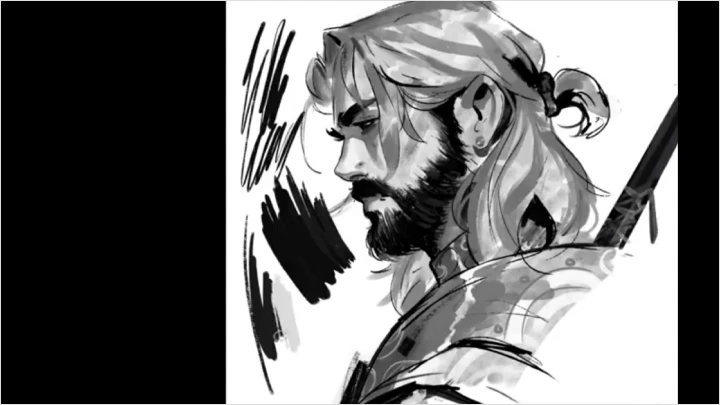
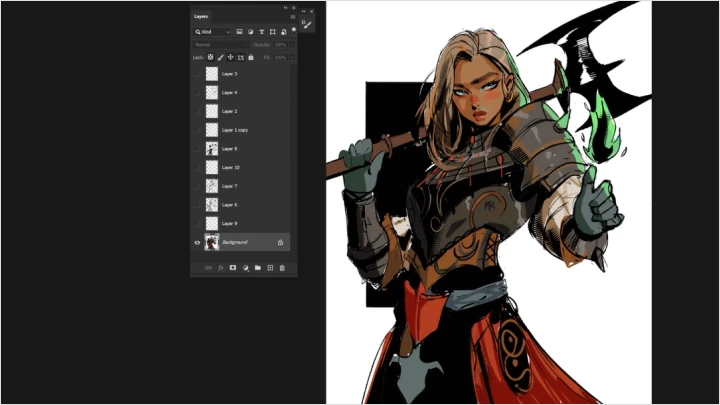
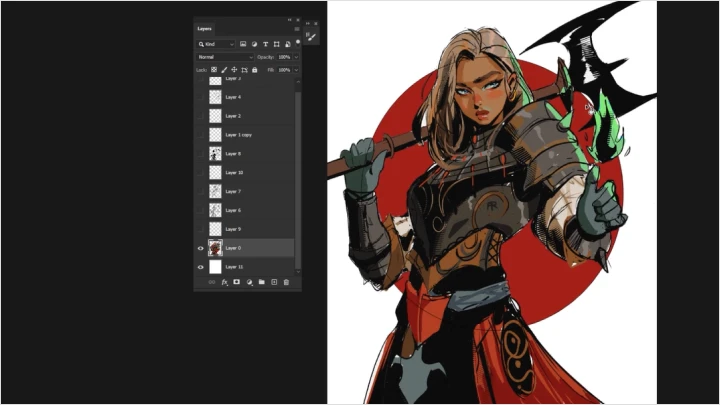
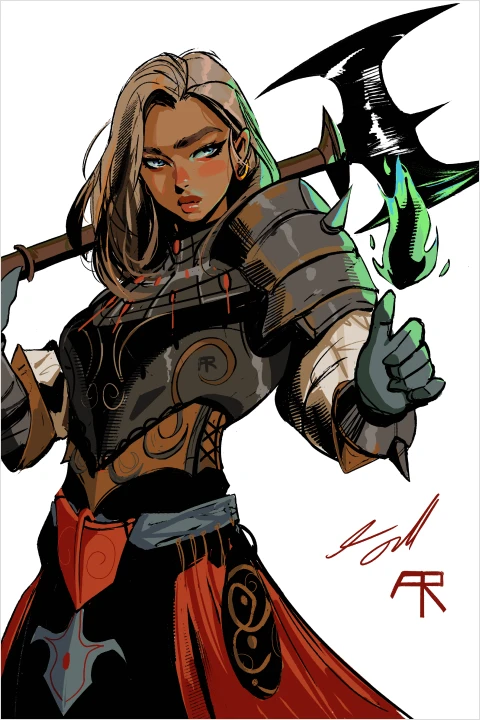 Medieval Fantasy Character Illustration
 -
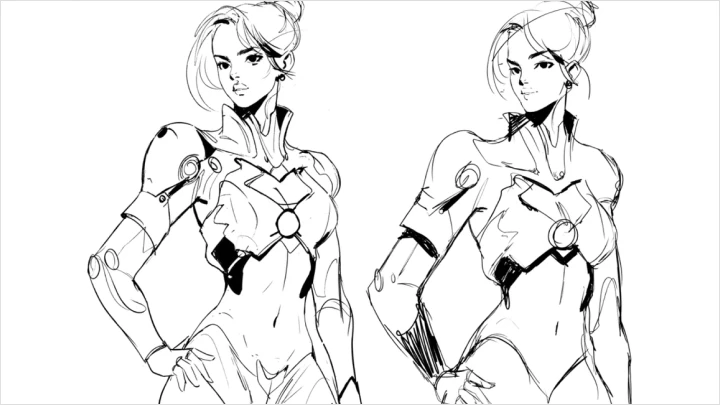
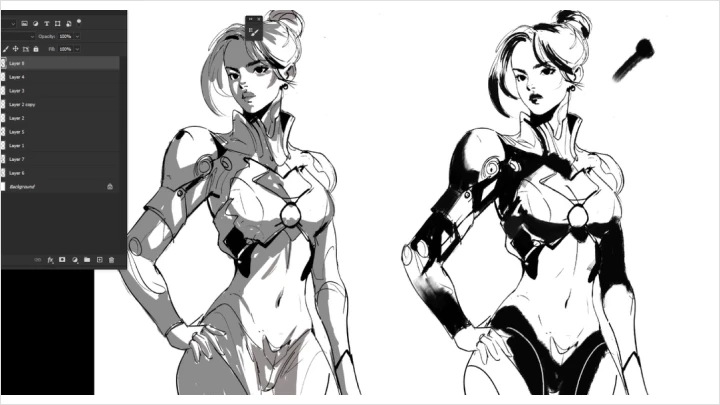
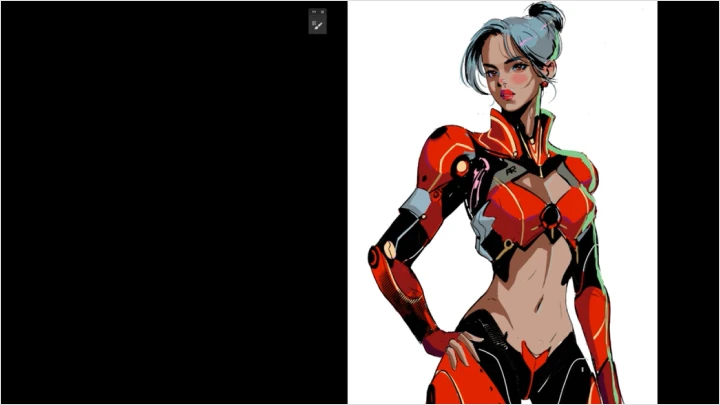
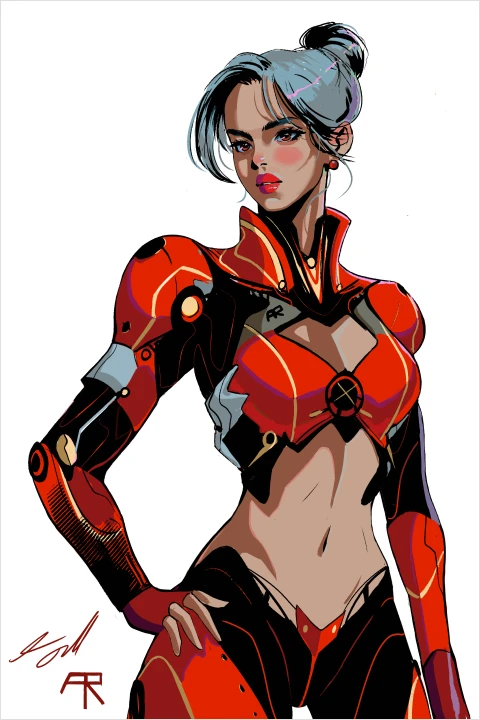 Sci-Fi Character Illustration
Highlights
Class Highlights
Creating Original Characters
Learn how to create characters with confidence by understanding core design principles and developing ideas through thumbnailing. Build a structured approach that helps you move from rough concepts to more intentional and original character designs.
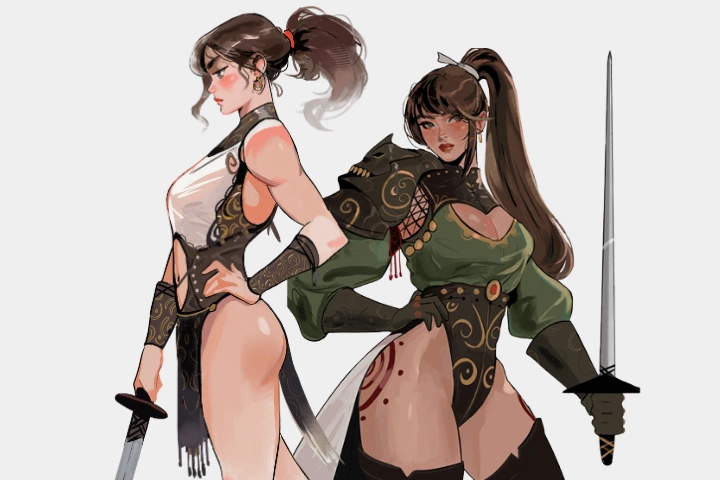
Drawing with Style and Energy
Explore how to draw with confidence by developing your use of tone, texture, and expressive linework. Learn how to bring more feeling and soul into your drawings, creating work that feels more dynamic and personal.
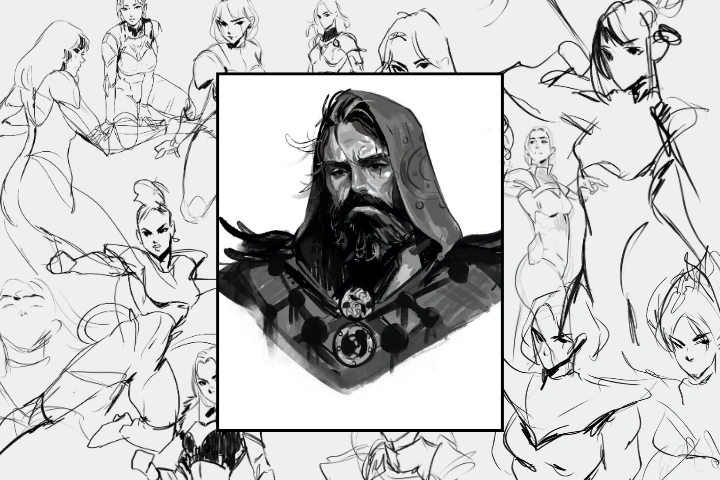
Using Bold Colour Effectively
Understand the fundamentals of color theory, including harmony and palette selection. Learn how to make thoughtful color choices that support your designs and bring clarity and impact to your character illustrations.