GraphicDesigner,Moonyoung_문영 Details
Class Intro
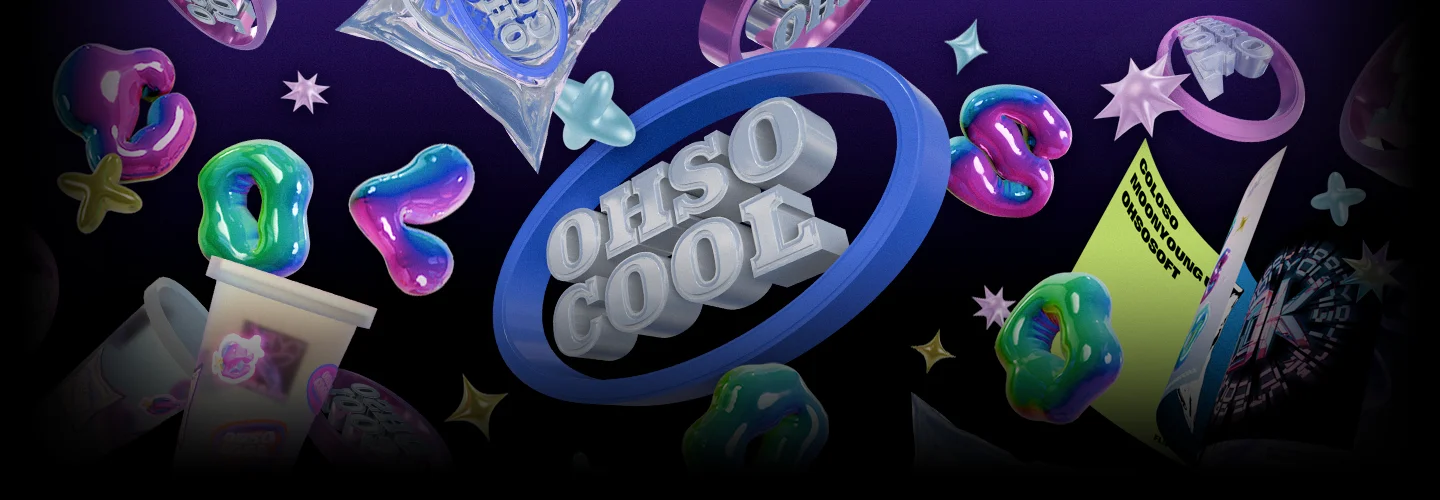
Learn to effectively utilize and direct key visuals in practice to infinitely expand the possibilities of design. Design custom typefaces and expand them into various 3D artworks using Blender, incorporating materials like plastic, balloon, hair, liquid, chrome, metal, and mixed materials!
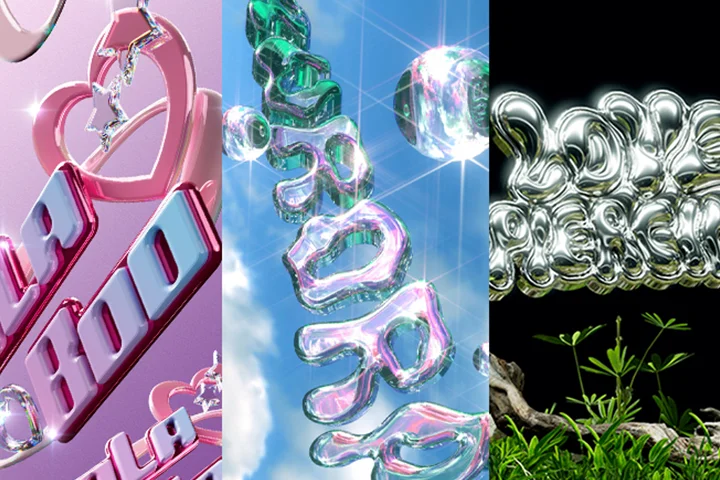
Master Blender and other tool techniques through repeated practice of modeling, rendering, background directing, mockups, and screen directing, creating high-density, trendy, and kitsch concept visuals.
Class Perks
Get These Coloso Exclusives
-
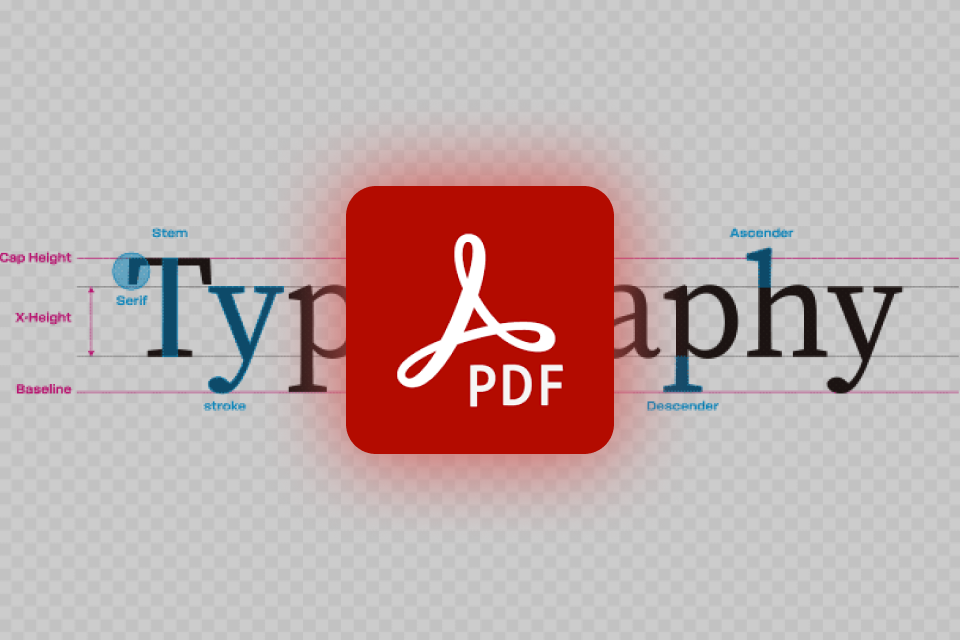
PDF summary of basic theory and essential shortcuts for complex typography -

Mockups, backgrounds, and directing elements to improve quality -
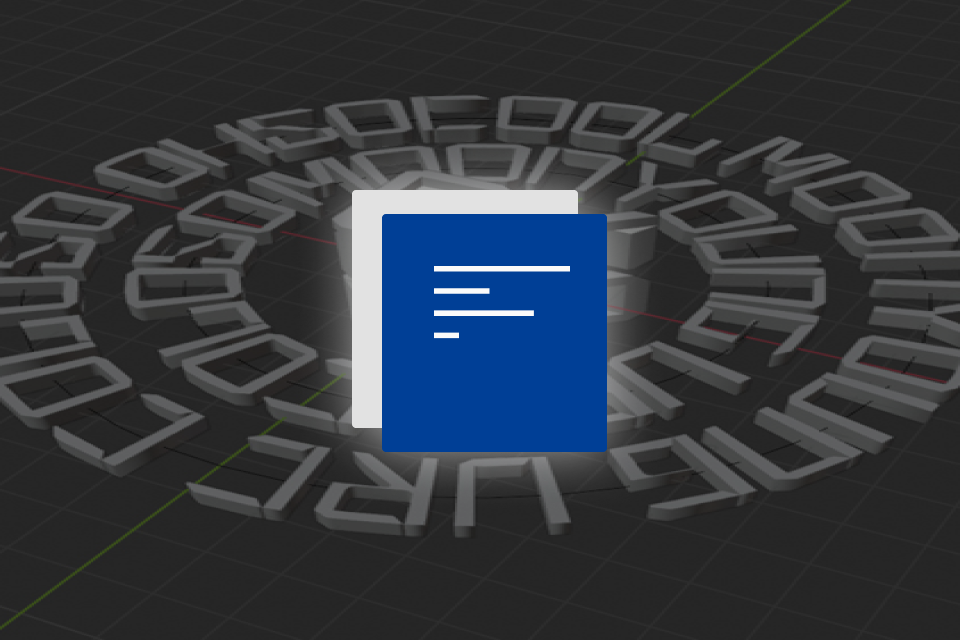
A list of font sites and practical references
-
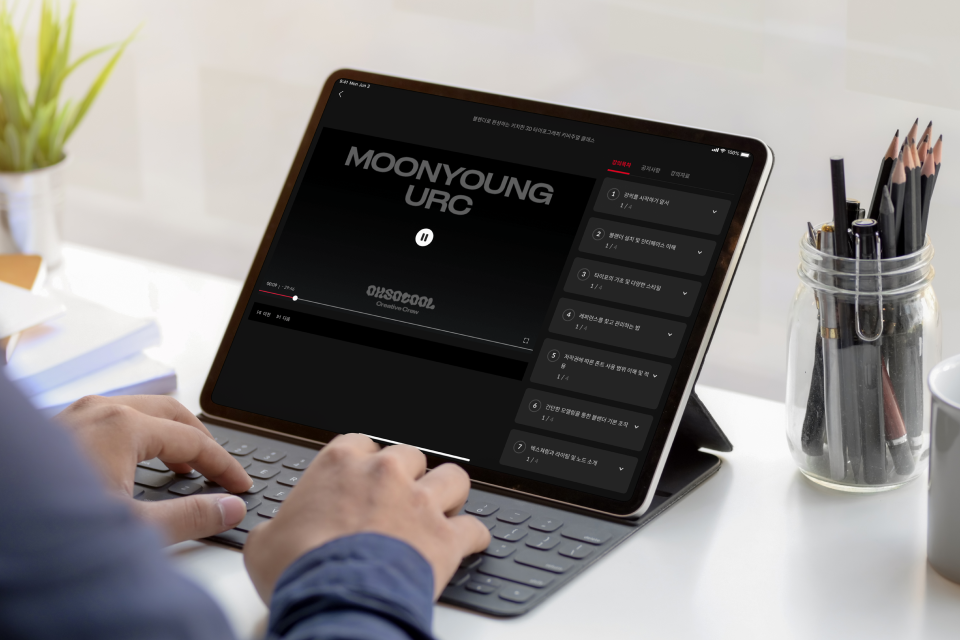
28 Chapters of Practical Skills Organized by Difficulty -
Real-Life Work Processes with Original Blender Files -
Completed PSD Files for Precise Photoshop Adjustments
Recommendation
Who Should Take This Class?
Aspiring designers creating a standout portfolio to showcase their 3D skills for the design industry
Junior graphic designers ready to implement trendy key visuals using typography
Freelance graphic designers seeking to expand client work into high-density 3D outputs to boost competitiveness
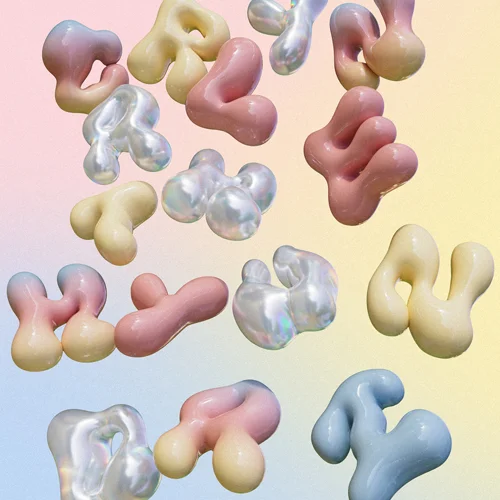



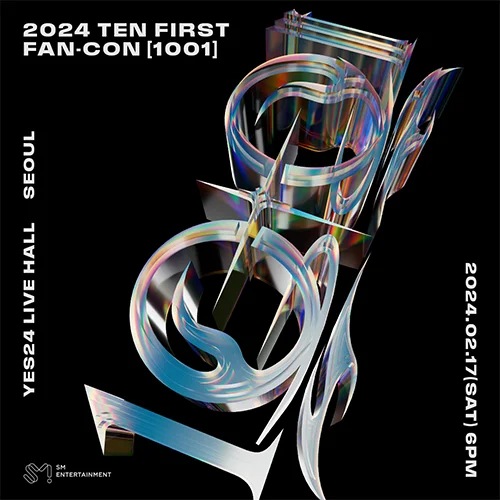




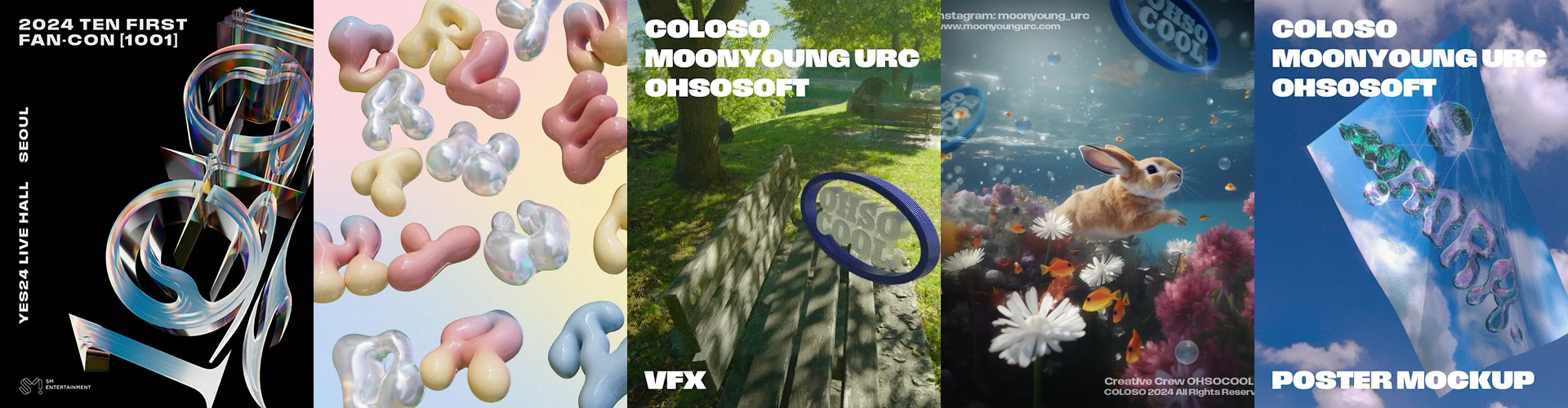
Expert Graphic Designer Moonyoung's Portfolio
Why Take This Class?
Discover essential Blender techniques customized for graphic designers.
Instead of struggling with complex terms and difficult-to-apply skills, learn practical techniques that directly enhance your workflow. Create diverse outputs effortlessly and enjoyably, without wasting time scouring YouTube for scattered tutorials. Our comprehensive curriculum focuses on core Blender skills that transcend traditional 2D and 3D design, empowering you to become a standout, competitive designer.
Dive deeper into advanced key visual creation with a pioneering Blender typography class. Learn to push design boundaries with animated posters, dynamic mockups, and innovative applications, integrating 3D scanning and AI to break away from conventional design approaches.
Enhance your 3D production proficiency with an exclusive array of class materials, featuring original Blender files, post-production Photoshop files, compressed typography PDFs, and source files for mockups, backgrounds, and directional elements.
10+ Class Exercises
Part 1. Blender-Based Typography Design and Expression
-
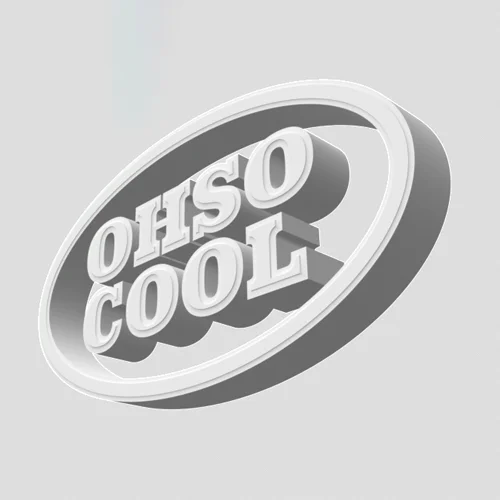 Logo modeling
 -
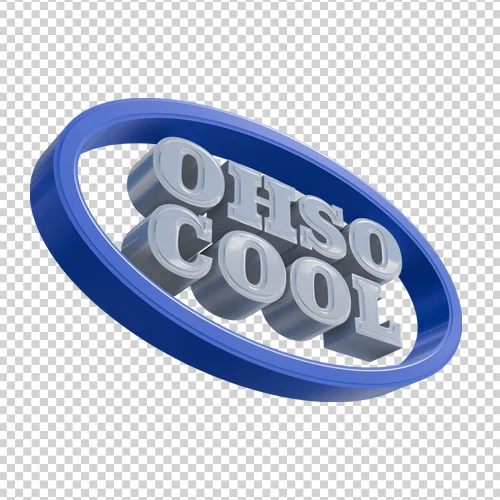 Logo rendering 1
 -
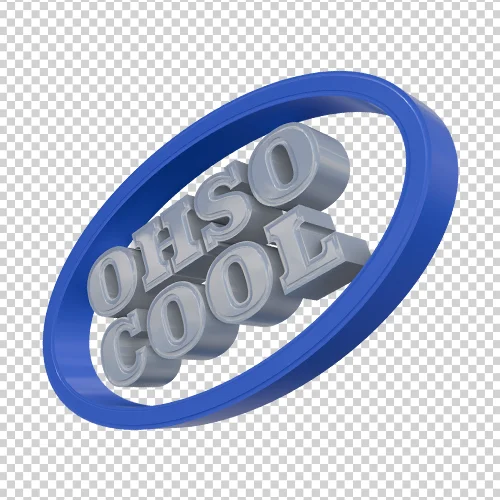 Logo rendering 1
-
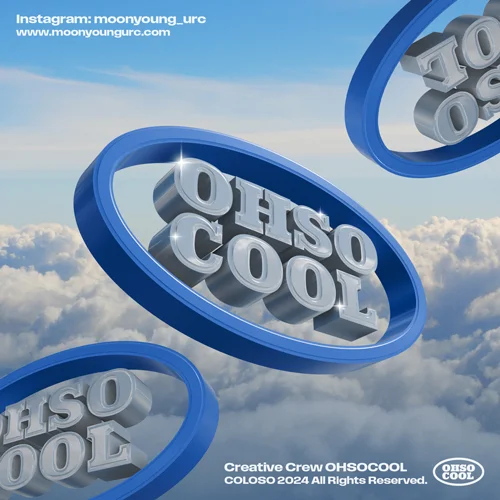 Background composition 1
 -
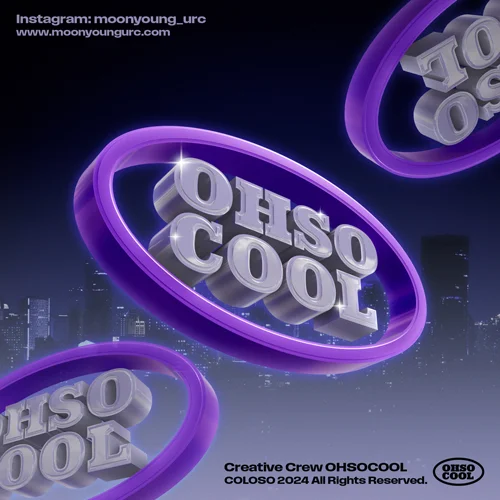 Background composition 2
-
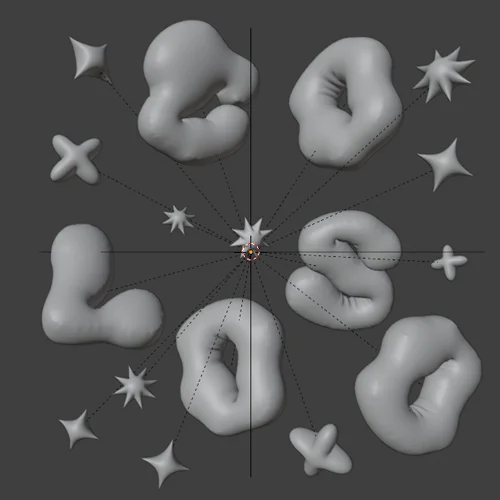 Kitsch style modeling
 -
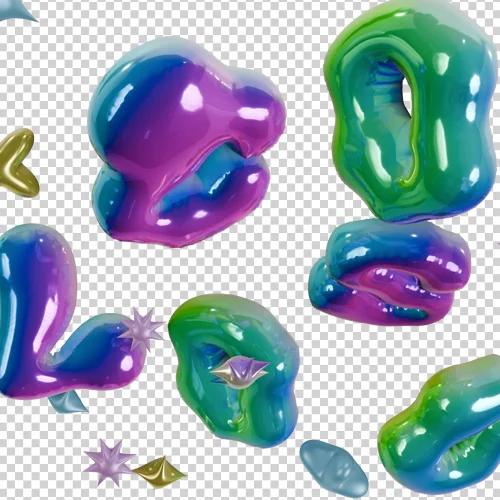 Kitsch style rendering
 -
 Kitsch style background synthesis
-

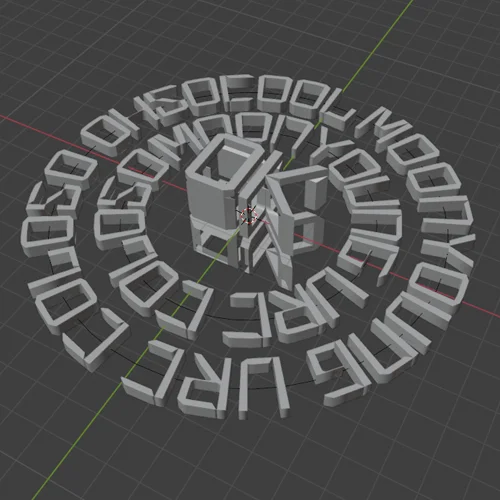 Illusion typography
 -
 Illusion typography rendering
 -
 Illusion typography application 1
 -
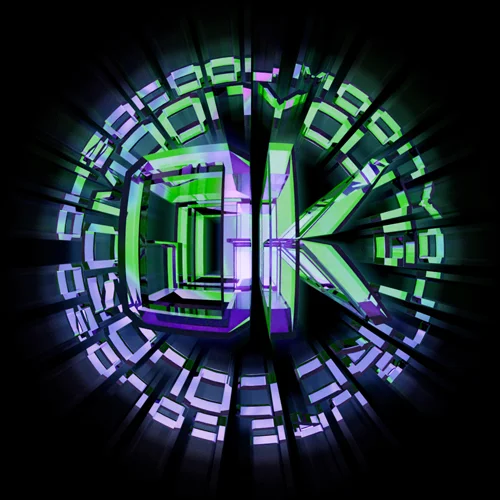 Illusion typography application 2
-

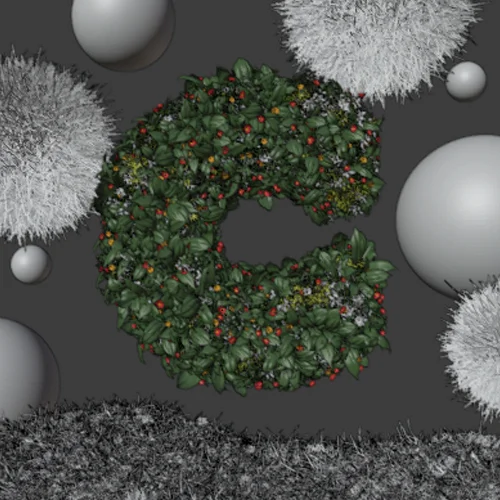 Flower grass typography
 -
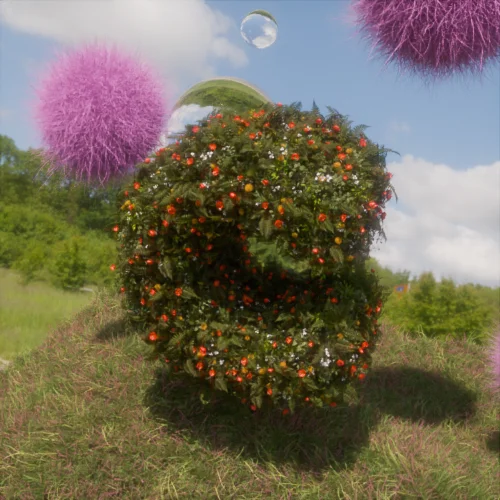 Flower grass typography rendering
 -
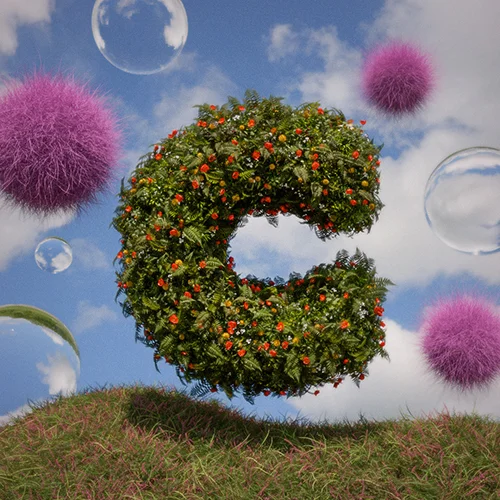 Flower grass typography application
Part 2. 3D Custom Typography and Moving Posters
-
 Futuristic custom typography
 -
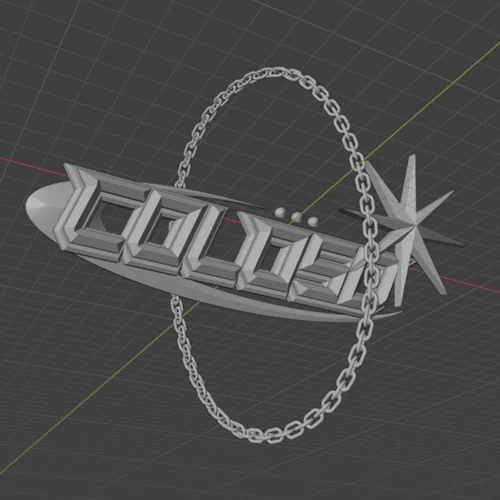 Futuristic typography modeling
 -
 Futuristic typography rendering
 -
 Futuristic moving poster
-
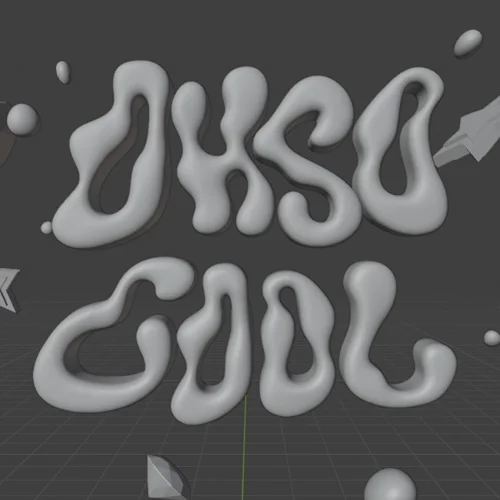 Liquid typography modeling
 -
 Liquid typography rendering
 -
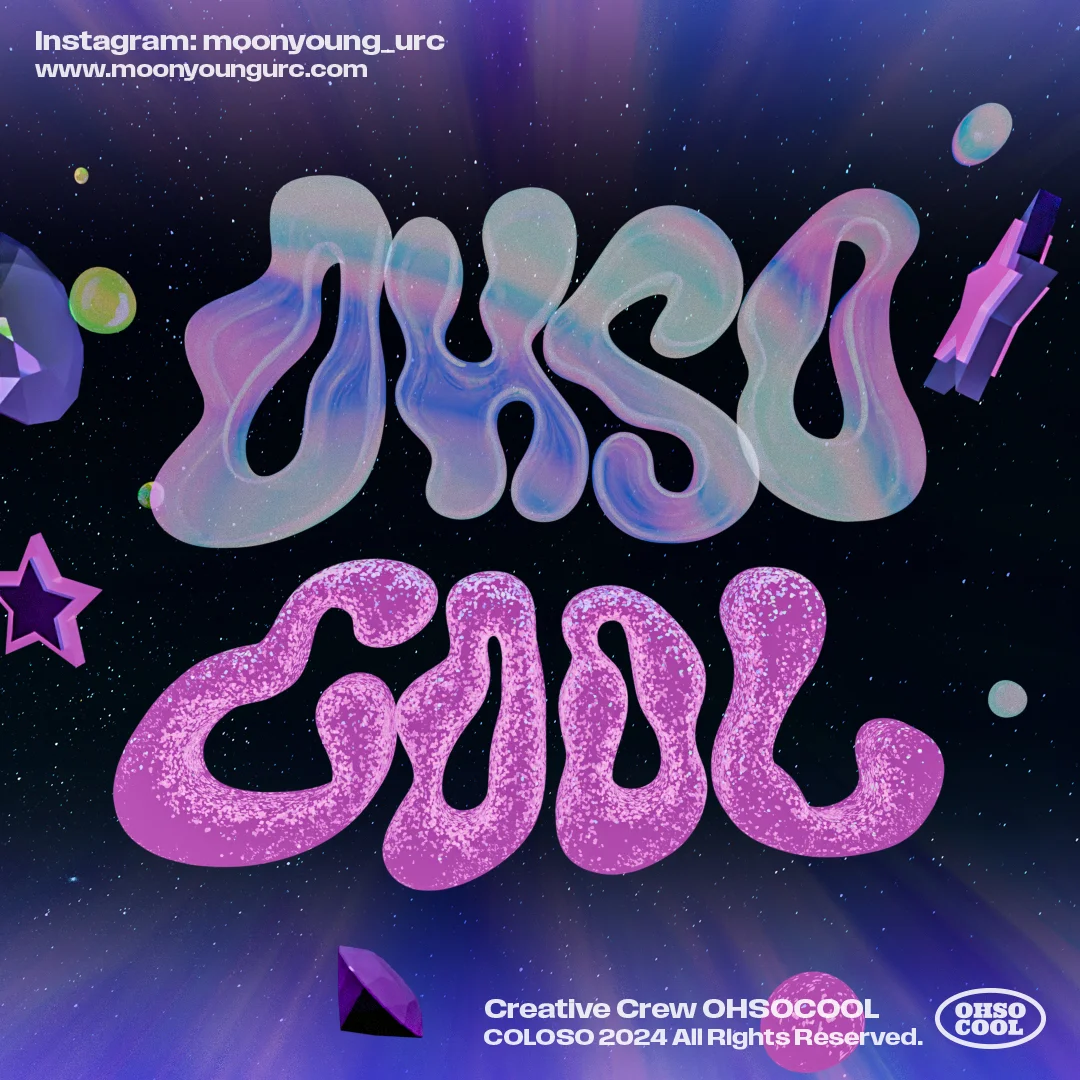 Liquid typography application 1
 -
 Liquid typography application 2
Part 3. 3D Directing and AI Usage
-
 Font packaging directing
 -
 Book mockup
 -
 Cup/sticker mockup
 -
 Typography directing using cameras
-
 Poster directing
 -
 Video compositing
 -
 3D point cloud
-
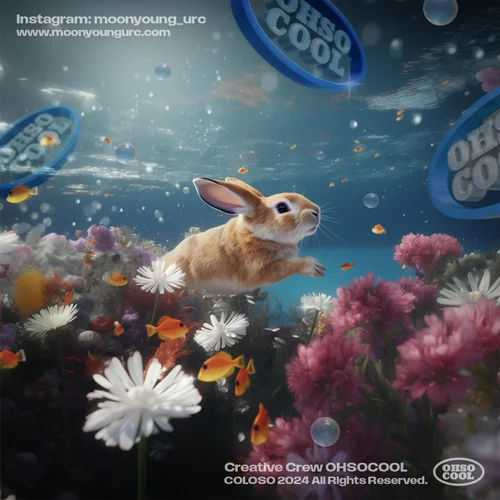 Midjourney AI usage 1
 -
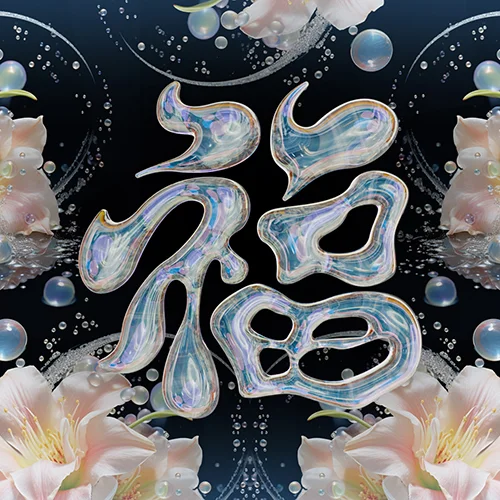 Midjourney AI usage 2
Graphic Designer
Moonyoung
Hello, I'm Moonyoung, leading the creative crew OHSOCOOL. With a diverse background spanning local signboard shops, entertainment companies, agencies, and in-house roles, I've honed my skills in editing, printing, online content creation, and both 2D and 3D design. Currently, I work as a graphic designer for clients including YG, SM, and Adidas.
I have a strong passion for typography, which plays a central role in all my design projects. I am dedicated to exploring various approaches to expand my work in this area. By focusing on foundational typography design, I aim to diversify my portfolio and gain valuable experience across different projects. Ultimately, my goal is to evolve into a designer known for strong planning and versatile skills.

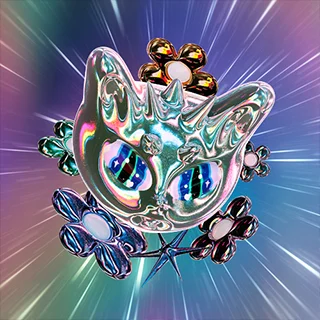
Graphic Designer Moonyoung
[Current]
CEO of Creative Crew OHSOCOOL
[Previous]
Graphic Designer for Fashion Brand Kirsh
Graphic Designer for Fashion Brand Critic
Projects & Awards
[Projects]
2023 - YG ENT Chanhyuk Lee [1 Trillion] Album 3D Design Participation
2023 - SM ENT NCT TEN Fancon Poster Key Visual Design
2023 - CJ ENM ZEROBASEONE CRUSH Title and Group Logo Design
2023 - Incheon Pentaport 2023 Rock Festival Visual Design
2023 - Adidas x Deux Documentary Graphic Participation
2023 - Chahong X Loreal Social Media Content Design
2023 - Brand Carlyn Social Media 3D Content Design
2023 - Brand Maxim T.O.P X Born Champs Collaboration Graphic
2022 - Dr.Jart [Yoonseo Roh] Pixel Poster Key Visual Design
2022 - Ottogi Oz Kitchen Curry Ad Campaign and 2D Graphics Participation
2022 - Adidas Ozelia Ad Pixel Graphic Art Participation
2022 - Apparel Brands Kirsh, YOUHEE Clothing and Marketing Graphics Participation
2022 - Amorepacific G.G. (Gigi) 3D Logo and Poster Design (Excluding Characters)
2021 - Apparel Brands CRITIC, KRSP Clothing and Marketing Graphics Participation
[Other Activities]
2023 - Adobe Korea Crew Selection
2023 - OOP Exhibition Participation (Pixpills)

2023 - Apparel Brand LMC 2023 Drawing Contest Winner
2022 - Seoul Design Festival Young Designer Promotion Selection, Exhibition Participation
2022 - Notefolio Hot Creator Selection and Interview

2022 - Font ""Borderless"" Production and Distribution

2021 - Font ""Aurora Lights"" Production and Distribution
Class Highlights
Learn Blender with 6 Concepts and 10 Materials
Learn how to plan and design various concepts based on a comprehensive understanding of typography. From customizing basic fonts to expressing more than 10 types of materials including plastic, balloon, hair, liquid, chrome, metal, and mixed textures, you'll expand them into 6 different concepts through practical experience to efficiently acquire core Blender skills.
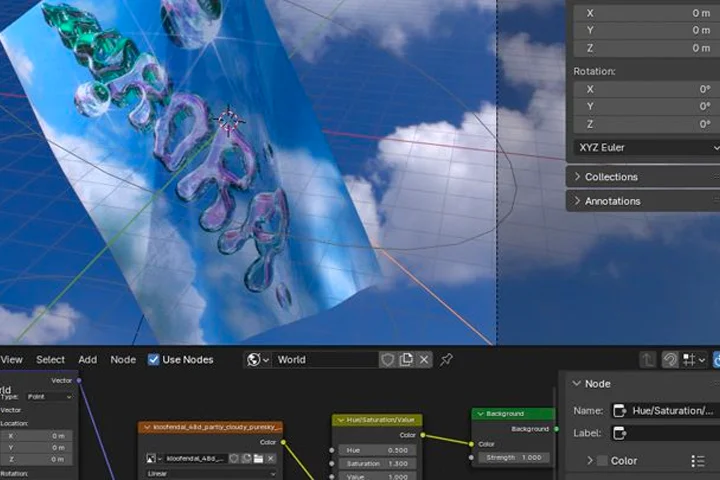
Revealing Blender 3D Typography Techniques for Graphic Designers
Revealing the entire process—from selecting and applying fonts that match moods like kitsch, surreal, and sporty in graphic design basics, to planning visual concepts using stills and short films. Learn to create and use 3D and moving posters by handling mockups, packaging, video composition, scene composition, and more.
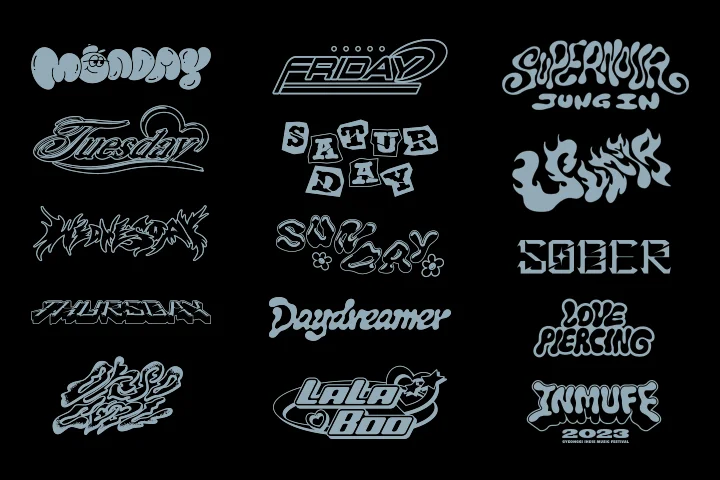
Conceptual 3D Visual Techniques for Practical Use
Master practical 3D key visual techniques through repeated modeling, rendering, directing, and mockup exercises. Explore advanced 2D techniques with a three-dimensional approach and evolve into an impactful graphic designer by using generative AI tools to create high-density outputs beyond traditional design methods.
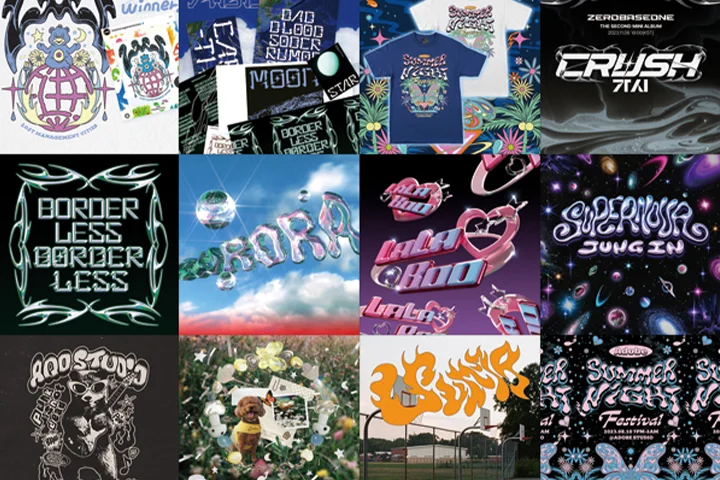
Class Details
You'll Learn
-
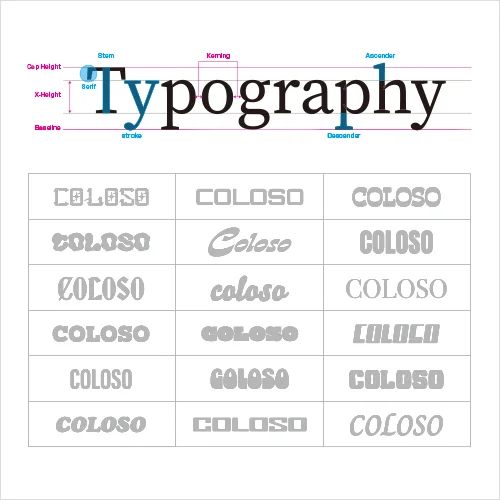 Basic Understanding and Application of Typography StylesAnalyze backgrounds and characteristics of various fonts in depth to solidify fundamentals. Systematically structure font selection and effective typographic planning processes tailored to each project.
 -
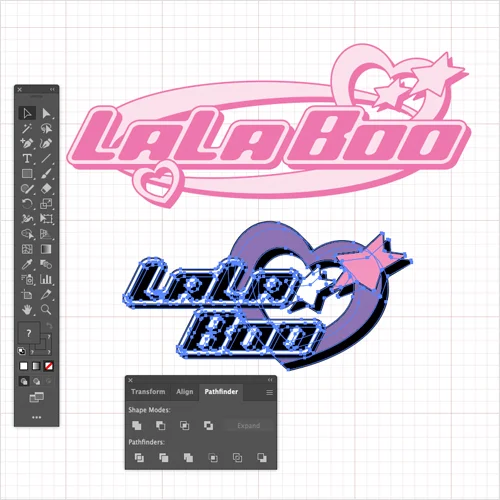 Six Custom Typography Designs Using Various FontsLearn how to creatively transform existing fonts to design personalized custom typography. Experience the entire workflow of completing typography projects in various concepts such as kitsch, surreal, and sporty, practicing hands-on, and producing finished results.
 -
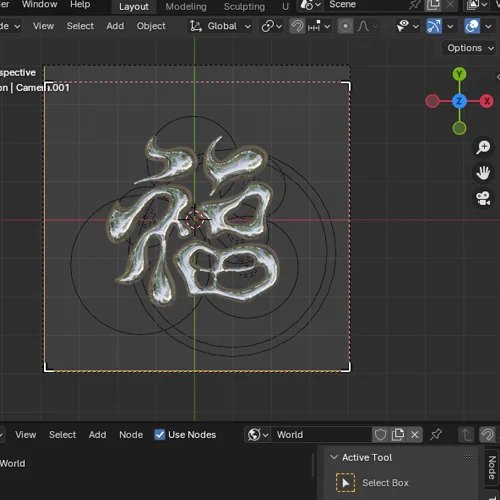 Techniques for Expressing More than 10 Types of 3D Textures Using BlenderAcquire proficiency in various 3D texture representation methods such as plastic, balloon, hair, liquid, chrome, metal, and mixed materials using Blender. Learn specific tool functions quickly and apply them practically by exploring various textures and concepts through hands-on exercises.
-
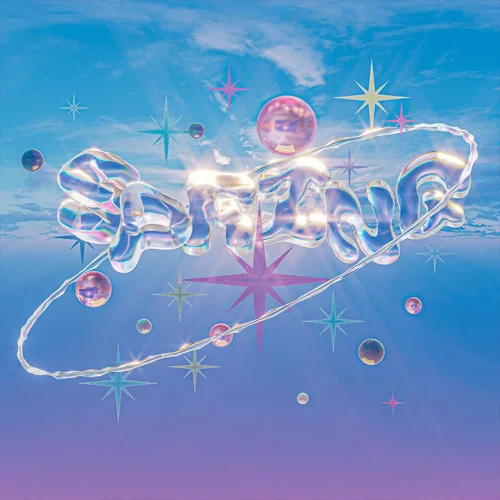 Methods for Typography Production Using Surrounding Elements and MotionDesign various elements that harmonize with typography and apply motion to them. Also, practice techniques to enhance work completion by conducting camera work, video composition, and other directing techniques.
 -
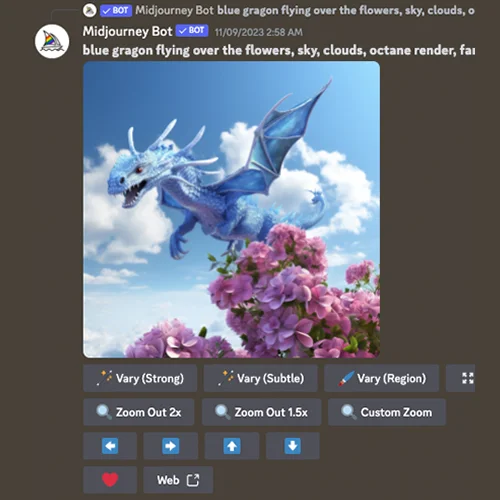 Create Unique Outputs Using Midjourney and 3D ScanningIncorporate the latest tools and technologies into your design while using various resources to add fun and impact. Explore various methods to create creative and high-quality design outcomes, expanding your range of work.
 -
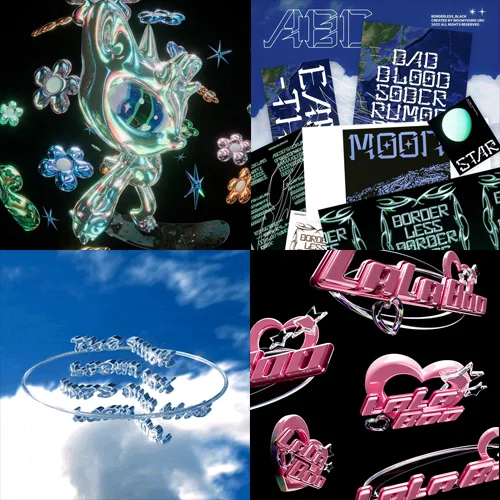 Practical Application of Key Visual Skills and Creating a Robust Portfolio with Substantial VolumeLearn to apply crafted typography designs across various media and mockups through repeated practice, solidifying essential skills for practical application in the industry. Learn how to create a competitive portfolio by developing projects that comprehensively cover multiple fields.
- Unlimited Access
- Best Price
Buy now, get unlimited access.
12/31 (Sat) (UTC-7) Special offer ends soon.
This special offer ends soon.
Buy now and save!
Class Preview
Chapter 10 Now Available!
- Import modeling quickly into Blender
*The Korean language content in this class preview is translated into English in the class videos.
**The subtitles in this preview video are auto-translated. Please note that some content may not be accurately translated.
***Associated content is subject to change without prior notice.
Curriculum
In-Depth Look
SECTION 01. Orientation
01. Before you start
- What projects have you done so far?
- What you can learn through the class
02. Blender installation and understanding interface
- Blender installation
- Introduction to basic interface
SECTION 02. Understanding Typography
03. Fundamentals of typography and various styles
- Introduction to typography theory
- Guide to various typography styles
04. How to find and manage references
- Introduction to recommended sites
- Effective data management using pins
05. Understanding and applying font usage rights
- Using Adobe fonts
- DaFont and other free sites
- Verifying licenses on paid font sites
SECTION 03. Blender Basics
06. Basic Blender manipulation through simple modeling
- Basic Blender operations and shortcuts
- Mastering core functions including modifier-based modeling
07. Introduction to texturing, lighting, and node
- Understanding types of texturing
- Basic node usage
08. Basic motion
- Creating basic left and right motions
- Creating 360-degree motion
09. Understanding rendering
- Types of rendering
- Setting rendering options
SECTION 04. Blender-Based Typography Design and Expression
10. Making simple 3D logos from illustrations
- Importing simple modeling into Blender
- Rendering images from various angles
- Composing backgrounds for application in social media images
11. Creating kitsch retro styles using existing fonts
- Importing retro-style typography models using Blender
- Rendering images from various angles
- Composing backgrounds for application in social media images
12. Illusion moving typography using existing fonts
- Creating illusion typography using Blender font features
- Rendering images from various angles
- Composing backgrounds for application in social media images
13. Grass typography using existing fonts
- Creating grass typography using Blender font features
- Using free assets
14. Composition of backgrounds and applications
- Placing backgrounds and surrounding elements using grass typography
- Application as social media images
SECTION 05. Custom 3D Type Example Practice
15. Creating futuristic custom typography
- Planning and designing custom typography concepts
- Setting up scenes with simple surrounding elements
16. Creating futuristic custom typography moving posters
- Applying simple motion
- Creating image variations for use on social media
- Creating moving posters, stories, and feed images
17. Creating dreamy custom liquid fonts
- Customizing liquid type fonts
- Creating three-dimensional scenes with additional elements
18. Creating dreamy custom liquid font moving posters
- Applying motion and moving effects
- Moving posters and feed image applications
SECTION 06. Utilizing Typography
19. Creating typography using cameras
- Applying Effects to Fonts such as Fisheye and Blur
20. Font packaging
- Packaging typography displayed on transparent vinyl
- Using cloth simulation
- Additional Photoshop effects for post-production
21. Composition with realistic videos
- Trying composition with simple videos
SECTION 07. Mockups
22. Image mockups
- Effect of flipping through shelves
- Milk packet effect
23. Creating posters
- Creating posters hanging in the sky
24. Package mockup practice
- Mockup using transparent cup
- Sticker production mockup
SECTION 08. Practical Skill Enhancement
25. Creating point clouds with 3D scanner
- Scanning images using mobile phones/ipads
- Creating objects as point clouds using scanners
26. Creating HDRI backgrounds using Midjourney
- Using Midjourney prompts
- Learning reference image methods
- Extracting images in high-definition
- Using printed images as HDRI
- Using printed images as post-production sources
SECTION 09. Outro
27. Career paths for designers
- Understanding differences among freelancers, in-house, and agency
- Advantages and disadvantages of each position
- Skills every designer must learn
28. Self-directed study and portfolio management for Blender and typography
- Tips for using Instagram search accounts
- Using Pinterest mood boards, pins, and community
*The release date of this class, curriculum images, and associated content can be changed without prior notice.
** Class videos may be seperated for a more streamlined viewing experience
Interview with
Graphic Designer Moonyoung

Required Programs
This course will use
- Blender 4.0
- Adobe Illustrator 2023 (ver. 2011 or above preferred)
- Photoshop 2023
- Premiere Pro 2023
- Midjourney V6
Please purchase and install these program(s) for an optimized chapter experience.
*These programs and/or materials will not be provided with the chapter.