DesignStudio,Liftoff_그래픽 디자인 스튜디오 리프트오프 Details
Class introduction
introduction video
Graphic Design Studio, LIFT OFF
“ LIFT OFF, which is active in all fields of graphic design, will inform you of everything from the overall process of graphic design to know-how that can be widely used in practice.”
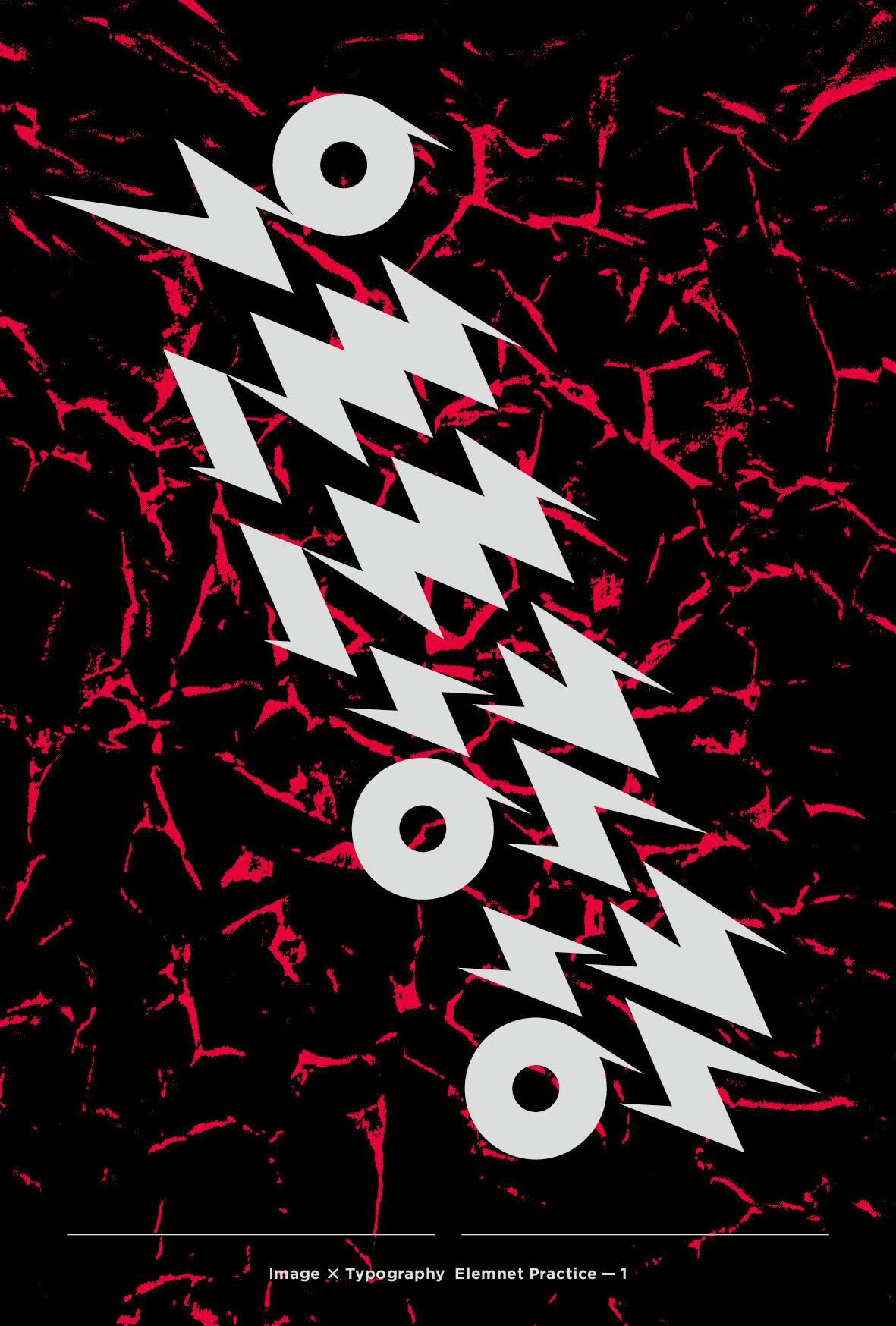
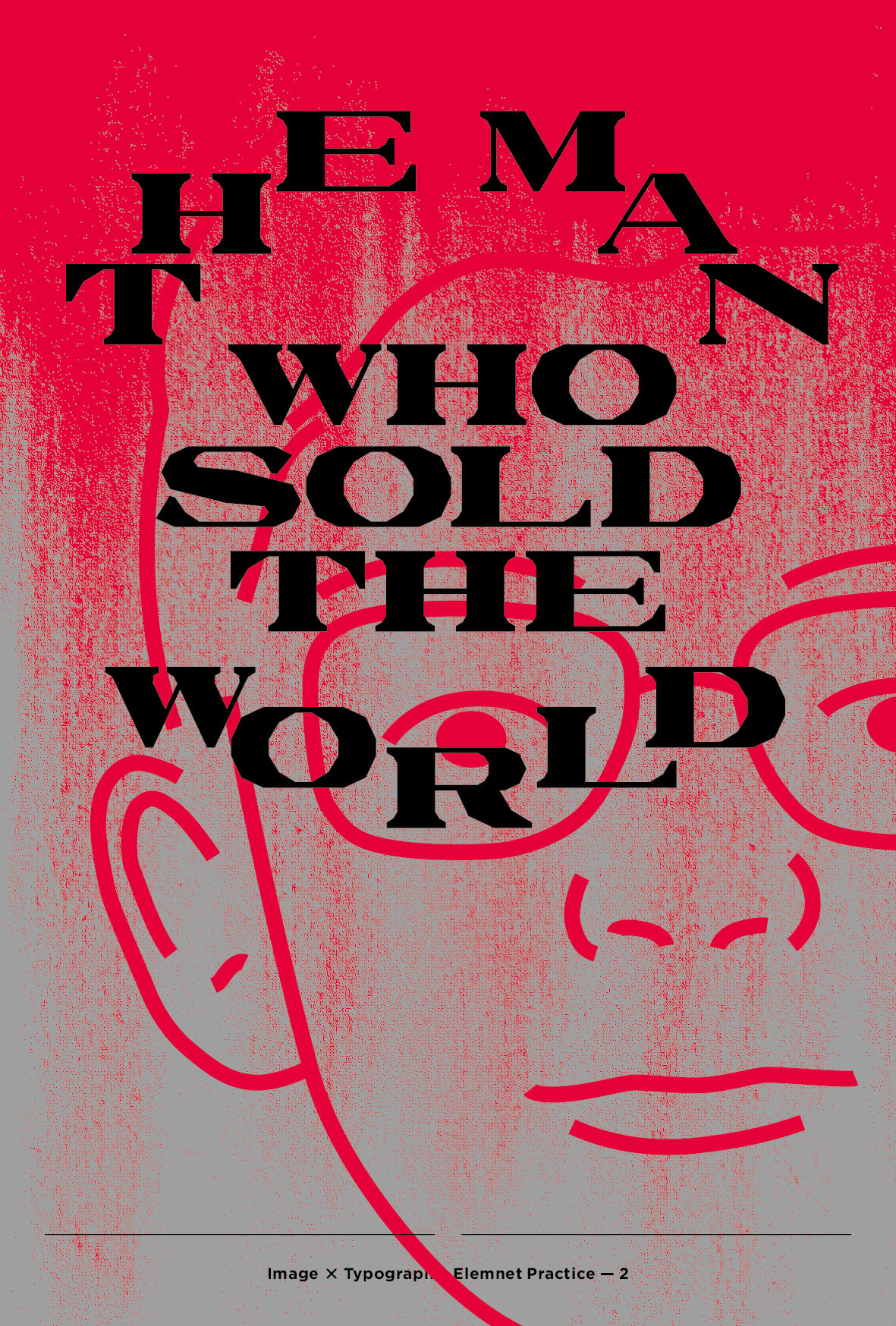
How are beautiful posters that make you stop and look at them made?
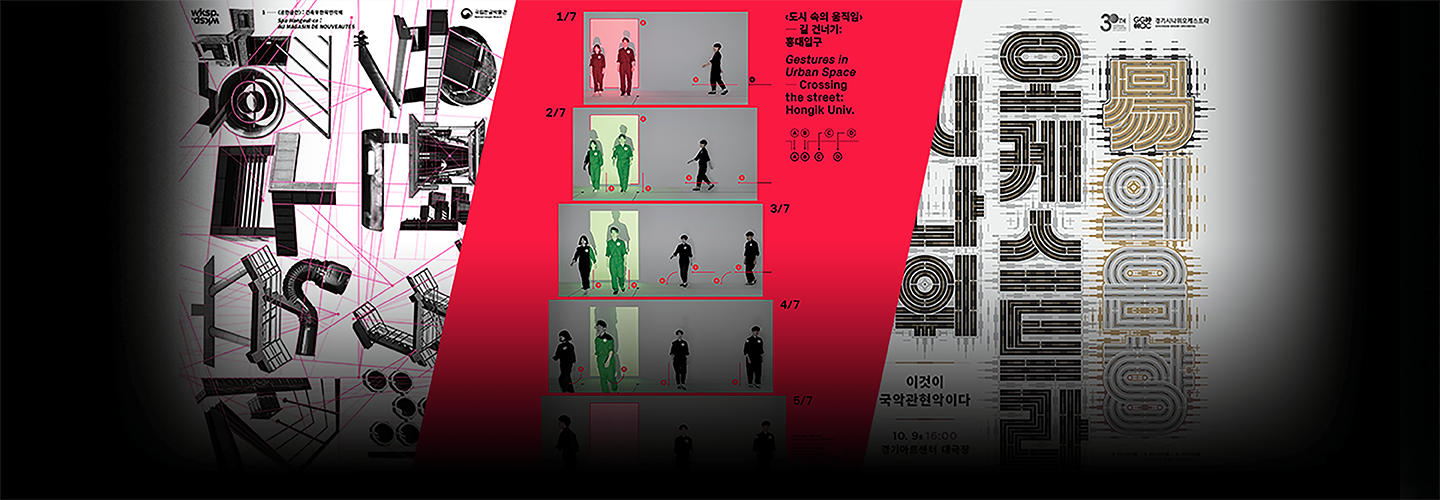
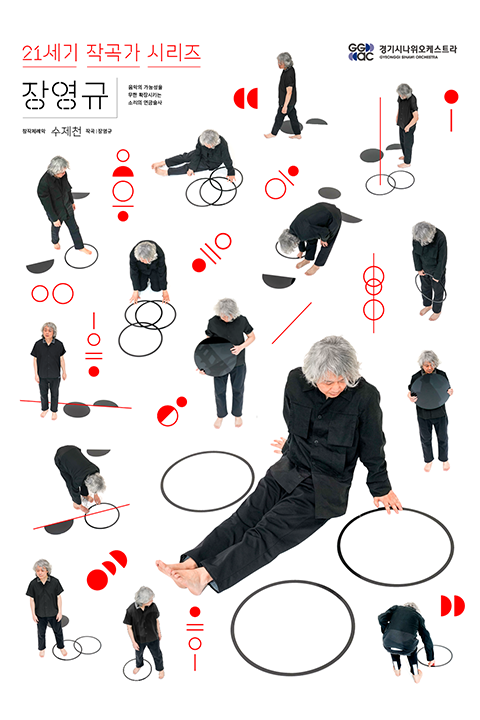
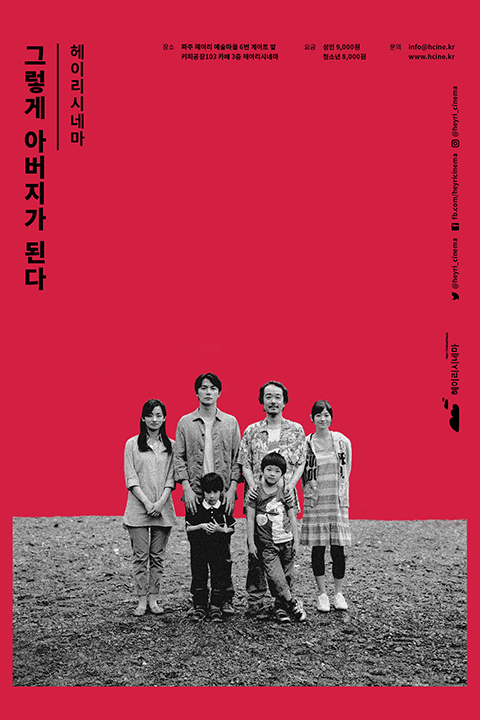
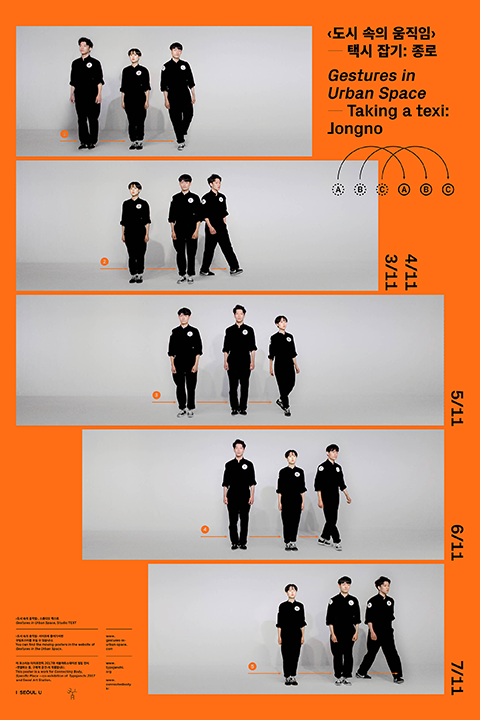
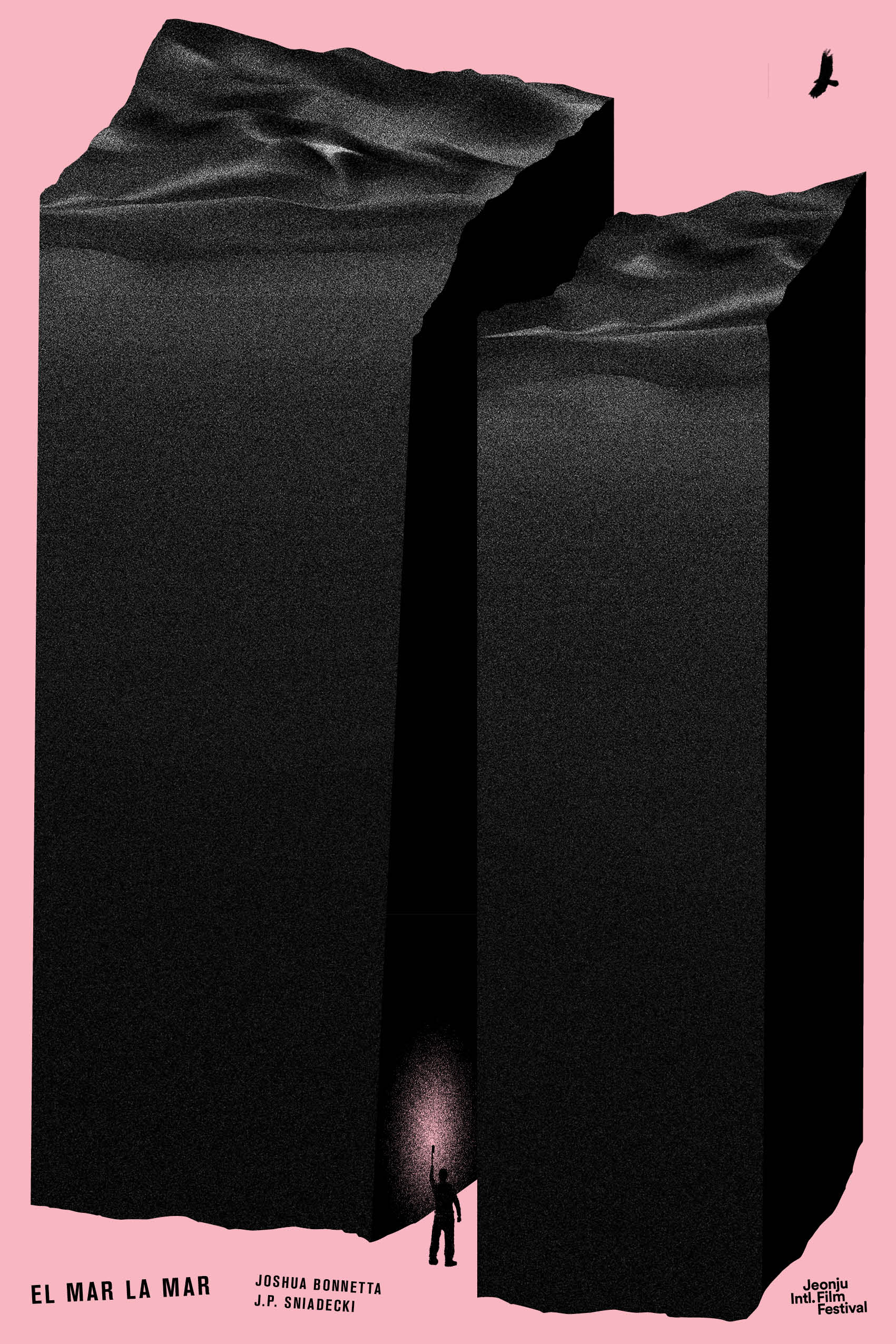
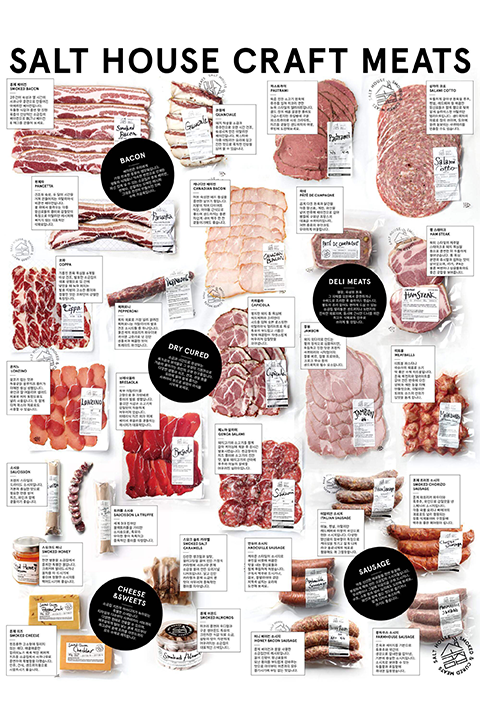
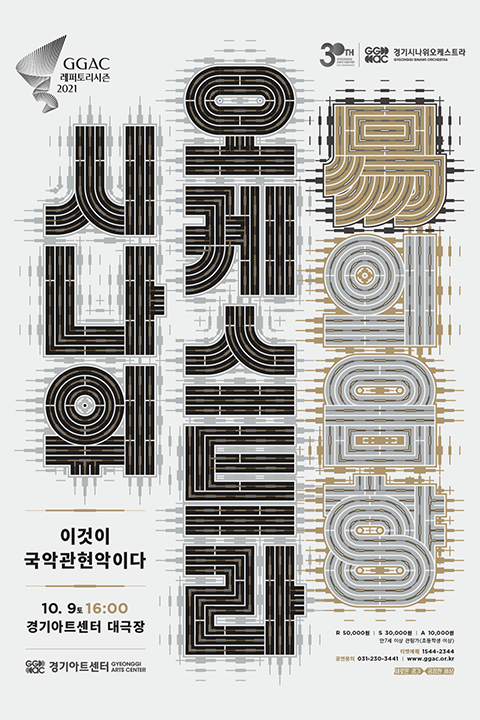
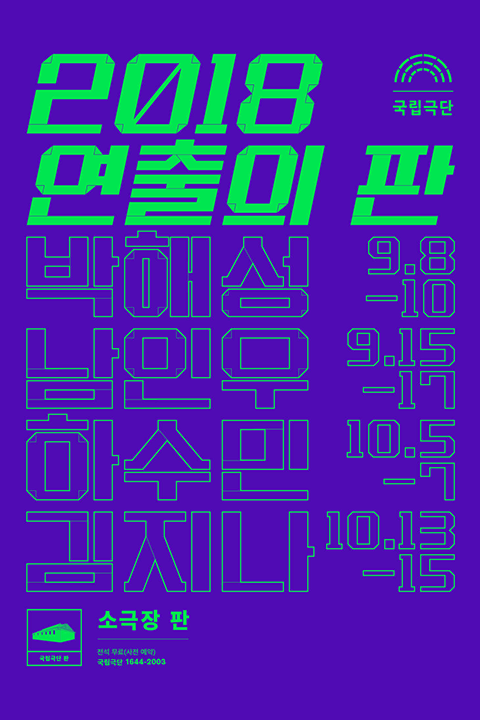
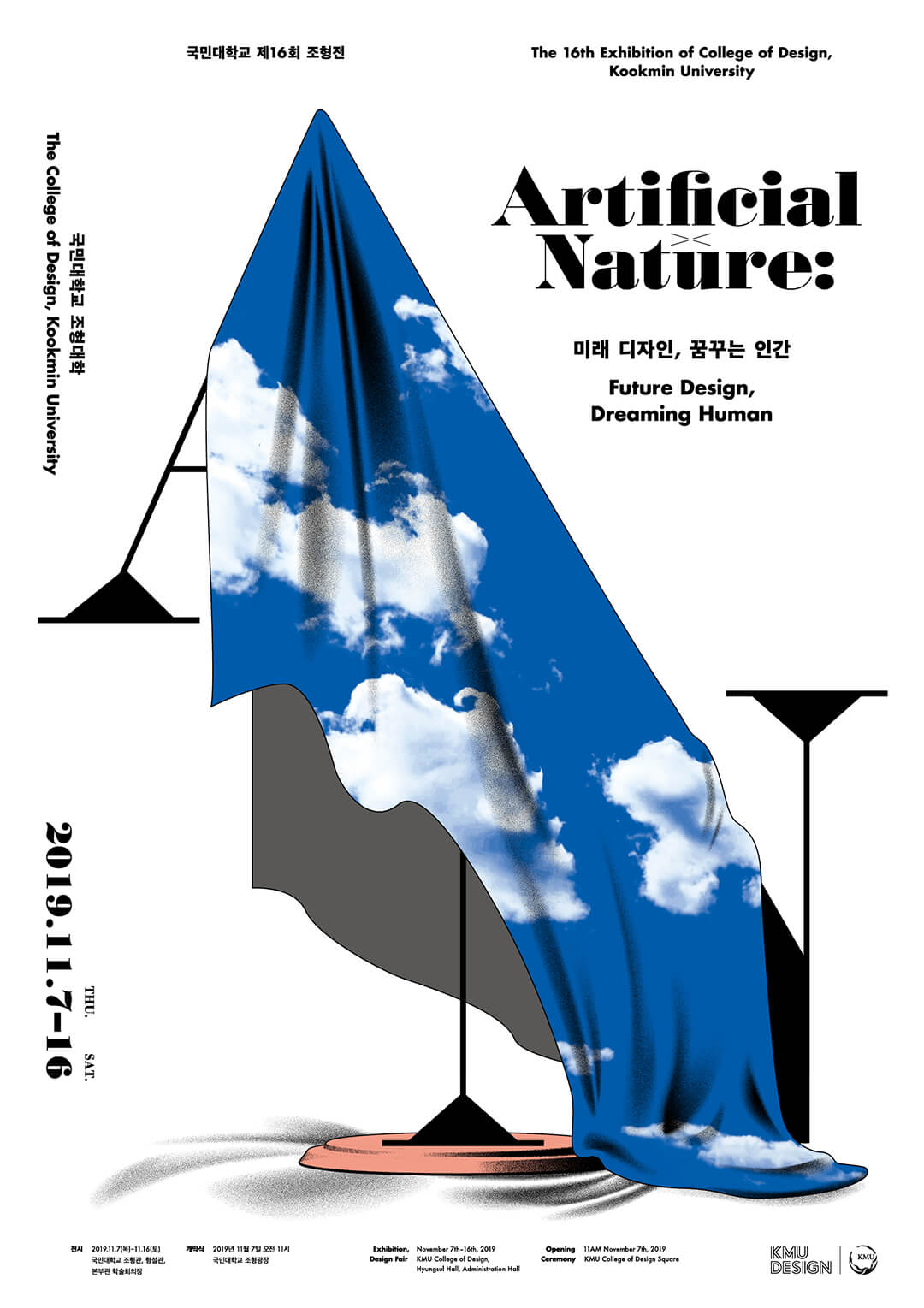
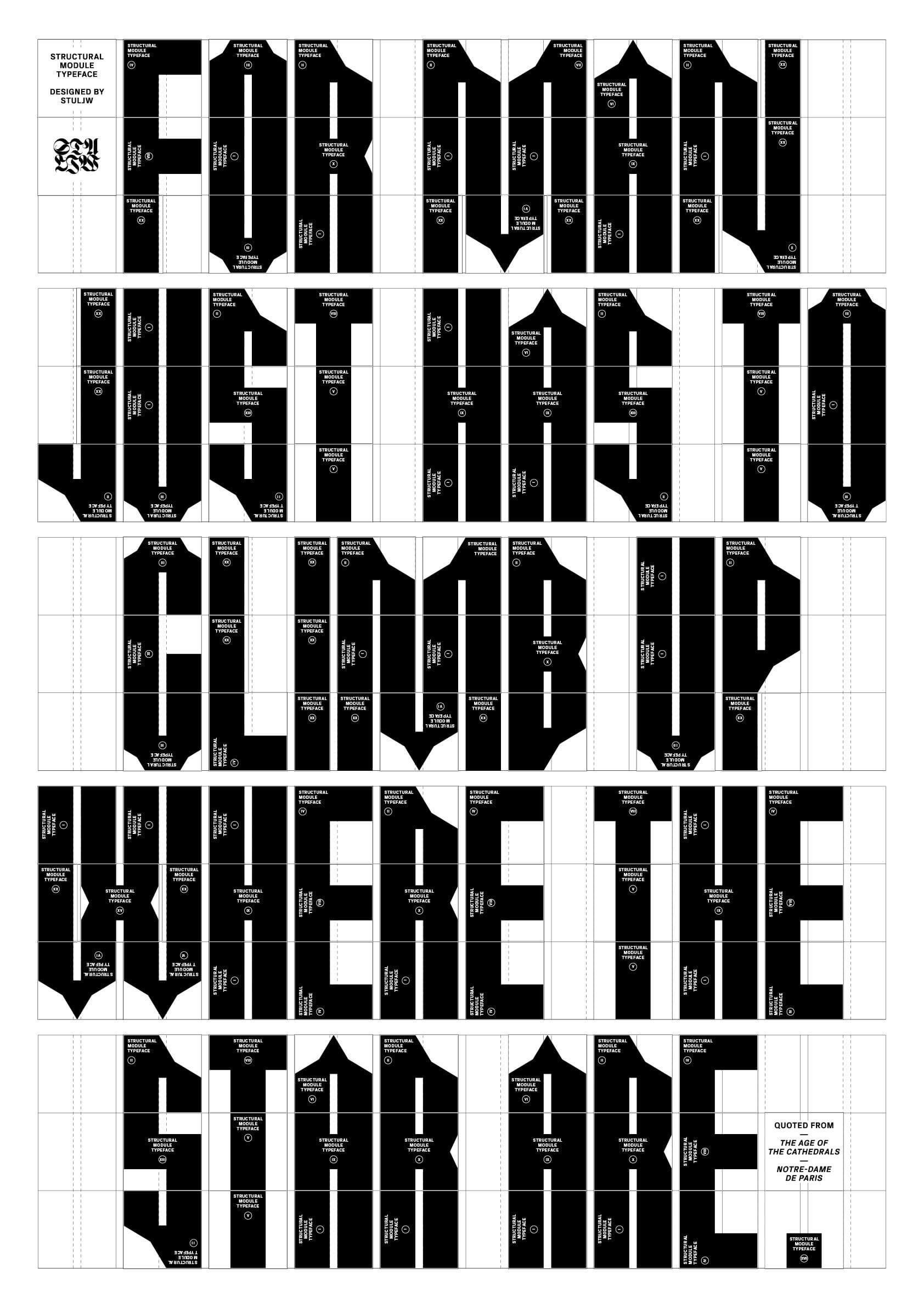
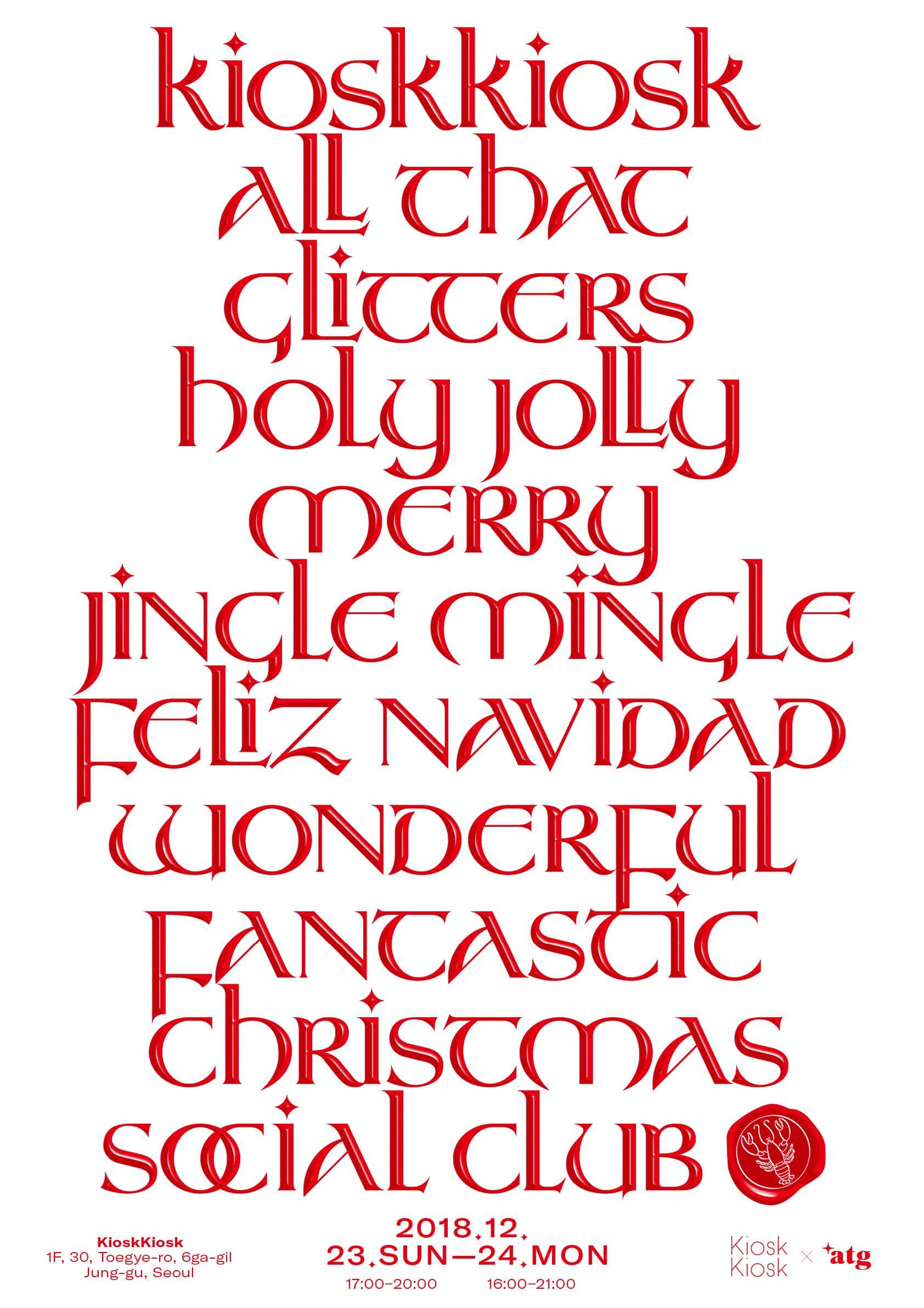
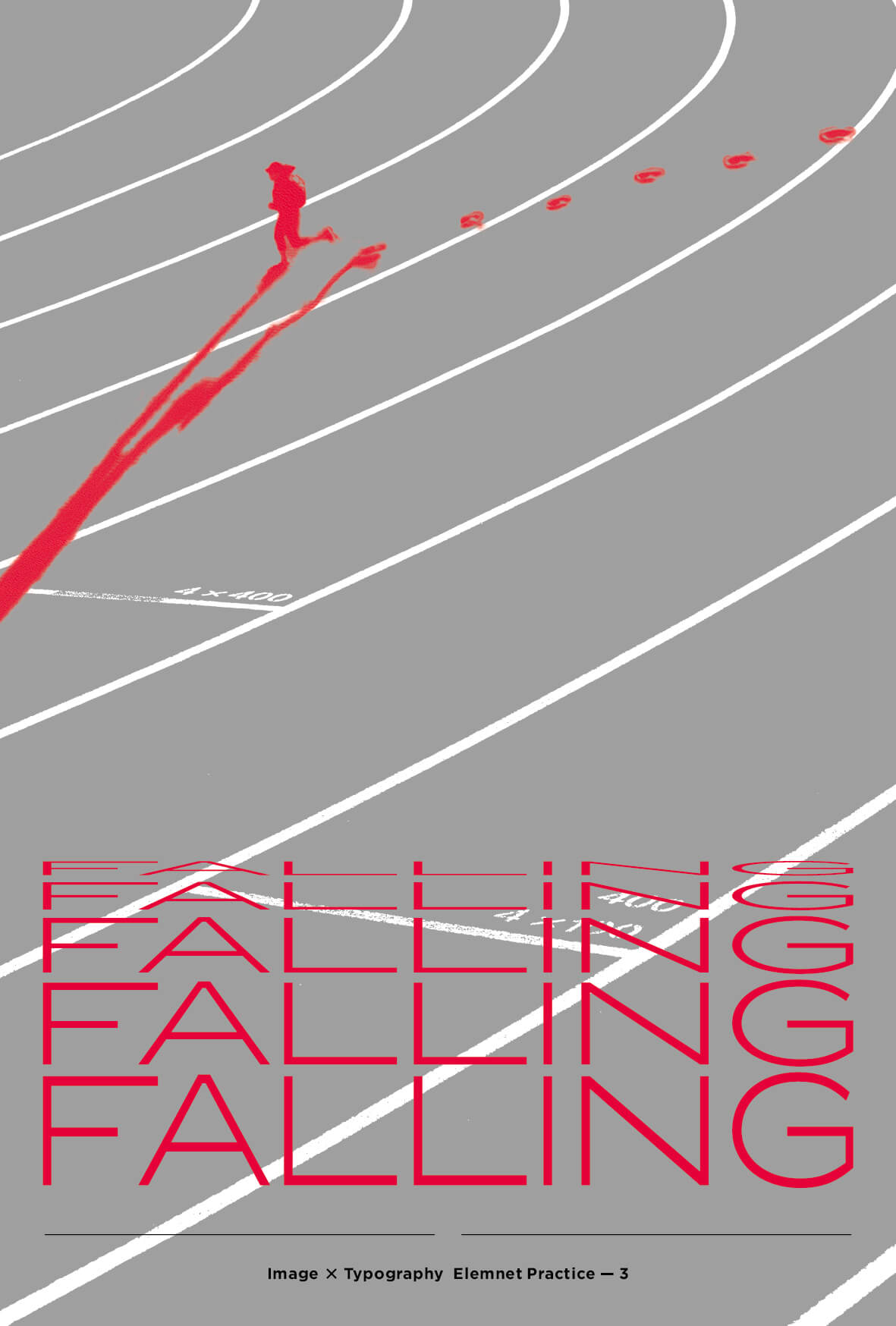
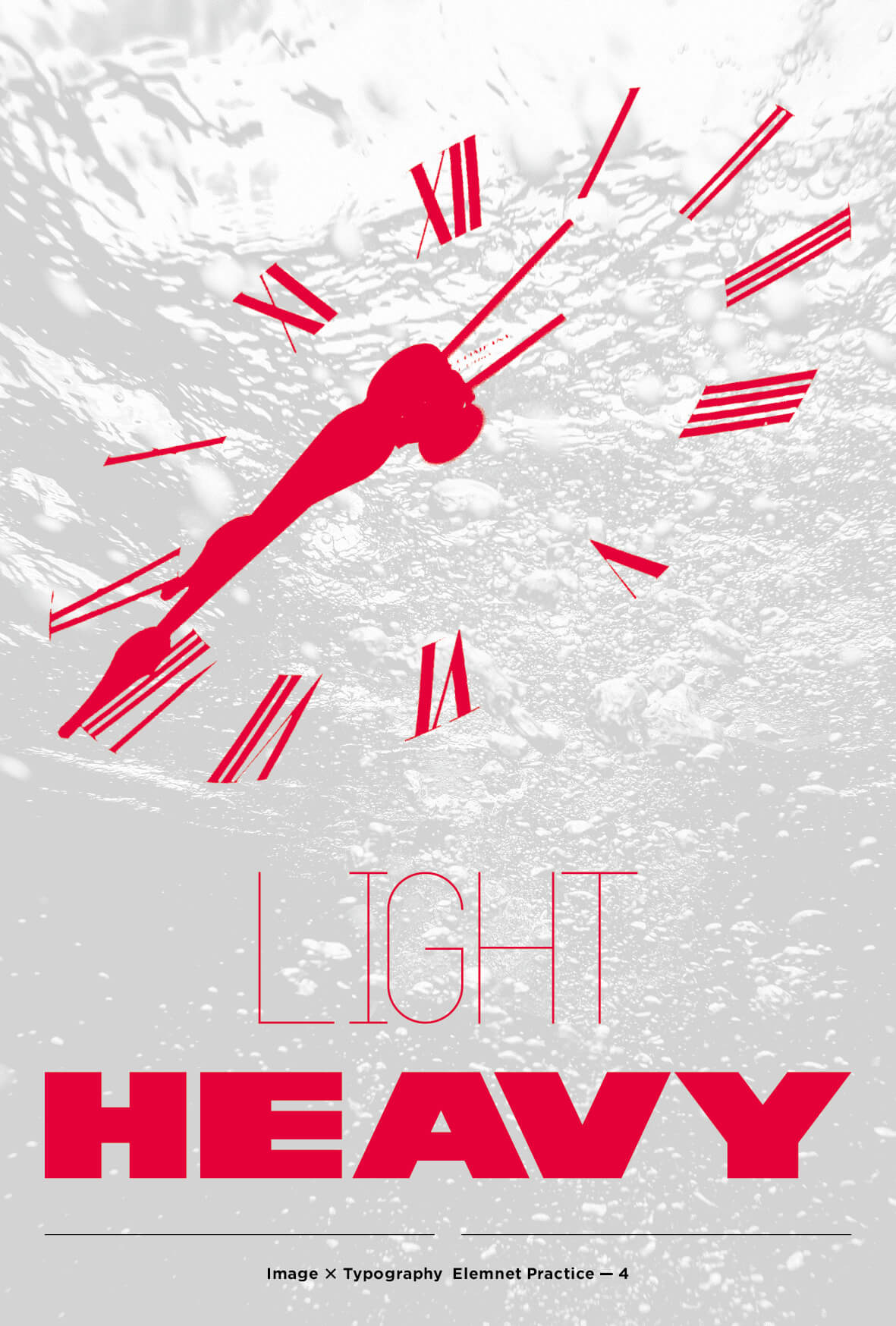
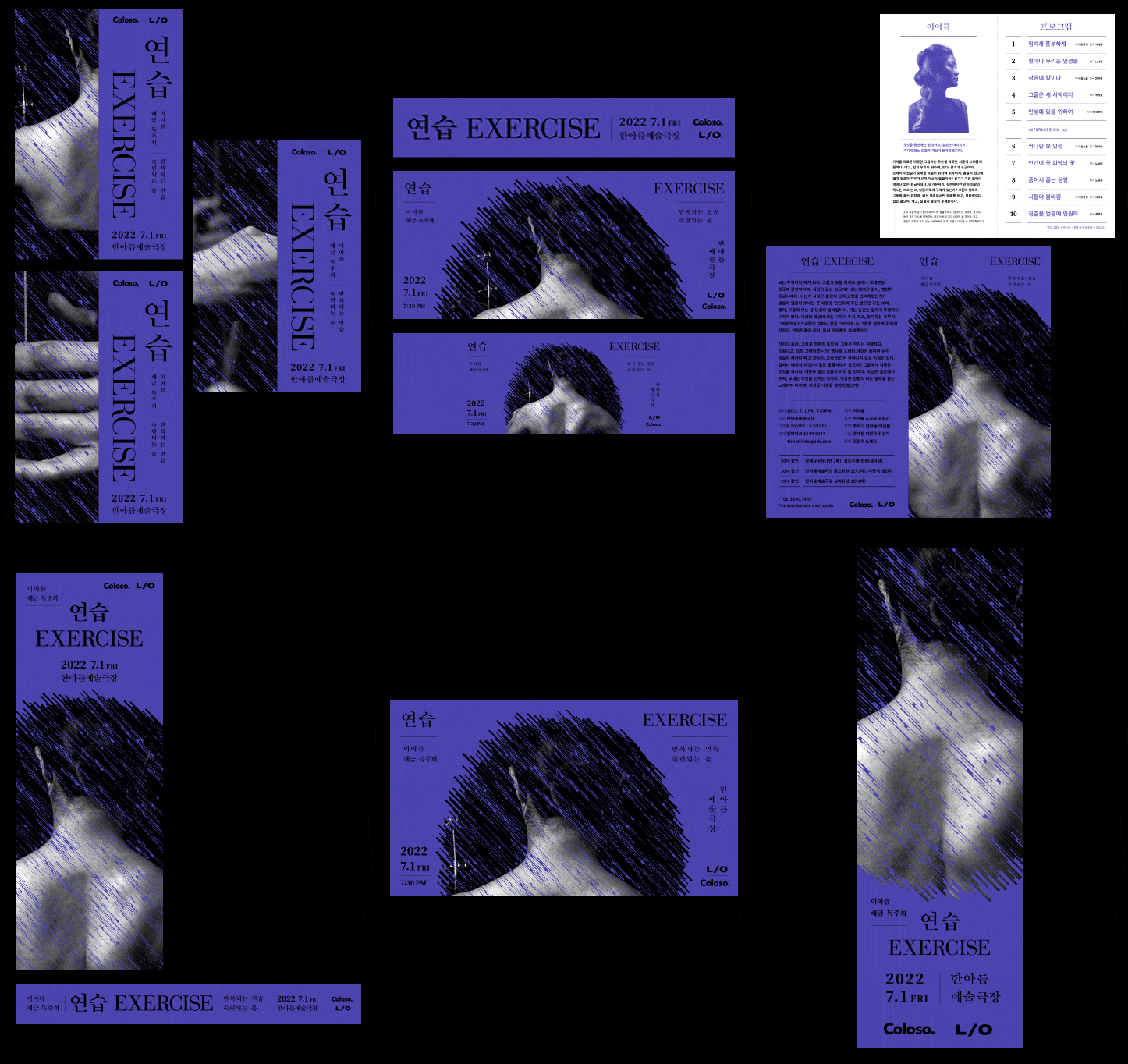
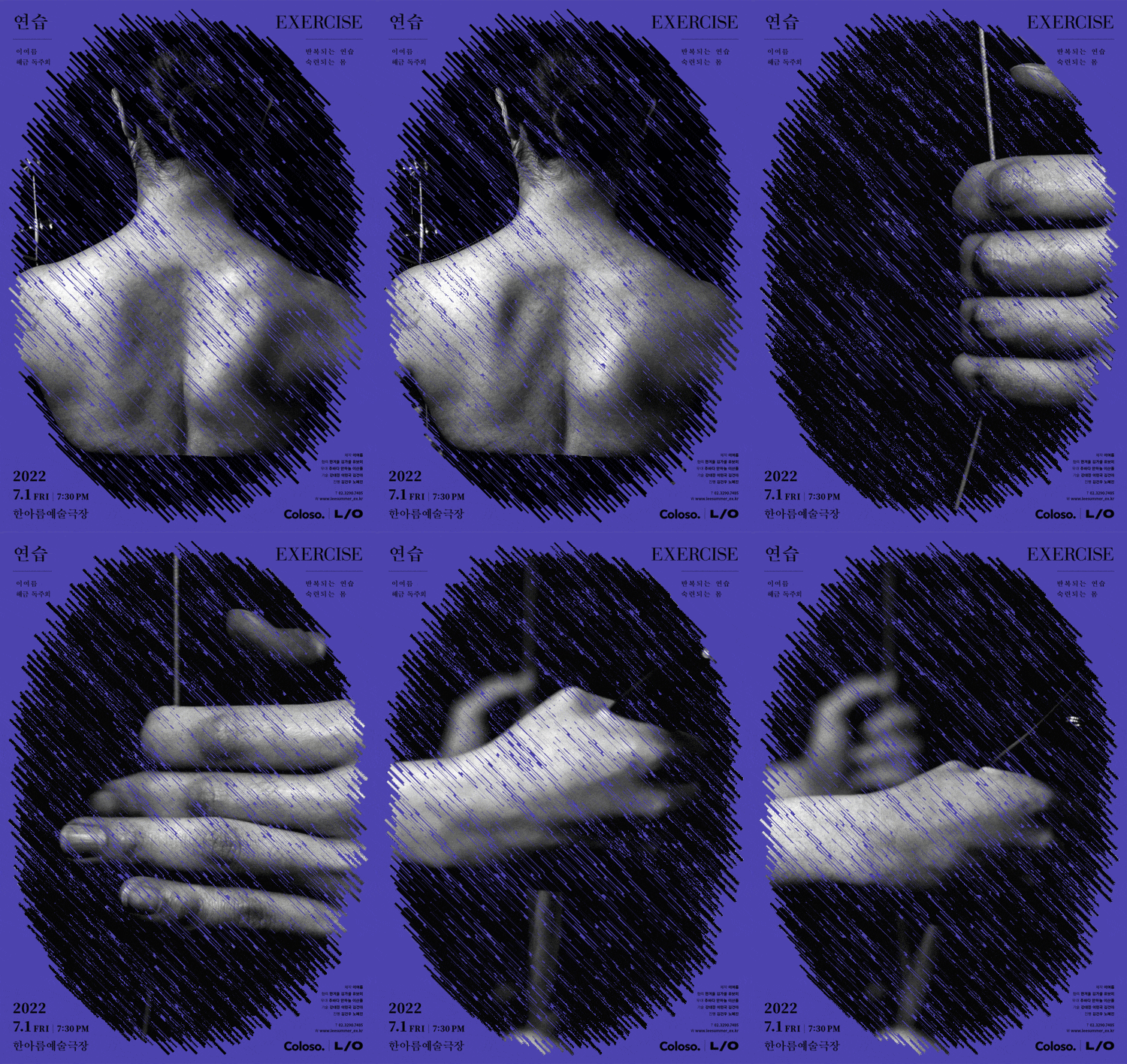
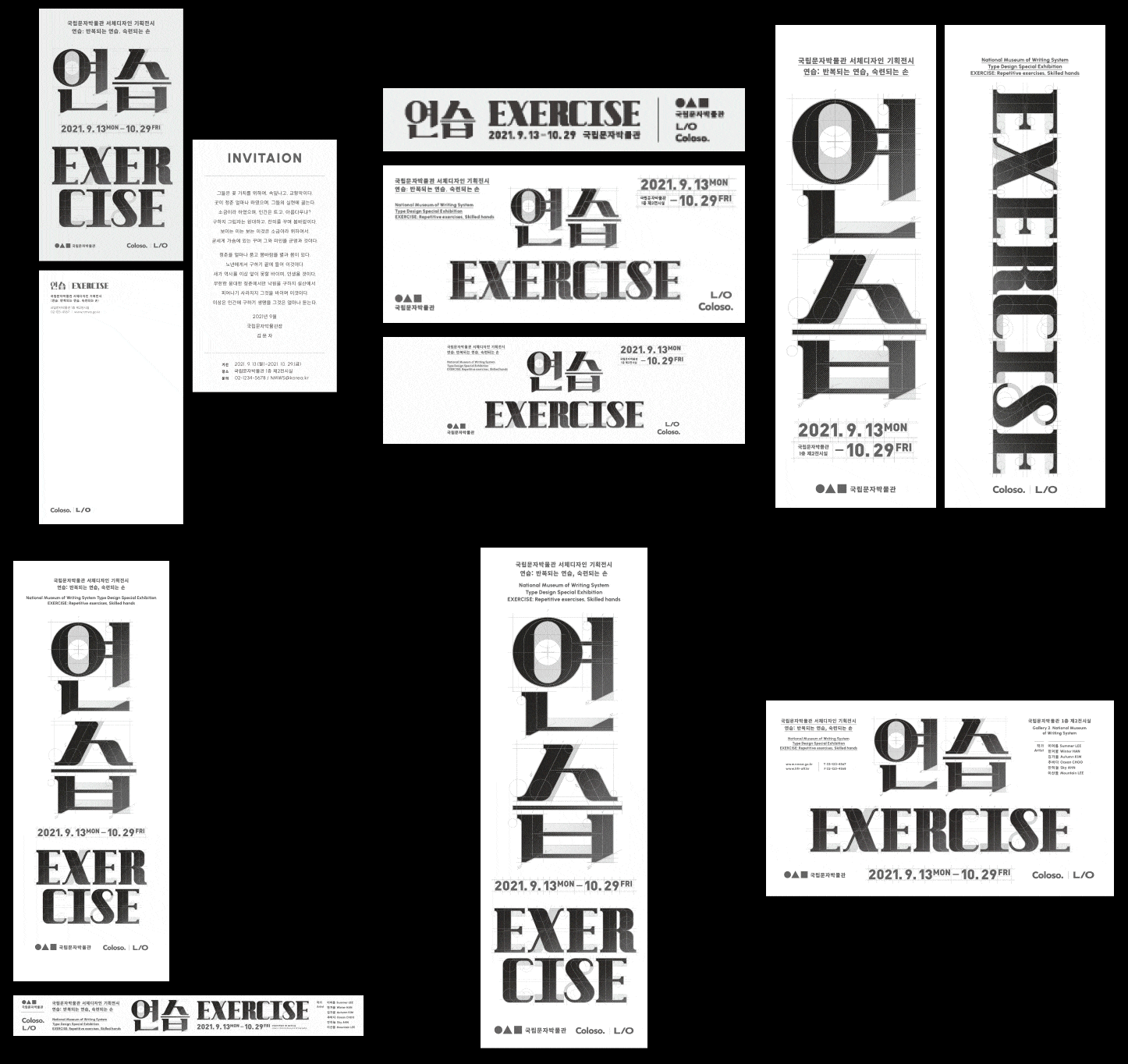
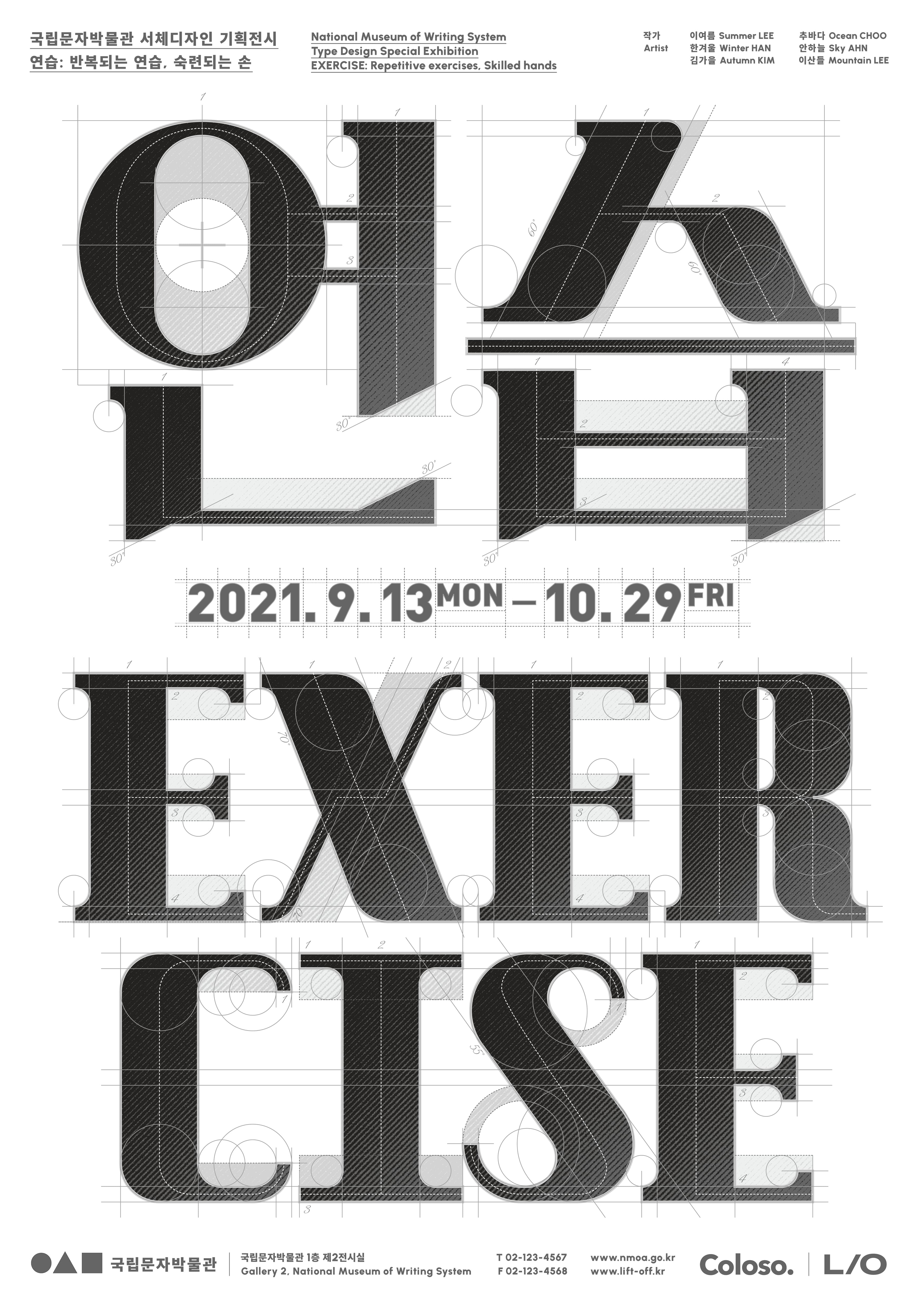
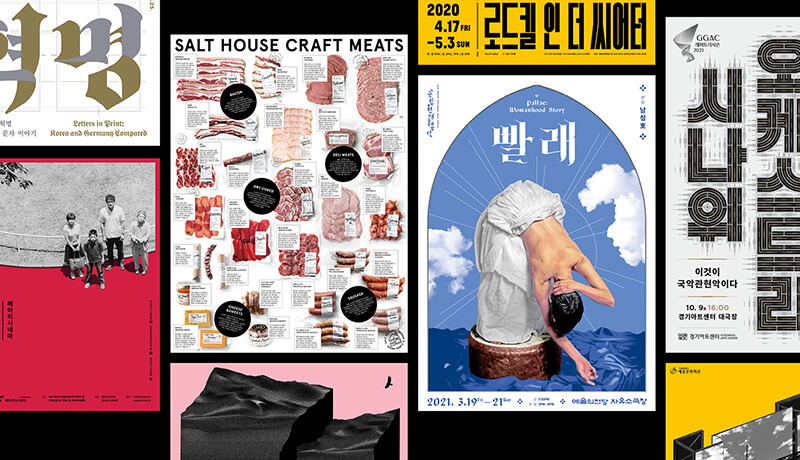
Anyone interested in design has probably seen this poster at least once,
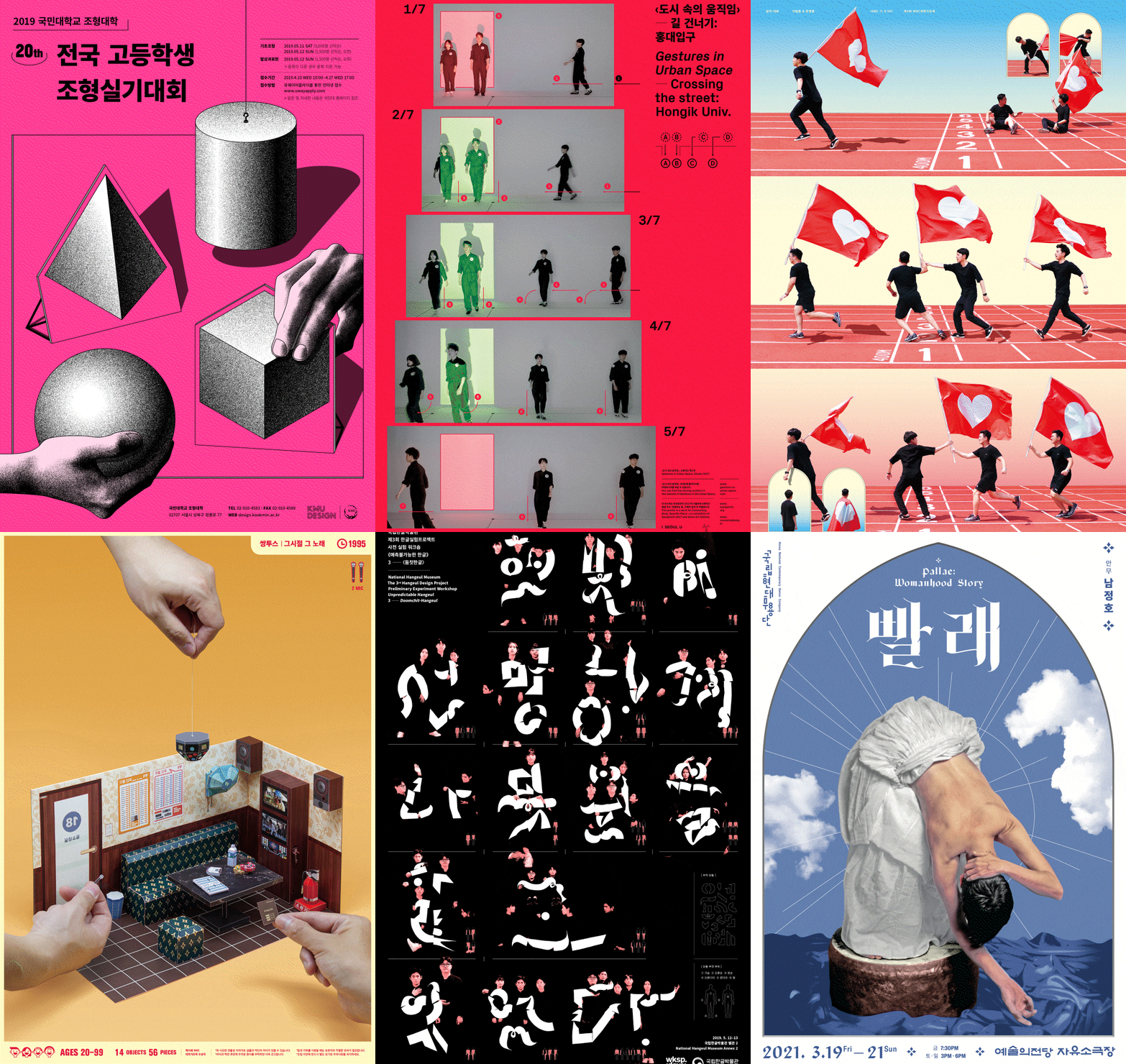
We are introducing graphic design lectures from ' LIFT OFF' Studio, which has been in charge of graphic design for exhibitions and performances that can practically be called works of art, such as the National Contemporary Dance Company, National Theater Company, and National Hangeul Museum.
You can improve your skills right now with practical-oriented design classes that were not taught in school, such as the design methodology that decorated artists' works with experimental but extremely functional posters, how to create Korean typography, and selection of photography and fonts.
LIFT OFF’s portfolio is the most talked about reference among designers.
Why Take This Class?
Composition of graphic design using text and images How to select a font that suits the design purpose The design process with actual clients Even printing and supervision mistakes that often occur in practice
Learn how to become a long-lasting designer by learning the fundamentals of design, not fancy techniques.
Coloso is the only class that starts with an understanding of visual language, which is the basis of design, and links it to graphic design practice.

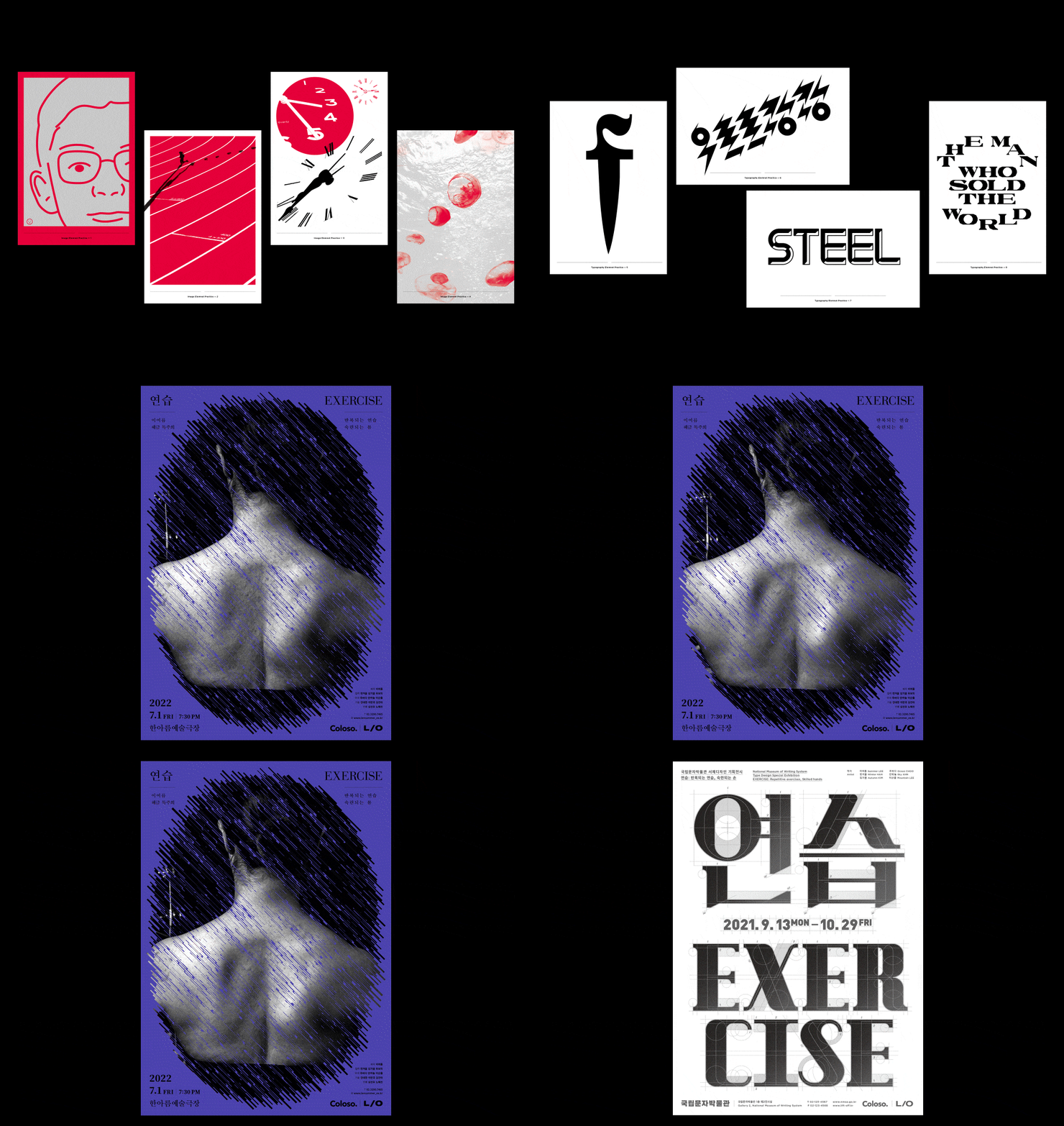
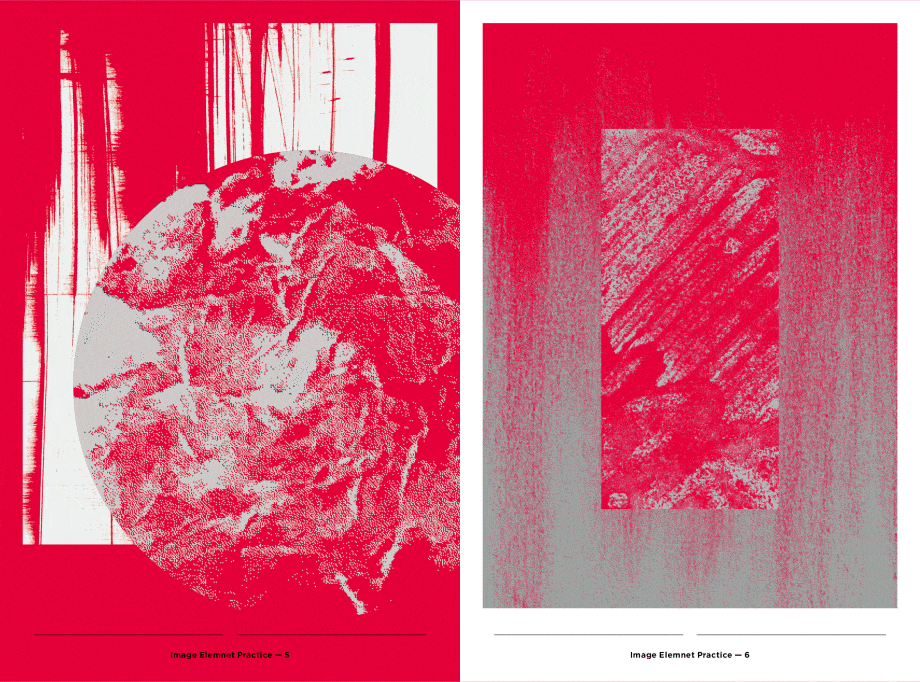
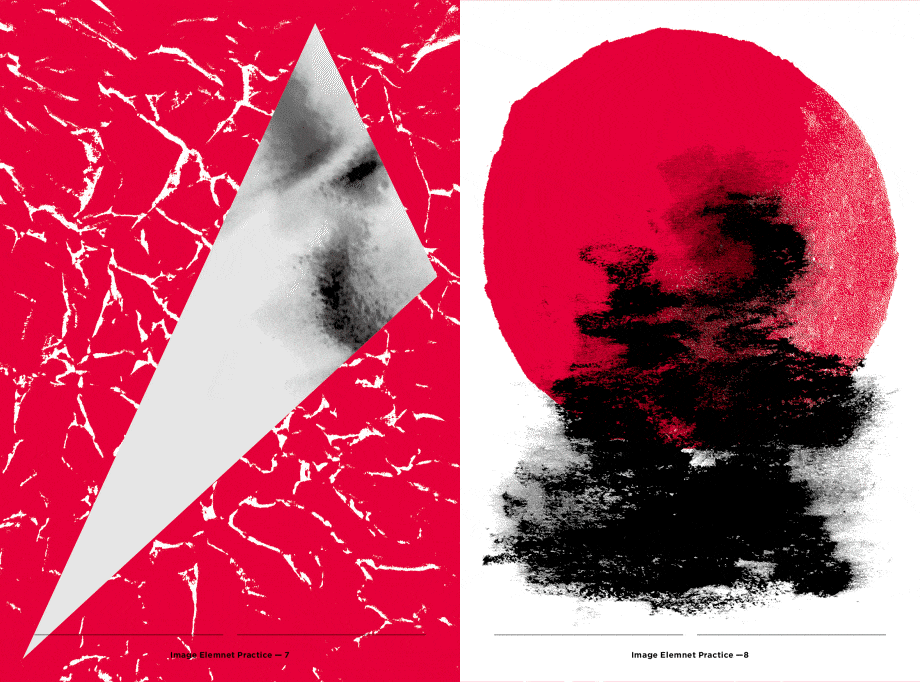
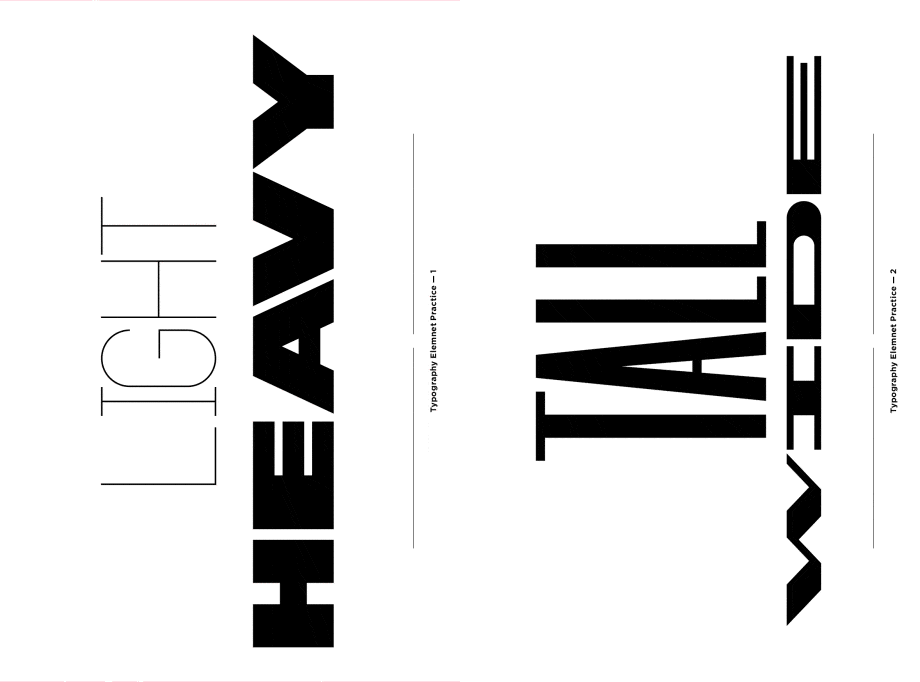
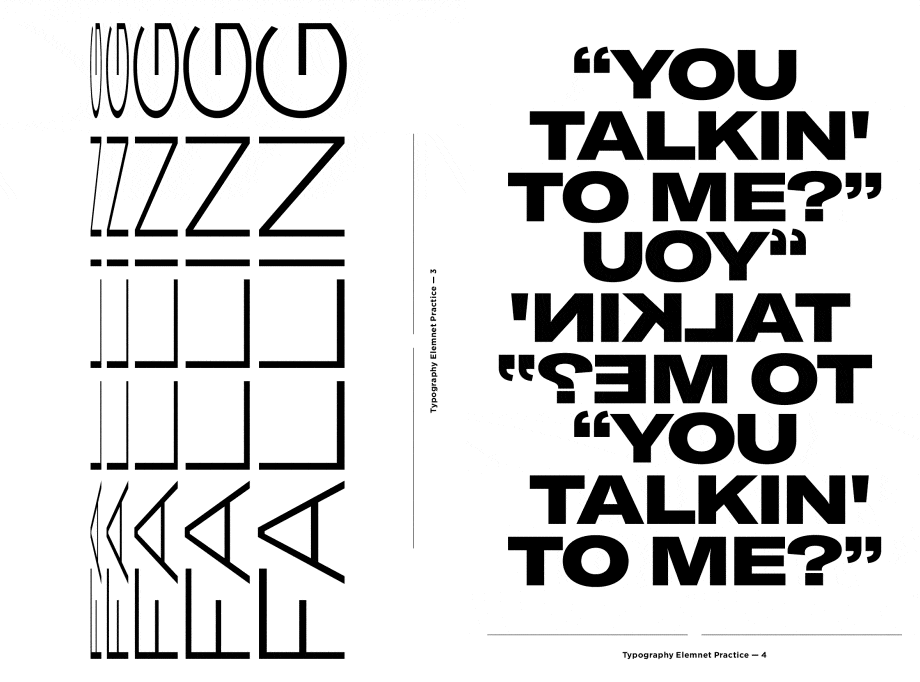
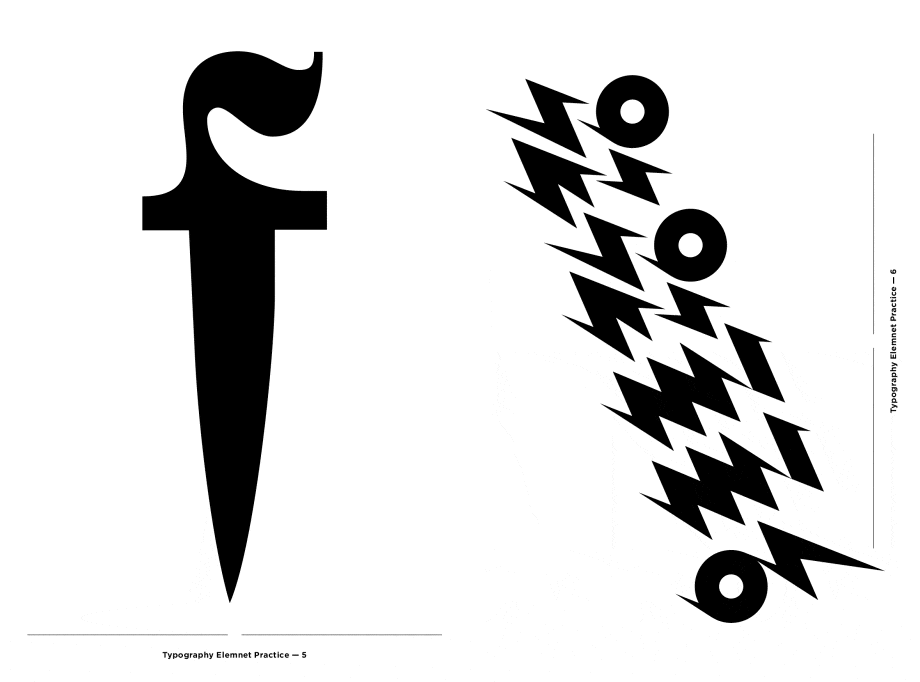
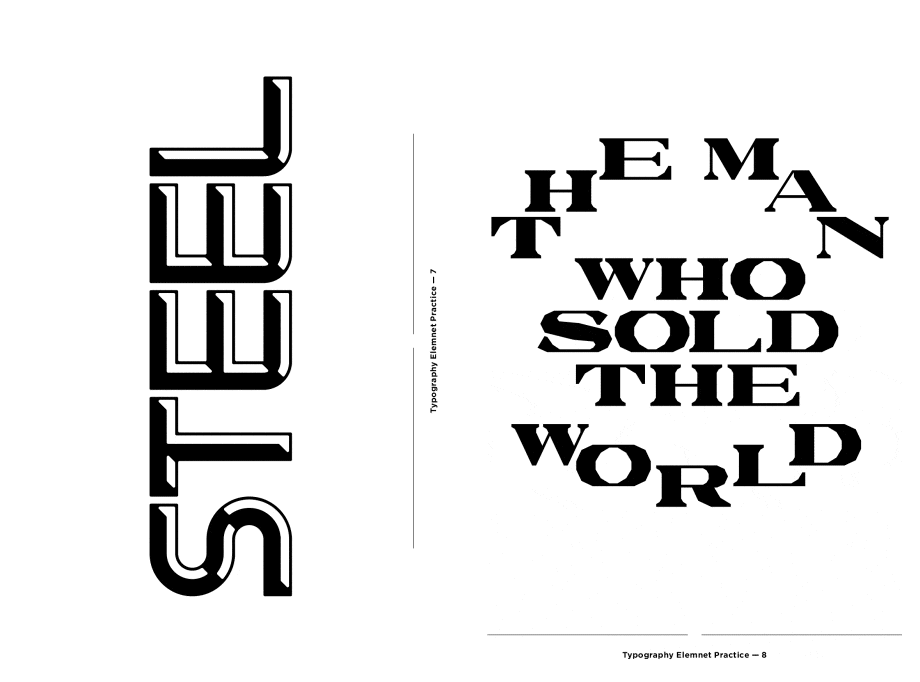
In this class, you will create over 20 different types of artwork.
Speaker introduction
graphic design studio
LIFT OFF
Hello, this is Jinwoo Lee and Sejin Choi from graphic design studio LIFT OFF.
We have been working together at the graphic design studio TEXT since 2015. Designer Jinwoo Lee went independent first, and then designer Sejin Choi joined. Since then, the two designers have been running LIFT-OFF together for a year.
LIFT OFF has been working on graphic design by mainly collaborating with public institutions such as the National Contemporary Dance Company, the National Hangeul Museum, and the National Theater Company. In addition, we are active in all fields requiring graphic design, including branding, exhibition and performance identity, books, signage, and packaging.
In this class, we will teach you all the techniques and know-how that can be used right away even when put into the field, including the overall process of practical graphic design, which was difficult to learn in school, as well as problems that may arise when collaborating with clients and case studies of actual projects.

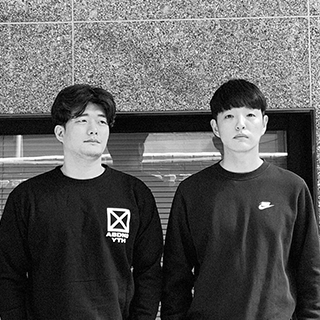
Art Director Jinwoo Lee
Art Director Sejin Choi
Current) LIFT OFF Art Director
Former) Studio Text (TEXT) Design Team Leader
View more history
<Exhibition>
100 Film 100 Poster, Jeonju International Film Festival 2017–2019, 2021
National Hangeul Museum <Lyrics - Bringing Life to Melody>, 2020
2019 Typojanchi: International Typography Biennale, 2019
National Hangeul Museum, 3rd Hangul Design Project, Preliminary Research Workshop <Unpredictable Hangul>, 2019
1st and 2nd <Grand Poster Festival> 2018, 2019
National Hangeul Museum <Rediscovery of the Dictionary>, 2018
east-west-post, Typomania Festival, Moscow, Russia, 2018
Typomania Festival, Moscow, Russia, 2017
Typojanchi 2017: Body, 2017
Notes & Queries, 2015
<Useful Nook>, 2013
Take Off Your Shoes, Seoul, Korea, 2013
Project; Archetype, Seoul, Korea, 2012
Nextwave3, Seoul, Korea, 2012
3, Seoul, Korea, 2012
Fiction, Seoul, Korea, 2012
Typography+α=Graphic Design, Seoul, Korea, 2008
<Award>
Red Dot Design Award 2015
Adobe Design Achievement Awards, 2013, 2014
Output, 2013, 2014
class features
class features
A class that helps you understand the basics of ‘visual language’ by crossing images and text.
We combine images and text commonly seen in everyday life to create new graphic design works. In this course, you will learn the basics of visual language by creating your own letters and choosing a font that fits the context.
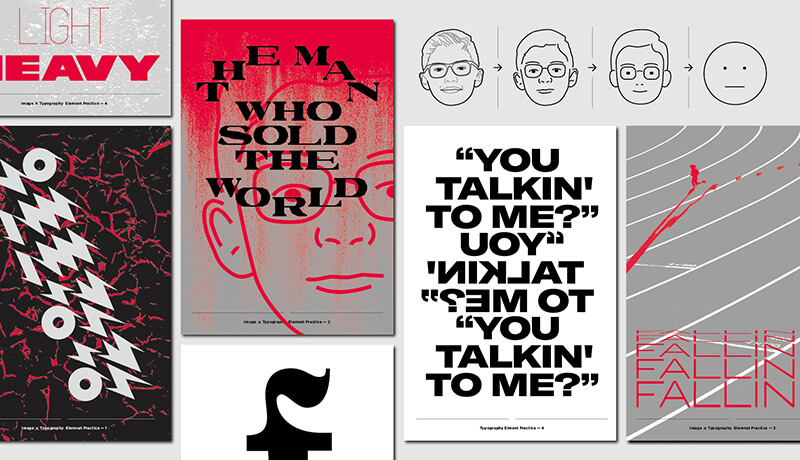
How to handle graphic elements functionally & case study
The correlation between photography, structure, and typography within a page is explained through various examples. In this course, learn the practical process of using typography functionally.
Learn vividly through design process and project practice
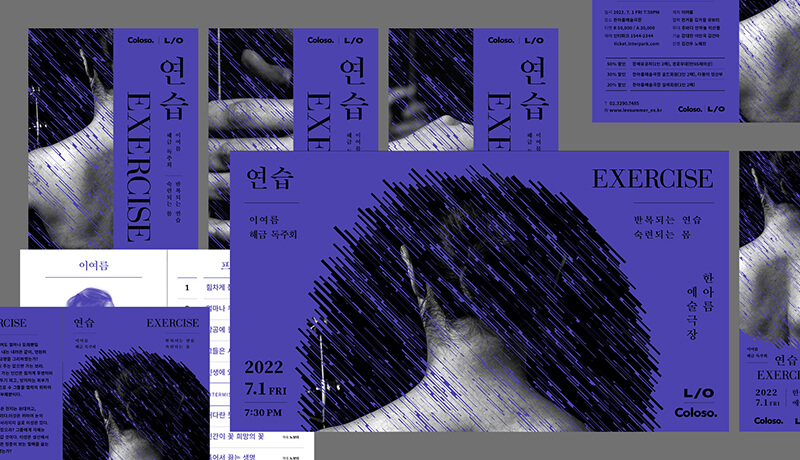
' LIFT OFF' reveals the entire process of the actual project, including research, sketches, design, feedback, and even the printing order process. You can learn about the actual design process by seeing what kind of feedback is actually received and what plan B was not adopted.
Class composition
learn this
-
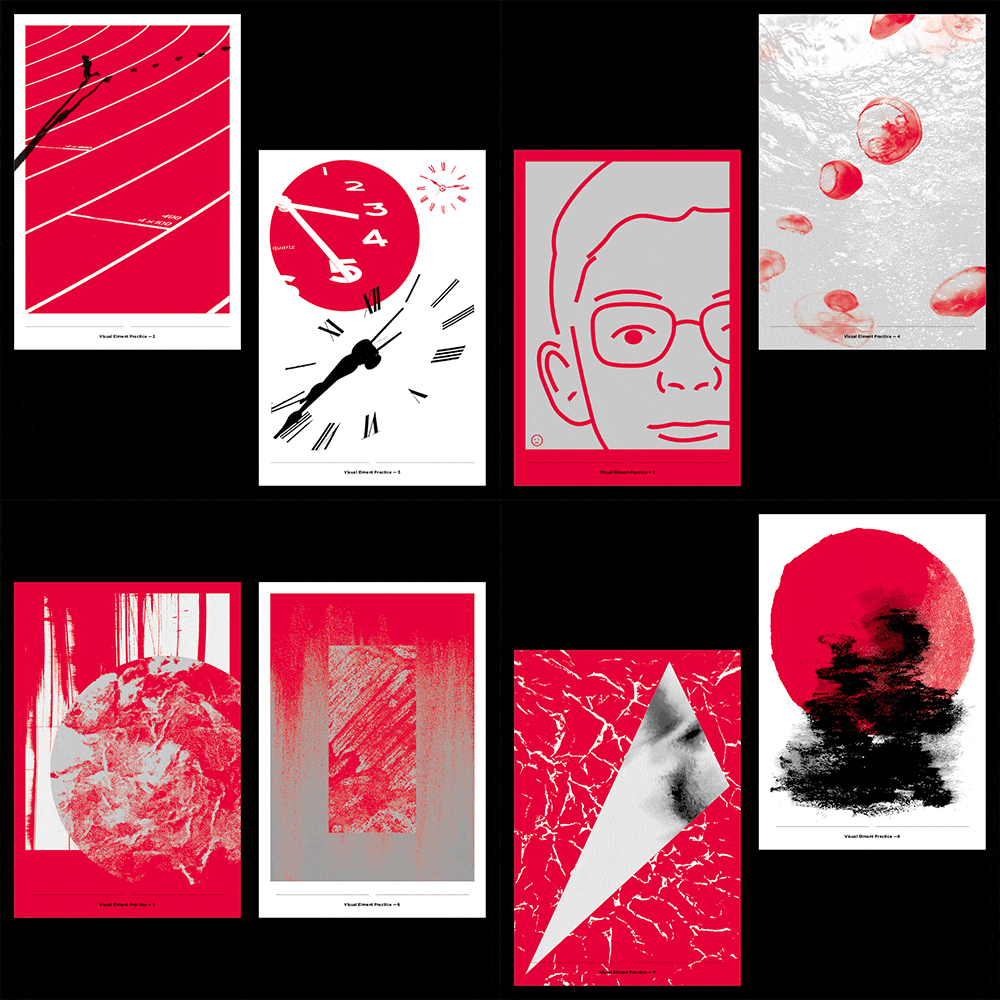 Understanding ‘graphics’ through visual practiceSelect a photo, collect textures, and create your own concrete and abstract graphics. In this course, you will be able to understand the concept of 'graphics'.
 -
 Learn how to approach graphic design and ‘design methodology’You can learn step-by-step how to expand vague ideas into designs, including reference selection, design keywords, ideas, and sketches.
 -
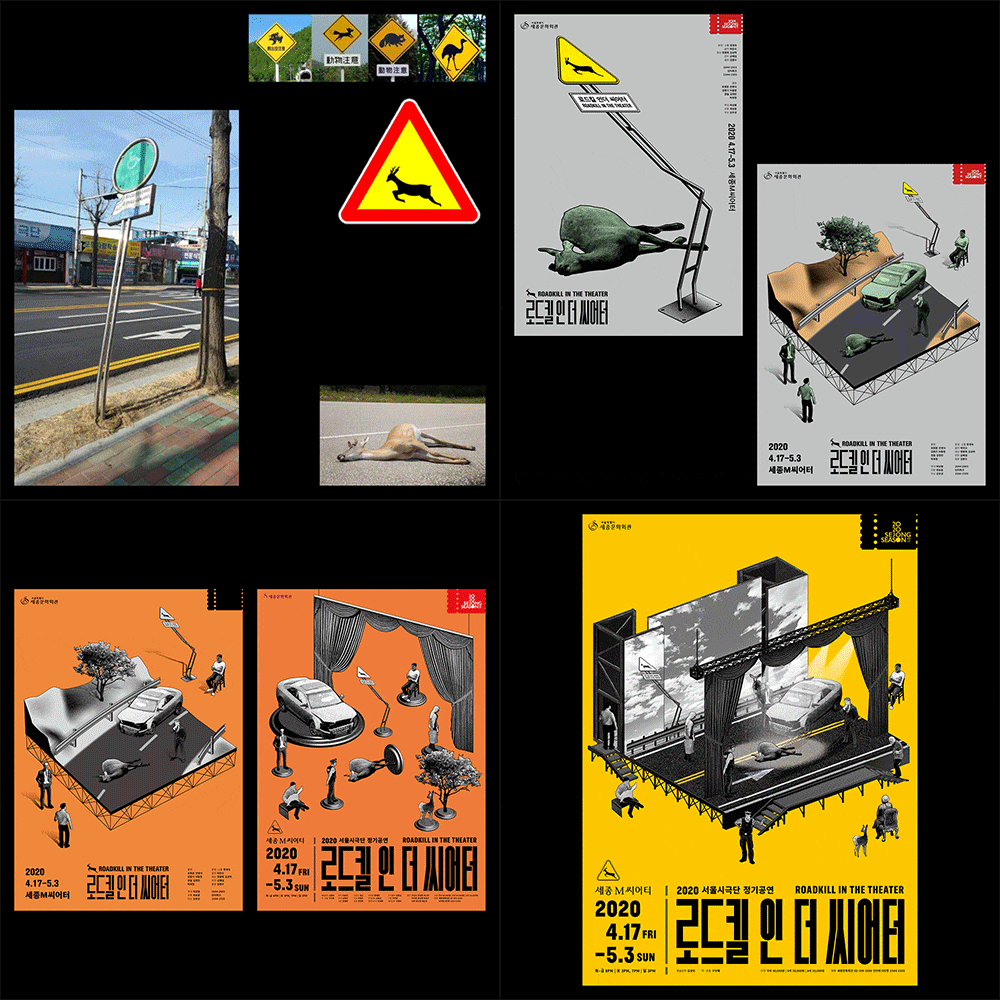 Practical process learned through real-life examplesYou can comprehensively learn the process of strategic planning and image implementation tailored to the client's requirements. We will look at how some parts were applied in actual projects and learn about the practical design process in detail.
-
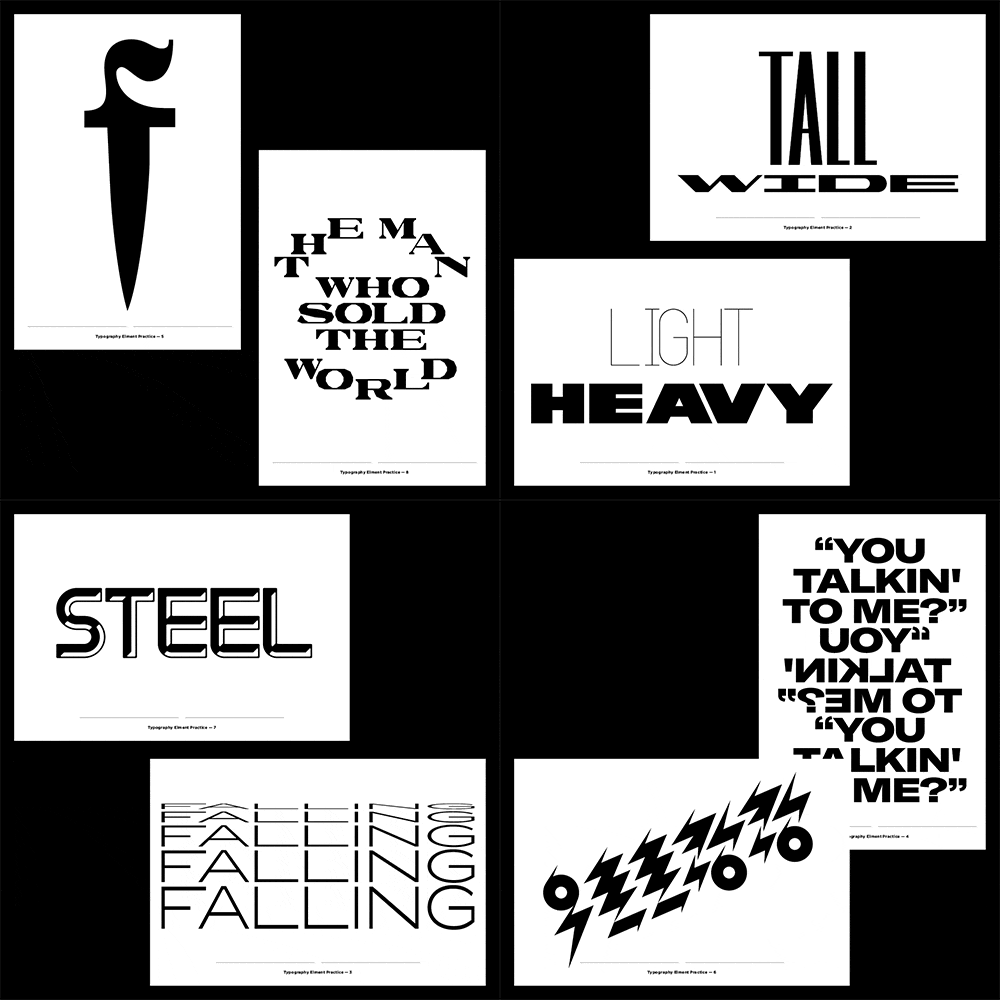
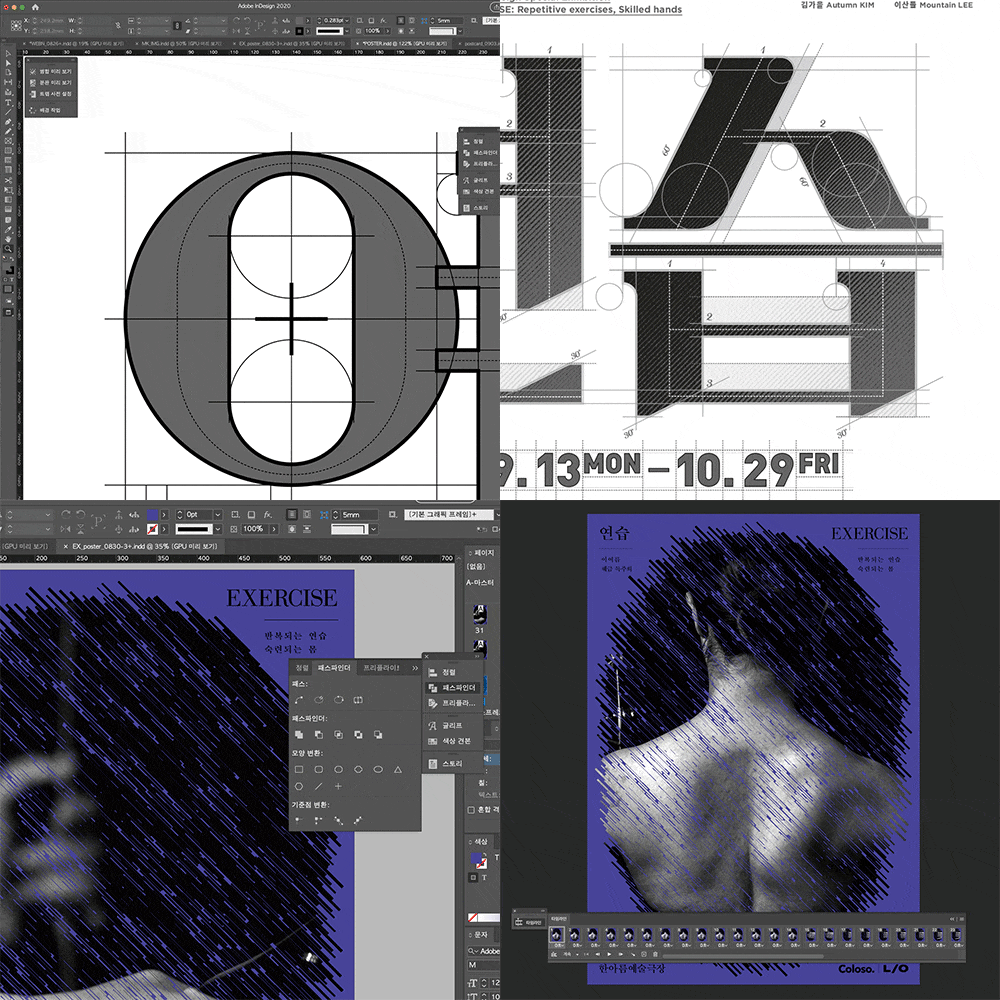 Contextual text and typographyAfter understanding what a font is, choose an appropriate font according to the context and shape. You can practice creating your own lettering to be used as graphic elements.
 -
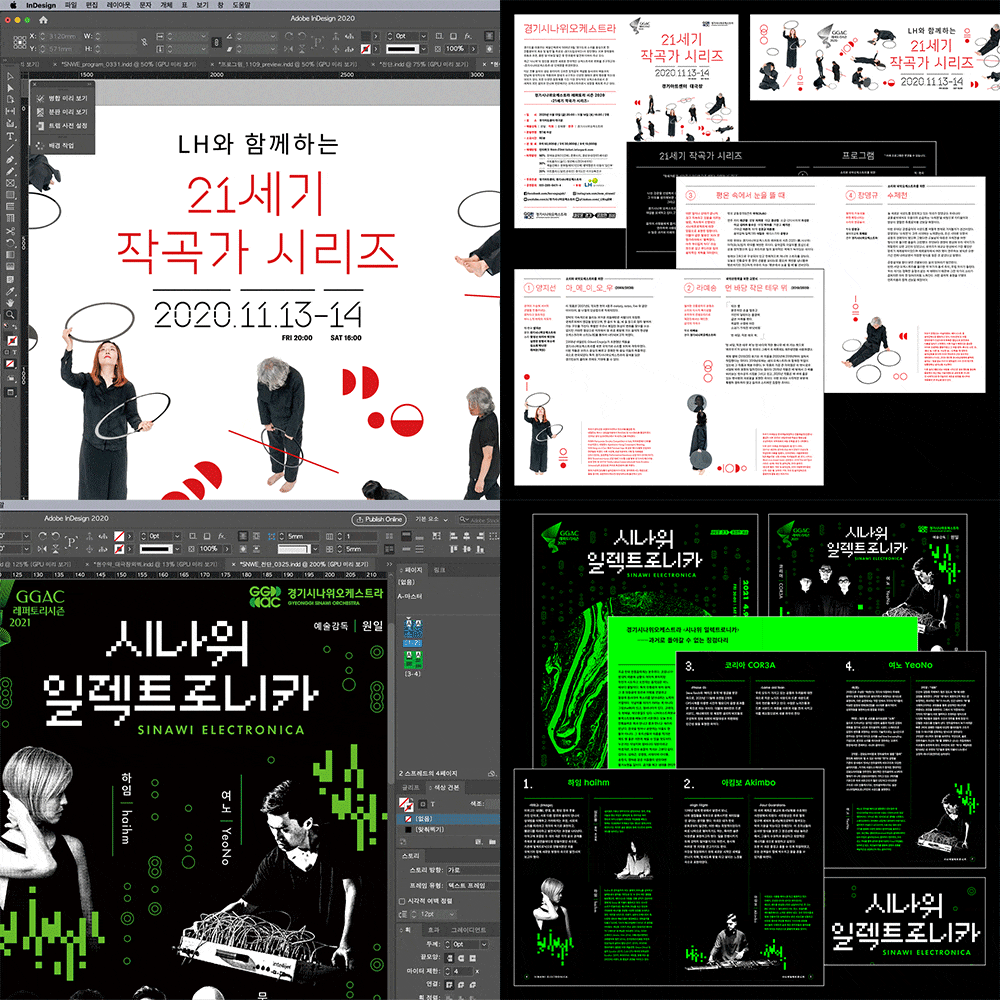 Creating drafts, practical design variationsYou must be able to create various types of drafts even for one project. Using the same pattern, we create an expanded range of design variations rather than just changing the size.
 -
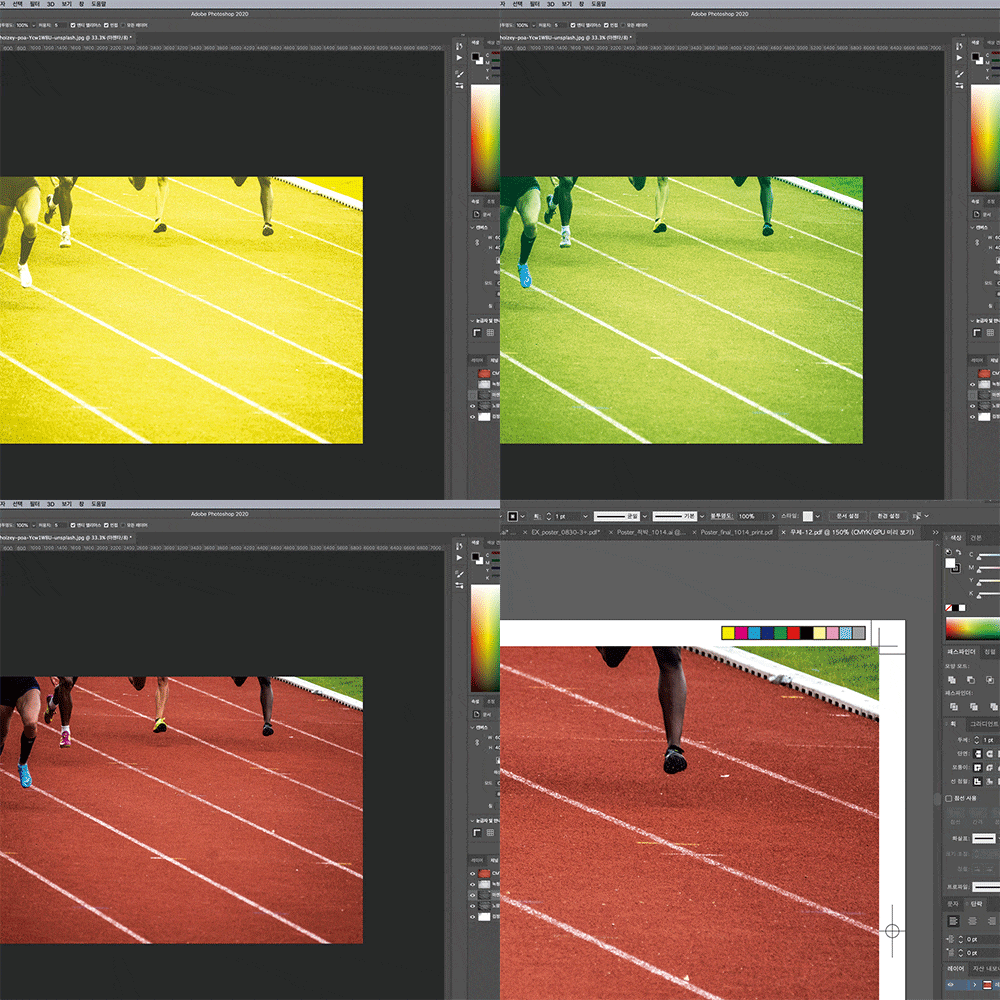 Project completion, printing ordering and supervision know-howReduce common mistakes in the printing field with the know-how of current designers. In particular, we will point out key areas where problems often occur, such as layout specifications and colors. Learn how to do practical work without accidents by creating files for actual orders.
curriculum
curriculum
Show me the curriculum
SECTION 01. OT
01. Orientation
- Introduction to LIFT-OFF
- Curriculum Introduction
02. Learn basic concepts of graphic design
- Learn about ‘visual language’
- Learn about ‘Image’
- Learn about ‘Text’
SECTION 02. Practice handling visual elements
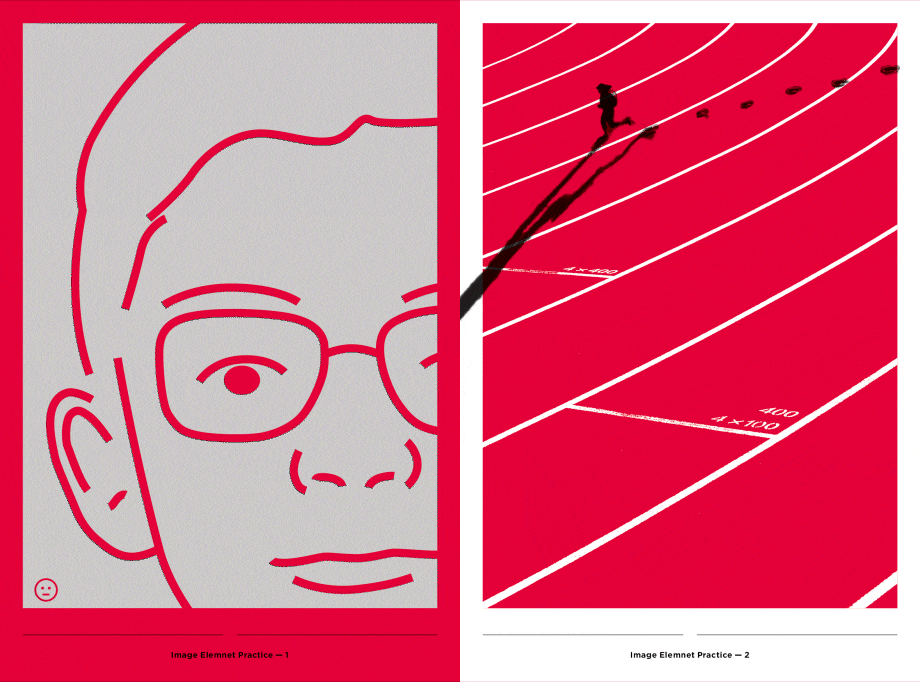
03. Image 1: Create an image with a specific shape
- Choose a photo and give it a name
- Transform everything from photos to icons.
- Create postcards using the created images (Output: 4 postcards)
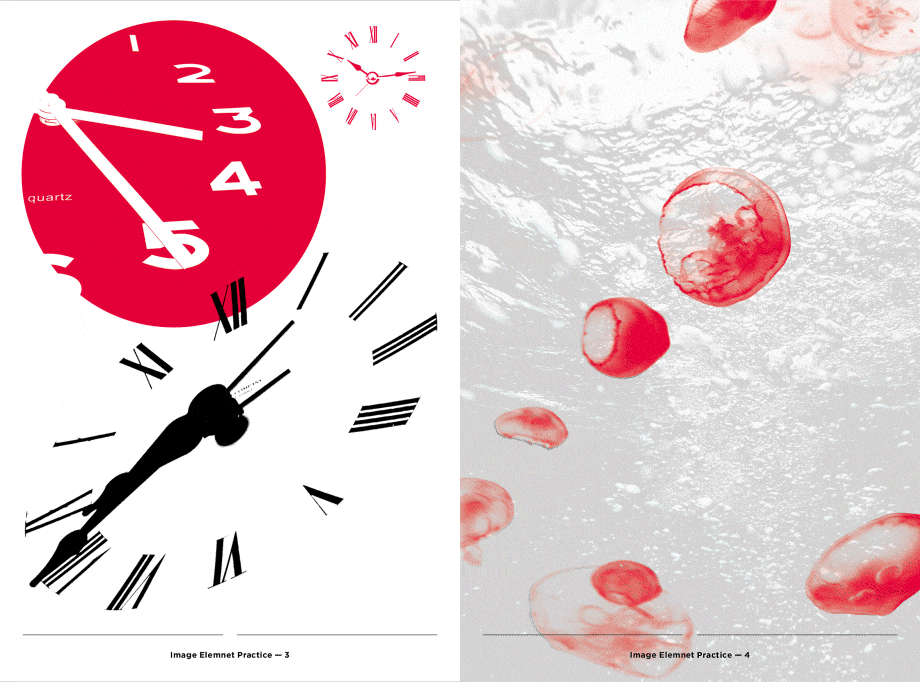
04. Image 2: Create an image of an abstract shape
- Collect unexpected textures using objects around you
- Digitize the collected textures and transform them in various ways.
- Naming the Texture
- Making postcards using various textures (Output: 4 postcards)
05. Text 1: Typography 1
- Choosing a font: contextual approach / morphological approach
- Arrange text in various ways
- Make postcards with various fonts (Output: 4 postcards)
06. Text 2: Typography 2
- Creating letters with lettering: the Latin alphabet
- Creating letters with lettering: Hangul
- Make postcards using the letters you created (Output: 4 postcards)
07. Image
- Randomly overlap the postcards you made
- Context conflict
- Mix existing postcards to create another postcard (Output: 4 postcards)
SECTION 03. Design process
08. Learn about the graphic design process
- Constraints and Selection: Setting the Right Direction
- Feedback and Communication: Driving Better Results
09. Learn about graphic design methodology 1: Methodology
- Study & Research
- idea visualization
- Posters and Variations
10. Learn about graphic design methodology 2: Case study
- Photo given: Laundry, SALT HOUSE
- When taking photos: 21st Century Composer Series, Movement in the City, Doomchit Hangul
11. Learn about graphic design methodology 3: Case study
- When text is central: the acoustics of the station, the written revolution, and the architectural infinite hexahedron
- When image is central: Dorquil in the Theater, Desert/Sea
SECTION 04. Visual identity design process
12. Project Practice A-1: Ideas and Visualization
- Sketching & Research
- Extract keywords
- Ideas and Visualization
13. Project Practice A-2: Making a Poster
- Sketch Develop & Poster Creation
- Create a Persuasive Proposal
14. Project Practice A-3: Making a moving poster
- Preparing sources for moving posters
- Create a moving poster
15. Project Practice A-4: Variation and Expansion
- Create leaflets, invitations, and print variations
- Creating banners and outdoor advertising / web variations
16. Project Practice B-1: Ideas and Visualization
- Sketching & Research
- Extract keywords
- Ideas and Visualization
17. Project Practice B-2: Making a Poster
- Sketch Develop & Poster Creation
18. Project Practice B-3: Variation and Expansion
- Create leaflets, invitations, and print variations
- Creating banners and outdoor advertising / web variations
SECTION 05. OUTRO
19. Printing order and printing supervision
- Printing at a glance
- Create a checklist before placing a print order
- Create a print order file
20. OUTRO
- Finish the project well
- Graphic designer as a professional
* Curriculum details may change before or after the video is released.
interview
What graphic designer LIFT OFF wants to say

Question.01
What is the outlook for the graphic design field?
What is the outlook for the graphic design field?
Risks and opportunities will coexist in the future graphic design market. The number of fields requiring graphic design is increasing, but now anyone can design and the pace of change in society is very rapid. Furthermore, the design market will gradually change into a market where individuals and individual studios exist as brands, and in this situation, we emphasize that you should stick to the basics and have your own colors and weapons.
Question.02
What is the differentiating point of this class?
What is the differentiating point of this class?
The emphasis was not on teaching fancy techniques, but on learning formative visual language. Even if you only use basic functions, you can create interesting works if you utilize each element and its arrangement well. Of course, we will also cover design techniques, but we have prepared it so that you can go further and learn what steps the design process should take.
Question.03
Who do you recommend this class to?
Who do you recommend this class to?
I recommend it to those who only know how to use tools but are not good at visual language, or those who are good at finding references and have difficulty in the next step. Those who only know how to use tools can learn basic visual language through practice. Additionally, those who are not good at the design process can learn the systematic design process by looking at actual project cases.
Question.04
Please say something to the students.
Please say something to the students.
Graphic design is essentially a service industry. In most cases, there is a client, and the designer must accurately understand and express what the client wants. Additionally, because ‘visual language’ usually provides a variety of images, the understanding is likely to vary. Therefore, I hope you become a designer with the ability to ‘communicate’ well.
We will guide you through the program to use.
This class is conducted using the tools specified below.
– Adobe Indesign
– Adobe Illustrator
– Adobe photoshop
* We recommend the 2020 ~ 2021 version for all programs.
* CC version is also available.
* Programs and materials are not provided separately.