그래픽디자이너 배민기 Details
Class Intro
Graphic Designer, Minkee Bae
“Let's transform the amazing imagination in your head into visual designs in reality.”
Unlocking Creativity: Inspiring Ideas and Expressions for Graphic Designers
Do you have a solid understanding of the tools and have explored many references, yet still find yourself experiencing a 'brain freeze' when trying to create your own design?
A compilation of graphic design ideas and expression methods that will make your imagination a reality!
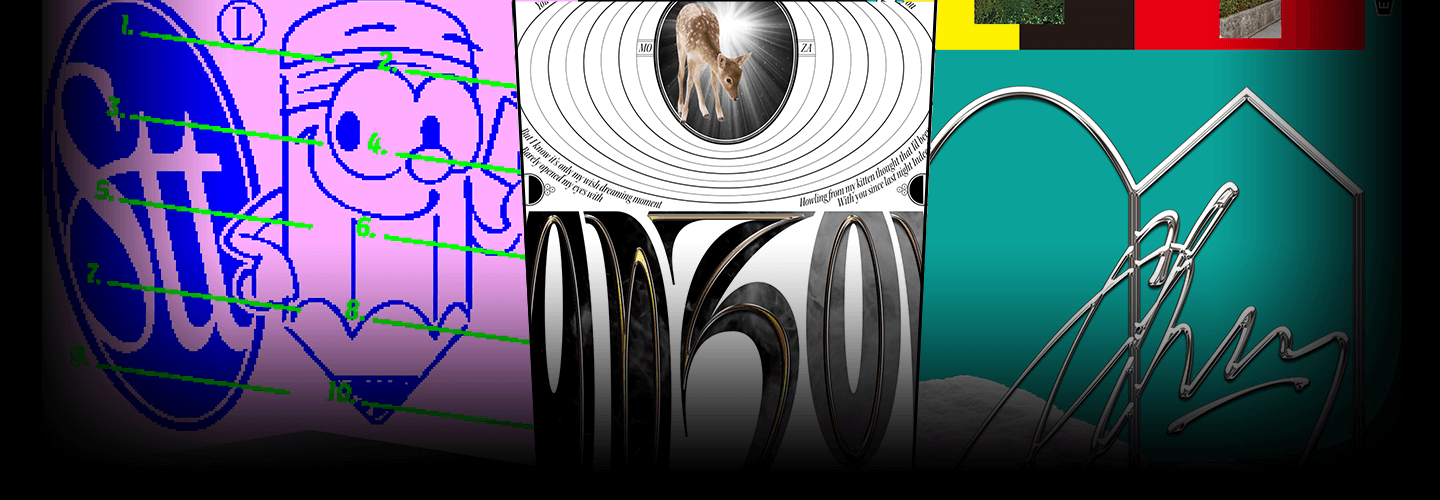
From character design to websites, lettering, typography, and moving posters, check out various graphic design examples and processes based on flexible ideas all in one class.
From character design to websites, lettering, typography, and moving posters, check out various graphic design examples and processes based on flexible ideas all in one class.
Expert Graphic Designer Minkee Bae
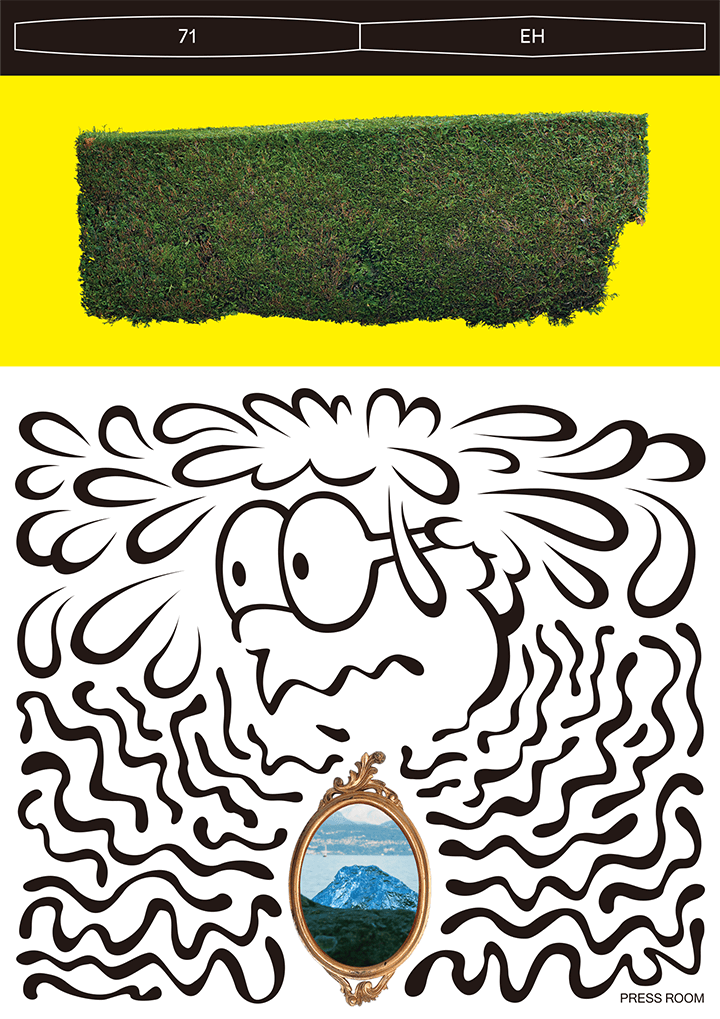
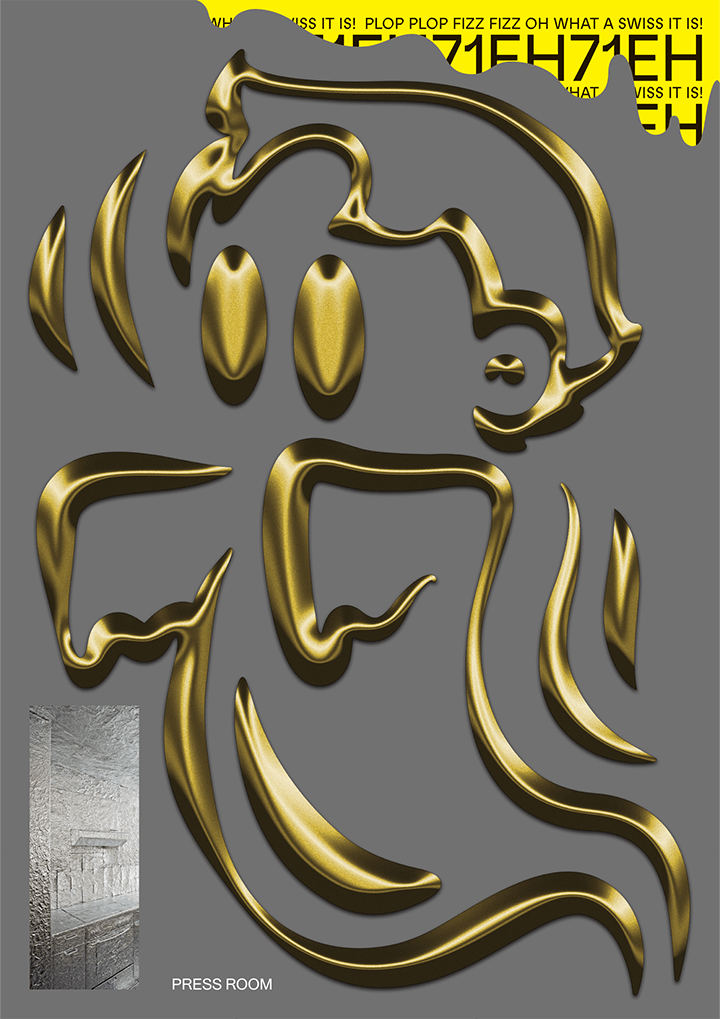
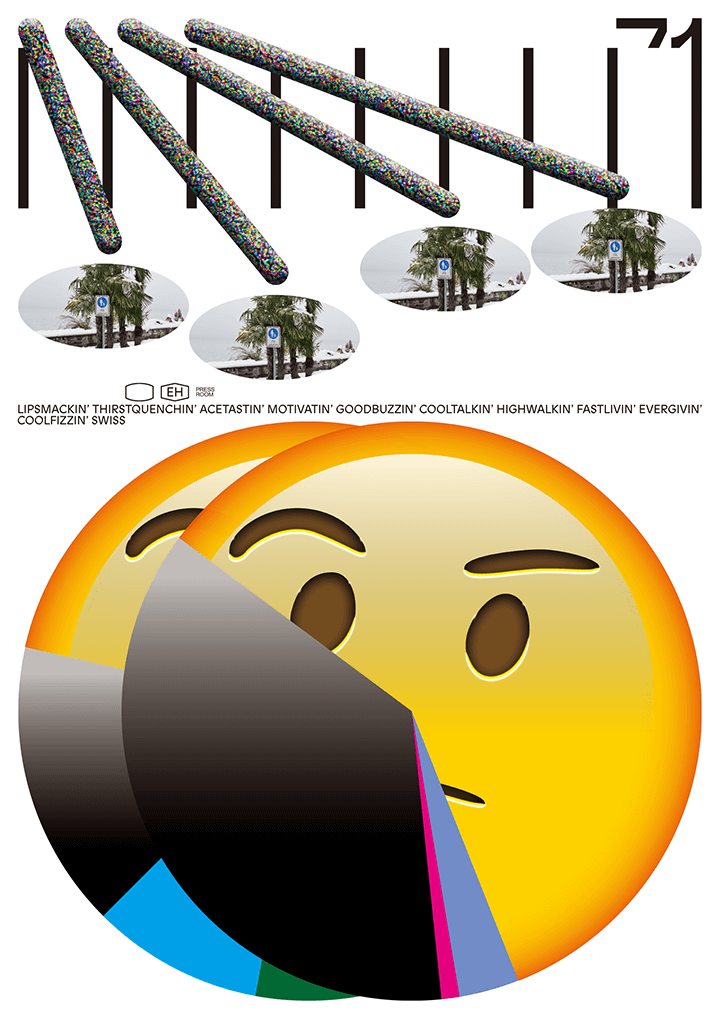
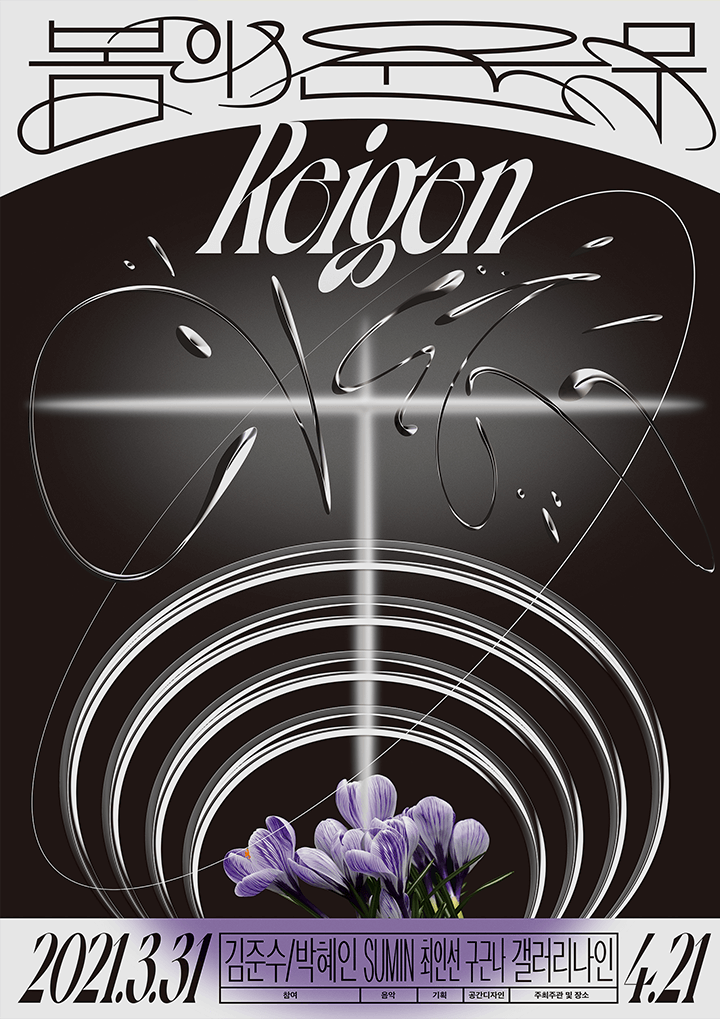

Why Take This Class?
Designer Minkee Bae understands what knowledge you need to progress beyond beginner level and become a skilled practitioner.
In this course, he shares insights gained from outsourcing various graphic design projects and showcasing his unique work in multiple exhibitions.
You’ll learn everything from ideation and methodology to advanced expression techniques and practical motion graphics, addressing the challenges that students and beginner designers often face in visual design.
Check out the graphic design practice curriculum that will elevate your portfolio on Coloso now!
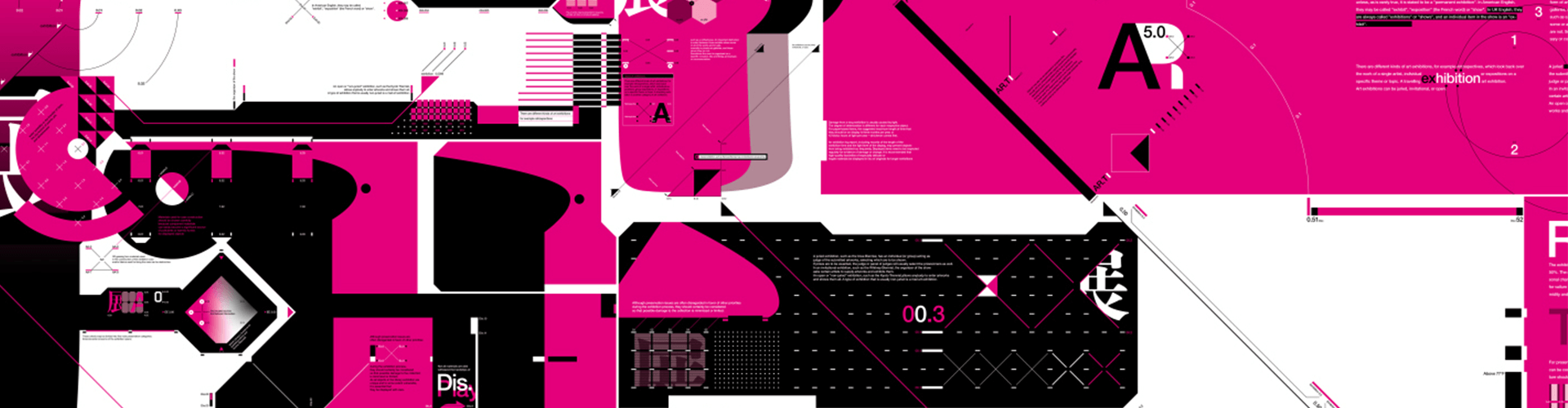
8 Class Exercises
-
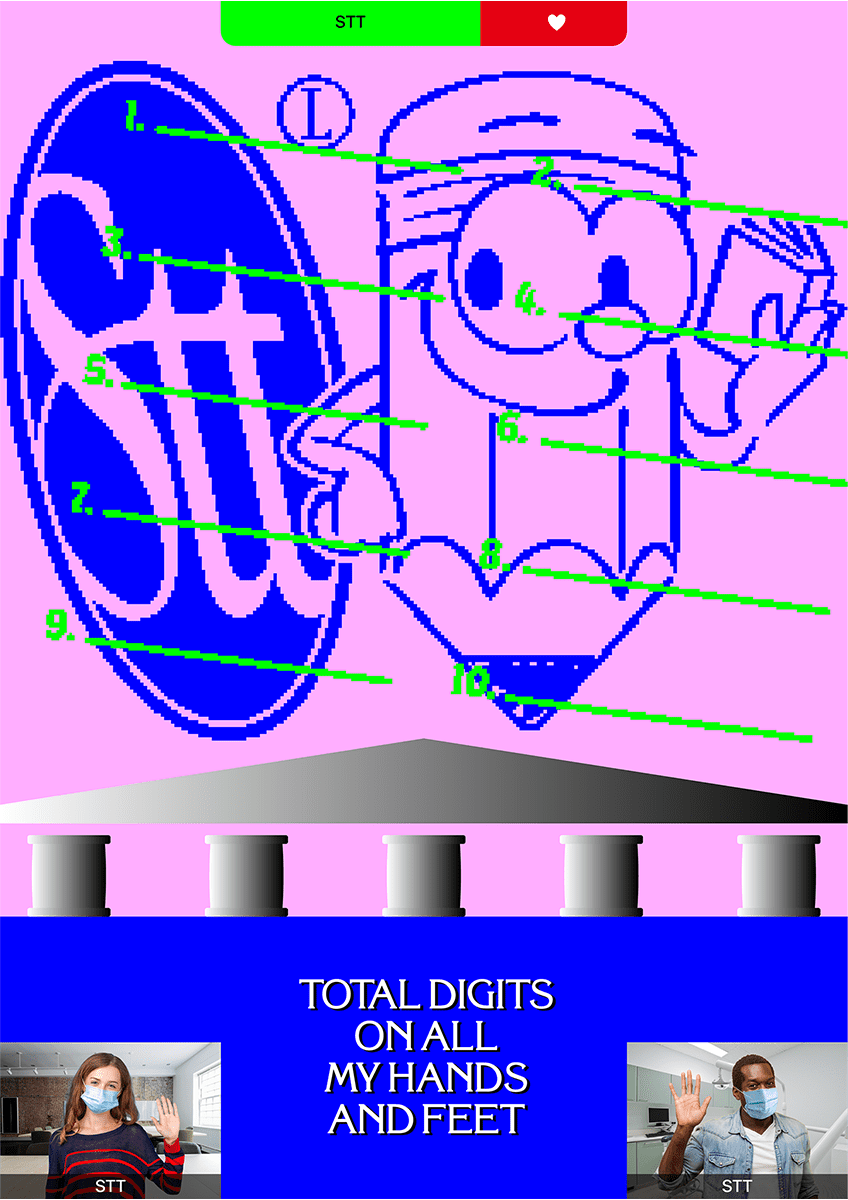 [Poster]
Creation and combination of logos and visual elements -
 [Character design]
Pseudo-3D basic objects using Illustrator -
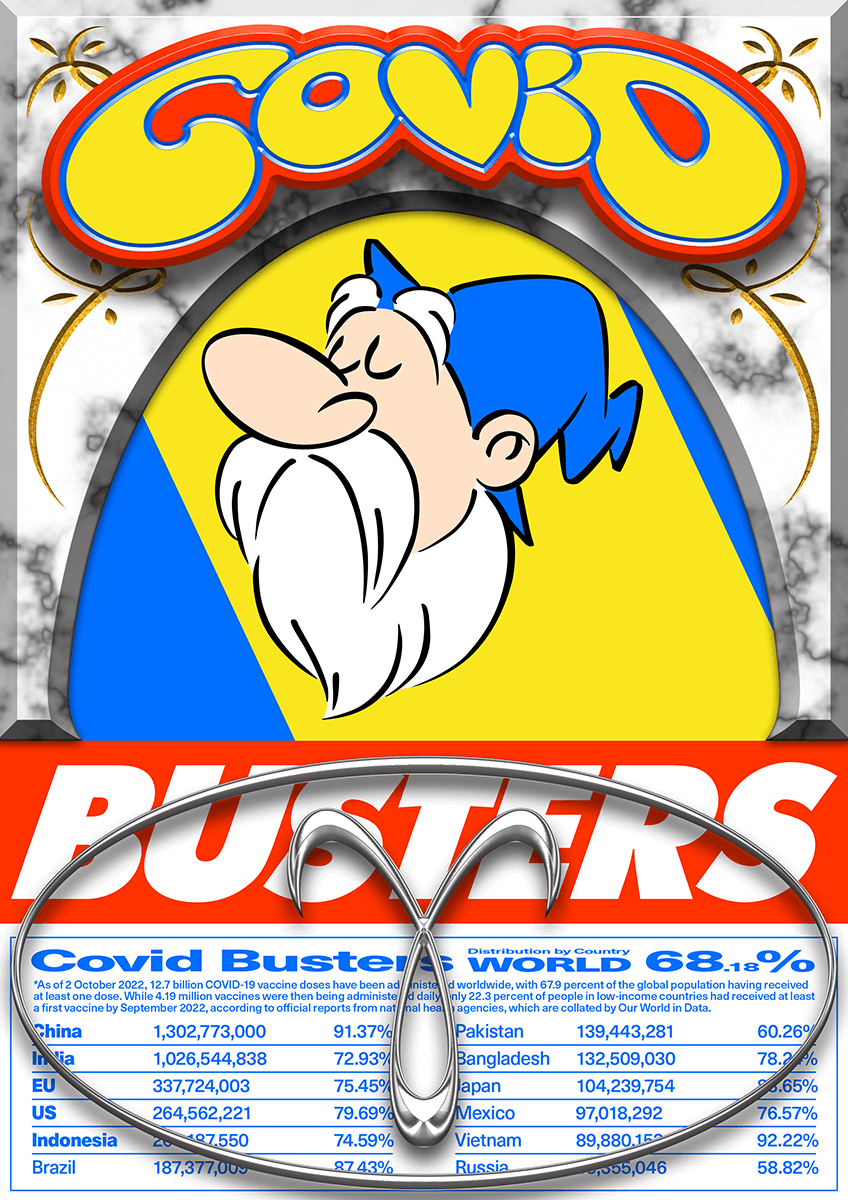 [Poster]
Character design, lettering, and decoration work -
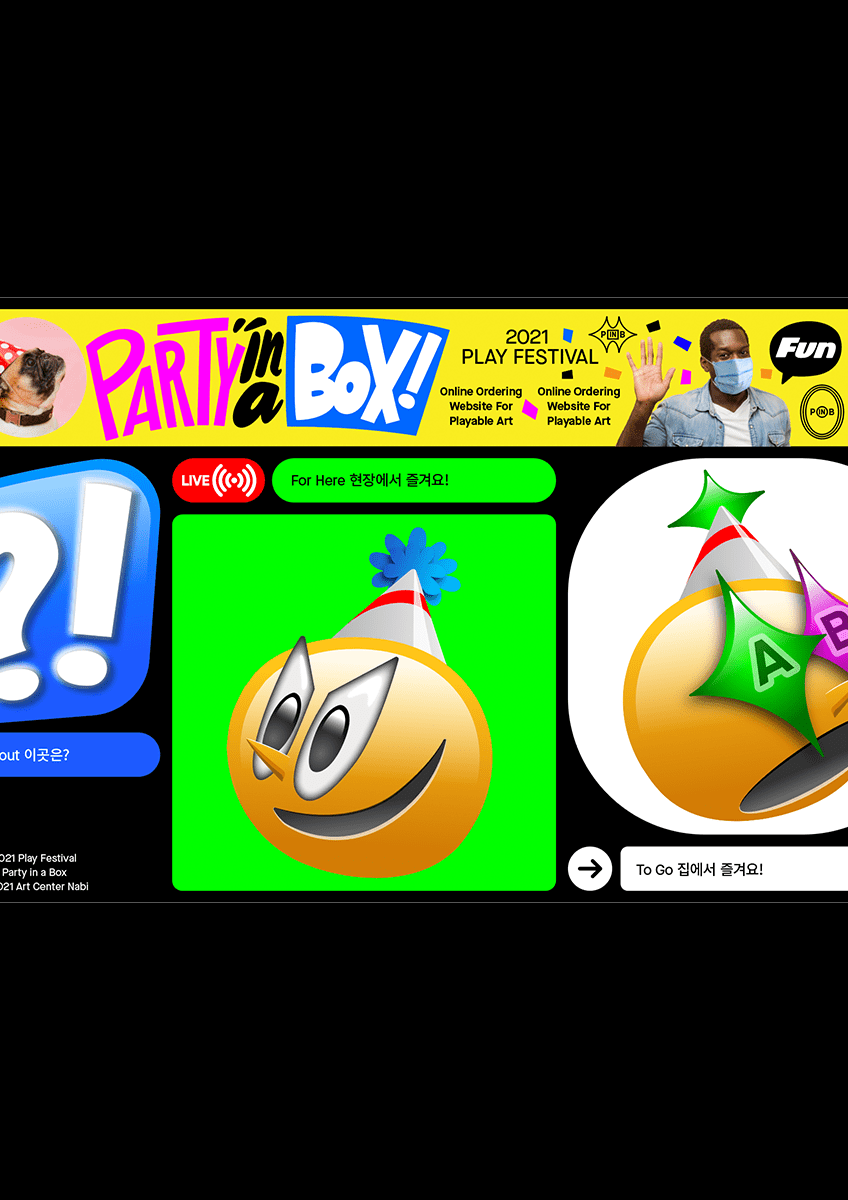 [Website]
Combination of wordmark and other visual elements
-
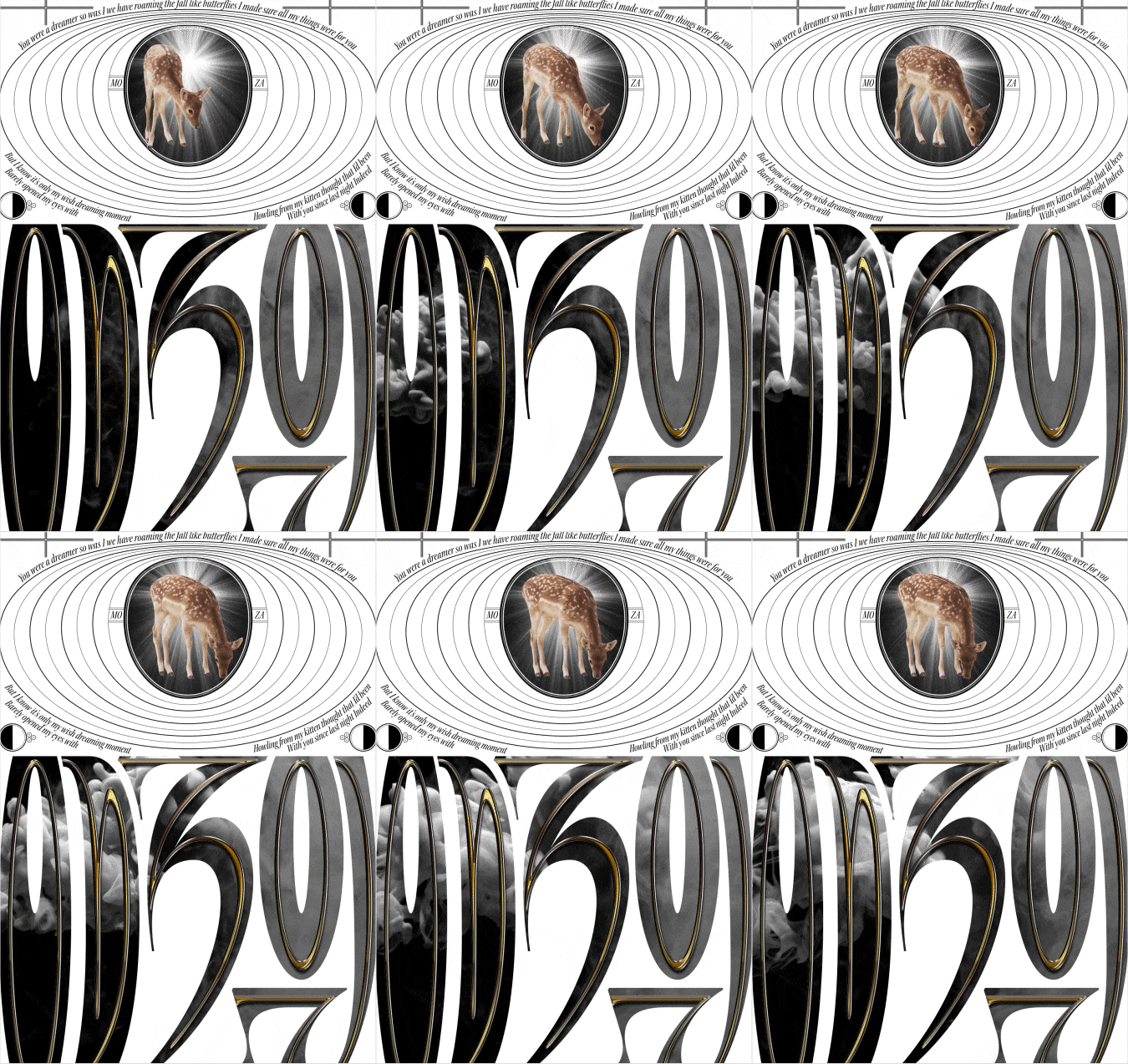 [Moving Poster]
Use of after effects and video footage -
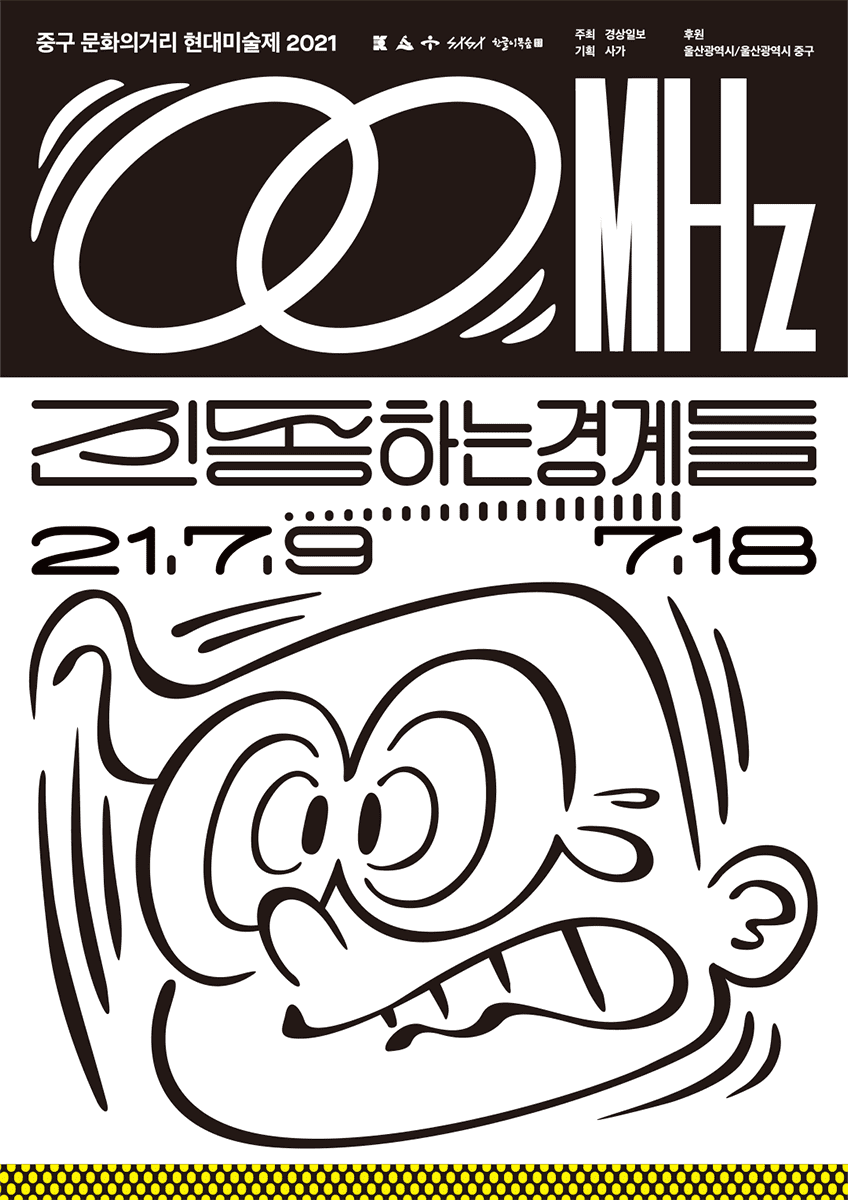 [Poster]
Lettering work and object placement -
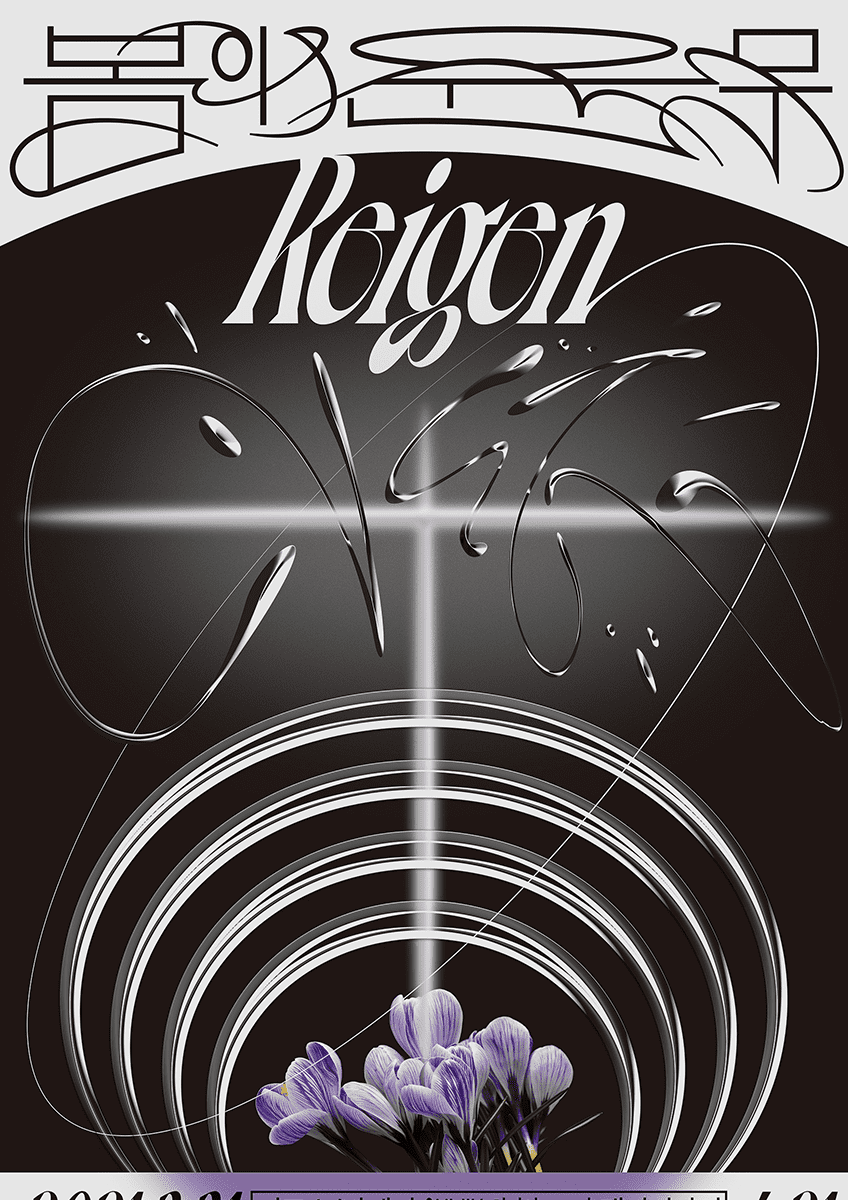 [Poster]
Expression of diverse and dynamic textures using lettering and layer effects -
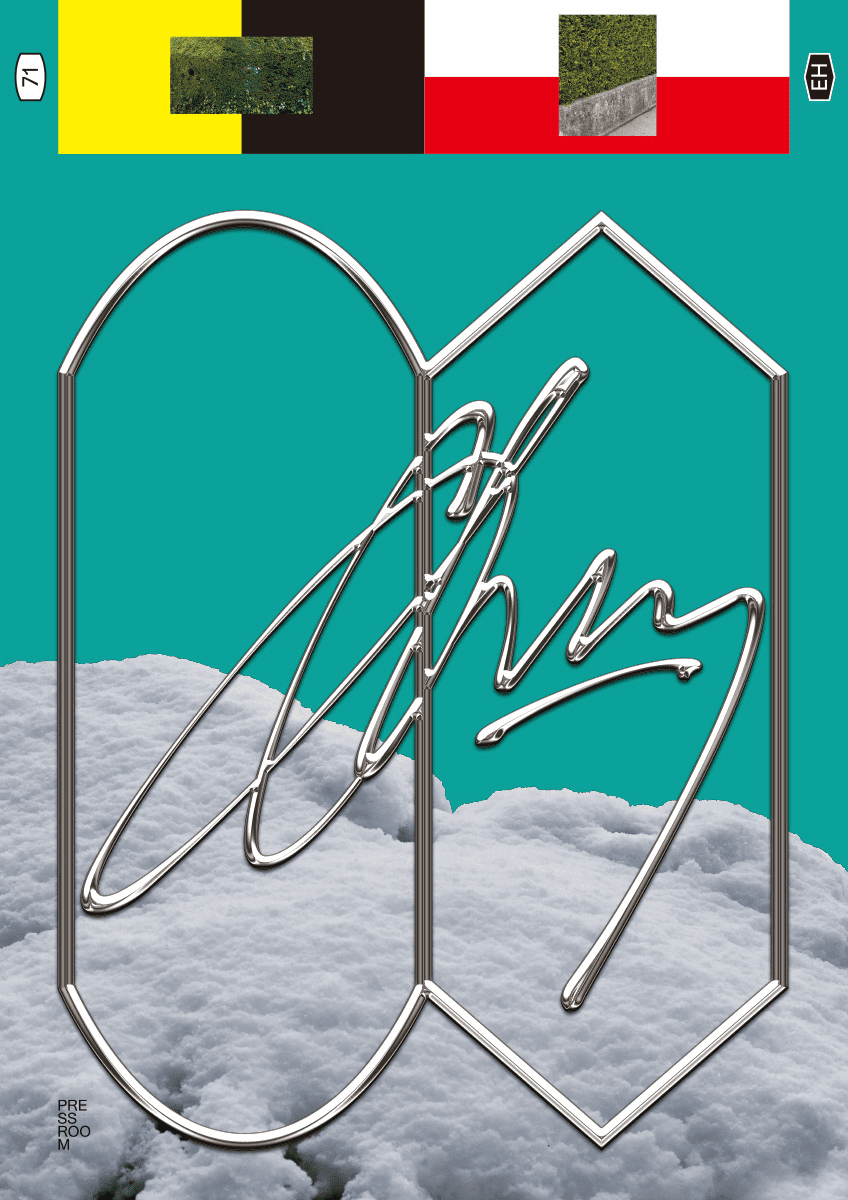 [poster]
Use photo assets and objects with unique textures
* This image is an example image to help you understand the class.
Speaker introduction
Graphic Designer
Minkee Bae
Hello, I’m graphic designer Minkee Bae.
I specialize in branding and graphic design across various sectors, including IT, fashion, and F&B. I also participate in design exhibitions at new media venues, art platforms, and museums.
In addition to my design work, I teach studio-based practical courses in the university's visual design department, where I share my expertise with students.
I've created a curriculum aimed at providing valuable insights for all creators in the visual arts, extending beyond just graphic design.

Graphic designer
Minkee Bae
[Current] Freelance designer
Projects & Awards
[Participated Projects]
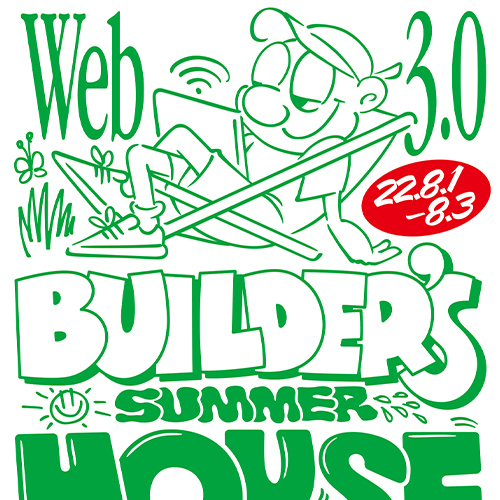
‘Web 3.0 Builders Summer House’ identity design (DSRV, 2022)
‘Royal Melting Club’ identity design (Royal Melting Club, 2022)
‘Gentle Monster Chongqing’ art wall design (Gentle Monster, 2022)
‘Party Mermaid Box’ website design (Art Center Navi, 2021)
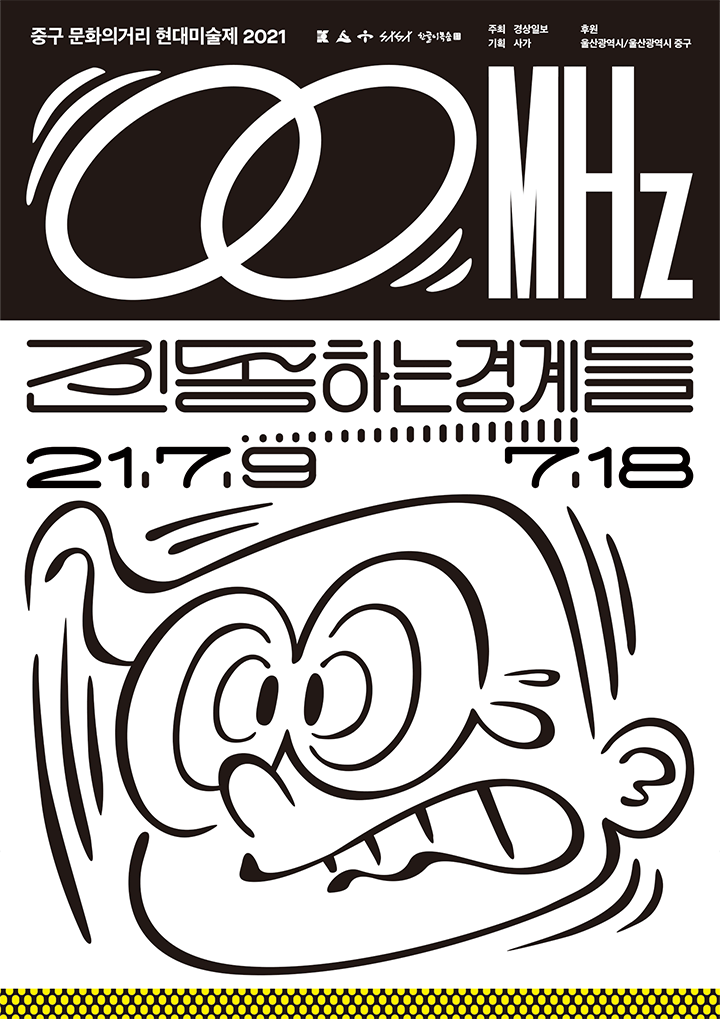
'00MHz: Vibrating Boundaries' Identity Design (Saga, 2021)
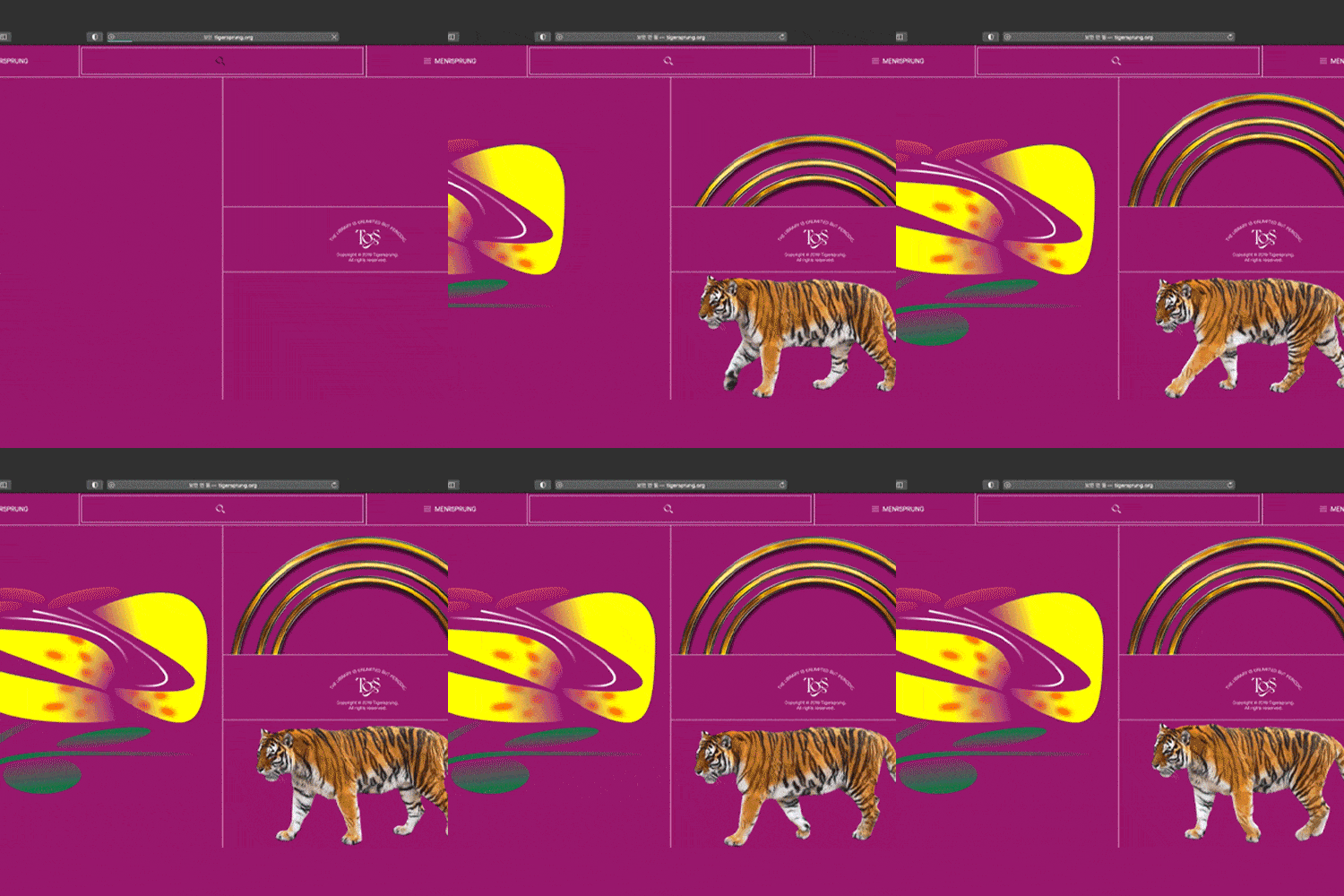
'Tiger's Leap' website design (Saga, 2021)
'Reigen: Spring Dance' identity design (Gallery Nine, 2021)
[Exhibition]
<(IN)BETWEEN – Between Music and Graphics> (Reeperbahn Festival, Hamburg, 2021)
<2020 ACC CONTEXT: Scepter of Solidarity> (National Asia Culture Center, Gwangju, 2020)
<Design may change slightly> (Embassy of the Republic of Korea in Germany, Leipzig, 2018)
<Open Recent Graphic Design 2018> (Press Room, Seoul, 2018)
<Poster Polyglot> (Team Thursday, Rotterdam, 2018)
<Typojanchi 2017: Playground> (Ministry of Culture, Sports and Tourism, Seoul, 2017)
<Seoul Biennale of Architecture and Urbanism: Free Map of Seoul> (Seoul Design Foundation, Seoul, 2017)
class features
Class Highlights
Experience the Idea of Breaking Through a Daunting Task
Learn with specific examples the process of observing the surrounding visual culture, deriving/organizing visual keywords based on this, and conceiving the result.
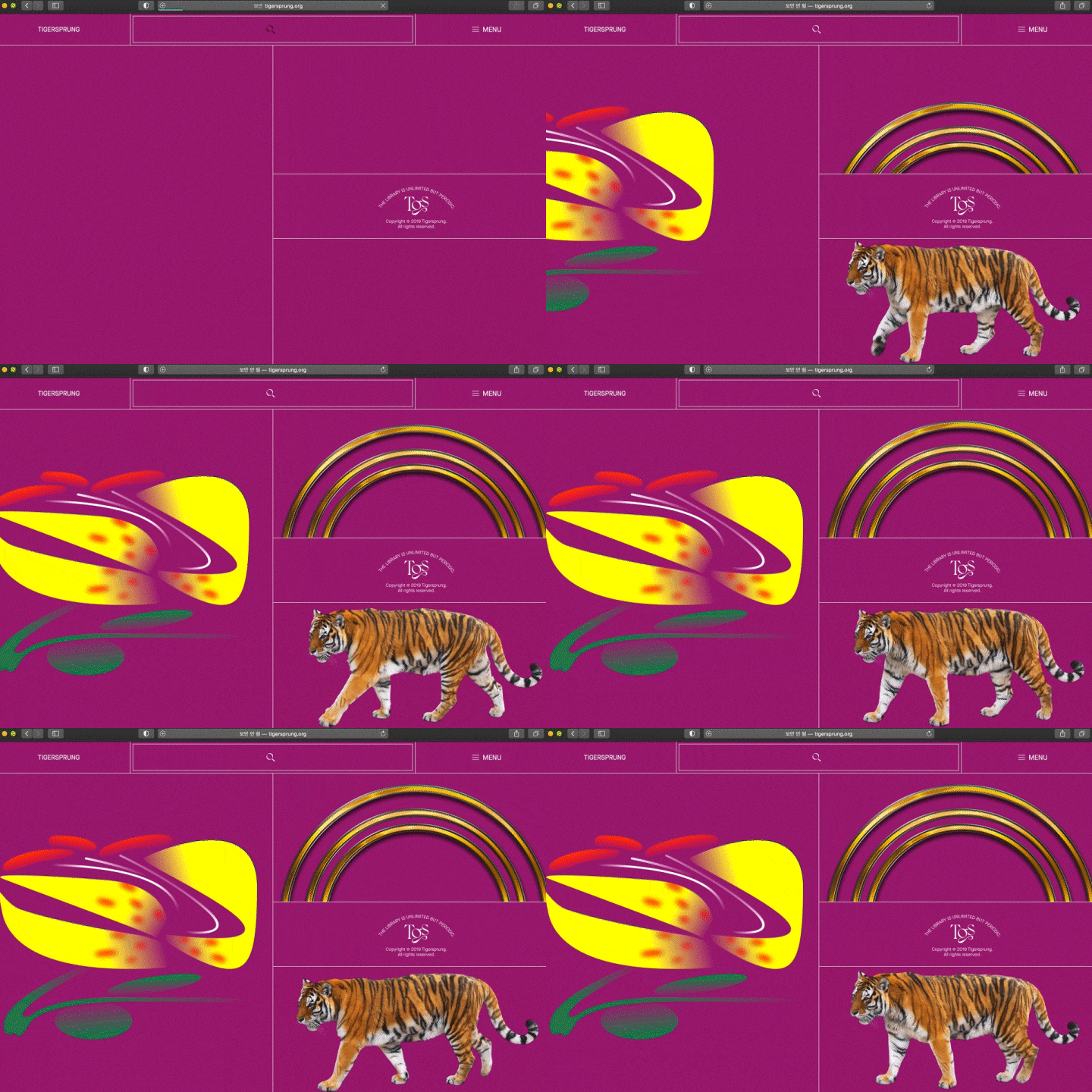
Learn Various Visual Expression Techniques
Based on the dynamism and heterogeneity of images such as vectors, raster, photographs, and video footage, we develop the ability to sublimate contrast and disharmony into another visual language.
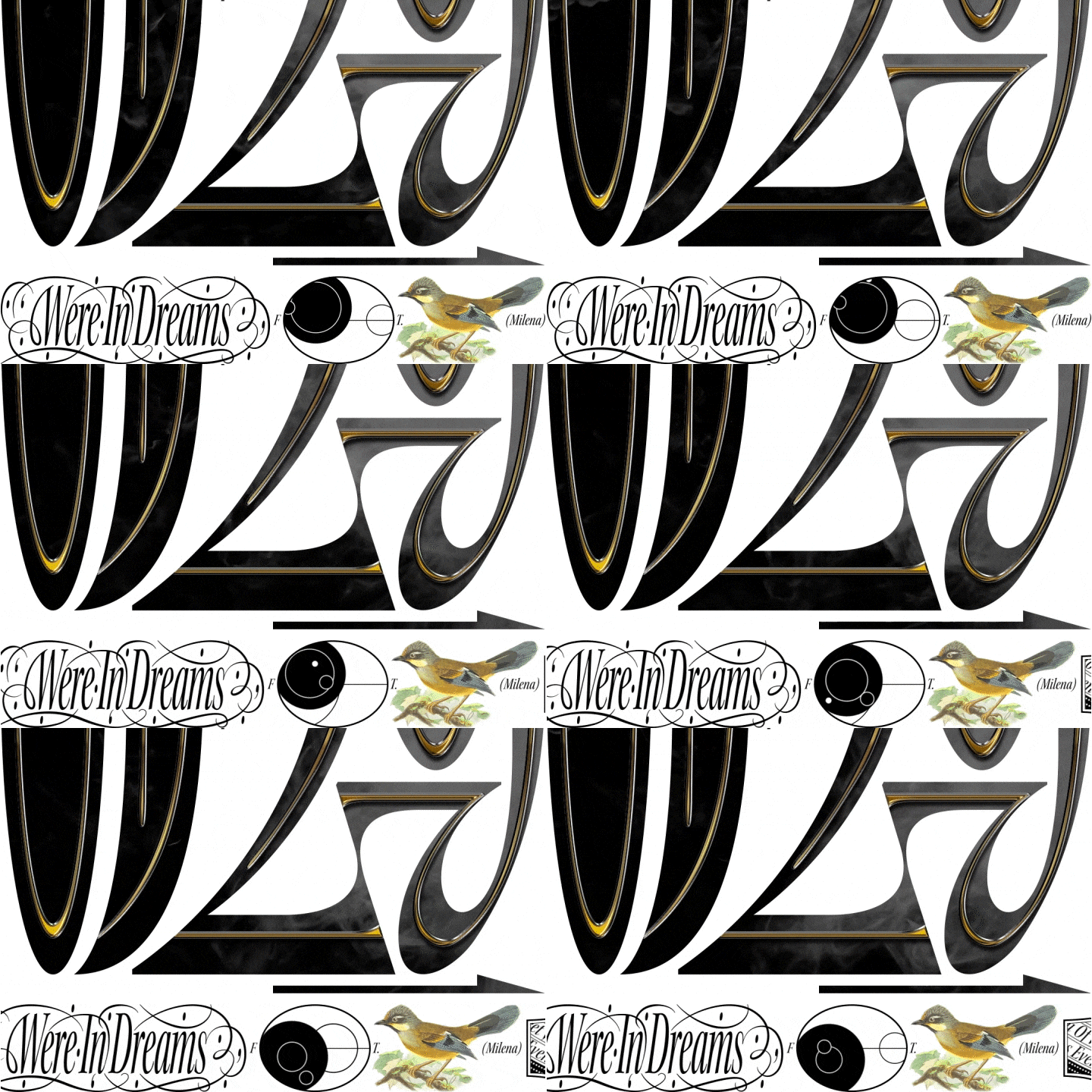
Lettering & Illustrations That Are Perfectly Suited to Practical Use
What if you want to create a working portfolio with your own designs? By harmoniously combining design sources with graphic design, you will create work that reveals your unique identity.
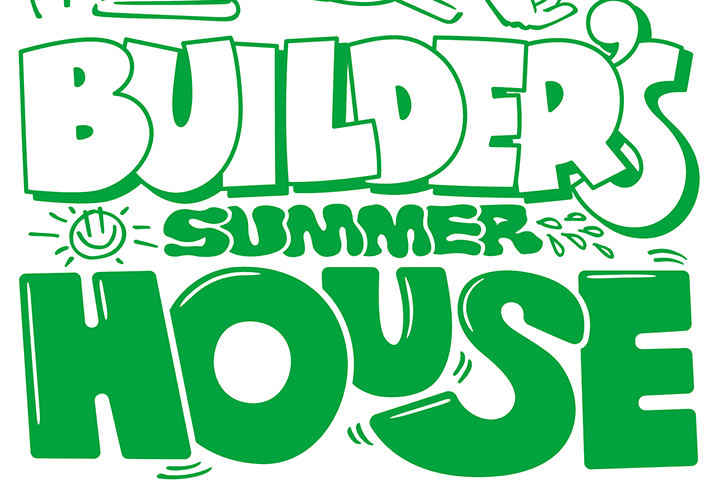
Class Details
You'll Learn
-
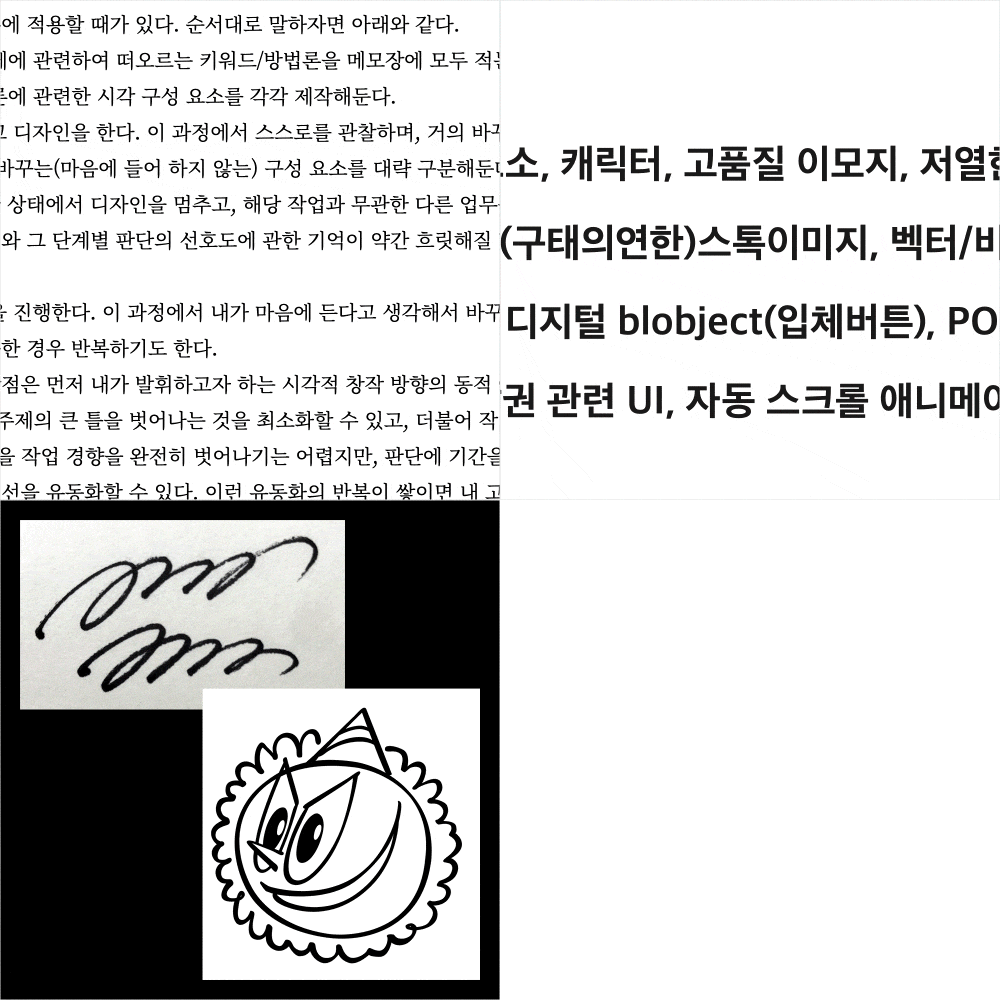 The First Step in Design: IdeationBased on the work request, you will go through a process of redefinition and keyword organization, and learn how to circumvent this with your own system and principles.
 -
 How to Reference the Media and Culture Around YouThrough observation of various popular/visual cultures, I extract visual forms and contexts that can be applied to my work.
 -
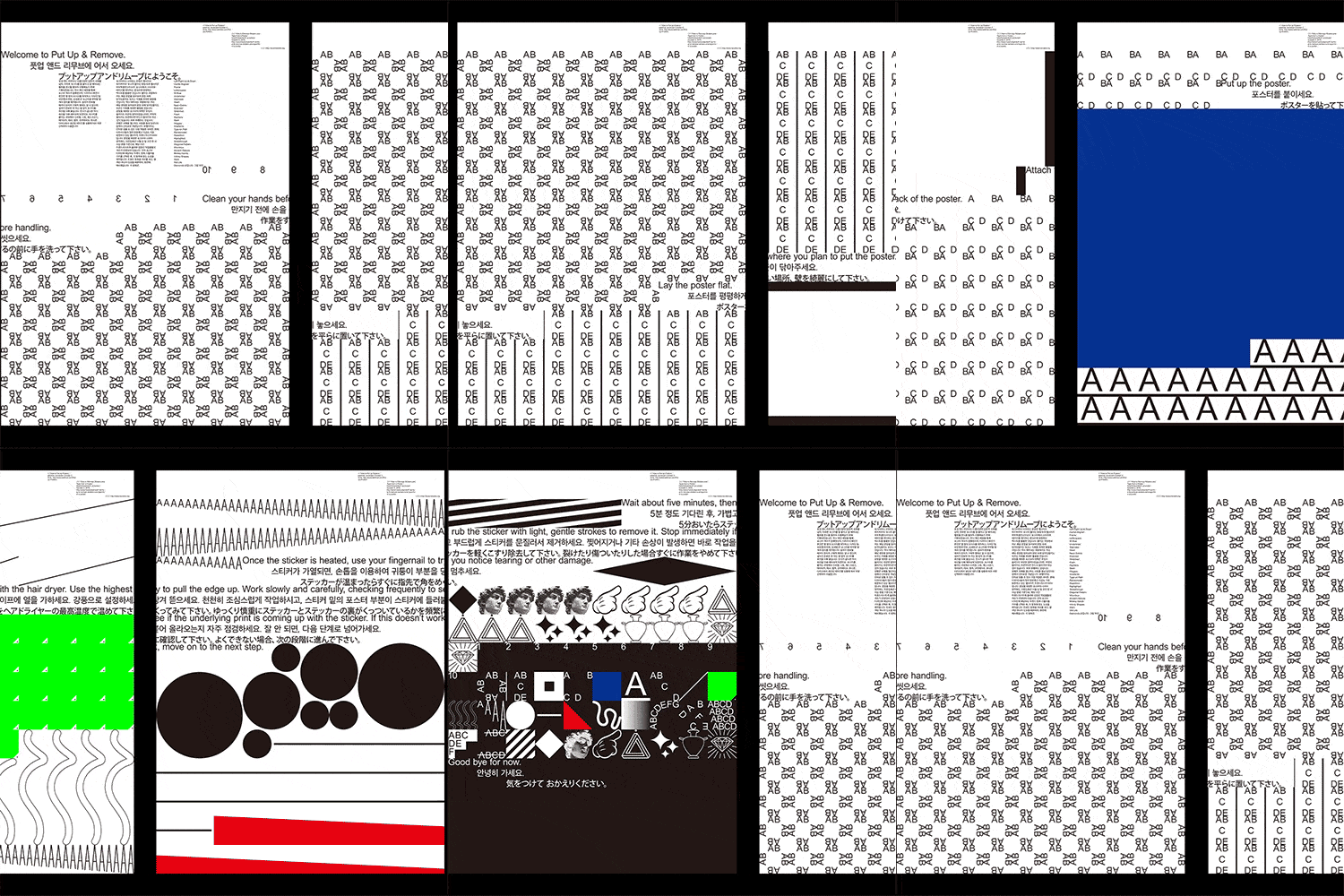 Placing Multiple Objects on One ScreenLearn about various examples of harmoniously arranging various elements such as regularity, improvisation, and mixing on one screen.
-
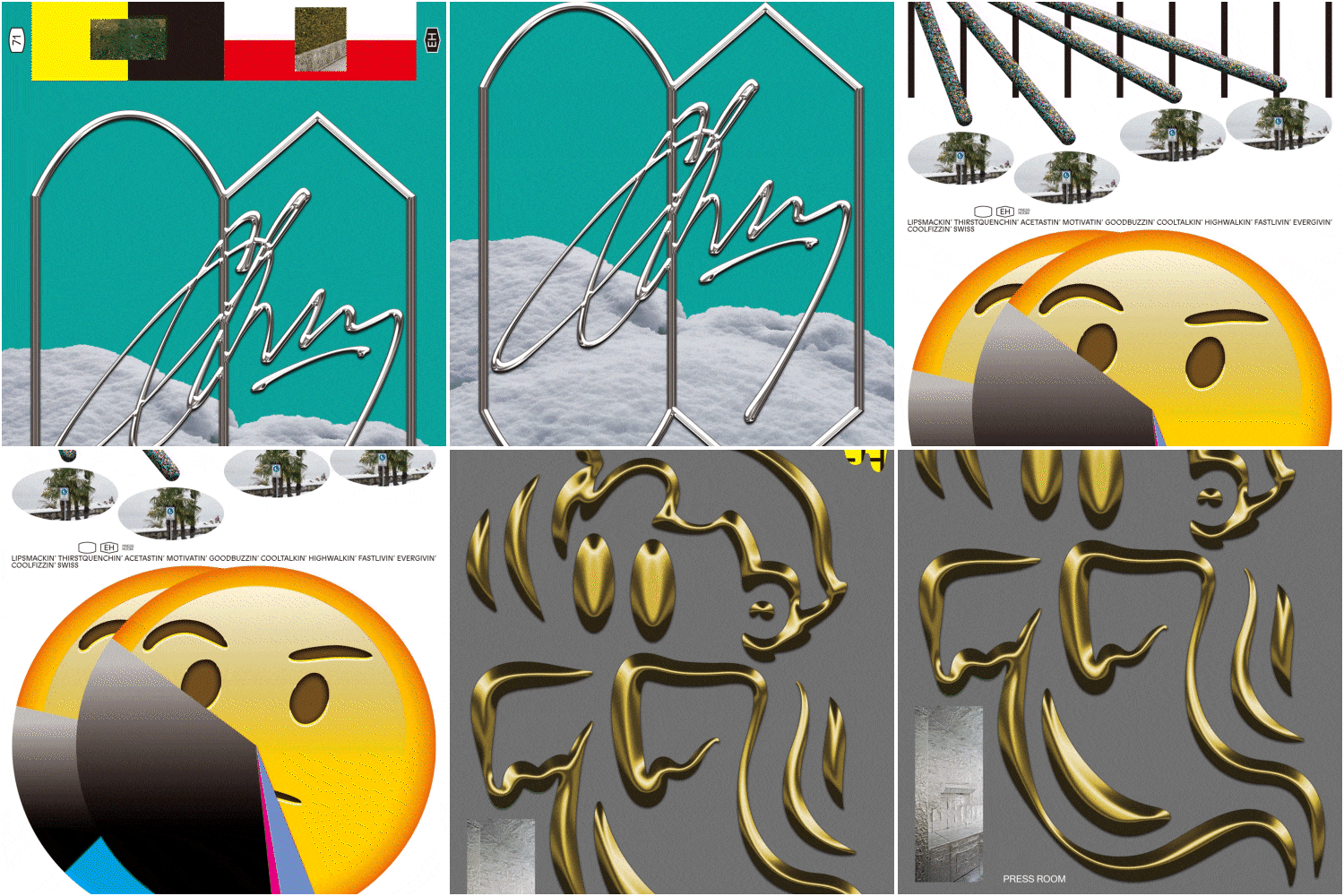 Constructing a Screen Using Heterogeneous ElementsThrough various examples, I will learn how to apply the heterogeneity that arises from the combination of incompatible elements to my visual language.
 -
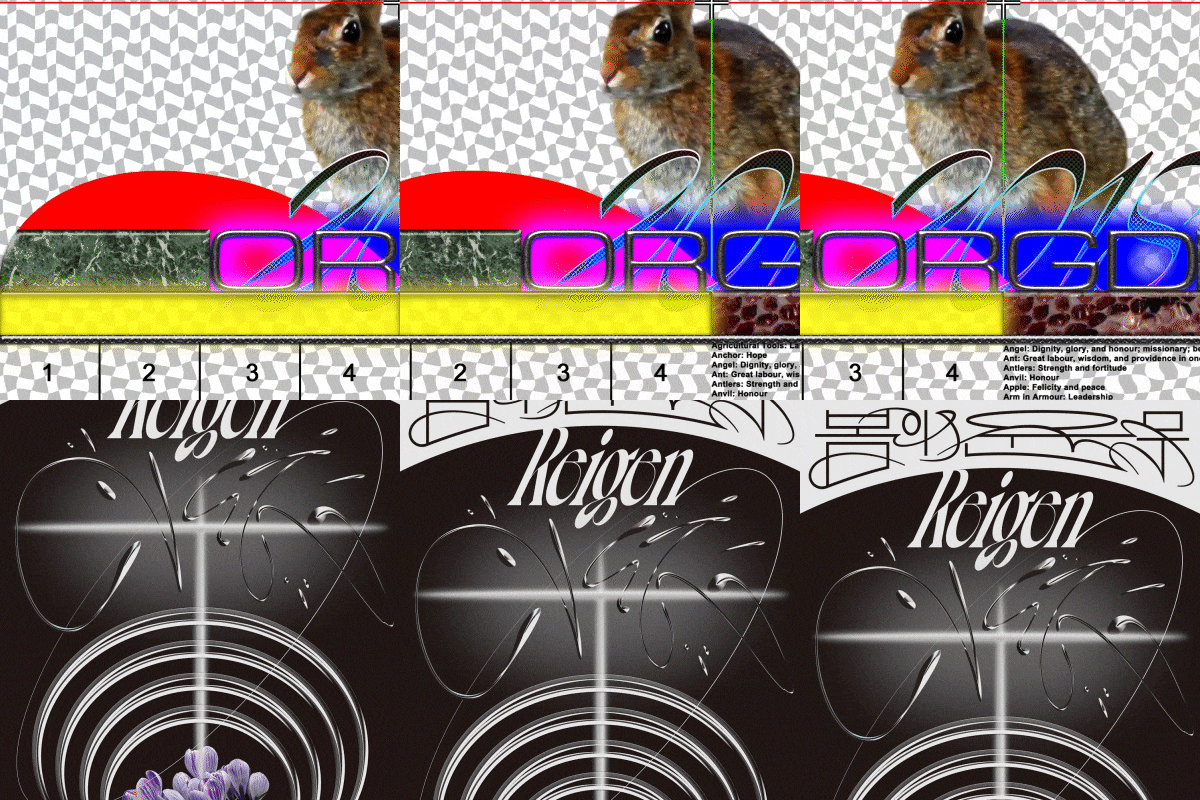 Various Textures and DynamicsWe will create metal and glass textures as well as three-dimensional effects using Photoshop's filter/layer effects.
 -
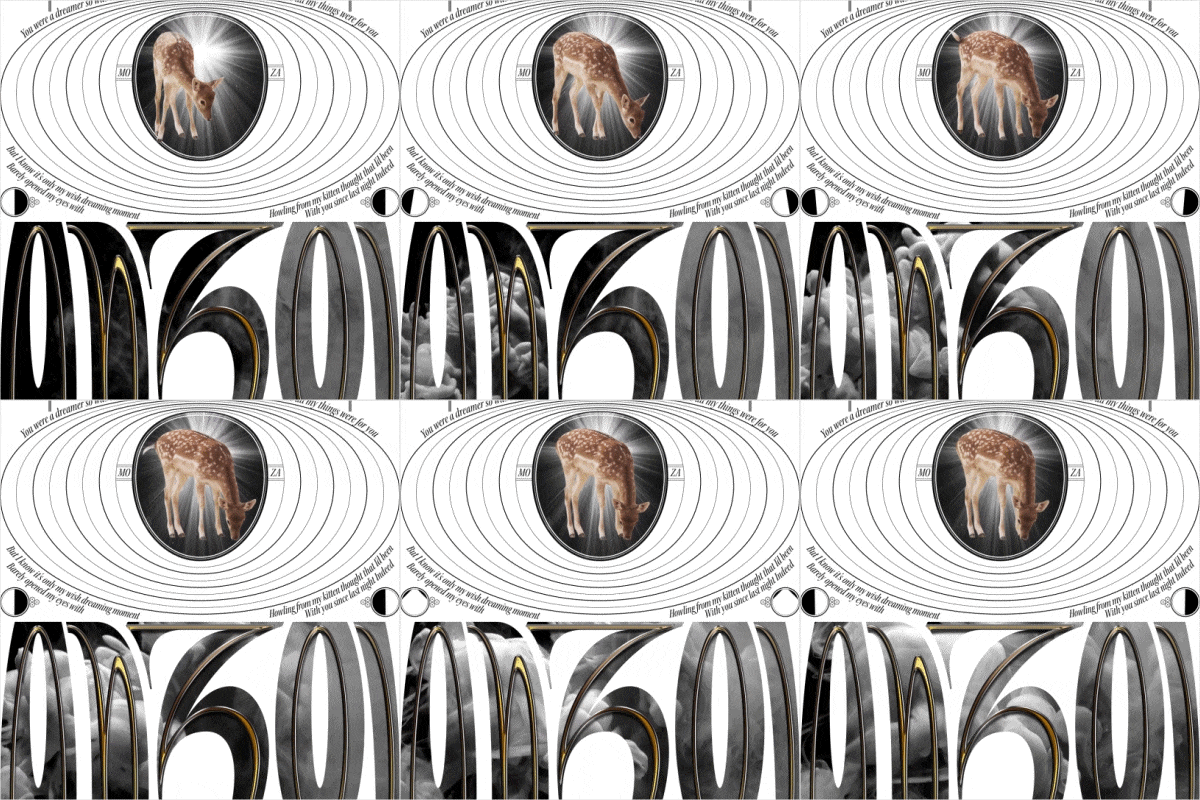 Complete Elaborate and Dense WorkWe will create a high-density moving poster using a variety of core design tools such as Photoshop, Illustrator, and After Effects.
curriculum
Curriculum
In-Depth Look
SECTION 01. Start
01. Orientation
- Designer introduction
- Curriculum details
02. Interest in visual/popular culture: collection and organization
- Be interested in the culture around you and pay attention to visual characteristics and context.
- View assignments from curriculum ‘Image Library’ together
SECTION 02. Idea/methodology 01
03. Commence work in response to request: Contribution
- Understand the request and start work
- Deriving visual keywords
- Elements of visual/popular culture and humor
04. Practice: Making a ‘Stereotype’ poster
- Understanding the basic structure
- How to create wordmarks and use bitmap mode
- Object placement and completion
SECTION 03. Idea/methodology 02
05. Commencement of work in response to request: Commission
- Understand the request and start work
- Reading the work plan: central and related keywords
06. Hands-on: Simple character design: Nabi AI
- Using the pen tool and various effects
- Pseudo-3D character object creation
07. Practice: “Party in a Box Website” Home Screen Draft
- Word mark lettering, simple three-dimensional expression
- Create visual elements that make up the screen
- Object placement and completion
SECTION 04. Placement of visual elements
08. Composition that follows proportion and mutual contrast
- Step-by-step division and proportion of the screen
- Setting rules and breaking them: iambic pentameter
09. Configuration according to rules
- Example of a semi-automatic method: 'Put up and remove'
- Setting rules and breaking them
10. Hands-on: Creating a “00MHz: Oscillating Boundaries” Poster
- Understand the purpose of the request
- Pattern creation and blending functions
- Create simple lettering and visuals
- Object placement and completion
SECTION 05. Combination of heterogeneous elements
11. Realizing harmony through disharmony 01
- List visual elements and use them to try various combinations
- Colorful visual elements in a digital creative environment
- Understanding screen production through example work
12. Realizing harmony through disharmony 02
- Understand the combination of disparate elements through real-world examples of multiple works
13. Practice: Creating Poster #2 “From Glaciers to Palm Trees”
- Creating a metal textured object with Photoshop layer effects
- Utilization of SHC files and division of roles between Photoshop/Illustrator
- Object placement and completion
SECTION 06. Texture and dynamism
14. Texture and dynamism
- Take a look at works with outstanding texture: 'ORGD 2018' artwork
- Take a look at this dynamic work: 'NEW WAVE SEOUL 17'
- Before practice, understand the purpose of the 'Reigen: Spring Dance' request and draw a rough sketch of the screen composition.
15. Practice: Making “Reigen: Spring Festival Dance”
- Create organic shapes
- Create a sense of space with blur effects and overlapping
- Creating glass-textured objects
- Object placement and completion
SECTION 07. Illustration and lettering
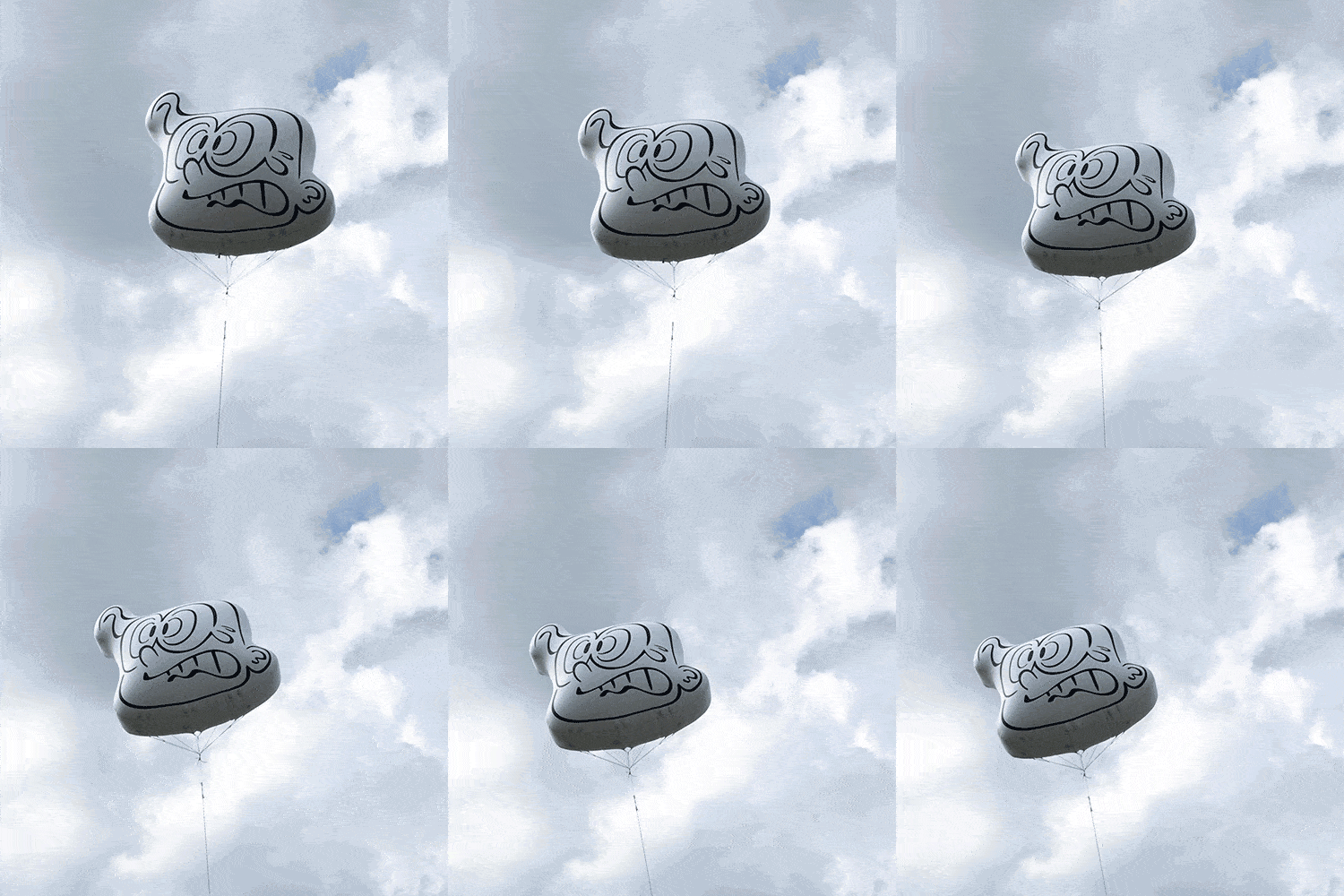
16. Imagine a fictional character
- Two attitudes regarding virtuality in character design
- Imagine a virtual group ‘Covidbusters’
- Establishing specific characteristics of ‘Covid Busters’
- Overview of the work process
17. Practice: Creating a virtual group “Covidbusters”
- Lettering and decoration work
- Application of texture and three-dimensional effect
- Object placement and completion
SECTION 08. Elaboration, density and movement
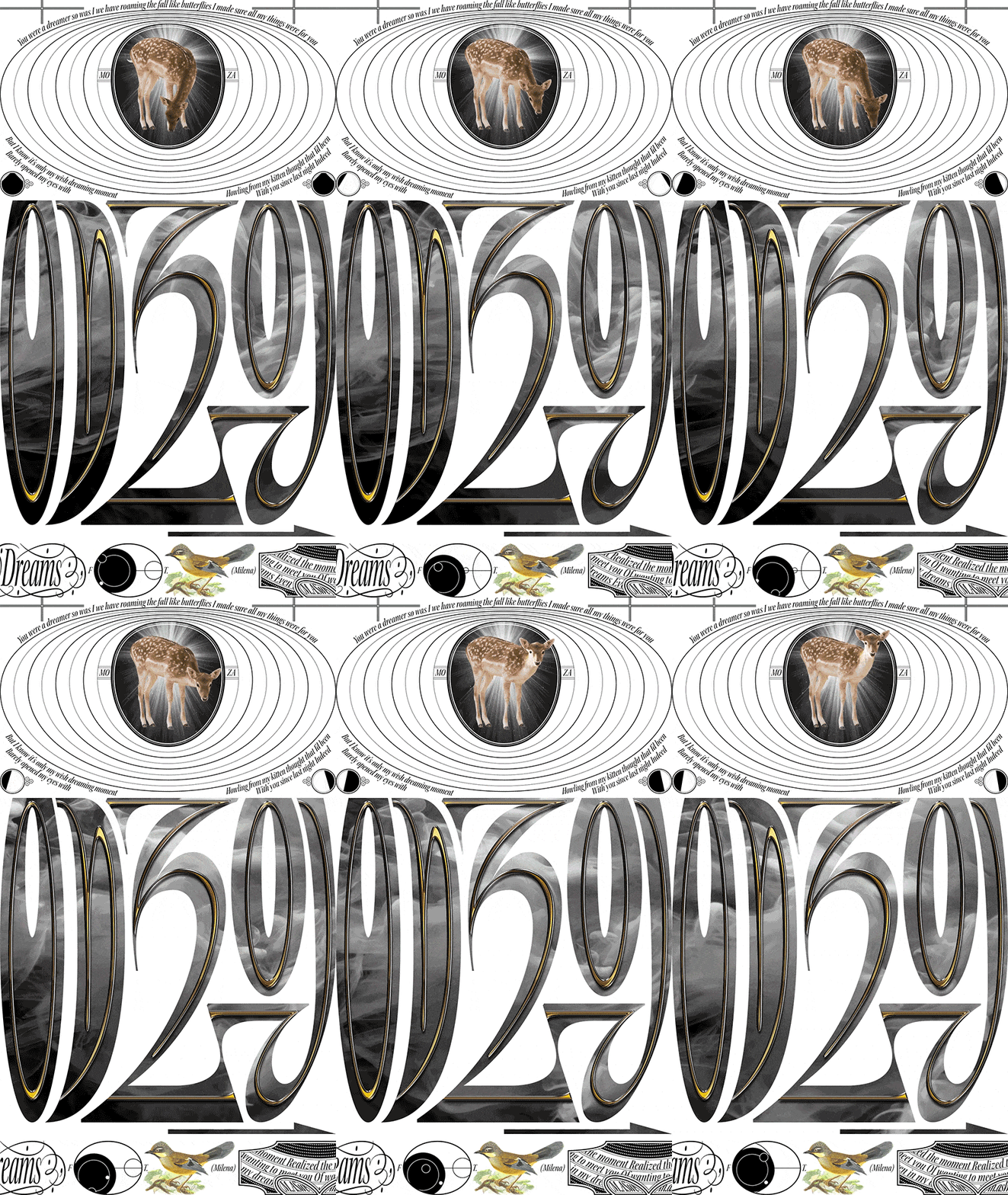
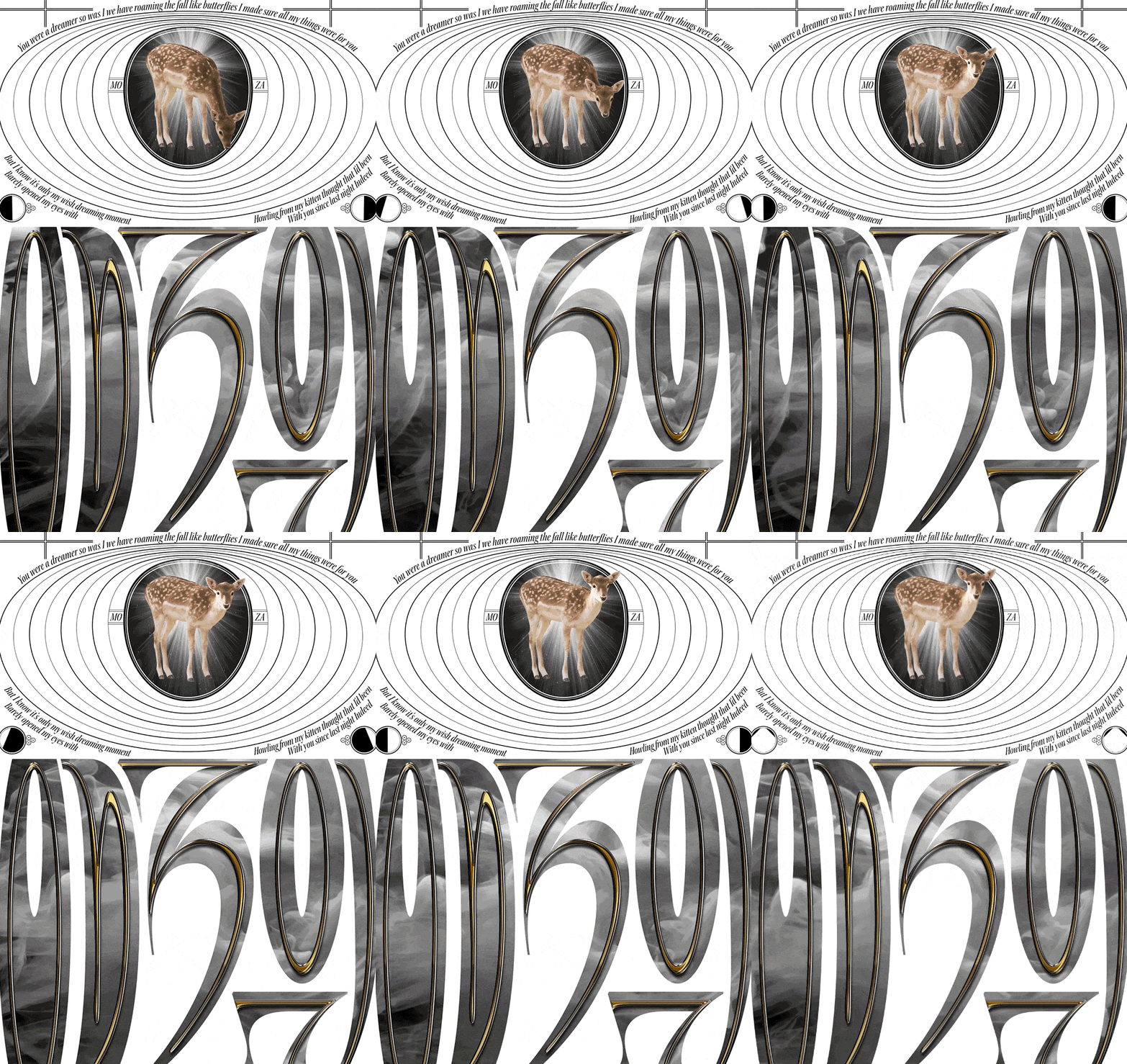
18. Practice: Creating a “As We were in Dreams” moving poster 1
- Understand the layered structure of your work: containment relationships between objects
- A look at the components of an After Effects work file
19. Practice: Creating a “As We were in Dreams” moving poster 2
- Illustrator: Creating motionless vector objects
20. Practice: Creating a “As We were in Dreams” moving poster 3
- Creating a moving dial vector object
- Complete object for layer effect
- Additional operations in Photoshop for bitmap image areas
21. Practice: Creating a “As We were in Dreams” moving poster 4
- After Effects: Placement of Video Footage
- Animating Circular Objects: Using Keyframe Rates and Expressions
- Orbital Animation Creation: Creating Complex Scenes Using Multiple Compositions
- Dial animation creation
- complete
SECTION 09. Conclusion
22. Designing, curating, referencing
- A creative method that observes and references contemporary visual culture
- Creative changes in response to social changes: Richard Hamilton (1957) and Virgil Abloh (2017)
- Using referentiality positively in my creations
Interview with
Graphic Designer Minkee Bae

Question. 01
What do you think your strengths are in your daily work?
What do you think your strengths are in your daily work?
I would like to point out that I try to create dynamic works by combining various and heterogeneous elements that cannot be digested within a single work, and that I strive to differentiate myself by creating elaborate and dense results when necessary .
Question. 02
What is the planning intention of this lecture and what is the unique point of differentiation for this course?
What is the planning intention of this lecture and what is the unique point of differentiation for this course?
This course is not specialized in technical tips or how to use specific plugins. It is designed to be helpful to those who are curious about how to specifically start work , what visual features can be pursued during the development process , and how the actual work progresses from start to finish.
Question. 03
What would you like to say to your students?
What would you like to say to your students?
I believe that those who are already gifted with greater visual creativity than me or have a much better understanding of the newly updated technical aspects will also be able to take my classes. I hope you will take a closer look at the creative process I, as a graphic designer, actually went through, and take in as much as you can.
Required Programs
This course will use
- Adobe Photoshop 2022
- Adobe Illustrator 2021
- Adobe After Effects 2022
Please purchase and install these program(s) for an optimized chapter experience.
*These programs and/or materials will not be provided with the chapter.