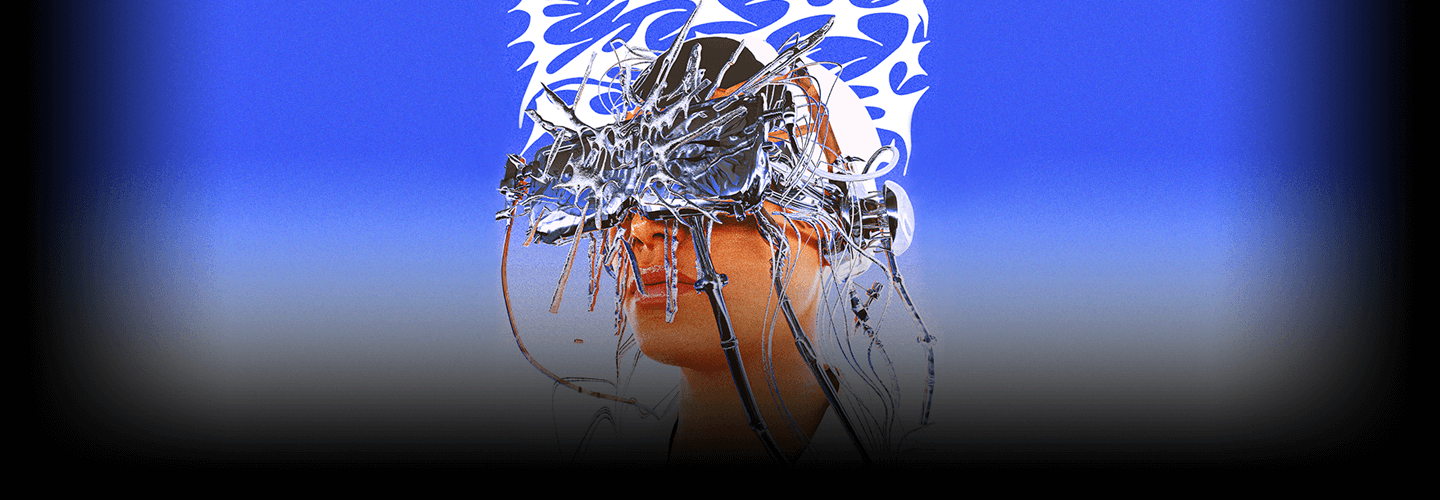
GraphicArtist,SolwhiPark_박솔휘 Details
Intro
Class Intro
Graphic Artist, Solwhi Park
"I will introduce you to the chrometype technique used in numerous design fields, and share various texturing know-hows through Blender, a free 3D tool."
Create Eye-Catching 3D Chrome Effects with the Free Tool Blender!
Do you want to create trendy Chrome Effects that can often be seen on recent album covers and music videos?
Do you want to master the trendiest techniques that are hard to learn in school or academies?
Learn how to create impactful Chrome Effects that display powerful visuals based on metallic materials and create your unique work faster than anyone else!
Learn how to create impactful Chrome Effects that display powerful visuals based on metallic materials and create your unique work faster than anyone else!
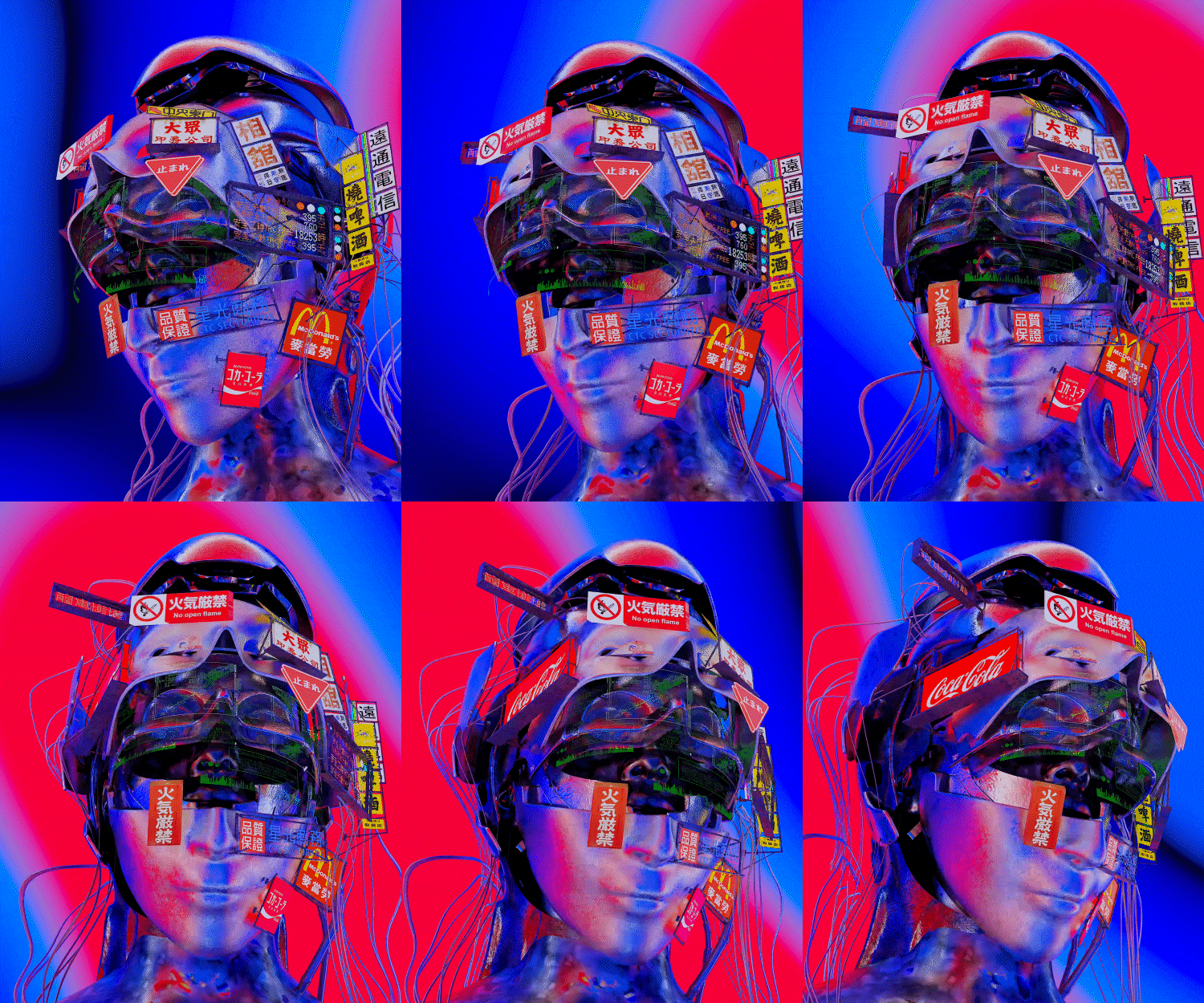
Even if you’re a Blender novice, don’t worry! You can use Blender’s basic features to create detailed effects and 3D artwork that combine typography, objects, and portraits with Chrome Effects.
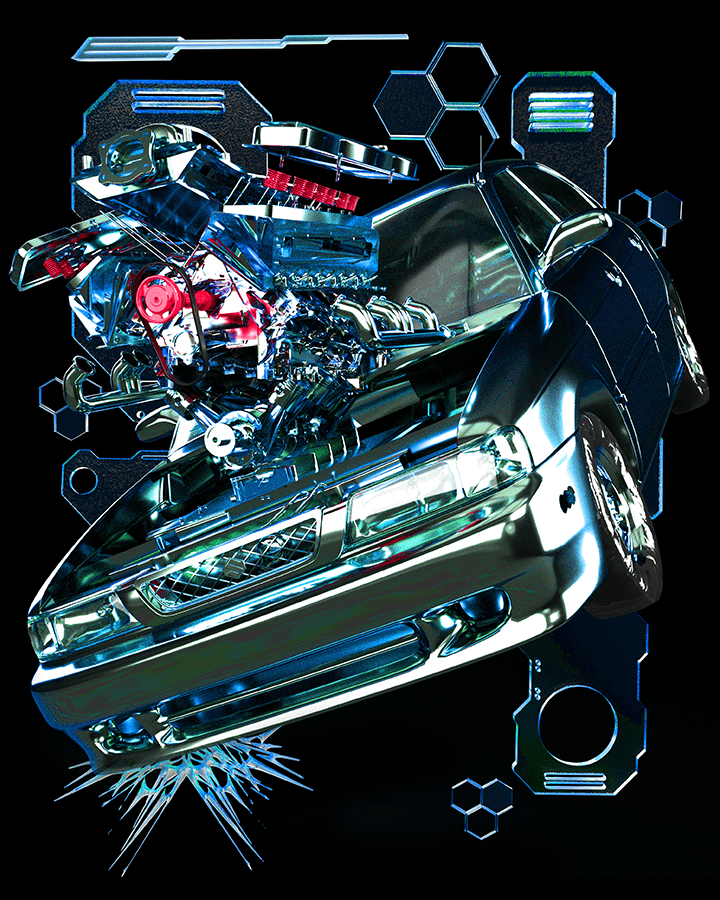
Chrometypes, which have become a genre in their own right, can be utilized in your work to expand your portfolio and range of work!
Class Perks
Get These Coloso Exclusives
-
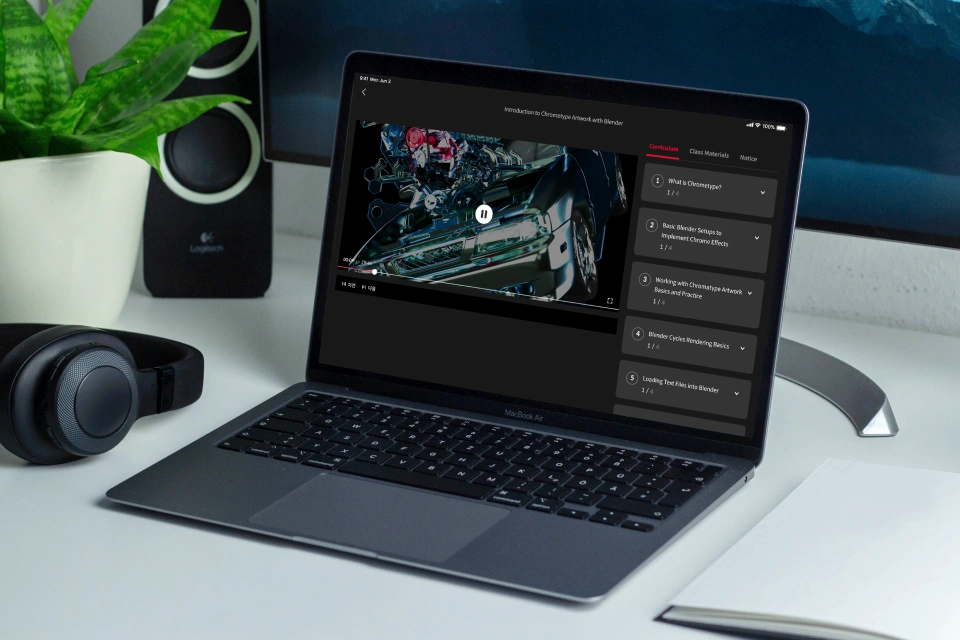
Unlimited Access to 15 Chapters -
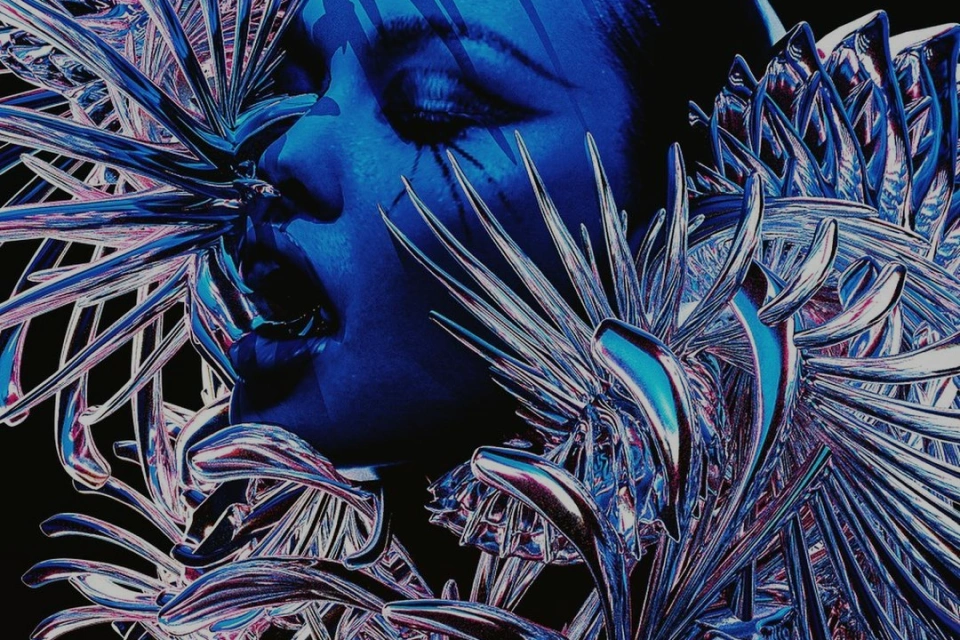
Know How to Create Unique 3D Artwork -
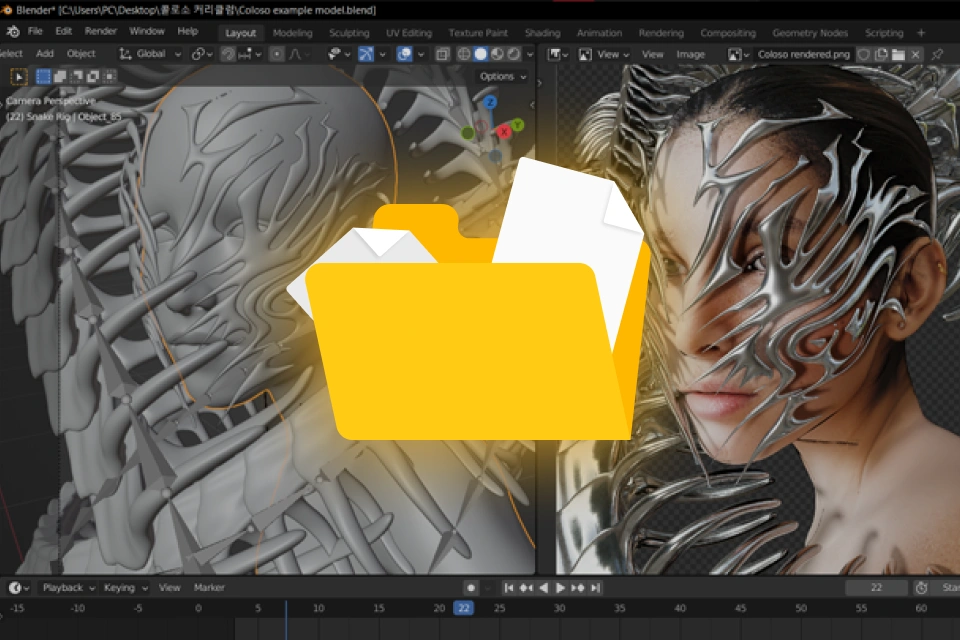
Receive Image Sources and Project Files Used in the Practices
Class Material Details
-
 Exercise Blender Project FileText, facial mask sources included
 -
 Image Source Files Used in the Practices- Alpha texture file (.jpg, .psd)Chromatic type pattern vector file (.svg)
Expert Graphic Artist Solwhi Park's Portfolio
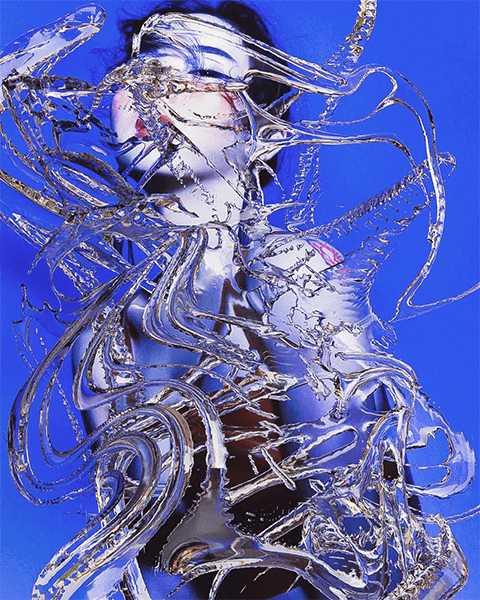
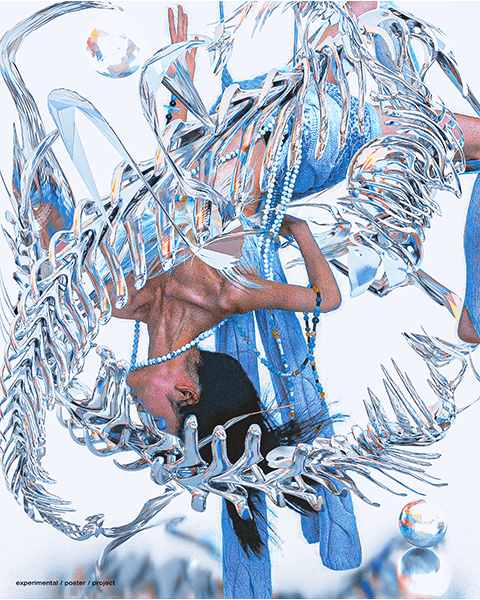
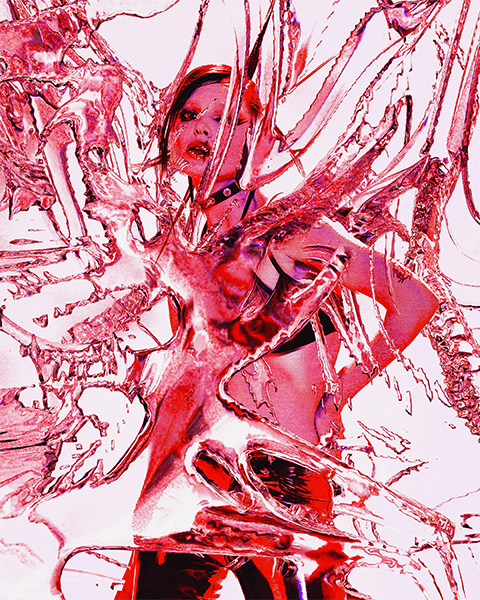
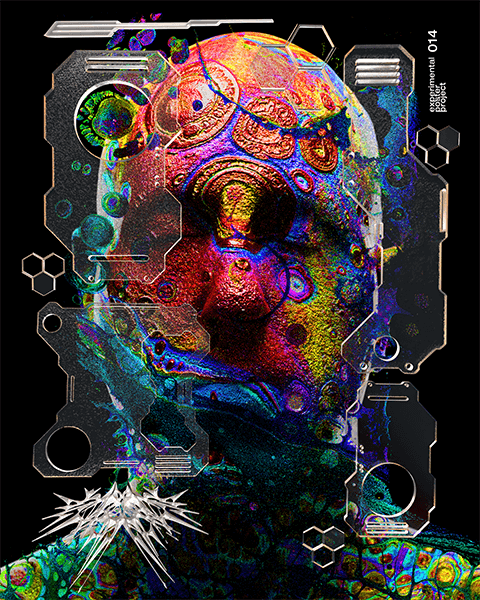
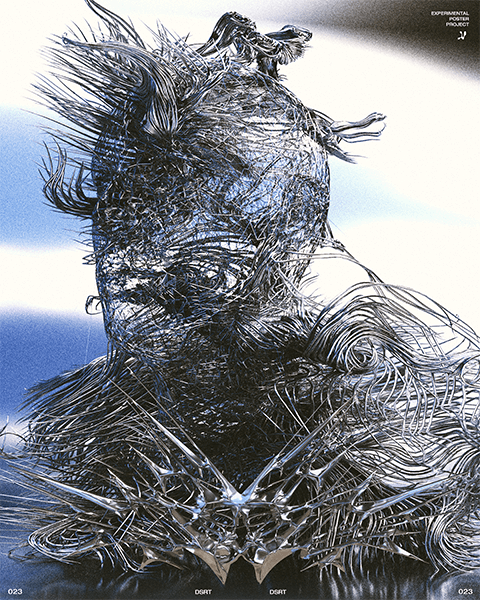
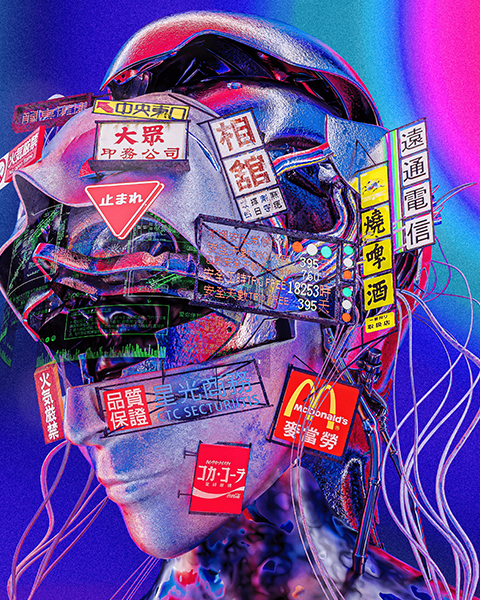
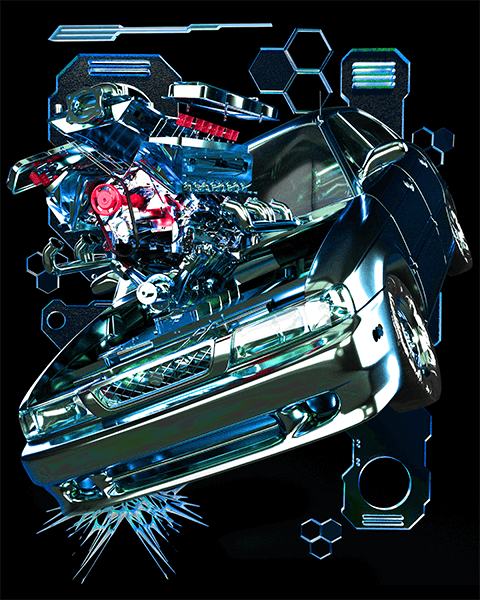
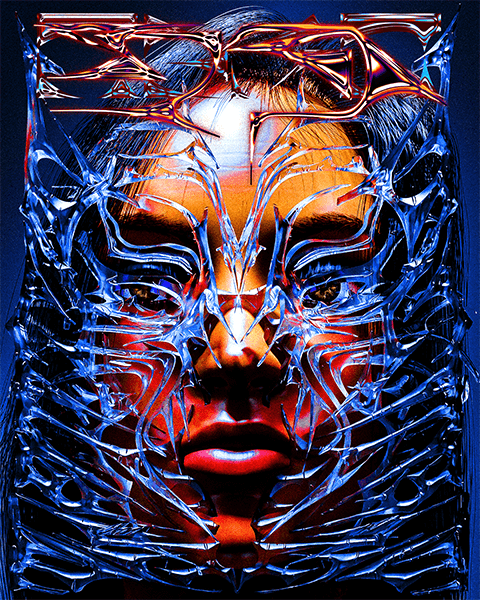
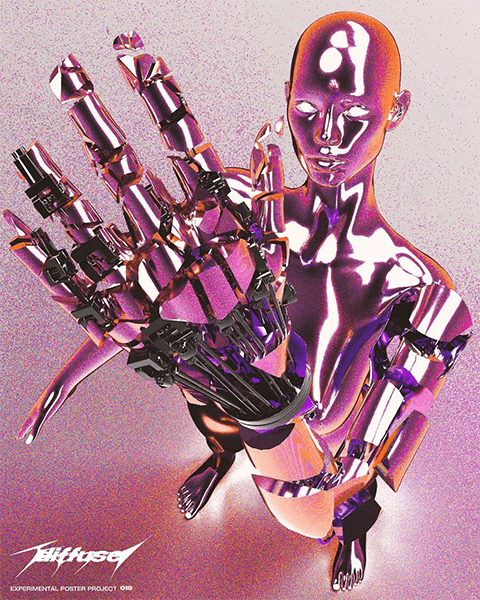
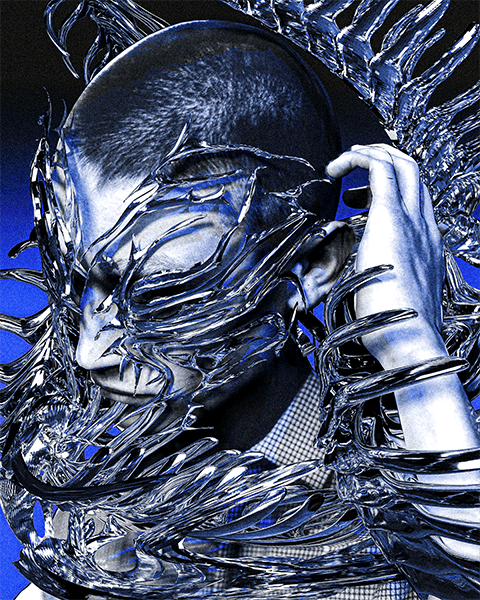
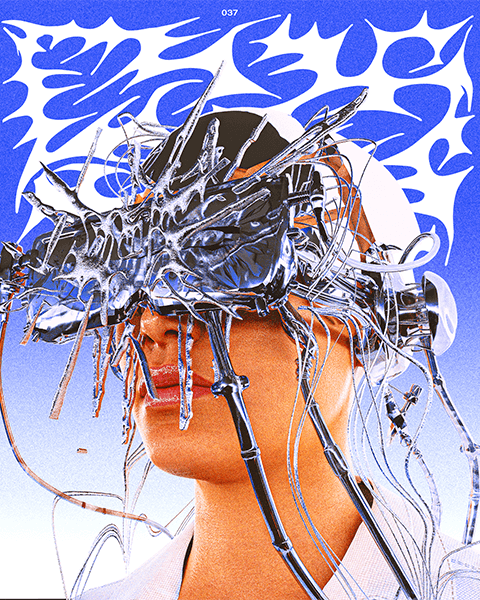
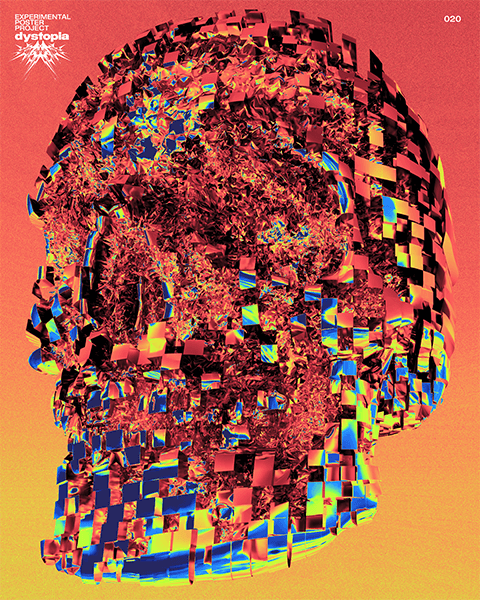

Why Take This Class?
Do you want to create eye-catching works among numerous portfolios and projects?
Since 2019, typography, posters, and logos using the chrome effect have started to gain attention, and now 'chrometype' has become a genre of its own. Try expressing its charm yourself!
Learn the know-hows of Graphic Artist Solwhi Park, who has gained over 5,000 followers in a month on social media with chrometype works.
Quickly learn the basic settings of Blender and Cycle rendering methods, and for creating glossy and dimensional chrometype artwork, start with an introduction to the genre, learn detailed expression methods for base materials like silver/copper/gold, and learn how to add various chrome effects and simple movements to texts, objects, and person images.
This class will not only enable you to create attractive chrometype artwork but also equip you with the ability to utilize Blender to its full potential. Learn it all from Solwhi Park!

What is “Chrometype”?
Metallic, shiny, chrome, and acid-shaped styles created with 2D and 3D programs
Trait 01
Program, HDRI, environment, and lighting-dependent freedom
Trait 02
Expression of unique shapes and metallic textures
Trait 03
Various media and fashionable designs
12 Class Exercises
SECTION 01. 3D Chrome Effect Using Blender’s Various Shaders
-
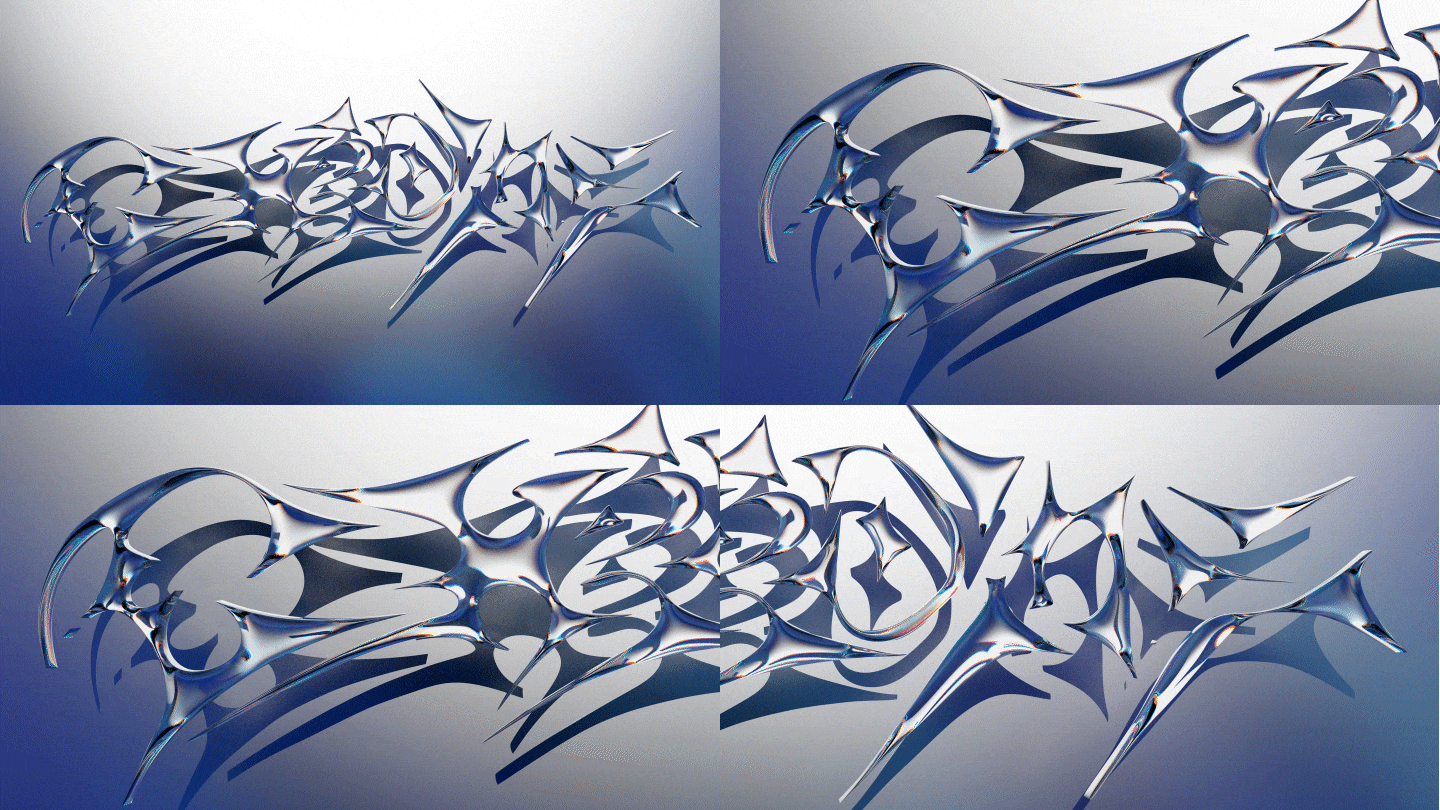 01. Glass Shader
 -
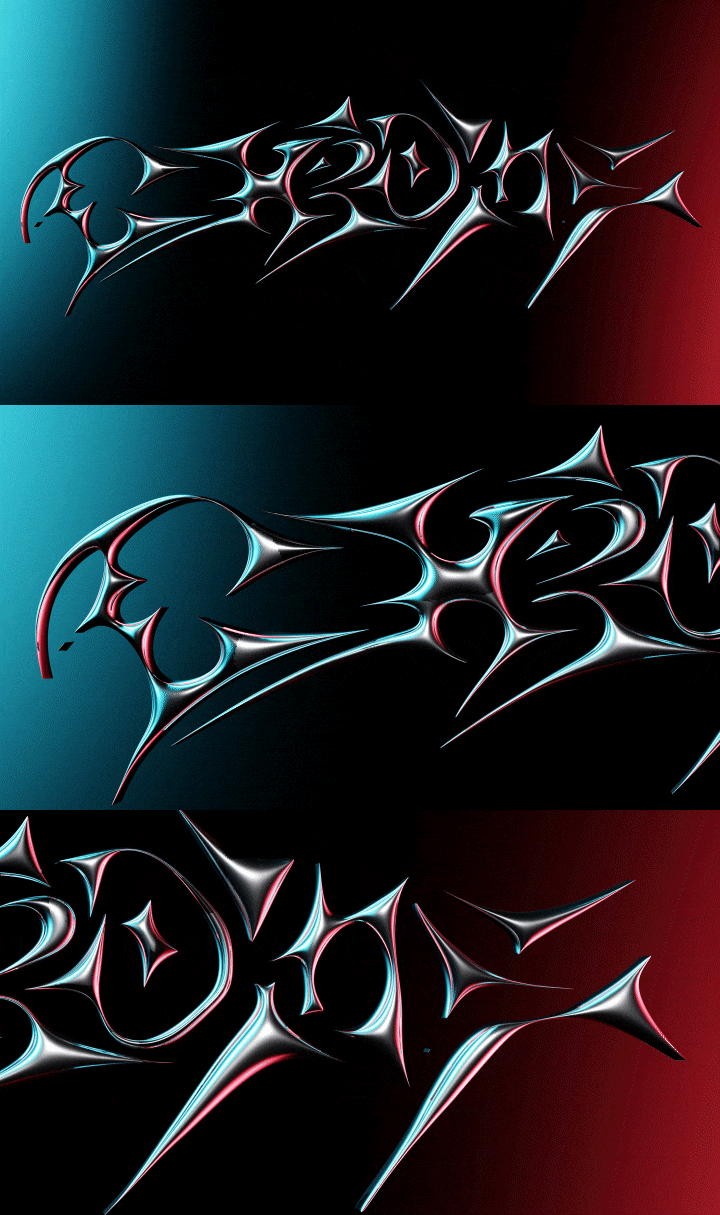 02. Iridescent Shader
-
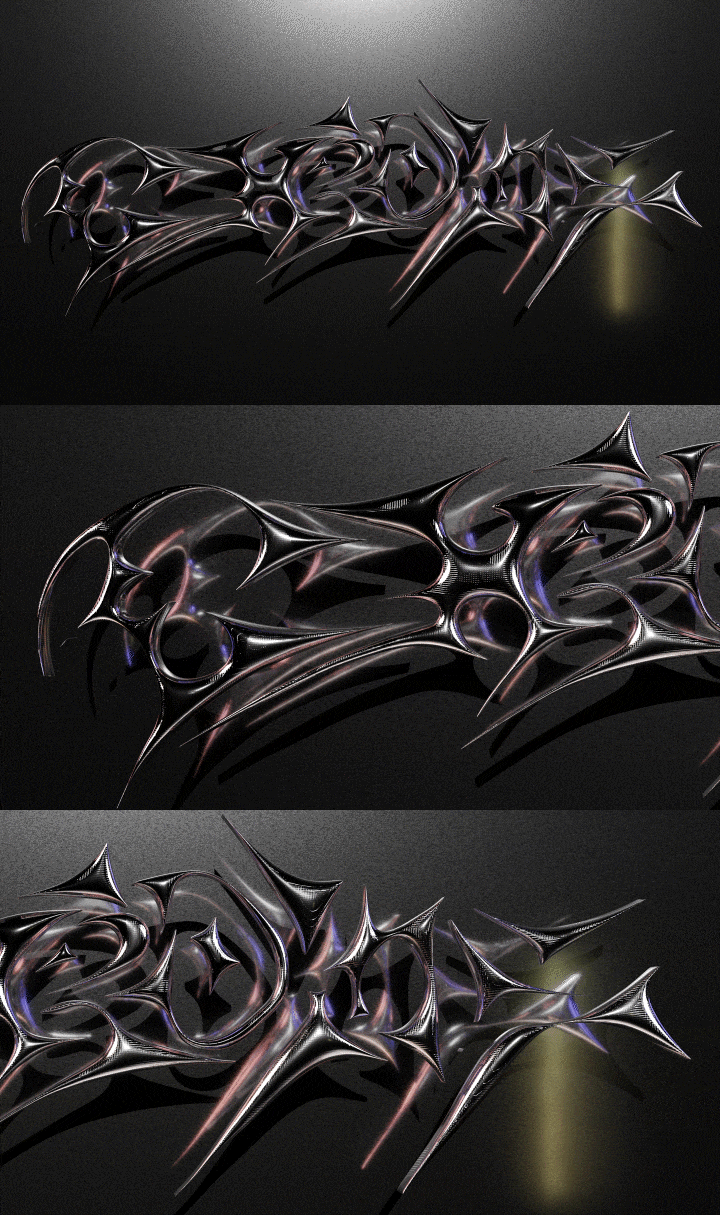 03. Dispersion Shader
 -
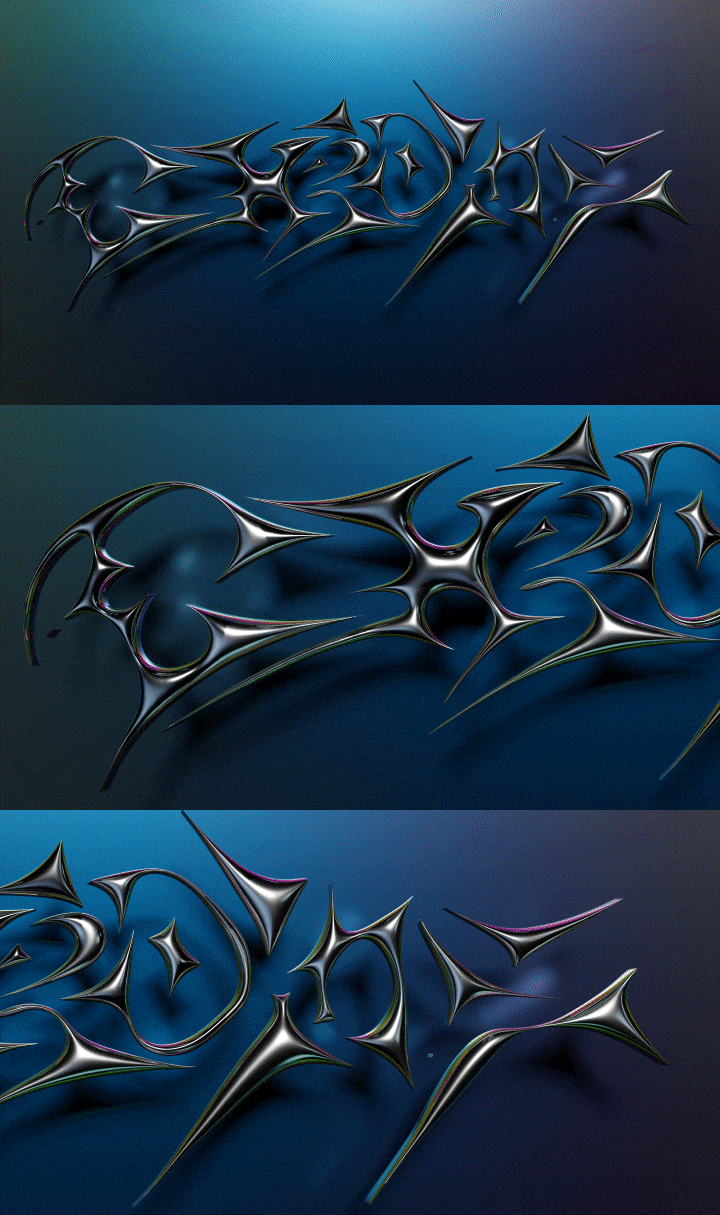 04. Sliver Shader
SECTION 02. 3D Chrome Effect Applied on Portrait Artwork
-
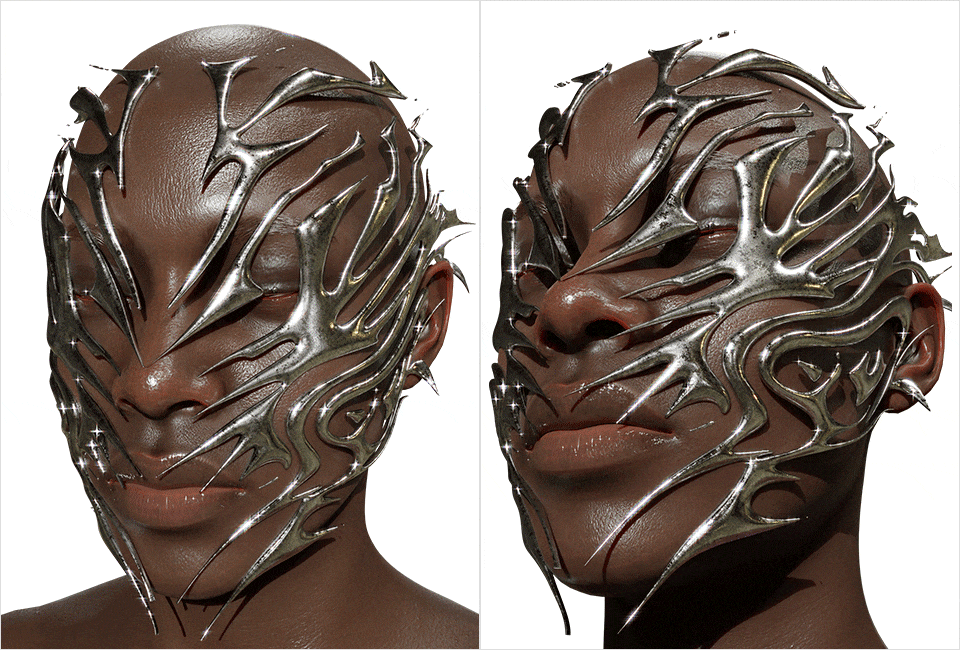 05. Facial Mask
 -
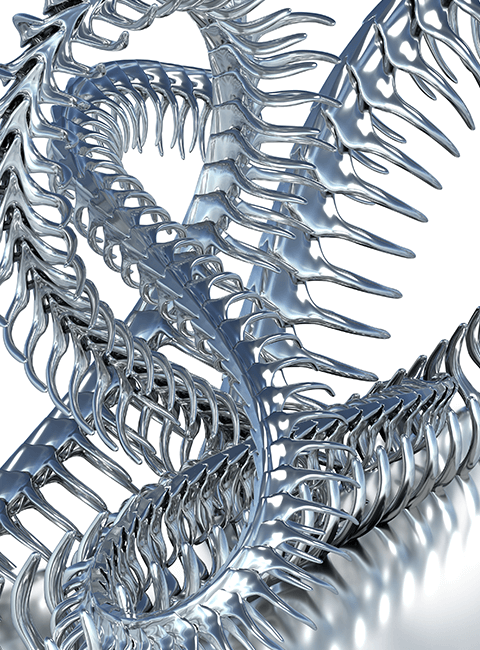 06. Snake Rib
 -
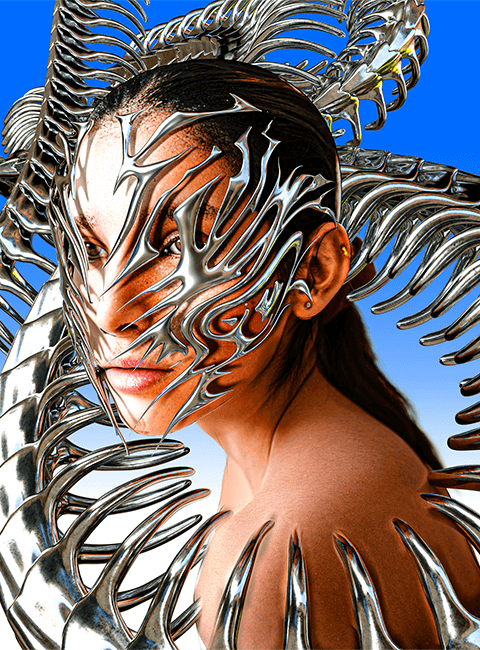 07. Snake Rib + People
SECTION 03. Blender Technique
-
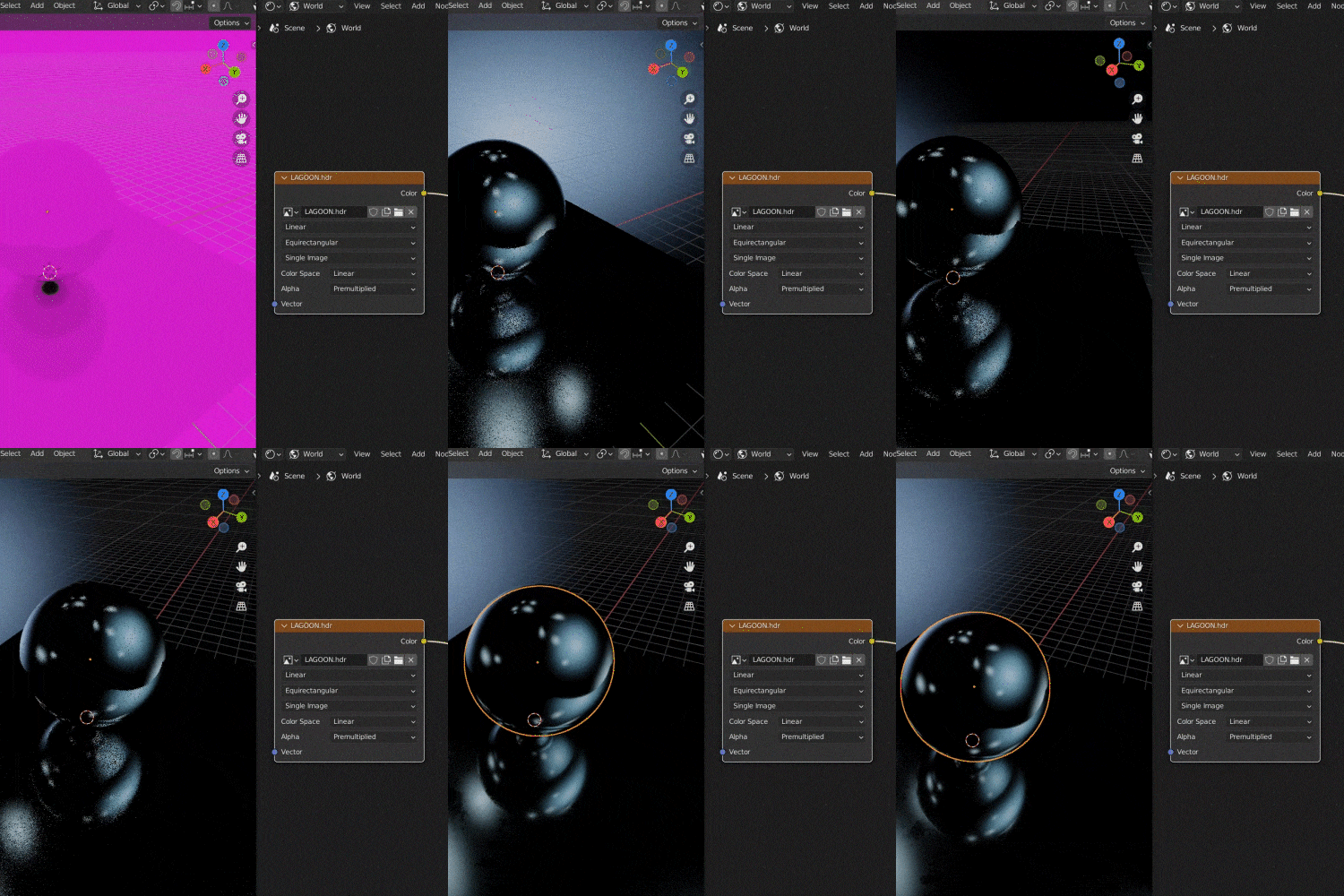 08. HDRI Environment Texture
 -
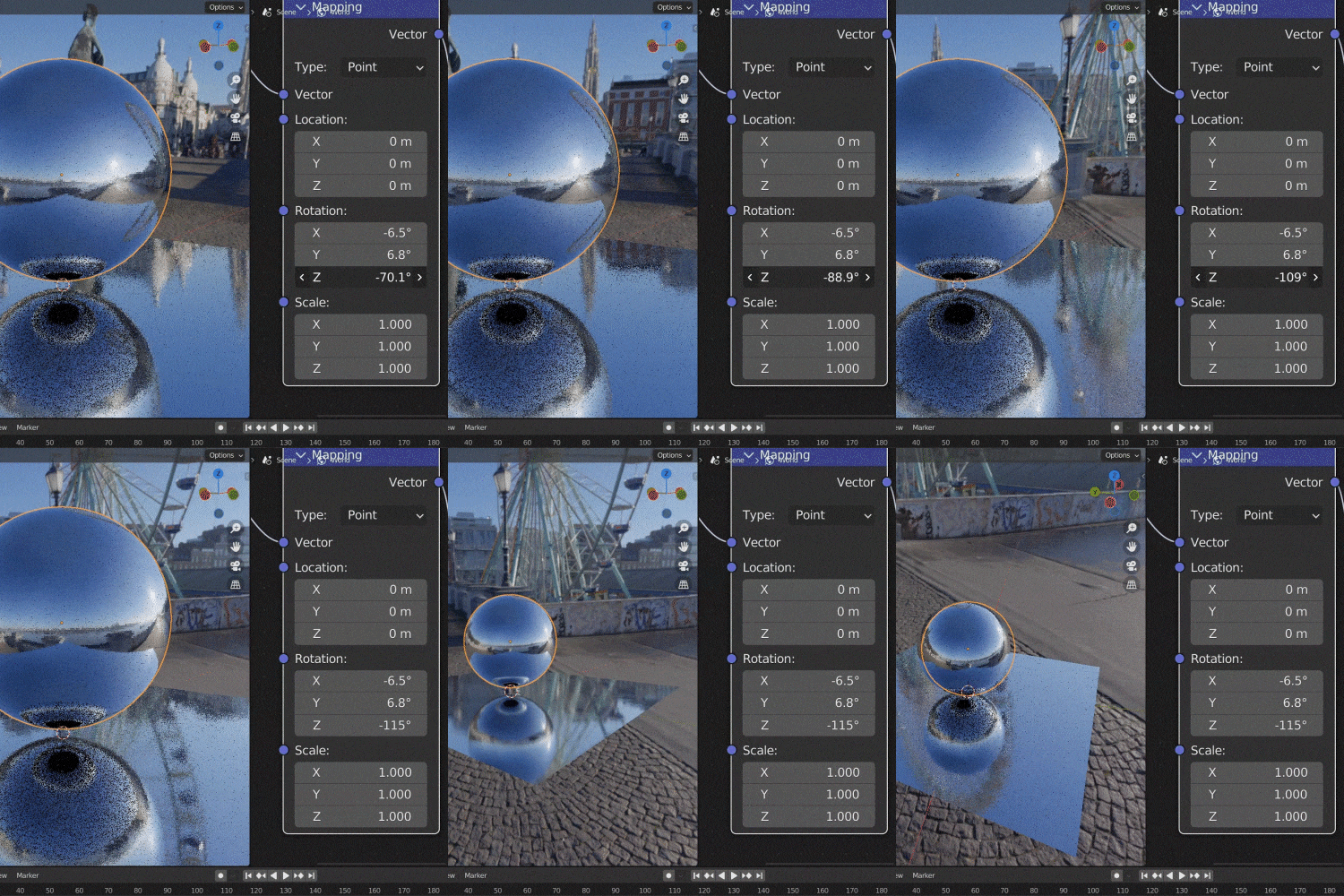 09. HDRI Example Trim
 -
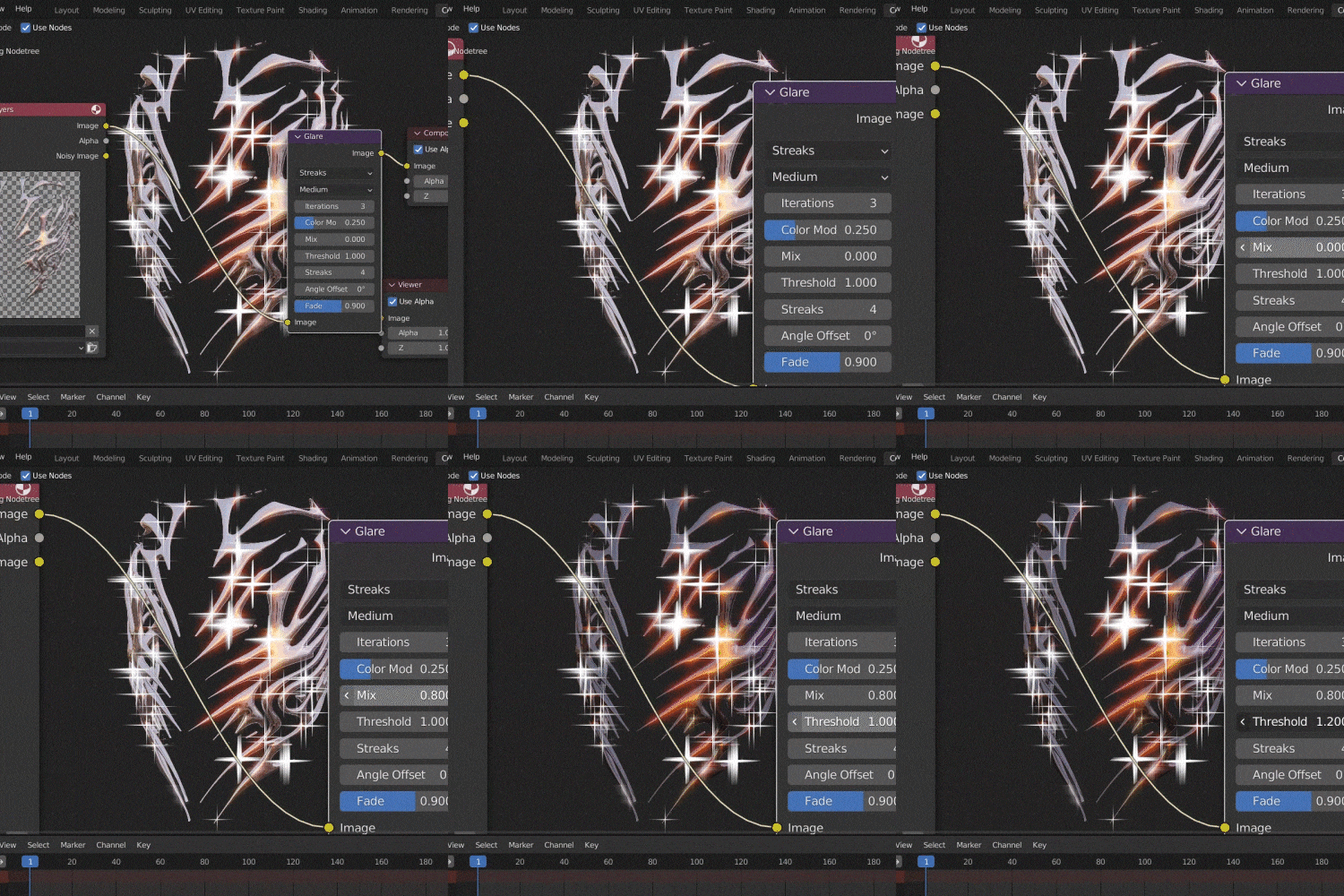 10. Render Compositing
-
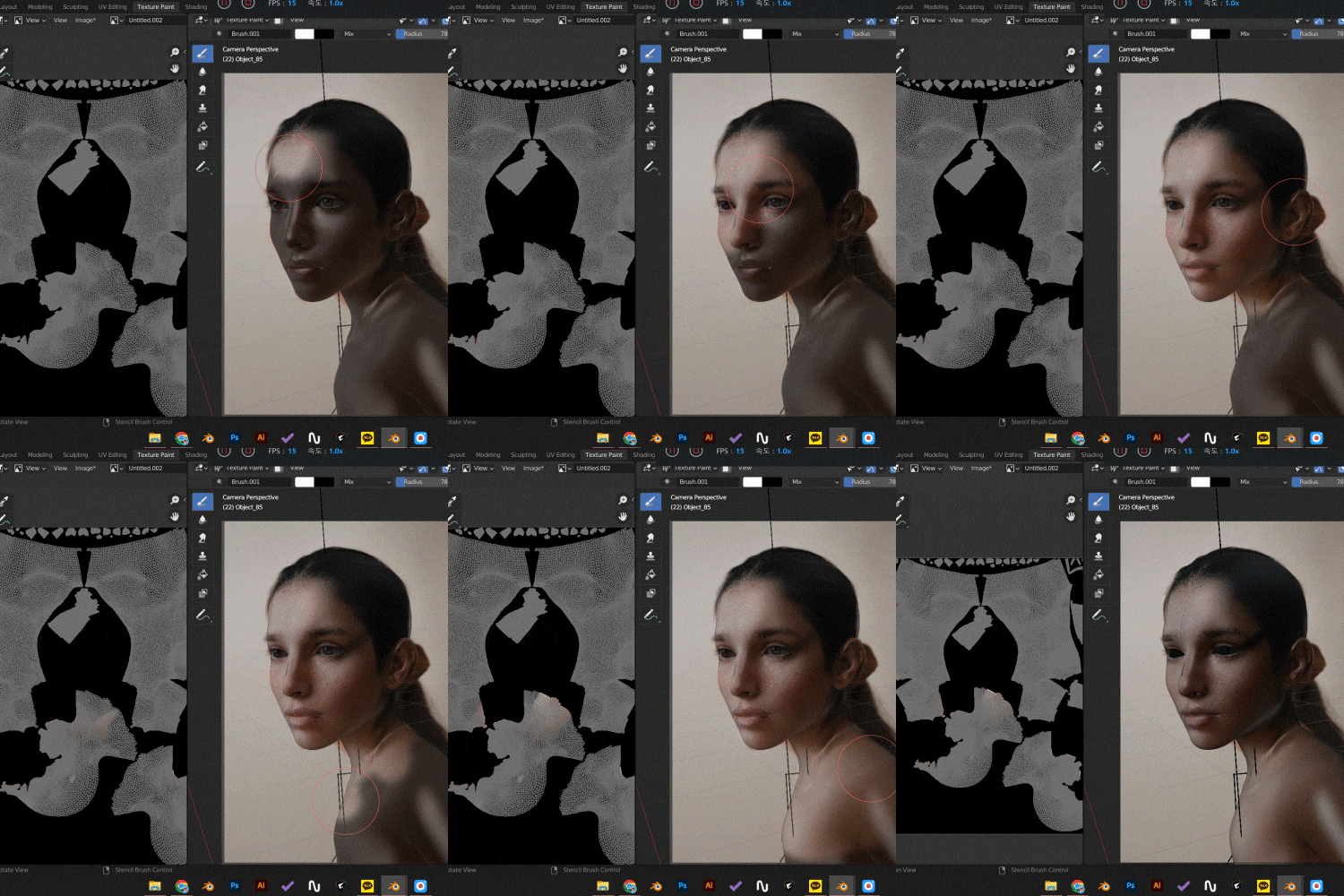 11. 2D to 3D Texture Painting
 -
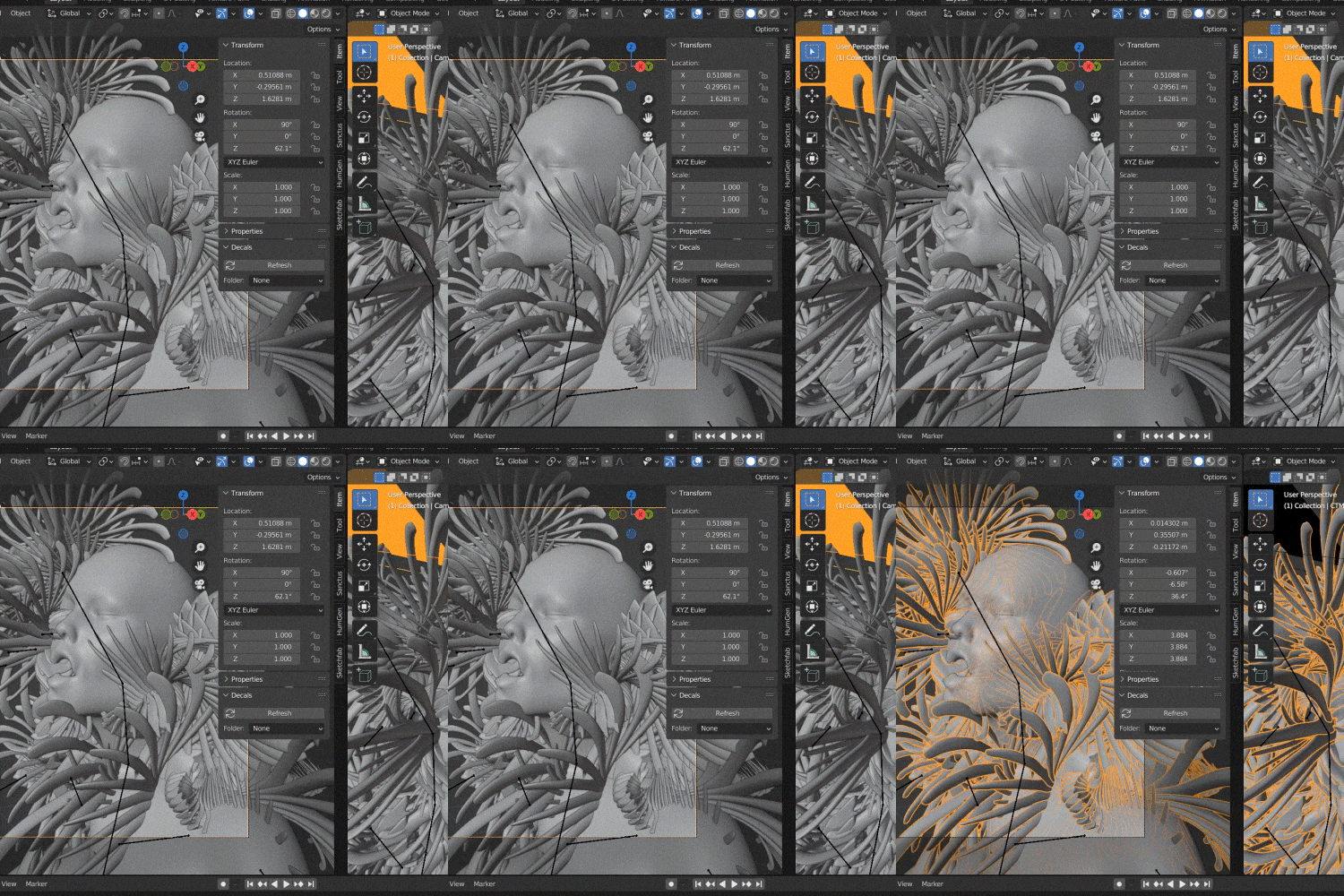 12. Cycles Rendering
※The images are an illustrative aid intended to enhance comprehension during the course. Please note that it may be slightly altered in the future.
Instructor
Graphic Artist
Solwhi Park
Hi, I’m Solwhi Park, a Graphic Artist.
I’ve been focusing on pixel sorting, a category of glitch art, using After Effects and ASDF.
Currently, I’m using 3D programs such as Blender and Substance to create 3D artwork.
In particular, I’m fascinated by the dynamic and 3D nature of Chrometype, and I’ve been creating impactful work by adding Chrome Effects to texts, posters, and other designs we often encounter daily.
In this class, you’ll learn about the recent Chrometype popular overseas and how to create various artworks.
You’ll also learn to use Blender, a free tool, to add Chrome Effects to your work.


Graphic Artist Solwhi Park
[Current]
Freelance Graphic Artist
Projects & Awards
888 International Merchandise Design
Diafe Korea Thumbnail, Product Design
Binance NFT Dubai Art In Space 360 Exposition
Participated in Lucid Magazine issue 04 Artwork
Modern Edge Collective Artist
Pie 3D Korea 3D Asset Platform Artist
[Interview]
Solaris Magazine
DNMD Magazine
Neocha Shanghai Branch Magazine
Highlights
Class Highlights
3D Chrome Effects Expressed in Various Artwork
Learn to systematically apply these popular Chrome techniques to text, objects, portraits, and more to create unique artwork.
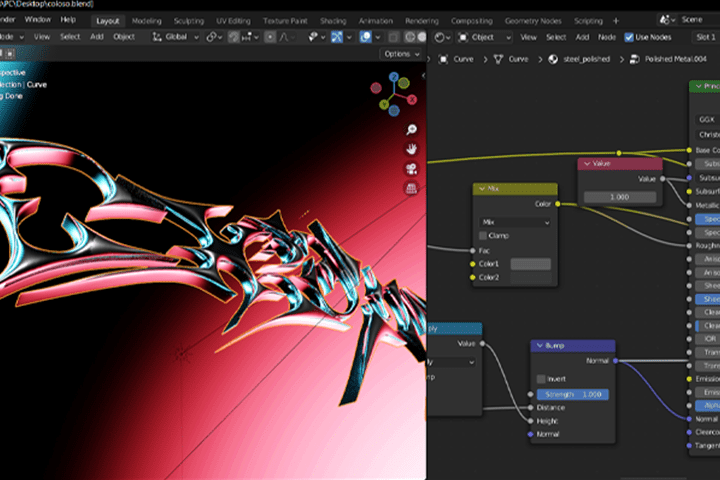
Learn How to Use Shader and Textures That Maximize Material Expression
Create various compelling Chrome Effects that vary endlessly depending on how you utilize shaders and textures.
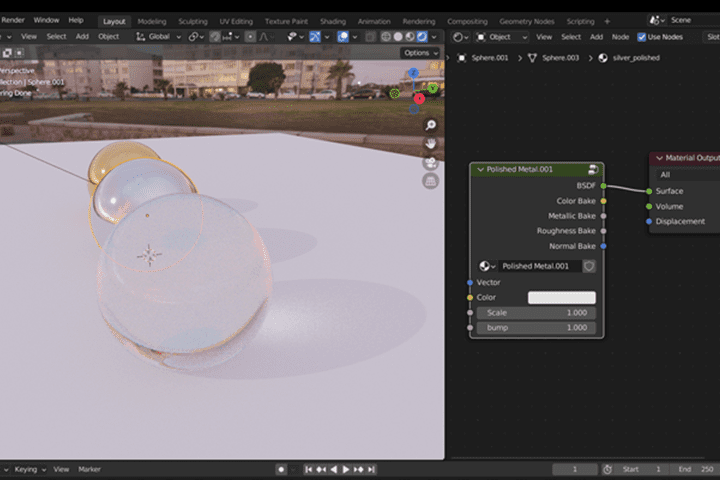
How to Get 200% Out of Blender for Working on Chromatic Types
Learn the basics of Blender’s HDRI settings, expressing materials using basic node groups, Cycles Rendering, and more while creating your unique style of chromatic type artwork.
Class Details
You'll Learn
-
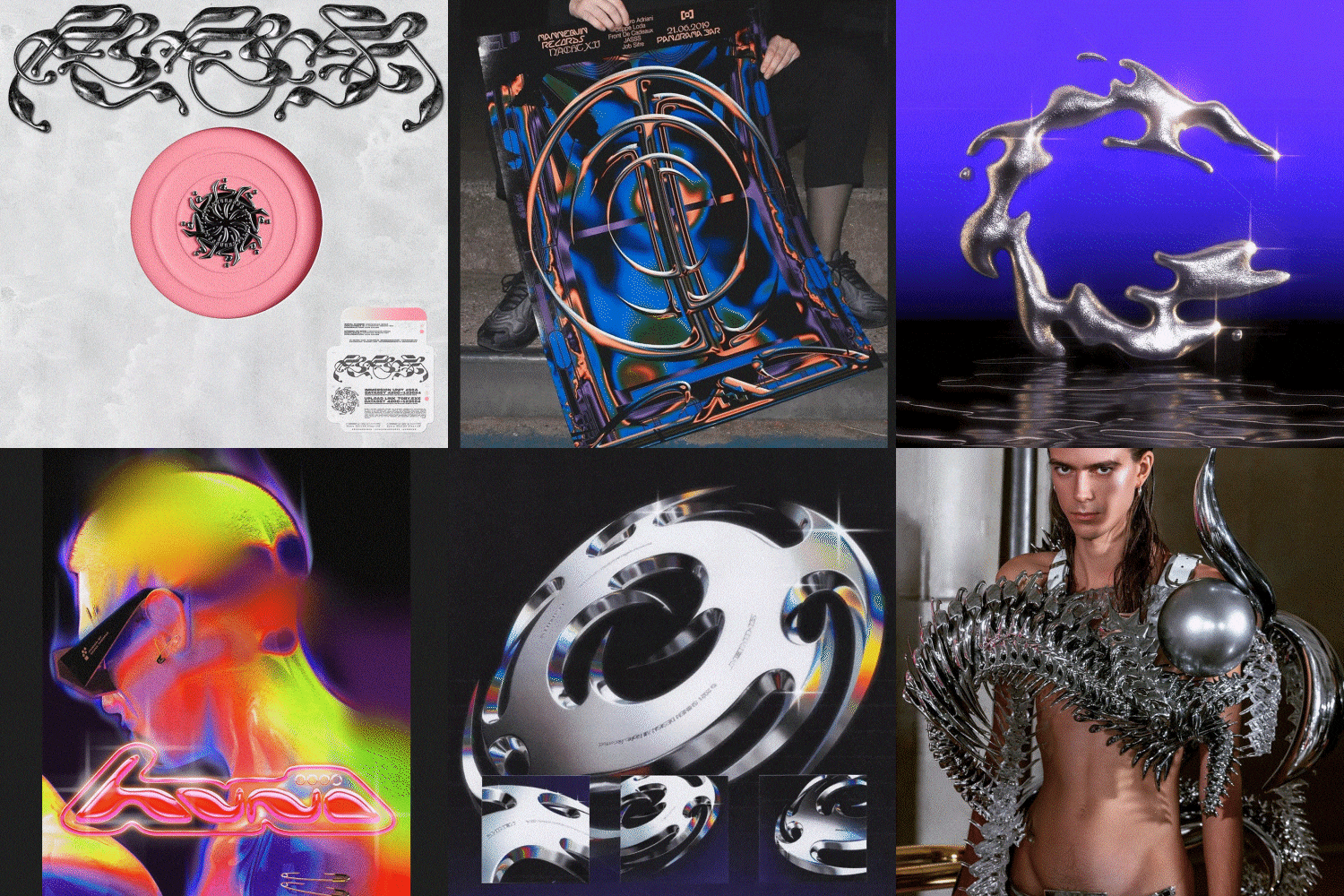 Understanding Chromatics, Now a Genre of Its OwnDelve into the origins of the chromatic type, explore its application across various media platforms, and understand the differences between effect expressions created in various programs that are popular among the international community.
 -
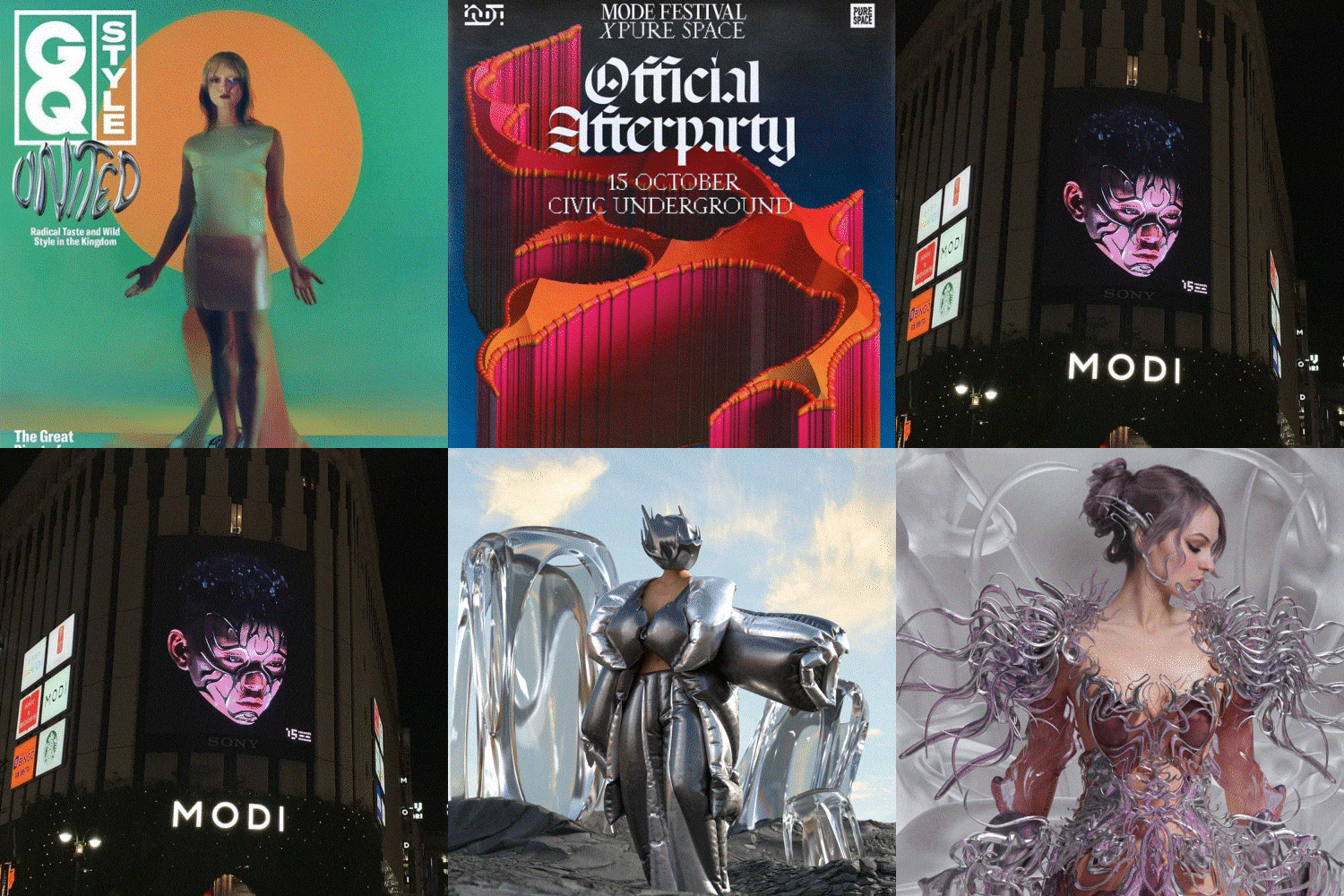 Exploring Trends in Chrome Effect ArtworkDive into the evolving trend of chromatic type artwork, prominently featured in album covers, posters, typography, and other design fields.
 -
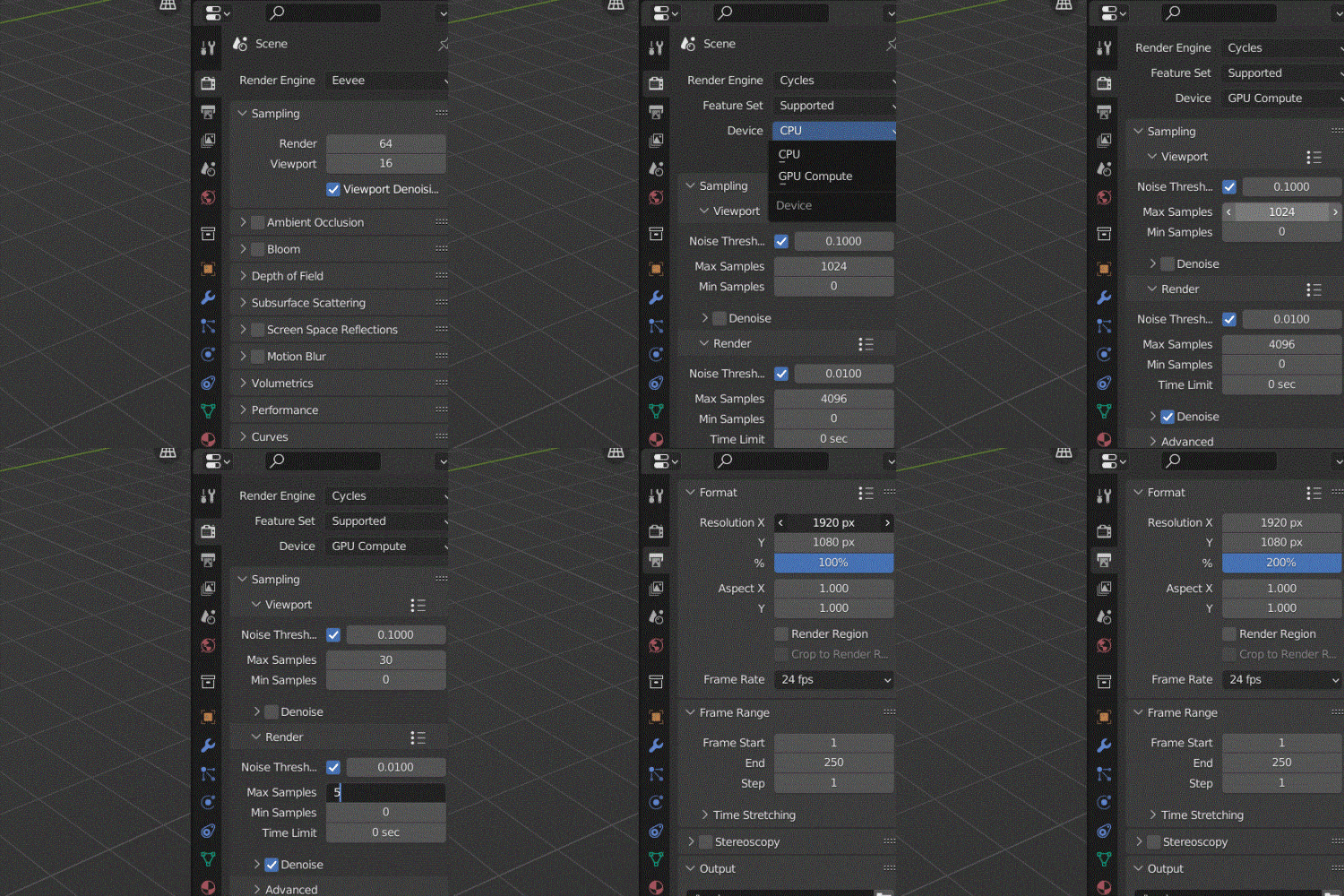 Familiarizing with the Blender Basic Settings to Work EfficientlyLearn Blender’s initial settings, camera, render size, node structure, and default frame settings for faster and lighter rendering.
-
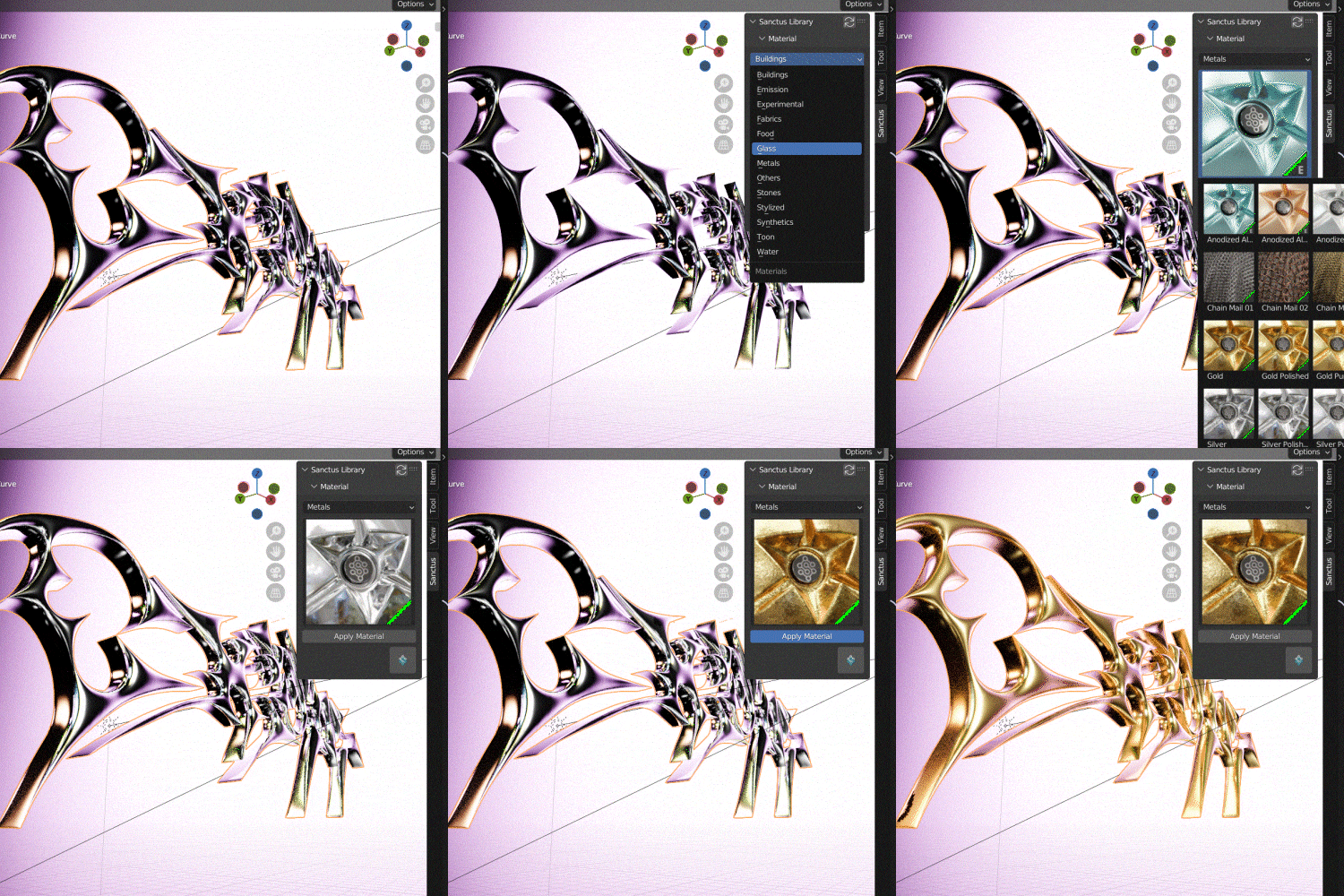 Creating 3D Chrome Effect with the Provided Shader and SourceLearn a simple chrome effect with adjusted roughness with a Blender node, Glass / Dispersion / Silver / Iridescent shaders that can be easily added using free add-ons, World Environment texture, and four (4) different types of lighting.
 -
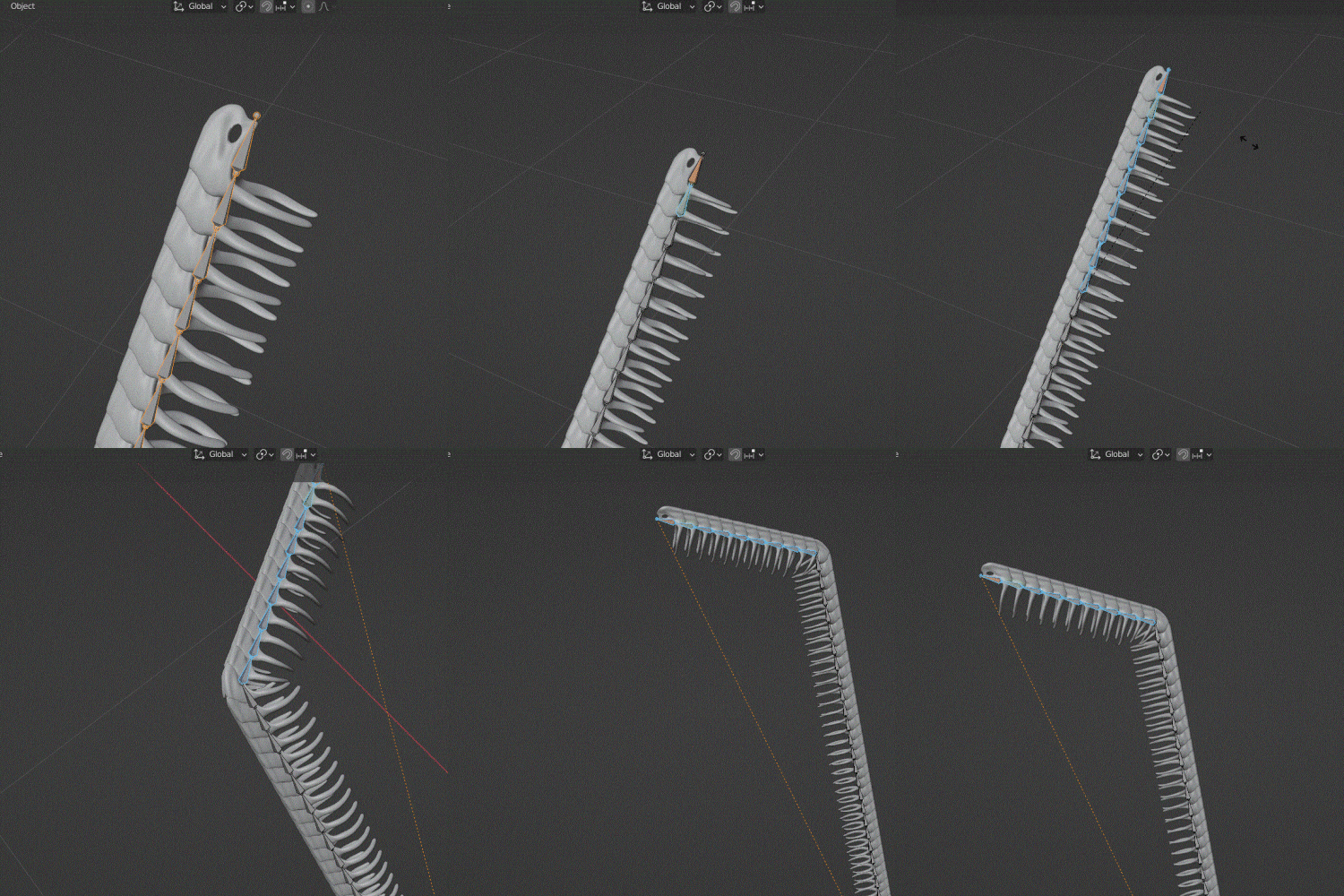 Making Snake Rib with Rib Modeling FileDiscover the process of creating a Snake Rib, a design element recently popularized by album covers and fashion magazines, using the Rib modeling files provided in the class.
 -
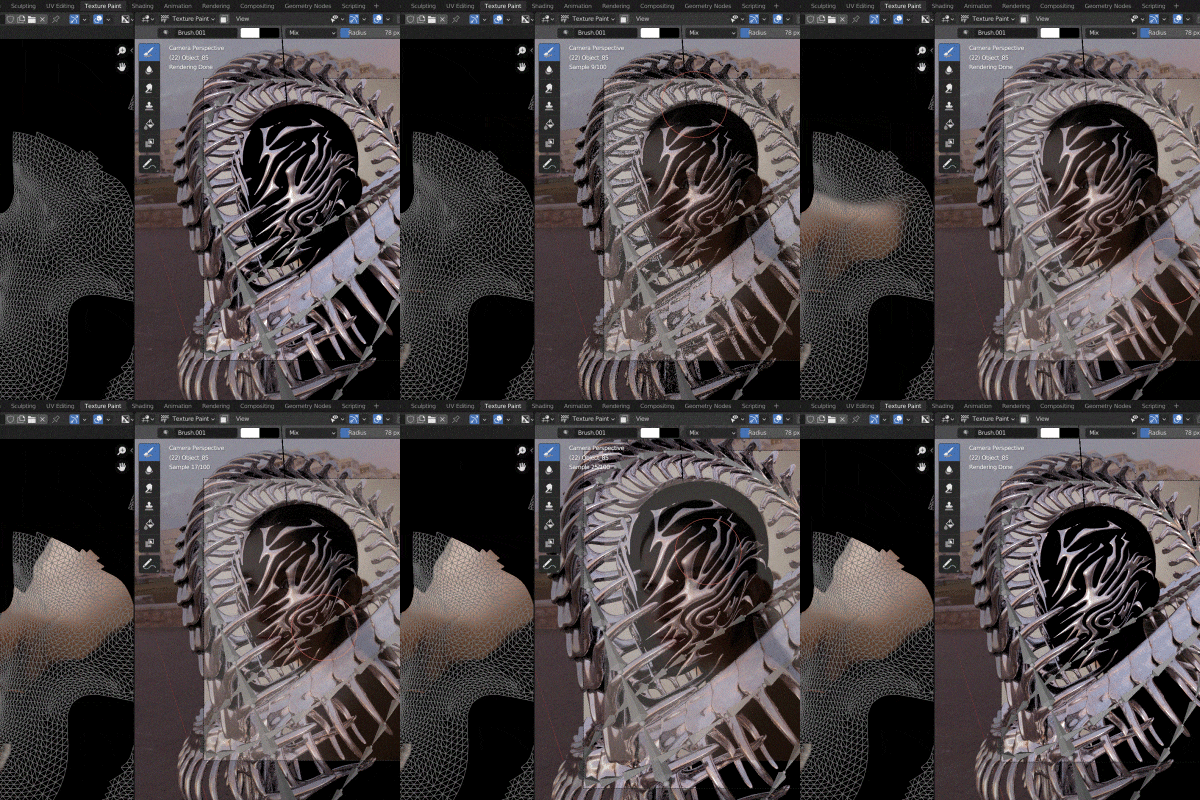 Turning 2D Model Image Into a 3D ModelUsing a commercial-free model photo, let’s turn it into a 3D model and composite the Snake Rib to create the final Chrometype artwork.
- Unlimited Access
- Best Price
Buy now, get unlimited access.
12/31 (Sat) (UTC-7) Special offer ends soon.
This special offer ends soon.
Buy now and save!
Curriculum
Curriculum
In-Depth Look
SECTION 01. Basic Instructions on Chrometype Artwork
01. What is Chrometype?
- Introduction to the Chrometype genre
- Introducing active international community
- How Chrometype, which was popular only in 2D, turn 3D
- The appeal and scope of Chrometype
02. Basic Blender Setups to Implement Chrome Effects
- Installing the Octane Render Engine in Blender
- Setting up HDRI, a key feature for implementing the Chrome Effect
03. Working with Chromatype Artwork Basics and Practice
- Explore the process of working on Chrometype artwork
- Create Silver, Copper, and Gold materials
- Use the basic node structure to express different materials
- Create Cycles with the provided sphere model
- Use the Octane Dispersion Effect to change reflections/colors/etc.
- Create a simple chrome type with 4 different textures
- Environment texture - How to use HDRI
04. Blender Cycles Rendering Basics
- How to set up Cycles rendering
- How to set Max frame, Resolution, and Denoise for fast rendering
SECTION 02. Typography with 3D Chrome Effect
05. Loading Text Files into Blender
- Loading the text file you worked on in PS/II into Blender
- Changing Text in Blender Sculpting Mode
06. Adding Texturing to Text
- Texturing Text with Material Nodes (HDRI)
- Working with lighting to set the mood of your work (Plane Lights)
- Applying HDRI
07. Add a Simple Motion to Improve Quality
- Finishing the Details
- Adding Simple Motion with Rotation/Moving Effects
SECTION 03. Object with 3D Chrome Effect
08. Making a Simple Snake Rib
- Show the process of sculpting using a ball
* Snake Rib file is provided
09. Creating a Face Mask
- Working on a unique Face Mask
10. Adding Simple Motion To Improve Quality
- Adding Motion Using Armature / Nurbs Paths
SECTION 04. Creating the Final Artwork
11. 3D Modeling 2D Portraits
- Resizing a Portrait Render in Blender
- Adding Texture Painters to Portraits to Give Them a 3D Look
- Sculpting to improve quality
12. Adding Objects to People
- Applying Objects to People with the Texture Painter
13. Cycles Rendering
- Cycles Rendering with 526 frames
- Rendering at 200% of the original image size
14. Finishing touches to enhance quality
- Learning postrevision using Photoshop
15. Adding Animation Effects (Blender)
- Adding Animation to the Snake Rib with Paths and Armature
*The release date of this class, curriculum images, and associated content can be changed without prior notice.
** Class videos may be separated for a more streamlined viewing experience
Interview with
Graphic Artist Solwhi Park

Question.01
What is the purpose or focus of this class?
Explore Chrometype as it is applied in many design areas, such as typography, posters, logos, etc. and express more detailed textures based on silver/copper/gold materials. Expanding your work and portfolio will be very useful, especially in the trendy genre of Chrometype.
Question.02
What distinguishes this class from others?
Internationally, numerous projects incorporate the Chrometype technique, fostering an active community around it. However, there’s a noticeable absence of systematic channels for learning about Chrometype in Korea. This class stands out by offering access to the fundamentals of 3D Chrometype, a subject not readily available in Korea. It guides you in enhancing various projects with 3D Chrome Effects, enabling you to finalize your artwork with a distinctive touch.
Question.03
Who is the intended target of this class?
This class is ideal for individuals fascinated by the Chrometype technique, those eager to learn a fashionable technique that’s becoming popular internationally, and anyone looking to create something with a unique style. It’s also highly recommended for Blender users interested in expanding their range of use.
Required Programs
This course will use
- Blender 3.x
- Adobe Photoshop CC 2022
- Adobe Illustrator CC 2022
Please purchase and install these program(s) for an optimized chapter experience.
*These programs and/or materials will not be provided with the course.
※You can choose to take the course in Photoshop or Illustrator, and SVG files will be provided.
Recommended
Recommended Class
Like this class?
Then check these out!