Go beyond the trend and become the standard! Game effects
created with Unreal Engine
Niagara
[enrolltounlock]VFXArtist,SungwookRyu_VFX아티스트 유성욱 Details
Class introduction
Class Intro
VFX Artist, Seongwook Yoo
“I learned how to combine modules in Niagara, the system’s characteristics, pros and cons, and structured it so that I could immediately utilize the program in practice.”
Unreal Engine Niagara, an essential tool for creating highly scalable game effects, from module creation to use!

Are you looking for a course that will teach you the basics of Niagara, which has become an industry standard because it makes it easy to create an infinite variety of in-game effects, how to use it, and the know-how to create game effects that ensure both quality and efficiency?
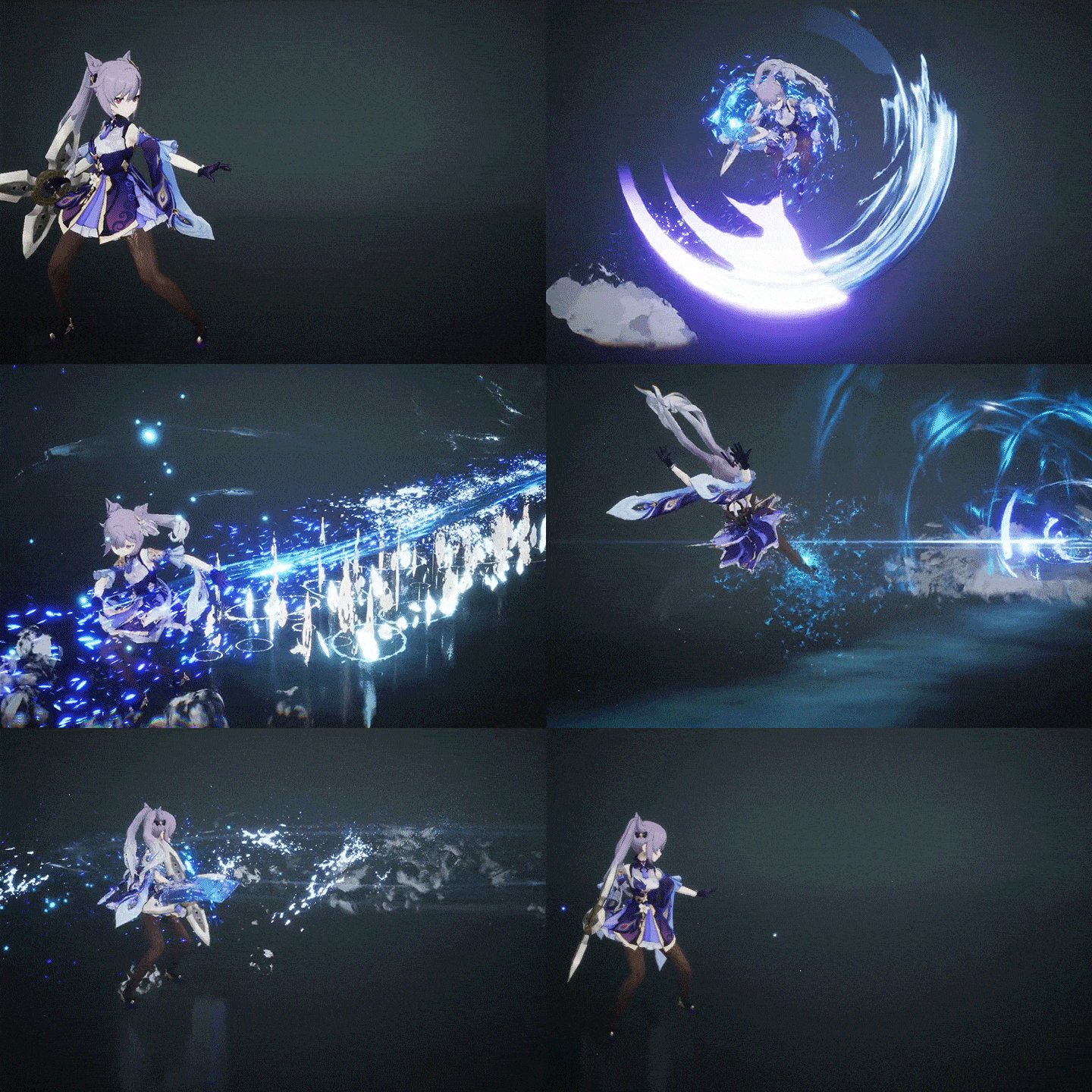
Meet the class of VFX artist Seongwook Yoo, who has participated in projects from top-tier game companies such as Netmarble and Neowiz. From the basics and applications of Unreal Engine Niagara to the essential basic effects that form the basis of all FX, to the practical know-how of a veteran game effector!
If you are dreaming of becoming an in-game FX unreal effector, which is essential in any game, from extreme photorealistic games to casual games, and will be welcomed in the job market once you learn it, do not miss this course, which is a primer on in-game FX production.
If you are dreaming of becoming an in-game FX unreal effector, which is essential in any game, from extreme photorealistic games to casual games, and will be welcomed in the job market once you learn it, do not miss this course, which is a primer on in-game FX production.
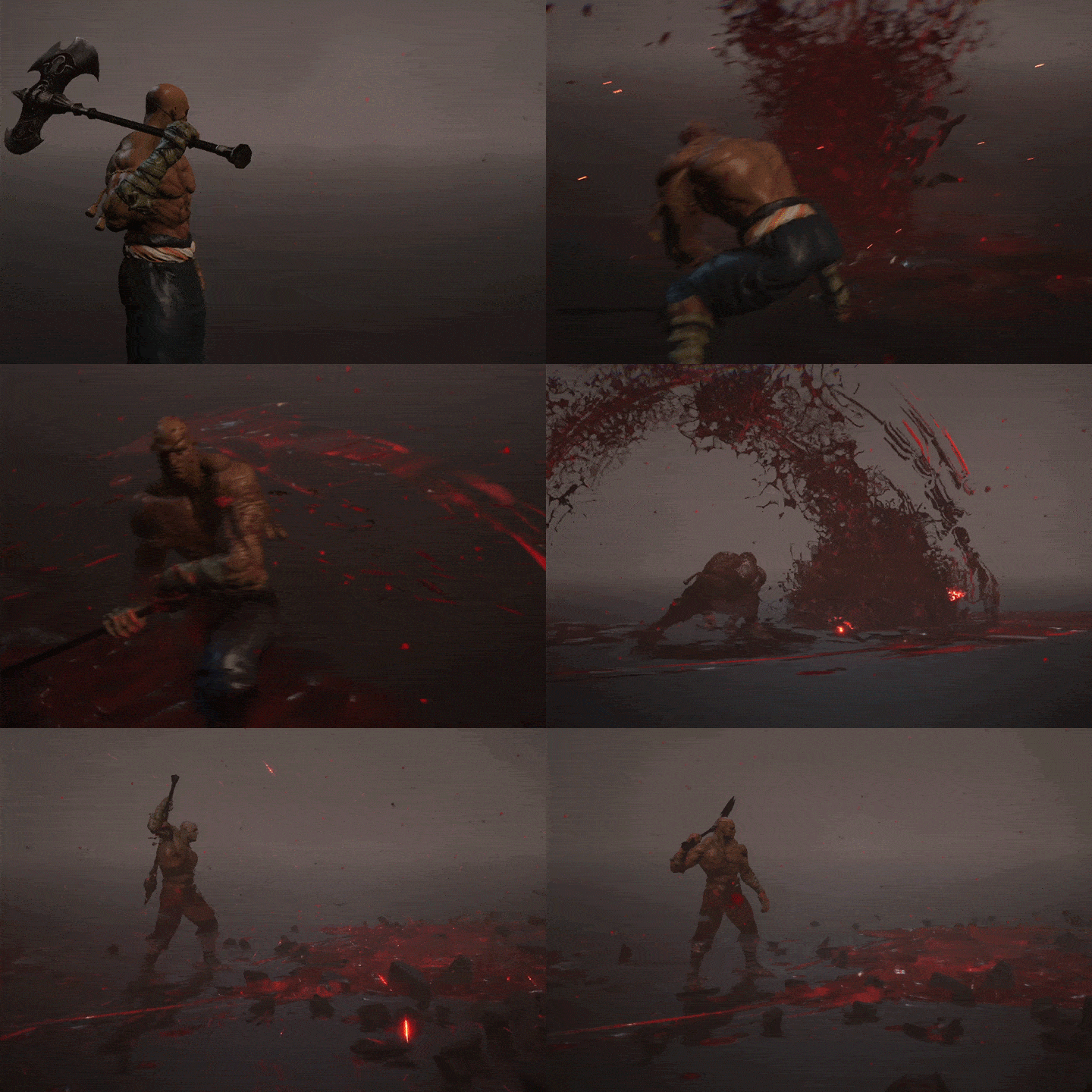
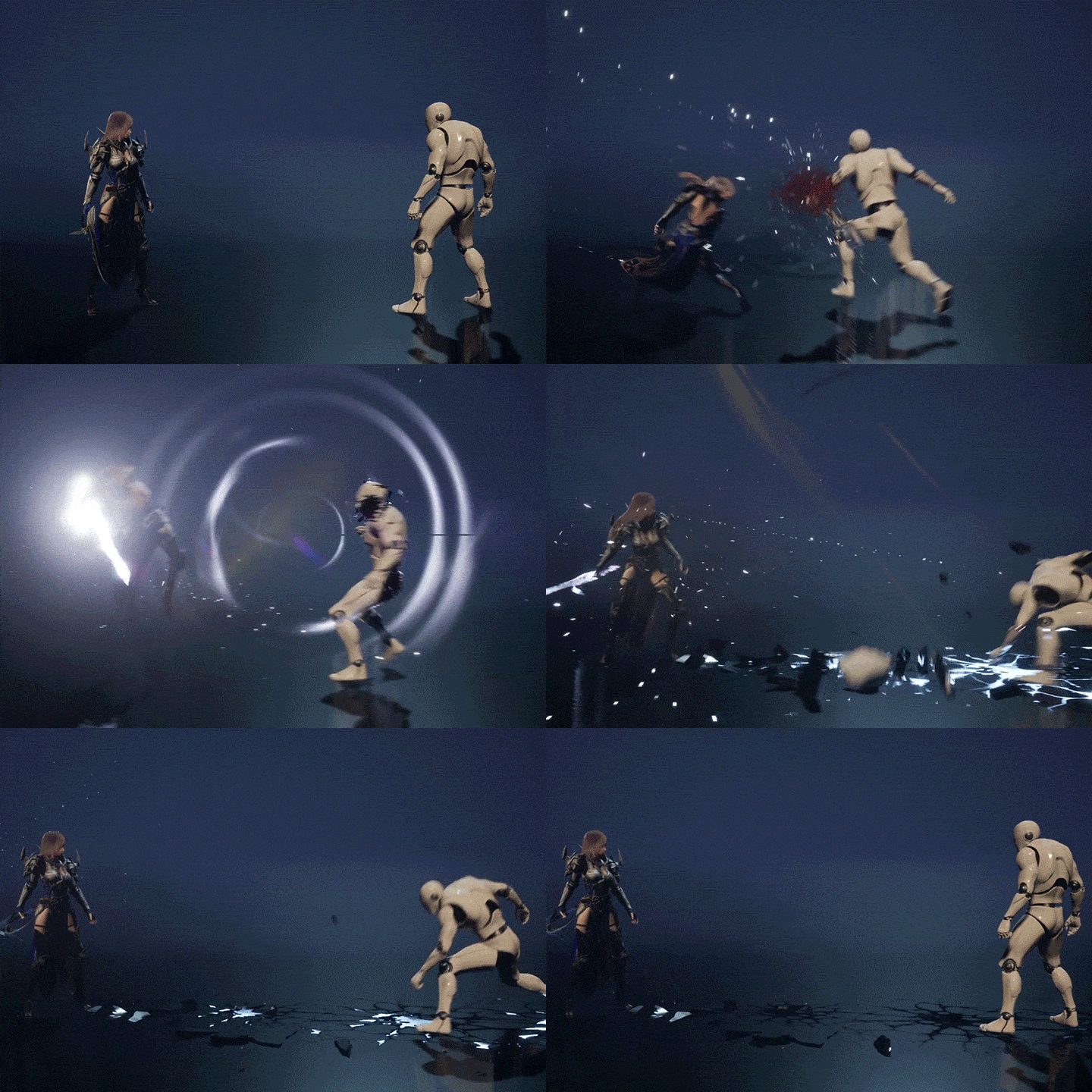
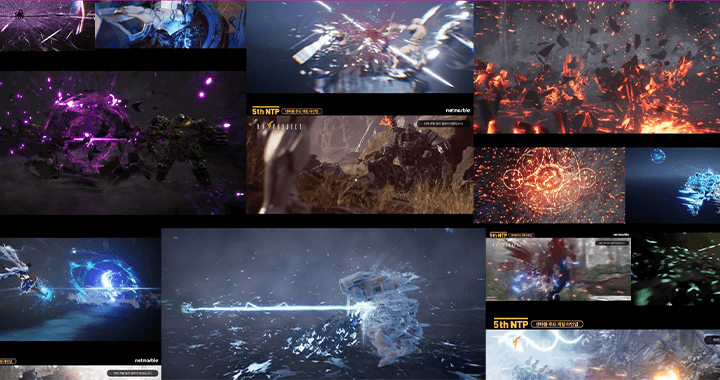
Expert VFX Artist Seongwook Yoo's Portfolio
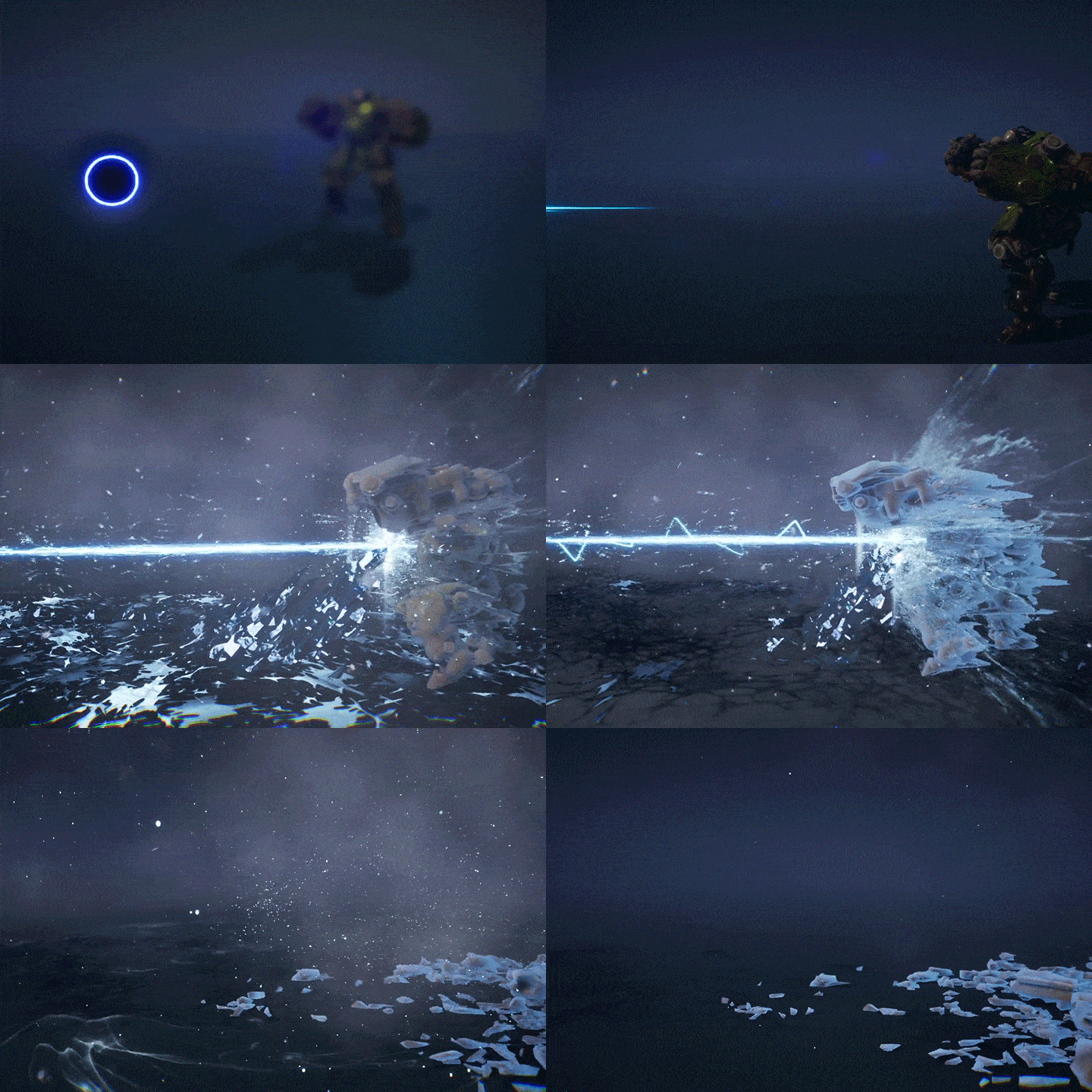
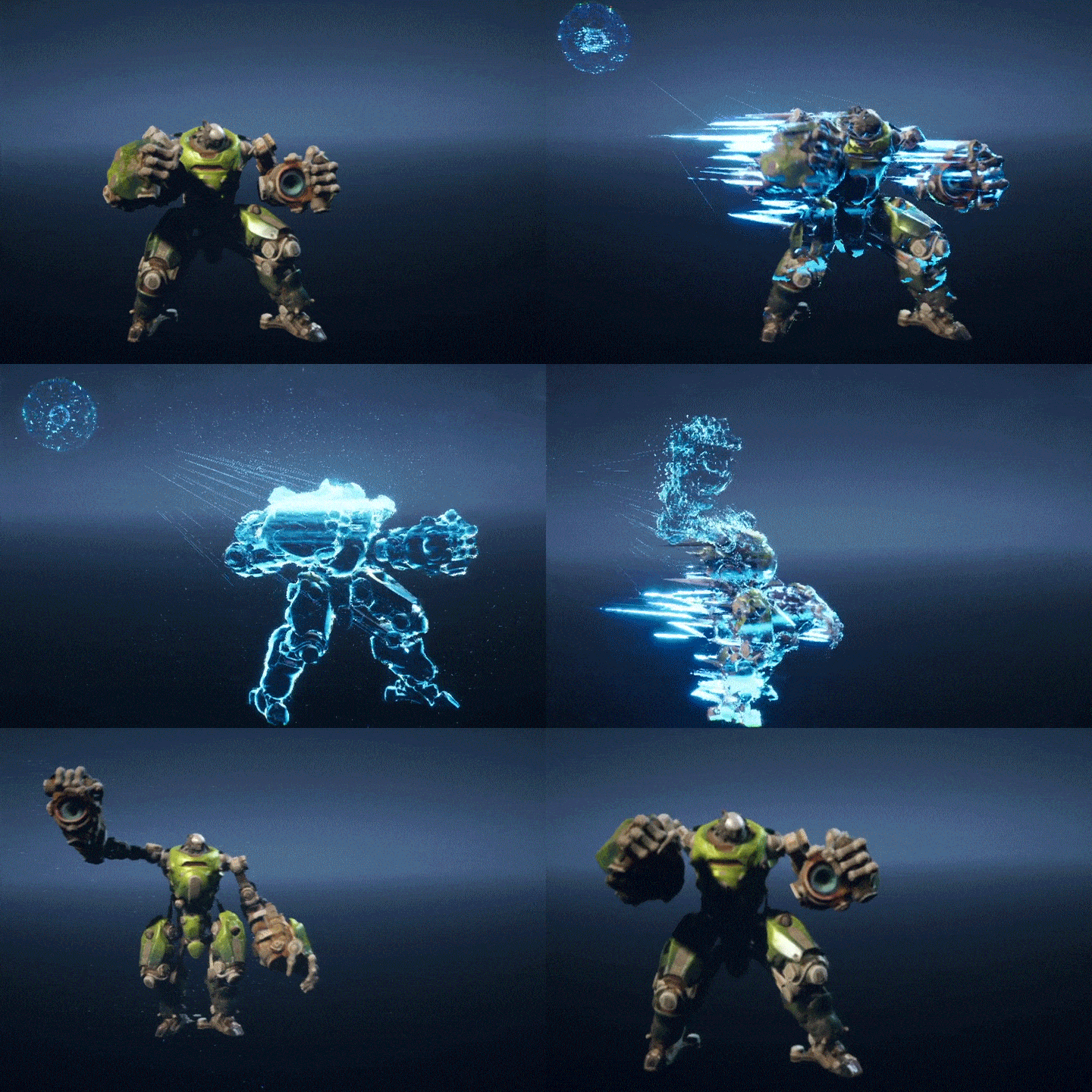
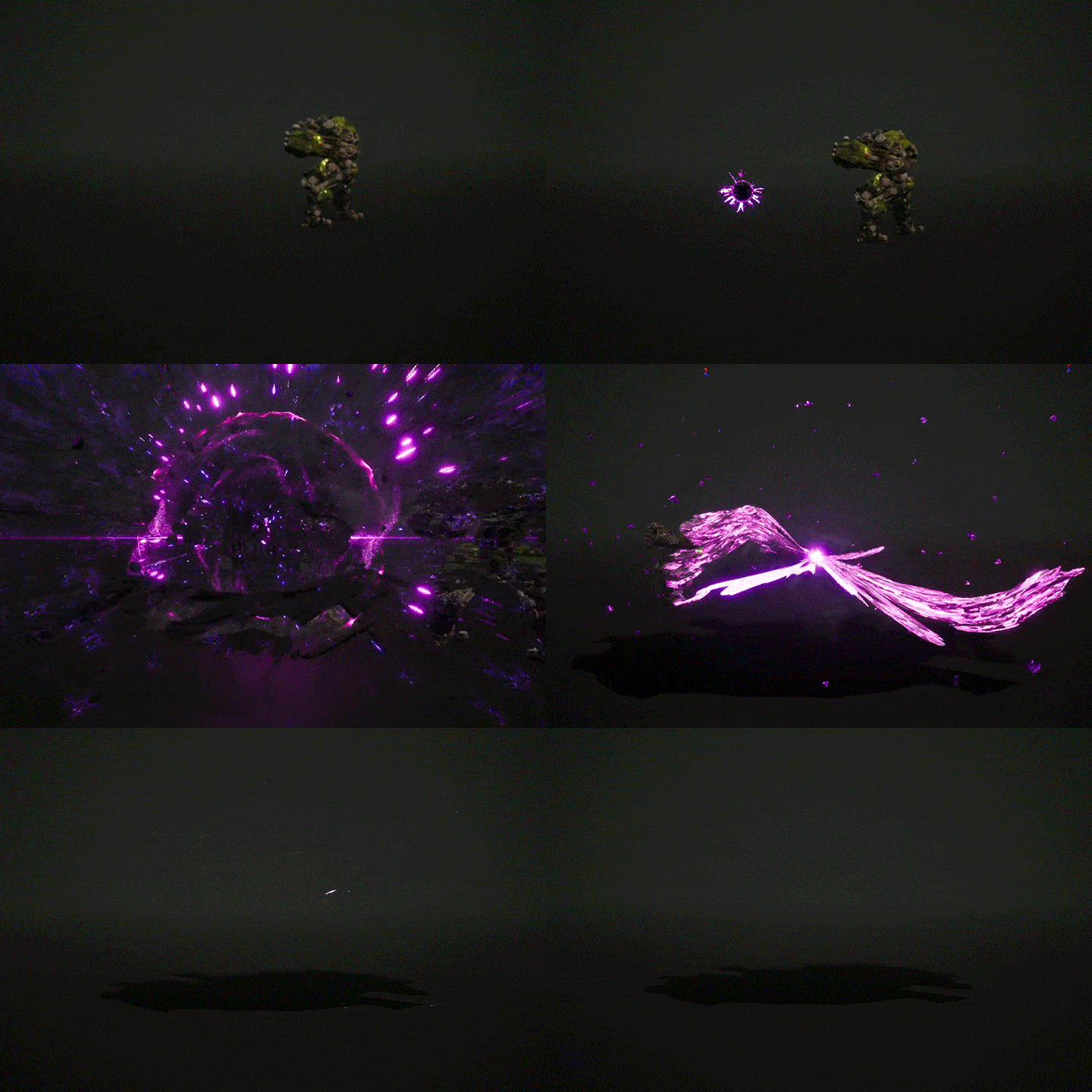

Why Take This Class?
Do you want to create high-quality effects using Niagara, which is highly scalable and easy to optimize, rather than Cascade, which is difficult to program to your liking, or Houdini, which takes up too much space? Seongwook Yoo, a VFX artist with 15 years of experience working on various game projects for famous game companies such as Netmarble and Neowiz, will solve your concerns.
Niagara's basic usage and application methods for creating in-game effects, as well as essential effects that are the basis of all FX development, practical know-how from veteran game effectors, and even how to create your own portfolio! In addition, through this course, which will teach you the cinematic VFX production process, you will gain a foothold in becoming a sought-after FX artist in the industry.
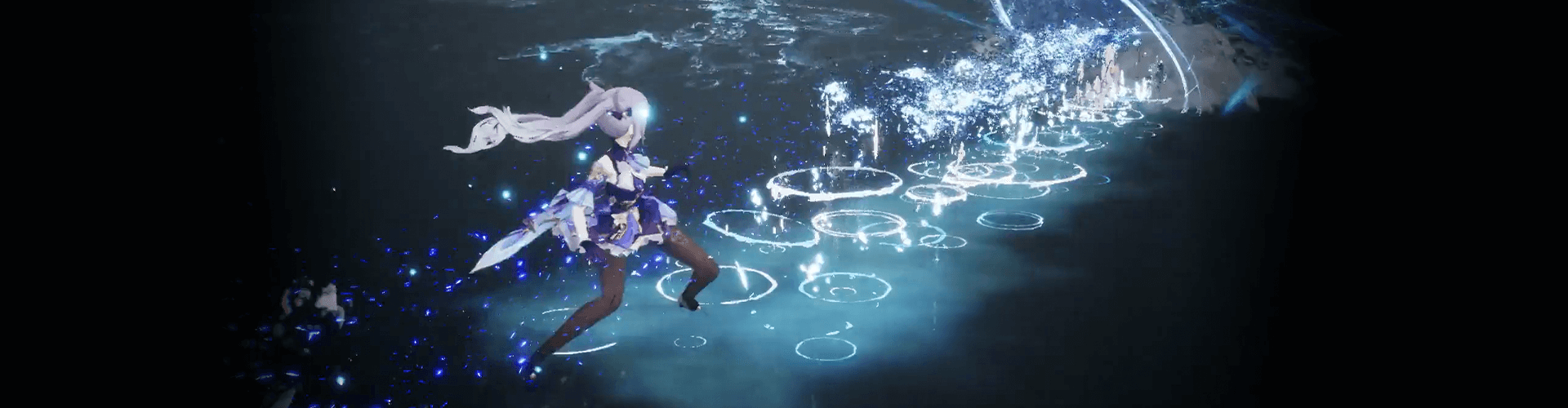
10 Class Exercises
-

01. Creation of background for portfolio -

02. Cartoon type hit -
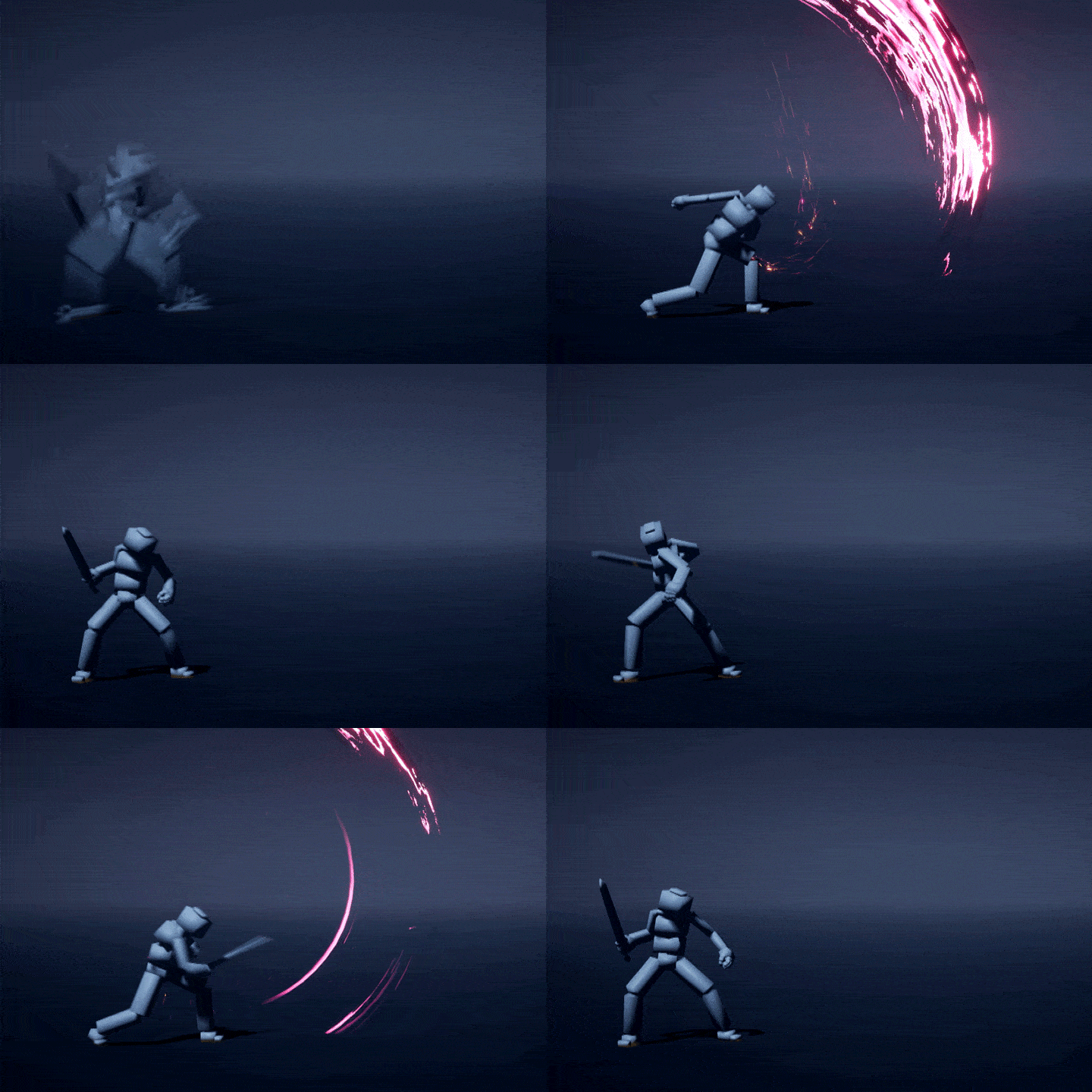
03. Sword trail
-
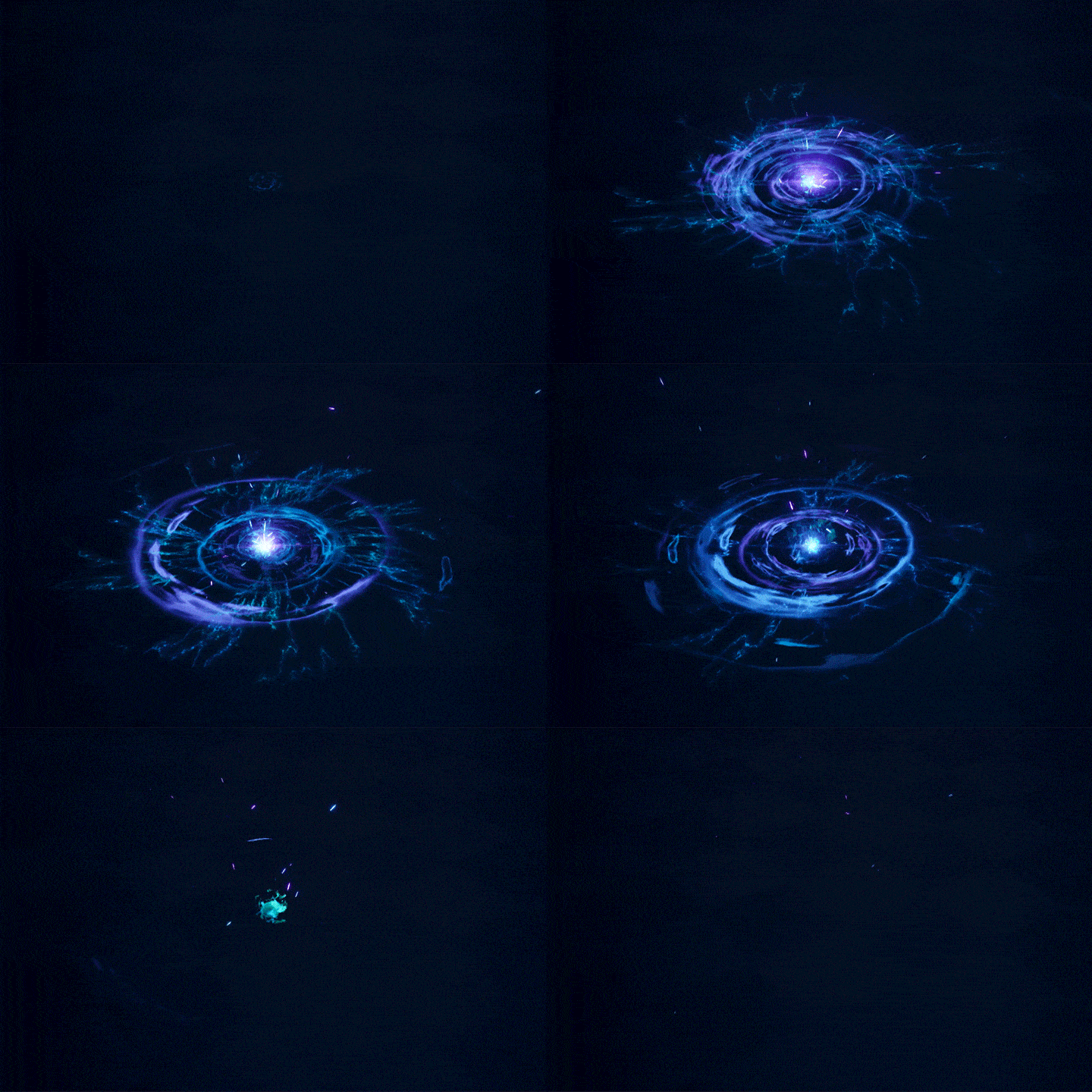
04. Shockwave -

05. Laser effect -

06. Cartoon-style flame explosion
-

07. Party Ribbon -

08. Breath -
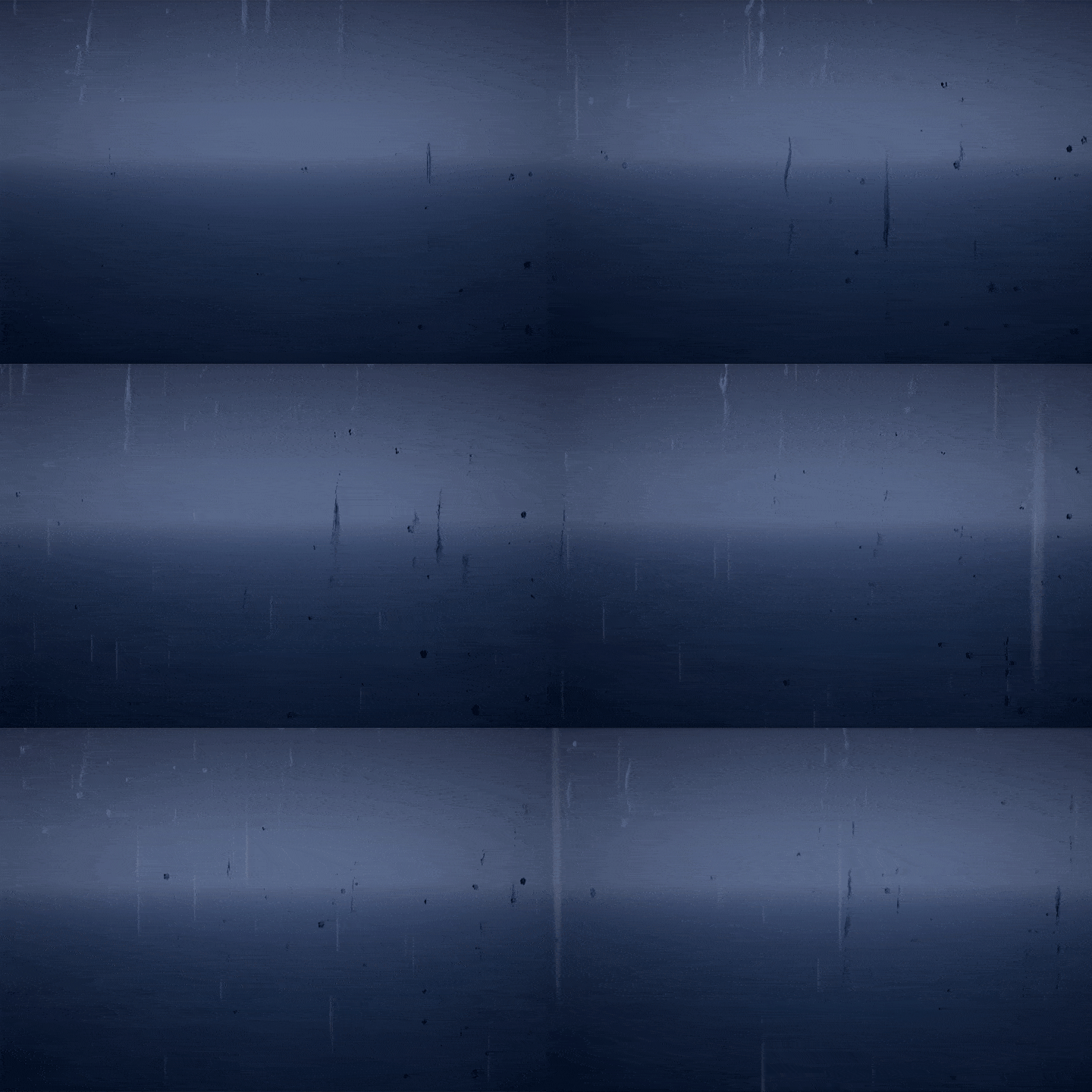
09. Post processing -
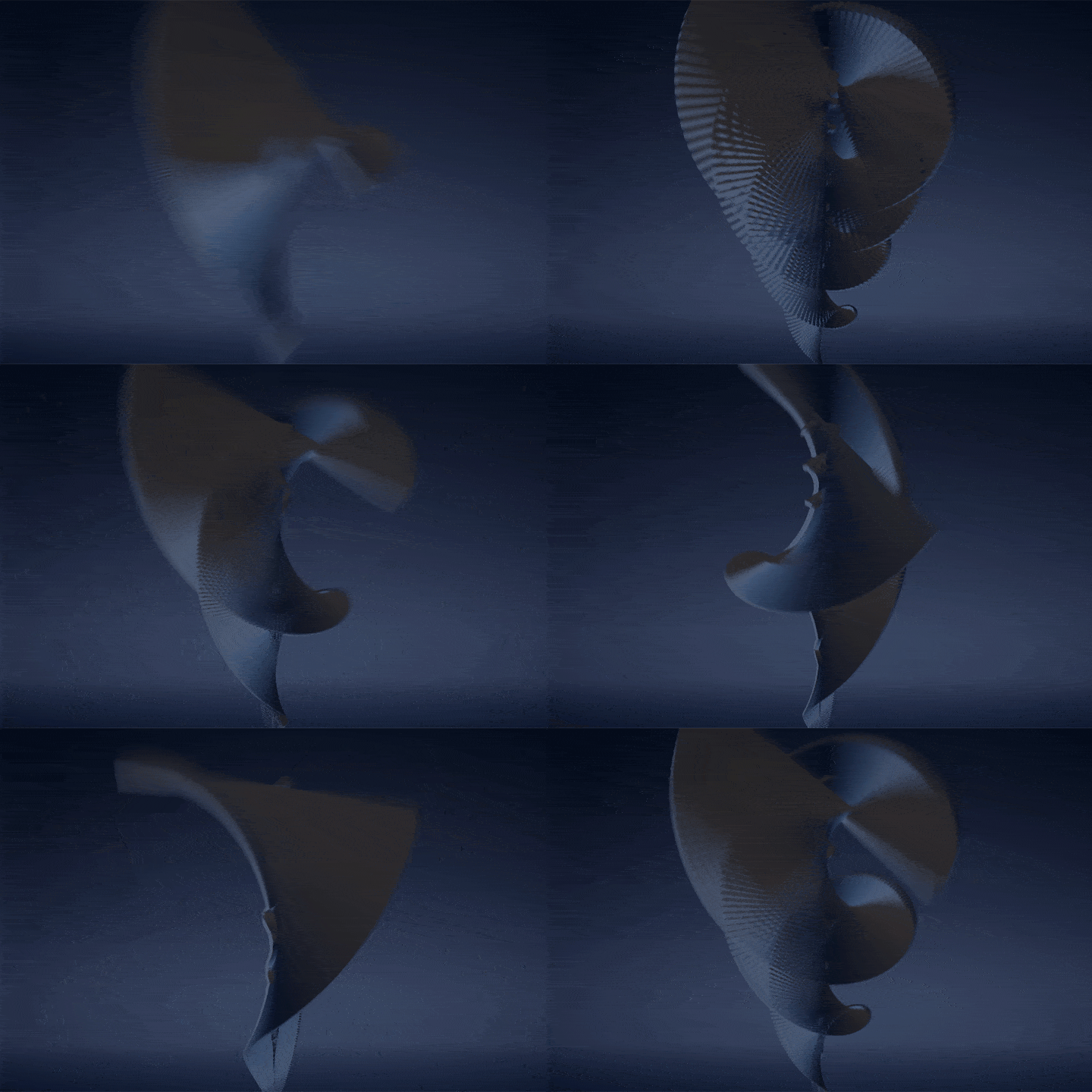
10. Niagara Modulo
Creating an Eco System
Speaker introduction
VFX Artist
Seongwook Yoo
Hello. This is VFX artist Seongwook Yoo. I have participated in projects for various game companies at home and abroad, including Netmarble and Softmax, and am currently working as the VFX part leader at Neowiz. Many people are having difficulty creating various game effects using Unreal Engine Niagara. In this course, students will learn the overall pipeline for creating effects using Niagara, creating in-game effects with both quality and efficiency. The courses were structured with a specific curriculum so that you can produce .
Furthermore, I would like to teach you all the work know-how I have accumulated while participating in various projects, so I hope that you will develop the ability to use natural and colorful effects through this course.


VFX Artist
Seongwook Yoo
Current) 2021~ Neowiz Effect Part Leader
Projects & Awards
Neowiz Pentavision (2008~2011)
‘DJMAX’ series
North American Krew Studios (2011~2013)
'Project Orb' console project (XBOX)
'Yellow Project'
Softmax (2013~2014)
‘Inner World’
'Train Crasher'
‘Remnants of the Dice’
Zoniworks (2014~2019)
'Line Puzzle Friends'
'Degrand'
‘Digstar’
Netmarble N2 (2019~2021)
MMORPG effect and production production
class features
Class Highlights
Mandatory, not optional! Niagara representative primer
Understand Niagara's module combination method, system characteristics, pros and cons, etc., and develop capabilities that can be immediately used in practice. Additionally, by learning basic effects that can be varied with various effects, you can easily create your own effects without difficult coding.
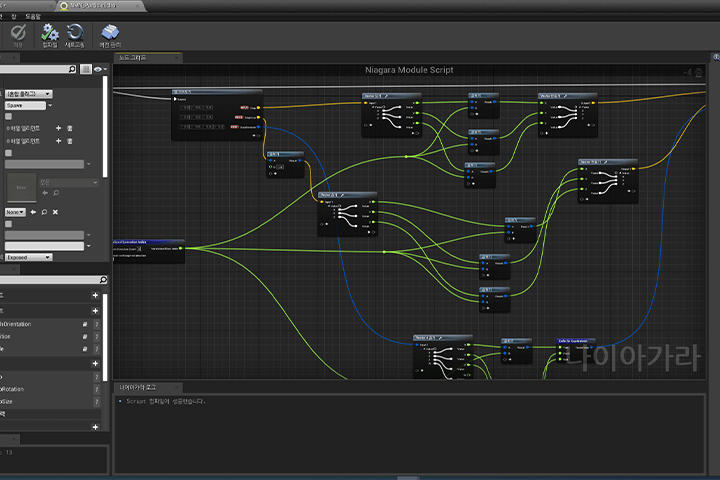
Practical game effects know-how from a 15-year veteran game effector
We will teach you the core game effect production pipeline and practical know-how, including VFX production methods and optimization techniques, from veteran staff with experience developing games of various genres at major domestic and international game companies.
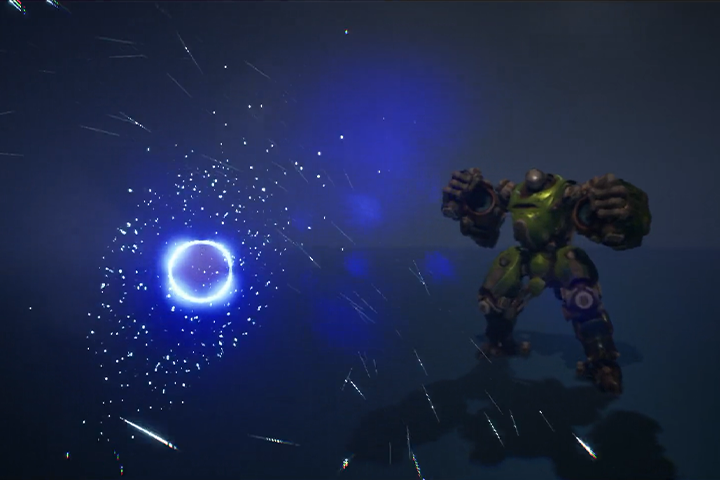
Strengthen in-game FX production capabilities by providing 10 examples and more than 25 files
In addition to 10 exercises, we provide more than 25 course materials in various formats that can be used as a portfolio. Using the course materials, students can learn self-study methods to improve their capabilities and even complete their own portfolio.
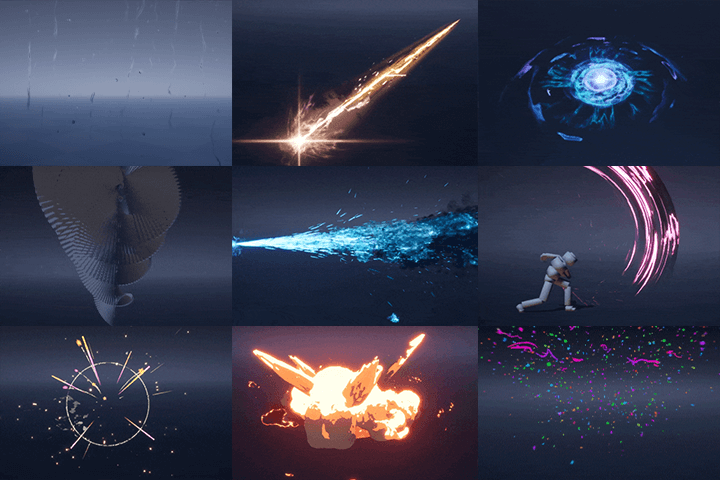
Class Details
You'll Learn
-
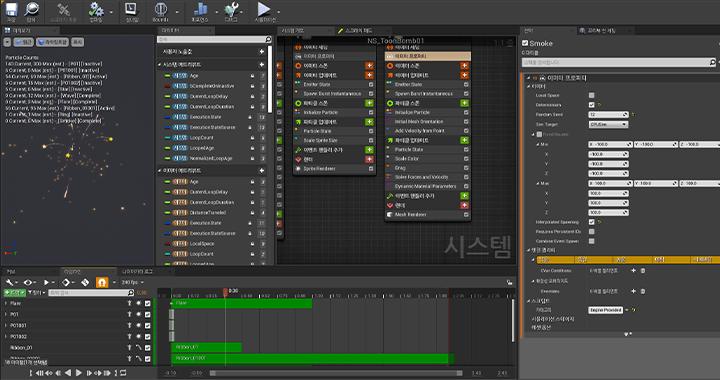 Industry trending tools
Get to know NiagaraIn order to fully utilize Niagara, we will learn step by step from concepts such as particles and emitters to essential functions and application methods. -
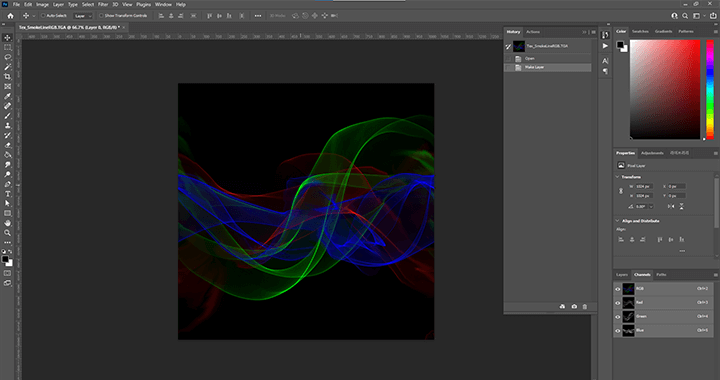 Optimizing Texture for FXLearn how to optimize textures for FX created using Photoshop and 3ds Max. You can also learn about texture optimization methods in practice.
 -
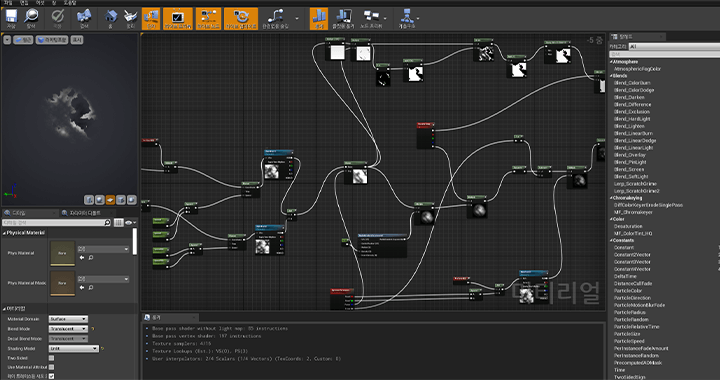 Flower of FX, Material productionLearn how to create versatile FX-specific master material and vary it with material instances. Furthermore, we will learn how to utilize the Niagara system one by one.
-
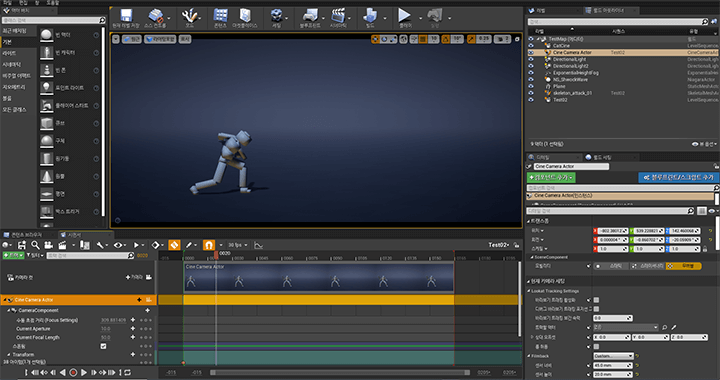 Practical know-how from a 15-year veteran effectorYou will learn tips that will help you make your own using the know-how of game industry veterans who have experience in a variety of platforms, including casual mobile games and hyper-realistic PC consoles, and in a variety of genres, from rhythm games to MMORPGs.
 -
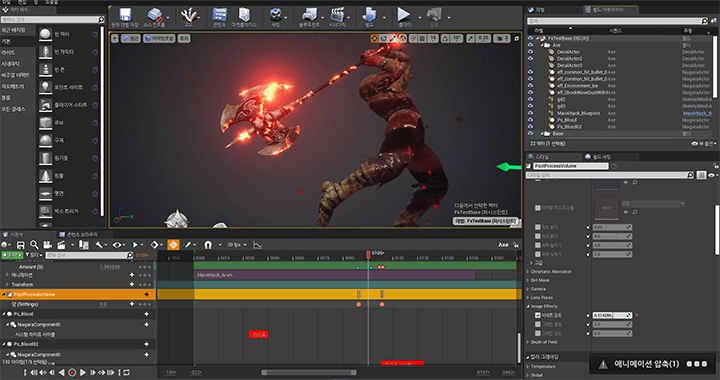 How to create your own portfolioLearn how to create your own portfolio by correcting and supplementing FX created using various post-processing functions and sequencer camera shake.
 -
 Learn the cinematic VFX production processThe flower of real-time cinematics! Learn about the functions of Sequencer, a video editing tool in Unreal Engine, and camera movement, and how game effectors use Sequencer to implement game cinematics.
curriculum
Curriculum
In-Depth Look
Section 1. Intro
01. Introduction
- About Me
- Participation Project
Section 2. Basic concepts of Niagara particle system
02. Getting started with Unreal Niagara
- Install Unreal and Niagara
- How to change language
- Differences from the existing particle system (Cascade)
- Getting started with Niagara
03. Particles and emitters
- Particle and emitter concepts
- Niagara System Control
- GPU and CPU
04. Particle Material
- Material concept explanation
- Type of material
- Material function
05. Particle Renderer
- Niagara Particle Renderer Concept Explained
Section 3. Application: Niagara VFX production
06. Background production
- Background settings for portfolio
- Simple grid material creation
07. Cartoon-type hit effect production
- Resource Crafting: Heat Effect
- Effect Creation: Heat Particles and Circular Particles
- Creating a trail using ribbon
- Shock effect for hitting feeling
- Create a cartoon-like dissolve smoke
- Creating line-shaped particles with dots
08. Creation of sword trail effect
- Resource Crafting: Sword Trail Effect
- Create a sword trail effect using a dummy
- Cascade Anim Trail and Niagara Anim Trail
- Particles that react to movement
- Production of inspection using mesh data
- Production of materials and emitters that decorate the sword
- How to set animation in sequencer
09. Shockwave effect production
- Resource Creation: Shockwave
- Effect creation: Shockwave, shockwave-type explosion effect
- Production of energy ball-shaped particles
- Emitter spawn group management
- Creating a light with polyker material
10. Laser effect creation
- Laser material production
- Ribbon beam emitter fabrication
- How to create jitter particles to decorate a ribbon beam
- How to parent and load an image
11. Creating a flame explosion effect
- Material production: Material production through understanding mass nodes
- Light control using BP
- Create a cartoon-like flame-shaped emitter
- Niagara Sub UV Animation Control
12. Creating party ribbon particle effects
- Create a simple dissolve node
- Using Sprite as a Plan
- Controlling Niagara Collision Using Lerp
- Niagara Ribbon Control Using Events
13. Breath effect creation
- Create a flame feel with materials without a flipbook
- Simple fake volume smoke material creation
- Niagara-specific decal production
14. Post-processing and Niagara module
- Ineffective (Postprocess)
- Environmental effect Warm up
- How to create a render target texture with a scene camera
- Post processing materials
- Wind and rain control using Niagara Parameter Collection
- Simple Post Process Additional Effects
15. Creating an ecosystem using Niagara modules
- Niagara spawn in grid form
- Niagara module production
- Create sequential array by index
- How to create simple Niagara dynamic input
- Create animations with Sine without curves
Section 4. Practice: Niagara VFX in action
16. Production of cinematic VFX
- Sequencer concept
- Sequencer creation and editing
- Sequencer Object Spawnable
- Niagara settings and playback in sequencer
- Add post-effects with post processing
- How to use the sequencer function
17. Real practical example
- Communication with other teams
- Required Competencies for Effects Artists
- Production method of effectors within the team
- What is good VFX?
- What to do to optimize
Section 5. Outro
18. Concluding the course
- What I would like to leave to my students
- Links to download paid/free assets
- How to study on your own after taking a course
Interview with
VFX Artist, Seongwook Yoo

Question.01
What is the marketability and outlook for game FX?
What is the marketability and outlook for game FX?
Effectors are the talent that game companies most want to secure . If you continue to sharpen your skills and become an FX artist with both artistic sense and technical capabilities, you will become a talented person who shines in the FX market, where there are more job openings than job openings.
Question.02
What do students find most difficult when creating effects using Unreal Niagara?
What do students find most difficult when creating effects using Unreal Niagara?
Unlike Cascade, which is an existing particle system, Niagara is a programmable tool. Students who are new to Niagara often find programming difficult and feel intimidated. However, since Niagara is produced using the node method, if you know the basic concepts of nodes, you can create effects with much greater freedom. This course has been structured to suit the eye level of Niagara beginners and beginners, so if you follow the course step by step, you will develop the power to use a variety of game effects.
Question.03
What are the unique points of this course?
What are the unique points of this course?
This is an effects course that utilizes Niagara, which is popular in the industry. Many game projects are currently looking for Niagara effectors, but it's not easy to find Niagara FX users in the industry. In other words, Niagara is no longer a preferential option, but a necessity. If you learn how to operate Niagara and the basics of game FX through this class, it will definitely be of great help in getting a job.
Required Programs
This course is conducted using Unreal Engine and Photoshop programs. To ensure smooth participation, please purchase and install the programs listed below separately.
- Unreal Engine 4.27.2 or higher
- Photoshop 2022 23. 3. 1
* Recommended specifications for using Unreal Engine: Link
* Programs and materials are not provided separately.