[enrolltounlock]3DAnimator,JongsoLee_3D 애니메이터 이종소 Details
Class introduction
Natural animations that often appear in movies, TV, and commercials. Try it now with Blender!
From background production that matches the natural movements of the bouncy characters to natural camera movements reminiscent of a movie scene! If the Blender tool can achieve both quality and efficiency, there is no problem in producing rich animation.
You can express your own vibrant animation by learning the essential functions required to produce the entire result, such as modeling, lighting, rigging, and compositing. Meet the ‘Blender 3D Animation Introductory Class’ now at Coloso, where you can produce high-quality animation on your own without the need for collaboration.
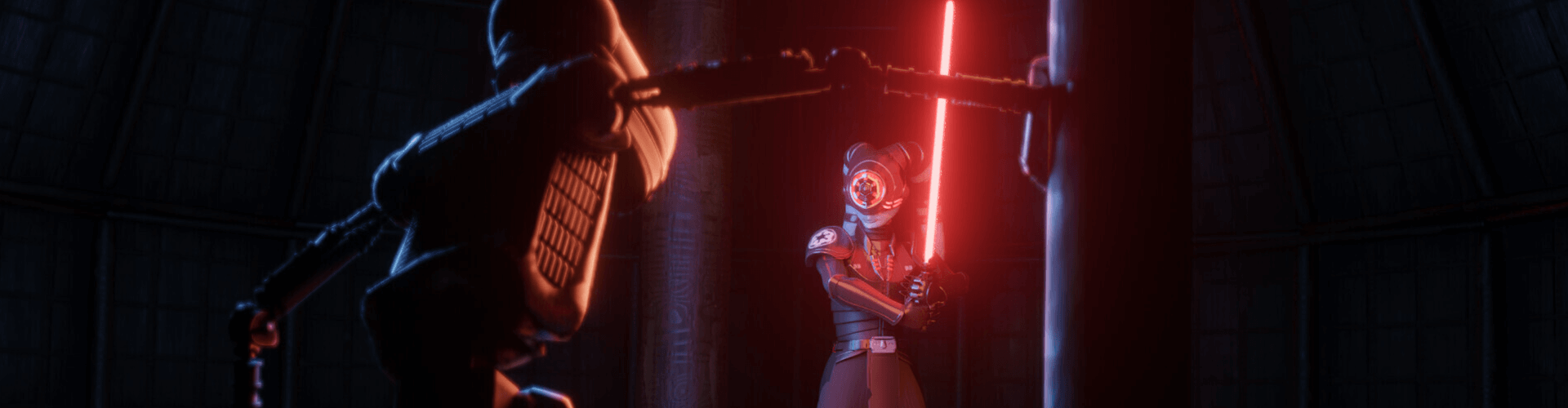
Portfolio of 3D animator Lee Jong-so
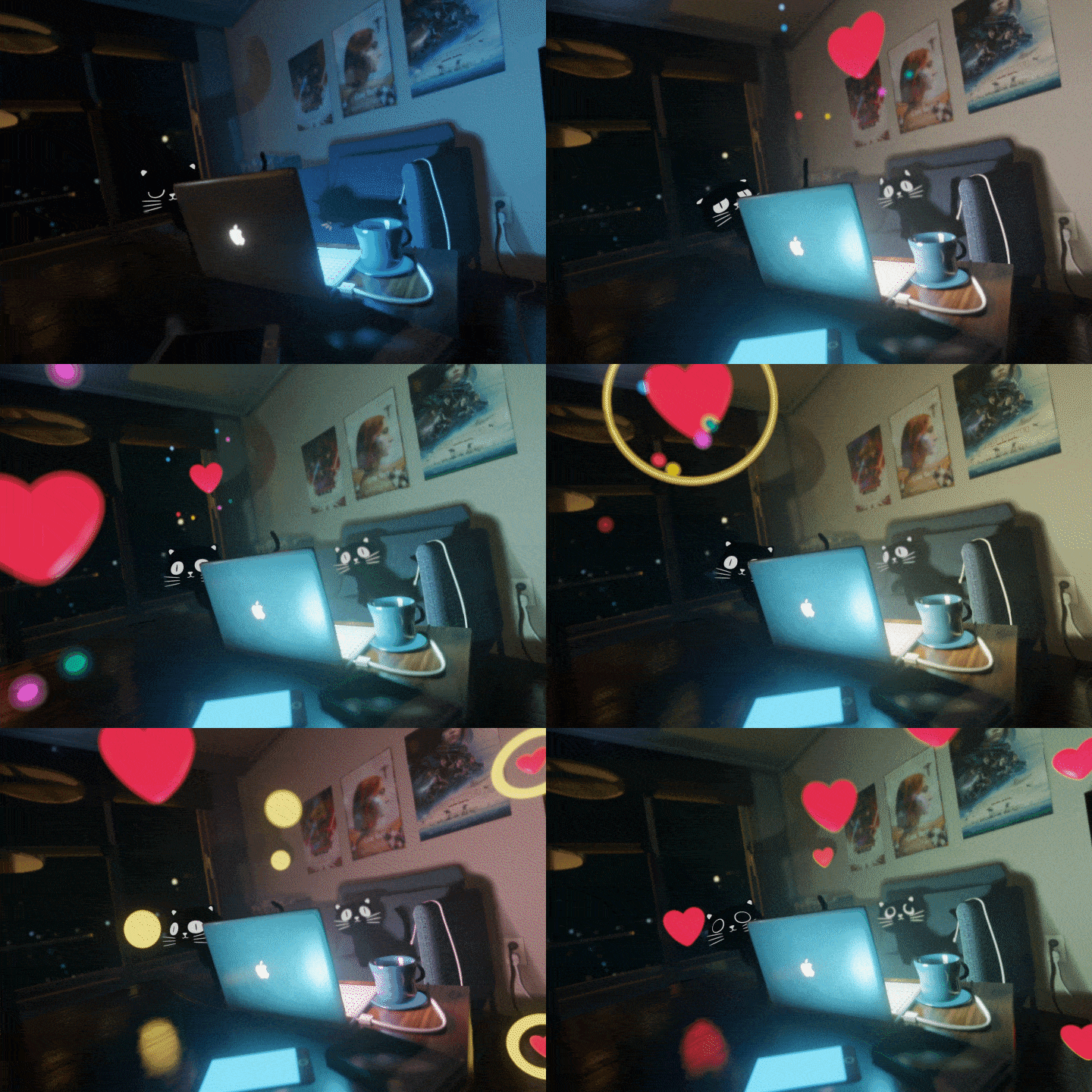
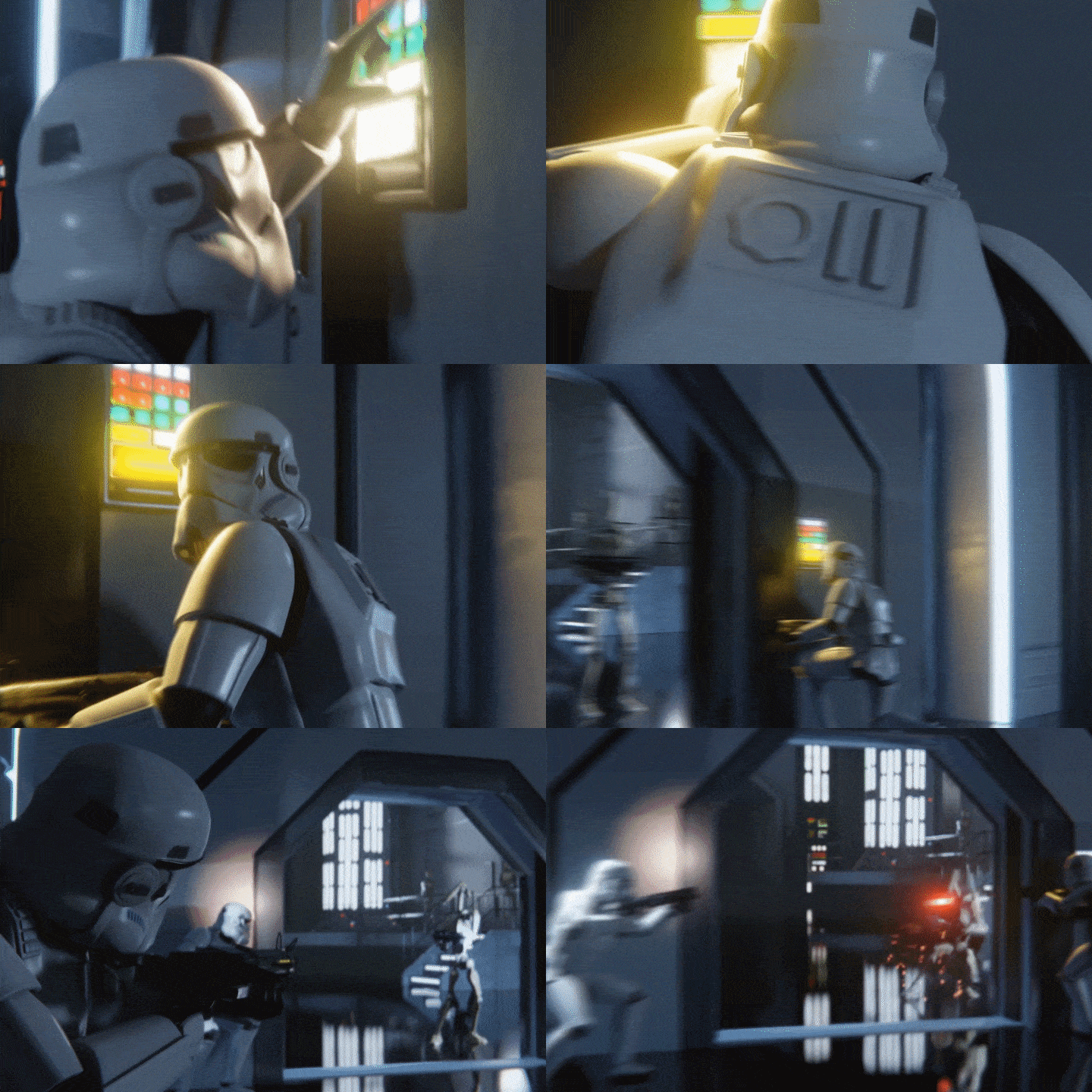
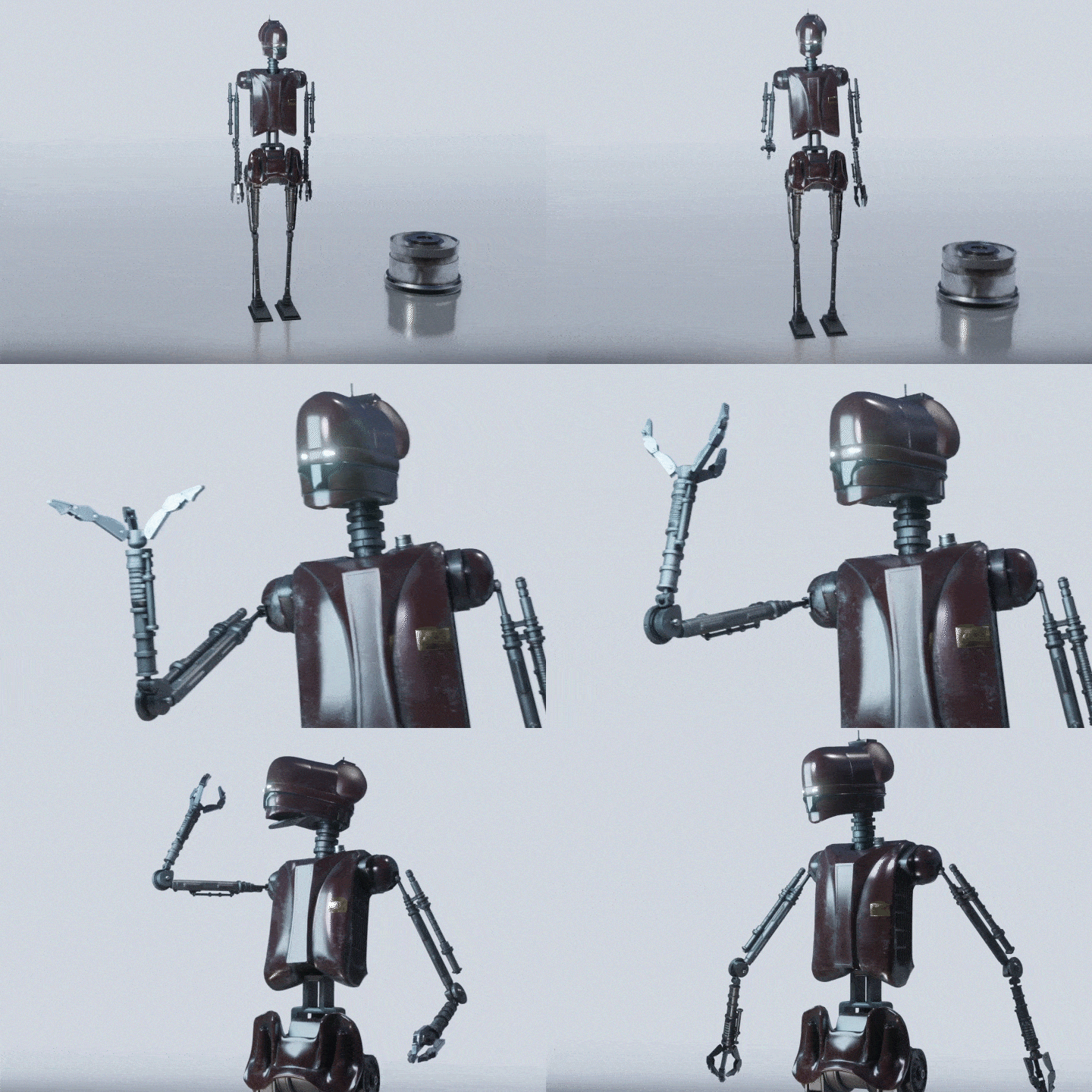
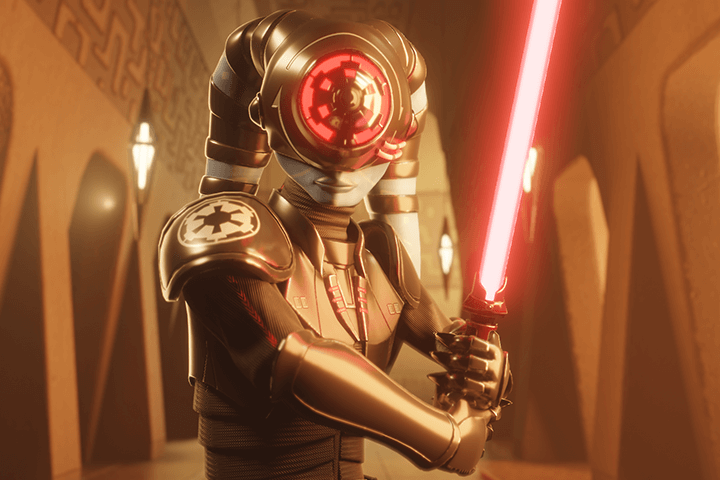

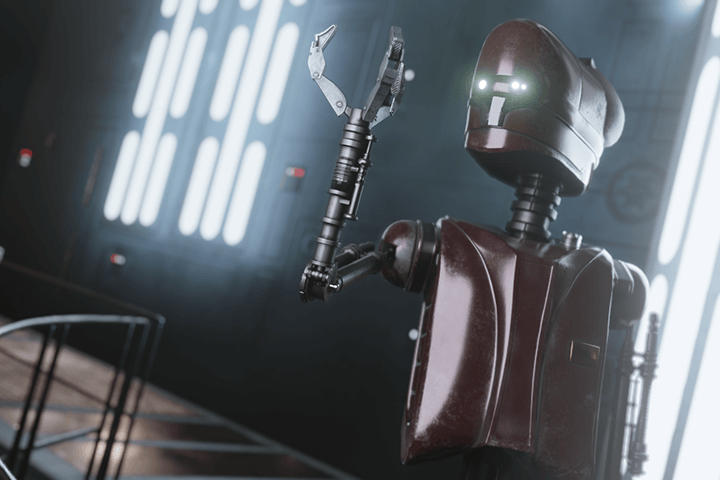
* Get started with the 3D Animation Blender tool!
*Free tools *All-in-one *Efficiency
Why should I learn the Blender tool, which is loved by global 3D designers at home and abroad?
● Are you worried that 3D tool prices are too expensive?
The Blender tool can be downloaded for free at any time in any environment: Linux, Windows, or macOS.
● From modeling to sculpting and animating, all in Blender!
You can work on a variety of elements, from the most basic modeling to texturing, all by yourself with just one Blender tool.
● Efficient tools that speed up work
It is a program that is well-optimized to provide ease of operation with an easy interface that takes the creator's perspective into consideration, as well as no burden on the size of the project.
Part 01. Basic
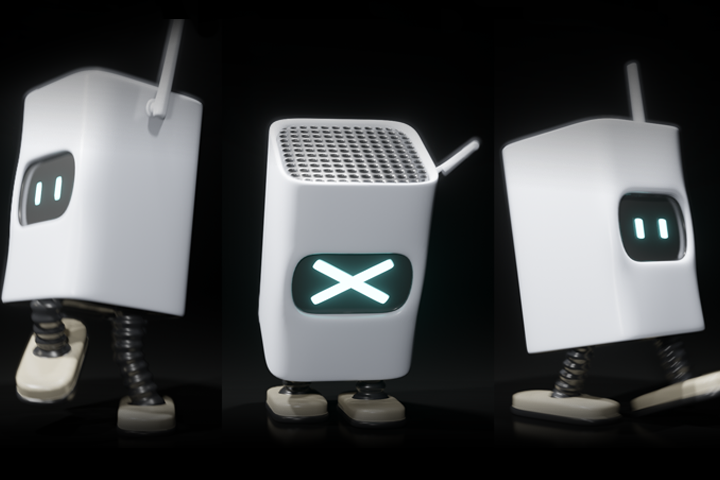
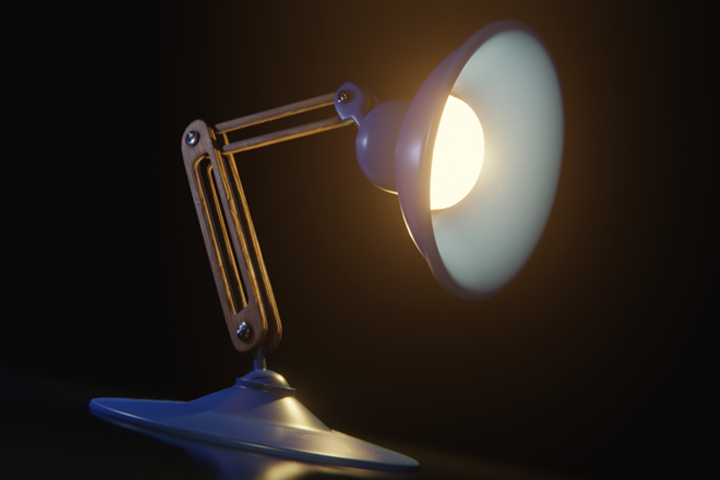
Starting with modeling and completing shading and lighting work, we will create two vibrant animations.
Part 02. advanced
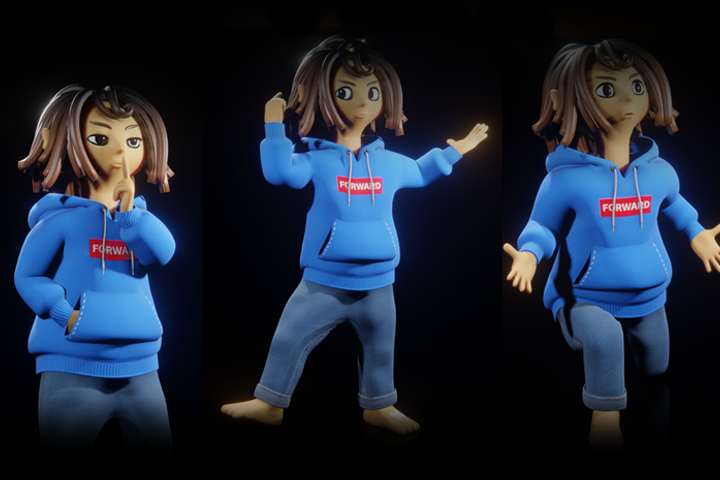
Add character and background design to complete an animation with a rich story.
Speaker introduction
3D animator
Lee Jong-so
Hello, this is 3D animator Lee Jong-so.
Currently, I am working as a freelancer, and since 2020, I have been teaching as an instructor for the Content Step Up AR implementation project. It has been about 6 years since I started making animations using Blender, and I have practical experience working on various content, such as winning the E'FESTA Minister of Trade, Industry and Energy Award, interactive content design for the 2019 SXSW musician Jambinai stage, and visualization work for the China exhibition space at the CLAUDE Monet media exhibition. has been built up.
Although the tool called Blender is very useful, I think you may have found it difficult to learn it due to the lack of information. In this lecture, I will try my best to convey the information I have accumulated over the course of my work so that you can learn how to use the Blender tool efficiently and be satisfied with the thought, 'I created such a wonderful animation.'
class features
class features
Digging into Blender’s core features
Among Blender's numerous functions, you can more easily learn frequently used core skills in Korean. Additionally, you can learn how to create high-quality results by utilizing the functions necessary for practical work.
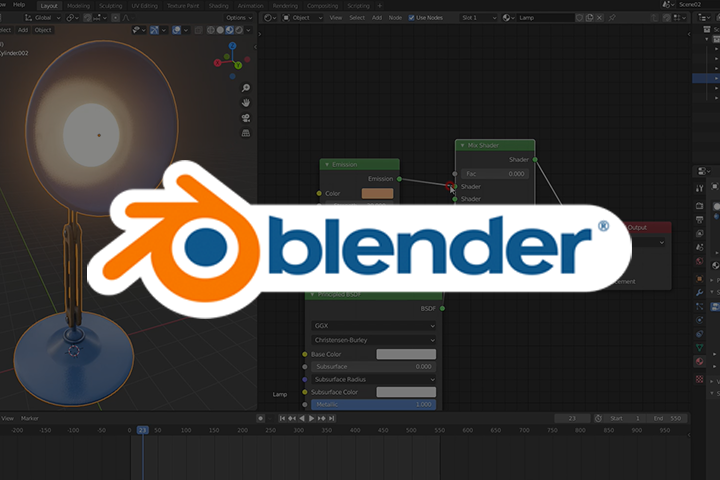
From modeling to rendering
Familiarize yourself with the entire pipeline
From modeling, lighting, compositing, and animation, to various know-hows for realistically expressing objects, as well as background and video compositing appropriate for each scene, you can learn in detail the entire pipeline stages leading to animation results.
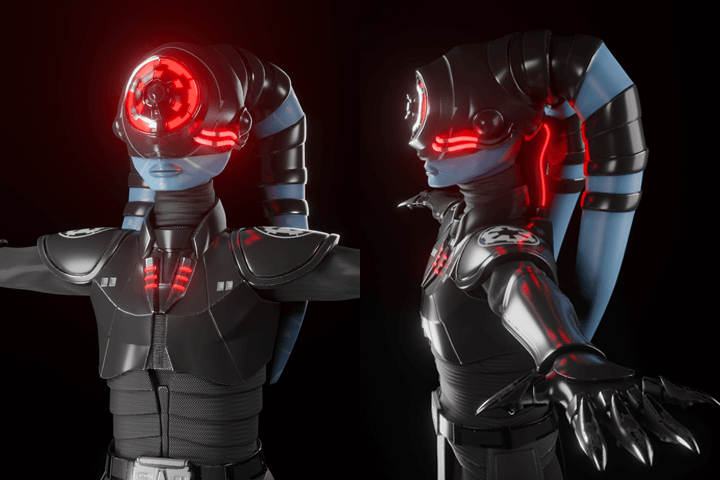
Speed up work efficient animation work
You can not only obtain video application results that go beyond simple modeling, but also learn functions that are essential in practice, including how to improve work speed through efficient mesh structure, which is a strong advantage for collaboration.
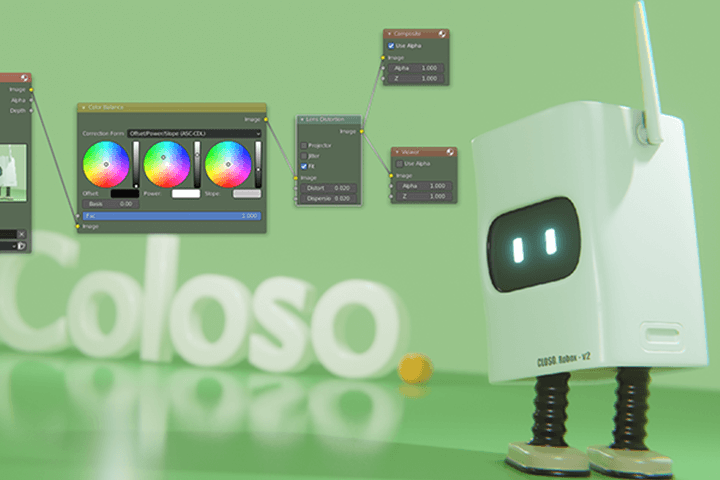
Class composition
learn this
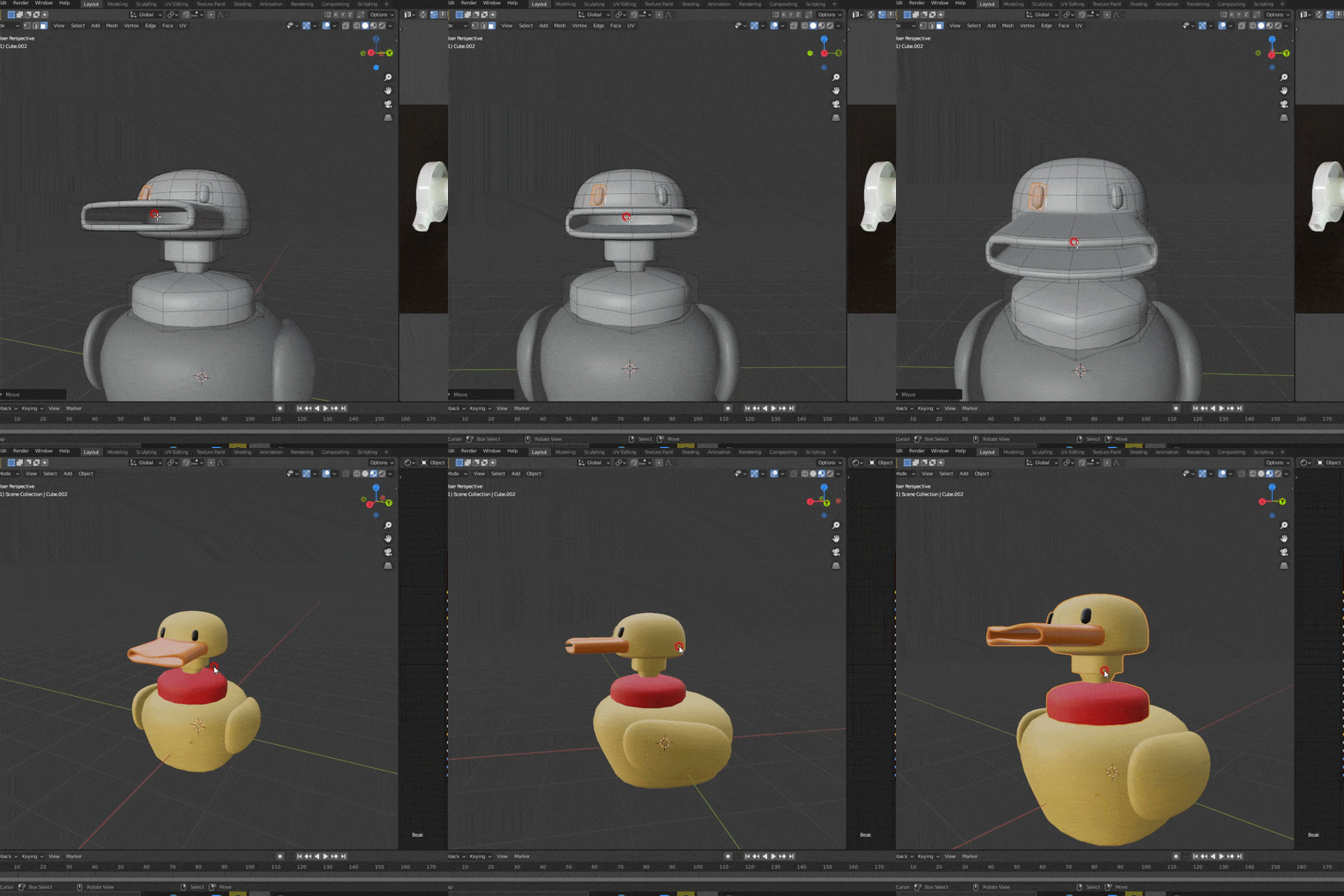
Learn character modeling and shading with bouncy examples
Starting with understanding the concept of Modifier, which transforms a mesh, we will teach you shading skills using UV Unwrap and Substance Painter tools applied to object modeling.
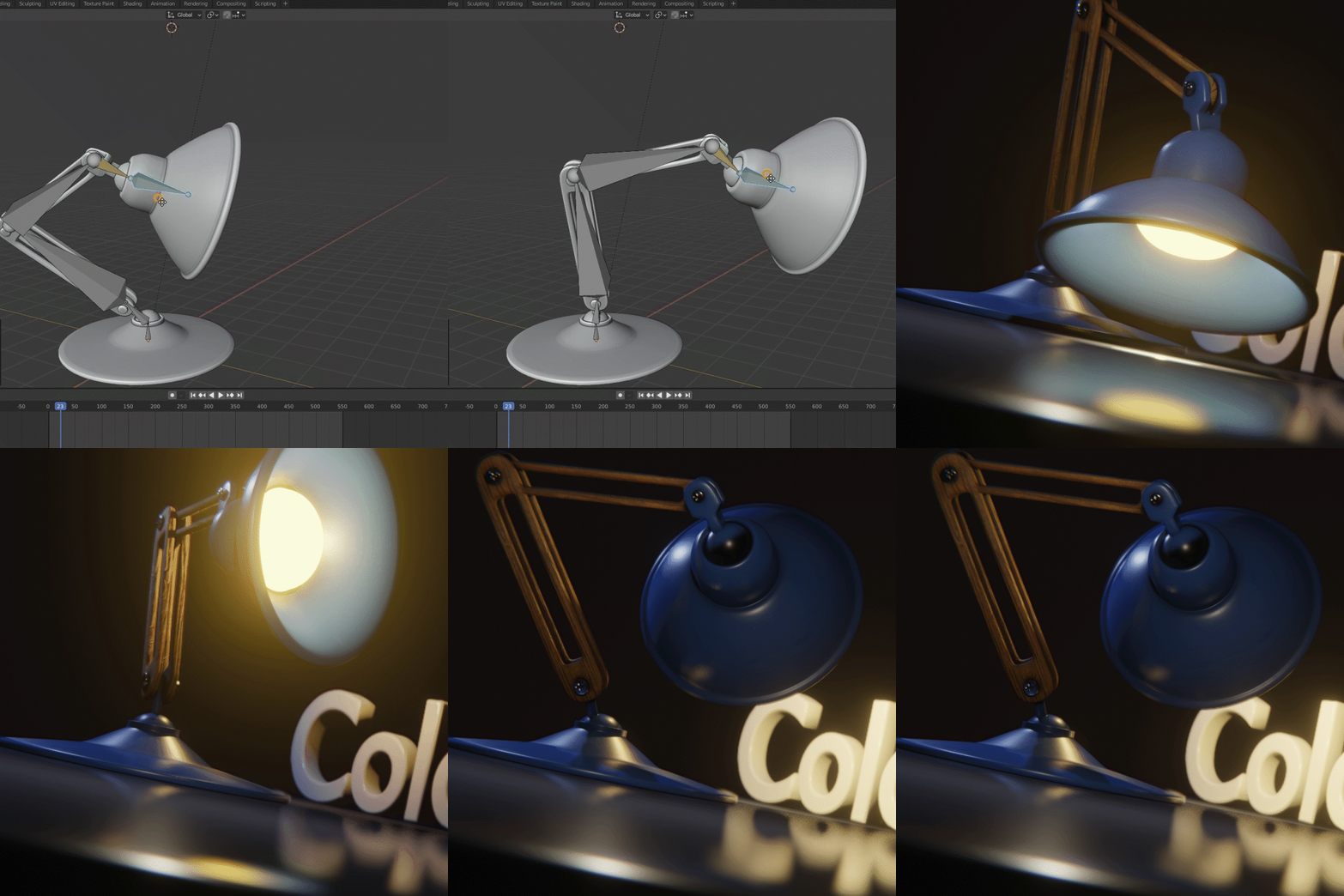
Natural rigging basics that move the character's skeleton
Learn the basics of rigging and learn how to create Armature, the skeleton of a character, to naturally implement basic animations such as jumps and poses.
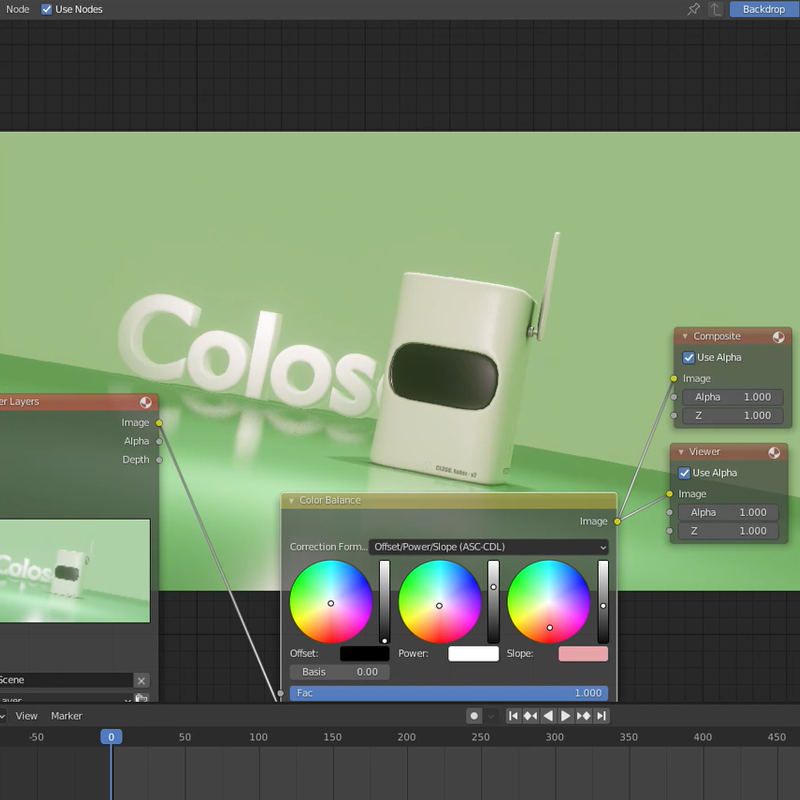
Lighting and compositing to improve animation quality
You will learn the importance of lighting and compositing, which easily improve scene quality, and teach you basic rendering settings.
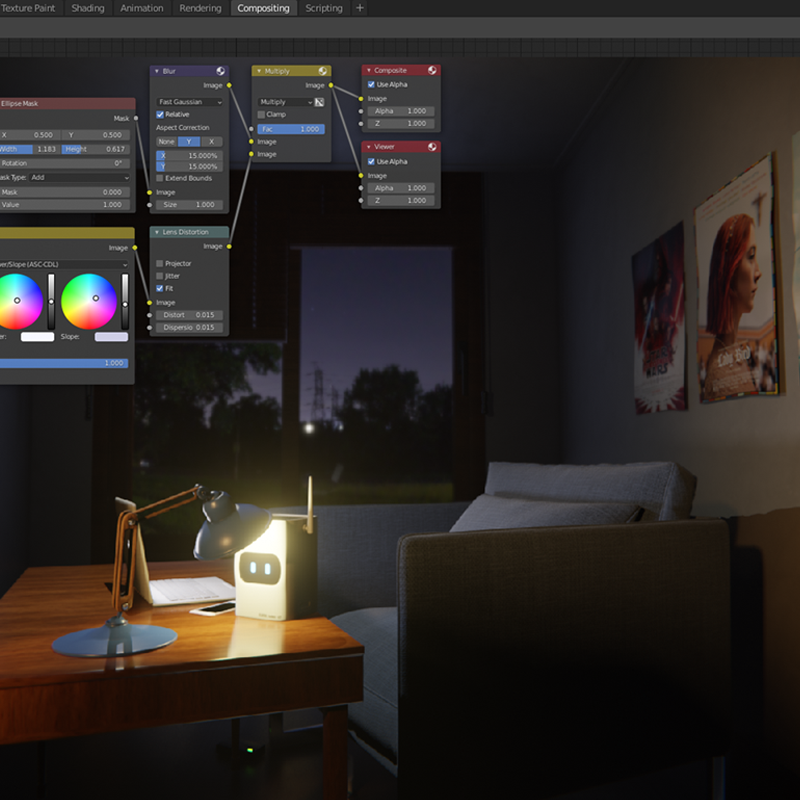
Create a background interior that enriches the scene
We add fun elements to animation by creating interior prop modeling that adds expression and atmosphere to interior detail elements such as walls, windows, doors, and ceilings.
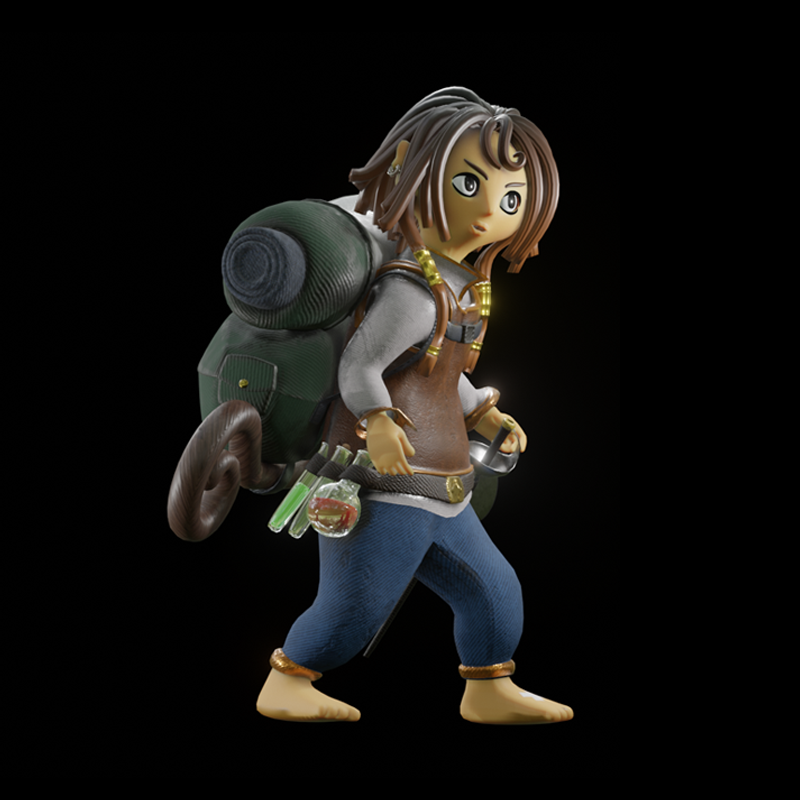
Unique character composition and design
Learn how to design a character and how to use Substance materials to express skin and rich textures.
Animation production that tells a story
You can complete creative animation by learning video skills that not only produce character facial expressions that fit the scenario, but also interact with the main character and object characters.
curriculum
curriculum
Show me the curriculum
SECTION 01. OT
01. Orientation
- Instructor introduction
- Lecture Introduction
- Introduction to Blender software
02. Blender basic interface
- Install Blender
- Proceed with basic settings
- Learn Blender’s basic interface by stacking blocks
SECTION 02. Character modeling and shading based on objects
03. Character modeling starting from surrounding objects
- Character Design Approach
- Understanding Modifiers that Transform Mesh
- Object modeling with Subdivision Surface Modifier applied
04. Shading step to add texture to the character
- Understanding PBR Shading
- Applying basic materials to characters
- Understanding Shading Using UV Unwrap and Image Textures
05. Shading using Substance Painter
- Install Substance Painter
- Export the completed model in Fbx format
- Substance Painter basic UI description
- Create new materials to express details
- Export the completed material in texture format
06. Character design attempted with various objects (assignment)
- Applying the characteristics of various objects to character design
- Understand the shape of objects and model them efficiently
- Expressing various textures of objects with basic materials
SECTION 03. Implementing basic character animation
07. Rigging step to create the character’s skeleton
- Understanding Rigging
- Creating the character's skeleton and armature
- Combine Armature and Character with Automatic Weights feature
- Test Animation and Modify Weight Painting
08. Planning a simple animation
- Planning animation and setting background
- Physics simulation animation using rigid body
09. Animating step to move the character
- Understand the principles of acceleration and implement natural movements
- Implementing various character animations
10. Creating effective animation scenes
- Antenna Bone Animation
- Animating camera composition
- Animating facial expressions using the Shape Keys function
11. Implementation of various character animations (assignment)
- Implement walking animation by referring to animation reference
- Implement basic character animation such as jumping and idle pose
- Setting the camera composition for each animation action
SECTION 04. Rendering the result after animation post-production
12. Lighting / Compositing stage that determines the quality of animation
- The importance of lighting and compositing
- Create an effective look with Rim Lighting
- Post processing that easily improves scene quality
- Compositing nodes that are commonly used
13. Rendering the completed animation
- Understanding basic render settings
- Rendering the final result
SECTION 05. Duplicating a scene to create a new animation
14. Standing lamp modeling
- Editing a scene by duplicating it
- Understanding and modeling the structure of stand lighting
15. Standing lamp shading using Substance Painter
- Mesh UV Unwrap
- Shading various textures on one material
- Modifying the direction of normal texture application
16. Rigging using Inverse Kinematics
- Constructing an armature that matches the joint structure
- Applying IK to Armature
17. How to create dynamic animation
- How to direct animation through ball bouncing animation
- Animating IK Rigging Stand Lights
- Animating Light and Materials
18. Animation Post-Production and Rendering
- Lighting using Spot Light
- Animation compositing
- Rendering the result
SECTION 06. Humanoid character conception and design
19. Design a unique character
- Character design concept and design approach
- humanoid character modeling
- Hair modeling using curves
- Character UV Unwrap
20. Character Costume Modeling
- Clothing modeling and detail expression method
- Unwrap UV considering the sewing line of the garment
21. Shading characters with Substance Painter
- Shading the character's skin material
- Expressing various textures in one material
- Shading clothes using various fabric textures
22. Character design in various styles (assignment)
- Simple character planning and design planning
- Collect and refer to character design references that fit your idea
- Implement a new character design by modifying an existing character
SECTION 07. Background interior design and creating scenes
23. Interior modeling
- Wall modeling and detail expression
- Expressing interior detail elements such as windows, doors, and ceilings
- Blind modeling using Array Modifier and Curve
24. Interior prop modeling
- Interior prop modeling using various modifiers
- Simply UV Unwrap multiple objects with Smart UV Unwrap
- How to utilize external assets
- Import objects from previous projects
25. Shading the background in Substance Painter
- Shading multiple objects at once in Substance Painter
- Various texture expression methods such as wood, metal, and paper
SECTION 08. Directing character animation with scenario
26. Rigging a humanoid character
- Rigging of humanoid characters using the Inverse Kinematics function
- Add Edge Loop to implement natural joint movement
- Modifying Weight Painting after Applying Automatic Weights
- Facial expression animation using the Shape Key function
27. Expressing natural character animation
- Planning a simple animation scenario
- Animating basic character movements such as opening doors, walking, and sitting
28. Animation production method where characters and surroundings interact
- Animating facial expressions for each movement
- Animating object characters according to the scenario
- Producing an animation where the main character and object characters interact
29. Implementing detailed animation elements
- How to create various scenes from one background
- Animating various elements such as camera, Depth of Field, materials, lighting, etc.
- Expressing realistic physical animation using physics simulation
30. Expression of various character animations (assignment)
- Plan and implement a simple animation yourself
- Implement animation by referring to various animation references
31. Implement character hair animation using the Wiggle Bones add-on
- Wiggle Bones Feature Description and Download Instructions
- Applying external add-ons
- Hair Rigging and Weight Painting
- Setting up Wiggle Bones and baking animations
SECTION 09. Post-production animation and rendering results
32. Background Lighting using Hdri Sky
- Applying Hdri Sky to the background
- Realistic indoor lighting techniques
- Indirect Light Baking using Light Probe
33. Rendering the result after post-production
- Fine-tune your scene
- Composing video for each scene
- Rendering the result after setting the render
interview
What 3D animator Lee Jong-so wants to say

Question.01
Why should I learn animation through Blender?
Why should I learn animation through Blender?
The awareness and presence of Blender is rapidly increasing not only overseas but also domestically, and the marketability of Blender is growing rapidly to the extent that large production-level production companies are gradually adopting Blender as an in-house program. I think it is a very attractive software for working professionals and even freelancers because it makes it possible for one person to do the work that was previously divided among five people in a company.
Question.02
What do you consider most important when working on your work?
What do you consider most important when working on your work?
First, the character's tendency or personality, which is formed according to the narrative or role given to the character in animation, is clearly established and the directing method is planned in advance. Second, when conceiving a character's design, be sure to consider in advance the amount of work and time it will take to work on that character. I think that good results can be achieved only by always considering how effective the elements I have decided in the planning stage are in terms of directing compared to the amount of work.
Question.03
What are the main points of this class?
What are the main points of this class?
In this class , you can learn the overall process from the introductory level to the complete animation process at once. The problem that beginners face when they first start modeling is that collecting accurate information in a sea of information is a very difficult process, and as a result, it is inefficient in obtaining the form of animation. To help you solve such problems, we will highlight key points of modeling, shading, and animation work.
Question.04
Who do you recommend this class to?
Who do you recommend this class to?
I highly recommend this course to anyone who wants to create their own animation. The animation field was previously considered a field in which collaboration was essential, but as technology continues to develop over time, one-person creative 3D animation is becoming a feasible and marketable field. In this situation, I think that if you can learn about the overall animation work process in advance and build up an animation portfolio, it can be of great help in building your career later.
We will guide you through the program to use.
This class is conducted using the tools specified below.
Blender 2.92
- Blender 2.92 can be downloaded directly from the Blender website.
Substance Painter
- 2021.1.0 (7.1.0): Previous versions do not interfere with taking the course, but use of the latest version is recommended.
* Programs and materials are not provided separately.