gameartist,remyhobo Details
Intro
Class Intro
Game Artist, RemyHobo
"Get ready for real industry know-how by creating a fully-functional game asset with hand controls and integrated VFX!"
Mastering the Cel-Shaded Pipeline: From 2D Concept to Game-Ready Hero
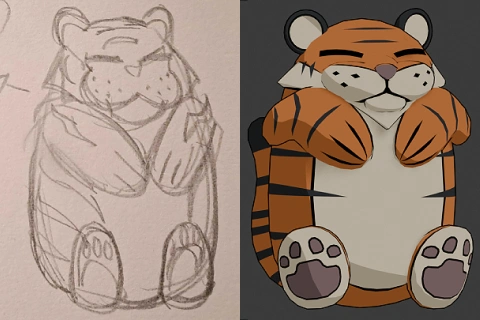
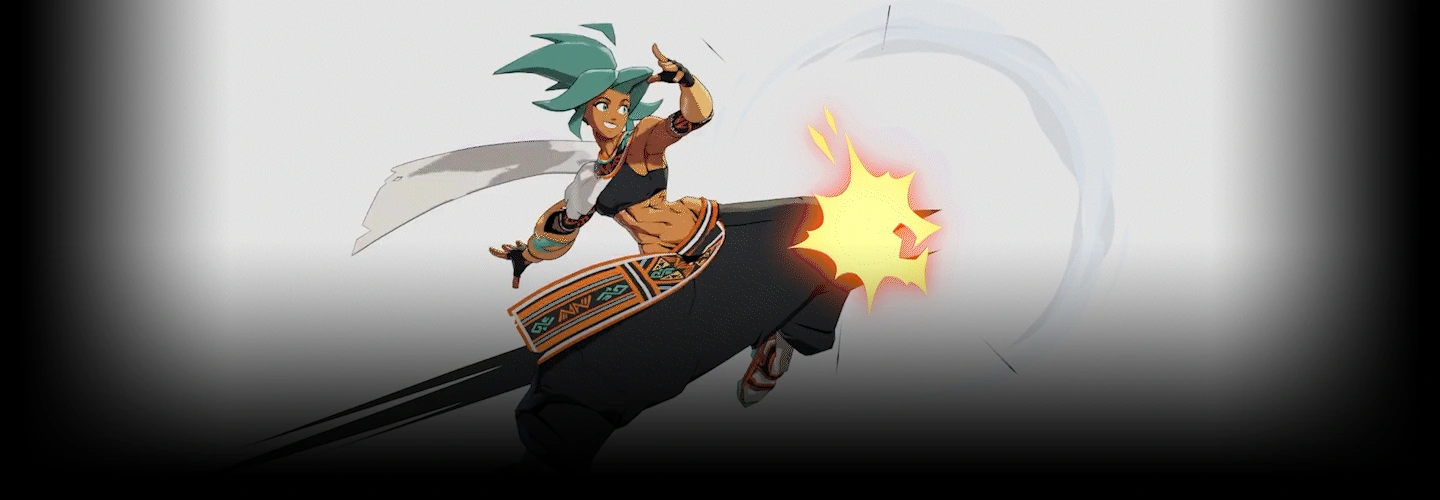
Stop settling for generic 3D and start building high-octane anime assets. This indie dev-approved blueprint reveals the exact pipeline used to turn 2D visions into production-ready 3D legends.
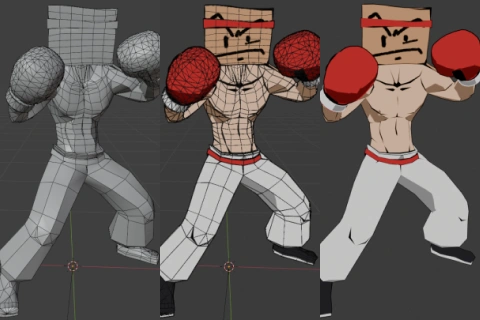
We dive straight into a developer’s workflow, prioritizing "smart" modeling and intentional edge loop flow for flawless game performance. You’ll go beyond basic shapes by carving custom line art into your mesh and building advanced cel-shaders that react dynamically to light. By texturing as you build, you’ll master the efficient, time-saving techniques essential for independent creators and studio professionals alike.
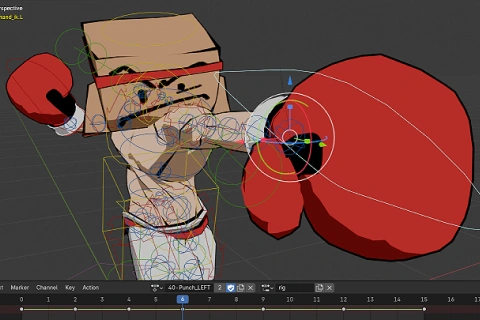
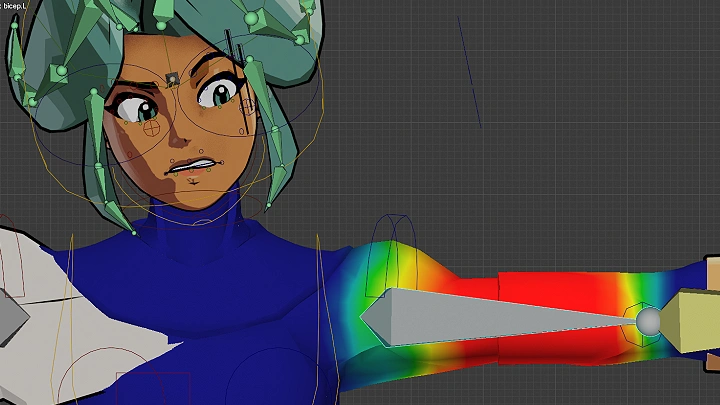
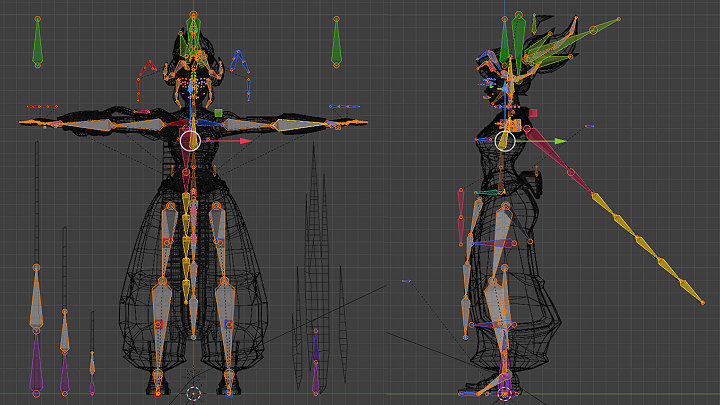
Finally, you’ll bring your hero to life with technical rigging and cinematic animation. You will construct robust skeletons with IK controls, "prop slots" for weapons, and hand-modeled 3D VFX, like smears and speed lines, to sell high-speed action. From the first vertex to the final super-move, you’ll gain the skills to build game-ready assets that look indistinguishable from high-end 2D illustrations.
Finally, you’ll bring your hero to life with technical rigging and cinematic animation. You will construct robust skeletons with IK controls, "prop slots" for weapons, and hand-modeled 3D VFX, like smears and speed lines, to sell high-speed action. From the first vertex to the final super-move, you’ll gain the skills to build game-ready assets that look indistinguishable from high-end 2D illustrations.
Class Perks
Special Gift from RemyHobo
-
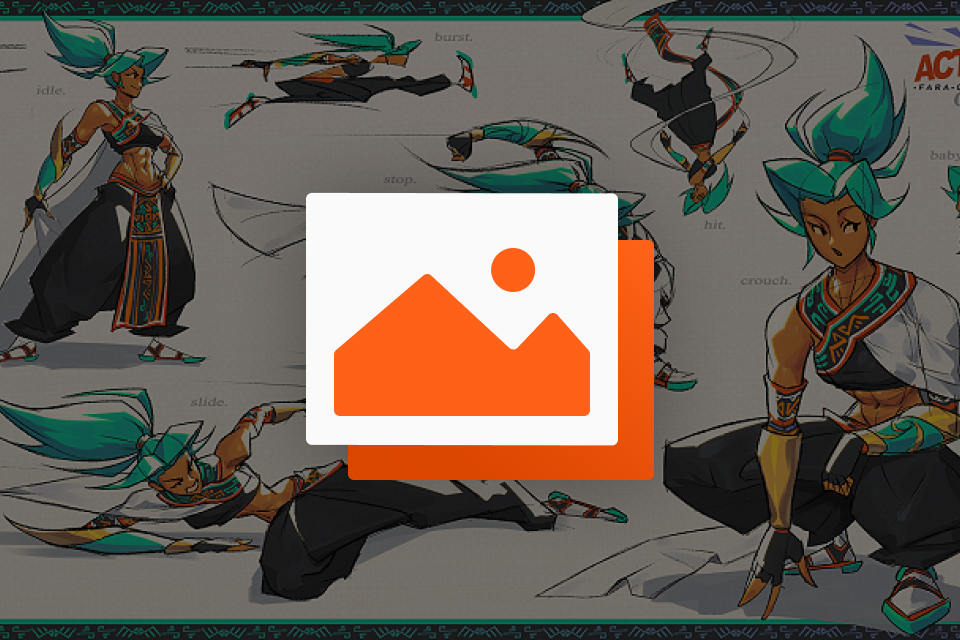 Character Concept Art
 -
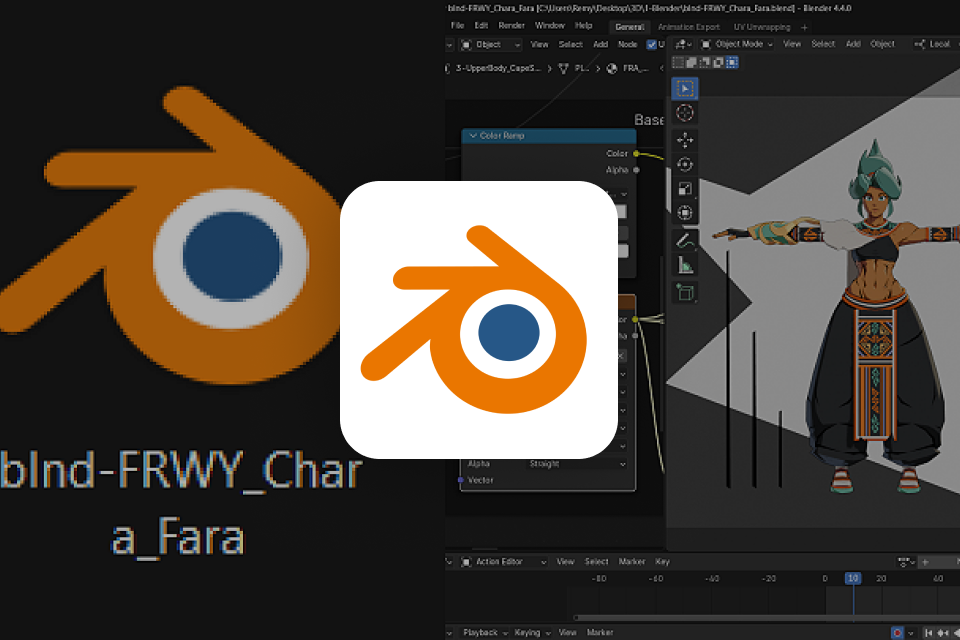 Blender Files
 -
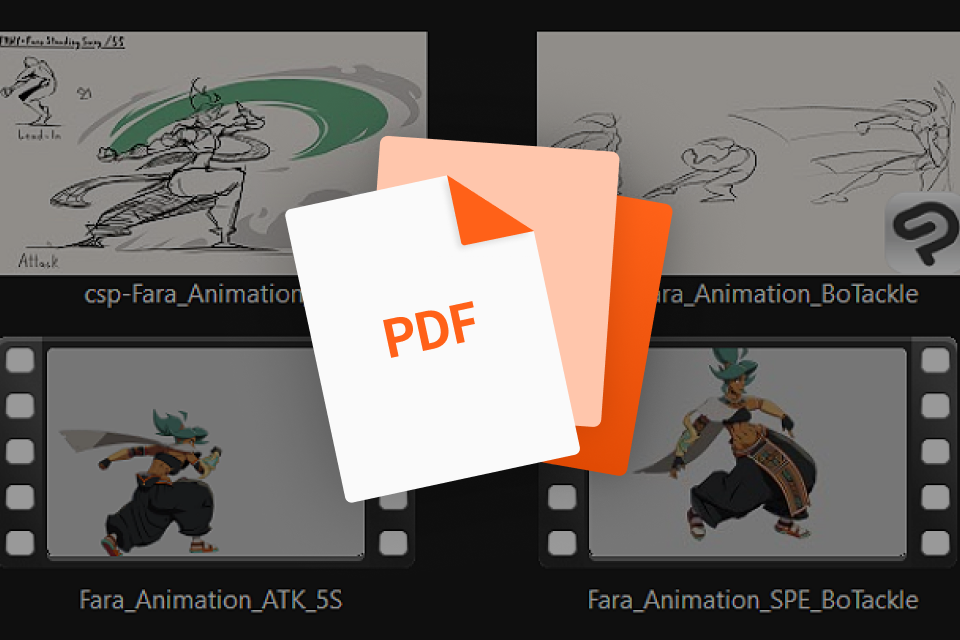 Video Animations and Storyboard Art
Class Material Details
-
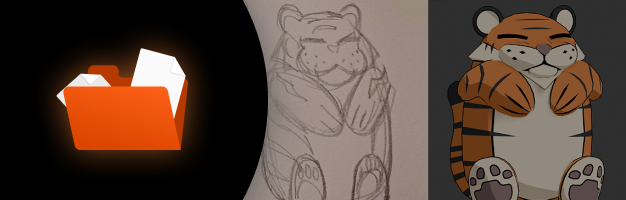 One Exemplar Prior to 3D Modeling- A clean PNG example of what students are looking for when making their own character concept art sheets before 3D modeling
 -
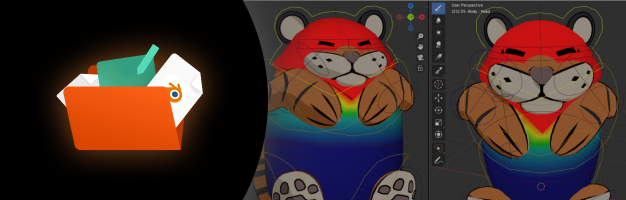 Assets for Character Creation- Fully rigged and modeled character blender files from the class, and early base body meshes from earlier in the process. The file will also contain character's textures and animations.
 -
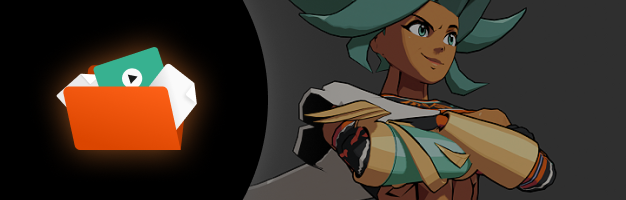 Rendered Animation Videos with Visual Story Planning- The in-game and cinematic character animations rendered into video as MP4 files, along with the storyboard sketches in PNG format to understand the animation and motion better.
Recommendation
Who should take this class?
Intermediate 3D Game Artists who are familiar with the 3D modeling process and want to level up their artstyle, 3D, and animation skills.
Artists with OCs / Characters who want to bring their concepts and sketches to life through 3D animation.
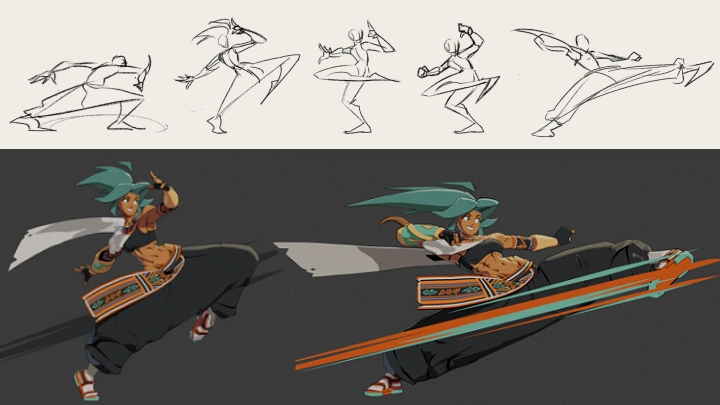
Aspiring 3D Character Animators who want to learn how to do stylized animation effects like smears, extra limb smears, "animated on 2s", constant interpolation animation, etc.
Expert Game Artist RemyHobo's Portfolio
-
Game-Ready Idle Pose Animation
-
Game-Ready Walk Cycle Animation
-
Game-Ready Run Animation
-
Game-Ready Roll Animation
-
Game-Ready Spin Animation
-
Game-Ready Death Animation
-
Low Kick Attack Animation
-
Standing Punch Animation
-
In-Game Pose
-
Aerial Attack Animation
-
Flying Kick Combo Animation
-
Flash Kick + Dash Attack Animation
-
Low Dash + Sliding Kick Animation
-
Kick Combo Animation

Why Take This Class?
Most courses bury you in clinical theory, but this curriculum is designed by an indie developer who knows exactly how to strip away the fluff. We replace the daunting complexity of technical rigging and shader math with a streamlined, "fun-first" workflow that prioritizes visual impact and game performance. By focusing on intuitive techniques, like carving lines directly into the mesh and using "prop slots", we turn what usually feels like a chore into a rewarding creative process that keeps you motivated from the first vertex to the final render.
Instead of struggling with a disjointed pipeline, you’ll master a cohesive, professional-grade system that makes stylized art feel accessible and achievable. You won't just learn how to click buttons; you'll gain the confidence to translate any 2D inspiration into a high-octane 3D reality. This course bridges the gap between intermediate skill and studio-quality output, giving you the specific shortcuts and specialized tricks needed to build battle-ready characters without the typical "technical burnout."
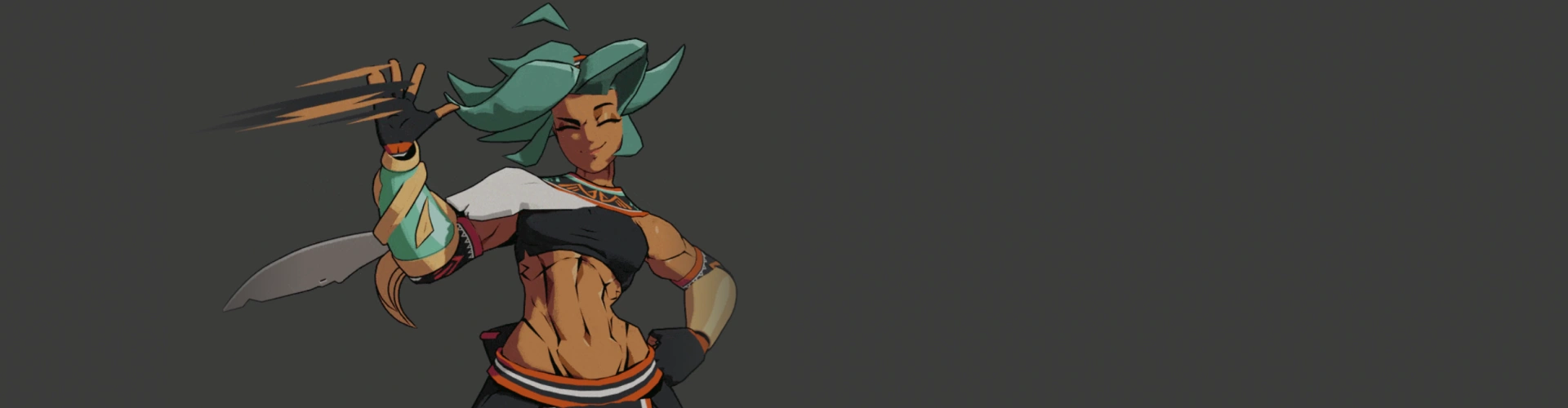
Get Ready for the Real-World
26 Class Exercises
Part 1. Modeling Exercises for Different Elements
-
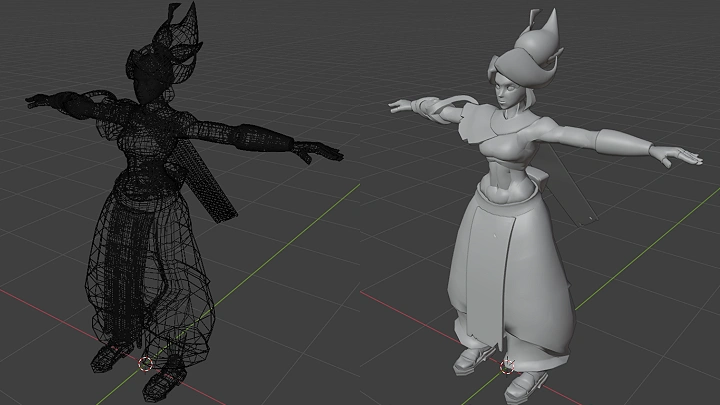
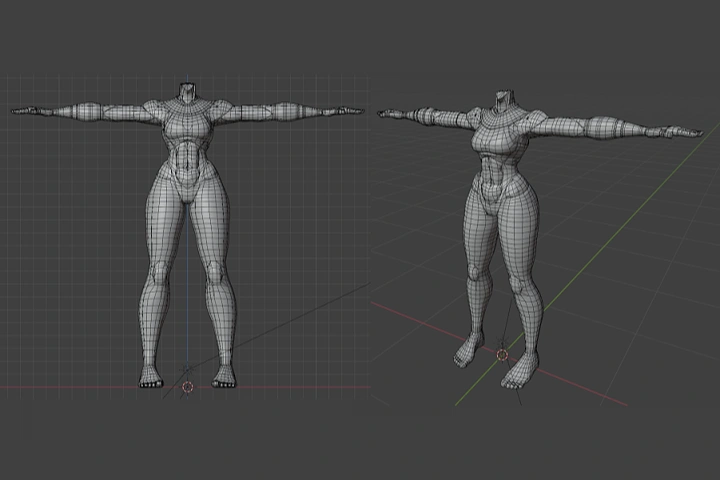 Model a Base Body Following a Character Design Sheet (Turnaround Sheet)
 -
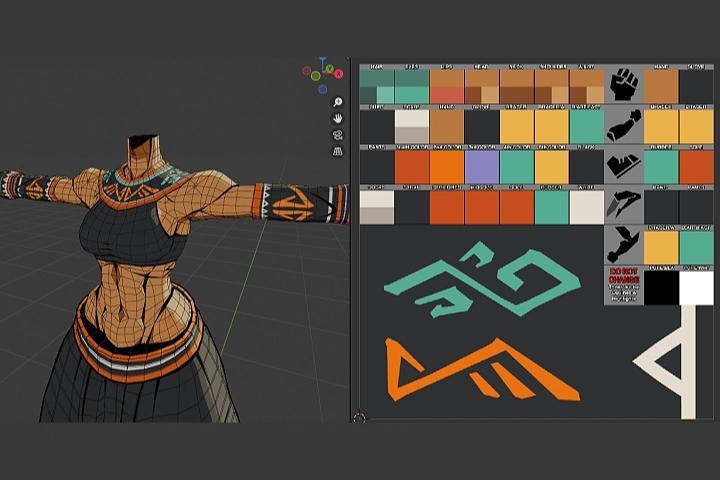 Do a UV Layout While You’re Modeling the Character to Save a Lot of Time Down the Line
 -
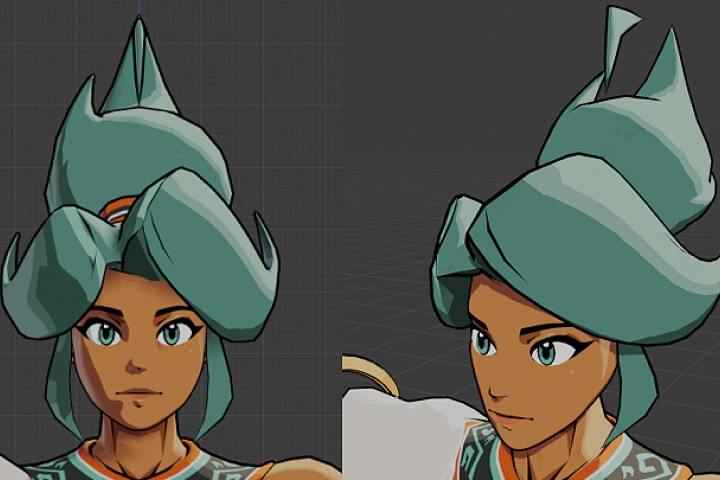 Model a Proper Head Mesh Following a Character Design Sheet (Turnaround or Face Expression Sheet)
 -
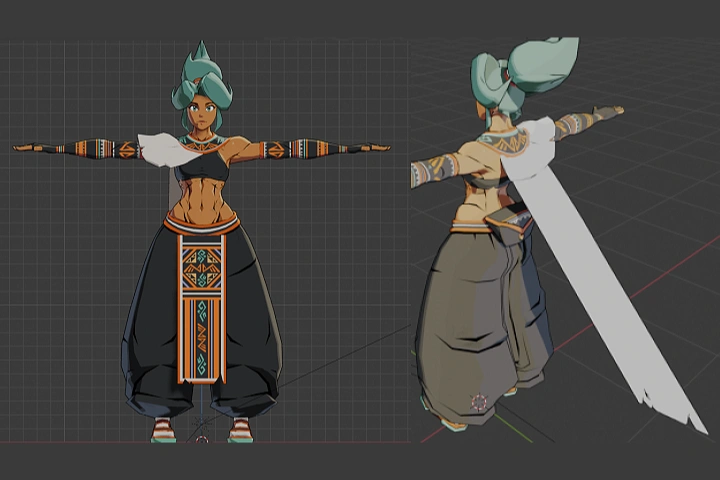 Model Clothes on Top of the Base Body Mesh
Part 2. Texture and Outlines of the Character
-
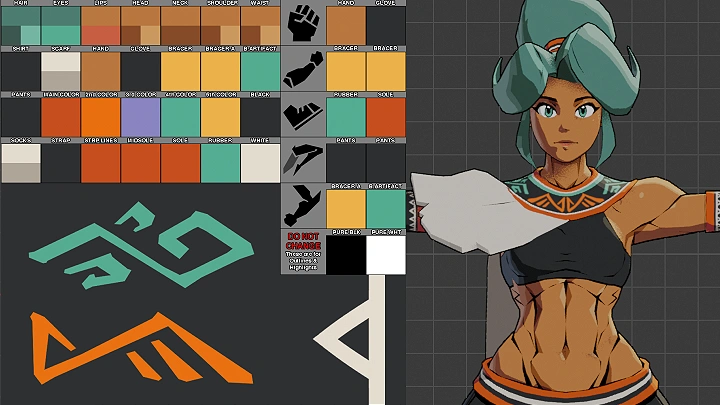
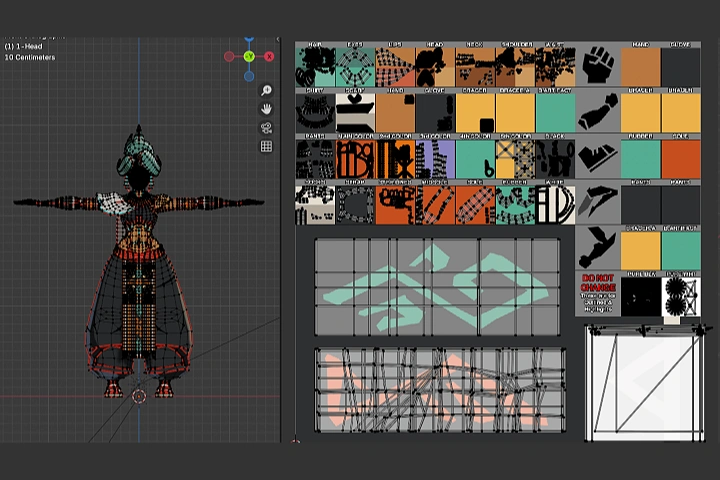 - Clean Up the Color Palette on the 2D Texture
- Draw the Patterns and Motifs on the 2D Texture -
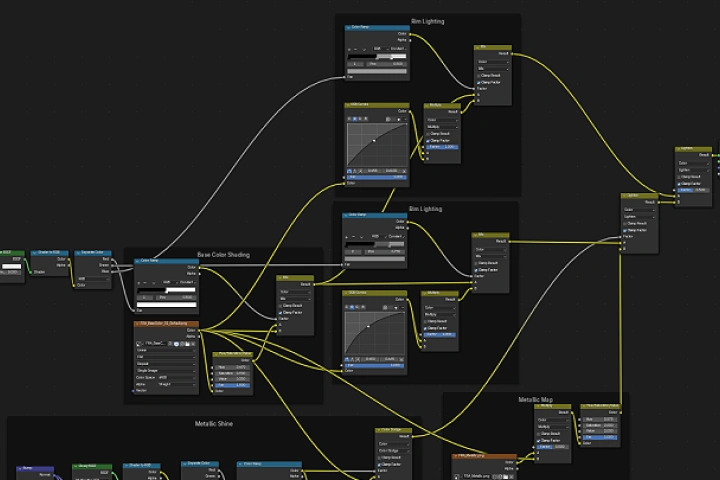 Create a Cel-Shaded Material in Blender
 -
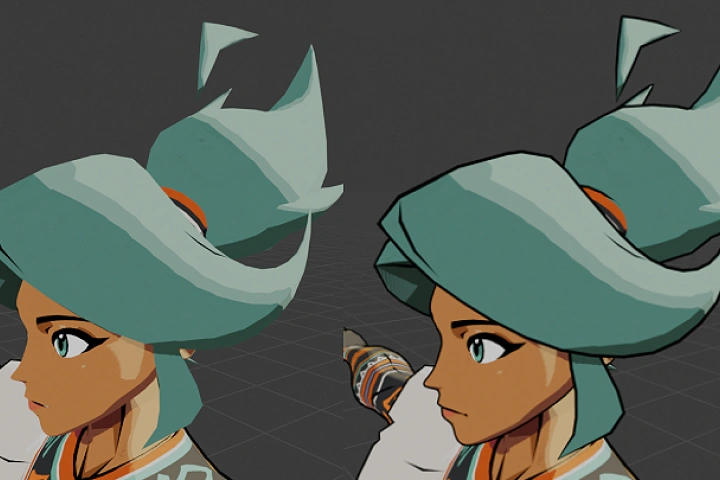 Add Weighted Outlines on the Character
 -
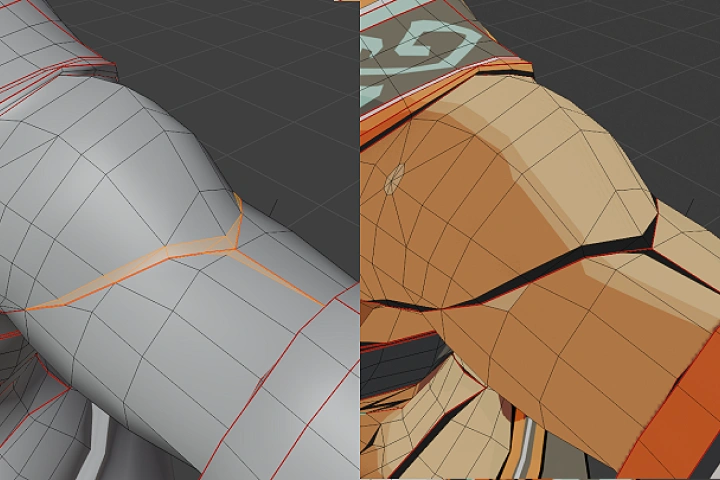 Add Carved Outlines onto the Character Mesh to Simulate 2D Drawn Lines
Part 3. Rigging Studies
-
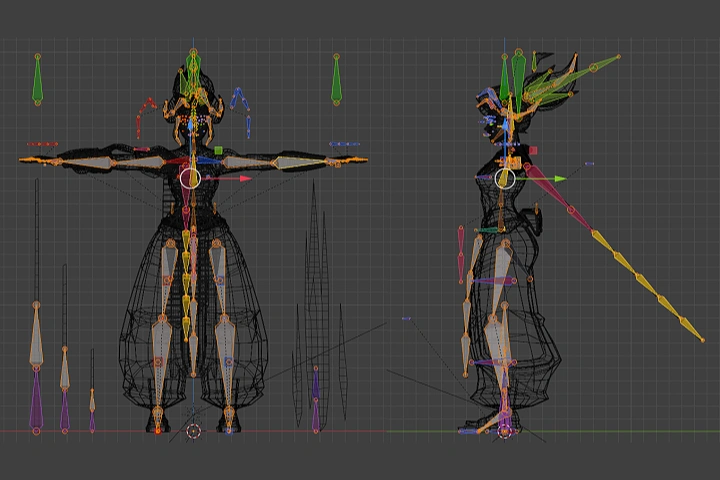 - Create Bones and Learn How to Attach and Detach Bones from Each Other (to Parent or to Child)
- Organize the Bones into Bone Groups -
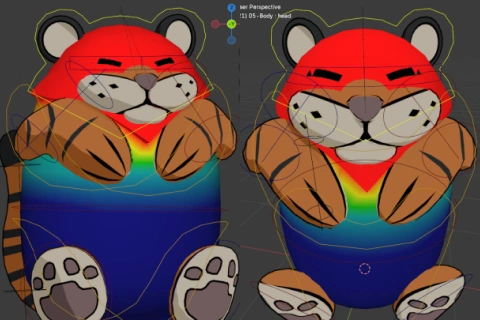
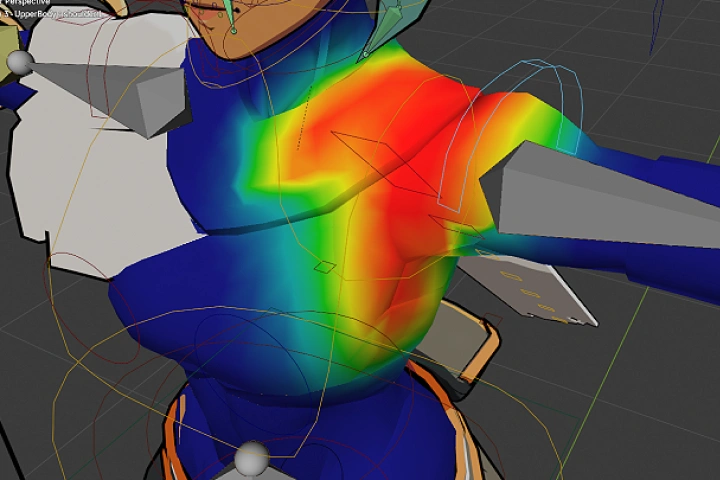 Weight Paint the Bones onto the Character
 -
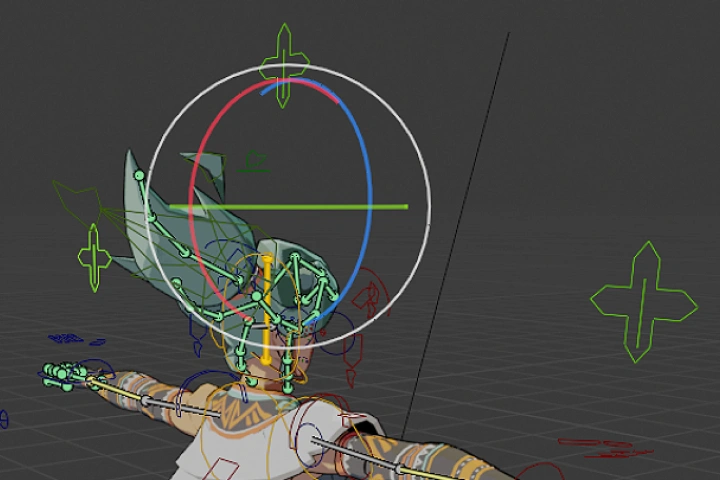 Use Bone Constraints Properties for Automated Body Mechanics to Faciliate Making Animations
 -
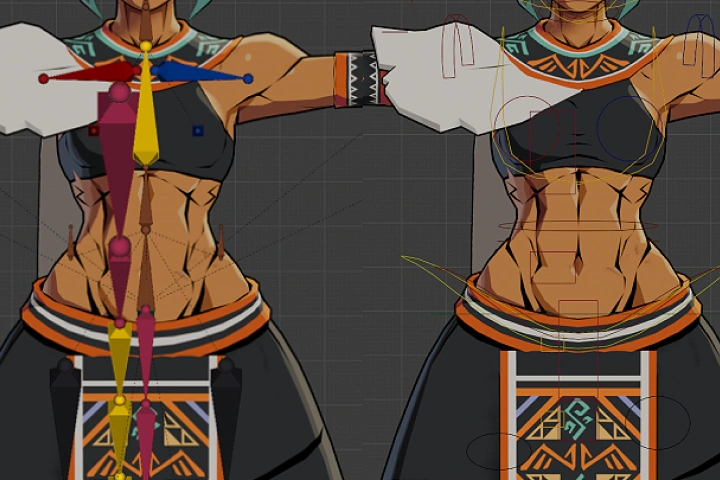 - Create Controller Bone Assets for the Rig
- Replace the Default Bones with Appropriate Control Bone Shape
Part 4. Modeling Exercises with Props
-
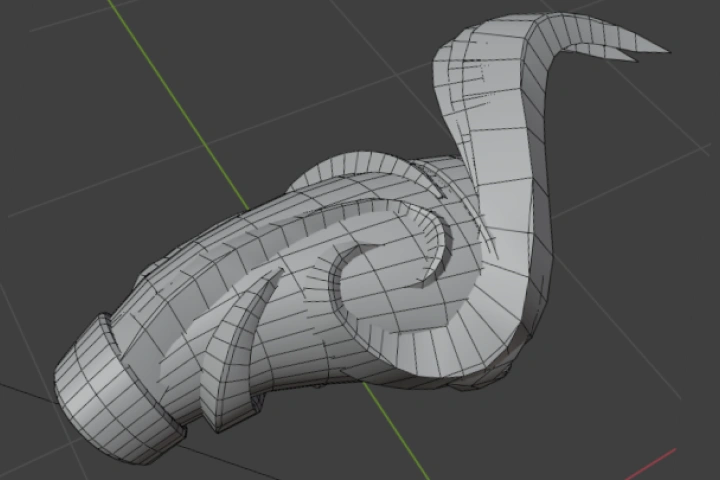 Model a Prop Following the Design Sheet if Your Character Has It
 -
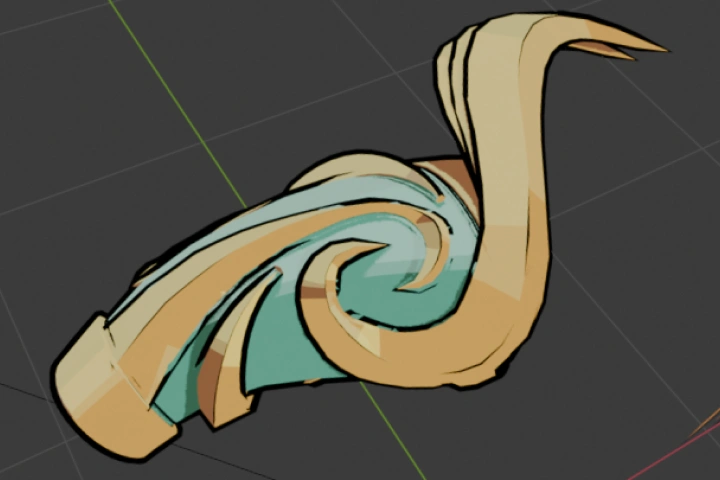 - Create a New 2D Texture in Clip Studio with the Prop Color Palette
- Create a New Material in Blender for the Prop -
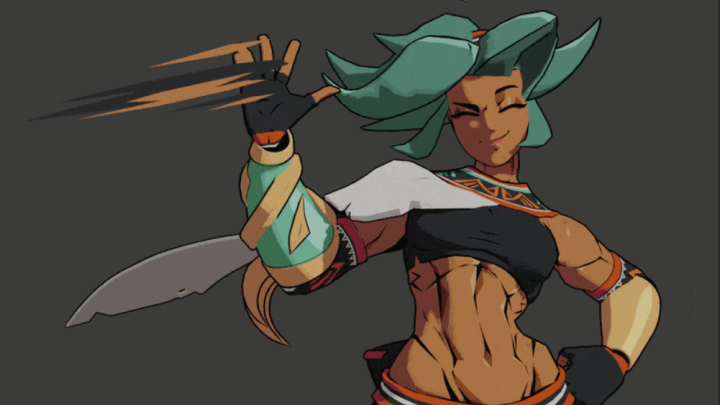
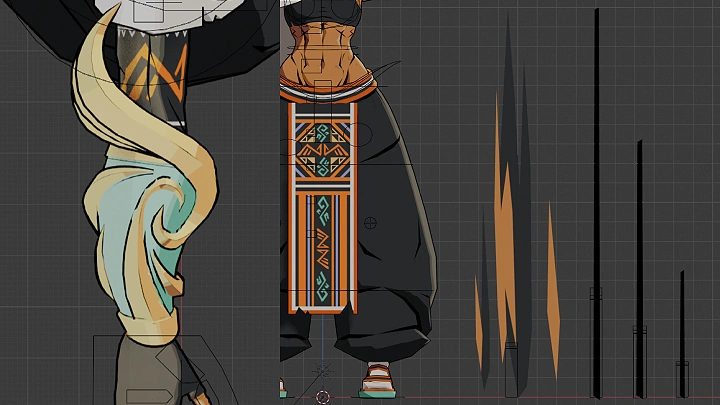
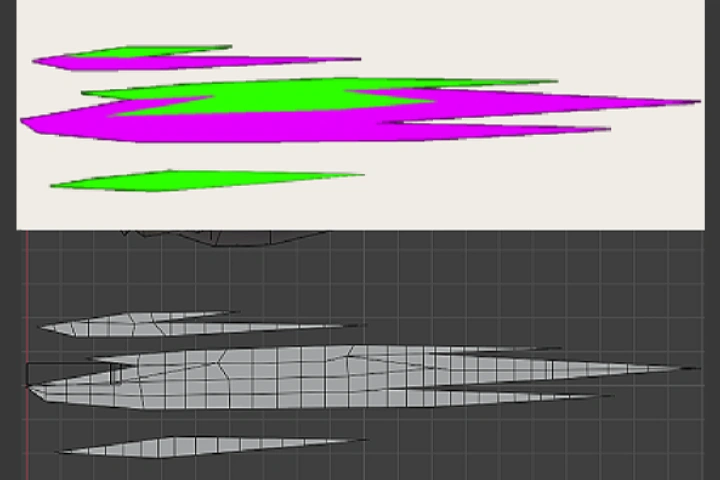 Create Stylized VFX Smears
 -
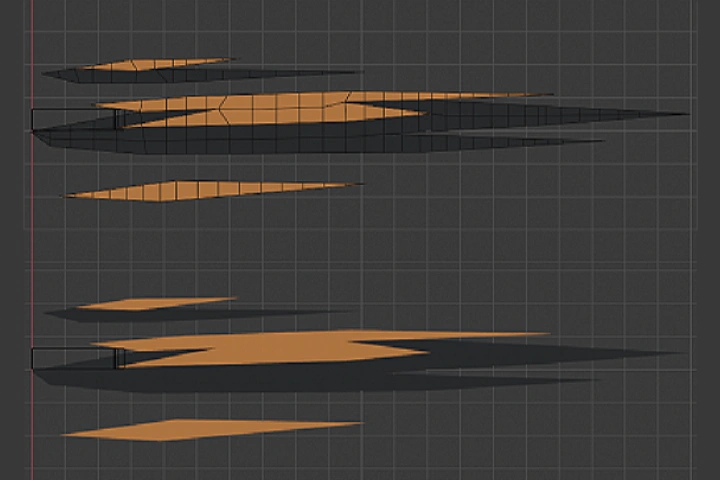 Create a VFX Material
Part 5. Prop Rigging Studies
-
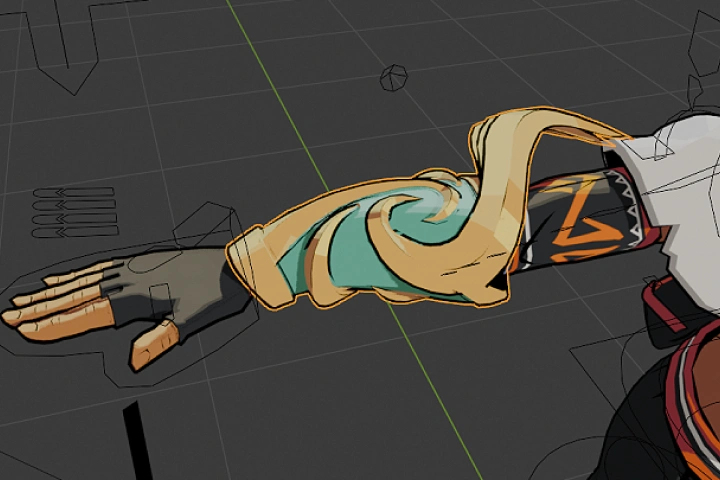 Create Prop Bones and Attach the Models to Them
 -
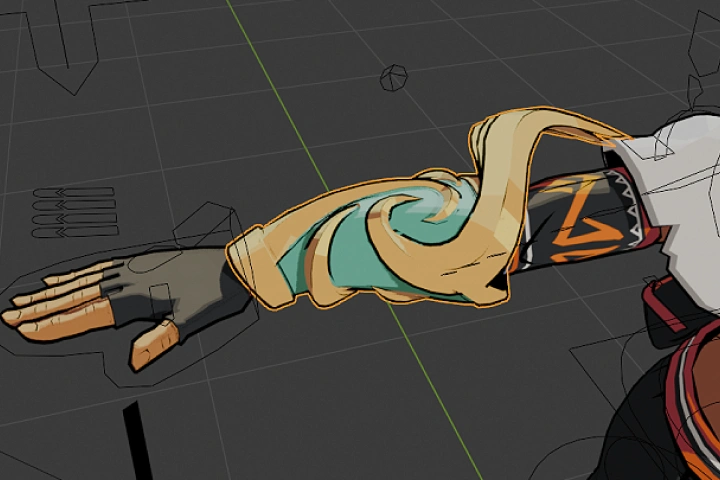 Create Prop Slots on the Character Rig
-
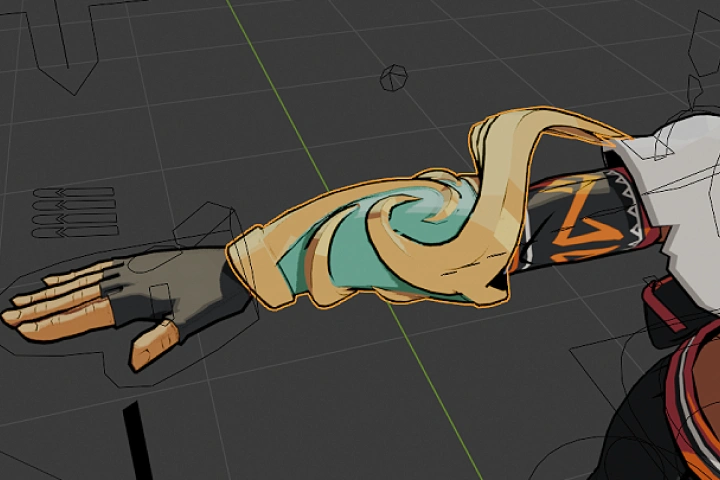 Attach the Props to the Character Using Bone Constraints
 -
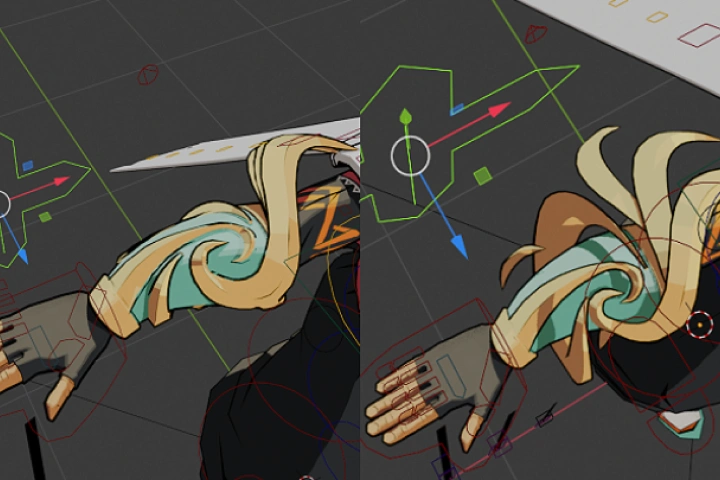 Add Unique Control Bones for Unique Prop Assets
 -
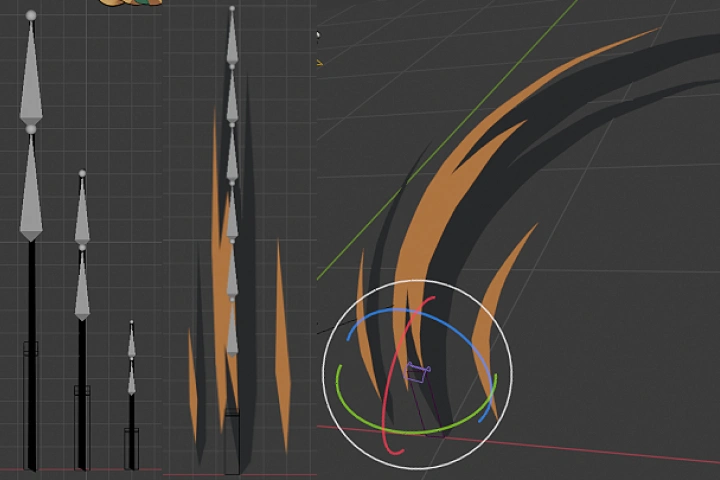 Create a Rig for the VFX
Part 6. Creating Character Animation
-
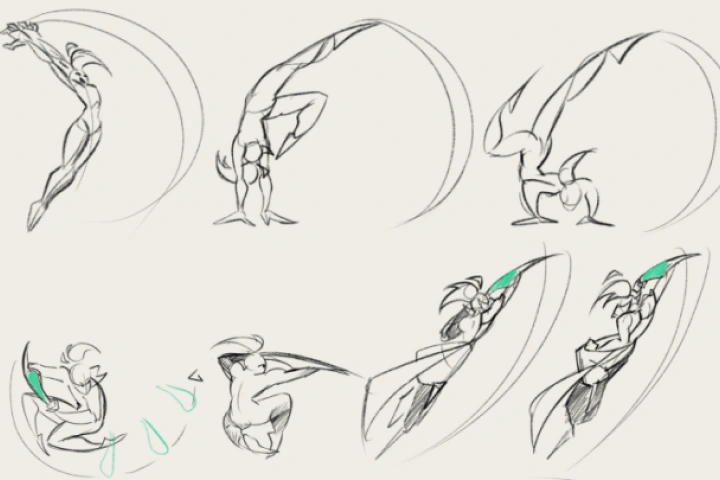 Watch Games or Shows with Animations You Like and Save Them for Inspiration
 -
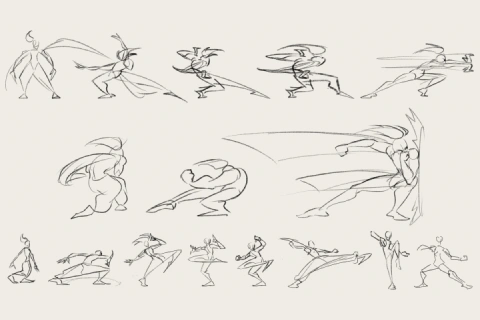
 Draw Some Pose to Pose Keyframe Animations for These Upcoming Animations
-
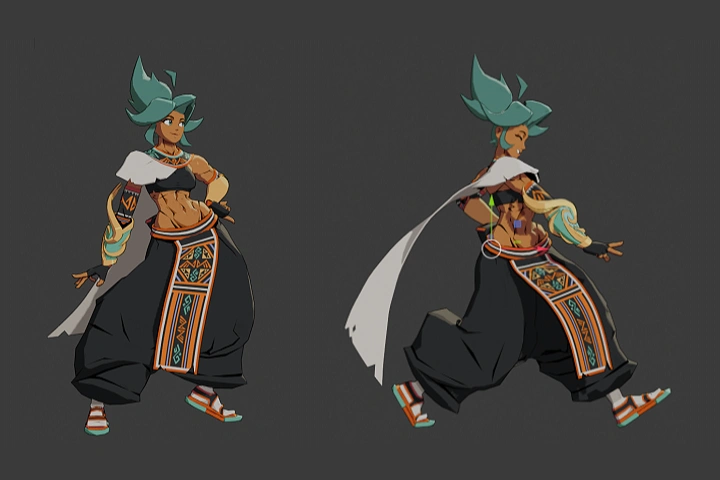 - Animate an In-Game Character Idle Animation
- Animate a General Movement Animation (Walk and Transition Animations) -
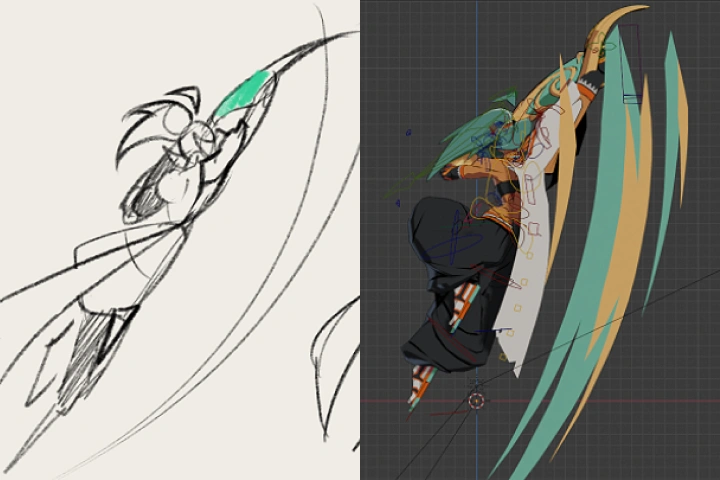 Animate an Attack Animation to Utilize Smears
 -
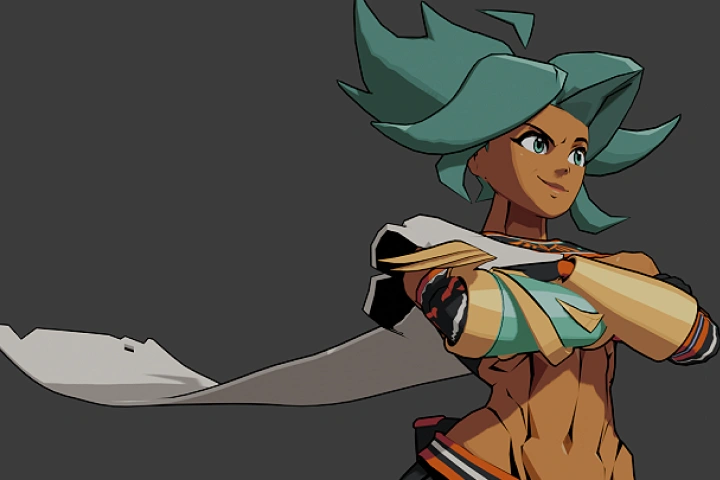 Animate a Dynamic and Cinematic Character Animation
Final Product Examples
-
Rigged 3D Character ModelA fully rigged 3D Character Model ready for cinematic and in-game animations
-
In-Game AnimationPlayer character animations ready for gameplay integration
-
Cinematic AnimationFun, cool, and flashy cinematic character animation
*The above images are sample images for a better understanding.
Highlights
Class Highlights
Stylized 3D Modeling
Master the nuances of the cel-shaded aesthetic. Dive into the technical artistry required for 2D-inspired looks, such as carving outlines into the model and using displacement maps for dynamic line weight. You'll integrate texturing and UV layout directly into the 3D modeling phase.
Character Rigging
Develop an "animator's eye" by learning how to translate 2D storyboards into fluid 3D cinematic animations. You'll do this by mastering the Blender shader editor to create multi-source cel-shading, the "black magic" of specialized character rigging, which include custom bone properties for prop swapping and flexible VFX rigs for smears and extra limbs.
Stylized 2.5D Animation
Transfer your skills to the modern game development and animation industries, where stylized aesthetics are in high demand. You'll make a functional asset with Foot IK, hand controls, and integrated VFX, preparing for roles such as a Character Artist, Technical Rigger, or 3D Animator. Produce "game-ready" characters that look and move like professional hand-drawn art.