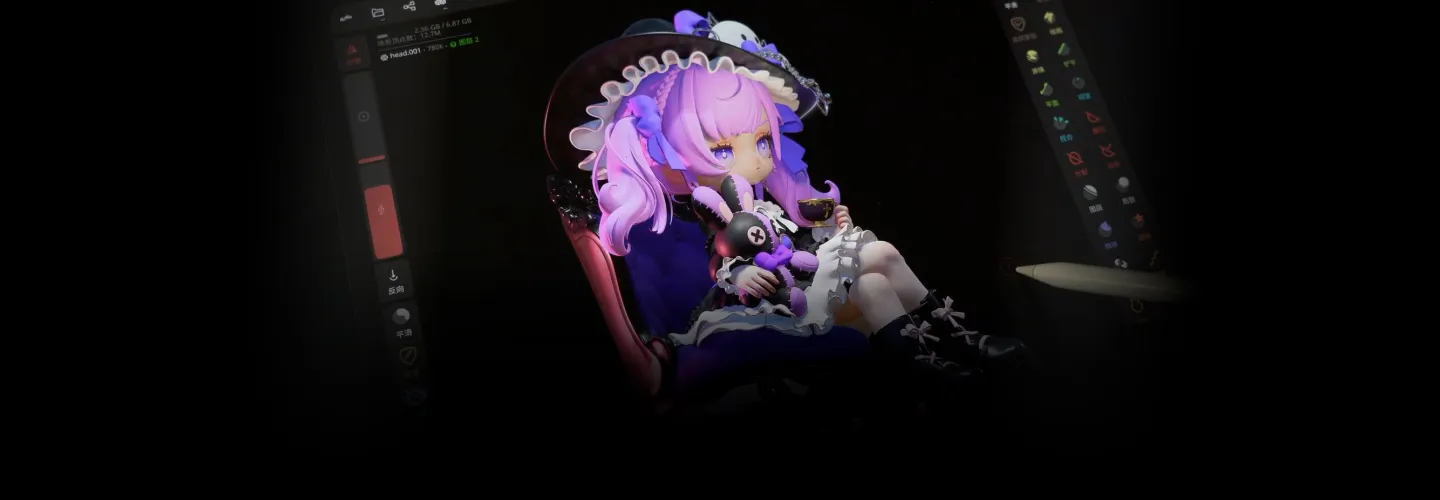
figuremodeler,mage_ZH Details
Intro
iPad Sculpting to 3D Print: The Complete Guide to Sculpting Chibi Anime Figures
Bring your dream anime characters to life anytime, anywhere—just with your iPad!
Overwhelmed by 3D character design? This beginner-friendly course breaks down the complex workflow, guiding you step-by-step from iPad modeling directly to a finished physical prototype.
Grab your iPad and start creating today!
Overwhelmed by 3D character design? This beginner-friendly course breaks down the complex workflow, guiding you step-by-step from iPad modeling directly to a finished physical prototype.
Grab your iPad and start creating today!
Making 3D Sculpting Approachable!
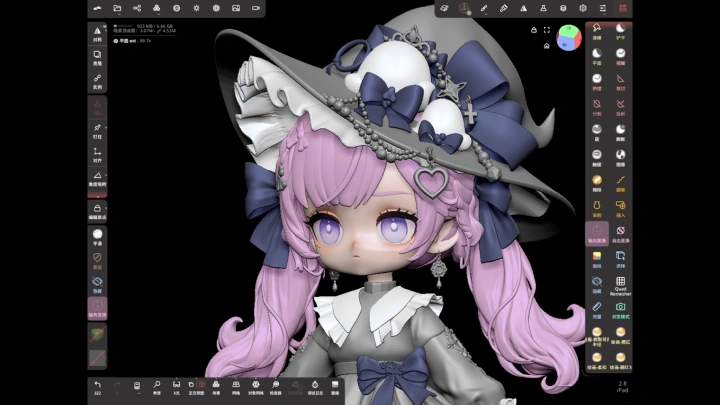
Master Nomad Sculpt by creating a charming Chibi anime girl figure while building solid form design and artistic judgment:
• Basic Form Training: Build spatial volume and symmetry with simple props
• Detailed Character Creation: Master Chibi proportions, sharp facial features, fluid hair, and clothing details.
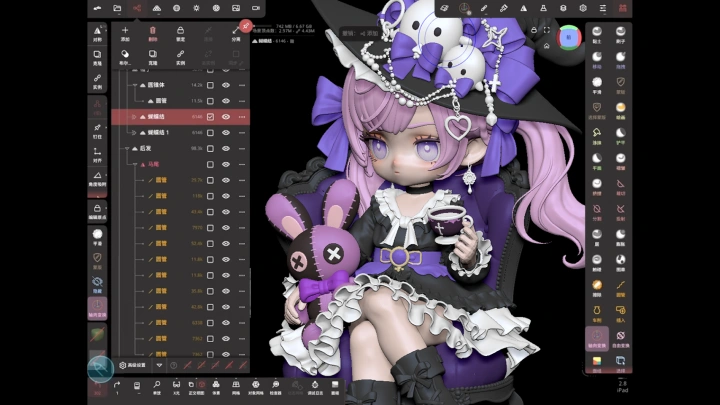
• Dynamic Scene Composition: Combine motion and scene layout to create a captivating focal point.
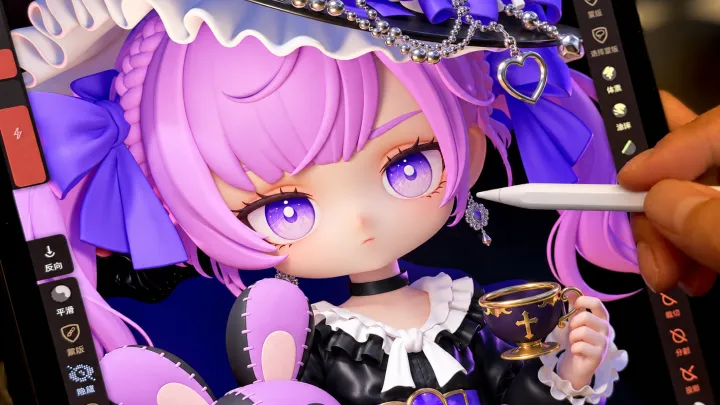
• Material Rendering & Lighting: Recreate skin, fabric, leather, and metal textures with realistic light for a commercial finish.
Ready to create your own custom figure? Enroll now and kickstart your 3D sculpting journey!
Master Nomad Sculpt by creating a charming Chibi anime girl figure while building solid form design and artistic judgment:
• Basic Form Training: Build spatial volume and symmetry with simple props
• Detailed Character Creation: Master Chibi proportions, sharp facial features, fluid hair, and clothing details.
• Dynamic Scene Composition: Combine motion and scene layout to create a captivating focal point.
• Material Rendering & Lighting: Recreate skin, fabric, leather, and metal textures with realistic light for a commercial finish.
Ready to create your own custom figure? Enroll now and kickstart your 3D sculpting journey!
Class Perks
Get These Coloso Exclusives
-
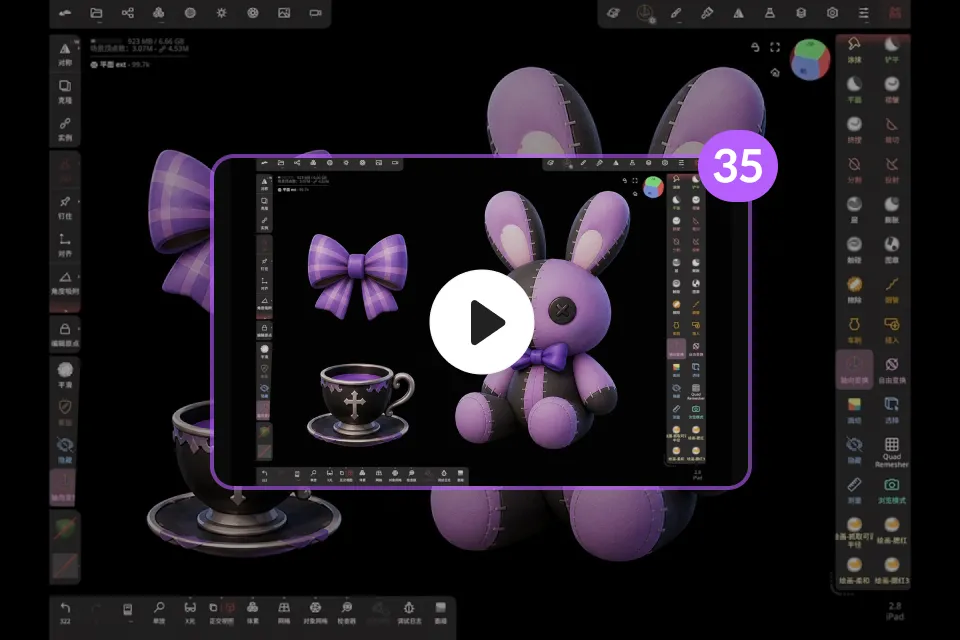 Mage's Exclusive Know-How Unlimited Access to 35 Lessons
 -
 Organizing Core Knowledge at a Glance Essential Concept Summary PDFs
 -
 Exclusively Provided and Ready-to-Use Nomad Sculpt Sculpting Pack
Class Material Details
-
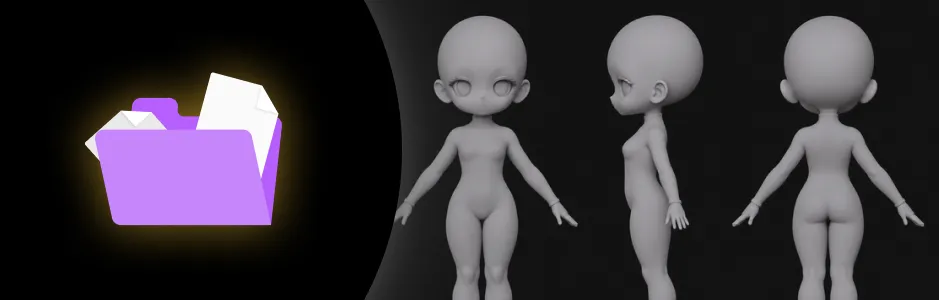 01_Chibi Base Mesh- .nom Editable Project Files
- OBJ Universal Models -
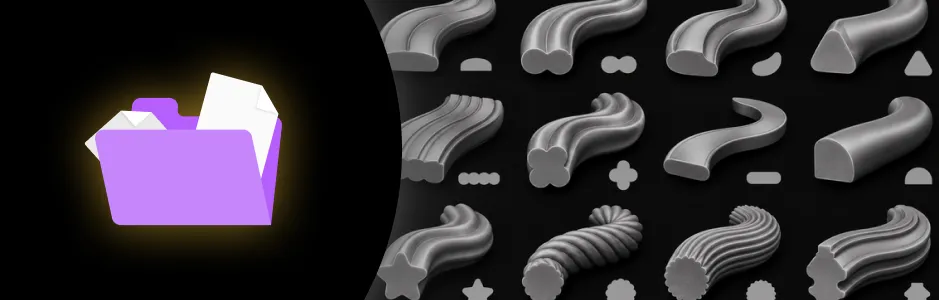 02_Tube Profiles- .nom Editable Project Files
 -
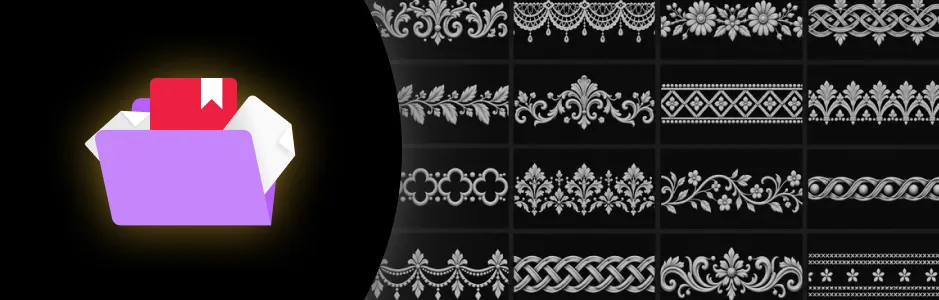 03_Ornamental Trim Alphas- .png Grayscale Alpha Images
 -
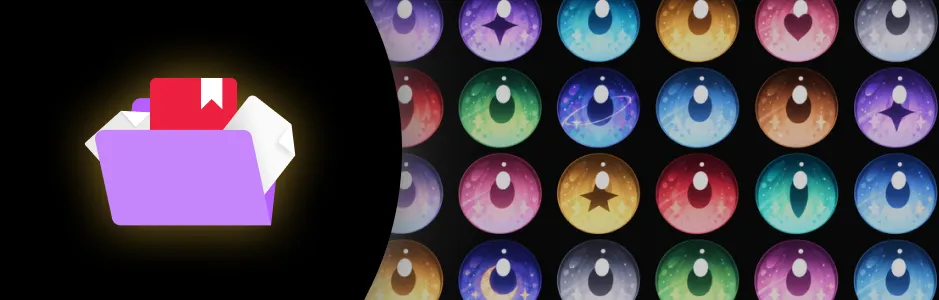 04_Iris Textures- 24 Types of PNG Textures
Limited Open!
Mage's 1:1 Comic Art Review & Feedback Event
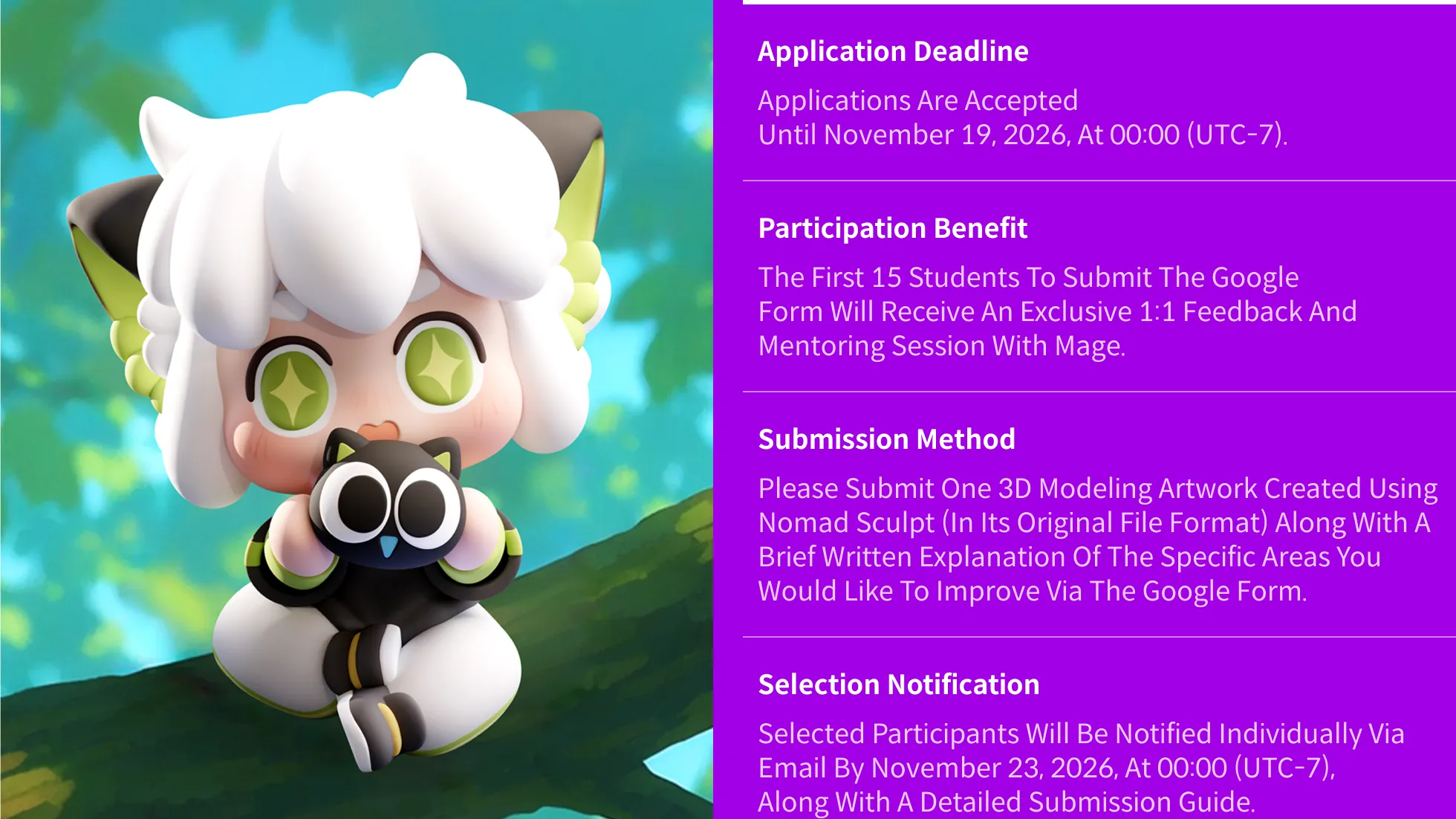
How To Participate



Recommendation
Who should take this class?
Sculpting Beginners Who Want to Create Cute Characters With Nomad but Feel Stuck
Intermediate Creators Looking to Level Up Details and Density of Their Artwork
3D Printing Fans Who Want to Convert Digital Models Into Assembleable Figures
Expert Figure Modeler Mage's Portfolio





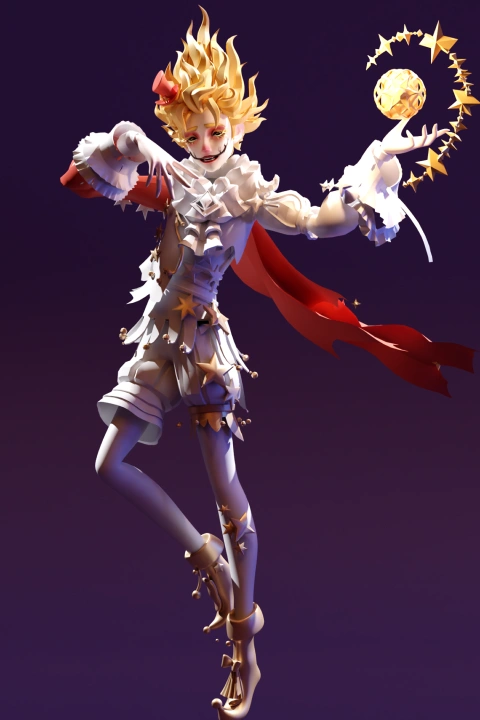

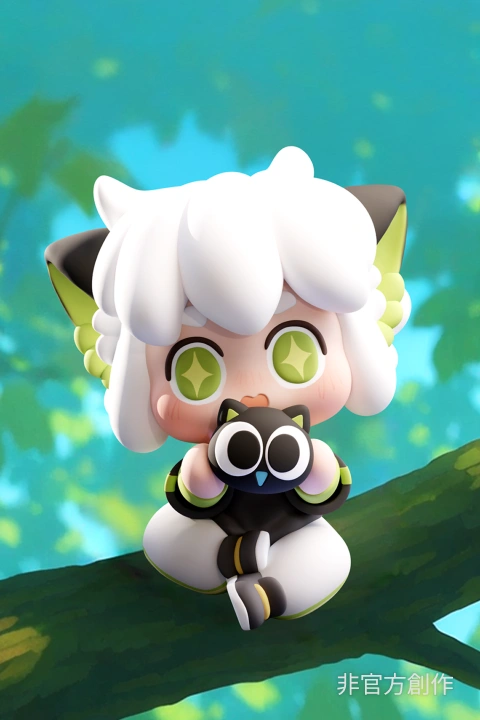
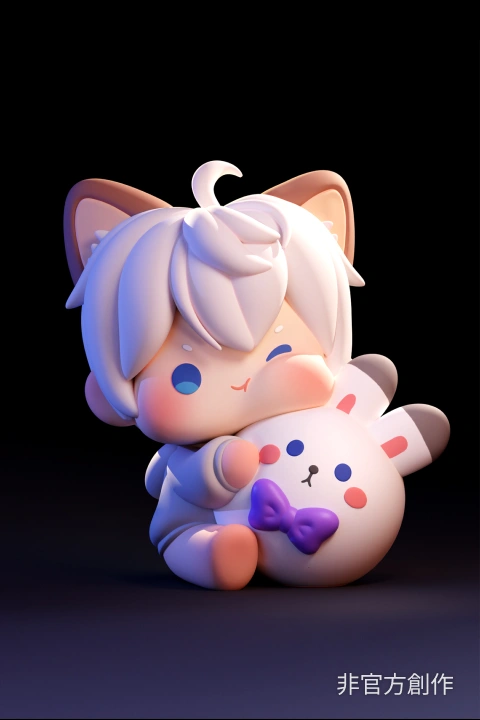


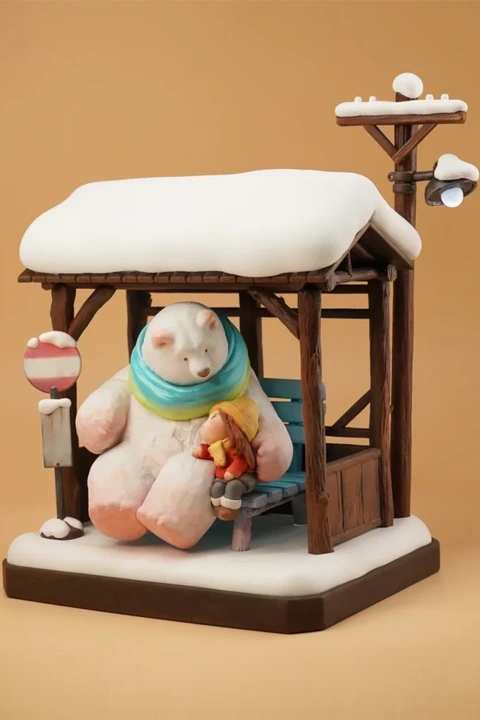
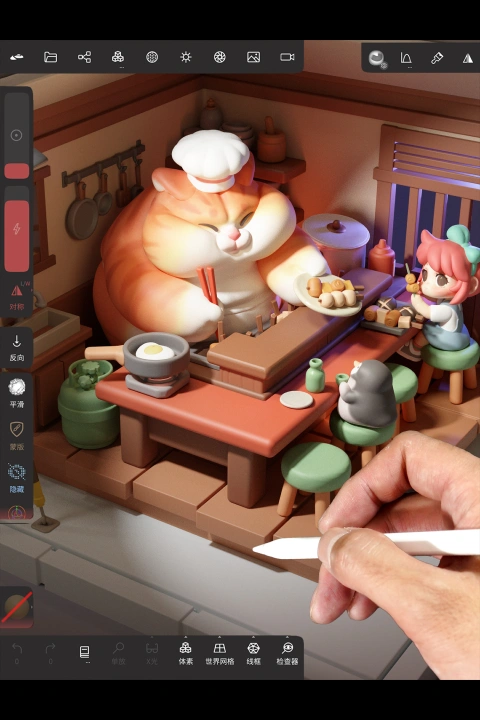
* This Portfolio includes fanart and client works.
Why Take This Class?
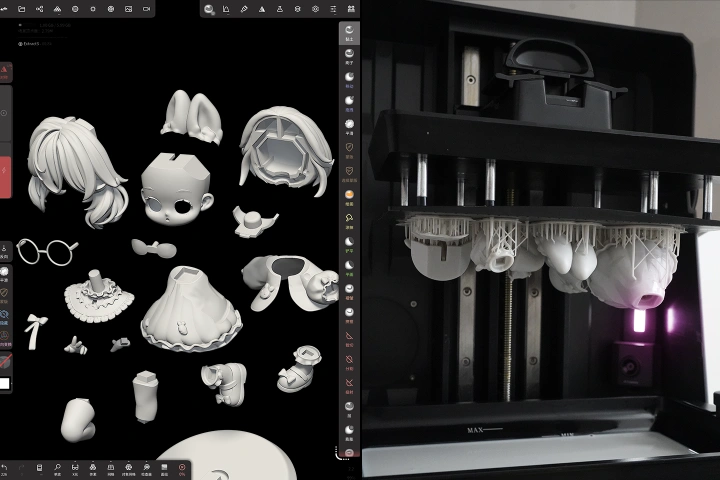
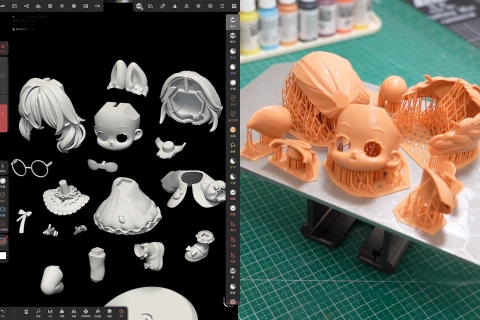
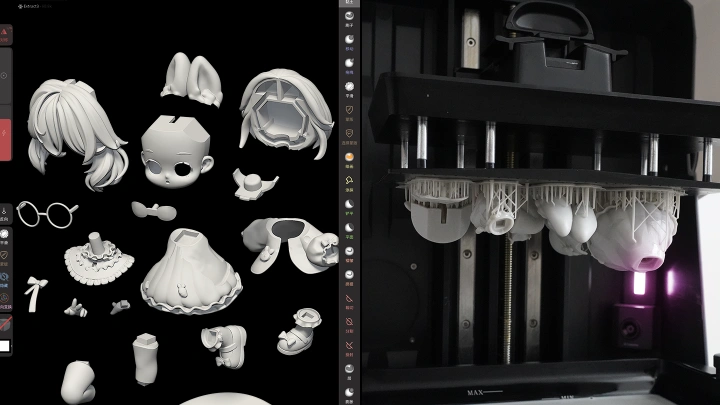
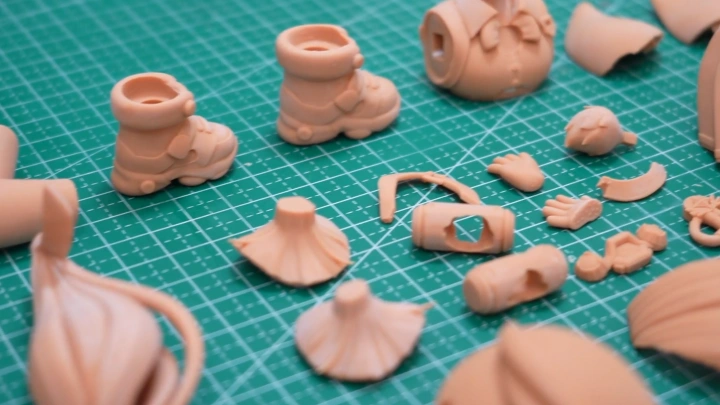
Does your digital model look perfect on screen but fail during printing? Or, does it refuse to assemble after keying? Start by seamlessly embedding strict printing requirements right into your model structure. Then, dive deep into precise split strategies for face shells, eye pieces, hair slots, and scene parts. By mastering physical thickness, peg tolerances, and support directions, you will easily push past technical bottlenecks. Every component will fit together flawlessly, ensuring you the effortless transition from digital sculpture to a perfect physical prototype.
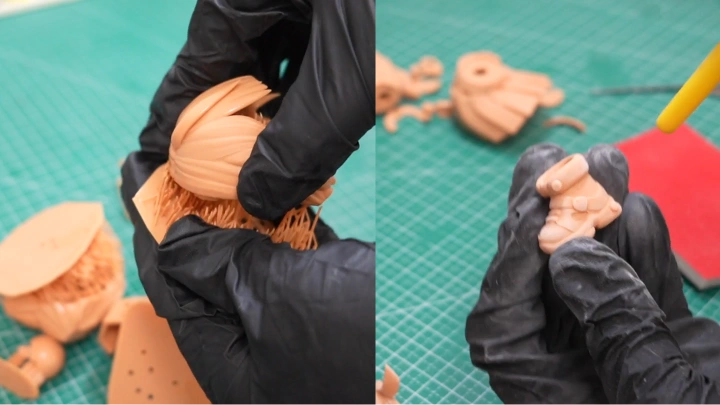
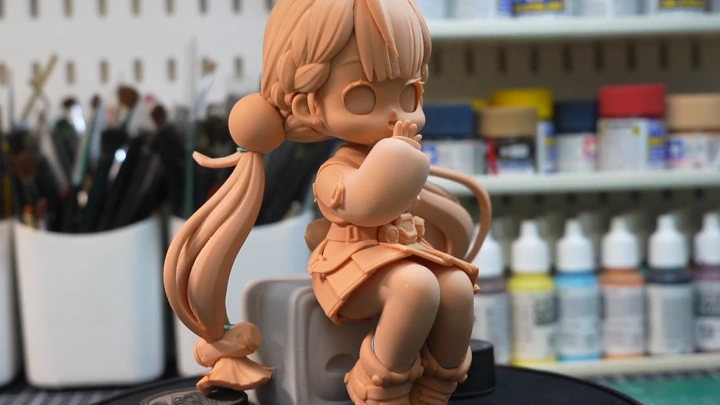
First, optimize your slicer settings, place supports to prevent marks, and launch your print with absolute confidence. Then, master every stage of post-processing, from washing and curing to support removal, sanding, and priming, to ensure a flawless finish. Finally, complete your unpainted model that is perfect for test fitting. You will learn how to lock down a professional, commercial workflow that you can immediately apply to your next character.

Class Exercises
10 Class Exercises
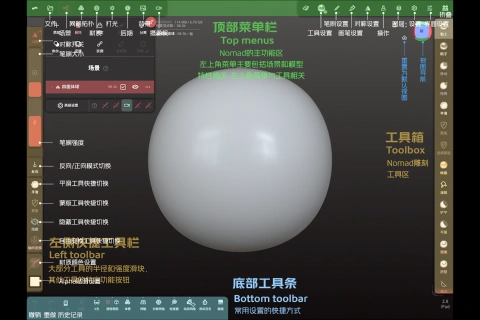
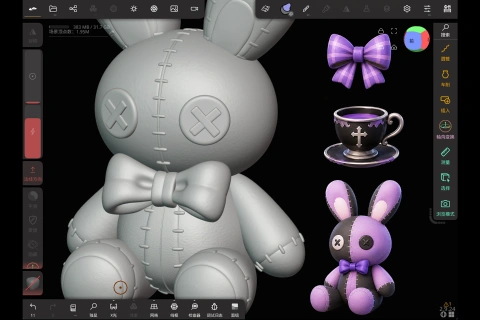
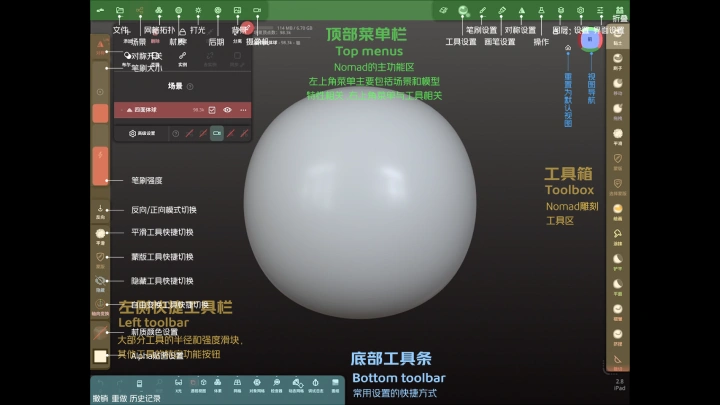
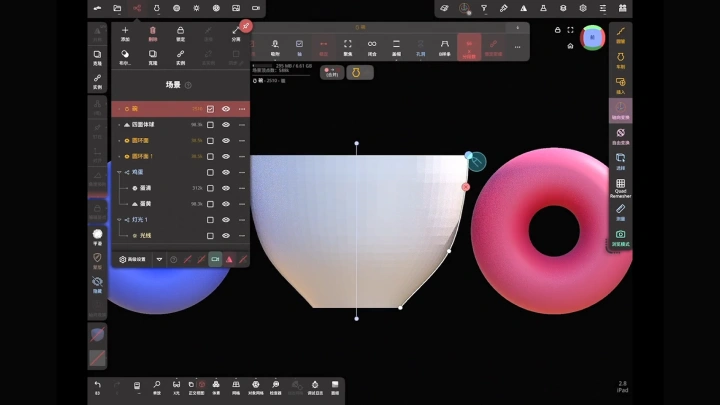
Part 1. Intro to Nomad & Small Object Modeling
-
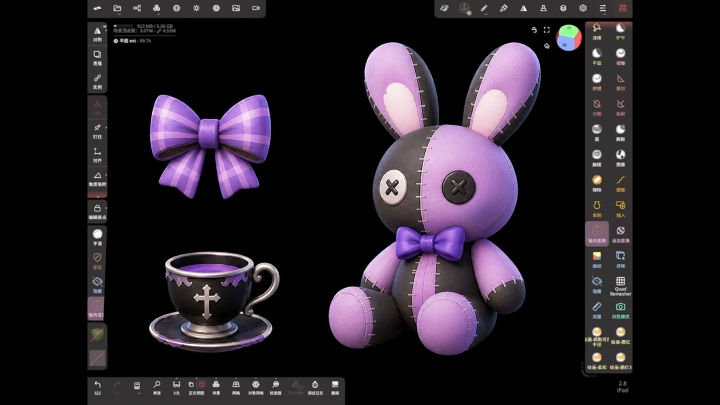
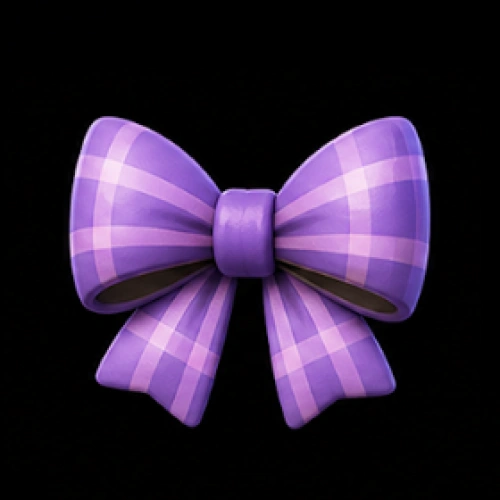 Ribbon Bow
 -
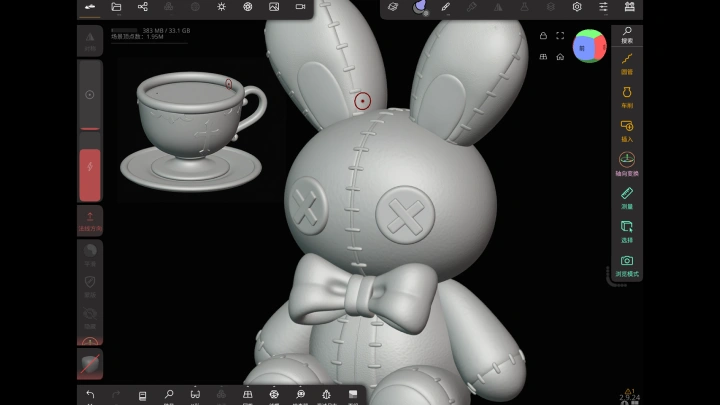
Tea Cup
-
Bunny Plush
Part 2. Modeling a Chibi Anime Girl
-
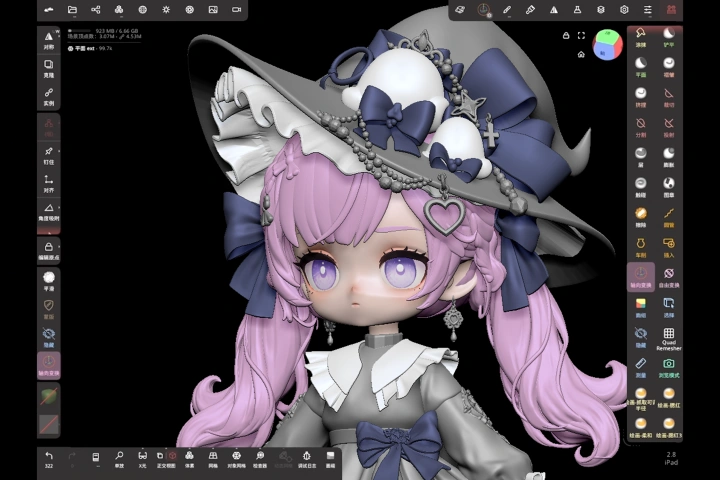 Character Head Sculpting
 -
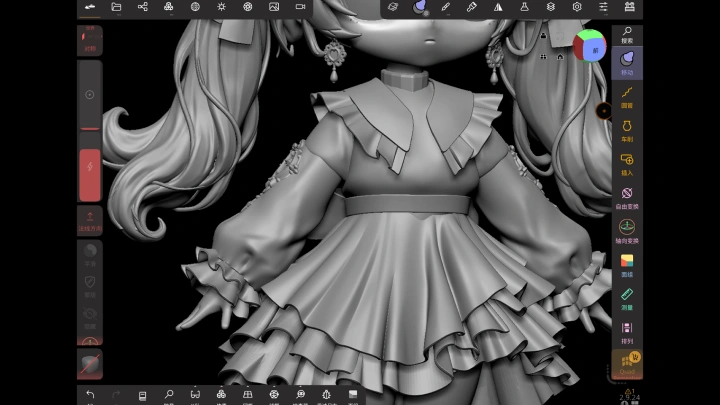
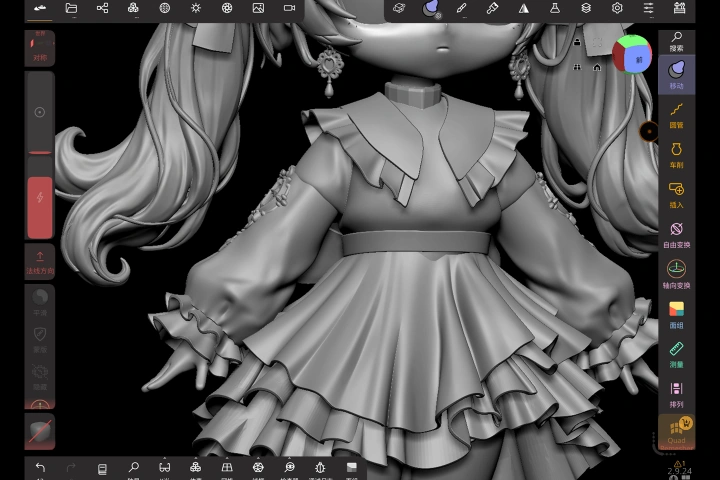 Base Clothing Creation
 -
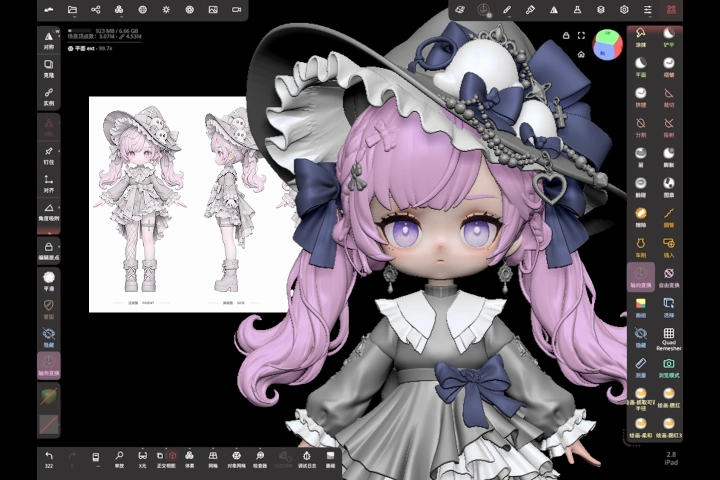 Character Detail Refinement
Part 3. Character Posing & Scene Refinement
-
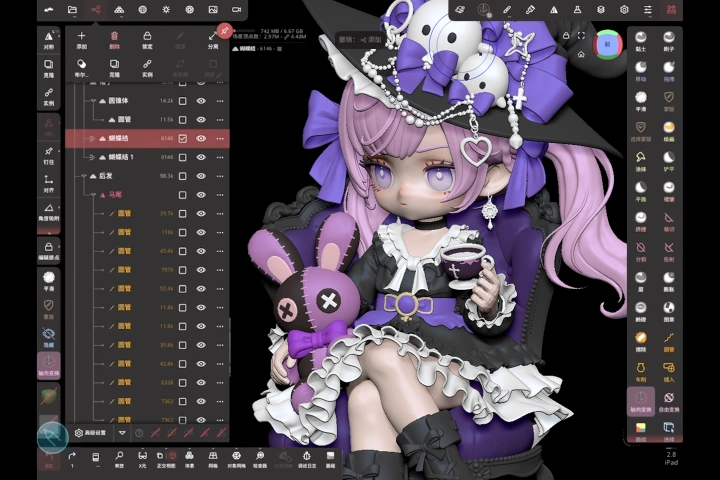 Character Posing: Action, Balance & Silhouette
 -
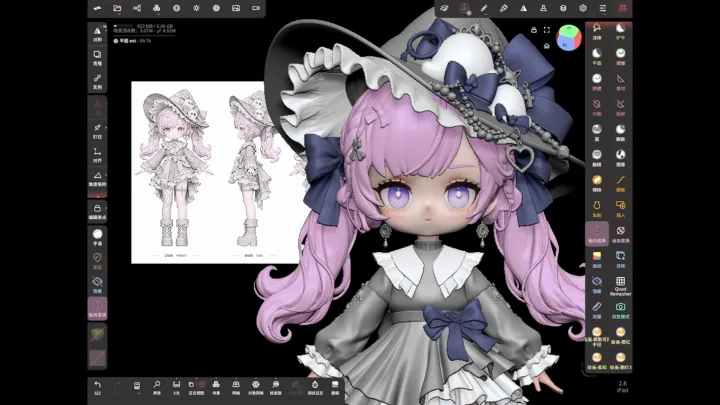
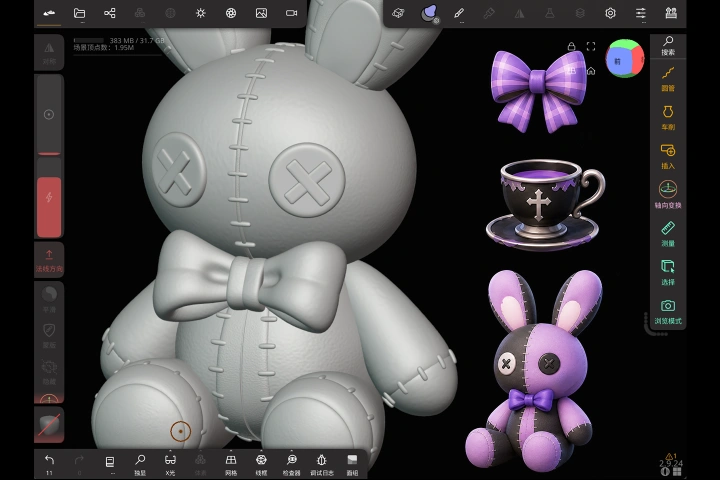 Coloring & Texture Adjustment
Part 4. 3D Model Splitting, Printing & Post-Processing
-
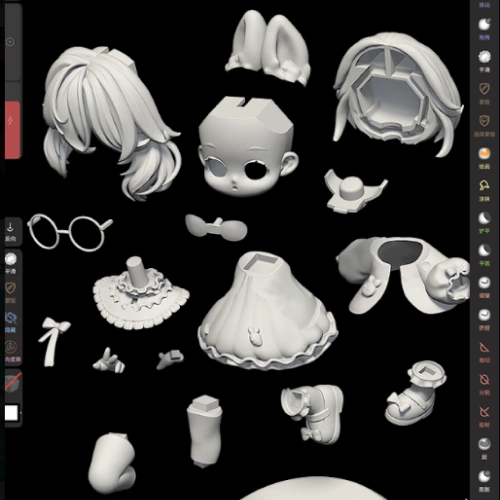 Model Splitting for 3D Printing
 -
Exercise Title
Final Product Example
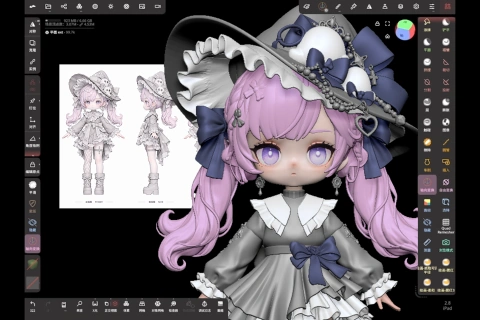
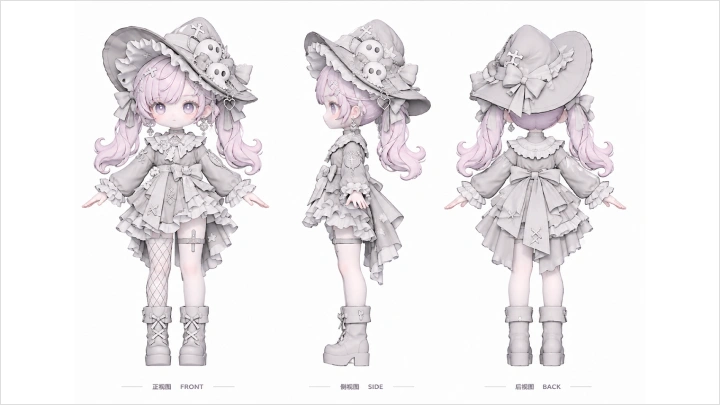
Little Witch Full Model Set
*The above images are sample images for a better understanding.
Highlights
Class Highlights
Breaking Down Complex Characters into Manageable Drawing Steps
Build your foundation with a ribbon, a teacup, and a bunny doll, then seamlessly apply those exact volume and sculpting techniques to a charming little witch. Dive into the beautiful interplay among chibi proportions, anime facial features, layered hair clumps, hat brims, clothing folds, and delicate laces. This workflow simplifies complex designs, guiding you through a smooth breakdown and refinement process. Master the styling sequence effortlessly to create exceptional character models with sharp silhouettes and rich, dynamic layers.

Portable Creation Tools & Comprehensive Visual Rendering Guide
Learn from motion and visual hierarchy that guide you as you blend your character, bunny doll, tea set, and natural elements into one cohesive scene. By mastering the unique contrasts among digital materials like skin, fabric, leather, and metal, you will precisely control color, light, and perspective. This ensures every intricate sculpting detail reads perfectly in the final render. Bring every element together to create a high-quality digital showcase featuring a powerful centerpiece set within a deeply immersive, layered atmosphere.
From Screen to Reality: Advancing Digital Models to Physical Prototypes
Build print requirements directly into your model structure. You will master precise split strategies for face shells, eyepieces, hair slots, and clothing components. Move effortlessly into slicing, supporting placement, and launching your print. Then, take total control of the post-processing workflow, including washing, curing, support removal, sanding, and priming to eliminate all flaws. This hands-on process perfectly bridges digital sculpting with physical creation, helping you smoothly complete a fault-free, unpainted prototype.