[Dictionary]figurecreator,kon_콘JP Details
Intro

Now in Your Language, Only on Coloso!
Learn from Top Creative Experts Worldwide
-
 Experienced Creator Behind 100+ Garage Kits
 -
 Full Production Pipeline from Sculpting to Painting
 -
 Professional-Quality Production Files Provided
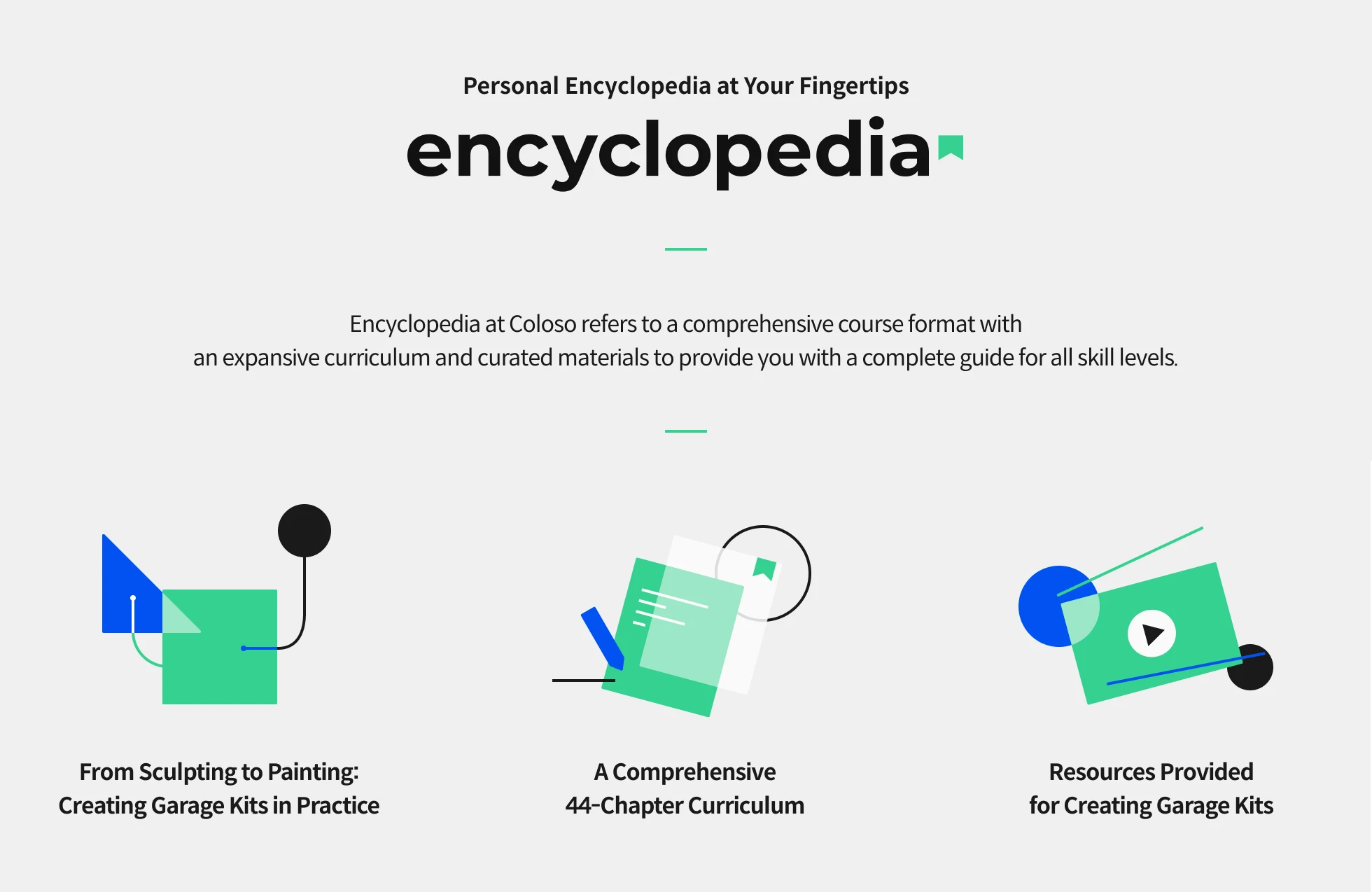
Class Intro
Figure Creator, Kon
Master Digital Modeling, 3D Printing, and Painting Techniques for Garage Kits in 44 Chapters
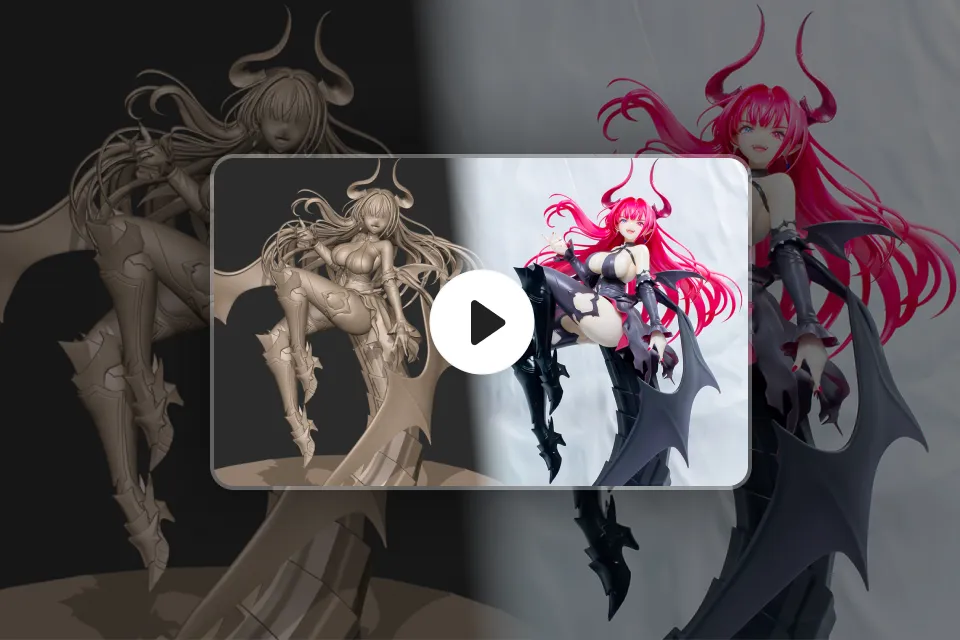
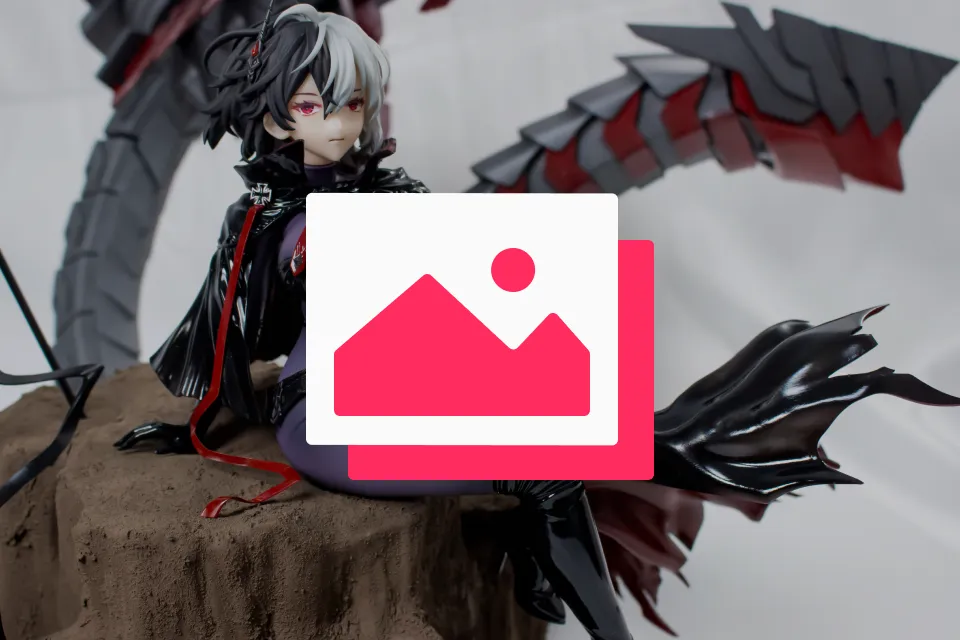
Meet figure creator Kon, who has showcased over 100 garage kits at events such as Wonder Festival. Kon’s work has also been consistently featured in hobby magazines and used for commercial figure projects.
In this class, Kon will guide you through powerful techniques to successfully complete your own garage kit without getting stuck along the way. Discover the entire creation process, from sculpting in ZBrush to 3D printing and painting.
In this class, Kon will guide you through powerful techniques to successfully complete your own garage kit without getting stuck along the way. Discover the entire creation process, from sculpting in ZBrush to 3D printing and painting.
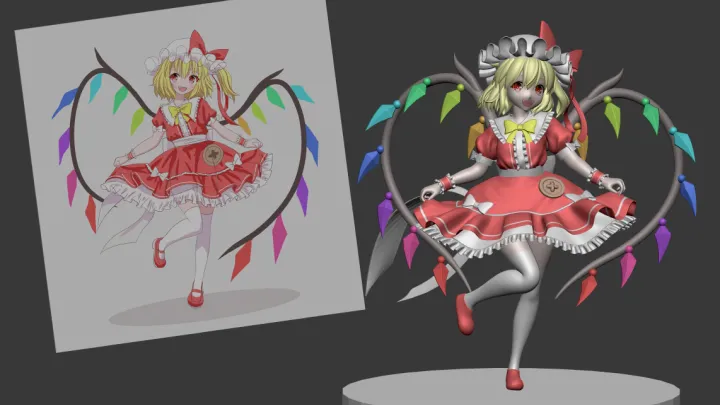
First, you’ll learn how to create base bodies and clothing drafts, as well as more detailed elements, exploring the foundational approaches required to craft complex forms as you want.
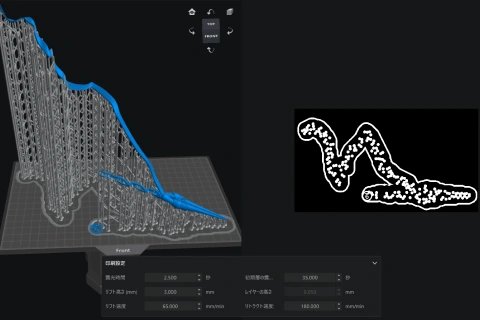
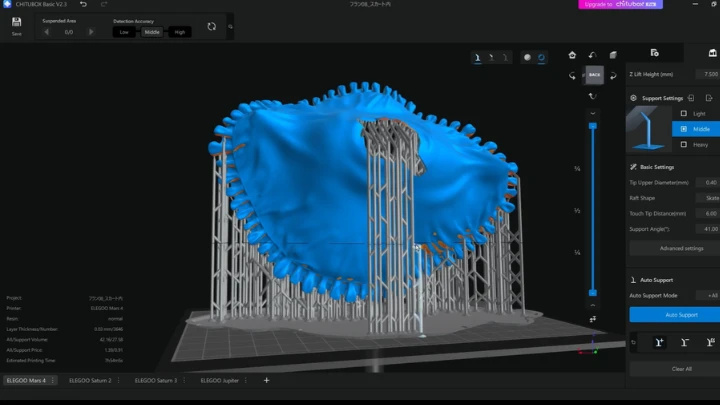
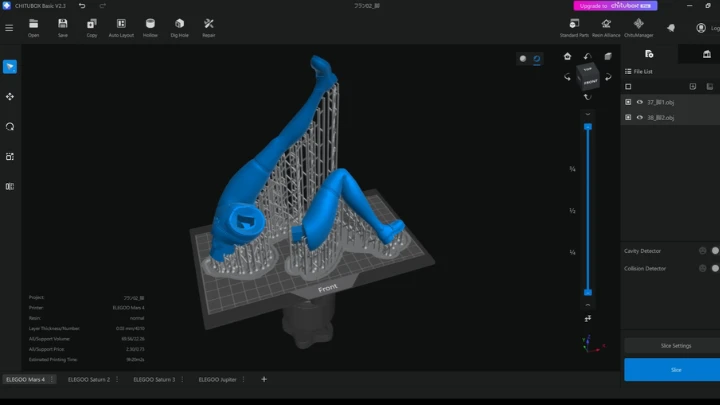
The next part of the class focuses on part-splitting techniques to prevent deformation and warping during printing, alongside tips for choosing and using the right keys for different needs. After that, you’ll prepare data and set up supports using slicer software.
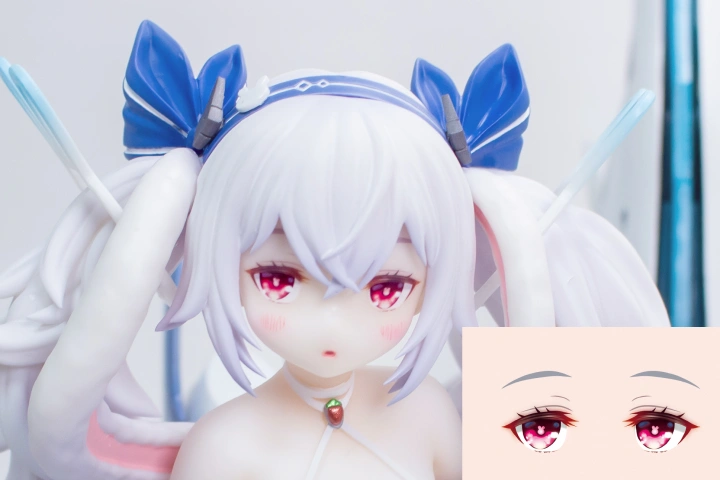
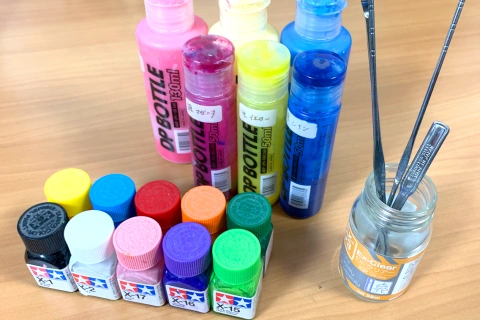
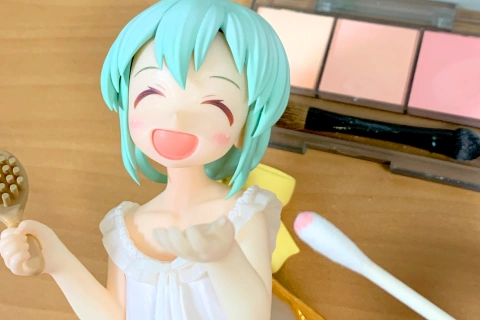
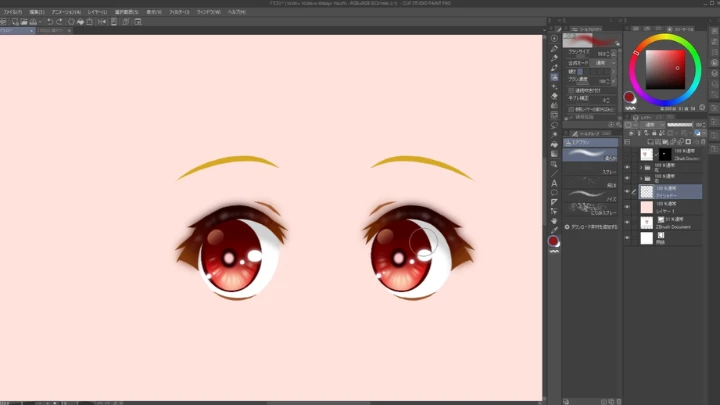
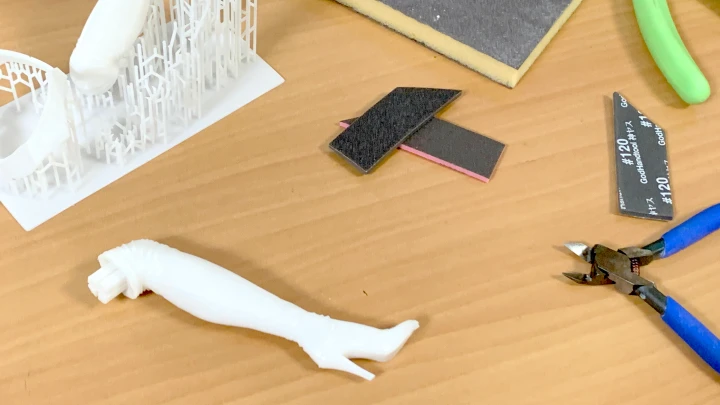
In the last section, you will practice surfacing printed parts and create custom iris decals that determine the final quality. This part also explores color mixing tailored to paint characteristics, as well as color separation using both airbrushes and paintbrushes.
Experience the proven techniques and process of creating your own garage kit, right now on Coloso!
The next part of the class focuses on part-splitting techniques to prevent deformation and warping during printing, alongside tips for choosing and using the right keys for different needs. After that, you’ll prepare data and set up supports using slicer software.
In the last section, you will practice surfacing printed parts and create custom iris decals that determine the final quality. This part also explores color mixing tailored to paint characteristics, as well as color separation using both airbrushes and paintbrushes.
Experience the proven techniques and process of creating your own garage kit, right now on Coloso!
Class Preview
Still Not Sure?
Check Out Kon's Class Preview!
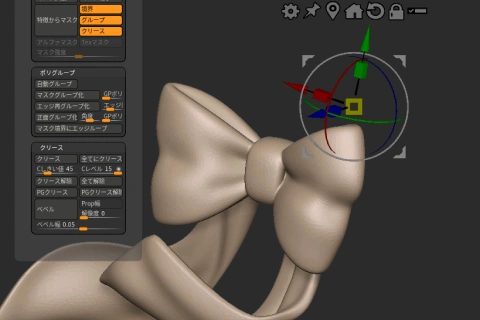
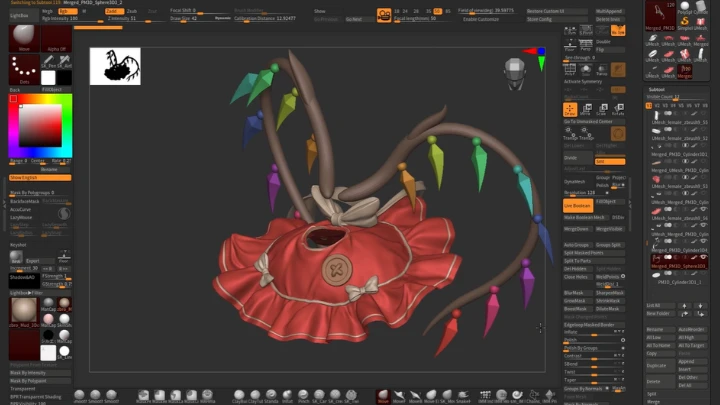
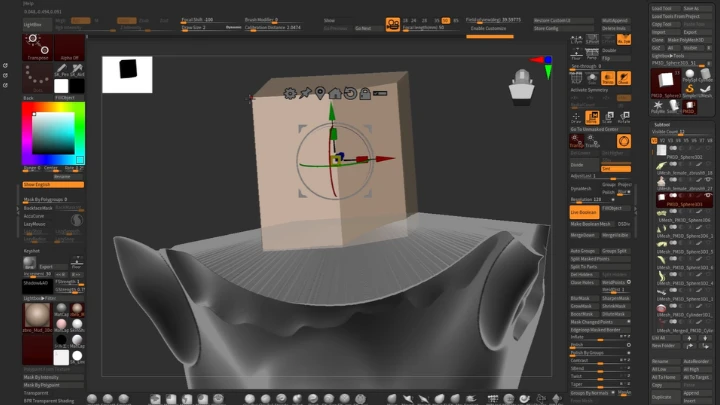
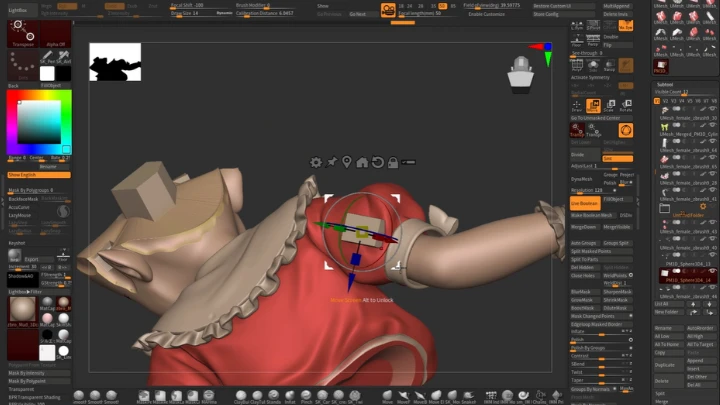
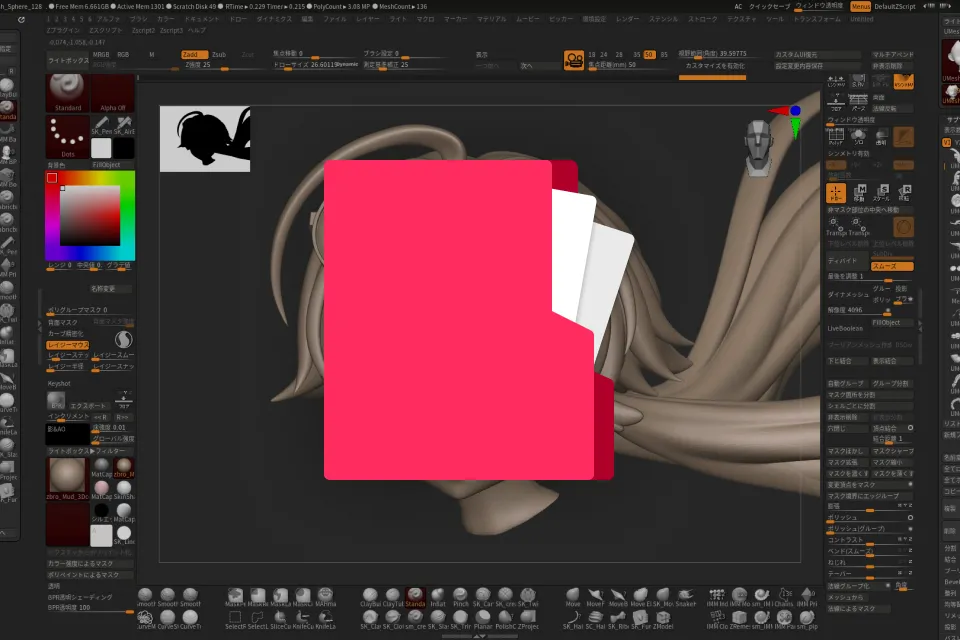
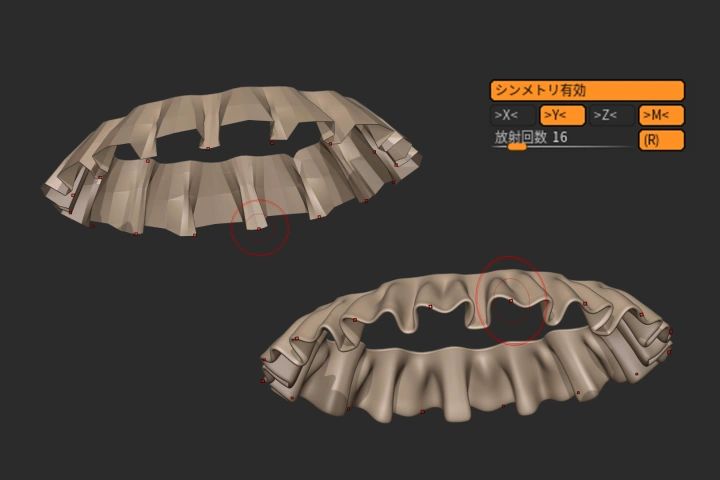
Chapter 5. Clothing 2 (Outfit)
1. Creating a rough model for decorations such as frills and ribbons
Class Perks
Special Gift from Kon
-
 Unlimited Access to 44 Chapters Exploring Kon’s Garage Kit Expertise
 -
 Create One Complete Work in Class
 -
 Includes Various Materials, Including the In-Class Tool List
Class Material Details
-
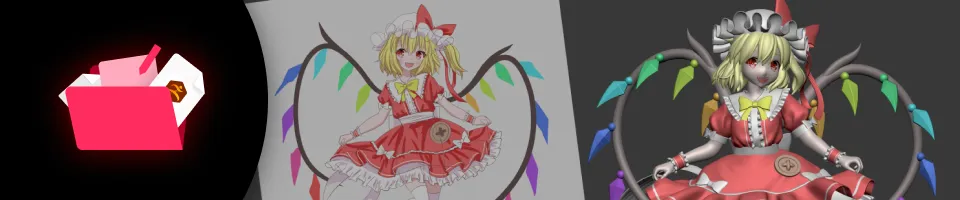 Learning Materials- ZTL file of the finished figure
- OBJ file separated by part -
 Practice Materials- Illustration images used in the class (body guidelines, irises, finished illustration)
- Decal data
- Coloring mixing materials
- In-class tool list
Recommendation
Who should take this class?
Learners who want to master the entire process from sculpting to painting and achieve consistent quality
Garage kit creators who want to take their skills to a higher level
Figure creators who want to improve the quality of their work for events and sales
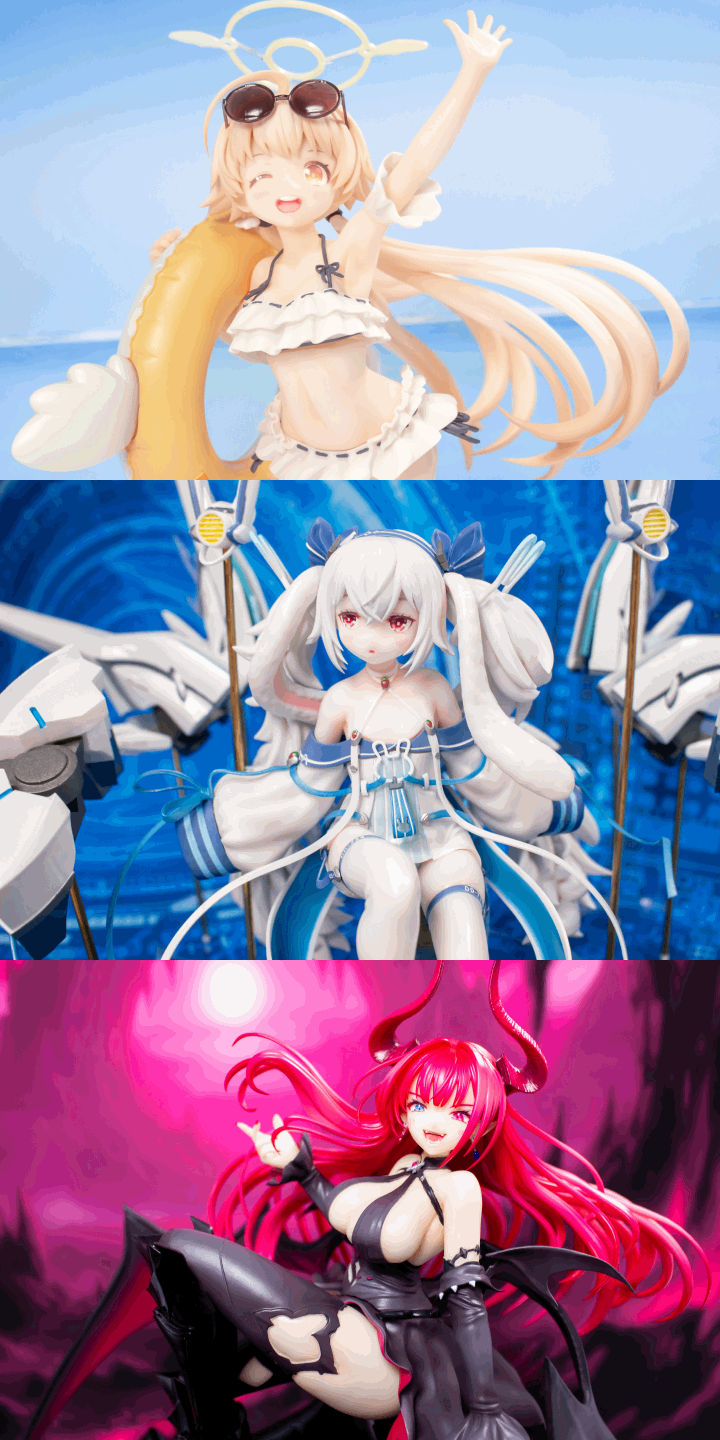
Expert Figure Creator Kon's Portfolio
-
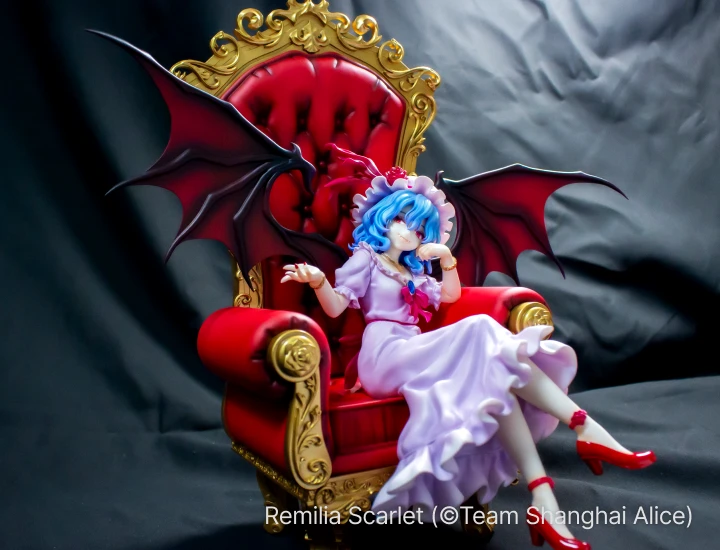 Remilia Scarlet
Touhou Project -
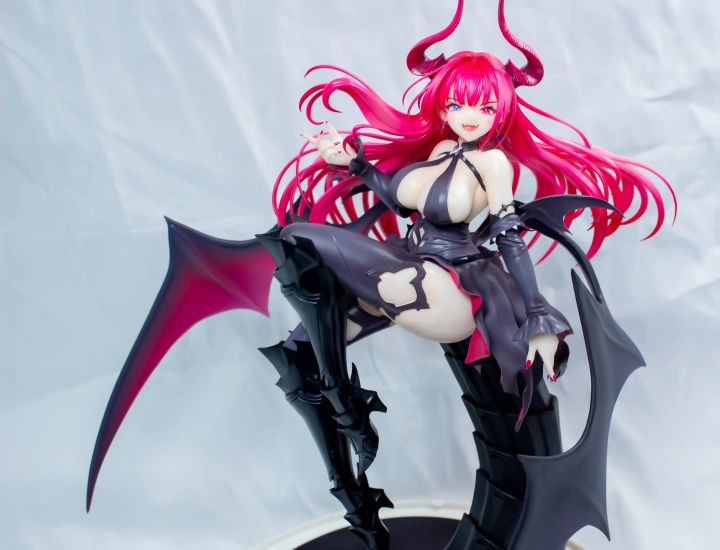 Mecklenburg
from Azur Lane -
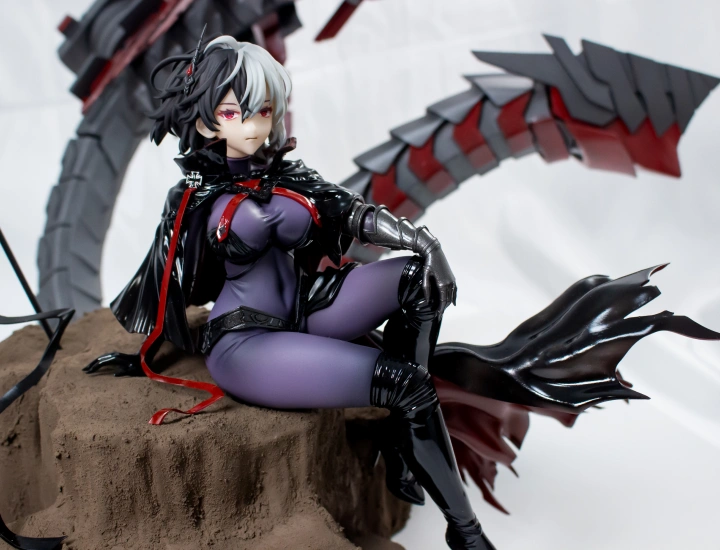 Brunhilde
from Azur Lane
-
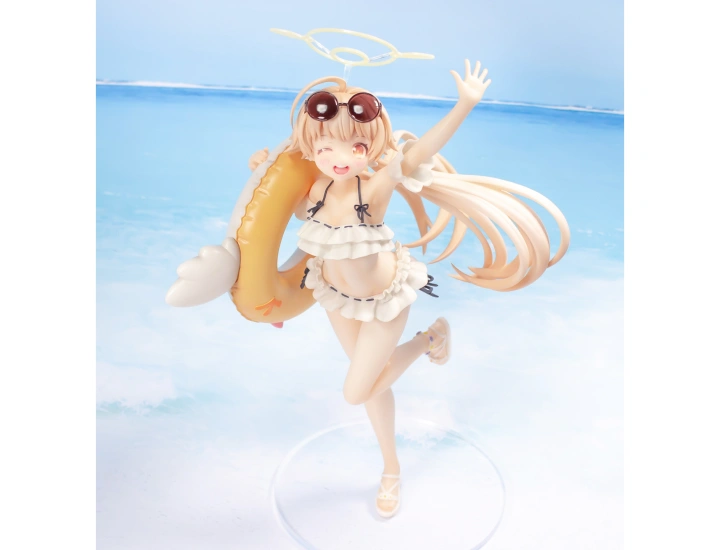 Ajitani Hifumi
from Blue Archive -
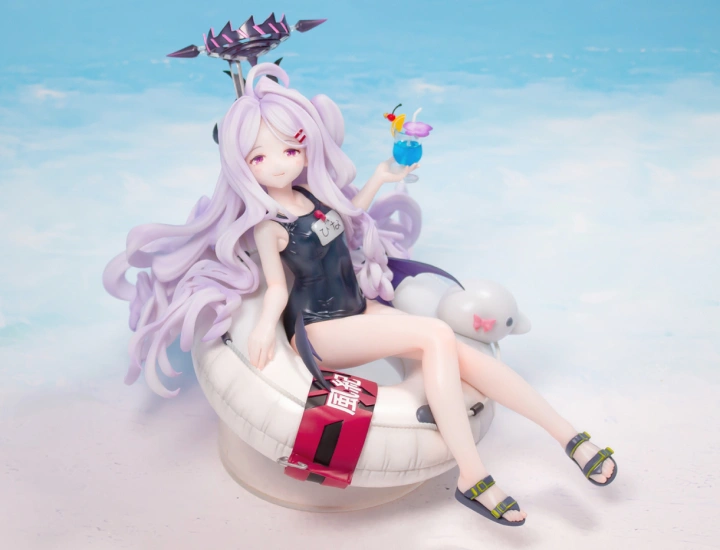 Sorasaki Hina
from Blue Archive -
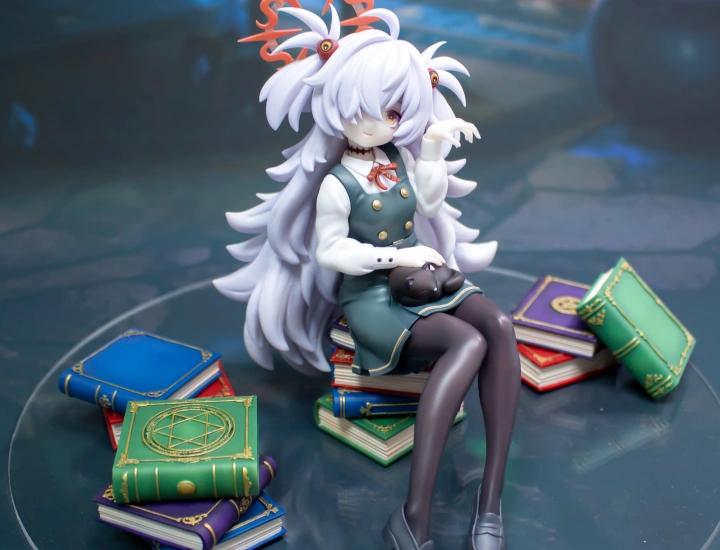 Itagaki Kanoe
from Blue Archive
-
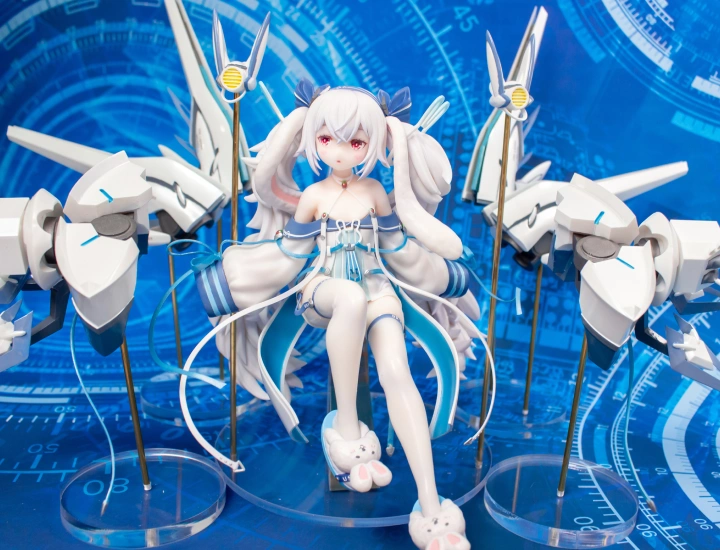 Laffey II
from Azur Lane -
 Tai Yuan
from Azur Lane

Create Your Own Garage Kits with Kon
Experience the process of making your own garage kit, starting with basic body modeling to painting and assembly, with professional figure creator Kon. Based on experience drawn from creating over 100 original garage kits, Kon will guide you through the rewarding process of creating your own figure.
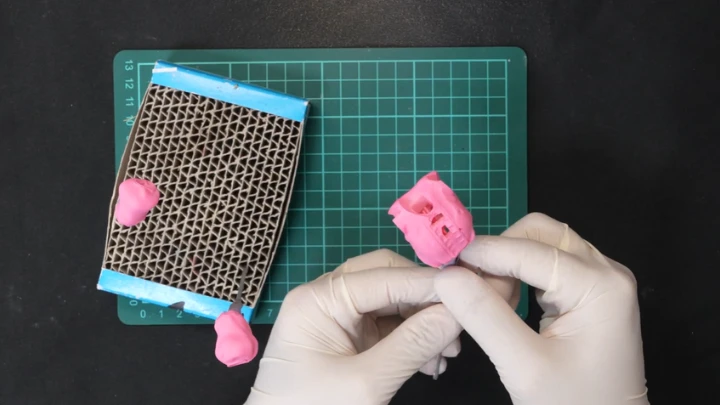
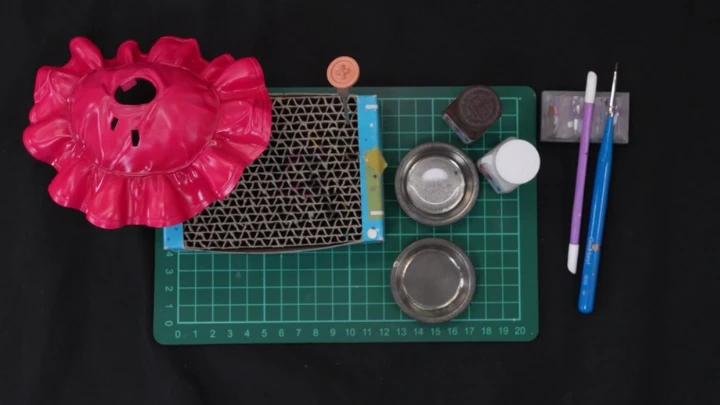
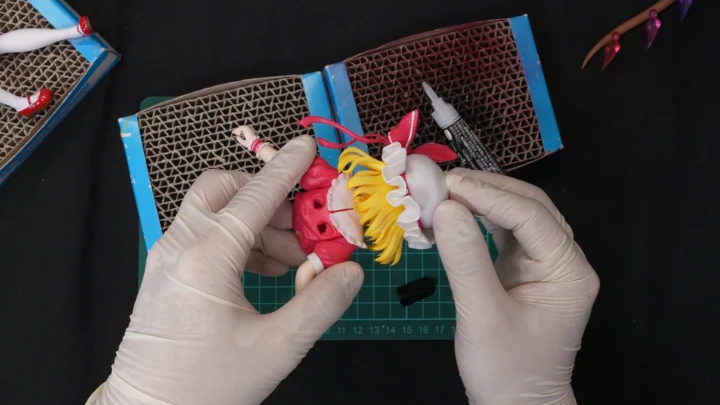
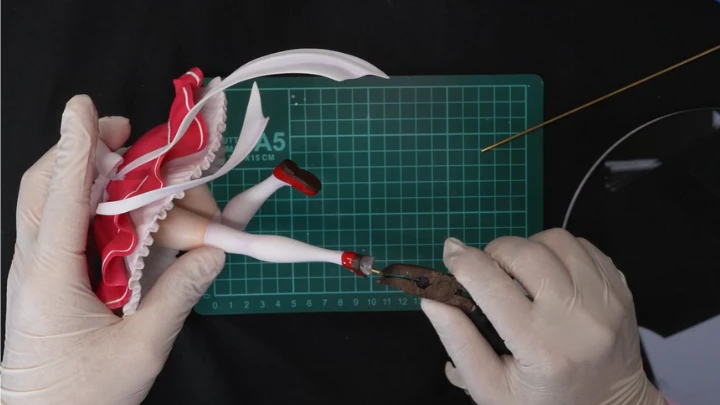
Begin your journey by roughly sculpting your figure, then refine the details for an overall sense of balance. Then split your model into parts for 3D printing and prepare the printed parts. Paint your figure using several methods for optimal results, adding custom decals for the eyes. By the time you're done with assembling your figure, you'll have mastered how to create your very own garage kit from start to finish!
Get Ready for the Real-World
From Modeling and 3D Printing to Painting and Assembly for Polished Garage Kits
-
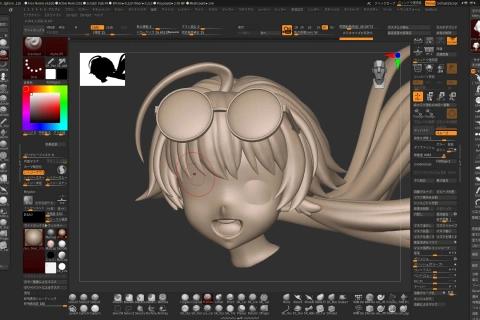 Face Sculpting
 -
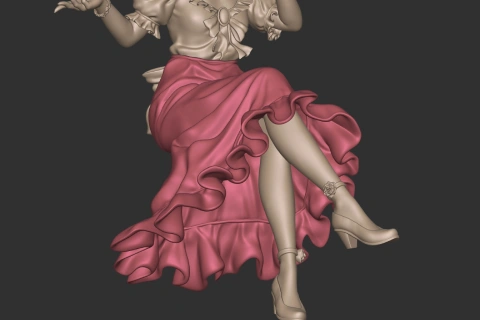 Clothing Sculpting
 -
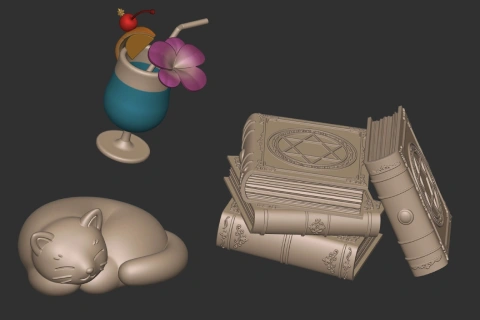 Prop Sculpting
-
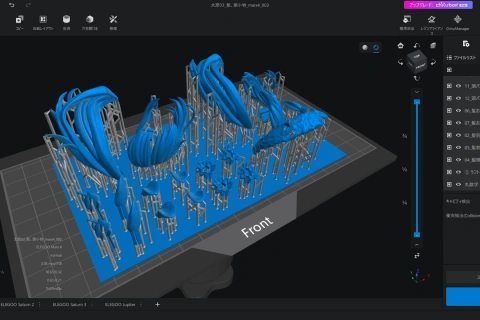 Support Installation
 -
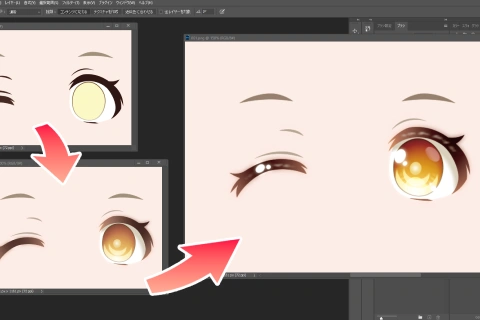 Creating Decals
 -
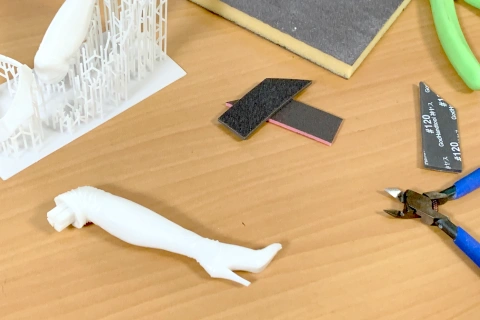 Post-Processing
-
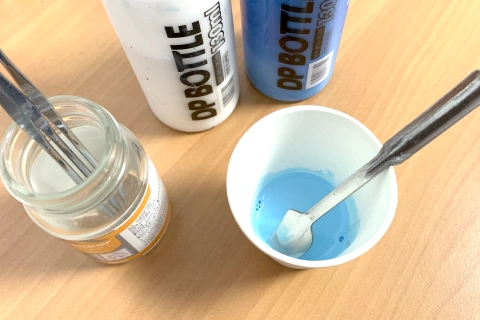 Color Mixing
 -
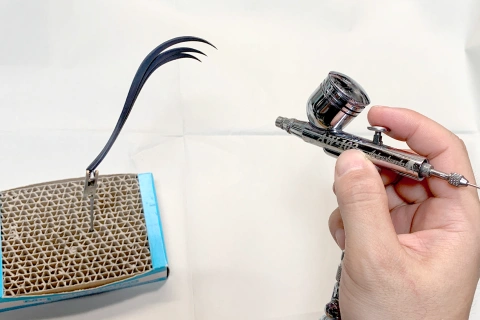 Painting with Airbrushes
 -
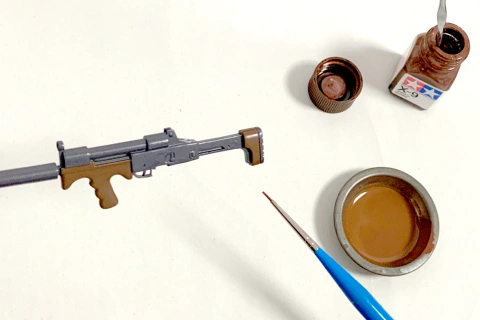 Painting with Paintbrushes
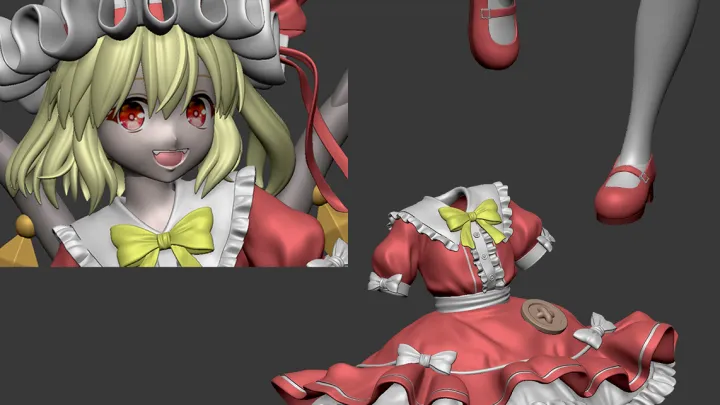
Flandre Scarlet (©Team Shanghai Alice)
What You’ll Need
[Decal Printing]
• Inkjet printer
• Decal paper
• Glossy paper
[3D Printing]
• 3D printer
• 3D printing resin
[Post-Processing]
• Nippers
• Design knife
• 120, 240, and 400-grit sponge sanding pads (Godhand Kamiyasu)
• Metal sanding sticks
• Electric drill or pin vise
• Aluminum wires (1-2 mm)
• Nekonote painting clips and bases
• Pliers
[Painting]
• Airbrushes
• Paintbrushes
• Lacquer paint
• Enamel paint
• Surfacer paint
• Gaia Multi Primer Advance (Gaianotes)
• Lacquer thinner
• Enamel thinner
• Tool cleaner (for washing brushes)
• Cotton swabs
• Toothpicks
• Droppers
• Tweezers
• Tissues
• Paper towels
• Paper cups
• Stirring sticks
• Paint dishes
• Plastic wrap
• Rubber bands
• Masking tape and liquid masking
• Heavyweight glossy paper (to be used as color chips for test swatches)
• Smartphone or tablet (iPad recommended for high color accuracy; used to compare colors with the illustration during color mixing)
• Gaianotes Finish Master
• Tamiya Weathering Master
• Paint booth
• Respirator mask
• Safety glasses
[Assembly]
• CA glue (liquid and gel types)
• Round acrylic base
• Brass rods (2-3mm)
*The above images are sample images for a better understanding.
Highlights
Class Highlights
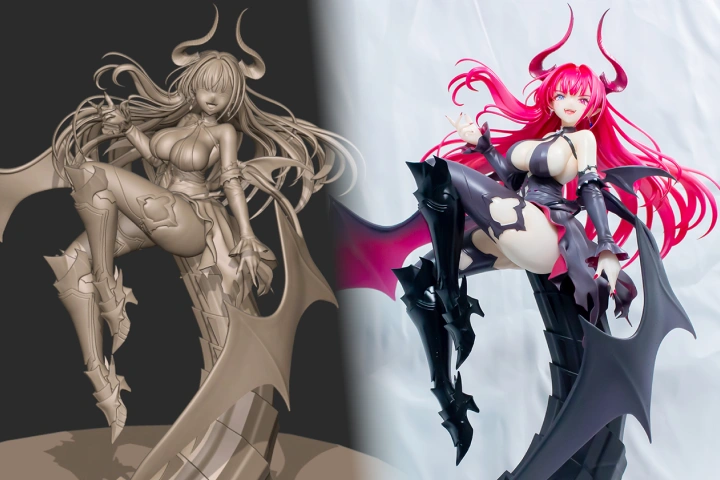
Understanding and Mastering the Garage Kit Creation Process
Explore the entire garage kit creation process, from sculpting to 3D printing and painting, with step-by-step demonstrations! You will also learn how to use software and tools, mastering core skills in a systematic manner.
Streamlining the Workflow Process for Higher Efficiency
Select and apply the best tools for your desired form, bringing the figure to completion as fast as possible. Plus, customize the interface of 3D sculpting software to optimize it for garage kit creation and enhance work efficiency.
Final Touches for More Appealing Garage Kits
This class focuses heavily on facial features, which catch the viewer’s eye first, exploring key points in boosting a character’s appeal. You’ll also learn the essential elements to make your work truly eye-catching, even in a sea of other figures.