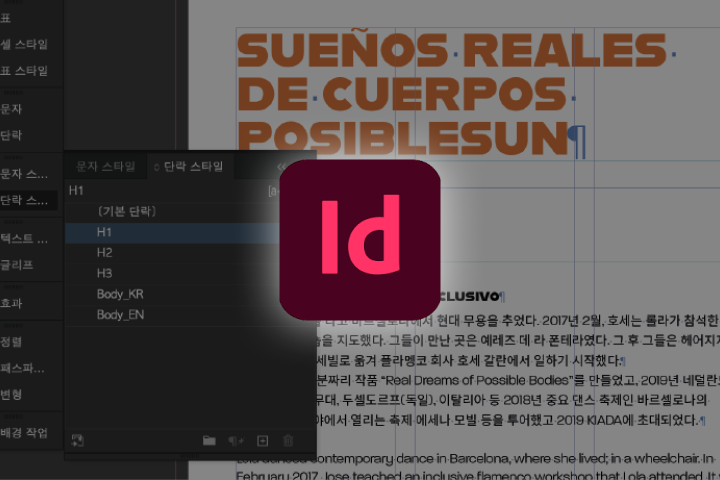
GraphicDesigner,SomiKim_그래픽디자이너 김소미 Details
Class introduction
introduction video
Graphic designer, Somi Kim
“Experience the design planning process that suits the purpose of the manuscript by practicing the production of various printed materials.”
From the essential basics to becoming a 'good at work' editorial designer to work automation skills!
Are you at a loss when it comes to editorial design and typography, as they are different from what you learned in school and in practice?
Do you find it difficult to logically arrange text and images in the vast documents you encounter in the workplace?
Do you find it difficult to logically arrange text and images in the vast documents you encounter in the workplace?
Discover the typography basics and know-how to use InDesign needed for seamless editorial design work, as well as the practical process of a veteran designer who has participated in the production of numerous publications for over 10 years.
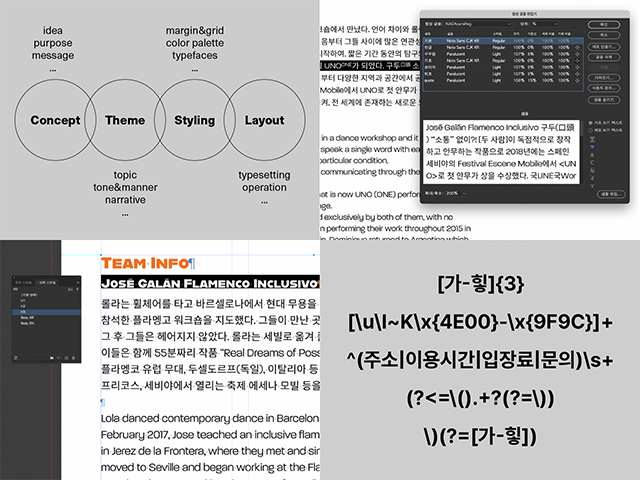
✔Editing design and typography basic concepts learned through various functions of InDesign
✔How to logically arrange detailed elements considering the characteristics and concept of the manuscript
✔Automation functions such as GREP that can be applied immediately in practice, as well as post-processing and printing tips
Don't miss the 'Practical Optimization' editorial design class where you can learn all of this.
✔How to logically arrange detailed elements considering the characteristics and concept of the manuscript
✔Automation functions such as GREP that can be applied immediately in practice, as well as post-processing and printing tips
Don't miss the 'Practical Optimization' editorial design class where you can learn all of this.
Somi Kim's portfolio
-
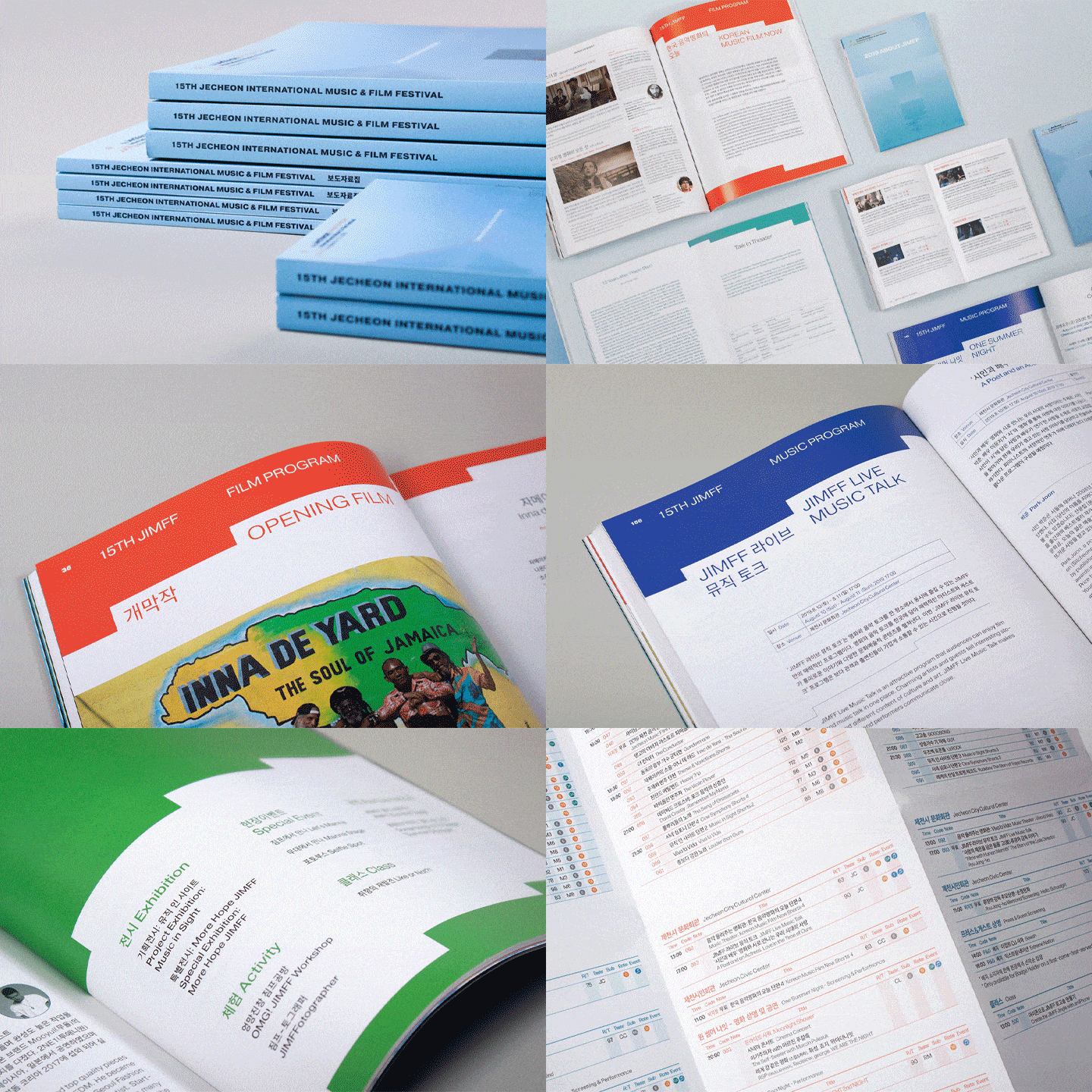
Promotional materials for the 15th Jecheon International Music and Film Festival -
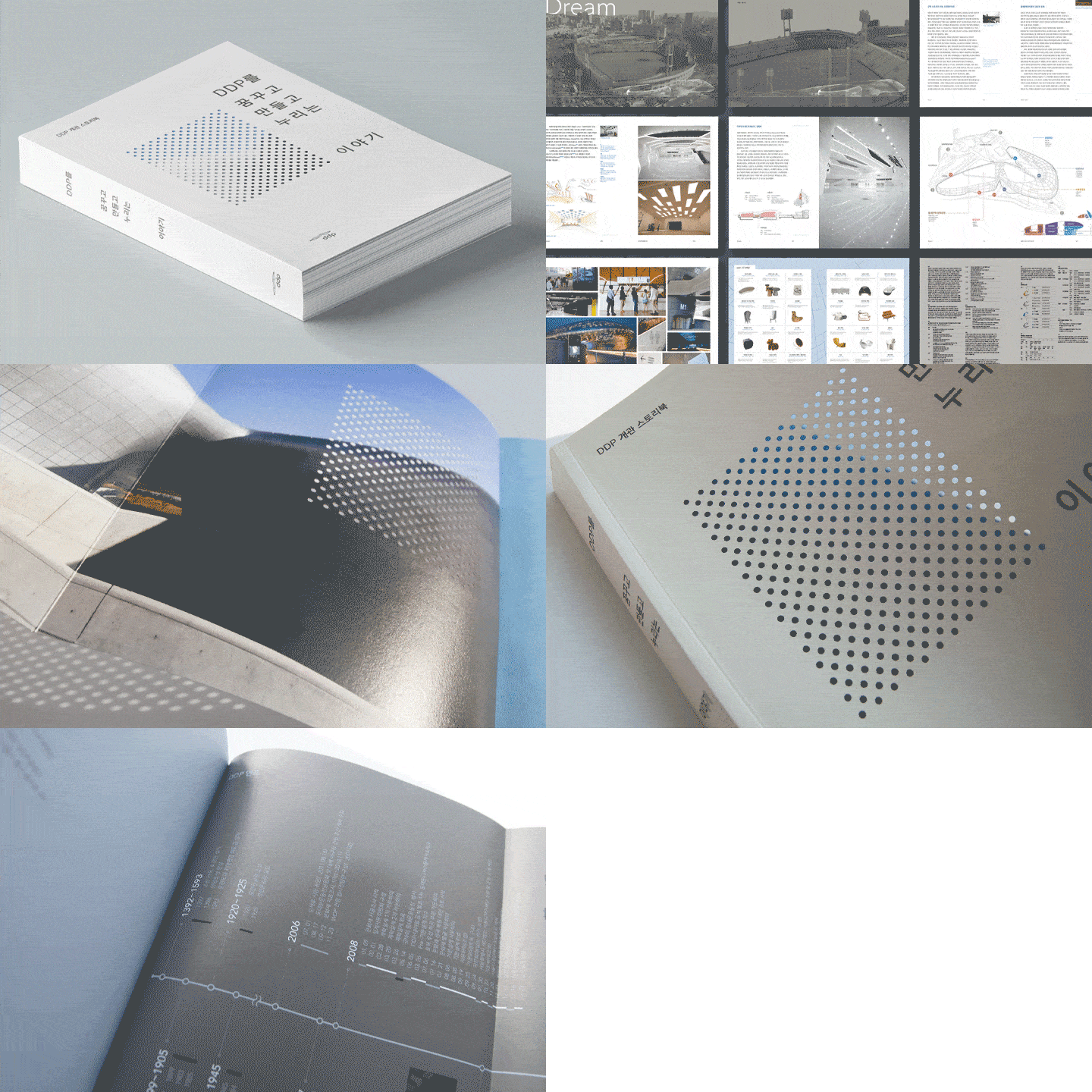
Dongdaemun Design Plaza opening storybook -
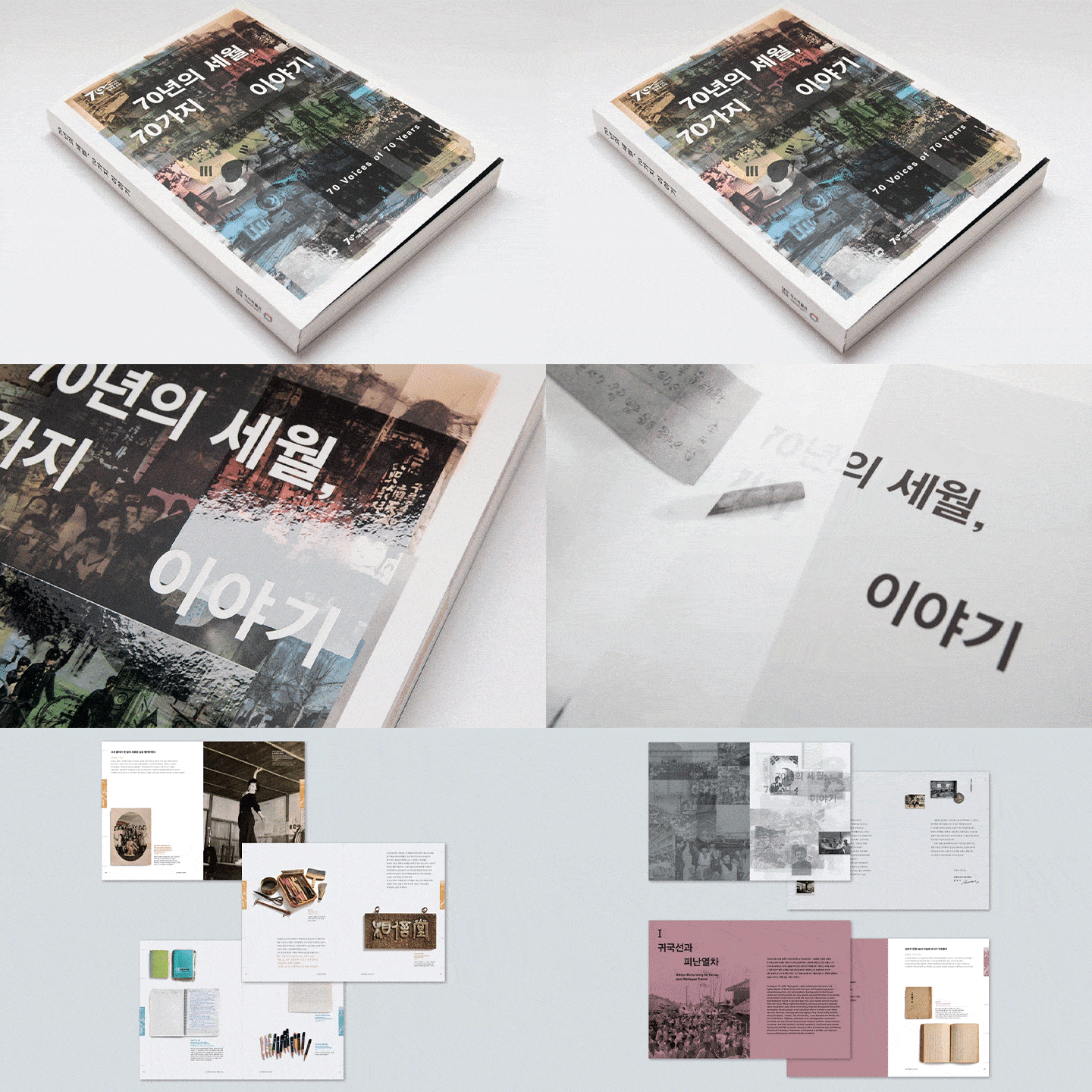
Exhibition catalog commemorating the 70th anniversary of liberation at the National Museum of Korean History
-
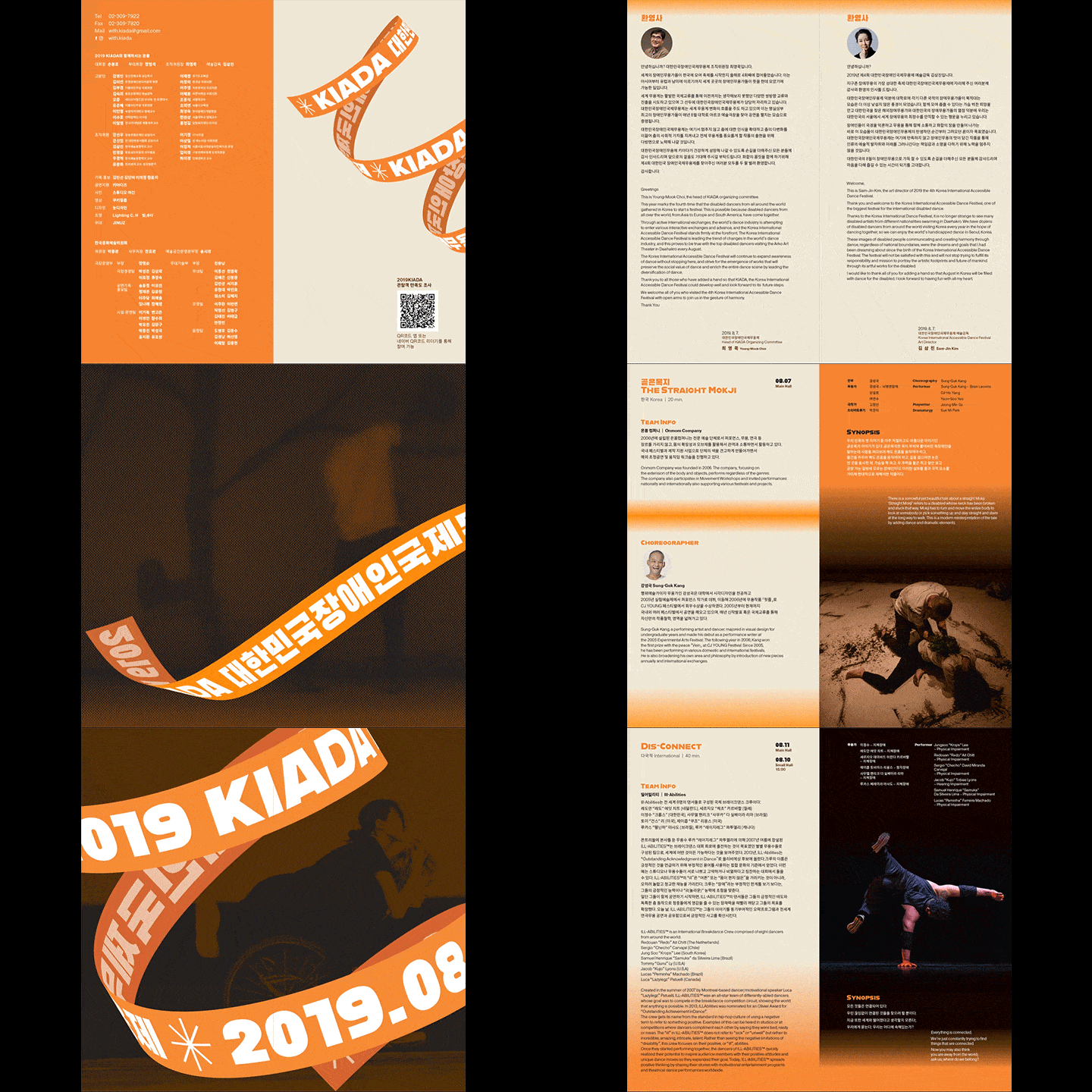
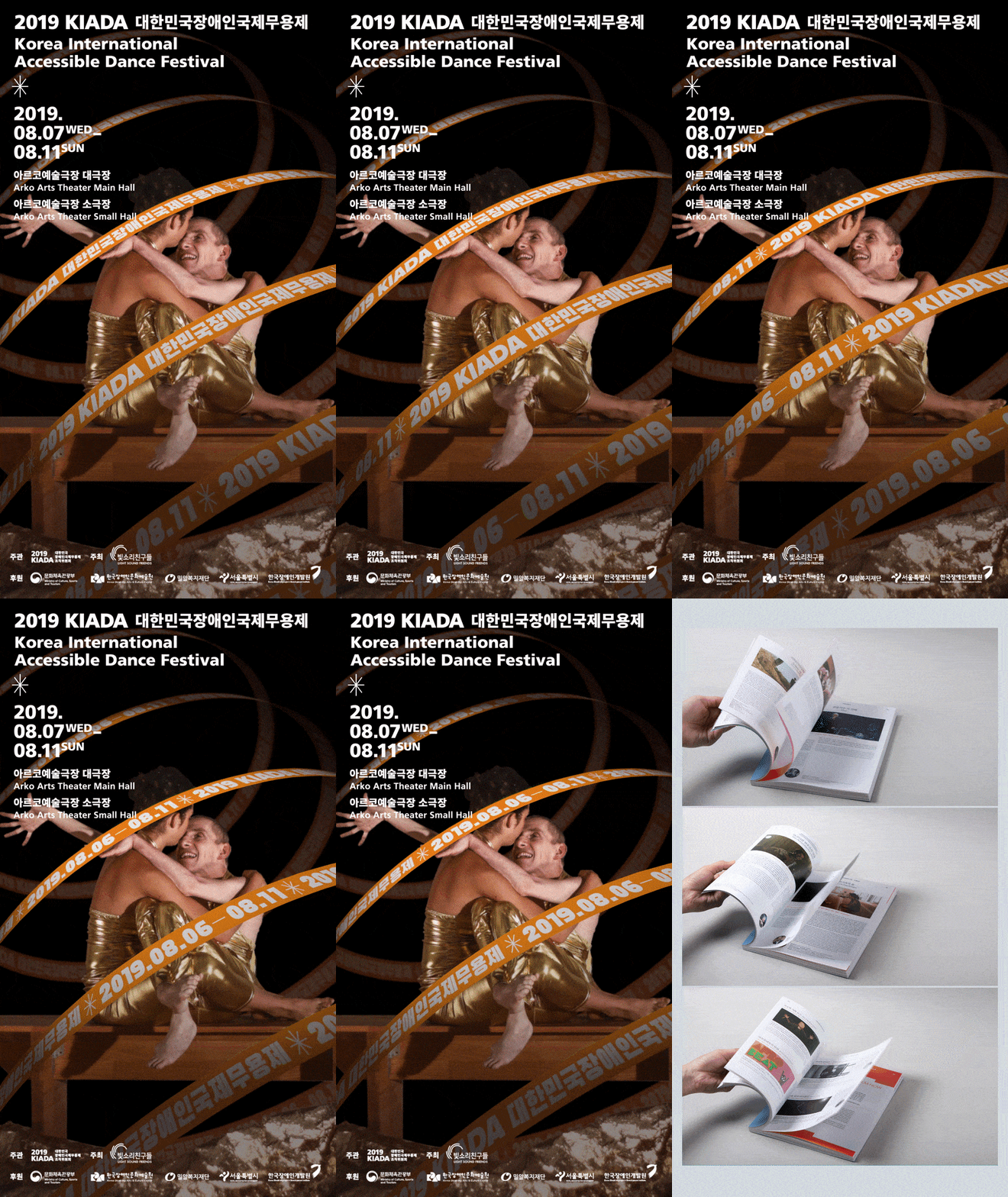
Korea International Dance Festival for the Disabled 'KIADA' branding -
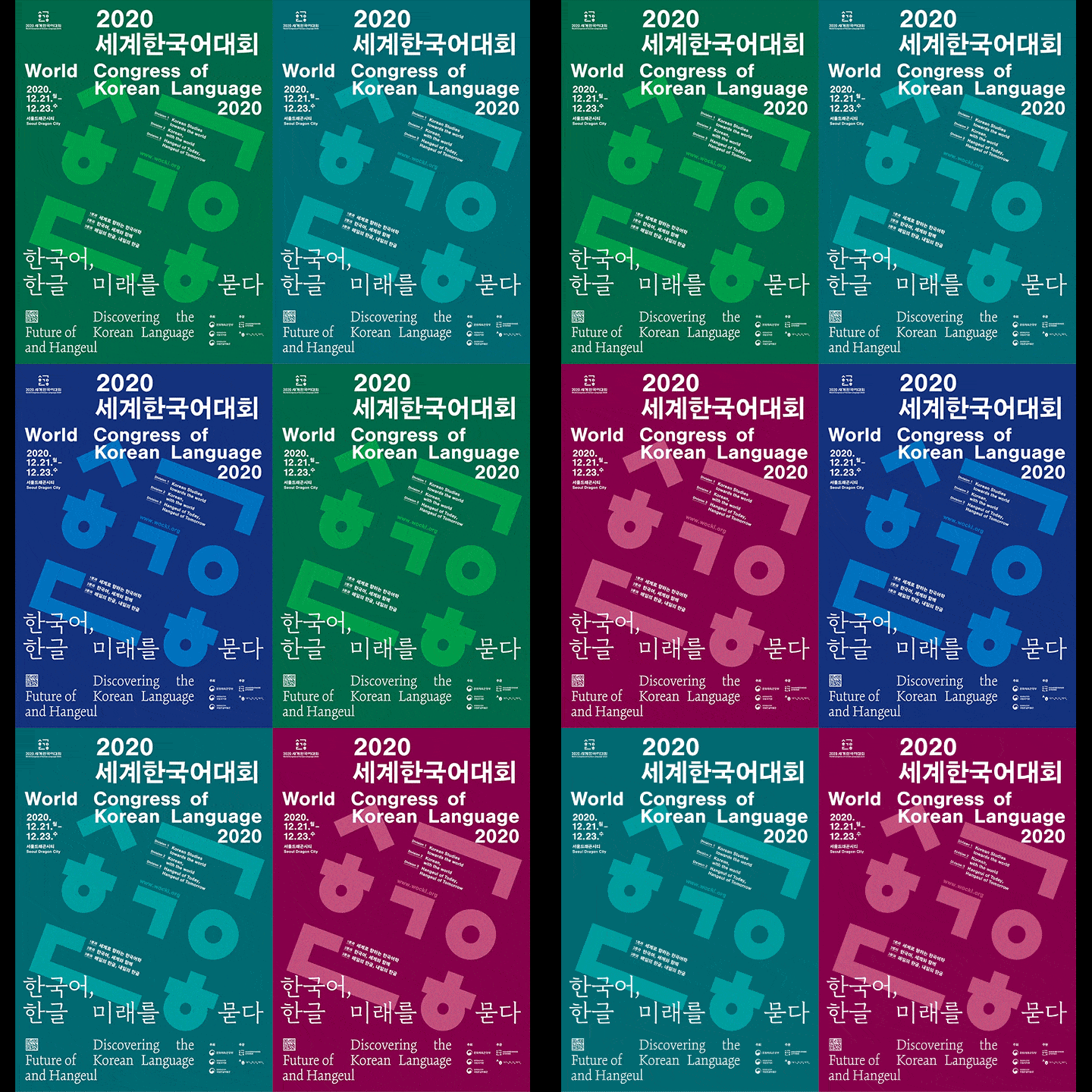
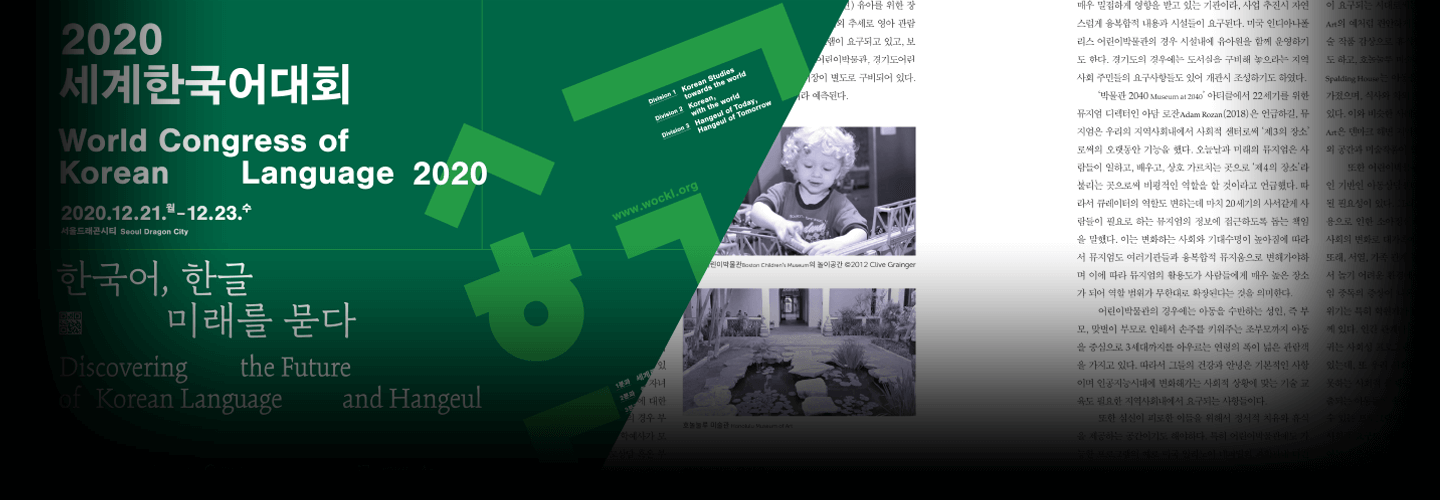
2020 World Korean Language Competition Promotional Material -
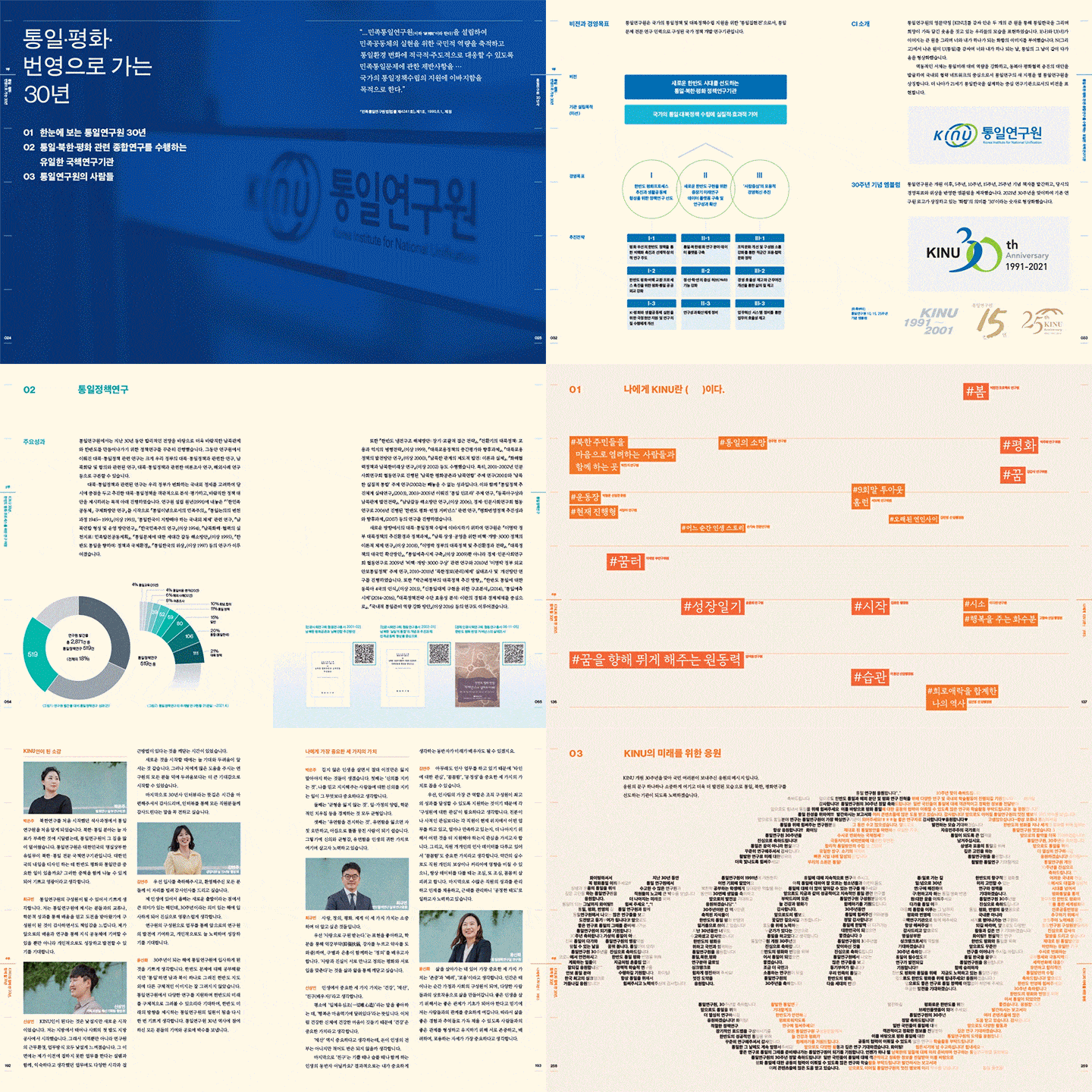
Korea Institute for National Unification 30-year history brochure
-
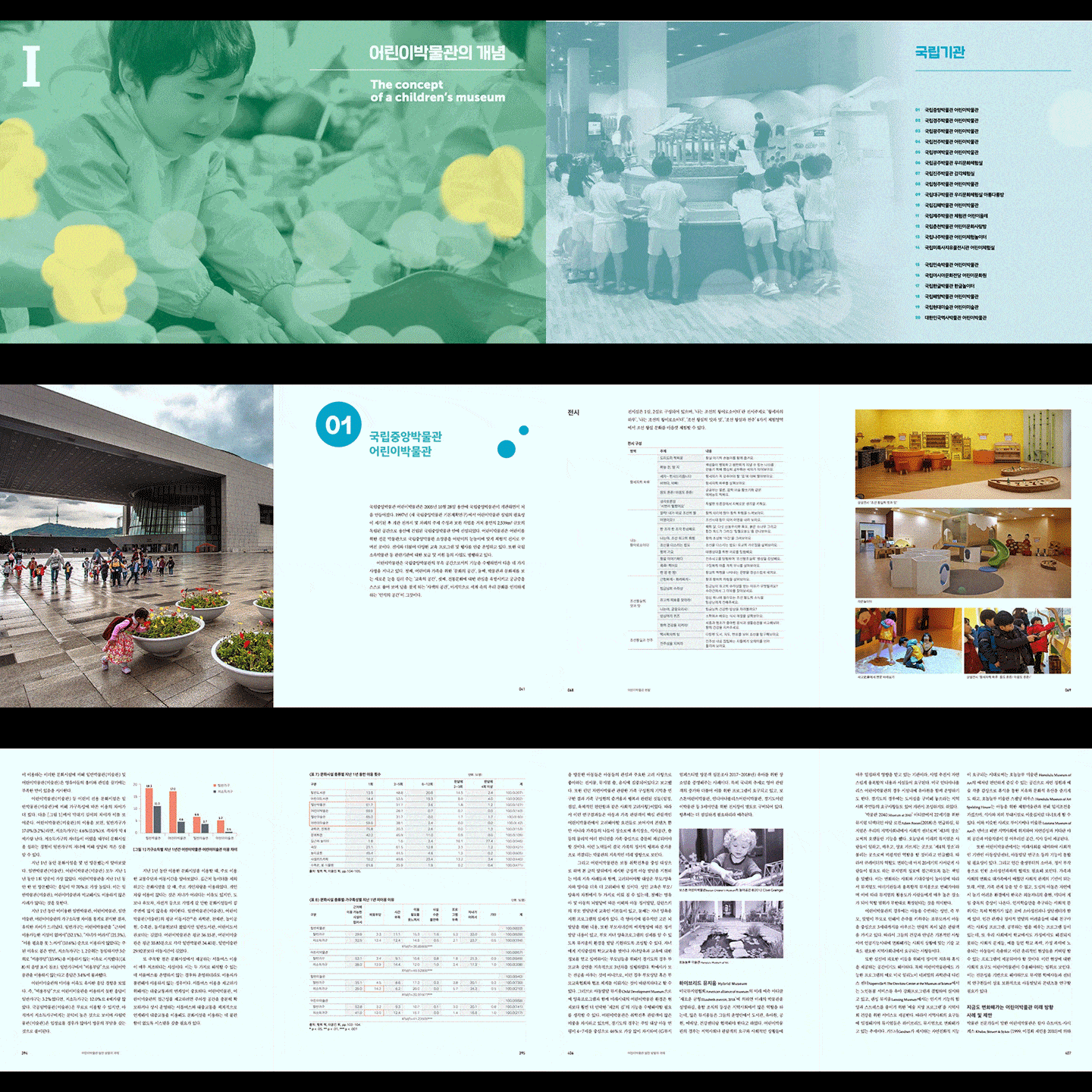
Korean Children's Museum White Paper -
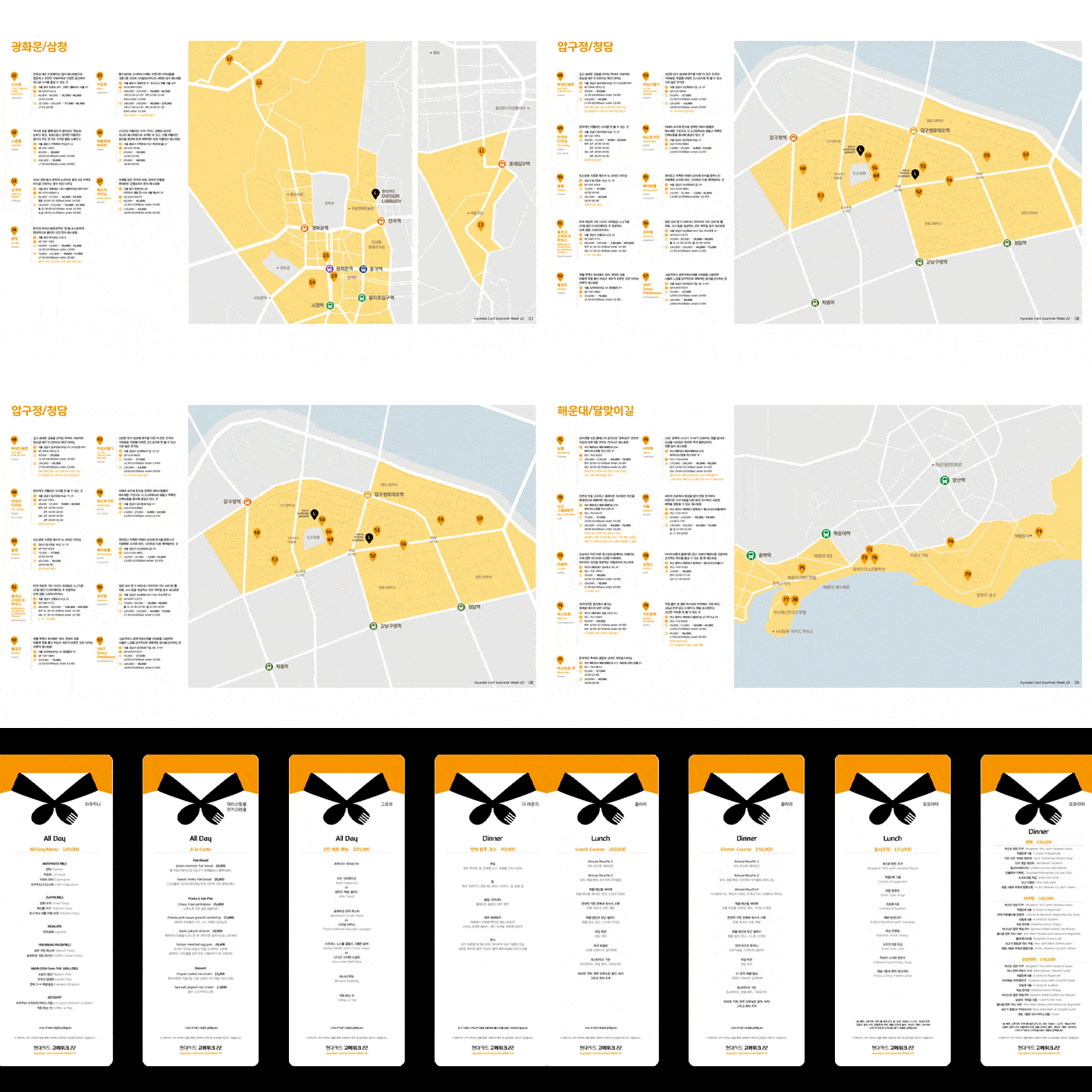
Hyundai Card Gourmet Week 22 Promotional Material -
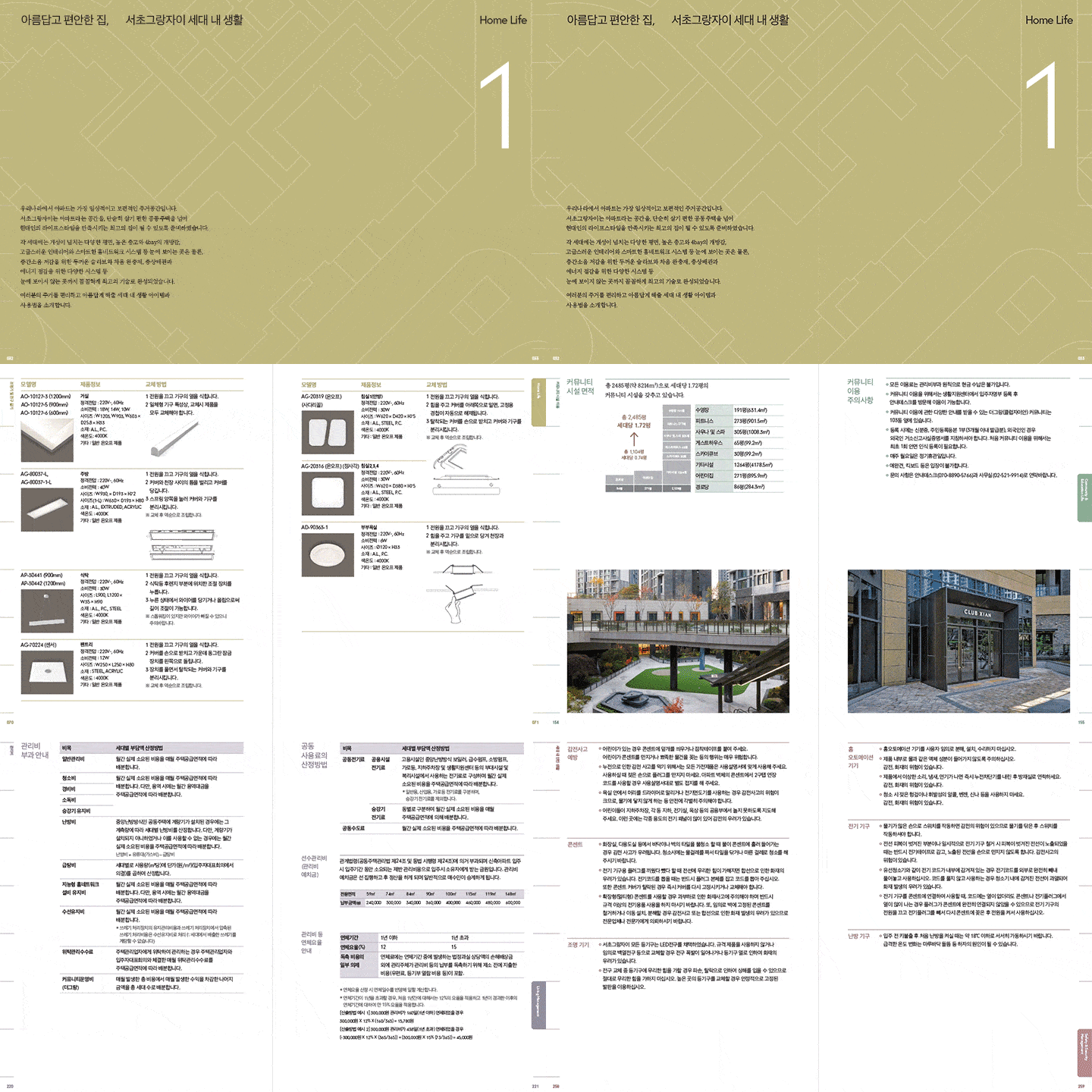
Seocho Grand Xi Premium Book
Why Take This Class?
With many pages of documents, fast-paced collaboration, and constant revisions, are you still doing each and every task by hand repeatedly?
In this class, we will teach you how to set up the work environment and key functions of InDesign that practitioners must know for efficient work and smooth collaboration.
From master pages and various styles to composite fonts, the automation function GREP, and free scripts and plugins, learn all the various features of InDesign that you would lose if you don't know them in one class!
In this class, you will learn how to build an efficient work system to become a designer who can work quickly without mistakes and confidently deal with complex tasks.

Learn practical InDesign skills by creating three types of printed promotional materials.
Final result 01: One-sided invitation letter
-
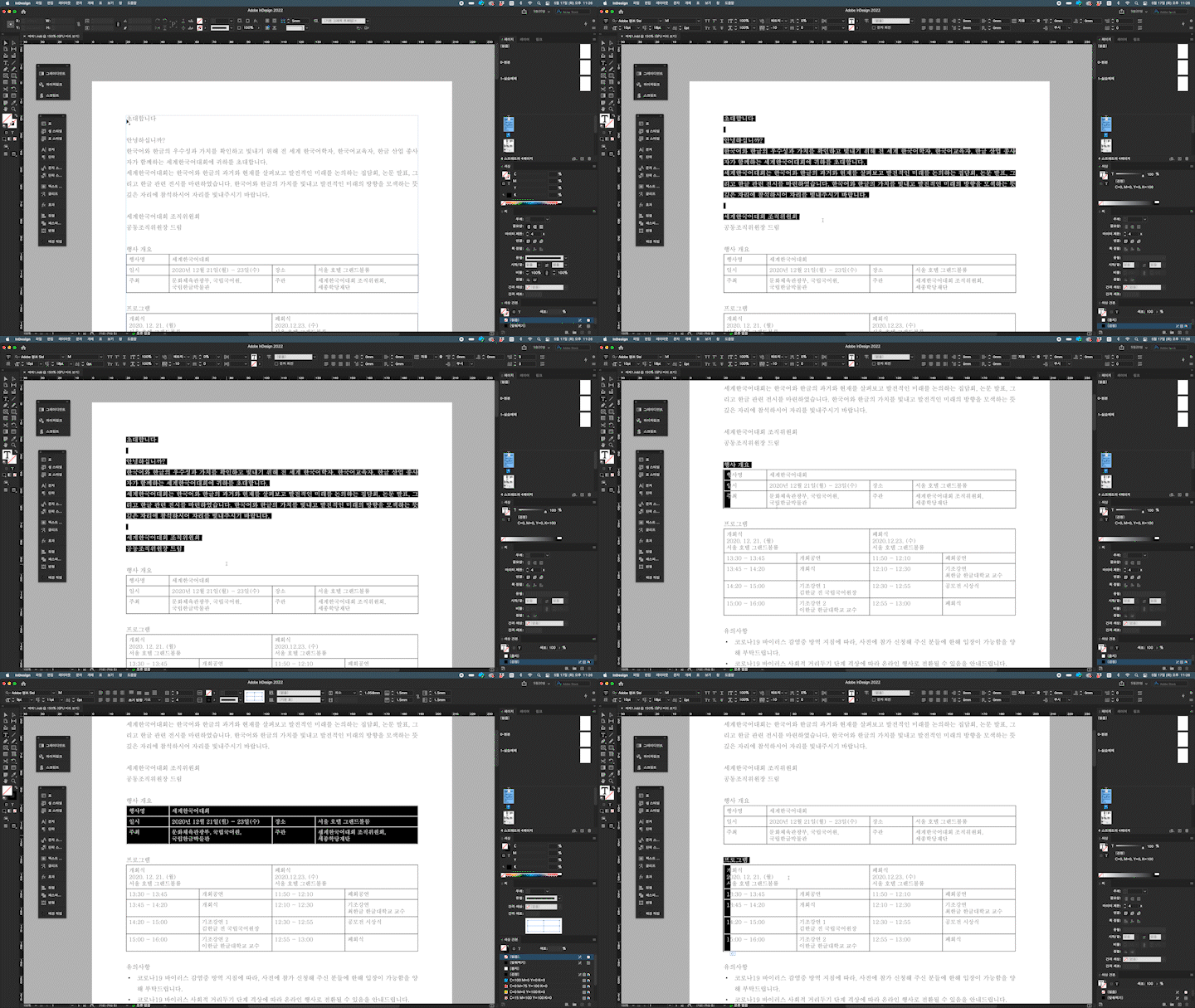
Practice 1. Understanding the manuscript and establishing the concept -
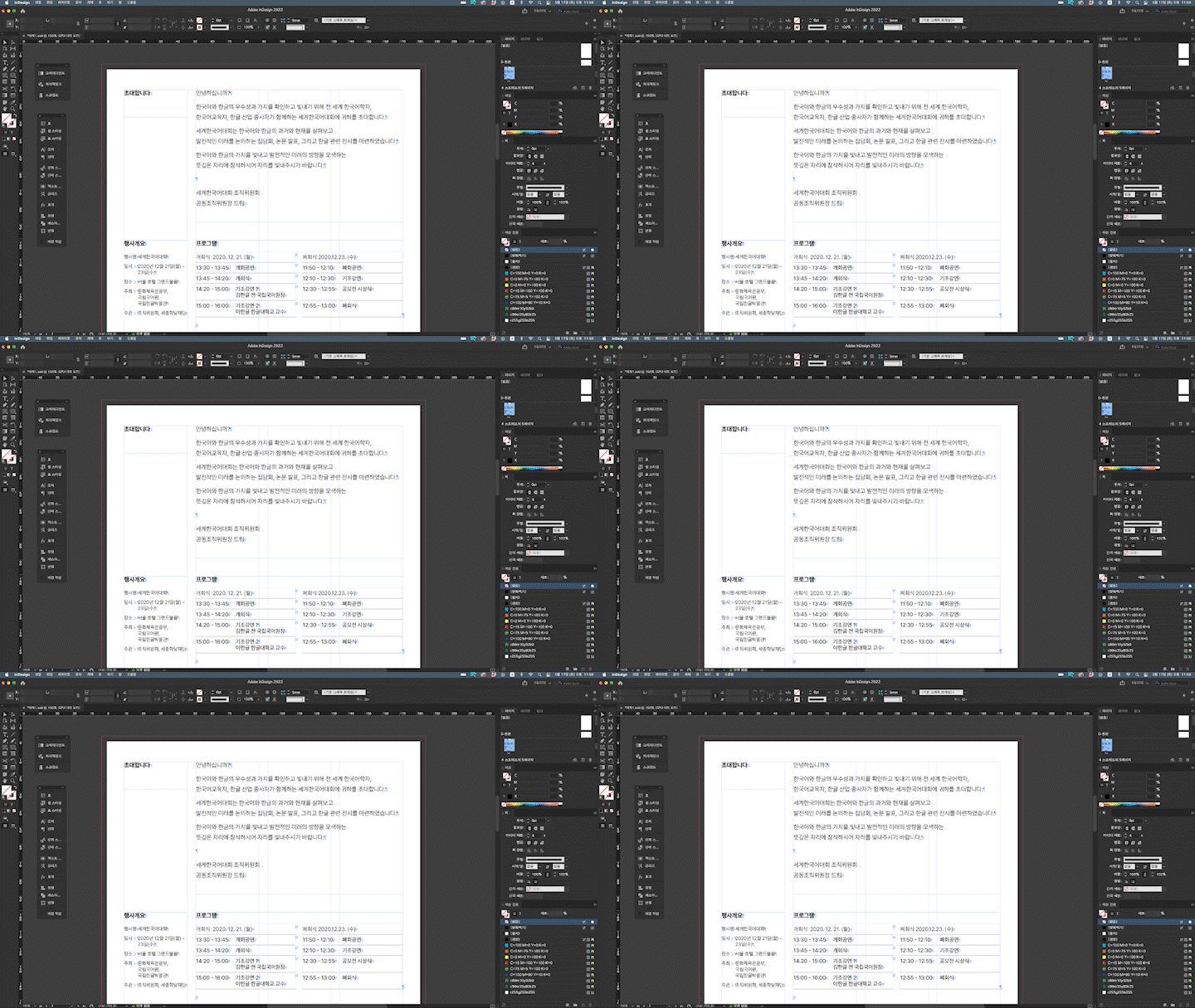
Exercise 2. Single-sided document styling and layout -
Lab 3. Typesetting and styling a single-sided document -
Exercise 4. Applying various fonts and techniques
Final result 02: Solvent-free program book
-
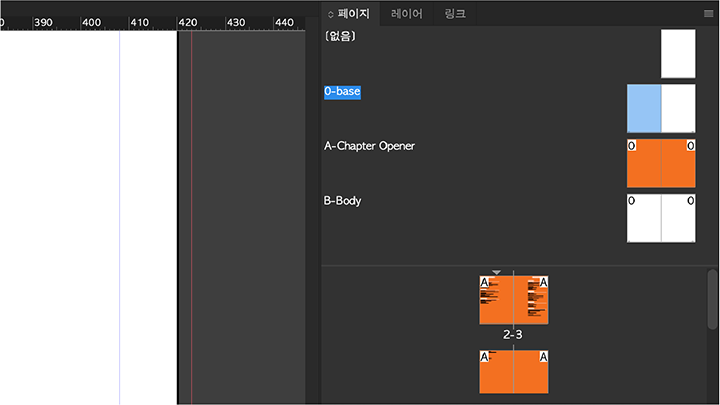
Exercise 5. Master page creation and application -
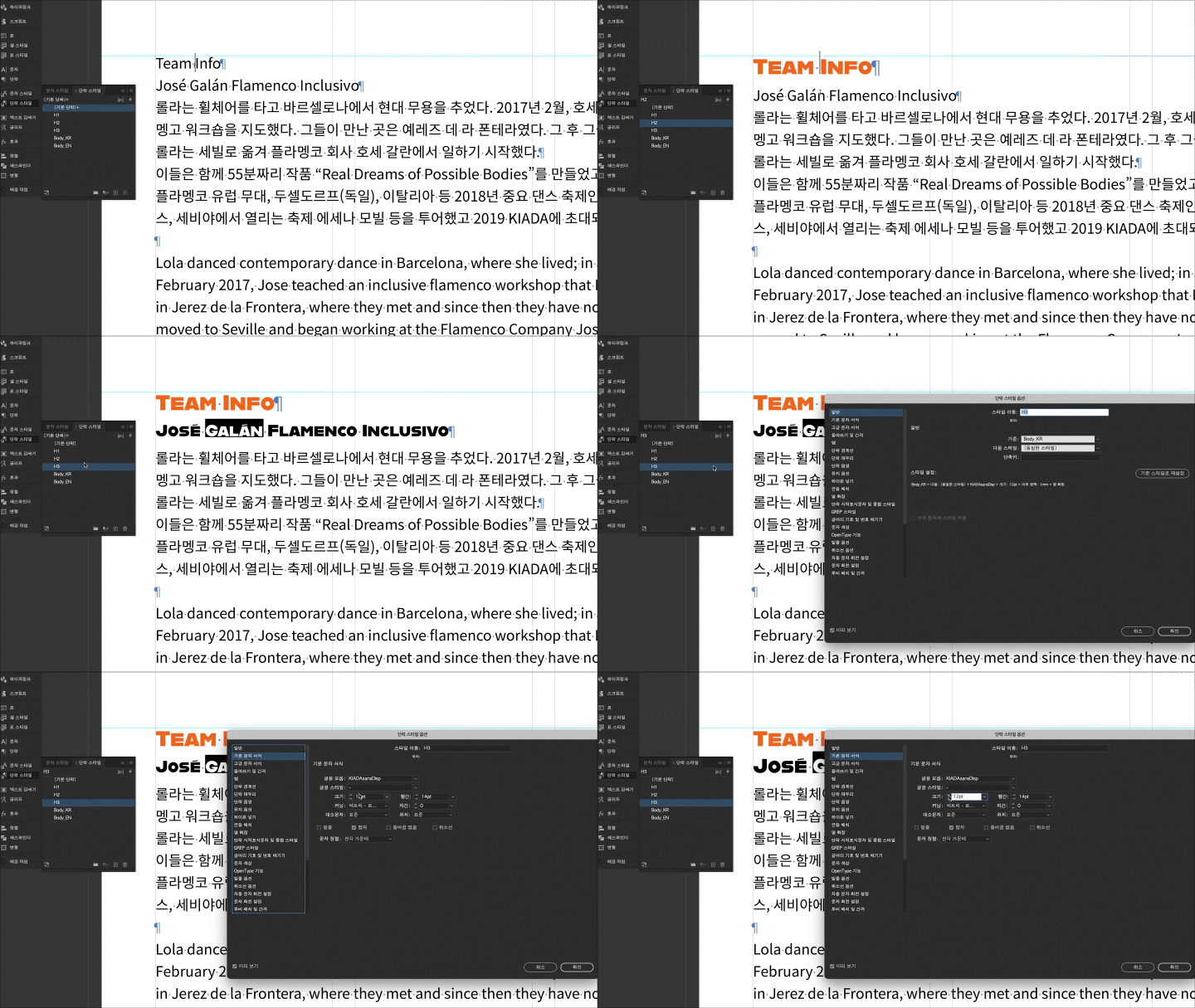
Lab 6. Creating and Applying Styles -
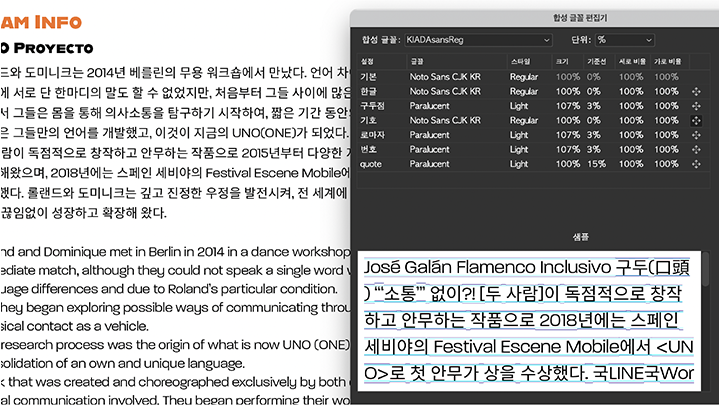
Exercise 7. Using composite fonts 1 -
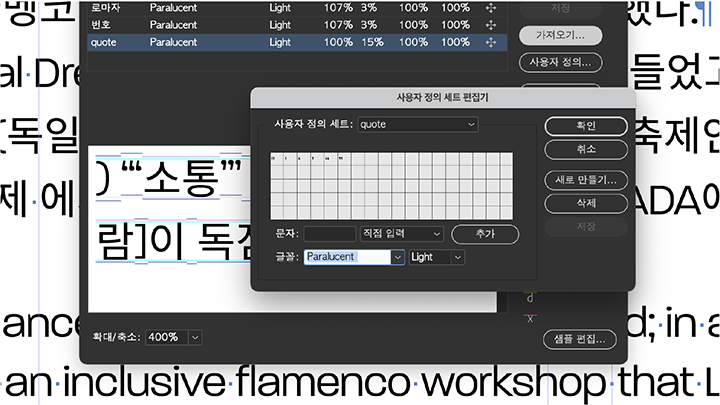
Exercise 8. Utilizing composite fonts 2
Final deliverable 03: Catalog with table of contents and index
-
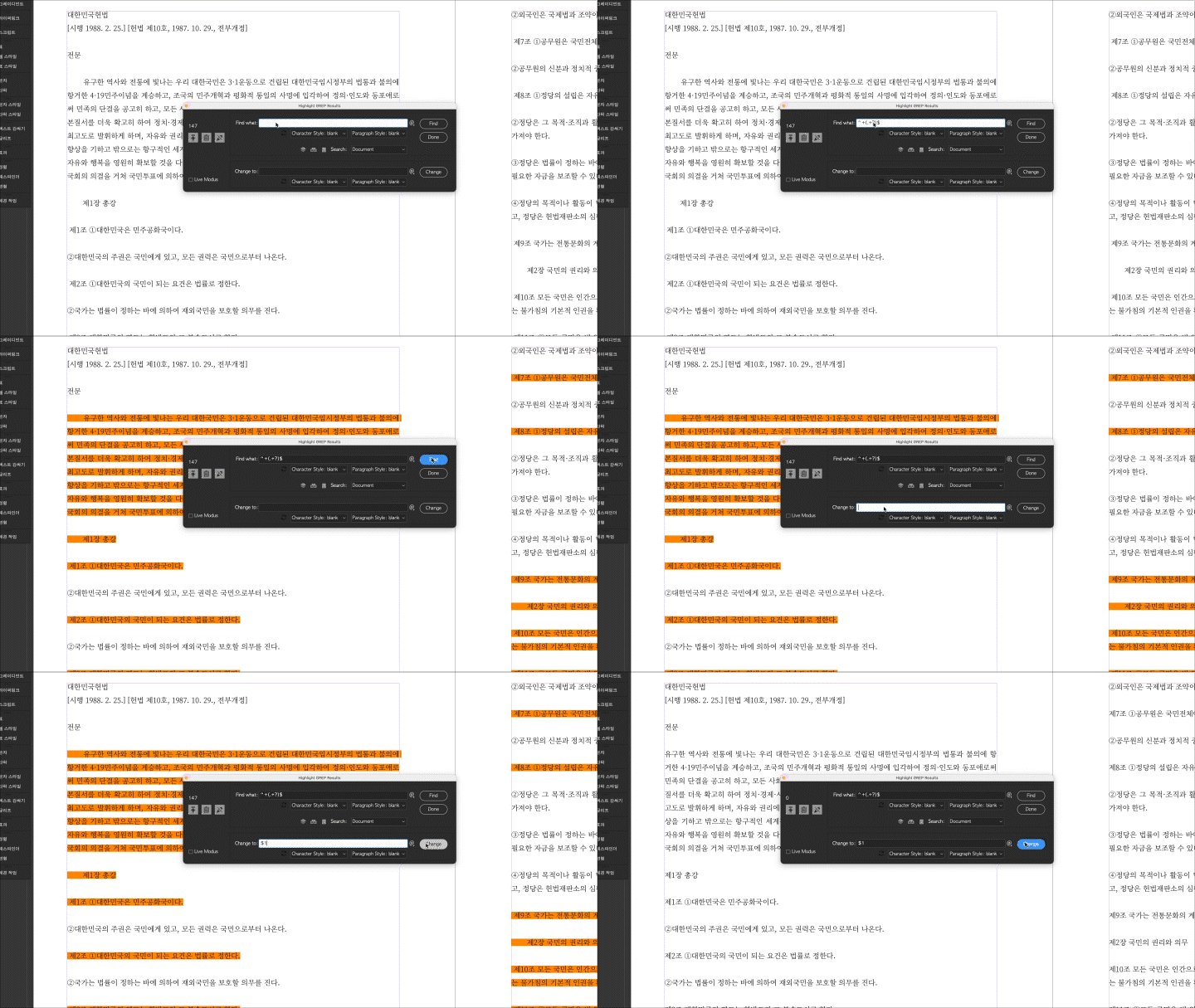
Exercise 9. How to use GREP -
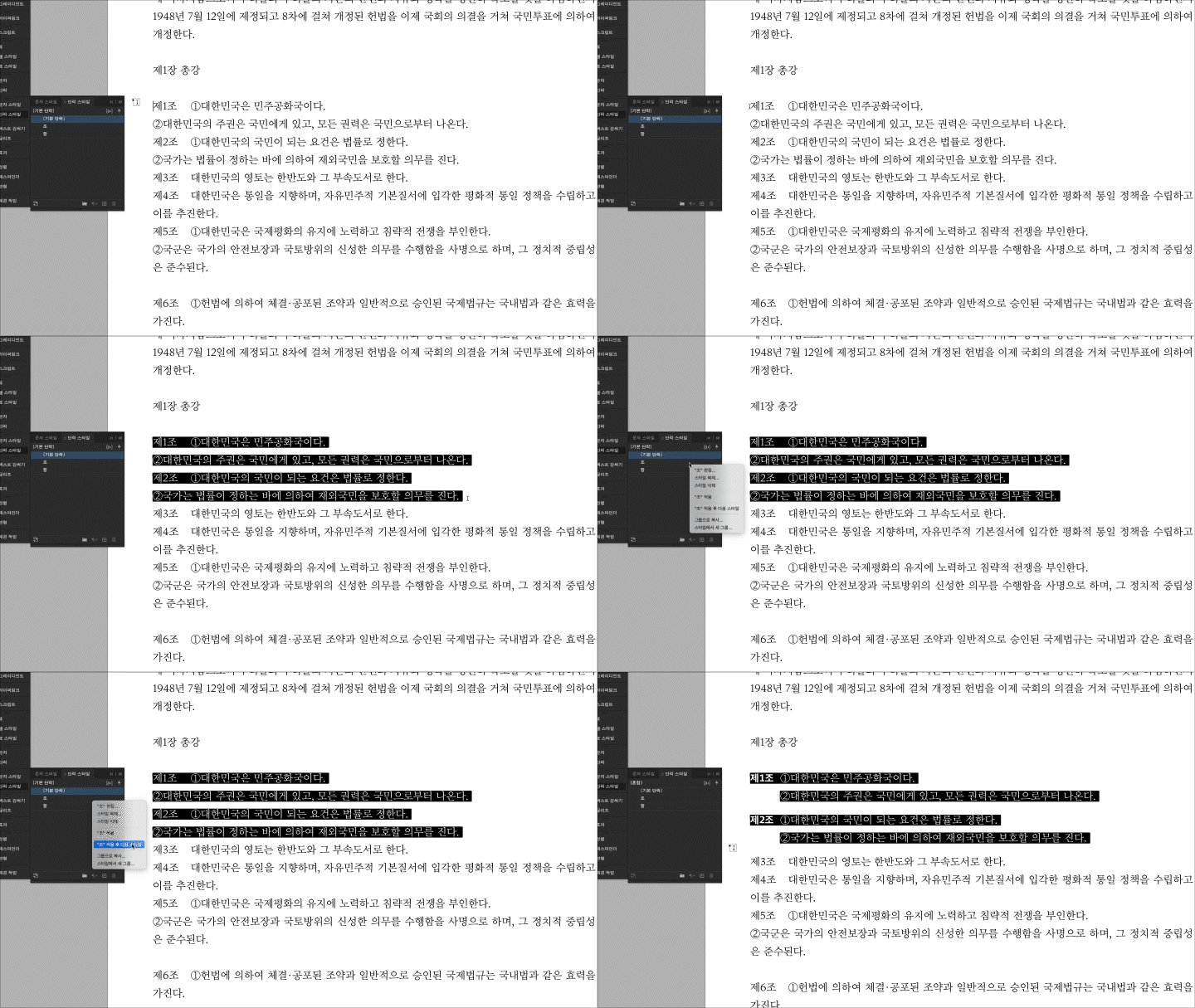
Exercise 10. Next and nested styles -
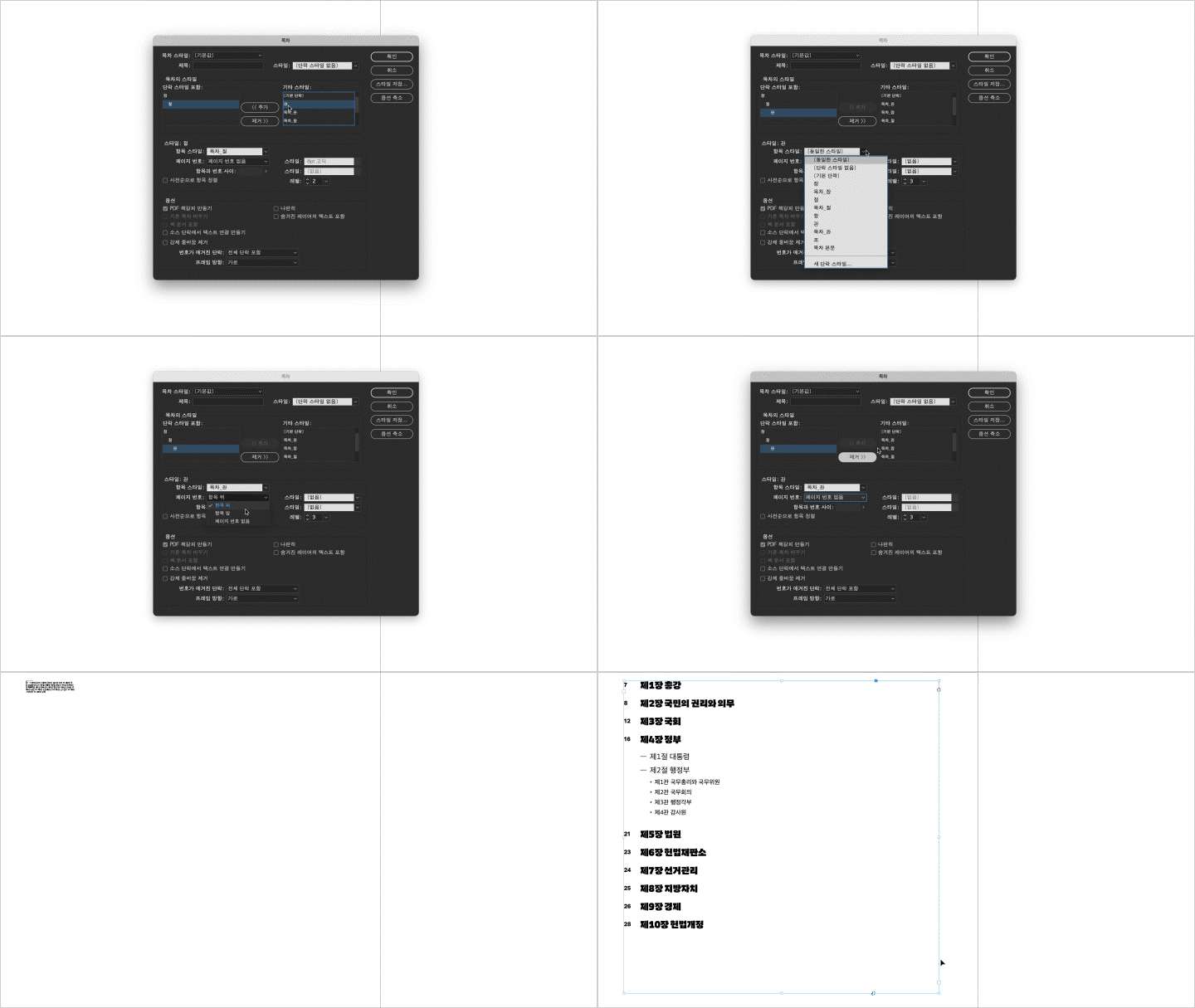
Lab 11.Other Automation Functions
* The results above are actual examples that will be created directly in the class.
Speaker introduction
graphic designer
Somi Kim
I am currently the head of the graphic design studio Noon Design and work on a variety of projects ranging from government and public institutions to non-profit organizations.
In editorial design, it is essential to go beyond simply creating visually appealing publications and learn how to work flexibly and efficiently in a collaborative practice where many variables arise.
Using my know-how accumulated over more than 10 years of experience in various projects, I will teach you not only the basics and applications of InDesign necessary for editorial design practice, but also how to set up an efficient work system and persuasive design skills.
After taking the class, you will be able to become a designer with strong practical skills.


Graphic designer Somi Kim
Current) Noon Design Design Manager
Host of FDSC podcast ‘Design FM’
View more history
[Participating Project]
Graphic motifs and design guidelines for the 2018 Pyeongchang Winter Olympics & Paralympic Torch Relay
2018 Pyeongchang Winter Olympics & Paralympic Games graphic motif 'Hangeul Snowflake' design
Korea International Dance Festival for the Disabled 'KIADA' branding
KINU 30th Anniversary Acknowledgments ‘KINU 30 Years: 1991-2021’
National Folk Museum, National Hangeul Museum,
Exhibition promotional materials and catalogs from the National Museum of Korean History, etc.
15th Jecheon International Music and Film Festival 'JIMFF' promotional material and catalog
National Museum of Korea Children's Museum 'Korean Children's Museum White Paper: 2016-2018'
[Participation Exhibition]
100 Films 100 Posters, Jeonju, 2018
Typojanchi 2017: Body, Seoul, 2017
Poster Issue, Seoul, 2017
China-Korea ODGE, Hong Kong and Shanghai, 2013
[Press]
“[Sisters who change the game⑫] A fair design industry created by feminist designers”, Hankyoreh, 2019.11.09
<Design FM>, Today's Scene, 2019 “Female Designer Talk”, Hovering Text, Media Bus, 2019
“Female designers disappearing alone… “We will survive together”, Women's Newspaper, August 29, 2018
<Graphic #41>, “W Show”, propaganda, 2018
<Design #473>, “Good morning, Manager! Directors of design companies”, Design House, 2017
<WOOWHO>, 6699 Press, 2017
<Design #462>, “Ask to those in the graphic design industry”, Design House, 2016
<Korea, Women, Graphic Designer 11>, 6699 Press, 2016
class features
class features
Typography basics established through InDesign basics and applied learning
By exploring the various features of InDesign, you will learn the basic concepts of typography and solidify your tool foundation. We also cover practical work skills in depth and make them completely your own, from the basics to application.

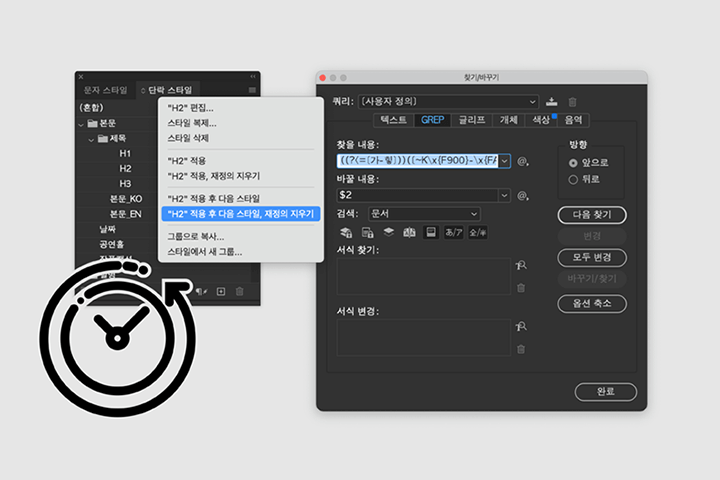
Logical editing design skills completed through practical example exercises
We will experience the differences in design planning through examples with different purposes and hierarchical structures, such as exhibition invitations, international dance festival program books, and event information catalogs, and acquire skills that can be applied to various works in the future.
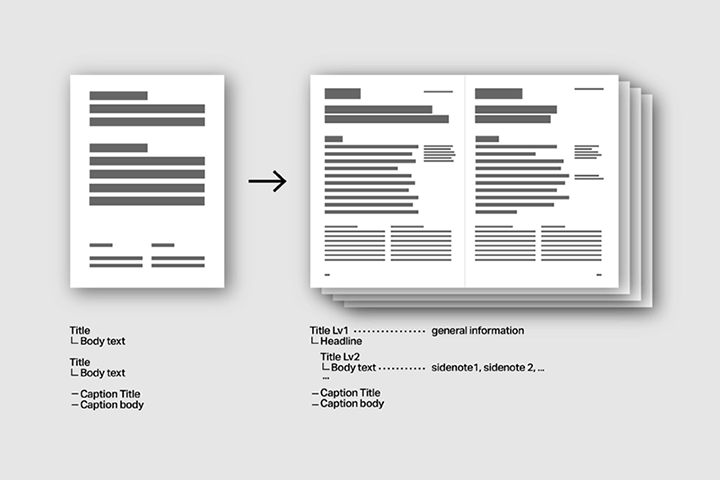
Master work environment settings and automation functions for leaving work early
Stop doing simple repetitive tasks! Build a consistent system that efficiently responds to repetitive tasks using master pages, styles, composite fonts, and InDesign's automation feature, GREP.
Class composition
learn this
-
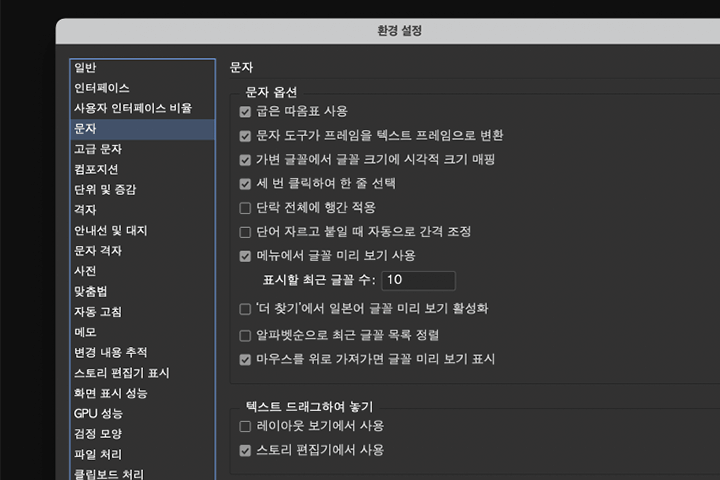 A closer look at the InDesign work environmentLet's take a look at InDesign's basic UI, set up a workspace, and establish the basic process for editing design work.
 -
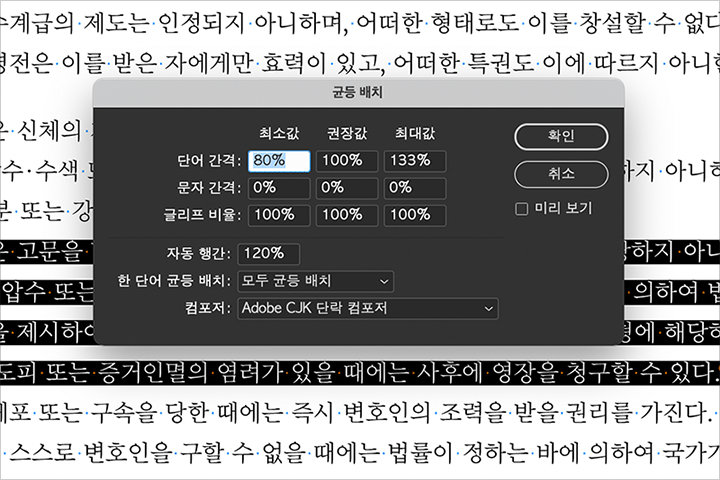 Essential typography concepts for InDesign practiceLearn how the basic concepts of typography are incorporated into InDesign through the 'Character' and 'Paragraph' panels and the 'Composite Font' function.
 -
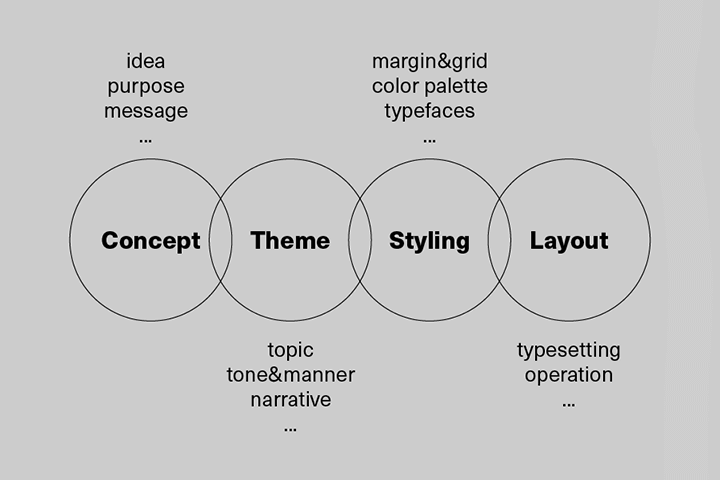 Planning detailed elements that fit the design conceptAfter setting the concept and theme to effectively convey the message of the document, set detailed elements such as layout, type setting, and decorative elements to suit the purpose of the manuscript.
-
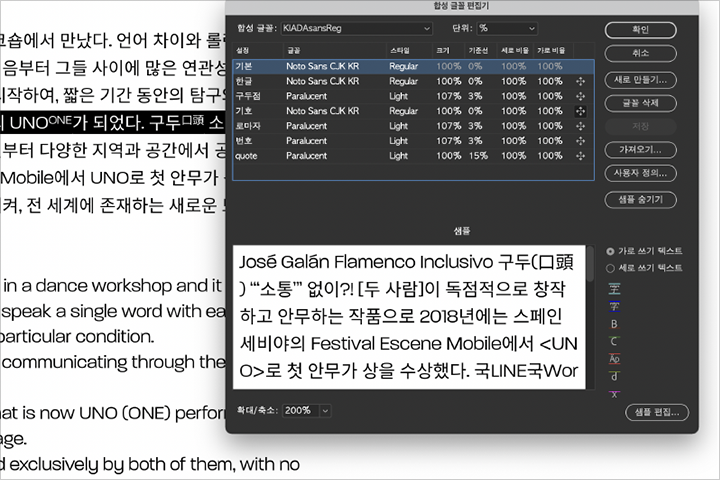 Multilingual typesetting practice focusing on Hangul for high readabilityPractice multilingual mixing through the detailed functions of paragraph style, composite fonts, and GREP, and create visually stable publications through practice in the international dance festival program book.
 -
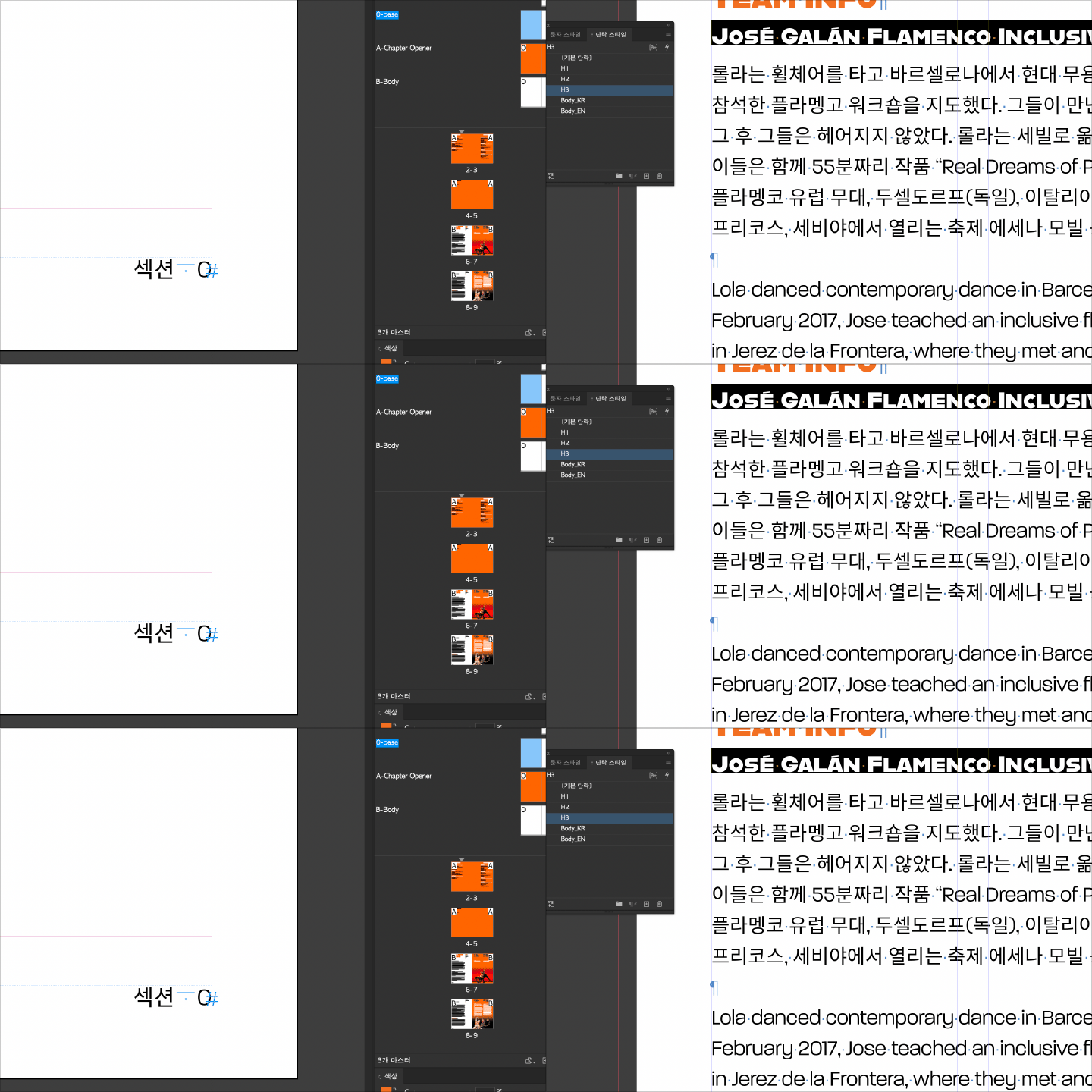 Master pages and style features to bring consistency to your documentsIf you want to respond flexibly in a collaborative environment where countless modifications occur, you must know the master page and style functions! Understand the overall structure of the work and build an organic and systematic system.
 -
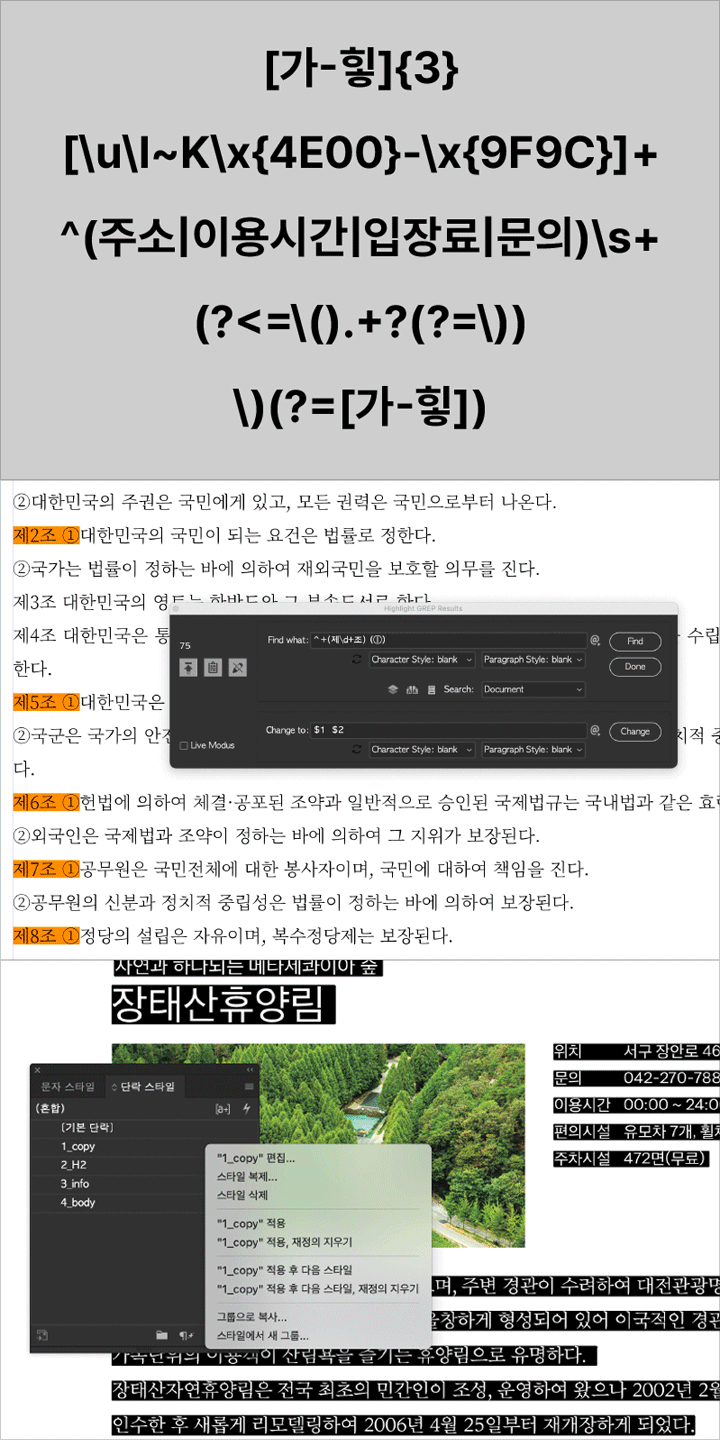 Learning automation functions that increase work efficiencyThrough various automation functions, including GREP, you will learn how to find patterns in complex and numerous pages and work on documents efficiently.
curriculum
curriculum
Show me the curriculum
SECTION 01. OT
01. Lecture introduction
- Speaker Introduction
- Curriculum Introduction
SECTION 02. InDesign and Typography
02. A closer look at InDesign
- InDesign Workspace Settings
- Take a closer look at your preferences
03. Learning typography with InDesign 1
- Similarities and differences between early print typesetting and InDesign typography
- Basic concepts of typography learned through InDesign
- Difference Between Paragraph and Character
04. Learning typography with InDesign 2: Letters
- What is a good font?
- A Closer Look at the Character Panel
- Basic type settings: letter spacing, line spacing, kerning, etc.
05. Learning typography with InDesign 3: Paragraphs
- What is good typesetting?
- A closer look at the Paragraph panel
- Basic paragraph settings: alignment, paragraph spacing, indentation, etc.
SECTION 03. InDesign and Editorial Design
06. InDesign and editorial design
- Basic workflow for editorial design
07. Manuscript review, design concept and theme establishment
- What kind of edit should I make? (Understanding the content)
- What do you want this compilation to look like? (Establishment of concept and theme)
- Research process required for ideation
08. Styling, layout
- Creating a 'look' based on concept and theme
- Format, grid, margin, theme settings
09.Type setting
- Find a matching font
- Body settings
- Create a list, create a table
10. Apply
- Apply various fonts and techniques depending on the concept
- Consulting References Correctly
SECTION 04. Creating a system that responds to collaboration and modification
11. What is system construction and why is it necessary?
- Design is collaboration: creating a language to work with clients, collaborators, and colleagues
- Creating a system that responds to variables such as worker changes and modification requests
12. Master page and basic typing
- Master page concept
- Create and apply basic master
- Creating page notes: page numbers and section markers
- Minimizing text boxes by thread and paragraph spacing
- Create a hanging object
13. Refine your typesetting: Paragraph styles and character styles
- Linkage structure of paragraph style and character style
- Paragraph/character panel review and application
- Structuring styles with 'base styles'
14. Type Setting: Composite Font 1
- Basic concepts of composite fonts
- Sometimes you should use composite fonts, and sometimes you should use GREP?
- Things to keep in mind when using composite fonts
- Basics of creating composite fonts
15. Type Setting: Composite Font 2
- Adjust detailed values
- Create custom composite fonts
- Link with paragraph style
SECTION 05. Automation function to help you leave work
16. GREP 1
- Basic principles of GREP
- Greb expressions useful in practice
17. GREP 2
- Organize documents efficiently using the GREP function
18. Next style and nested style
- GREP and 'nested styles'
- Create a catalog with the 'Next Style' feature
- Applying nested styles and next styles
19.Other automation features
- Create footnotes
- Creating a table of contents and index
- Use other automation features and scripts
SECTION 06. Conclusion
20. Finishing for high-quality print results
- Criteria for selecting feeders and post-processing
- PDF for Print Orders: Creating and Reviewing Properly
- From false binding to printing supervision
21. Become a good graphic designer! (feat. Top 10 common mistakes made by junior designers, TIP for organizing files for collaboration)
- Organizing folders and organizing files
- System settings tailored to your printing environment
- Organizing text boxes and objects
- Collaborate actively
interview
What graphic designer Somi Kim wants to say

Question. 01
What is the planning intention or point of this lecture?
What is the planning intention or point of this lecture?
Based on my experience training new designers within the company and the opinions of fellow designers, I included in the lecture content that people who are working on editorial design for the first time with InDesign would be curious about and want to learn. We will teach you how to establish the basics and flexible work process that can respond even when texts of various hierarchies encounter various variables and constraints, focusing on collaboration according to the practical environment .
Question. 02
What is the instructor's unique difference in teaching this course?
What is the instructor's unique difference in teaching this course?
Based on the InDesign know-how gained from working in the graphic design industry for more than 10 years, we created a lecture that allows you to practice both the tool's functions and practical processes . Additionally, through my experience with several large-scale projects, I felt the need to 'build a systematic system' for typography and collaboration. Through examples, we will explain the unfamiliar and difficult advanced features of InDesign in an easy-to-understand manner and teach you how to organize your documents with accurate typography and a logical file structure .
Question. 03
What do you think students will gain from the lecture?
What do you think students will gain from the lecture?
Designers who are not familiar with practical collaboration or who have not had the opportunity to use tools in depth have difficulty working efficiently. In this lecture, you will learn the basic process of editorial design and how to construct multiple visual elements persuasively . If you learn how to use InDesign efficiently and its automation features , you will be able to save work time and realize your intentions more clearly.
We will guide you through the program to use.
This class will be conducted using Adobe Indesign CC 2022 Korean version .
To ensure smooth course participation, please install the corresponding version of the program separately.
* You can take the course in lower versions after CC.
* Programs and materials are not provided separately.