Digital Artist, Kazusa_카즈사 Details
Intro
Class Intro
Digital Artist, Kazusa
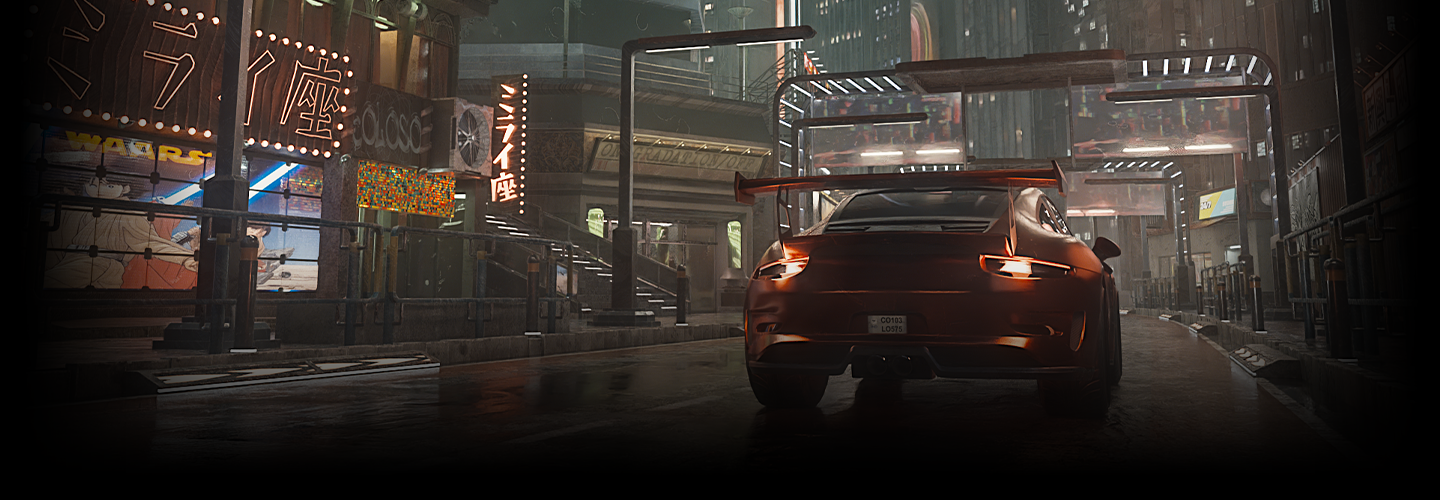
Use Blender to create cinematic, cyberpunk style animations.
Use the Basic Functions of Blender to Create
A Cinematic Cyberpunk Animation
Learn how to create a cyberpunk-style 3D video using Blender's basic functions from Kazusa, an expert in creating photorealistic worlds and visual effects.
Discover how to use Blender and its modeling functions, compose buildings and backgrounds, and try cinematic movements using Kazusa's unique tips.
Discover how to use Blender and its modeling functions, compose buildings and backgrounds, and try cinematic movements using Kazusa's unique tips.
After mastering the basics, create backgrounds and animations through a practical workflow. You will also pick up on Kazusa’s specialties of making smooth movements and camerawork for car animations.
You’ll even learn tips and tricks to enhance the quality of your work using Substance Painter and After Effects. In addition to workflow tips and fundamental skills, the class covers concepts necessary for video production, such as the key points of moviemaking and layouts. Uncover the secrets of 3DCG production with a cyberpunk twist at Coloso!
You’ll even learn tips and tricks to enhance the quality of your work using Substance Painter and After Effects. In addition to workflow tips and fundamental skills, the class covers concepts necessary for video production, such as the key points of moviemaking and layouts. Uncover the secrets of 3DCG production with a cyberpunk twist at Coloso!
Class Perks
Get These Coloso Exclusives
-
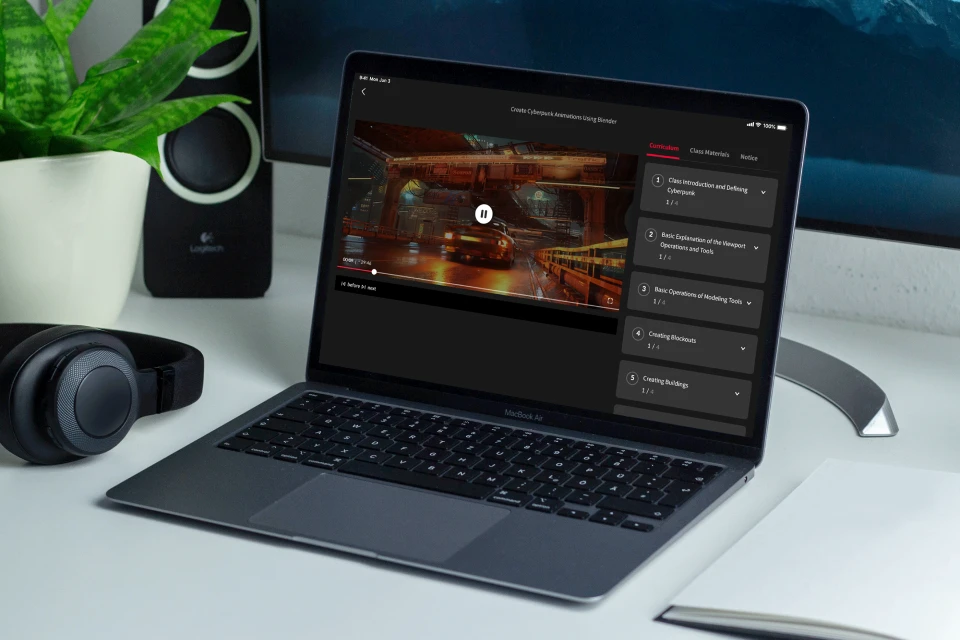
Unlimited Access to All 23 Classes -

Material Files Used in Class Exercises -

Hands-On Exercise Files
Class Material Details
-
 Data and Material Files- 4 Blender files (.blend)
- 200+ texture data files (.png) -
 Hands-On Blender Exercise Files- 1 final project, 4 final Blender files (.blend)
Expert Digital Artist Kazusa's Portfolio
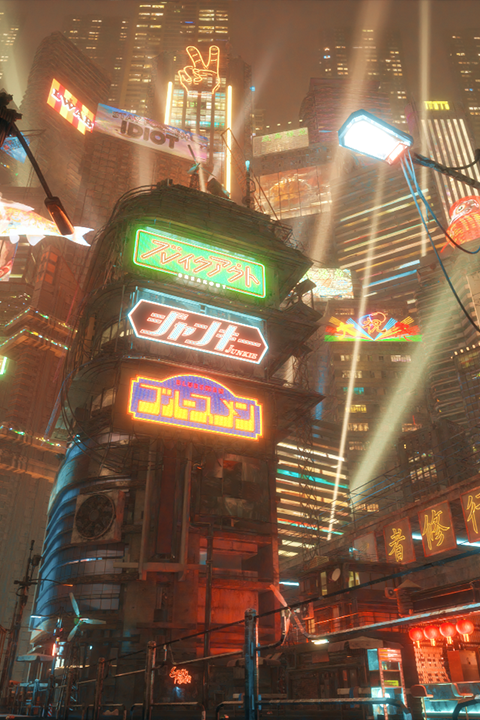
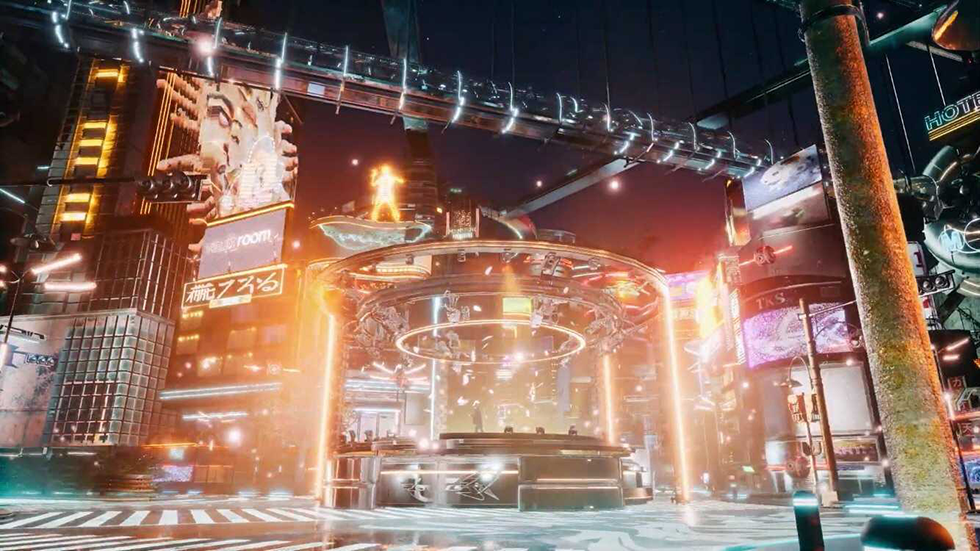
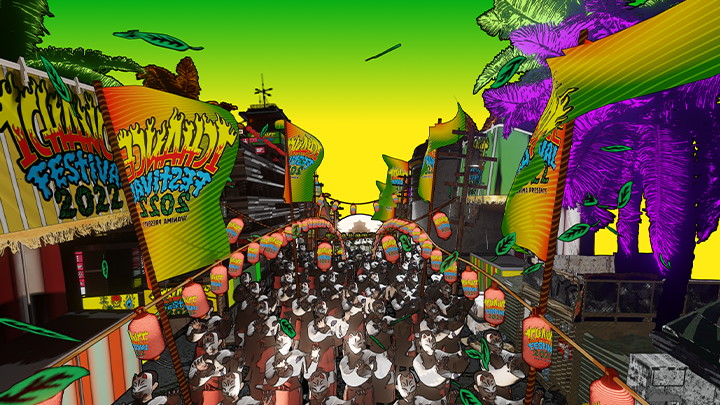
8 Class Exercises
-
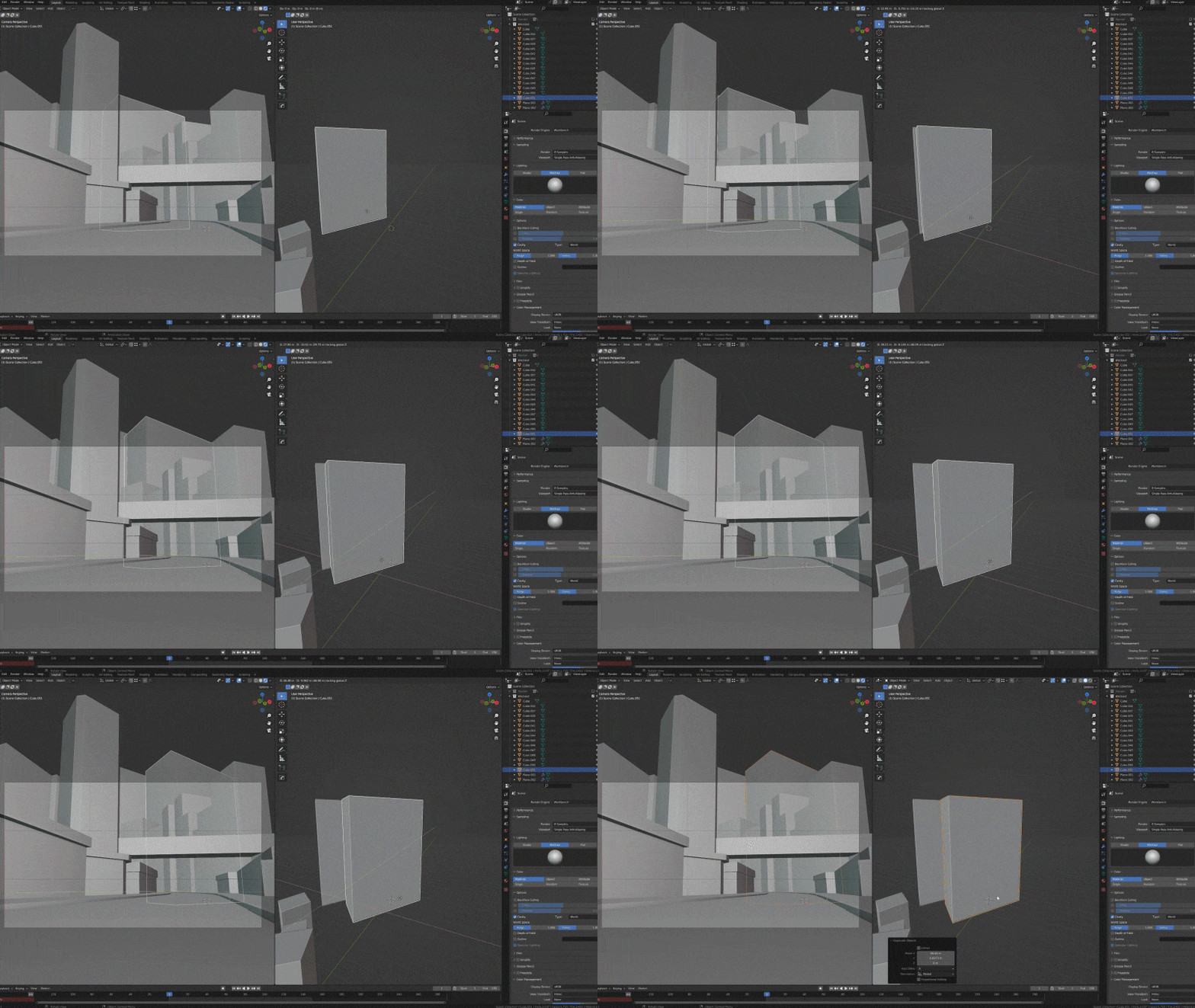 Creating a Layout
 -
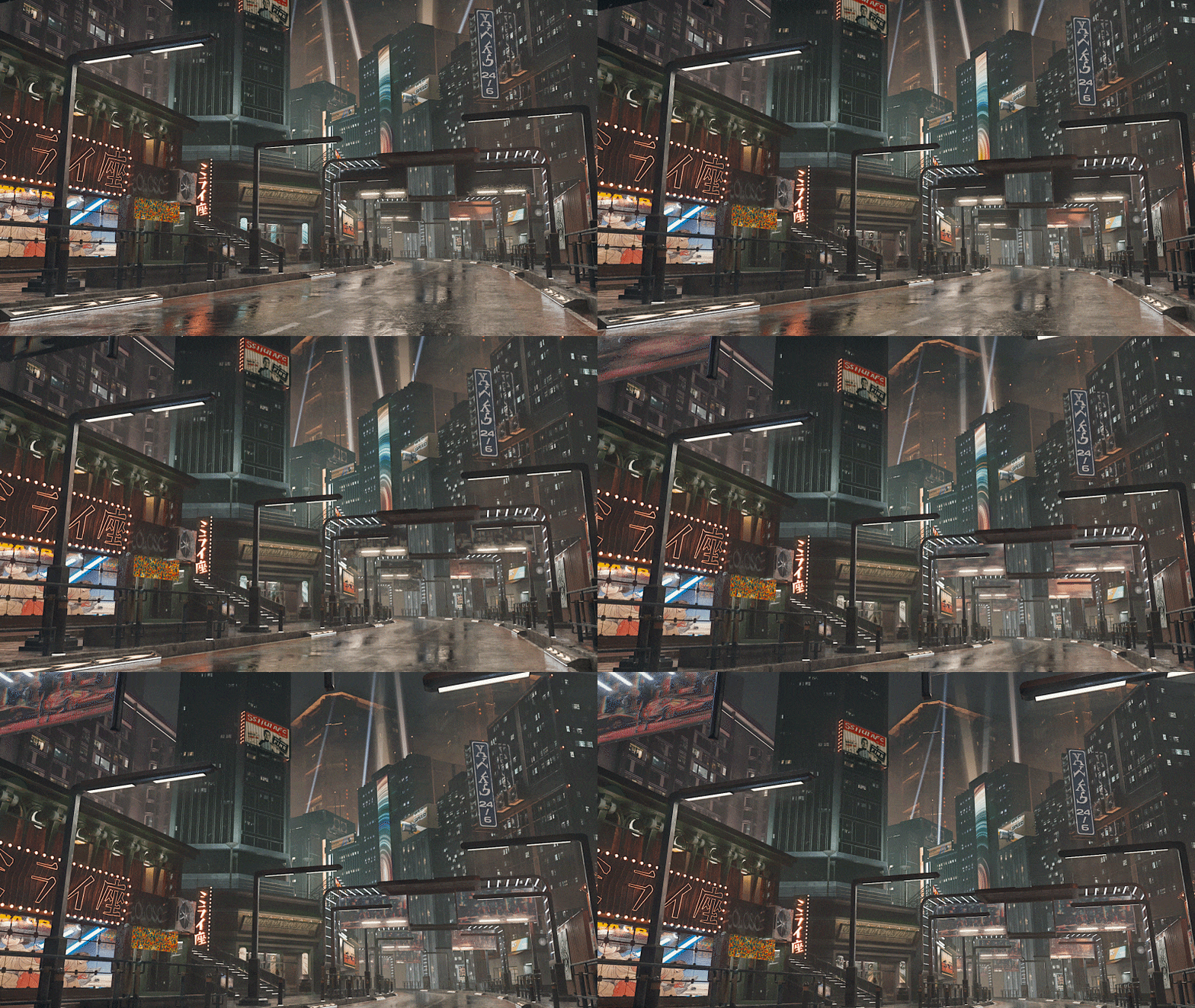 Moviemaking with a Cyberpunk Style
 -
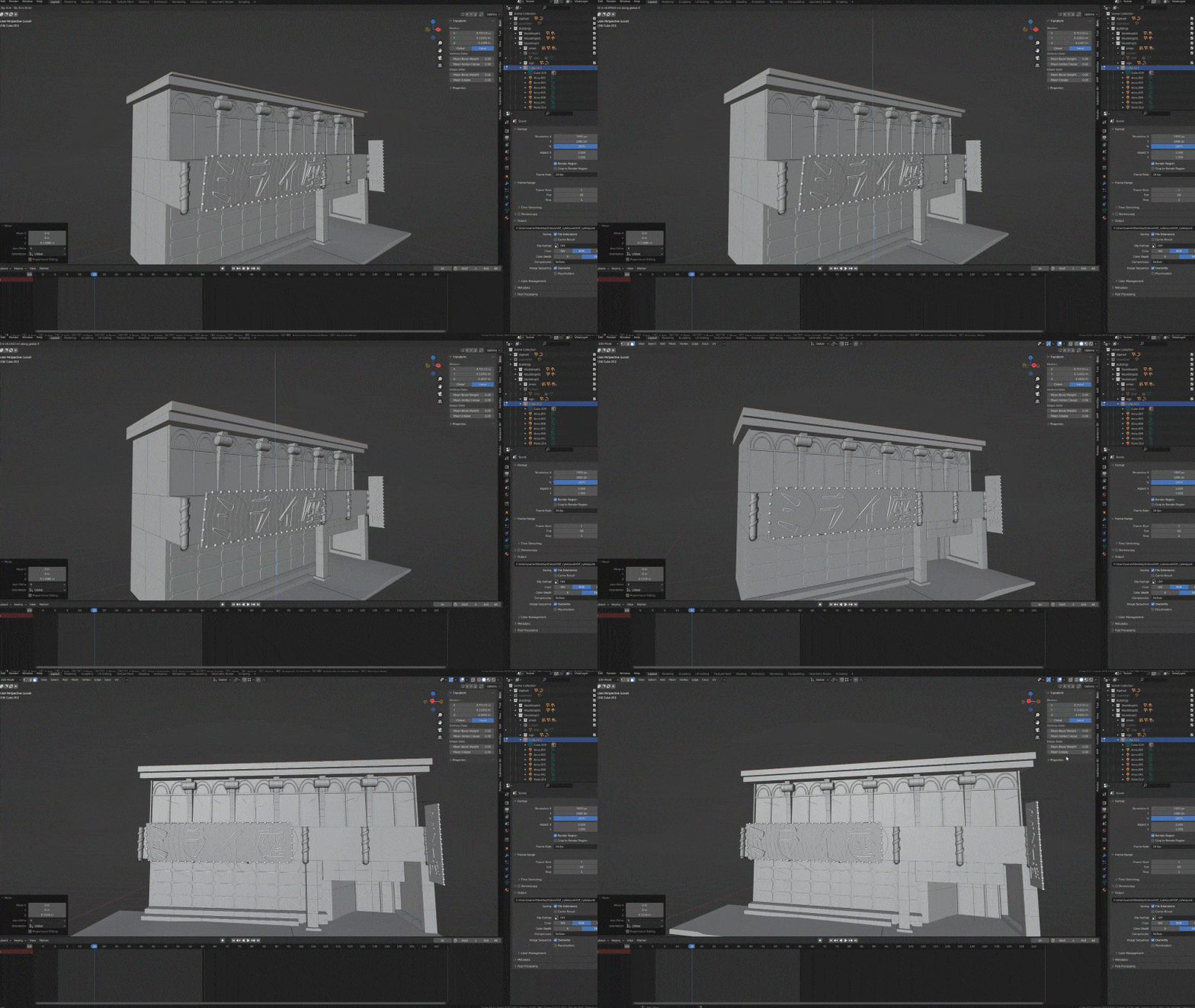 Background Modeling
 -
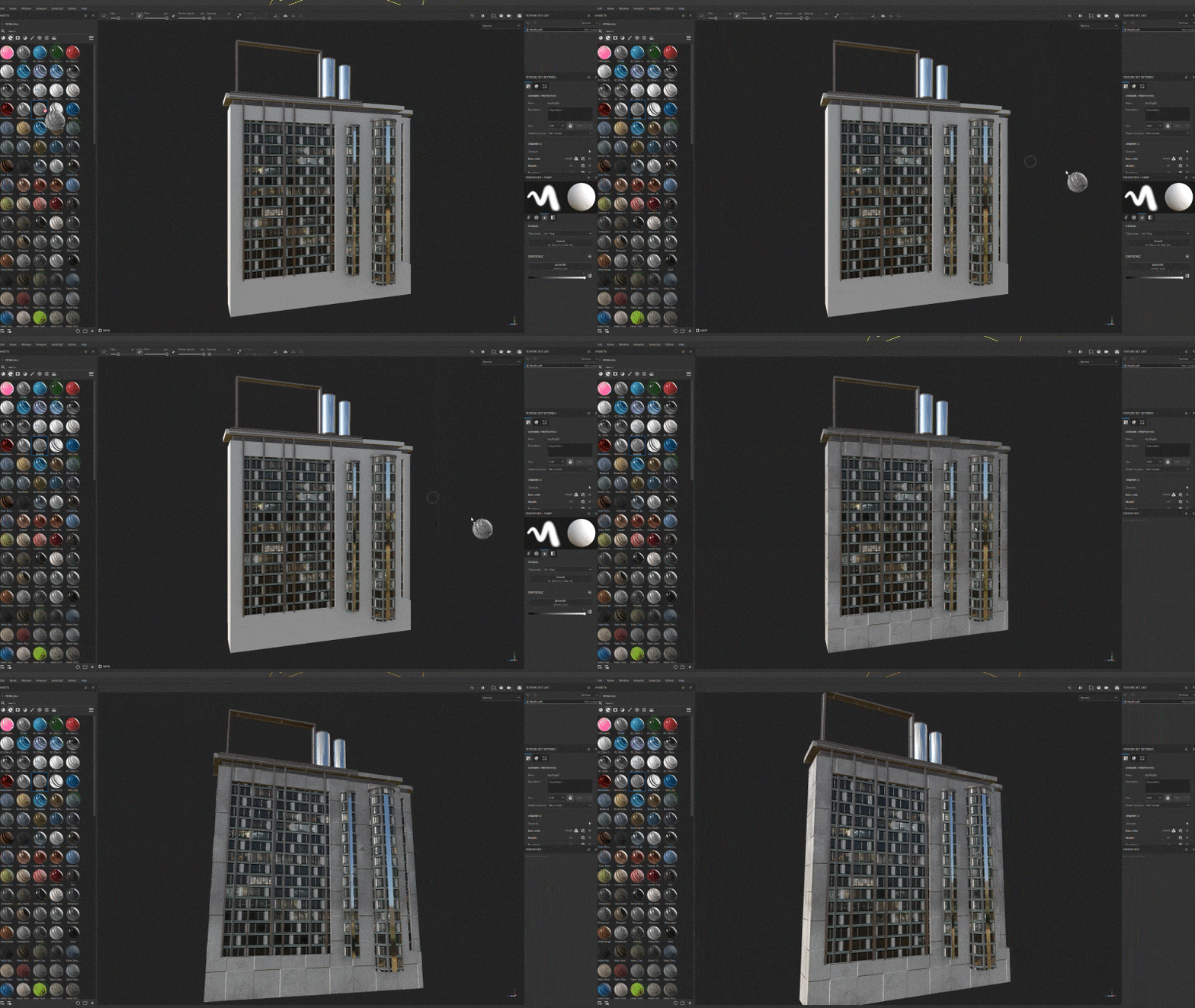 Texturing and UV unwrapping
(Completed in Blender and Substance Painter)
-
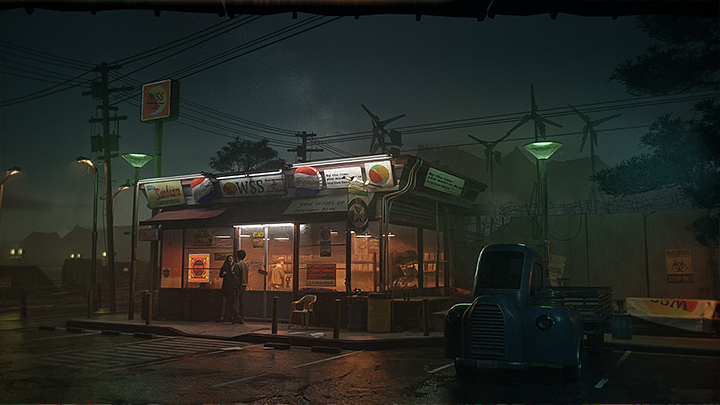 Important Concepts in Background Production
 -
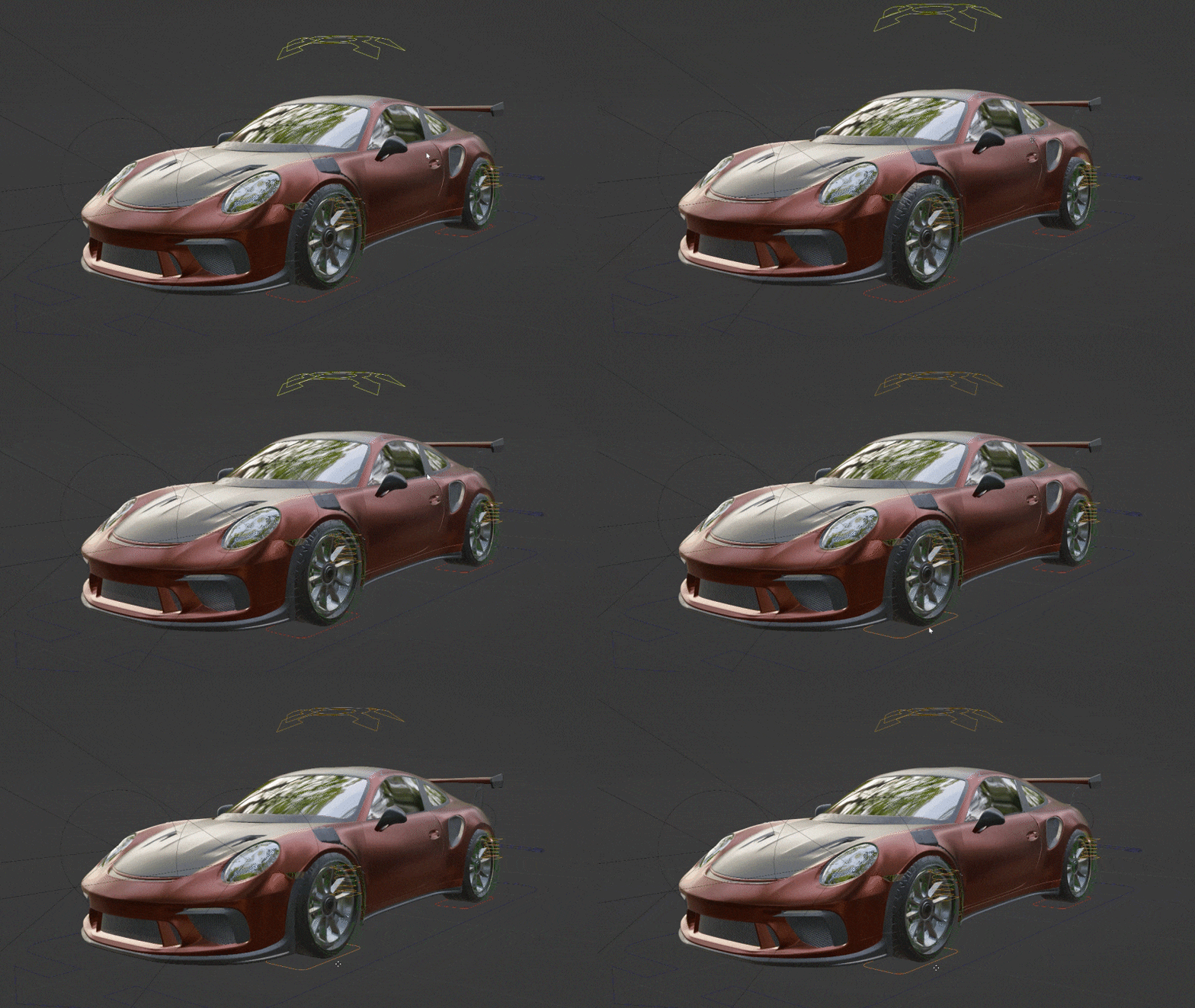 Car Animation
 -
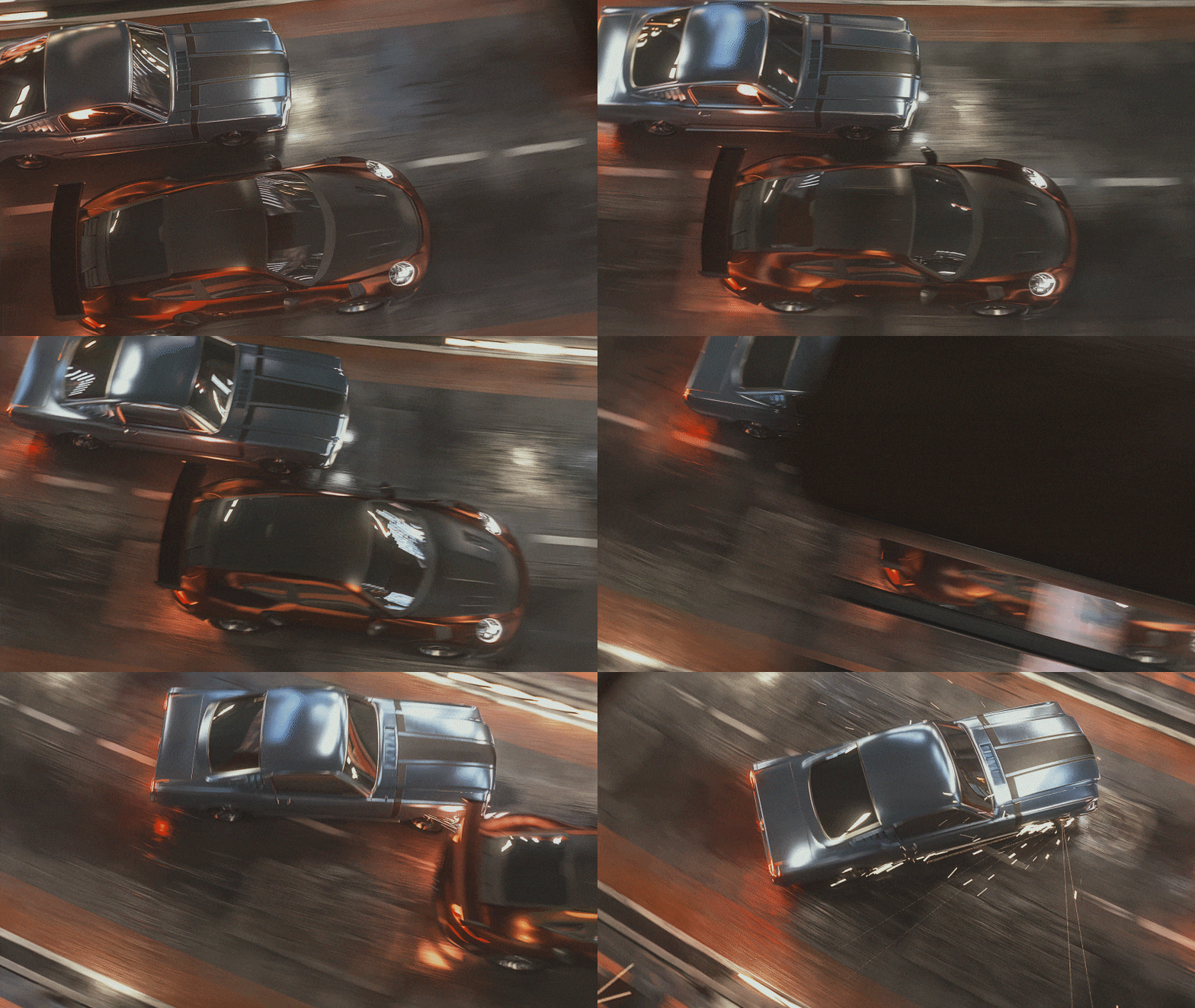 Dynamic Camerawork
 -
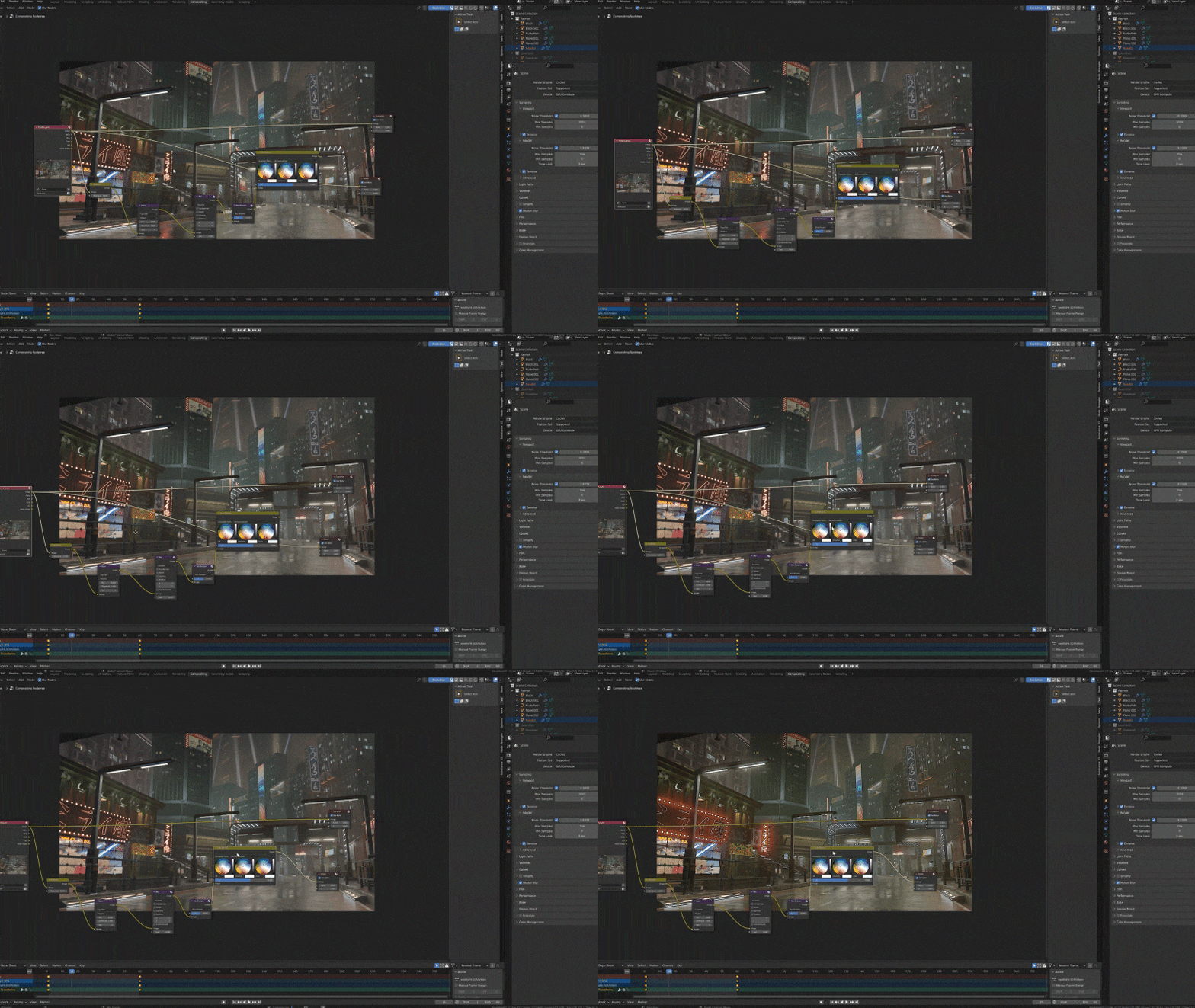 Efficient Rendering and Composition
*The images above are provided as examples to illustrate the course.
Instructor
Digital Artist
Kazusa
Hello.
My name is Kazusa, and I'm a Digital Artist.
I used to work as a freelance 3D artist, but now I work as a digital artist at Linercraft.
My work involves creating artwork, music videos, virtual live performances, and more.
Lately, I’ve also been working as a director beyond just 3DCG.
Many people who are just starting out in 3D art want to express themselves in a cyberpunk style.
In this class, I tried to make it easy for beginners to understand how to create cinematic cyberpunk visuals using Blender's basic functions.
I’m looking forward to working with you.

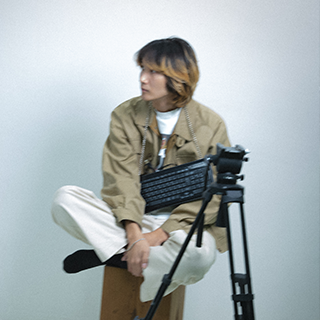
Digital Artist, Kazusa
[Current]
Digital artist
Video creator at Linercraft
Projects & Awards
Suspended 4th Travel The Galaxy Music Video, Director/Digital Artist
Suspended 4th Breakout Junkie Bluesman Trailer, Director/Digital Artist
WANIMA presents 1CHANCE FESTIVAL 2022 Opening Video, Digital Artist
WANIMA Catch Up Tour Backdrop, Digital Artist
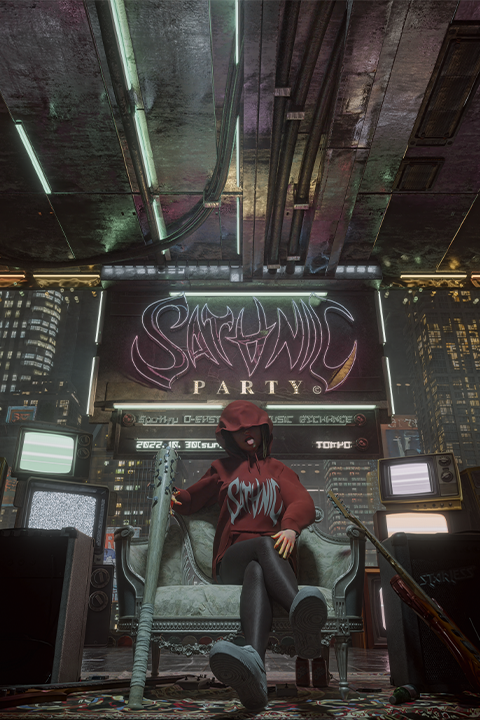
Satanic Party 2022 Main Poster, Digital Artist
Peanuts-Kun Walk Through the Stars Tour Final, 3DCG Modeler
Keiju ReVers3:x vol.1, Virtual World 3DCG Artist
Ozworld ReVers3:x vol.2, Virtual World 3DCG Artist
Ryoff Karma/CHEHON/CHICO CARLITO ReVers3:x vol.3, Virtual World 3DCG Artist
Atelier Yamanami y-motion project
TOKKURI SPECIAL LIVE VIRTUAL EVOLUTION, Digital Artist
Highlights
Class Highlights
A Thorough Explanation of Cyberpunk-style Moviemaking
This comprehensive class will teach you how to create cyberpunk artworks, including 3DCG, starting from the basics. You’ll learn about the key elements of production to deepen your understanding and acquire new skills.
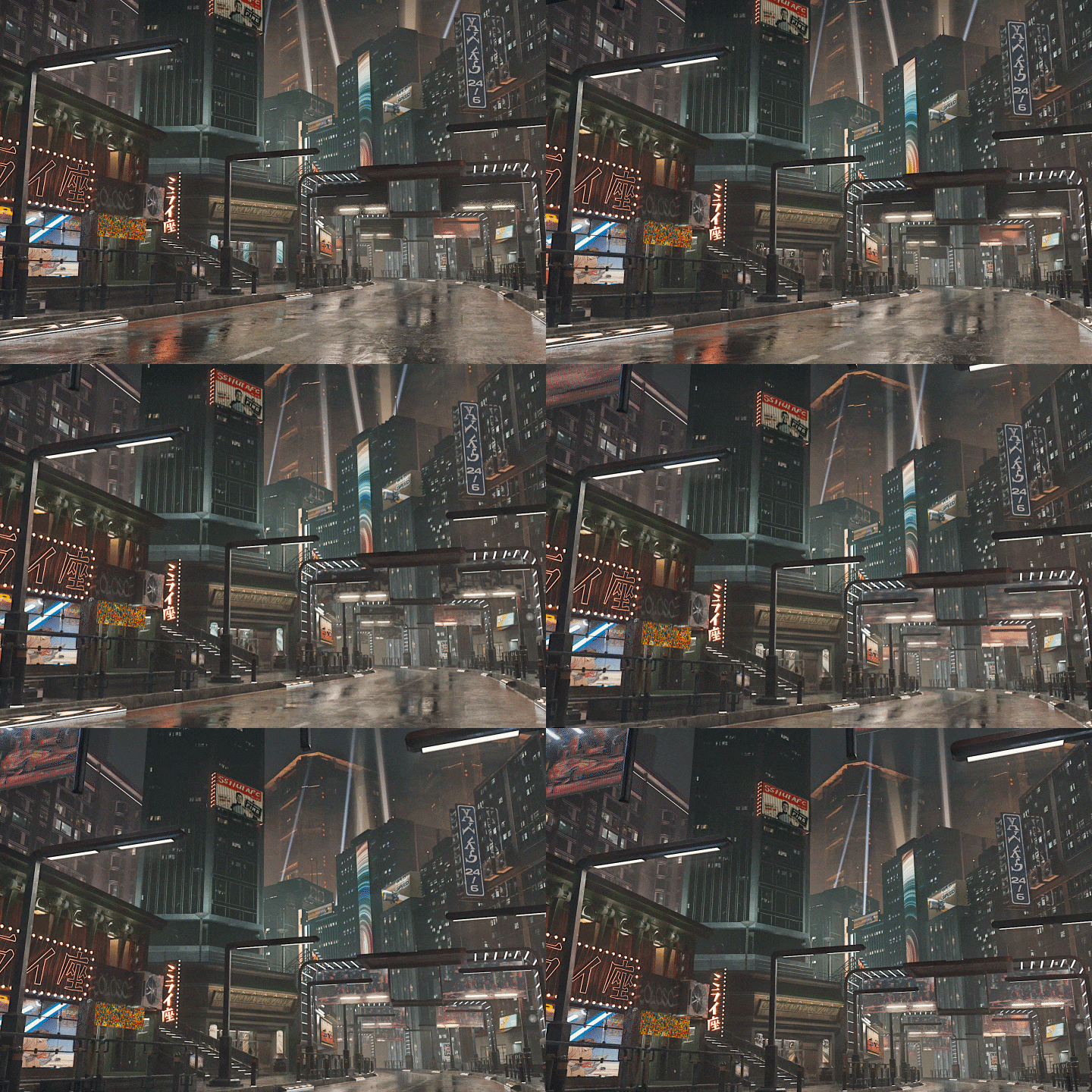
Background Production Procedures Based on Actual Workflows
Learn an efficient workflow by going through the actual background production procedures that Kazusa performs, including modeling, texturing, lighting, and more.
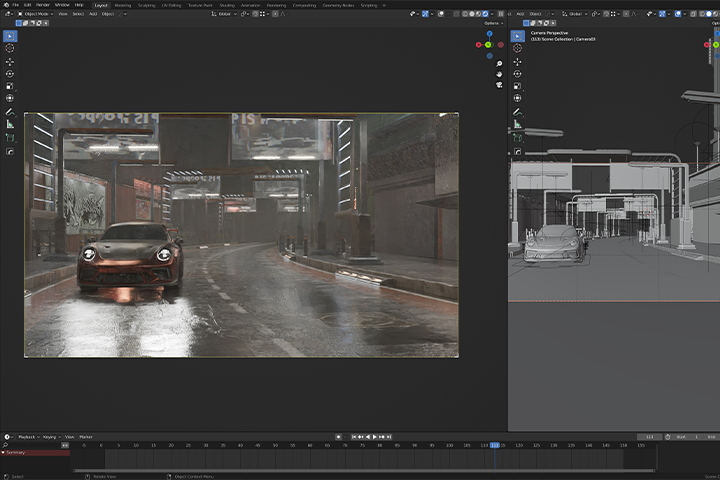
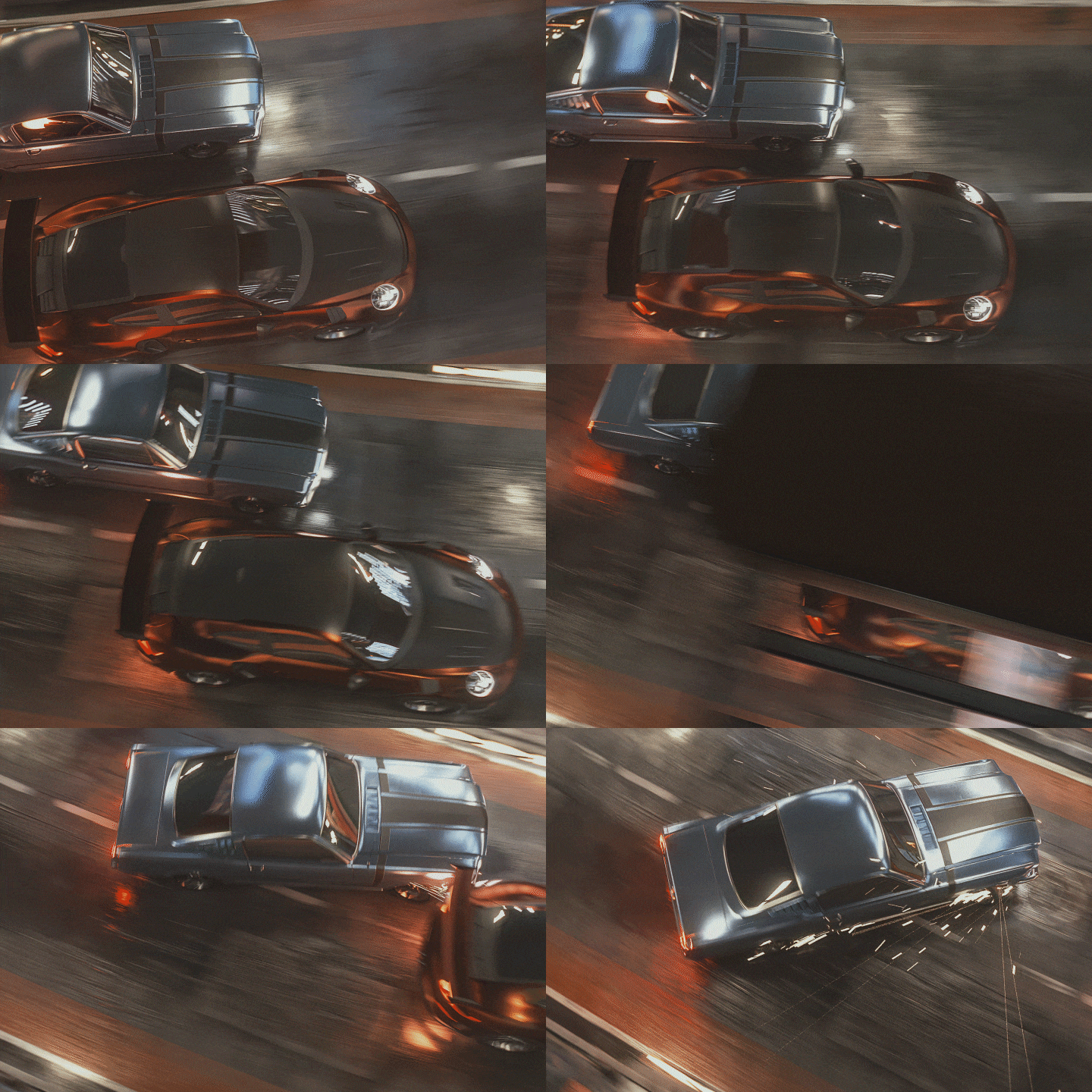
Tips on Animation and Camerawork to Create Intense Scenes
See how you can use animation and camerawork to create scenes that have viewer’s hearts racing. The simple techniques are based on Blender's built-in features, making it easy for even beginners to understand.
Class Details
You'll Learn
-
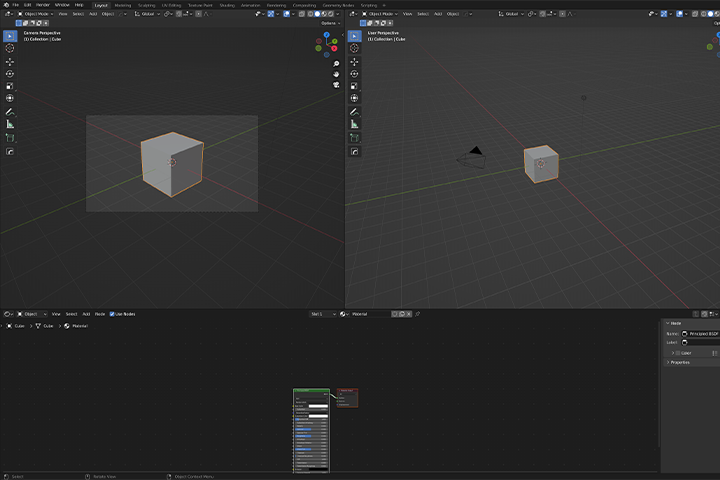 Get Used to 3DCG By Using the Basic Functions of BlenderWhen doing 3DCG, It's important to get used to your workspace. You’ll start from the basic operations of Blender, and then become familiar with it by creating numerous works.
 -
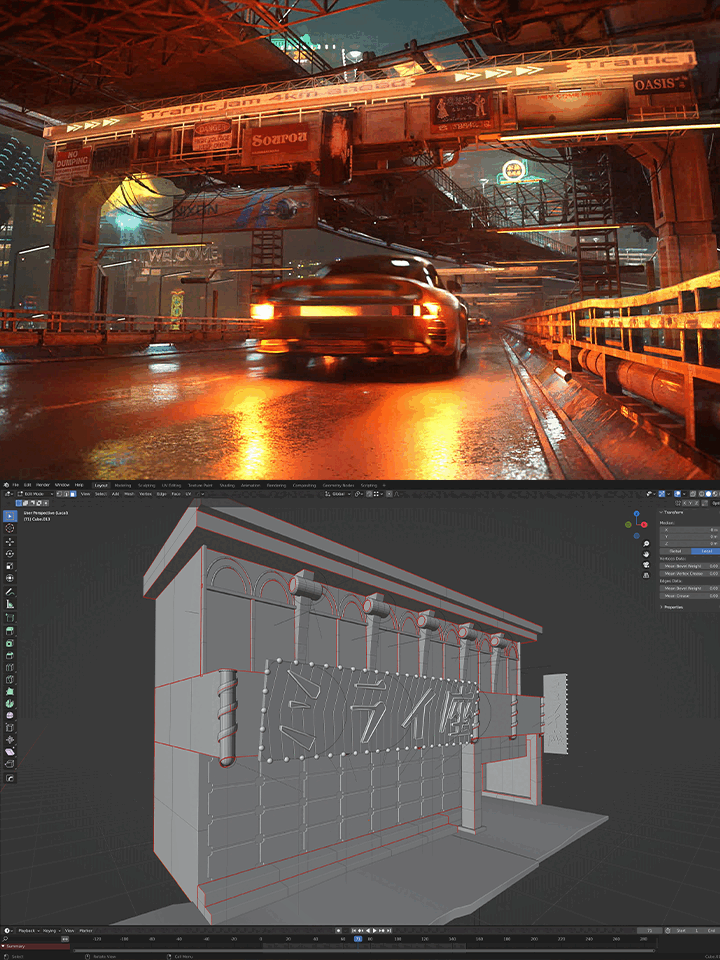 The Important Points of Cinematic MoviemakingLearn key points to keep in mind when creating cinematic videos. Delve into the importance of observation as well as modeling, texturing, and other object qualities.
 -
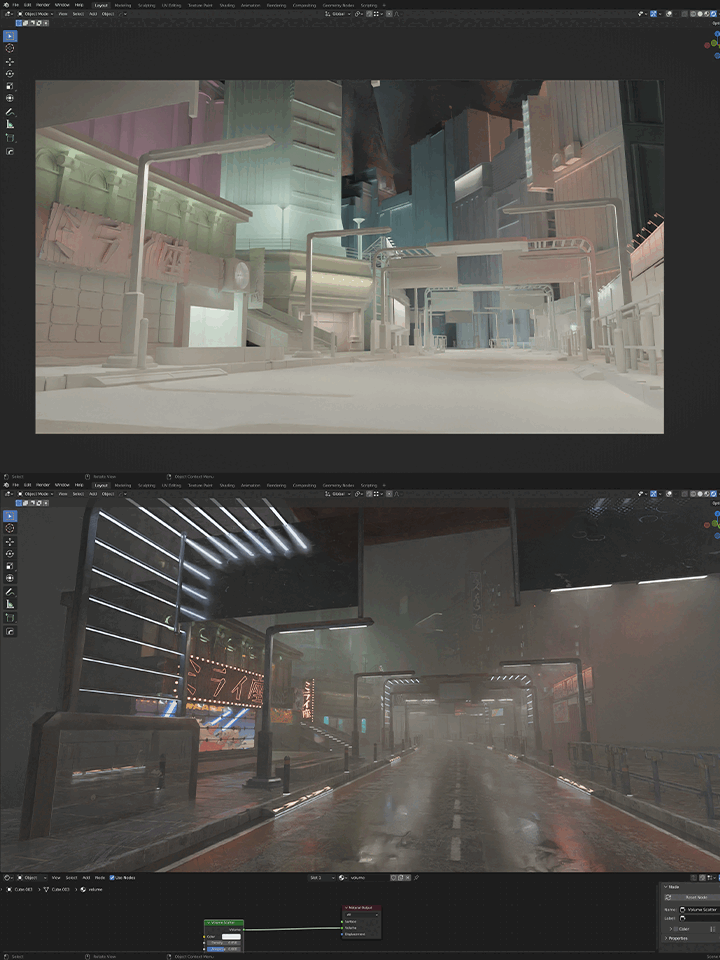 Workflow Series for Background ProductionSee Kazusa's workflow for creating backgrounds, including the process for gathering references and creating blockouts.
-
 How to Express Intensity, Which Is Key in AnimationIntensity plays a key role in animation production. You’ll be guided through the process of creating a dynamic animation with step-by-step explanations.
 -
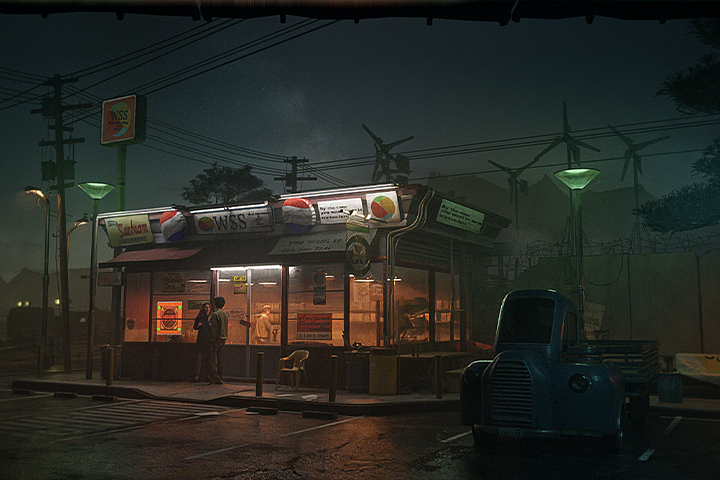 The Importance of the Process of Exploring LayoutsThis class places a special emphasis on creating cyberpunk backgrounds. To get the results you want, you’ll learn how to create a strong and coherent vision for your background.
 -
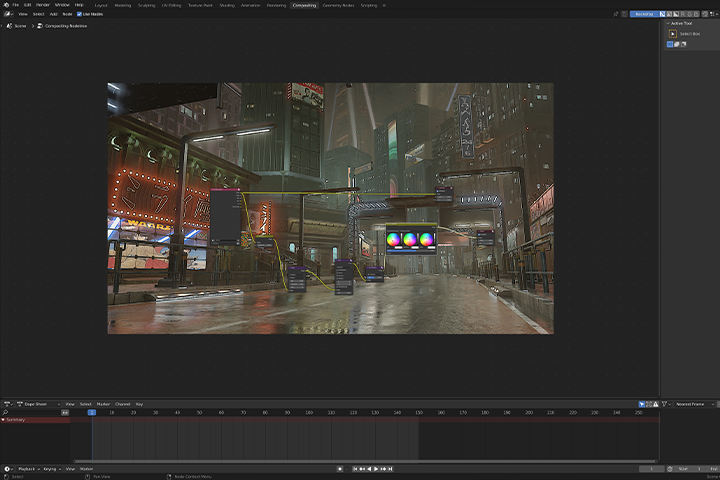 Basic Techniques for Background ProductionYou’ll learn basic techniques essential for background production, such as modeling and texturing, with a particular focus on the key points when creating cyberpunk works.
- Unlimited Access
- Best Price
Buy now, get unlimited access.
12/31 (Sat) (UTC-7) Special offer ends soon.
This special offer ends soon.
Buy now and save!
Curriculum
Curriculum
In-Depth Look
SECTION 01. Orientation
01. Class Introduction and Defining Cyberpunk
- Self introduction
- Class flow
- The cyberpunk style
- Points to keep in mind when creating cyberpunk works
SECTION 02. Basic Operations in Blender
02. Basic Explanation of the Viewport Operations and Tools
- Viewport basic operations, shortcuts
- Explanation of Viewport tools
03. Basic Operations of Modeling Tools
- Modeling basics
- Shortcut key settings
SECTION 03. Creating Blockouts, Modeling
04. Creating Blockouts
- Gathering references
- Creating blockouts to set the layout
05. Creating Buildings
- Detailed modeling of buildings
- How to effectively model a building
06. Creating Props
- Modeling of small props in the city
- Efficient placement using geometry nodes
07. Cinematic Moviemaking
- Points to keep in mind when producing cinematic videos
SECTION 04. UV Unwrapping
08. Basic Operations of UV Unwrapping
- Concept of UV
- Approach to seams
09. UV Unwrapping
- UV unwrapping models
- Efficient way of UV unwrapping
10. UDIM
- About UDIM
SECTION 05. Texturing
11. Texturing With Blender
- Simple cel shading using 2D images
12. Basic Operations of Substance Painter
- Tutorial on using Substance Painter to texture simple models
13. Detailed Texturing Using Substance Painter
- Texturing buildings and props
- Photorealistic texturing
- Substance Painter tips
14. Export Settings and Blender Material Settings
- Export settings for Blender
- Material settings
SECTION 06. Lighting and Fog
15. Lighting
- Approach to lighting
- Basics of lights
16. Adding Fog
- Volume
- Adding steam with texture
SECTION 07. Camera Angles and Animation
17. Vehicle Rigging
- Rigging vehicles with free add-ons
18. Car Animation
- Vehicle animation
19. Camerawork
- Adjusting the Camera
- Camera animation
- Plugin to make animations more efficient
SECTION 08. Rendering and Composition
20. Rendering
- Passes
- Rendering settings
21. Compositing
- Compositing with Blender
- Compositing with After Effects
22. Explanation of Separate Shots
- Explanation of different shots based on what was covered
23. Conclusion
- Efficient way to study CG
- For people who want to work in the video industry
*The release date of this class, curriculum images, and associated content can be changed without prior notice.
** Class videos may be seperated for a more streamlined viewing experience
Interview with
Digital Artist, Kazusa

Question.01
What is the most challenging aspect for those studying in this field, and how can this course address and resolve challenges?
When it comes to creating cinematic backgrounds, many people might struggle to achieve the desired look, even if they have some experience doing backgrounds. It's important to gather references and carefully study ones that are similar to the look you're trying to create. This class takes that into consideration.
Question.02
Tell us why you started studying 3DCG. What were some of the difficulties you encountered, and what are some of the important points in expressing 3DCG?
I discovered 3DCG after watching a video jockey use 3D graphics during a performance in Japan by an artist called Flying Lotus. As I learned, I discovered that it's essential to avoid getting overwhelmed by diving into your studies and enjoying the process without comparing yourself to others.
Additionally, although I only cover this a little during the class, I believe that observation in creating backgrounds and controlling the tempo and impact in animation are major elements that can improve the quality of 3DCG.
Question.03
What do you think about the marketability and prospects of the 3DCG field?
I think that demand for 3DCG will continue to grow. Before starting to study the field of 3DCG, it is important to determine which branch you want to focus on.
Question.04
Do you have a message for prospective students?
It’s important to concentrate on what you need to do. Although there are challenges that can arise in this day and age of the Internet, just ignore all of that. Just concentrate on what you need to do. I hope this class will help you further improve your skills.
Required Programs
This course will use
- Blender 3.3
- Substance Painter Version 8.2.0 (optional)
- After Effects 2023 Version (optional)
*Please purchase and install these program(s) for an optimized chapter experience.
*We recommend using Blender versions above 3.0 for the best experience.
*Although we will use Substance Painter and After Effects in some parts of the class, you can complete the course with Blender alone.

Recommended
Recommended Class
Like this class?
Then check these out!