UX Designer, Seungheon Han_[Dictionary] UX/UI디자이너 한승헌 Details
introduction video
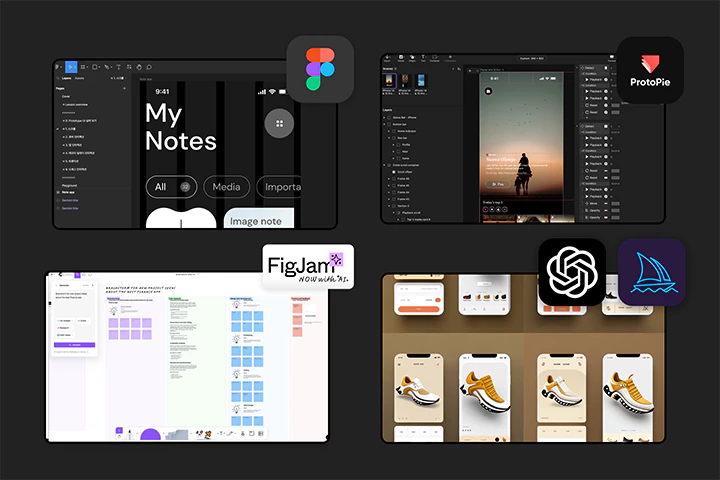
Learn the full UXUI design process, including the basics and in-depth design techniques through 60 practical examples, practical project practice in three major industries, and work efficiency through generative AI.
Taste the Class
Seungheon Han UX/UI Class
2-1, 8-1 round revealed!
To all students
Special benefits for UXUI designer Seungheon Han ’s class
-
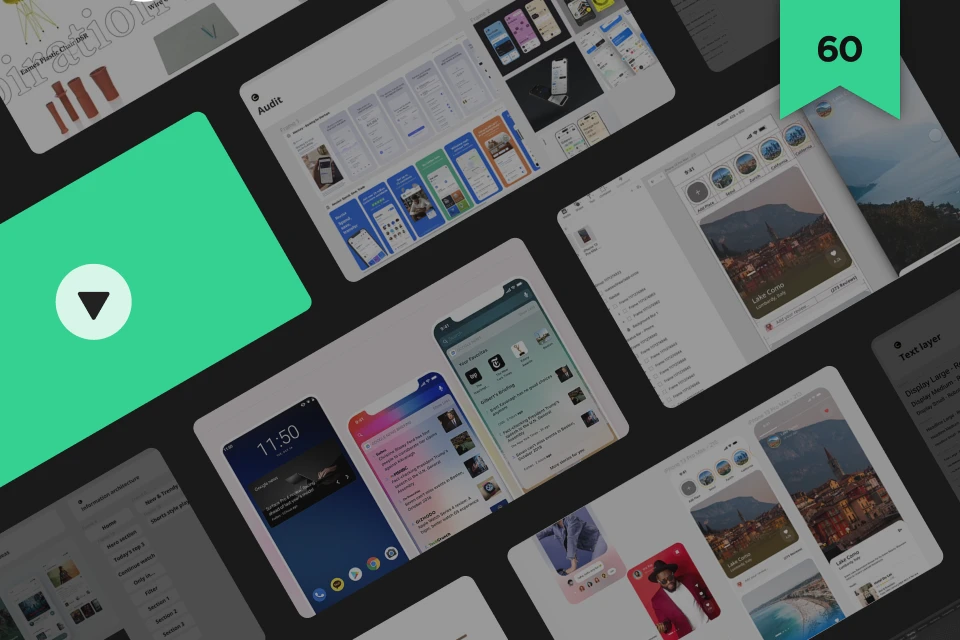 For mastering design techniques60 Figma & ProtoPie hands-on examples
 -
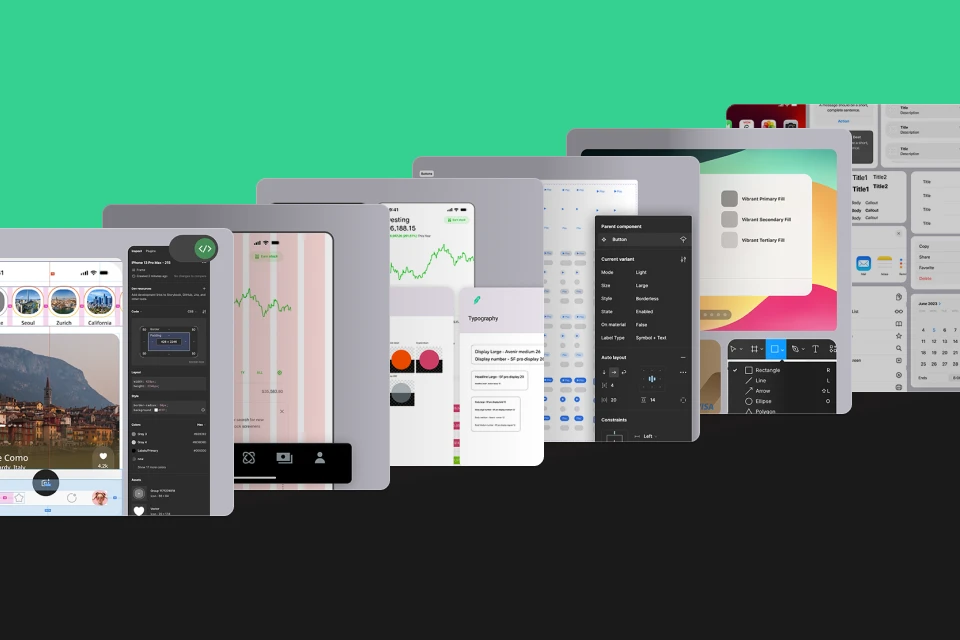 in three domains including IT, finance, and e-commerce.Actual project original file
 -
 Can be used directly as a portfolioGoogle Slide, PPT, and keynote templates provided
-
 What Google designers use every dayNotion template for collaboration/management
 -
 You can learn by digging intoReference site and FIGMA shortcut key collection provided
 -
 for work efficiencyAI prompts (Mid journey, Chat GPT and Figjam AI)
Class Recommendation
I recommend it to these people.
Those who want to become a technical UX designer with solid tool skills
Anyone who wants to create an unrivaled portfolio containing project work from major industries
Anyone curious about the practical processes and know-how of UX designers at Silicon Valley companies
Portfolio of Google UXUI designer Seungheon Han
-
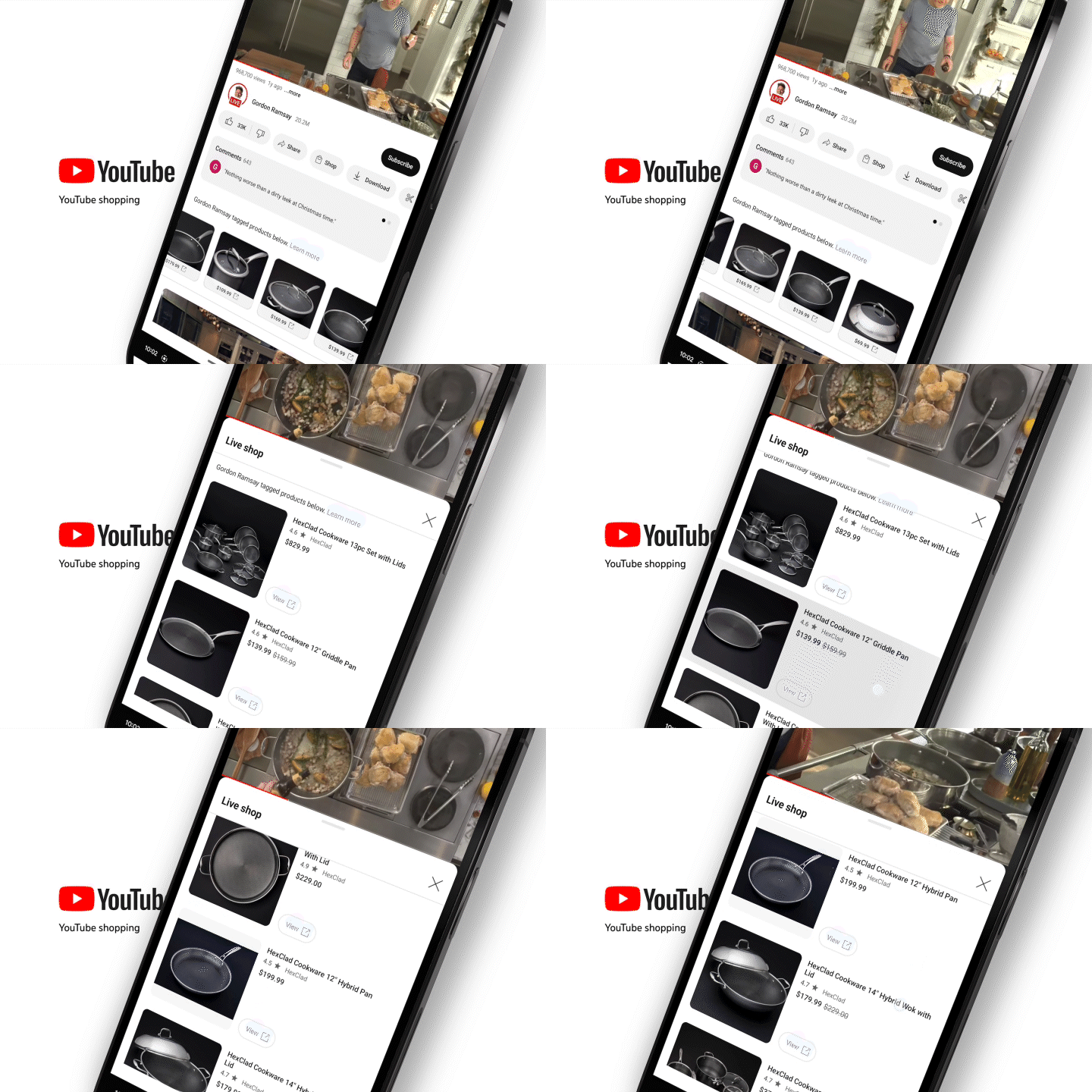 YouTube Live Shopping
 -
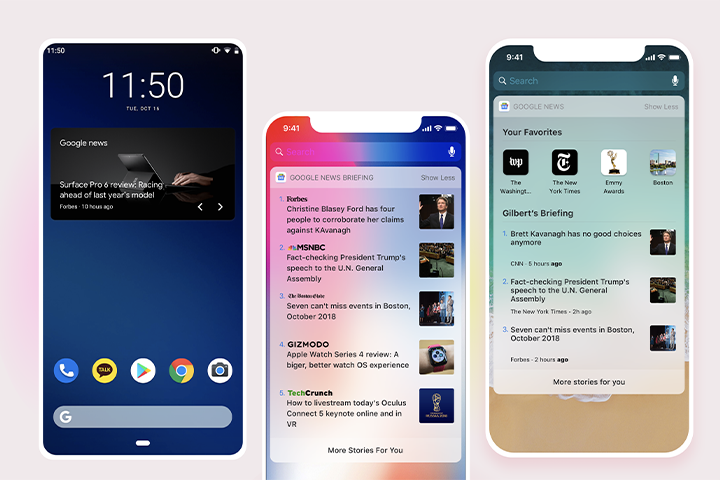 Google News Widget
-
 Google News
 -
 Google Cricket World Cup
-
 Disney World Digital Key
 -
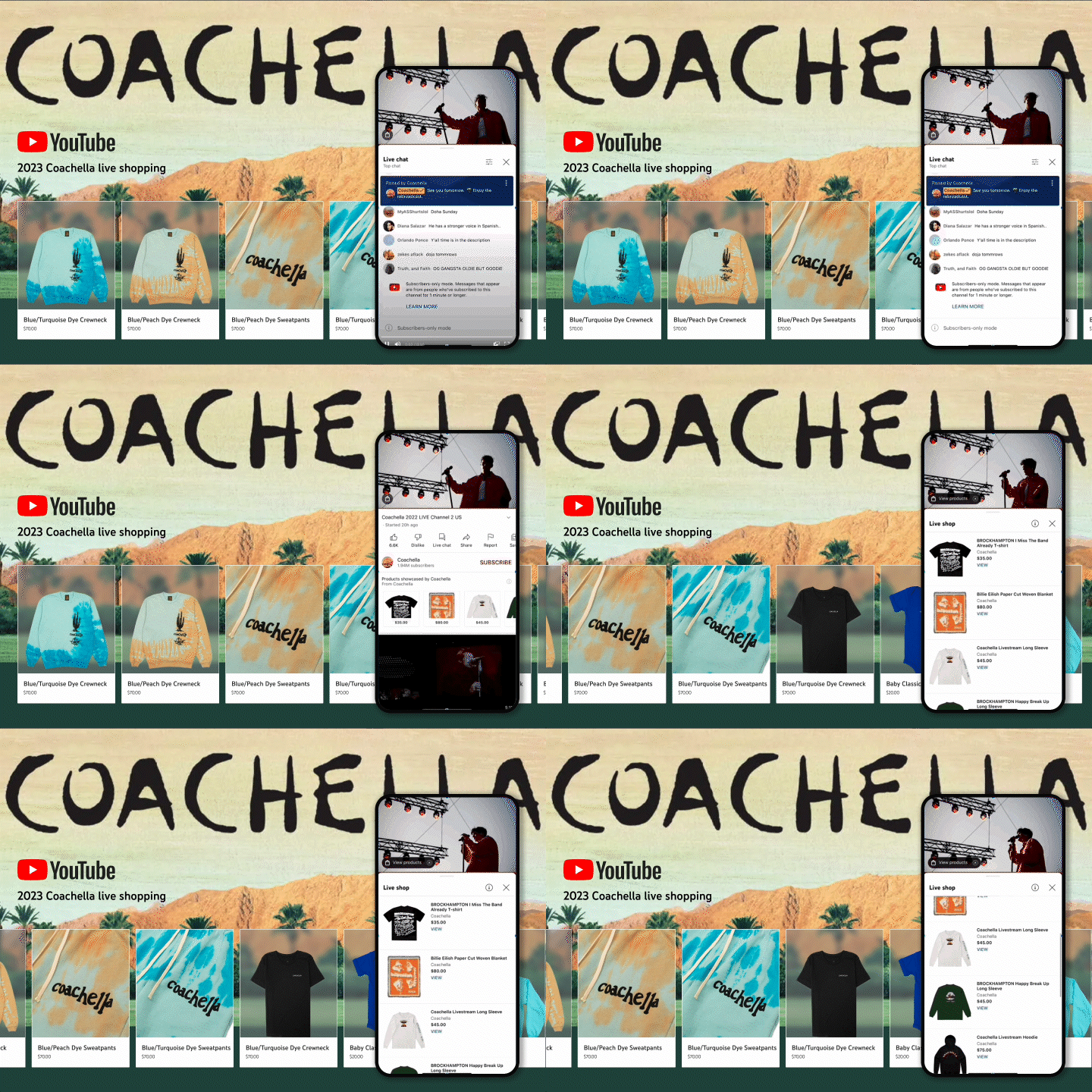 2023 Coachella Youtube Shopping

UX design practice course comprised of practical design skills from Silicon Valley companies
From LG Electronics, Microsoft, Disney to Google! The design process and skills that gave designer Seungheon Han an overwhelming career were included in the lecture.
You can learn the Silicon Valley-style design process that follows the practical pipeline of a world-class company where speaker Seungheon Han Han worked, only at Coloso.
class example
UXUI core skills from Figma to actual projects
Step 01. Completely conquer Figma & ProtoPie
-
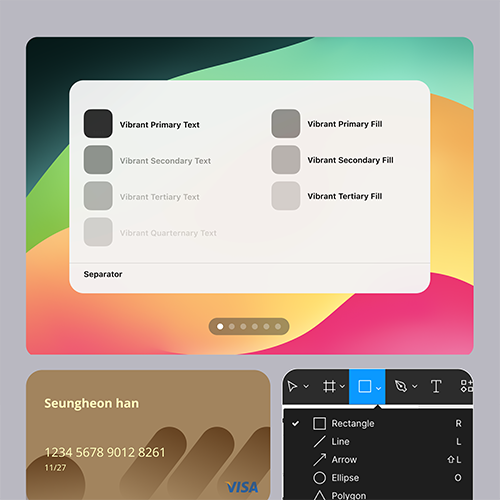 figma layer
 -
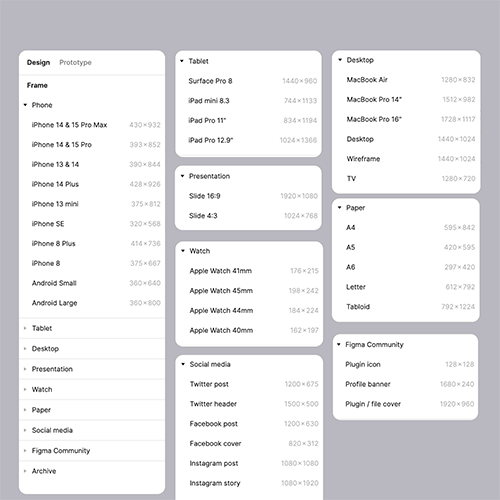 figma frame
 -
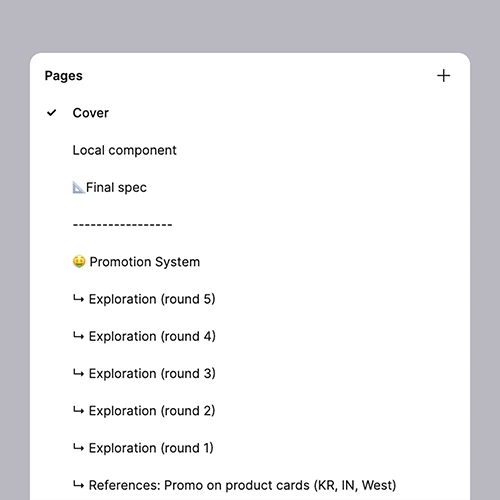 figma configuration
-
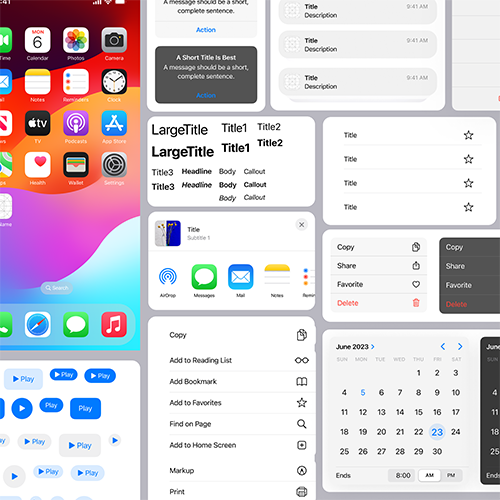 design system
 -
 auto layout
 -
 Constraints
 -
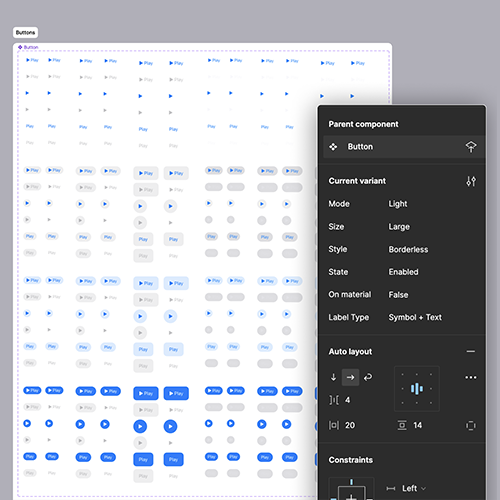 design components
 -
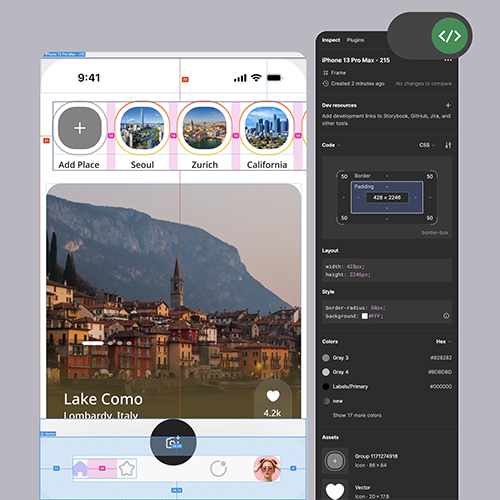 figma spec release
-
 scroll transition
 -
 tap interaction
 -
 Scroll & Transition
 -
 Use Jitter
 -
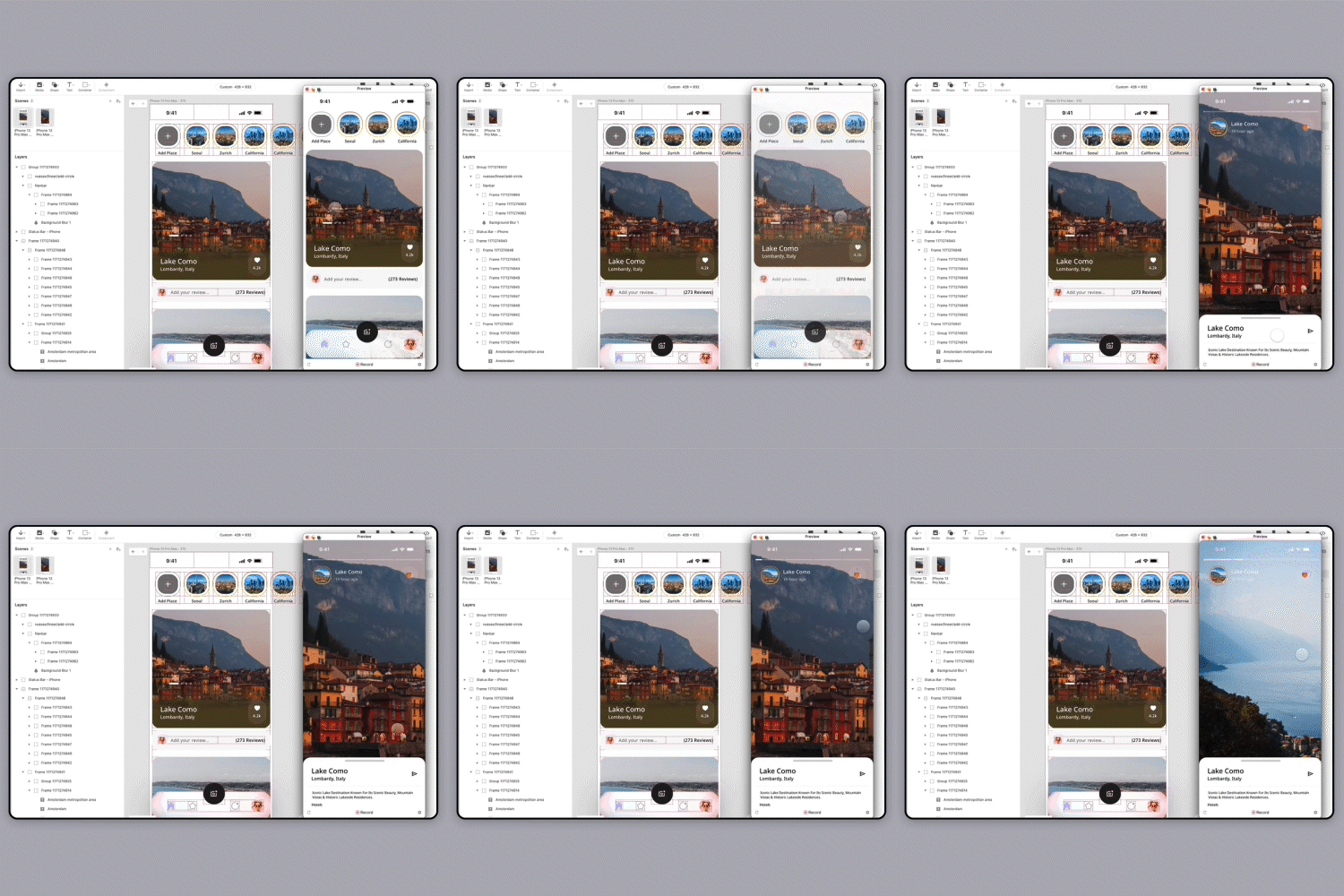 conditional interaction
Step 02. Robinhood App clone design
-
 discover card
 -
 Micro-interaction prototype
 -
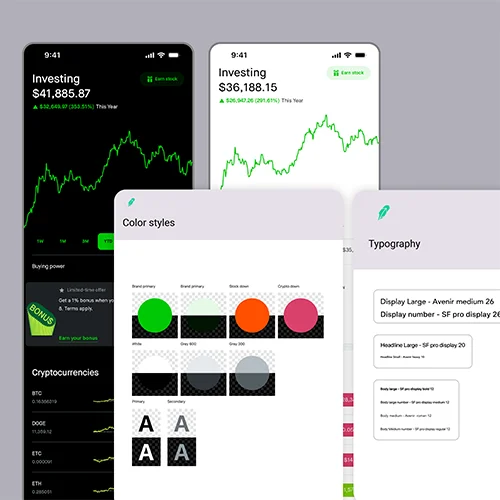 Color & Text Style
 -
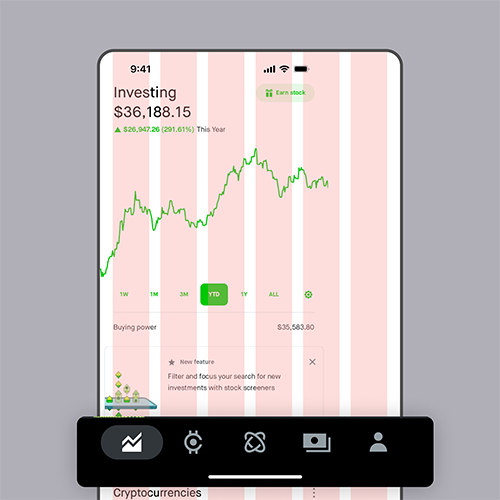 App Grid & Navigation Bar
Step 03. App/Web actual project
-
 Media app main page
 -
 Media App Shorts Player
 -
 Media app content
-
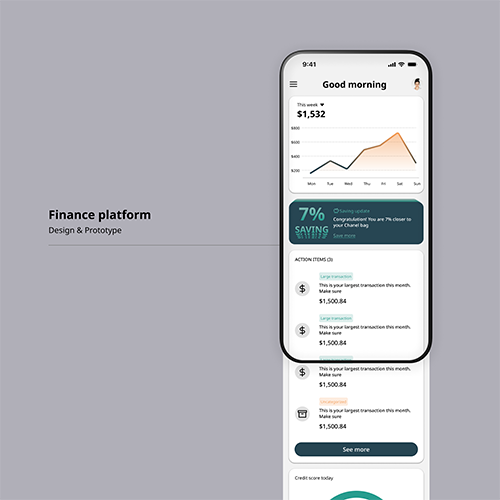 Financial app landing page
 -
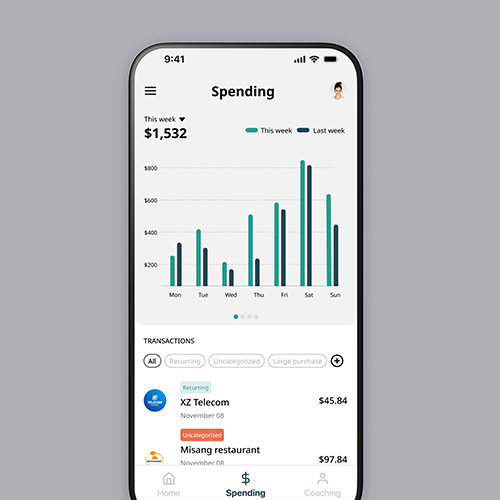 Financial App Consumption Tab
 -
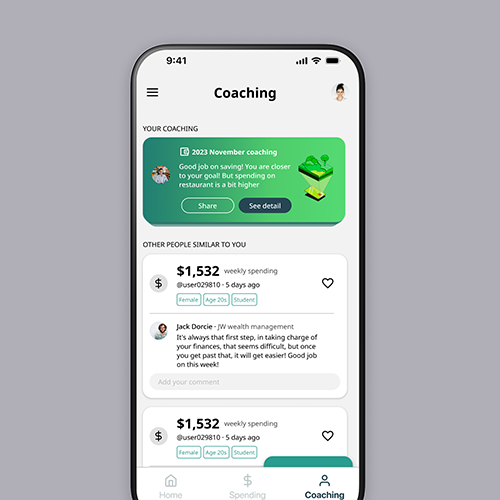 Financial app recommendations tab
-
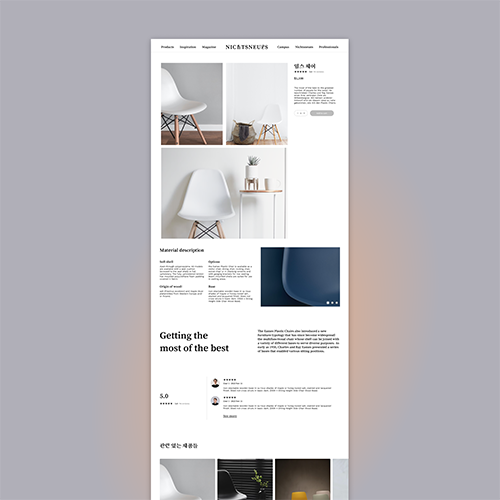 E-commerce web detail page
 -
 E-commerce web prototype
 -
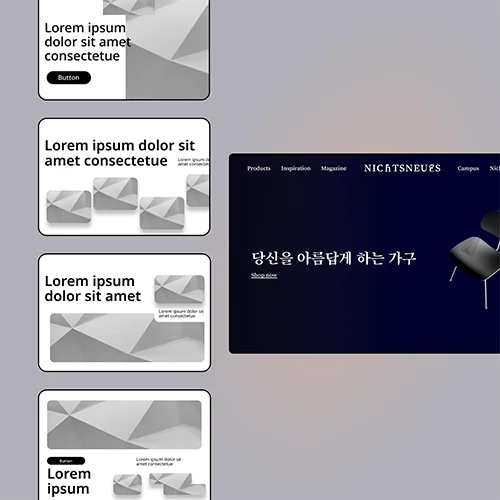 E-Commerce Web Hero Section
Step 04. Utilize generative AI
-
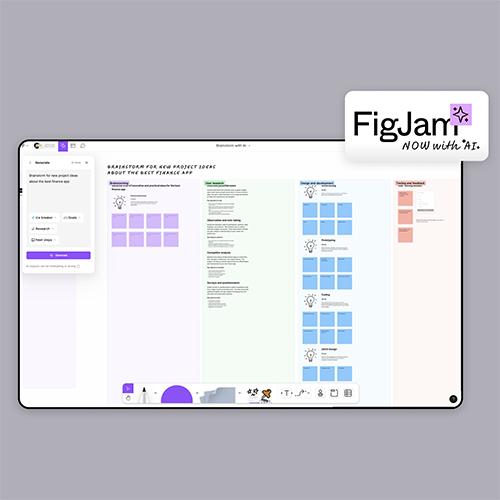 Brainstorming with PigJam AI
 -
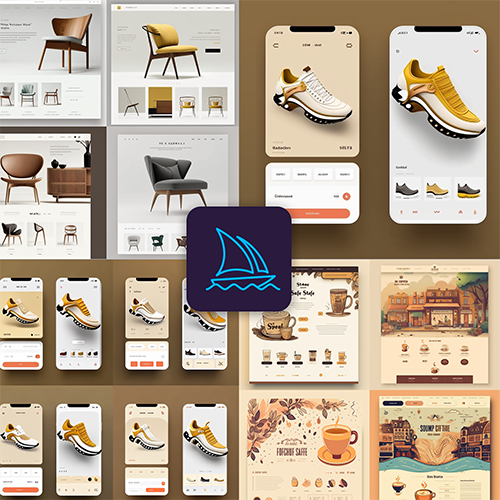 Take advantage of Midjourney
 -
 Midjourney & Figma
class features
Dense UXUI visualizing techniques learned through 60 examples
A designer's first priority is to be good at designing. Learn how to use Figma and ProtoPie, essential practical tools, freely and efficiently and complete them with quality visuals. In addition, we will teach you how to improve work efficiency and quality with AI using ChatGPT and Midjourney.
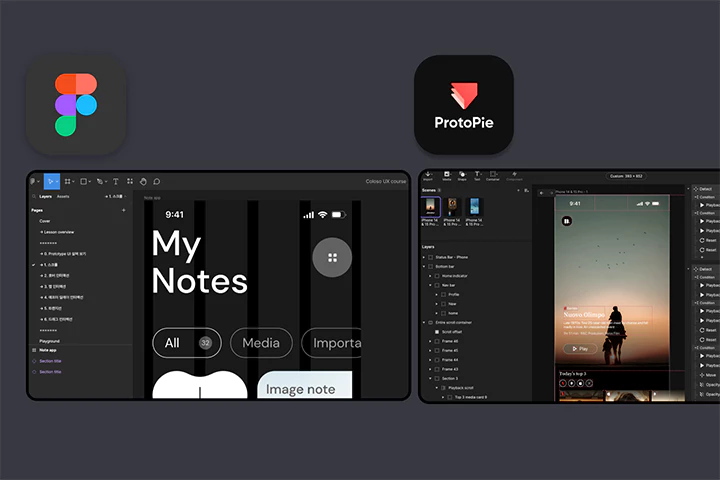
Learn product design practice through 3 projects AZ
Experience the overall process of a practical project based on visual skills. You will learn the entire domain project process, including UX/UI design and composition and how to build a design system, by actually producing media, e-commerce, and financial apps/webs.
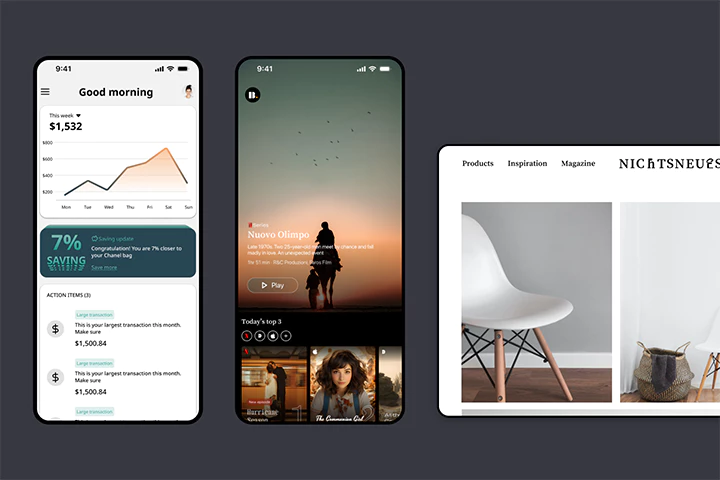
Persuasive portfolio know-how from a current Google designer
Being persuasive about your design is an essential competency for every designer. You will learn how to create slides to explain the design to not only clients, but also PMs and developers, and based on this, you will complete your own unique portfolio.
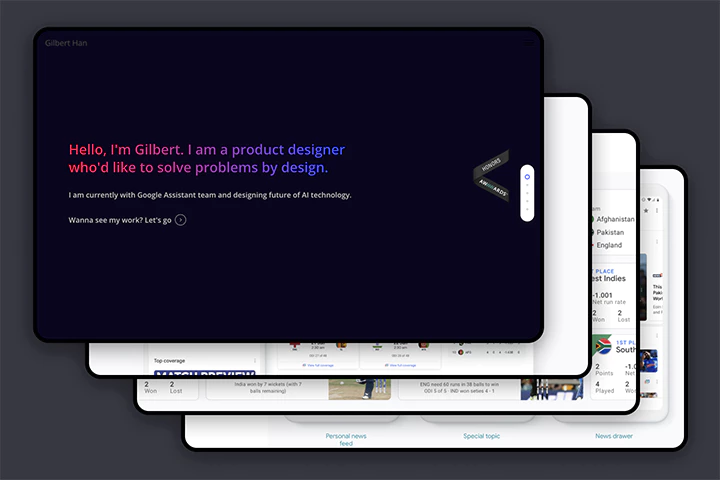
Seungheon Han
UXUI Designer
Hello, I am Seungheon Han, currently working as a UX designer in the Youtube team at Google headquarters.
Over the past 10 years, I have gained practical experience at several large companies, including LG Electronics, Microsoft, Disney, and currently Google, and have led numerous design projects on various platforms including mobile and web.
In this lecture, we have prepared a solid curriculum so that you can not only improve your design skills but also experience practical processes at major large and global companies.
I plan to teach you all of my know-how in a very thorough and detailed manner, so I hope it will help you improve both your skills and your own value as a 'designer who is good at work.'
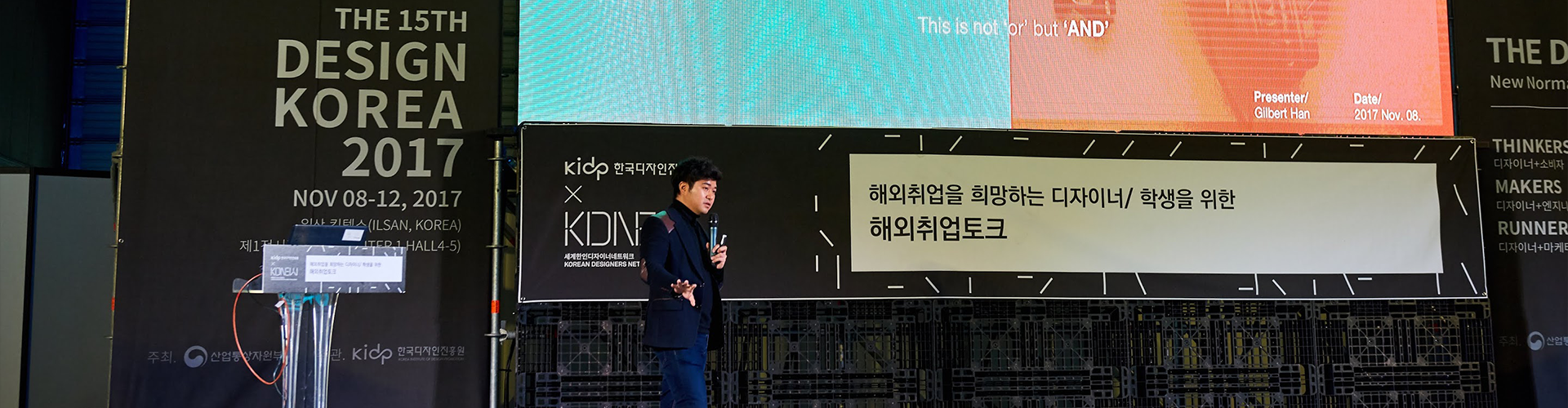

UXUI designer Seungheon Han
(Gilbert Han)
Current) Google Headquarters Youtube Team / UXUI Designer
History and experience
[Record]
2022 YouTube Shopping Team UX Designer
2019 Google Assistant Team UX Designer
2018 Google News Team UX Designer
2017 Disney Parks & Resorts Division UX Designer
2014 Microsoft Office Team UX Designer
2014 Master’s degree completion from Carnegie Mellon Department of Interaction Design
2009 LG Electronics Mobile Division UX Designer
[Conference and Training]
2023 book publication - the future is decided at 8 PM
2020 Coloso Online Conference
2020 Korea Herald People Interview
2019 Interview with Writer Kim’s YouTube channel (1.9M subscribers)
2017 Awarded by Awwwards for gilberthan.com portfolio website
2017 Seattle Korean Tech Group Creation, Design Group Leader
Presentation & mentor participation at the 2017 Korea Institute of Design Promotion Design Conference
2017 Fast Campus Future conference
2017 Interview with EO YouTube Channel (562k subscribers)
2016 Korea Creative Content Agency lecture
Class composition
What do you learn?
-
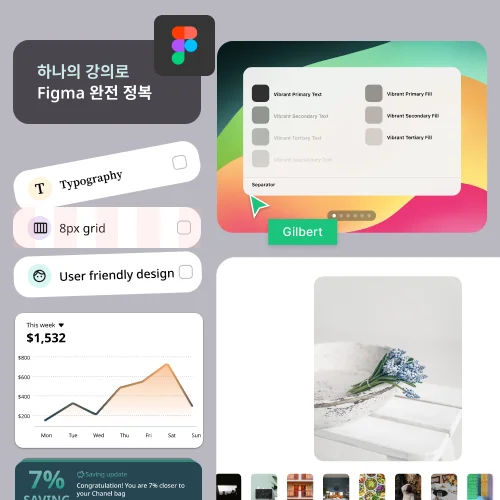 Master Figma, an essential UXUI design toolLet's master Figma step by step from Basic to Advanced. Learn various functions and design techniques, and even complete prototyping using Figma.
 -
 Prototype smarter with ProtoPieIn addition to Figma, which we learned earlier, we will create a dynamic design using ProtoPie. Learn in detail about prototyping, the core of UXUI design, through an organic curriculum.
 -
 Master design techniques perfectly through clone designBy following the Apple Design Award winning work "Robin Hood App", you will learn the process of implementing everything from color and text style settings to micro-interactions. Master design techniques perfectly and develop your capabilities as a skilled designer.
-
 Develop domain-specific product design capabilities by carrying out three practical projectsThrough practical projects to create media apps, financial apps, and e-commerce web, you will enhance your capabilities as a product design practitioner beyond the use of design tools. Learn the process of making design decisions through the actual design process and gain experience carrying out the UX design process from start to finish.
 -
 ‘Increasing work efficiency and design quality by using ‘smart assistant’ generative AILearn how to work 'faster and better' using ChatGPT and Midjourney, which are emerging as essential new programs in the current design scene. Acquire advanced work know-how that only Google professionals leading the AI industry can provide.
 -
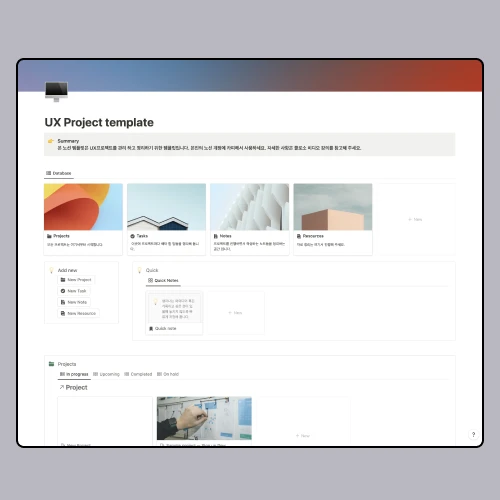 UX project collaboration & management know-how using NotionEffective project management skills are an essential competency for designers. Learn how to proceed with UX projects and manage processes through Notion templates that Google designers actually use every day.
curriculum
Show me the curriculum
Part 1. Intro - Getting started with Product Design
Part 2. Mastering Figma & ProtoPie
Part 3. Product Design Project Practice
Part 4. Practical know-how for product designers
Part 5. Outro & Bonus Track
Curriculum details may be slightly modified at the time of video release.
interview
UXUI designer Seungheon Han

What are the planning intentions and points of this lecture?
There are so many courses covering the UXUI design process. Unfortunately , in reality, each company has different processes, so process-related knowledge is often not used once you join the company. In the end, in practice, you must develop your ‘ability to design well’ in order to become a ‘designer who is good at working’ in any company. Therefore, in this lecture, we have prepared a curriculum that organically combines essential design techniques and practical know- how to teach you how to be recognized as a 'talented designer no matter what company you work for.' With just this lecture, you can completely master UXUI design.
What are the unique points of this course?
This lecture covers design techniques commonly used in actual practice from the basics to practice from A to Z. I am confident that this course is the most necessary course for job seekers and practitioners in the UXUI field because it contains all the practical know-how I have acquired over many years of working at Microsoft, Disney, and Google . Master the static and dynamic design of UXUI with Figma and Protopie, essential product design tools, and acquire the know-how to make your work stand out through design slides and portfolios, so that you can even acquire ‘persuasive design skills’. It is packed with a solid curriculum.
What can students gain from the lecture?
We reveal all the UXUI design techniques actually used in TOP Silicon Valley companies around the world. We hope that you will create actual products through classes based on the design techniques and methods of companies that lead standards and trends, and set your own career path based on various options. I believe that you will be able to solidify your strengths to grow into a product designer recognized everywhere and also receive great help in your practical work . I hope that you too will make positive changes in your career through all the know-how I have gained as a practitioner over the past 10 years, which I have incorporated into my lectures.
We will guide you through the program to use.
This class is conducted using the tools specified below.
To ensure smooth course participation, please refer to the version of the program used during the course and purchase and install it separately.
– Figma (Web app, http://figma.com)
– ProtoPie Version 7.9.2 or higher
- Mid journey (Web app, http://midjourney.com)
- Chat GPT (Web app, http://chat.openai.com)
*Programs and materials are not provided separately.