ConceptArtist,Okku2_오꾸2 Details
Intro
Class Intro
Concept Artist Okku
Revealing the secrets of trendy and captivating illustrations, highlighting character concepts and stories. Discover the secrets behind creating trendy, captivating illustrations that highlight a character’s concept and story.
Step Closer to Pro with Trendy,
Captivating Illustrations
Say goodbye to dull and outdated drawings! Express the character's concept and personality based on casual character stylization that people will love. Discover the process of selecting and applying the captivating points from references that match the character concept you want to draw.
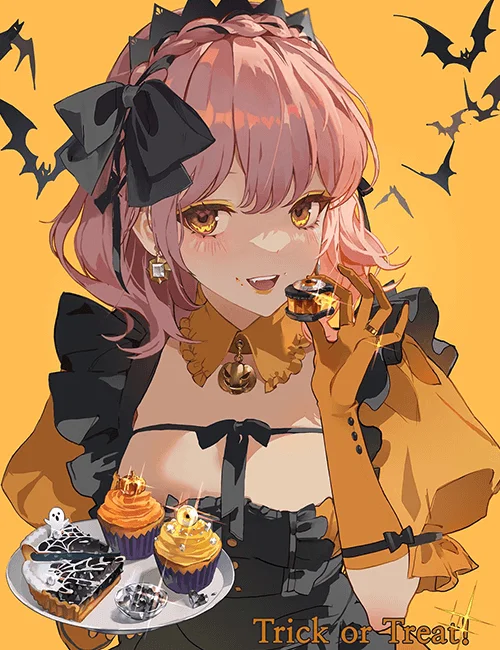
You will learn to analyze composition drafts that highlight the illustration’s story and compare lighting drafts to emphasize vibrant and transparent color sensibilities. This process will enhance the strength of your illustrations, enabling you to create pieces that attract commissions and collaboration.
Class Perks
Get These Coloso Exclusives
-
 Mixer brushes and color gradients to highlight soft touches and color sensitivity.
 -
 Pinterest reference links for each concept.
 -
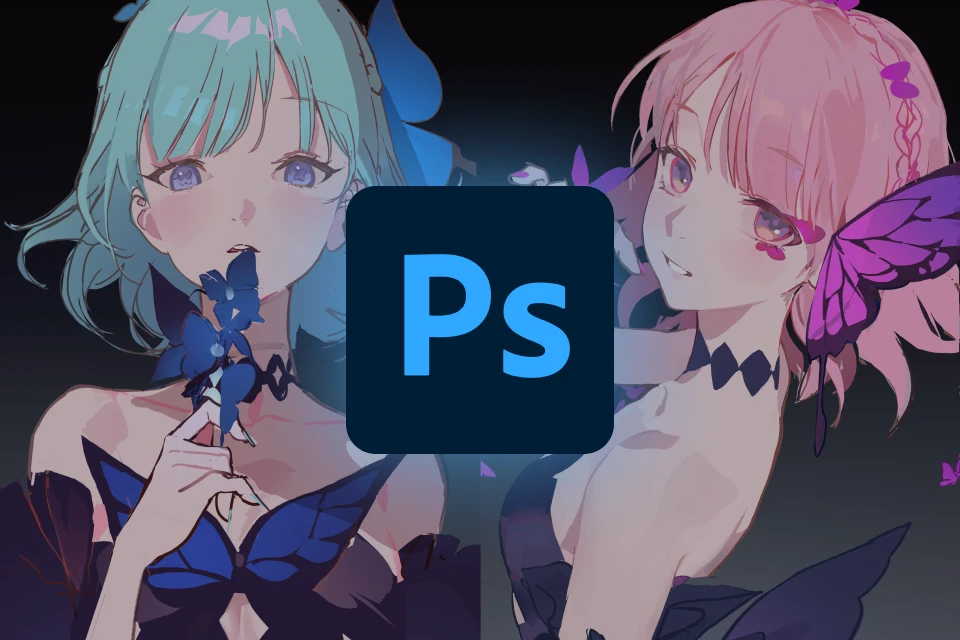 11 original PSD illustration exercises for composition, lighting, silhouette, and depiction.
Recommendation
Who Should Take This Class?
For those seeking to enhance their skills, delve into original art, and master character design and expression techniques.
For those adept at drawing characters but overwhelmed by adding backgrounds, this is ideal for beginner to intermediate learners seeking illustration freedom beyond technical constraints.
For those sensing a gap but unsure how to fix it, this is ideal for those aspiring to refine their drawing style with detailed depictions and mastery over intensity.
What Is the Difference between Concept Artist Okku’s Part 1 and Part 2
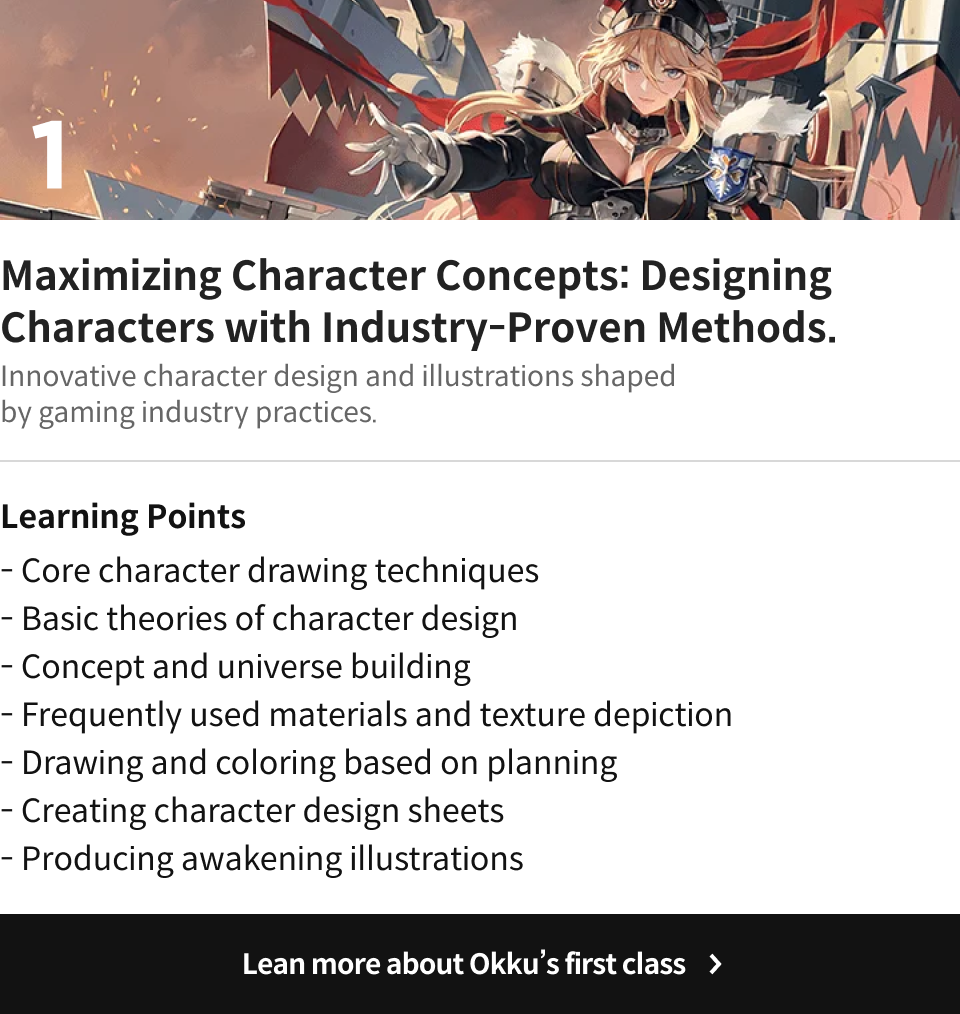
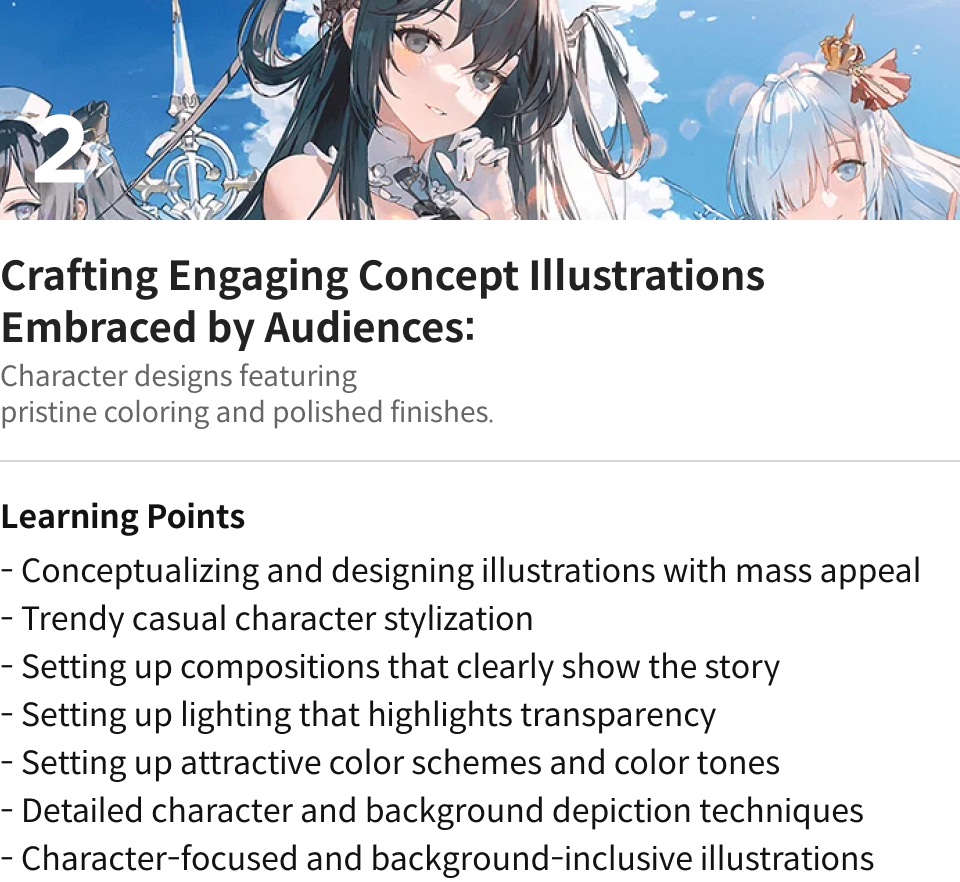
Expert Concept Artist Okku's Portfolio
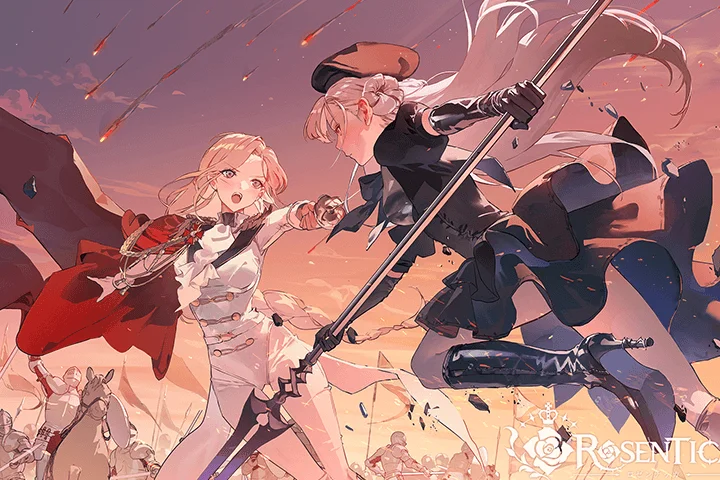
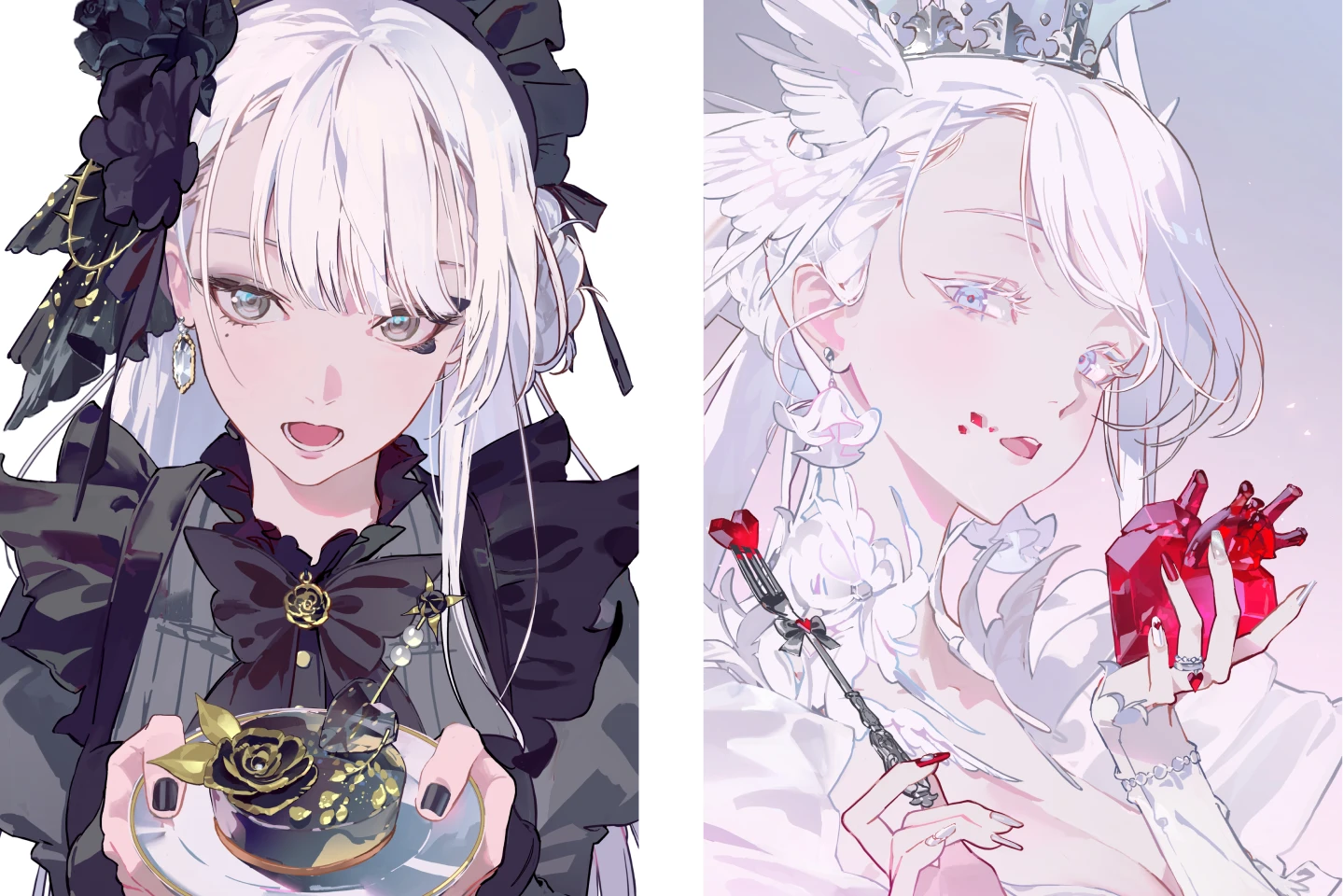
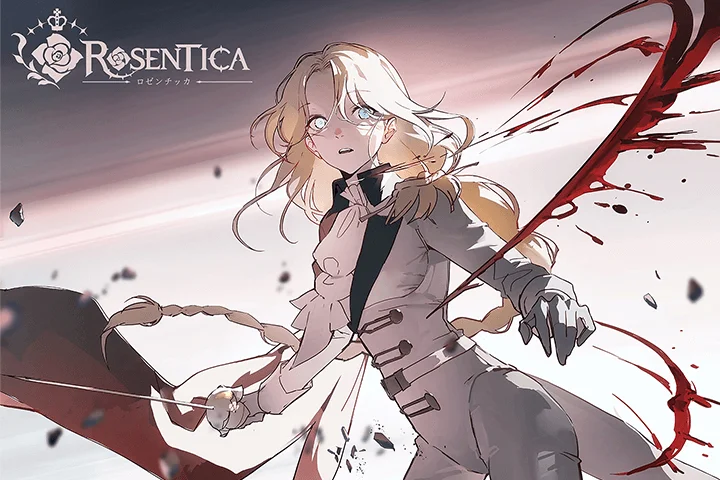
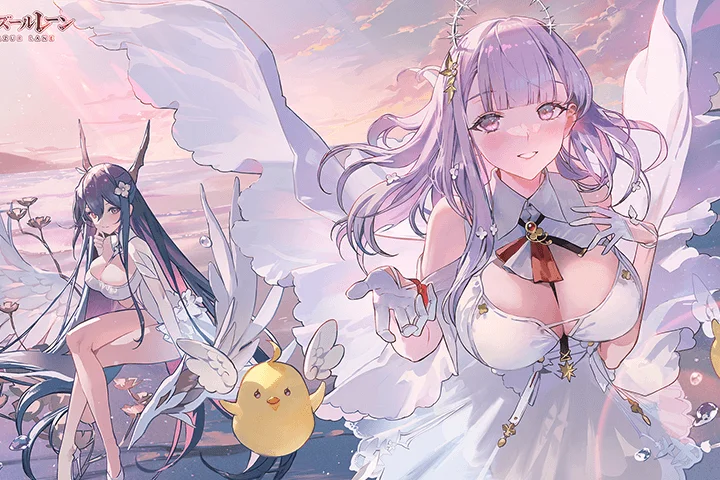
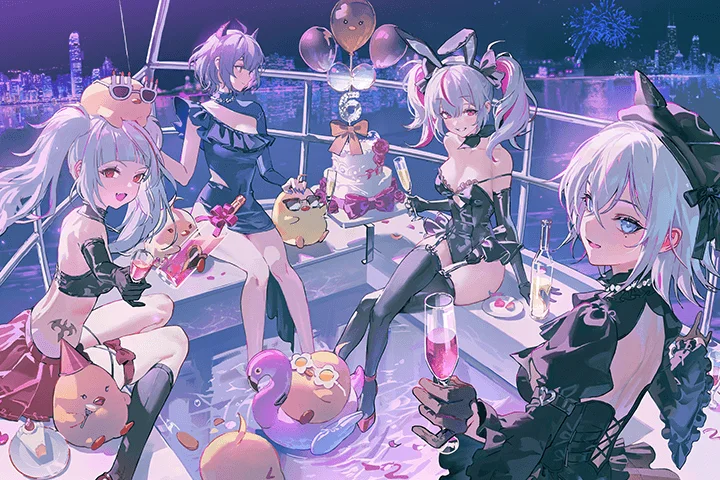
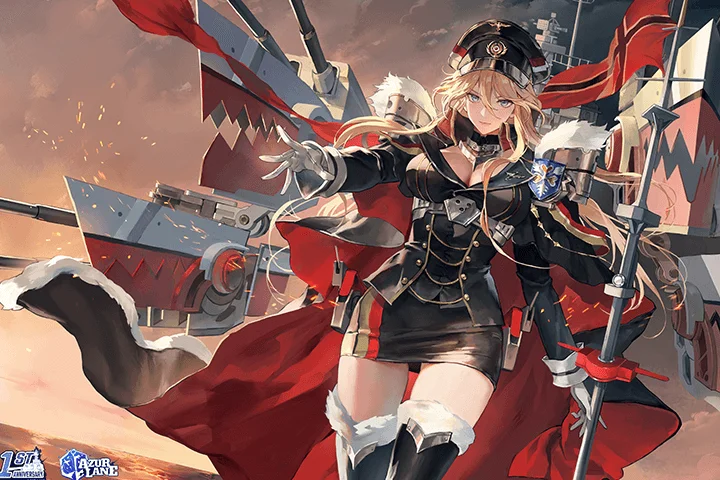
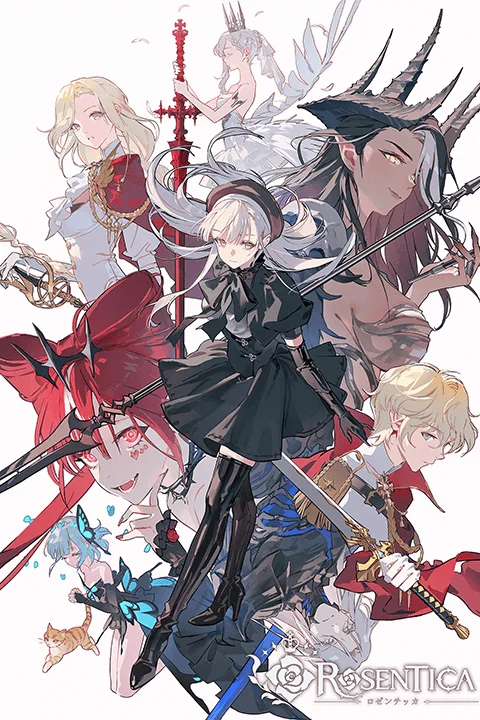
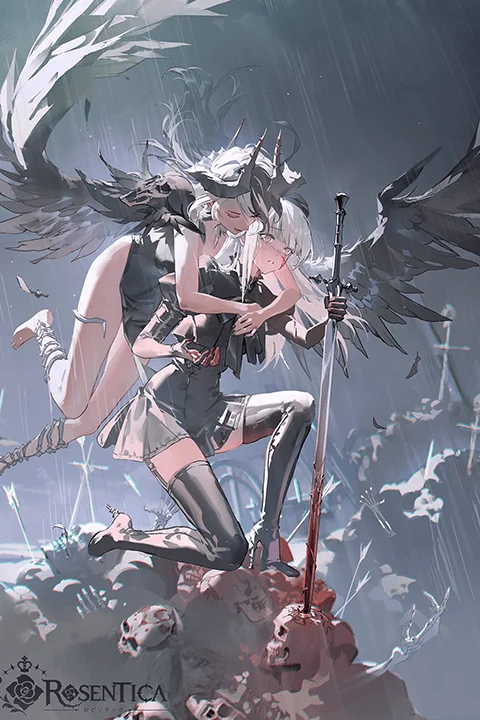
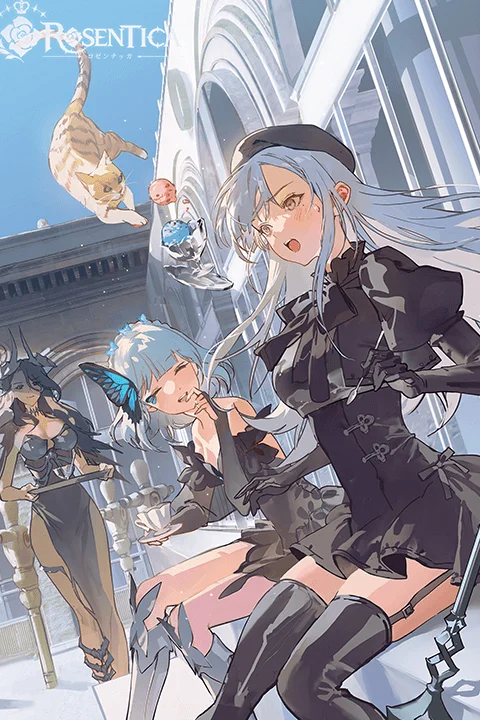
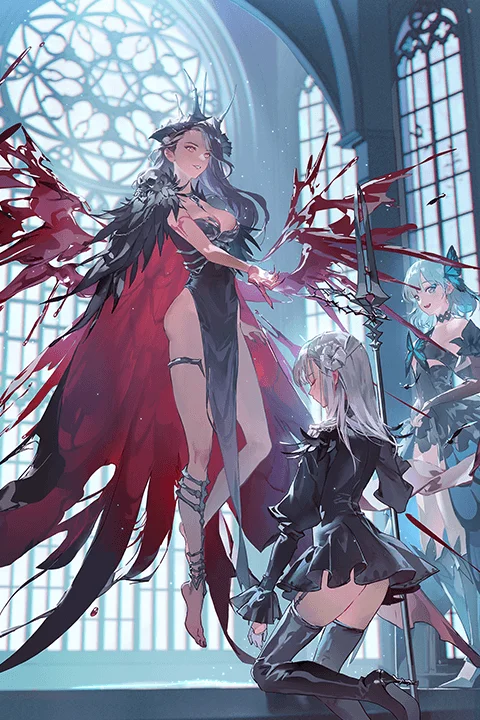
Why Take This Class?
Both concept artists and illustrators need to create artwork that appeals to the public. Therefore, it’s essential to research designs and illustrations that fit the concept, and solidify basic drawing skills and techniques. To achieve these goals, Okku reveals the step-by-step curriculum of her illustration production process, which continues to draw industry attention.
You will learn how to freely change colors to your liking by using the mixer brush for clean coloring along with Okku's unique color gradient sources for efficiently adding color. Learning not just by following the process, but by applying it to your drawing style, to freely express your originality.

10+ Class Exercises
-
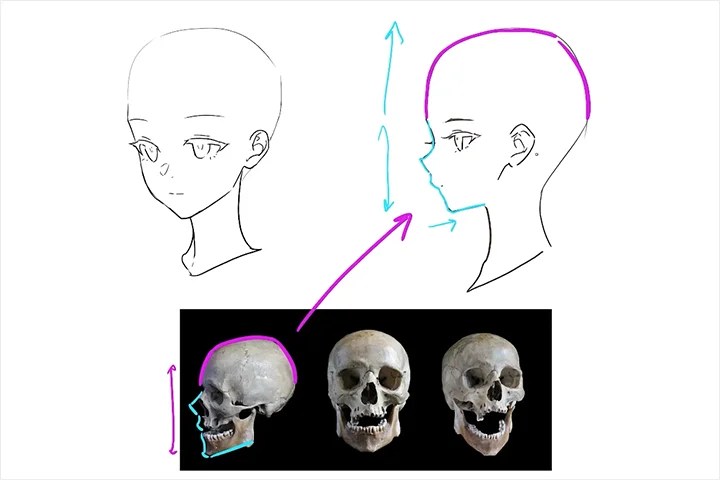 Trendy Face Stylization
 -
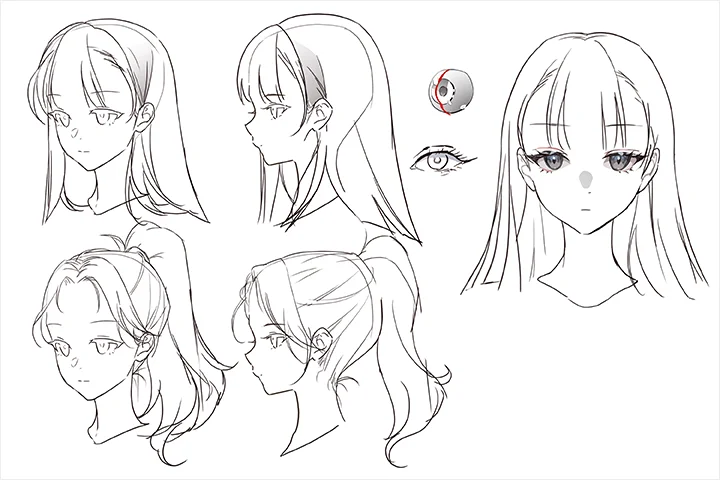 Hair and Eyes
 -
 Composition That Matches the Intention
-
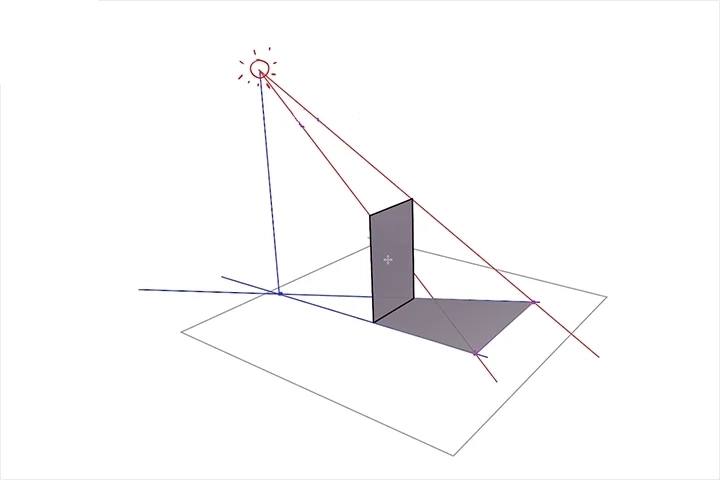 Adding Shading
 -
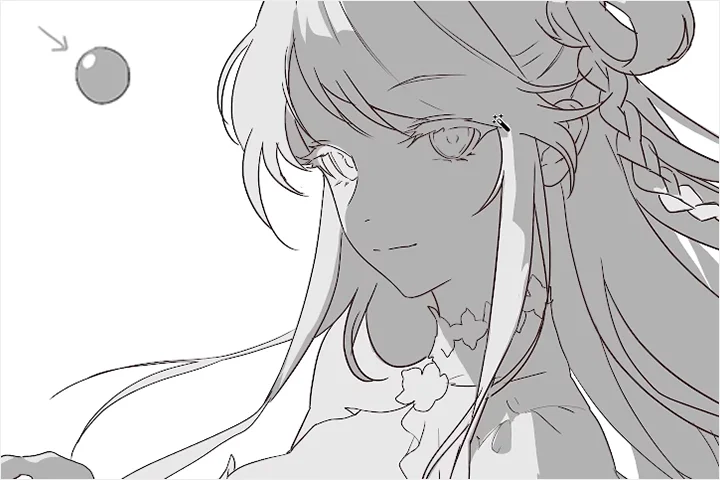 Adding Lighting
 -
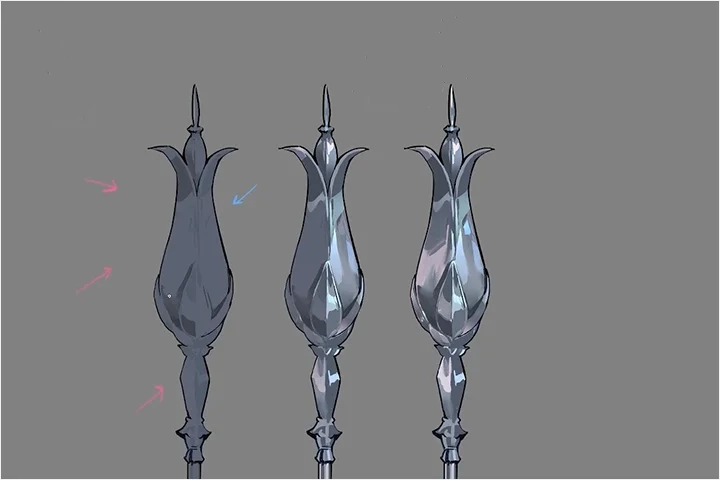 Texture Rendering Techniques
-
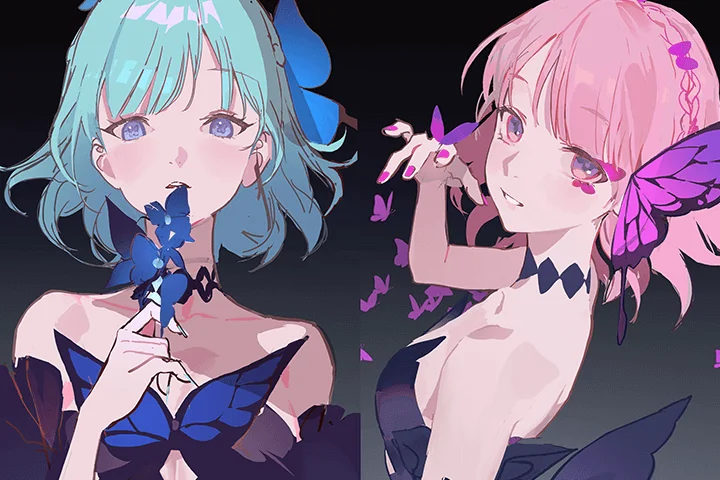 Posing and Composition That Highlight Characters
 -
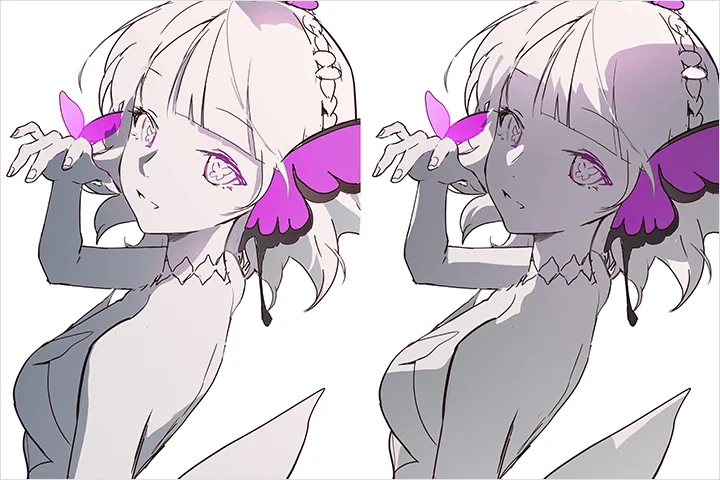 Delicate and Unique Coloring and Lighting
 -
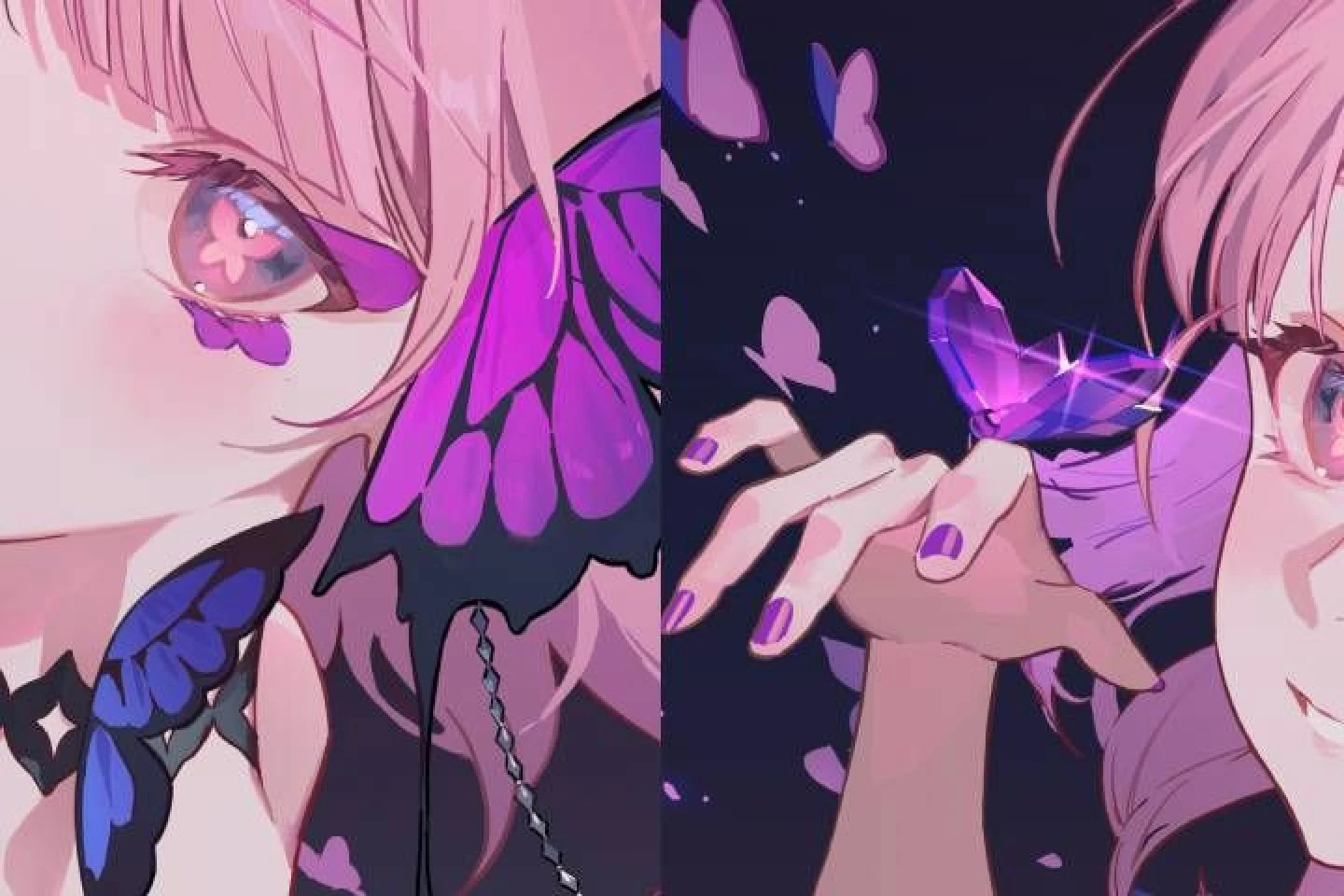 Detailed Depictions of Faces and Props
 -
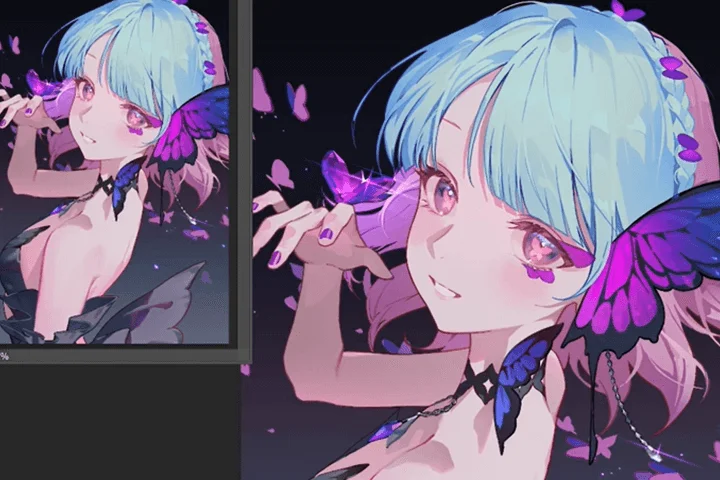 Color Variation
-
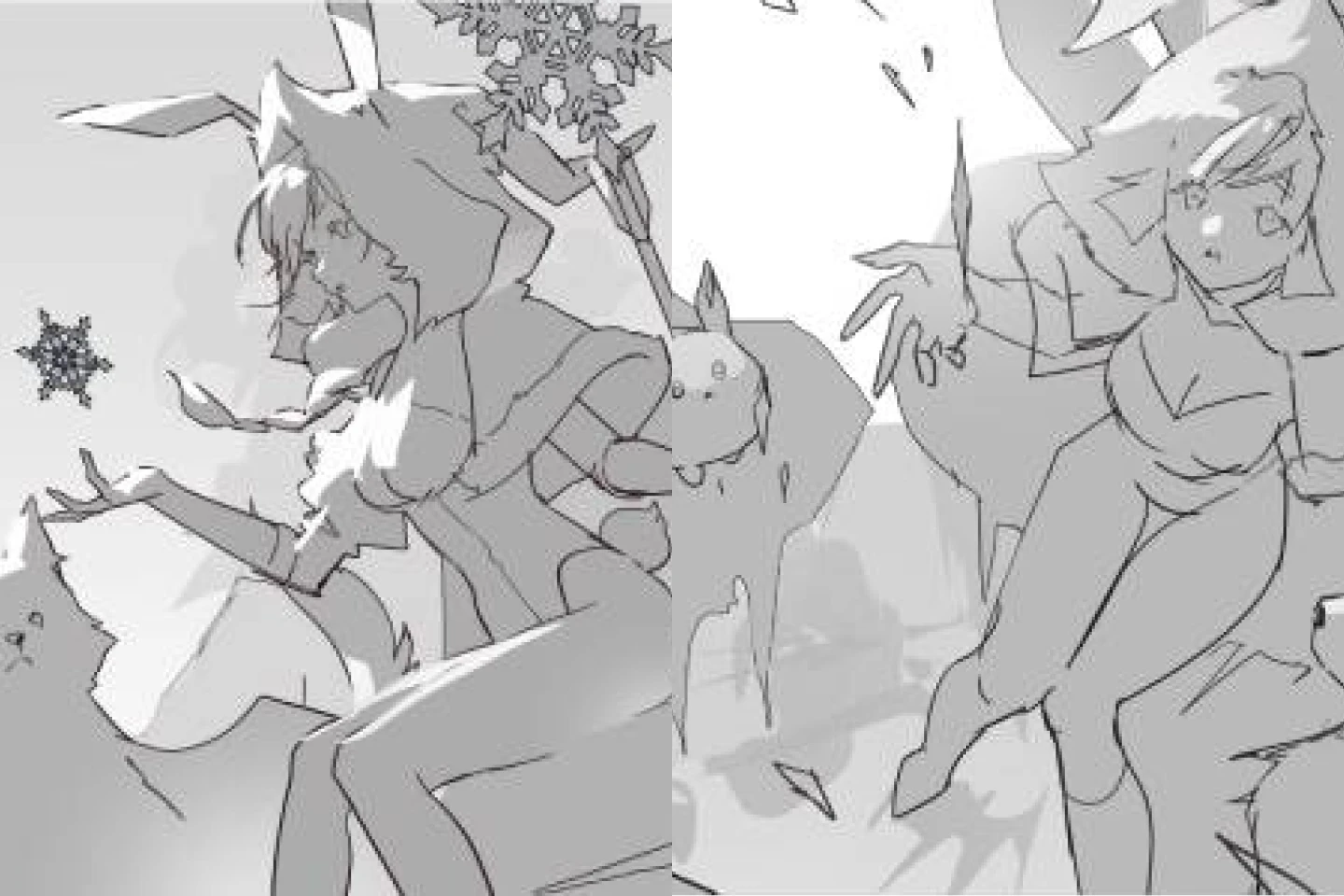 Screen Structure Design That Highlights the Theme
 -
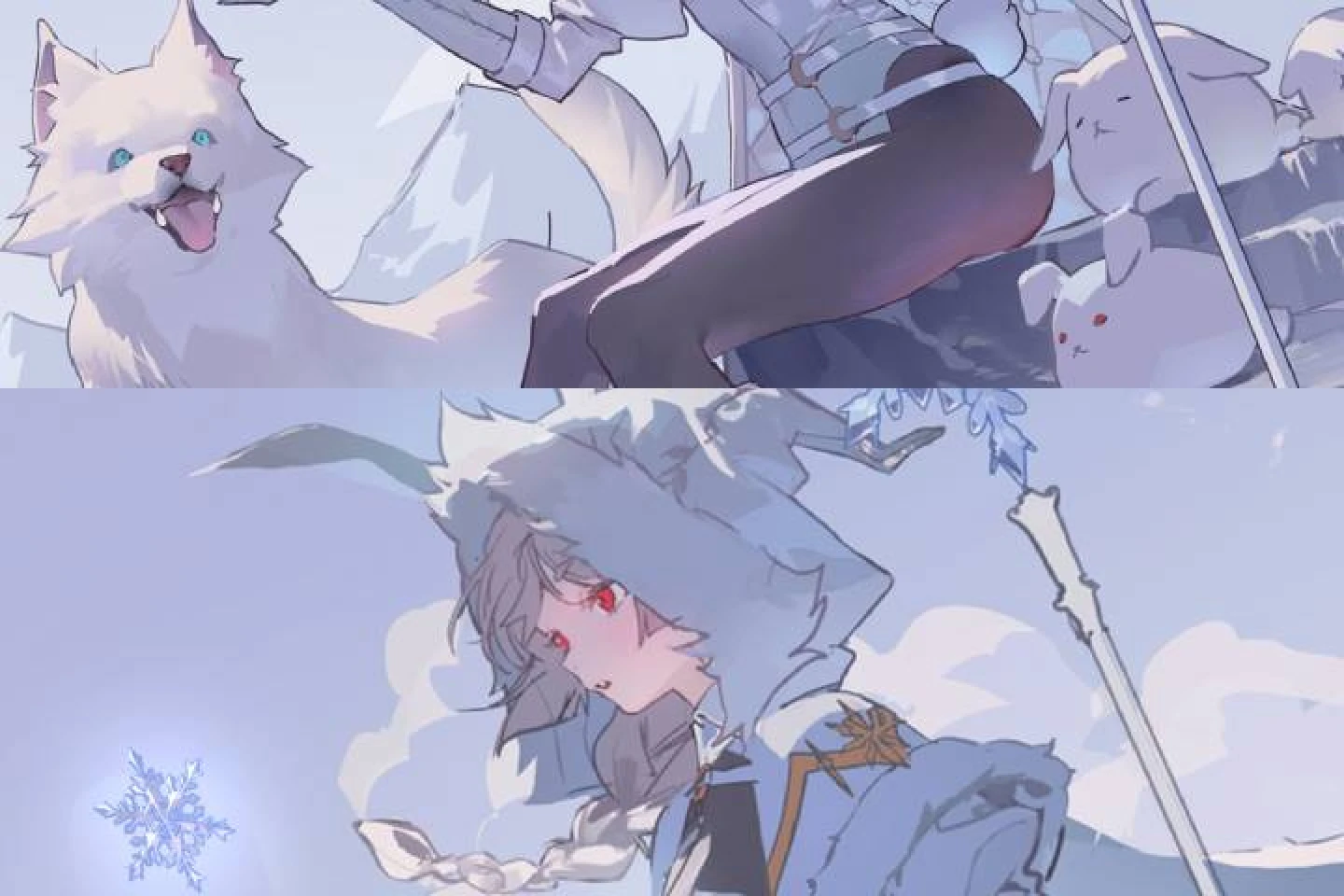 Depiction According to Lighting
 -
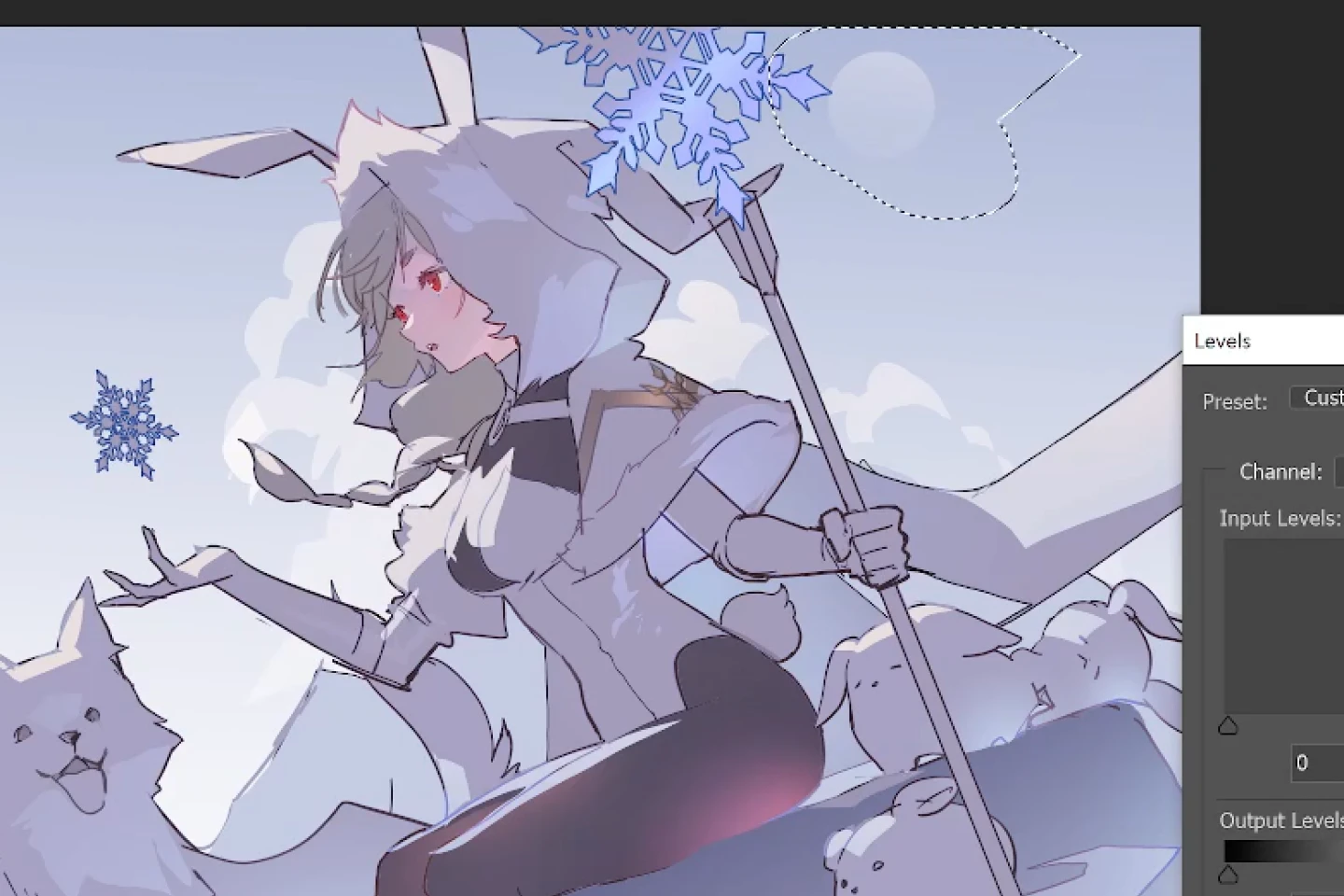 Background Depiction Techniques That Speed up Workflow
Two Final Results
-
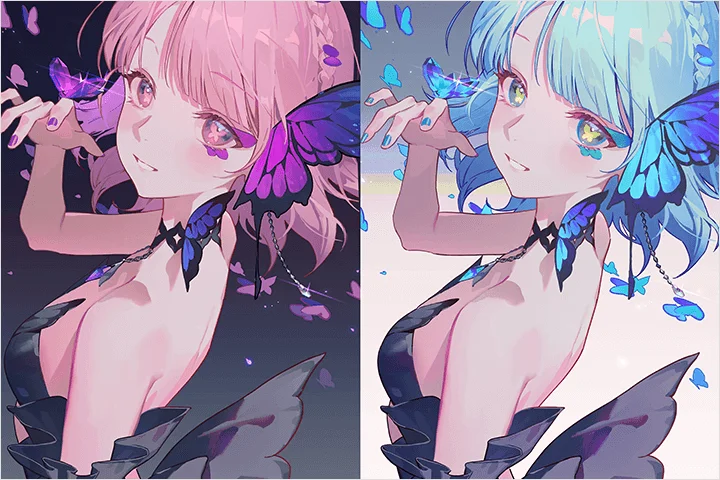 Two Versions of Character-Centric Illustrations
 -
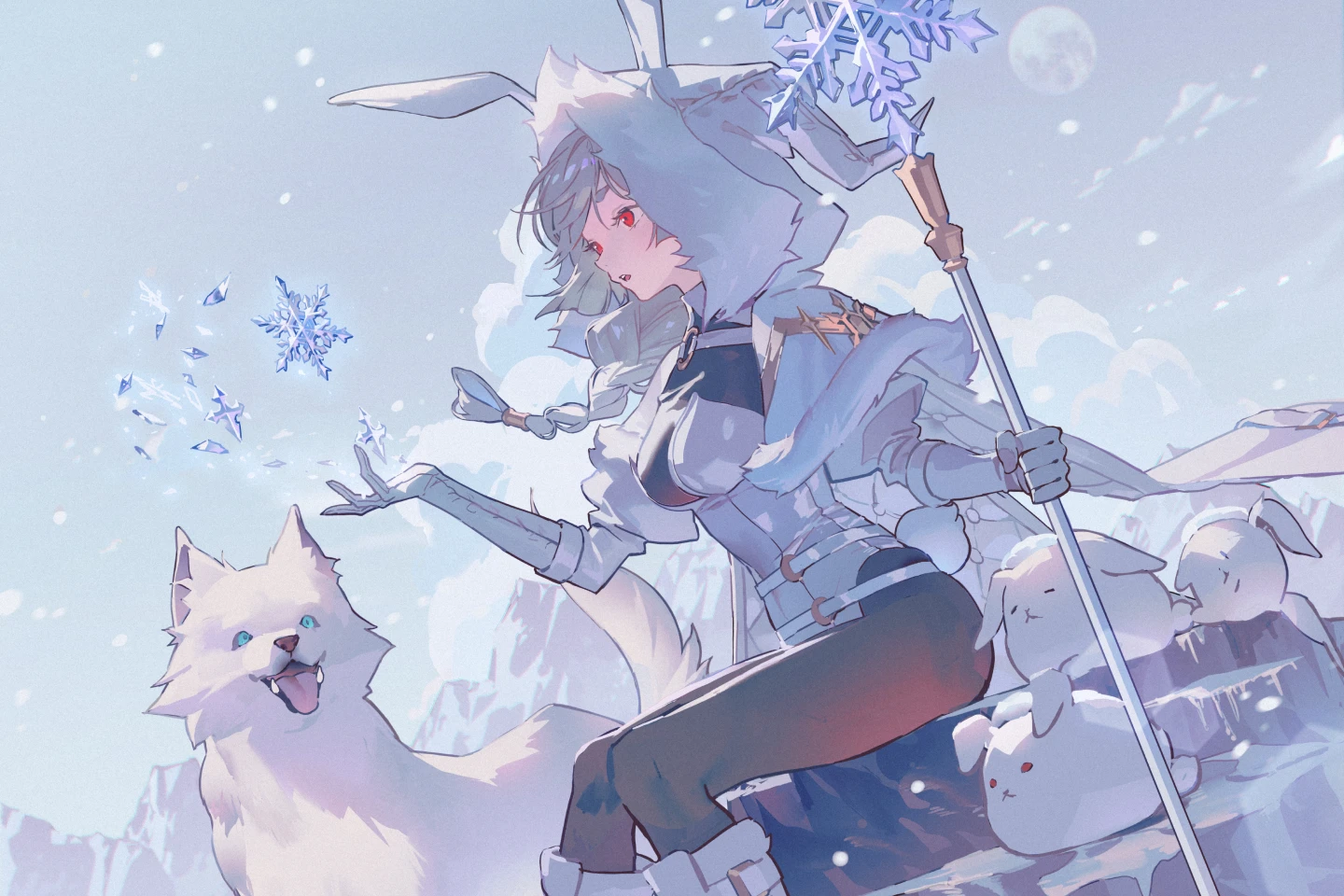 Concept Illustrations with Backgrounds
Instructor
Concept Artist
Okku
Hello, I am Okku, a concept artist excited to present an upgraded masterclass on Coloso. This course integrates valuable teaching insights from my extensive lecturing at the concept art-focused Propic Academy, combined with years of hands-on project experience. While Part 1 covered the concept art process, including design and awakening illustration production, this class focuses on completing illustrations with your unique style. My goal is to help you acquire the essential skills to accurately capture market needs as a commercial illustrator.

Concept Artist Okku
[Current]
Concept Artist Okku
Projects & Awards
[Participated Projects]
Nexon: Mabinogi
Smilegate: Lost Ark
Netmarble Nexus: Seven Knights
Tencent: CrossFire Mobile
NetEase: Eternal City
Yostar: Azur Lane
Npixel: Gran Saga
Nimble Neuron: Black Survival
Shift Up: Goddess of Victory: Nikke
Hoyoverse: Honkai Impact 3 and many more
Review
What Our Students Say
Influencer Review | Hear influencers' honest reviews and key takeaways!
*This video was produced in partnership with Coloso.
Highlights
Class Highlights
Characters and Backgrounds That Convey a Clear Message
This class covers everything from creating character-focused illustrations with a captivating atmosphere as well as illustrations with backgrounds with stories. Through two different exercises with different focal points, you will naturally integrate concepts while producing high-quality drawings, creating a sense of accomplishment.
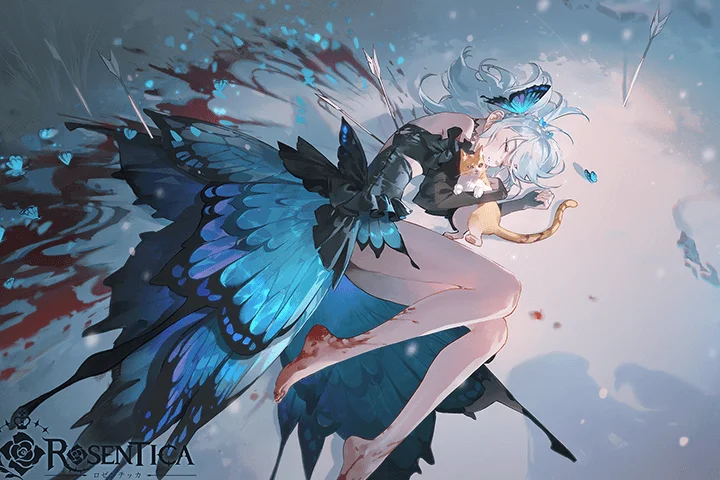
The Process That Transcends the Limits of Illustration Quality, from Conceptualization to Detailed Depiction
From planning and visually expressing unique ideas to applying concepts to character design, detailing character parts and backgrounds, and utilizing effects, dive into Okku's detailed illustration process that allows you to selectively focus on the areas you need.
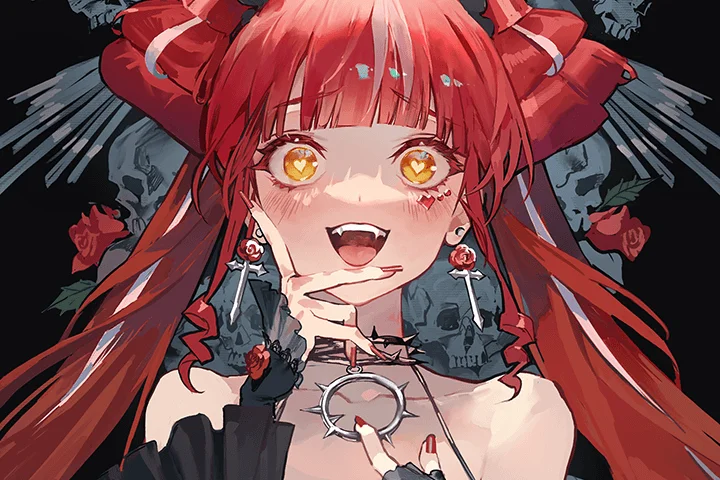
Mastering Adjustments of Color Sense to Establish a Distinctive Style
Color sensibility is a crucial element that alters the overall mood of an illustration and effectively reveals the intended theme. Refine the overall silhouette and tone of the illustration by harmonizing colors that highlight the character's features, adjusting brightness and saturation, applying color to line art, and coloring according to natural lighting.
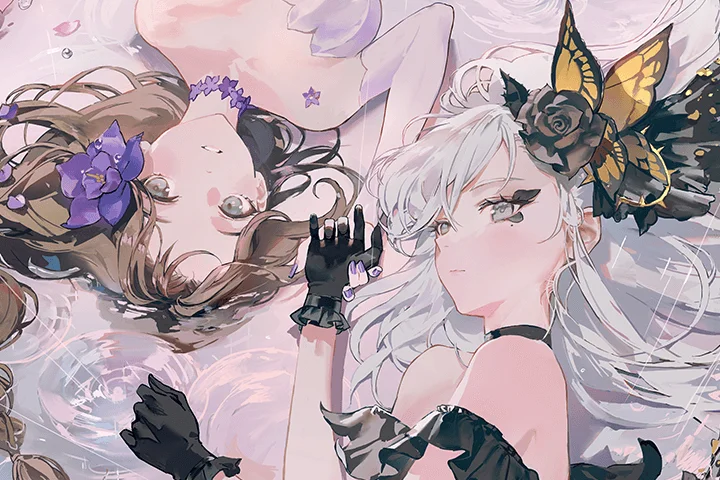
Class Details
You'll Learn
-
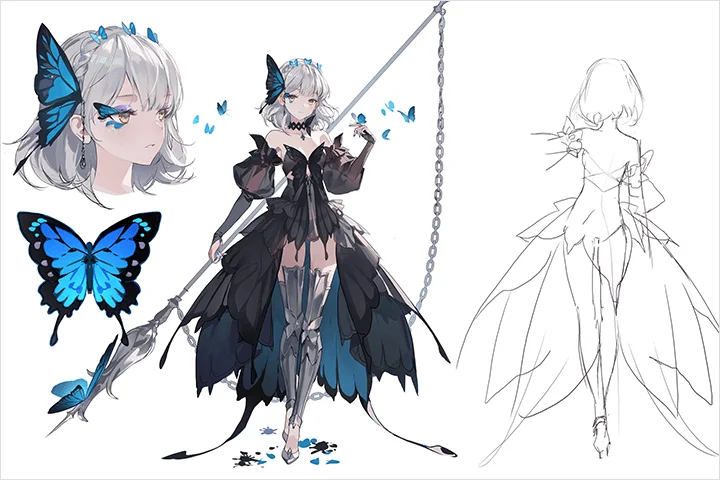 Conceptualizing Plans That Reflect Your IdentityBefore designing characters, practice solidifying the features you want to capture and gathering appropriate references. Naturally acquire the knowledge to develop simple ideas into sophisticated plans.
 -
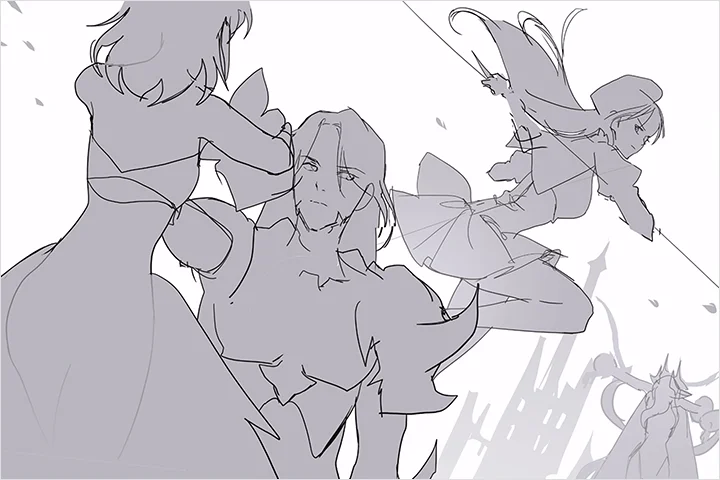 Setting Compositions and Perspectives to Match the IntentionWell-structured composition plays a crucial role in effectively conveying the message of an illustration. Understand the differences between illustrations and concept art, and draw pictures that clearly achieve the intended goals.
 -
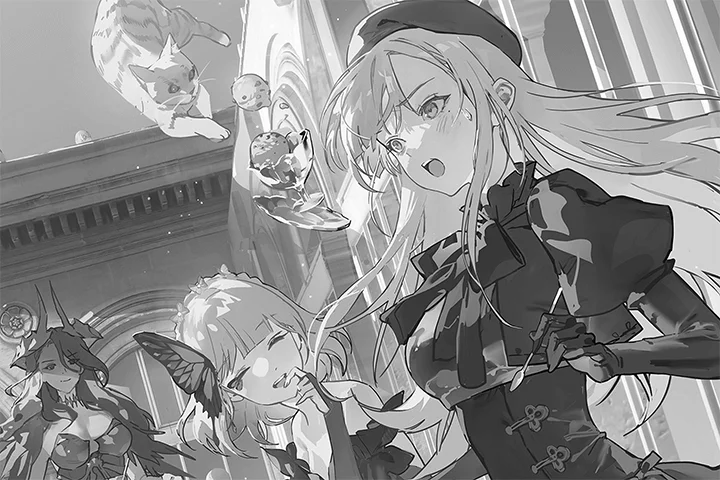 Advanced Lighting Techniques to Enhance Dimensionality and Sense of SpaceCompare four different drafts and learn how to set up lighting that suits the theme, practicing the creation of the desired concept within the illustration. Create high-quality visuals by understanding how variations in lighting settings can alter the mood.
-
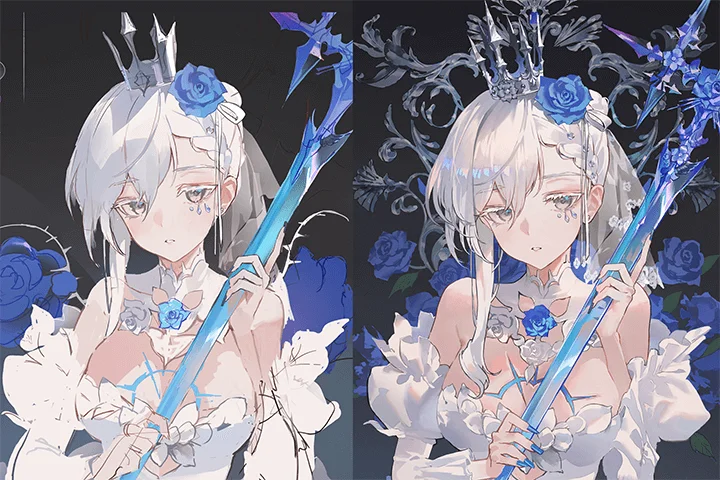 Refining Silhouettes to Look NaturalRefine silhouettes during illustration work to practice completing line art after the rough sketch. Discover solutions for those who feel their line work looks discordant and unnatural.
 -
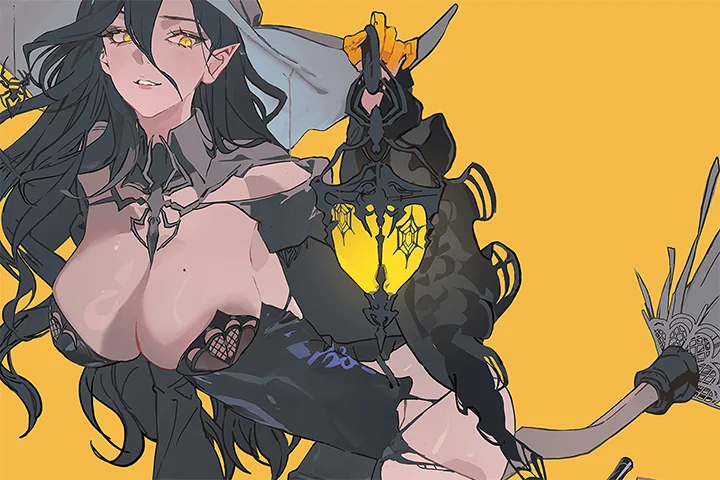 Body Proportion and MovementYou'll learn how to design bodies that feel natural and explore various gestures which will aid you in picking the right poses for your characters.
 -
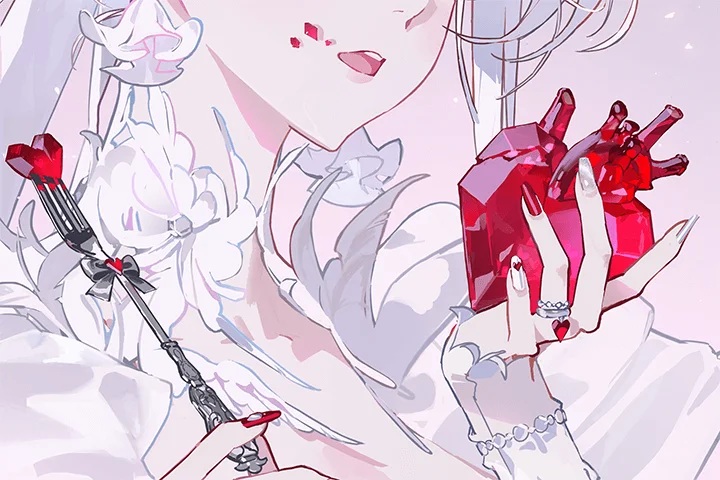 Detailed Texture Expressions That Define CompletionPractice texture coloring skills for different parts of the character, such as skin, eyes, hair, and clothing, through various exercises. Learn how to finish illustrations to captivate viewers.
Class Preview
Glimpse into CH.16 of Okku’s Concept Illustration Production Class!
16. Depiction 1 (Face and Body)
- Depicting skin and face - Expressing natural eyes and pupils - Adding shading and shadows to enhance details - Highlighting the three-dimensionality of clothing
Curriculum
In-Depth Look
Curriculum
Section 1. Class Orientation
1. What You Will Learn in This Class
- Brief Introduction of the Instructor
- The Differences Between Concept Art and Illustration
- Introduction to Illustration Techniques
2. Basic Tool Setup
- Using Photoshop
- Brushes, Blending Techniques
- Tips for Quick Initial Drafts
3. How to Utilize the Class and Apply It to Your Drawing
- Stylization of Drawing Styles - Face Shapes, Eyes, Hair, and Body Shapes
- Applying What You Learn to Your Drawings
Section 2. What to Draw? Conceptualizing Ideas
4. Stylization of Drawing Styles - Face Shapes, Eyes, Hair, and Body Shapes
- Comparing Realistic, Semi-realistic, and Anime-Style Stylization
- Exploring Commonly Used Character Appearances in Anime
- Comparing Stylization in Depiction Based on Illustration Composition
5. Conceptualizing Character Design
- Using References to Design
- Simplifying Illustration Conceptualization and Design
6. Illustration Planning
- The Process of Deciding What to Draw
- How to Draw Inspiration from Objects or Media
- Writing Detailed Plans for Drawing Concepts
7. Applying References to Character Design
- Using References to Design
- Simplifying Illustration Conceptualization and Design
8. Composition and Perspective to Match the Intention
- Understanding the Differences between Illustrations and Character Concept Art
- How to Compose a Scene That Shows the Conceptualized Story
- How to Set up Perspectives That Maximize the Story
9. Refining Silhouettes
- Deciding Whether Line Art or Monochrome Is More Efficient
10. Lighting and Depiction
- Fundamental Principles of Depiction Based on Lighting
11. Texture Rendering Techniques
- Highlighting Themes with Texture
Section 3. Character-Centered Concept Illustration: Butterflies
12. Planning Concept Illustrations
- Planning Illustrations Using Existing Characters
- Criteria and Process for Gathering References
- Simple Design to Emphasize Key Points
13. Conceptualizing Composition
- Drawing Characters from Two Perspectives: Low-Angle and High-Angle
- Rough Sketching
- Adding Design Points at the Composition Stage
14. Efficiently Managing Coloring and Lighting Simultaneously
- Trying out Two Lighting Drafts
- Coloring by Defining Areas with Mass
15. Refining Silhouettes
- Refining Silhouettes by Tracing the Lines of Roughly Colored Drawings
16. Depiction 1 (Face and Body)
- Depicting Skin and Face
- Expressing Natural Eyes and Pupils
- Adding Details with Shading and Shadows
- Highlighting the Three-Dimensionality of Clothing
17. Depiction 2 (Hair)
- Depicting Hair Based on Light Direction
- Adding Details to the Silhouette of the Back Hair
18. Depiction 3 (Props and Background)
- Detailed Depiction of Design Props
- Simple Background Depiction
19. Methods for Enhancing Quality: Effects
- Adding Effects and Color Adjustments Using Tool Functions
- Using Gradient Sources
20. Color Variations
- Checking Colors at Shading Stages
- Adjusting Colors through Tool Functions to Manage Shading Stages
Section 4. Background Illustrations with Characters
21. Planning Background Illustrations
- Background Illustration Planning
- Gathering References on Backgrounds and Lighting
22. Advanced Theory on Background Illustration Composition
- Composition Theory for Background Illustrations with Characters
- *Unlike Chapter 8, this focuses on background illustration theories.
23. Conceptualizing Composition
- Conceptualizing Composition to Showcase the Theme
- Setting the Viewpoint and Perspective in Backgrounds
24. Coloring and Lighting
- Establishing Overall Coloring
- Trying out Two Lighting Drafts
- Techniques for Unifying Color Tones
25. Depiction 1 (Character)
- Depicting Characters (Humans)
26. Depiction 2 (Non-characters)
- Depicting Objects beyond Characters (Animals and Rocks)
27. Depiction 3 (Background)
- Depicting Distant Backgrounds
28. Methods for Enhancing Quality: Effects
- Methods for Adding Effects and Adjusting Color Tones Using Tool Functions
Section 5. In Conclusion
29. Concept Artist and Freelancer
- Fan Art vs. Original Creation
- Which Is Better: Working as a Concept Artist or a Freelancer? Comparing Pros and Cons!
30. Overcoming Limitations
- How to Push beyond Your Limitations and Grow Further
*The release date of this class, curriculum images, and associated content can be changed without prior notice.
** Class videos may be seperated for a more streamlined viewing experience
Interview with
Concept Artist Okku

Question.01
What are the differences from Part 1?
While Part 1 focused on incorporating client requirements into design as a concept artist, this part delves into practical knowledge for effectively creating high-quality illustrations as a freelancer. I have developed a comprehensive curriculum that goes beyond simply teaching drawing techniques, exploring the concretization of ideas and approaches in the creative process to help you grow as an artist. This class consolidates practical and applicable techniques and my own tips gained from various insights and experiences in the field.
Question.02
What are the key points of this class?
I believe the distinction between professional and amateur lies in the ability to create illustrations that convey a concept and story. Without a concrete plan, merely focusing on drawing pretty, cool characters results in meaningless work. Through methods to imbue illustrations with deep individuality, I aim to help you communicate emotionally with the audience beyond mere visual appeal. The class is designed to build confidence with practical techniques and step-by-step practice, covering the entire process from core drawing skills, character design, and concept development to coloring, lighting, and final depiction, allowing you to draw freely.
Question.03
What benefit does this class have for learners?
Most importantly, you will learn how to freely express your unique characters and stories in each work. Systematically learning the entire process from conceptual planning to actual illustration production, you will breathe depth and vitality into your drawings, expanding into the realm of creation. I believe that drawing in a balanced, joyful manner is most important in any genre. I'll help you enjoy the process of turning your ideas into reality, so you can continue your drawing journey for a long time.
Required Programs
This course will use
- Wacom Intuos
- Adobe Photoshop CC 2024.
Please purchase and install the latest versions of the programs for an optimized lecture experience.
*These programs and/or materials will not be provided with the chapter.