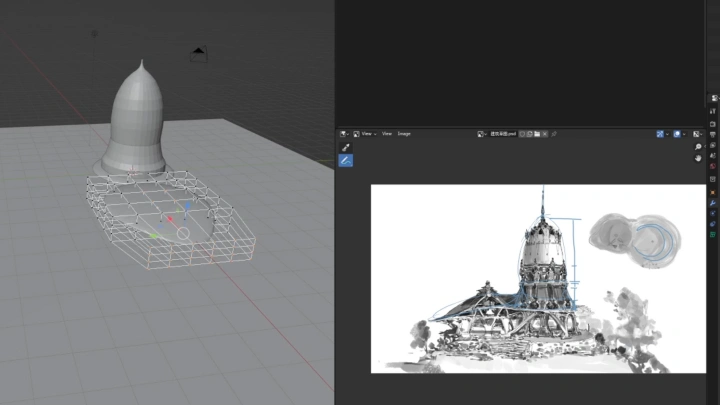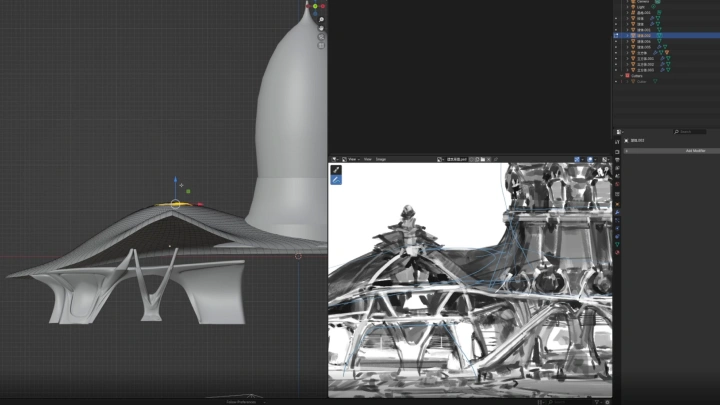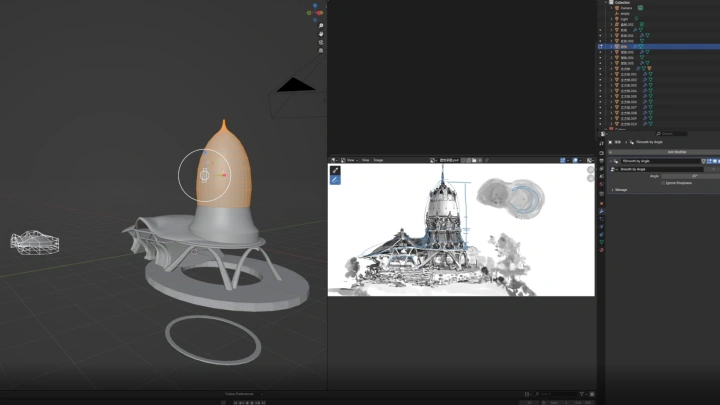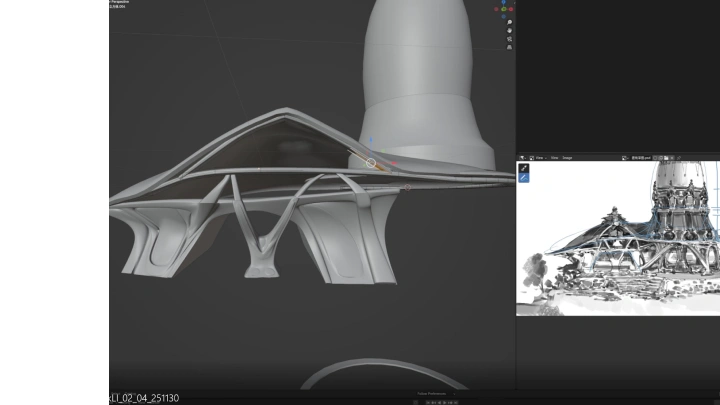
conceptartist,markli_ZH Details
Intro
Class Intro
Concept Artist, Mark Li
Mid-to-Large Scale Game Concept Art Crafted with 3D Modeling × Hand-Painted Techniques
Go beyond basic game concepts and develop true, production-ready instincts. Experience the complete, real-world workflow used by professional game concept artists—from core design principles and structural understanding to concept drafts, 3D modeling, and refined paint-overs. Achieve both intricate detail and convincing realism, and build your skills confidently from the ground up, even if you’re an early-to-intermediate learner.
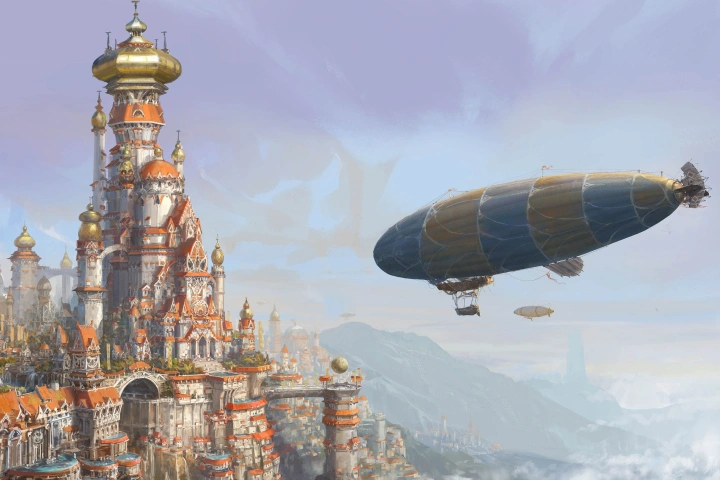
Go beyond basic game concepts and build true production-ready instincts. Experience the full, real-world workflow used by professional game concept artists—from design principles and structural understanding to concept drafts, 3D modeling, and detailed paint-overs. Capture detailed intricacies and realistic quality simultaneously, and strengthen your skills step by step from the ground up, even if you’re an early-to-intermediate learner.
Class Preview
Still Not Sure?
Check Out Mark Li's Class Preview!
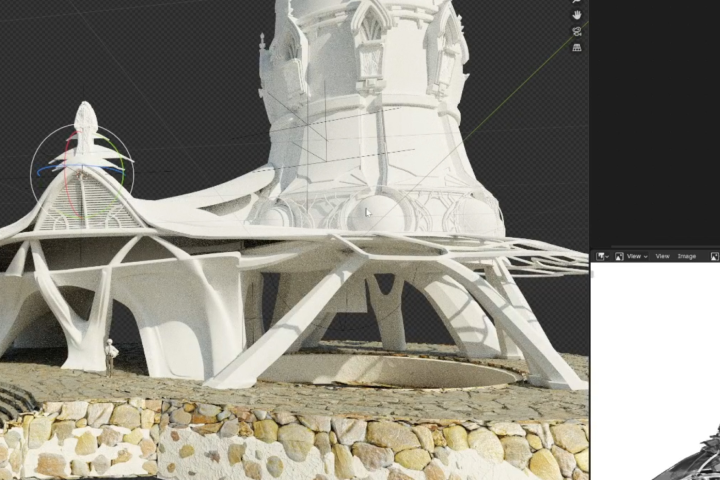
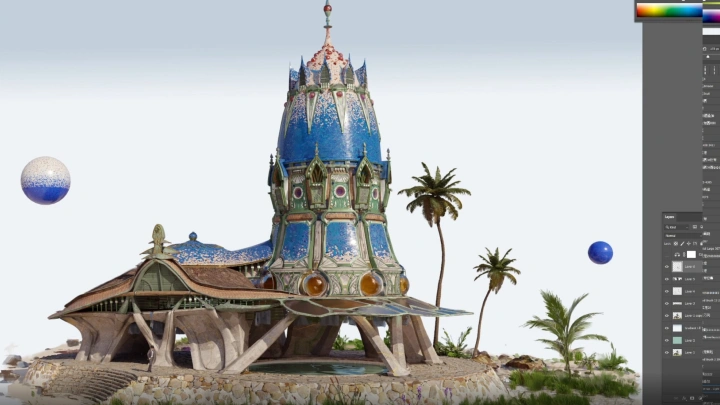
21. Refining Tower Architecture 4
- Adding structural details to the top windows
Class Perks
Get These Coloso Exclusives
-
 Original Blender 3D modeling files,ready to use directly in real-world production
 -
 Final, fully polished PSD source files—delivered at true production-level game concept quality
 -
 Mark Li’s custom brush set,designed for immediate use in real-world production
 -
 Architectural reference photospersonally shot and carefully curated from a professional artist’s perspective
 -
 A carefully curated collection of design inspiration imagesto spark ideas and expand creative possibilities
Recommendation
Who should take this class?
Aspiring game concept artists who aim to strengthen real-world, production-ready skills
Game concept industry aspirants and newcomers unfamiliar with practical workflows
Artists who want to create high-quality game concepts using Painting and Blender
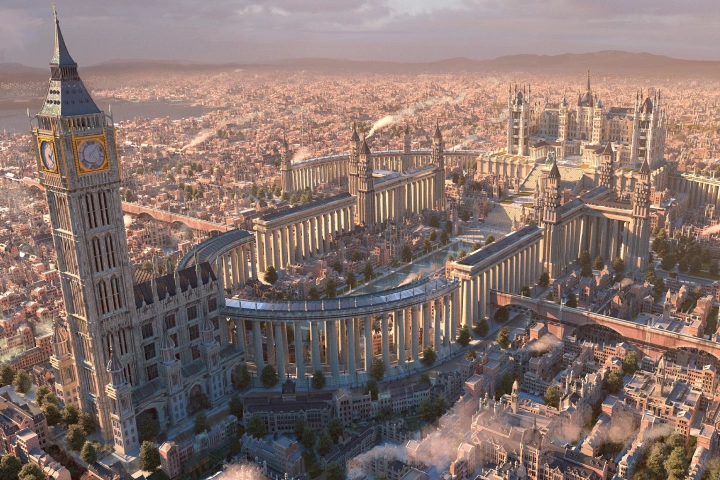
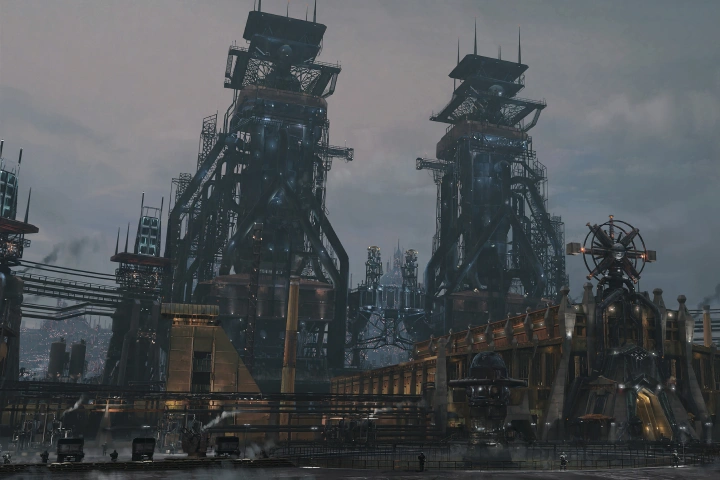
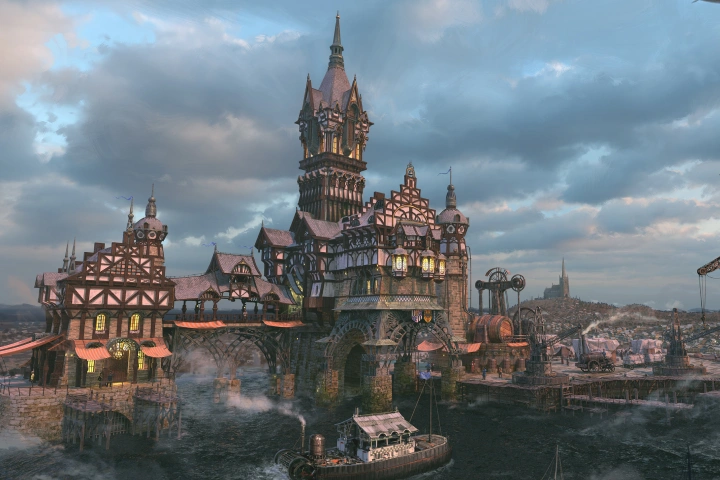
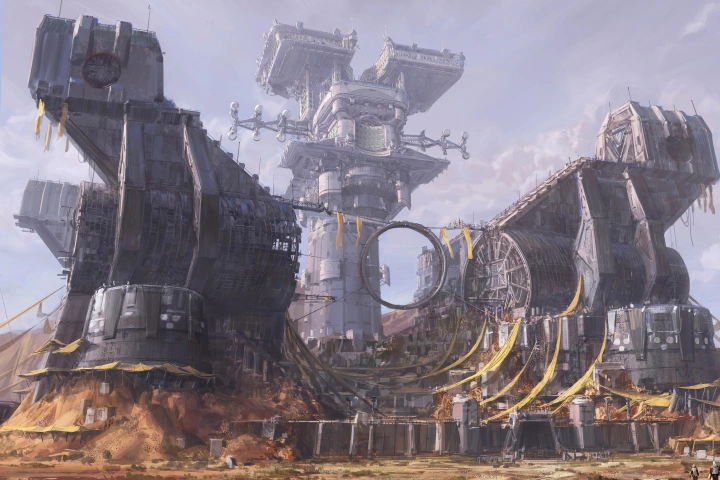
Expert Concept Artist Mark Li's Portfolio
-
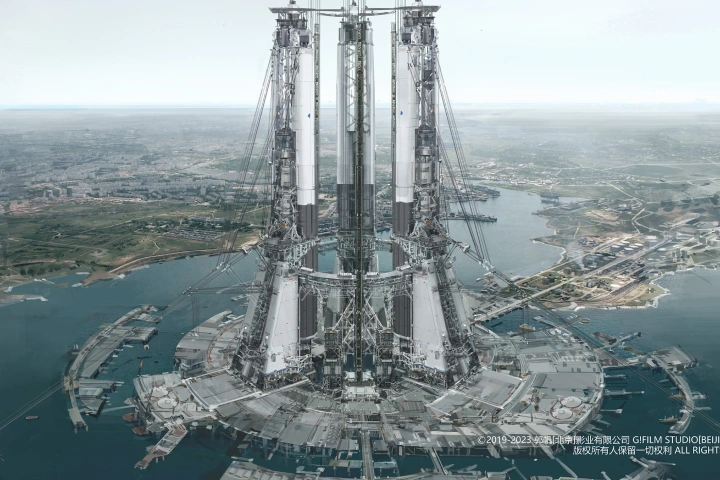 The Wandering Earth
 -
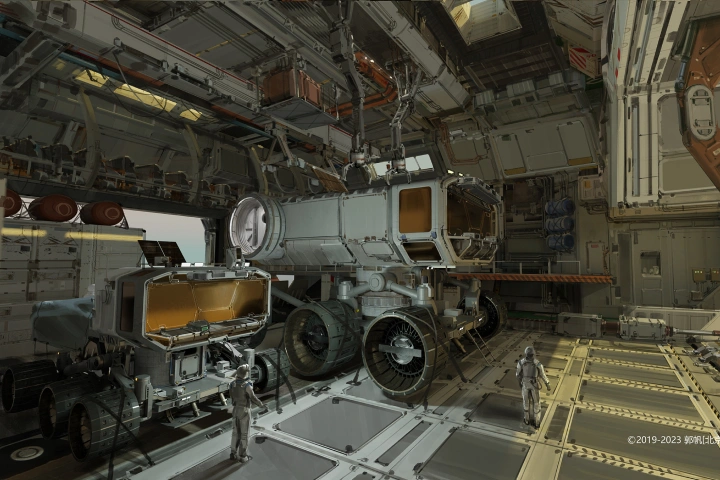 The Wandering Earth
 -
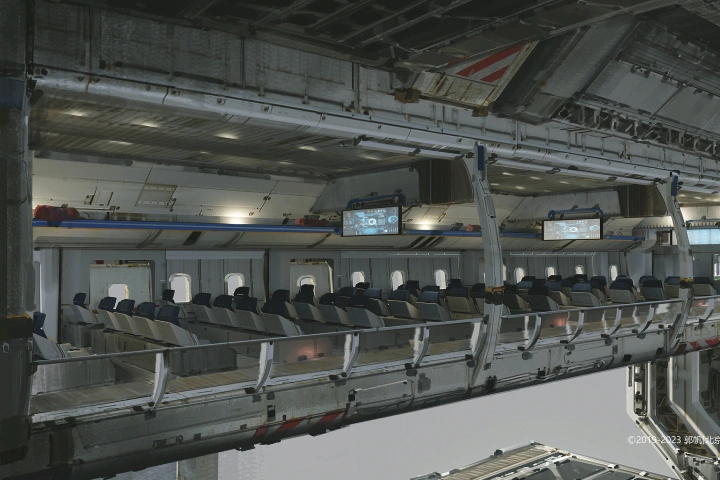 The Wandering Earth
-
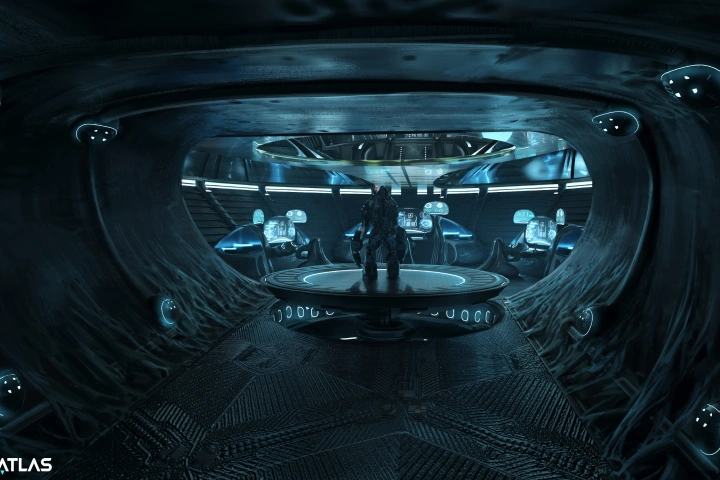
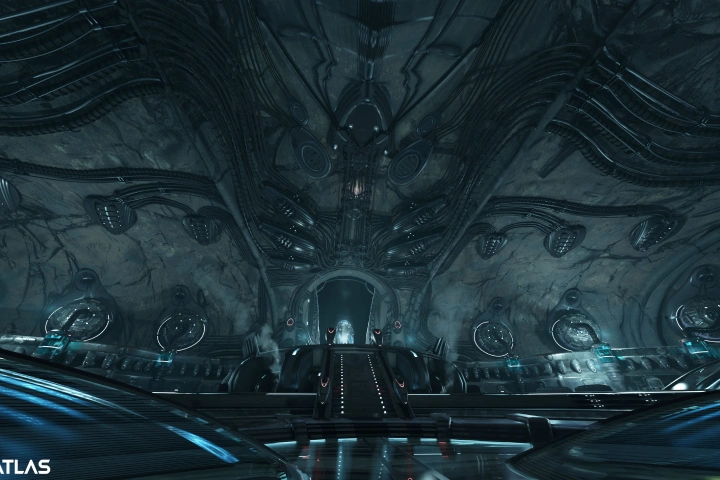
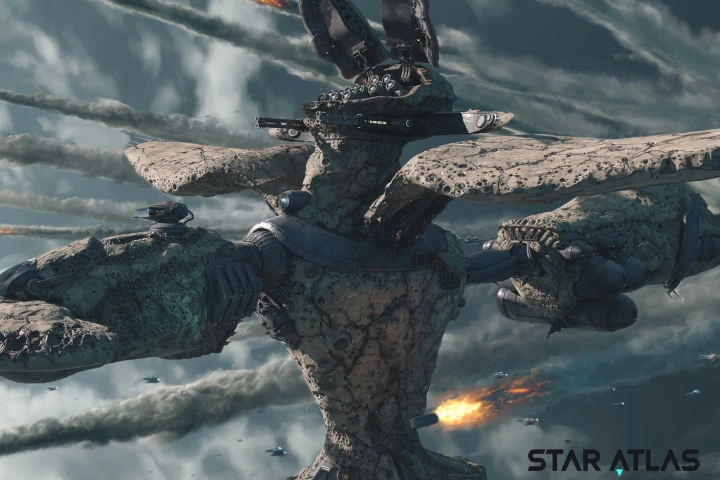 Star Atlas
 -
 Star Atlas
 -
 Star Atlas
Why Take This Class?
Master complex game objects and massive scenes with ease. Create fast, precise models using Blender and 3DCoat, then bring them to life with expressive brushwork and polished details in Photoshop. Deliver game concepts that seamlessly balance realism and artistry—leveling up both your visual style and production-ready skills in one complete workflow.
A whole new starting line beyond ordinary game concept courses. Step inside a real, professional game concept workflow and master the design mechanisms, structural logic, and scene planning used in actual production. Build powerful creativity on solid, real-world foundations—not guesswork—and create visually compelling, production-ready concepts in a learning environment tailored for aspiring and entry-level game concept artists.
Class Exercises
18 Class Exercises
-
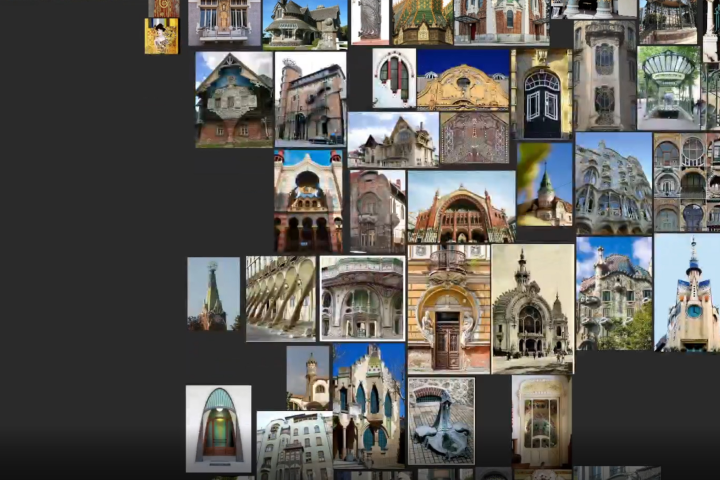
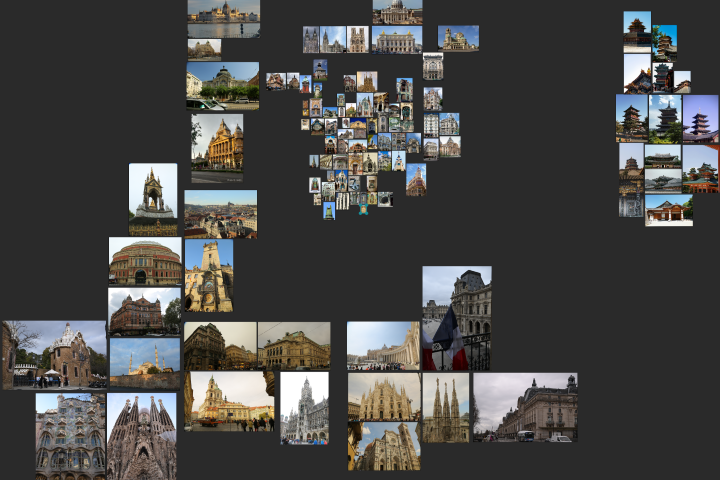 Reference Images and Mood Boards
 -
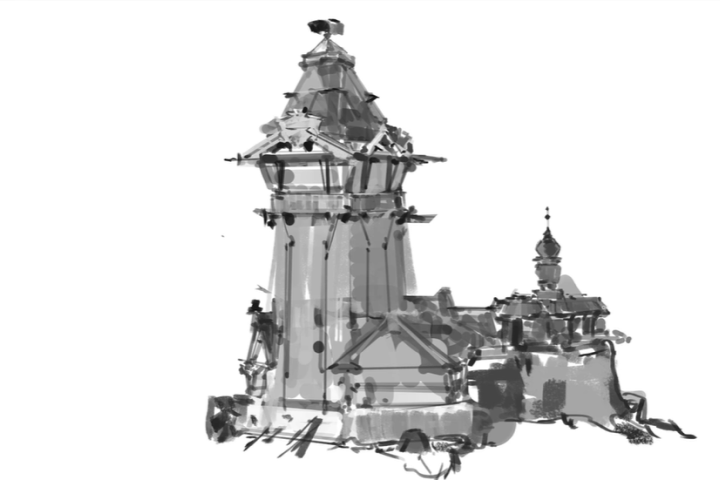
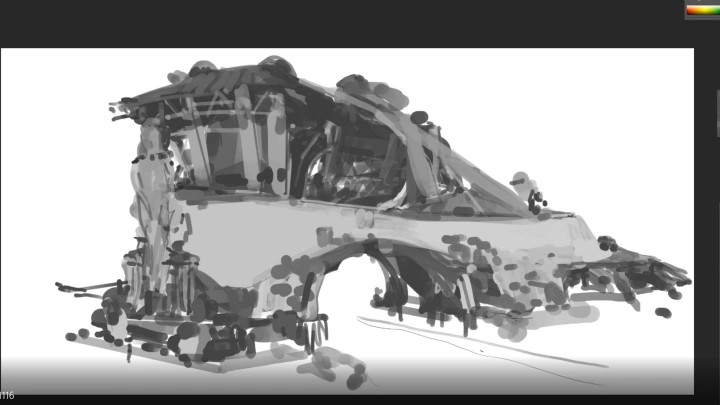
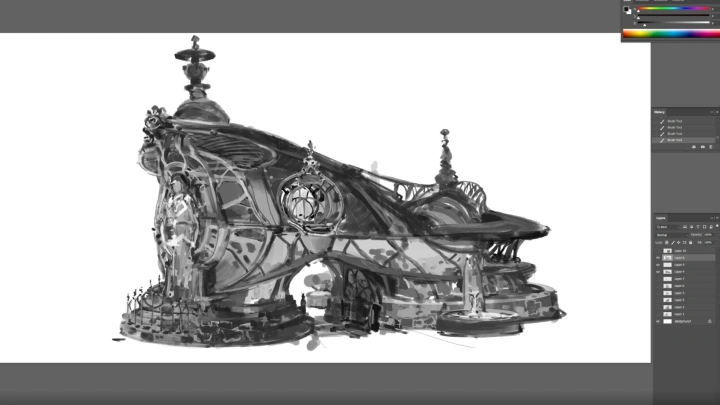
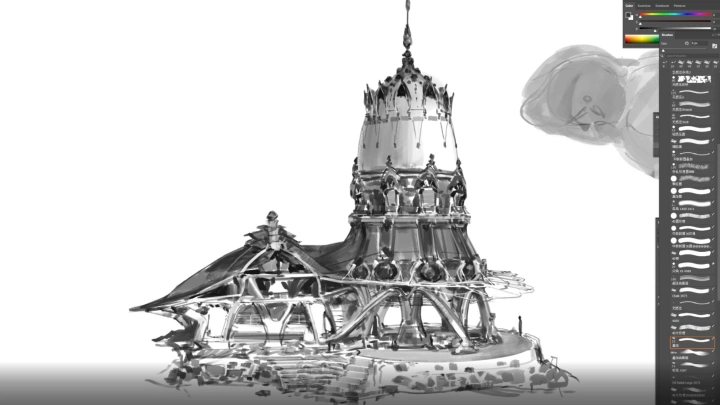
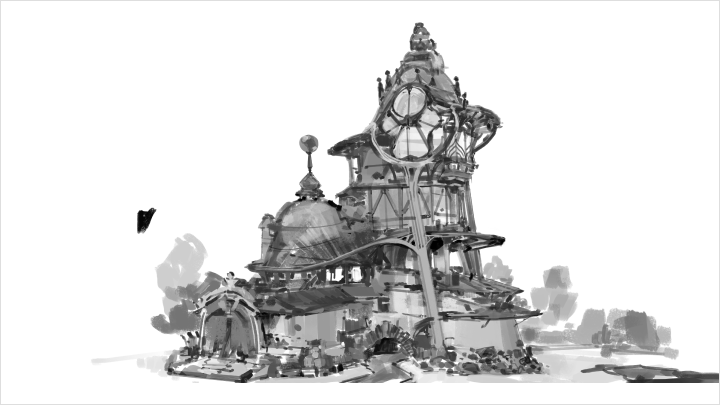
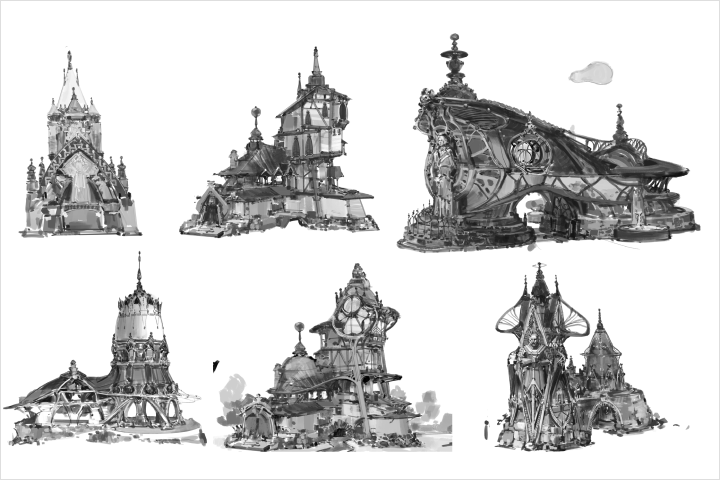 Concept Sketches
 -
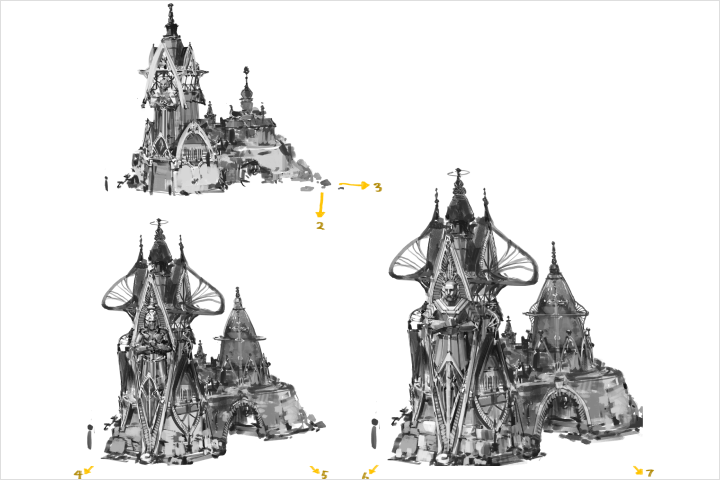 Branching Iteration Sketches
-
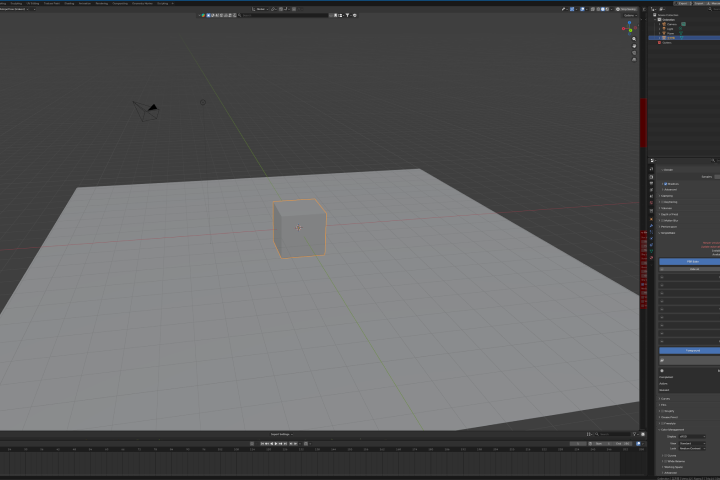 3D Modeling Tool
 -
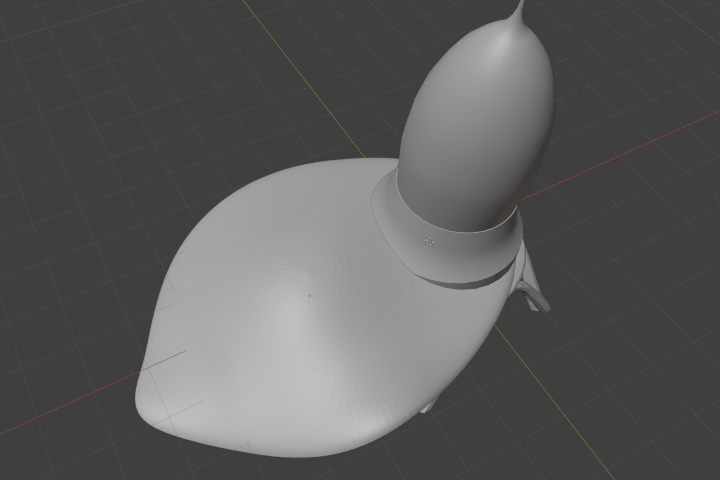 Roof
Roof -
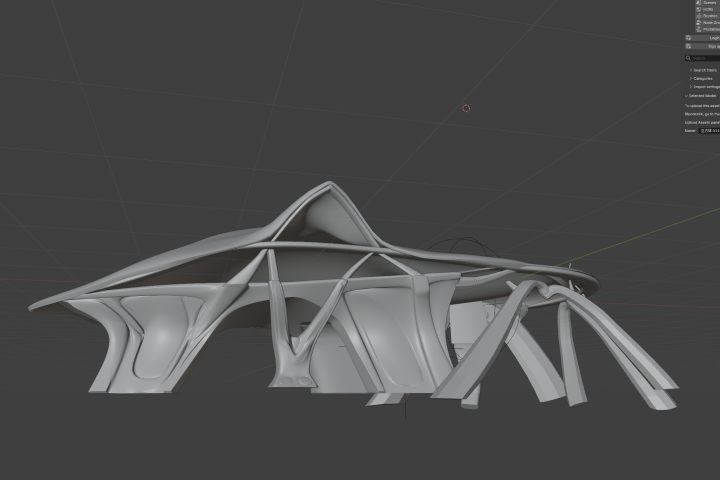 Wall and Beam-Column Structure
-
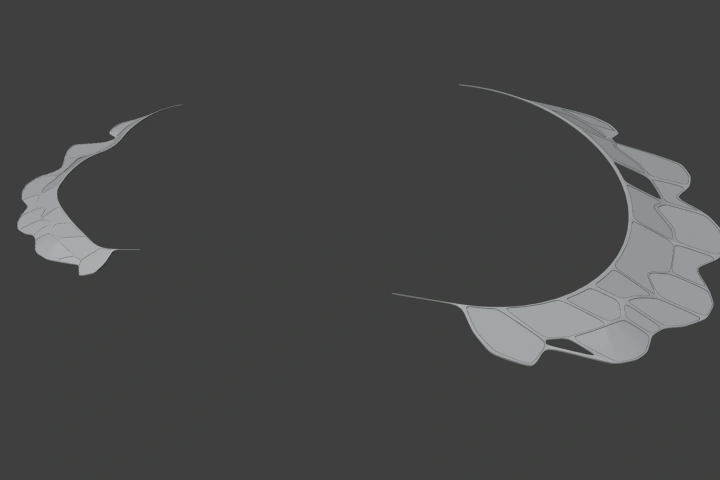 Awning
 -
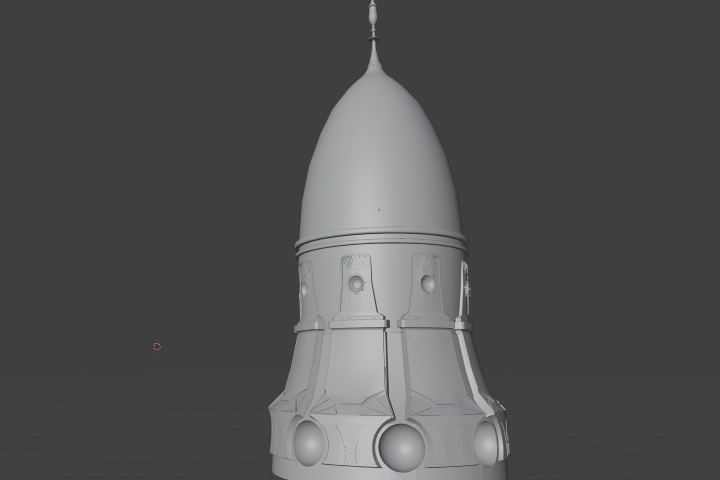 Tower Base Structure
 -
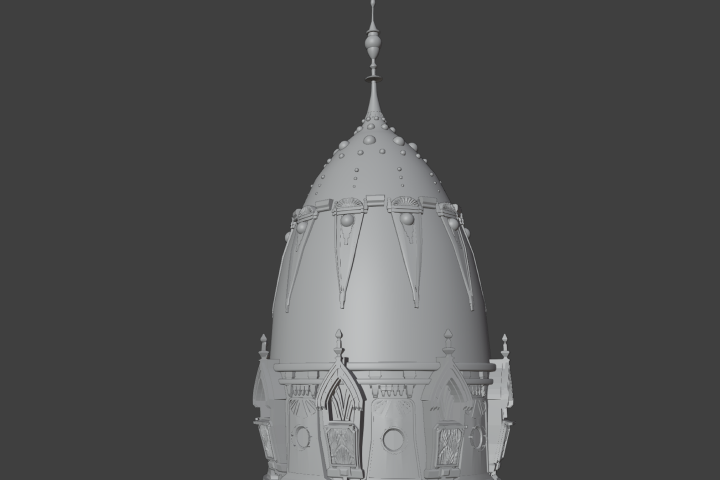 Tower Windows and Additional Details
-
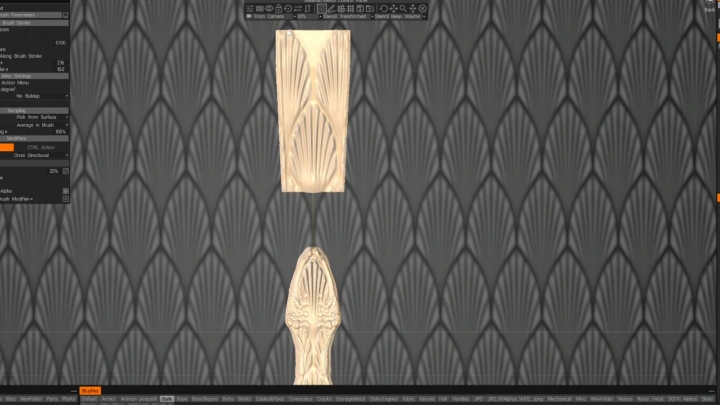
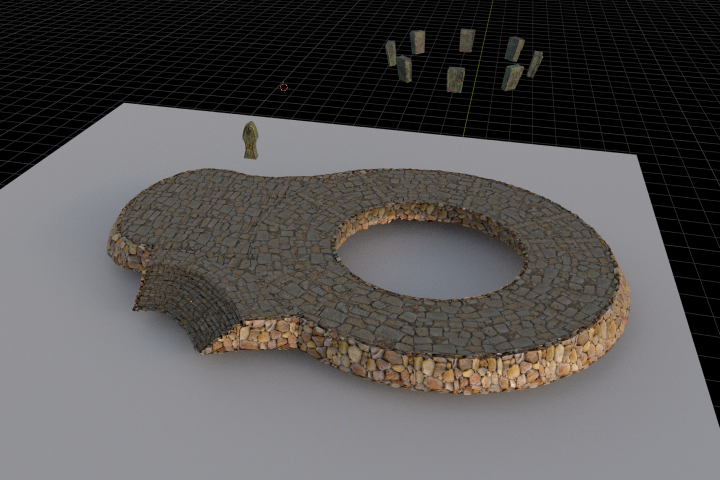 Stone Masonry Base and Carved Details
 -
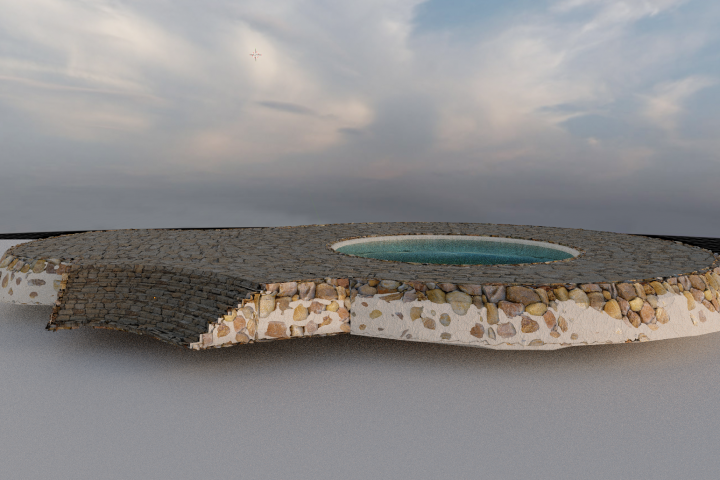 White Plaster Texture
 -
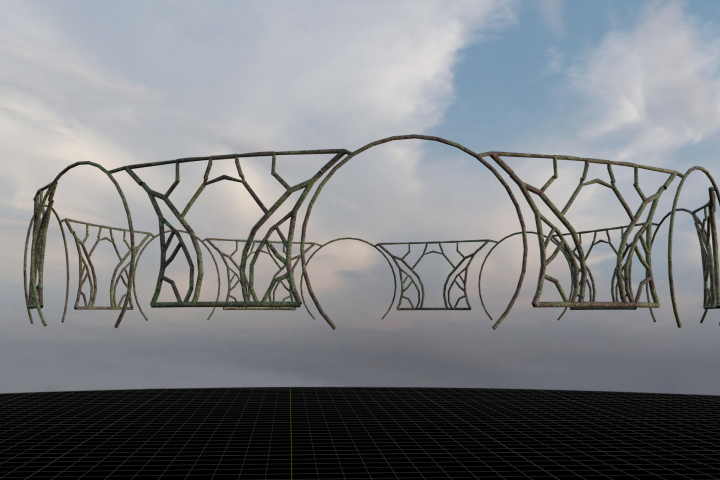 Wrought Iron Fence Details
-
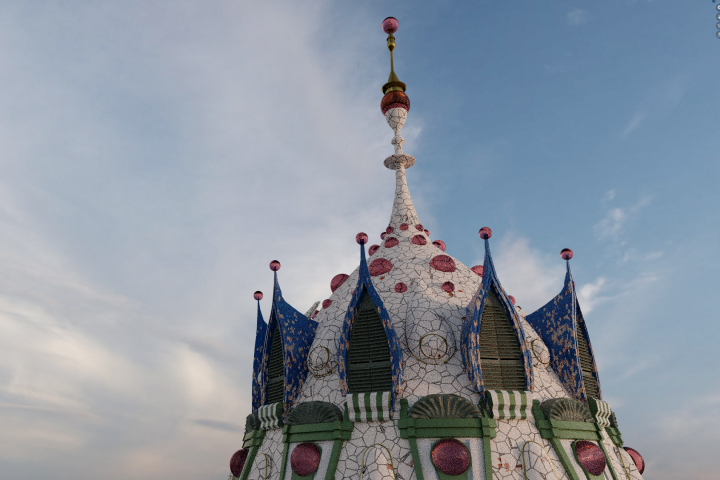 Shutter Details
 -
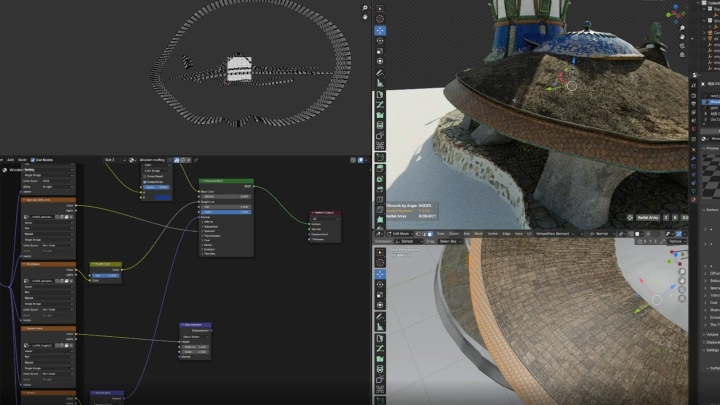
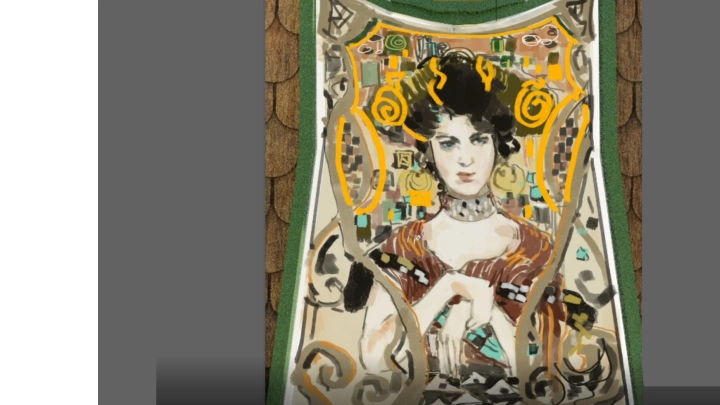
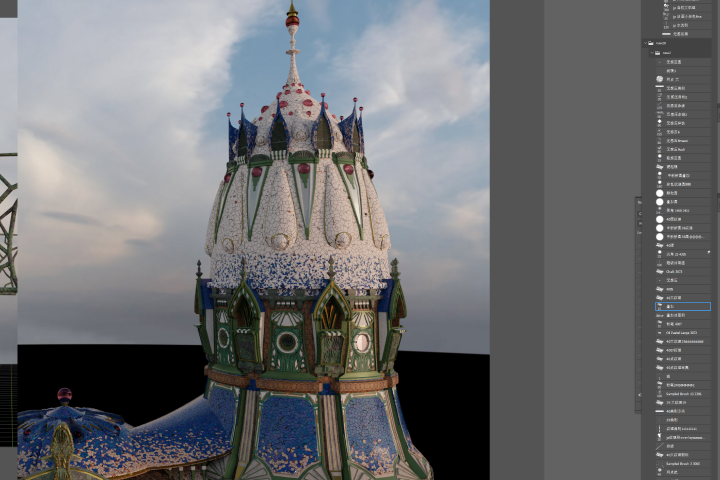 Roof Material and Hand-painted Murals
 -
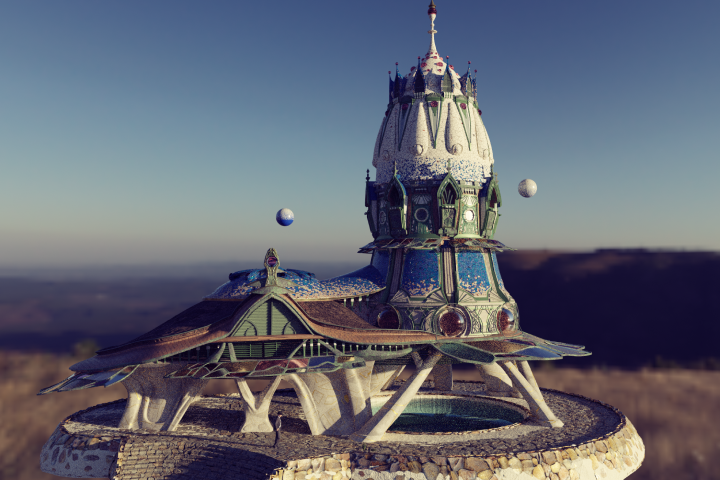 Final Model
-
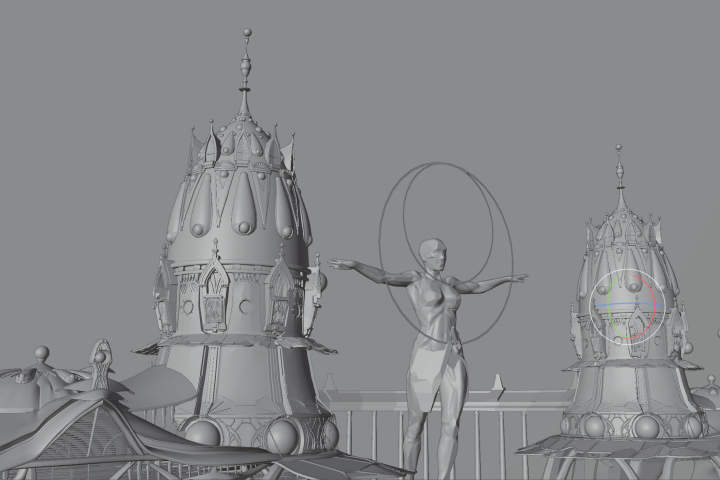 Component Creation
 -
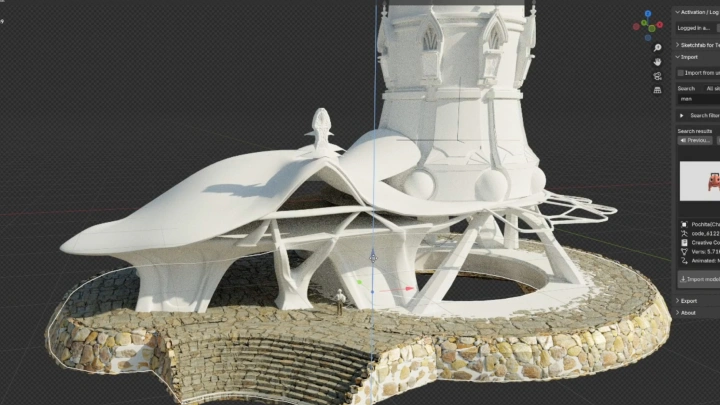
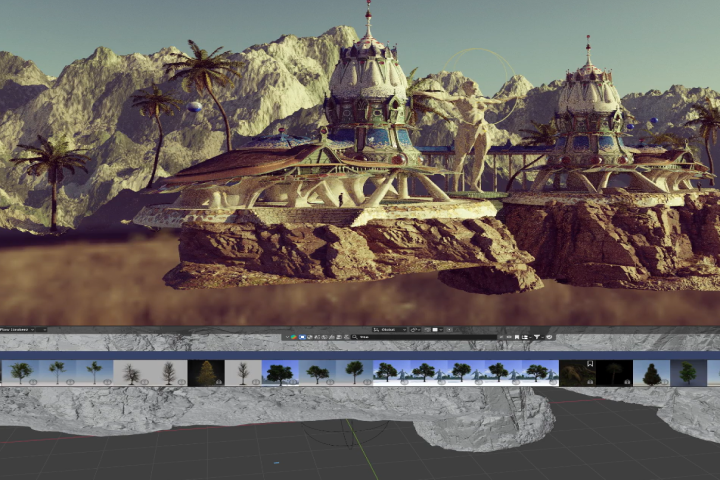 Build Large-Scale Environments
 -
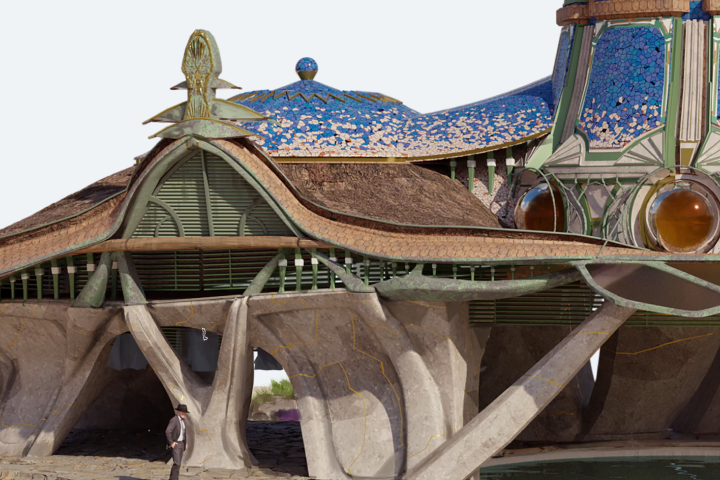 Paint Over
Final Products
-
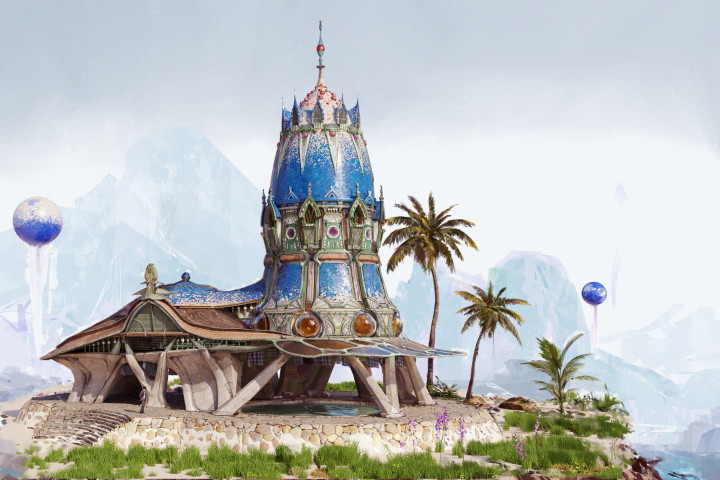 Object concept art
 -
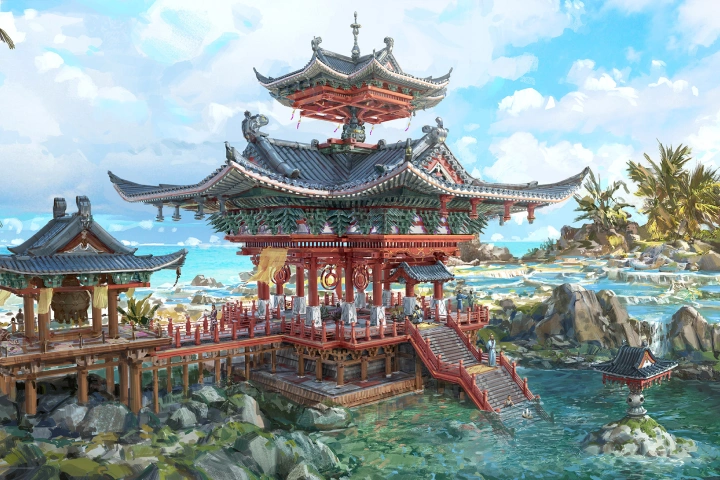
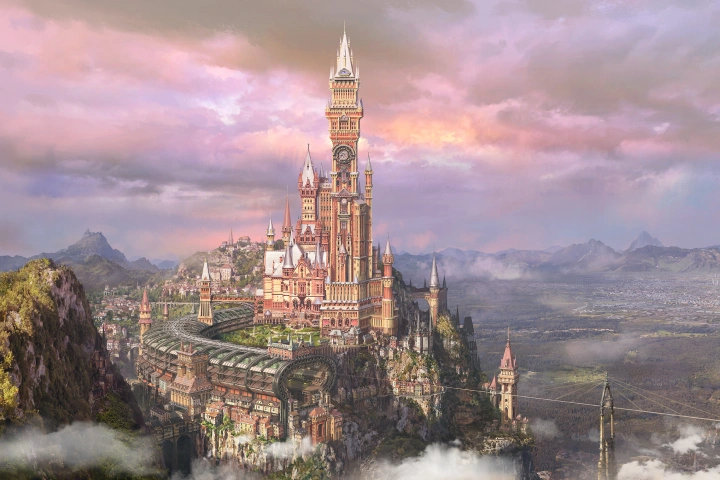
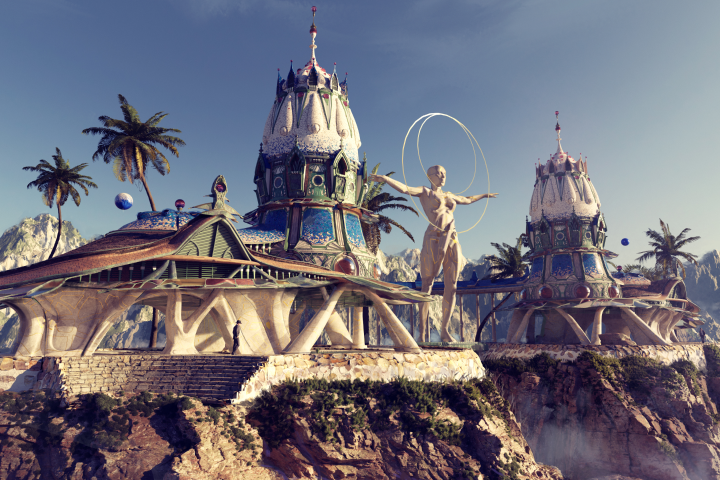 Environment concept art
Highlights
Class Highlights
Learning Principles and Mechanisms of Persuasive Game Concept Design
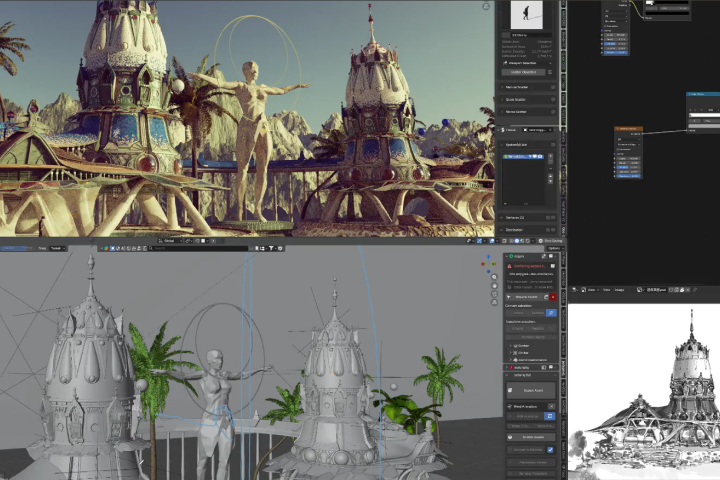
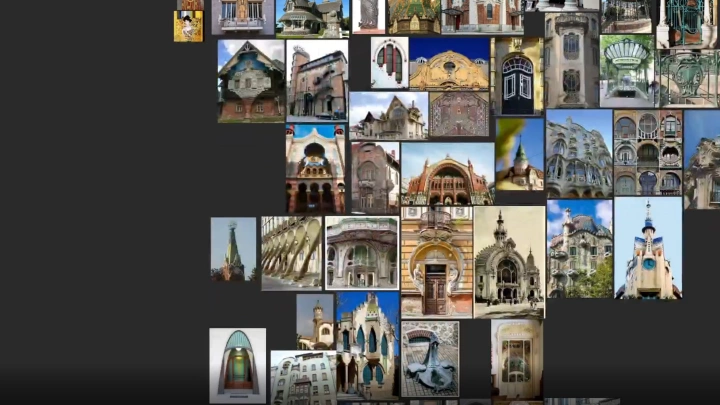
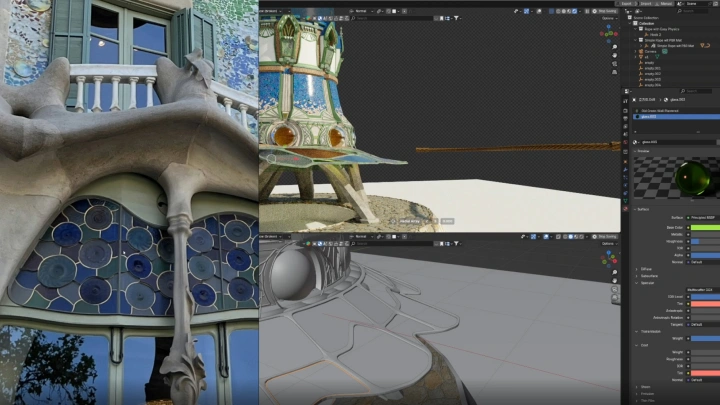
Move beyond design methods that rely solely on imagination, and learn how to draw concrete inspiration from real-world architecture. Through the 「Observation→Deconstruction→Extraction→Reconstruction」 design mechanism, you’ll gain a clear understanding of the core principles behind game concept art and apply them through structured, hands-on practice. y following a well-defined process, you’ll develop the ability to create convincing, production-ready designs—confidently handling large-scale structures and complex details as a professional game concept artist.
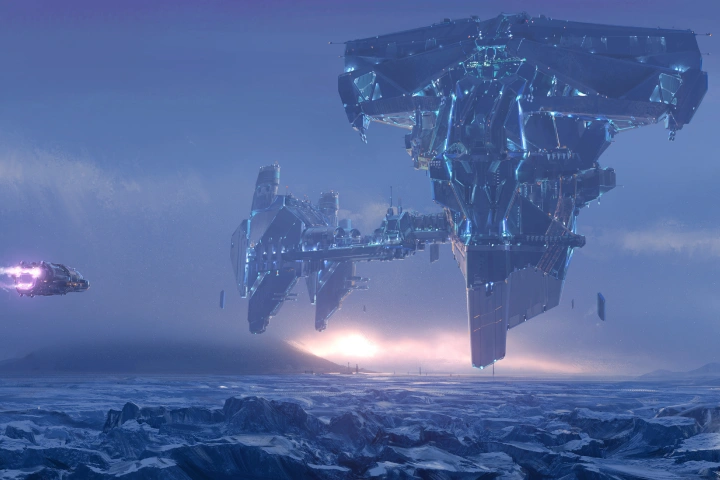
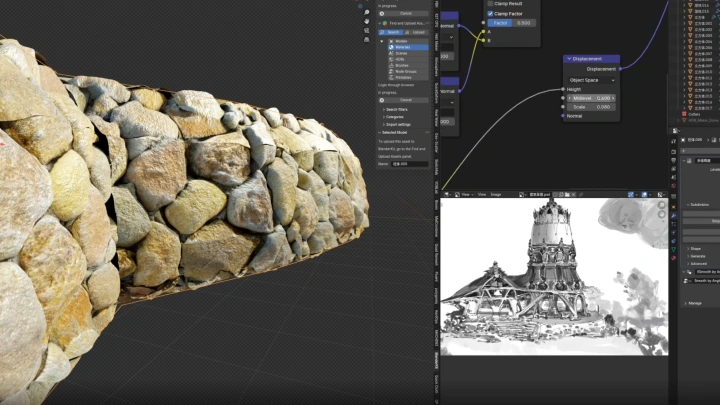
Essential Blender workflows for game concept design—from modeling to texturing
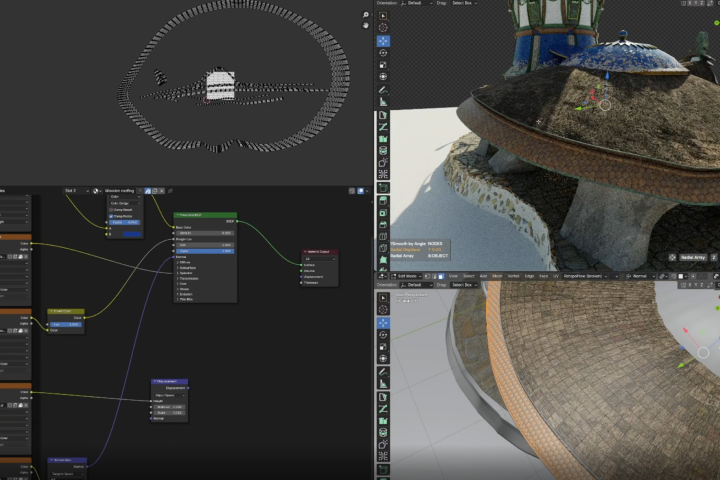
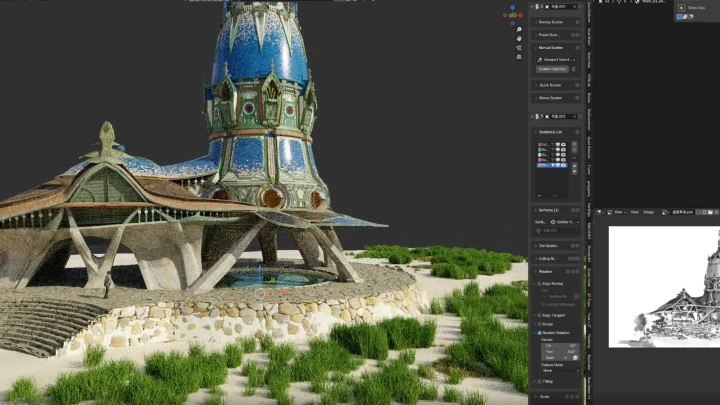
Build a solid foundation in Blender and learn how to rapidly construct 3D models using Modifiers. From core structures to windows and decorative details, you’ll develop efficient, production-ready workflows. Then, elevate your work by adding textures and ornaments—bringing your game world to life with vivid, immersive concept art that feels truly alive.
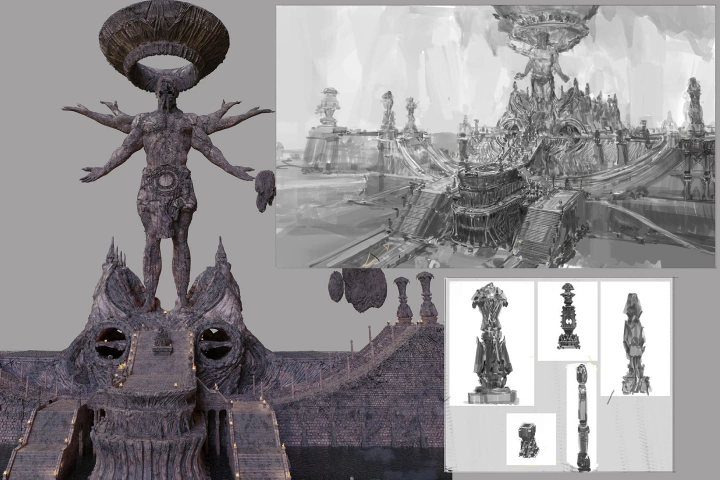
Follow a real-world production workflow to complete two fully developed game concept art pieces through a detailed, step-by-step curriculum
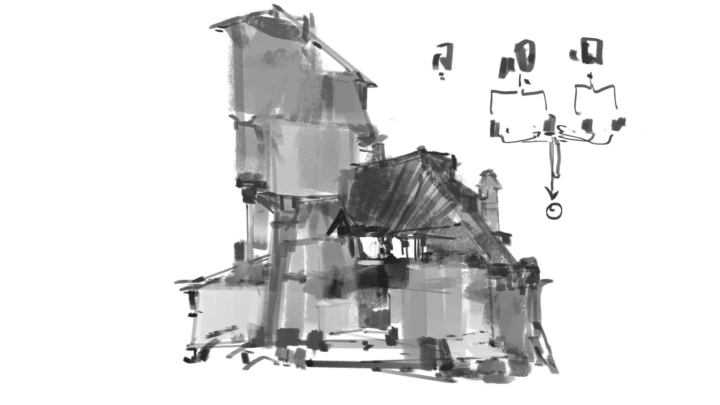
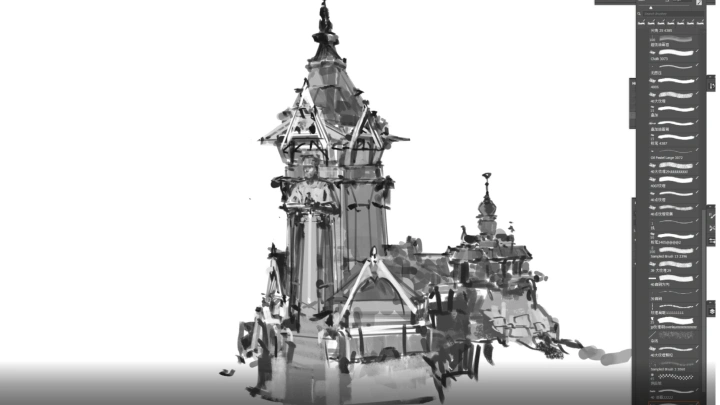
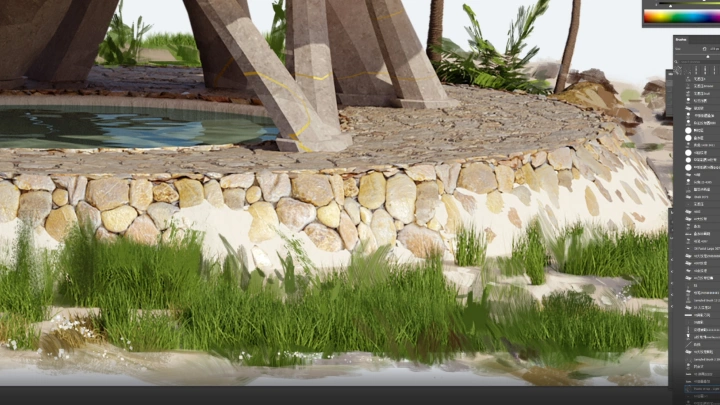
Complete two game concept artworks by following a production-ready workflow you can apply immediately in real-world projects: 「Reference Collection → Concept Sketch → 3D Modeling → Details and Texture → Paint Over」. With beginner-friendly guidance at every step, you’ll grasp the full game concept production process and build the practical sensibility and skills needed to work with the confidence of an experienced professional.