clazroominstructor,kareen Details
Intro
Class Intro
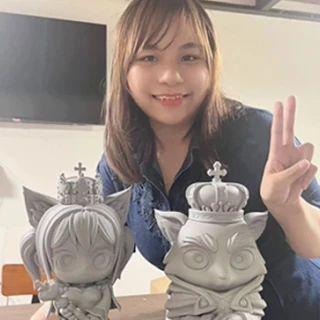
Claz'room Instructor, Kareen
"This class breaks down the entire diorama-making process so beginners can follow from first sketch to final render with confidence"
Build Your First Diorama: From Low-Poly Basics to Hand-Painted Scenes
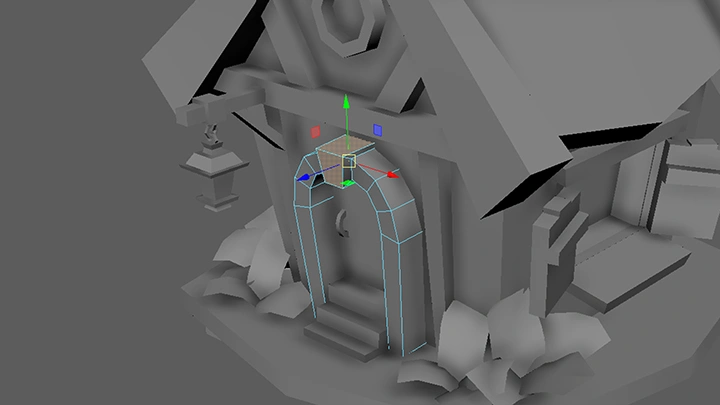
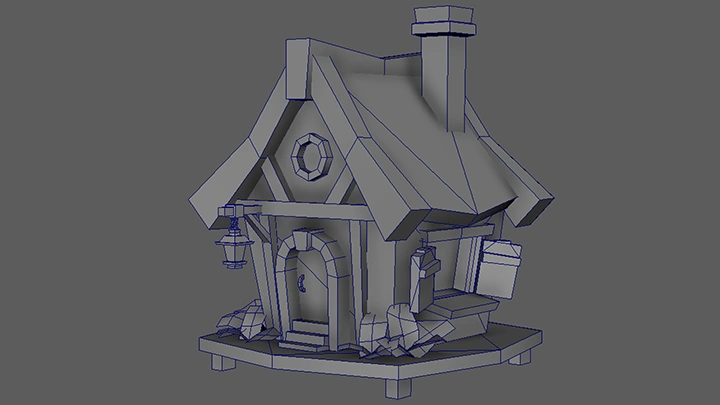
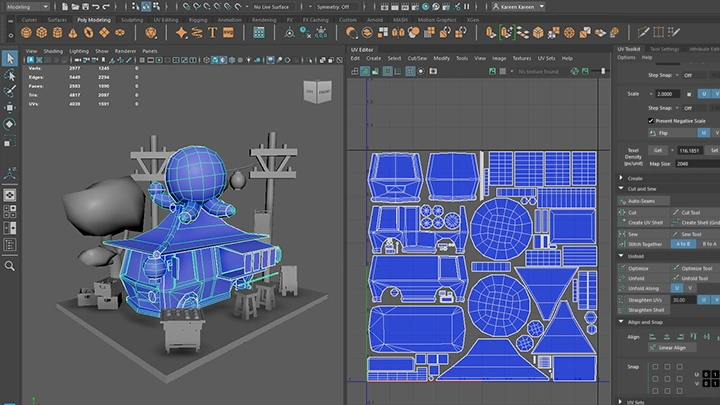
This course is ideal for beginners eager to create vibrant, low-poly 3D dioramas. You’ll learn to model objects efficiently, apply hand-painted textures, and compose a cohesive, stylized scene full of personality. With a hands-on and approachable structure, the class equips you with the skills to craft visually compelling work while fully enjoying the creative process.
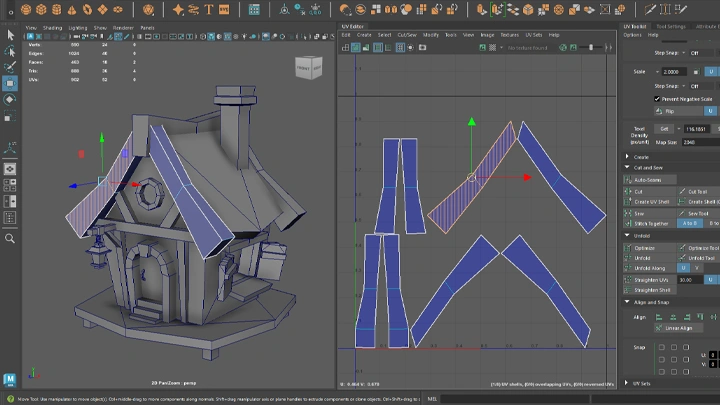
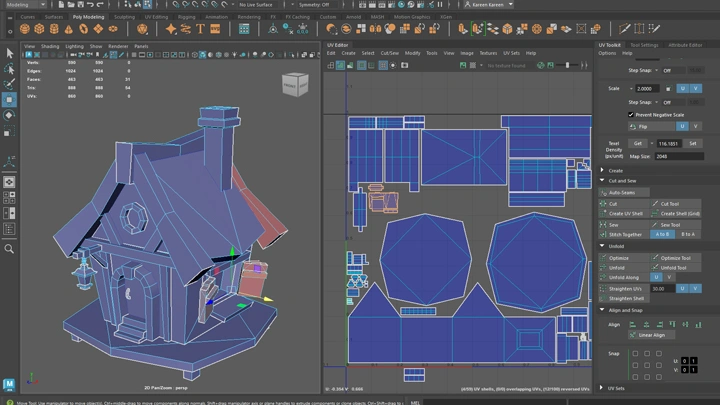
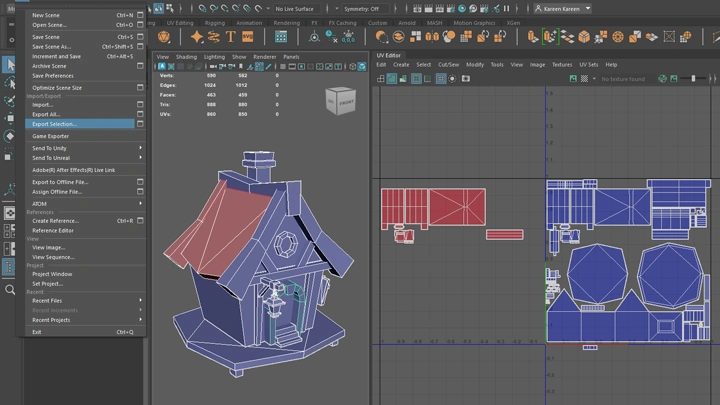
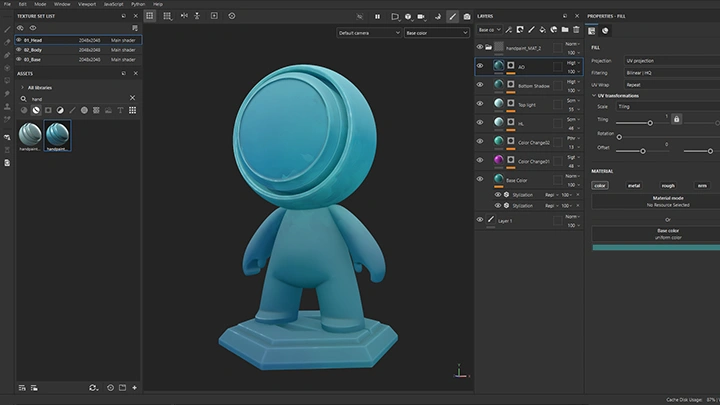
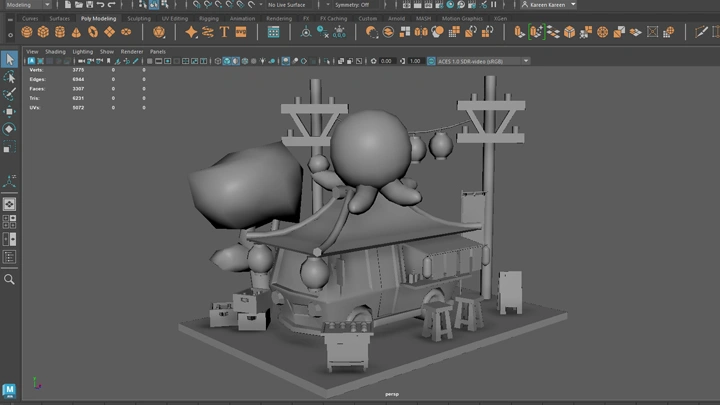
We’ll cover all the essential steps: low-poly modeling, UV mapping, texturing, lighting, and rendering. Along the way, you’ll also dive into composition, color, and visual storytelling, ensuring your diorama doesn’t just look polished but feels truly alive. By the end of the course, you’ll walk away with a fully realized, hand-crafted 3D scene and the confidence to create your own stylized dioramas from scratch.
Whether you’re creating art for fun, building a portfolio, or pursuing a personal passion project, this course provides practical skills and a clear workflow to help you transform your ideas into captivating 3D scenes.
Whether you’re creating art for fun, building a portfolio, or pursuing a personal passion project, this course provides practical skills and a clear workflow to help you transform your ideas into captivating 3D scenes.
Class Preview
Still Not Sure?
Check Out Kareen's Class Preview!
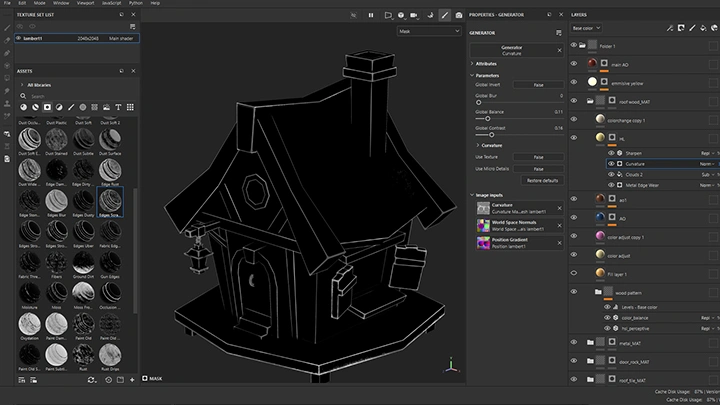
Chapter 12: Using Masking & Smart Masks to Speed Up Hand-Painting
1. Introduction to masking and smart masks
2. Using masks to create stylized shading efficiently
3. Adjusting mask parameters for artistic control
4. Blending hand-painted details with automated effects
5. Refining texture depth and material definition with soft and hard brush strokes
6. Adding final stylized shading and highlights to bring out the form and enhance the hand-painted style
2. Using masks to create stylized shading efficiently
3. Adjusting mask parameters for artistic control
4. Blending hand-painted details with automated effects
5. Refining texture depth and material definition with soft and hard brush strokes
6. Adding final stylized shading and highlights to bring out the form and enhance the hand-painted style
Class Perks
Special Gift from Kareen

Discord Community Support
- Connect with peers and share your progress within a dedicated artist community

One-Time, Personalized Feedback
- Receive direct, tailored feedback on your work from the instructor - Identify your strengths and areas for improvement with expert guidance
Full Access to Class Working Files
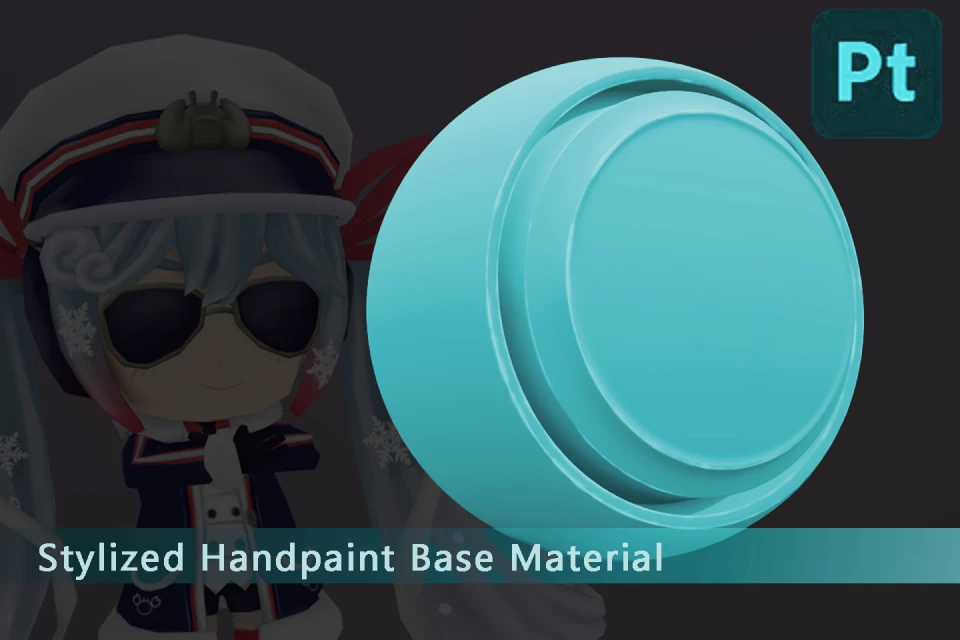
- Work with provided resources, including a base 3D model and a base material set
Class Notes & Slides
- Access downloadable class notes and slides in PDF format for easy review and reference
Recommendation
Who should take this class?
Beginners with little to no 3D experience who want a fun and approachable introduction to creating stylized, hand-painted low-poly dioramas.
Hobbyists who have some experience with 3D or digital art and want to improve their modeling, texturing, and scene composition skills in a structured, hands-on way.
Creative enthusiasts interested in exploring stylized 3D art, experimenting with colors and shapes, and building confidence to create polished, charming 3D scenes.
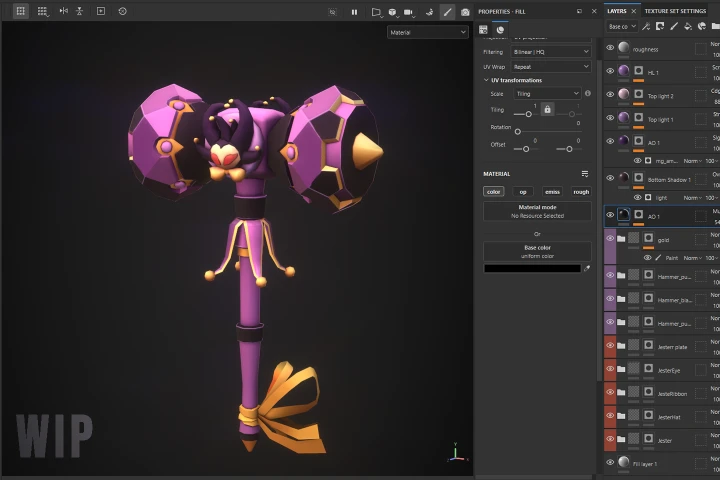
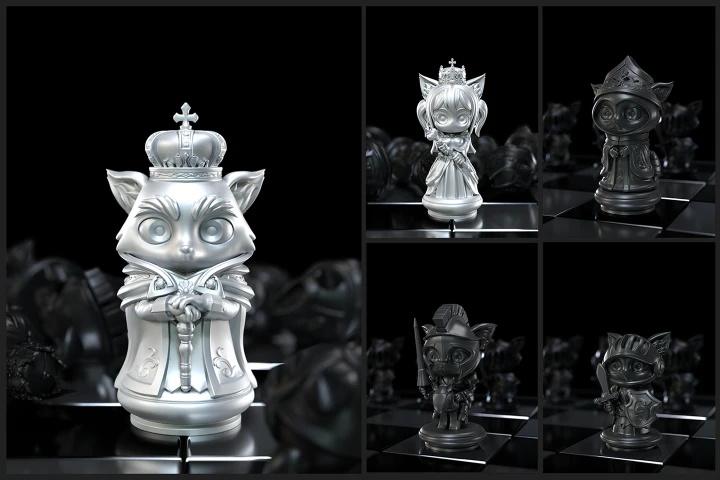
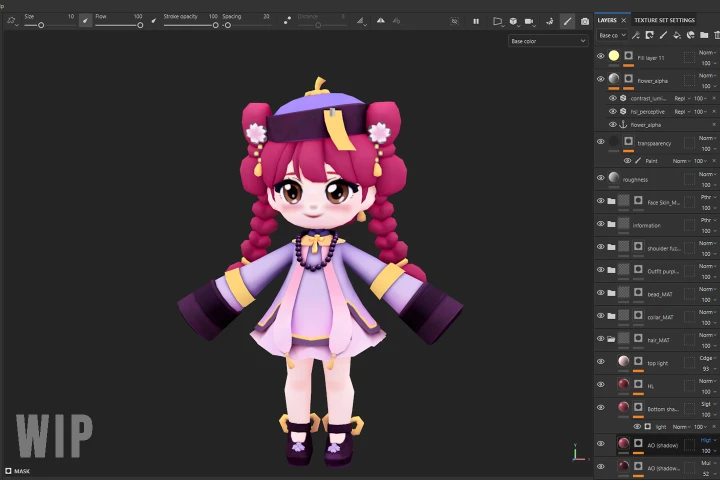
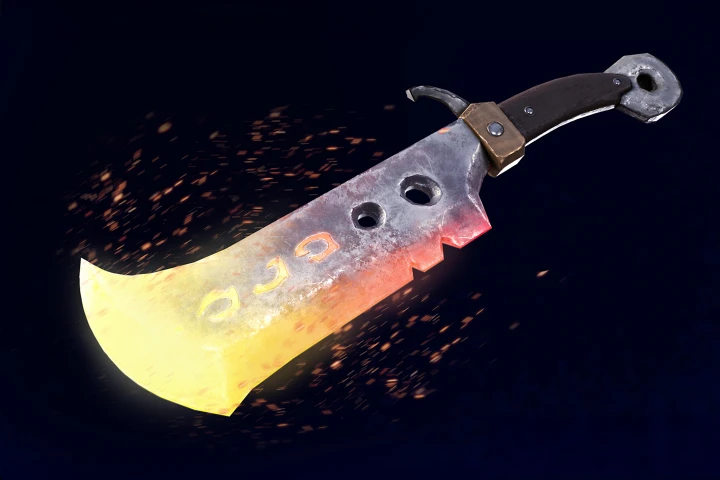
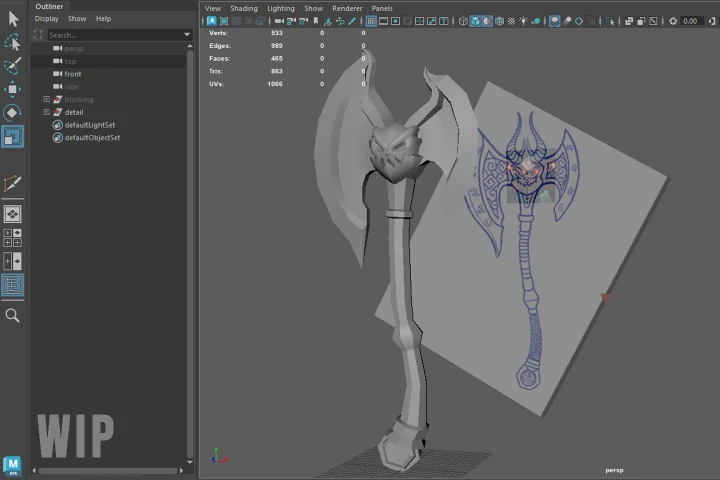
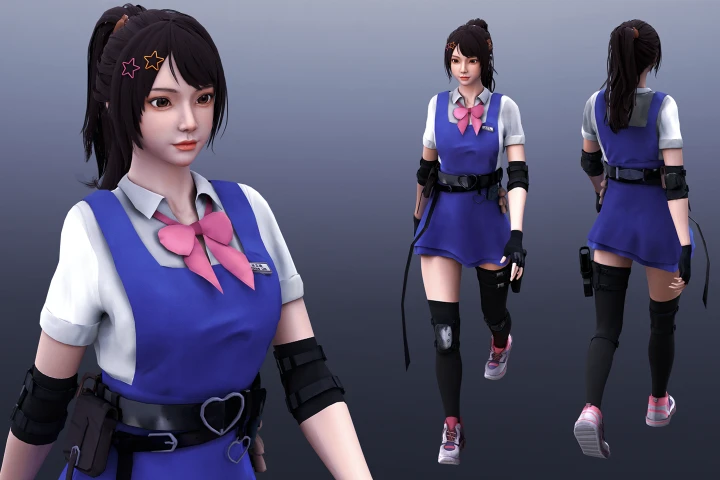
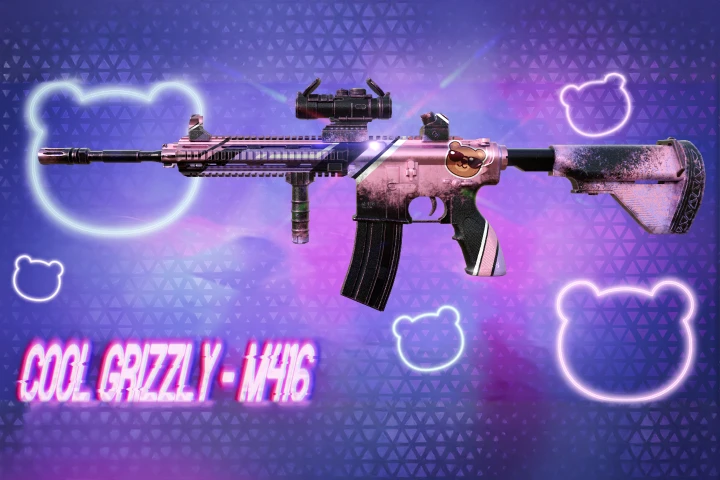
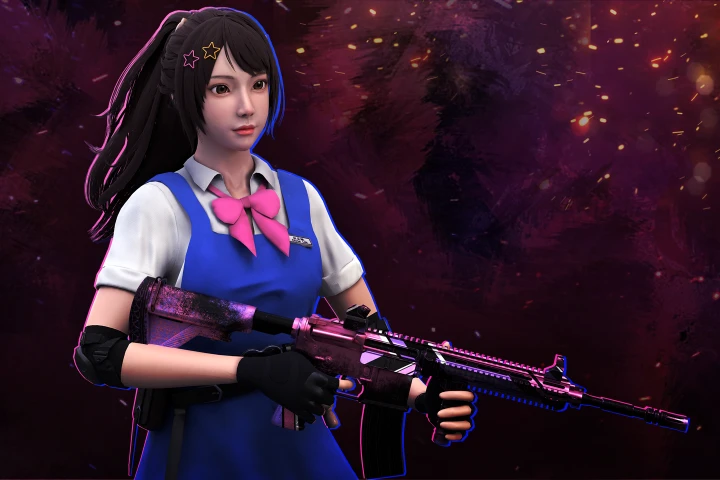
Expert Claz'room Instructor Kareen's Portfolio
Why Take This Class?
This class is designed to make 3D art approachable, enjoyable, and fully achievable for beginners. Many newcomers feel overwhelmed by the complexity of modeling, texturing, and rendering, but this course breaks everything down into clear, manageable steps. Through guided, hands-on instruction, you’ll learn each stage of the process from start to finish.
By the end, you’ll have created a fully realized, hand-painted low-poly diorama with professional-quality without needing prior experience. You’ll walk away not only with a polished 3D scene, but also with the practical skills and confidence to continue creating your own stylized dioramas independently.
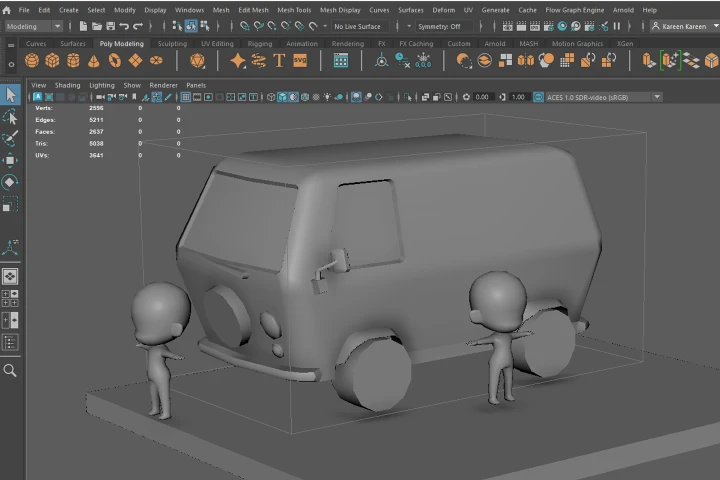
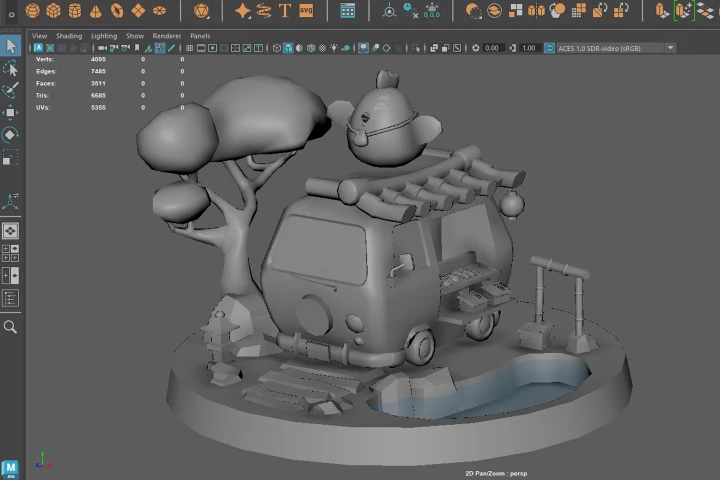
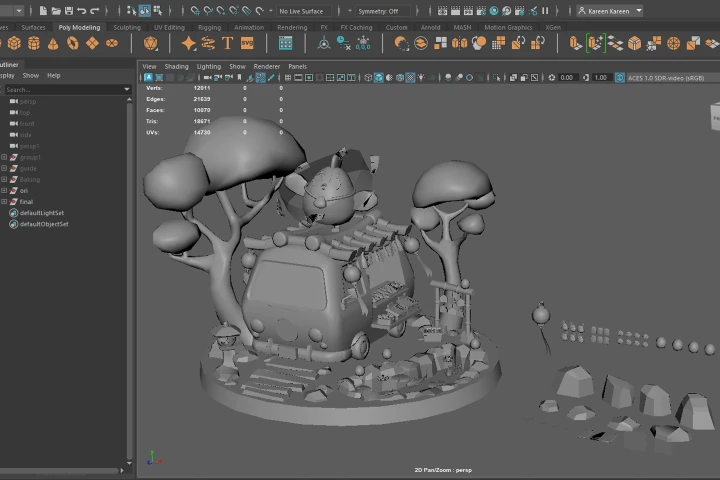
Get Ready for the Real-World
13 Class Exercises
-
 Create a Proxy Model
 -
 Create a Detailed Model
 -
 Diorama Modelling
-
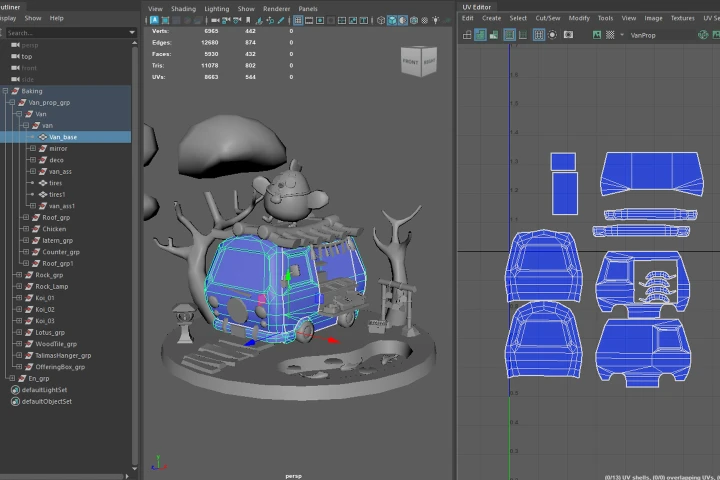 UV Unwrapping
 -
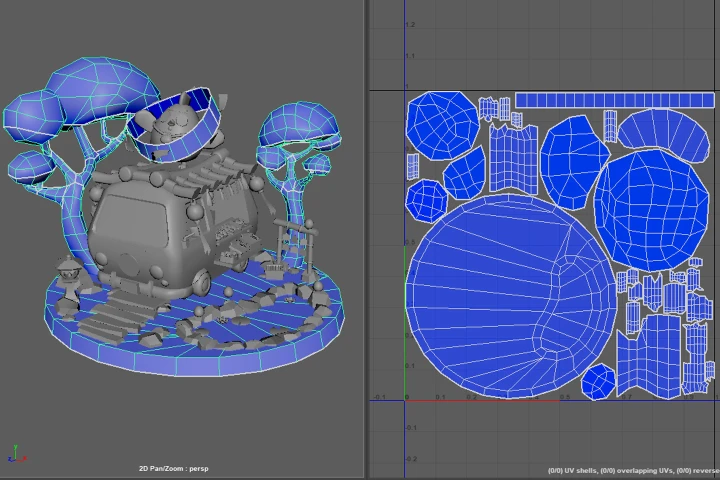 Prepare the Model for Texturing
 -
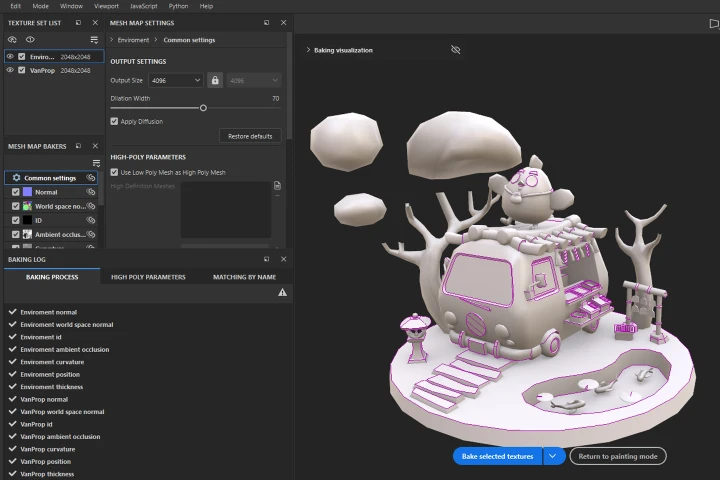 Texture Baking
-
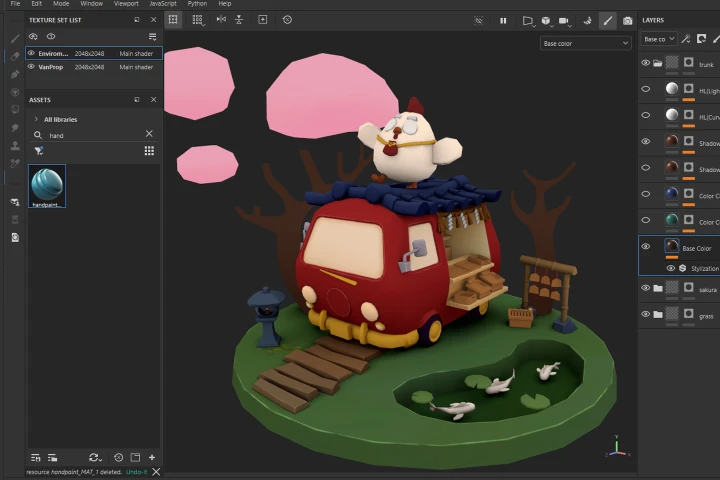 Paint Base Colors
 -
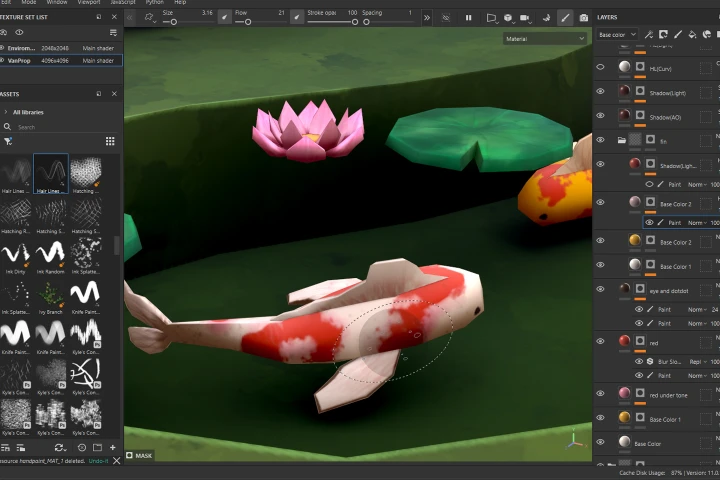 Masking & Hand-Painting
 -
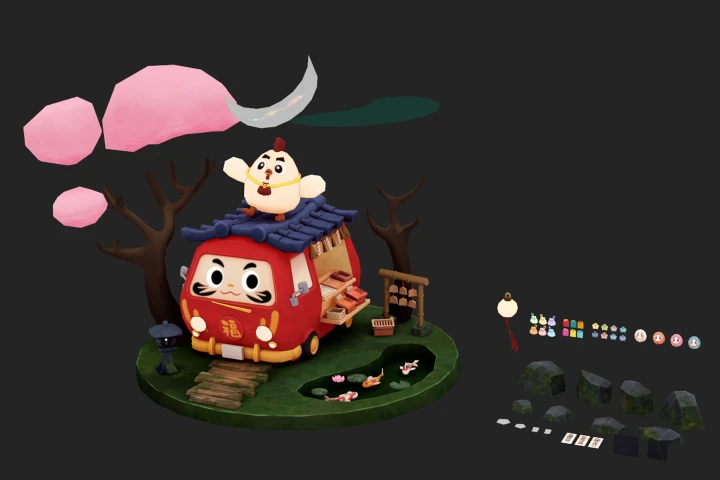 Refine Textures
-
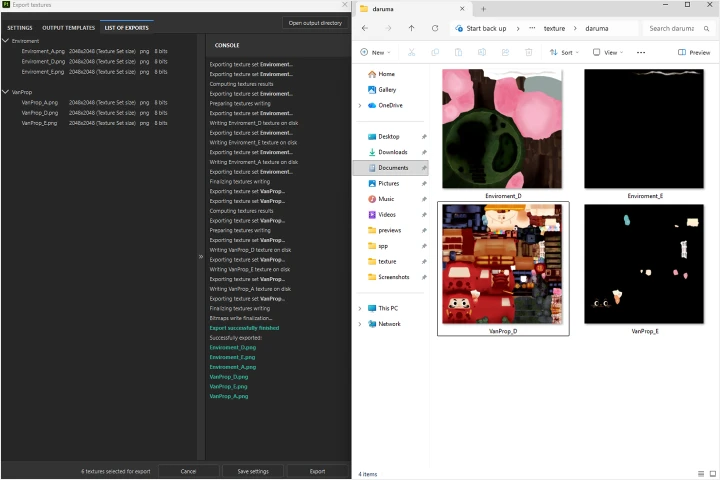 Export Final Texture Maps
 -
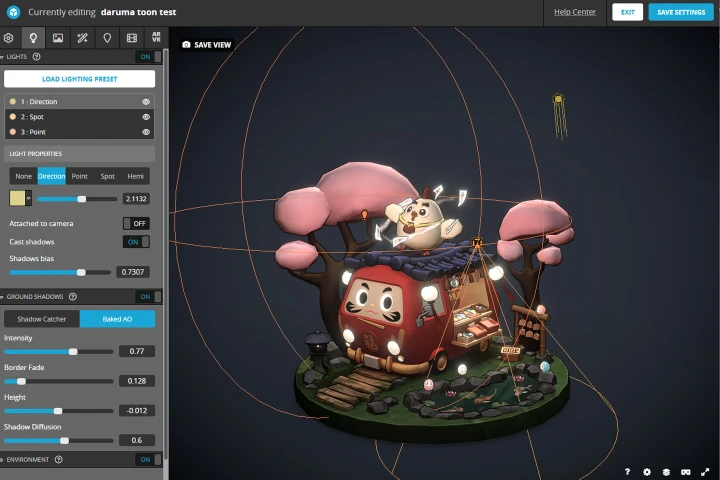 Set Up Render Settings
 -
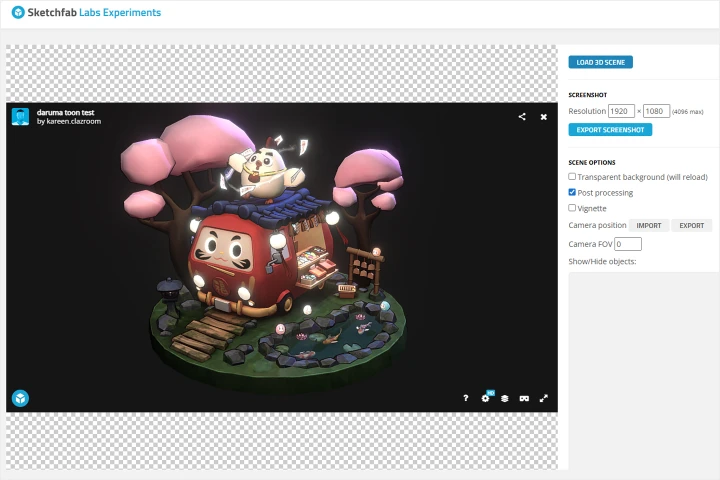 Generate a Preview
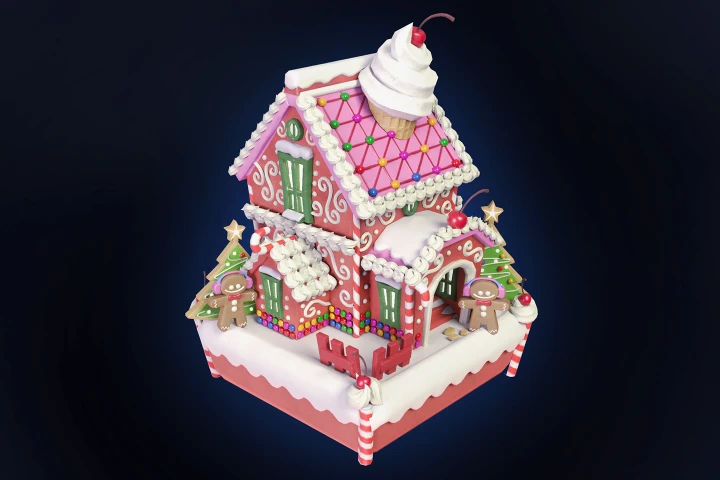
Final Product Example(s)
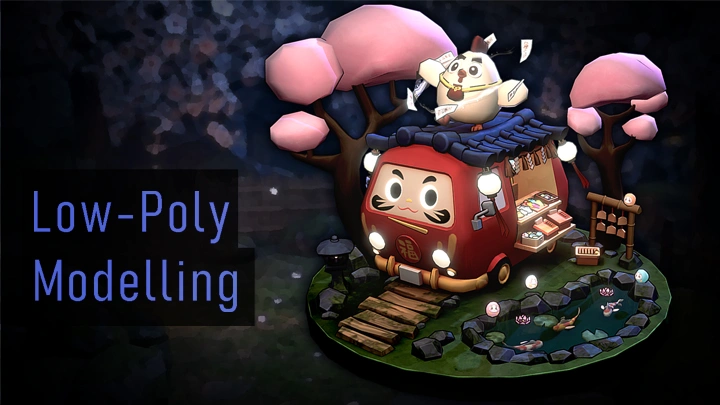
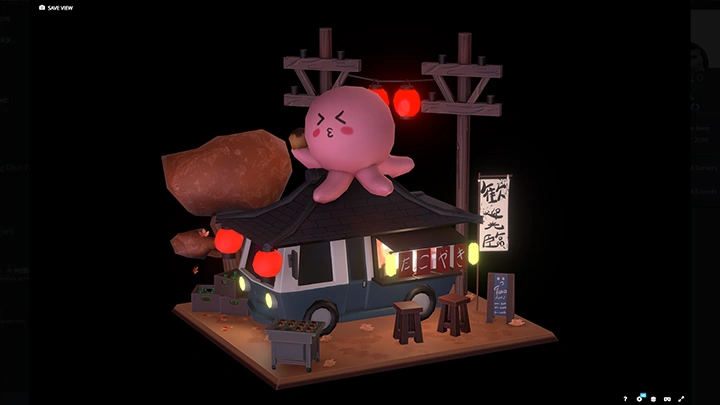
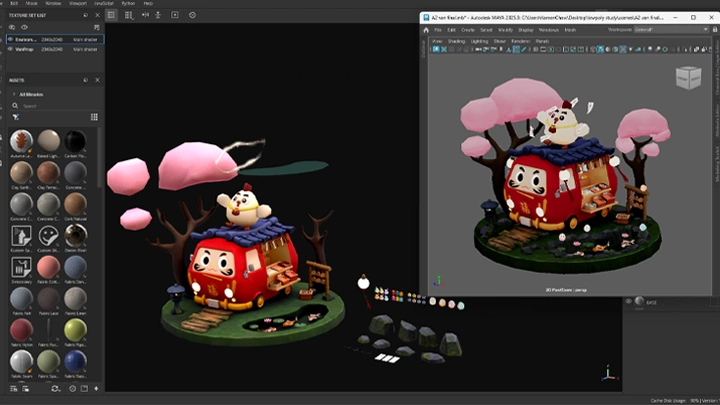
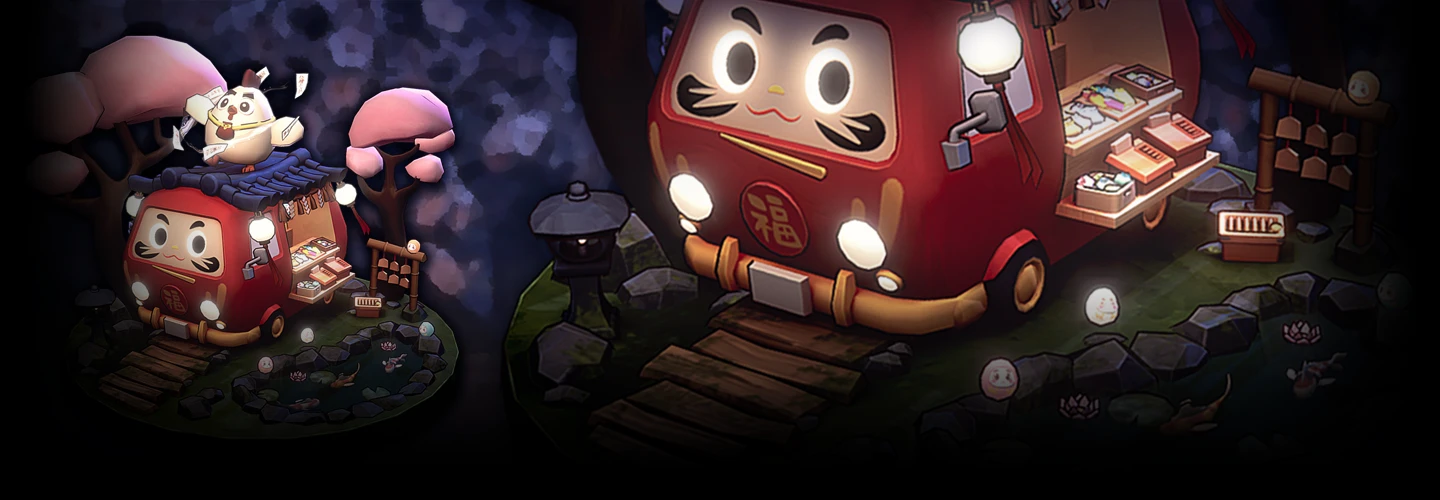
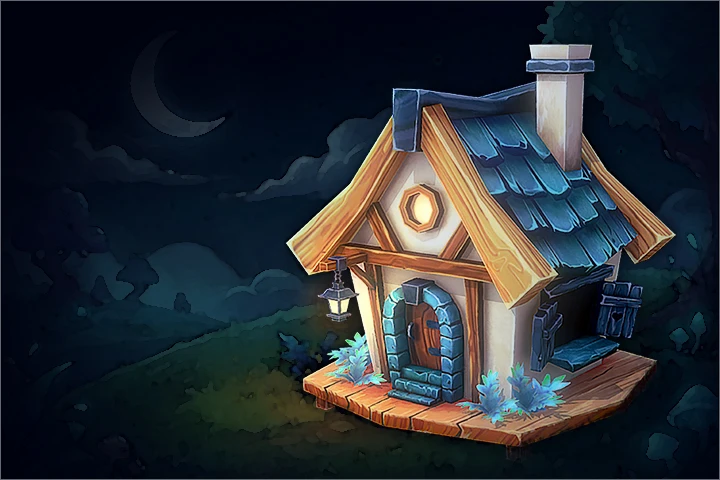
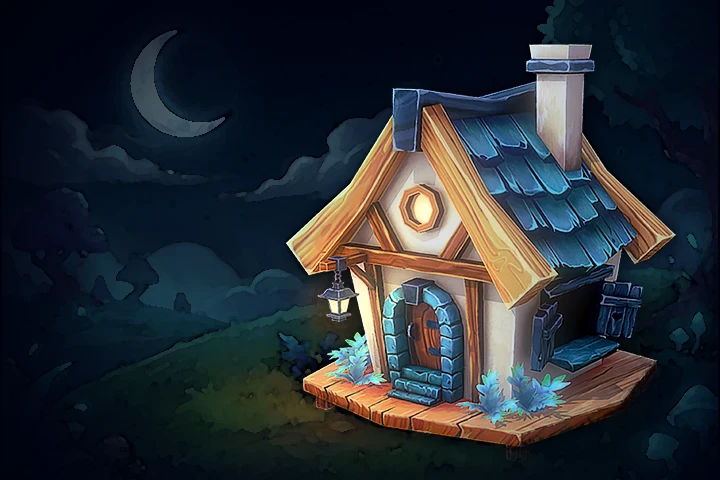
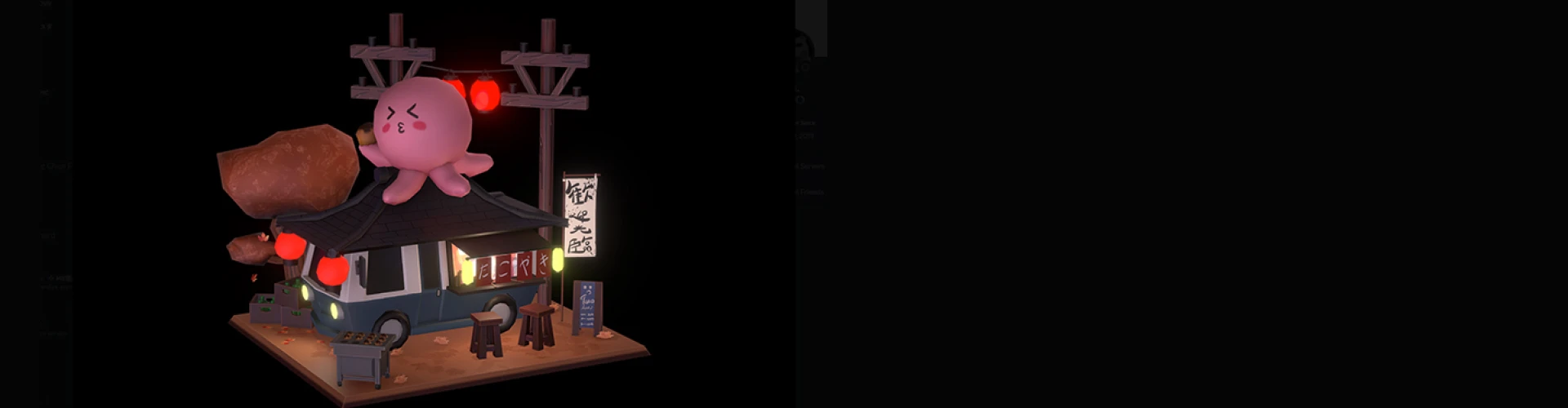
2 Stylized, Low-Poly Dioramas
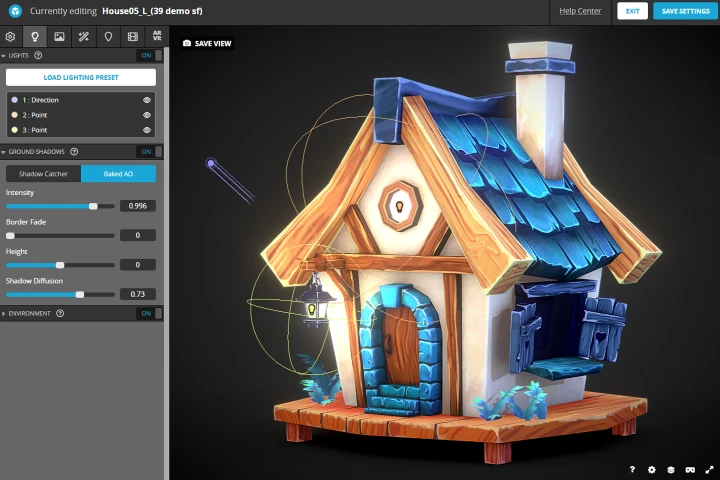
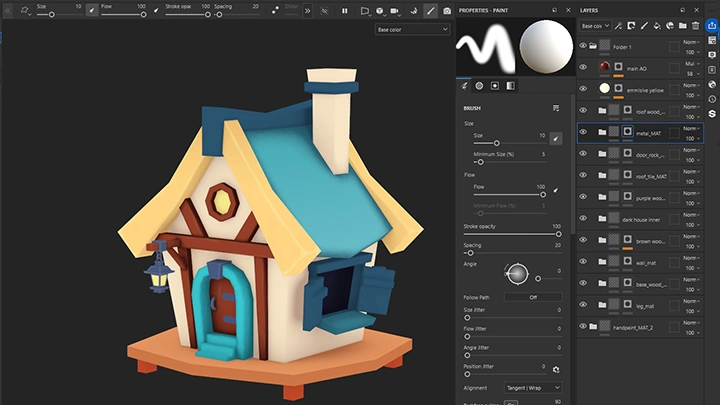
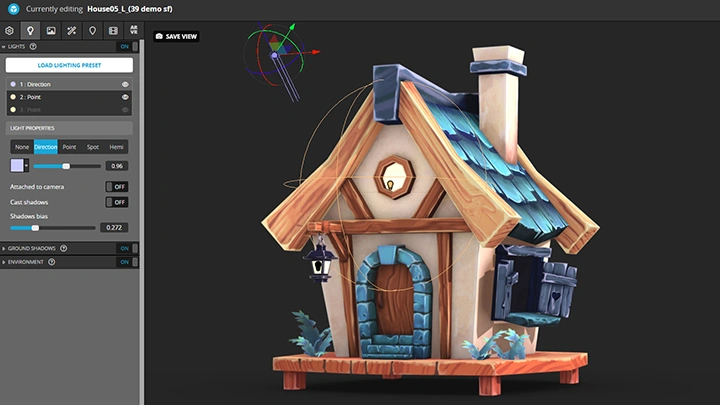
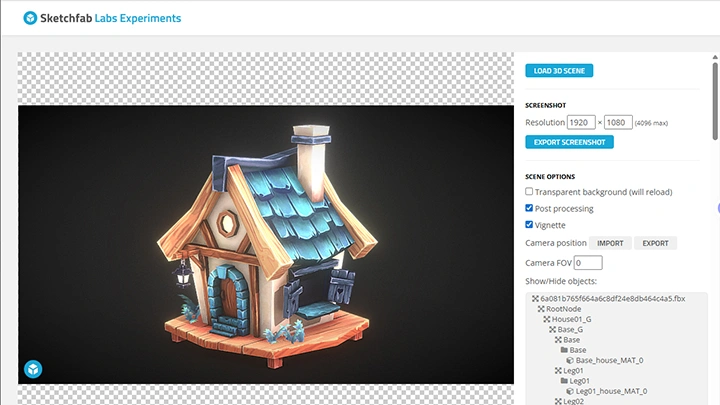
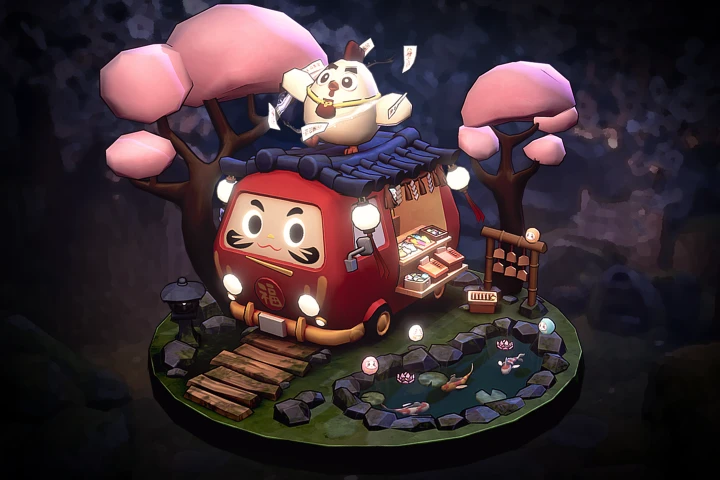
2 Japanese-inspired dioramas featuring cleanly modeled assets, hand-painted textures, and cohesive composition, with lighting and presentation in Sketchfab to create a polished, visually engaging scene
*The above images are sample images for a better understanding.
Highlights
We believe that every dream is precious and everyone has the ability to attain their goals.
We believe that a good school is a community full of culture, philosophy and good mentors.
Our environment embodies the dreams and will of all our students. They are the soul of this community.
They are here to tell us that passion, hard work, and commitment are more valuable than the carelessly-used word we call “talent”.
Class Highlights
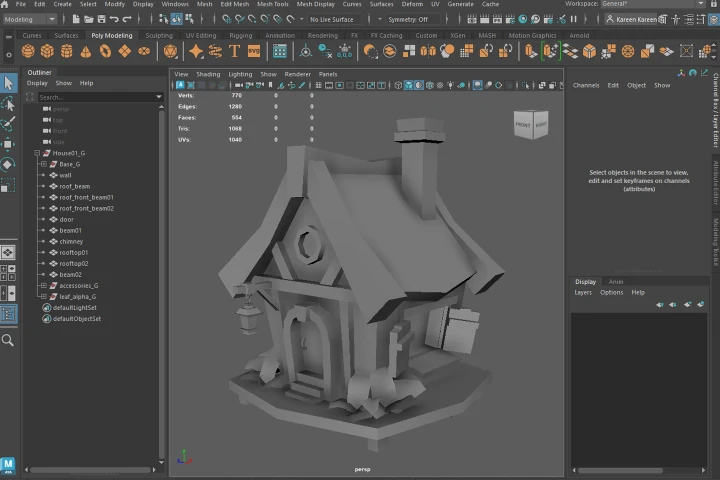
Low-Poly Modeling
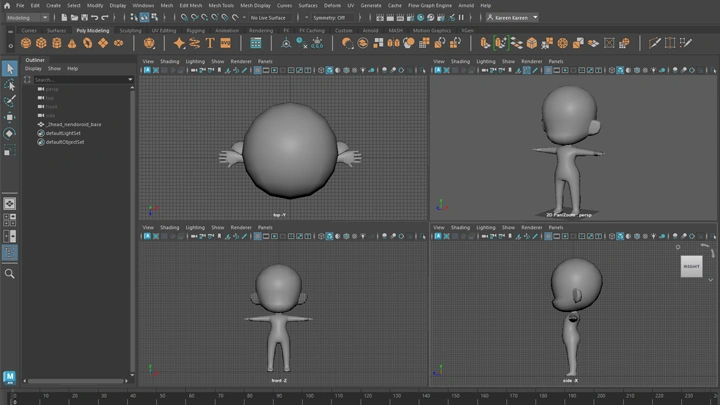
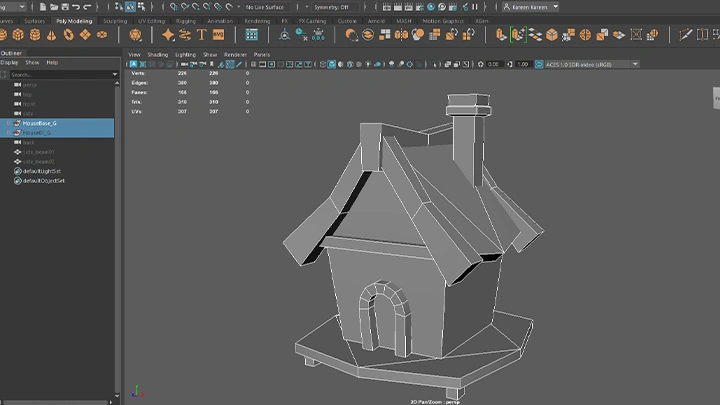
Learn how to create efficient, stylized low-poly 3D models that form the foundation of your dioramas. Practice building objects with clean geometry while maintaining a charming, hand-crafted look.
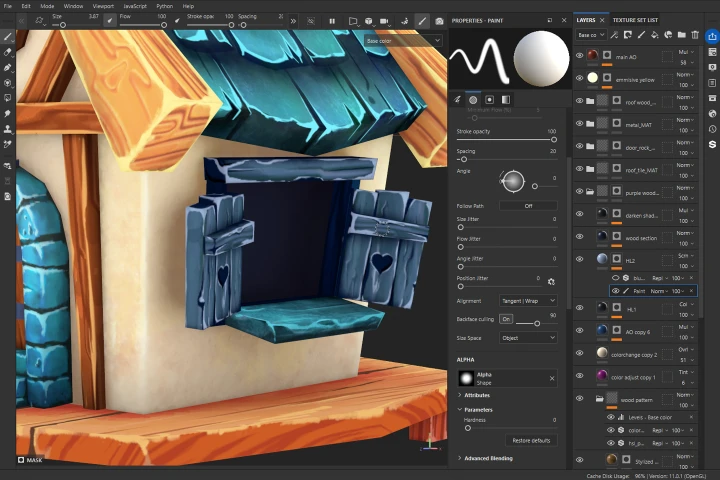
Hand-Painted Texturing
Gain skills in painting textures by hand to add color, style, and personality to your models. Explore color choices, shading, and stylization techniques to bring your 3D scenes to life.
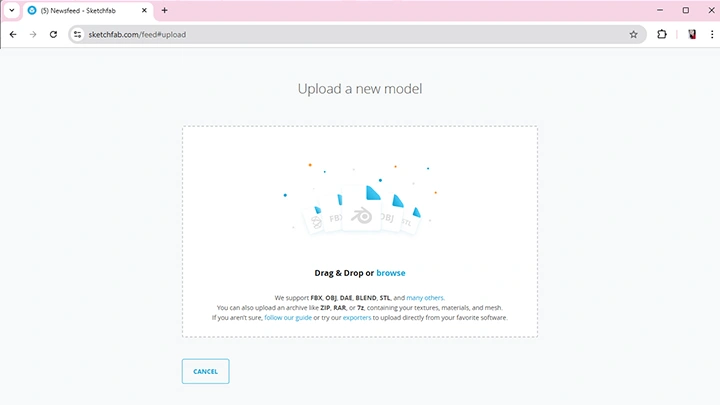
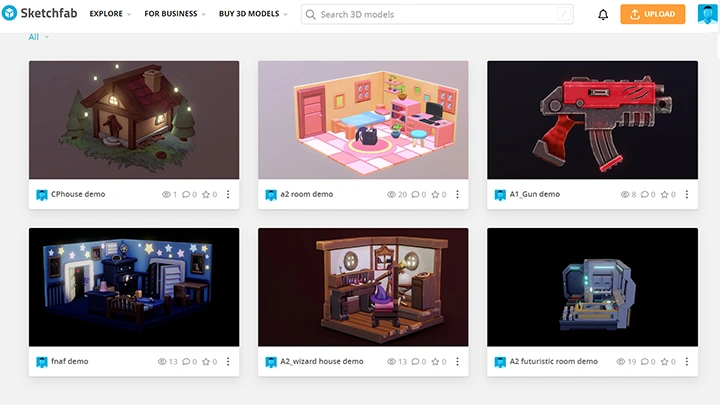
Easy Rendering with Sketchfab
Learn how to present and share your diorama using Sketchfab. Set up lighting and materials to achieve polished, visually appealing results in an easy-to-use online platform.