
Blender Artist, Anteater_개미핥기 Details
Intro
Class Intro
Blender Artist, Anteater
“Check out the cartoon-style Blender modeling class,
your one-stop-shop for examples and technical knowledge
you once had to hunt for.”
Learn Cartoon-Style Modeling
Through More than 10 In-Depth Exercises
Cartoon-style modeling, used in stylized games, animation, webtoons, and art, has a strong fan base.
However, isn't it frustrating that there aren't many educational resources on this modeling style except for stylized or real-life exercises?
However, isn't it frustrating that there aren't many educational resources on this modeling style except for stylized or real-life exercises?
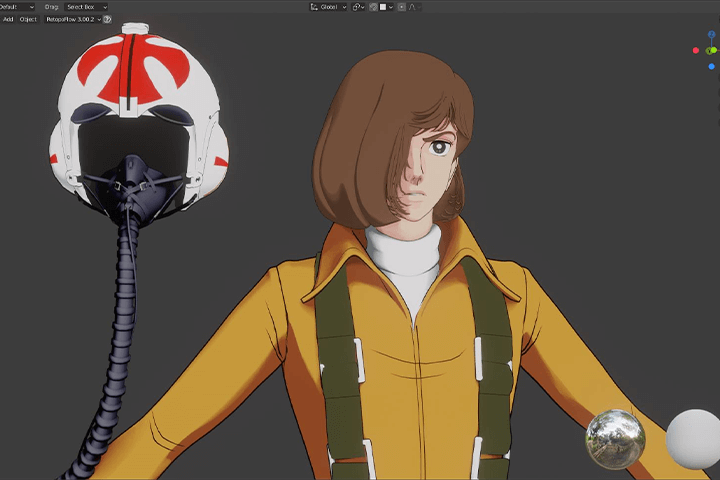
Experience a whole new curriculum created by Anteater, a 15-year Blender expert, and the Blender3D Facebook group administrator.
Using the versatile, free 3D tool Blender is a fundamental skill!
Using the versatile, free 3D tool Blender is a fundamental skill!
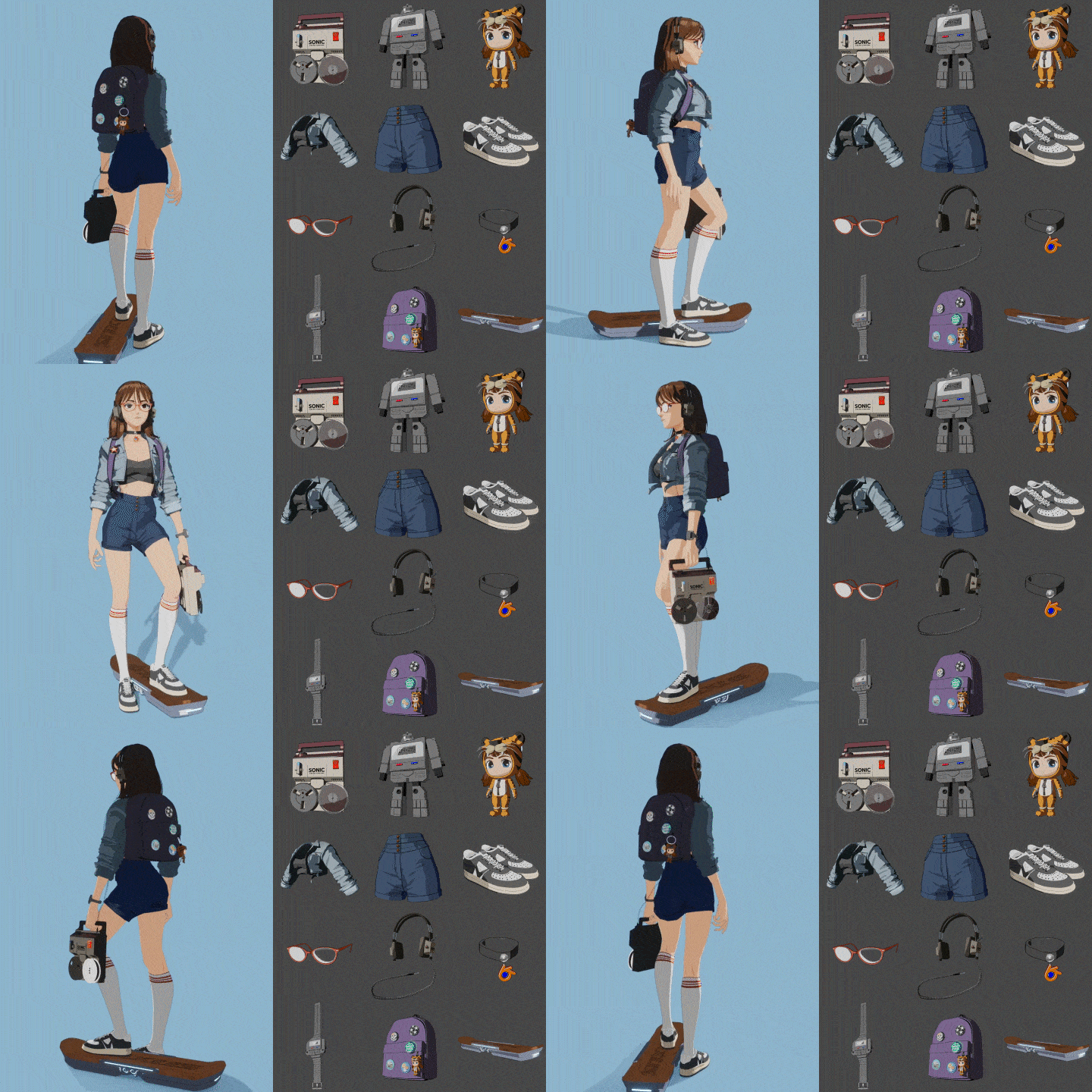
You’ll encounter more than ten exercises spanning simple props to robots, toy characters, and seven-head-tall character modeling.
Check out this course that combines fragmented Blender modeling knowledge into a single, invaluable curriculum.
Check out this course that combines fragmented Blender modeling knowledge into a single, invaluable curriculum.
Class Perks
Get These Coloso Exclusives
-
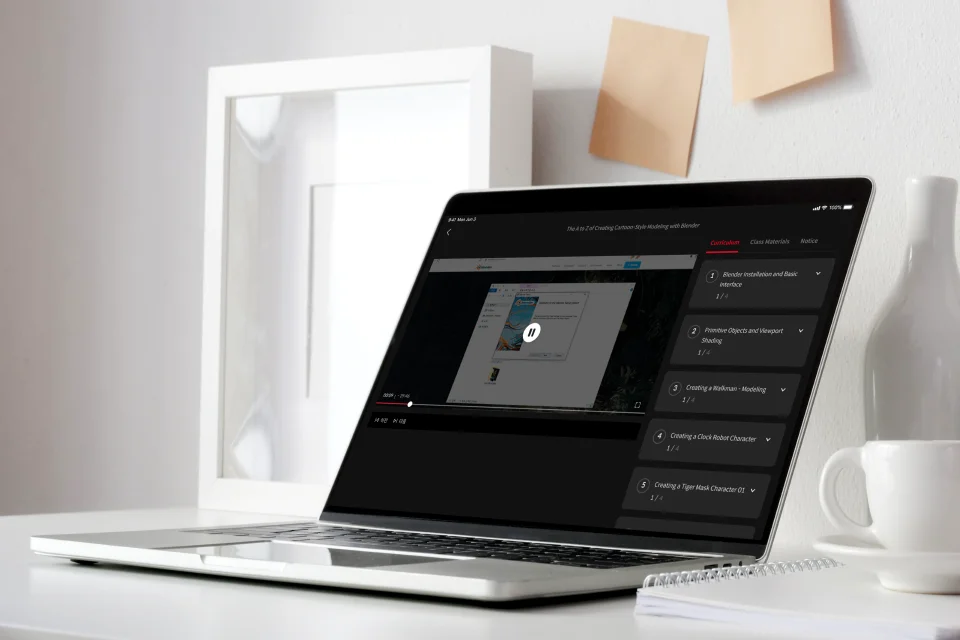
Unlimited Access to All 60 chapters -
Reference Images -
Study Material Files Used in Class Exercises
Class Material Details
-
 Reference Images of Objects and Figures from Various Angles- 60+ png files (.png)
- 8 AFPHOTO files (.AFPHOTO)
- 5 jpg files (.jpg) -
 Study Material Files- 16 modeling files (.blend)
Expert Blender Artist Anteater's Portfolio






※ Includes Anteater's fan art.
Why Take This Class?
Are you frustrated by lackluster tutorials that skipped over the parts you didn’t understand?
Do you want to learn modeling for the face and the entire body as well as how to make suitable props for characters?
Learn detailed face modeling including eyeballs, teeth, and hair, plus delicate body modeling with arms and legs.
Design tops, bottoms, sneakers, glasses, bags, and more!
Make the perfect props and accessories for your characters!
By thoroughly and systematically learning each step of the process, you can strengthen your understanding of the Blender workflow, modeling, shading, rigging, and rendering skills.
This extensive course on Blender modeling, will teach you cohesive exercises, skills, and knowledge.
Only available at Coloso!

10+ Class Exercises
Part 1. Walkman
-
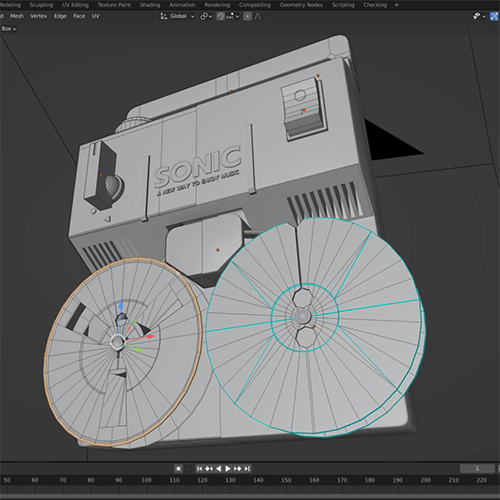 Modeling
 -
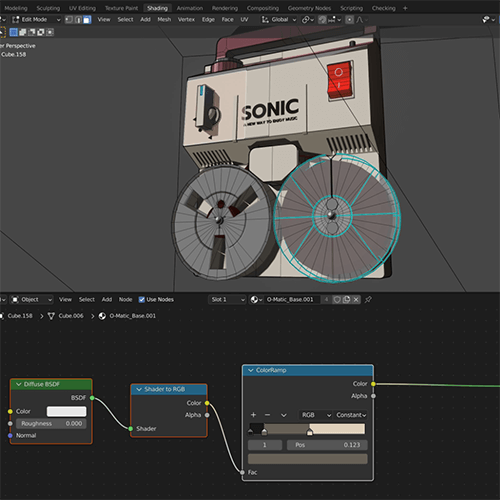 Shading
 -
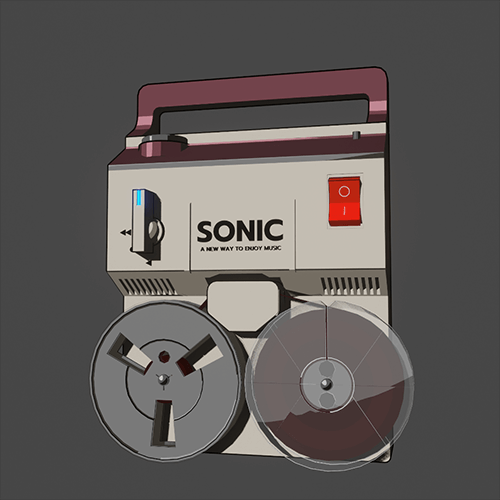 Rendering
Part 02. Clock Robot
-
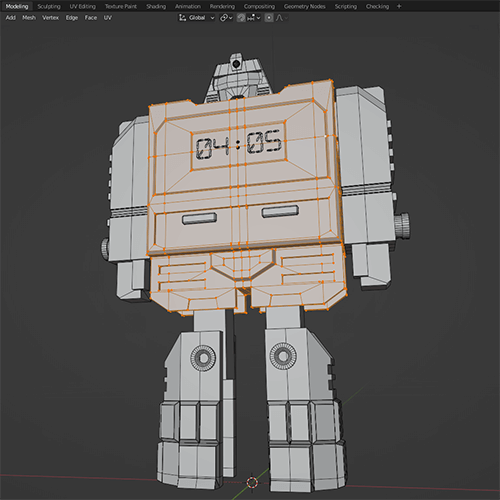 Modeling
 -
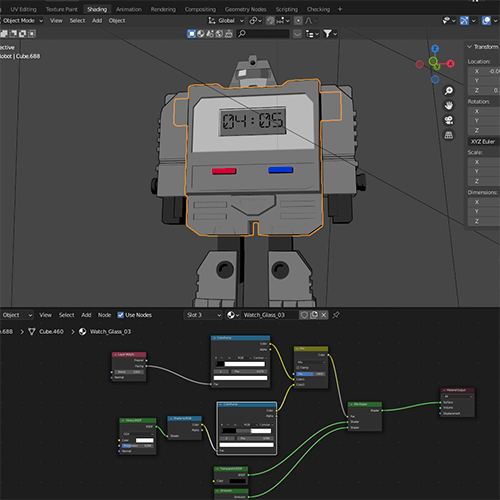 Shading
 -
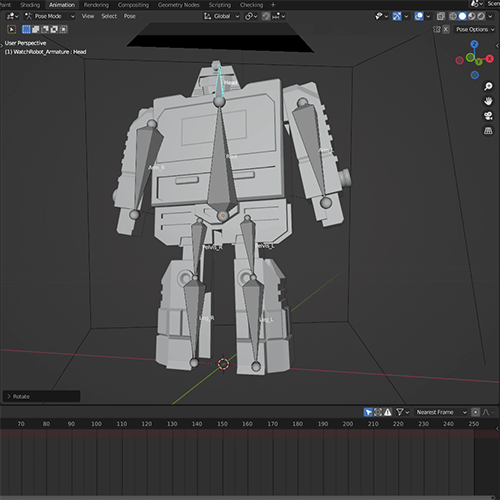 Rigging
 -
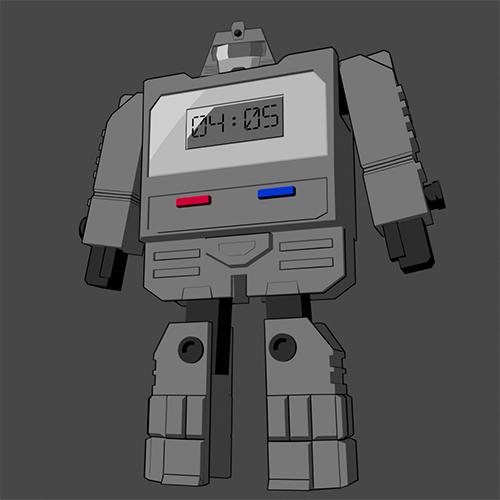 Rendering
Part 03. Tiger Mask Character Keychain
-
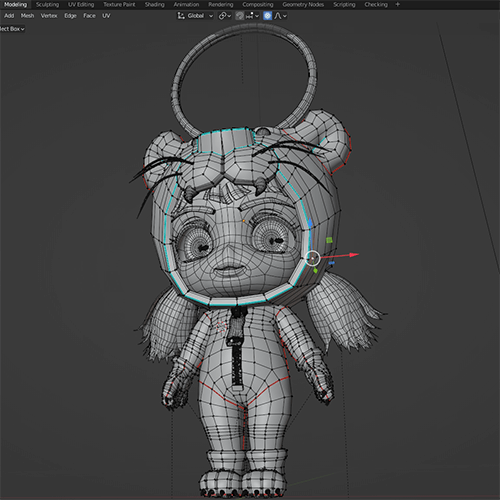 Modeling
 -
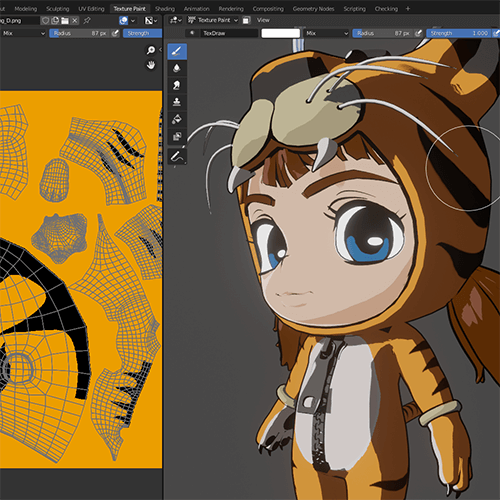 Texturing
 -
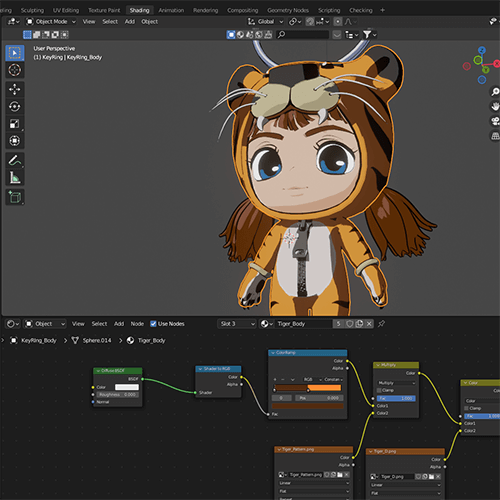 Shading
 -
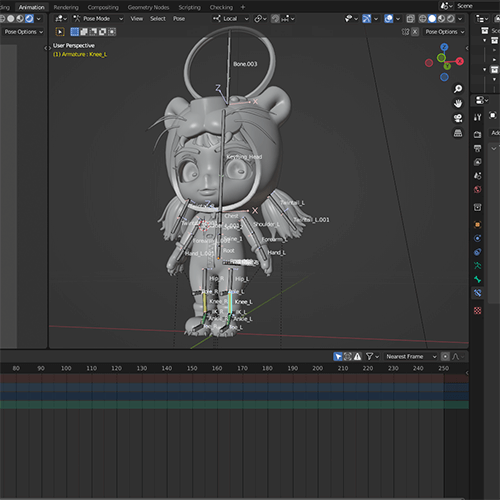 Rigging
 -
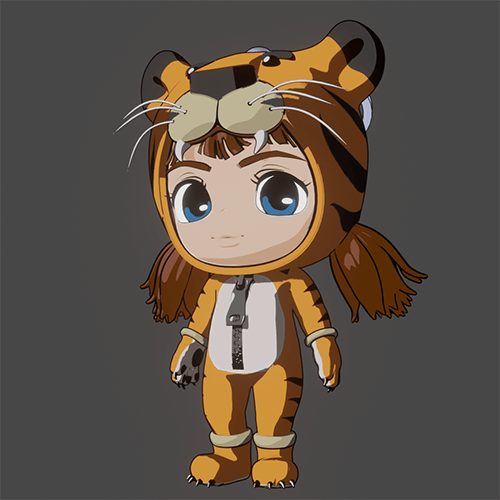 Rendering
Part 04-1. Humanoid Character: Face
-
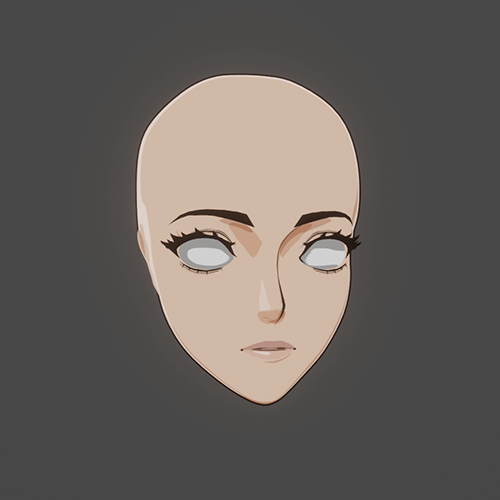 Face
Face -
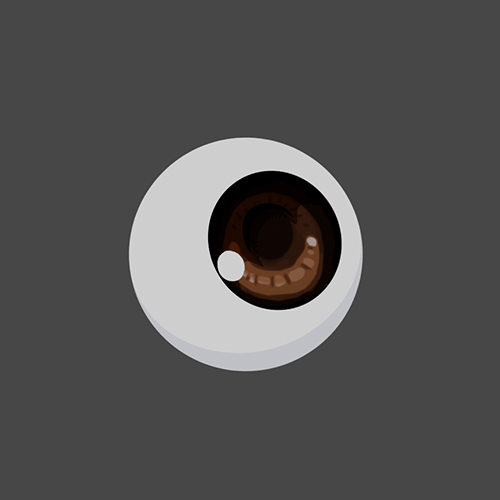 Eyeballs
 -
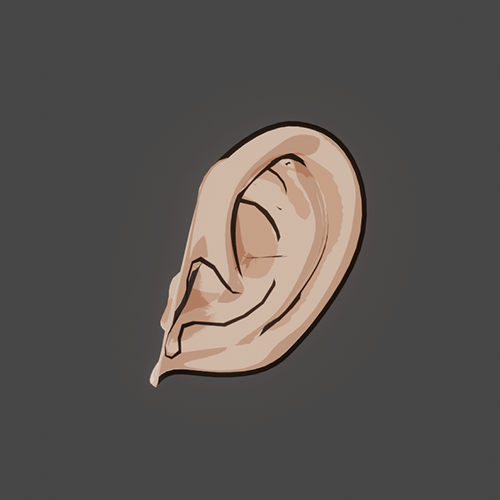 Ears
Ears -
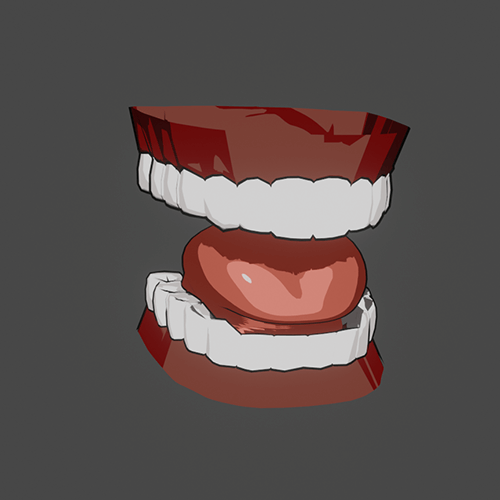 Teeth
Teeth -
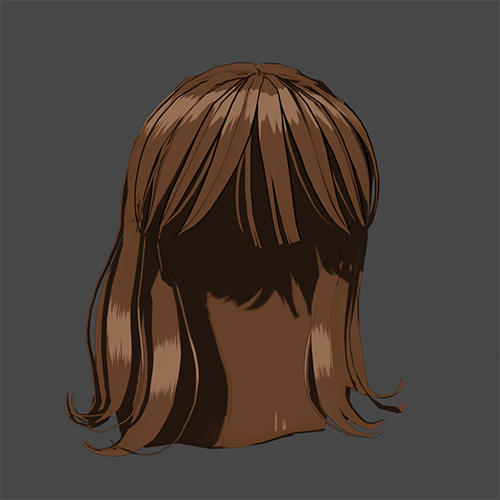 Hair
Hair
Part 04-2. Humanoid Character: Body
-
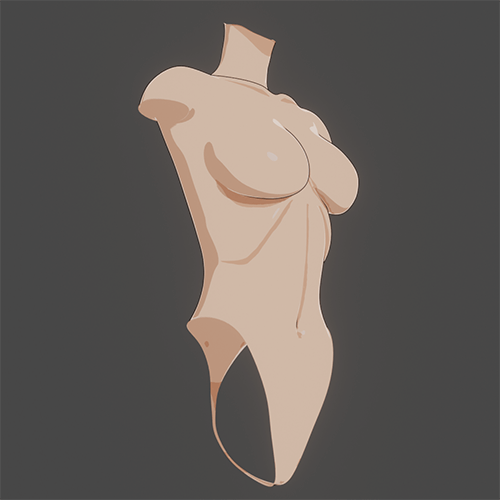 Torso
Torso -
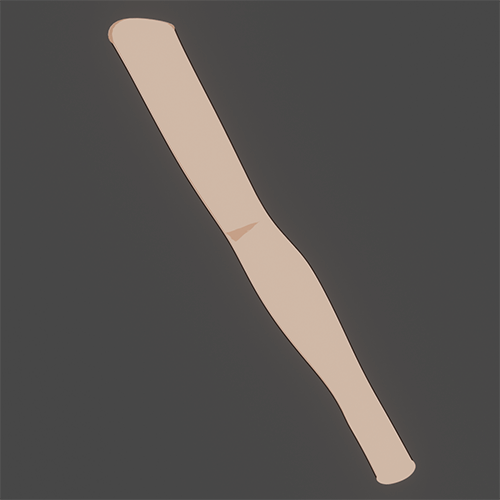 Arms
Arms -
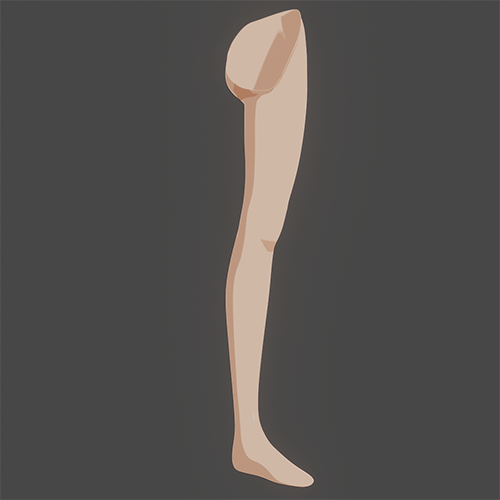 Legs
Legs -
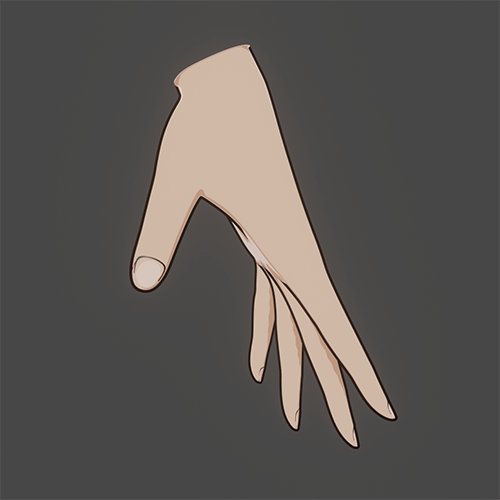 Hands
Hands
Part 04-3. Humanoid Character: Clothing
-
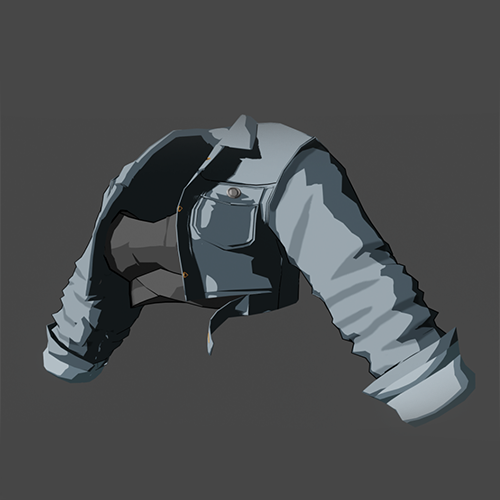 Tops
Tops -
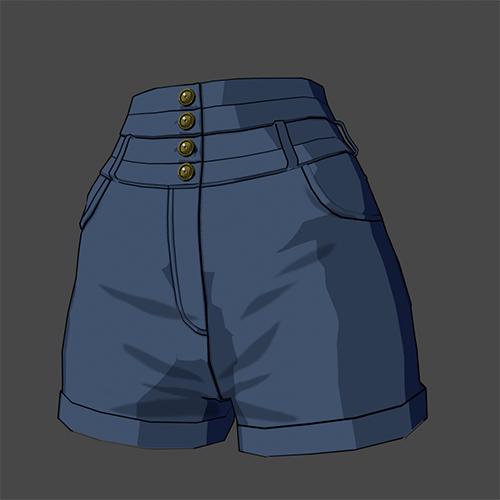 Jeans
Jeans -
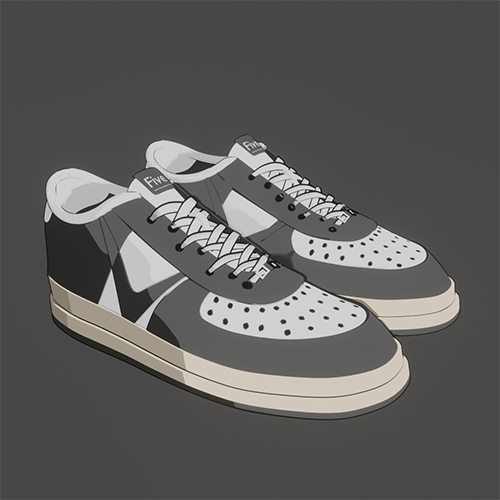 Sneakers
Part 04-4. Humanoid Character: Accessories
-
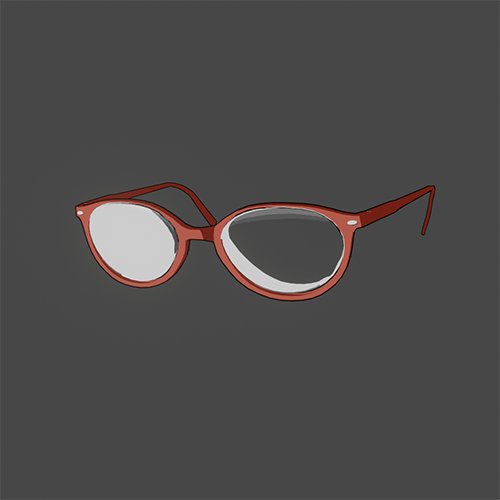 Glasses
 -
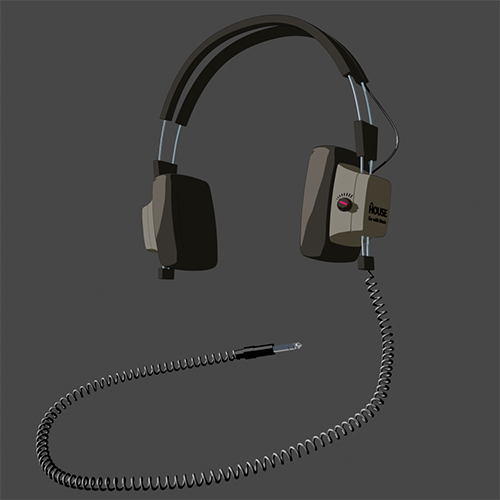 Headphones
 -
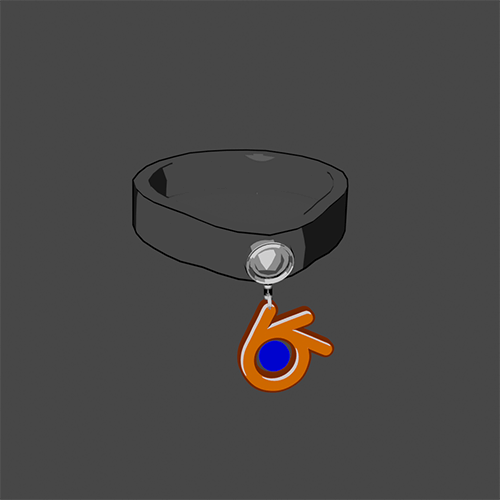 Choker
 -
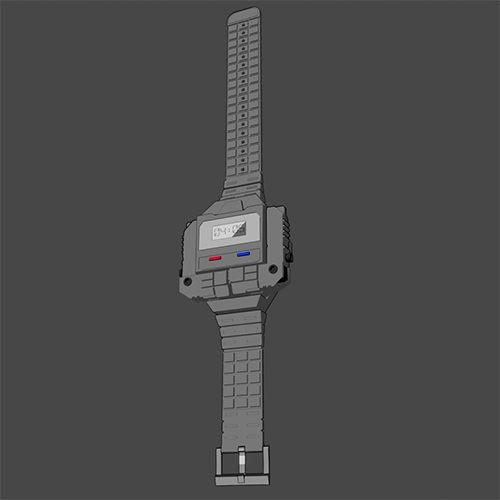 Watch
Watch -
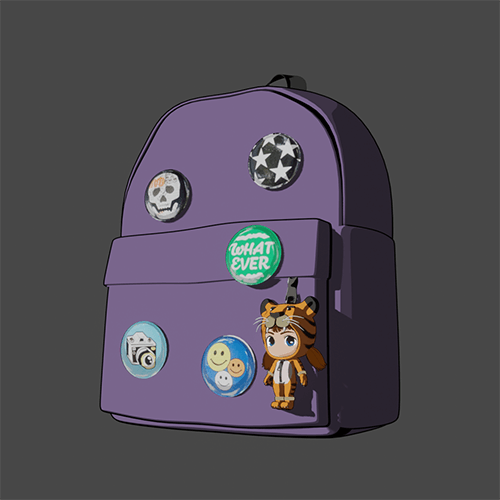 Bag
Bag -
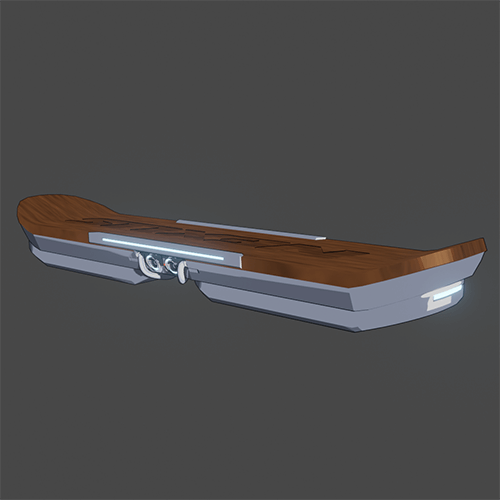 Hoverboard
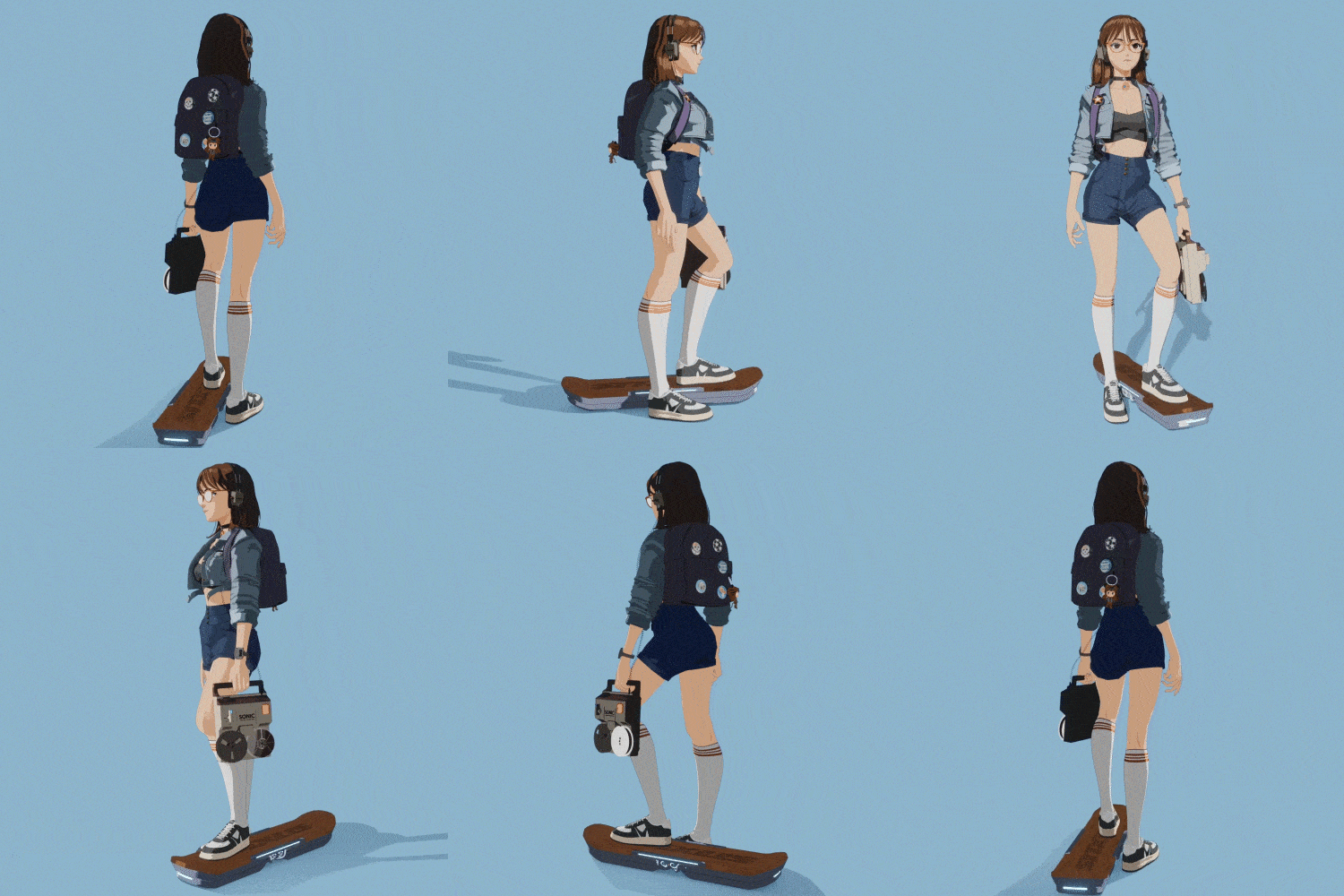
Part 05. Final Result: Hoverboard Girl
Instructor
Blender Artist
Anteater
Hello.
I'm Blender Artist, Anteater.
I have been using Blender since 2007, for just over 15 years, and I also manage the largest Facebook group in Korea, Blender3D.
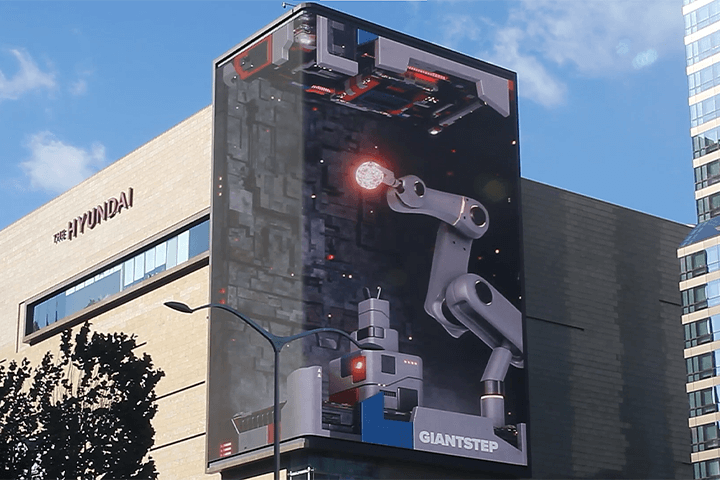
I currently serve as the head of the Real-Time Content Team at Giantstep, mainly directing and working on AR, VR, real-time motion graphics, and interactive art production using commercial game engines and frameworks.
I am interested in creating non-realistic expressions with 3D design tools.
I also enjoy exploring and practicing shading techniques similar to those in cartoons or animation.
This curriculum will be greatly helpful for those who want to create cartoon-like expressions with 3D tools and for beginners in Blender.

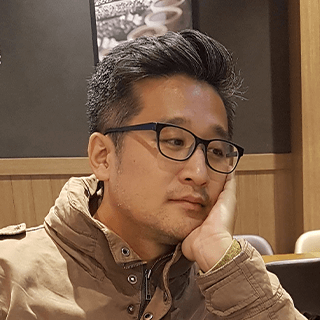
Blender Artist Anteater
[Current]
Giantstep - G-Silo Business Division/Head of RX1 Team
[Previous]
VINYL I - Development Team Leader
TektonSpace - Development Team Technical Director
Dooreseening - Marketing Division/Design Team
YZMaker - Freelancer
Studio Nth - Freelancer
Mafiya Academy - Modeling, Texturing, Rendering Instructor
Projects & Awards
[Notable Projects]
CJ OliveNetworks - H-Wall Project
MCM - New Monogram XR Mixed Reality Experience for 45th Anniversary
Samsung Electronics - Galaxy Tycoon POC Production
Incheon International Airport - Construction of T1 Interactive Media Tower
Google - Search AR Content Production
POSCO - Construction of Interactive 360 Exhibition Hall
SKT - JumpVR Avatar and Troll Character Production
Alibaba NHCI Lab - Refinity Construction
Real Cricket Cricket Heroes – Indoor Screen Cricket Game Character Production
Nike - SNKRS Hongdae MoA Project
W Hotel - Another Side of Time
INNOSIMULATION – Virtual Reality Ski Simulator i CHIKA – Infant Toothbrush Project
Lotte Cinema – Construction of Total Media Board AR Content System
Samsung Life Insurance – Interactive Screen Door “Bridge of Life: Digital Version”
Microsoft – MS Surface Launch Pop-up Store “Surface Polaroid App & Viewer”
Nike – Hypervenom & Free Limbo Game Launch Event
Kiha & The Faces – Second Album Comeback Concert Intro Video
Korea Teddy Bear – Teddy Bear Kidsteria Video Experience Hall: "Big Teddy, Teddy Rider"
Jung-gu Office – "Children's Healthy Living Experience Exhibition," Construction of Interactive Exhibition
The Korean Society of Cardiology – World Heart Day "Listen Campaign"
GIGA Korea Project, Year 3, Construction of 40 Viewpoint Mobile 8 Viewpoint Interactive Media
GIGA Korea Project, Year 2, Construction of 36 Viewpoint Interactive Media
Highlights
Class Highlights
15-Year Expert Teaches 200% Utilization of Blender
From version 2.42 to the latest, 3.1, based on skills gained over 15 years of using Blender, I will teach you systematic tool utilization and practical knowledge I acquired while working with digital agencies and in media art.
A Cartoon-Style Character Production Process That Captures Every Detail
Without skipping the important parts, you will learn every step of the production process, including modeling, shading, texturing, rigging, rendering, and compositing, in detail through more than ten in-depth exercises.
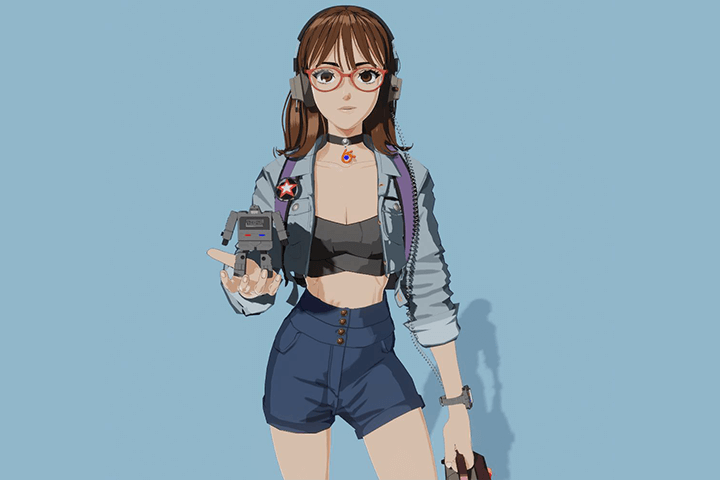
Creating Animated and Webtoon Style Characters Quickly and Easily
Learn Anteater’s tips and tricks for the modeling and shading process while receiving feedback in real time by using the cell shading technique based on Blender's real-time renderer Eevee.
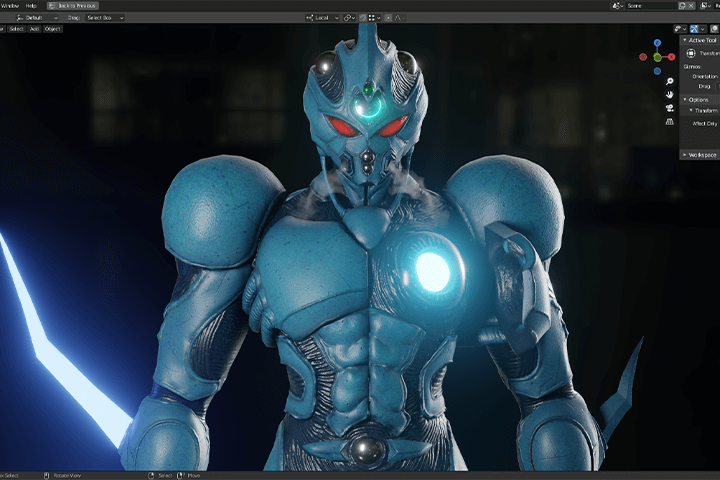
Class Details
You'll Learn
-
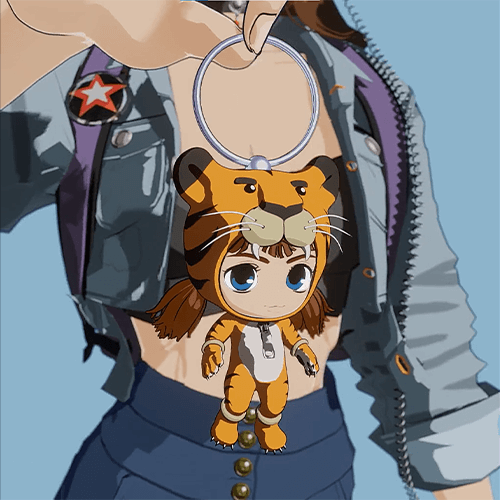 Cell Shading Style Character Production MethodFrom simple props to seven-head tall characters, you will learn everything about cartoon-style character production from various exercises.
 -
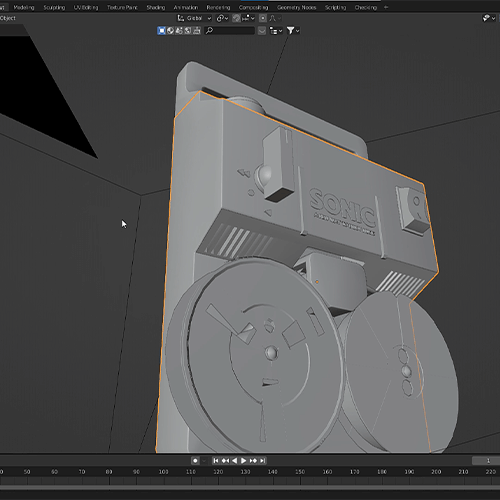 Design Form Analysis and the Step-by-Step Depiction MethodReinterpret design or reference images into basic shapes and learn the instructor's pro tips for expressing everything from large chunks to small details.
 -
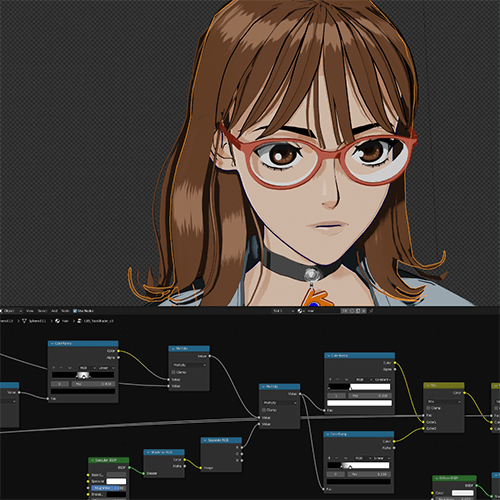 Character Production Process Using Only BlenderYou’ll do everything from modeling to UV unwrapping, texture creation, painting, and sequence editing using only the Blender tool.
-
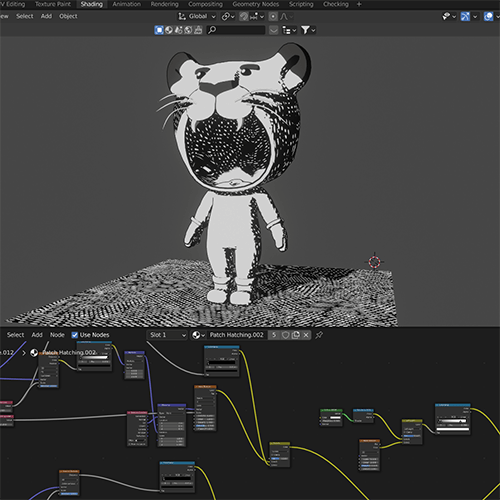 Various NPR Shading TechniquesExplore various shading techniques such as screentone, hatching, and watercolor as well as how to express cartoon-like reflections.
 -
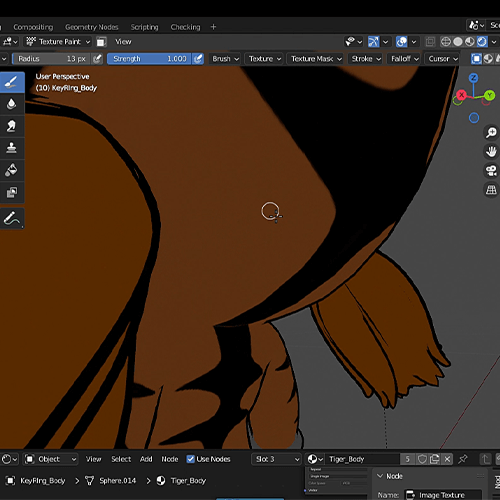 Expressing OutlinesYou will learn various Blender functions that can create outlines from the most commonly used Line Art to Converted Hull, Compositing, Beer Malt Shading, and more.
 -
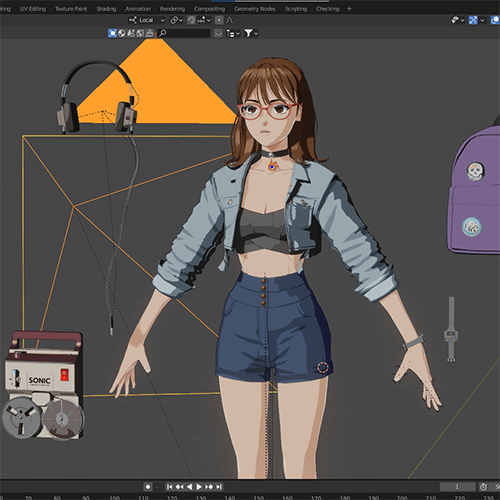 Advantages and Disadvantages of Real-Time Renderer EeveeI will teach you everything you need to know about Eevee’s rendering settings, including post-processing, performance, and color management, as well as compare them with offline renderers.
- Unlimited Access
- Best Price
Buy now, get unlimited access.
12/31 (Sat) (UTC-7) Special offer ends soon.
This special offer ends soon.
Buy now and save!
Curriculum
Curriculum
In-Depth Look
1st Launch (Ch. 1 - Ch. 30) : 04/10/2024 18:00 (UTC-8)
2nd Launch (Ch. 31 - Ch. 60) : 05/28/2024 18:00 (UTC-8)
*The release date of this class, curriculum images, and associated content can be changed without prior notice.
** Class videos may be seperated for a more streamlined viewing experience
Interview with
Blender Artist, Anteater

Question.01
What is the market potential for cartoon-style modeling?
The demand for NPR (Non-realistic rendering), which expresses effects beyond photographic realism, including cartoon style, is gradually increasing. Accordingly, it is widely used in casual games, animation, webtoons, and technical illustrations. Also, Blender is actively used in NPR work, especially in foreign indie animation.
Question.02
What is most challenging for students new to Blender?
I would like to mention a few interfaces unique to Blender. In the case of modeling, the most frequently used skill, it becomes inconvenient if you do not memorize the shortcut keys. Sometimes you learn the shortcut keys first and then the menu. However, if you gradually adapt to Blender's interface through this class, you can work much more comfortably than with other tools.
Question.03
What distinguishes this class from others?
The class is structured to increase in difficulty across 29 videos gradually, so it doesn't feel like the class level suddenly jumps. This class is appropriate for students new to Blender because I will repeatedly explain each exercise’s production process at various levels. Furthermore, all result files created during the class will be organized step by step and shared for reference during work.
Required Programs
This course will use
- Blender 3.1
Please purchase and install these program(s) for an optimized chapter experience.
*These programs and/or materials will not be provided with the chapter.
▶ Blender Download Link
Recommended
Recommended Class
Like this class?
Then check these out!