[Asset]webtoonassetcreator,naraminkl_나라밍클KR Details

Don’t miss out, enroll now!
Enrollment closes in

Now in Your Language, Only on Coloso!
Learn from Top Creative Experts Worldwide
-
 Master High-End Asset Creation
-
 Stylized Object Secrets
-
 Efficient Webtoon Prop Workflows
Asset Intro
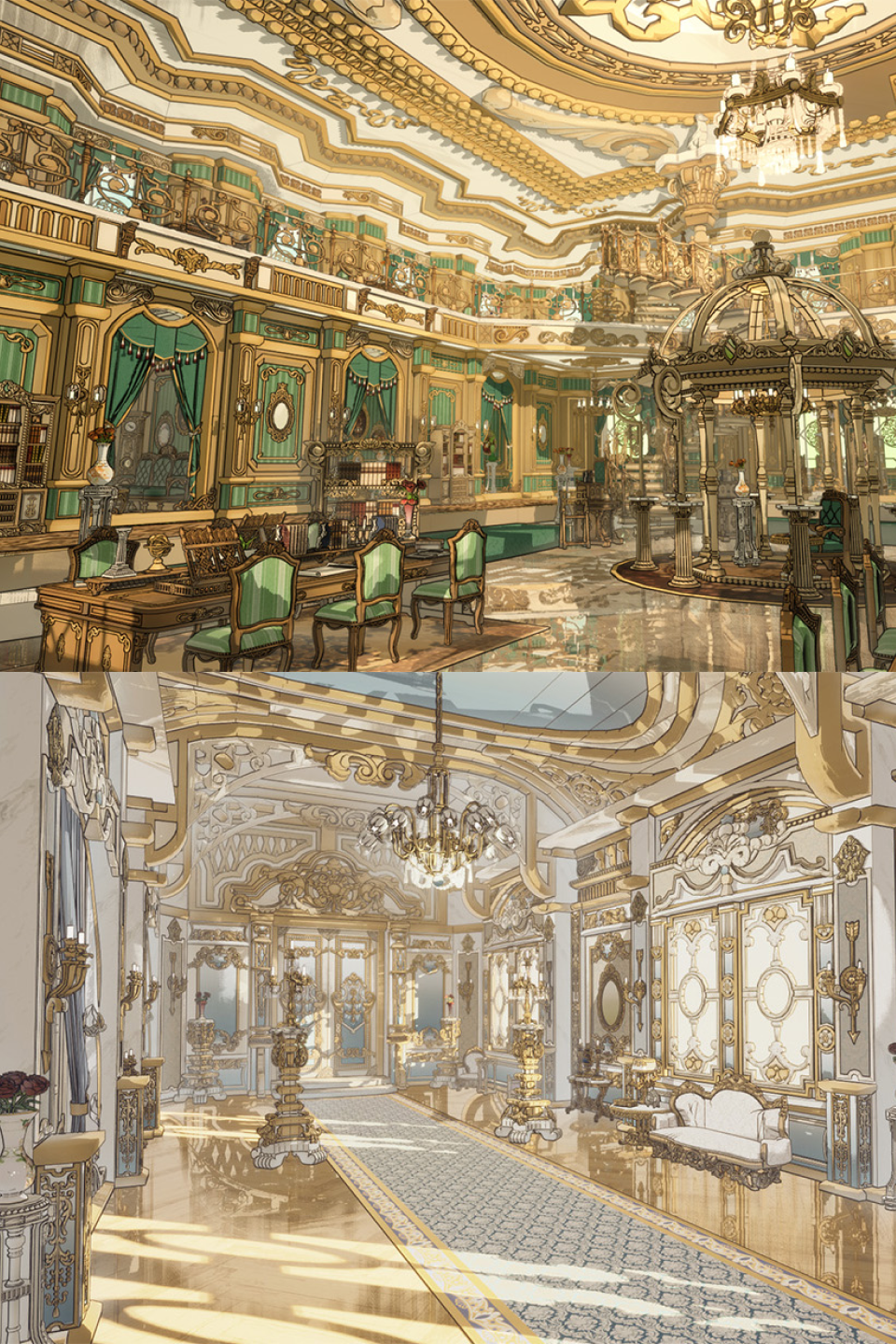
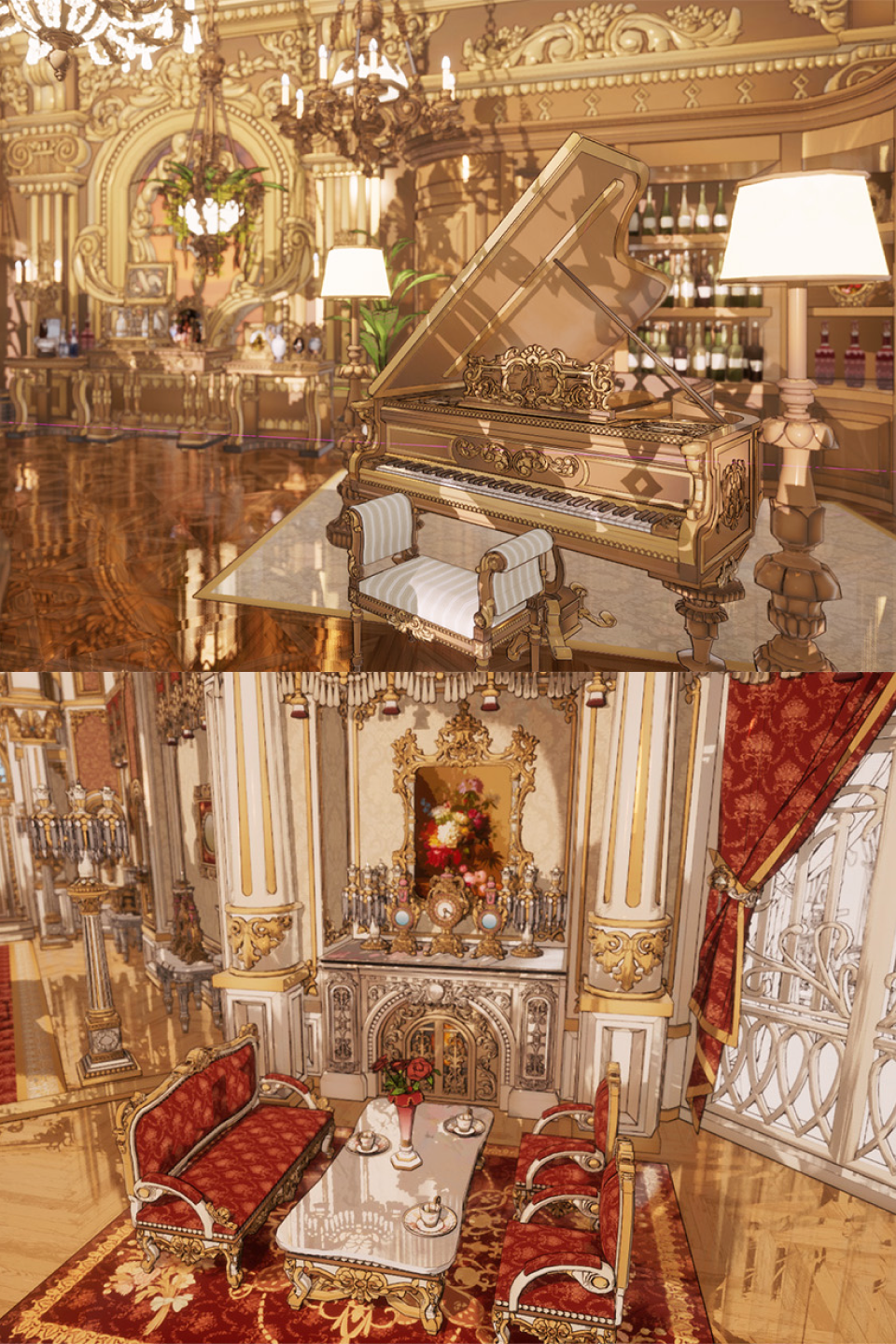
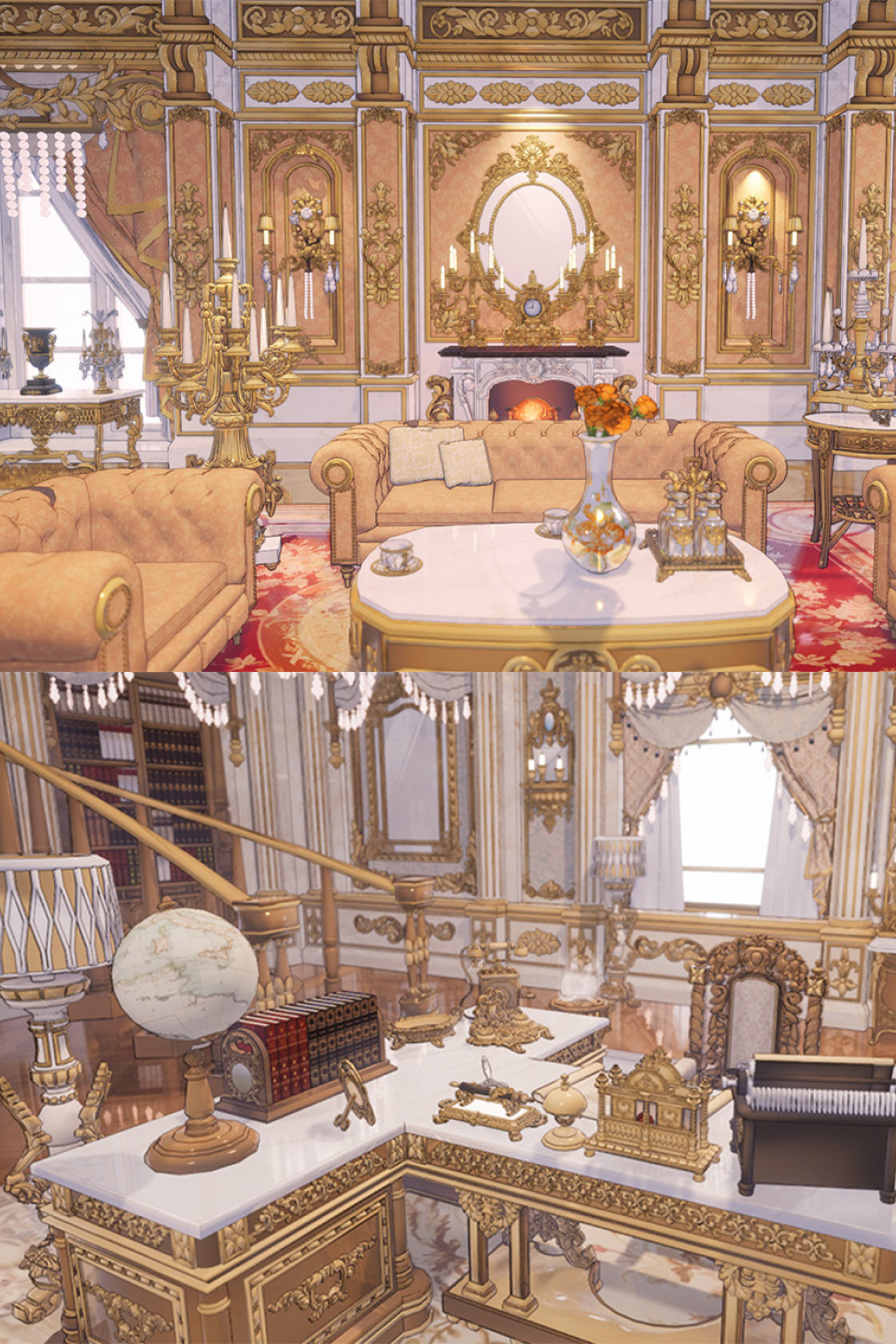
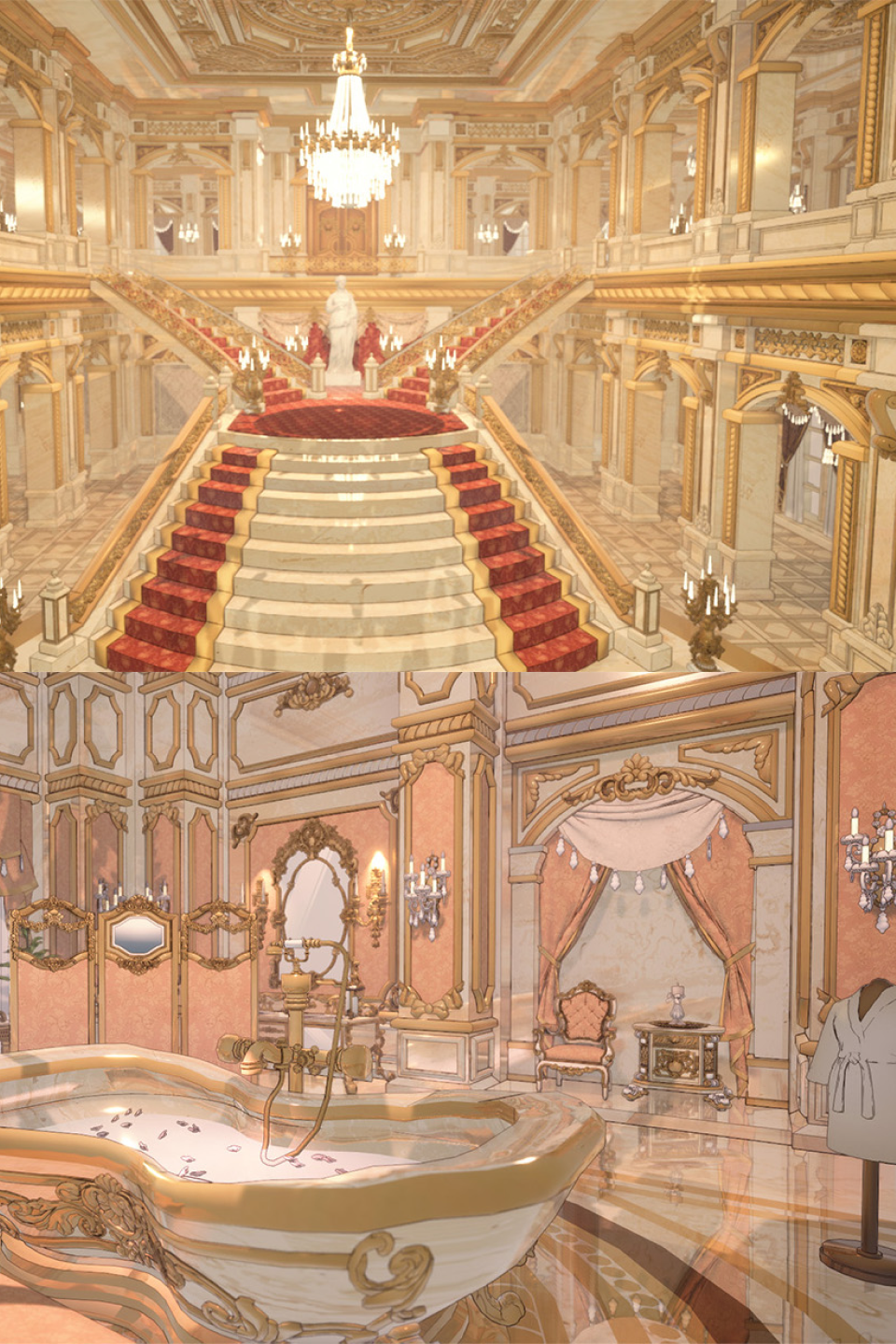
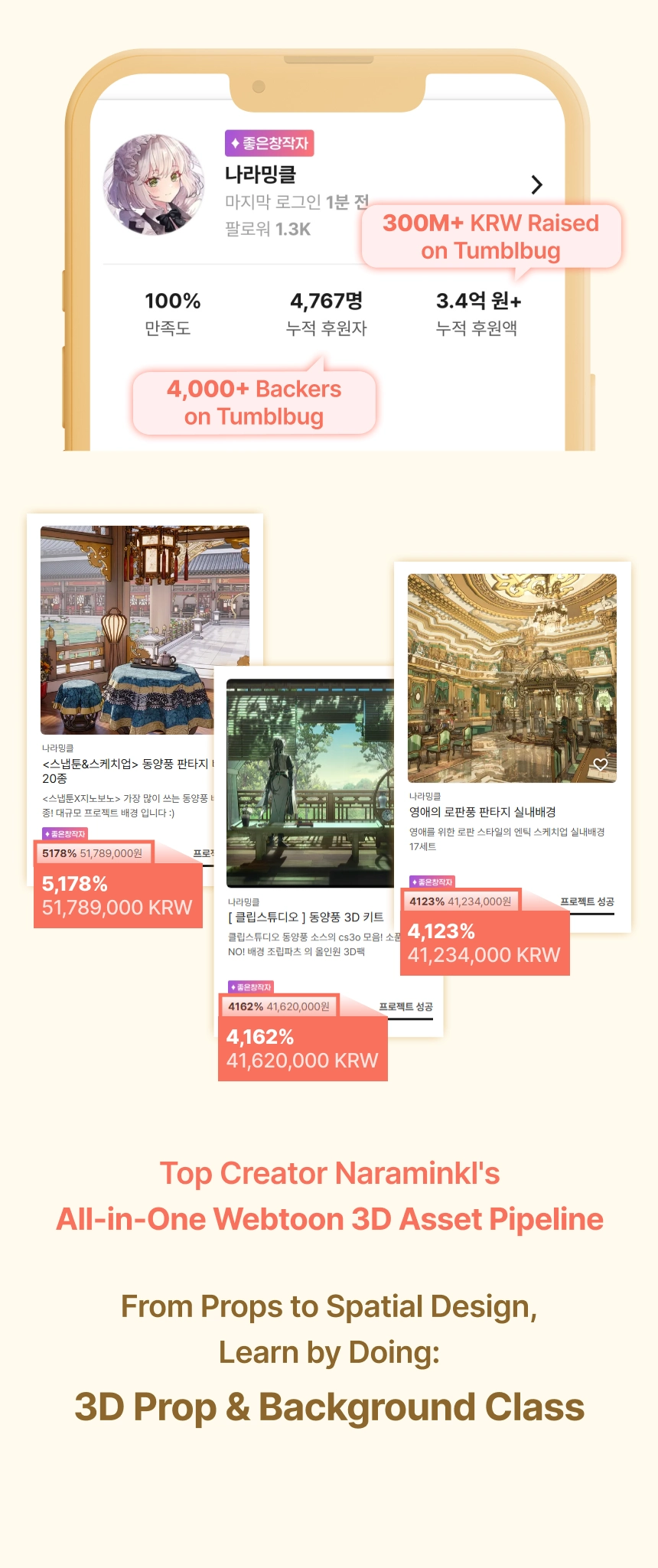
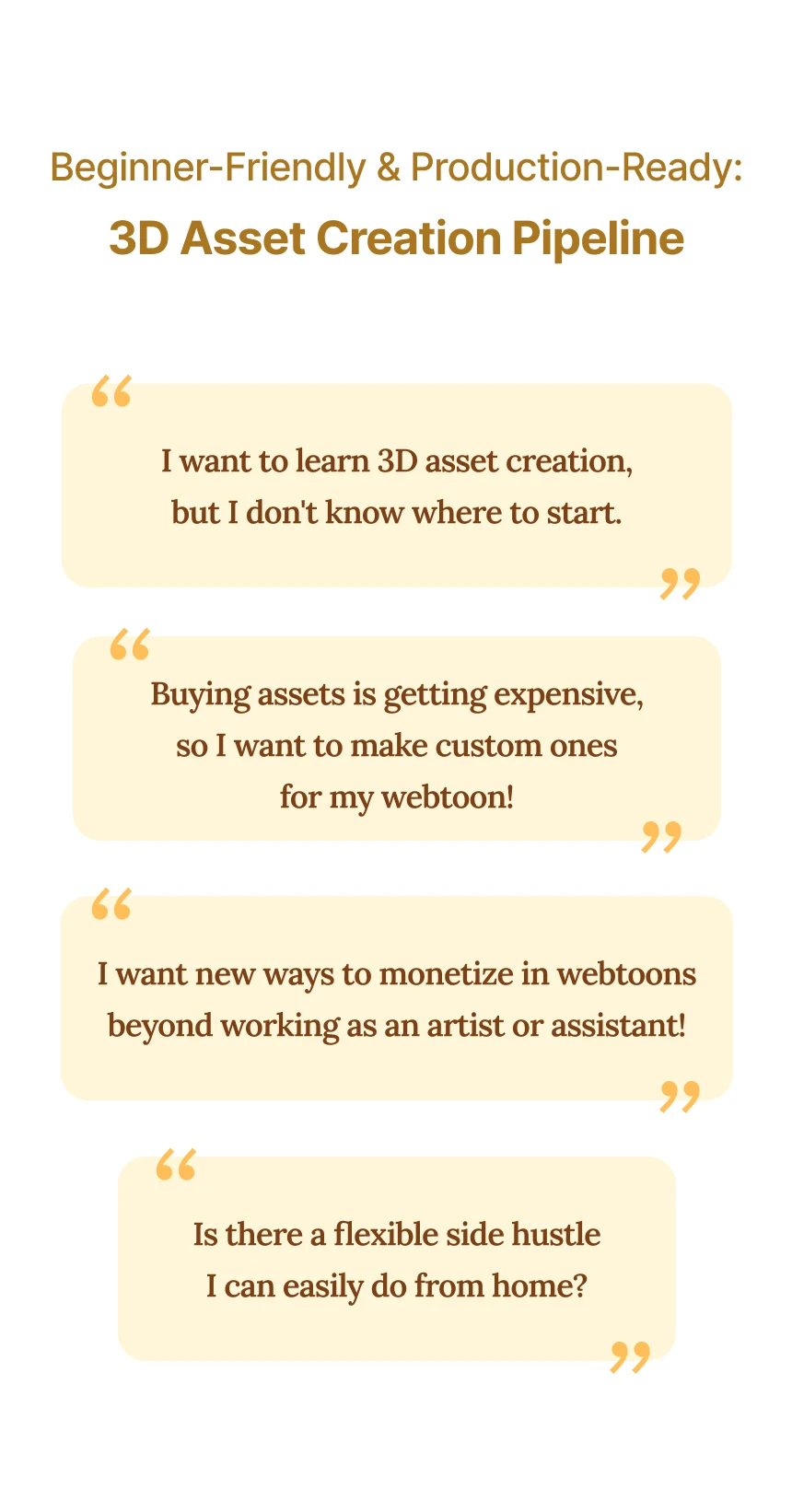
Tumblbug 300M KRW Crowdfunding Legend Naraminkl Reveals the Ultimate Formula for Practical 3D Webtoon Backgrounds & Props
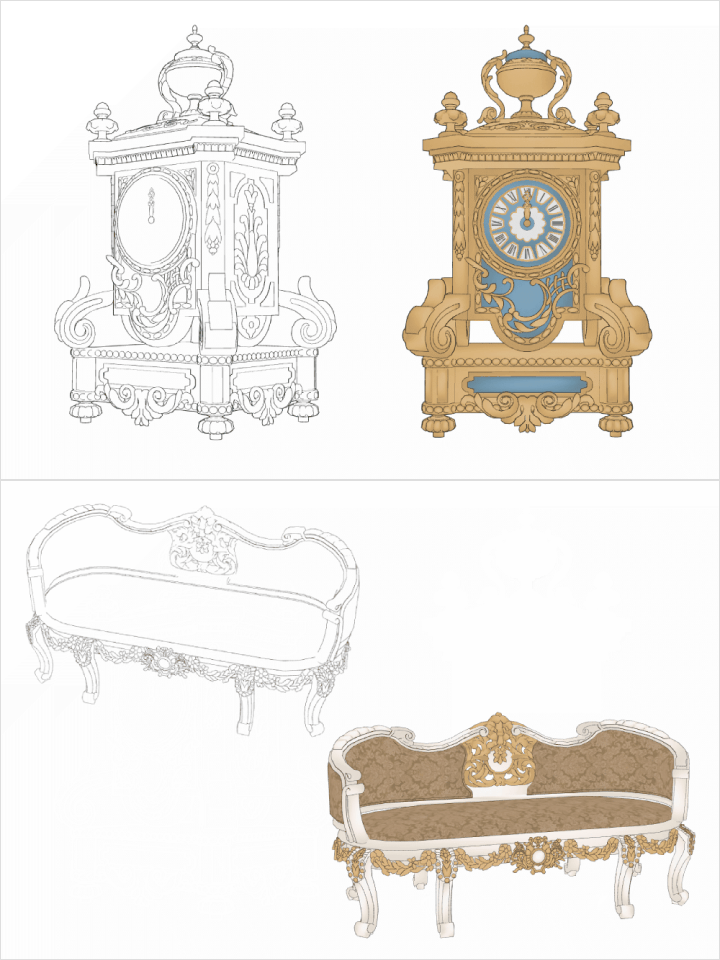
Backed by 4,600+ creators and 300M KRW in total funding, Naraminkl reveals the exact formulas used to produce top-tier market assets. Go beyond basic modeling to learn how to transform your creations into monetizable products, master efficient production routines, and apply file optimization strategies in one complete package!
Asset Package
From Beginner to Monetization:
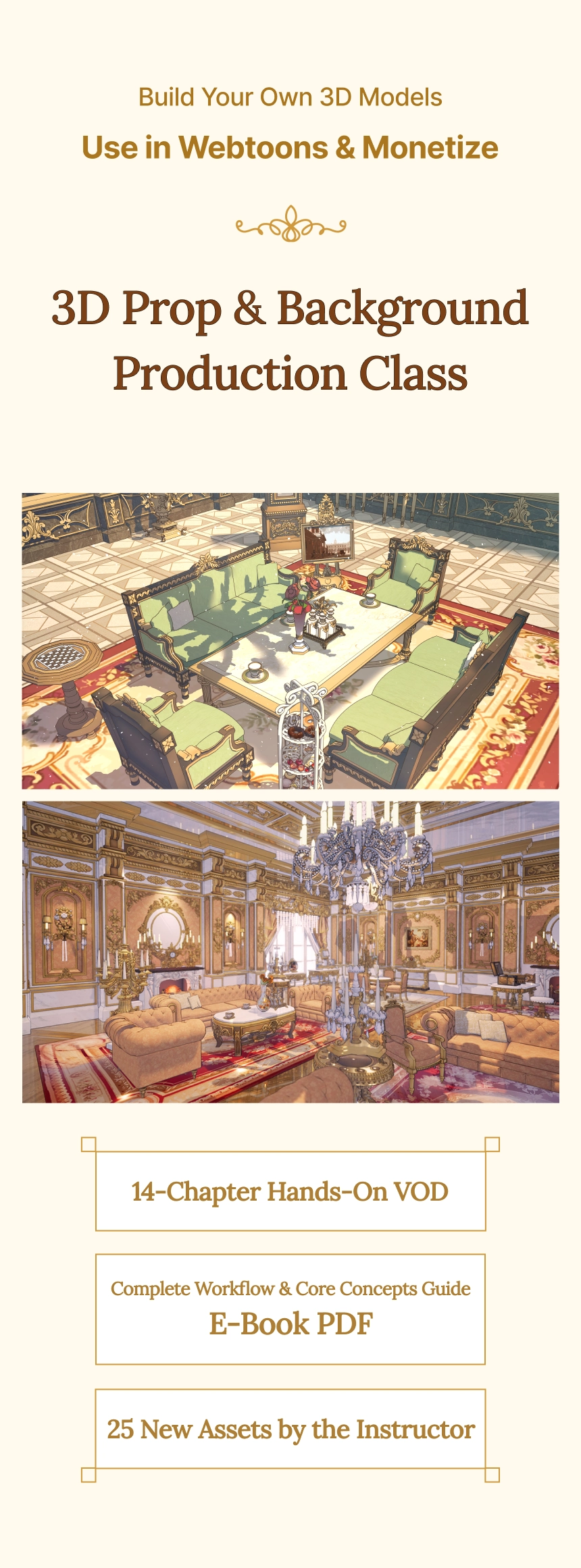
A Fast-Track 3D Webtoon Prop & Background Package
-
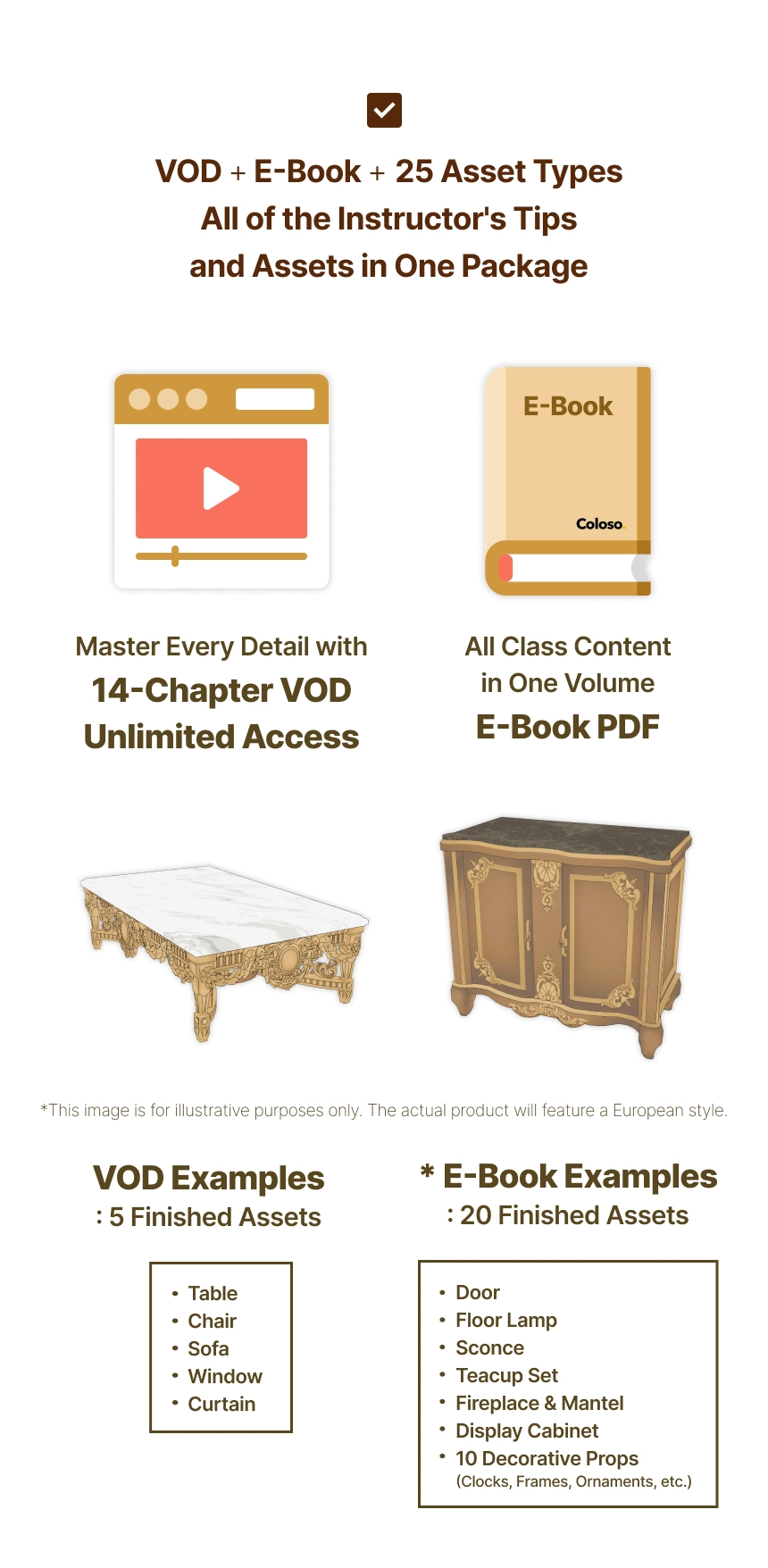
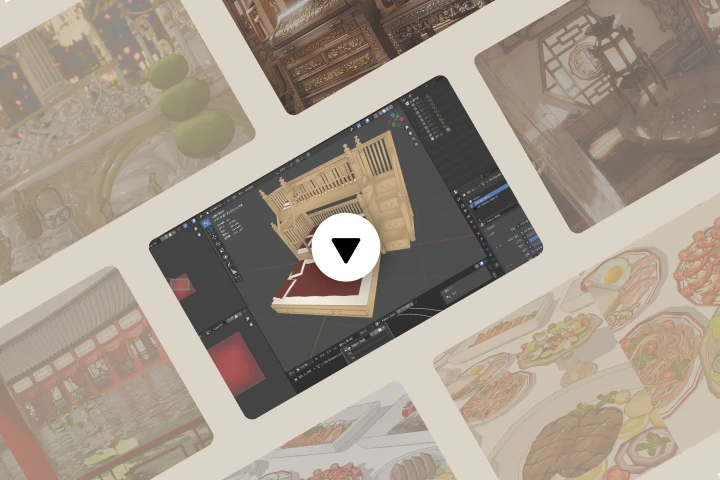 All-in-One 3D Asset & Background Creation14-Chapter VOD Unlimited Access
 -
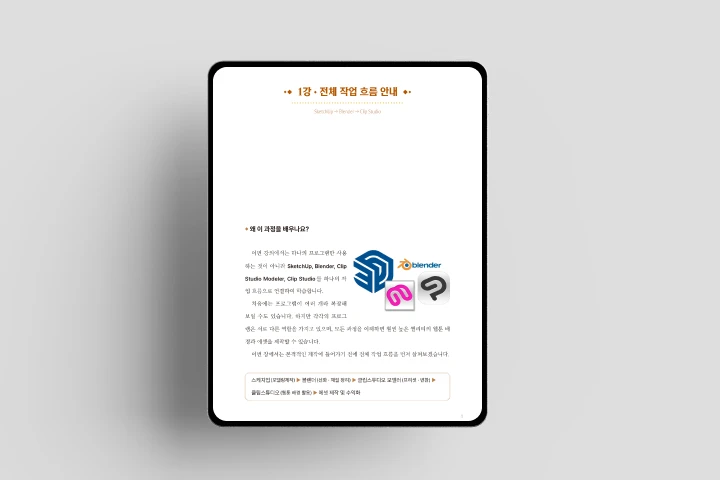 Core Concepts & Workflows in One VolumeE-Book PDF
 -
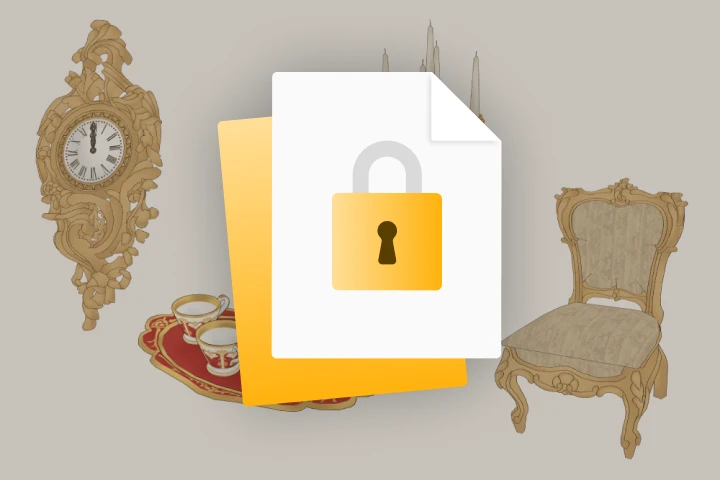 Revealed Exclusively on Coloso25 New 3D Assets
Package Details
-
Class VOD- Prop Creation → Spatial Composition → Blender & Clip Studio Integration
- Hands-on Practice with an All-in-One 3D Asset & Background Pipeline -
E-Book PDF- Summarizes Core Concepts & Workflows for the Entire Course
- Used as Reference Material During Hands-on Practice
- Entire Class Content Compressed into One Book -
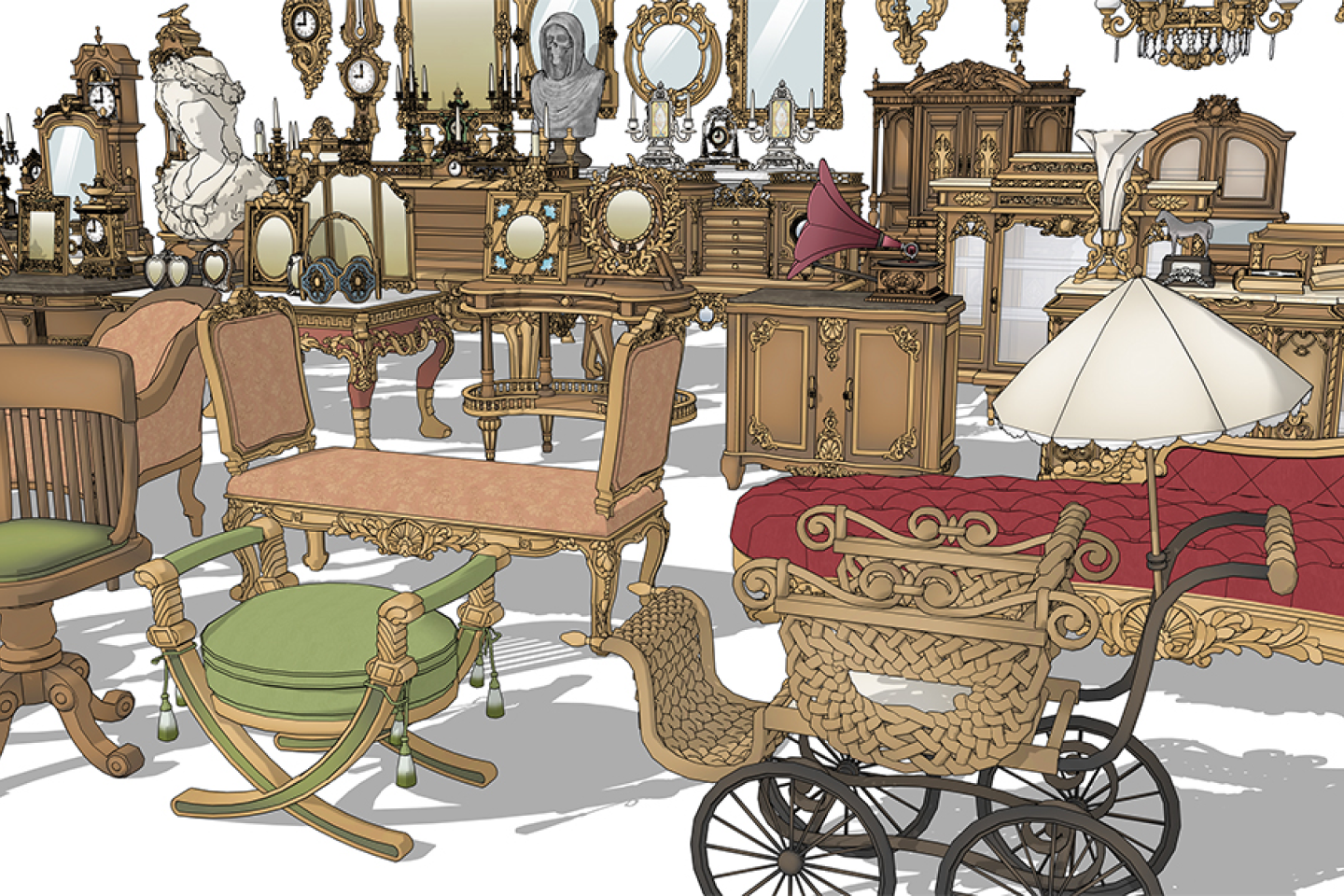
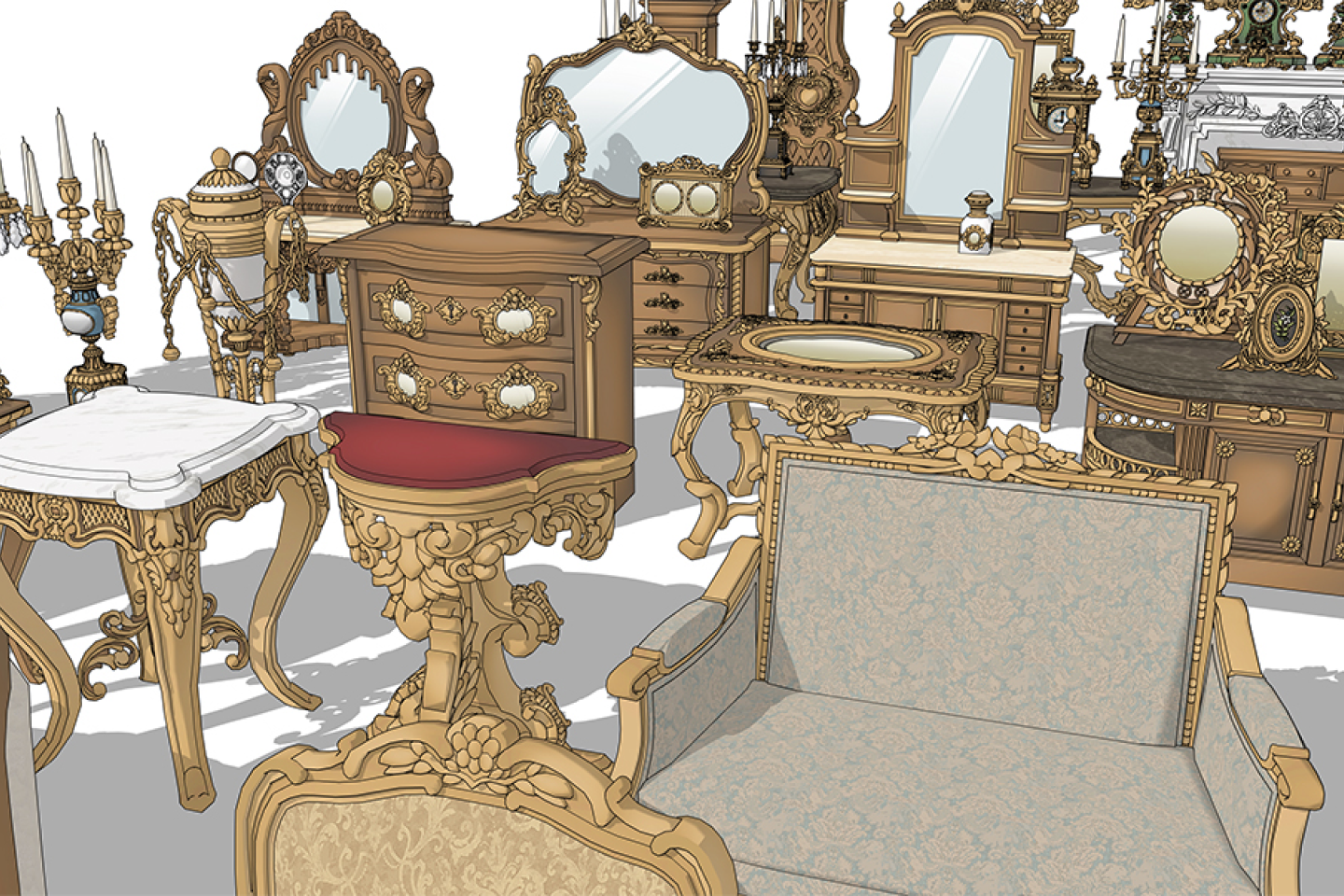
Practice Example 3D Asset Files- 25 Assets Total (Includes Self-Created & Instructor-Provided Assets)
- 3D Model Files for Props and Spaces Used in Class Examples
- Includes Solution Files to Check and Compare Against Your Own Models
- 5 VOD Practice Assets: Table, Chair, Sofa, Window, Curtain
- 20 E-Book & Bonus Assets: Door, Floor Lamp, Sconce, Teacup Set, Fireplace & Mantel, Display Cabinet, 10 Decorative Props, etc.
- File Formats: .skp, .fbx, .cs3o + .clip
Get Ready for the Real World
A Hands-On 3D Background & Prop Curriculum Designed for Beginners to Master Quickly
STEP 01. Basic Object Creation
-
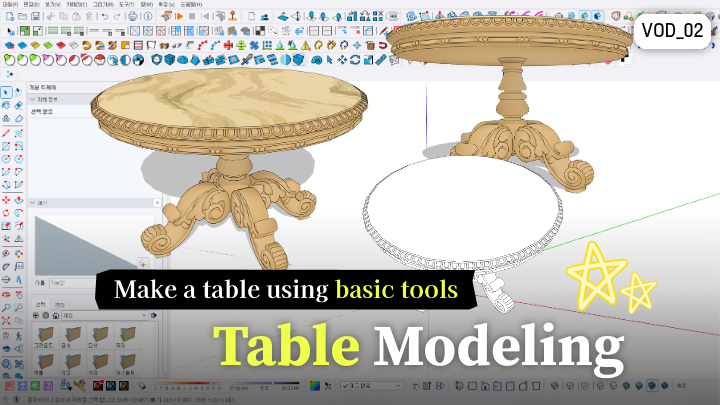
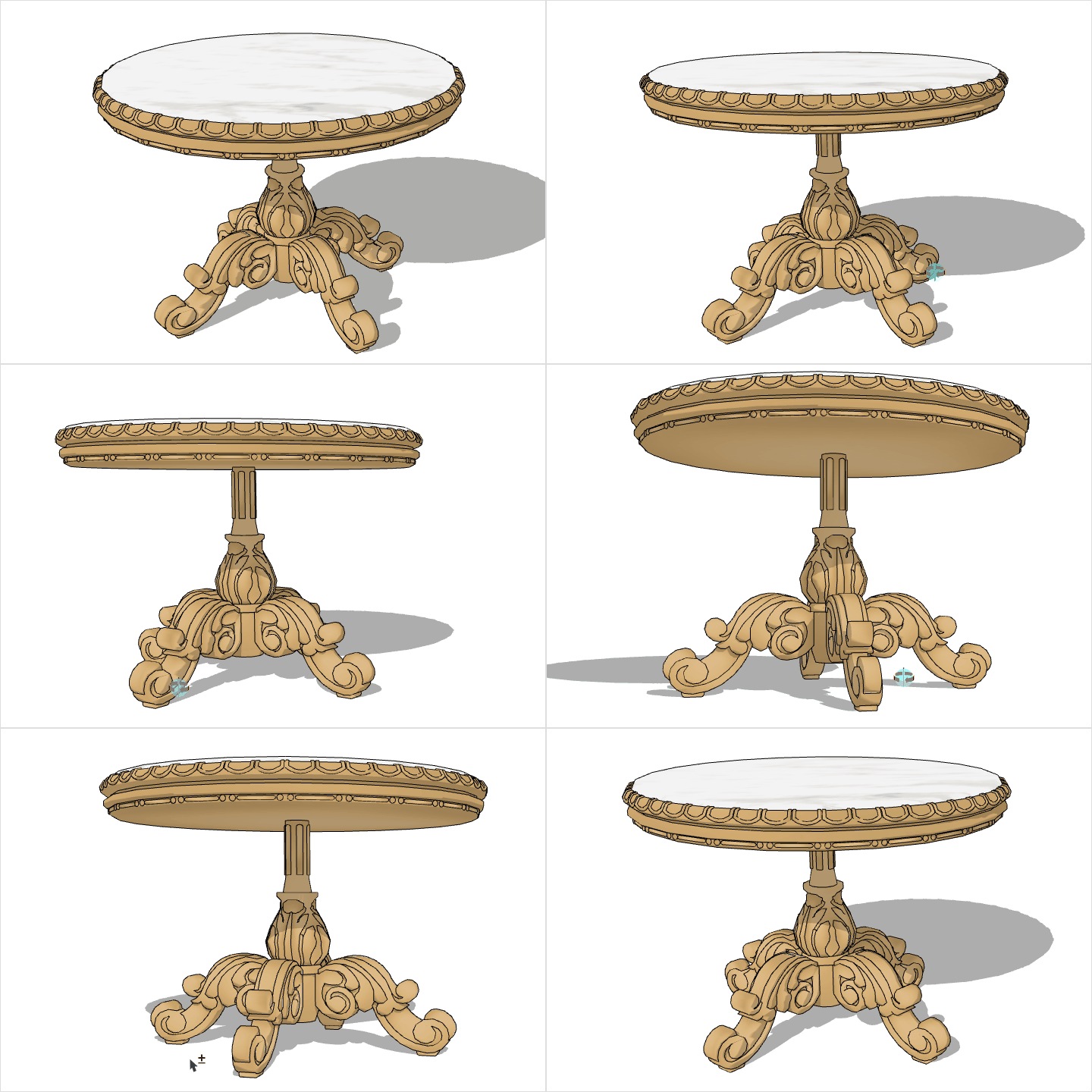 Create a Table Using Basic Tools
 -
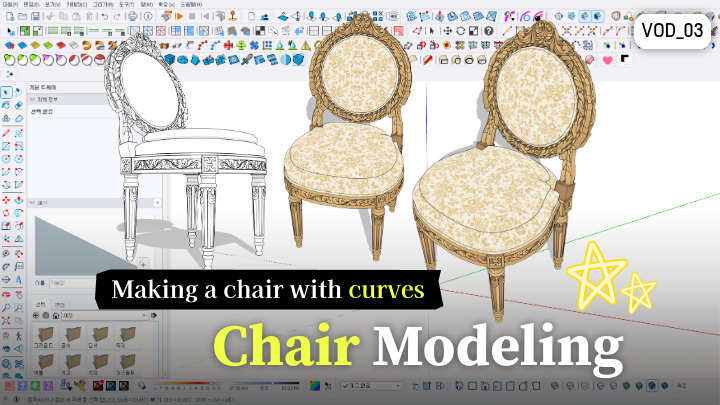
 Understand Chair Structure & Model Quickly
 -
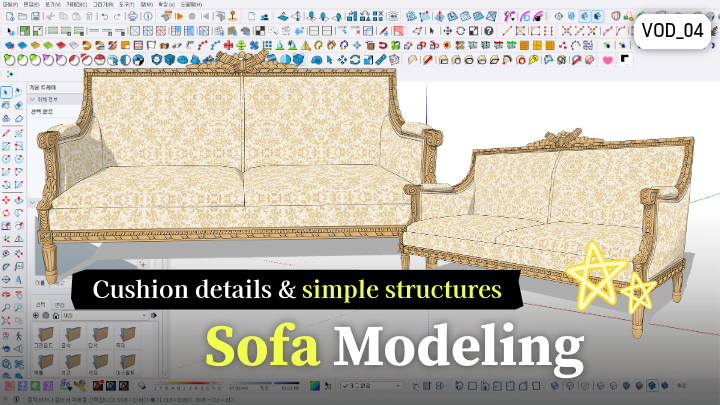
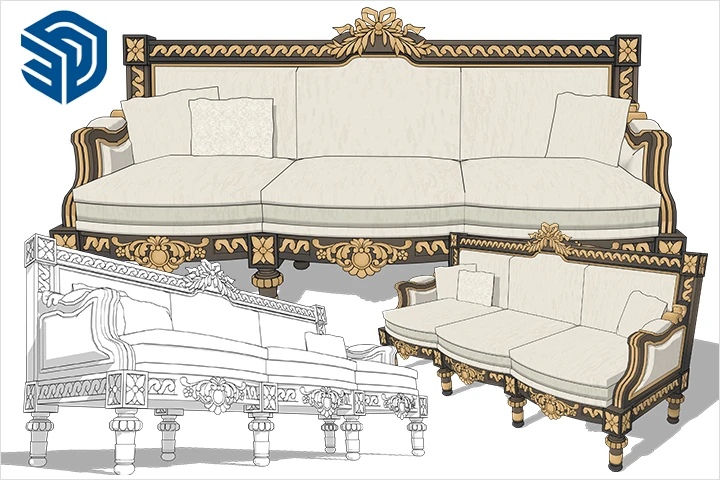 Form & Model Sofas and Cushions
STEP 02. Complete European-Style Spaces
-
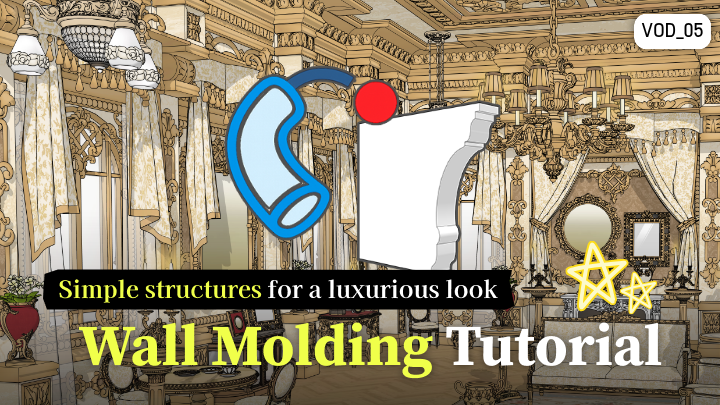
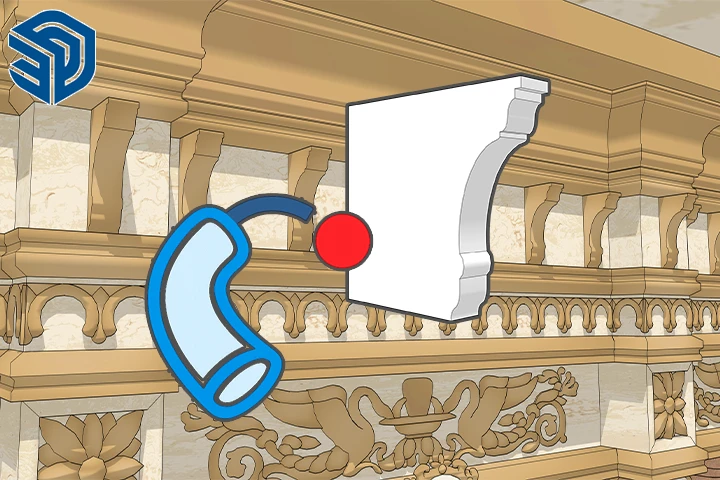 Master European Wall Structures with Architectural Moldings
 -
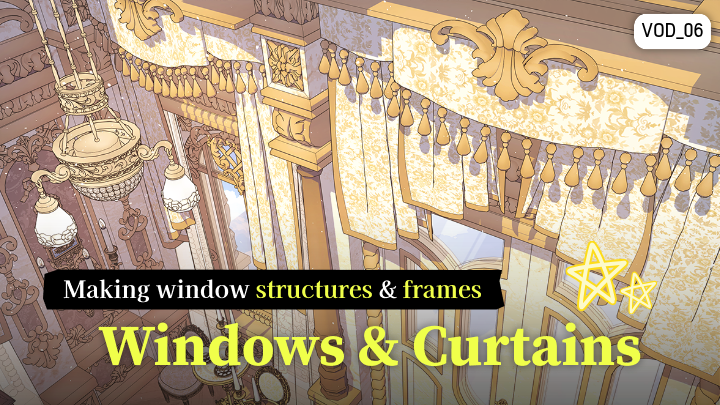
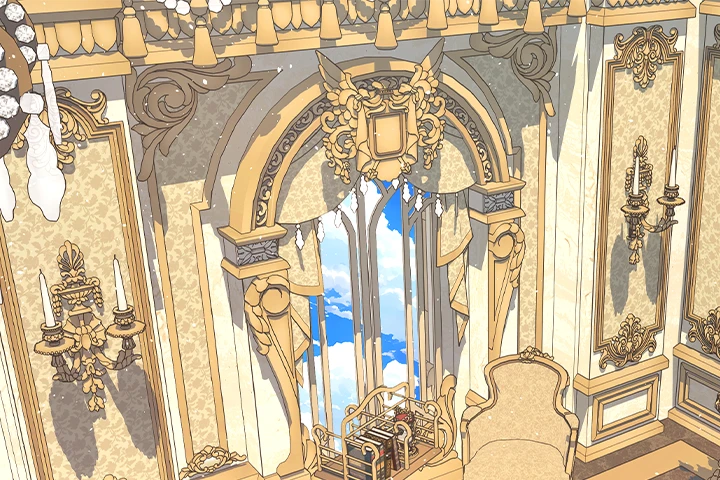 Add Spatial Details Using Windows & Curtains
 -
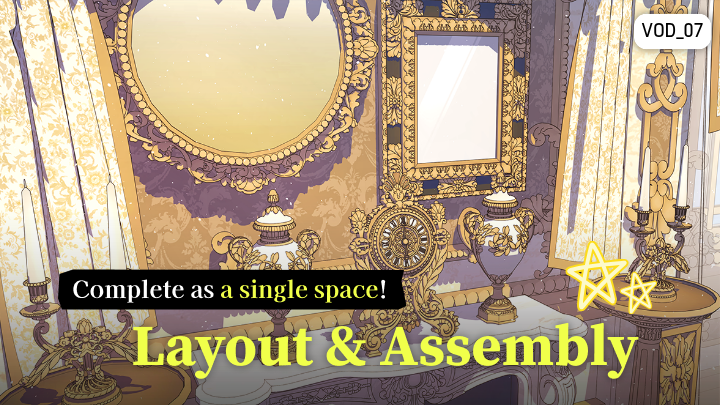
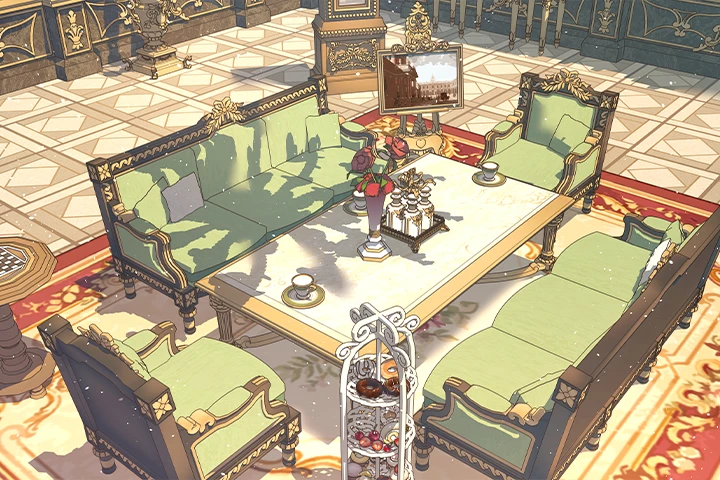 Complete a Parlor Scene by Arranging Props
STEP 03. Advanced Production Techniques
-
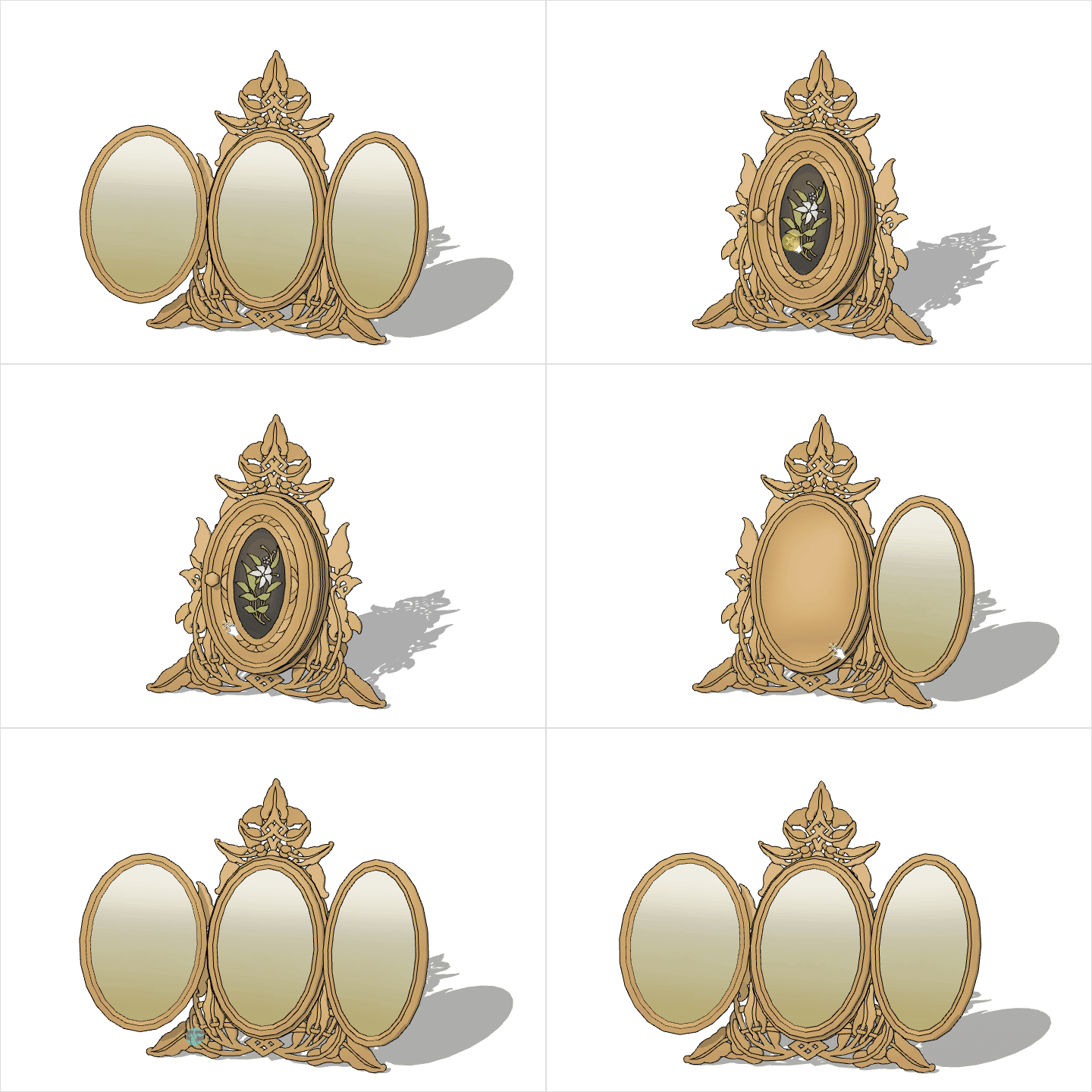 Utilize Dynamic Components
 -
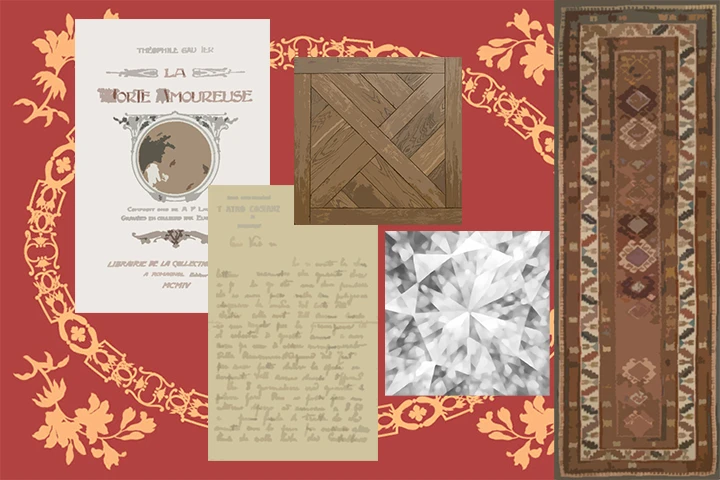 Create & Apply Custom Textures
 -
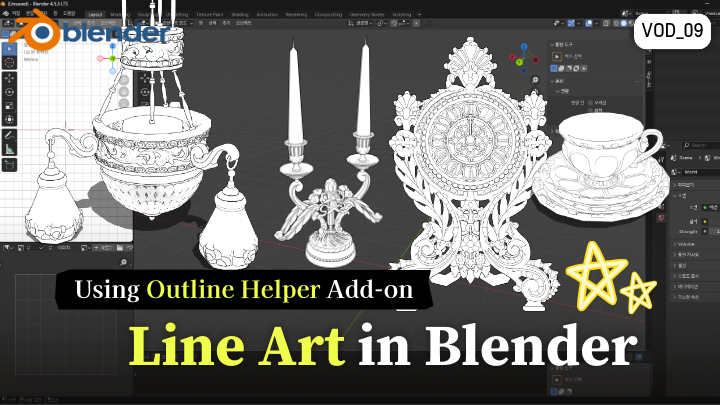
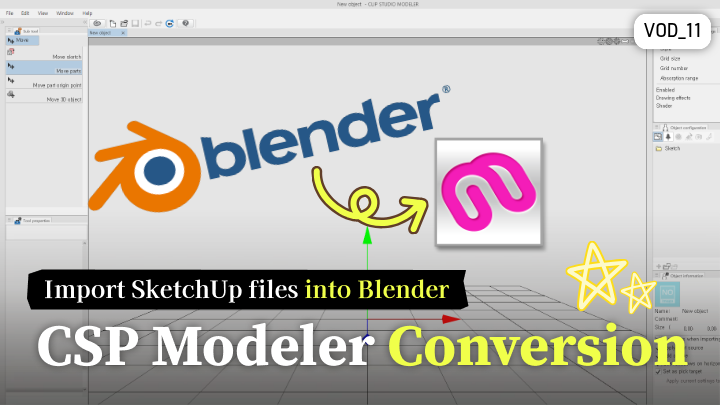
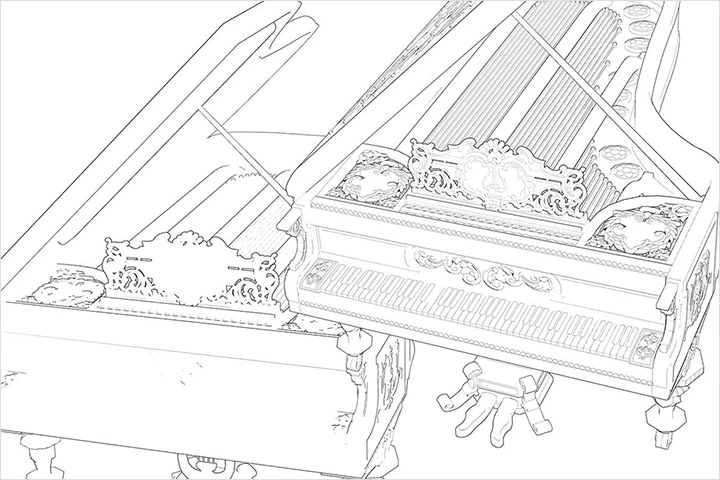 Render Clean Linework in Blender
STEP 04. Enhance Quality & Monetization
-
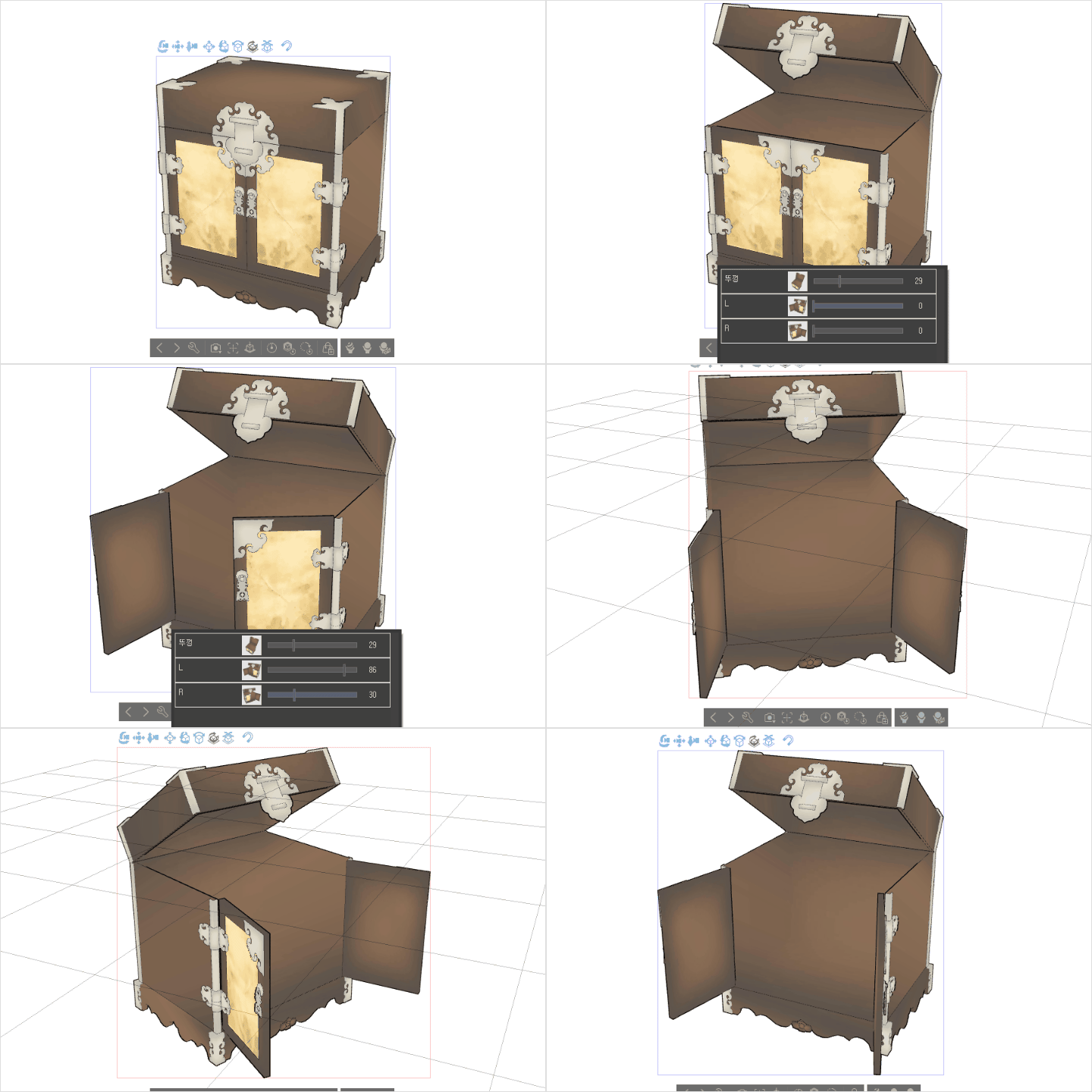 Apply Clip Studio Modeler Presets
 -
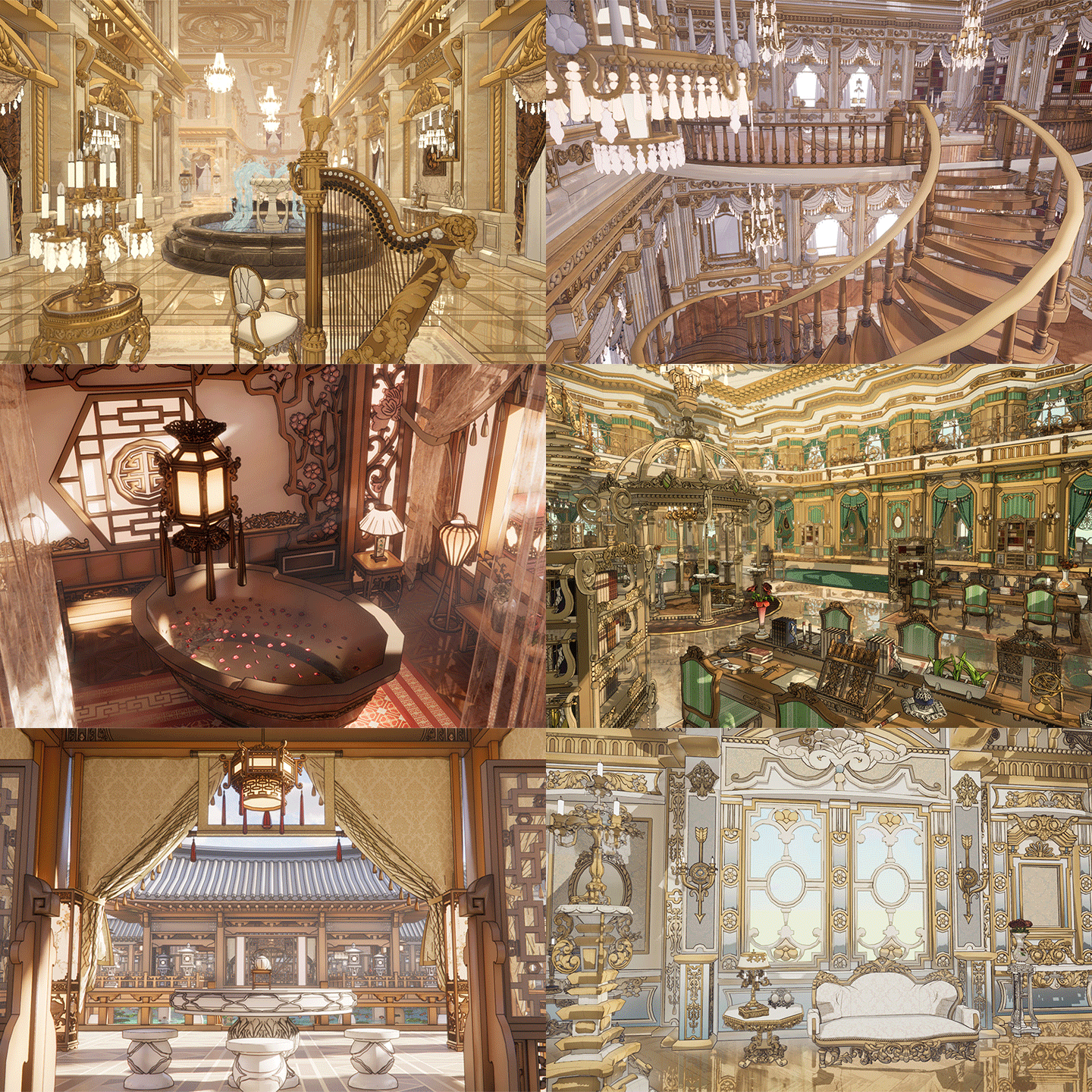 Master Eye-Catching Background Retouching Techniques
 -
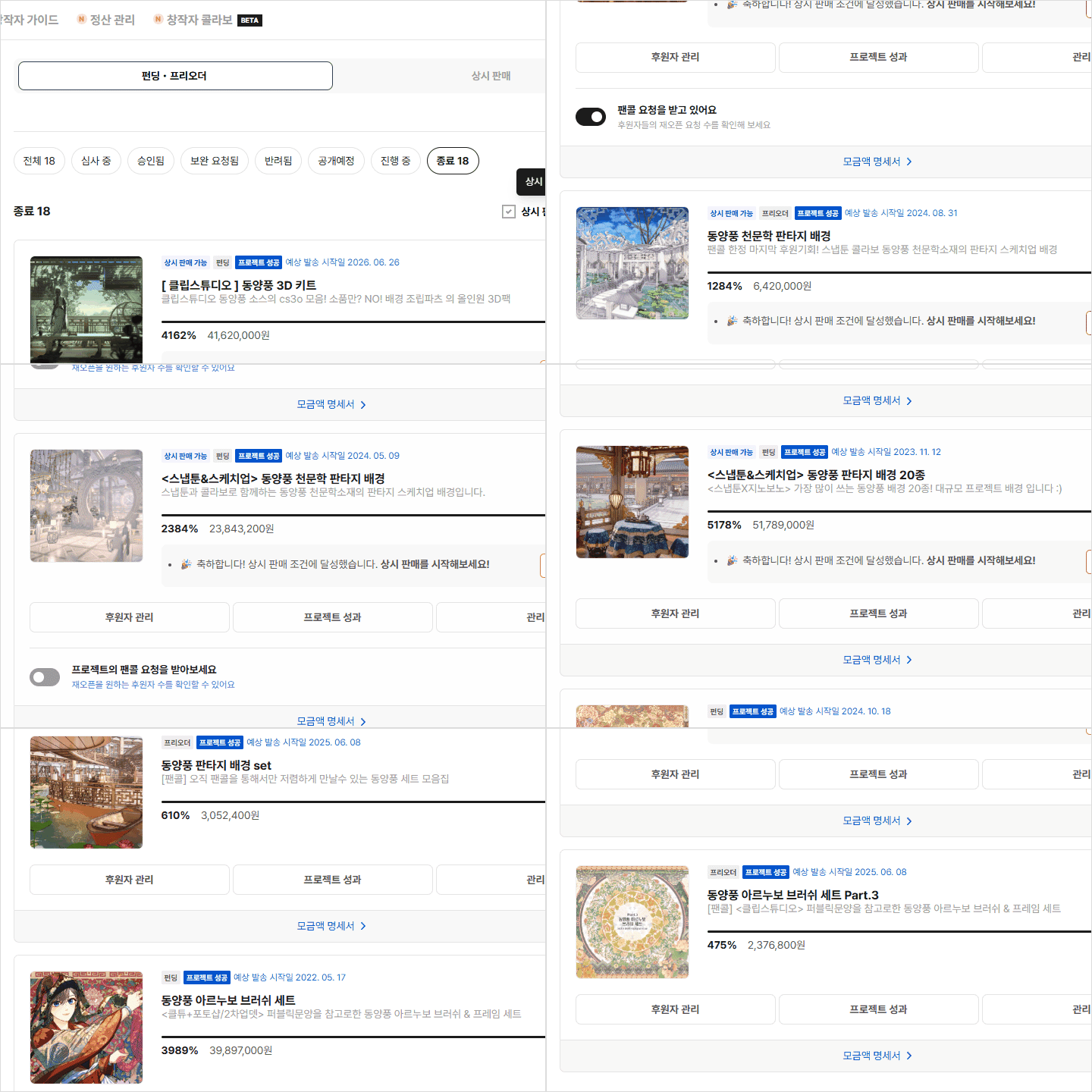 Expand Your Creations into Sellable Assets & Monetize
E-Book Preview

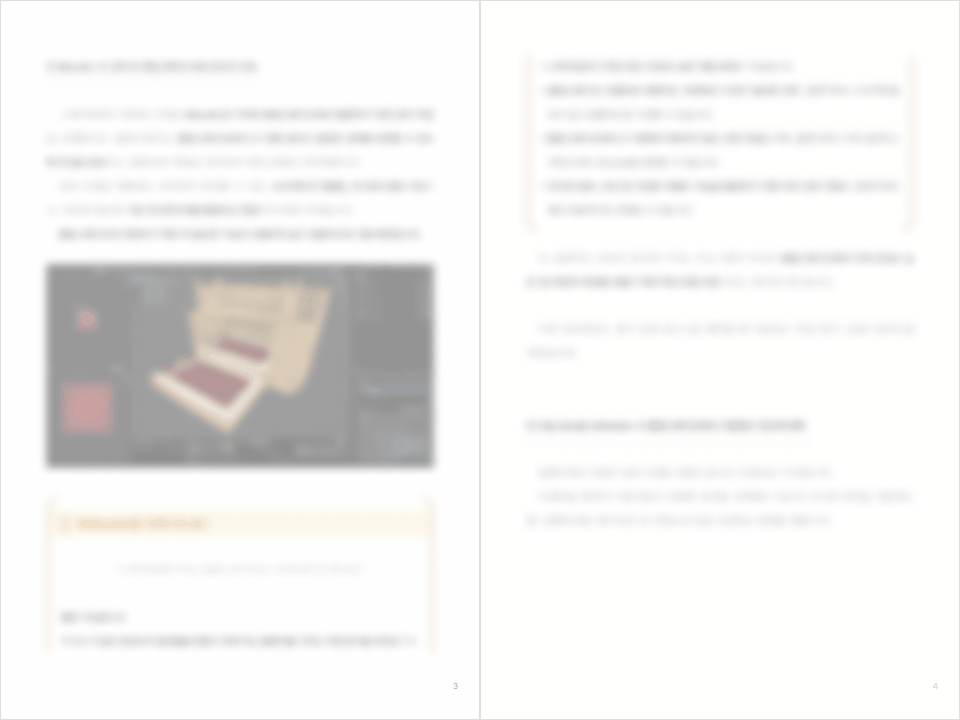
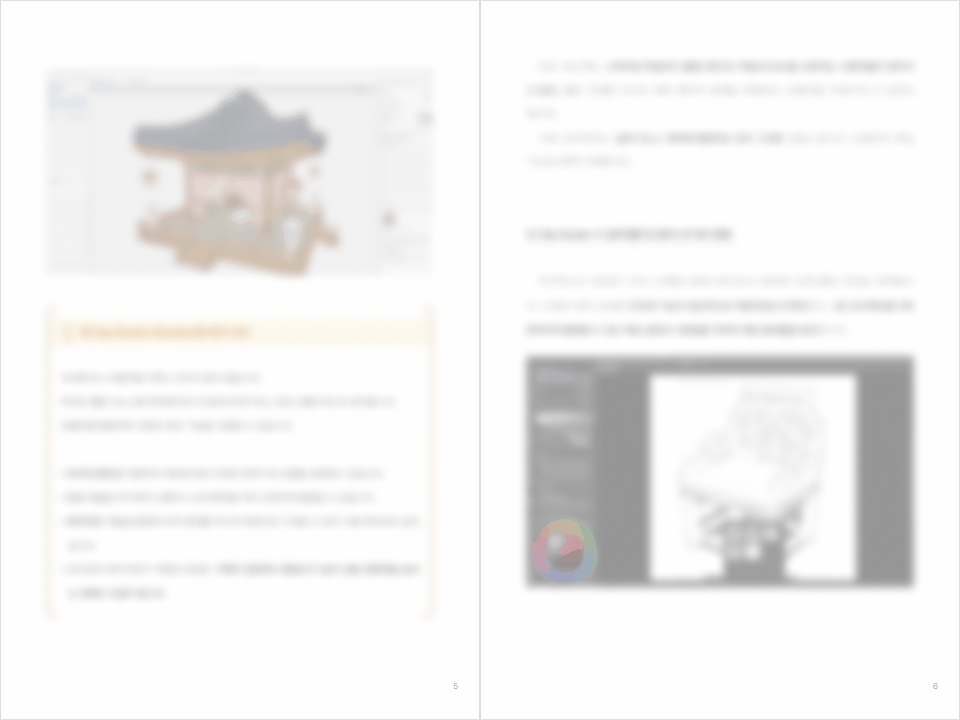
Table of Contents
E-Book Preview
Part 01 | Quickly Master SketchUp
Chapter 01 Understand the Webtoon 3D Background Production Workflow
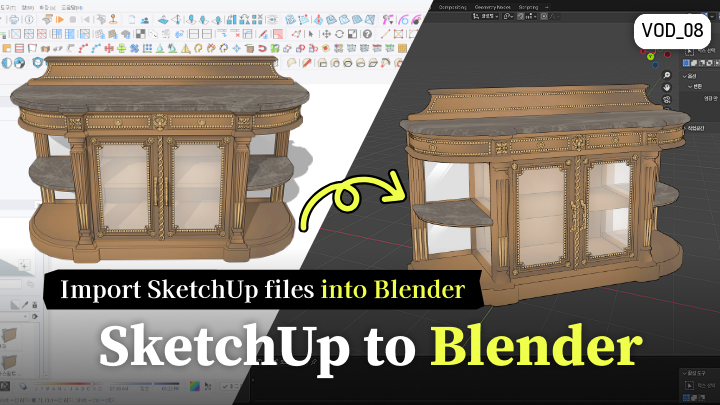
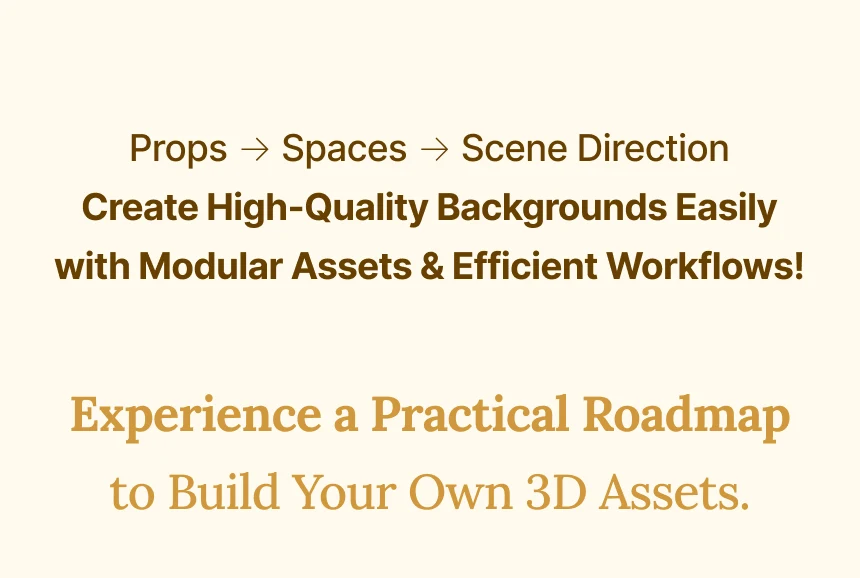
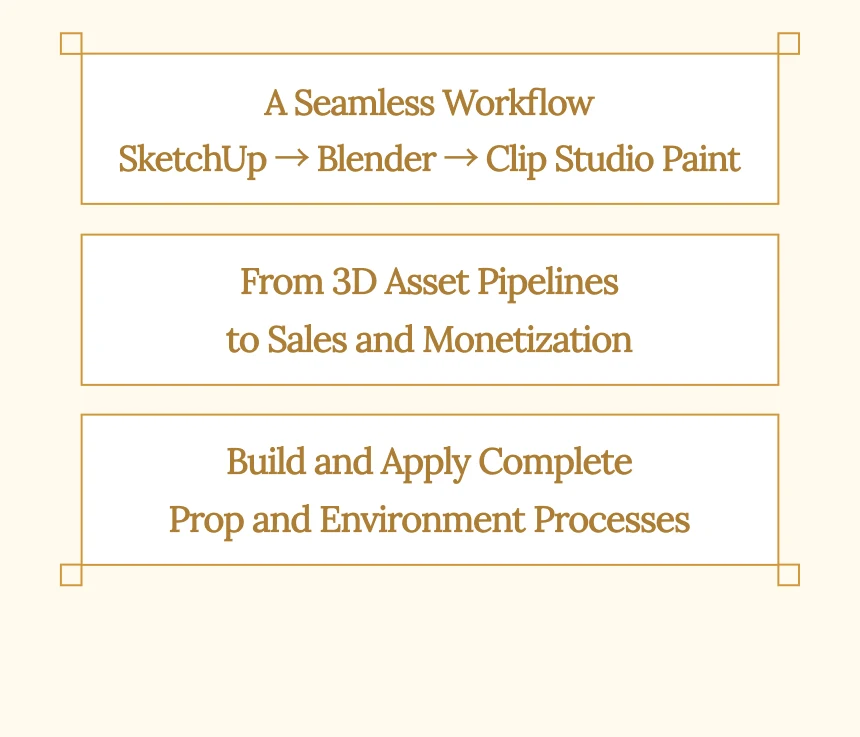
1-1. Full Workflow Guide (SketchUp → Blender → Clip Studio Paint)
1-2. Explore Course Props and Spaces
1-3. Course Introduction and Final Result Preview
Exclusive for Early Bird Purchasers Only!
40 Bonus Baroque Ornamental Patterns Provided
Receive 40 Baroque ornamental patterns versatile enough for
doors, windows, furniture, picture frames, and architectural moldings.
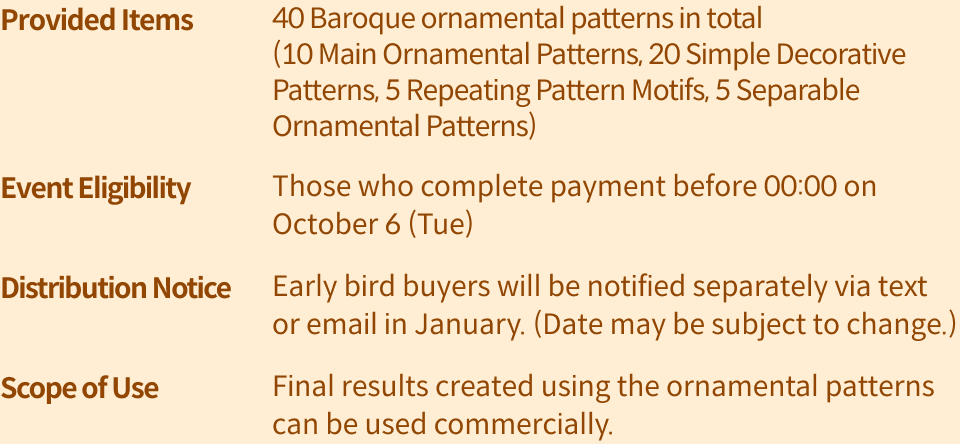
However, distributing or selling 3D data containing Baroque patterns
in a form that allows others to edit or reuse them is strictly prohibited.
Asset Details
This Asset Includes
-
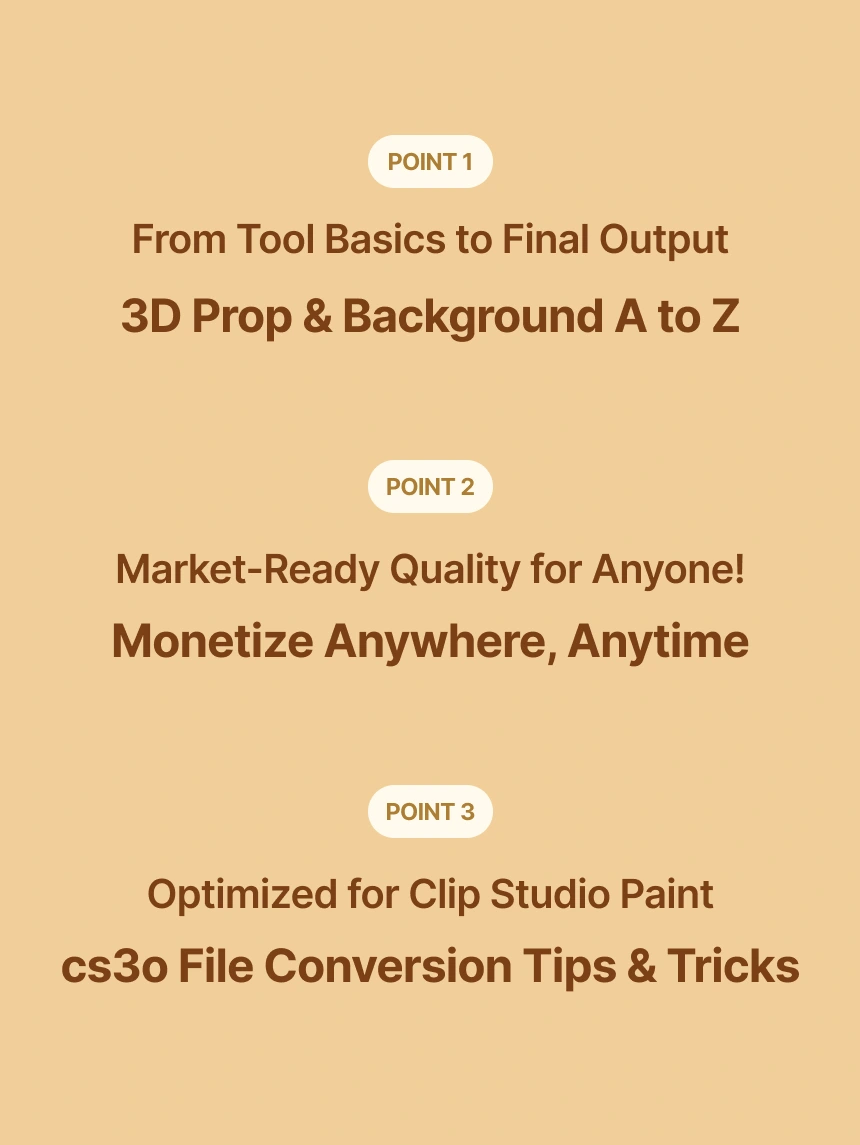
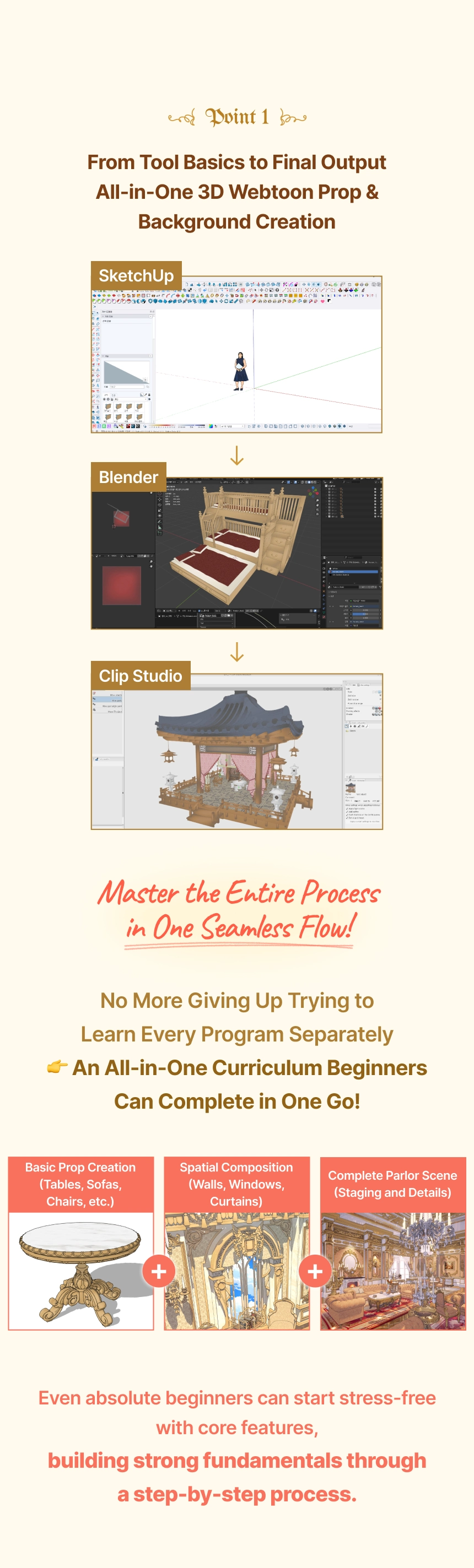
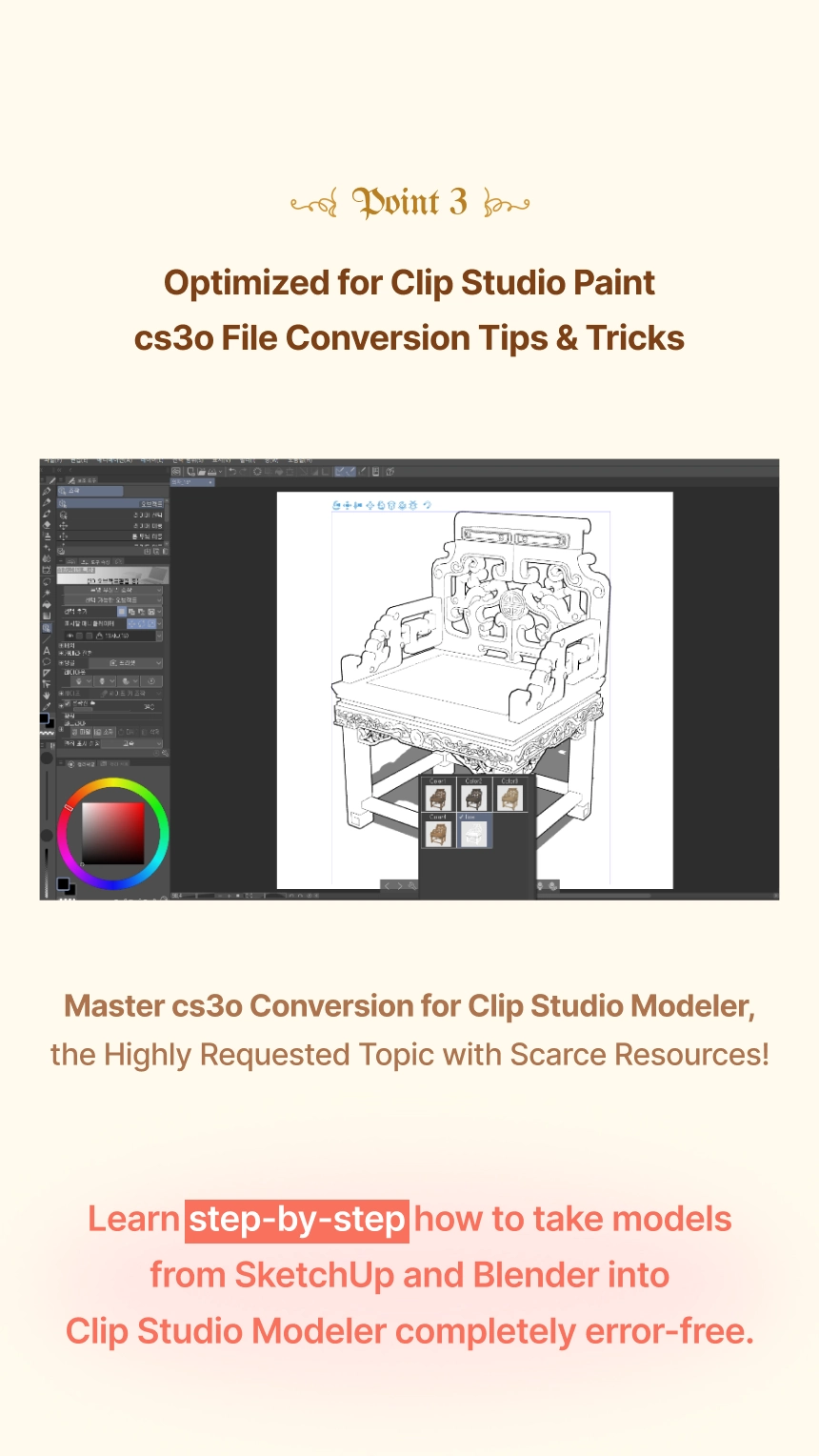
 All-in-One Workflow from SketchUp to Clip Studio PaintGo beyond learning individual software and connect SketchUp, Blender, and Clip Studio Paint into one organic workflow. By experiencing the full pipeline from modeling to practical webtoon background integration, you will establish a high-efficiency production process ready for immediate application.
 -
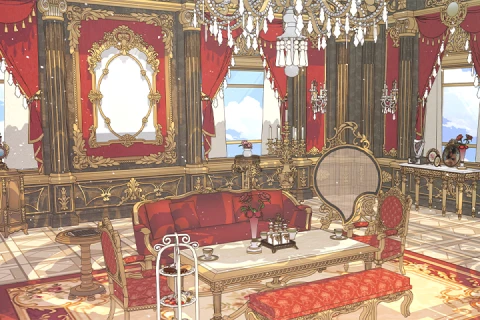 Beginner-Friendly, Result-Oriented 3D Background ProductionGo beyond simple feature tutorials to complete an entire space yourself! Build solid fundamentals step-by-step to create a final deliverable, naturally developing practical modeling intuition while systematically establishing your custom workflow.
 -
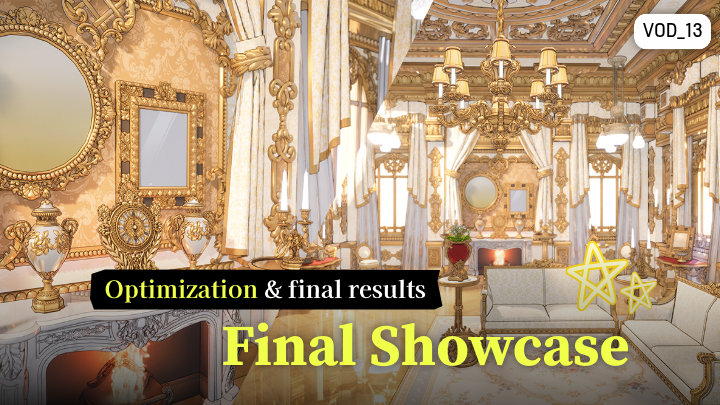
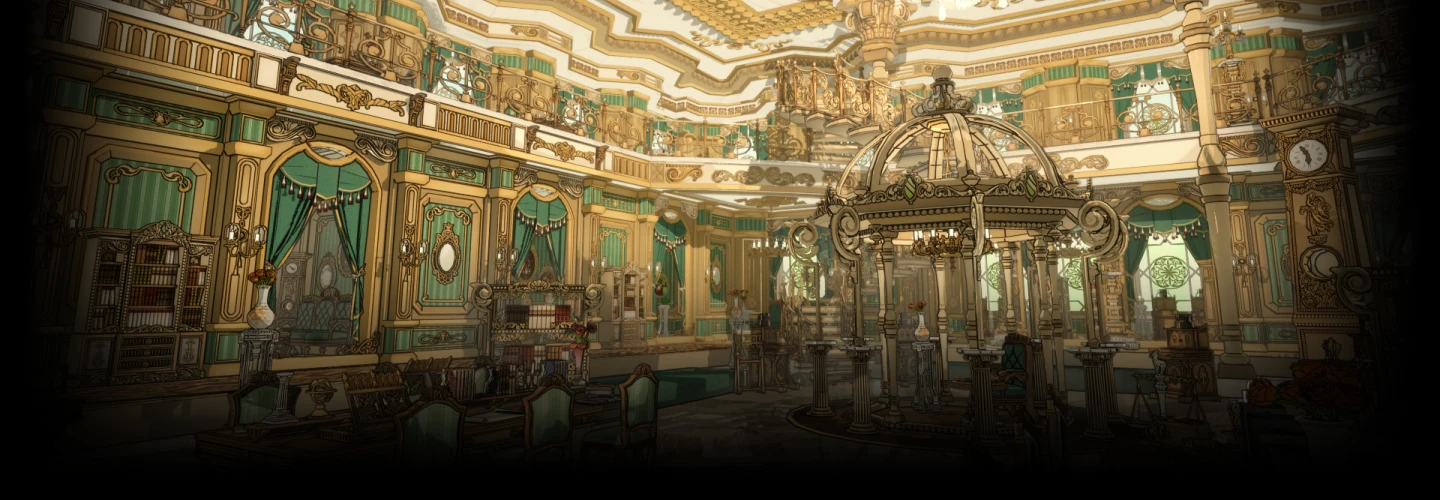
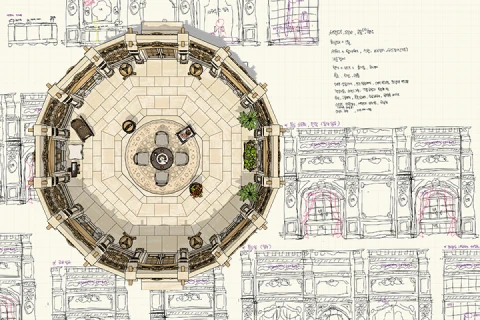 Design Atmosphere-Rich European ParlorsCreate atmosphere-rich European spaces even without complex ornamentation! Utilize architectural moldings, proportions, and structures to craft sophisticated backgrounds that elevate a wide variety of webtoon scenes.
-
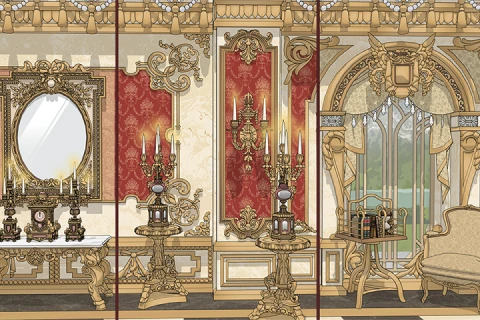 Level Up Your Quality: Prop Creation & Spatial Layout GuideCreate various props such as tables, chairs, sofas, and desserts, placing them within the space to elevate overall polish. Learn how to compose props and spatial layouts together for natural, highly versatile backgrounds.
 -
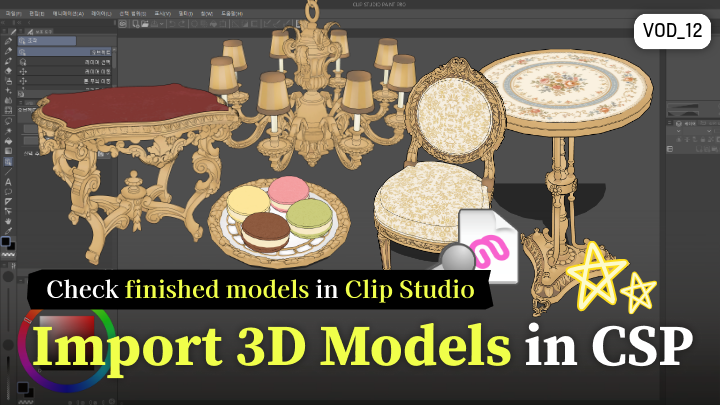
 Set Up 3D Backgrounds Ready for Clip Studio PaintLearn how to import your models into Clip Studio Paint for immediate use as actual webtoon backgrounds. Fine-tune camera angles, framing, and composition to seamlessly integrate 3D assets into your production workflow.
 -
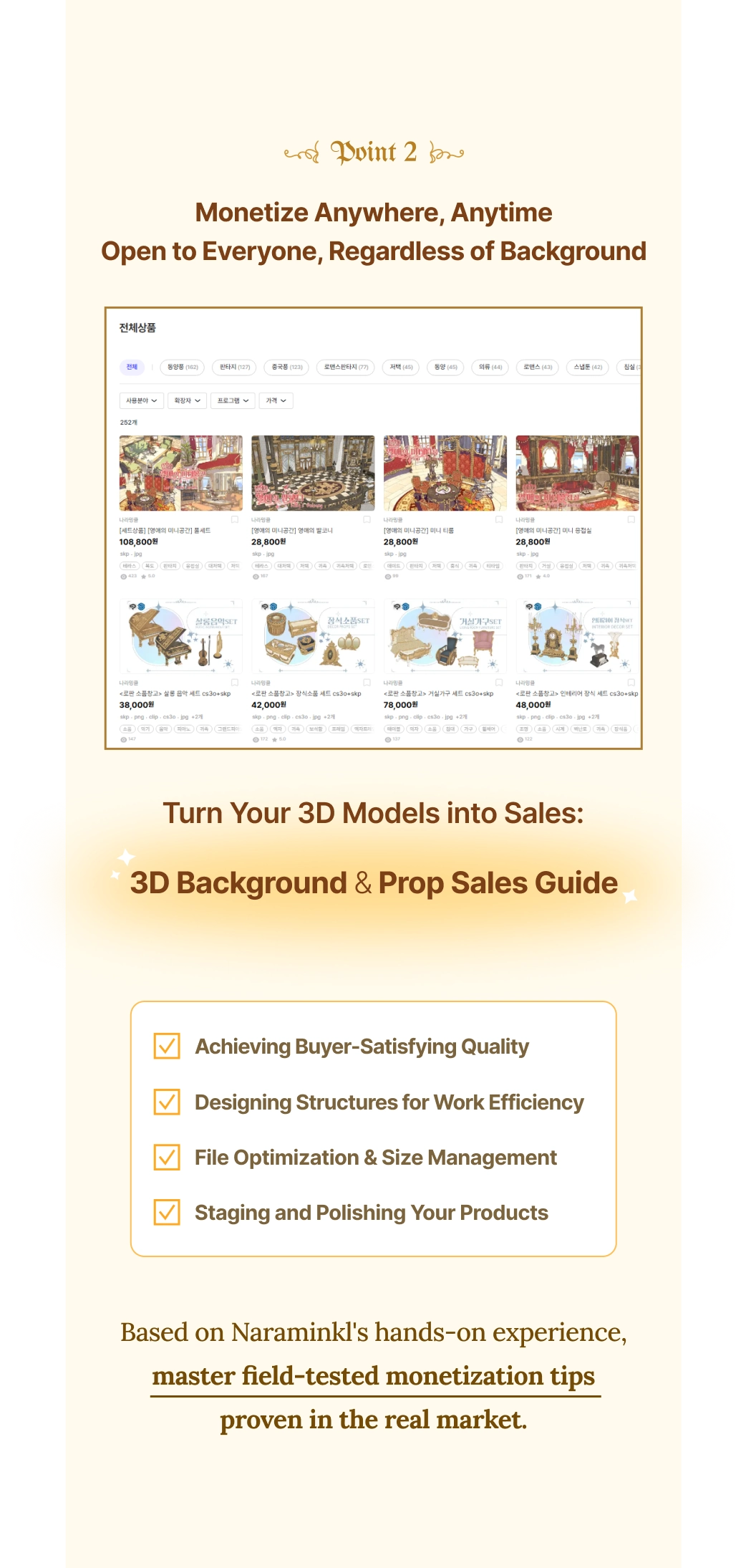
 Field-Tested Monetization: From Asset Creation to SalesMaster efficient file management, asset structuring, and the exact sales strategies that lead to revenue. Learn how to package and expand your models into marketable asset kits, building reliable skills for real-world monetization.
File Information and Notes
Product Information
- 14 VOD Chapters
- E-Book (.pdf)
- 25 3D Assets
PDF Class Material Guide
- The PDF class material is the instructor’s intellectual property and may not be copied, reproduced, distributed, or used without permission.
- As the PDF is a reproducible digital product, refunds are not available once the download has been completed.
- This product does not include any physical materials and cannot be purchased separately.
※ PDF Download Path: My Class > Start Learning > Class Materials
Usage Policy
- This product may be used for both commercial and non-commercial purposes.
- Copyright belongs to the creator, and only a perpetual usage license is granted.
- Purchase provides a non-exclusive, perpetual license, not ownership of the copyright.
- This product is licensed for individual use only. For use by multiple users or organizations, additional purchases or inquiries are required.
Notes on Product Use
*This is different from the cancellation/refund policy for class products (the company's refund policy) and follows the refund policy in the ASSET product notes.
Portfolio
Industry Expert Naraminkl's Portfolio