[Asset]Illustrator,hui_휘KR Details
Asset Intro
Transparent Coloring Made Easy:
HUI's All-in-One Coloring Class
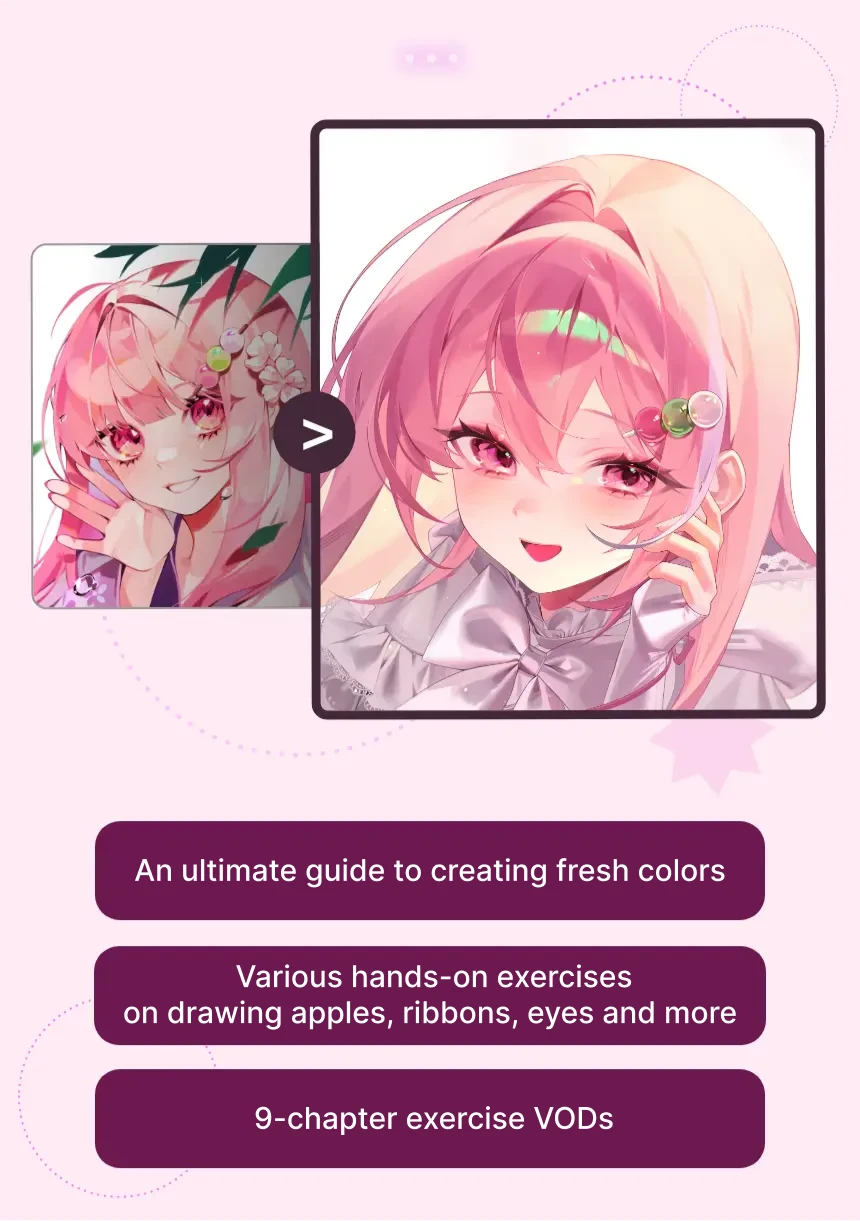
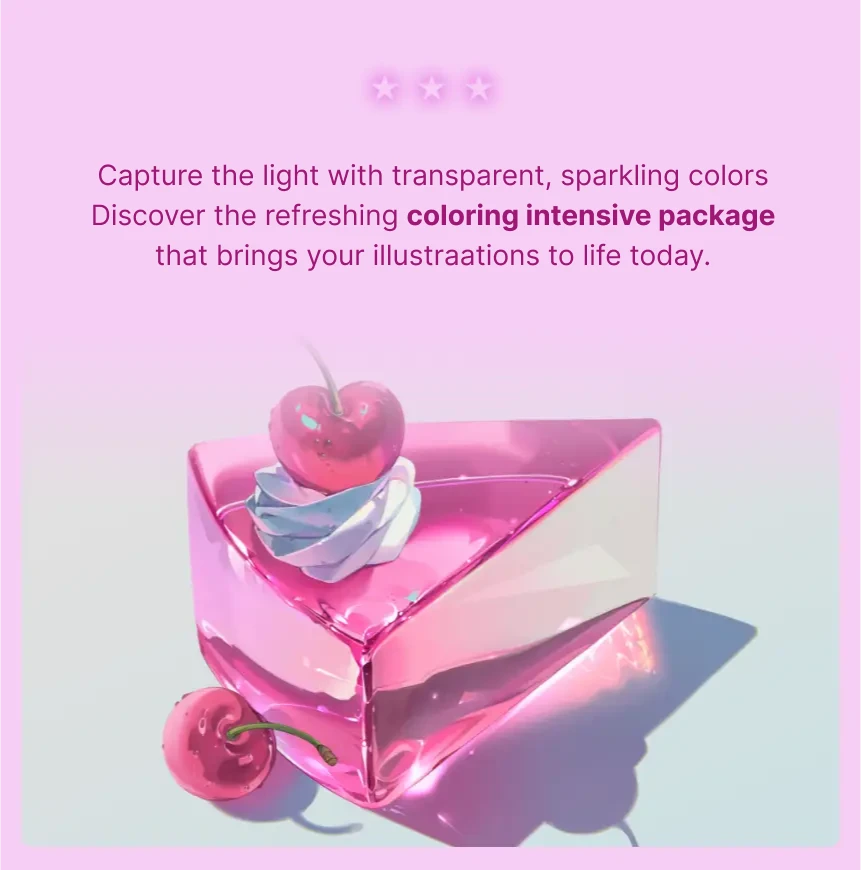
Instead of simply copying other works, transform the color of your illustrations with lucid coloring! Discover HUI's texture painting know-how that makes even dull colors look clear. It's an exercise-oriented class that centers on repetitive practice rather than long, complex lectures, helping you master creating fresh colors, as well as eye-catching characters.
Asset Package
A Beginner-Friendly All-in-One Class
Focused on Clear, Transparent, and Fresh Colors
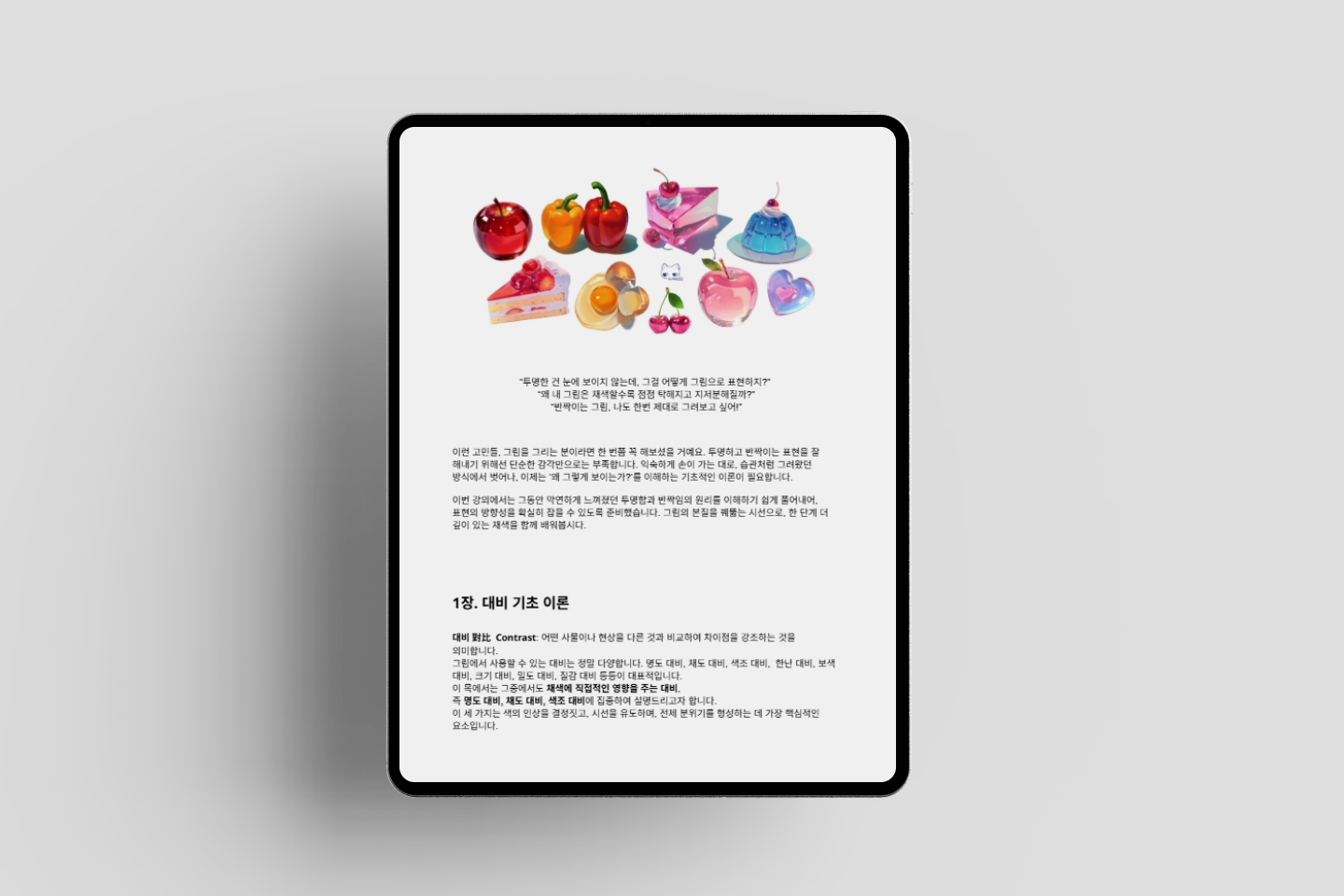
A 100-Page Guide to Theories and Skills
Exploring the Basics of Bright and Clear Coloring
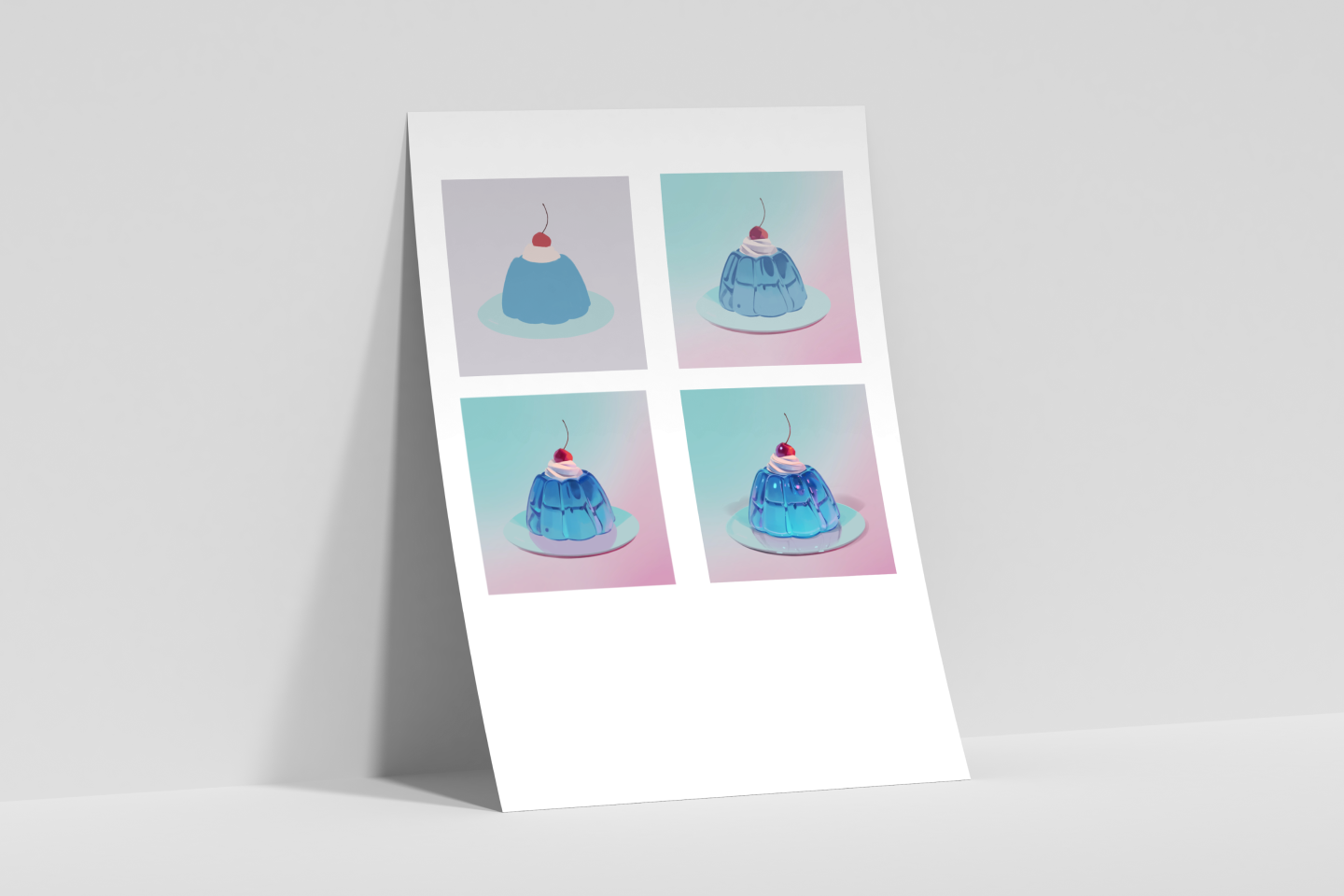
A Set of Coloring Worksheets
for Creating Shining Characters
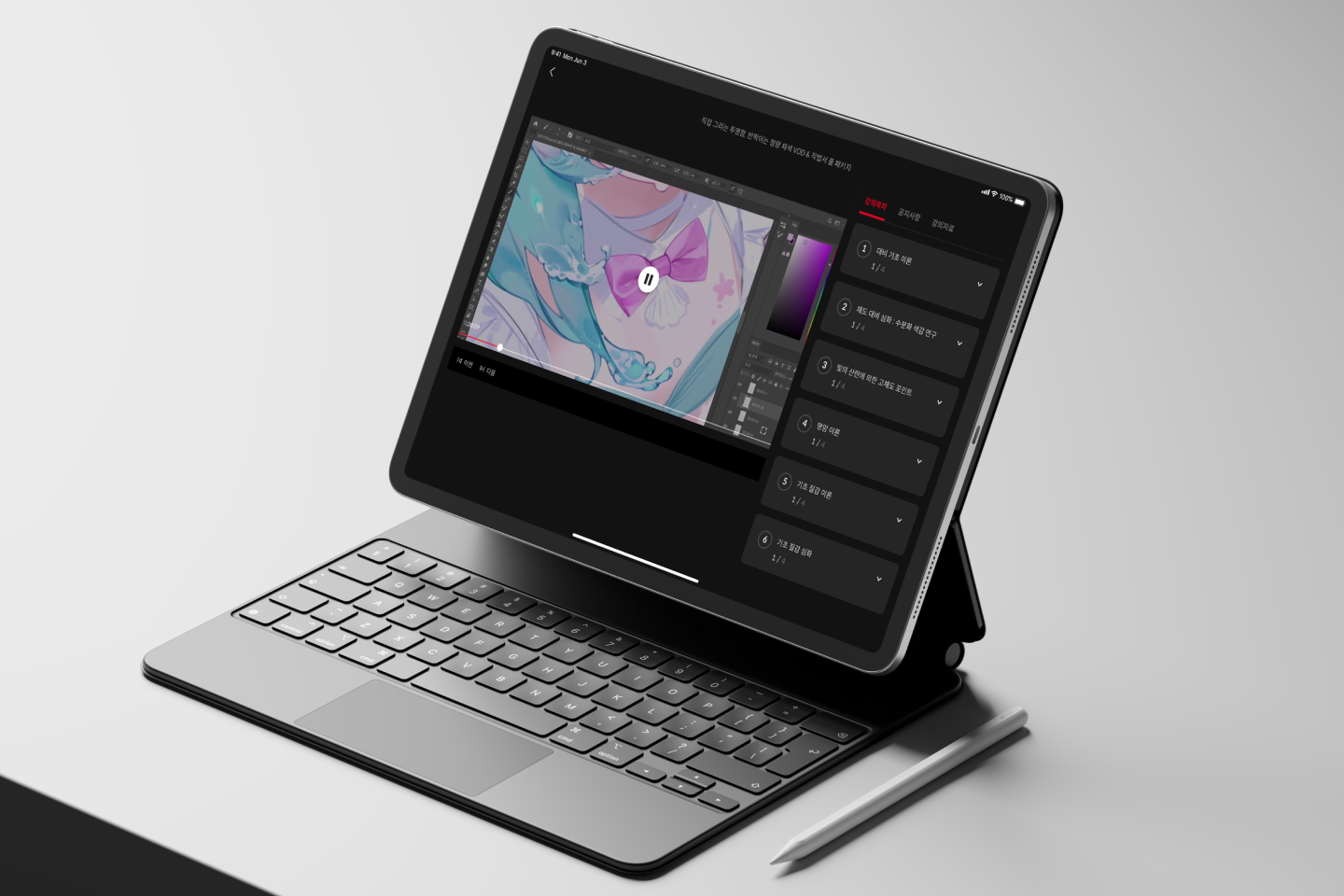
9 Chapters of Explanatory Videos
for Real-Time Coloring Practice
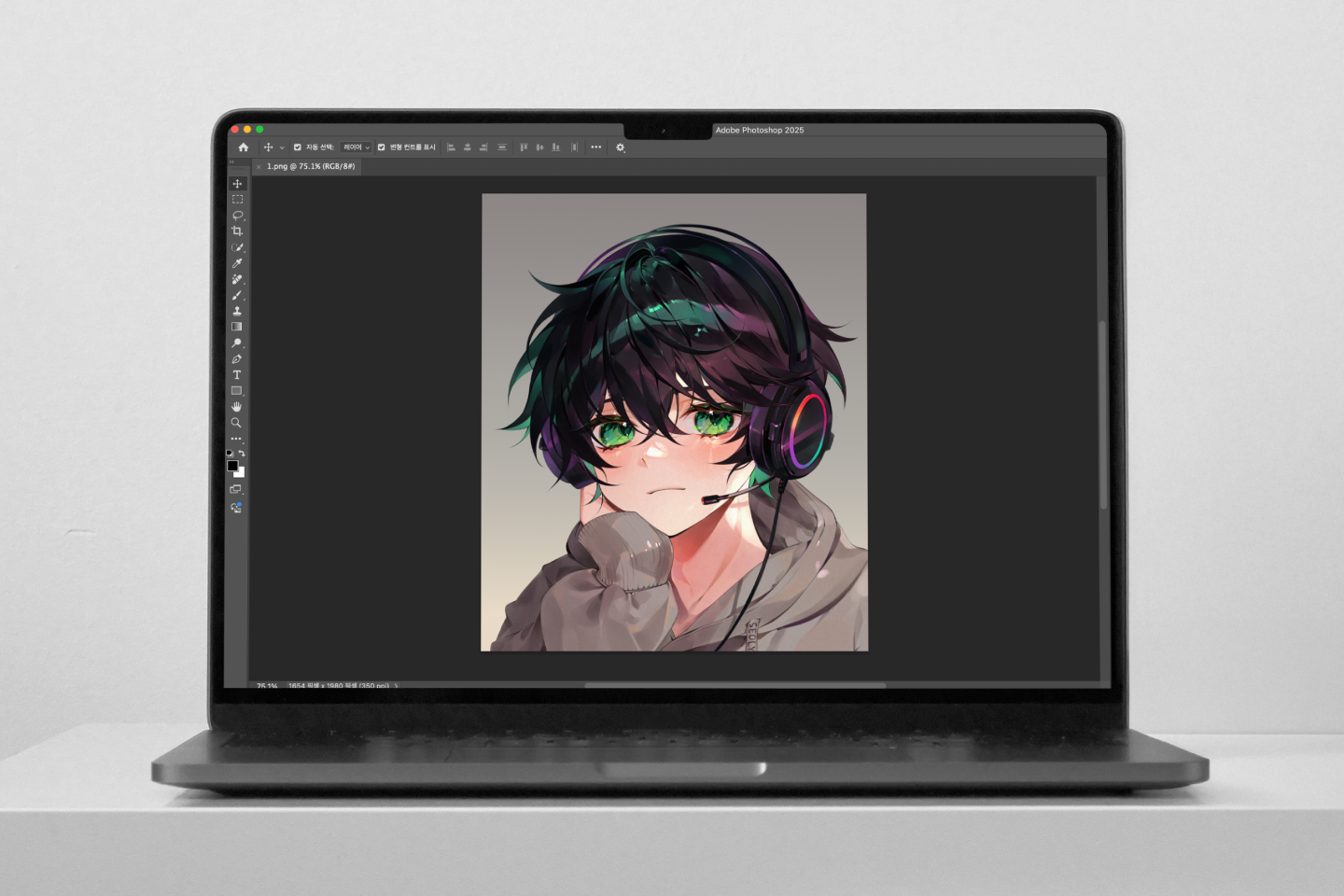
Original PSD/CLIP Files for Coloring Exercises
that Analyze Color Structures
Package Details
-
Coloring Skills Guidebook Covering Theory to Practice- Basic theory of value/saturation/hue contrast
- Diffuse, specular and mixed reflection
- Characteristics of transparent and translucent objects
- Object drawing practice
- Drawing the hair, eye and skin of a character
- Practical tips for enhancing details
- A self-assessment checklist for beautiful coloring -
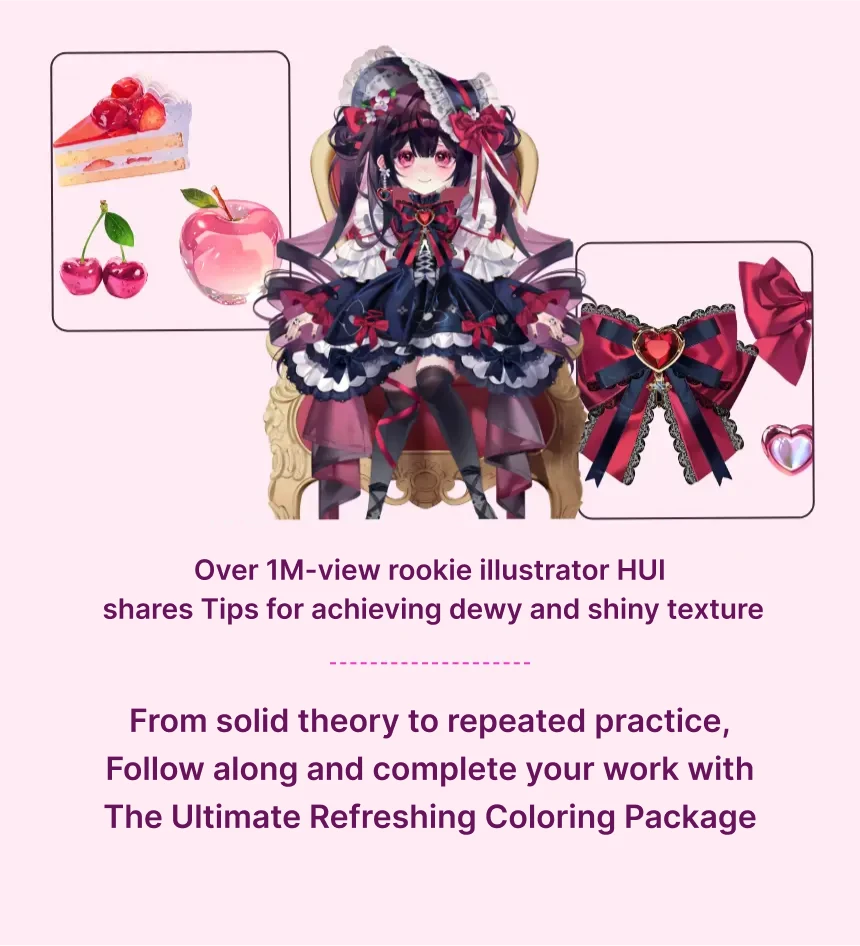
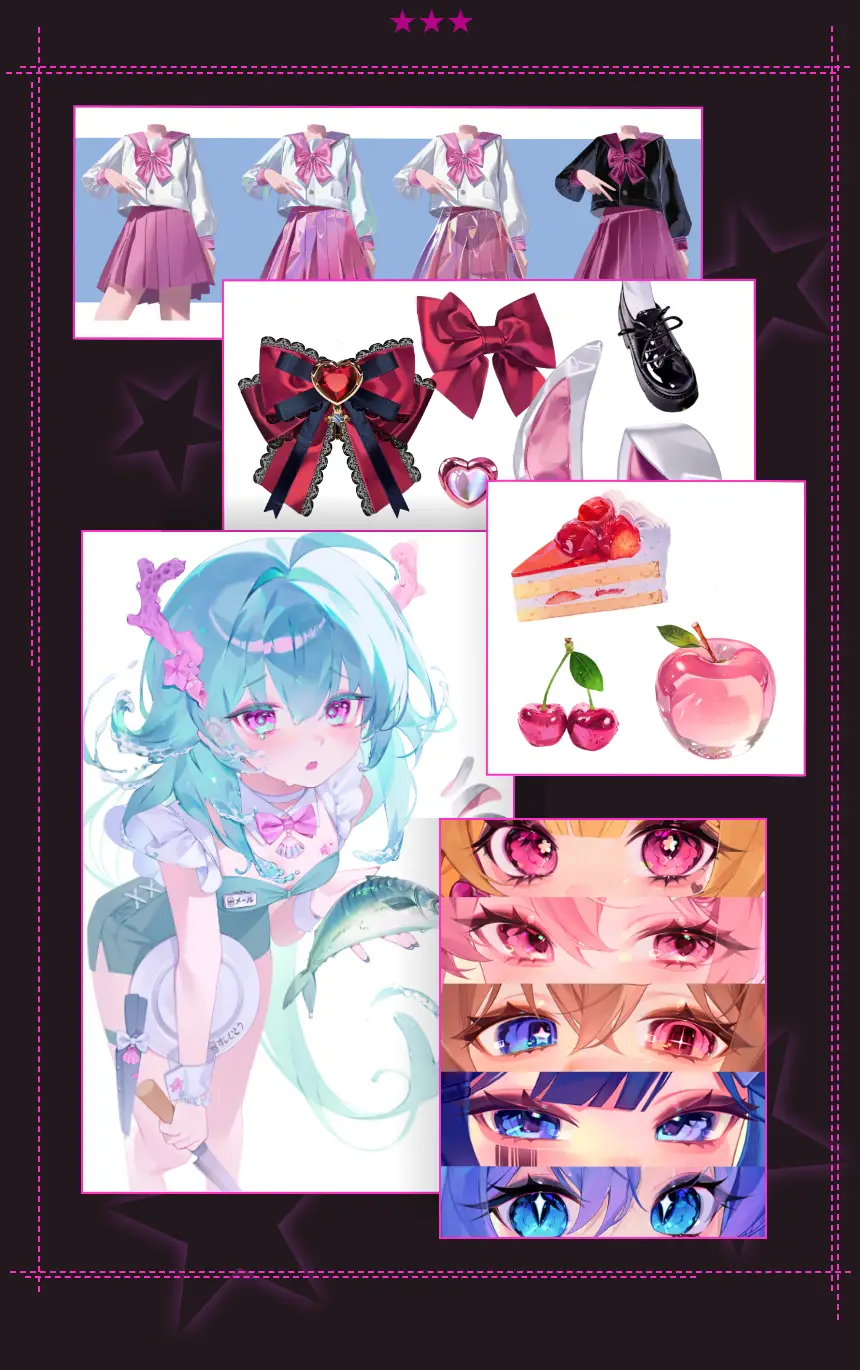
Worksheets to Apply What You’ve Learned- Drawing objects like apple, pudding and ribbon
- Drawing the texture of a character's parts like hair, skin and eyes
- Drawing diffuse/specular reflection and transparent objects
- Simple copying and observation-based application -
Practical VODs to Master Bright and Clear Coloring- Video class with a guide and worksheet
- HUI's practical coloring process
- Practical coloring tips for using brushes, choosing colors and layer adjustment

Work Examples
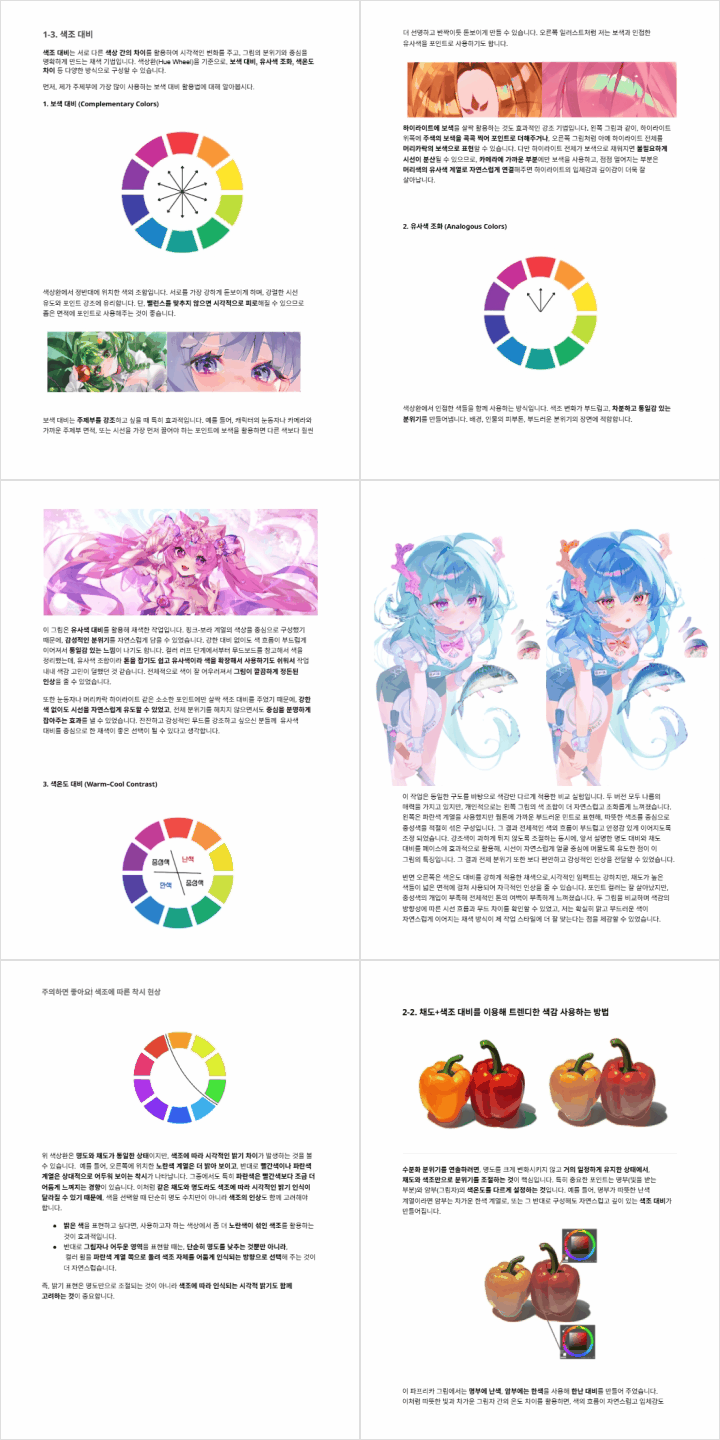
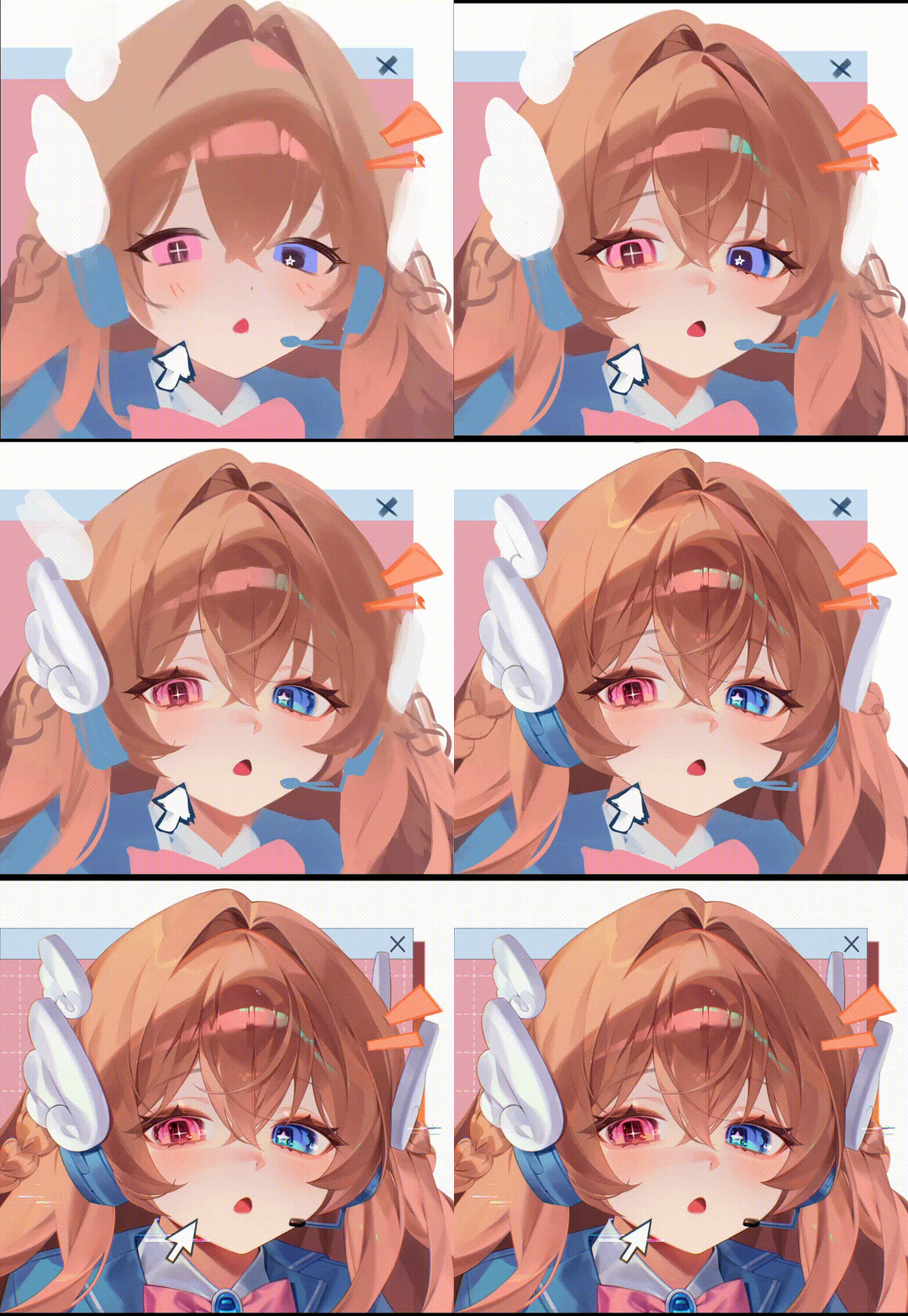
*The Korean language content in this GIF will be translated into English in the class materials.
Class Details
This package includes the following content.
-
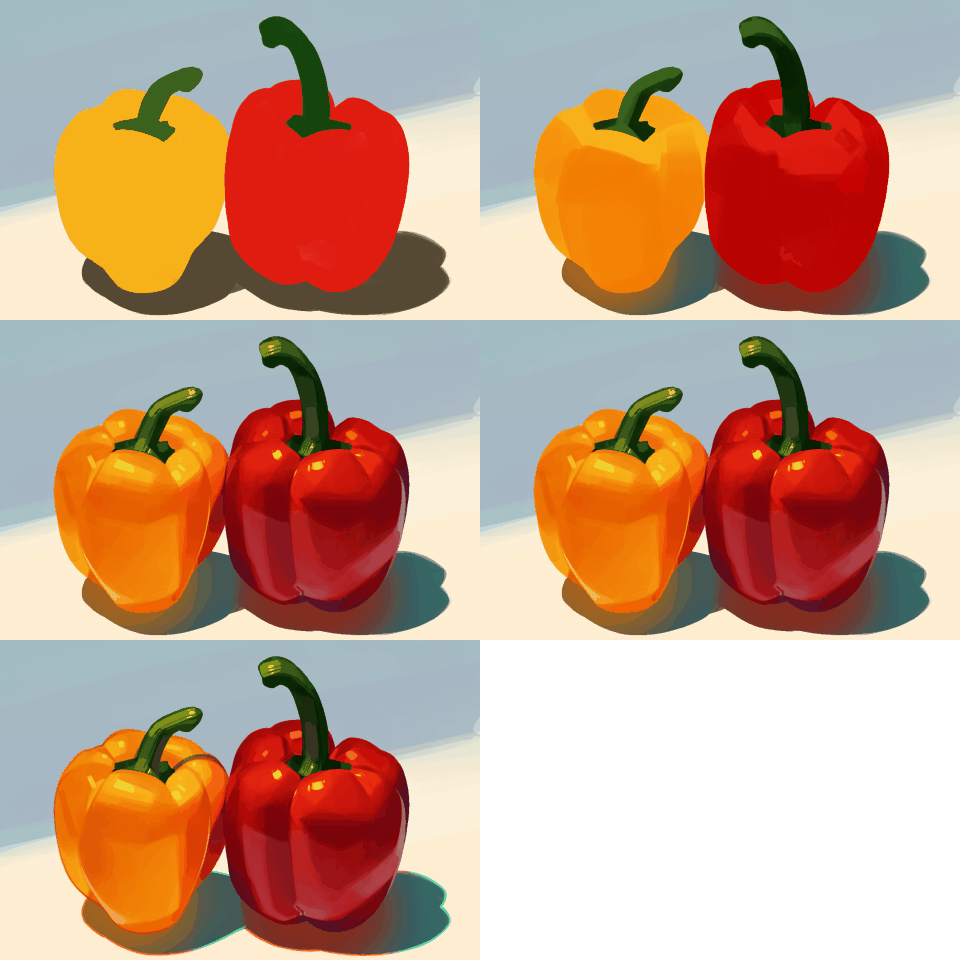 Color Contrast Theories for Unfailing Color DesignGo beyond intuition and develop a logical understanding of color application. Learn the principles of brightness, saturation, and hue contrast, and explore techniques such as watery tones and high-saturation highlights. Build the skills to create "clear and intentional" coloring with beautiful, vivid results.
 -
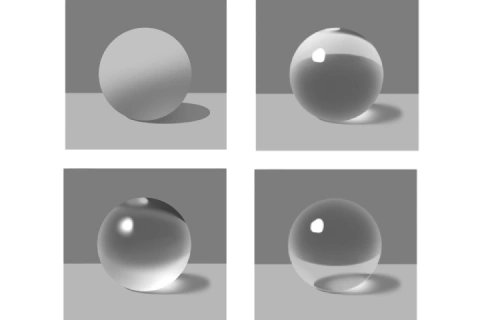 Texture-Based Coloring: Understanding Specular, Diffuse and Mixed ReflectionUnderstand the behavior of direct, diffuse, and mixed reflection to accurately depict various textures. Dive into the characteristics of glossy, transparent, and semi-transparent surfaces, and apply these concepts to real objects. Practice rendering apples, ribbons, jelly, and metal to build real-world texturing skills.
 -
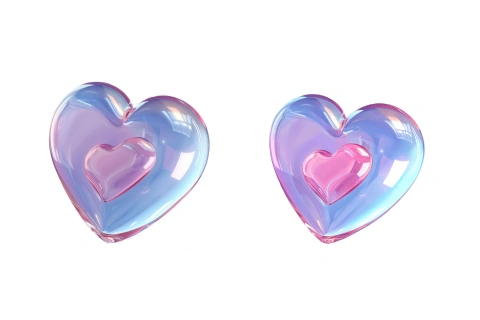 Easy Texture Effects Using Tone Correction ToolsLearn how to use digital tools like tone curves and gradient mapping to replicate complex surfaces such as holograms and velvet. Discover efficient, realistic methods for conveying different textures with just a few color adjustment tools.
-
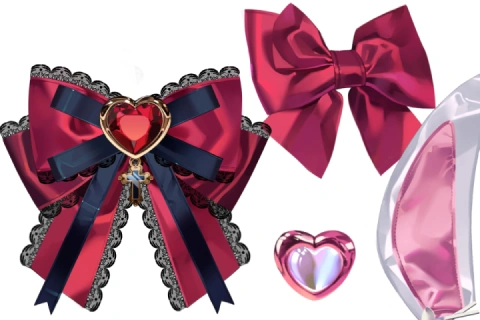 A Complete Creative Process : From Observation to Expression and Original CreationTrain your ability to create original art through precise reference studies and creative adaptations. Practice drawing objects like pudding, cherries, and ribbons, and develop the skills to transition from simple copying to designing your own illustrations using mood boards.
 -
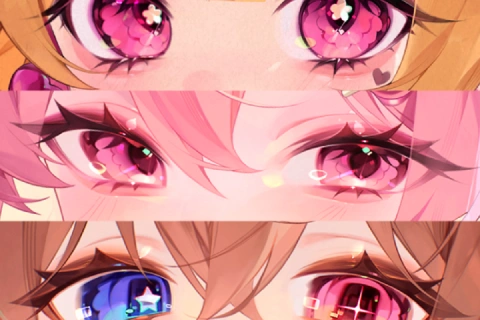 Focus on Key Character Features: Shiny Eyes, Hair, and SkinGo beyond basic coloring and master the elements that define a character’s impression. Learn how to render sparkling, radiant features with a sense of clarity and depth, and practice applying transparent effects to specific areas in hands-on, follow-along sessions.
 -
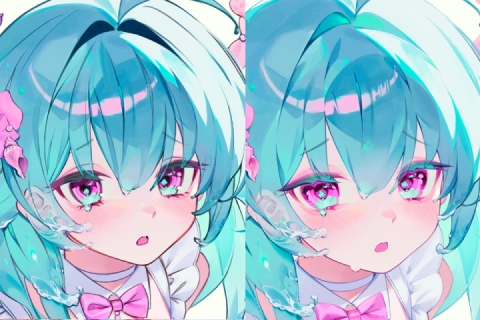 Final Touches for High-Quality Details and FormsTake your illustrations to the next level with high-quality final touches. Learn practical tips for refining line work, adjusting density contrast, and identifying common issues with perspective and shadows. Use self-assessment checklists to elevate your work from good to outstanding.
Illustrator HUI
[Current]
Freelance illustrator
Raum Academy instructor
Projects & Awards
[Notable Projects]
2023 Winner of a "Genshin Impact" fan art contest
2022 Published an illustration book on Art Street (MediBang)
Also created a number of virtual illustrations in South Korea
Portfolio
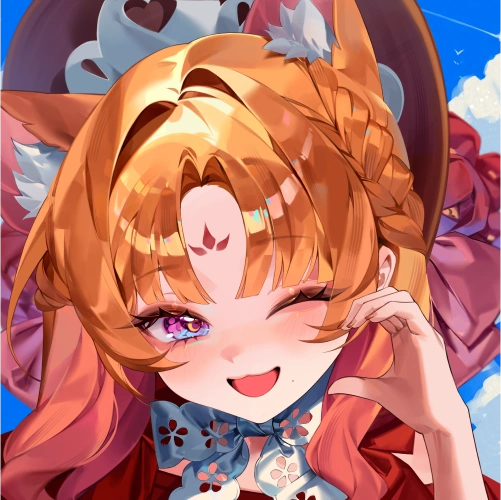
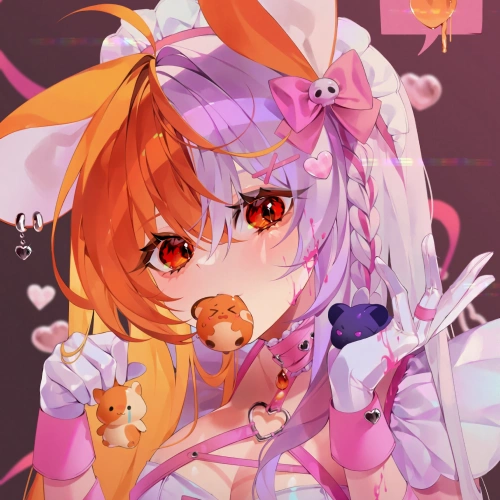
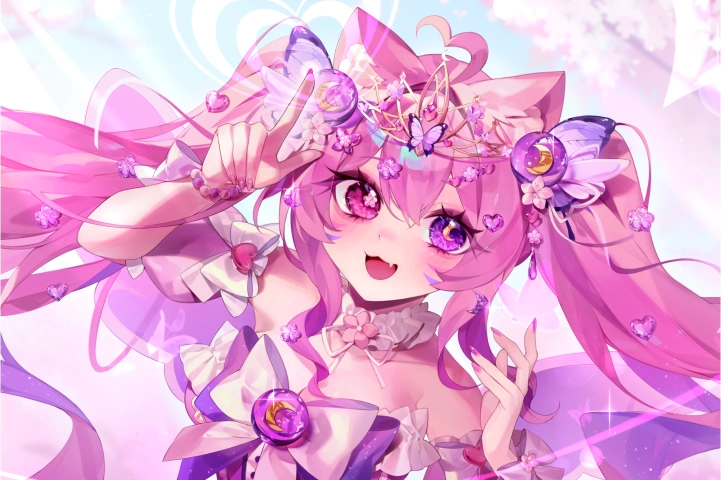
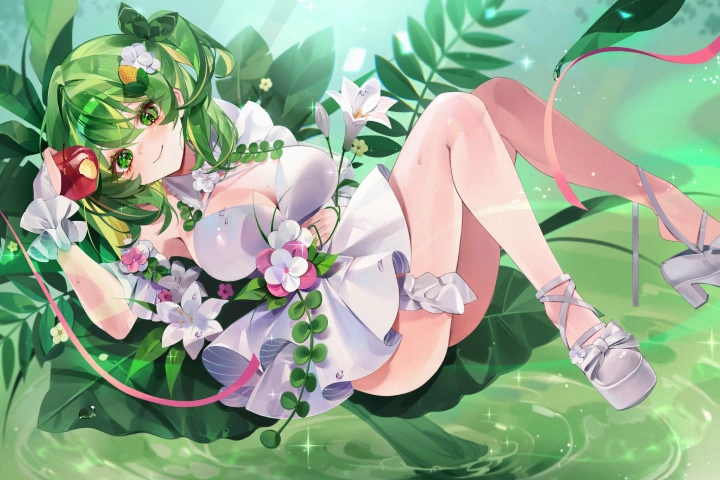
Where Light Meets Color - HUI's Captivating Artwork
Student Reviews
Student Reviews of HUI’s Class
-
 Student ASince the class mainly focused on theories, it was easy to understand, and I could apply what I learned to my art right away. I could create beautiful illustrations with luminous details just by following HUI's guide, which was so satisfying.
 -
Student BHUI's class helped me overcome the shortcomings I'd been struggling with by providing just the right solution. I also liked how I could always get kind, detailed, helpful answers from the instructor. I had been in a big slump after drawing illustrations as a hobby for a long time, but now, I can finally enjoy the process of drawing again. If you want to create art with ease and passion, you will gain so much from this class.
-
Student CEven though this course is designed for beginners, the theory it includes is incredibly helpful for intermediate learners too. If you're just starting out, you’ll learn how to approach drawing and apply basic theory. And if you're more experienced but unsure about the theory behind coloring, HUI explains the logic and reasoning behind clear, luminous coloring techniques in detail. It's a fantastic class for anyone who wants a deeper understanding of coloring principles.
-
Student DBefore taking HUI's class, I used to spend a lot of time feeling unsure about my art, as I didn't have much theoretical knowledge or drawing skills. HUI's class allowed me to gain in-depth knowledge of theory as well as detailed feedback, and I now feel my skills have improved so much. If you are struggling with finding the right direction for your art or understanding theory like I did, I highly recommend this class!
-
Student EI joined HUI's class to seek advice when I was struggling to find art interesting and create a complete illustration. Thanks to HUI, I could set a clear goal and direction regarding what kind of illustration I should create, and start studying in a more systematic manner. It felt as if a huge weight had been lifted from my shoulders. The instructor's demonstration of applying theory, in particular, helped me understand how theory should be utilized in practice. After finishing the class, I could improve the quality of my illustrations and also feel interested in art again.
-
Student FI didn’t even know where to begin at first, but the well-structured, step-by-step lessons helped me gradually achieve beautiful, clear coloring. The kind and helpful feedback really accelerated my improvement. Thanks to HUI, drawing has become much more enjoyable for me!
Table of Contents
Quick Preview of the Guidebook
01. Basic Contrast Theory
01-1. Value contrast (Lambert's cosine law)
01-2. Saturation contrast
01-3. Hue contrast
02. Advanced Saturation Contrast: Exploring Dewy Colors
02-1. Introduction to the dewy coloring style
02-2.Trendy use of colors using only saturation contrast
02-3. Drawing a tomato in the dewy style
03. High Saturation Caused by Scattering of Light
03-1. Transmitted light
03-2. Saturation boost at light and shadow boundaries
03-3. Increased saturation under single light source
04. Light and Shadow Theory
04-1. Naming and identifying light and shadow zones
04-2. Common mistakes in shadow depiction
05. Basic Texture Theory
05-1. Understanding diffuse, specular, and mixed reflections
05-2. Understanding transparency in objects
06. Advanced Basic Textures
06-1. Advanced diffuse reflection : Drawing a non-glossy apple
06-2. Advanced specular reflection: Drawing a golden apple
06-3. Advanced mixed reflection: Drawing a normal apple
06-4. Drawing advanced transparent objects: Drawing a glass apple
06-5. Drawing advanced translucent objects: Drawing a jelly apple
07. Texture Expression Using Tone Correction Tools
07-1. Expressing the texture of a holographic ribbon using Tone Curve
07-2. Expressing the texture of a velvet ribbon texture using Tone Inversion
08. Drawing a Pudding Topped with a Cherry in Detail
08-1. Base color composition
08-2. Texture-based depiction
08-3. Enhancing details and color correction
09. Practicing Beautiful Use of Colors
09-1. Creating a mood board (Input)
09-2. Colored croquis (Output)
09-3. Recommended colors: Things to note when using contrast between complementary, analogous, warm/cool colors and primary colors
10. Depicting Original Objects
10-1. Finding base color scheme from your mood board
10-2. Texture-based depiction
10-3. Enhancing details and color correction
11. Drawing Shining Hair
11-1. Hair with mixed reflection
11-2. Hair with specular reflection
11-3. Choosing unique and appealing colors for highlights (contrast between complementary colors, etc.)
12. Drawing Jewel-like Eyes
12-1. Depicting transparent objects, and contrasting the iris and pupil
13. Coloring Clear and Luminous Skin
13-1. Cautions on overusing high saturation/value
14. Completing a Character Illustration Using Objects
14-1. Coloring the skin
14-2. Depicting the eyes
14-3. Coloring the hair
14-4. Depicting objects
15. Enhancing Details
15-1. Varying the color and thickness of line art
15-2 Density contrast between the main and secondary subjects
15-3. Building a sense of creating solid forms
16. Additional Skills for Mastering Color Techniques
16-1. Drawing solid forms (perspective basics)
16-2. Practicing creating two-tone light and shadow (gradation)
17. Self-Assessment Checklist for Finished Work
17-1. Are the highlights too excessive?
17-2. Does the subject matter have enough contrast?
17-3. Does the texture blend well with the overall work?
17-4. Are the colors consistent with your mood board?
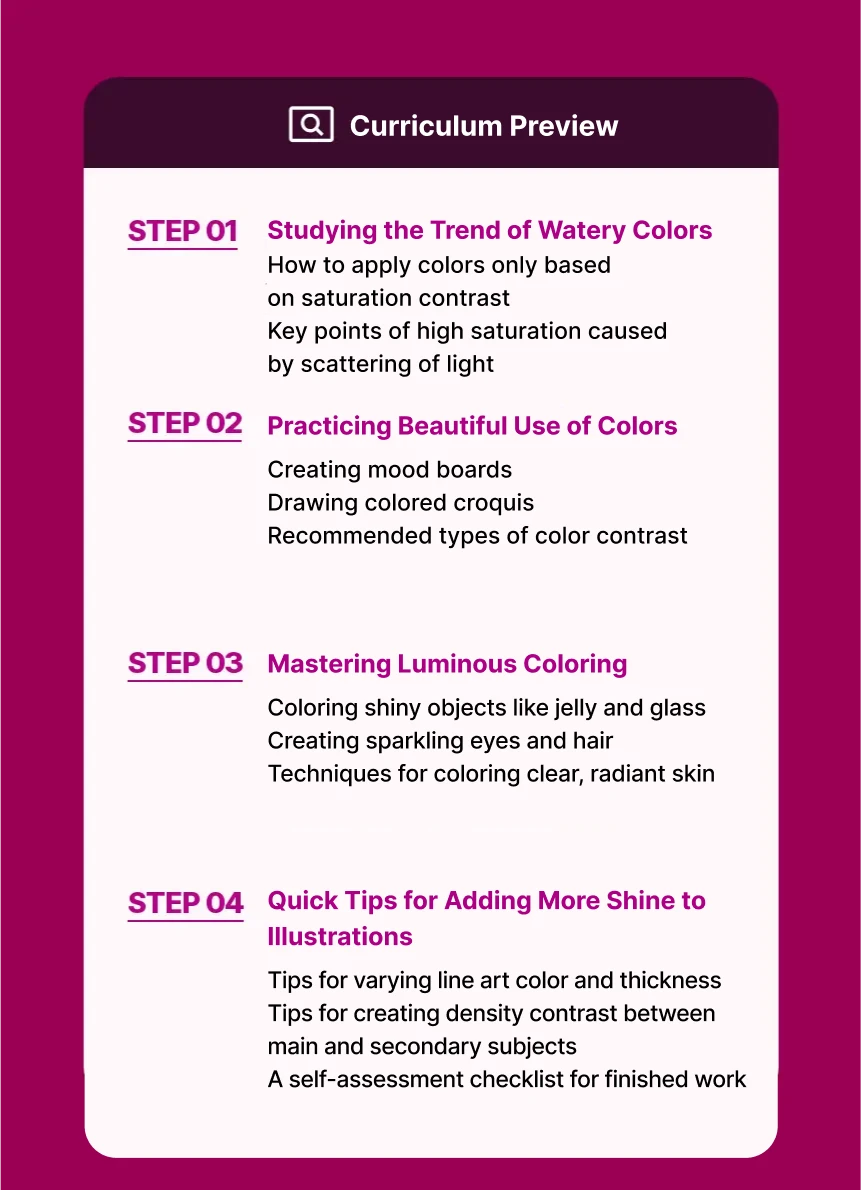
Curriculum
In-Depth Look
01. Turning a Matte Apple into a Glass Apple
- - Drawing basic apples and understanding the structure of matte textures
- - Understanding light: Summary of visual elements for glass and jelly textures
- - Coloring glass/jelly apples
- - Final touches varying by texture
02. Creating Textures Using Tonal Correction Tools
- - Drawing a holographic ribbon and using the Tone Curve tool
- - Using the Reverse Gradient tool for a velvet ribbon
03. Depicting Original Objects 1
- - The roles and types of character accessories (Hairpin, earring, necklace, broach, etc.)
- - Analyzing the meaning of design elements (Symbol, pattern, color, texture)
- - Visual emphasis and balance based on an accessory's position
04. Depicting Original Objects 2
- - Combining textures for weapons and accessories
05. Depicting Original Objects 3
- - Emphasizing textures based on color, tone and the direction of light
06. Drawing Shiny Hair 1
- - Drawing hair with mixed reflection
07. Drawing Shiny Hair 2
- - Drawing hair with specular reflection
08. Coloring Jewellike Eyes
- - Depicting transparent objects, and the iris and pupil using contrast
09. Coloring Clear-Looking Skin
- - Cautions on overusing high saturation/value considering the watery style
File Information and Notes