
[Asset]conceptartist,doksa2_독사2KR Details
Asset Intro
Steal Illustrator DOKSA's Style!
50 Custom Brushes and VOD Package
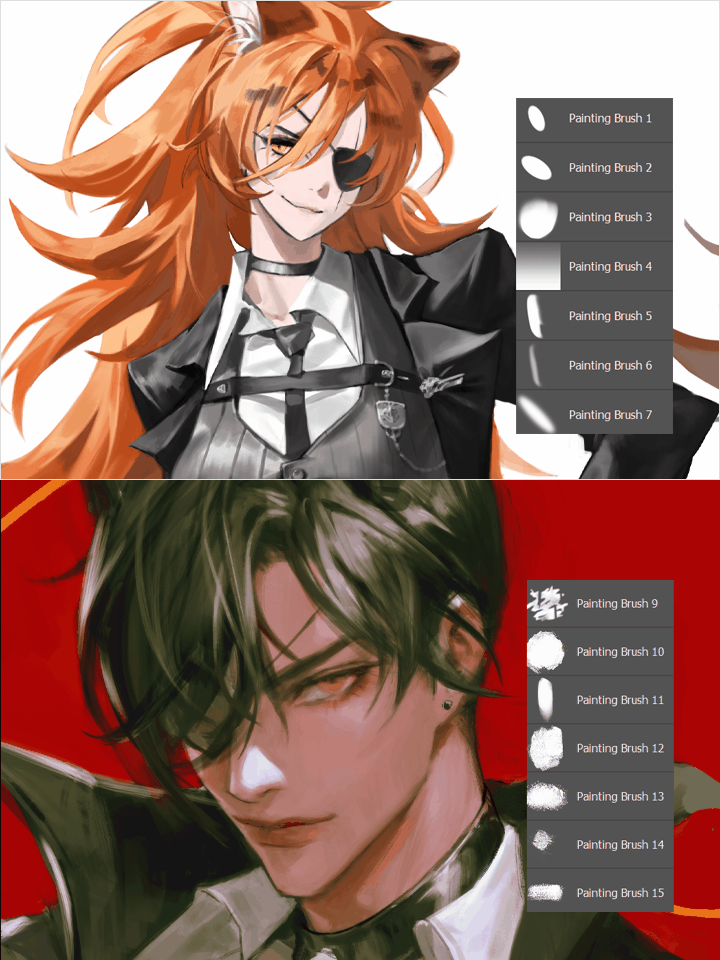
If so, check out the DOKSA's Brush and Utilization VOD Package!
From clean lines to rich textures, this all-in-one Brush set lets you easily create a variety of styles. We'll properly guide you through VOD instructions so you can make 100% use of the Brush, from how to hold the pen to how to draw lines and how to color while preserving the shape!
We hope that you will be able to experience the fun of creation while improving the quality of your drawings with this working tool that contains only the know-how of DOKSA, who has grown into a professional in just one and a half years.
Recommendation
Who Should Buy This Asset?
Anyone who needs a Brush configuration for drawing
Anyone who is concerned about its use
People who find it difficult to express various styles
Asset Package
All-in-one brush package that brings out the details of
your work
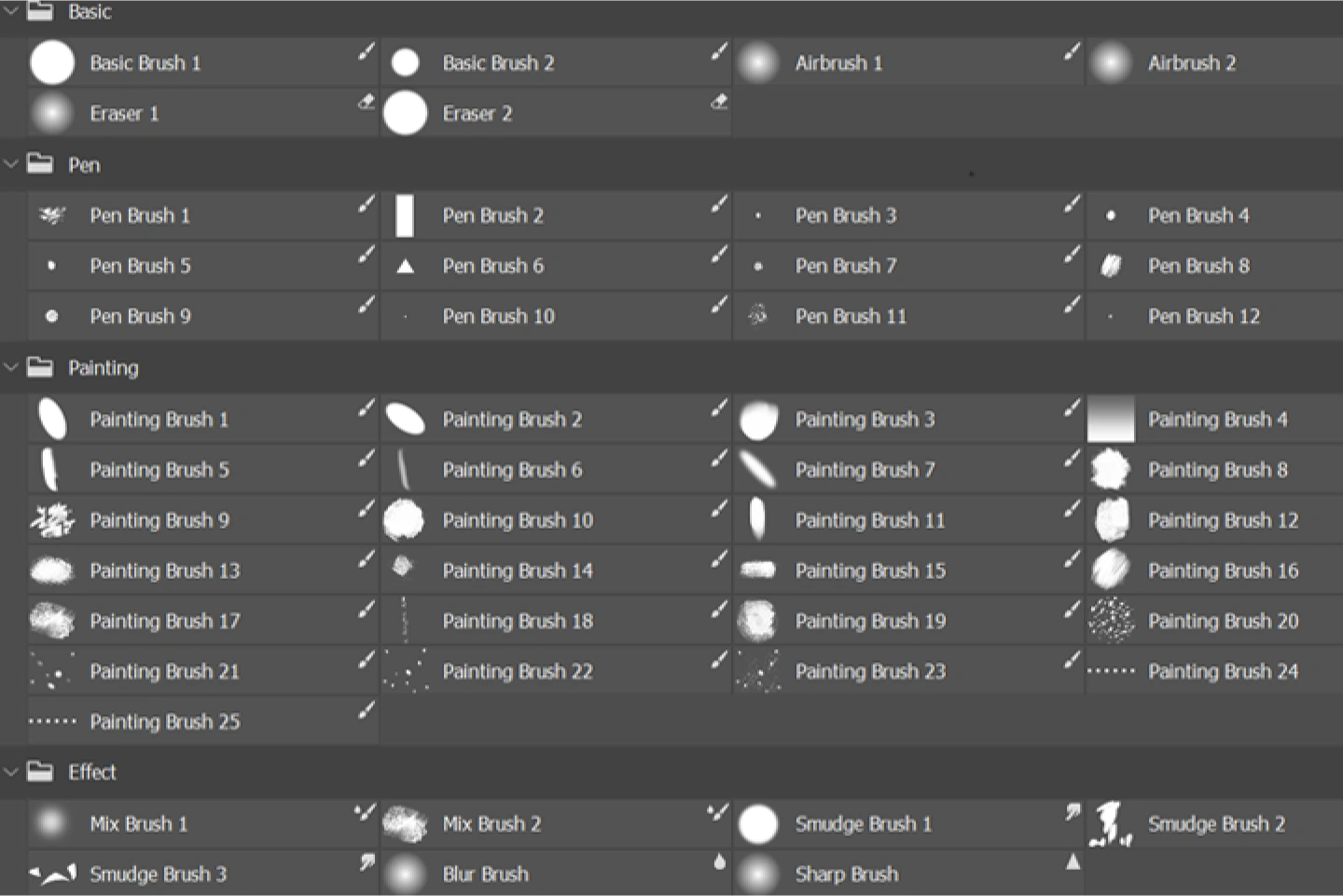
Texture and touch are alive
50 Photoshop Brush
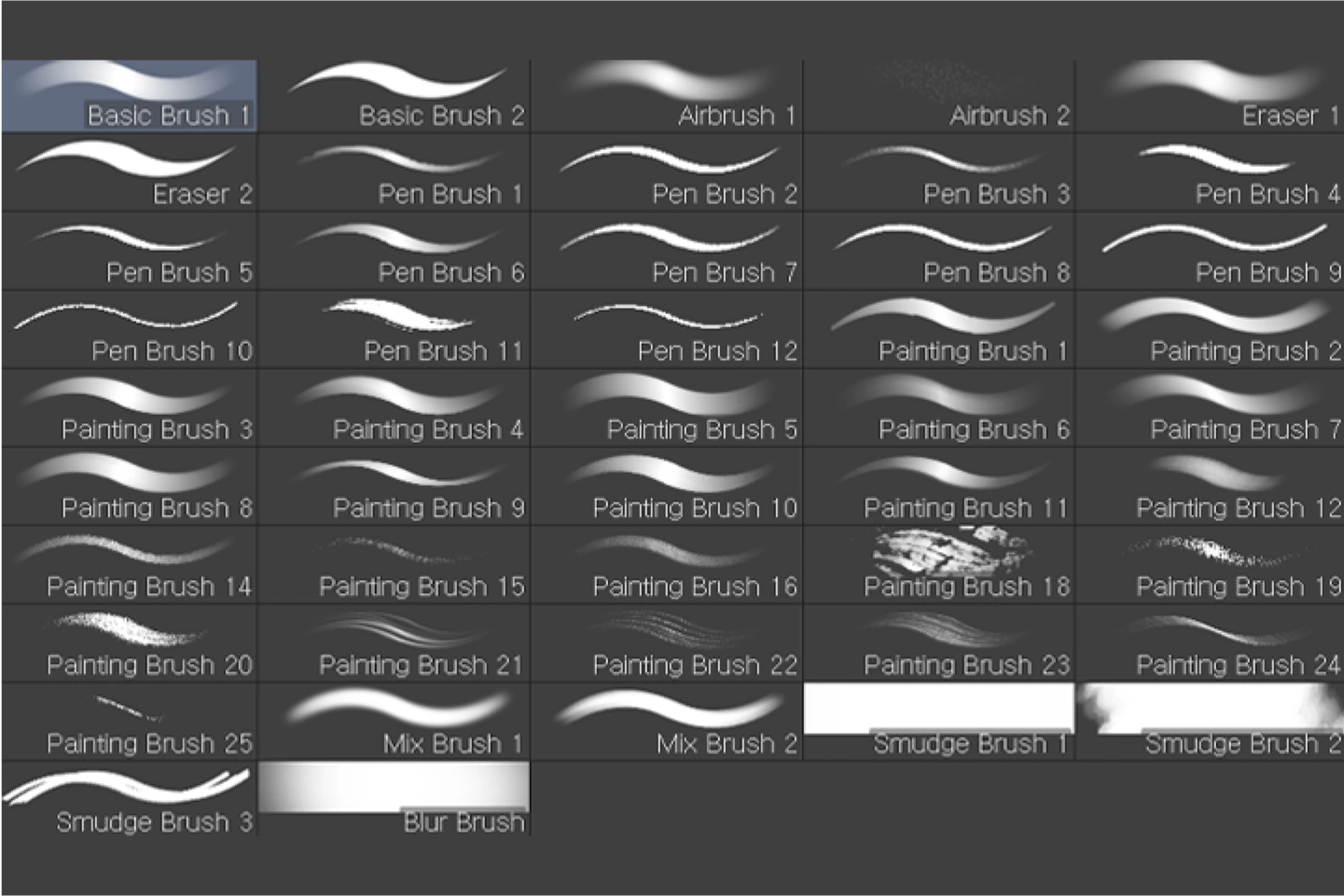
You can feel the fun of creation
47 Clip Studio compatible Brush
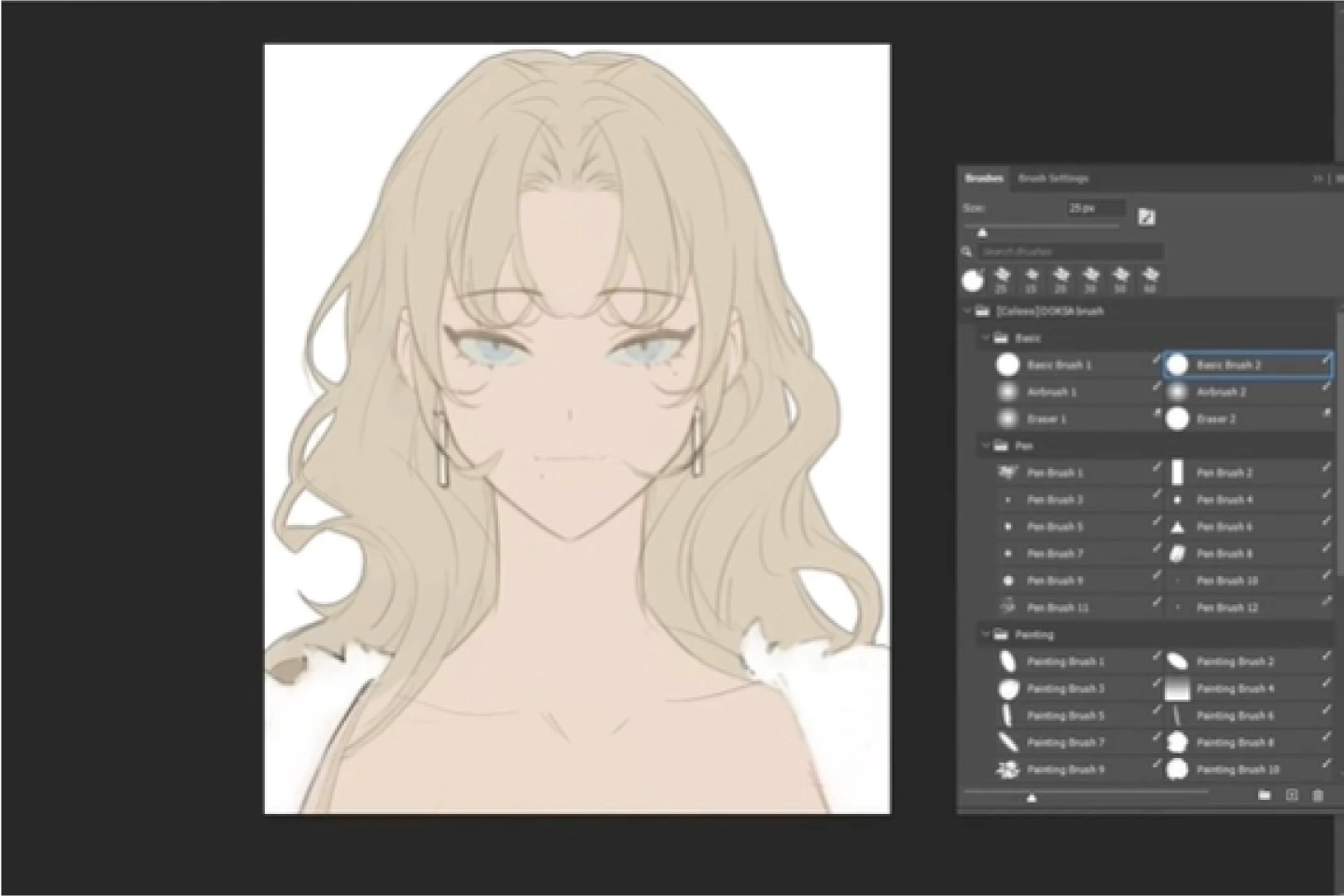
You can even get drawing tips from the DOKSA
Brush Utilization VOD 3 Lessons and Examples
Detailed list
-
50 Photoshop Brush- Basic Brush (6 types in total: pen, Brush, eraser)
- Pen Brush (12 types including sketch and line drawing)


- Painting Brush (25 types including coloring, texture, and point)
- Effect Brush(7 types in total: color mixing, blur, smudge, and sharpening) -
47 Clip Studio compatible Brush- Basic Brush(6 types in total: pen, airbrush, eraser)
* Changed to Airbrush 2 spray type
- Pen Brush (12 types including sketch and line drawing)
- Painting Brush (23 types in total including coloring, texture, and point)
* Not compatible with Painting Brush 13,17
- Effect Brush (6 types in total: color mixing, blur, smudge)
* Not compatible with Sharp Brush -
VOD with Brush usage tips and practical examples- How to use Brush
- Use line and color Brush
- How to write well
- How to study croquis
- Tips for dividing light and shade
- How to color while maintaining the shape
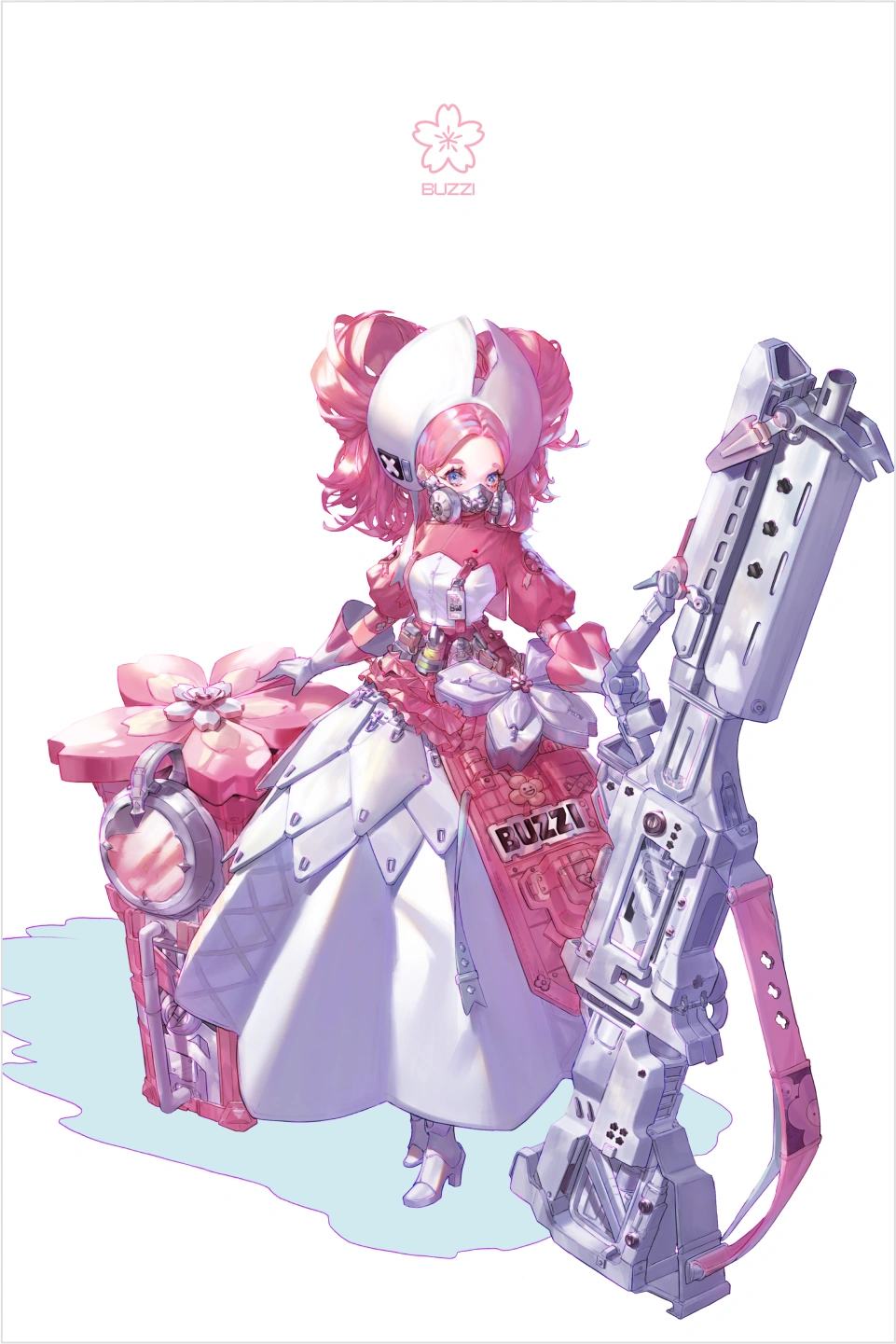
Work Examples
Asset Details
The asset contains the following:
-
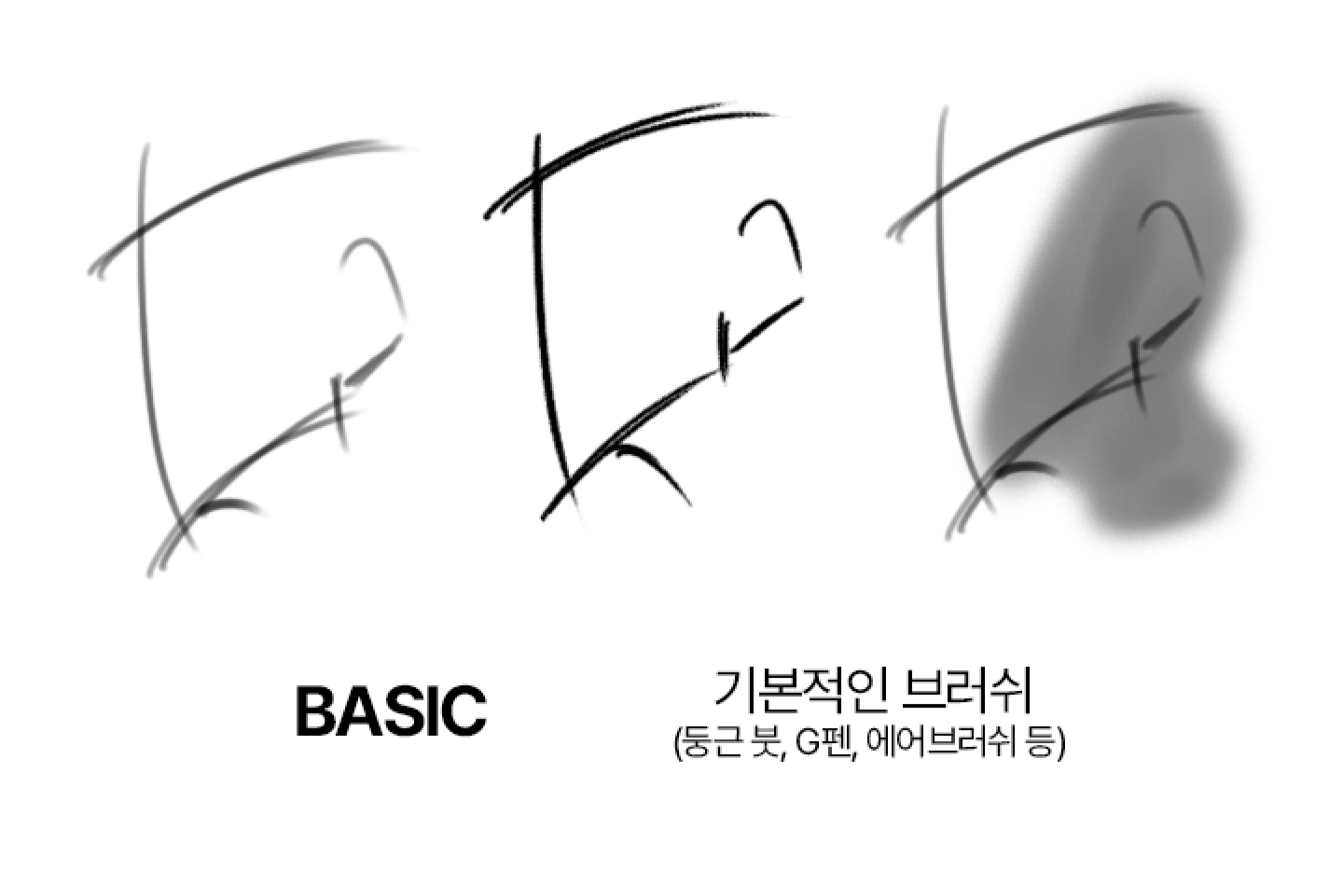 The BASIC brush that is used the mostIt consists of the most commonly used basic brushes. You can feel the taste of the brushes by continuing to stack them while sketching or coloring. The G pen has strong pressure so it can produce sharp results like a knife, and the airbrush can be used basically when freely adding blending or gradation.
 -
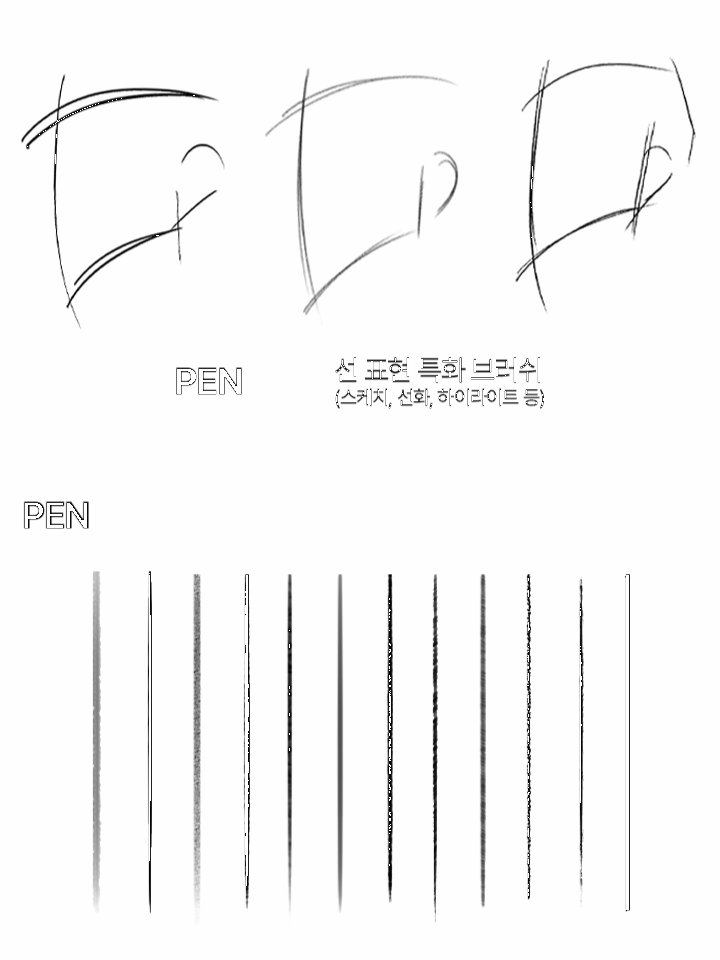 PEN Line Expression Specialized BrushIt consists of Brush that are good for tracing outline lines from sketches. You can sketch with the pencil line feeling you want, from slightly rough textures to soft textures, and work on sharp outlines or finishing lines for detailed parts such as hands.
 -



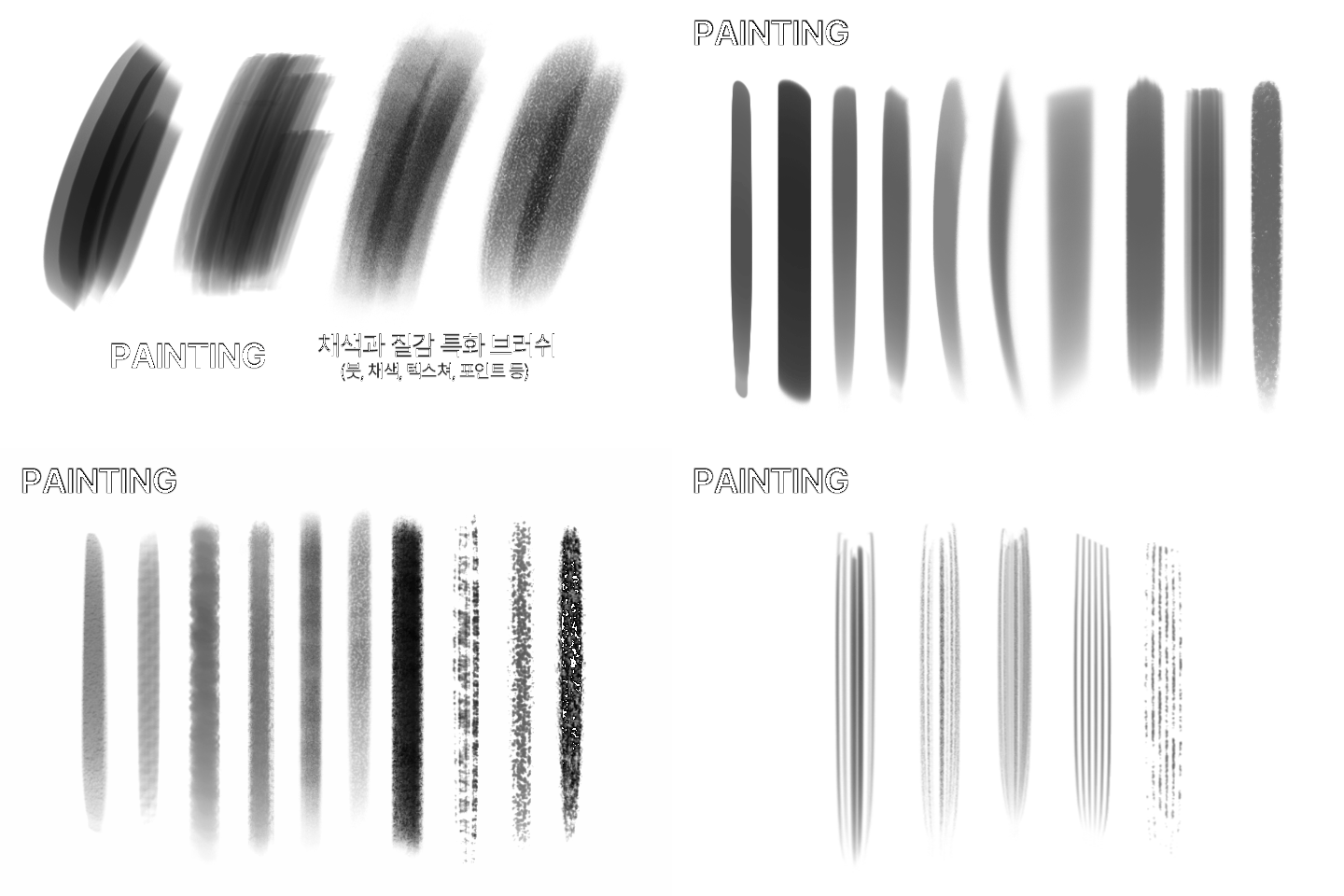 PAINTING Brush specialized for coloring and textureIt consists of Brush that are useful for adding points to characters such as skin and hair, as well as details to clothes such as wrinkles or fur. It is also possible to digitally implement some textures such as canvas textures.
-
 EFFECT An effect Brush that brings out a single point in a pictureThis is a Brush used to adjust the intensity of a drawing after work. Using the Brush, you can lightly apply it to the areas you want to blur, or you can apply it to areas with lip gloss or eye highlights to create interesting colors and highlights.
 -
 A guide to using your tools to get 100% use out of themWe will teach you in detail everything from how to draw lines so that you can fully utilize the pen Brush, to recommended and bad lines when sketching and drawing lines, and even practice through examples of imitations, so that you can enjoy drawing lines.
 -
 Know-how to color while preserving the sense of formYou can have fun using Brush and get coloring tips through the process that contains DOKSA 's coloring know-how, such as calculating the direction of light, dividing tones, and building up a sense of volume so that the painstaking rough work does not fall apart.
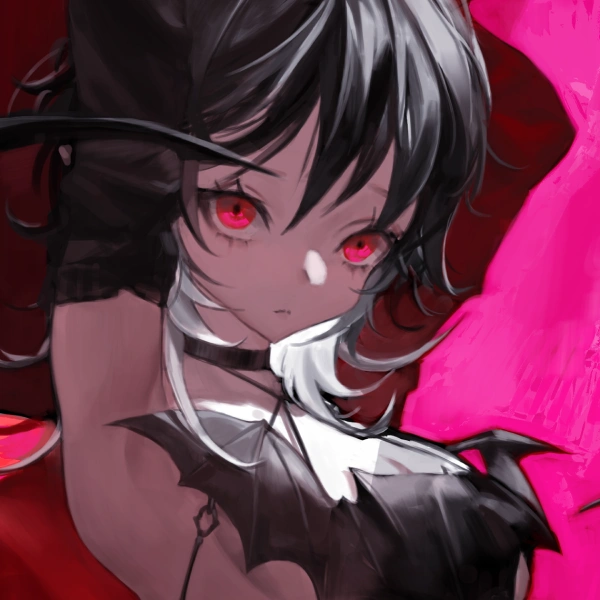
Illustrator,
DOKSA
Current) a freelance Illustrator
Current) Propic Academy
Instructor
Projects & Awards
X(Twitter)Portfolio
Portfolio of industry experts

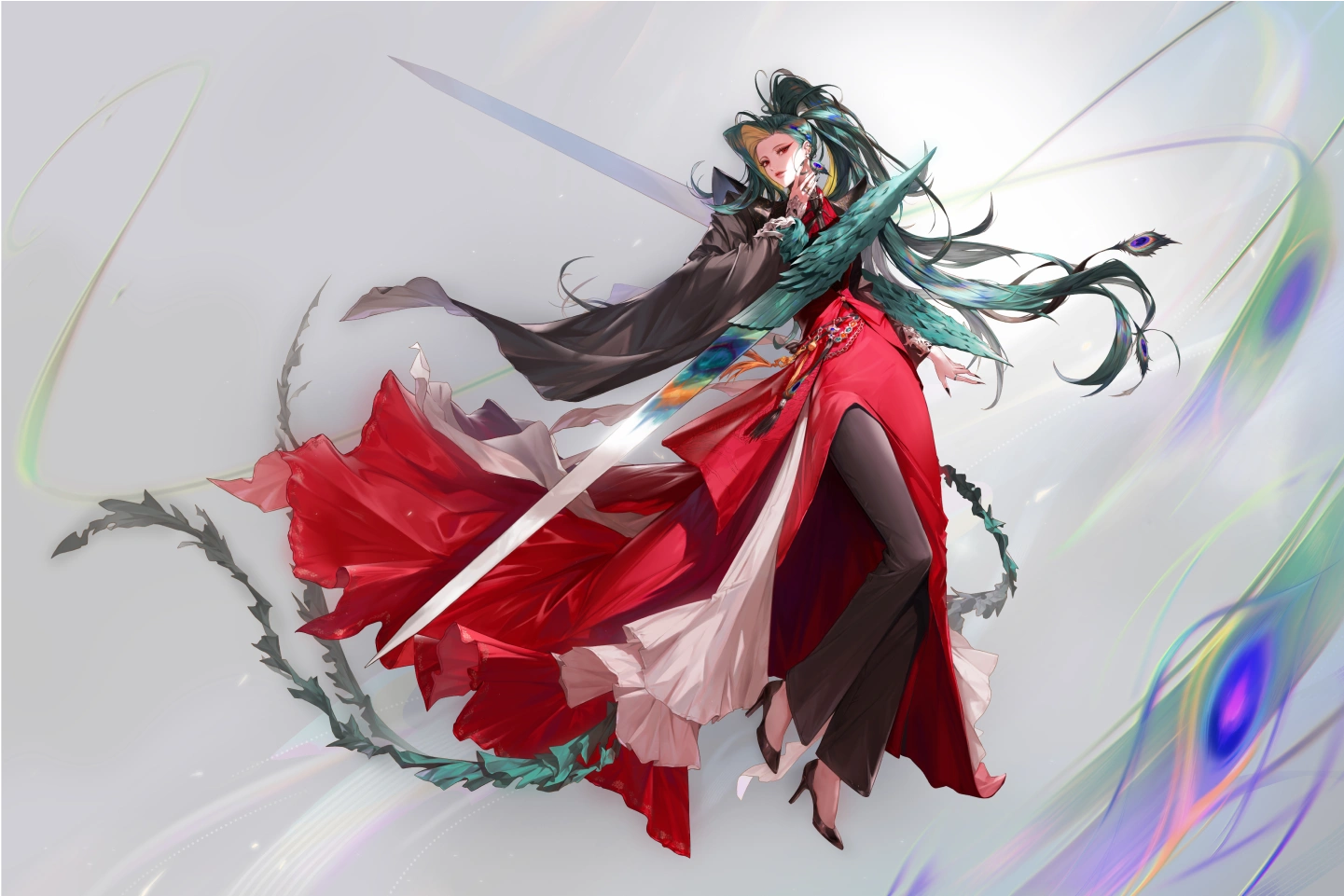
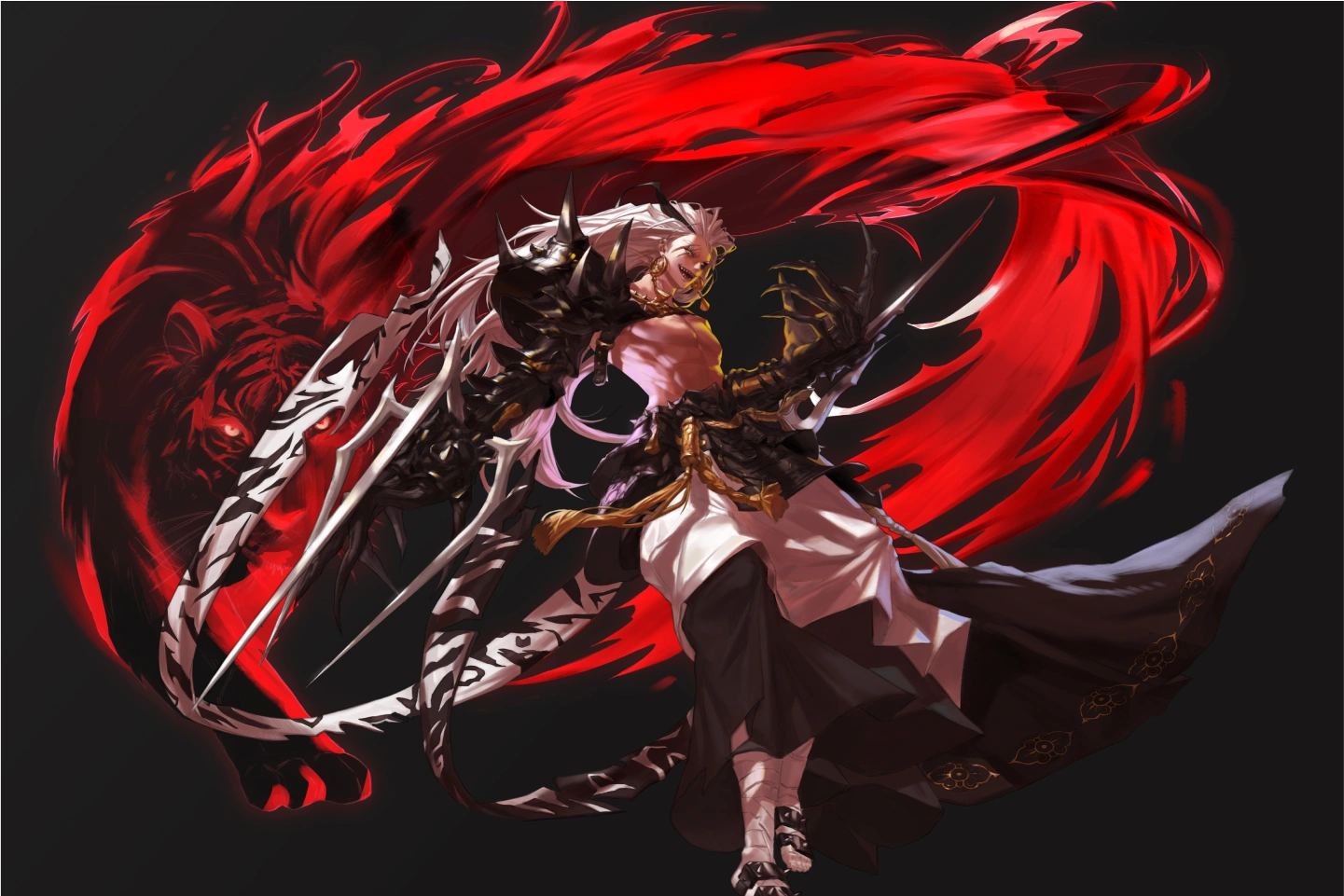
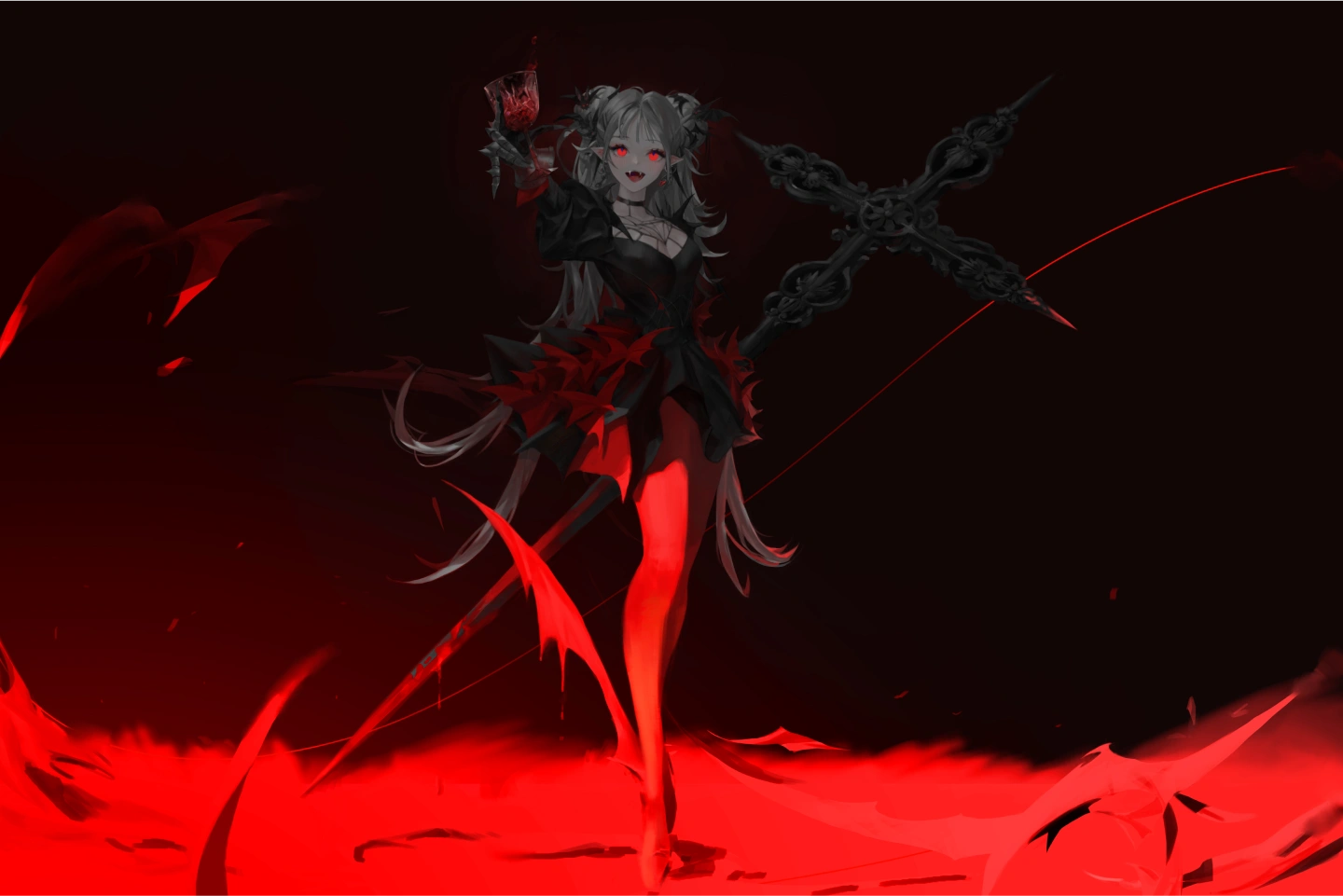
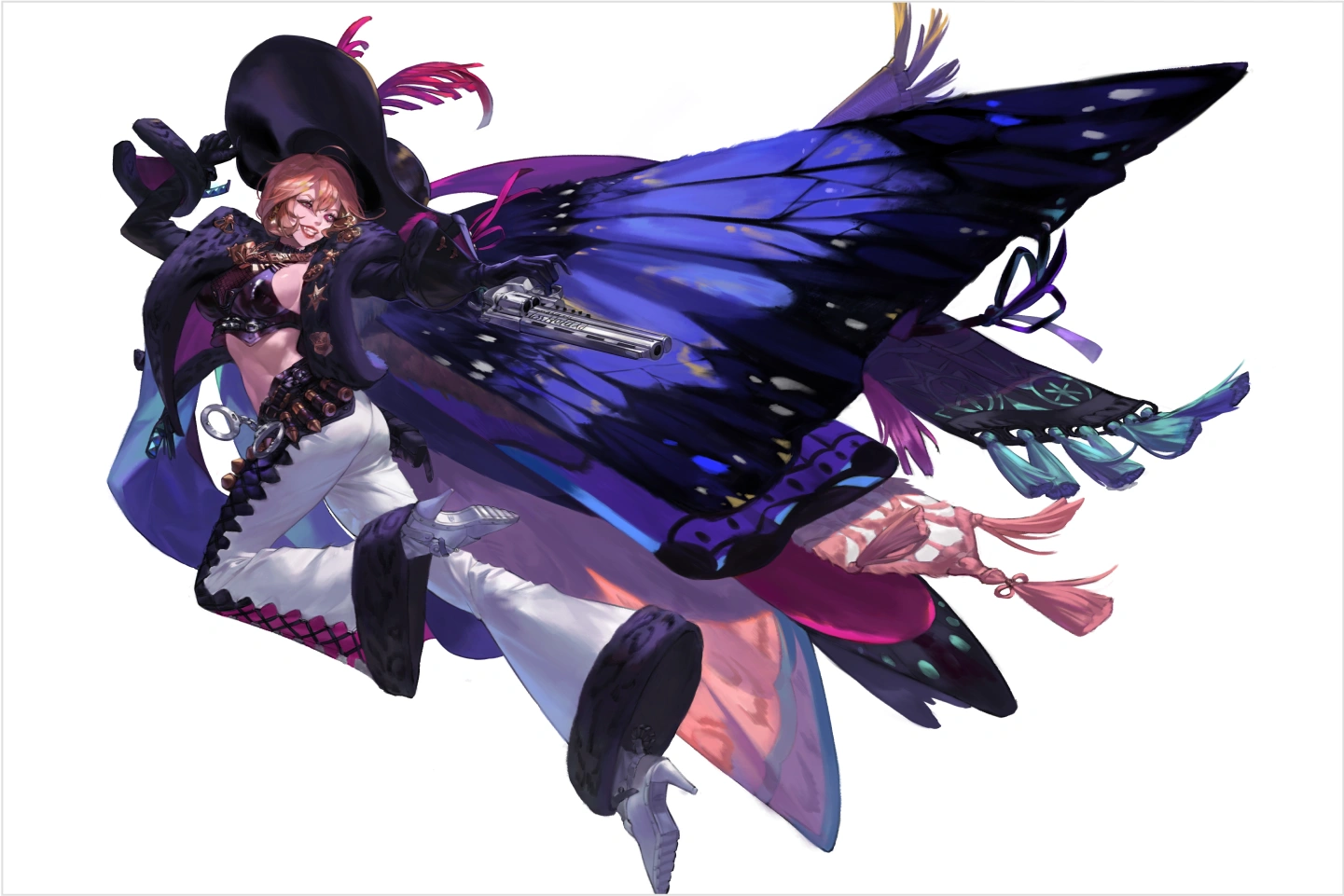
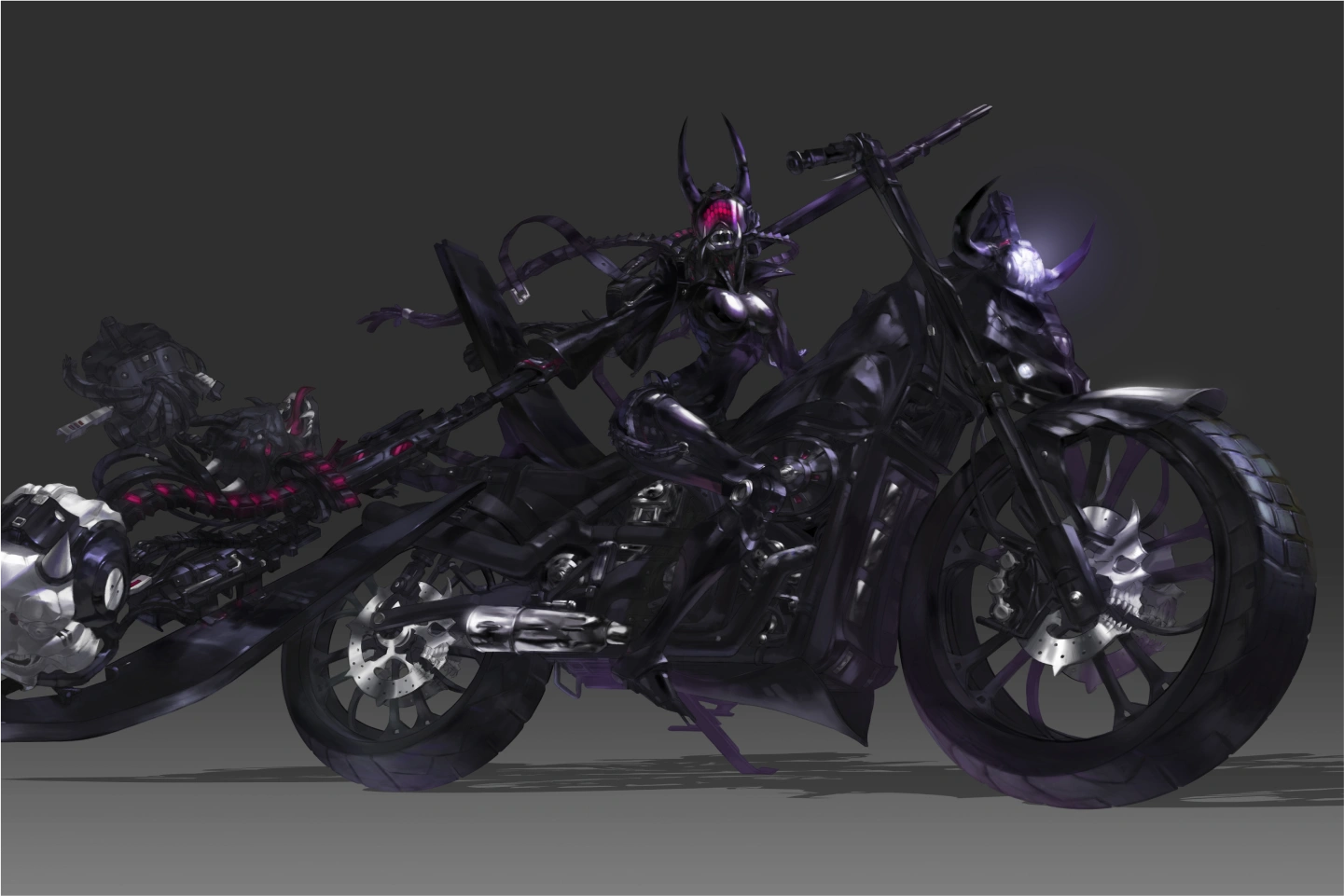
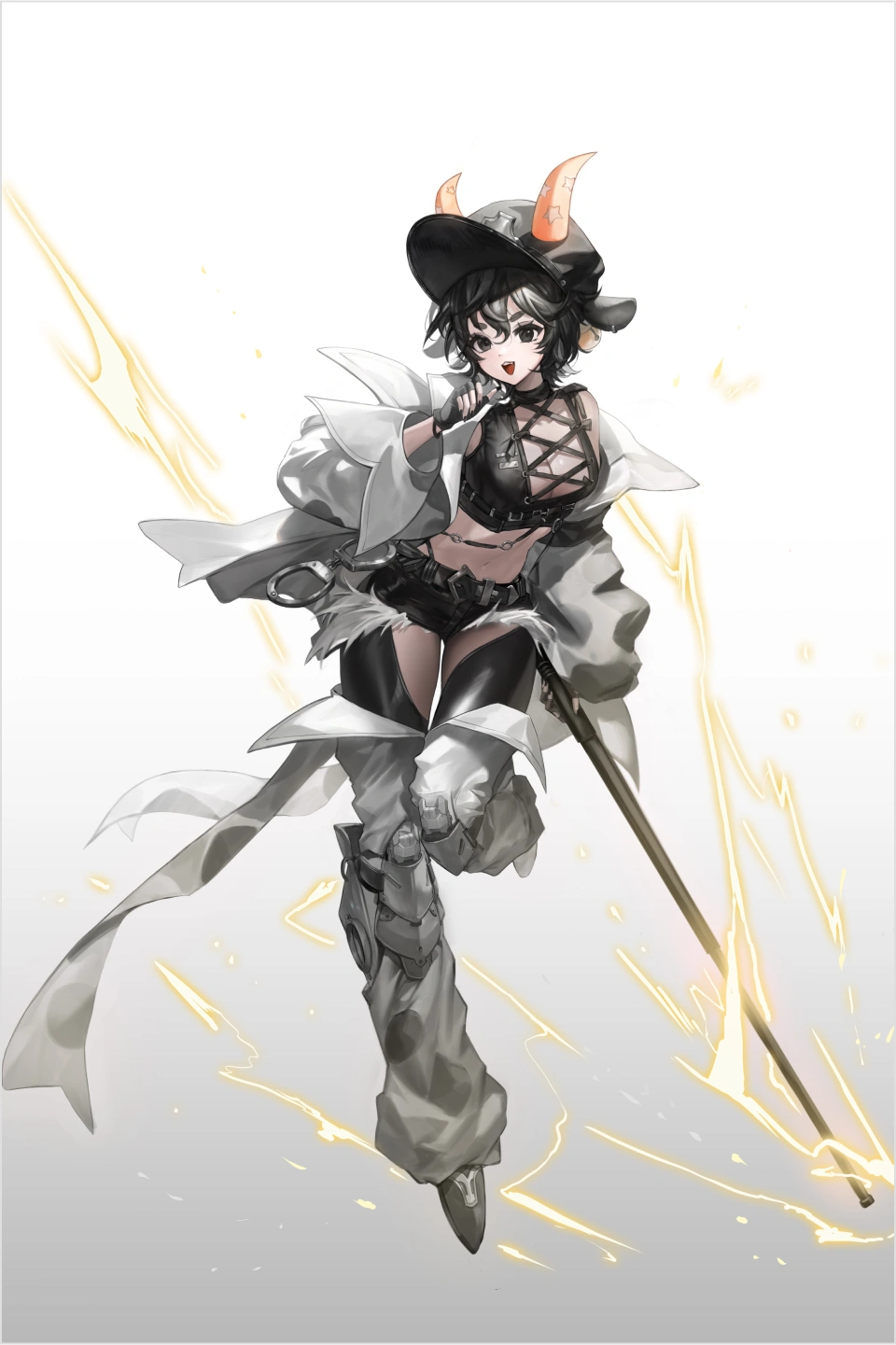
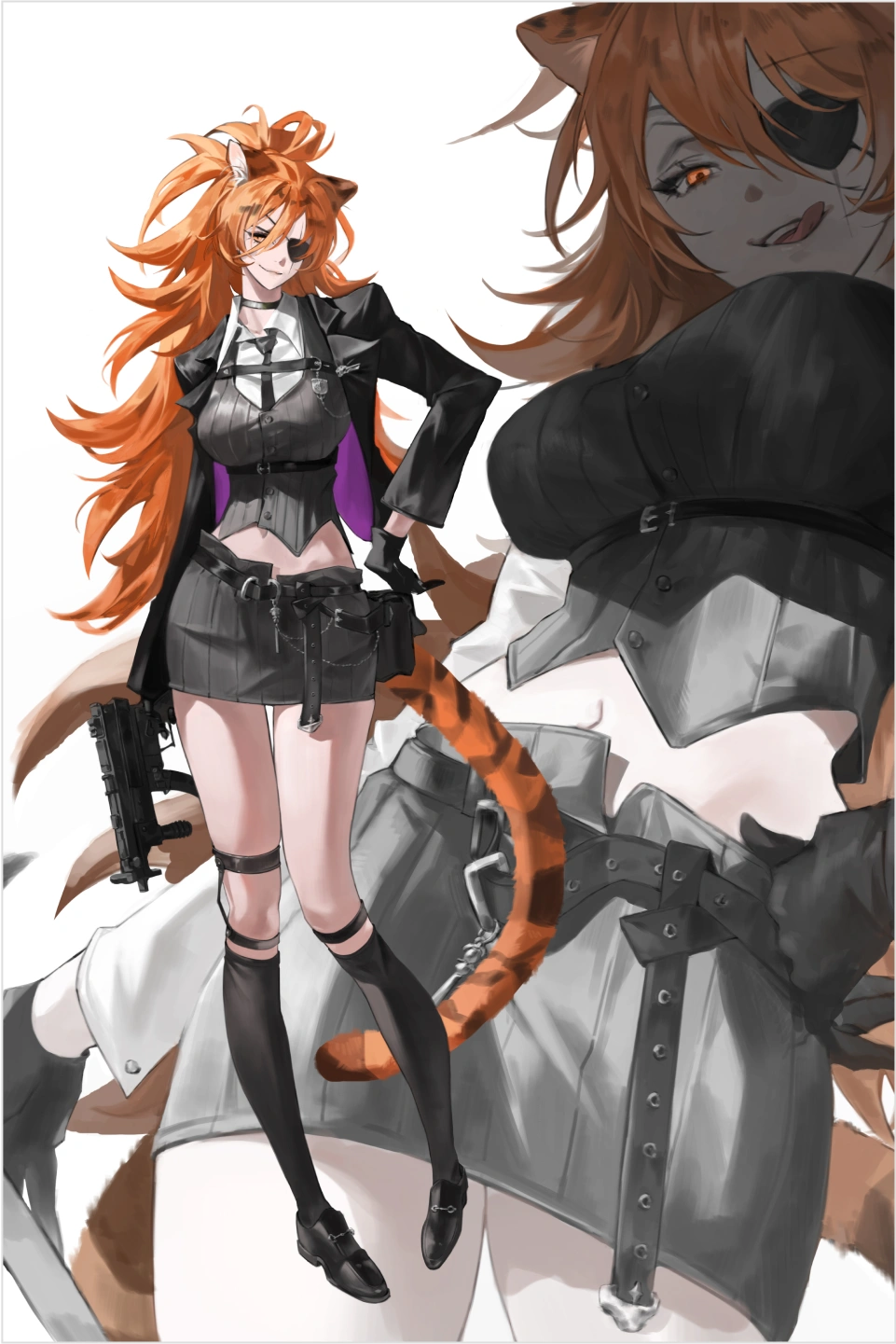
VOD Curriculum
100% Usability, Brush Usage Guide
01. Drawing Kit Description and How to Use
- - Brush set settings
-Detailed Brush description
02. Guide to using the sun Brush
- - How to draw a line
- Good line and bad line
- Why does the rough feel different after drawing the line?
- How to study croquis
03. Guide to using coloring Brush
- - Light settings
- How to divide tones
- How to add fun to your drawings with texture Brush
- How to color without losing the sense of form
View Creator's Lecture
File Information and Notes