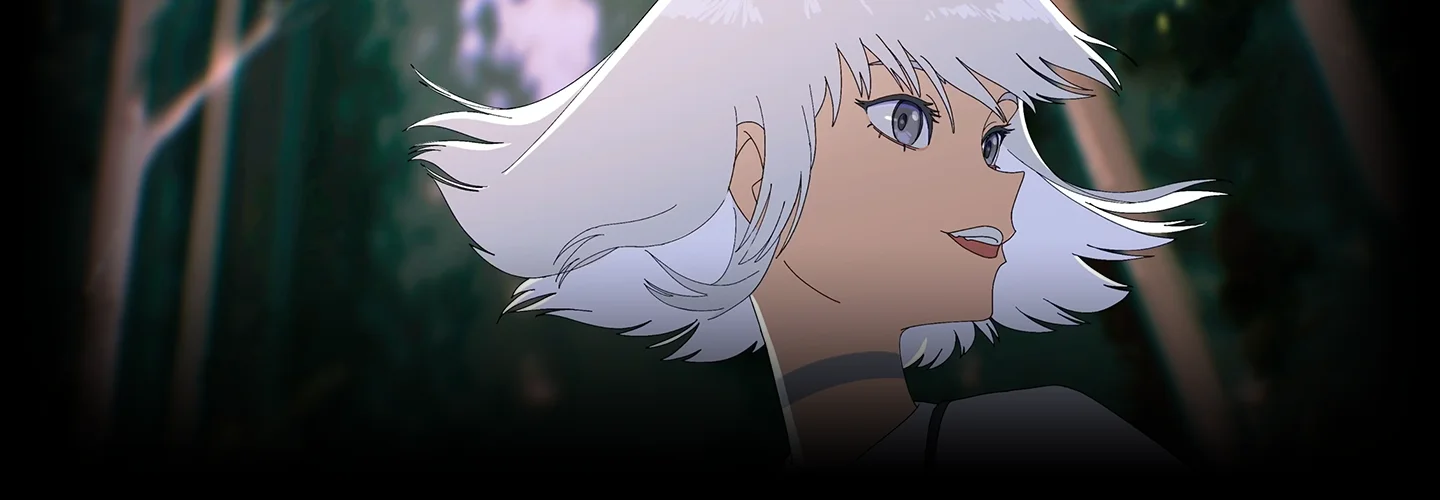
Animator,HAVTZA2 Details
Intro

Class Intro
Animator, HAVTZA
Get to know my creative process for using the newly introduced Procreate Dreams. Although my first class covers foundational 2D animation skills of using Flipaclip, this class focuses more on providing a different perspective and approach that both those new to my class and those who took my first class can enjoy.
Portfolio-Ready 2D Animation using Procreate Dreams
One of the most crucial skills to have in the ever-evolving Animation industry is "Adaptability". It means reaching the level of proficiency where you can seamlessly fit into any role within any project you desire. But how can you achieve this level of versatility? HAVTZA is here to guide you through the process.

This class is designed to elevate your animation capacity using the all-new Procreate Dreams. Learn to refine your character and background design that is optimal and functional for animation production. Establish a workflow that works for you, and gain adaptability between multitudes of software. By the end of this class, you will notice a significant elevation in your skills and outcome. Leave this class with a portfolio-ready animation piece, designed and produced by you from scratch.
Class Perks
Special Gifts from HAVTZA
-
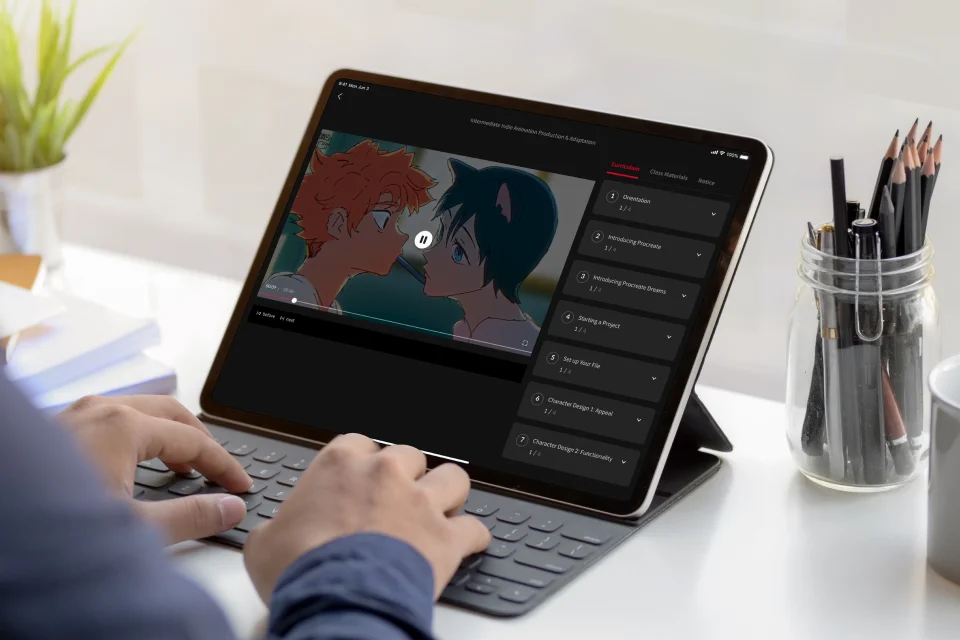
Unlimited Access to All Chapters -
All Class Animation Project Files -
Procreate and Procreate Dreams Brushes
* Above are sample images for a better understanding.
Recommendation
Who Should Take This Class?
Animators who want to enhance their technical skills
Who want to gain expertise in the tools and features of animation software and create a portfolio-ready animation from scratch.
Animators who want to enhance their design skills
Who want to level up their animation by deep-diving into character and background designs along with enhancing their functionality to best fit the animation medium.
Freelance / Independent Animators
Who want to gain the proficiency to manage the entire animation production pipeline as an independent animator.
How is This Different from the First Class?
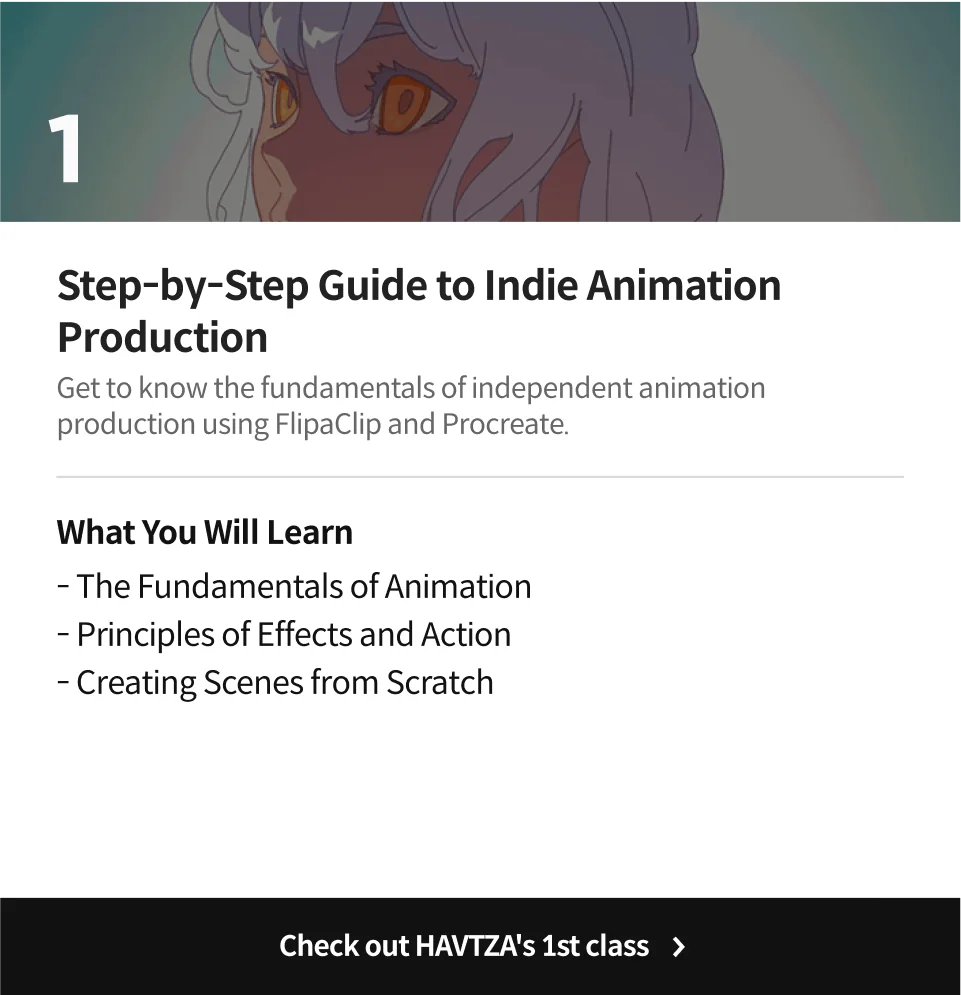
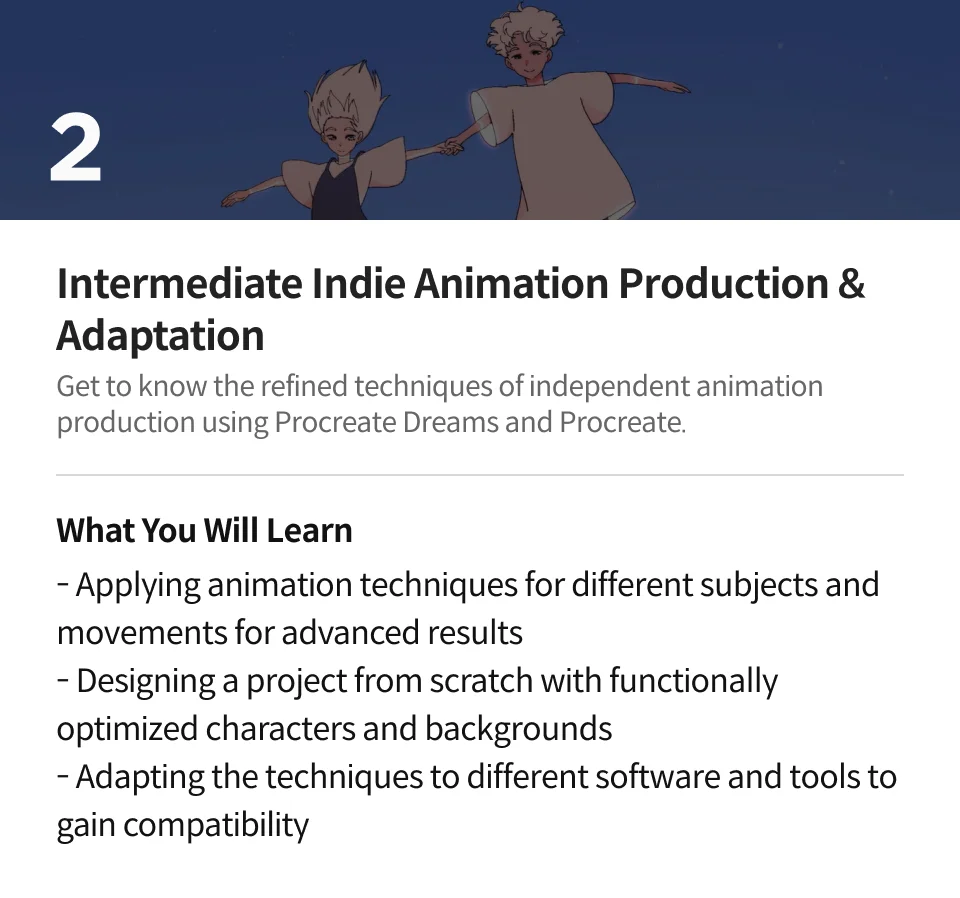









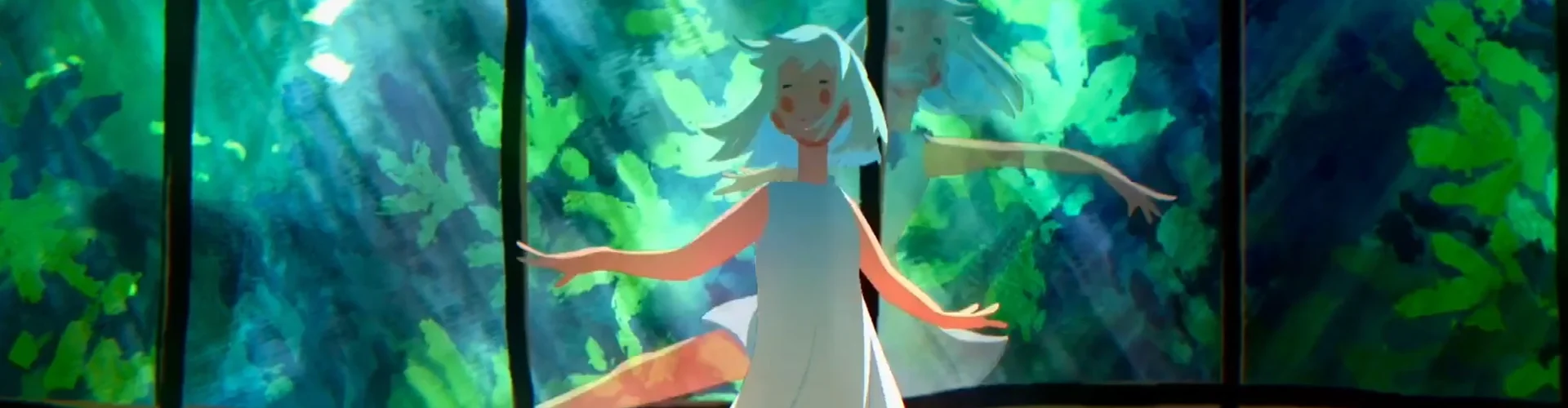
Expert 2D Animator HAVTZA's Portfolio



Why Take This Class?
HAVTZA’s first class covered the fundamentals of 2D animation using “FlipaClip”. So you may be asking, “How is the second class different?”
In our eagerly awaited second class, we are introducing the cutting-edge "Procreate Dreams" along with HAVTZA's refined techniques and exclusive advice. You will leave this class with the confidence to animate anything you envision, anytime, anywhere.
There are a number of different roles, methods, and software that studios in different parts of the world use. Being able to fit into any role in any production, or even make an entire production by yourself will give you the biggest number of opportunities and freedom to choose which projects you want to partake in. This class aims to equip you with the “Skills” and “Adaptability” that will empower you to navigate and flourish in this continuously developing industry.

18 Class Exercises
-
 Application to Your Own Drawing Software
 -
 Application to Your Own Animation Software
 -
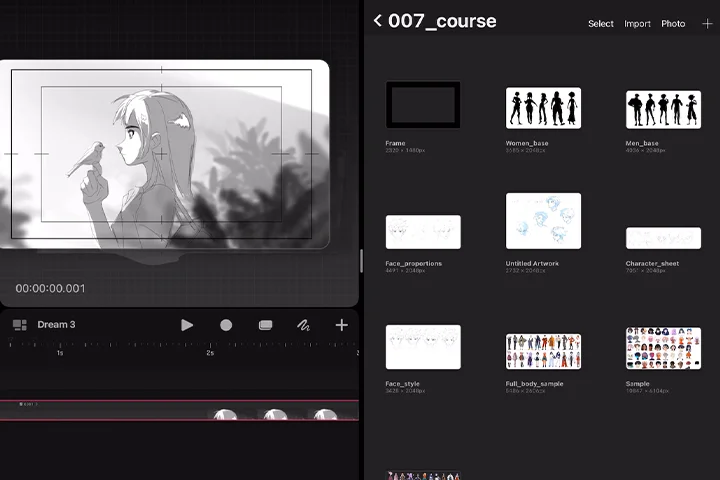 Plan Your Project
-
 Set up Your Working Station
 -
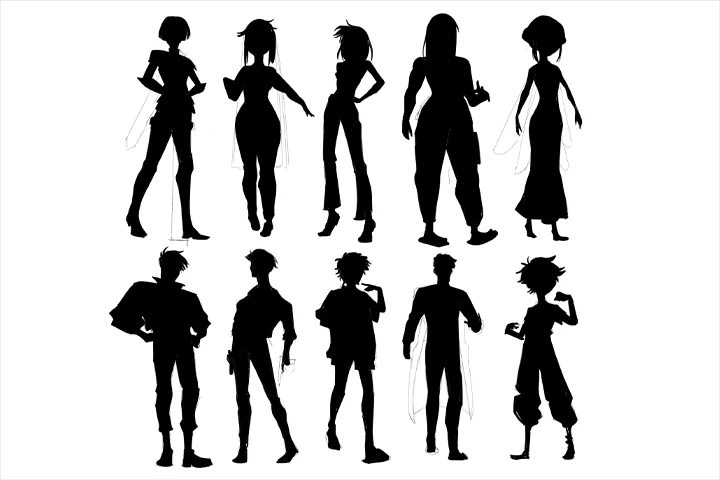 Create Character Base with Volume
 -
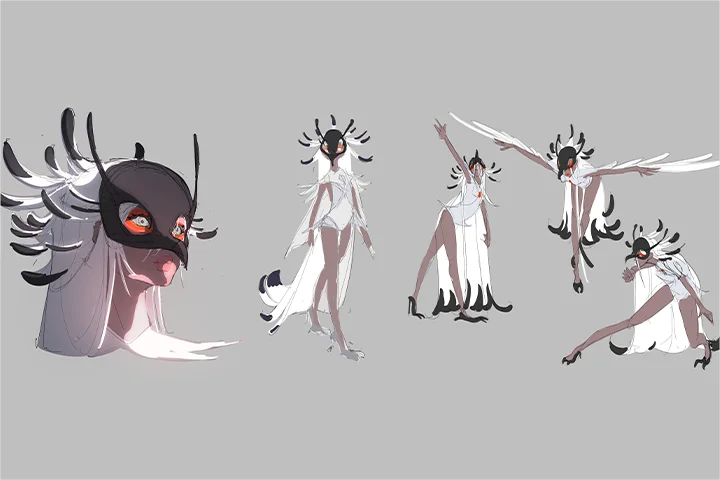 Character Details: Character Sheets and Figure Drawing
-
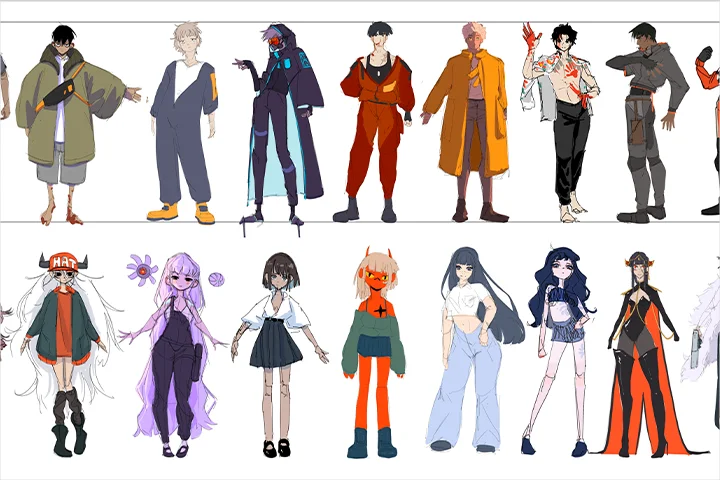 Final Character Design: Create Colors and Compositing Guide
 -
 Create Multiple Thumbnail Compositions with Perspective
 -
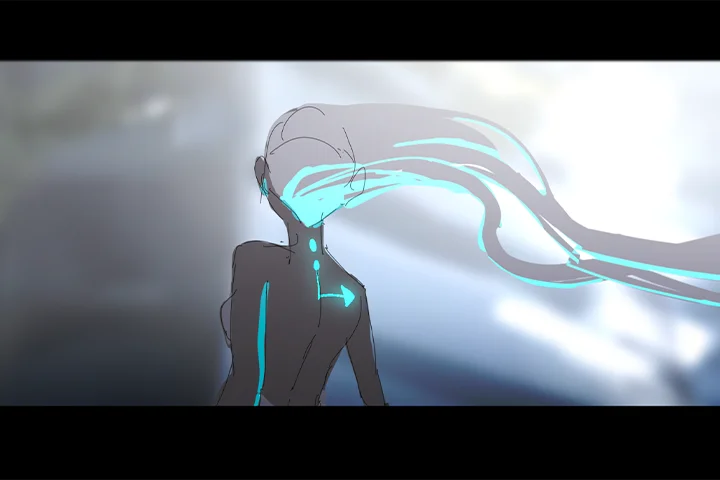 Background: Color, Layers, Compositing
-
 Set up Your Background
 -
 Test Your Timing Charts with Straight Ahead and Pose to Pose
 -
 Animate Object with Intent and Control
-
 Animate Character Interacting with Object
 -
 Add Spatial Movement for Dynamic Animation
 -
 Design Animatic with Character and Background
-
 Rough Animation
 -
 Clean Up and Coloring
 -
 Compositing
* Above are sample images for a better understanding.
Instructor
2D Animator
HAVTZA
Hello, HAVTZA here!
For the past 4 years, I’ve been working as a Freelance Animator and Producer for various studios and private clients, both as a work-for-hire in different roles in the animation production line, and independent production.
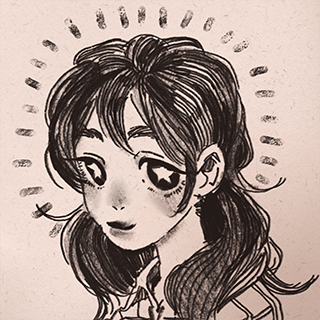
Illustrator, HAVTZA
[Current]
Founder, Manager, and Lead Creator at HAVTZA
Freelance Animator
Highlights
Class Highlights
Advanced Animation

Learn the crucial techniques of independent animation. Apply them to different subjects and movements to reach a level of proficiency that will open new doors for you.
Project Design from Scratch
Learn to come up with distinctive and one-of-a-kind ideas. Incorporate different software and tools to create your own characters and backgrounds that fit your vision perfectly.

Adaptability

Gain professional proficiency in Procreate and Procreate Dreams. Acquire the skills and techniques to apply them to different software for enhanced versatility. This class uses an iPad as its main tool of production, however, the same techniques can be applied to any animation software you choose.
Class Details
You'll Learn
-
 Introduction to Procreate and Procreate DreamsLearn the core features of Procreate for dynamic background and character production. Explore Procreate Dreams, discovering its powerful capabilities in independent animation production.
 -
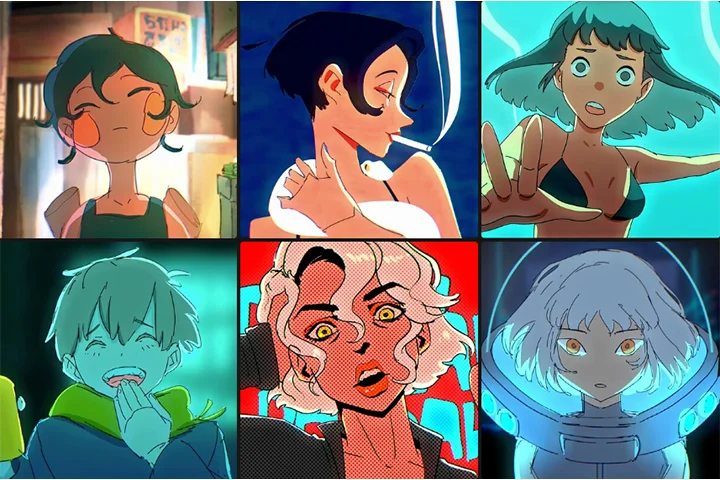 Project DesignNavigate the intricacies of project design in animation production, where creativity meets technicalities. This crucial phase involves conceptualizing and planning the production pipeline.
 -
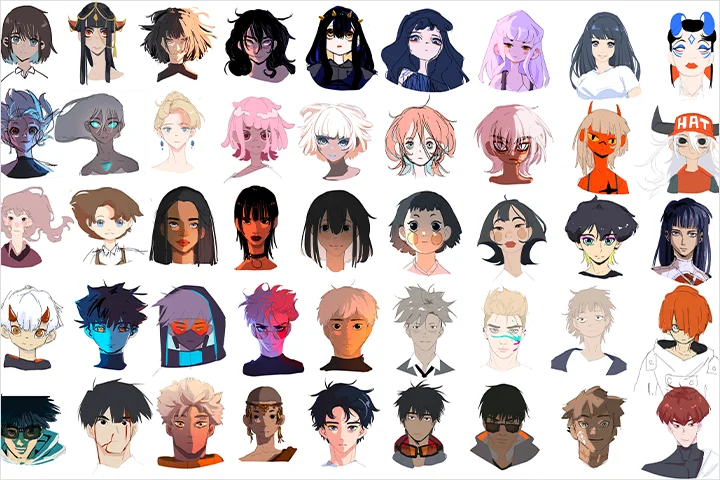 Character DesignCreate the visual identity of animated personalities, bringing them to life on screen. Explore the art of infusing appeal and functionality into characters while simplifying complex designs.
-
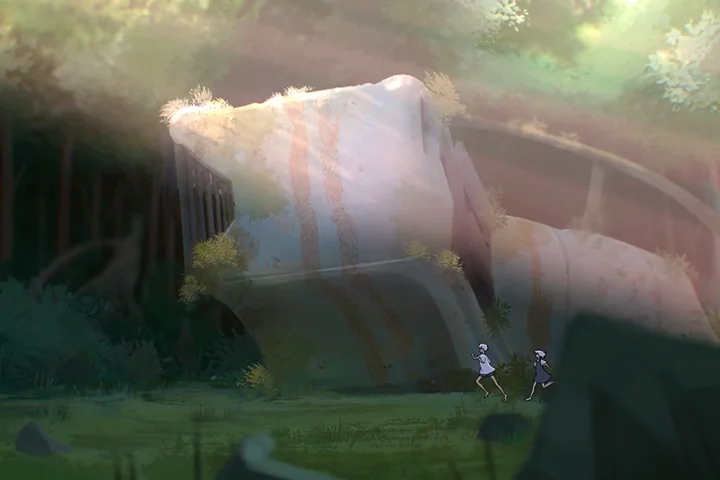 Background DesginCraft the visual environment that complements and enhances the narrative. Learn the art of creating a functional and solid base layout, considering layers and camera movement to breathe life into your animated world.
 -
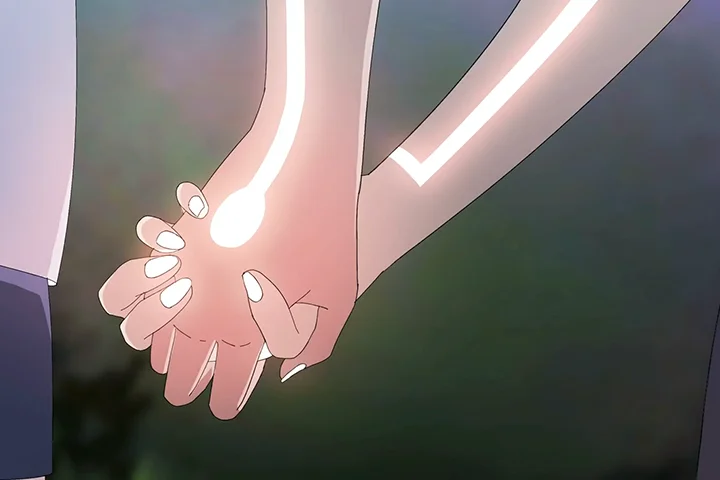 Basic to Advanced AnimationAll the technical skills you need to bring your animation to life from timing charts and keyframes to showing diverse traits through timing and deformation. Elevate your skills to another level as you simplify complicated movements and objects to craft compelling animations.
 -
 Adaptability within the IndustryAdaptability is the proficiency to embark on any project, any role, with any software. Understand the features of animation, establish your workflow, and apply them to alternate between different tools and software with confidence.
* Above are sample images for a better understanding.
- Unlimited Access
- Best Price
Buy now, get unlimited access.
10/26 (Mon) (UTC-7) Special offer ends soon.
This special offer ends soon.
Buy now and save!
Curriculum
Class Preview
Check Out HAVTZA's Class Preview!
Curriculum
In-Depth Look
1st Launch (Chapters 1-10): 05/21/2024 18:00 UTC-8
2nd Launch (Chapters 11-20): 07/02/2024 18:00 UTC-8
SECTION 01. OT
01. Orientation
- Introducing your instructor
- What you will learn
- What software I'll be using
SECTION 02. Software Introduction
02. Introducing Procreate
- Showcasing the main features in Procreate
- Starting a project
- Toolbars, Brushes, Layers,Groups
03. Introducing Procreate Dreams
- Showcasing the main features of Procreate Dreams
- Tracks, imports, brushes
- Groups, key frames, timeline features
SECTION 03. Pre-Production: Setting Up
04. Starting a Project
- How to find a topic by thinking about what to practice
- How to "break in" your software to test new things
05. Set up Your File
- How to set up your procreate dreams file
SECTION 04. Pre-Production: Character
06. Character Design 1: Base
- Introduction to character design
- How to create your character base using simple shapes
07. Character Design 2: Detail
- Explanation of making a functional design for animation
- How to familiarise yourself with your character
08. Character Design 3: Set Up
- Making a character reference sheet
- Making a compositing guide
SECTION 05. Pre-Production: Background
09. Background Design 1: Layout
- Understanding how to create the base layout for your background
- Consideration of layers and camera movement
10. Background Design 2: Coloring, Details, and Compositing
- Coloring
- Compositing
- Tips and tricks
11. Background for Animation
- Setting up in Procreate Dreams
- Designing your background and camera to enhance your animation
SECTION 06. Animation Basics
12. Animation 101: Timing and Method
- Timing charts
- Straight ahead vs pose to pose
- How to combine different methods for smoother animation
13. Animation 101: Form and Intent
- Showing traits of your object using timing
- How to deform your object to enhance your animation
14. Animation 102: Complex Movement and Objects
- Break down your movement and objects to make complicated animations simple
15. Animation 102: Dynamic Movement in Space
- Make your animation more dynamic by moving it within the environment
SECTION 07. Animation Production
16. Storyboard, Animatics, Color and Compositing Keys
- Create your storyboard and animatic
17. Rough Animation
- Animate a short sequence in procreate dreams
- Transform your storyboard to rough animation
18. Clean up and Coloring
- Clean up
- Coloring
19. Compositing and Effects
- Clipping masks
- Compositing and lighting details
- Filter keyframes and environmental effects
SECTION 08. Outro
20. Conclusion - Finishing Thoughts
- Recap of the course, and final thoughts
- Application to adjust your own software
*The release date of this class, curriculum images, and associated content can be changed without prior notice.
** Class videos may be seperated for a more streamlined viewing experience
Interview with
2D Animator HAVTZA

Question.01
Is there a specific reason why you chose this specific topic/themes?
I wanted to share a more updated and refined version of my process using a new software that has immensely helped me with my creation process. Because my first animation class covers foundational skills using Flipaclip, I wanted my second class to provide a different perspective and approach so those who are new to my class or those who have already taken my first class can all fully enjoy this class.
Question.02
What makes your class different from other classes?
This class incorporates the newly introduced Procreate Dreams, placing a greater emphasis on comprehensive subjects like improving compatibility for your animation projects through a deep dive into character and background design. You also learn how to become “adaptable” between software and even roles within the animation industry, which will most definitely open new opportunities for you moving forward.
Question.03
What do you think is the most important trait(s) to success in your industry?
In the dynamic and competitive animation industry, adaptability becomes a crucial trait. With continuous growth and changes in various sectors, Animators must cultivate creativity, openness, and a dedicated focus. Effective time management and self-assessment are equally crucial. Success hinges on those who combine creativity with practical skills to stand out in this ever-expanding field.
Required Programs
This course will use Procreate and Procreate Dreams.
Please purchase and install these program(s) for an optimized lecture experience.
*These programs and/or materials will not be provided with the lecture.
Recommended
Recommended Class
Like this class?
Then check these out!