3DGraphicDesigner,SeyoonJung_정세윤 Details
Intro
Class Intro
3D Graphic Designer, Seyoon Jung
"Get an insider breakdown of everything you need to know to use the free 3D tool Blender for modeling, texturing, and animation.”


From versatile modelling skills, to 3D artwork with realistic textures, and a detailed curriculum with production insights.
If this caught your attention, then this class is for you!
Coloso's Guide to 3D Graphic Design With Blender 50-Chapter Class Is now available!
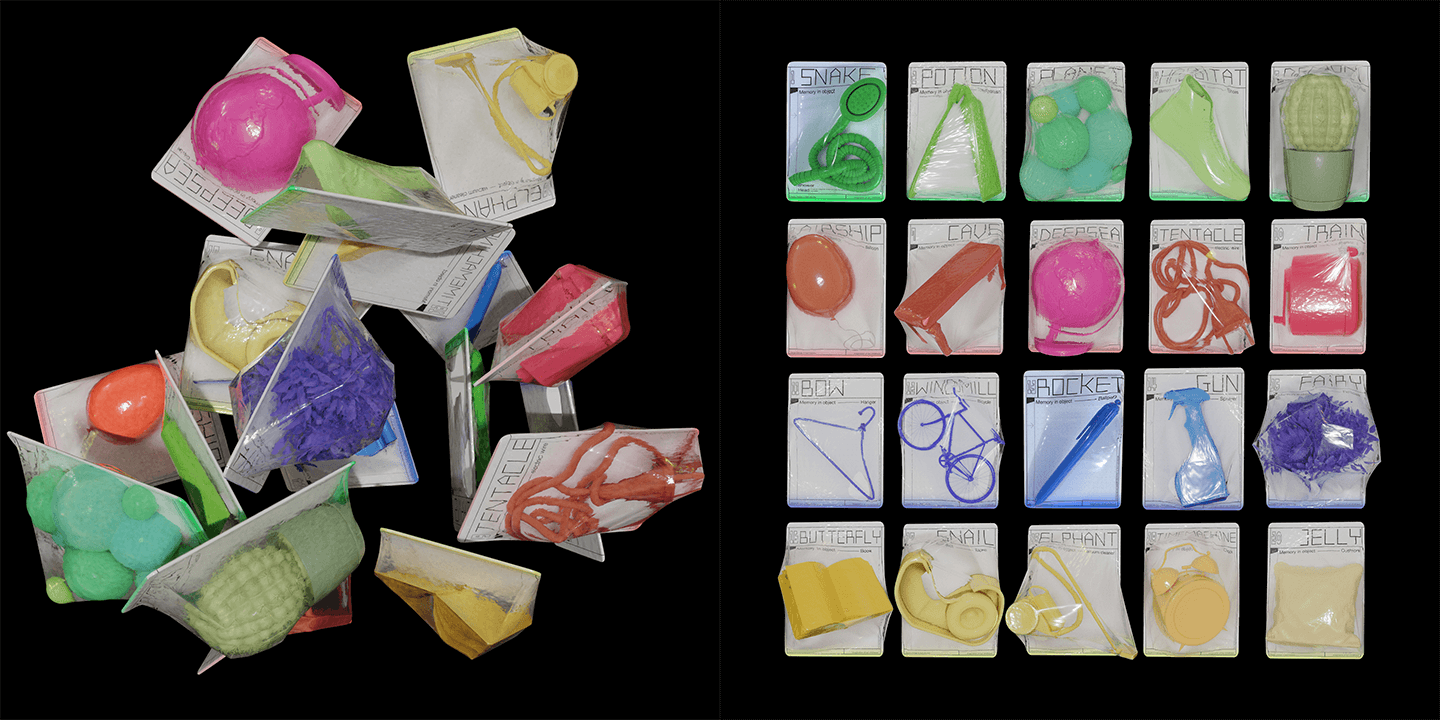
Have you ever wanted to learn how to add 3D elements to your work and break away from typical, two-dimensional designs?
My name is Seyoon Jung, and I’m here to help you master 3D graphic design skills through fun, easy-to-follow lessons. Learn modeling, texturing, and animation skills using the free 3D tool "Blender," without any other expensive programs or renderers.
My name is Seyoon Jung, and I’m here to help you master 3D graphic design skills through fun, easy-to-follow lessons. Learn modeling, texturing, and animation skills using the free 3D tool "Blender," without any other expensive programs or renderers.
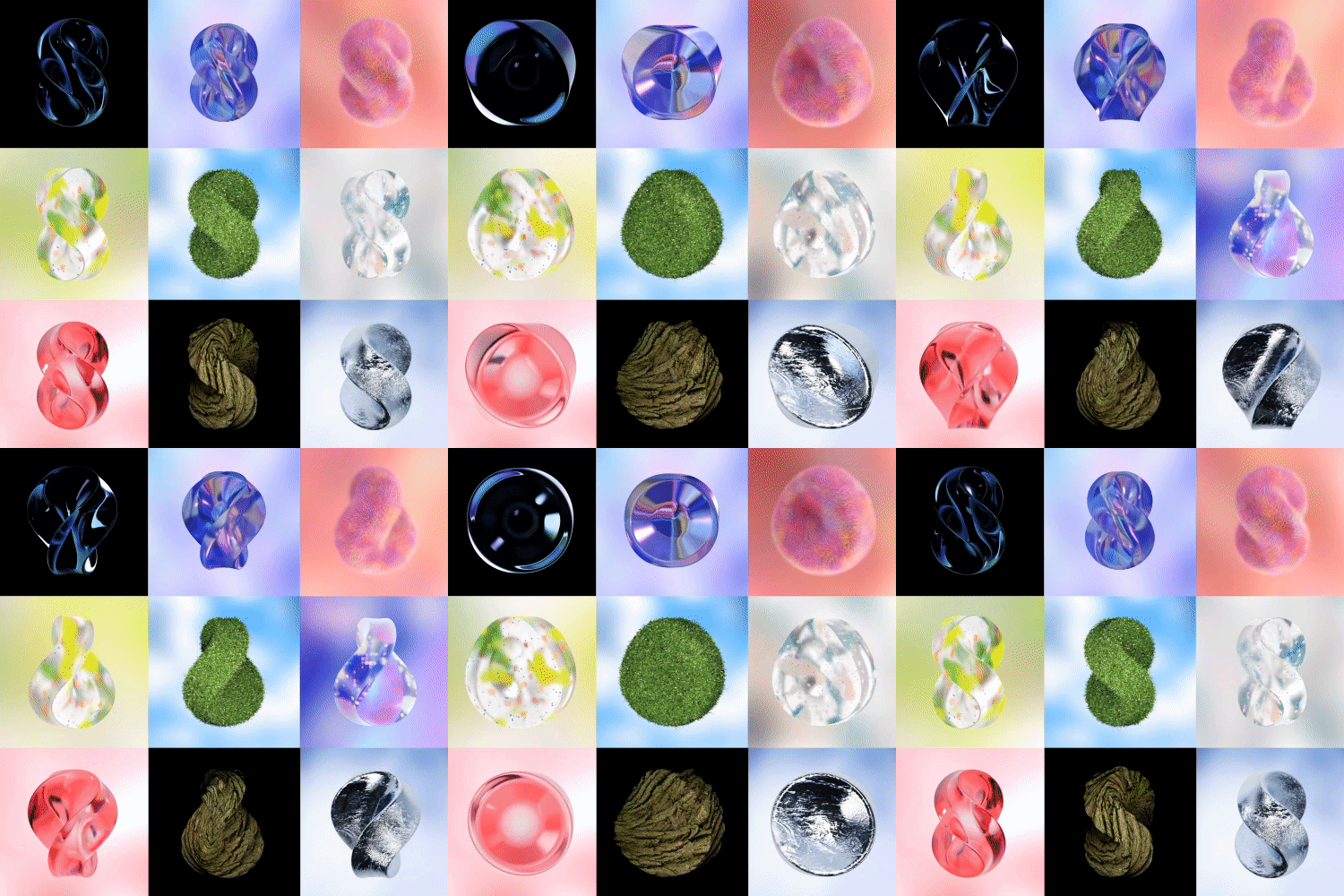
You’ll learn how to implement procedural textures and motions such as plastic, metal, glass, or fur, and how to use Mixamo Rigging and Adobe tools to support your designs.
I’ll teach you how to expand the spectrum of your work with Blender’s 3D expression techniques optimized for graphic designs as well as complete 3D artworks that are the center of attention in a number of fields including branding, packaging, illustrations, and NFTs.
I’ll teach you how to expand the spectrum of your work with Blender’s 3D expression techniques optimized for graphic designs as well as complete 3D artworks that are the center of attention in a number of fields including branding, packaging, illustrations, and NFTs.
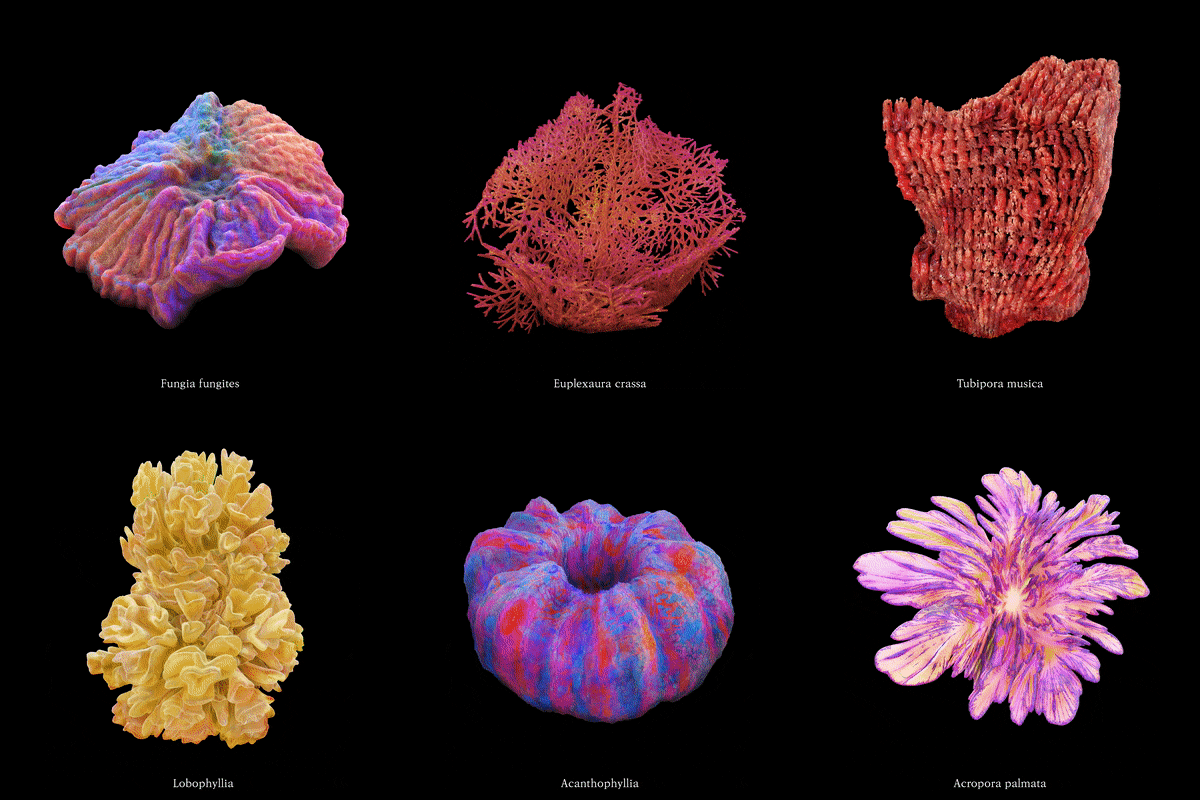
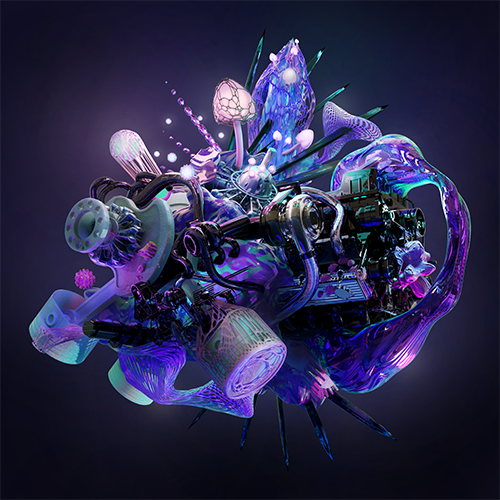
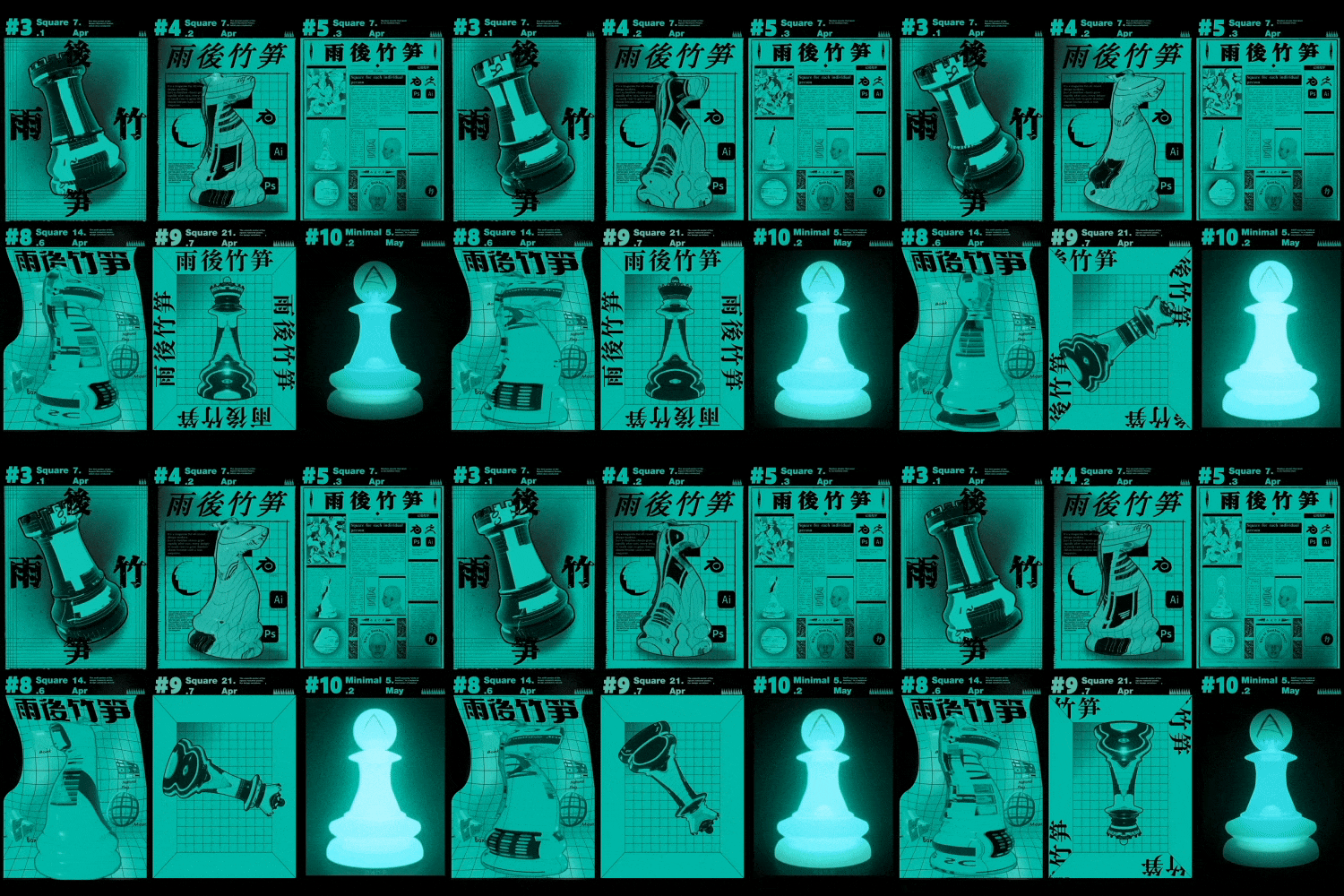
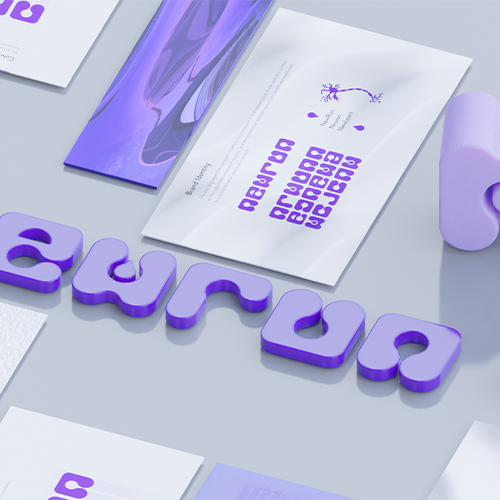
Expert 3D Graphic Designer Seyoon Jung's Portfolio

Why Take This Class?
3D graphic design is in high demand in a wide range of industries. We have created an A to Z curriculum for those who don't know where to begin and where to apply their knowledge.
Learn the core features of Blender through a vast study of 35 class exercises, and a solid curriculum comprising 50 lectures consisting of stationery-package mockups and 3D logos as well as abstract figures, images, and moving posters.
This class starts by explaining Blender’s basic UI and goes on to cover material expressions, lighting, and advanced animation skills based on an understanding of the node system and how to incorporate concepts into your final work.
Start upgrading your graphic design abilities now and learn to use 3D tools optimized for creating unique 3D artwork with rich, dense textures.
Coloso is the only place where you can find classes on Blender specifically tailored to 3D graphic design beginners in Korea.
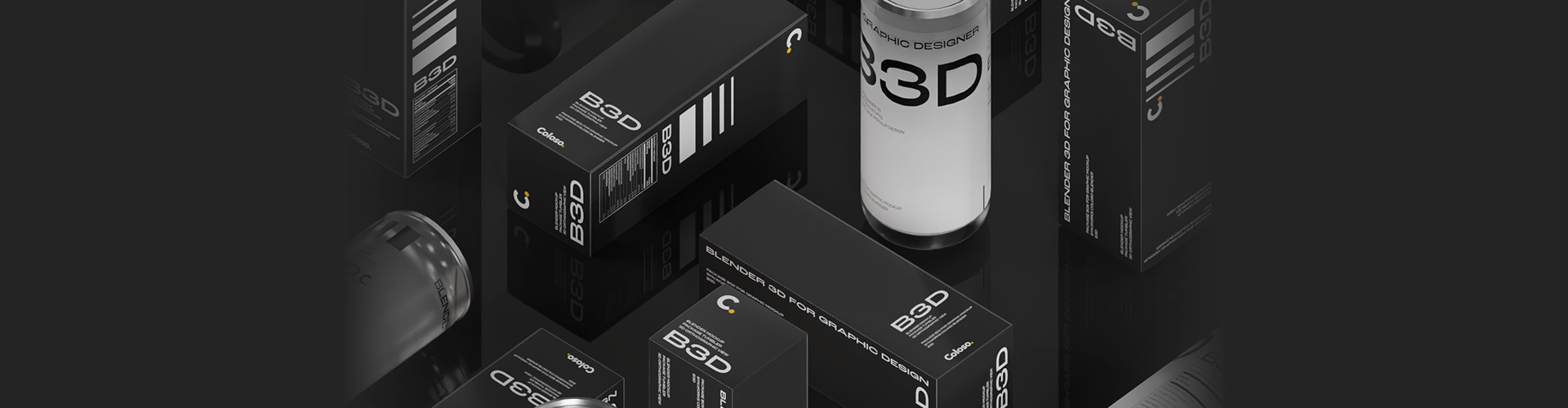
35 Class Exercises
Part 01. Abstract Figure Posters
Experience the overall work process, starting from the basic operation of Blender.
-
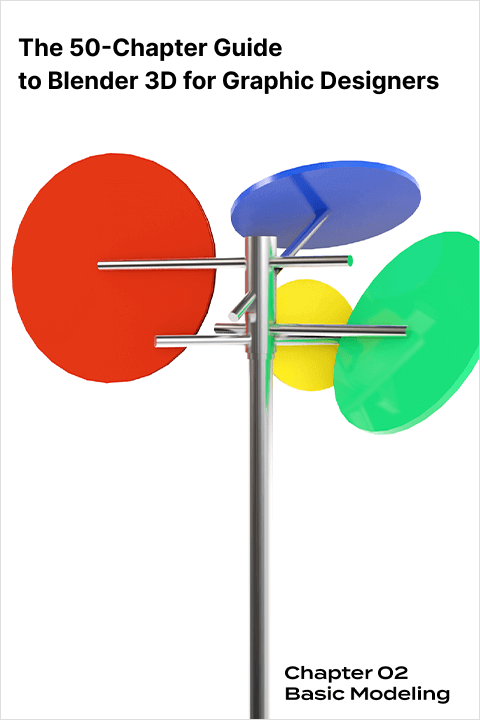 Basic Figure Modeling
 -
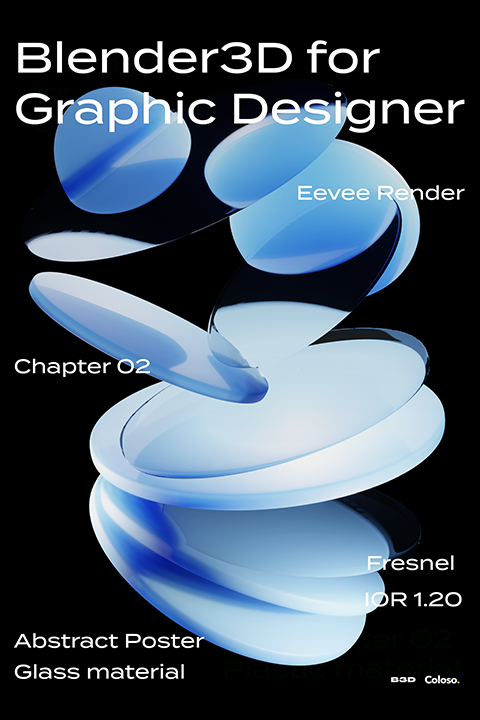 Plastic Materials
 -
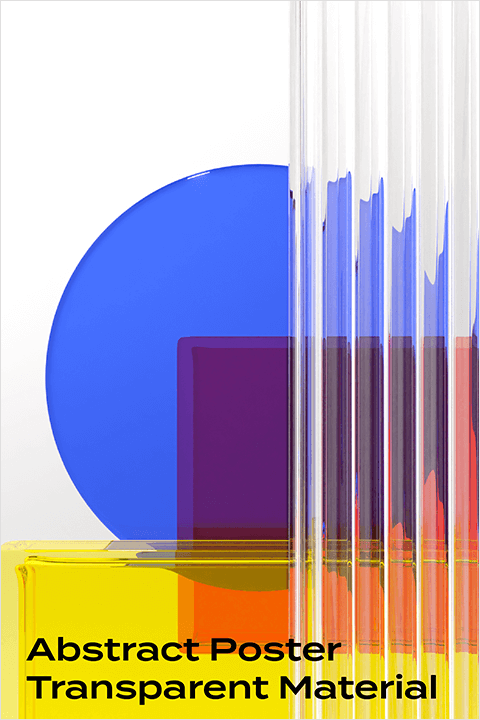 Transparent Material
and Light Scattering -
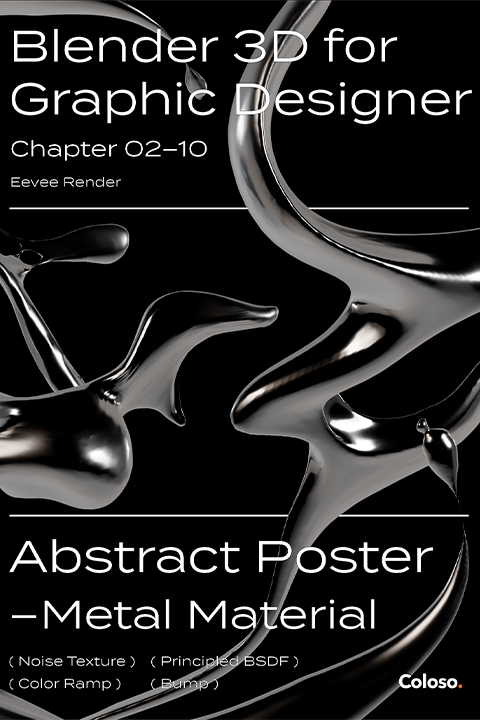 Metallic Materials and Lighting
Part 02. Package Mockup
Learn about the UV map and camera as well as animation rendering.
-
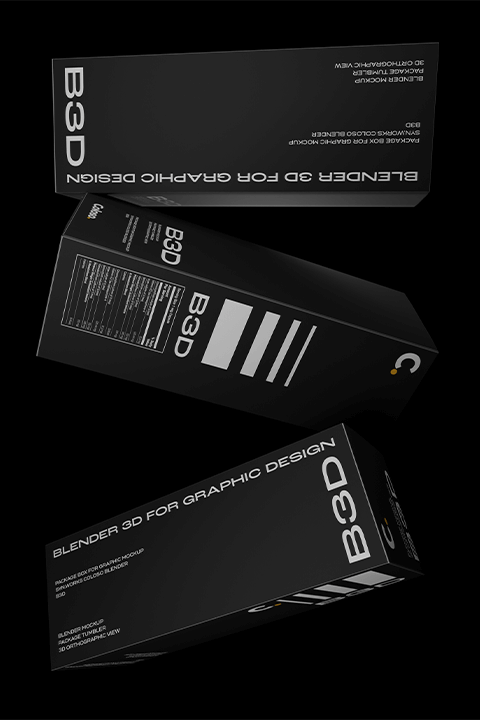 Basic Box Modeling
 -
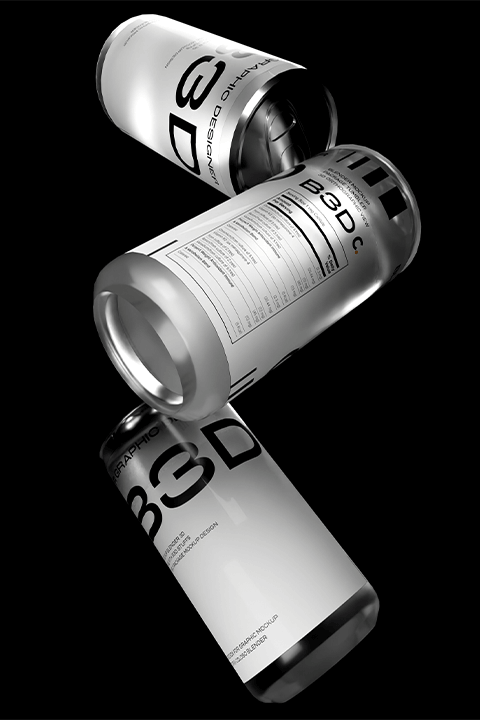 Basic Can Modeling
 -
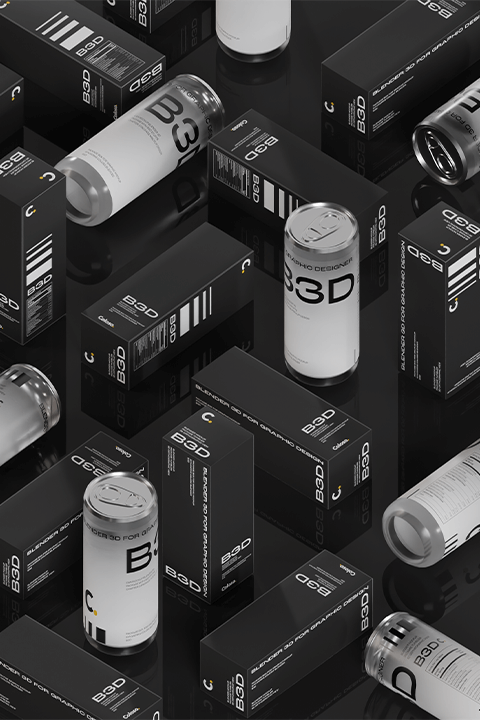 Poster Applications
 -
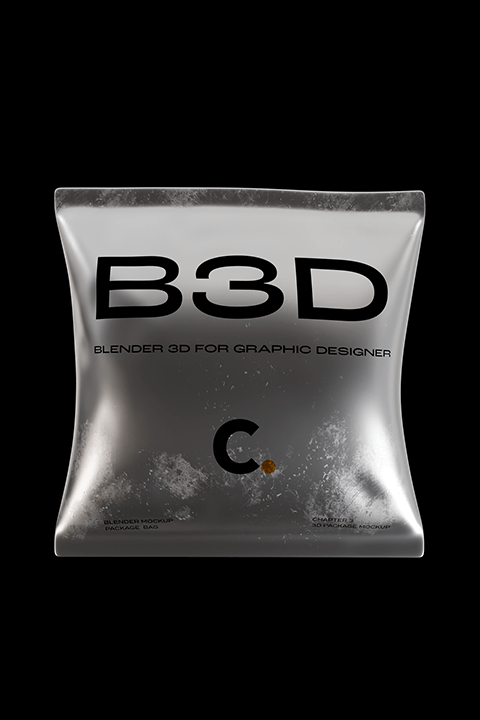 Bag Mockup
-
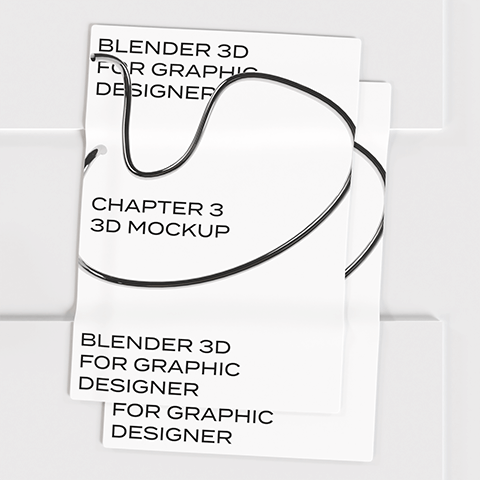 Poster Mockup
 -
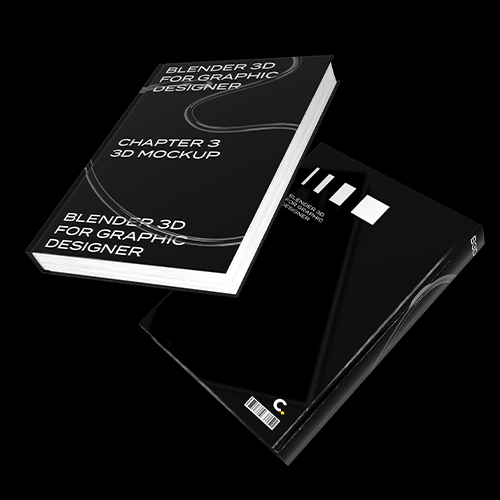 Book Mockup
 -
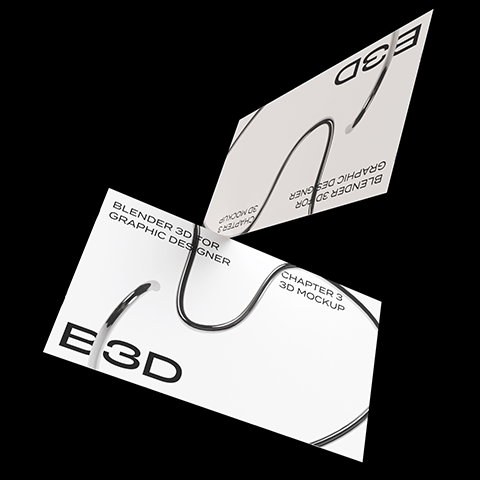 Business-card Mockup
 -
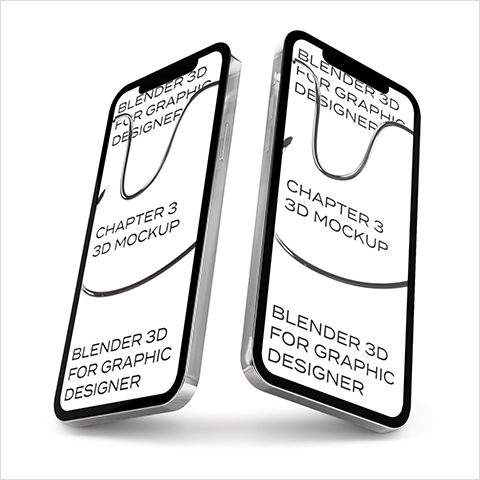 Smartphone Mockup
 -
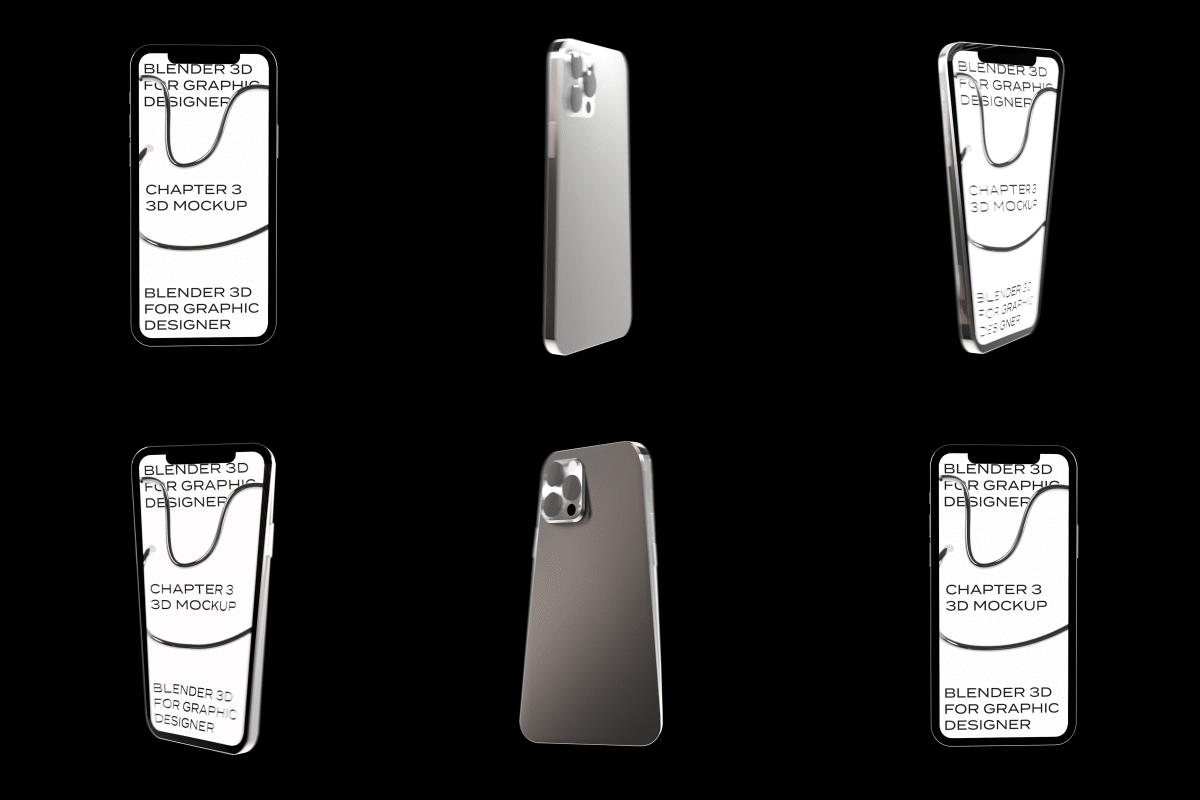 Smartphone Animation
Part 03. 3D Logos
Use appropriate texture nodes to implement objects with high-quality materials.
-
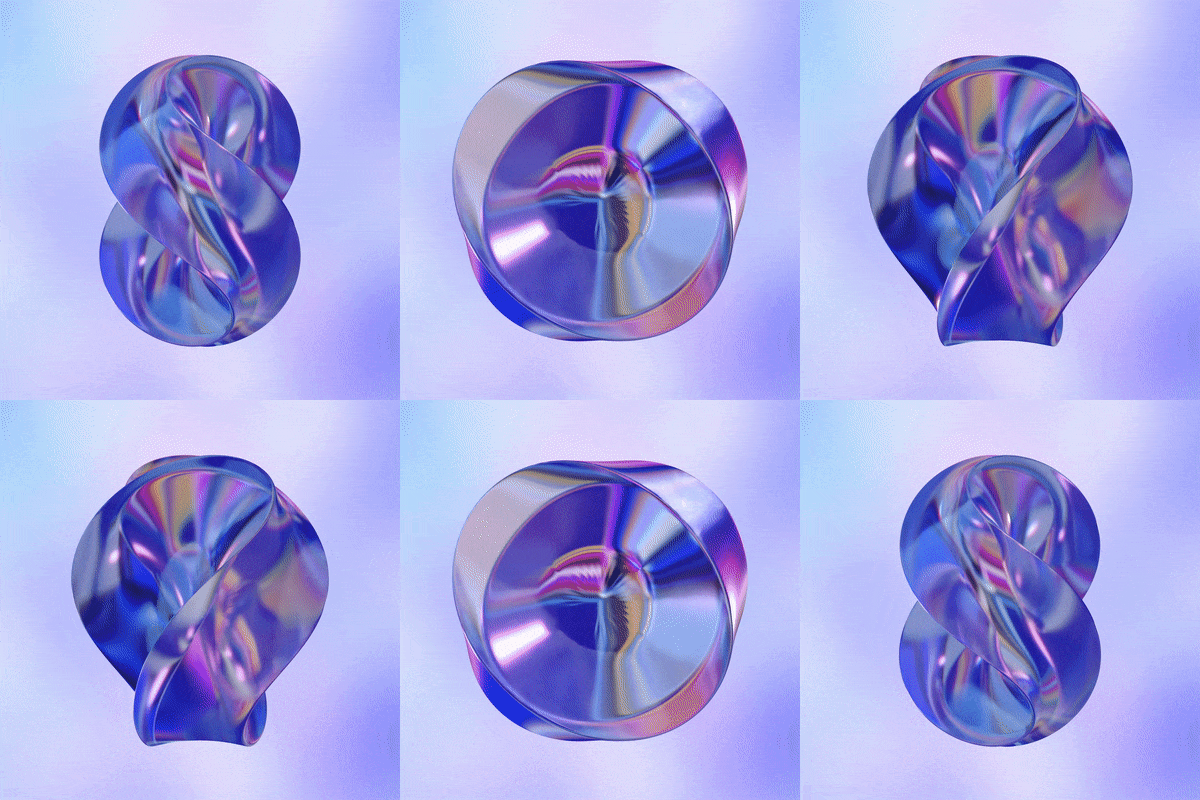 Glass 01
 -
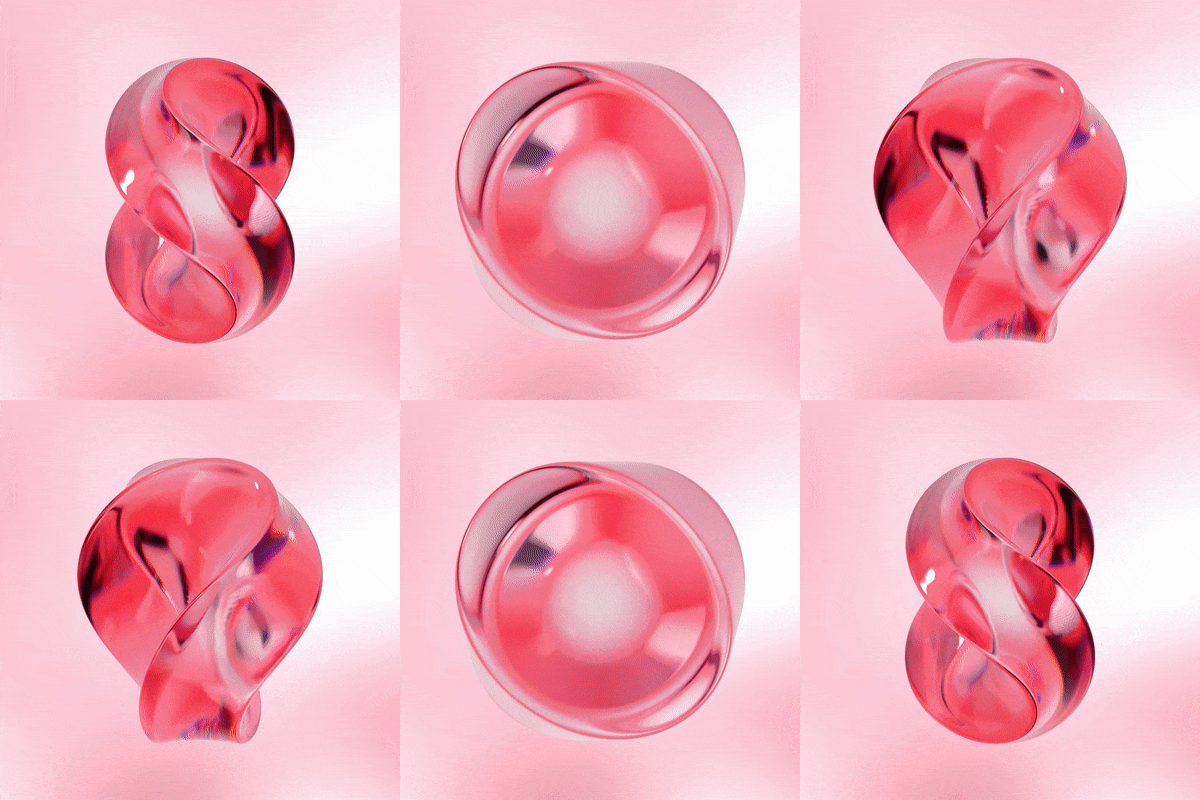 Glass 02
 -
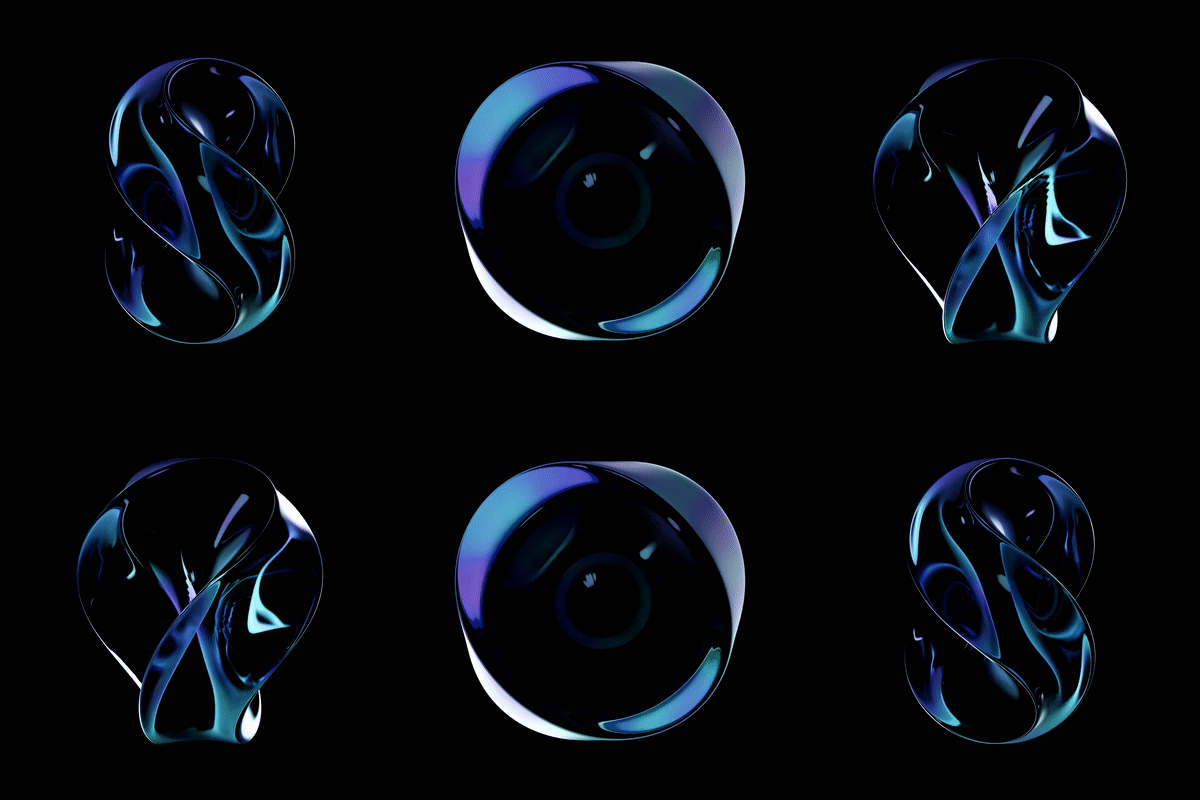 Glass 03
-
 Fur 01
 -
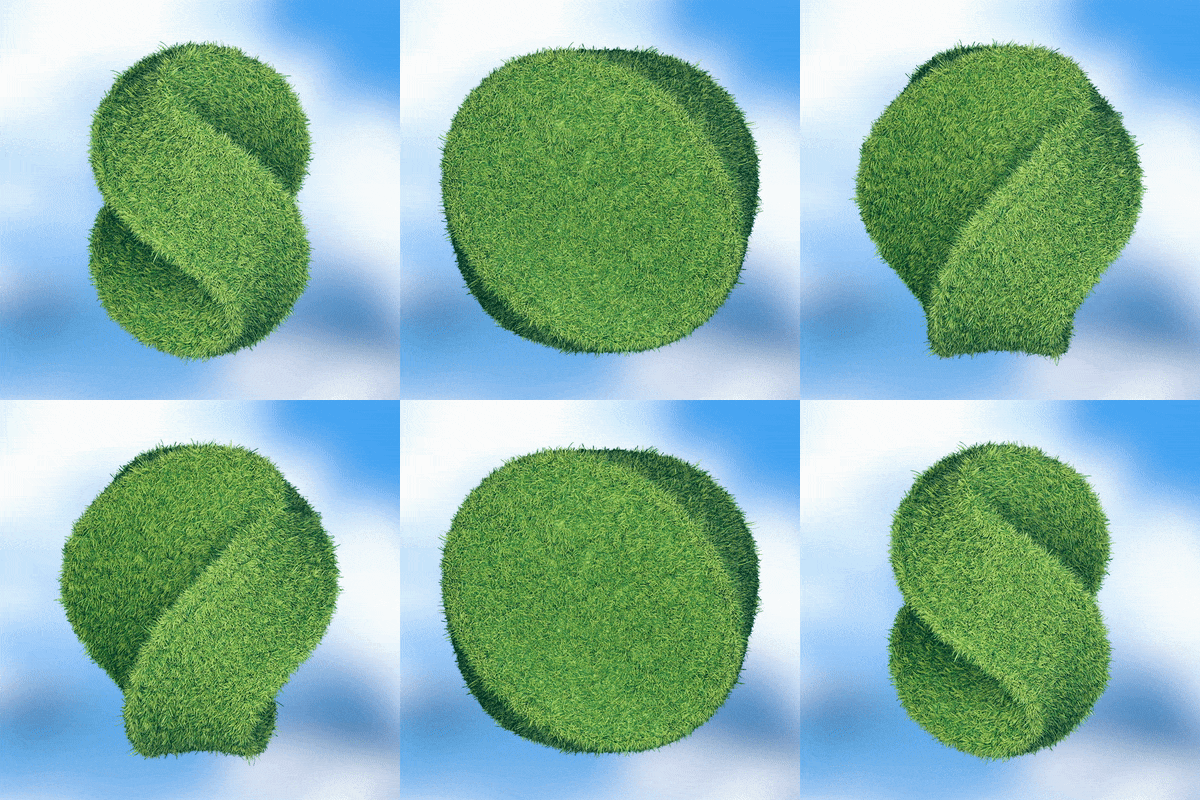 Fur 02
 -
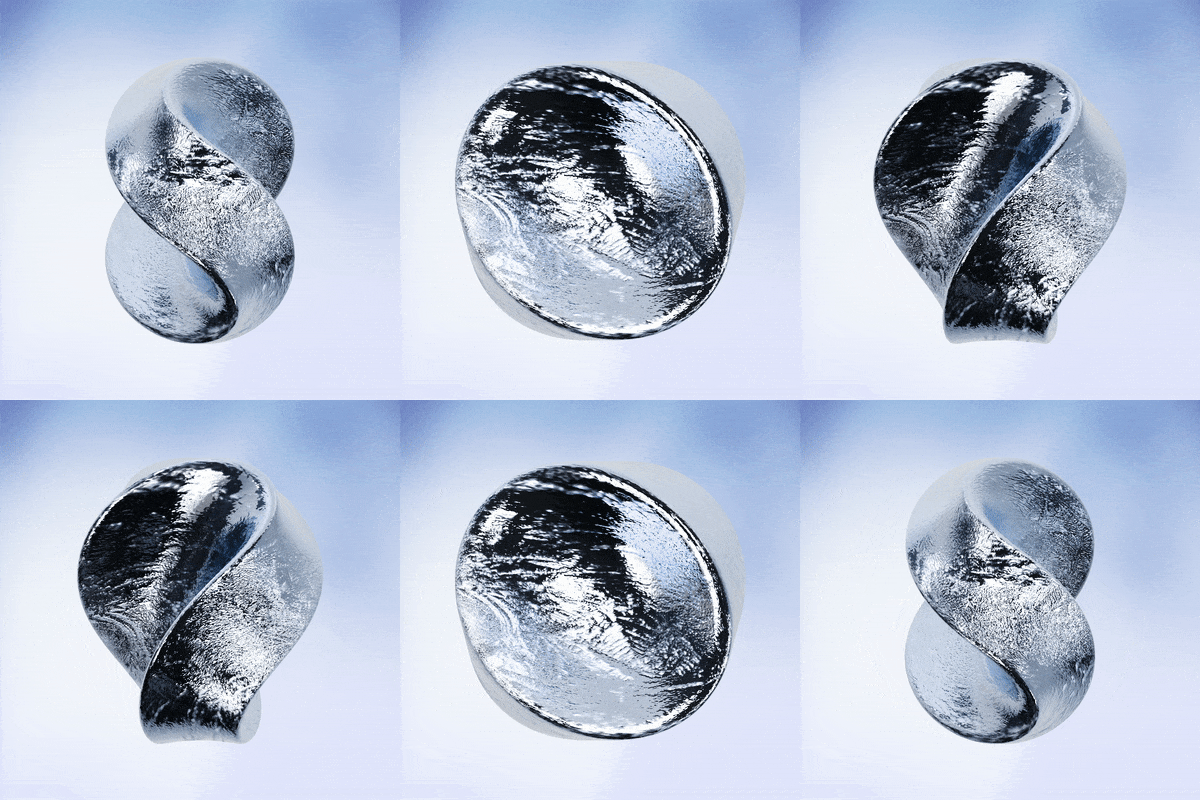 Photorealistic Texture 01
-
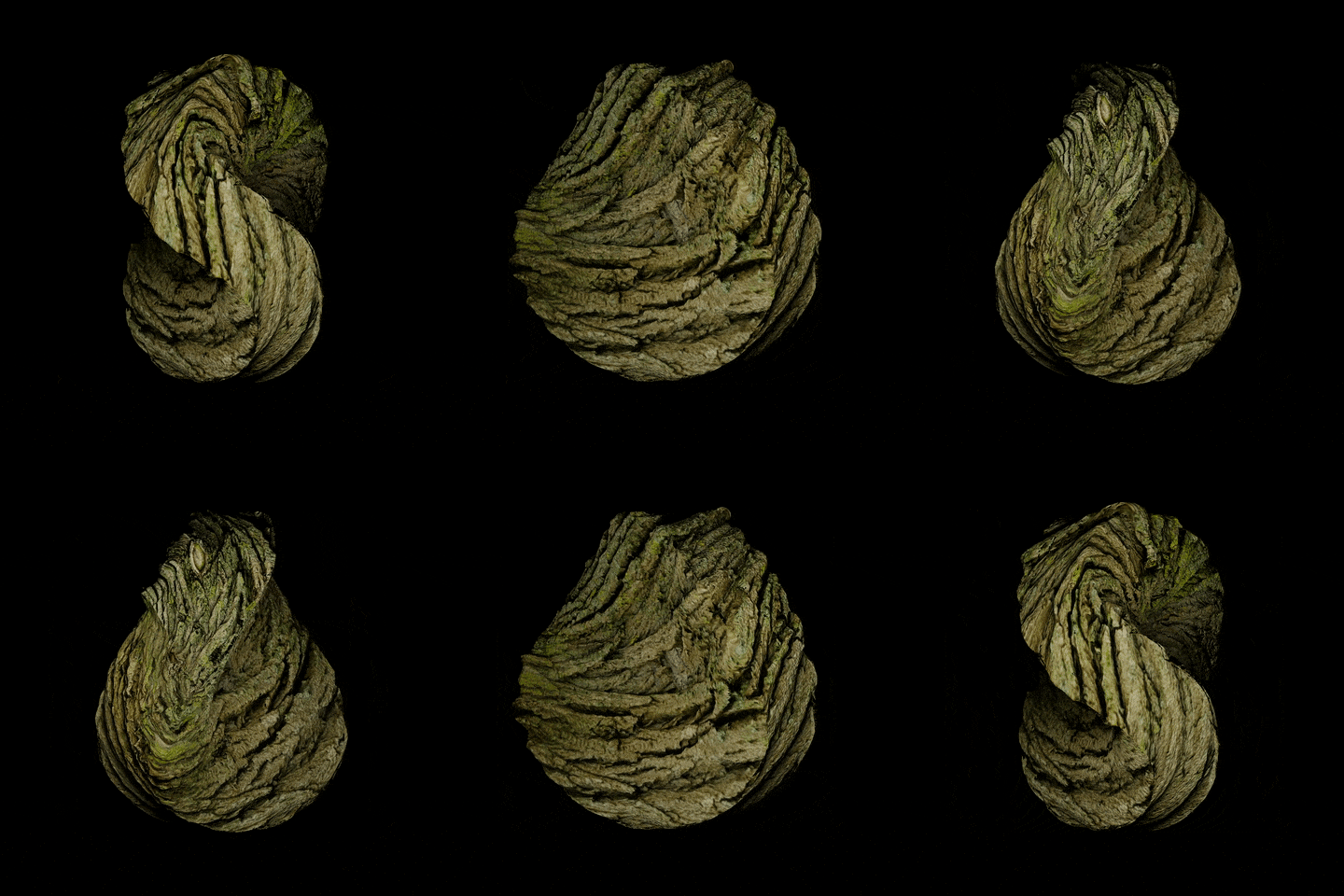 Photorealistic Texture 02
 -
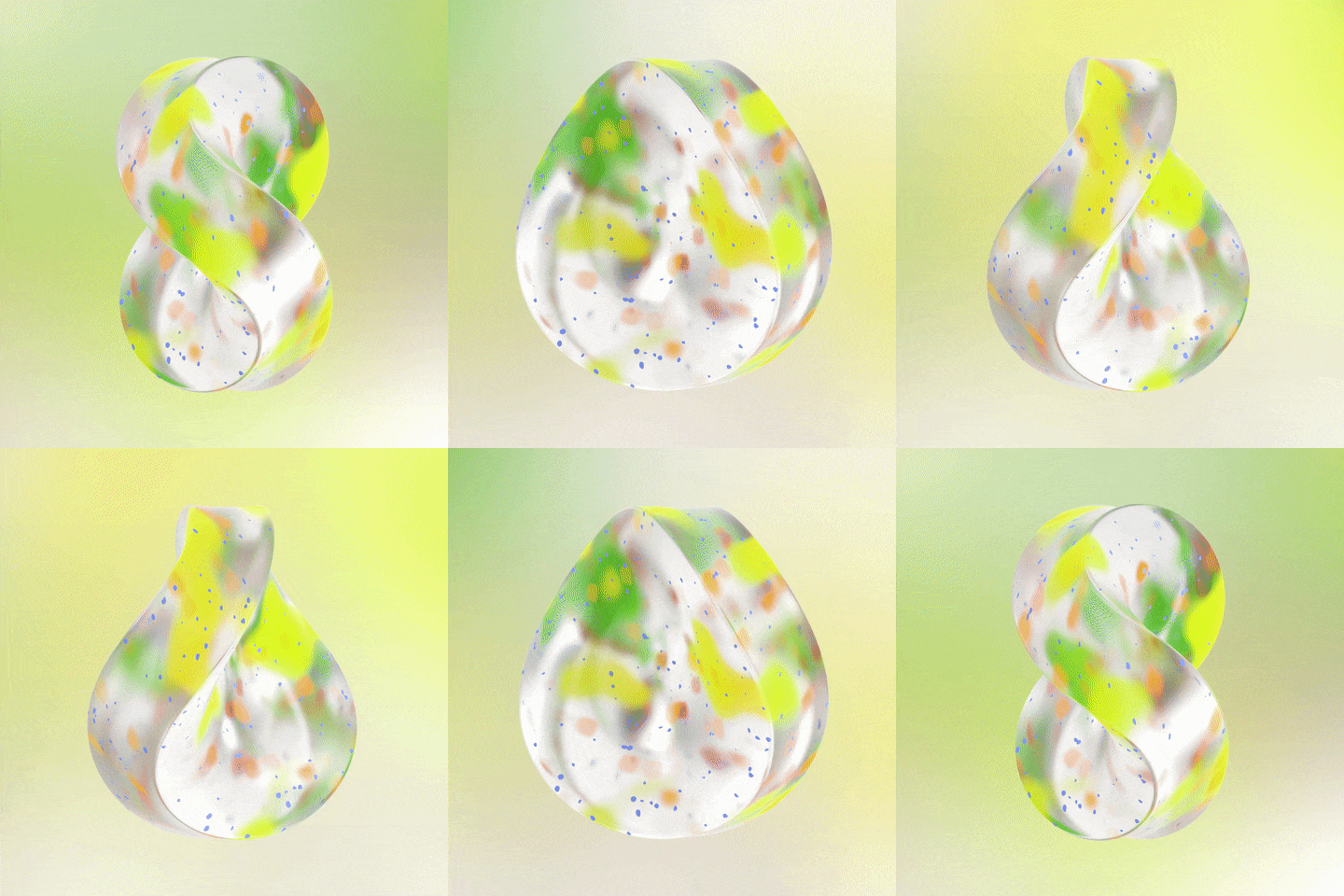 Node Texture 01
 -
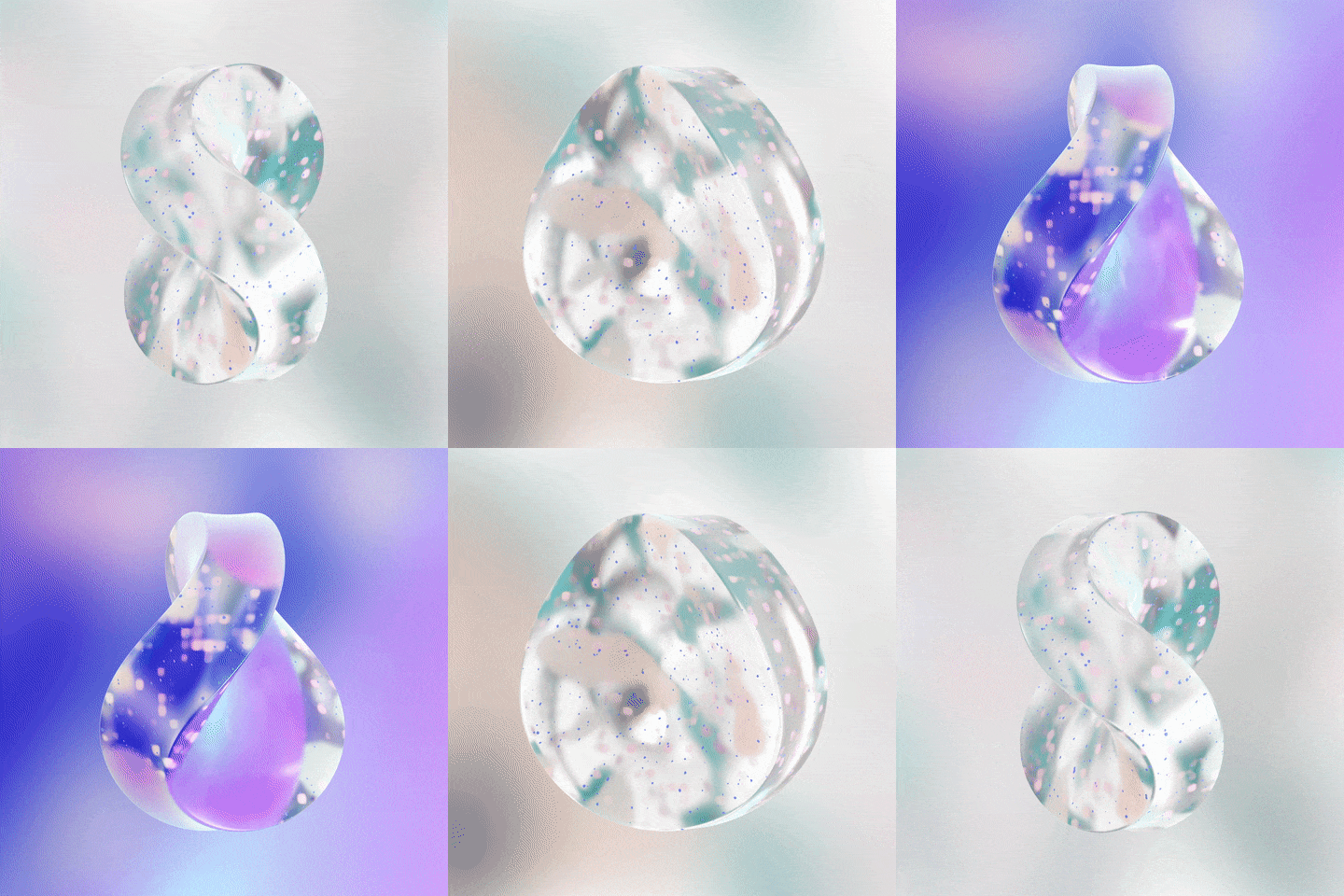 Node Texture 02
Part 04. Image Posters
Learn about geometry nodes and applying rigging using Mixamo.
-
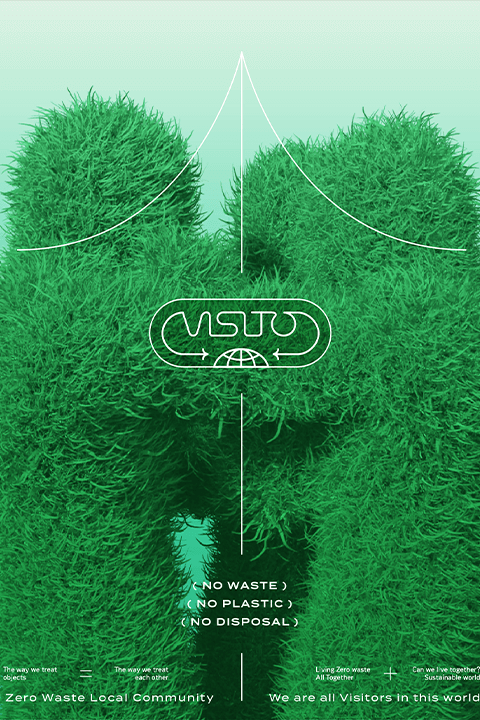 Geometry Nodes
 -
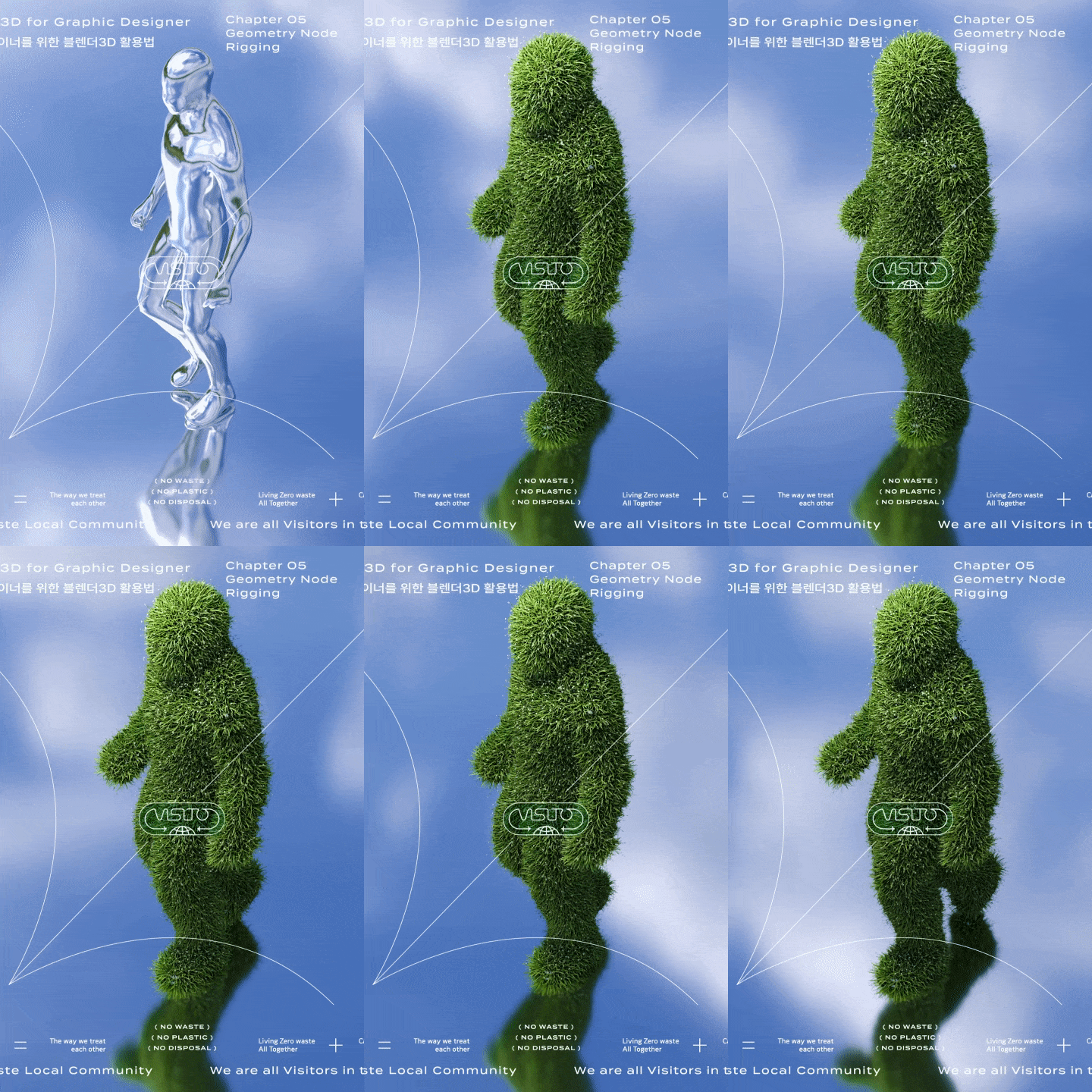 Exercise-based Motions
Part 05. Moving Posters
Create patterns using shading nodes and implement motions with modifiers for each type.
-
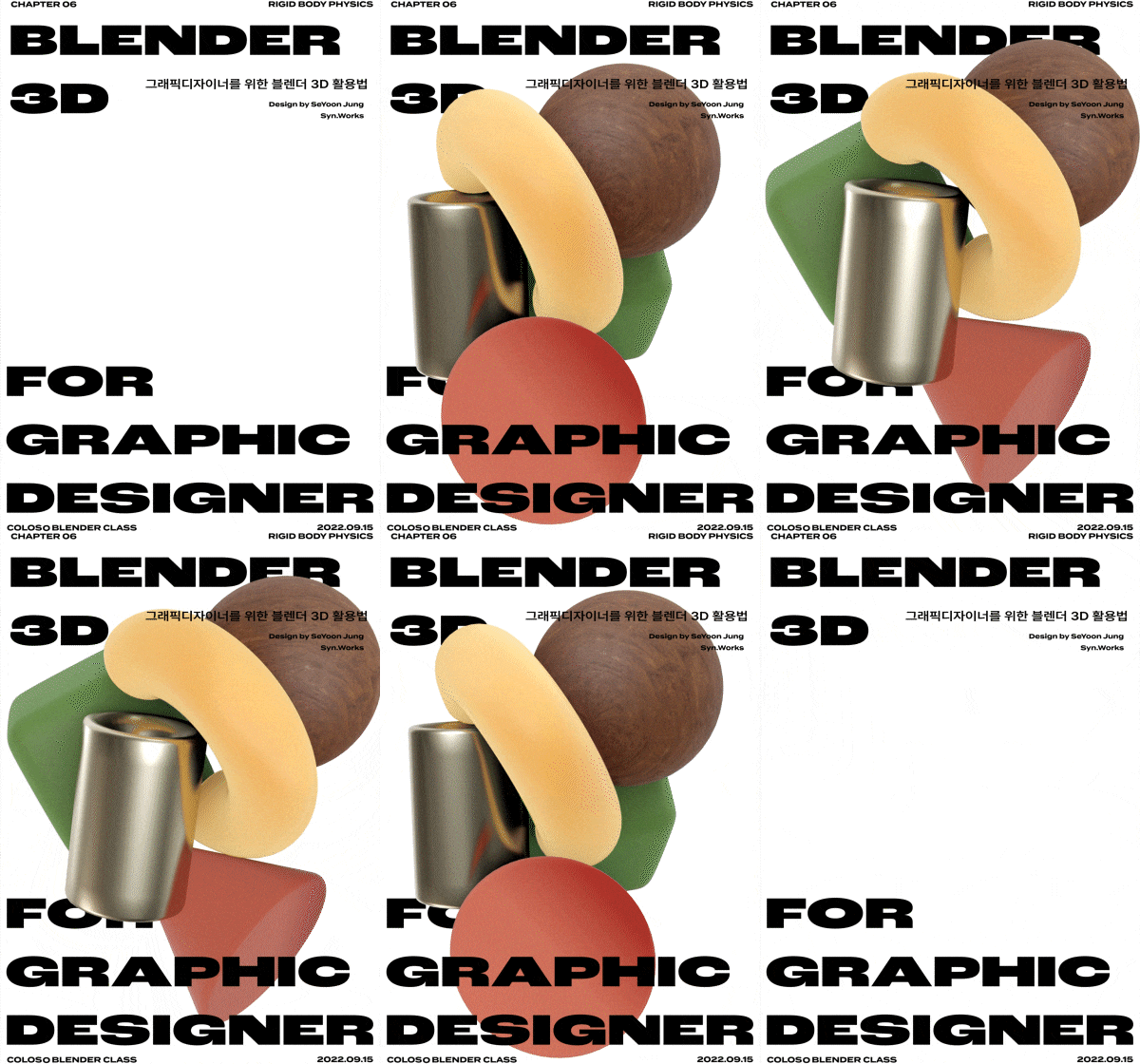 Rigid Body Posters
 -
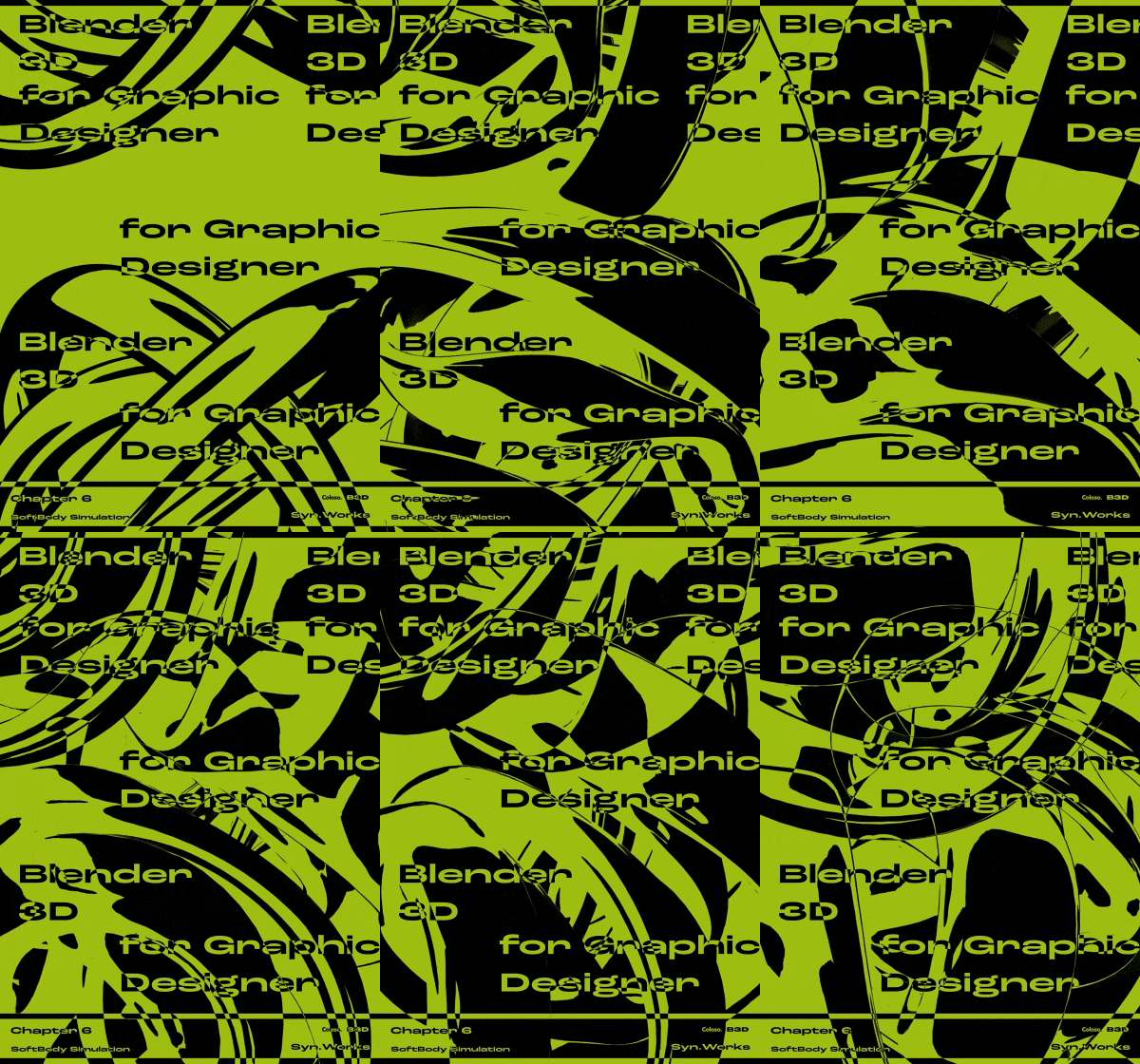 Soft Body Poster
 -
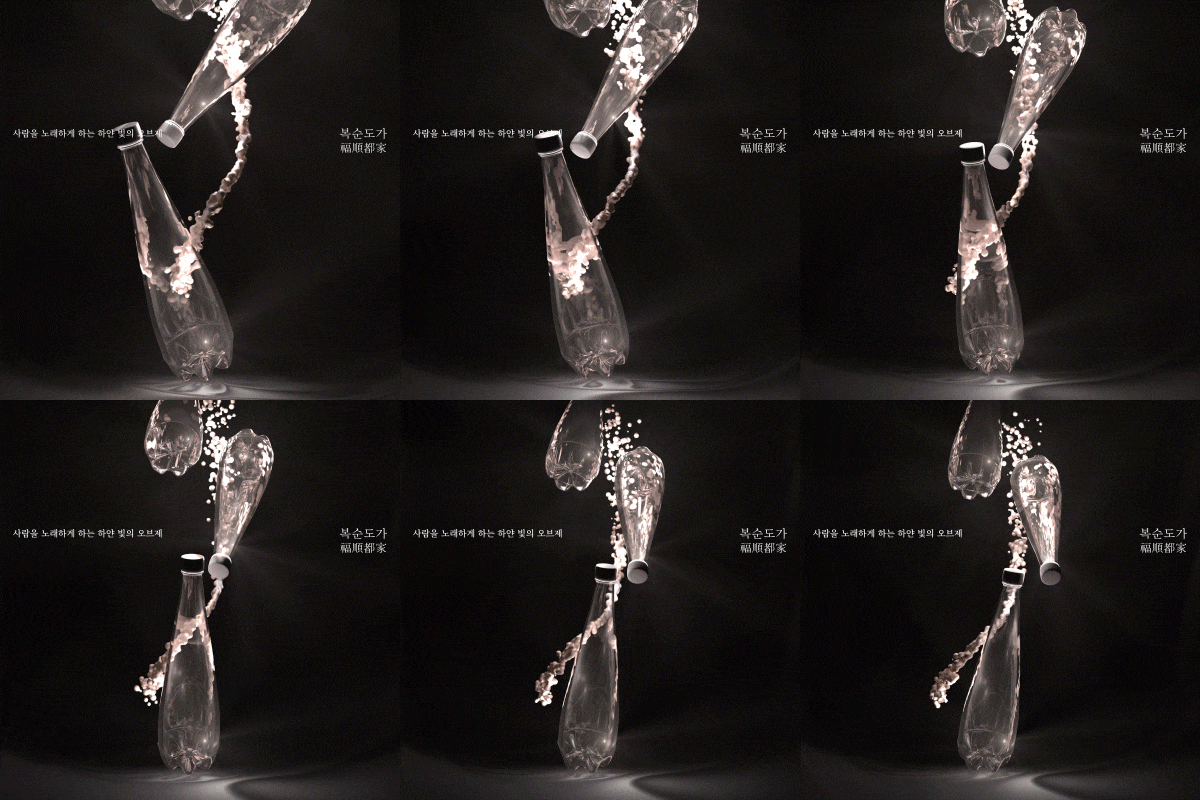
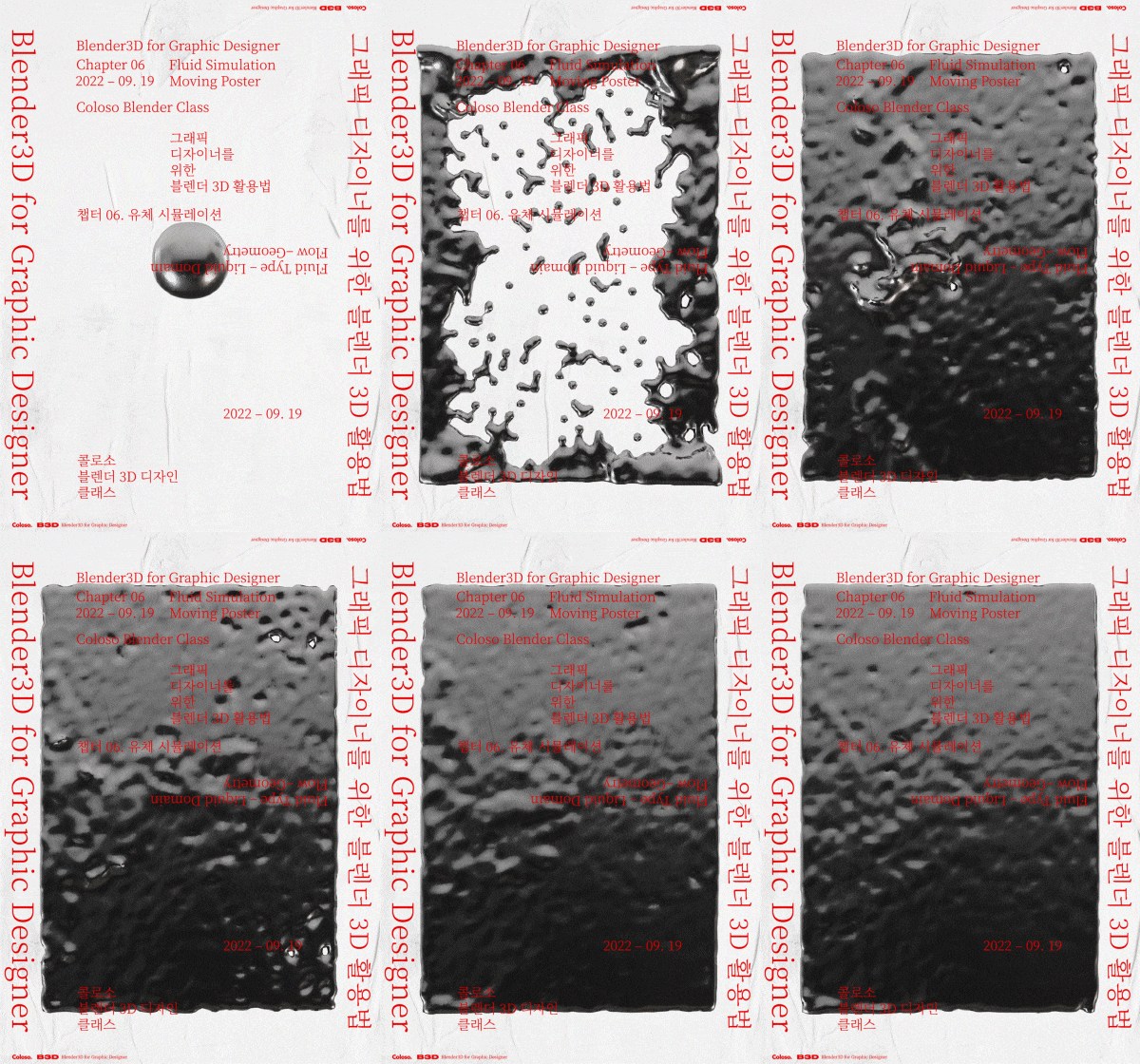 Fluid Poster
 -
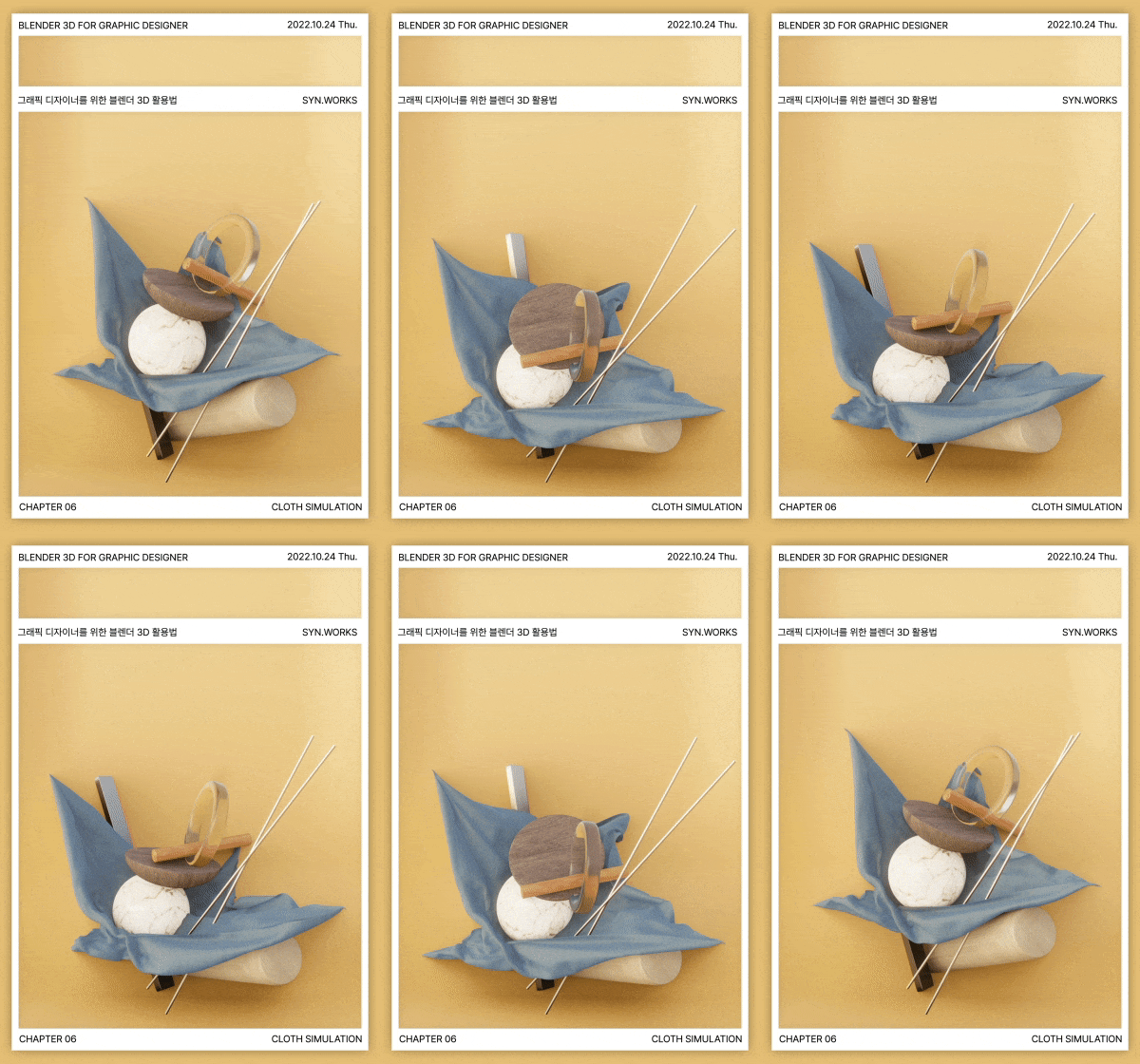 Cloth Poster
-
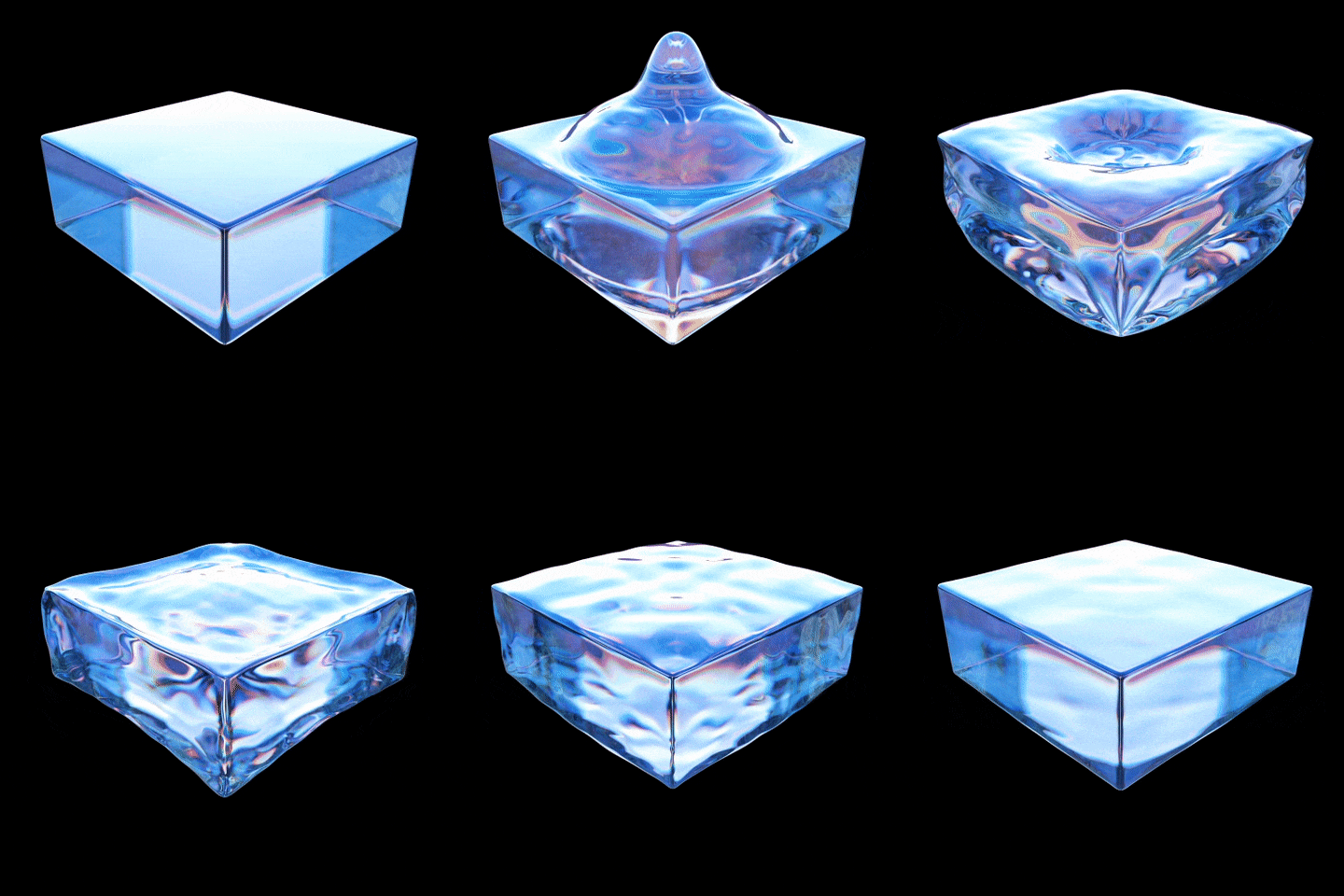 Dynamic Paint Motions
 -
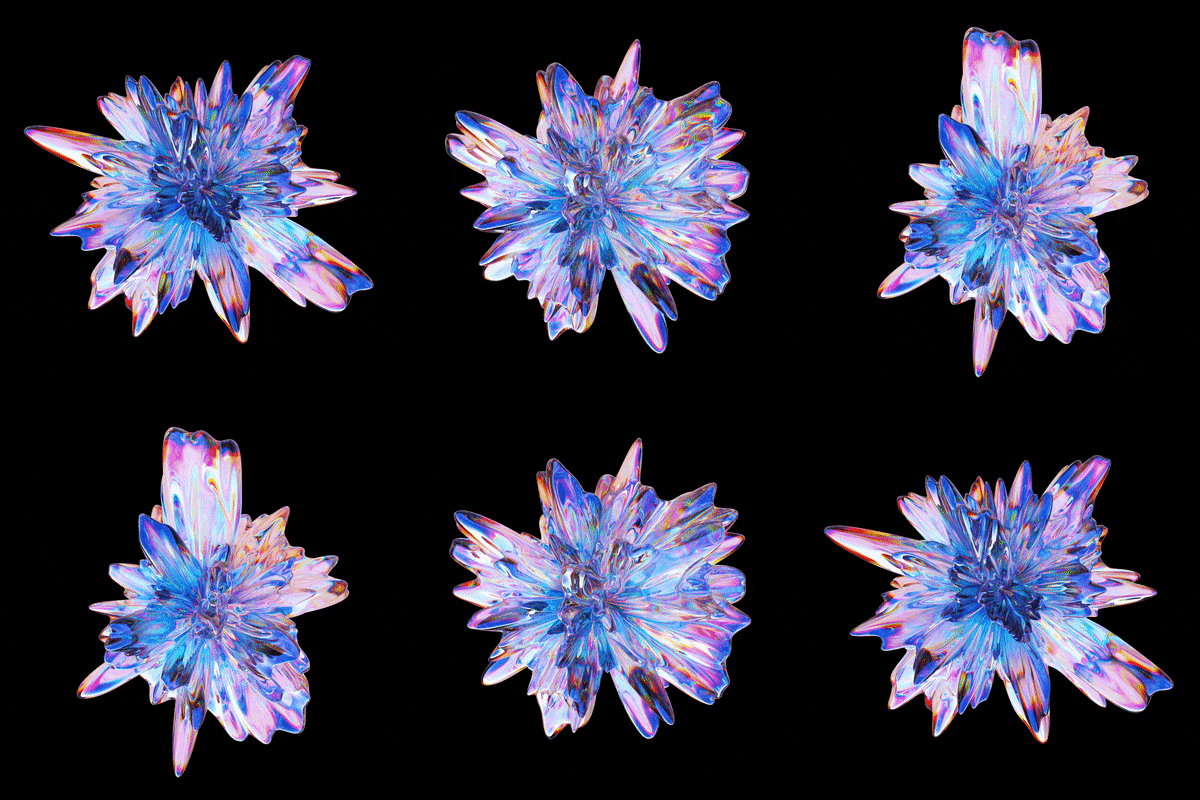 Displace Modifier
 -
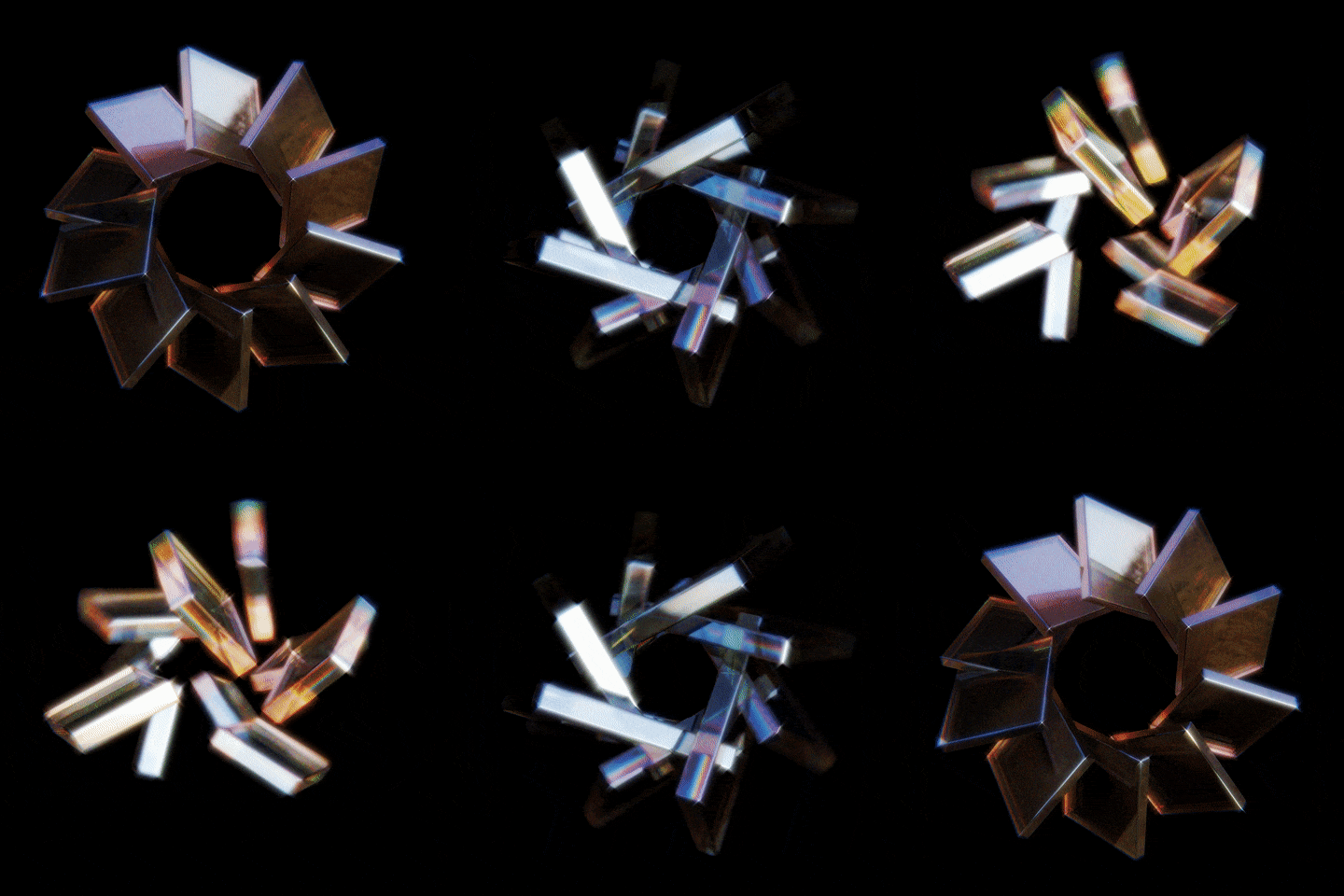 Array Modifier
 -
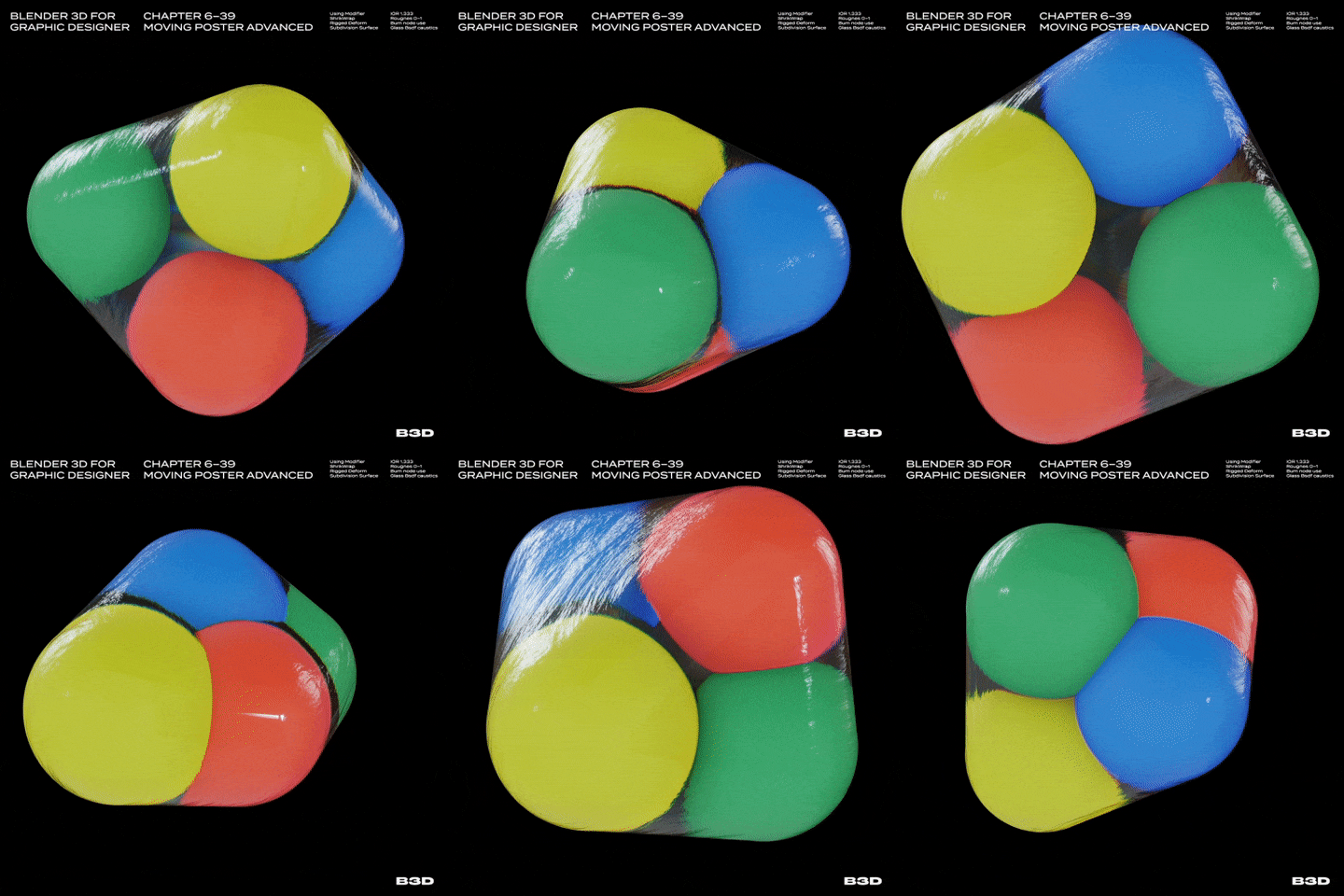 Shrink Wrap Modifier
 -
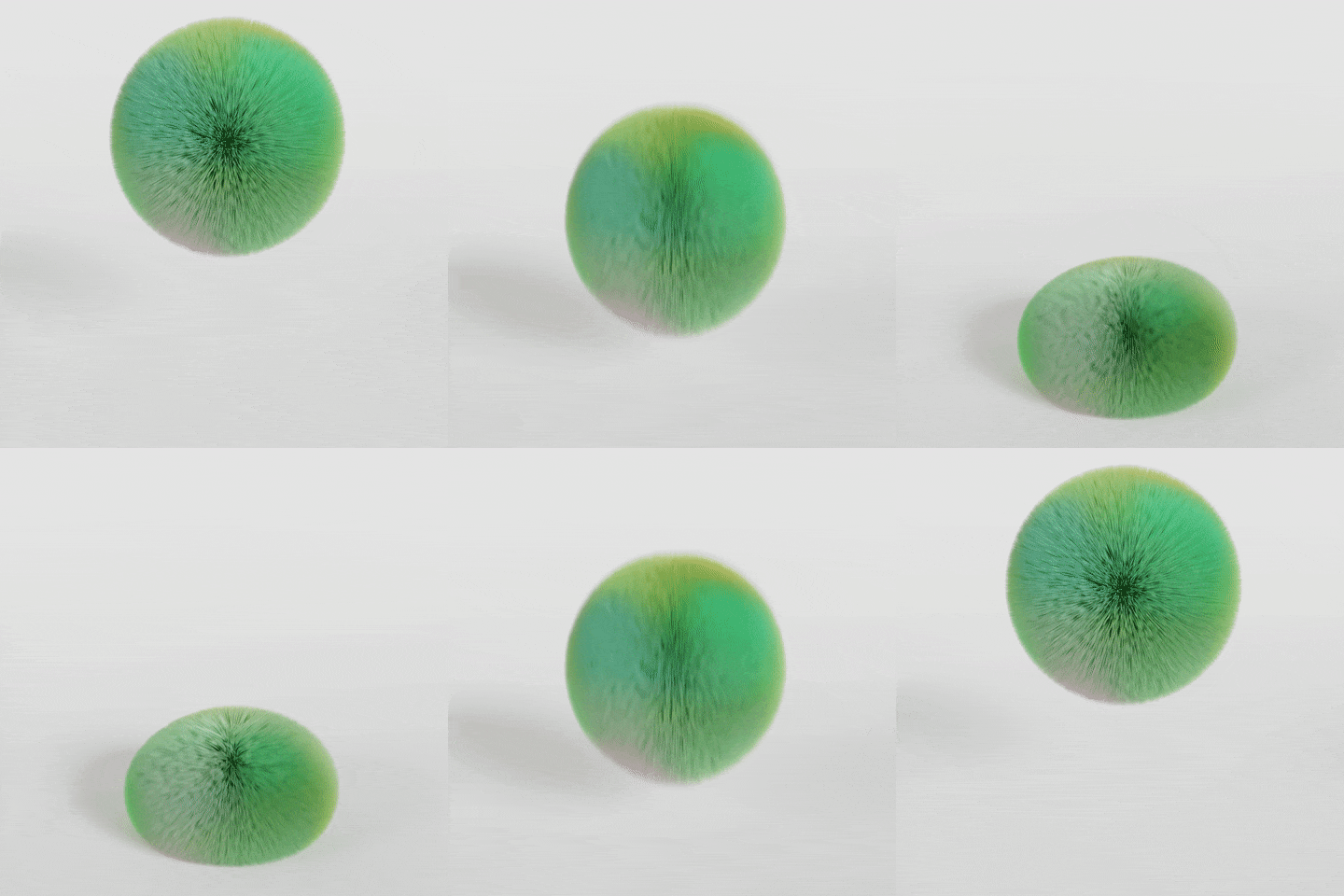 Shape Key Motion
 -
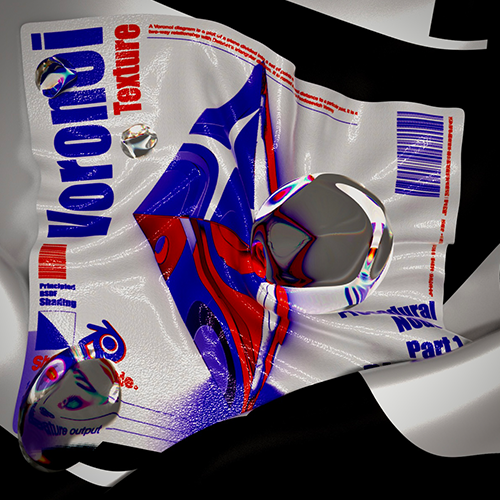
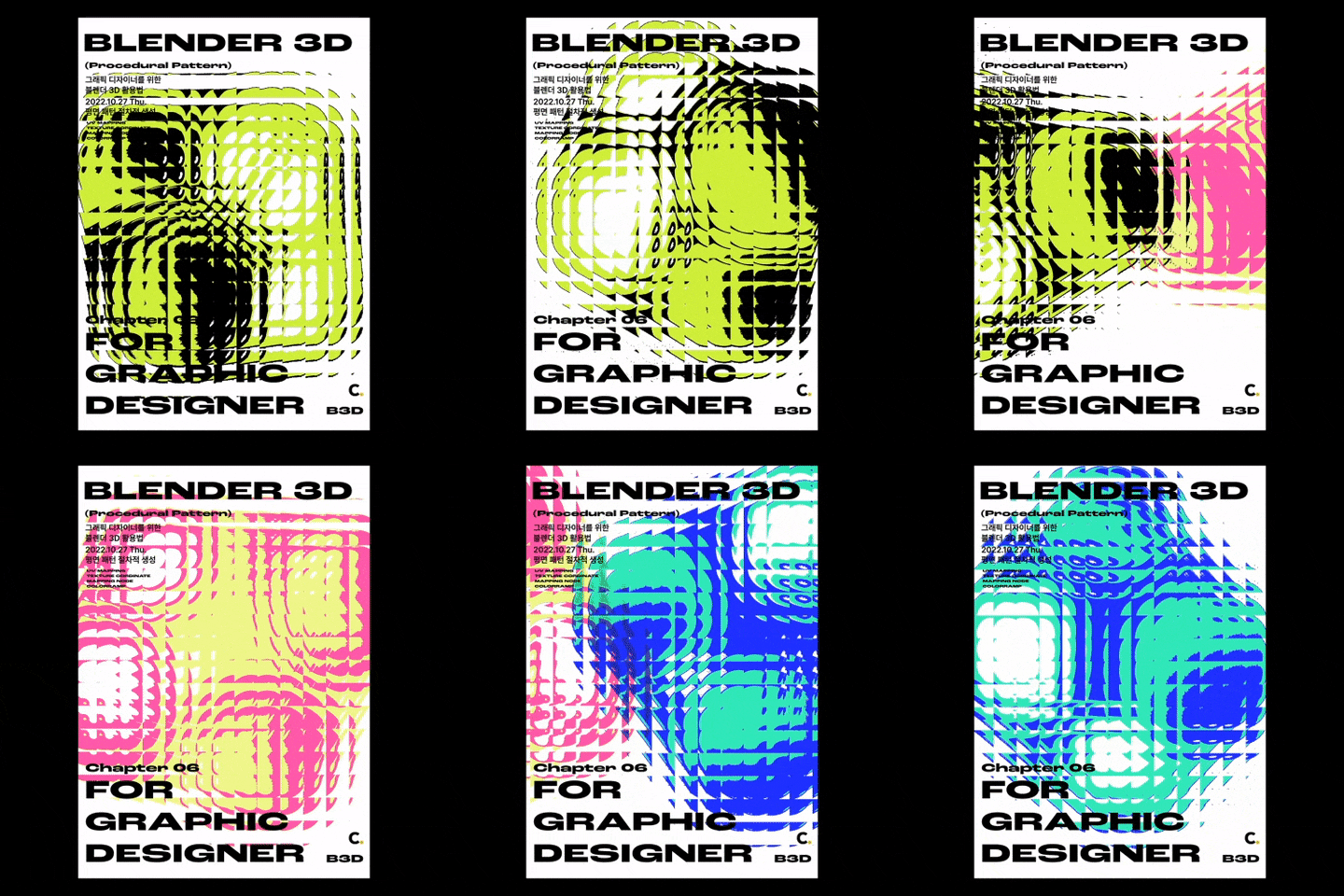 Shading Node Pattern
Part 06. 3D Artwork
Learn about a variety of modeling methods and texturing for more advanced versions.
-
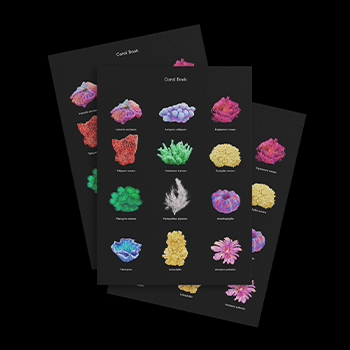
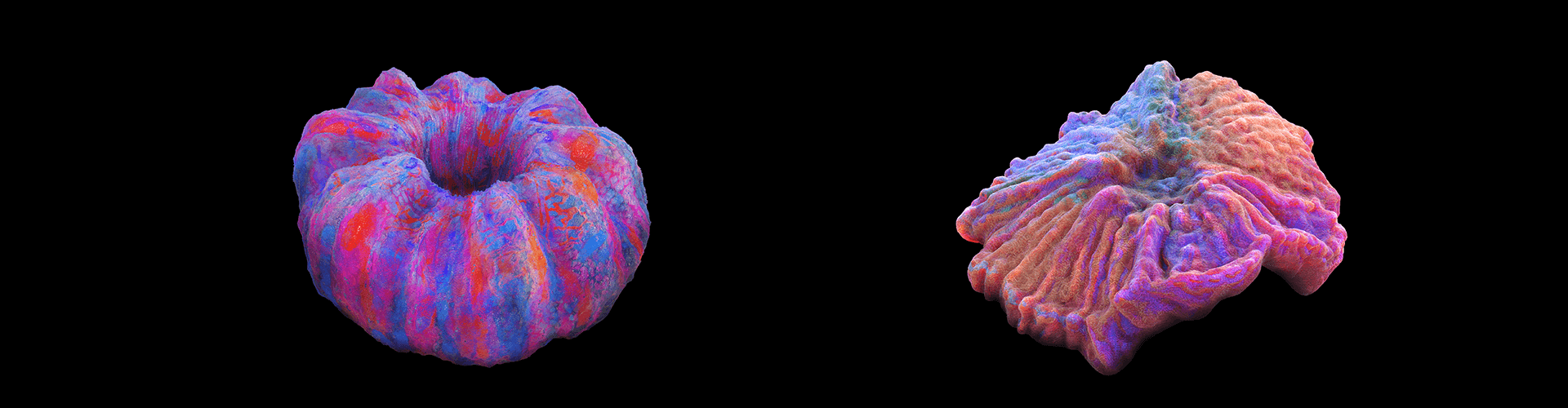
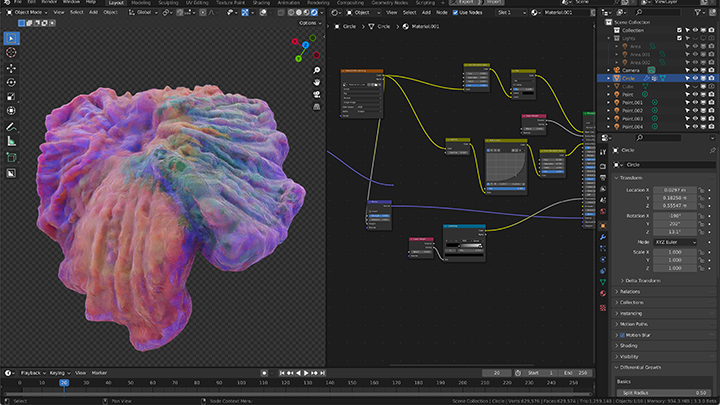
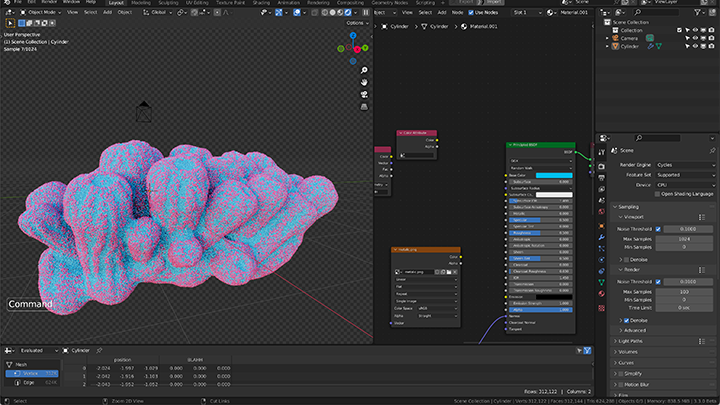
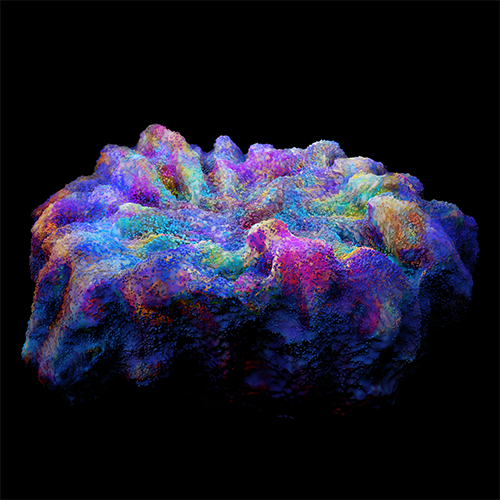 Making Coral
 -
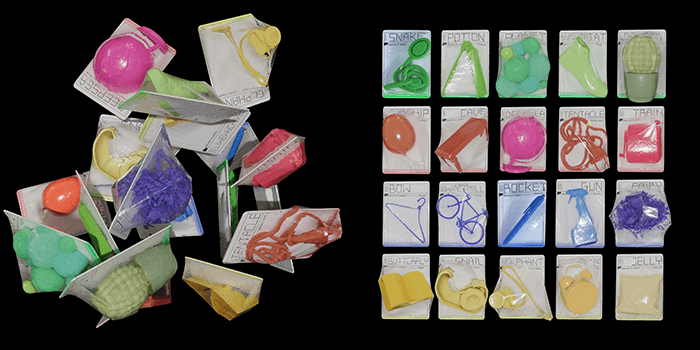
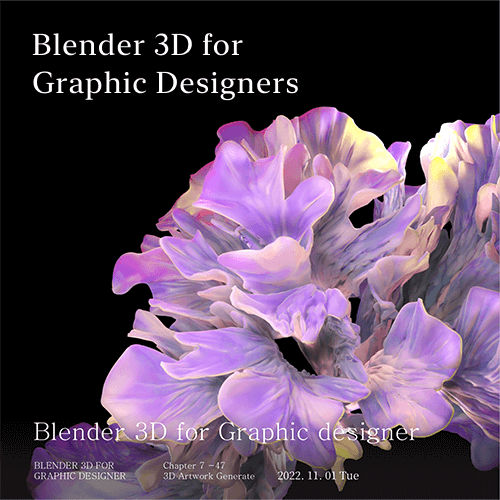 Procedural Modeling
 -
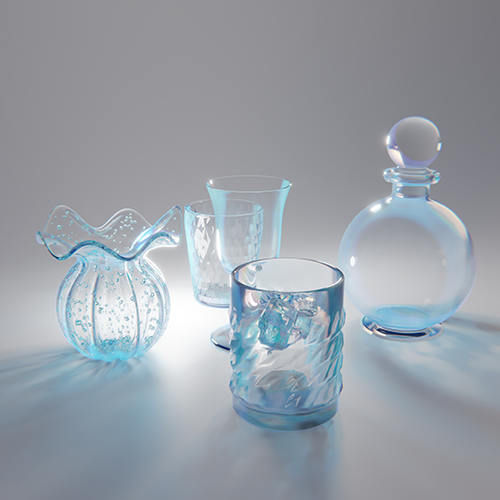 Reflection, Transmission, Scattering
*These are sample images for better understanding.
Instructor
3D Graphic Designer
Seyoon Jung
Hello, My name is Seyoon Jung, and I’m a 3D graphic designer.
I’m currently a freelance designer and am working on various 3D projects including 3D characters, BX, UX/UI, media art, and illustration.
Fascinated by Blender’s extensive range of graphics implementation and expression of colorful materials, I’ve steadily worked on how to incorporate 3D graphics in a natural manner, breaking away from typical 2D graphic designs.
Through this class, I’ll share Blender techniques that I’ve refined over the years of focusing on graphic designs.
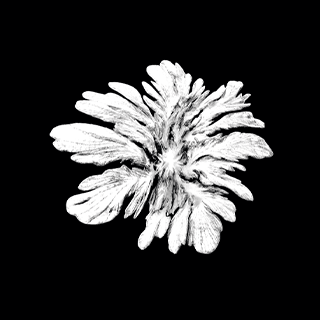
3D Graphic Designer,
Seyoon Jung
[Current]
Freelance 3D graphic designer
[Former]
3D designer at 10mg Digital Media Group
Recognizable
Projects & Awards
[Exhibitions]
2022 Digital Nomad “YCK 2022”
2021 SKT “TUAF”
[Workshops]
Blender 3D Workshop for Graphic Designers
3D Mockup Workshop for Visual Designers
Highlights
Class Highlights
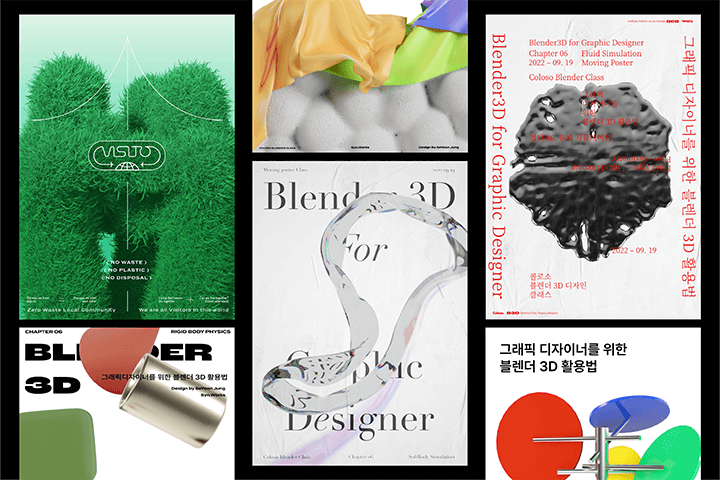
A Variety of Trendy 3D Graphic Techniques
Learn step by step the basics of Blender to create 3D graphics that are widely popular in the graphic design scene and gain knowledge of motion implementation, then apply a wide variety of expression techniques to your work.
Implementing High-Quality Textures Using Blender, a Free Tool
Using only Blender, reproduce a number of high-quality materials such as plastic, metal, glass, and fur, as well as lighting for the effect of reflection, transmission, and refraction, with the same quality you would expect from paid programs or renderers.
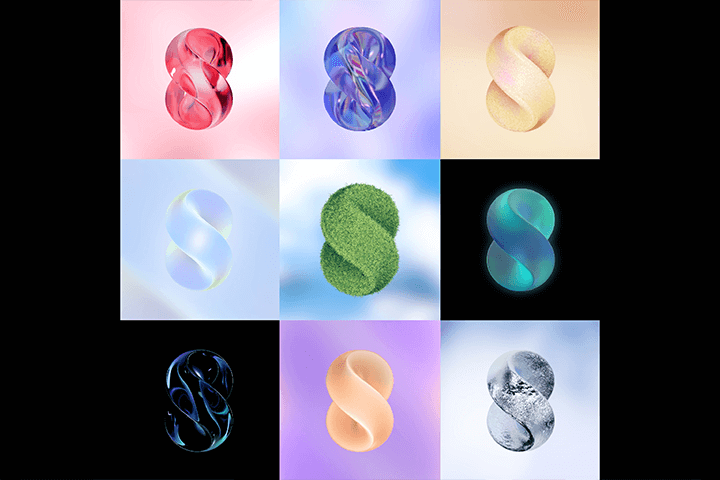
Enhancing the Impact of Brand Concepts
In order to help you create visually unique graphics and deliver condensed messaging, you’ll learn about production skills, as well as the overall graphic design process including planning and training methods.
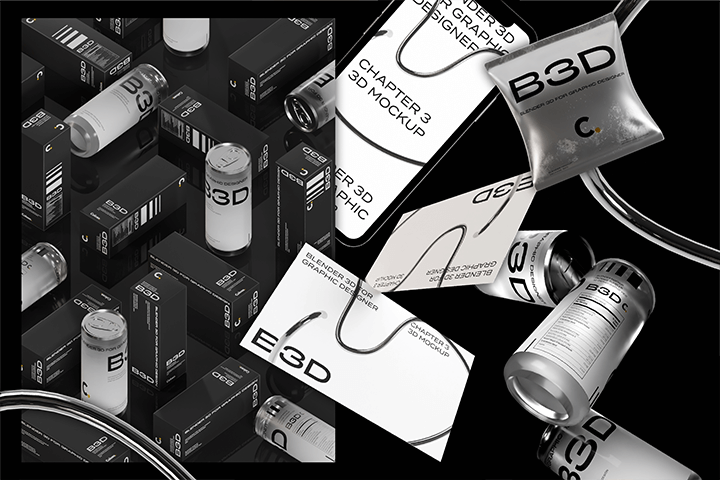
Class Details
You'll Learn
-
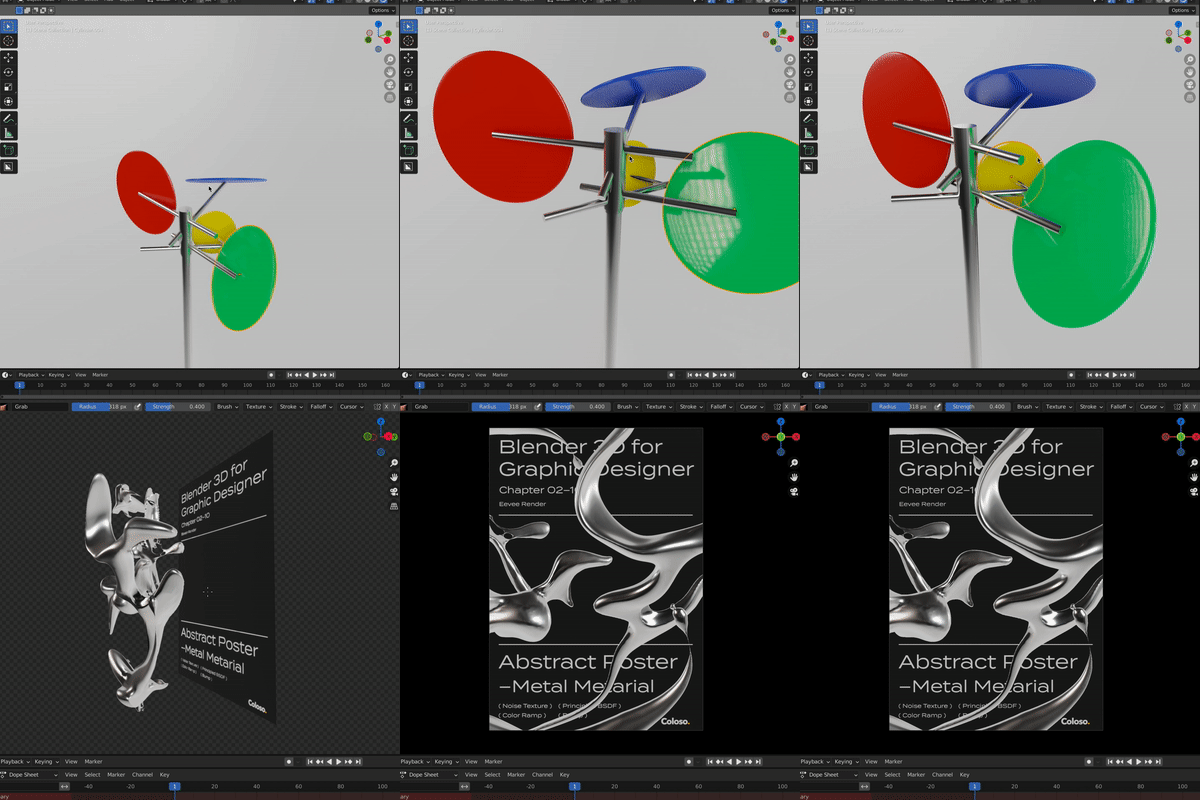 Blender for Graphic DesignersYou’ll be able to examine Blender’s layout and UI and learn about concepts such as modeling, sculpting, texturing, and rendering to improve your basic skills.
 -
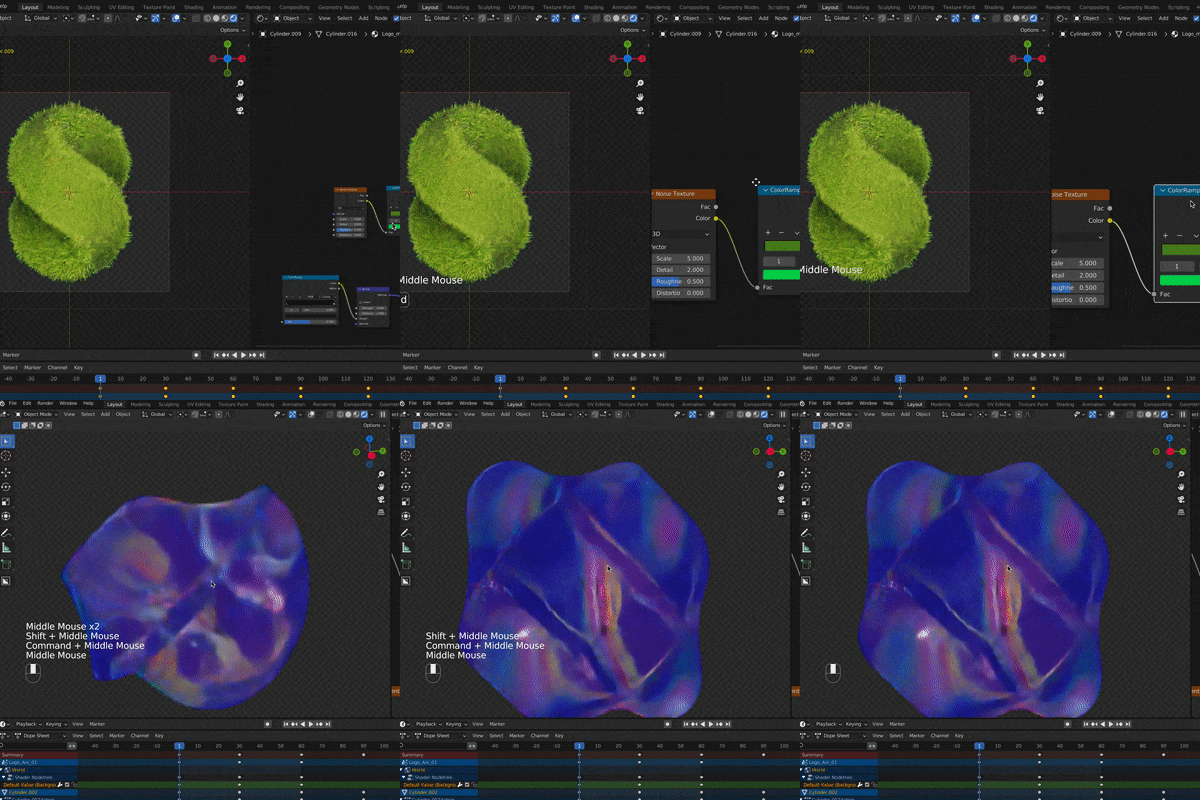 Realistic 3D Material ExpressionYou’ll come to understand the operating principles and usage of nodes necessary for high-quality texturing and implement a range of highly useful materials.
 -
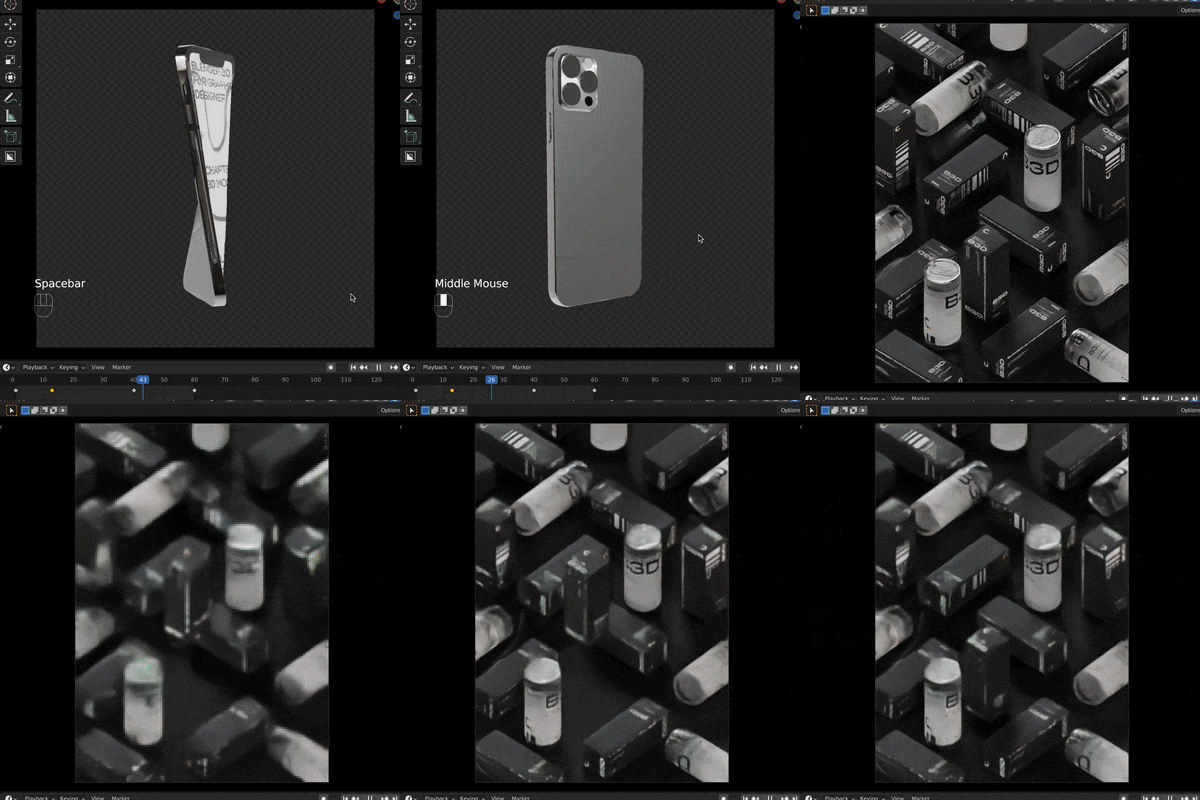 Useful 3D Mockups TypesYou’ll be able to acquire skills to create spaces and produce mockups of objects such as boxes, cans, posters, name cards, or smartphones by yourself.
-
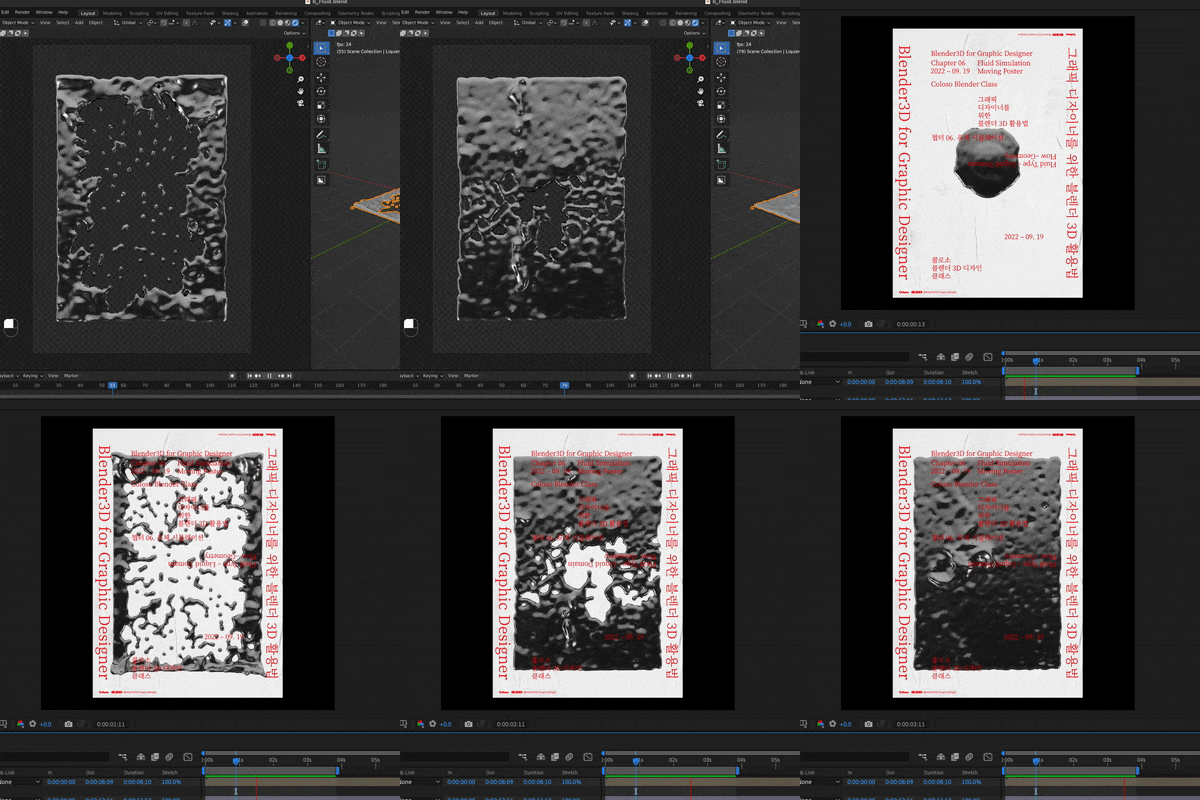 Creating Colorful 3D PostersYou’ll be able to learn about character rigging and physical simulation by type and create colorful 3D images and motion posters both on paper and online.
 -
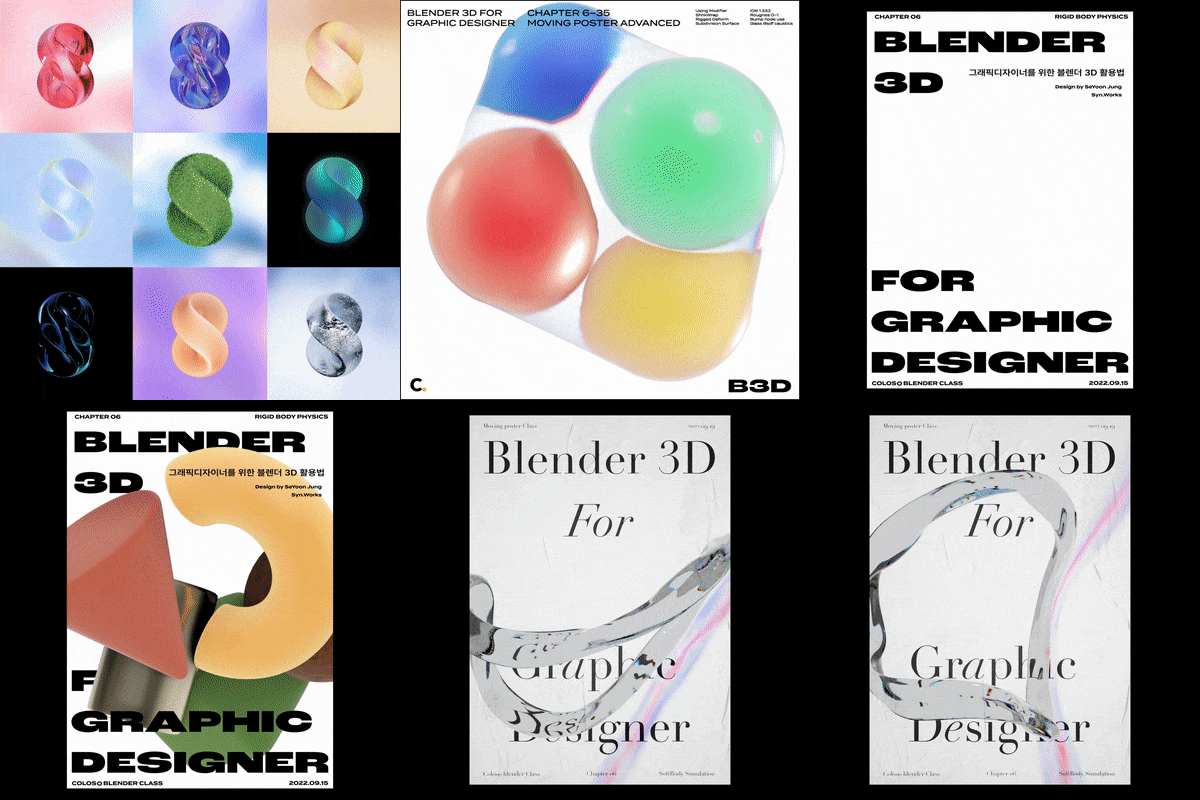 Skills to Create Lively AnimationsYou’ll learn how to add motions that highlight textures, using not only Blender’s shading nodes but also modifiers such as Displace, Array and Shape Key.
 -
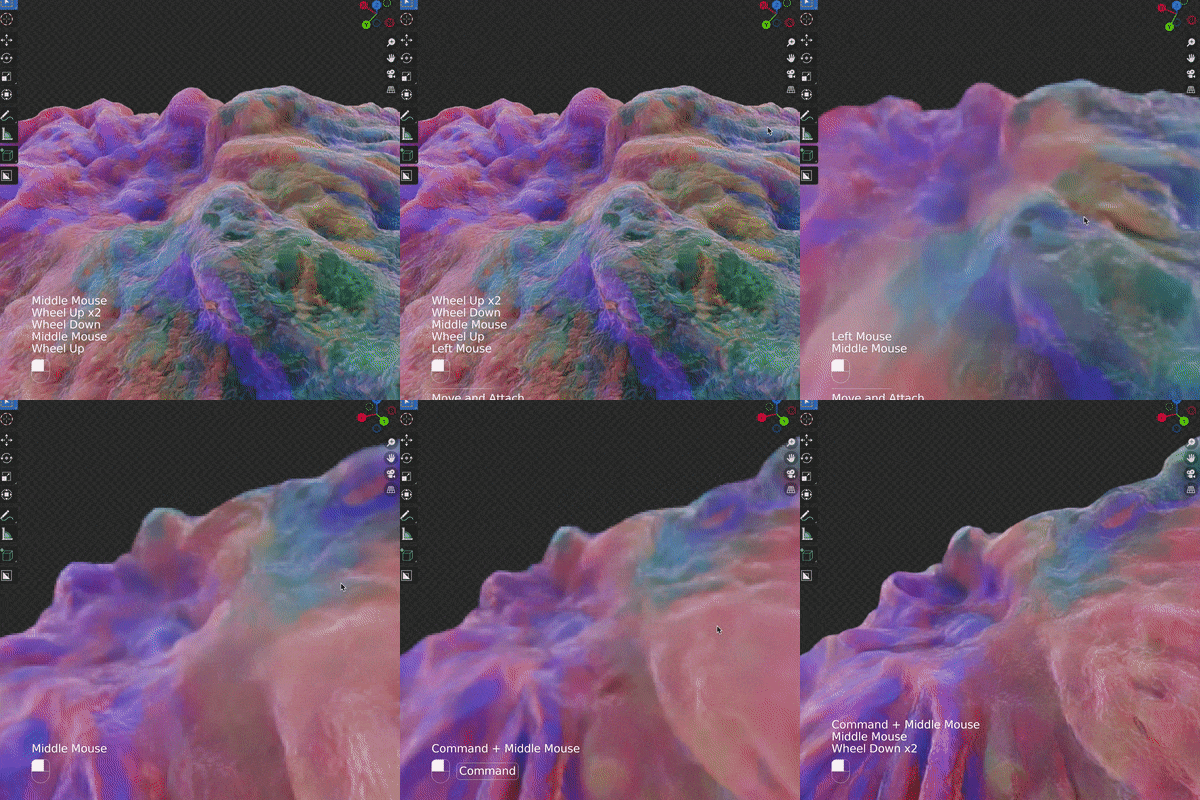 Sub-tools & Advanced TexturingBased on the add-on procedural modeling, you’ll learn how to apply the lighting and rendering as well as the post-editing of After Effects.
- Unlimited Access
- Best Price
Buy now, get unlimited access.
12/31 (Sat) (UTC-7) Special offer ends soon.
This special offer ends soon.
Buy now and save!
Curriculum
Curriculum
In-depth Look
SECTION 01. Intro
SECTION 02. Basics of Blender
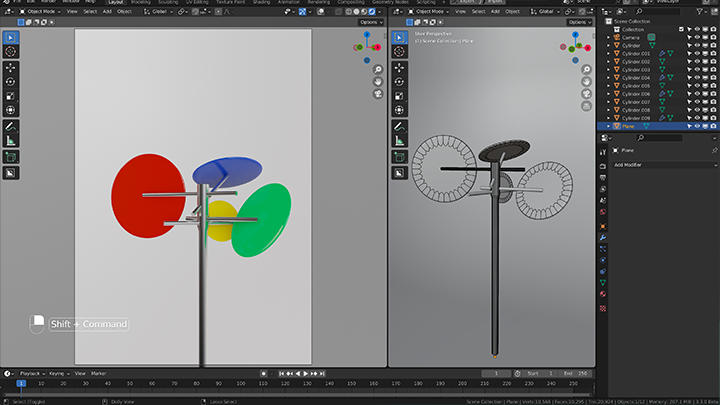
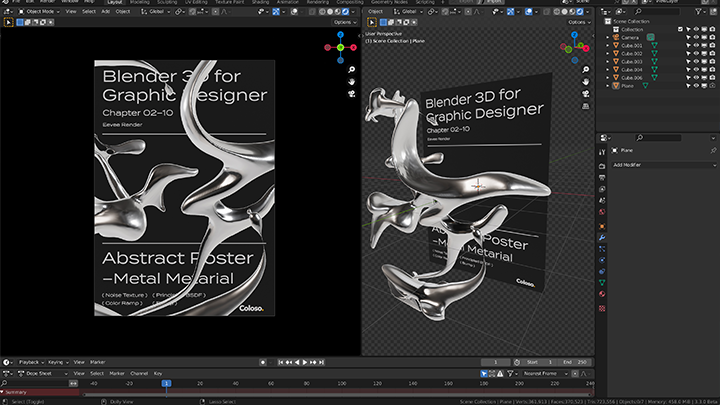
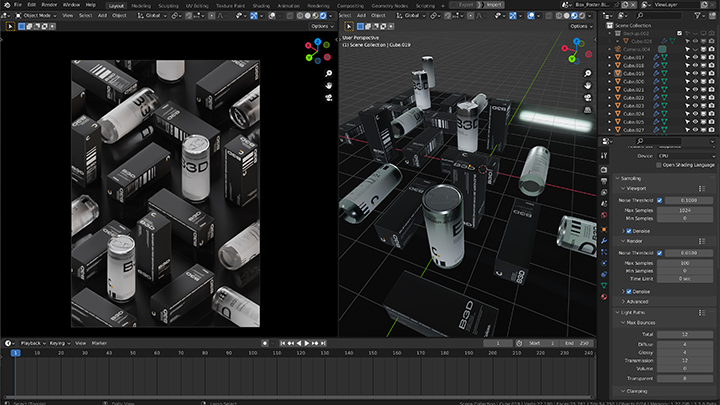
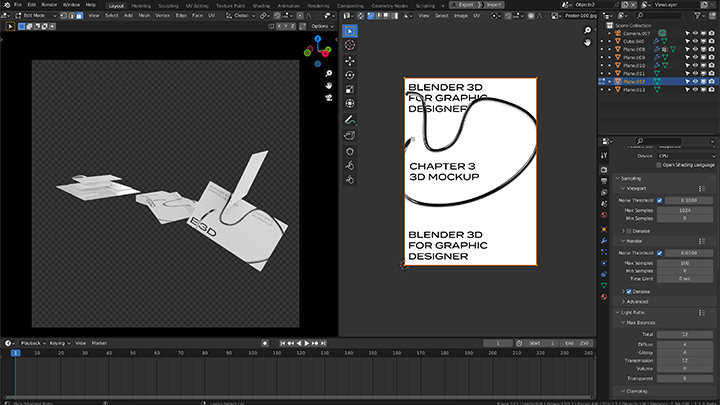
SECTION 03. Package Mockup
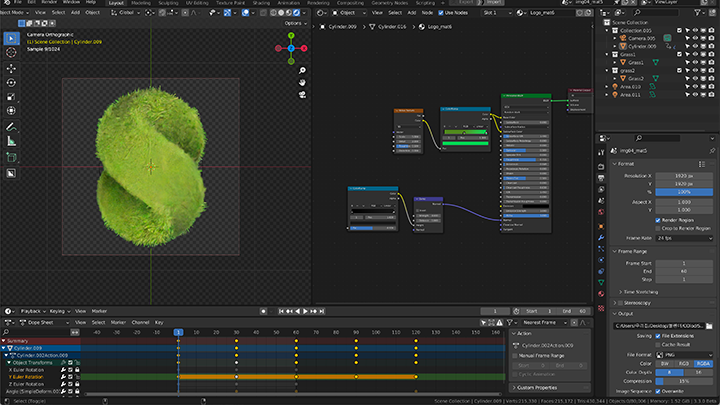
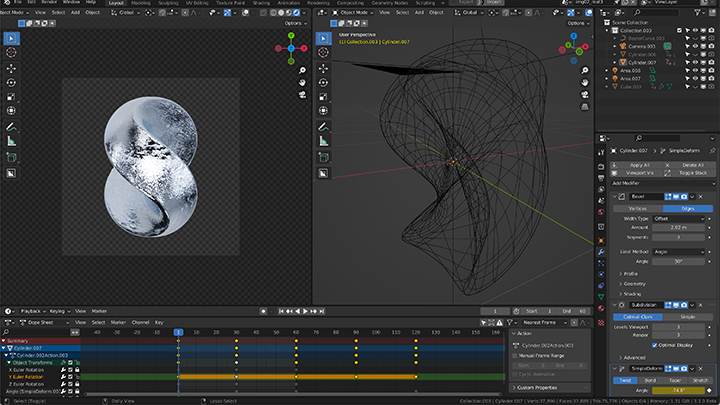
SECTION 04. 3D Logos
SECTION 05. Image Posters
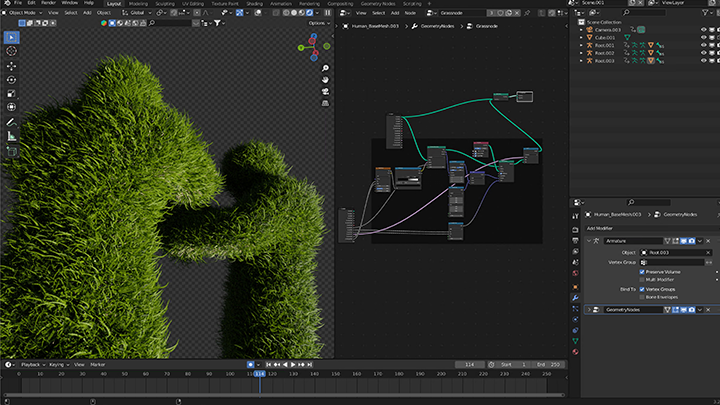
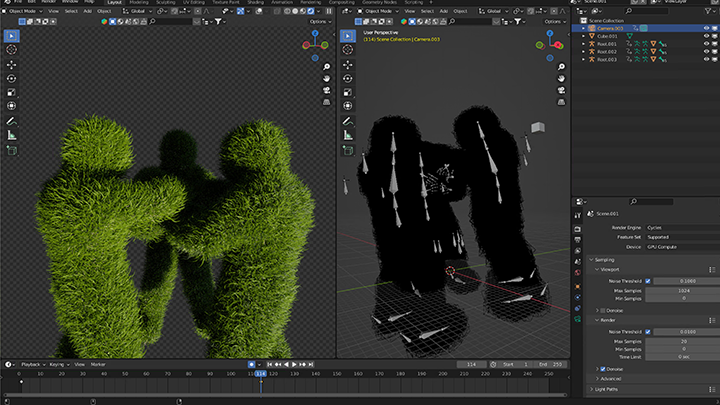
SECTION 06. Moving Posters
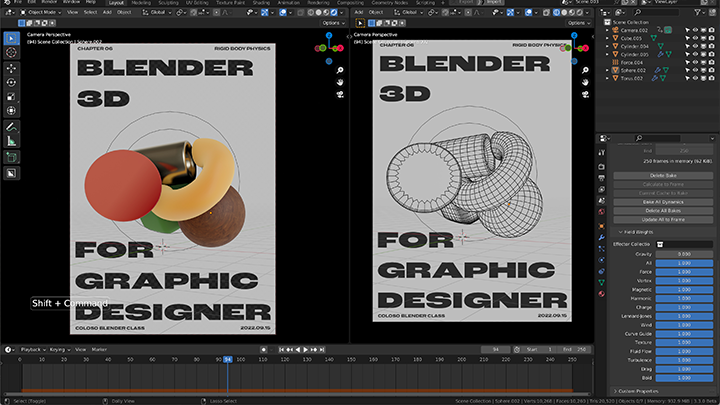
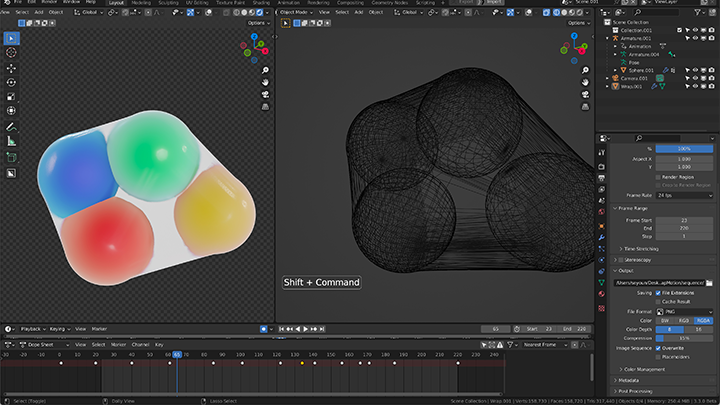
SECTION 07. 3D Artworks
SECTION 08. Outro
Interview with
3D Graphic Designer Seyoon Jung

Question.01
What are the prospects for 3D Graphic Designs?
While 2D work is more widespread in the field of graphic design, the use of 3D, motion, and code is becoming more popular for the production of unique, high-quality work. The prospects for 3D graphic designs are as good as ever with the art form now seeing application in a large number of industries for posters, brand design logos, album covers of iconic singers, and more. Blender, a free 3D tool with extensive features, has been particularly receiving favorable reviews for its excellent accessibility.
Question.02
What is your strength as a 3D Graphic Designer?
3D is used in a number of fields, but my strength lies in the production of various 3D works based on intensive research into how 3D technologies are used and implemented in graphic design. Blender classes focused on graphic design aren't as common, which is why I’m confident that this class will be of great help to beginners in graphic design who’d like to learn various 3D expression techniques.
Question.03
What are the main aspects of this class?
The curriculum has been designed so that you can systematically acquire Blender techniques for trendy 3D graphic design in one place while consequently building up your own 3D artwork style. Through exercises on package mockups, 3D logos, images/moving posters, etc., you’ll be able to easily implement simple modeling and dense realistic textures and even apply them to animations.
Question.04
Who do you recommend this class to?
I would recommend this class to those who’ve only created 2D work but would now like to add 3D elements such as realistic textures or simple motions to their work, those who’d like to learn the A to Z of Blender as a sufficient substitute for paid renderers that is relatively less burdensome than other 3D tools in terms of cost and difficulty, and to those who’d like to create 3D work with a unique style.
Required Programs
This course will use Blender 3.3.0, Adobe Illustrator 2022, Photoshop 2022, and After Effects 2022. Please purchase and install these program(s) for an optimized lecture experience.
* We recommend installing Blender versions 2.9.0 and up and Adobe versions 2018 and up.
* Chapter 43 and 46 uses iPads and Procreate but the provided materials will assist you in understanding the class.
* The programs and supplies will not be separately provided.
Recommended
Recommended Classes
Like this class?
Then check these out!